

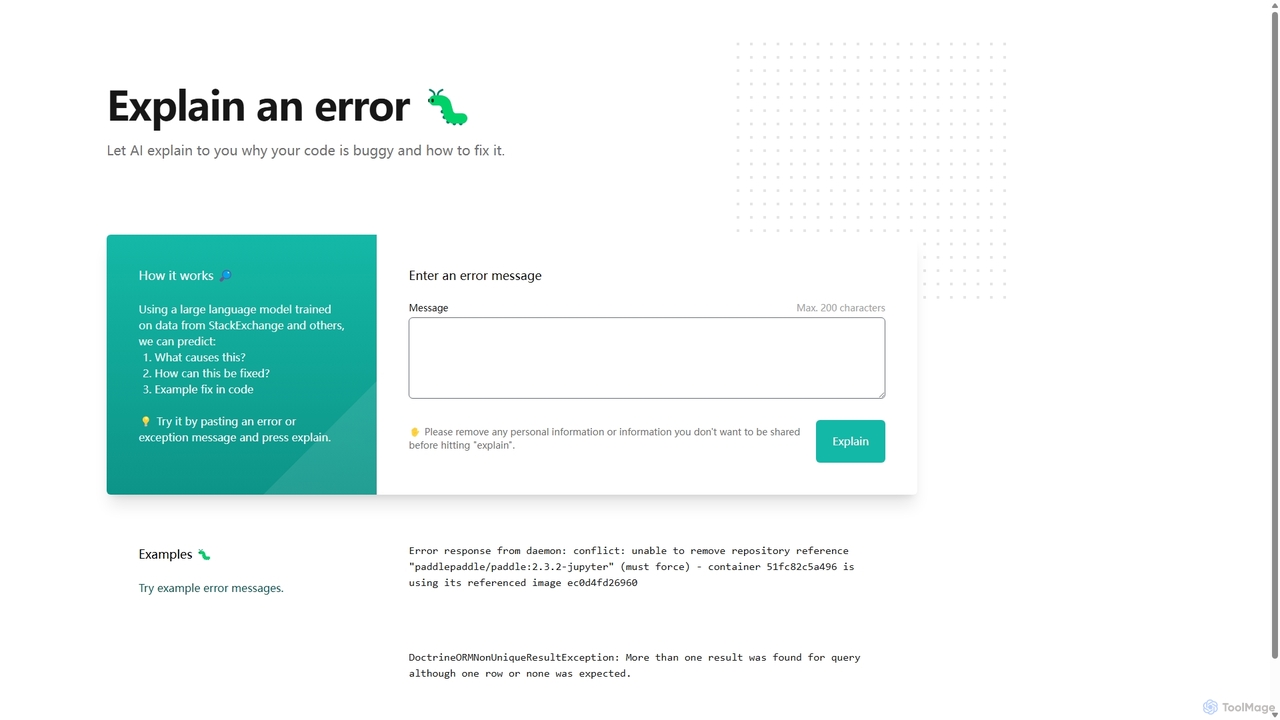
Explain by Whybug Overview
Explain by Whybug is an intelligent debugging assistant designed to streamline the development process for programmers of all skill levels. It tackles one of the most common and time-consuming challenges in coding: deciphering obscure error messages. By leveraging a sophisticated large language model (LLM) trained on vast datasets, including StackExchange, the tool can analyze a given error, identify its likely cause, and propose a concrete solution.
The core philosophy behind Explain by Whybug is to transform frustrating debugging sessions into valuable learning opportunities. Instead of just providing a quick fix, the tool aims to explain the 'why' behind the error, helping developers understand the underlying problem and avoid similar mistakes in the future. Its clean, minimalist interface makes it incredibly accessible, allowing users to get answers in seconds without any registration or setup.
How to use Explain by Whybug
Using the tool is a straightforward, three-step process designed for maximum efficiency:
- Copy the Error: When you encounter a bug in your code, copy the complete error message or exception trace from your terminal, console, or log file.
- Paste and Explain: Navigate to the Explain by Whybug website and paste the copied message into the input field. It's important to remove any sensitive or personal information before submitting.
- Receive Instant Analysis: Click the "Explain" button. The AI will process the message and, within moments, present a detailed explanation. This includes a breakdown of what the error means, the most probable cause, and one or more suggested solutions, often accompanied by corrected code snippets.
Core Features of Explain by Whybug
- AI-Powered Error Analysis: Utilizes an advanced LLM to understand the context and semantics of error messages, going far beyond simple keyword matching.
- Root Cause Identification: Accurately pinpoints the underlying issue, whether it's a syntax error, a logical flaw, a configuration problem, or a dependency conflict.
- Actionable Fix Suggestions: Provides clear, step-by-step instructions and practical code examples to resolve the bug.
- Broad Technology Support: Trained on a diverse range of data, it can handle errors from numerous programming languages (like Python, JavaScript, Java), frameworks (like Doctrine), and technologies (like Docker).
- Simple, Web-Based Interface: No installation, extensions, or sign-up required. It's a universally accessible tool available directly in your browser.
- Educational Value: Helps developers not only fix bugs but also learn best practices and deepen their understanding of the technologies they use.
Use Cases for Explain by Whybug
Explain by Whybug is a versatile tool beneficial for various roles and scenarios:
- Junior Developers and Students: An invaluable learning companion that helps demystify common programming errors and builds confidence in debugging.
- Senior Developers: A productivity accelerator for quickly diagnosing issues in unfamiliar codebases or when working with new technologies, saving time on searching through documentation or forums.
- DevOps Engineers: An efficient troubleshooter for resolving complex infrastructure and deployment errors, such as Docker container conflicts or server exceptions.
- Code Review and Pair Programming: Acts as an impartial expert to clarify the nature of a bug during collaborative development sessions.
Advantages of Explain by Whybug
The primary advantage of Explain by Whybug is its ability to significantly reduce debugging time. It condenses hours of potential searching and trial-and-error into a few seconds of AI analysis. This leads to a direct increase in developer productivity and a less frustrating coding experience. Furthermore, its focus on explaining the 'why' fosters continuous learning and helps cultivate stronger, more knowledgeable developers. Its free and open accessibility makes it a go-to resource for the entire development community.
Pricing and Plans
Explain by Whybug is currently available as a completely free-to-use web tool. There are no subscriptions, usage limits, or hidden fees associated with the error explanation service on its website. This makes it an accessible and indispensable resource for individual developers, students, and professionals alike.
Traffic
Latest traffic
Status
Monthly traffic trend
- 2025-8: 62
- 2025-9: 373
- 2026-3: 0
- 2026-4: 0
- 2026-5: 278
Geography
Top 5 countries / regions
- 🇺🇸United States100.0%
Top keywords
| Keyword | Cost per click |
|---|---|
| whybug | $0.00 |
Explain by Whybug Alternatives
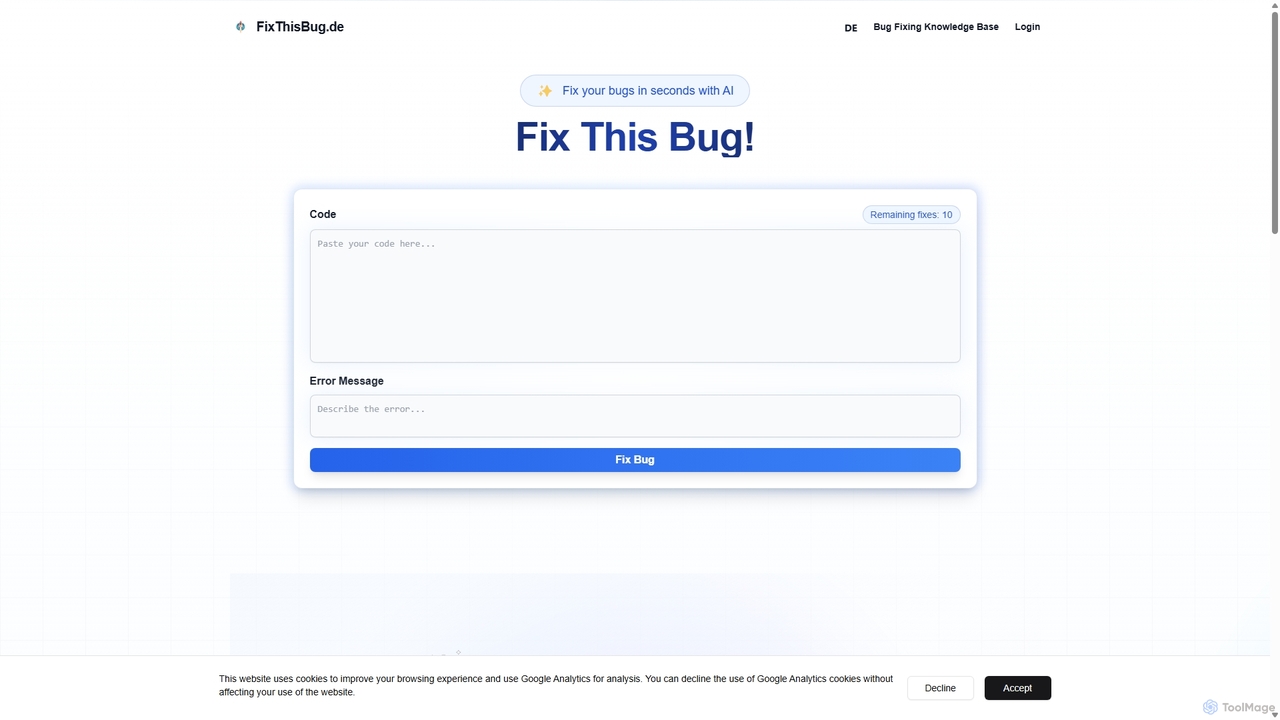
FixThisBug
FixThisBug is an AI-powered debugging assistant for developers. It instantly analyzes your code and error messages to provide accurate fixes and detailed explanations. Supporting all major programming languages, it prioritizes privacy with self-hosted models on German servers, ensuring 100% GDPR compliance. Fix bugs faster and learn as you code.
Code Correction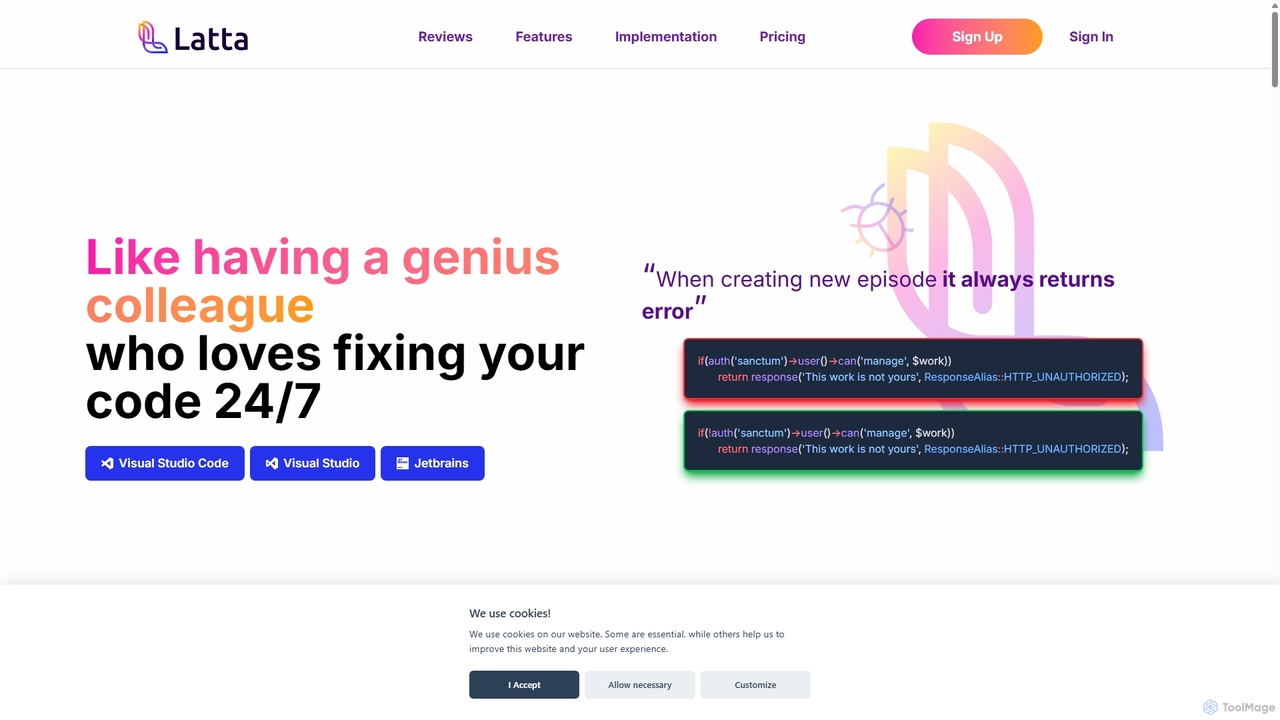
Latta
Latta is an AI-powered coding assistant designed to be your 24/7 genius colleague for debugging. It integrates with popular IDEs like VS Code and JetBrains to find and fix bugs across complex projects. With features like user session replay and Git integration, Latta streamlines bug reporting and resolution, saving developers significant time and effort.
Debugging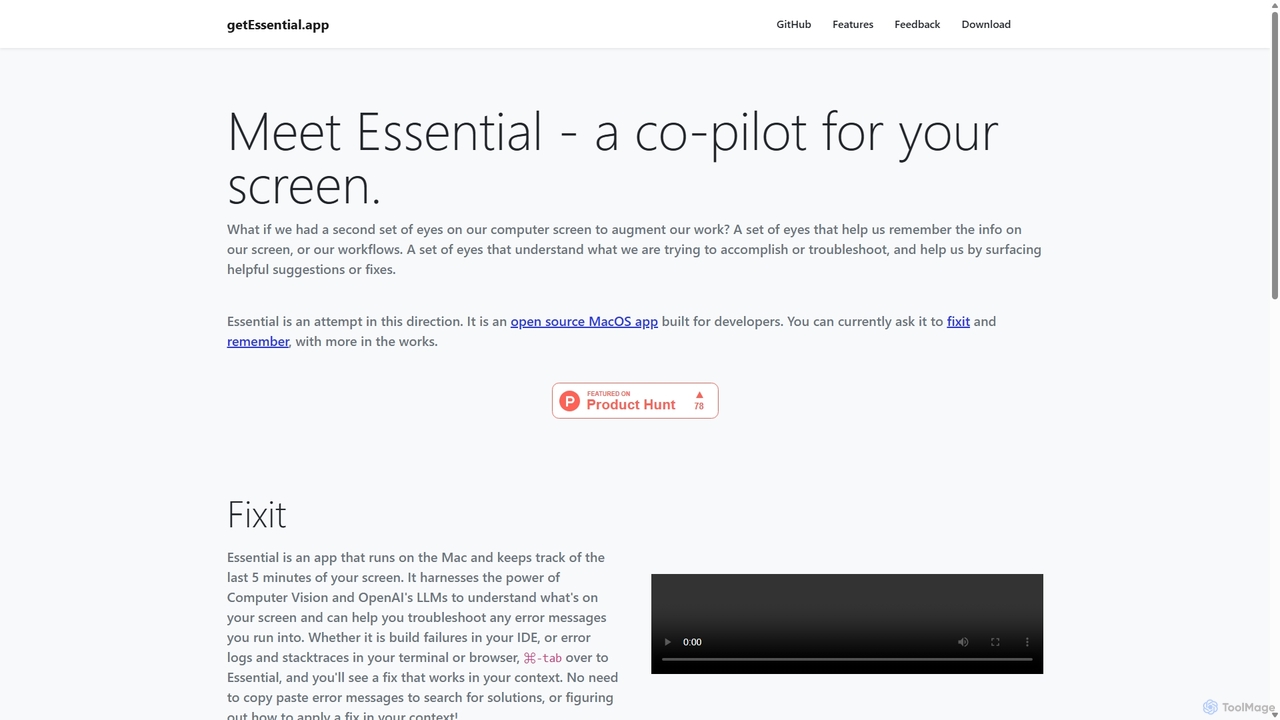
GetEssential
getEssential is an AI-powered Mac application that continuously records your screen to instantly troubleshoot errors. It uses Computer Vision and LLMs to analyze build failures, error logs, and stack traces, providing contextual fixes without manual searching. A productivity booster for developers and IT professionals.
Code Assistant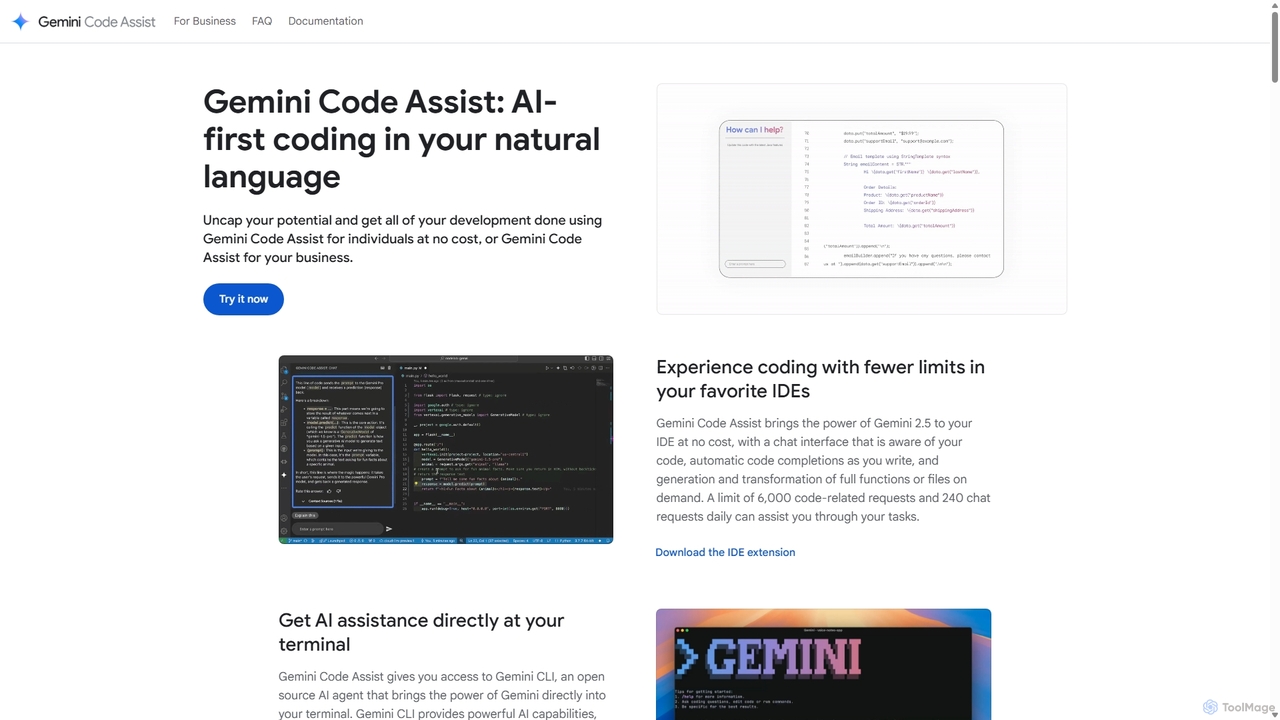
Gemini Code Assist
Gemini Code Assist is an AI-powered coding assistant from Google, powered by the Gemini 2.5 model. It integrates into your favorite IDEs, terminal, and development platforms to accelerate the entire software development lifecycle with features like code completion, generation, natural language chat, and automated code reviews.
Code Assistant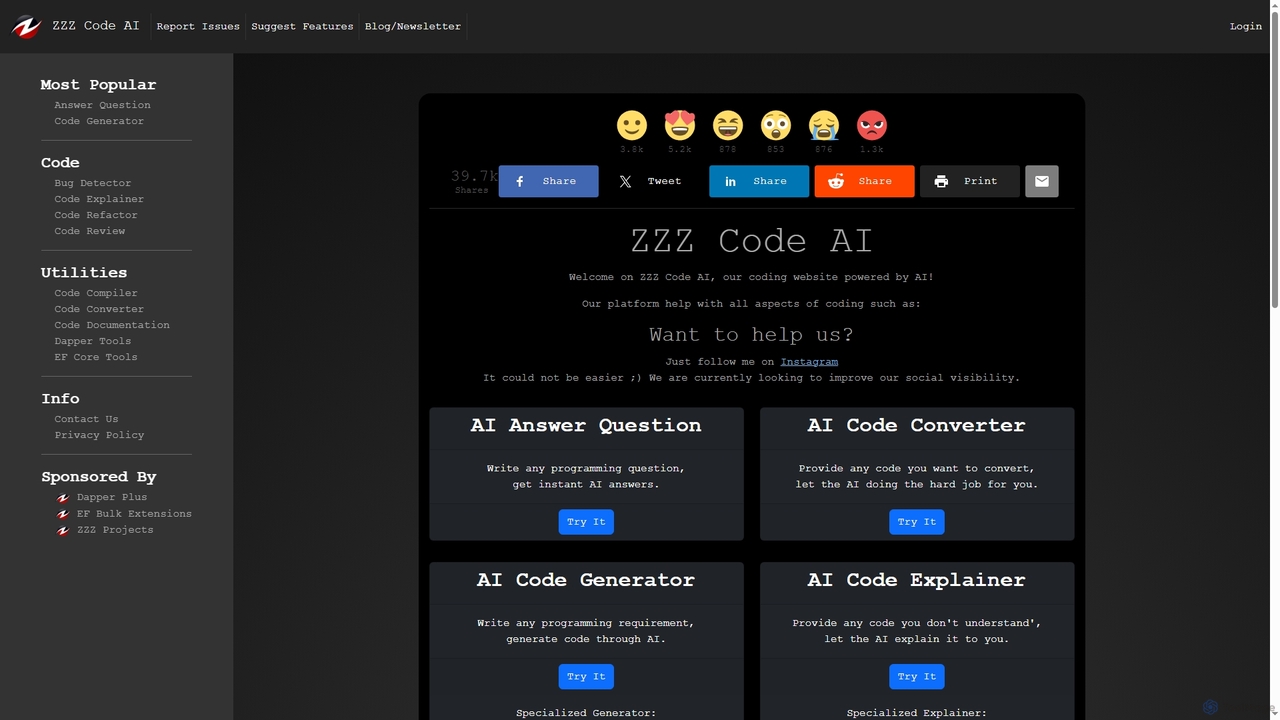
Zzzcode
Zzzcode is a free, AI-powered online platform offering a comprehensive suite of coding tools for developers. It can generate, explain, debug, refactor, review, document, and convert code across numerous programming languages, and provide instant answers to programming questions.
Code AssistantExplain by Whybug Categories
Explain by Whybug Jobs
Explain by Whybug Embed Widget
Copy this embed code to place the badge on your blog, article, or product site and send readers directly to this ToolMage detail page.

Related AI tools
FixThisBug
FixThisBug is an AI-powered debugging assistant for developers. It instantly analyzes your code and error messages to provide accurate fixes and detailed explanations. Supporting all major programming languages, it prioritizes privacy with self-hosted models on German servers, ensuring 100% GDPR compliance. Fix bugs faster and learn as you code.
Code Correction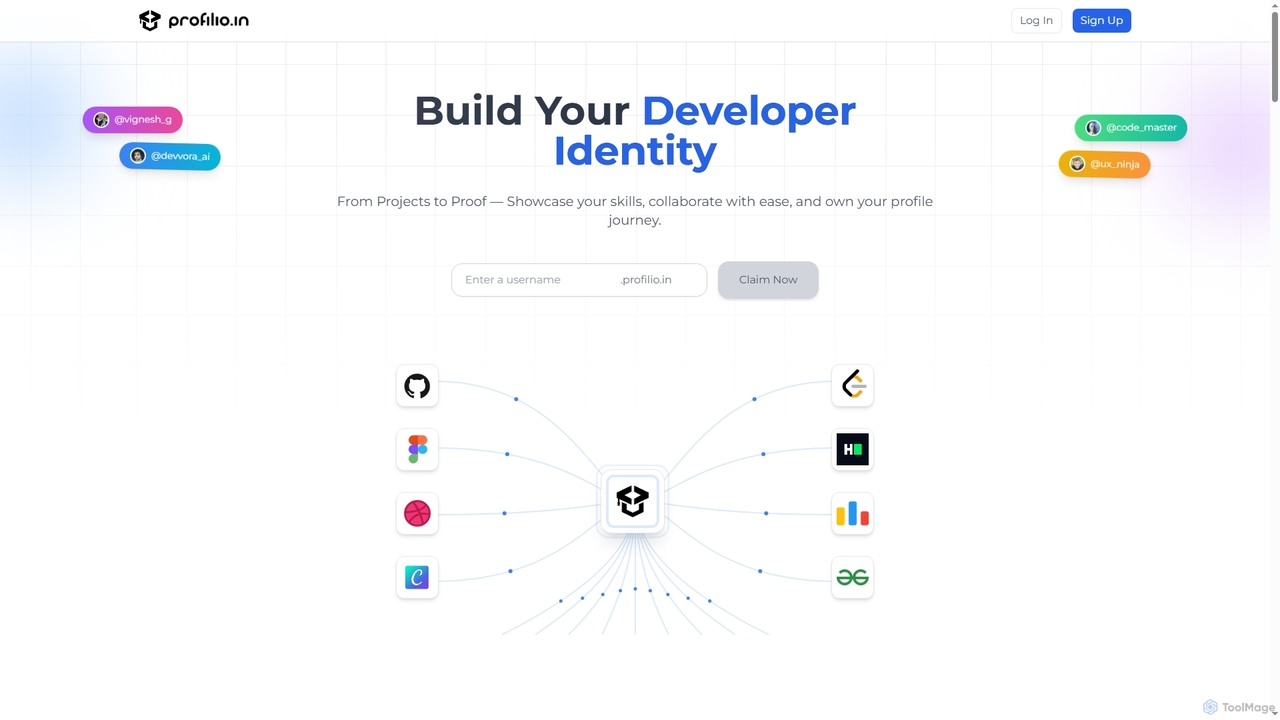
Profilio
Profilio is an AI-powered platform designed for developers to instantly create, manage, and share a comprehensive online portfolio. It unifies coding profiles, projects, and achievements from various platforms like GitHub, Dev.to, and LeetCode into one centralized dashboard. With features like real-time synchronization, smart analytics, and AI-verified skills, Profilio helps developers build a strong digital identity and showcase their expertise effectively to potential employers and collaborators.
Skill VerificationLatta
Latta is an AI-powered coding assistant designed to be your 24/7 genius colleague for debugging. It integrates with popular IDEs like VS Code and JetBrains to find and fix bugs across complex projects. With features like user session replay and Git integration, Latta streamlines bug reporting and resolution, saving developers significant time and effort.
DebuggingGetEssential
getEssential is an AI-powered Mac application that continuously records your screen to instantly troubleshoot errors. It uses Computer Vision and LLMs to analyze build failures, error logs, and stack traces, providing contextual fixes without manual searching. A productivity booster for developers and IT professionals.
Code Assistant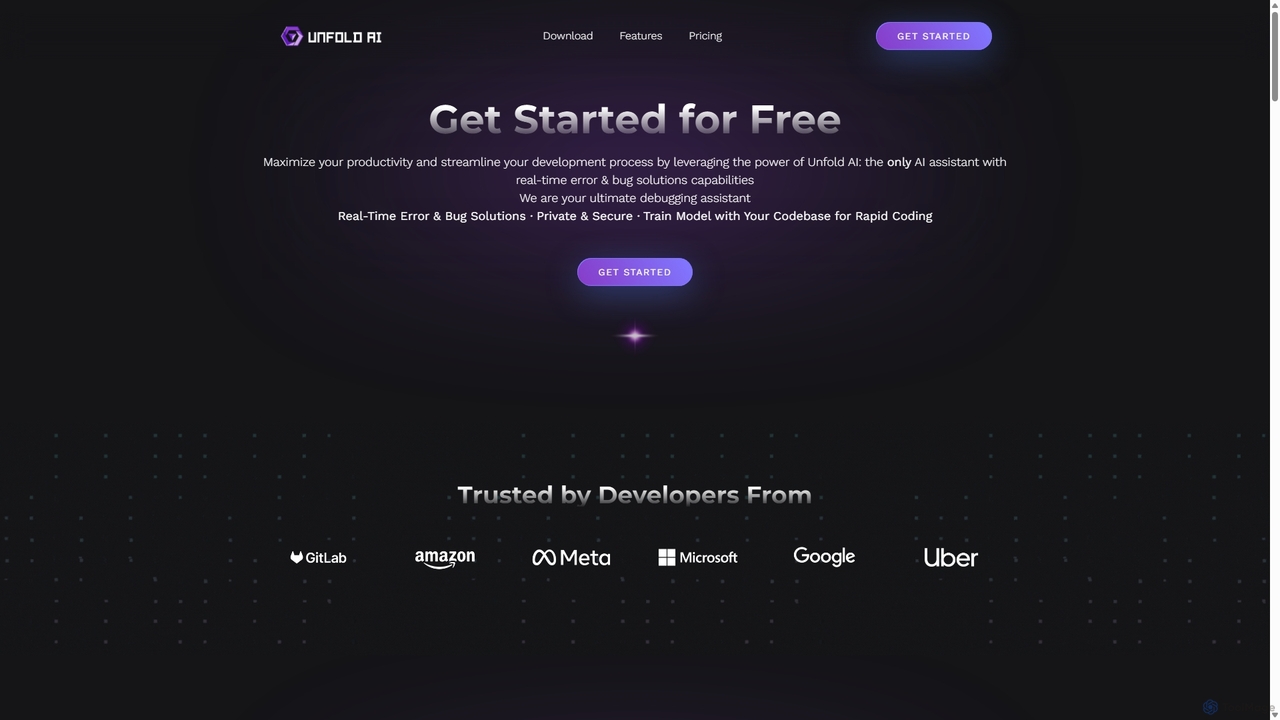
Unfold AI
Unfold AI is an all-in-one AI coding assistant designed for developers. It integrates into your IDE to provide real-time error and bug solutions, generate code from natural language, and complete code snippets. A key feature is its ability to be trained on your private codebase for highly customized and accurate assistance across 20+ programming languages.
Code Assistant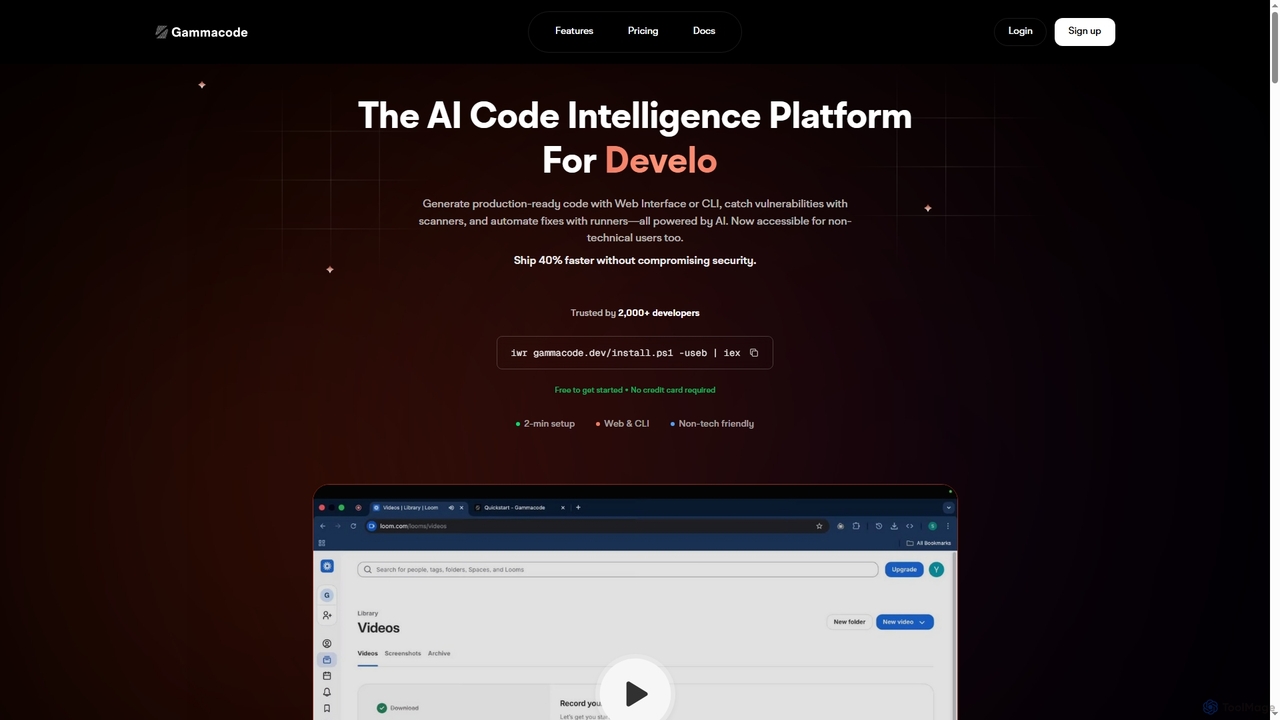
Gammacode
Gammacode is an AI-powered code intelligence platform designed to accelerate software development by generating production-ready code, detecting vulnerabilities, and automating fixes. It supports both technical and non-technical users through a web interface and CLI, emphasizing privacy and security.
Code Generation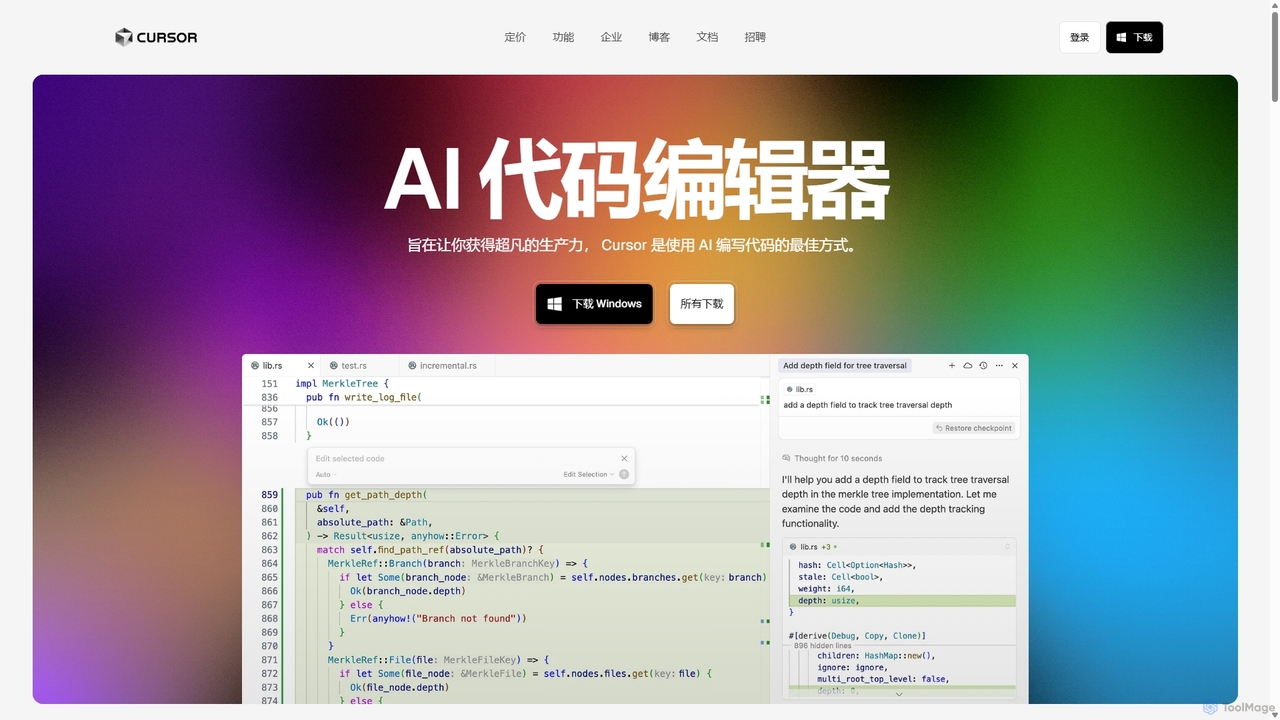
Cursor
Cursor is an AI-first code editor designed for pair-programming with artificial intelligence. Built as a fork of VS Code, it offers a familiar environment supercharged with advanced AI capabilities for code generation, editing, debugging, and codebase comprehension, aiming to significantly boost developer productivity.
Code Assistant
Codeium
Codeium is an AI-powered code acceleration toolkit that provides free, ultra-fast code completion, in-editor chat, and other intelligent features. It supports over 70 programming languages and integrates seamlessly with more than 40 popular IDEs to help developers code faster and more efficiently.
Code Assistant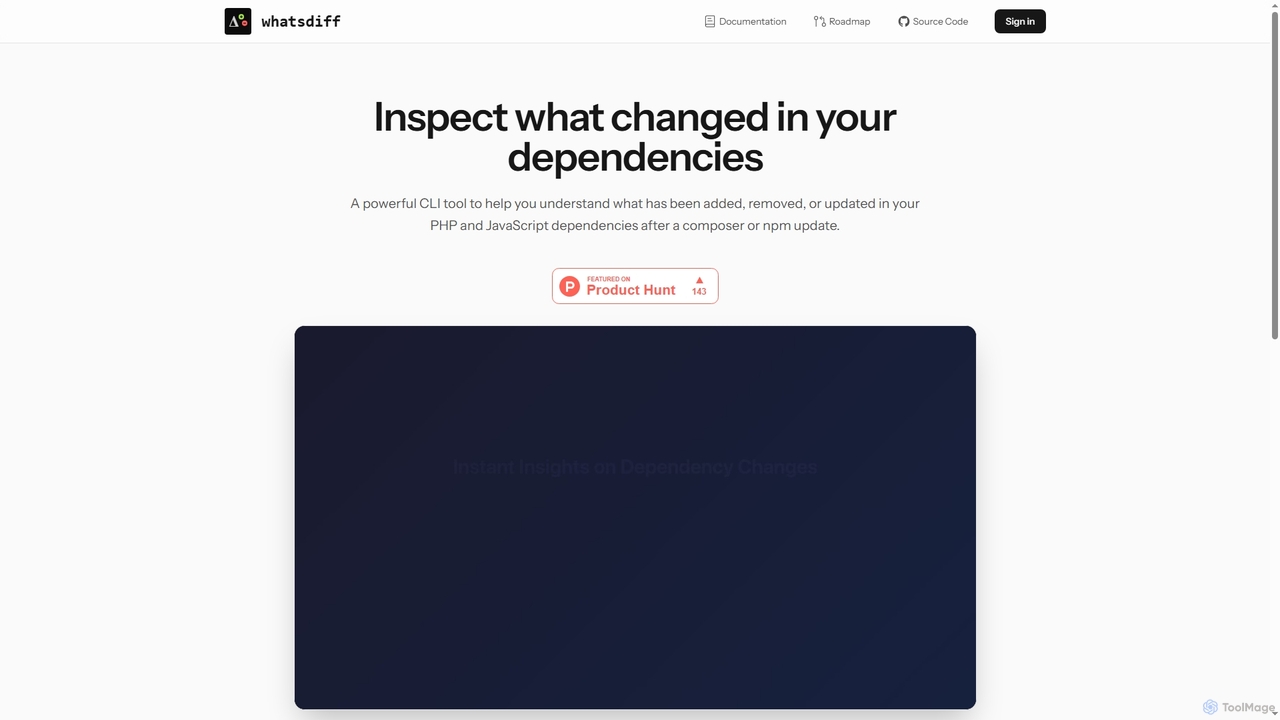
WhatsDiff
A powerful command-line interface (CLI) tool for developers to inspect, analyze, and understand changes in PHP (Composer) and JavaScript (NPM) project dependencies after an update.
Code ManagementGemini Code Assist
Gemini Code Assist is an AI-powered coding assistant from Google, powered by the Gemini 2.5 model. It integrates into your favorite IDEs, terminal, and development platforms to accelerate the entire software development lifecycle with features like code completion, generation, natural language chat, and automated code reviews.
Code AssistantZzzcode
Zzzcode is a free, AI-powered online platform offering a comprehensive suite of coding tools for developers. It can generate, explain, debug, refactor, review, document, and convert code across numerous programming languages, and provide instant answers to programming questions.
Code Assistant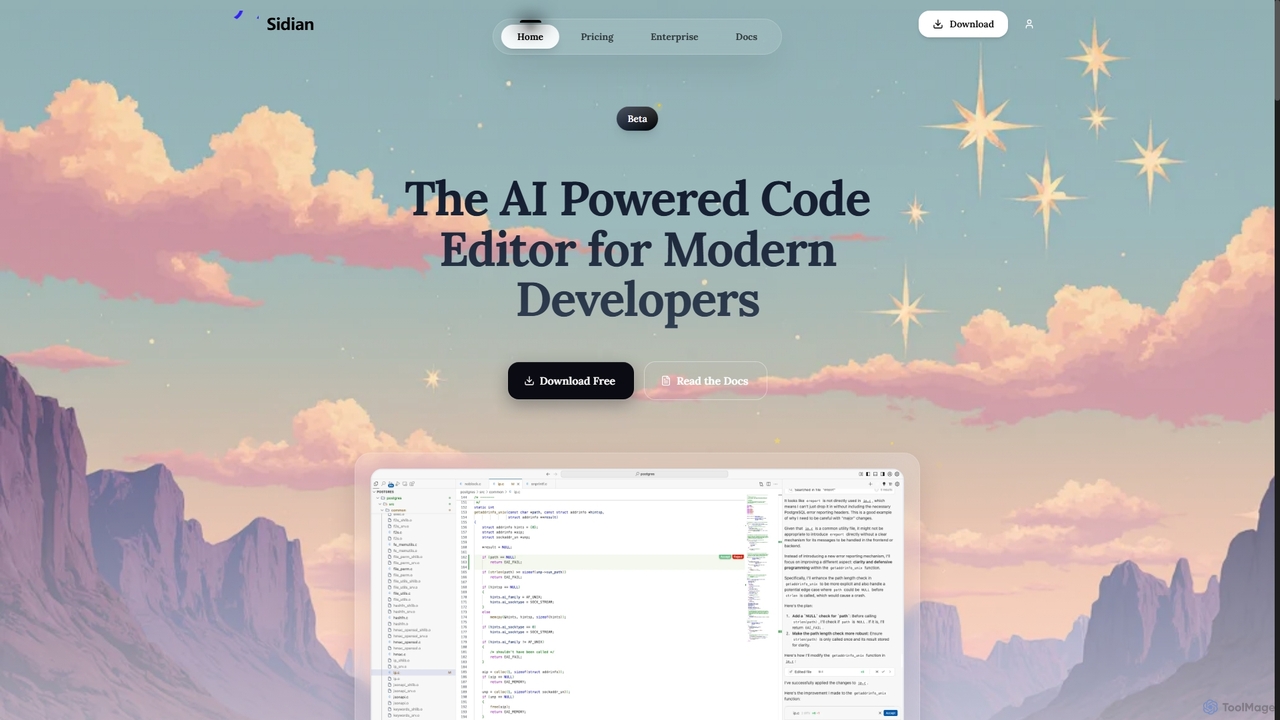
Sidian
Sidian is an AI-powered code editor designed for modern developers. It features a sophisticated context engine that rapidly understands complex codebases, integrates with major AI providers like OpenAI and Google, and supports local models for enhanced privacy and flexibility.
Code Generation
TechTreks
TechTreks is an AI-powered learning platform offering structured crash courses and roadmaps for a wide range of technology skills. It covers programming languages, frameworks, cloud computing, data science, design, and entrepreneurship. Ideal for students, career changers, and professionals looking to upskill quickly and efficiently with practical, job-oriented content.
Code Learning
CodeWiz
CodeWiz is an AI-powered coding assistant designed to accelerate software development. It integrates into your IDE to provide intelligent code completion, real-time debugging, code explanation, and automated test generation, helping developers write better code faster and with fewer errors.
Code Assistant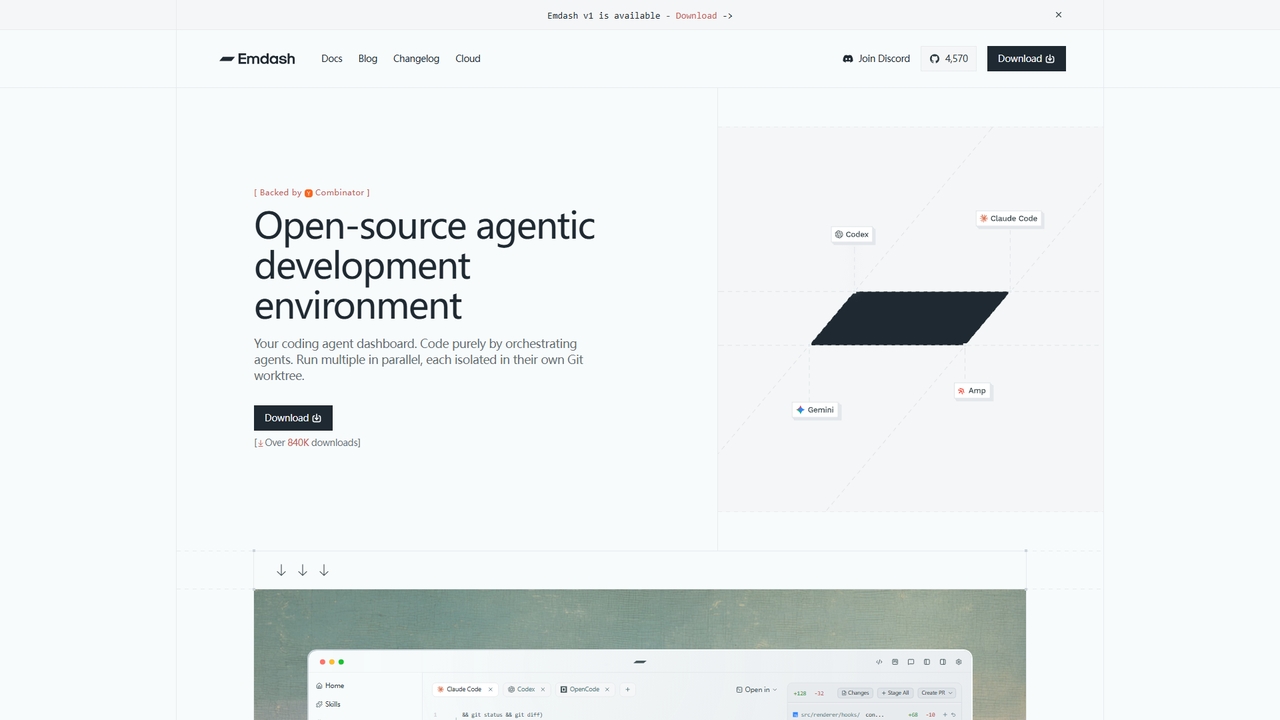
Emdash
An open-source desktop application for developers to run and orchestrate multiple coding agents (like Codex, Cursor, Claude Code) in parallel, each within its own isolated Git worktree.
Code Review
Explain by Whybug Comments (0)
Sign in to comment.
Sign inNo comments yet.