ToolMage
Sign in

Best 6 Code Learning AI tools for Developer Tools

Popular Code Learning AI tools in Developer Tools include Coddy, Profound Academy, TechTreks, Mimo, Codeo, and BigDevSoon, helping you work more efficiently.

Mimo
Freemium

Mimo

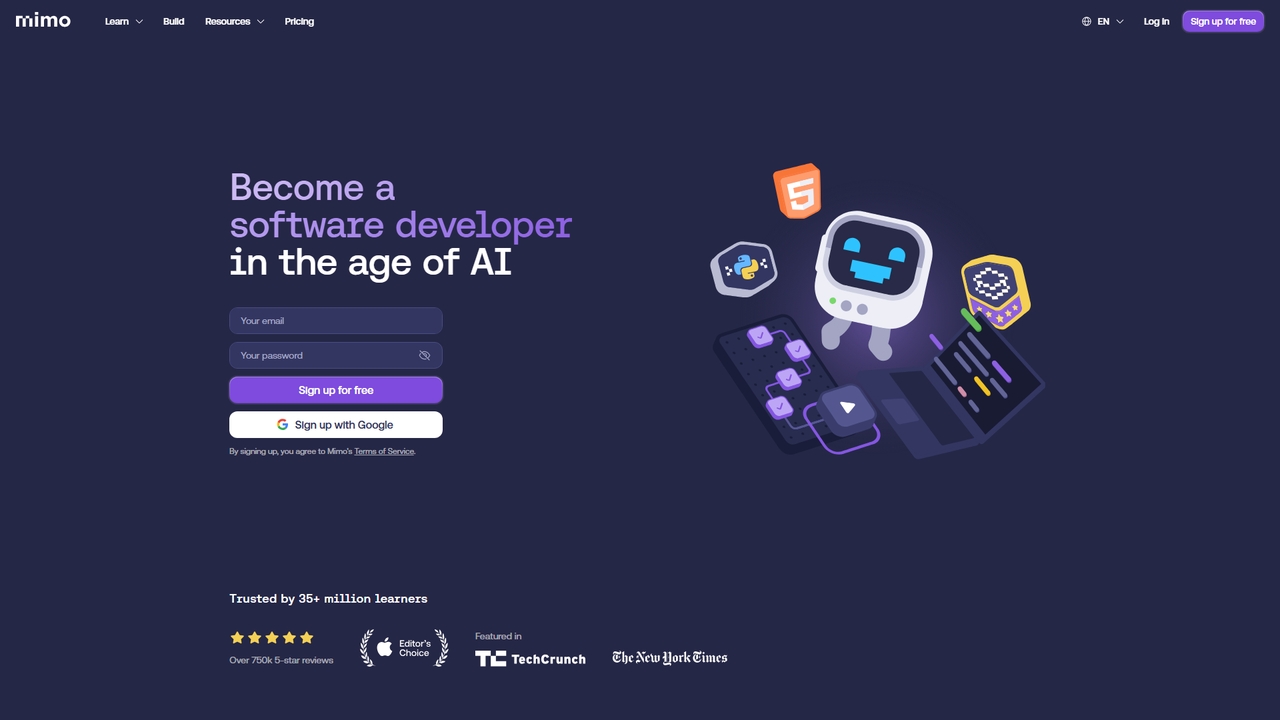
An interactive, AI-powered coding learning platform trusted by over 35 million learners. It offers structured career paths in full-stack, Python, front-end, and back-end development through step-by-step lessons, hands-on practice, and real-world projects.

Code Learning
Visits 6.7KFavorites 25Likes 29
TechTreks
Freemium

TechTreks

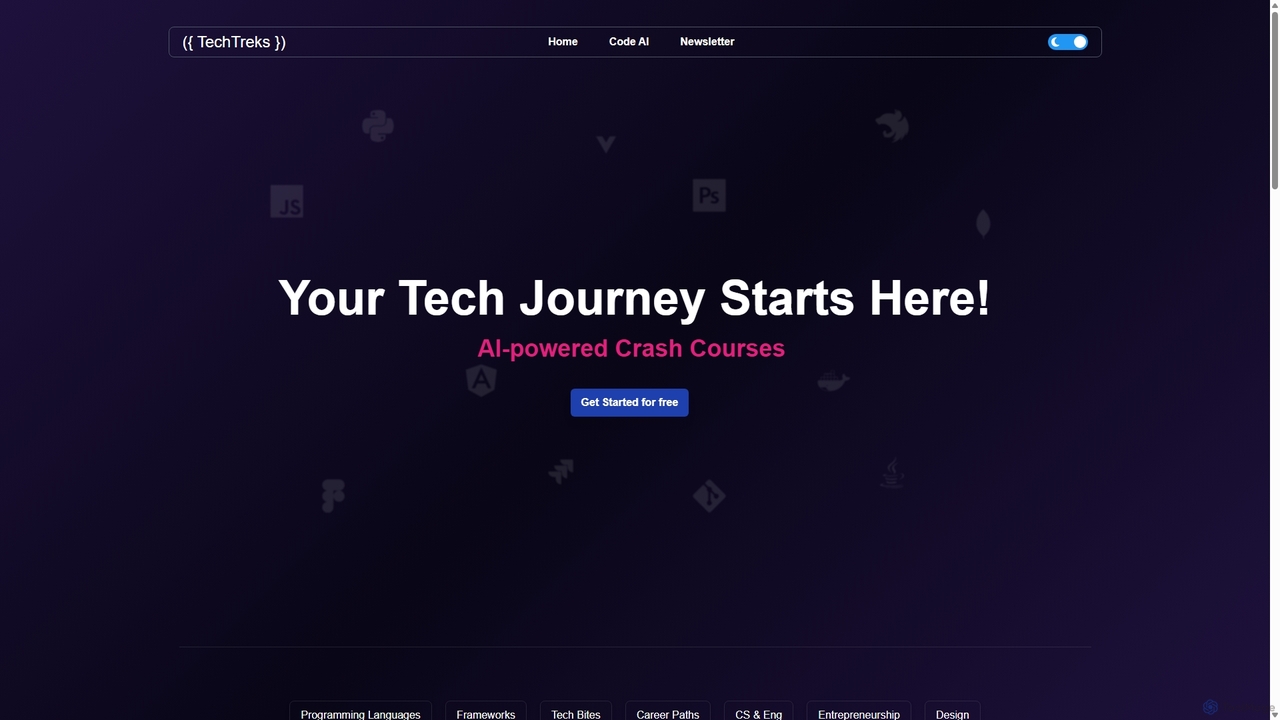
TechTreks is an AI-powered learning platform offering structured crash courses and roadmaps for a wide range of technology skills. It covers programming languages, frameworks, cloud computing, data science, design, and entrepreneurship. Ideal for students, career changers, and professionals looking to upskill quickly and efficiently with practical, job-oriented content.

Code Learning
Visits 7KFavorites 149Likes 154
BigDevSoon
Freemium

BigDevSoon

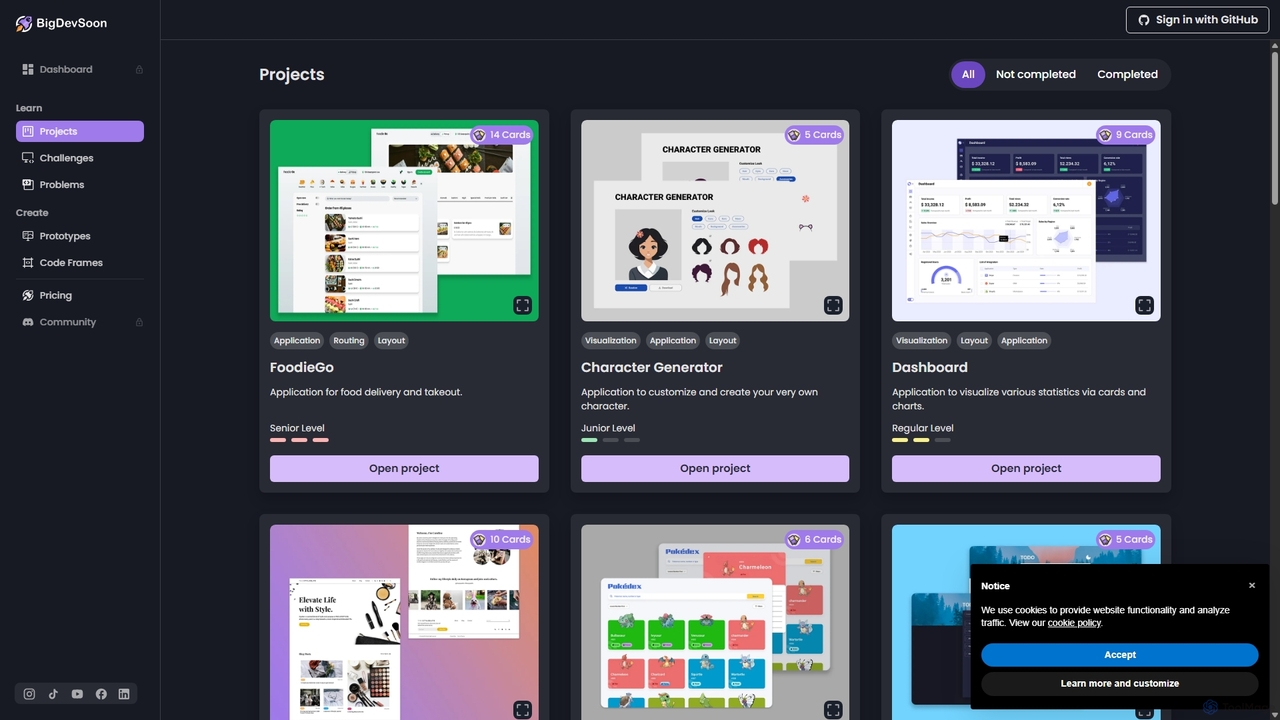
BigDevSoon is an AI-powered platform for developers to enhance coding skills and build a strong portfolio. It offers real-world projects, daily challenges, and algorithmic problems, supported by an AI coding assistant, AI-generated solutions, and professional Figma designs to accelerate learning and job readiness.

Code Learning
Visits 6.4KFavorites 145Likes 124
Codeo
Freemium

Codeo

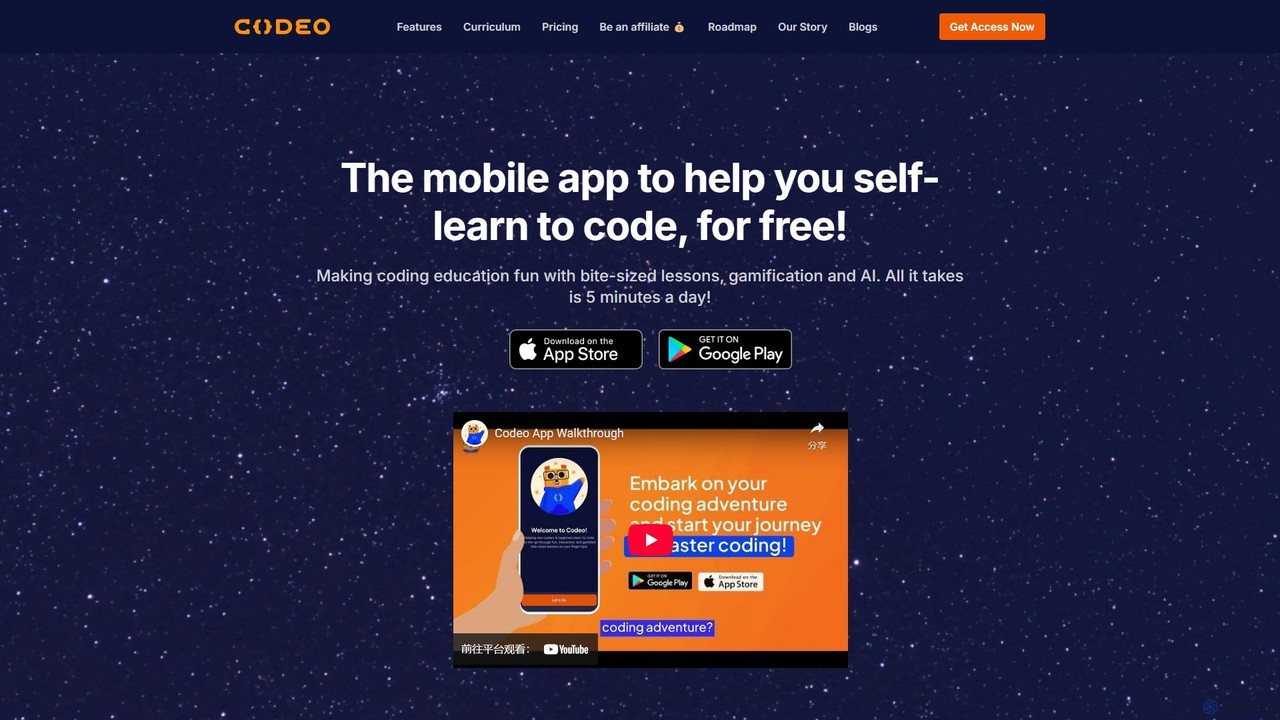
Codeo is an AI-powered mobile app that makes learning to code easy and fun, similar to Duolingo. It offers bite-sized lessons, gamification, and AI tutors to help beginners and career-changers master programming languages like Python, JavaScript, and SQL. Start your coding journey in just 5 minutes a day, for free.

Code Learning
Visits 6.7KFavorites 142Likes 137
Profound Academy
Paid

Profound Academy

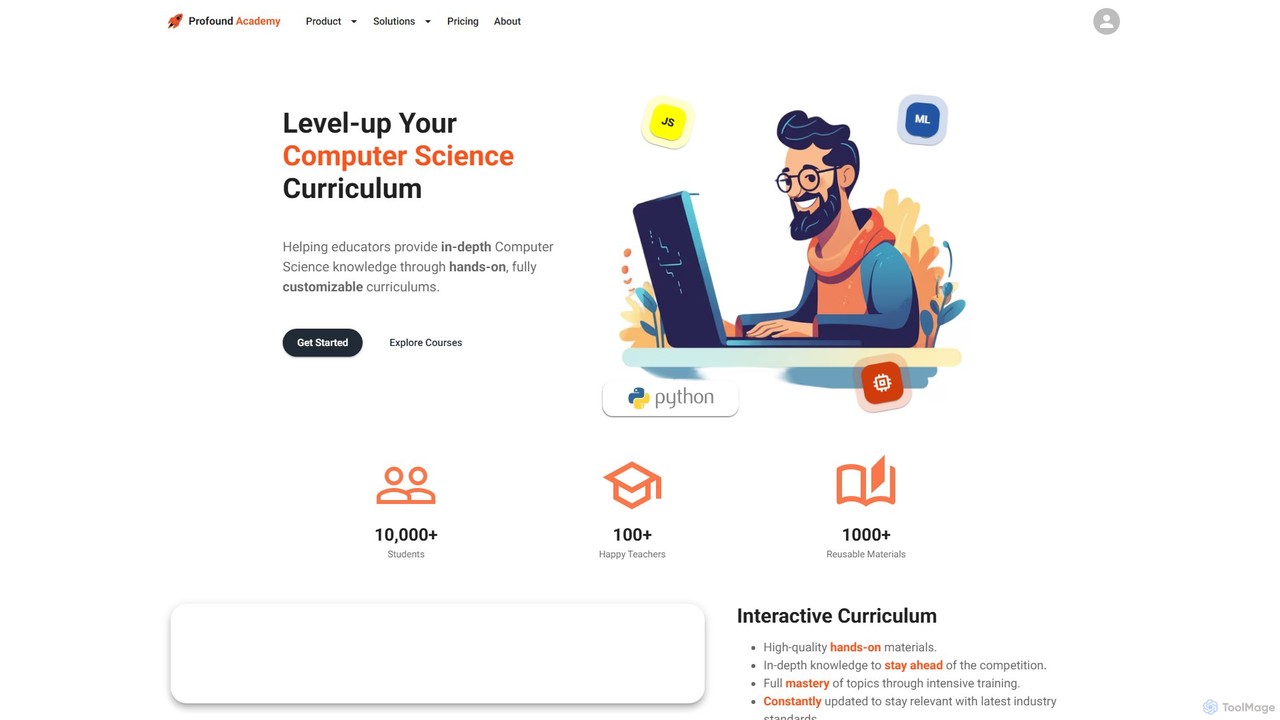
Profound Academy is an AI-powered educational platform designed for schools and universities to enhance computer science education. It provides a hands-on, customizable curriculum, automates grading and feedback with an AI assistant, and increases student engagement through gamification and real-time monitoring.

Code Learning
Visits 39.4KFavorites 146Likes 152
Coddy
Freemium

Coddy

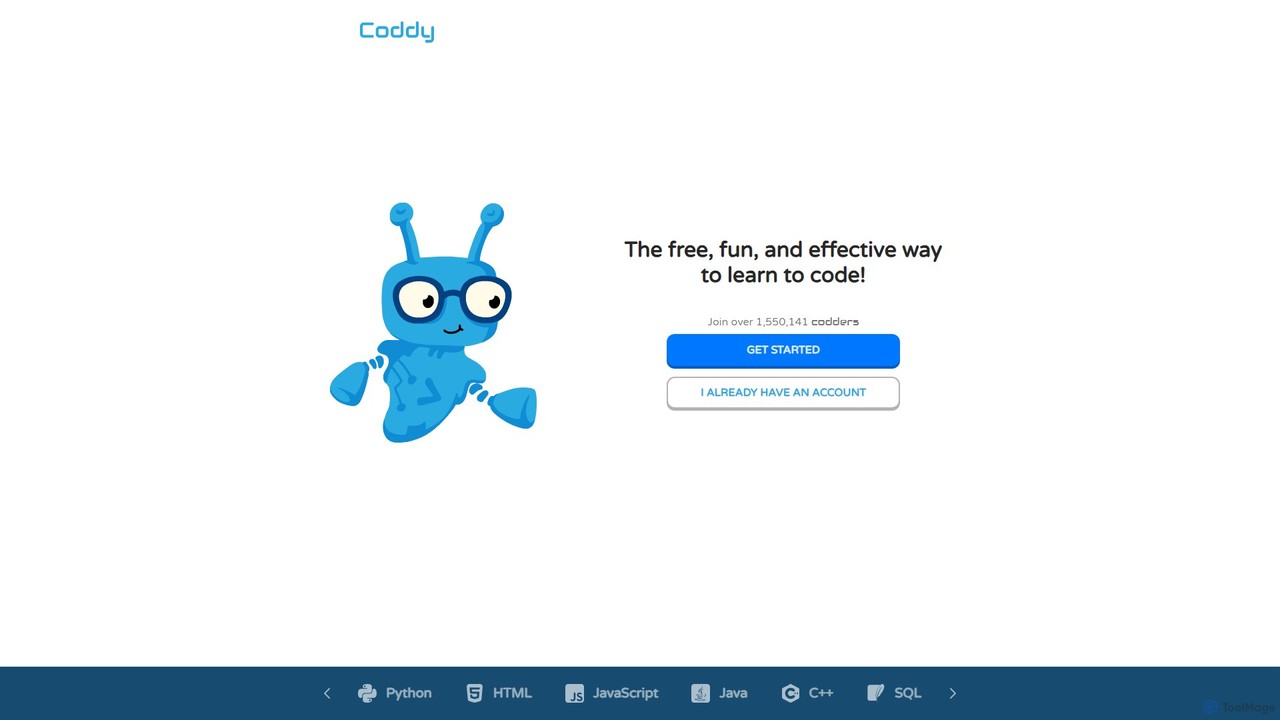
Coddy is an AI-powered platform designed to make learning to code free, fun, and effective. It offers a hands-on, practice-driven approach with an integrated online compiler, eliminating setup hassles. Featuring a 24/7 AI assistant for hints and explanations, gamified lessons, and personalized learning paths, Coddy transforms coding into an enjoyable daily hobby. Users can master numerous languages like Python, JavaScript, and C++ through endless, AI-generated challenges.

Code Learning
Visits 2.5MFavorites 160Likes 155

About Code Learning

AI Code Learning tools are a specialized category of developer utilities that leverage artificial intelligence to create personalized and interactive programming education. These platforms analyze a user's skill level and learning pace to generate custom learning paths, provide real-time feedback on exercises, and explain complex code snippets in simple terms. Their primary value lies in making coding education more accessible, efficient, and engaging for learners at all levels, from absolute beginners to experienced developers looking to upskill. They act as a 24/7 personal tutor, adapting to individual needs.

Core Features

  • Personalized Learning Paths: AI assesses your current skills and goals to create a tailored curriculum, suggesting relevant topics and projects.
  • Interactive Code Feedback: Get instant, line-by-line analysis of your code, including error detection, style suggestions, and logic improvements.
  • AI-Powered Tutoring: Ask questions in natural language and receive detailed explanations, code examples, and guidance on difficult concepts.
  • Code Explanation: Paste complex code snippets to get a breakdown of their functionality, logic, and syntax in plain language.
  • Project Generation: AI suggests and helps scaffold real-world projects based on your interests and the skills you've learned.

Use Cases

These tools are widely used by individuals learning to code for the first time, students supplementing academic courses, and professional developers acquiring new languages or frameworks. In corporate training, they facilitate scalable, self-paced upskilling programs. Educators also use them to create dynamic assignments and provide automated feedback to students.

How to Choose

When selecting an AI Code Learning tool, first consider the programming languages and technologies it supports. Evaluate the quality and depth of the AI feedback and explanations. Assess the structure of the learning paths—whether they are project-based, theory-focused, or a hybrid. Finally, compare pricing models and consider whether the platform's teaching style aligns with your personal learning preferences.

Code Learning use cases

1

Mastering a First Programming Language

For a beginner with no prior coding experience, starting the journey can be intimidating. An AI Code Learning tool provides a structured yet flexible path. The user, a student or career-changer, starts with fundamental concepts like variables and loops. As they write their first lines of code in an interactive editor, the AI provides immediate feedback, correcting syntax errors and suggesting better practices. When they get stuck, they can ask the AI tutor, 'Why is this for-loop not working?' and receive a step-by-step explanation, accelerating their understanding far more quickly than static tutorials.

2

Preparing for Technical Interviews

A software developer preparing for job interviews needs to practice solving algorithmic problems efficiently. Using an AI Code Learning tool, they can access a vast library of challenges related to data structures and algorithms. After attempting a problem, the AI not only validates the solution's correctness but also analyzes its time and space complexity. It can suggest alternative, more optimal solutions, such as using a hash map to reduce lookup time. The AI tutor can also simulate a mock interview by asking follow-up questions about their code, helping them practice articulating their thought process.

3

Upskilling to a New Technology Stack

An experienced developer needs to learn a new framework like React for a new project. Instead of passively watching video tutorials, they use an AI learning tool. The AI, recognizing their existing knowledge of JavaScript, skips basic syntax and creates a personalized curriculum focused on React's core concepts like components, state, and props. The developer builds small, interactive projects within the platform, and the AI provides context-aware feedback specific to React best practices, such as when to use `useState` versus `useReducer`. This targeted approach significantly reduces the time required to become productive with the new technology.

4

Understanding and Refactoring Legacy Code

A developer joins a team and is tasked with maintaining a large, unfamiliar codebase. To get up to speed, they use an AI Code Learning tool's 'code explanation' feature. They paste a complex function into the tool, and the AI generates a natural language summary of what the function does, its inputs, outputs, and side effects. It can also identify potential bugs, anti-patterns, or areas for refactoring. This allows the developer to understand the existing logic quickly and confidently make changes, reducing the risk of introducing new bugs into the system.

5

Supplementing University Computer Science Courses

A university student finds their data structures course challenging. While lectures provide theory, they need more hands-on practice. They use an AI Code Learning platform to access interactive exercises on topics like linked lists, trees, and graphs. The platform generates an unlimited number of practice problems and provides instant, detailed feedback on their solutions, which is often faster than waiting for a teaching assistant. When a concept is unclear, the AI tutor can offer alternative explanations and visualizations, helping to solidify their understanding and improve their grades.

6

Creating Personalized Coding Assignments

An educator teaching an introductory Python class wants to provide assignments tailored to each student's progress. Using an AI Code Learning platform, they can set learning objectives for the week. The AI then generates unique problem sets for each student, adjusting the difficulty based on their past performance. When students submit their code, the AI handles the initial grading, checking for correctness and code quality, which frees up the educator's time to focus on providing higher-level conceptual feedback. This creates a more personalized and effective learning environment for a large class.

Code Learning FAQ

What are AI Code Learning tools?

AI Code Learning tools are specialized software platforms that use artificial intelligence to teach programming. Unlike static video courses or textbooks, they create interactive and personalized learning experiences. Key features often include:

  • Personalized Curriculums: The AI adapts the learning path to your existing knowledge and goals.
  • Instant Feedback: It analyzes your code as you write it, pointing out errors and suggesting improvements in real-time.
  • AI Tutors: You can ask questions in natural language and get detailed explanations, much like having a personal tutor available 24/7.
These tools are designed to accelerate the learning curve for both new and experienced programmers.

How do I choose the right AI Code Learning platform?

Choosing the right platform depends on your specific needs. Consider these factors:

  • Learning Goals: Are you a beginner starting from scratch, or an expert learning a new framework? Look for platforms that cater to your level.
  • Supported Languages: Ensure the platform offers comprehensive courses for the programming language or technology you want to learn.
  • Teaching Style: Do you prefer project-based learning, interactive exercises, or theoretical explanations? Find a tool that matches your learning style.
  • Feedback Quality: Look for reviews or trials that demonstrate the depth and accuracy of the AI's feedback on code.
  • Cost: Compare subscription models, free tiers, and one-time purchase options to find what fits your budget.

How do AI Code Learning tools differ from traditional online courses?

The main difference is interactivity and personalization. Traditional online courses, like those on Udemy or Coursera, typically present information in a linear, one-size-fits-all format through videos and articles. While they may have quizzes, the feedback is often limited to simple right/wrong answers.

AI Code Learning tools, in contrast, create a dynamic learning loop. They actively analyze your code, provide detailed, contextual feedback, and adjust the curriculum based on your performance. It's the difference between watching a recording of a lecture and having a live tutor who can answer your specific questions and correct your unique mistakes as you make them.

Can AI Code Learning tools completely replace human instructors?

While AI tools are powerful, they are best viewed as a supplement to, rather than a complete replacement for, human instructors. AI excels at providing instant, scalable feedback on syntax and logic, and can explain well-defined concepts tirelessly. However, human instructors provide invaluable mentorship, career advice, and nuanced understanding of complex, real-world software architecture that AI cannot yet replicate. The most effective learning often comes from a hybrid approach: using AI for daily practice and immediate feedback, and relying on human experts for high-level guidance and mentorship.

Who can benefit most from using AI Code Learning tools?

A wide range of individuals can benefit, but they are particularly effective for:

  • Absolute Beginners: The guided, interactive nature helps build a strong foundation without the frustration of getting stuck.
  • Self-Taught Developers: AI provides the structure and feedback that is often missing in self-directed learning paths.
  • Busy Professionals: They offer a flexible, self-paced way to upskill or learn new technologies around a busy schedule.
  • Students: They serve as excellent supplements to formal education, offering unlimited practice and alternative explanations for difficult topics.
Essentially, anyone who wants a more efficient, responsive, and personalized way to learn programming can find significant value in these tools.