

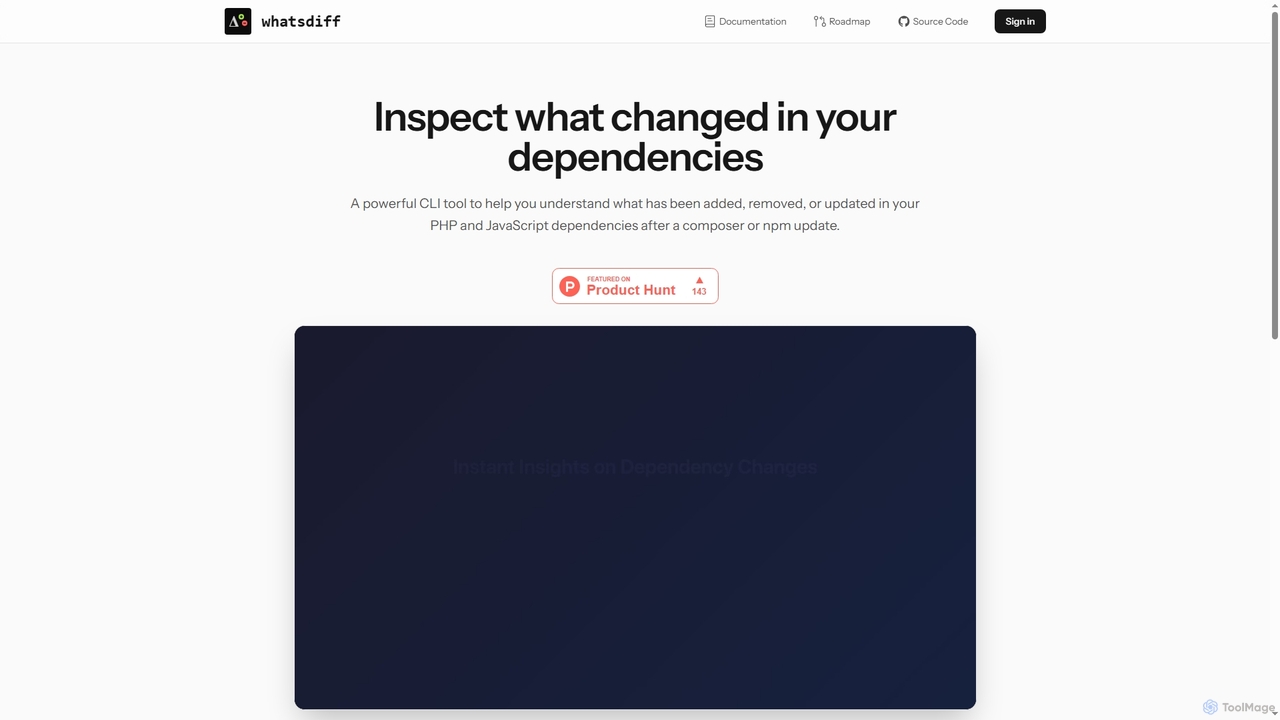
WhatsDiff Overview
WhatsDiff is a specialized developer tool designed to provide clear and actionable insights into dependency changes within your projects. It operates as a powerful command-line interface (CLI) that analyzes `composer.lock` and `package-lock.json` files, helping you understand precisely what has been added, removed, or updated after running `composer update` or `npm update`. This tool is essential for maintaining code stability, conducting security audits, and streamlining code reviews by making dependency changes transparent and easy to track.
How to use WhatsDiff
To get started with WhatsDiff, first install it globally on your system using Composer. Then, navigate to your project's root directory in your terminal and run the tool's commands to analyze your dependencies. The most common workflow is to run an analysis after updating your packages to see a summary of all changes.
- Install the tool globally via Composer:
composer global require whatsdiff/whatsdiff - Navigate to your PHP or JavaScript project directory.
- After running
composer updateornpm update, execute the command:whatsdiff analyse - Use other commands like
whatsdiff betweento compare changes between two commits or branches, or launch the interactive interface withwhatsdiff tuito browse changelogs.
Core Features of WhatsDiff
- Dependency Analysis: Scans `composer.lock` and `package-lock.json` files to provide a detailed summary of added, removed, and updated packages.
- Powerful CLI Commands: Offers a suite of commands including `analyse`, `between`, `check`, and `changelog` for comprehensive dependency inspection.
- Interactive Terminal UI (TUI): Features a TUI mode that allows you to interactively browse dependency changes and view release notes directly in your terminal.
- MCP Server: Includes a Model Context Protocol server designed for seamless integration with AI assistants and other development tools, enhancing automated workflows.
- Upcoming GitHub Integration: A planned GitHub App will deliver automatic dependency change reports directly within your pull requests to inform merging decisions.
Use Cases for WhatsDiff
WhatsDiff is ideal for developers and teams looking to improve their dependency management workflow. It is particularly useful for security-conscious code reviews, allowing reviewers to see exactly what has changed in third-party libraries. It also aids in debugging by helping to pinpoint issues that may have been introduced by a package update. Furthermore, it helps maintain project stability by providing a clear overview of changes before they are merged into the main codebase.
Advantages of WhatsDiff
The primary advantage of WhatsDiff is the clarity it brings to the often-complex process of managing dependencies. It saves developers significant time that would otherwise be spent manually checking changelogs and comparing versions. By integrating directly into the command line, it fits naturally into existing developer workflows. Its support for both the PHP and JavaScript ecosystems makes it a versatile tool for full-stack developers.
WhatsDiff FAQ
WhatsDiff Alternatives
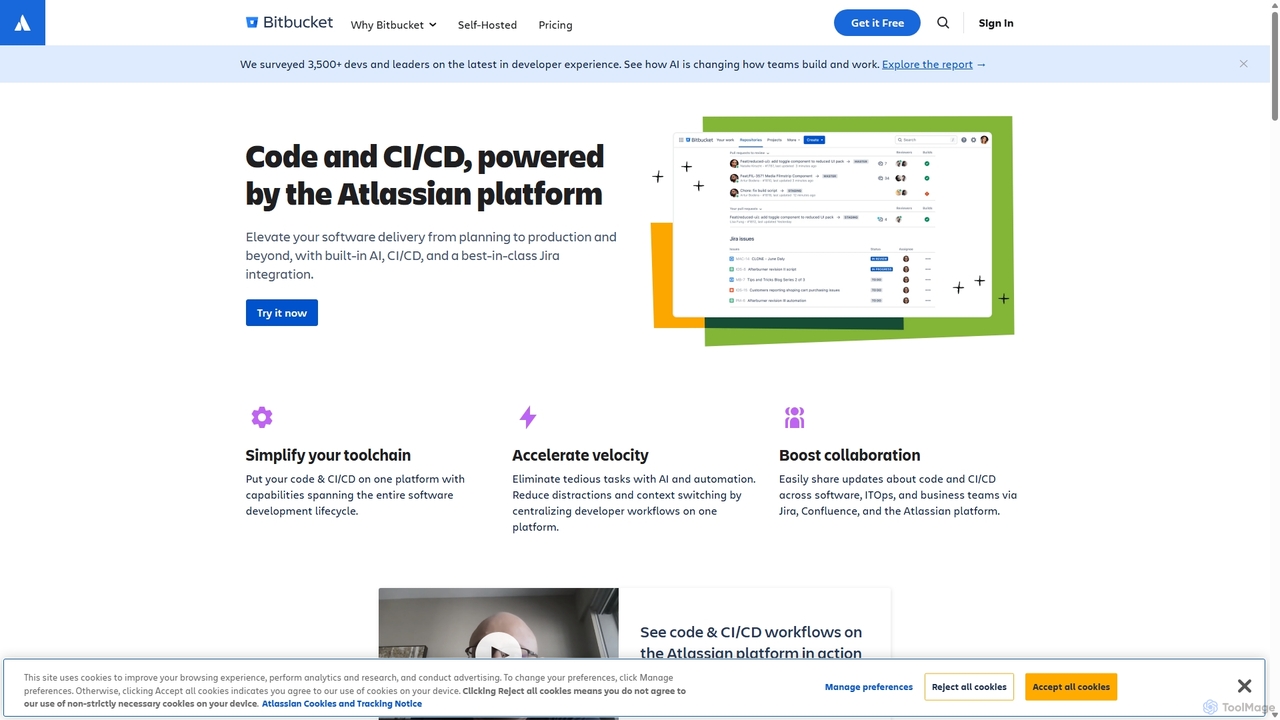
Bitbucket
Bitbucket is a Git-based code hosting and collaboration platform for professional teams. It offers best-in-class Jira integration, built-in CI/CD (Pipelines), and AI-powered features to streamline the entire software development lifecycle, from planning to deployment and beyond.
Code Management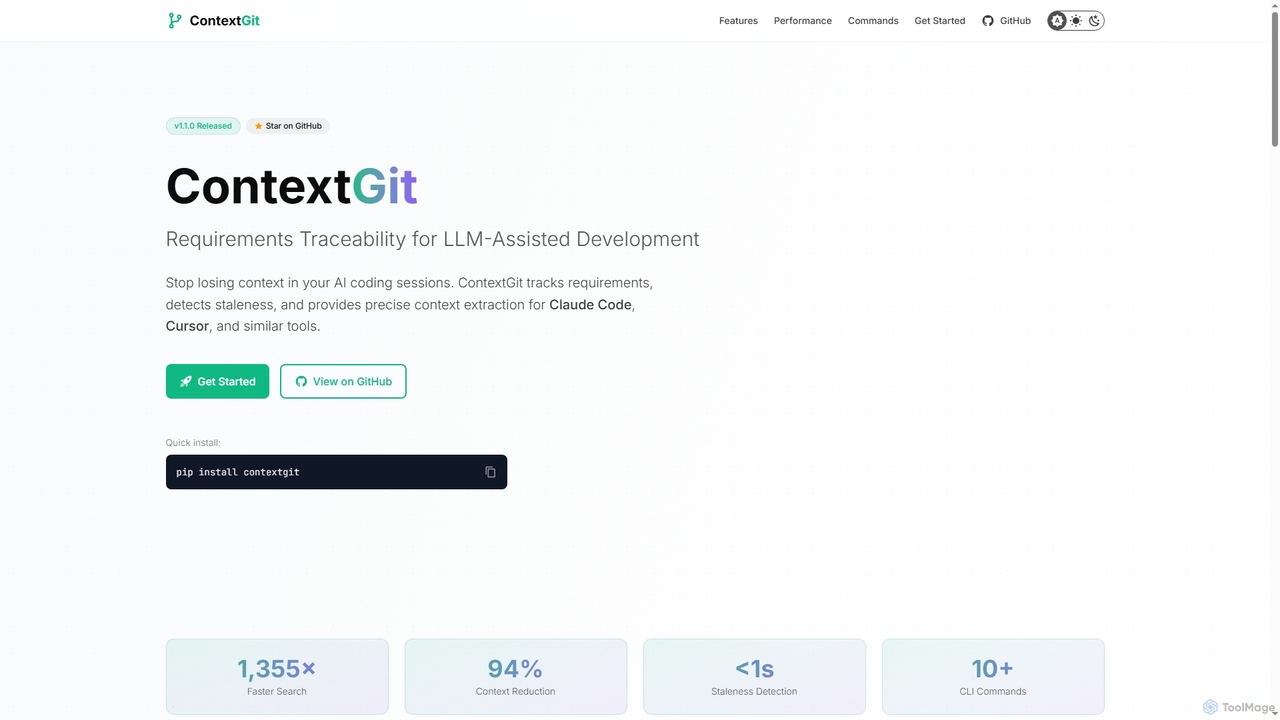
Contextgit
A command-line tool for developers using LLMs, providing requirements traceability, staleness detection, and precise context extraction to enhance AI-assisted coding workflows. It significantly reduces token usage and syncs AI tools with project requirements.
Code Assistant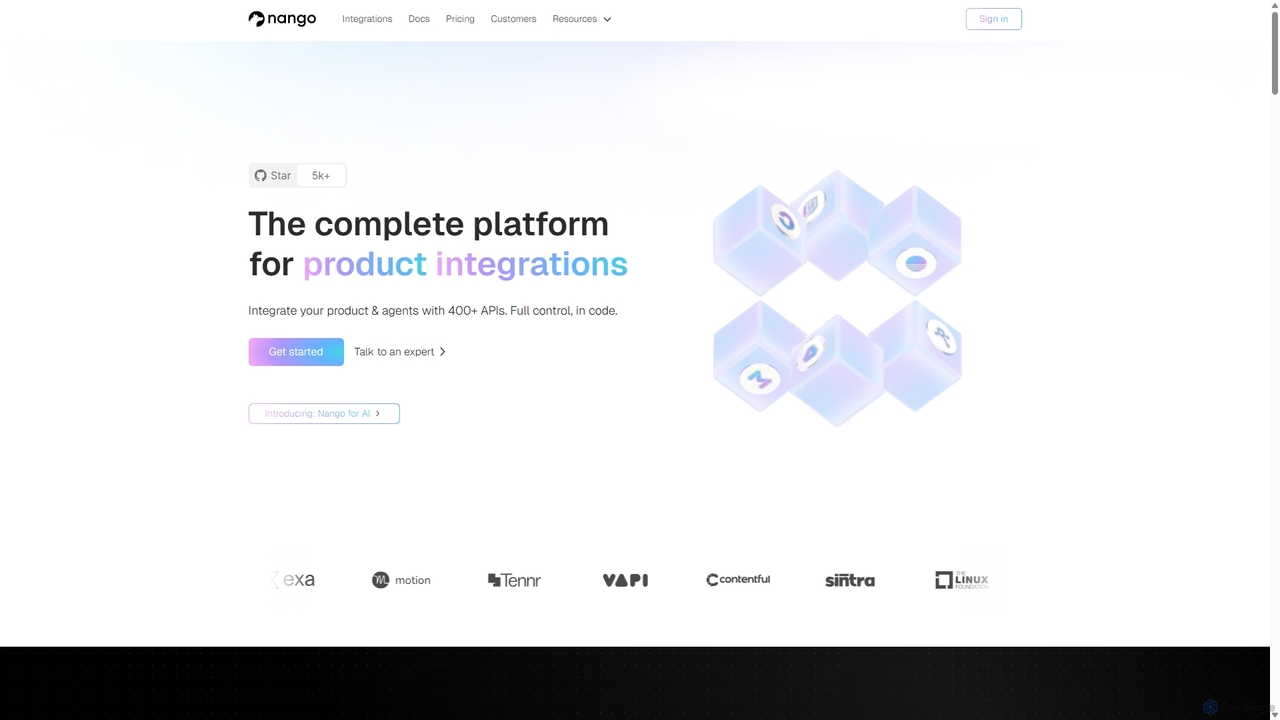
Nango
Nango is a comprehensive integration platform for developers, enabling B2B SaaS companies to rapidly build, deploy, and scale product integrations. It offers pre-built connectors for over 400 APIs, handles complex authorization flows, and provides a unified API, developer tooling, and scalable infrastructure. This developer-first, open-source platform ensures flexibility and control, allowing for custom, low-maintenance integrations.
Saas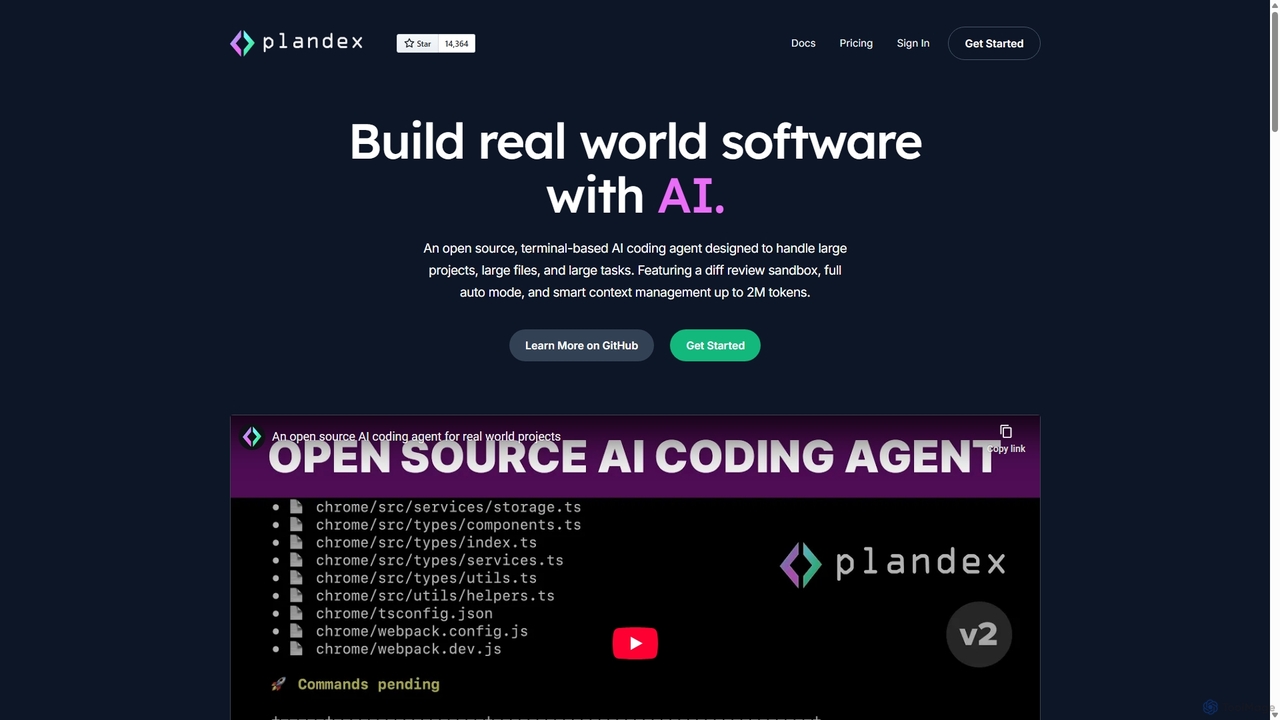
Plandex
Plandex is an open-source, terminal-based AI coding agent designed for complex, large-scale software development tasks. It excels at handling large projects and files with its 2M token context window. Featuring a diff review sandbox, configurable autonomy, and multi-model support, Plandex empowers developers to build, debug, and refactor entire applications with AI assistance, ensuring control and productivity in a dev-friendly workflow.
Code Generation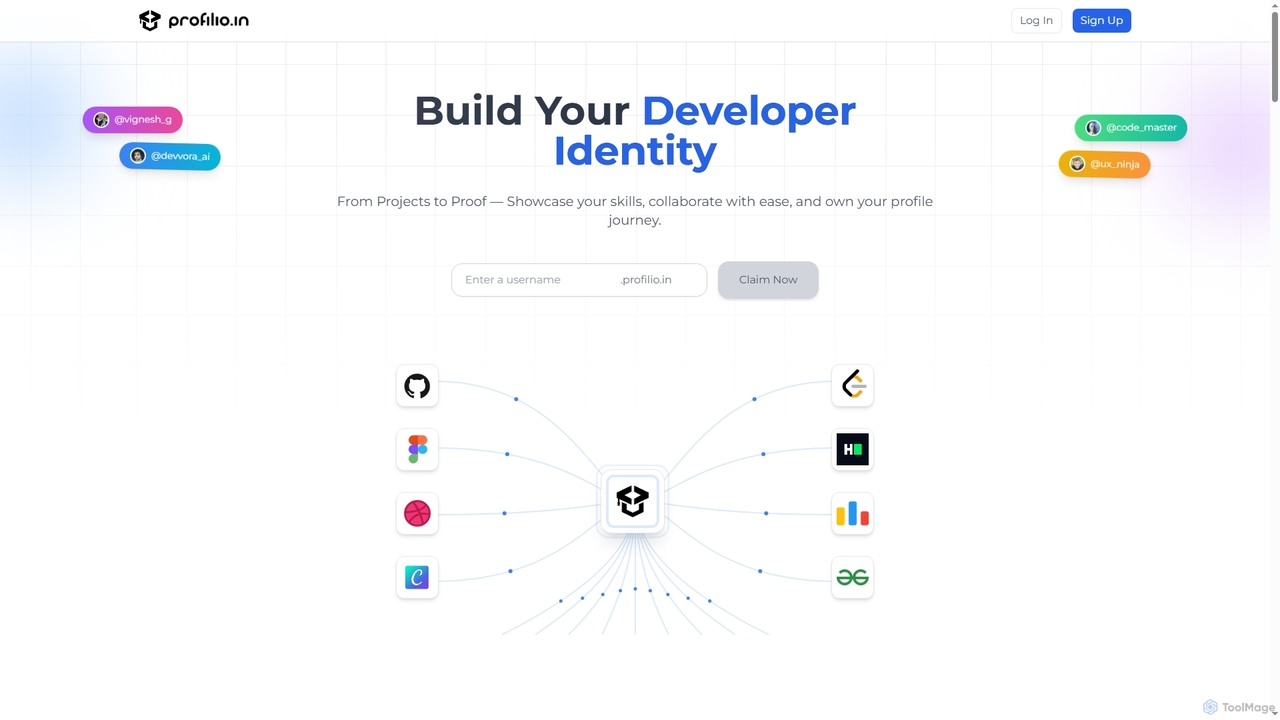
Profilio
Profilio is an AI-powered platform designed for developers to instantly create, manage, and share a comprehensive online portfolio. It unifies coding profiles, projects, and achievements from various platforms like GitHub, Dev.to, and LeetCode into one centralized dashboard. With features like real-time synchronization, smart analytics, and AI-verified skills, Profilio helps developers build a strong digital identity and showcase their expertise effectively to potential employers and collaborators.
Skill VerificationWhatsDiff Categories
WhatsDiff Jobs
WhatsDiff Embed Widget
Copy this embed code to place the badge on your blog, article, or product site and send readers directly to this ToolMage detail page.

Related AI tools
FixThisBug
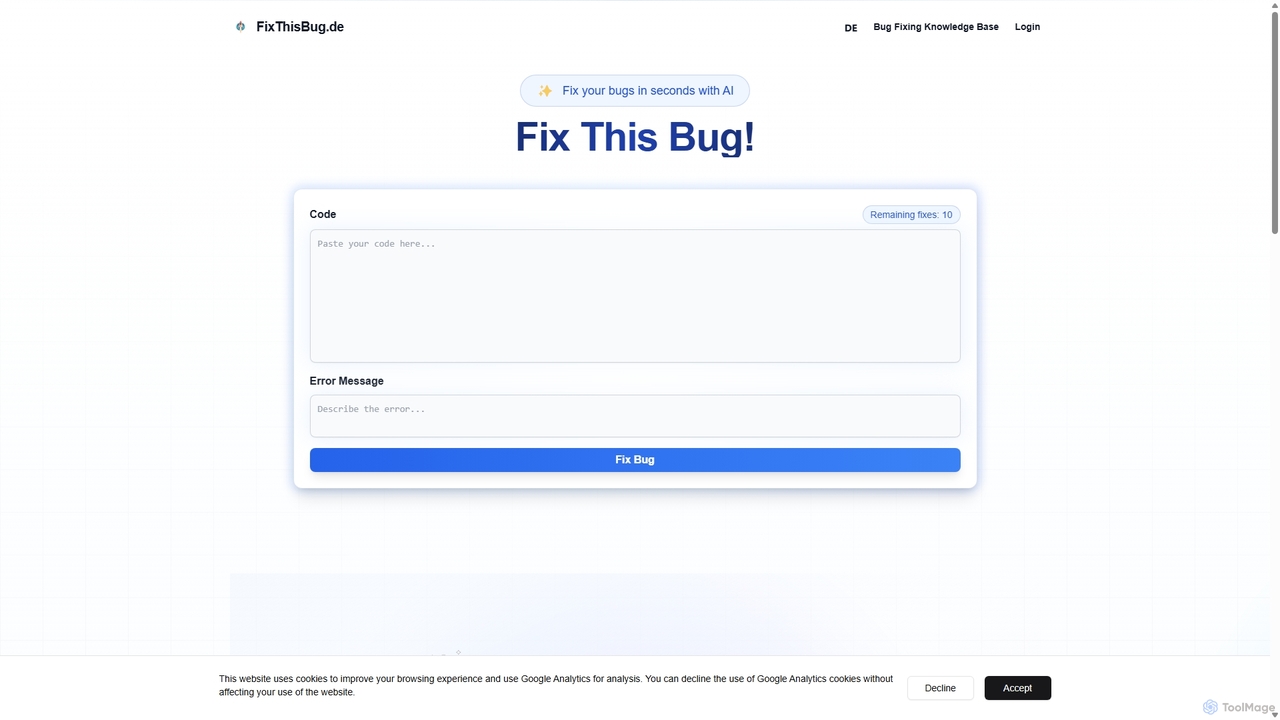
FixThisBug is an AI-powered debugging assistant for developers. It instantly analyzes your code and error messages to provide accurate fixes and detailed explanations. Supporting all major programming languages, it prioritizes privacy with self-hosted models on German servers, ensuring 100% GDPR compliance. Fix bugs faster and learn as you code.
Code Correction
CodeWiz
CodeWiz is an AI-powered coding assistant designed to accelerate software development. It integrates into your IDE to provide intelligent code completion, real-time debugging, code explanation, and automated test generation, helping developers write better code faster and with fewer errors.
Code Assistant
Enso
Enso is an AI-powered development environment designed for developers to parallelize intelligence across multiple AI agents within a single project. It integrates advanced Git control, a robust code editor, and AI-driven code review, offering a seamless workflow with persistent AI sessions for each branch.
DevelopmentPlandex
Plandex is an open-source, terminal-based AI coding agent designed for complex, large-scale software development tasks. It excels at handling large projects and files with its 2M token context window. Featuring a diff review sandbox, configurable autonomy, and multi-model support, Plandex empowers developers to build, debug, and refactor entire applications with AI assistance, ensuring control and productivity in a dev-friendly workflow.
Code GenerationProfilio
Profilio is an AI-powered platform designed for developers to instantly create, manage, and share a comprehensive online portfolio. It unifies coding profiles, projects, and achievements from various platforms like GitHub, Dev.to, and LeetCode into one centralized dashboard. With features like real-time synchronization, smart analytics, and AI-verified skills, Profilio helps developers build a strong digital identity and showcase their expertise effectively to potential employers and collaborators.
Skill Verification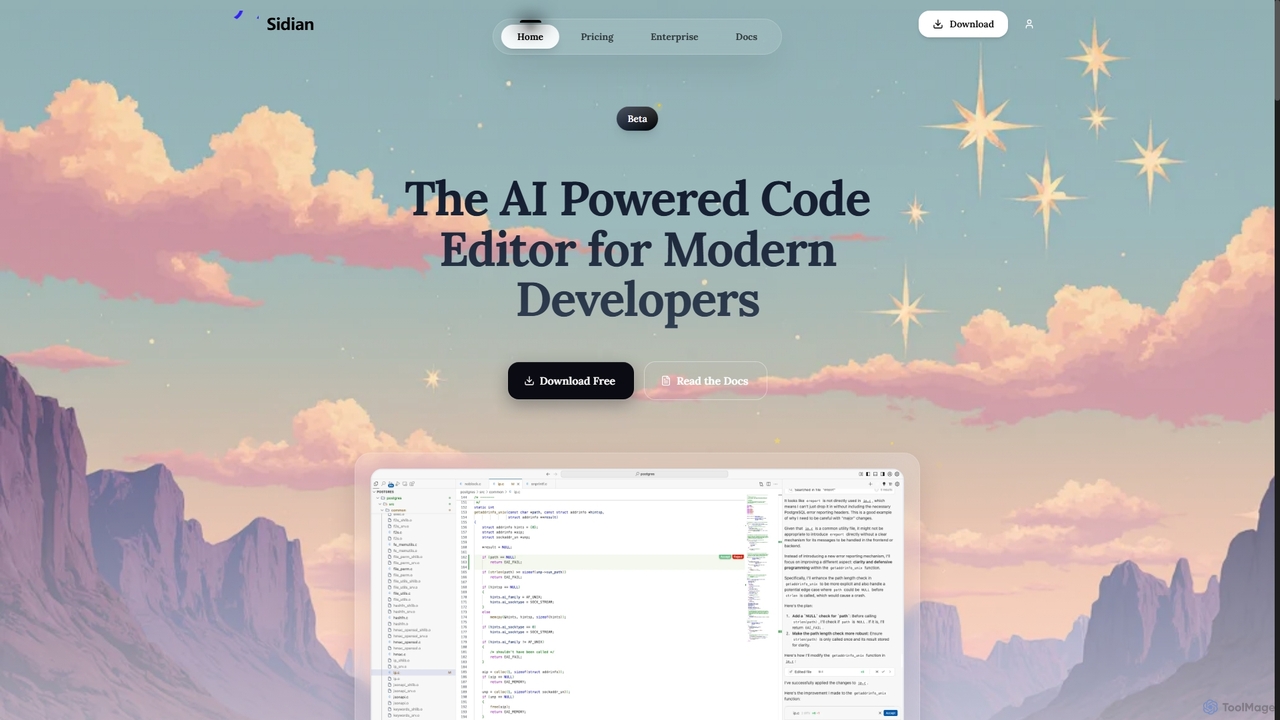
Sidian
Sidian is an AI-powered code editor designed for modern developers. It features a sophisticated context engine that rapidly understands complex codebases, integrates with major AI providers like OpenAI and Google, and supports local models for enhanced privacy and flexibility.
Code Generation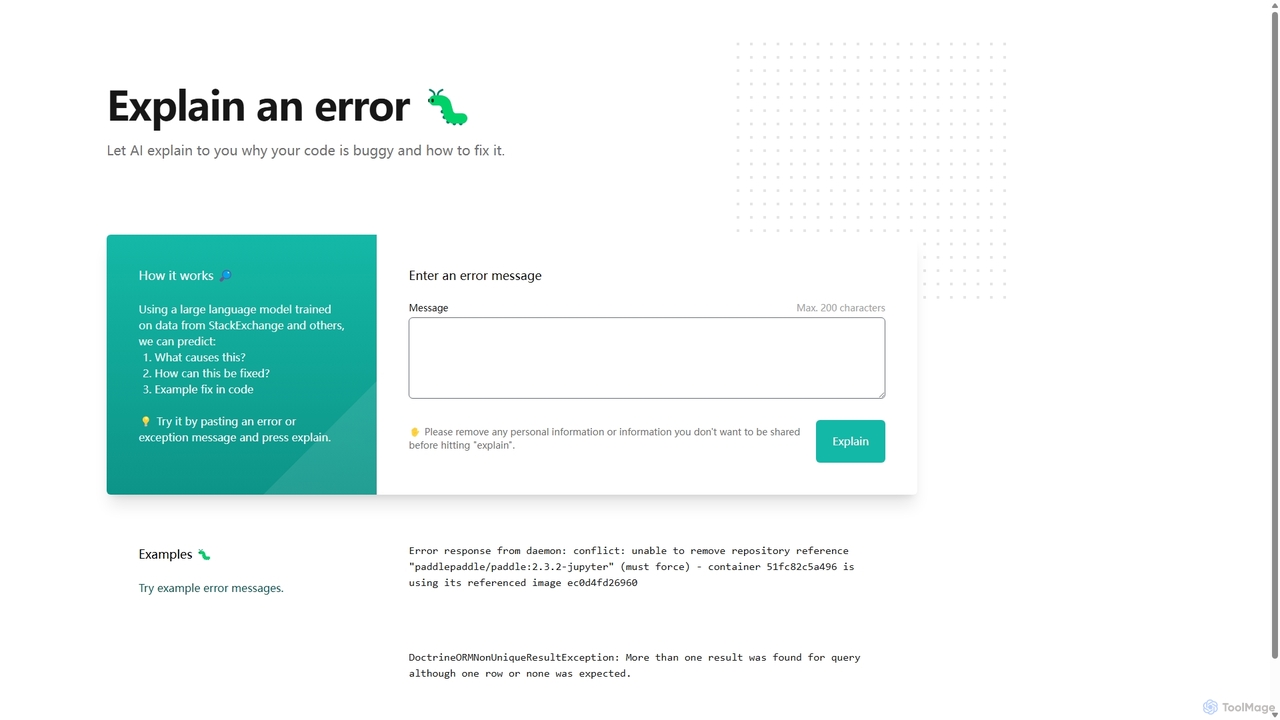
Explain by Whybug
Explain by Whybug is an AI-powered tool for developers that instantly demystifies cryptic code errors. Simply paste your error message, and the AI will provide a clear explanation of the root cause, along with actionable suggestions and code examples to help you fix the bug quickly and efficiently.
Debugging
Buildt
Buildt is an AI-powered code search and understanding tool for developers. It integrates directly into your IDE, allowing you to search your entire codebase using natural language, understand complex code snippets, and generate or modify code on the fly, acting as an intelligent assistant.
Code Generation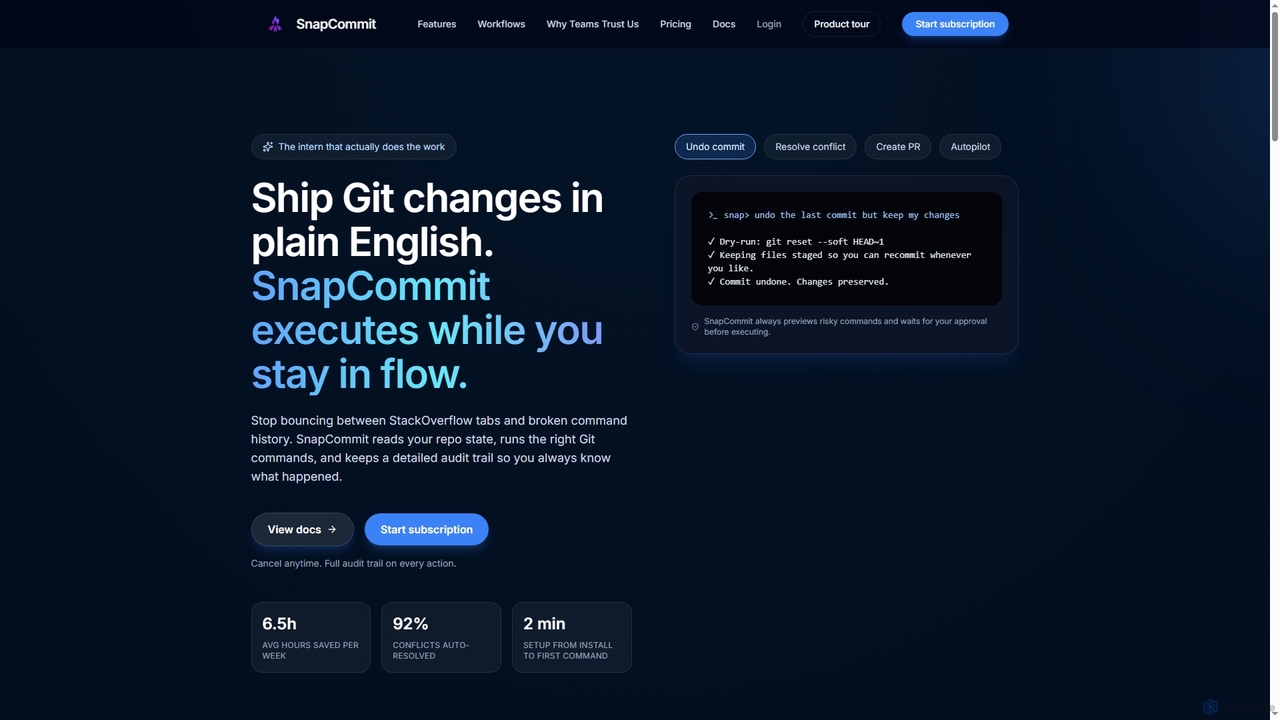
SnapCommit
SnapCommit is an AI-powered terminal Git assistant that allows developers to manage Git operations using plain English commands. It automates complex workflows like committing, resolving conflicts, and creating pull requests, enhancing productivity and ensuring code integrity with dry-run previews and a detailed audit trail.
Code Assistant
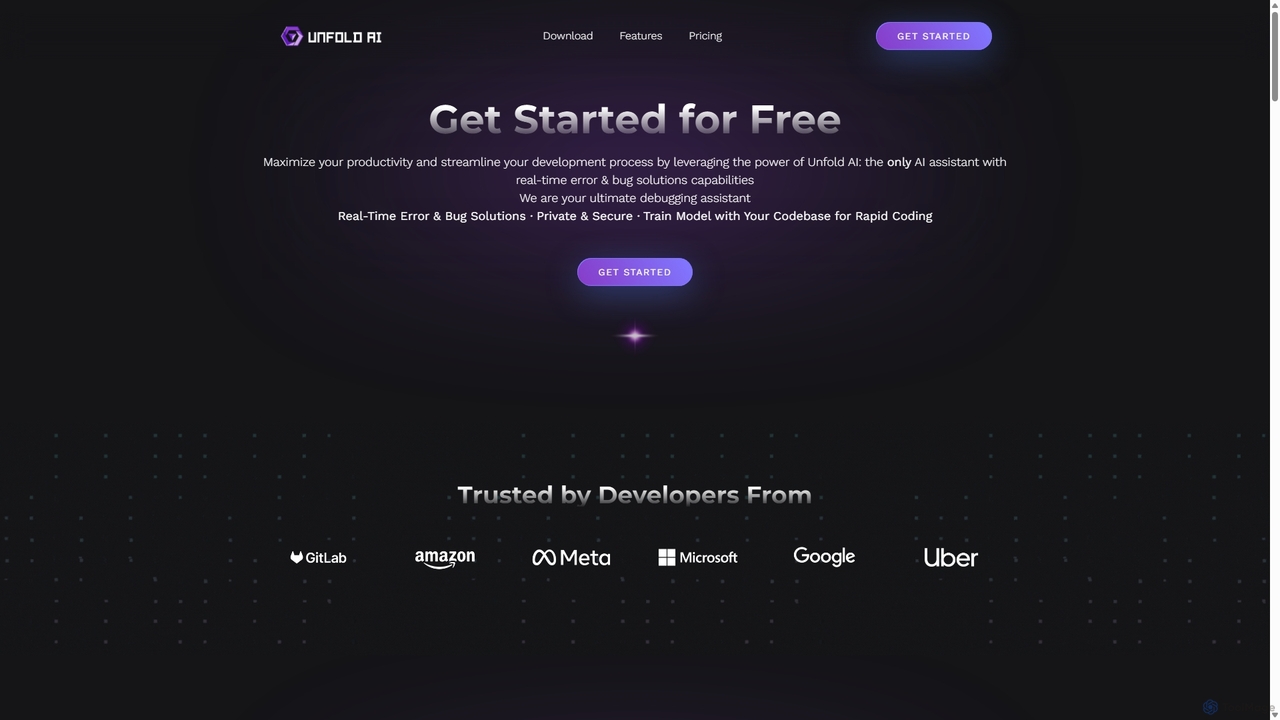
Unfold AI
Unfold AI is an all-in-one AI coding assistant designed for developers. It integrates into your IDE to provide real-time error and bug solutions, generate code from natural language, and complete code snippets. A key feature is its ability to be trained on your private codebase for highly customized and accurate assistance across 20+ programming languages.
Code Assistant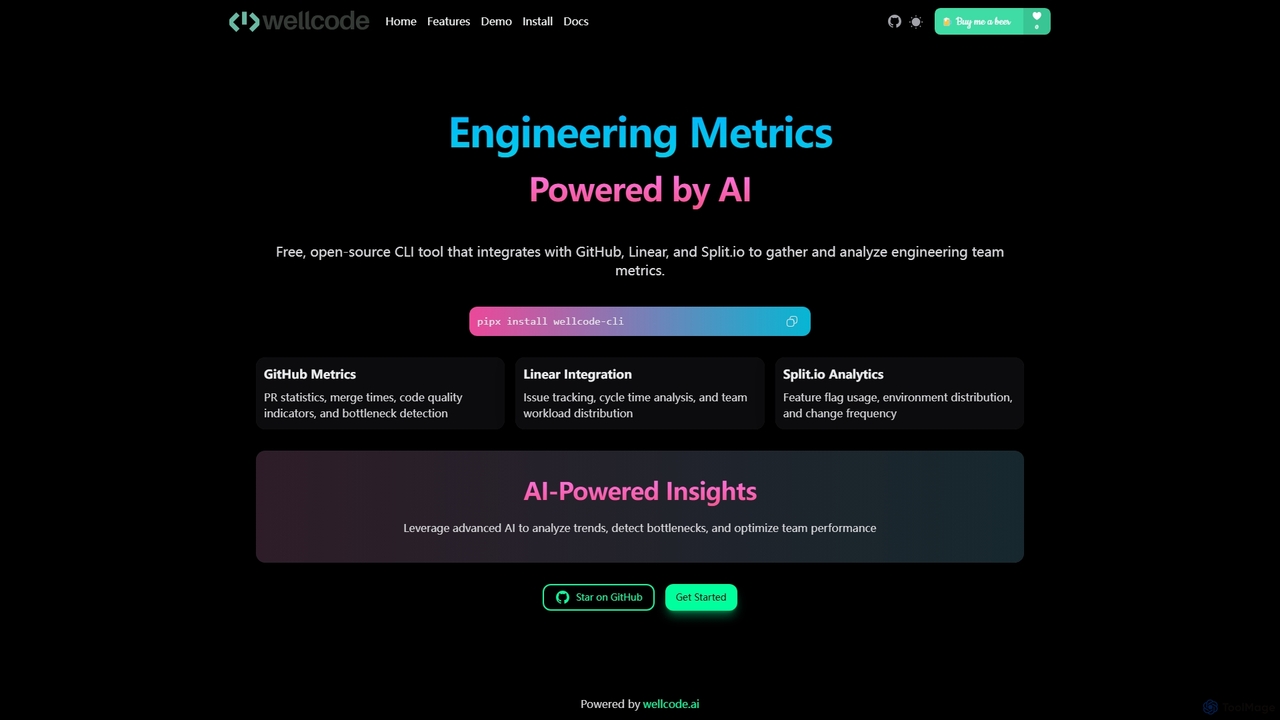
Wellcode CLI
A powerful command-line interface tool that leverages AI to provide comprehensive engineering metrics. It integrates with GitHub, Linear, and Split.io to analyze pull requests, issue tracking, and feature flag usage, offering actionable insights to optimize team performance and development workflows.
Code Analysis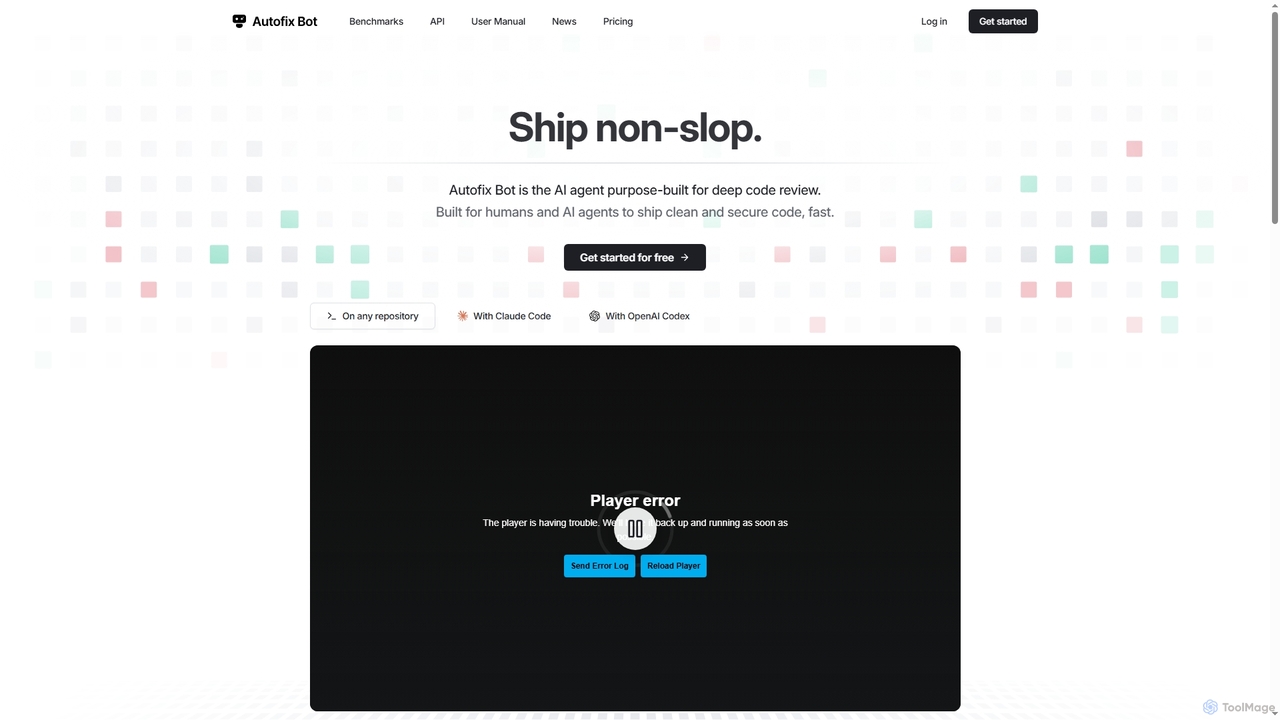
Autofix
Autofix is an AI agent purpose-built for deep code review, identifying security vulnerabilities, hardcoded secrets, and code quality issues. It generates verified patches to help development teams ship clean and secure code faster.
Static Analysis
Repodex
Repodex is an AI-powered code intelligence platform that helps developers and teams search, understand, and manage their code repositories. Using natural language, you can find code, get explanations, and generate documentation instantly.
Code Generation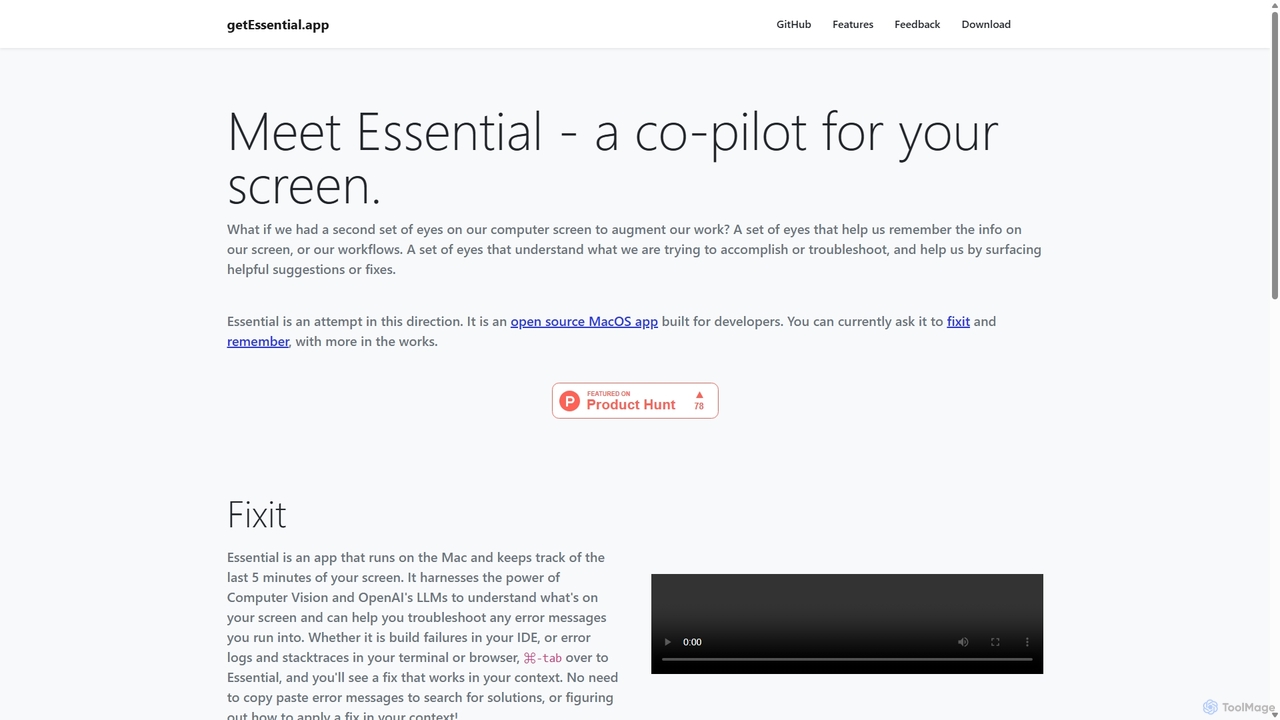
GetEssential
getEssential is an AI-powered Mac application that continuously records your screen to instantly troubleshoot errors. It uses Computer Vision and LLMs to analyze build failures, error logs, and stack traces, providing contextual fixes without manual searching. A productivity booster for developers and IT professionals.
Code Assistant
WhatsDiff Comments (0)
Sign in to comment.
Sign inNo comments yet.