

Bitbucket Overview
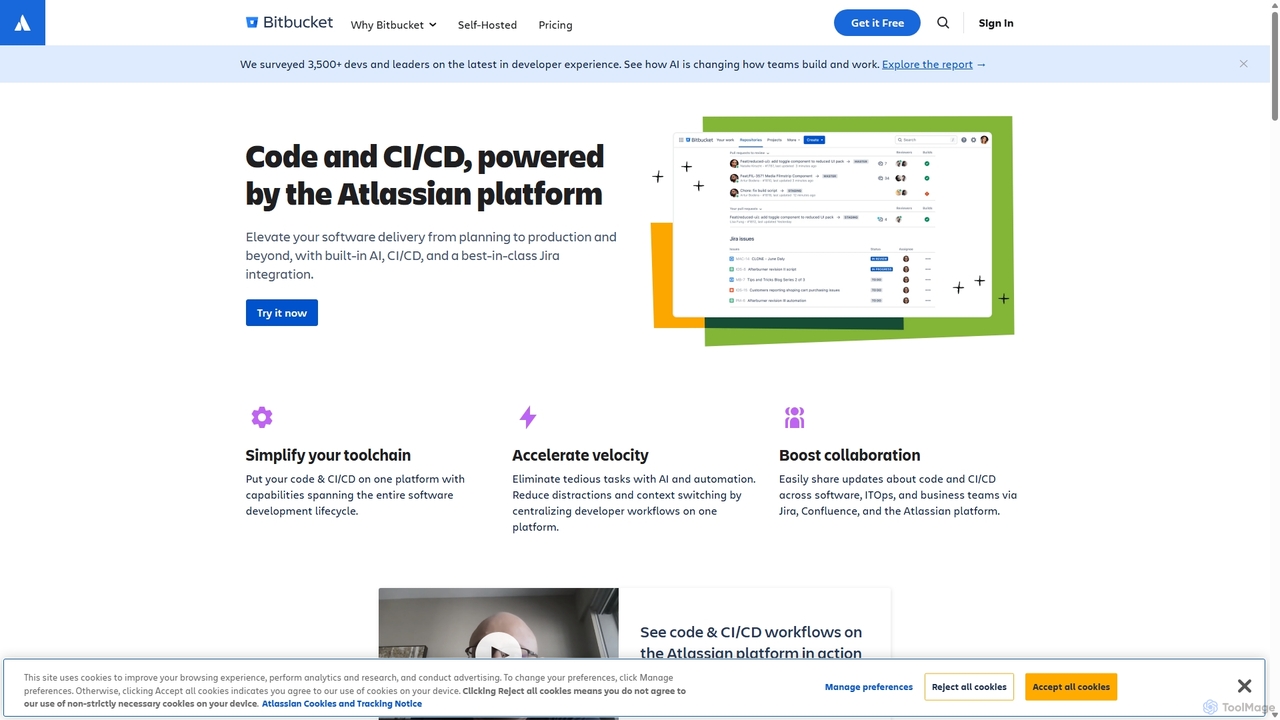
Bitbucket, part of the Atlassian suite, is a comprehensive Git solution designed for professional software development teams. It provides a centralized platform for code management and collaboration, tightly integrated with other Atlassian tools like Jira, Confluence, and Trello. Bitbucket empowers teams to build, test, and deploy software with greater efficiency and quality, leveraging powerful automation, built-in security, and cutting-edge AI capabilities.
At its core, Bitbucket is a Git repository hosting service, but its capabilities extend far beyond simple code storage. It is engineered to support the entire DevOps lifecycle. With its renowned Jira integration, developers can create branches directly from Jira issues, and commits, branches, and pull requests are automatically updated in the corresponding tickets, providing unparalleled traceability and context. The platform also features Bitbucket Pipelines, a built-in CI/CD service that allows teams to automate their build, test, and deployment workflows directly within the Bitbucket UI, eliminating the need for separate CI servers.
Recently, Bitbucket has been enhanced with Atlassian Intelligence, infusing AI throughout the development process. These features help accelerate velocity by automating routine tasks, such as generating detailed pull request descriptions from code changes and commit messages, and improving the clarity of comments and summaries with generative AI editing.
How to use Bitbucket
Getting started with Bitbucket involves a straightforward workflow:
- Create a Repository: Start by creating a new Git repository within a Bitbucket project to house your code.
- Code and Commit: Clone the repository to your local machine, write your code, and use standard Git commands to commit your changes.
- Push to Bitbucket: Push your commits to the remote repository on Bitbucket to share your work with the team.
- Collaborate with Pull Requests: Create a pull request to propose changes. Team members can review the code, add comments, and discuss the implementation before merging. Merge checks can be configured to enforce quality standards.
- Leverage Jira Integration: Include Jira issue keys in your commit messages (e.g., 'PROJ-123') to automatically link your code changes to project tasks, providing seamless traceability.
- Automate with Pipelines: Create a `Bitbucket-pipelines.yml` file in your repository's root directory. Define steps for building, testing, and deploying your application. Pipelines will automatically trigger on code pushes or pull requests.
- Utilize AI Features: When creating a pull request, use the Atlassian Intelligence feature to automatically generate a summary of your changes, saving time and improving communication.
- Monitor and Secure: Use built-in security scanning tools like Snyk to find and fix vulnerabilities. Monitor deployment status across different environments directly from the Bitbucket interface.
Core Features of Bitbucket
- Git Code Hosting: Unlimited private and public Git repositories.
- Best-in-class Jira Integration: Seamlessly connect code with project management for full traceability from backlog to deployment.
- Bitbucket Pipelines (CI/CD): Integrated continuous integration and delivery service to automate builds, tests, and deployments without leaving Bitbucket.
- Atlassian Intelligence: AI-powered features like automatic pull request descriptions, generative AI editing for comments, and integration with preferred AI tools.
- Comprehensive Code Review: Powerful pull requests with inline commenting, threaded conversations, and merge checks to ensure code quality.
- Integrated Security: Native security capabilities and integrations with partners like Snyk to scan for vulnerabilities throughout the workflow.
- Deployment Visibility: Track and monitor deployments across multiple environments (e.g., staging, production) from a centralized dashboard.
- Extensive Integrations (Pipes): A large marketplace of integrations and pre-configured 'Pipes' to easily connect with third-party tools for security, testing, monitoring, and more.
- Flexible Deployment Options: Available as a multi-tenant cloud solution (Bitbucket Cloud) or a self-managed option for on-premise hosting (Bitbucket Data Center).
Use Cases for Bitbucket
Bitbucket is ideal for various development scenarios:
- Agile Development Teams: Teams using Scrum or Kanban with Jira can leverage the deep integration to streamline their workflows and maintain a single source of truth.
- DevOps Automation: Organizations aiming to implement or mature their DevOps practices can use Bitbucket Pipelines to build a robust, automated CI/CD toolchain.
- Enterprise-Grade Security & Compliance: Companies with strict security and compliance requirements benefit from features like IP allowlisting, enforced merge checks, and required two-step verification.
- Distributed Teams: As a cloud-based platform, Bitbucket facilitates seamless collaboration among developers located anywhere in the world.
Advantages of Bitbucket
The primary advantages of using Bitbucket include:
- Unified Workflow: The tight integration with Jira and other Atlassian products reduces context switching and creates a cohesive development environment.
- Accelerated Velocity: AI features and built-in CI/CD automate manual tasks, allowing developers to focus on writing code and shipping features faster.
- Enhanced Collaboration: Advanced code review tools foster better communication and lead to higher-quality code.
- Scalability and Control: The platform scales from small teams to large enterprises, offering granular permissions and governance controls to manage access and enforce policies.
Pricing and Plans
Bitbucket offers a flexible pricing structure to suit teams of all sizes:
- Free Plan: Ideal for small teams of up to 5 users. Includes unlimited private repositories, 50 build minutes/month for Pipelines, and 1 GB of Git LFS storage.
- Standard Plan: Priced at $3.30 per user/month. Designed for growing teams, it includes everything in the Free plan plus 2,500 build minutes/month and 5 GB of LFS storage.
- Premium Plan: Priced at $6.60 per user/month. This plan includes all Standard features plus advanced capabilities like Atlassian Intelligence, enforced merge checks, IP allowlisting, deployment permissions, and 3,500 build minutes/month with 10 GB of LFS storage.
Additional build minutes and Git LFS storage can be purchased for all plans. Bitbucket also offers a self-managed Data Center option for enterprises with specific hosting requirements.
Traffic
Latest traffic
Status
Monthly traffic trend
- 2025-9: 12.5M
- 2026-1: 12.5M
- 2026-2: 12.6M
- 2026-3: 14.3M
- 2026-4: 13.9M
- 2026-5: 13.4M
Geography
Top 5 countries / regions
- 🇮🇳India47.5%
- 🇺🇸United States33.3%
- 🇩🇪Germany6.8%
- 🇬🇧United Kingdom6.2%
- 🇪🇸Spain6.2%
Traffic sources
| Source type | Percentage |
|---|---|
Direct | 84.4% |
Referral | 11.9% |
Email | 3.7% |
Top keywords
| Keyword | Cost per click |
|---|---|
| bit bucket | $2.28 |
| bitbucket | $1.80 |
| bitbucket login | $5.96 |
| gitbucket | $2.62 |
| 司机社 | $0.00 |
Bitbucket Videos on YouTube


ARCTutorials


Bitbucket Alternatives

Rebolt
Rebolt is an AI-powered platform designed to automate the entire software development lifecycle. It helps developer and DevOps teams build, test, and deploy applications faster and more reliably by leveraging AI for CI/CD pipeline optimization, code generation, and intelligent monitoring.
Code Assistant
GitHub
GitHub is the world's leading AI-powered developer platform for building, shipping, and maintaining software. It provides Git-based version control, collaborative tools, and a complete DevOps lifecycle, supercharged by GitHub Copilot, an advanced AI code assistant that accelerates development and enhances code quality.
Code Assistant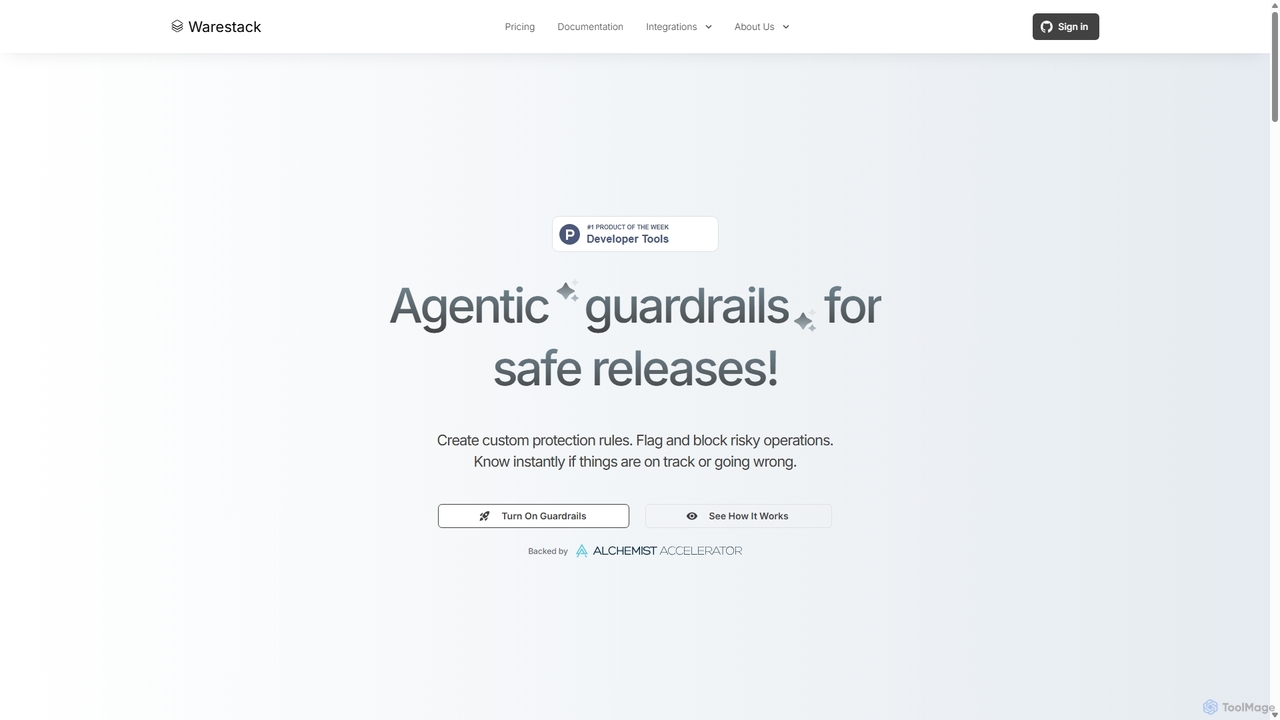
Warestack
Warestack provides agentic guardrails for software development teams, enabling safe and compliant releases. It uses context-aware, natural language rules to monitor DevOps workflows, flag risky operations, and automate protection, integrating with tools like Slack and Linear to prevent production incidents.
Code Quality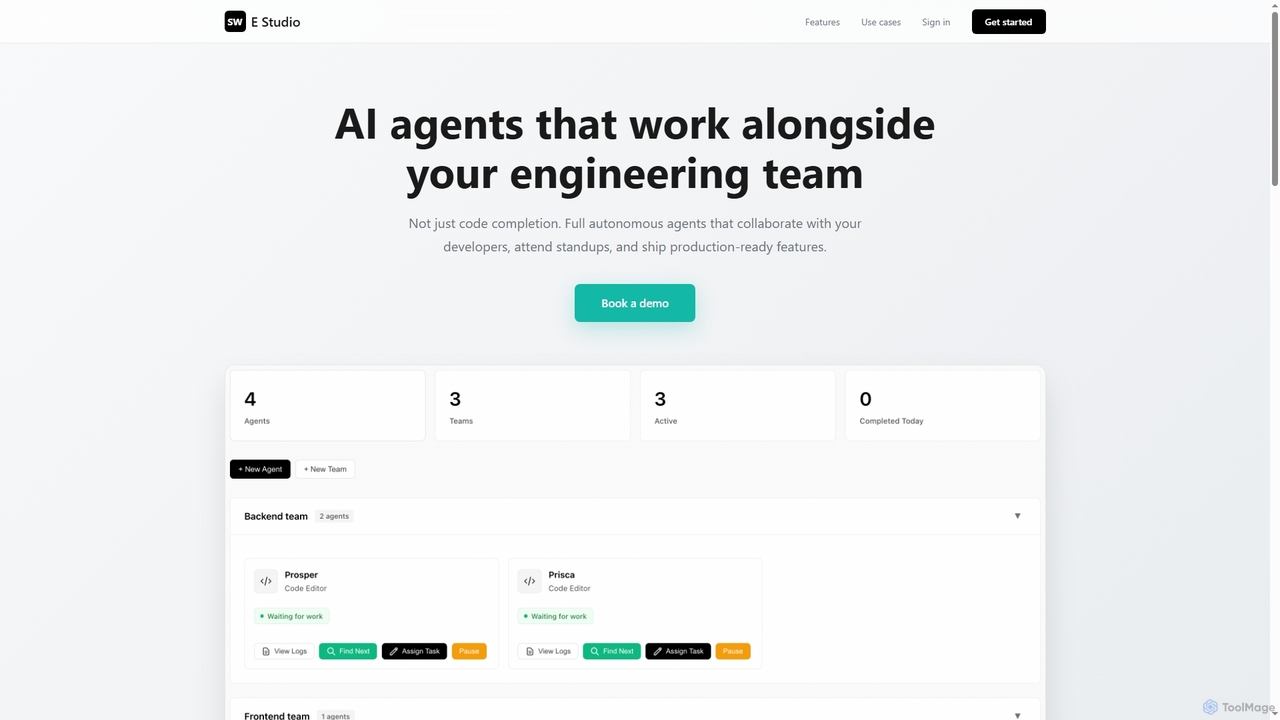
Swe Studio
Swe Studio provides autonomous AI agents that function as full members of your engineering team. They independently handle development tasks from Jira tickets to pull requests, collaborating via Slack and GitHub to ship production-ready features.
Code Assistant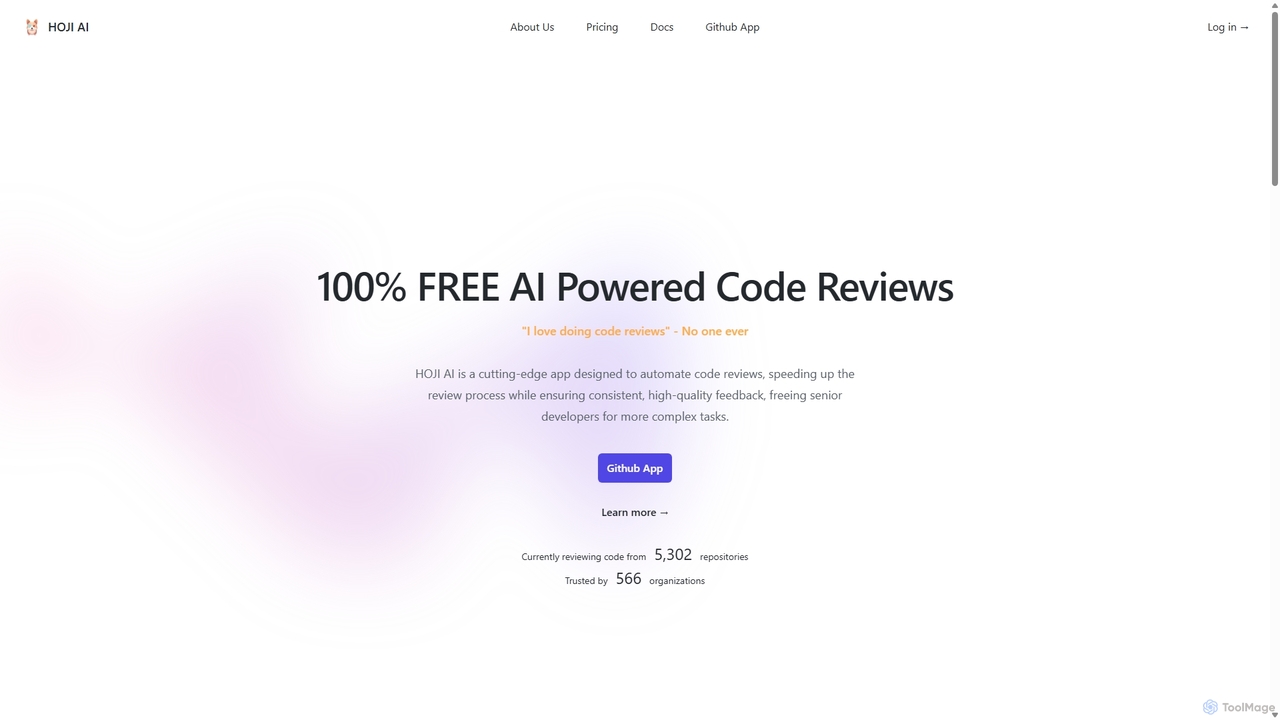
HOJI AI
HOJI AI is a free, AI-powered tool that automates code reviews directly within GitHub. It provides instant, consistent, and high-quality feedback on pull requests, helping development teams increase productivity, improve code quality, and accelerate their development cycles by freeing up senior engineers.
Code AssistantBitbucket Categories
Bitbucket Jobs
Bitbucket Embed Widget
Copy this embed code to place the badge on your blog, article, or product site and send readers directly to this ToolMage detail page.

Related AI tools
Swe Studio
Swe Studio provides autonomous AI agents that function as full members of your engineering team. They independently handle development tasks from Jira tickets to pull requests, collaborating via Slack and GitHub to ship production-ready features.
Code AssistantHOJI AI
HOJI AI is a free, AI-powered tool that automates code reviews directly within GitHub. It provides instant, consistent, and high-quality feedback on pull requests, helping development teams increase productivity, improve code quality, and accelerate their development cycles by freeing up senior engineers.
Code Assistant
Graphite
Graphite is an end-to-end developer platform that supercharges teams on GitHub. It accelerates software development with features like stacked pull requests, AI-powered code review, a unified PR inbox, and an intelligent merge queue. By streamlining the entire code review lifecycle, Graphite helps engineering teams ship higher-quality code, faster, while keeping developers unblocked and productive.
Code ReviewRebolt
Rebolt is an AI-powered platform designed to automate the entire software development lifecycle. It helps developer and DevOps teams build, test, and deploy applications faster and more reliably by leveraging AI for CI/CD pipeline optimization, code generation, and intelligent monitoring.
Code Assistant
Branch name generator
An AI-powered tool that integrates with Jira to automatically generate consistent and descriptive Git branch names. It analyzes Jira task data to streamline developer workflows, enforce naming conventions, and improve repository clarity.
Version Control
Enso
Enso is an AI-powered development environment designed for developers to parallelize intelligence across multiple AI agents within a single project. It integrates advanced Git control, a robust code editor, and AI-driven code review, offering a seamless workflow with persistent AI sessions for each branch.
DevelopmentWarestack
Warestack provides agentic guardrails for software development teams, enabling safe and compliant releases. It uses context-aware, natural language rules to monitor DevOps workflows, flag risky operations, and automate protection, integrating with tools like Slack and Linear to prevent production incidents.
Code Quality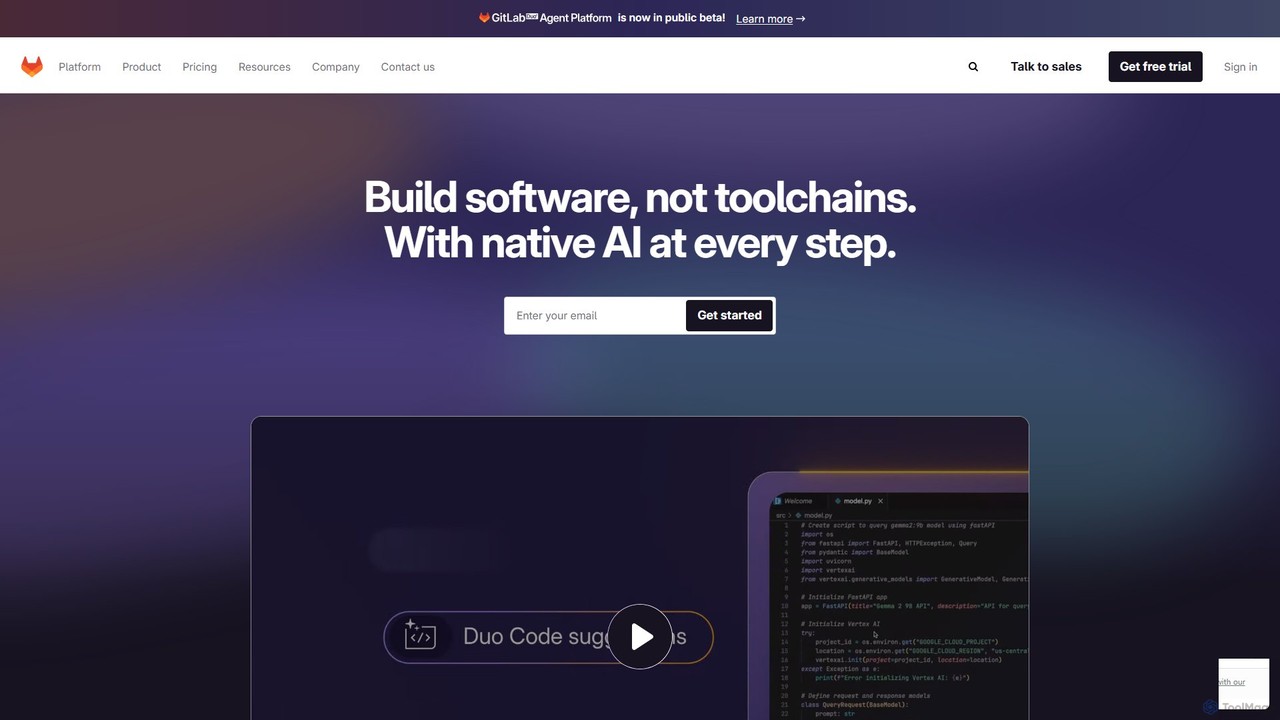
GitLab
GitLab is a comprehensive, AI-powered DevSecOps platform that unifies the entire software development lifecycle into a single application. It provides source code management, CI/CD, security scanning, and project management, enhanced by GitLab Duo, its suite of AI capabilities, to accelerate software delivery and improve developer productivity.
Code Assistant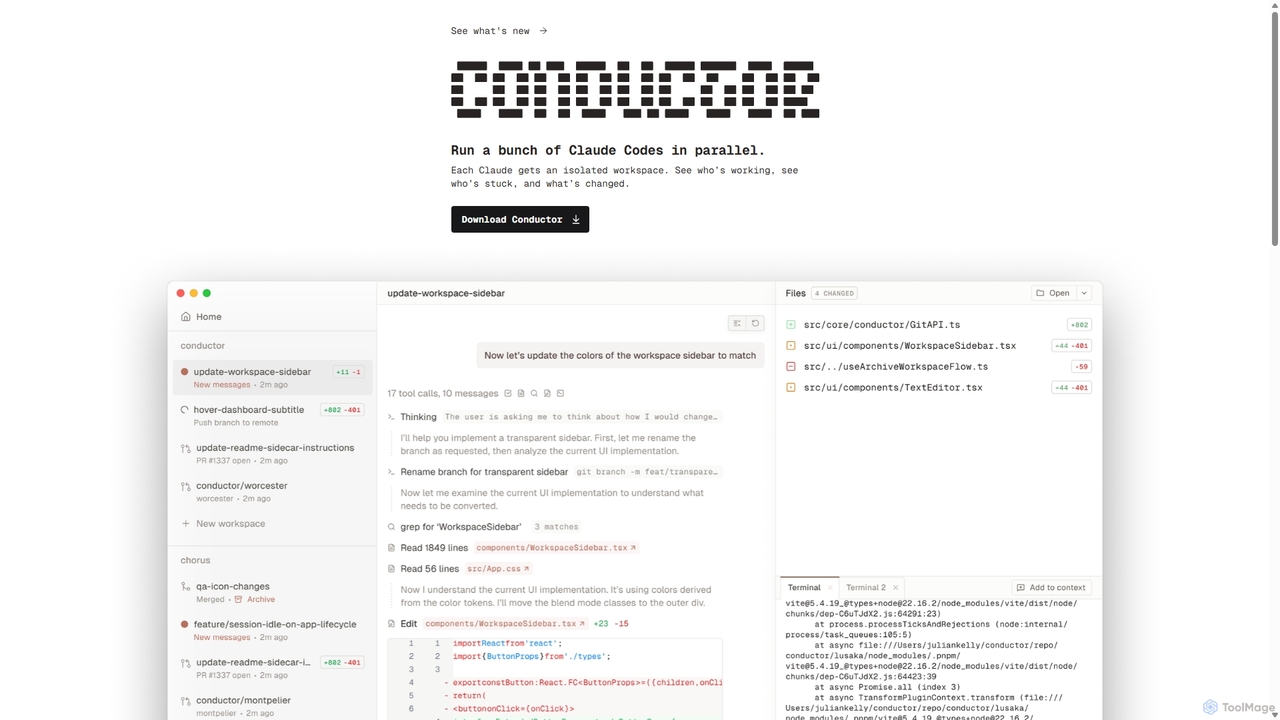
Conductor
A powerful Mac application for orchestrating multiple AI coding agents. Run parallel instances of Claude Code in isolated workspaces to accelerate software development, monitor progress, and review code through a beautiful, intuitive UI.
Code Assistant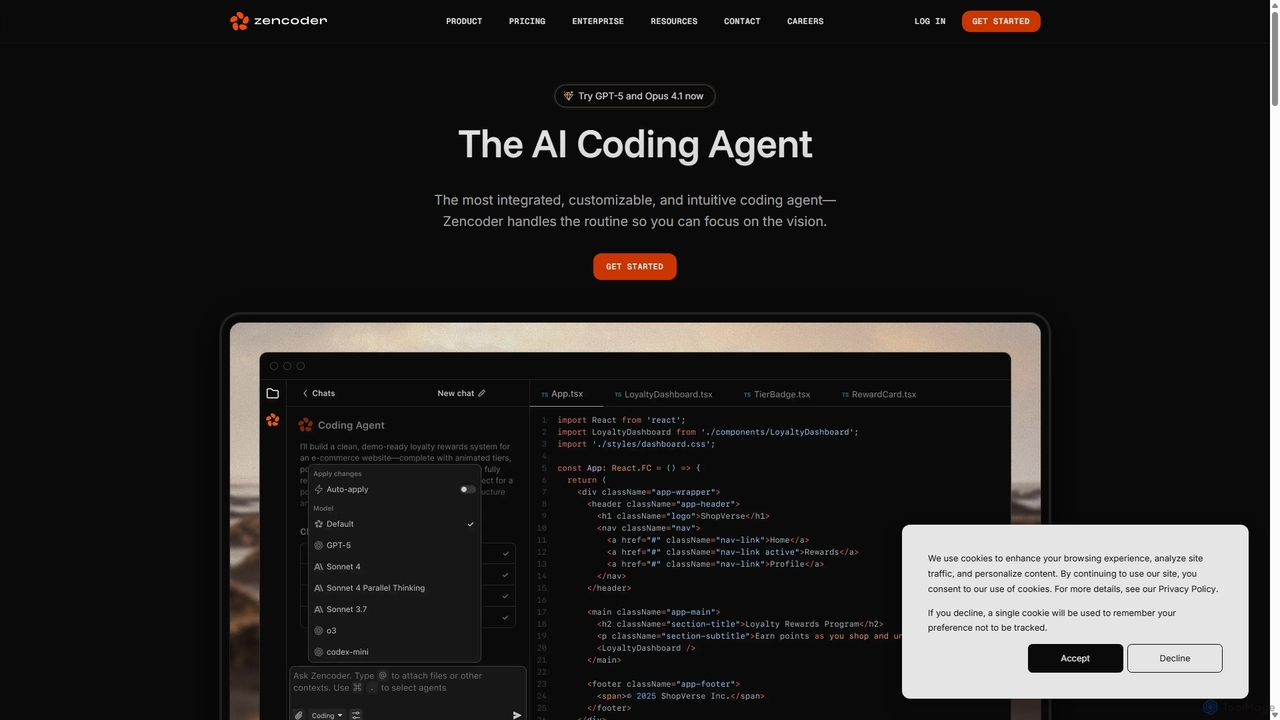
Zencoder
Zencoder is an advanced AI coding agent designed to automate routine development tasks. It deeply integrates into your workflow, understanding your entire codebase to implement features, write tests, fix bugs, and refactor code autonomously. With customizable 'Zen Agents' and seamless integration with VS Code, JetBrains, and over 100 developer tools, Zencoder empowers engineering teams to focus on innovation and ship products faster.
Code Assistant
Codebay
Codebay is an AI-powered development platform designed to accelerate the entire software lifecycle. It acts as an intelligent co-pilot for developers, offering advanced features for code generation, automated review, intelligent debugging, and seamless integration with existing workflows to enhance productivity and code quality.
Code Generation
Autofix
Autofix is an AI agent purpose-built for deep code review, identifying security vulnerabilities, hardcoded secrets, and code quality issues. It generates verified patches to help development teams ship clean and secure code faster.
Static Analysis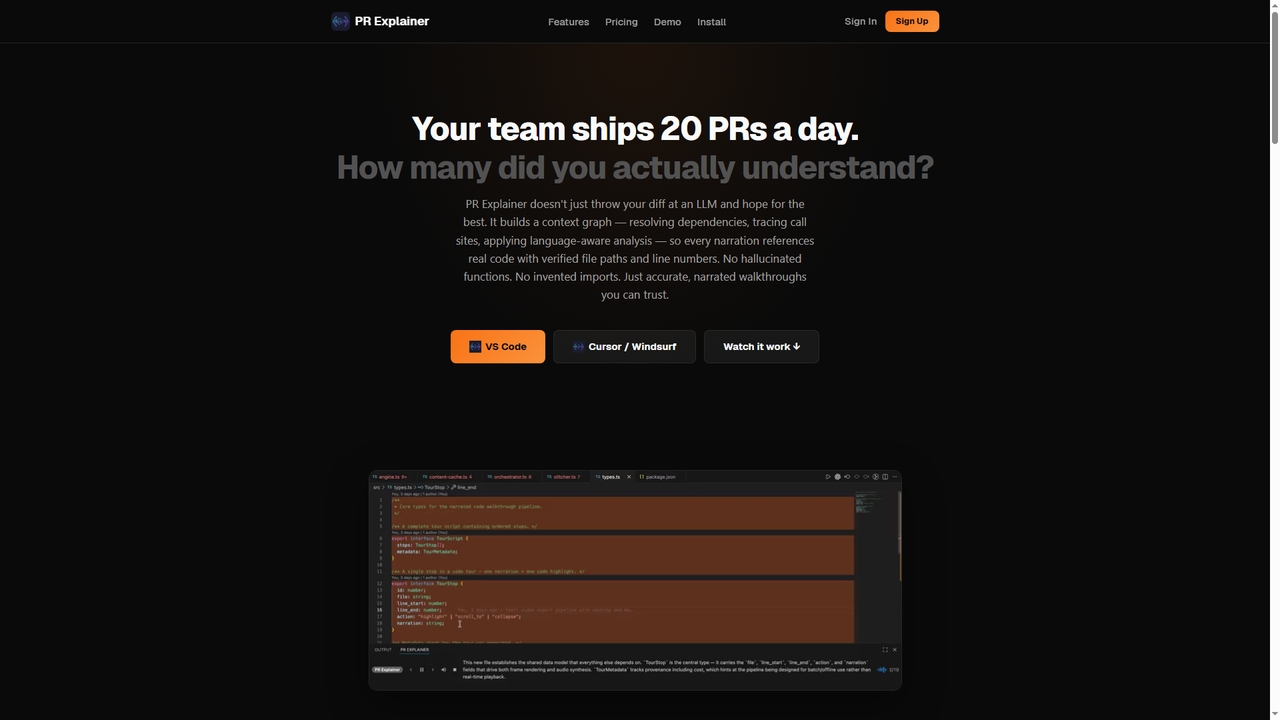
Prexplainer
Prexplainer is an AI-powered developer tool that automatically generates narrated code walkthroughs for pull requests (PRs). It transforms code diffs into engaging audio-visual tours with synchronized highlighting, helping teams understand changes faster without context switching.
Code Review
Greptile
Greptile is an AI-powered code review tool that integrates with GitHub and GitLab to help development teams merge pull requests 4x faster and catch 3x more bugs. By understanding the full context of your codebase, it provides in-line comments, actionable suggestions, and natural-language summaries for every PR. It supports over 30 programming languages and can be customized with specific rules and style guides to enhance code quality and consistency.
Code Review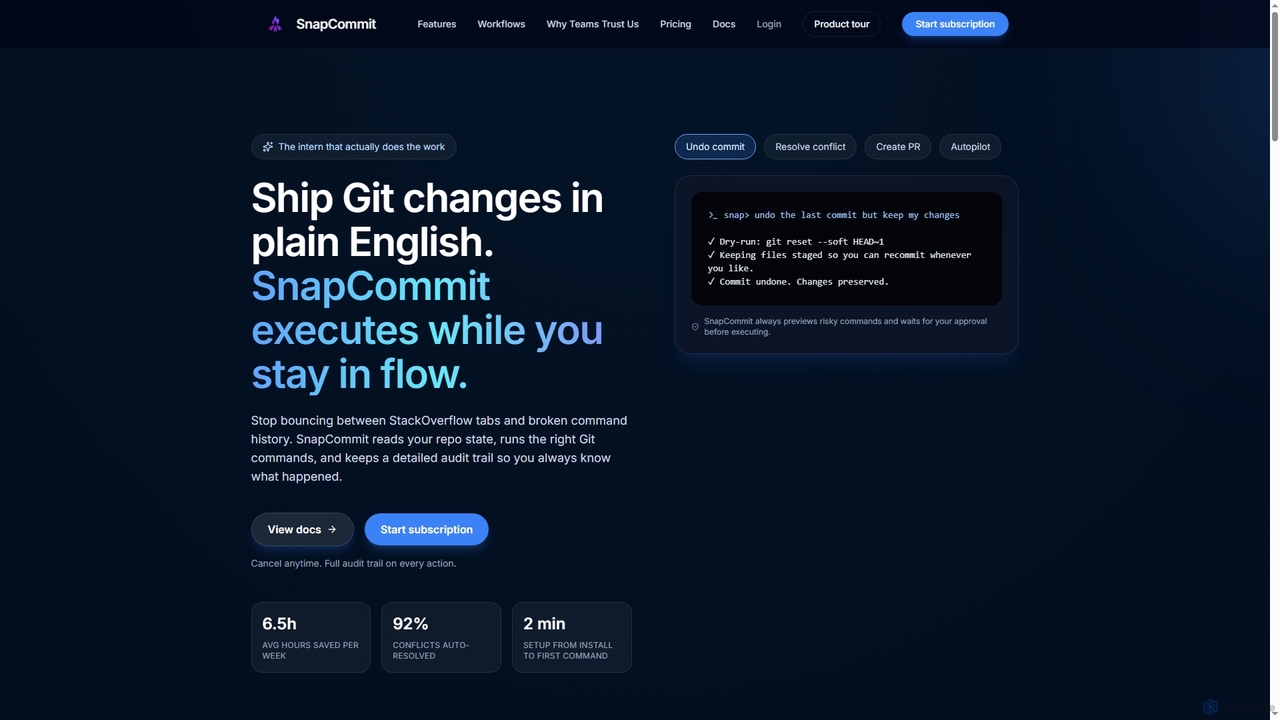
SnapCommit
SnapCommit is an AI-powered terminal Git assistant that allows developers to manage Git operations using plain English commands. It automates complex workflows like committing, resolving conflicts, and creating pull requests, enhancing productivity and ensuring code integrity with dry-run previews and a detailed audit trail.
Code Assistant
Bitbucket Comments (0)
Sign in to comment.
Sign inNo comments yet.