
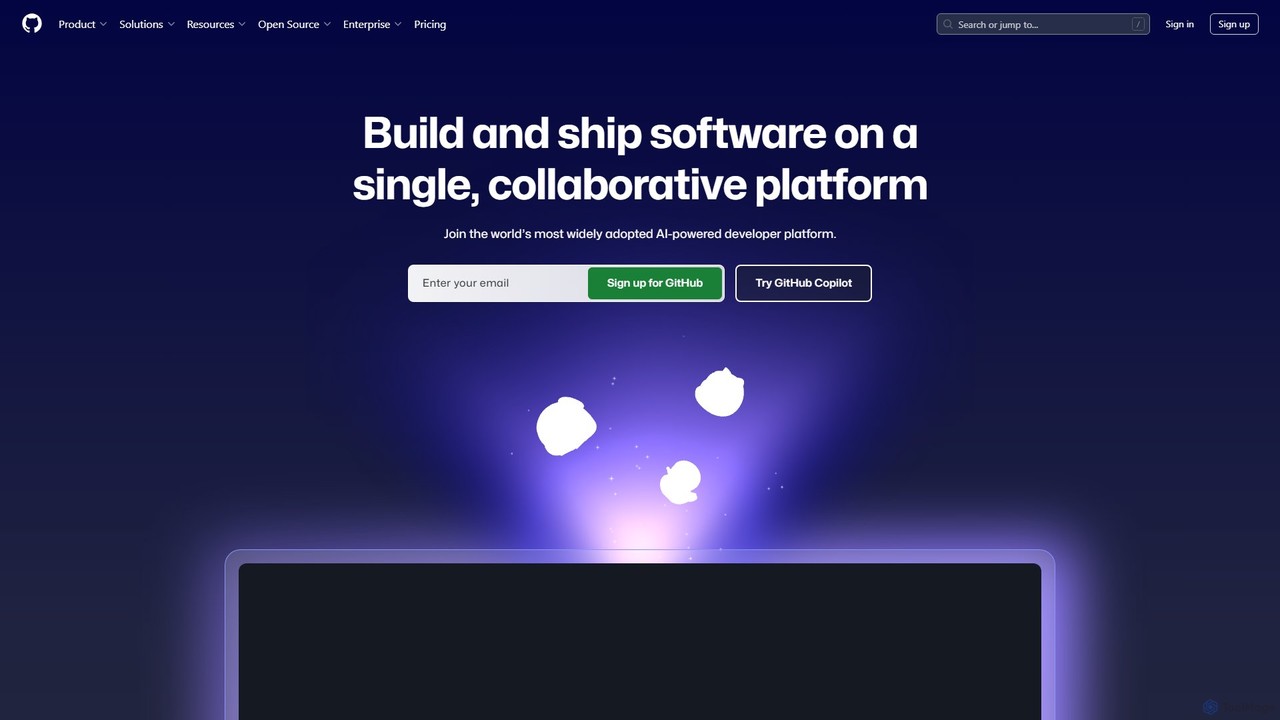
GitHub Overview
GitHub stands as the central hub for the global software development community, offering a comprehensive, AI-powered platform designed to streamline every phase of the development lifecycle. It is fundamentally built on Git, the distributed version control system, allowing millions of developers and companies to host and review code, manage projects, and build software together. With the integration of powerful AI through GitHub Copilot, the platform has evolved from a code repository into an intelligent partner that actively assists in writing, securing, and deploying code.
The platform is designed for collaboration at its core. Whether you are part of a large enterprise, a small startup, or an open-source project, GitHub provides the tools necessary for seamless teamwork. It facilitates everything from initial planning and coding to automated testing and secure deployment, making it the single source of truth for development projects. Millions of repositories, including those for the world's most critical open-source software, call GitHub home, creating a vibrant ecosystem for learning, sharing, and innovation.
How to use GitHub
Getting started with GitHub involves a straightforward workflow that scales with project complexity:
- Create a Repository: Begin by creating a new repository (repo) to house your project's files, code, and revision history. You can also fork an existing repository to contribute to another project.
- Write and Commit Code: Write code on your local machine or directly in the cloud with GitHub Codespaces. As you work, use GitHub Copilot for real-time code suggestions, function generation, and complex problem-solving via chat. Commit your changes with descriptive messages to track your progress.
- Push Changes: Push your committed changes from your local machine to the remote repository on GitHub to back them up and share them with collaborators.
- Collaborate with Pull Requests: When you're ready to merge your changes, open a Pull Request. This initiates a discussion and code review process, allowing teammates to comment, suggest improvements, and approve the changes before they are merged into the main codebase.
- Automate with GitHub Actions: Implement Continuous Integration and Continuous Deployment (CI/CD) by creating workflows with GitHub Actions. Automate builds, run tests, and deploy your application to any cloud environment upon a push or pull request.
- Manage and Secure: Use GitHub Issues to track bugs and feature requests, and GitHub Projects for high-level planning. Leverage GitHub Advanced Security to automatically scan for vulnerabilities, detect leaked secrets, and use Copilot Autofix to remediate issues quickly.
Core Features of GitHub
- GitHub Copilot: An AI pair programmer that offers intelligent code completions, translates natural language prompts into code, provides in-editor chat, and helps refactor and debug code, boosting productivity by over 55%.
- Version Control and Code Hosting: Secure, reliable, and scalable Git-based hosting for unlimited public and private repositories.
- GitHub Actions: A powerful workflow automation engine to build, test, and deploy code directly from GitHub with CI/CD.
- GitHub Advanced Security: A suite of security tools including code scanning (CodeQL), secret scanning, dependency review, and AI-powered autofixes to secure the software supply chain.
- GitHub Codespaces: Instant, cloud-based development environments that can be spun up in seconds, pre-configured for any project.
- Collaboration Suite: Includes Pull Requests for code review, GitHub Issues for task management, GitHub Discussions for community conversations, and GitHub Projects for agile planning.
- GitHub Packages & Marketplace: A package registry for hosting software packages and a marketplace to discover and integrate thousands of third-party tools and apps, including Copilot Extensions.
- GitHub Mobile: A mobile application to manage projects, review code, and interact with GitHub Copilot from anywhere.
Use Cases for GitHub
GitHub is versatile and supports a wide range of development scenarios:
- Enterprise Software Development: Companies like Mercedes-Benz and Figma use GitHub to standardize their development processes, enhance security, and facilitate collaboration across global teams.
- Open Source Projects: It is the de facto platform for the open-source community, hosting millions of projects and enabling worldwide collaboration.
- DevOps and CI/CD: Teams implement robust automation pipelines using GitHub Actions to accelerate their release cycles and improve software quality.
- AI-Accelerated Development: Organizations like Duolingo leverage GitHub Copilot to significantly increase developer speed and efficiency, allowing them to build features faster.
- Security-First Development (DevSecOps): Integrating GitHub Advanced Security into workflows allows teams to shift security left, finding and fixing vulnerabilities early in the development process.
Advantages of GitHub
The key advantages of using GitHub include:
- Unified Platform: It brings together version control, collaboration, project management, CI/CD, and security into a single, integrated experience.
- AI-Driven Productivity: GitHub Copilot acts as a force multiplier for developers, reducing menial tasks and solving complex problems faster.
- Robust Security: Proactive and automated security features help prevent vulnerabilities and protect against supply chain attacks.
- Scalability and Reliability: Trusted by millions, from individual hobbyists to the world's largest corporations, with proven scalability and uptime.
- Vibrant Ecosystem: Access to a massive global community, extensive integrations, and the heart of the open-source world.
Pricing and Plans
GitHub offers a tiered pricing model to suit different needs:
- Free: Aimed at individuals and open-source projects. Includes unlimited public and private repositories, issue and project tracking, and a monthly quota of GitHub Actions and Packages storage.
- Team: A per-user, per-month plan designed for teams and businesses. It includes all Free features plus protected branches, code owners, and increased Actions and Packages quotas.
- Enterprise: A custom-priced plan for large organizations requiring advanced security, compliance, and administrative features. This plan includes GitHub Advanced Security, centralized management, and dedicated support.
- GitHub Copilot: Available as a separate subscription for individuals, businesses, and enterprises, unlocking the full suite of AI-powered development features.
Traffic
Latest traffic
Status
Monthly traffic trend
- 2025-9: 471.5M
- 2026-1: 542.6M
- 2026-2: 534.8M
- 2026-3: 634.3M
- 2026-4: 631.0M
- 2026-5: 636.1M
Geography
Top 5 countries / regions
- 🇺🇸United States36.1%
- 🇨🇳China23.0%
- 🇮🇳India17.4%
- 🇷🇺Russia15.8%
- 🇩🇪Germany7.7%
Traffic sources
| Source type | Percentage |
|---|---|
Direct | 82.1% |
Referral | 16.1% |
Email | 1.7% |
Top keywords
| Keyword | Cost per click |
|---|---|
| github | $1.34 |
| github copilot | $1.68 |
| hermes agent | $3.43 |
| zapret | $0.86 |
| запрет | $0.00 |
GitHub Alternatives
Bitbucket
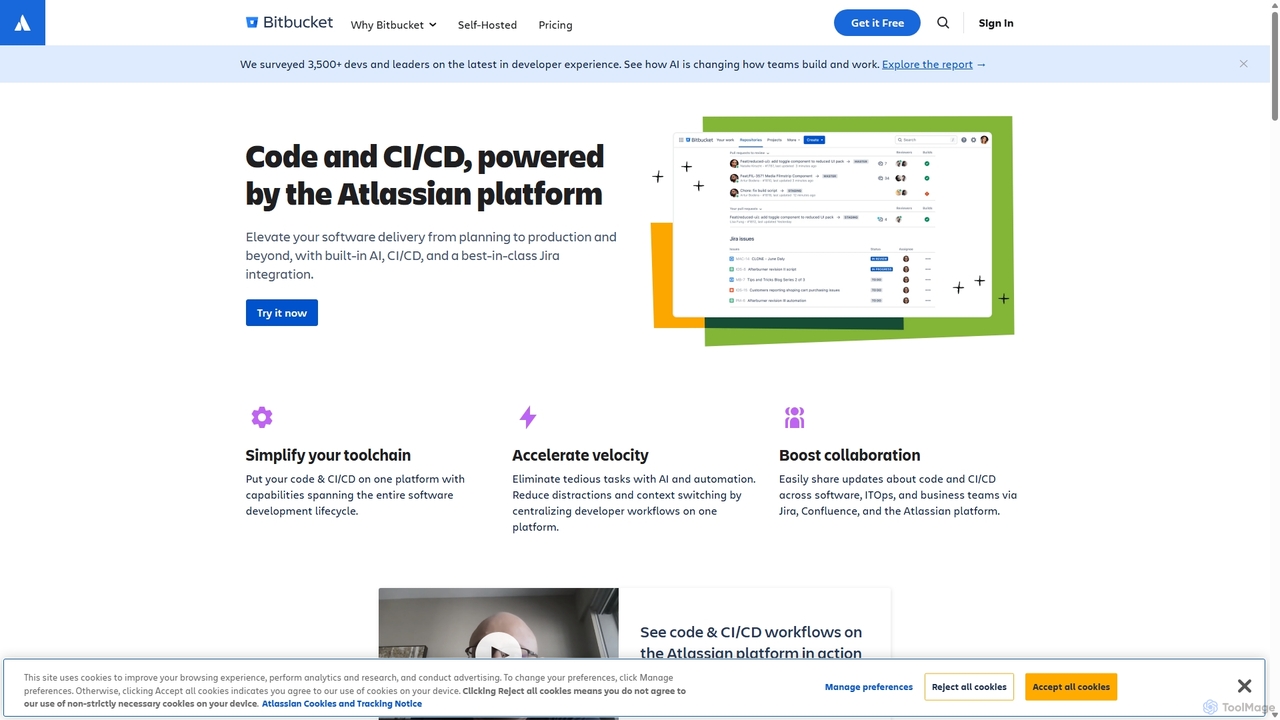
Bitbucket is a Git-based code hosting and collaboration platform for professional teams. It offers best-in-class Jira integration, built-in CI/CD (Pipelines), and AI-powered features to streamline the entire software development lifecycle, from planning to deployment and beyond.
Code Management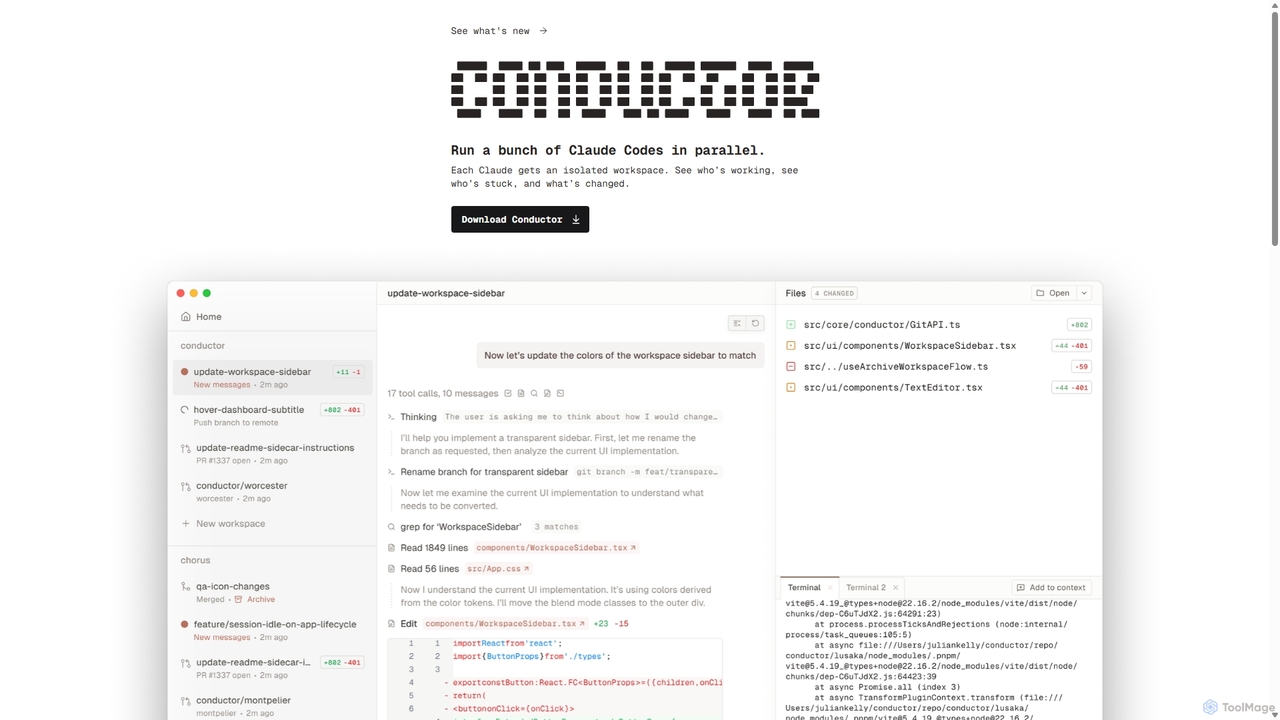
Conductor
A powerful Mac application for orchestrating multiple AI coding agents. Run parallel instances of Claude Code in isolated workspaces to accelerate software development, monitor progress, and review code through a beautiful, intuitive UI.
Code Assistant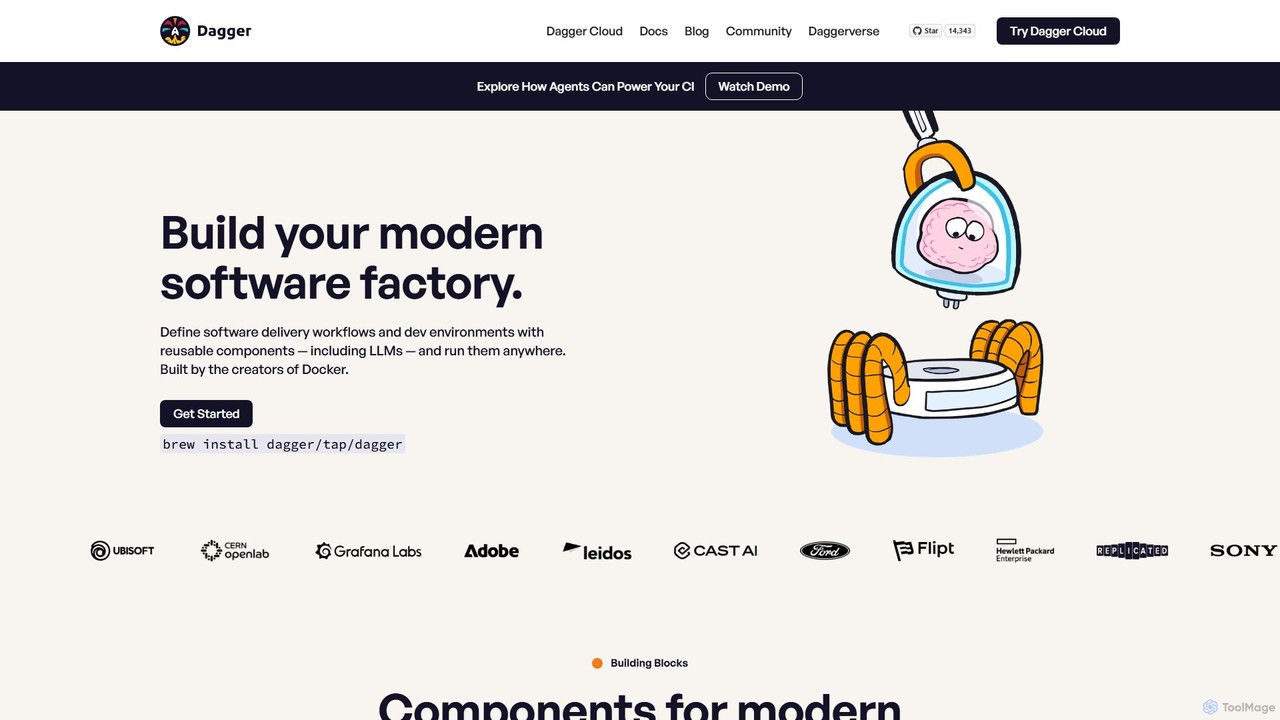
Dagger.io
Dagger.io is a programmable CI/CD engine that allows developers to build powerful automation pipelines as code in languages like Go, Python, and TypeScript. It leverages containers to ensure workflows are portable, reproducible, and run consistently everywhere. Dagger also provides a secure environment for integrating LLMs and AI agents into your software development lifecycle.
Ci Cd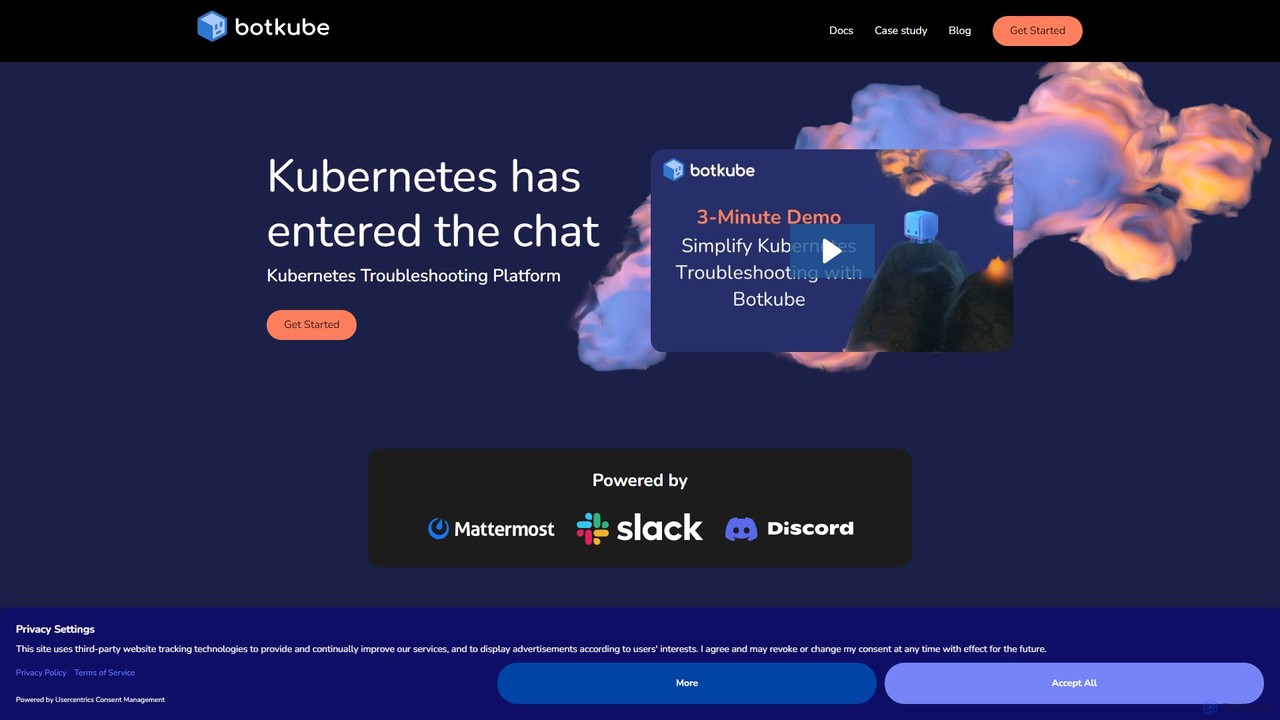
Botkube
Botkube is an open-source, collaborative AI assistant for Kubernetes. It integrates directly into your chat platforms like Slack and Microsoft Teams, centralizing real-time monitoring, alerting, and troubleshooting. It empowers developers to manage their applications independently and streamlines DevOps workflows by bringing K8s management into your daily communication tools.
Devops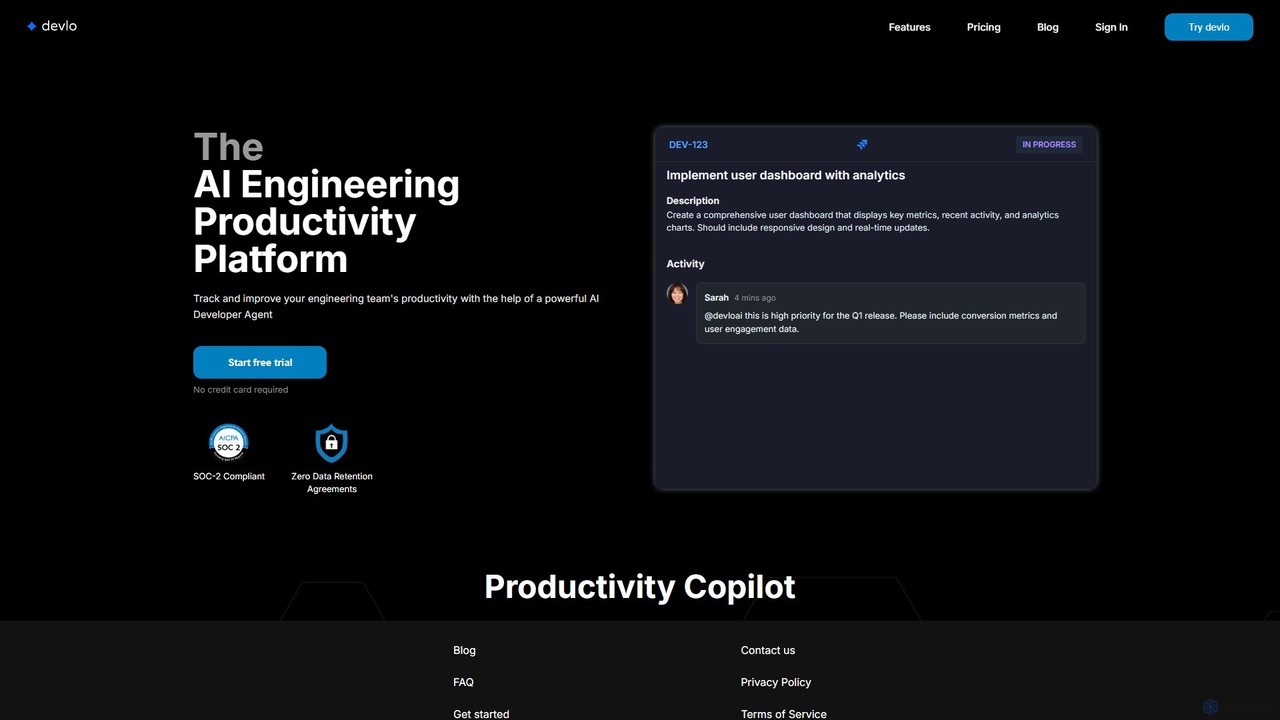
devlo
devlo is an AI Engineering Productivity Platform designed to supercharge software development teams. It features an advanced AI Developer Agent that automates coding tasks, performs intelligent code reviews, and provides deep, actionable insights into team performance, helping to accelerate delivery and improve code quality.
Code AssistantGitHub Categories
GitHub Embed Widget
Copy this embed code to place the badge on your blog, article, or product site and send readers directly to this ToolMage detail page.

Related AI tools
GitLab
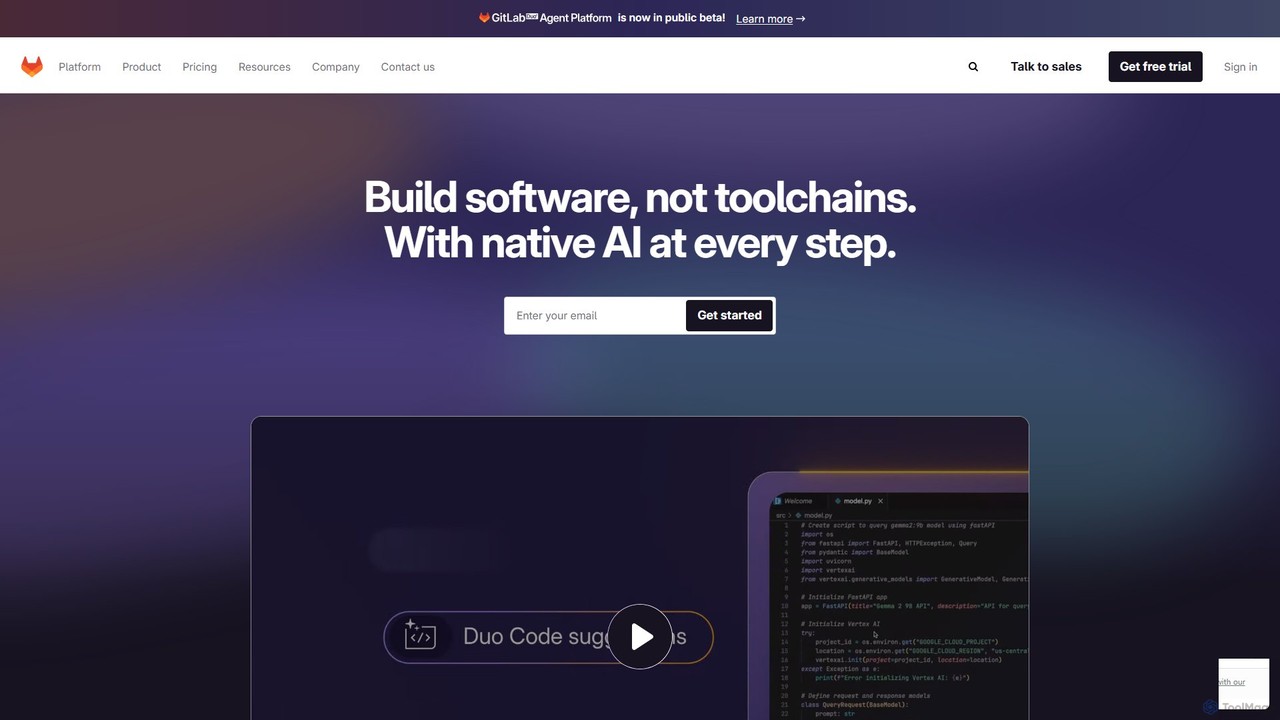
GitLab is a comprehensive, AI-powered DevSecOps platform that unifies the entire software development lifecycle into a single application. It provides source code management, CI/CD, security scanning, and project management, enhanced by GitLab Duo, its suite of AI capabilities, to accelerate software delivery and improve developer productivity.
Code AssistantBitbucket
Bitbucket is a Git-based code hosting and collaboration platform for professional teams. It offers best-in-class Jira integration, built-in CI/CD (Pipelines), and AI-powered features to streamline the entire software development lifecycle, from planning to deployment and beyond.
Code Management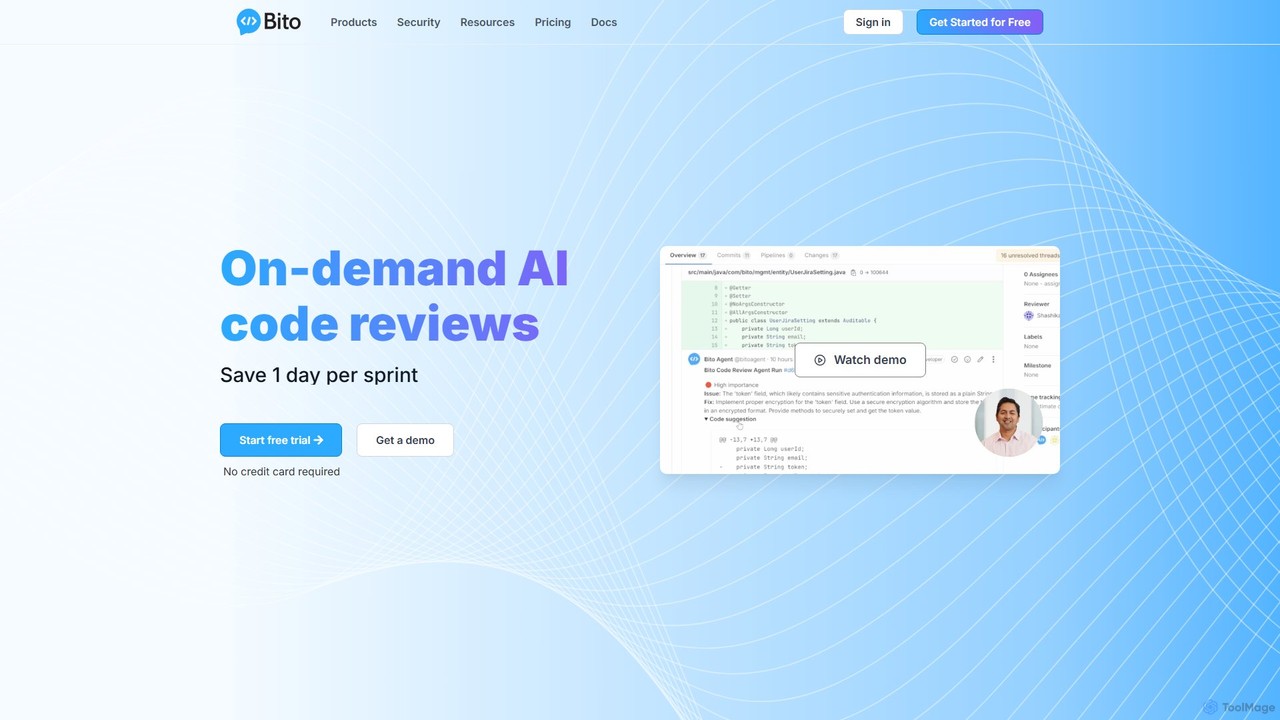
Bito
Bito is an AI-powered code review assistant that integrates directly into your IDE and Git provider. It helps development teams accelerate their workflow, improve code quality, and reduce regressions by providing on-demand, context-aware feedback and suggestions. Bito is designed to save time, upskill junior engineers, and ensure enterprise-grade security.
Code Quality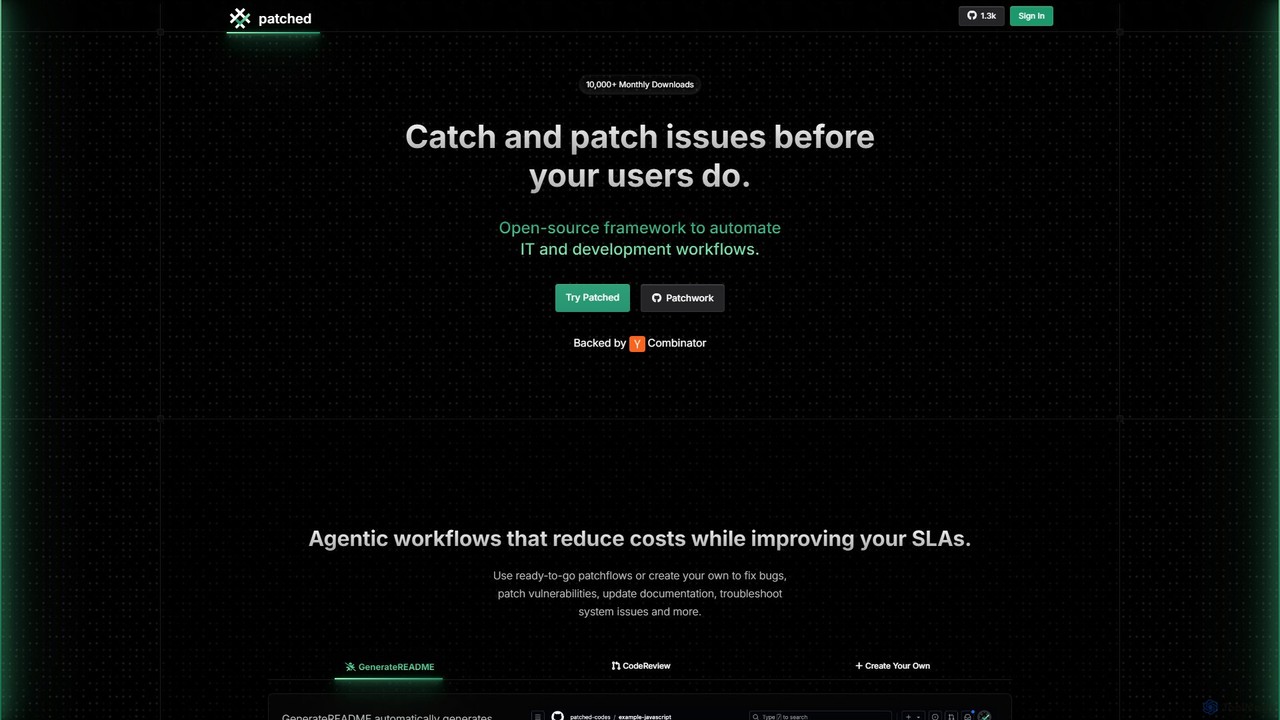
Patched
Patched is an open-source framework designed to automate IT and development workflows. It leverages AI to proactively catch and fix issues like bugs and vulnerabilities before they impact users. The platform allows for creating custom, agentic workflows to streamline tasks such as code review, documentation generation, and dependency updates.
Code Assistant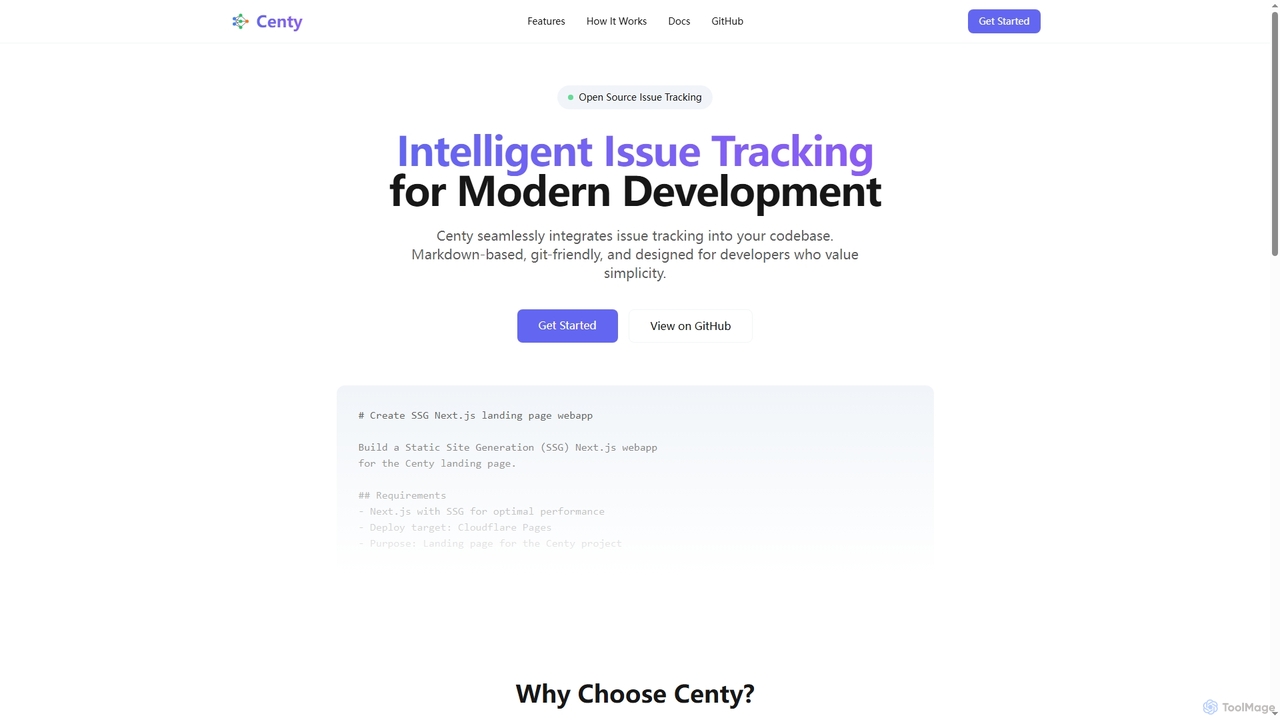
Conductor
A powerful Mac application for orchestrating multiple AI coding agents. Run parallel instances of Claude Code in isolated workspaces to accelerate software development, monitor progress, and review code through a beautiful, intuitive UI.
Code Assistant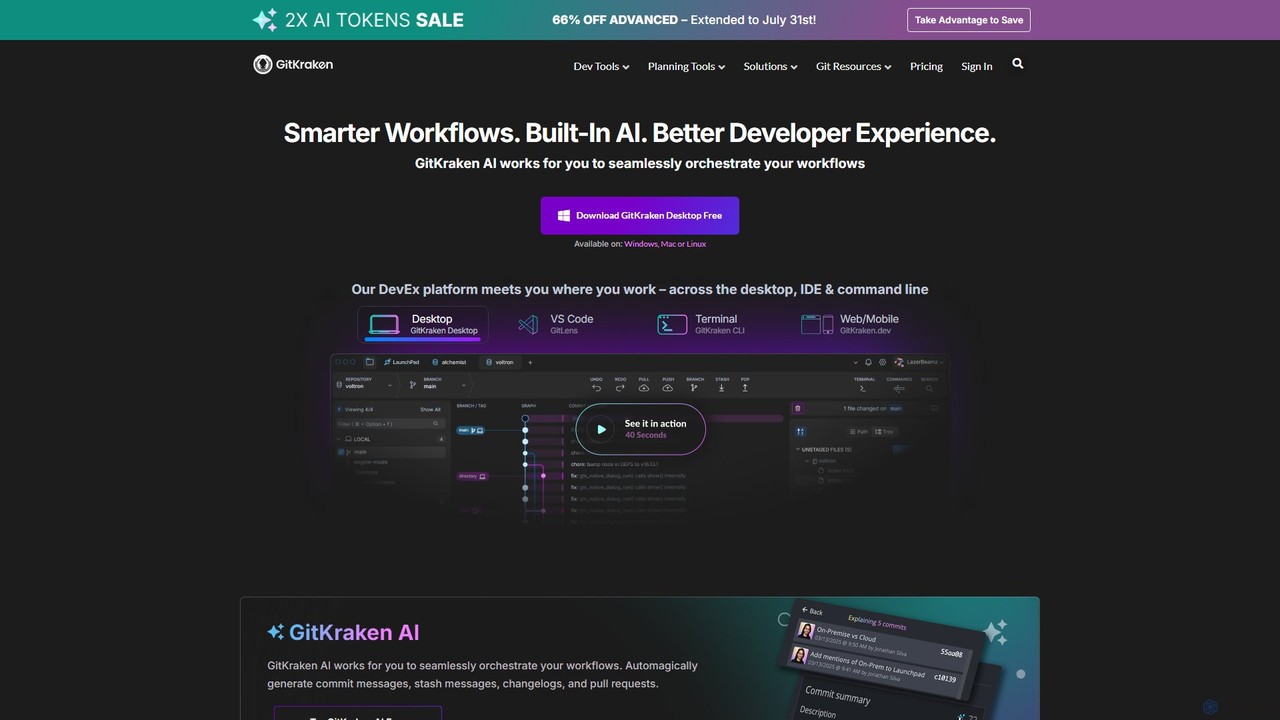
GitKraken
GitKraken is a legendary suite of Git tools designed to enhance the developer experience. Featuring a visual Git GUI, a powerful CLI, and IDE integrations, it leverages built-in AI to automate tasks like generating commit messages and pull requests. It streamlines workflows, improves team collaboration, and provides powerful visualization for complex repositories.
Version Control
Aider
Aider is an AI-powered pair programmer that operates directly in your terminal. It intelligently maps your entire codebase, providing full project context for complex tasks. Seamlessly integrated with Git, it automates commits and allows you to manage AI-driven changes with familiar tools. Aider supports over 100 programming languages, connects to leading cloud and local LLMs, and even accepts voice and image inputs, making it a versatile and powerful assistant for any developer seeking to accelerate their workflow and improve code quality.
Programming
GitButler
GitButler is a next-generation version control client that allows developers to organize their work into multiple virtual branches simultaneously. It automates the process of managing changes, enabling parallel work on different features and bug fixes without the overhead of traditional Git branches, streamlining the entire development workflow.
Code Assistant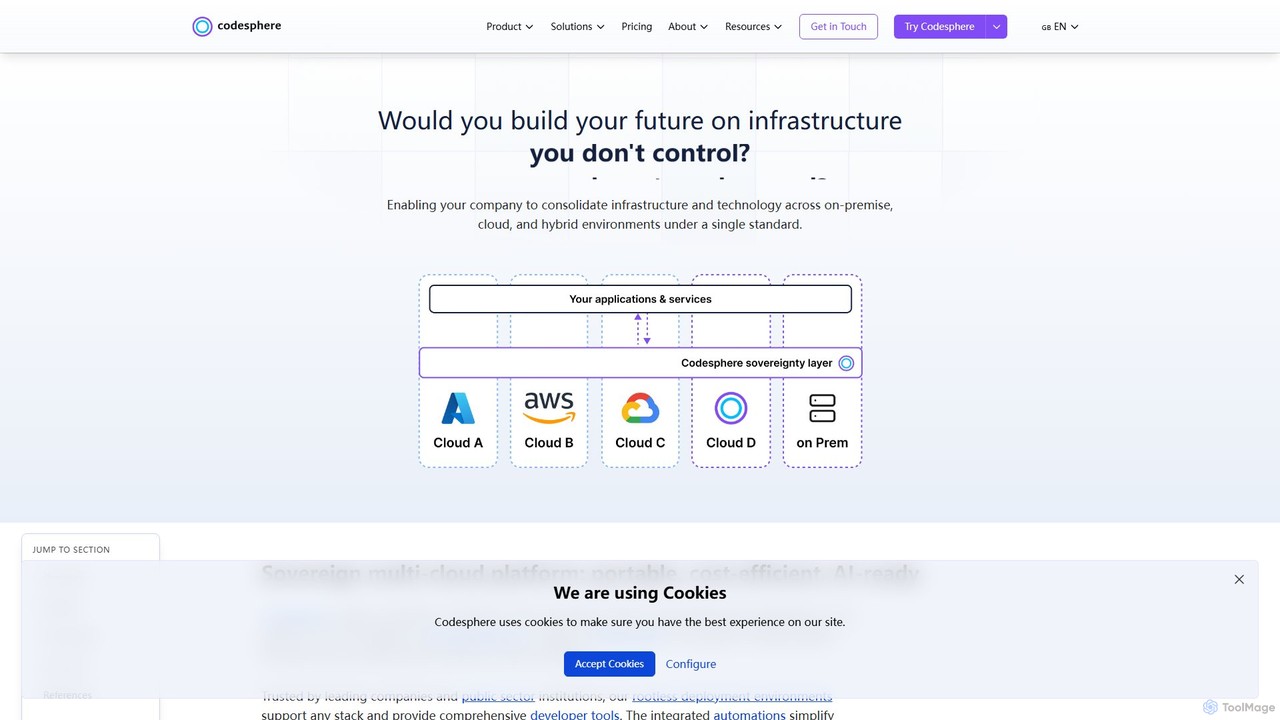
Codesphere
Codesphere is an all-in-one cloud IDE and DevOps platform that unifies development, deployment, and management. It offers a sovereign, multi-cloud solution designed to accelerate go-to-market, reduce costs, and simplify complex infrastructure without needing Kubernetes expertise. It's AI-ready and built for enterprise-grade security and scalability.
Cloud Ide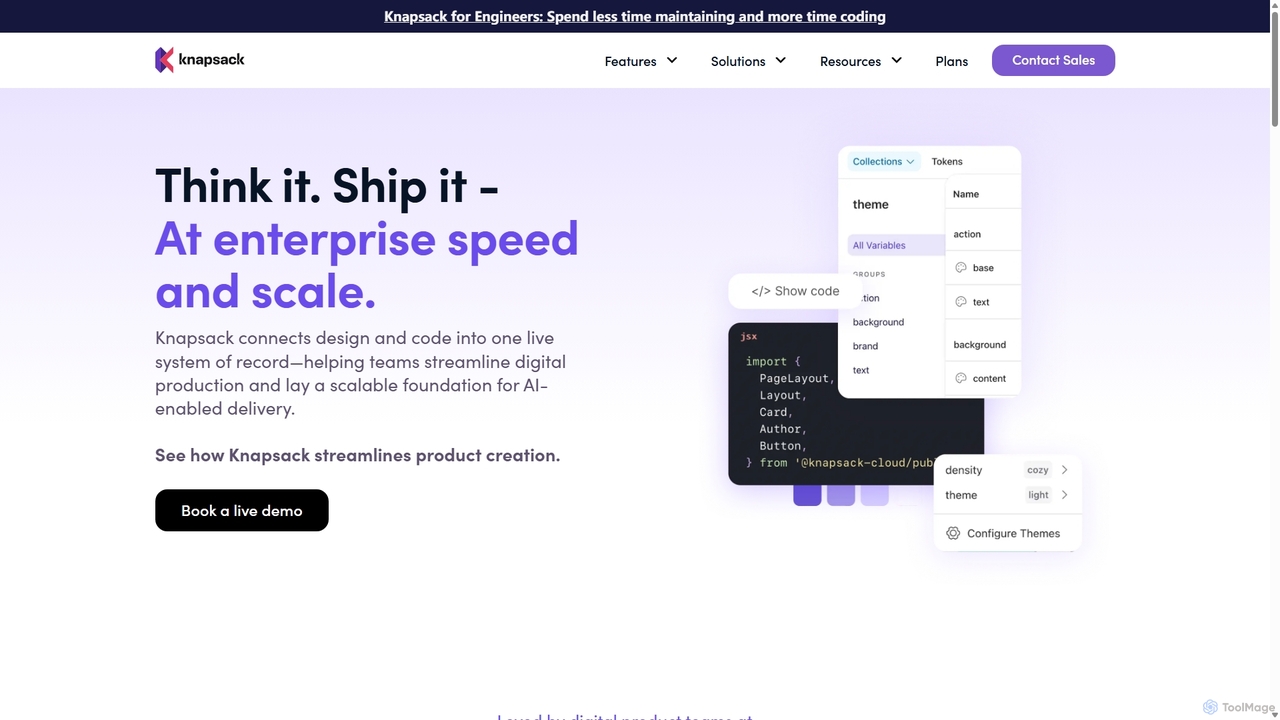
Knapsack
Knapsack is an enterprise-grade digital production platform that connects design, code, and documentation into a unified, AI-ready system of record. It streamlines workflows, accelerates product delivery, and ensures brand consistency at scale by creating a single source of truth for reusable components and design tokens.
Prototyping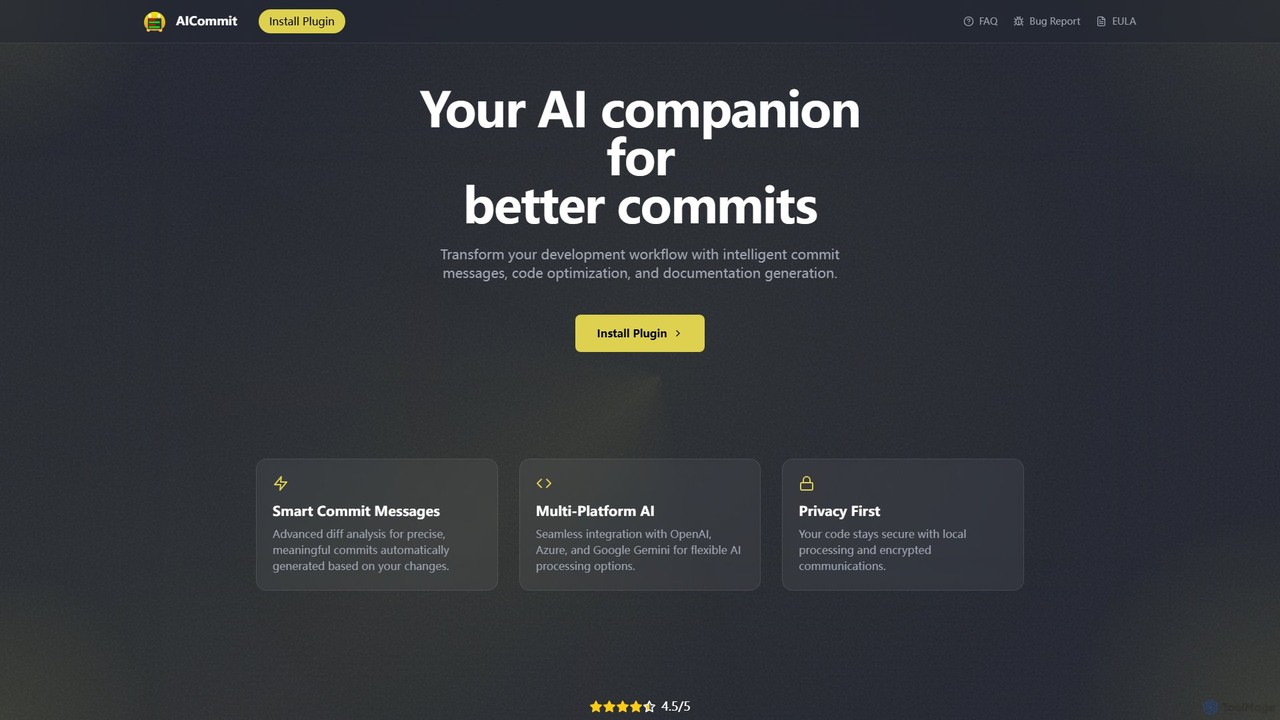
AICommit
AICommit is an intelligent IDE plugin that transforms your development workflow by automatically generating precise and meaningful Git commit messages. It analyzes your code changes and uses AI models from OpenAI, Azure, or Google Gemini to create high-quality commits, saving you time and improving repository clarity.
Version Control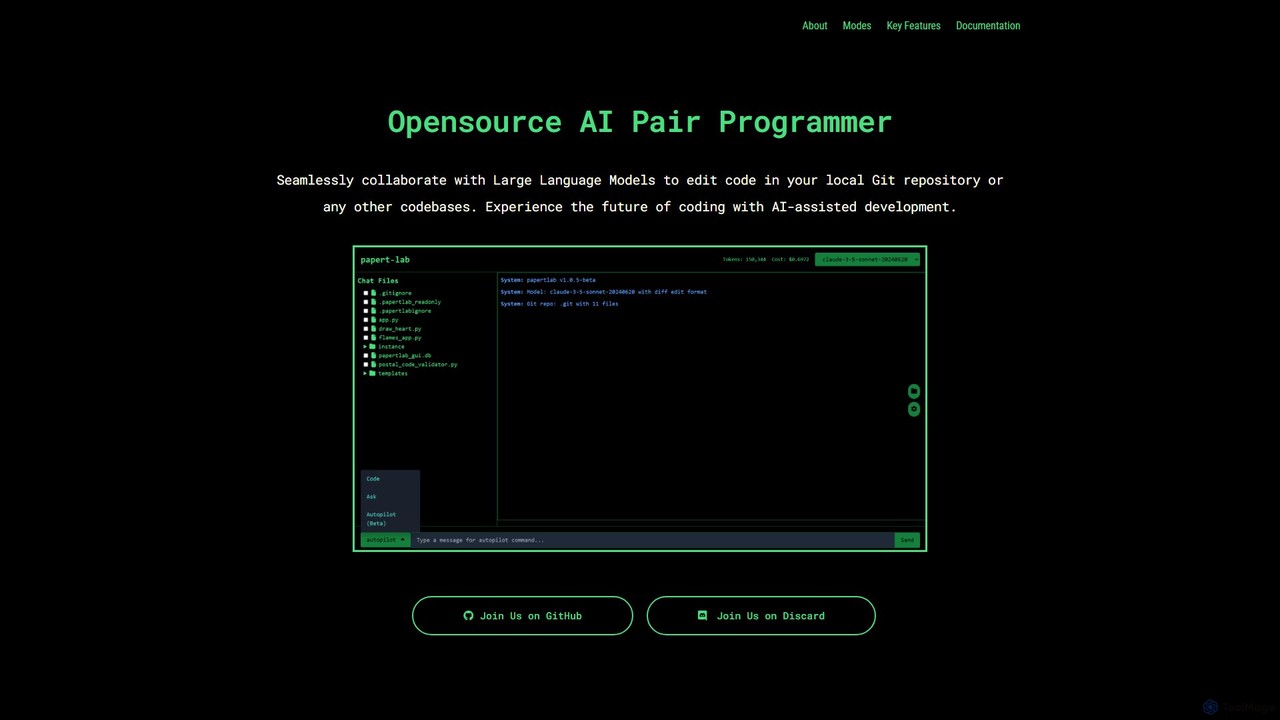
papert
papert is an open-source AI pair programmer that integrates with your local Git repository. It allows developers to collaborate with LLMs like GPT-4o and Claude 3.5 Sonnet to ask questions, edit code across multiple files, refactor, debug, and automate routine coding tasks.
Debugging
GiteAI
GiteAI is an AI-powered tool designed for developers to automate and enhance Git commit messages. It analyzes code changes to generate detailed, standardized commits, saving time and improving repository consistency, allowing you to focus more on coding.
Code Assistant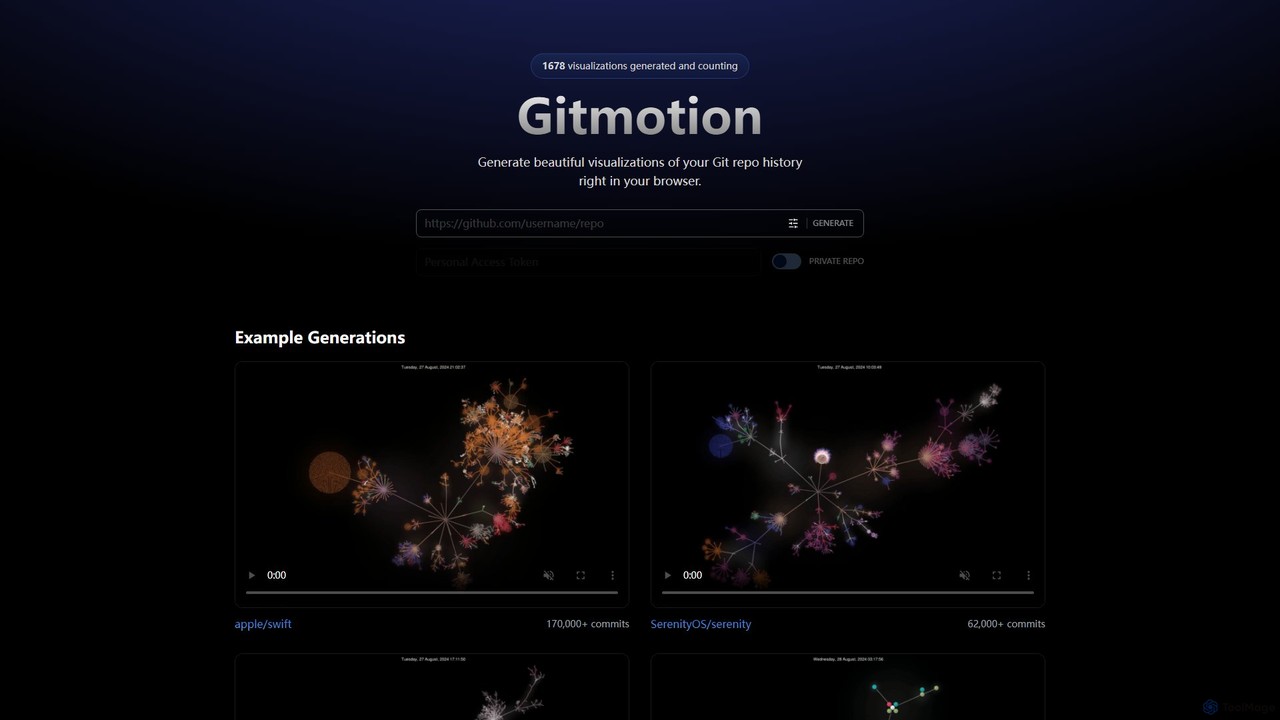
Gitmotion
Gitmotion is a web-based tool that generates beautiful, animated visualizations of your Git repository history. It transforms complex commit logs into dynamic and easy-to-understand videos or images, perfect for project analysis, presentations, and team onboarding. It supports both public and private repositories, offering a simple way to see the evolution of your code.
Data Visualization
GitHub Comments (0)
Sign in to comment.
Sign inNo comments yet.