


GiteAI Overview
GiteAI is a revolutionary tool designed by developers, for developers, to streamline the version control workflow. It addresses a common yet time-consuming task: writing clear, consistent, and informative commit messages. By leveraging artificial intelligence, GiteAI analyzes your code changes (the 'git diff') and automatically generates perfect commit messages that adhere to your preferred standards, such as Conventional Commits. This automation frees up valuable mental energy and time, allowing developers to concentrate on what truly matters—building great software.
The platform is built on the principles of efficiency, consistency, and productivity. It not only automates message generation but also provides a suite of features to maintain a high-quality, easily navigable project history. Whether you're an individual developer working on a personal project, a freelancer aiming for professional code delivery, or part of a team that needs to enforce coding standards, GiteAI acts as your intelligent assistant, ensuring every commit enhances the clarity and maintainability of your codebase.
How to use GiteAI
Getting started with GiteAI is a straightforward process designed for a quick setup:
- Create an Account: Sign up for a free account on the GiteAI website to get started.
- Installation: Follow the quick start guide in the documentation to install the GiteAI interactive Command Line Interface (CLI) tool in your development environment.
- Configuration: Link the CLI to your GiteAI account. Customize your preferences, such as the commit message language (e.g., English), the use of git emojis, adherence to a specific standard like Conventional Commits, and whether to use scope in messages.
- Generate Commits: After making your code changes, simply run the GiteAI command in your terminal. The tool will analyze the staged changes and propose a detailed commit message. You can review, edit if necessary, and confirm to commit.
- Integration: GiteAI seamlessly integrates with any Git repository, making it a non-intrusive addition to your existing workflow.
Core Features of GiteAI
- Effortless AI Commit Generation: The core of GiteAI. It uses AI to analyze code modifications and automatically crafts descriptive and accurate commit messages.
- Customization and Standardization: Tailor commit message patterns to your personal or team's needs. Enforce standards like Conventional Commits, include git emojis, and set the output language.
- Interactive CLI: A user-friendly command-line interface that makes generating commits an interactive and smooth experience.
- Insights & Statistics: Gain valuable insights into code quality, team productivity, and project history. Understand your development patterns better.
- Comprehensive History: Maintains a complete log of all generated commits and projects, allowing for efficient searching and a clear overview of development progress.
- Security Alerts (Coming Soon): A future feature that will scan for security vulnerabilities, leaked sensitive data, and suggest potential improvements within your commits.
Use Cases for GiteAI
GiteAI is versatile and benefits developers across different roles and team sizes:
- Individual Developers: Maintain a clean, professional, and easily searchable commit history for personal projects, making it easier to track changes and revisit past work.
- Freelancers: Deliver highly professional and well-documented code to clients. A clean commit history demonstrates quality and attention to detail.
- Development Teams: Enforce a unified commit message standard across the entire team. This improves collaboration, simplifies code reviews, and makes onboarding new members easier.
- Open Source Projects: Ensure all contributors adhere to the project's commit conventions, maintaining the quality and clarity of the project's history.
Advantages of GiteAI
The primary advantage of GiteAI is a significant boost in productivity. By automating a repetitive task, it saves developers countless hours over the lifespan of a project. This leads to improved focus on complex problem-solving and feature development. Furthermore, it enforces consistency, which is crucial for team collaboration and long-term project maintainability. A standardized, well-written commit log is an invaluable form of documentation that makes debugging, code archeology, and reviews far more efficient.
Pricing and Plans
GiteAI offers a flexible freemium model to suit various needs:
- Free Plan: Perfect for exploring the tool's capabilities. Includes up to 20 automatic commit generations. No credit card required.
- Basic Plan: Ideal for individual developers and those starting new projects. Includes up to 200 commits per month and email support.
- Professional Plan: Designed for freelancers and small teams. Includes everything in the Basic plan, plus up to 600 commits per month, access to advanced integrations, and 24/7 priority support.
- Custom Plan: For larger teams or enterprises with specific needs, GiteAI offers customized plans. Contact their sales team for a tailored solution.
Traffic
Latest traffic
Status
Monthly traffic trend
- 2025-8: 317
- 2025-9: 773
- 2026-2: 0
- 2026-3: 0
- 2026-4: 999
- 2026-5: 1.2K
Geography
Top 5 countries / regions
- 🇧🇷Brazil52.8%
- 🇹🇷Türkiye47.2%
GiteAI Alternatives
GitBrain
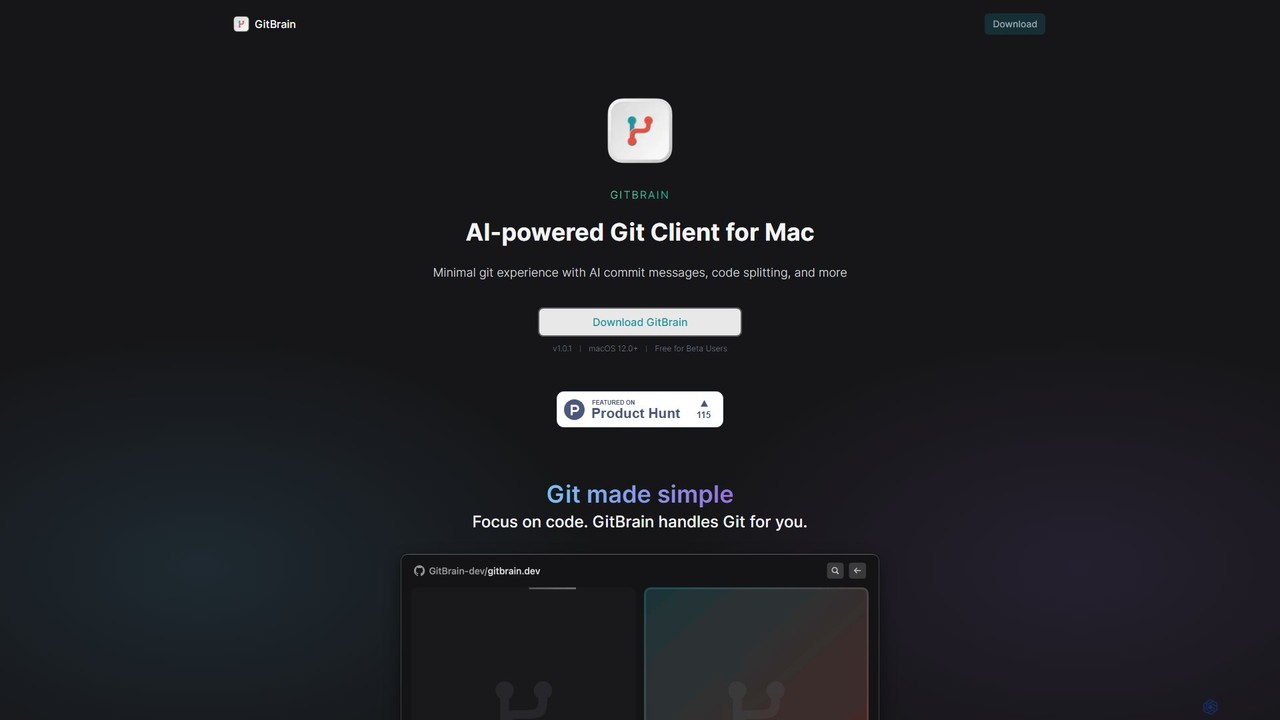
GitBrain is an AI-powered Git client for Mac designed to streamline your workflow. It automatically splits code changes into logical commits, generates clear commit messages, and provides AI-powered code summaries for self-review. With a native macOS interface, IDE integration, and a keyboard-first design, GitBrain simplifies Git management, allowing developers to focus on coding.
Code Assistant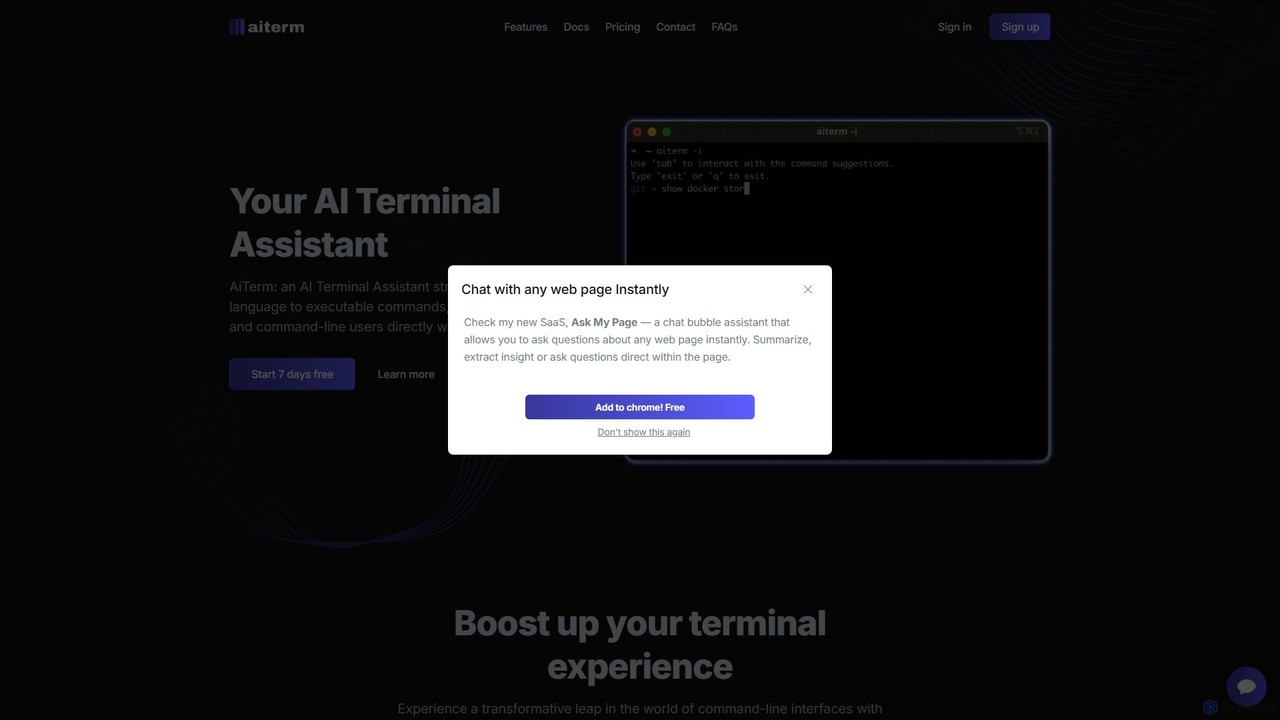
AiTerm
AiTerm is an AI-powered terminal assistant that translates natural language into executable shell commands. It streamlines workflows for developers and command-line users with features like IDE-style autocompletion, command suggestions, and workflow management, all directly within the terminal.
Code Assistant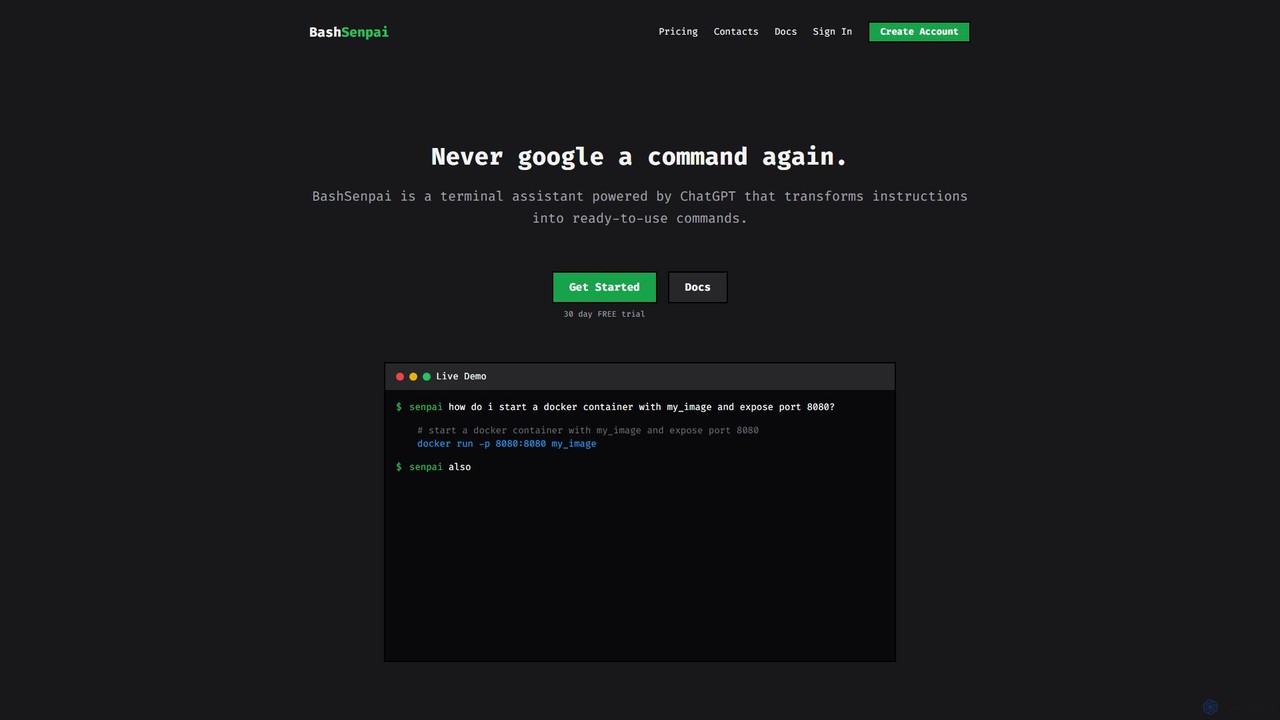
BashSenpai
BashSenpai is a ChatGPT-powered terminal assistant that transforms natural language instructions into ready-to-use shell commands. It operates directly within your terminal, providing context-aware, accurate commands for developers and system administrators, eliminating the need to search online.
Code Assistant
GitButler
GitButler is a next-generation version control client that allows developers to organize their work into multiple virtual branches simultaneously. It automates the process of managing changes, enabling parallel work on different features and bug fixes without the overhead of traditional Git branches, streamlining the entire development workflow.
Code Assistant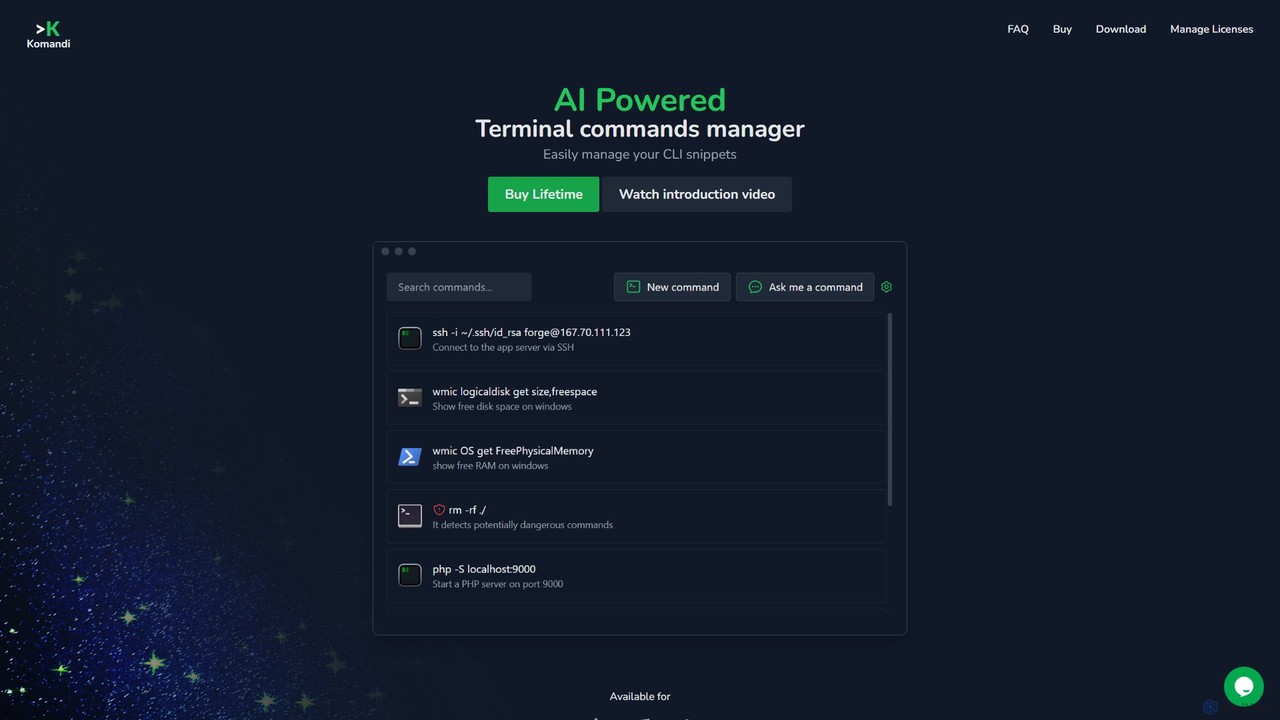
Komandi
Komandi is an AI-powered CLI/terminal command manager for developers and sysadmins. It simplifies command-line operations by allowing you to manage snippets, generate complex commands from natural language, and execute them safely. It supports macOS, Windows, and Linux, streamlining your workflow by organizing frequently used commands and detecting potentially dangerous ones before execution.
Code AssistantGiteAI Categories
GiteAI Embed Widget
Copy this embed code to place the badge on your blog, article, or product site and send readers directly to this ToolMage detail page.

Related AI tools
GitBrain
GitBrain is an AI-powered Git client for Mac designed to streamline your workflow. It automatically splits code changes into logical commits, generates clear commit messages, and provides AI-powered code summaries for self-review. With a native macOS interface, IDE integration, and a keyboard-first design, GitBrain simplifies Git management, allowing developers to focus on coding.
Code Assistant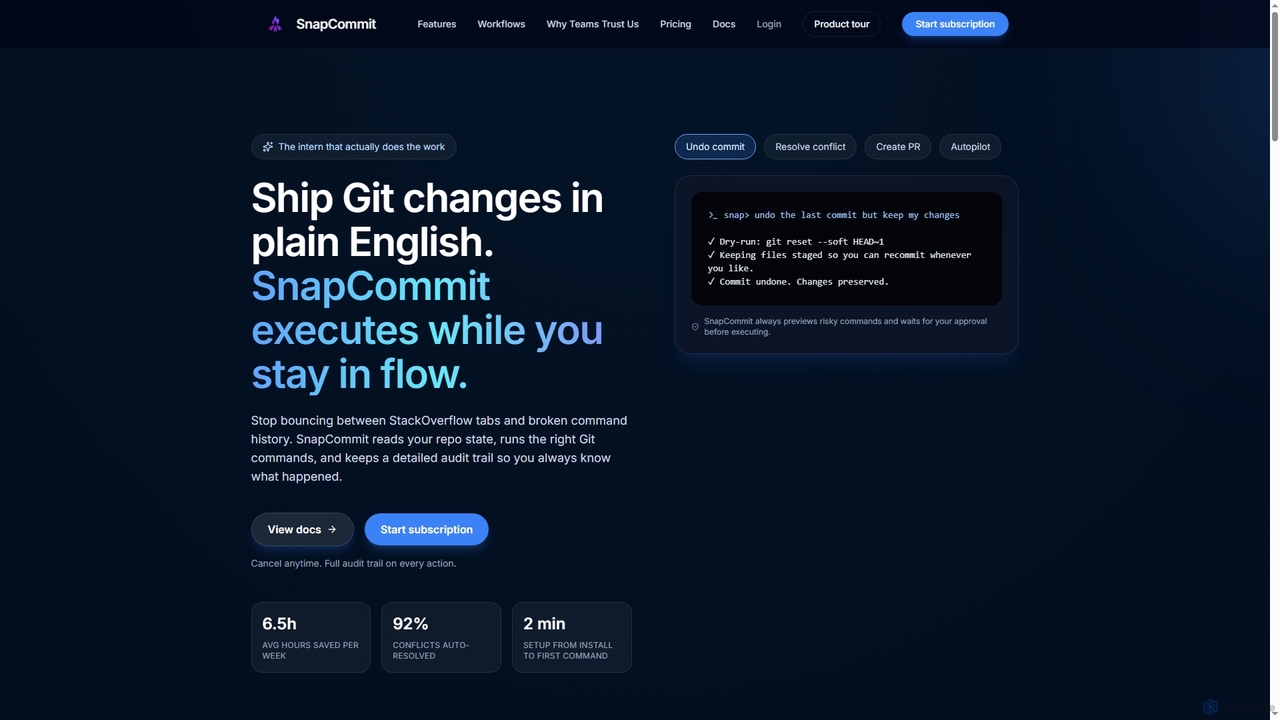
SnapCommit
SnapCommit is an AI-powered terminal Git assistant that allows developers to manage Git operations using plain English commands. It automates complex workflows like committing, resolving conflicts, and creating pull requests, enhancing productivity and ensuring code integrity with dry-run previews and a detailed audit trail.
Code Assistant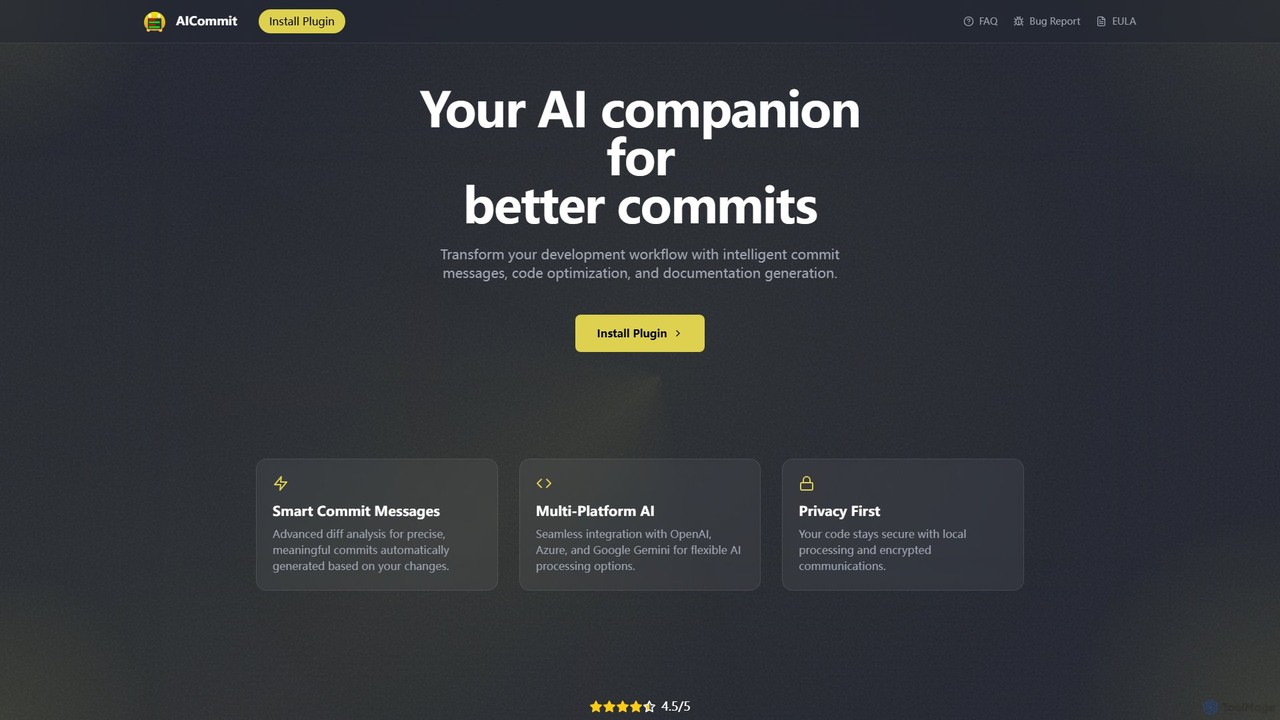
AICommit
AICommit is an intelligent IDE plugin that transforms your development workflow by automatically generating precise and meaningful Git commit messages. It analyzes your code changes and uses AI models from OpenAI, Azure, or Google Gemini to create high-quality commits, saving you time and improving repository clarity.
Version ControlAiTerm
AiTerm is an AI-powered terminal assistant that translates natural language into executable shell commands. It streamlines workflows for developers and command-line users with features like IDE-style autocompletion, command suggestions, and workflow management, all directly within the terminal.
Code AssistantBashSenpai
BashSenpai is a ChatGPT-powered terminal assistant that transforms natural language instructions into ready-to-use shell commands. It operates directly within your terminal, providing context-aware, accurate commands for developers and system administrators, eliminating the need to search online.
Code Assistant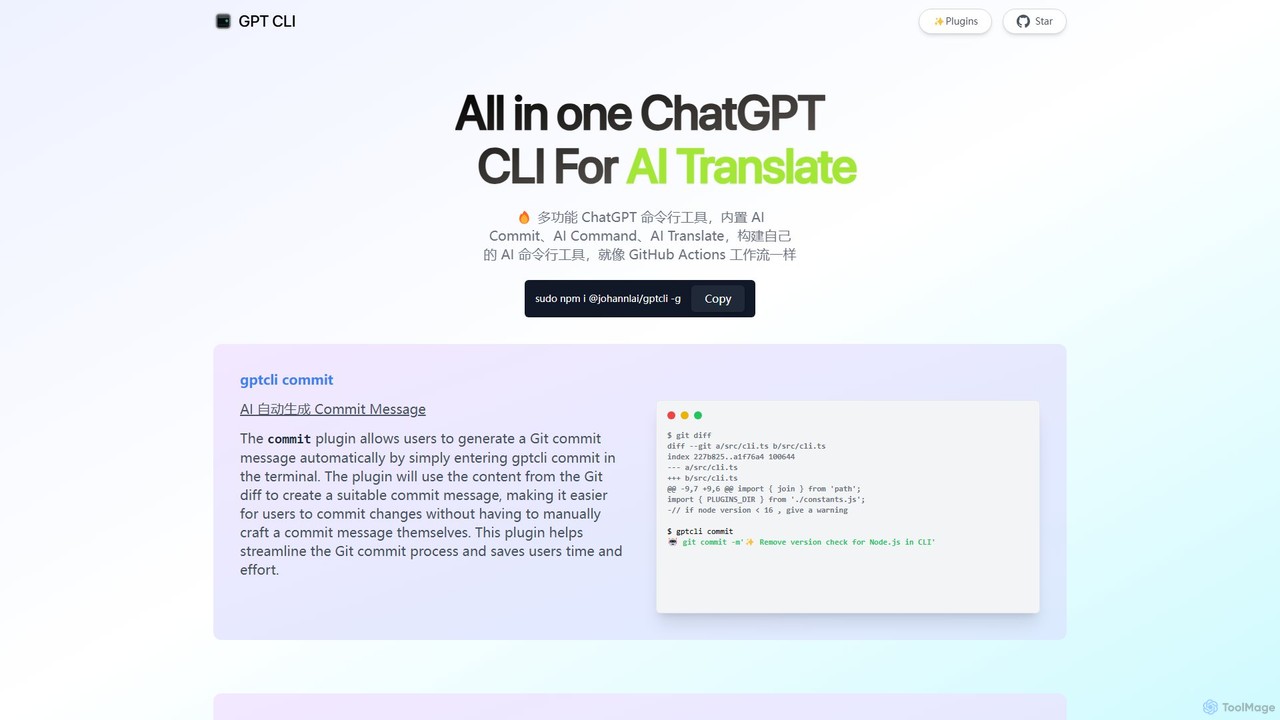
gptcli
gptcli is a versatile, open-source command-line tool that integrates ChatGPT directly into your terminal. It streamlines developer workflows with features like AI-powered Git commits, natural language to shell command translation, and in-terminal chat. With its extensible plugin system, you can build your own custom AI CLI tools, making it the ultimate productivity enhancer for anyone who works extensively with the command line.
Code Assistant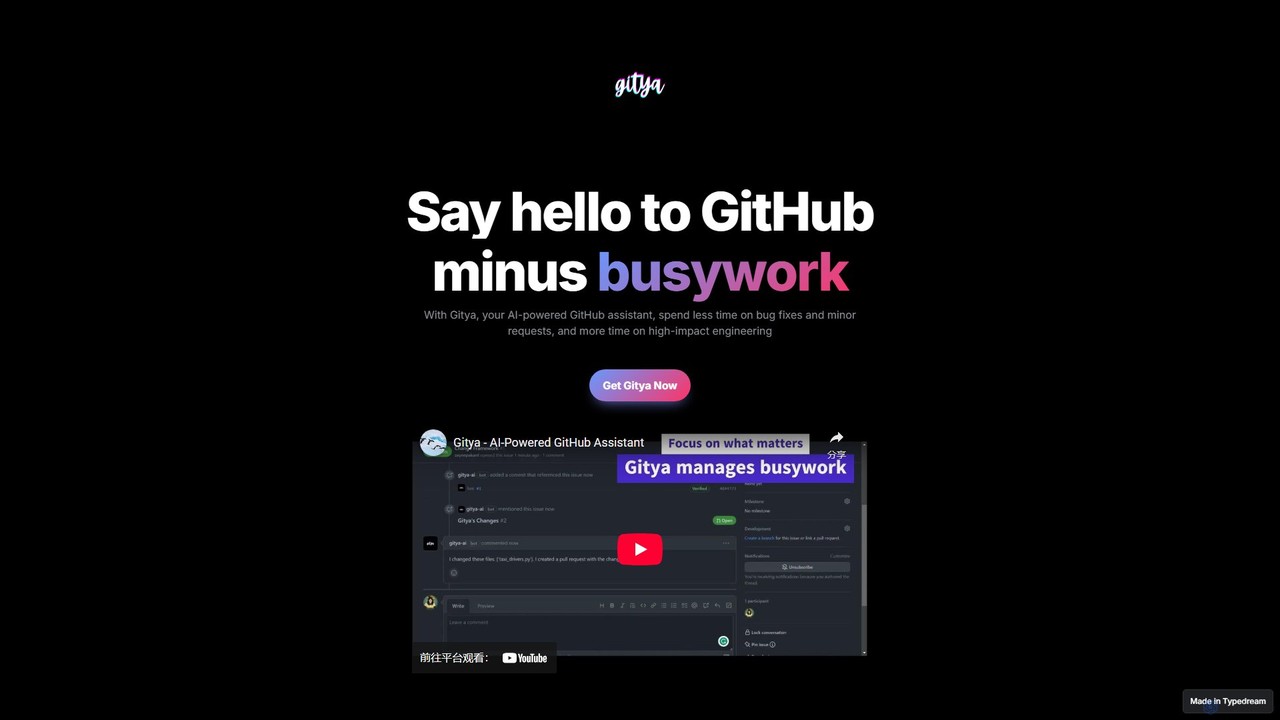
gitya
gitya is an AI-powered GitHub assistant designed to automate routine development tasks. It helps teams by handling minor bug fixes, managing pull requests with automated reviews, and resolving simple tickets, allowing developers to focus on high-impact engineering and innovation.
Version Control
Jyek
Jyek is an AI agent platform that understands objectives, creates execution plans, uses tools, and delivers verifiable results for complex, multi-step tasks.
Automation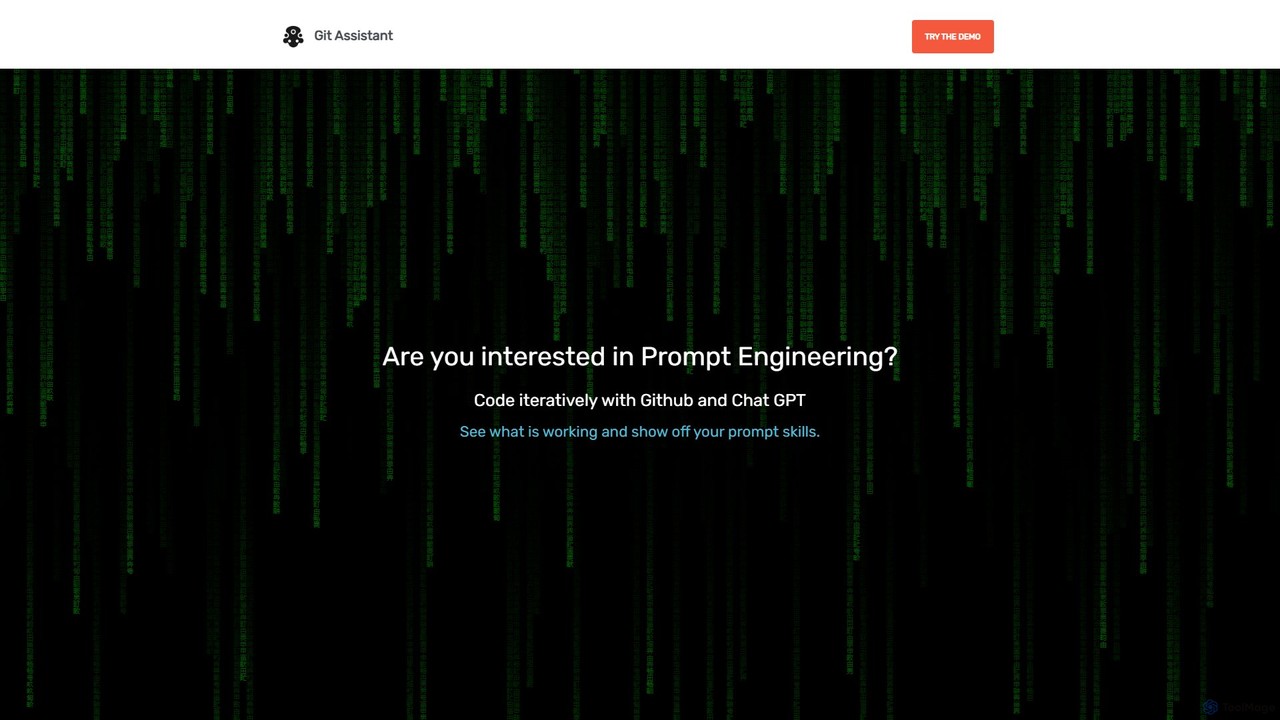
Git Assistant
Git Assistant is an AI-powered tool that integrates with GitHub and ChatGPT to streamline your coding workflow. It allows developers to use natural language prompts to generate, refactor, and iterate on code, and then automatically create pull requests. It's designed to boost productivity by automating repetitive tasks and simplifying version control.
Version ControlGitButler
GitButler is a next-generation version control client that allows developers to organize their work into multiple virtual branches simultaneously. It automates the process of managing changes, enabling parallel work on different features and bug fixes without the overhead of traditional Git branches, streamlining the entire development workflow.
Code AssistantKomandi
Komandi is an AI-powered CLI/terminal command manager for developers and sysadmins. It simplifies command-line operations by allowing you to manage snippets, generate complex commands from natural language, and execute them safely. It supports macOS, Windows, and Linux, streamlining your workflow by organizing frequently used commands and detecting potentially dangerous ones before execution.
Code Assistant
ShellMate
ShellMate is an open-source, AI-powered command-line productivity tool designed for developers and system administrators. Powered by OpenAI, it acts as your terminal's best friend, allowing you to use natural language to find commands, get predictive suggestions based on your history, and receive context-aware help without ever leaving your console. Simply use the `sm` shortcut to boost your command-line efficiency and reduce time spent searching for syntax.
Code Assistant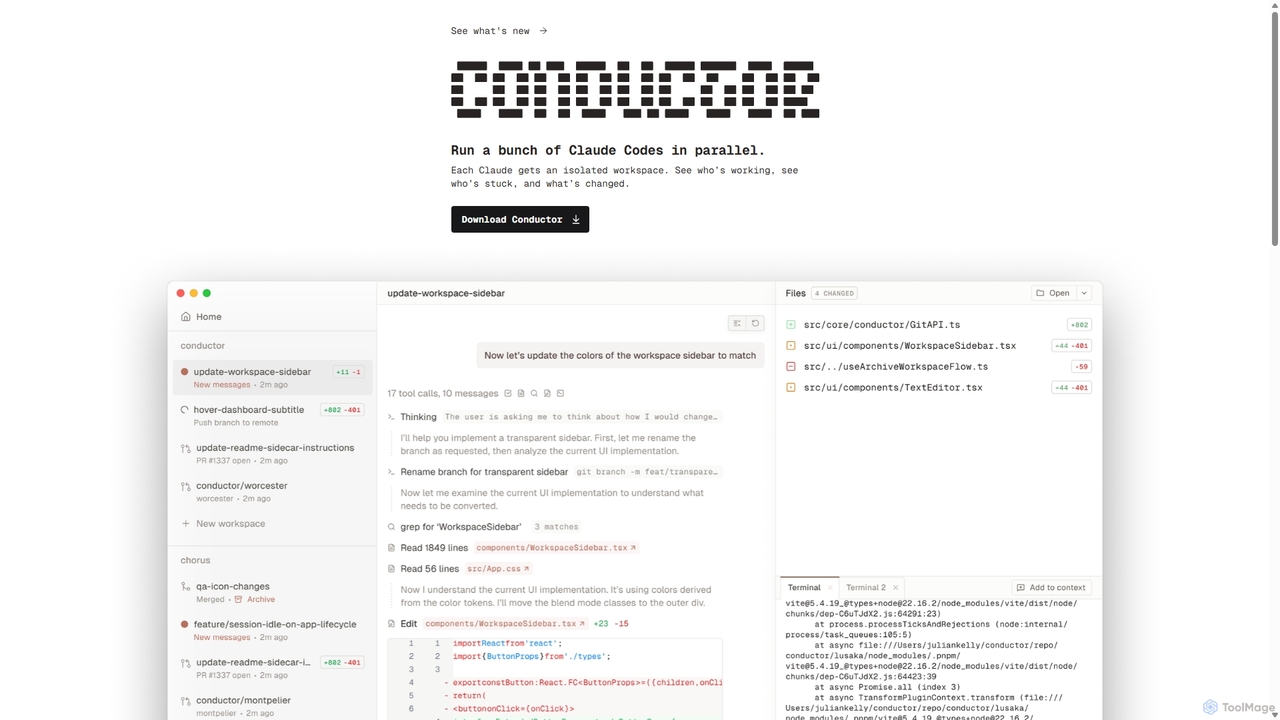
Conductor
A powerful Mac application for orchestrating multiple AI coding agents. Run parallel instances of Claude Code in isolated workspaces to accelerate software development, monitor progress, and review code through a beautiful, intuitive UI.
Code Assistant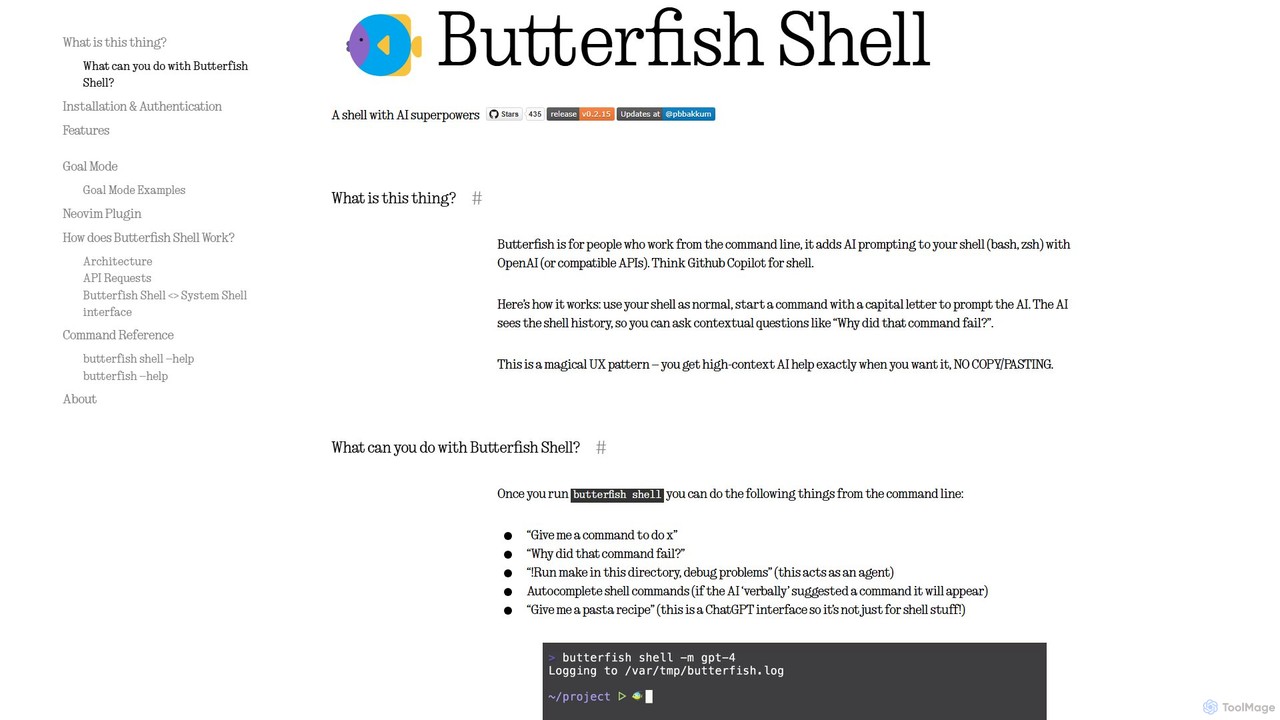
butterfish
butterfish is an open-source CLI tool that supercharges your shell (bash, zsh) with AI capabilities. Acting like GitHub Copilot for the command line, it allows you to generate commands, debug errors, and automate tasks using natural language prompts directly in your terminal. It maintains context from your shell history, providing highly relevant assistance and boosting productivity for developers and sysadmins.
Code Assistant
Branch name generator
An AI-powered tool that integrates with Jira to automatically generate consistent and descriptive Git branch names. It analyzes Jira task data to streamline developer workflows, enforce naming conventions, and improve repository clarity.
Version Control
GiteAI Comments (0)
Sign in to comment.
Sign inNo comments yet.