

SnapCommit Overview
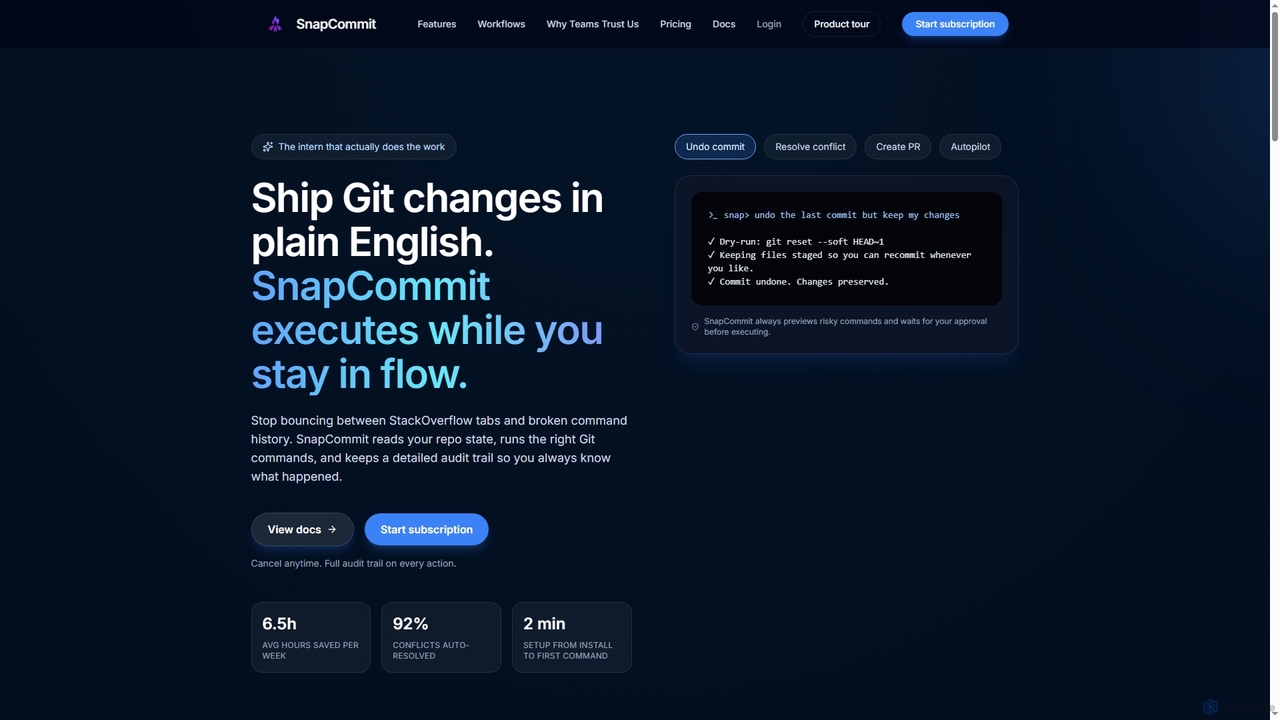
SnapCommit revolutionizes Git interaction by transforming your terminal into an intelligent Git sidekick. Designed for developers, it eliminates the need to memorize complex Git commands or sift through documentation, allowing you to articulate your intentions in plain English. This AI-driven tool interprets your requests, executes the precise Git commands, and maintains a comprehensive audit trail, ensuring clarity and control over every action. It significantly boosts developer productivity, saving an average of 6.5 hours per week, and boasts a 92% auto-resolution rate for conflicts, with setup taking less than two minutes. SnapCommit prioritizes safety and trust, always previewing risky operations and requiring your approval before execution, making it an indispensable asset for individual developers and teams alike.
How to use SnapCommit
To use SnapCommit, first install it globally via npm (npm install -g @snapcommit/cli). After installation, create an account on snapcommit.dev/login and subscribe to a plan. Generate an authentication token from your dashboard and paste it when prompted after running snap in your terminal within any Git repository. Once authenticated, simply type snap to enter interactive mode and describe your desired Git actions in natural language, such as "undo the last commit," "create a PR," or "resolve this conflict." SnapCommit will then preview the commands, and you can approve them with a single keystroke. For full GitHub features like PR creation and CI status checks, connect your GitHub account by running snap github connect and providing a Personal Access Token with the necessary scopes.
Core Features of SnapCommit
- Natural Language Git Commands: Execute complex Git operations using plain English.
- Dry-Run Previews: Always shows exact Git CLI commands before execution, requiring approval for risky actions.
- Comprehensive Audit Trail: Logs every action for review, undo, or team sharing.
- Instant Undo: Revert any Git action, including merges, with a single click.
- Conflict Crusher: AI-powered conflict resolution that explains changes, drafts resolutions, and provides checklists.
- Autopilot Workflows: Automates multi-step Git processes like merging branches or preparing release notes, tracking time saved.
- Release Ready Flow: Guided workflow for staging, running tests, generating commit messages, pushing, and creating PRs.
- GitHub-Native Automation: Seamlessly handles PR titles, summaries, test plans, reviewers, labels, CI checks, and merge queues.
- Time Saved Dashboard: Tracks productivity metrics and ROI for individual developers and teams.
- Local-First & Secure: Commands execute on your machine; AI only sees diffs, never full repository history; GitHub tokens stored locally.
- Cross-Platform Compatibility: Works in any terminal on macOS, Linux, and Windows.
Use Cases for SnapCommit
- Streamlining Daily Git Operations: Developers can quickly commit, push, pull, and switch branches without recalling specific commands, using natural language.
- Efficient Conflict Resolution: Teams facing frequent merge conflicts can leverage Conflict Crusher to understand, resolve, and verify changes with AI assistance.
- Accelerating Pull Request Workflows: Automating PR creation, including title, summary, test plan generation, and reviewer assignment, saves significant time for development teams.
- Safe Experimentation and Reversion: Developers can confidently experiment with changes, knowing that any commit or merge can be instantly undone with a single click.
- Onboarding New Developers: Simplifies Git learning curve for new team members by allowing them to interact with Git in plain English, reducing errors and increasing confidence.
- Proving ROI of Development Tools: Managers can use the Time Saved Dashboard to track and report the productivity gains from using SnapCommit.
- Maintaining Code Quality and Consistency: Autopilot workflows and AI-generated commit messages help enforce best practices and maintain a clean Git history.
Advantages of SnapCommit
- Enhanced Productivity: Significantly reduces time spent on Git commands and conflict resolution, freeing up developers to focus on coding.
- Reduced Cognitive Load: Eliminates the need to memorize complex Git syntax, allowing developers to stay in flow.
- Increased Safety and Control: Dry-run previews and explicit approval for risky commands prevent accidental data loss or repository corruption.
- Improved Collaboration: Shared audit trails and automated PR processes foster better team coordination and transparency.
- Simplified Onboarding: Lowers the barrier to entry for Git, making it easier for new developers to contribute effectively.
- Actionable Insights: Time Saved Dashboard provides clear metrics to demonstrate the tool's value and impact on efficiency.
- Secure by Design: Local execution and diff-only AI access ensure code privacy and security.
Pricing and Plans
SnapCommit offers two straightforward pricing plans:
- Pro Monthly: Priced at $9.99 per month. This plan includes unlimited AI Git autopilot, unlimited AI commits and conflict resolution, Autopilot workflows, GitHub PR automation, time-saved analytics, and priority support. Billed monthly, with the option to cancel anytime.
- Pro Annual: Priced at $100 per year. This plan offers a 17% saving compared to monthly billing. It includes all features of the Pro Monthly plan, plus team-ready audit trails and reporting, and priority email support. Billed annually, with the option to cancel anytime.
SnapCommit FAQ
SnapCommit Alternatives

HOJI AI
HOJI AI is a free, AI-powered tool that automates code reviews directly within GitHub. It provides instant, consistent, and high-quality feedback on pull requests, helping development teams increase productivity, improve code quality, and accelerate their development cycles by freeing up senior engineers.
Code Assistant
Repodex
Repodex is an AI-powered code intelligence platform that helps developers and teams search, understand, and manage their code repositories. Using natural language, you can find code, get explanations, and generate documentation instantly.
Code Generation
Branch name generator
An AI-powered tool that integrates with Jira to automatically generate consistent and descriptive Git branch names. It analyzes Jira task data to streamline developer workflows, enforce naming conventions, and improve repository clarity.
Version Control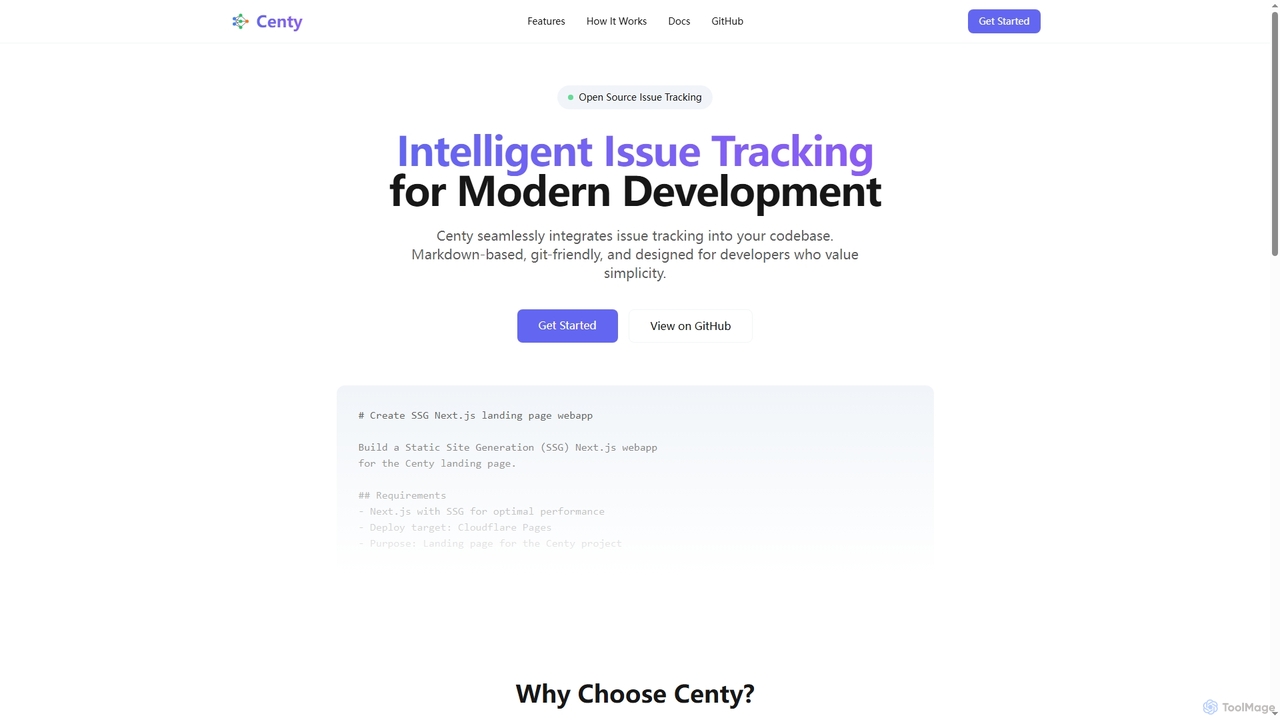

Enso
Enso is an AI-powered development environment designed for developers to parallelize intelligence across multiple AI agents within a single project. It integrates advanced Git control, a robust code editor, and AI-driven code review, offering a seamless workflow with persistent AI sessions for each branch.
DevelopmentSnapCommit Categories
SnapCommit Jobs
SnapCommit Embed Widget
Copy this embed code to place the badge on your blog, article, or product site and send readers directly to this ToolMage detail page.

Related AI tools
HOJI AI
HOJI AI is a free, AI-powered tool that automates code reviews directly within GitHub. It provides instant, consistent, and high-quality feedback on pull requests, helping development teams increase productivity, improve code quality, and accelerate their development cycles by freeing up senior engineers.
Code AssistantBranch name generator
An AI-powered tool that integrates with Jira to automatically generate consistent and descriptive Git branch names. It analyzes Jira task data to streamline developer workflows, enforce naming conventions, and improve repository clarity.
Version ControlEnso
Enso is an AI-powered development environment designed for developers to parallelize intelligence across multiple AI agents within a single project. It integrates advanced Git control, a robust code editor, and AI-driven code review, offering a seamless workflow with persistent AI sessions for each branch.
Development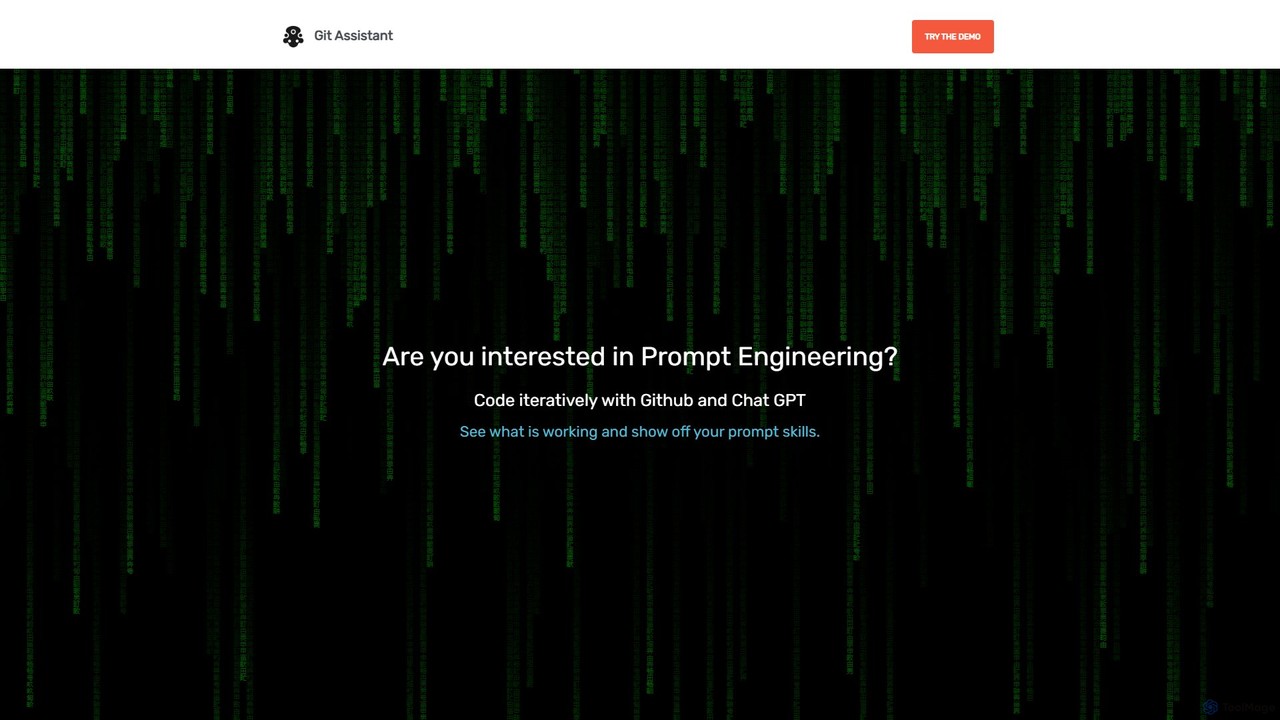
Git Assistant
Git Assistant is an AI-powered tool that integrates with GitHub and ChatGPT to streamline your coding workflow. It allows developers to use natural language prompts to generate, refactor, and iterate on code, and then automatically create pull requests. It's designed to boost productivity by automating repetitive tasks and simplifying version control.
Version ControlRepodex
Repodex is an AI-powered code intelligence platform that helps developers and teams search, understand, and manage their code repositories. Using natural language, you can find code, get explanations, and generate documentation instantly.
Code Generation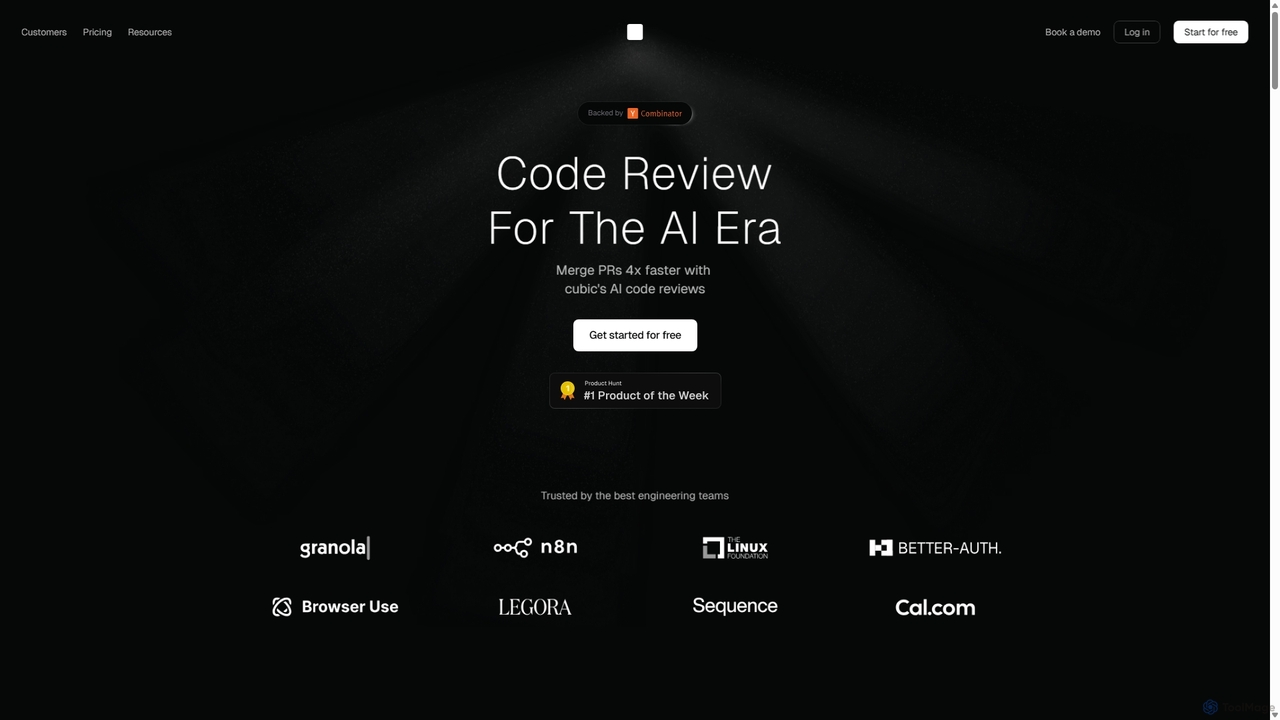
Cubic
Cubic is an AI-powered code review platform designed to accelerate development cycles. It integrates with GitHub to automatically review pull requests, catch bugs, enforce coding standards, and provide one-click fixes, helping engineering teams merge PRs up to 4x faster while improving code quality.
Code Assistant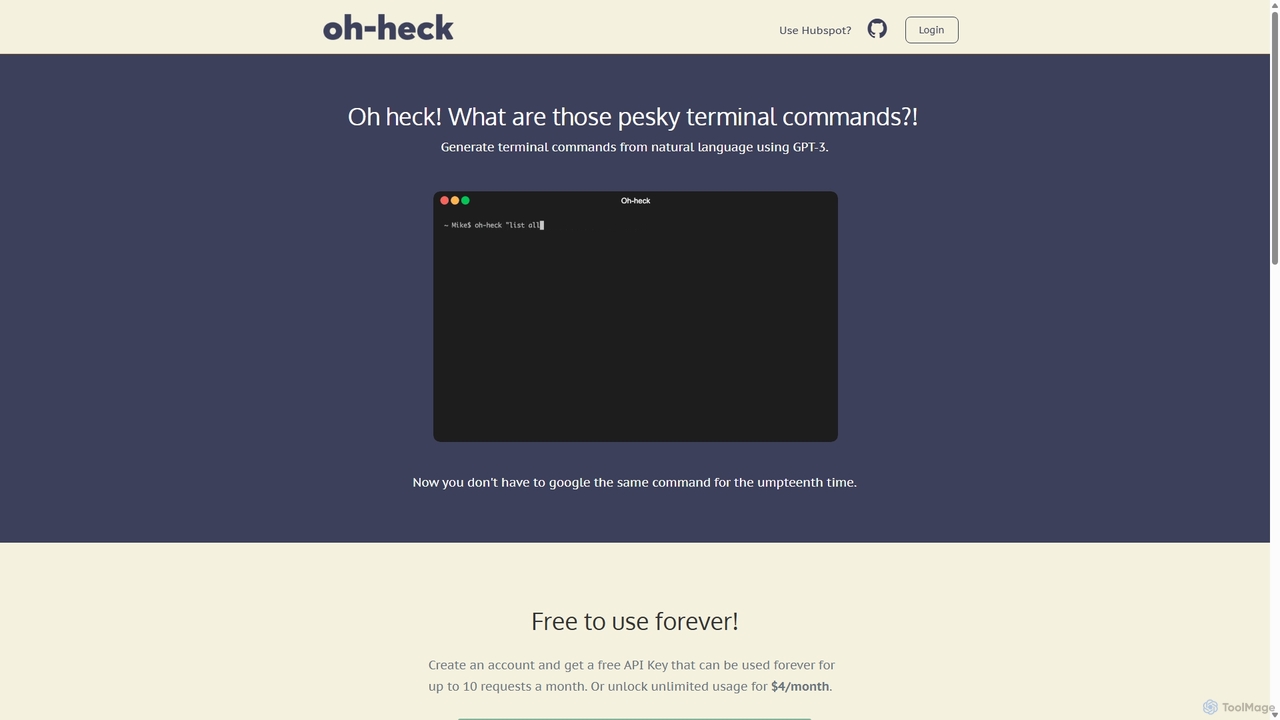
Oh-heck
Oh-heck is a suite of AI-powered productivity tools that convert natural language into terminal commands and generate professional emails directly within your CRM. Powered by GPT-3, it's designed to save time for developers, sales teams, and support agents by simplifying complex and repetitive tasks.
Command Line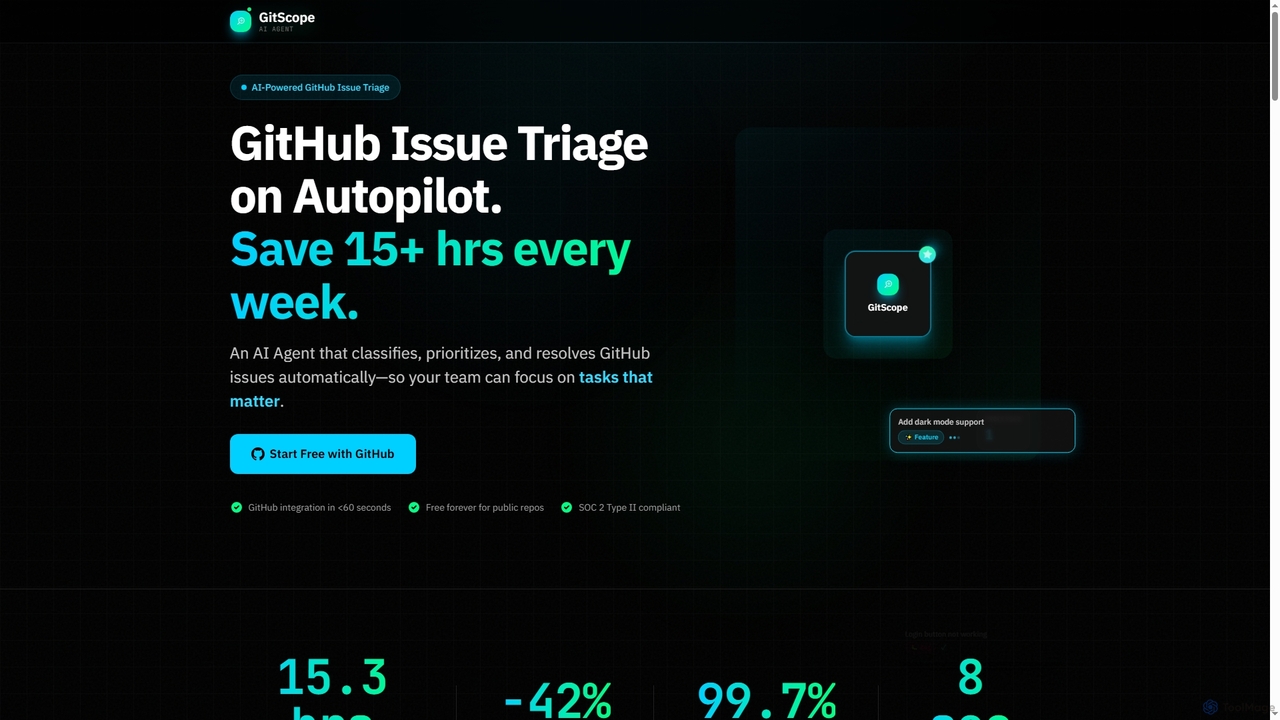
GitScope
GitScope is an AI-powered GitHub issue triage agent designed to automate the classification, prioritization, and resolution of issues. It helps engineering teams save significant time, reduce backlogs, and improve consistency by leveraging GPT-4 for intelligent analysis, duplicate detection, and configurable automation workflows. Free for public repositories, GitScope integrates seamlessly with GitHub to enhance team productivity and maintainer well-being.
Github Tools
Pi
A minimal, highly customizable terminal coding agent that adapts to your workflows. Pi leverages multiple AI providers and models, offers extensive extension capabilities, and provides various interaction modes for developers.
Code Assistant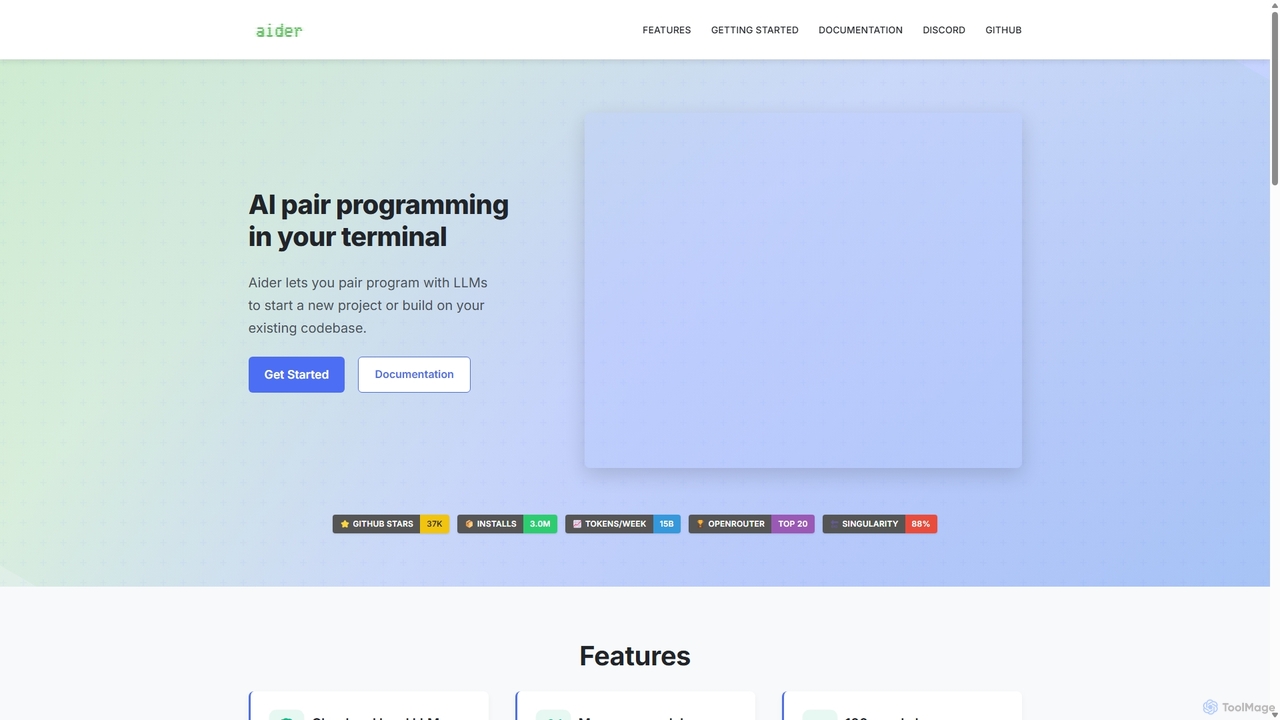
Aider
Aider is an AI-powered pair programmer that operates directly in your terminal. It intelligently maps your entire codebase, providing full project context for complex tasks. Seamlessly integrated with Git, it automates commits and allows you to manage AI-driven changes with familiar tools. Aider supports over 100 programming languages, connects to leading cloud and local LLMs, and even accepts voice and image inputs, making it a versatile and powerful assistant for any developer seeking to accelerate their workflow and improve code quality.
Programming
Waveterm
Waveterm is an open-source, modern terminal designed for developers and DevOps engineers. It enhances the command-line experience by integrating AI-powered assistance, a VSCode-like editor, inline file previews, a web browser, and customizable dashboards. This all-in-one workspace reduces context switching and boosts productivity across macOS, Windows, and Linux.
Code Assistant
Plandex
Plandex is an open-source, terminal-based AI coding agent designed for complex, large-scale software development tasks. It excels at handling large projects and files with its 2M token context window. Featuring a diff review sandbox, configurable autonomy, and multi-model support, Plandex empowers developers to build, debug, and refactor entire applications with AI assistance, ensuring control and productivity in a dev-friendly workflow.
Code Generation
Rebolt
Rebolt is an AI-powered platform designed to automate the entire software development lifecycle. It helps developer and DevOps teams build, test, and deploy applications faster and more reliably by leveraging AI for CI/CD pipeline optimization, code generation, and intelligent monitoring.
Code Assistant
Dallecli
A powerful command-line interface (CLI) tool for interacting with OpenAI's DALL-E models. Generate, edit, and manage AI images directly from your terminal, perfect for developers, scripters, and automating creative workflows.
Command Line Interface
SnapCommit Comments (0)
Sign in to comment.
Sign inNo comments yet.