SnapCommit
SnapCommit is an AI-powered terminal Git assistant that allows developers to manage Git operations using plain English commands. …
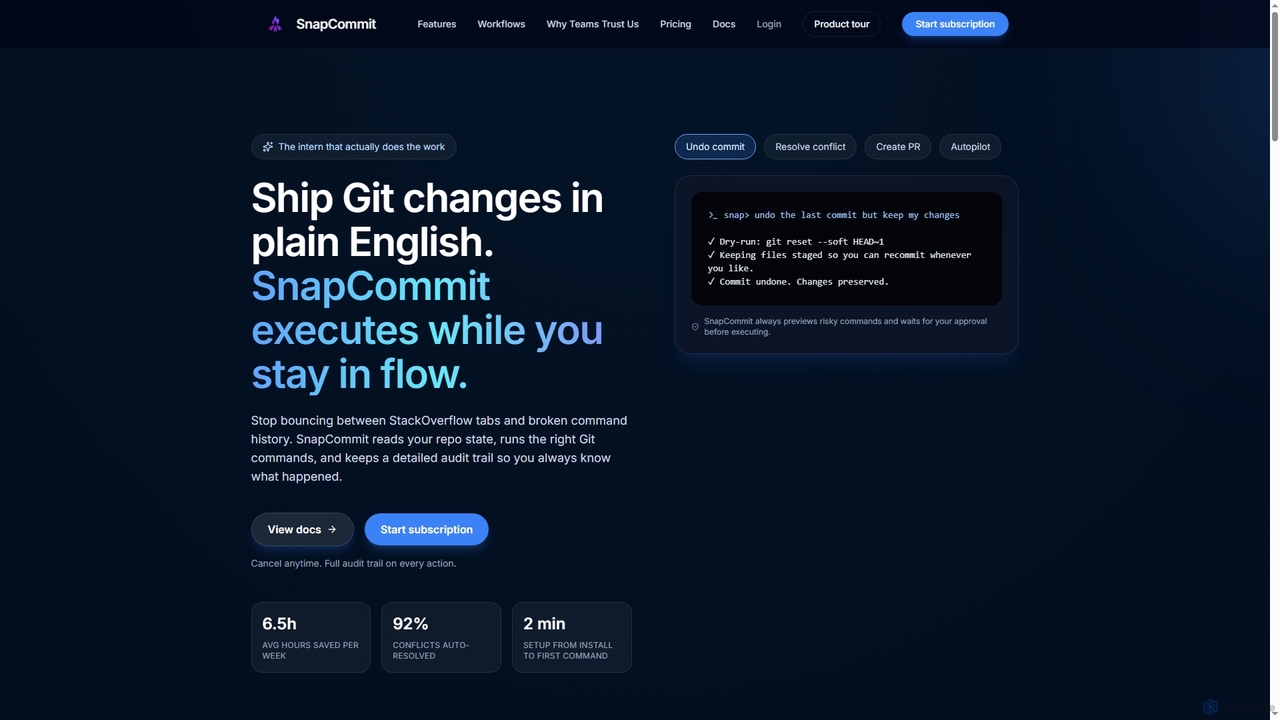
SnapCommit is an AI-powered terminal Git assistant that allows developers to manage Git operations using plain English commands. It automates complex workflows like committing, resolving conflicts, and creating pull requests, enhancing productivity and ensuring code integrity with dry-run previews and a detailed audit trail.
About Git Client
Git Clients are specialized software applications that provide a graphical user interface (GUI) for interacting with Git version control systems, making complex developer tools more accessible. They simplify common Git operations like committing, branching, and merging, enhancing productivity for developers and teams managing code repositories. These tools abstract away the command-line complexities, offering a visual and intuitive way to manage source code.
Core Features
- Visual History: Graphically displays commit history, branches, and merges for easy navigation.
- Branch Management: Simplifies creating, switching, merging, and rebasing branches through a visual interface.
- Conflict Resolution: Provides integrated tools to visually identify and resolve merge conflicts.
- Staging Area Control: Offers granular control over which changes are staged for the next commit.
- Remote Repository Interaction: Facilitates pushing, pulling, and fetching changes from remote repositories.
Applicable Scenarios
Git clients are indispensable for software developers, DevOps engineers, and content creators who manage version-controlled projects. They are particularly useful in collaborative development environments where multiple team members contribute to a single codebase, enabling easier tracking of changes, code reviews, and seamless integration of work.
How to Choose
When selecting a Git client, consider its user interface and ease of use, the breadth of Git features it supports (e.g., rebase, cherry-pick), integration capabilities with IDEs or other developer tools, platform compatibility (Windows, macOS, Linux), and pricing model. Evaluate whether it offers advanced visualization and conflict resolution tools that align with your team's workflow.

Git ClientUse Cases
Visualizing and Navigating Repository History
A software developer needs to understand the evolution of a codebase, identify when a specific feature was added, or trace a bug's origin. Using a Git client, they can visually browse the entire commit history, filter by author or date, and see the exact changes introduced in each commit. This graphical representation saves significant time compared to sifting through command-line logs, making it easier to pinpoint relevant changes and understand project progression.
Streamlining Feature Branch Workflow
A development team implements new features or bug fixes using a branch-based workflow, requiring frequent creation, switching, and merging of branches. Git clients allow developers to easily manage these operations through a visual interface, often with drag-and-drop functionality. This simplifies complex branching strategies, reduces the risk of errors during merges, and helps maintain a clean and organized repository structure, accelerating the development cycle.
Resolving Merge Conflicts Visually
When multiple developers work on the same file, merge conflicts inevitably arise. Git clients provide dedicated conflict resolution tools that visually highlight conflicting sections of code, allowing developers to choose which changes to keep or manually edit the merged result. This visual aid significantly reduces the complexity and time spent on resolving conflicts, minimizing frustration and potential errors compared to manual text editing.
Managing Staging Area and Commits
Before committing changes, developers often need to review and select specific modifications to include in a commit. Git clients offer an intuitive interface to manage the staging area, allowing users to stage individual lines, hunks, or entire files. This granular control ensures that each commit is atomic and focused, leading to a cleaner project history and easier debugging, which is crucial for maintaining code quality.
Performing Code Reviews and Feedback
Team leads and senior developers often conduct code reviews to ensure code quality and adherence to standards. Git clients facilitate this process by providing clear visual diffs between branches or commits, allowing reviewers to easily spot changes, add comments, and suggest improvements directly within the interface. This streamlines the feedback loop, making code reviews more efficient and collaborative, ultimately improving the overall quality of the software.
Managing Multiple Remote Repositories
Developers often work with projects that involve multiple remote repositories (e.g., an upstream open-source project and a personal fork). Git clients provide a centralized view and easy management of these remotes, allowing users to fetch, pull, and push changes to different origins with a few clicks. This simplifies the workflow for contributing to open-source projects or managing complex enterprise setups, ensuring all codebases remain synchronized efficiently.