
Git Assistant Overview
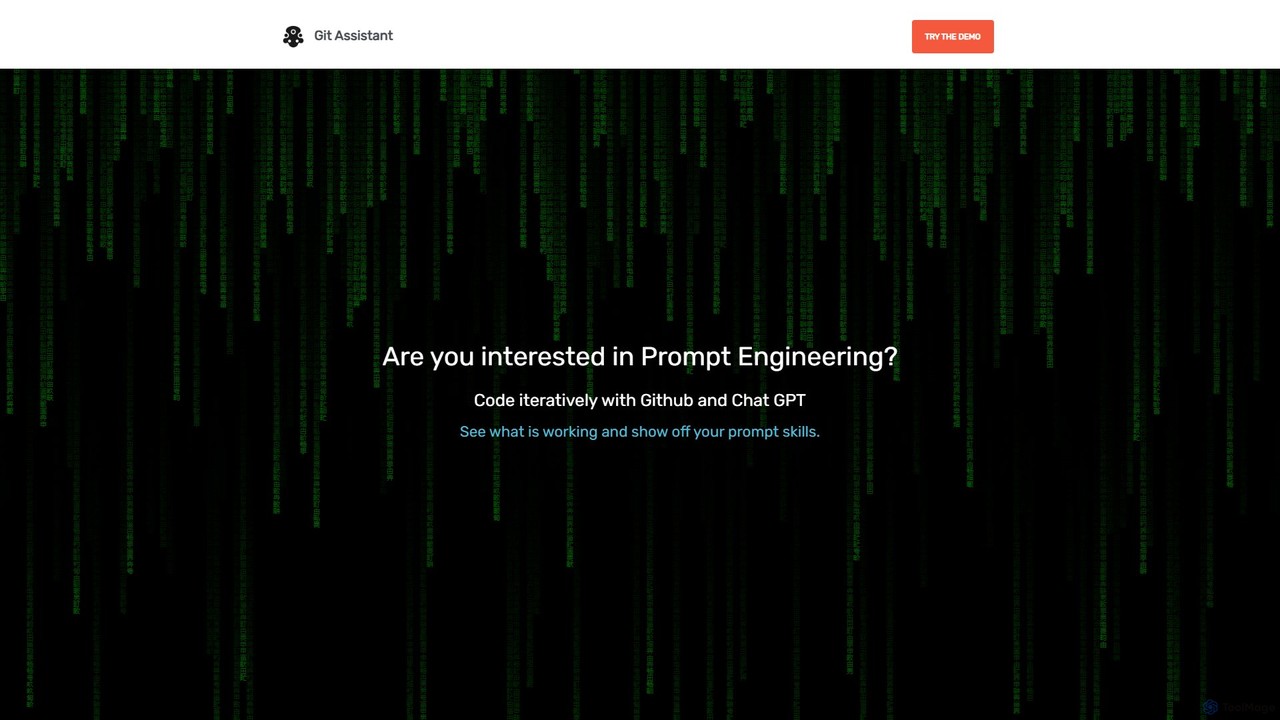
Git Assistant is a cutting-edge tool designed for modern developers looking to harness the power of artificial intelligence within their daily coding and version control workflows. By seamlessly integrating with GitHub and leveraging the capabilities of large language models like ChatGPT, Git Assistant acts as a smart co-pilot, transforming natural language prompts into functional code and streamlined Git operations. It effectively bridges the gap between your ideas and your repository, allowing you to code faster, smarter, and more efficiently.
The core philosophy of Git Assistant is to eliminate the friction in the development cycle. Instead of constantly switching between your IDE, a browser tab for AI chat, and the GitHub interface, this tool provides a unified platform where you can generate code, refine it through iterative prompts, review the changes, and submit a pull request with just a few clicks. It's an ideal solution for rapid prototyping, refactoring legacy code, or simply automating the creation of boilerplate code, freeing up developers to focus on high-level architecture and complex problem-solving.
How to use Git Assistant
Using Git Assistant is an intuitive process designed to integrate smoothly into your existing habits. Here’s a typical workflow:
- Connect to GitHub: Start by securely authenticating your GitHub account to grant Git Assistant access to your repositories.
- Select a Repository: Choose the public repository you want to work on. For private projects, the premium plan offers secure access.
- Initiate a Prompt: In the Git Assistant interface, write a clear, descriptive prompt for the task you want to accomplish. This could be anything from "Create a React component for a user login form" to "Refactor this Python function to improve its performance."
- Generate and Iterate: The tool sends your prompt to the AI, which generates the corresponding code. You can then review the output and provide follow-up prompts to modify, expand, or correct the code. Git Assistant maintains the context of the conversation, allowing for complex, multi-step code creation.
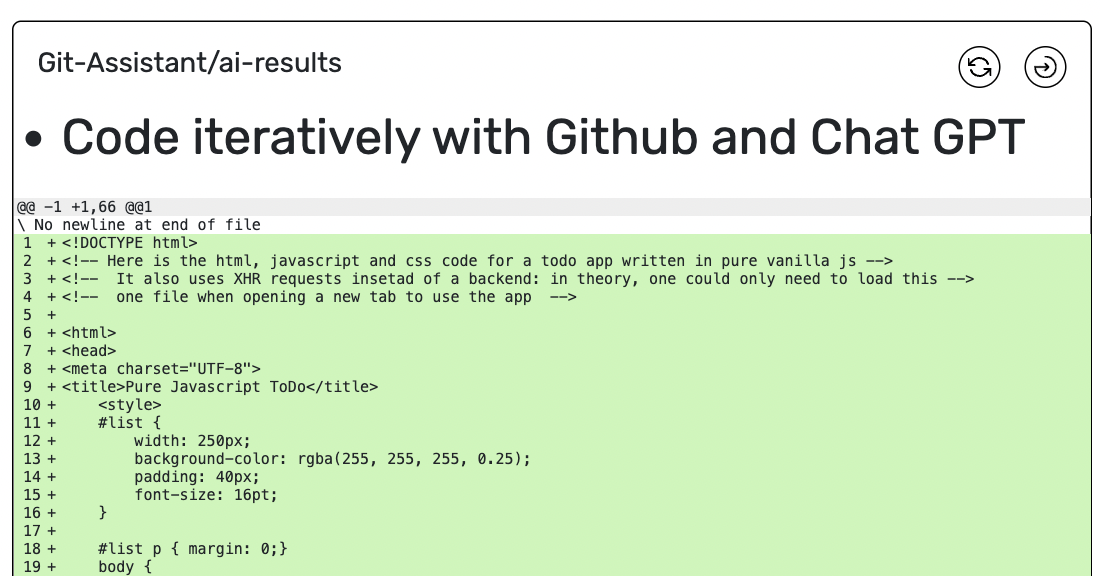
- Compare Changes: Once you are satisfied with the generated code, use the built-in diff viewer. This feature provides a clear, side-by-side comparison of the original code and the AI-generated changes, exactly like a GitHub pull request view.
- Create a Pull Request: With a single click, Git Assistant will create a new branch in your repository, commit the changes, and open a pull request with a pre-filled (and often AI-generated) title and description.
Core Features of Git Assistant
- AI-Powered Code Generation: Leverage ChatGPT to generate code snippets, functions, classes, and even entire files from simple text prompts.
- Iterative Development Workflow: Build upon previous AI responses in a conversational manner, allowing for progressive refinement and complex logic building.
- Direct GitHub Integration: Connects directly to your GitHub account to read repositories and create pull requests, eliminating manual steps.
- One-Click Pull Requests: Automatically creates branches and pull requests for the AI-generated changes, streamlining the contribution process.
- Visual Diff Checker: A built-in interface to easily review and compare the changes suggested by the AI before they are committed to your repository.
- Prompt Engineering Environment: A dedicated space to practice and perfect your prompt engineering skills for coding applications.
- Private Repository Support: The premium plan offers full support for private repositories, ensuring your proprietary code remains secure.
Use Cases for Git Assistant
Git Assistant is versatile and can be applied in numerous scenarios:
- Rapid Prototyping: Quickly build out functional prototypes for new features or entire applications by describing the desired functionality.
- Code Refactoring & Optimization: Modernize legacy codebases or optimize inefficient functions by asking the AI to rewrite them according to best practices.
- Automating Boilerplate: Generate repetitive code such as API endpoints, data models, unit tests, or configuration files in seconds.
- Learning New Technologies: Developers can learn a new programming language or framework by asking the AI to generate code examples for specific tasks.
- Bug Fixing: Paste a buggy code snippet and ask the AI to identify the issue and suggest a fix.
Advantages of Git Assistant
The primary advantage of Git Assistant is the significant boost in developer productivity. By automating routine tasks, it allows developers to focus on more creative and challenging aspects of their work. The seamless integration into the Git workflow reduces context switching, which is a major drain on efficiency. It also makes advanced AI accessible to all developers, providing a practical tool to apply prompt engineering directly to real-world projects. Finally, its simple and affordable pricing model makes it a highly valuable addition to any developer's toolkit.
Pricing and Plans
Git Assistant operates on a freemium model, making it accessible to everyone.
- Free Demo: Users can try out the core features of Git Assistant with public repositories. This is a great way to explore its capabilities and see how it fits into your workflow.
- PREMIUM Plan: For just $2/month, the premium plan unlocks the full feature set. The key benefit is the ability to work with private pull requests and repositories, which is essential for professional and commercial projects. Subscribers are also "grandfathered in," meaning they will receive all future premium features at no extra cost.
Git Assistant Alternatives
gitya
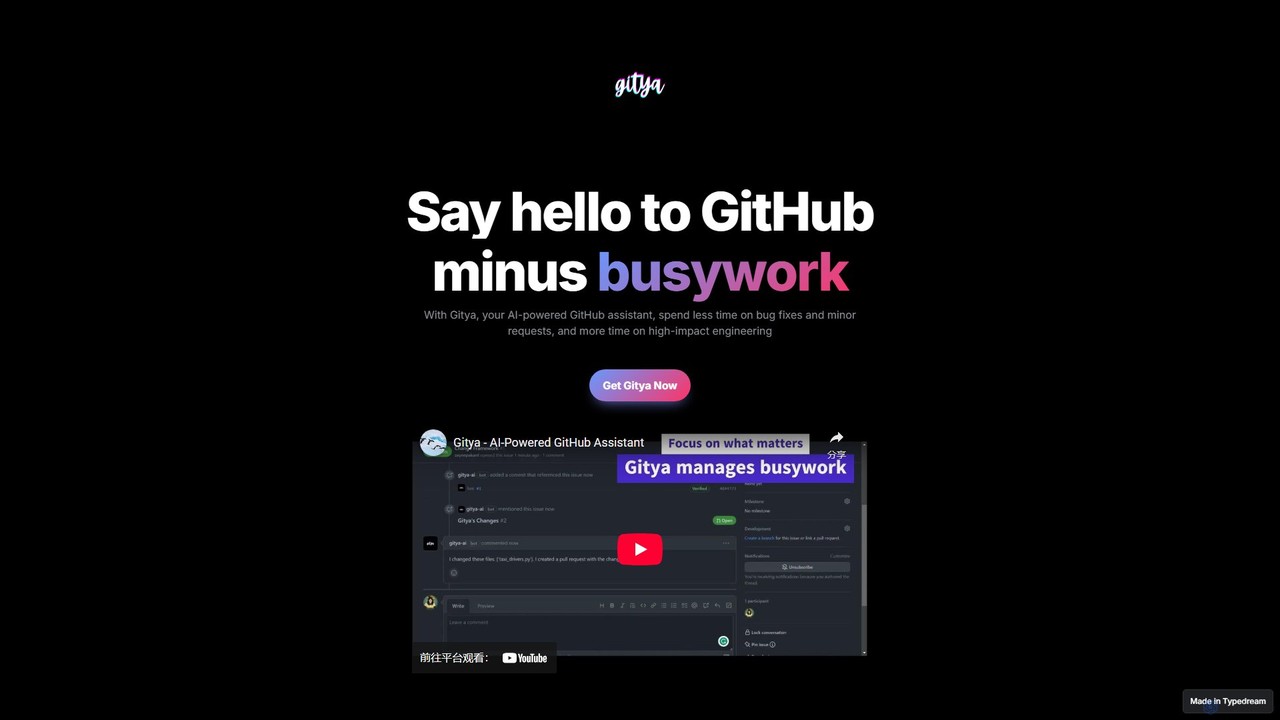
gitya is an AI-powered GitHub assistant designed to automate routine development tasks. It helps teams by handling minor bug fixes, managing pull requests with automated reviews, and resolving simple tickets, allowing developers to focus on high-impact engineering and innovation.
Version Control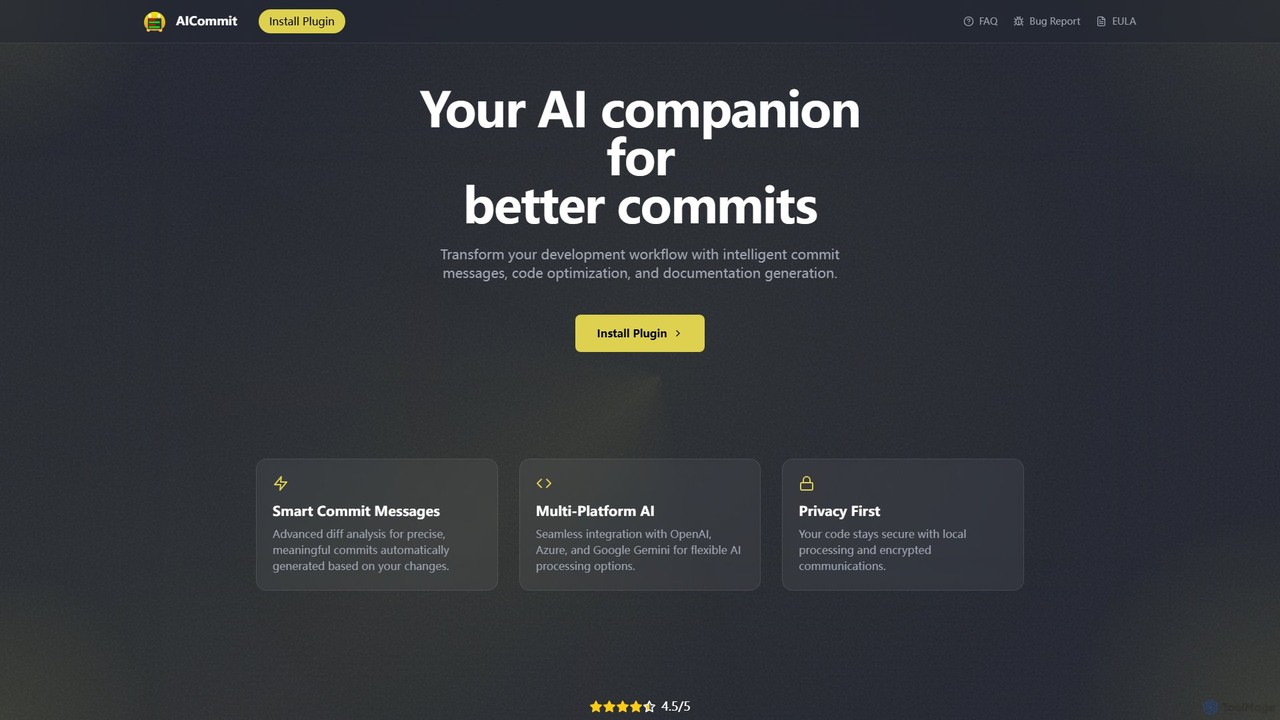
AICommit
AICommit is an intelligent IDE plugin that transforms your development workflow by automatically generating precise and meaningful Git commit messages. It analyzes your code changes and uses AI models from OpenAI, Azure, or Google Gemini to create high-quality commits, saving you time and improving repository clarity.
Version Control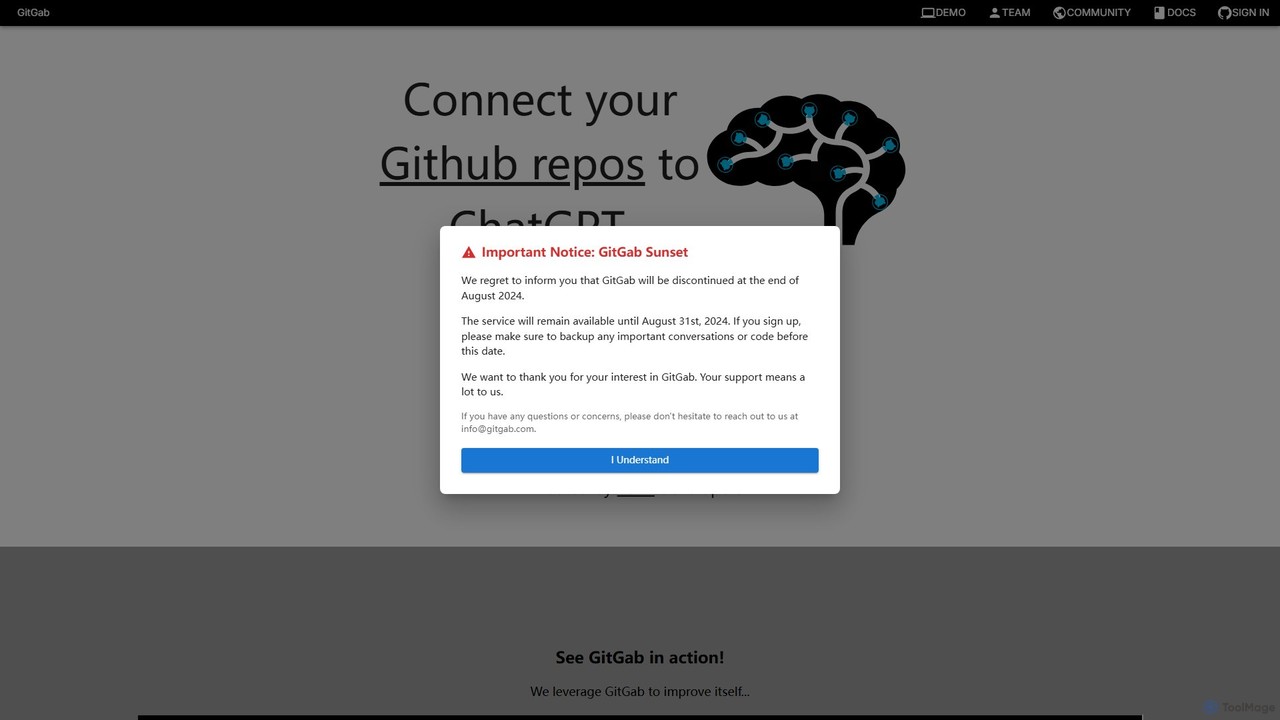
GitGab
GitGab is an advanced AI code assistant that leverages top models like ChatGPT, Claude, and Gemini. It uniquely contextualizes your entire codebase, including multiple repositories and local files, to help you implement features, find bugs, write documentation, and optimize code with unparalleled accuracy.
Code Generation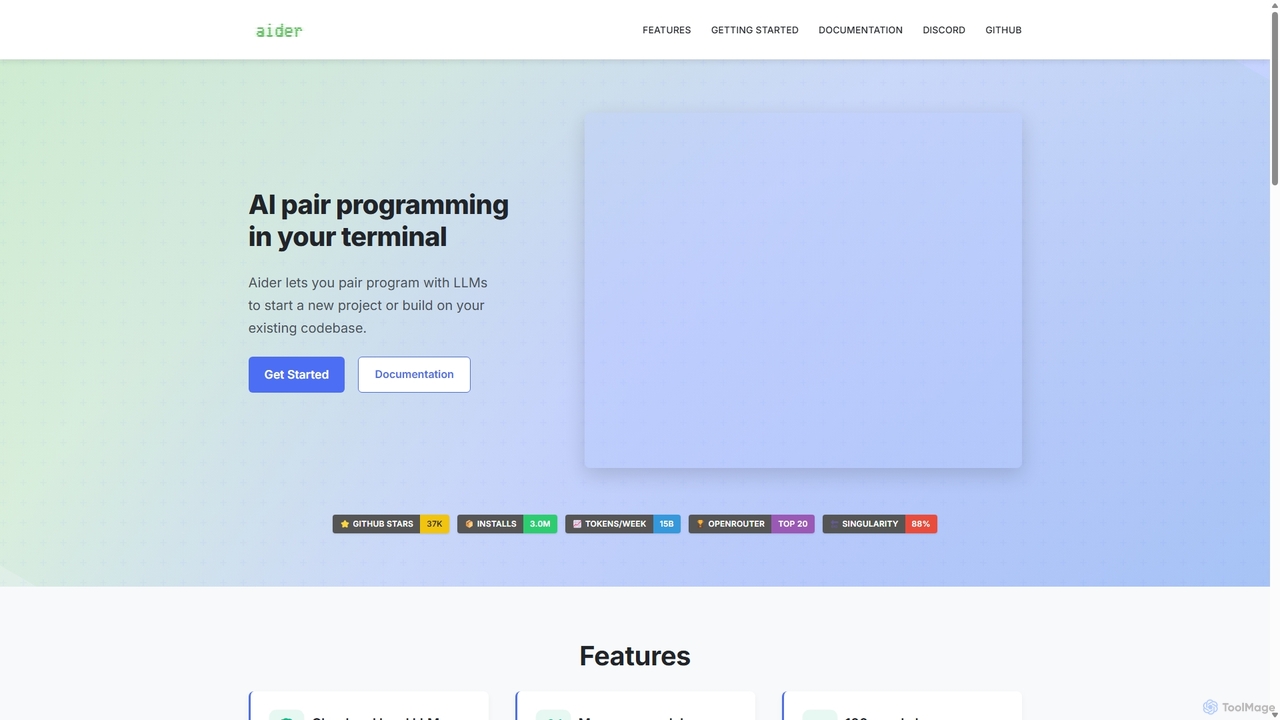
Aider
Aider is an AI-powered pair programmer that operates directly in your terminal. It intelligently maps your entire codebase, providing full project context for complex tasks. Seamlessly integrated with Git, it automates commits and allows you to manage AI-driven changes with familiar tools. Aider supports over 100 programming languages, connects to leading cloud and local LLMs, and even accepts voice and image inputs, making it a versatile and powerful assistant for any developer seeking to accelerate their workflow and improve code quality.
Programming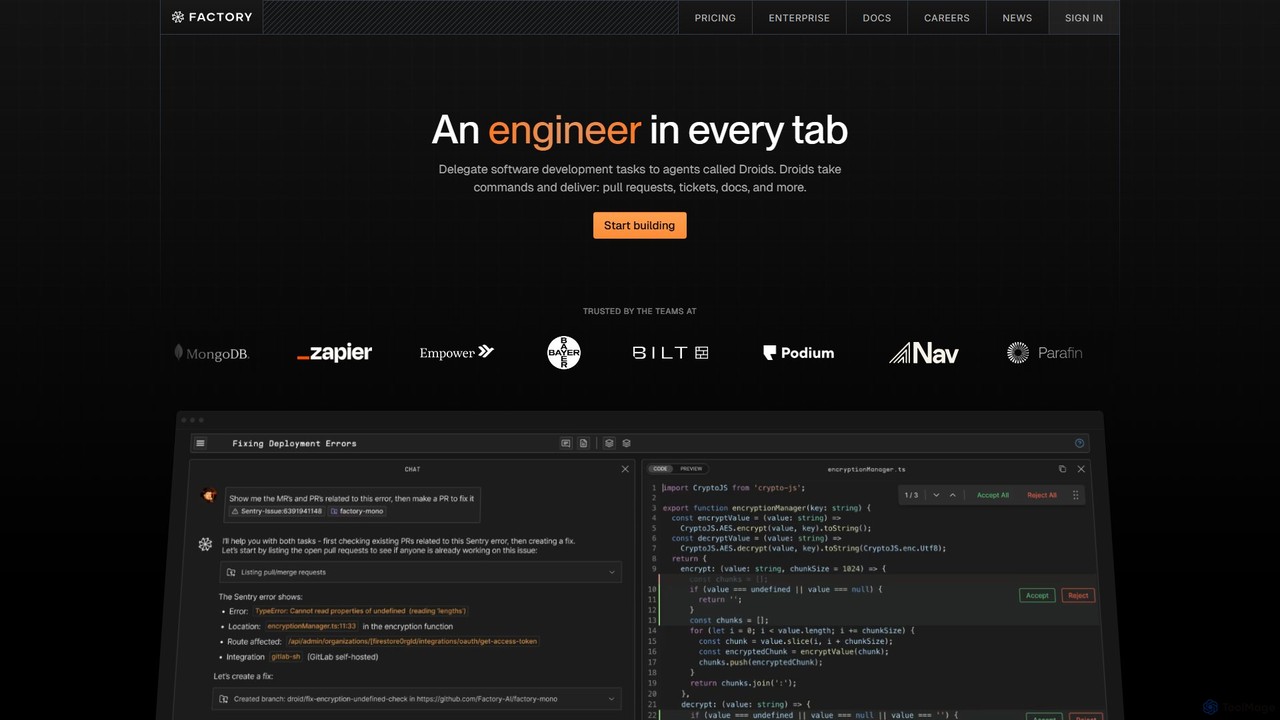
Factory
Factory is an AI-powered software development platform that uses autonomous agents called 'Droids' to automate the entire Software Development Lifecycle (SDLC). From planning and coding to incident response and documentation, Droids handle complex tasks, delivering merge-ready pull requests, detailed reports, and rapid fixes. It's designed to work alongside engineering teams, boosting productivity, accelerating development cycles, and clearing backlogs within a secure, enterprise-grade environment.
Code AssistantGit Assistant Categories
Git Assistant Embed Widget
Copy this embed code to place the badge on your blog, article, or product site and send readers directly to this ToolMage detail page.

Related AI tools
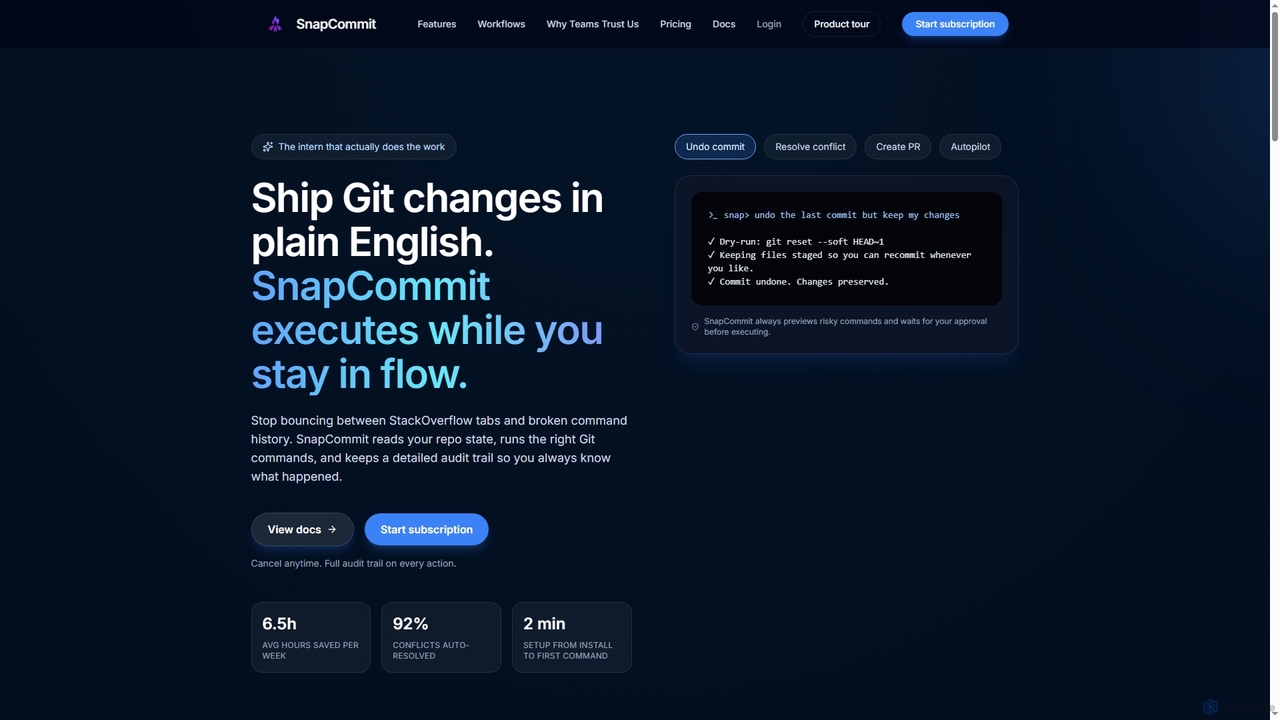
SnapCommit
SnapCommit is an AI-powered terminal Git assistant that allows developers to manage Git operations using plain English commands. It automates complex workflows like committing, resolving conflicts, and creating pull requests, enhancing productivity and ensuring code integrity with dry-run previews and a detailed audit trail.
Code Assistantgitya
gitya is an AI-powered GitHub assistant designed to automate routine development tasks. It helps teams by handling minor bug fixes, managing pull requests with automated reviews, and resolving simple tickets, allowing developers to focus on high-impact engineering and innovation.
Version ControlGitGab
GitGab is an advanced AI code assistant that leverages top models like ChatGPT, Claude, and Gemini. It uniquely contextualizes your entire codebase, including multiple repositories and local files, to help you implement features, find bugs, write documentation, and optimize code with unparalleled accuracy.
Code Generation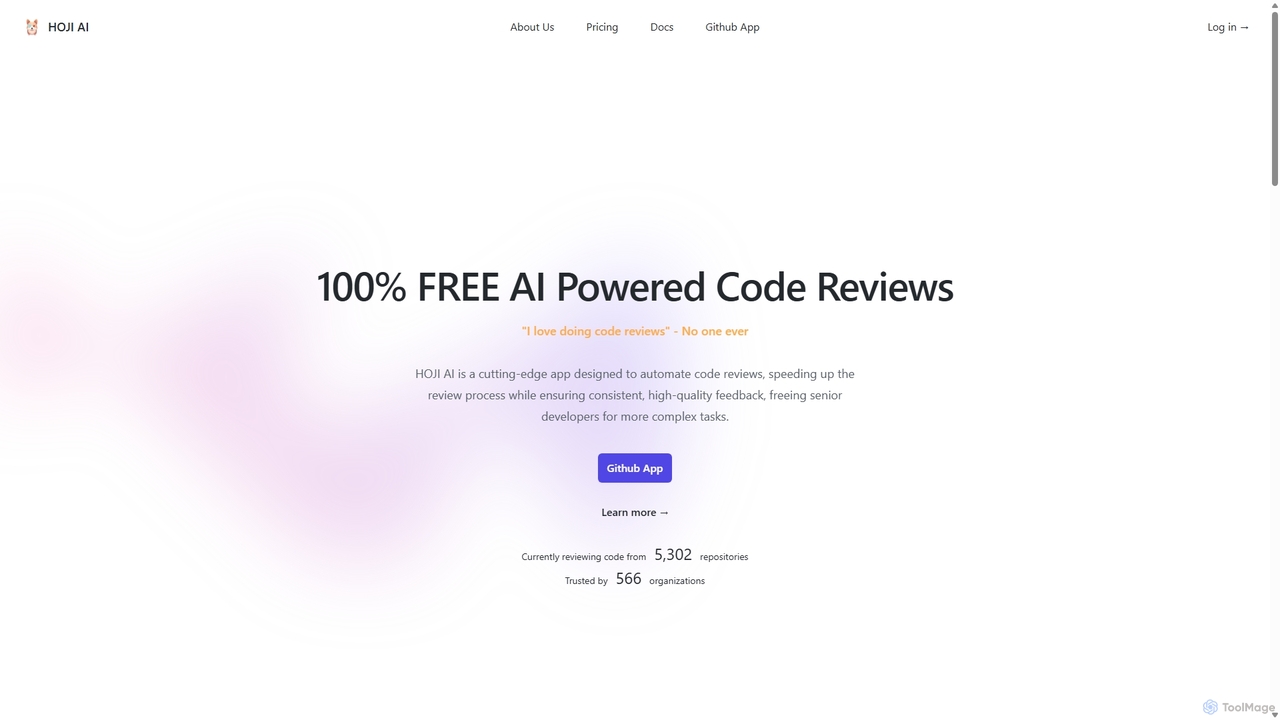
HOJI AI
HOJI AI is a free, AI-powered tool that automates code reviews directly within GitHub. It provides instant, consistent, and high-quality feedback on pull requests, helping development teams increase productivity, improve code quality, and accelerate their development cycles by freeing up senior engineers.
Code Assistant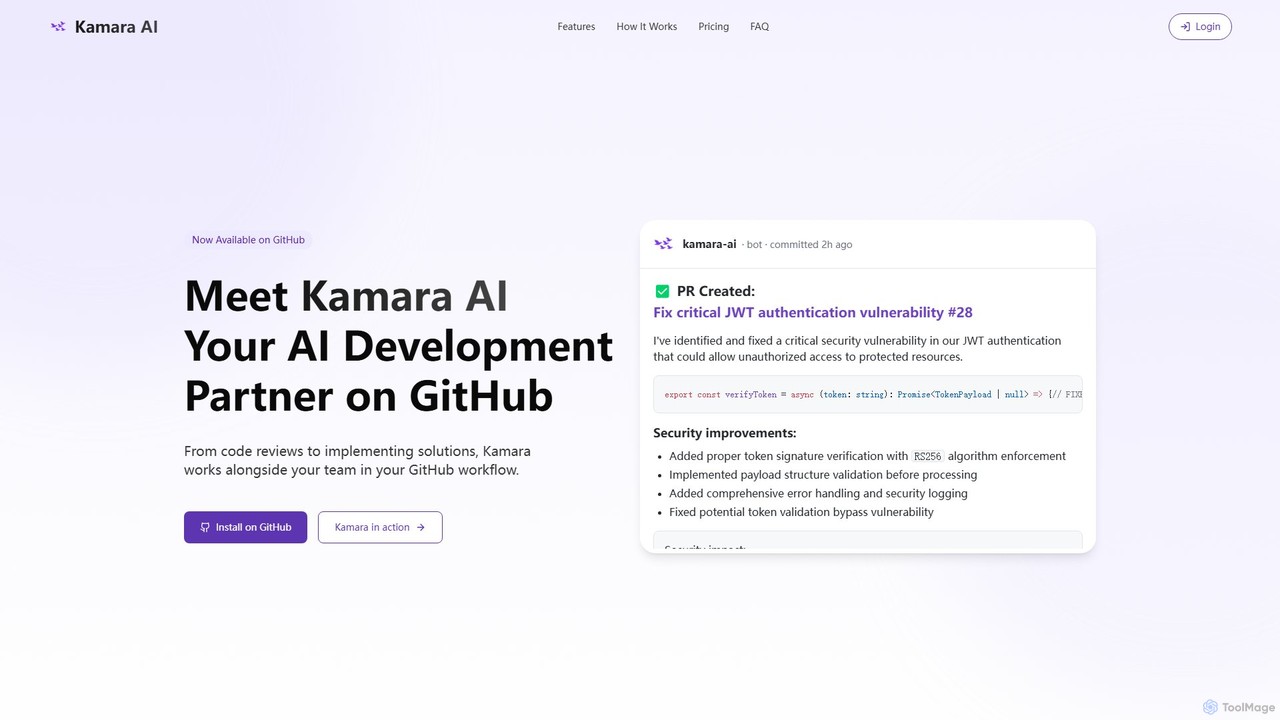
Kamara AI
Kamara AI is an intelligent development partner that integrates directly into your GitHub workflow. It acts as an AI team member, providing full-context code analysis, automated code reviews, AI-implemented pull requests from issue descriptions, and self-updating documentation. Kamara helps teams accelerate development, improve code quality, and preserve institutional knowledge seamlessly.
Code ReviewAider
Aider is an AI-powered pair programmer that operates directly in your terminal. It intelligently maps your entire codebase, providing full project context for complex tasks. Seamlessly integrated with Git, it automates commits and allows you to manage AI-driven changes with familiar tools. Aider supports over 100 programming languages, connects to leading cloud and local LLMs, and even accepts voice and image inputs, making it a versatile and powerful assistant for any developer seeking to accelerate their workflow and improve code quality.
ProgrammingFactory
Factory is an AI-powered software development platform that uses autonomous agents called 'Droids' to automate the entire Software Development Lifecycle (SDLC). From planning and coding to incident response and documentation, Droids handle complex tasks, delivering merge-ready pull requests, detailed reports, and rapid fixes. It's designed to work alongside engineering teams, boosting productivity, accelerating development cycles, and clearing backlogs within a secure, enterprise-grade environment.
Code Assistant
All Hands AI (OpenHands)
All Hands AI (OpenHands) is a leading open-source AI coding agent designed to automate software development. It helps engineers with tasks like code reviews, refactoring, bug fixing, and test generation. Available as a flexible SaaS, self-hosted, or open-source solution, it integrates with tools like GitHub and GitLab to accelerate development cycles and improve code quality.
Code Generation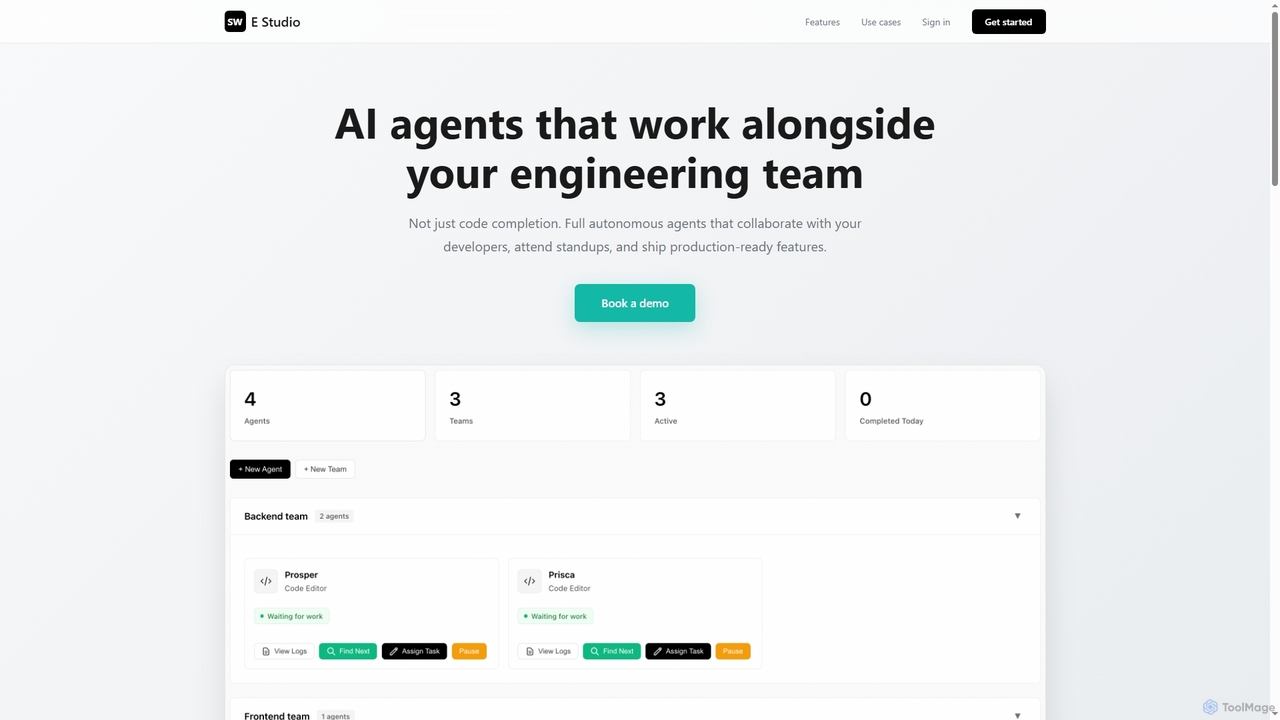
Swe Studio
Swe Studio provides autonomous AI agents that function as full members of your engineering team. They independently handle development tasks from Jira tickets to pull requests, collaborating via Slack and GitHub to ship production-ready features.
Code Assistant
Jyek
Jyek is an AI agent platform that understands objectives, creates execution plans, uses tools, and delivers verifiable results for complex, multi-step tasks.
Automation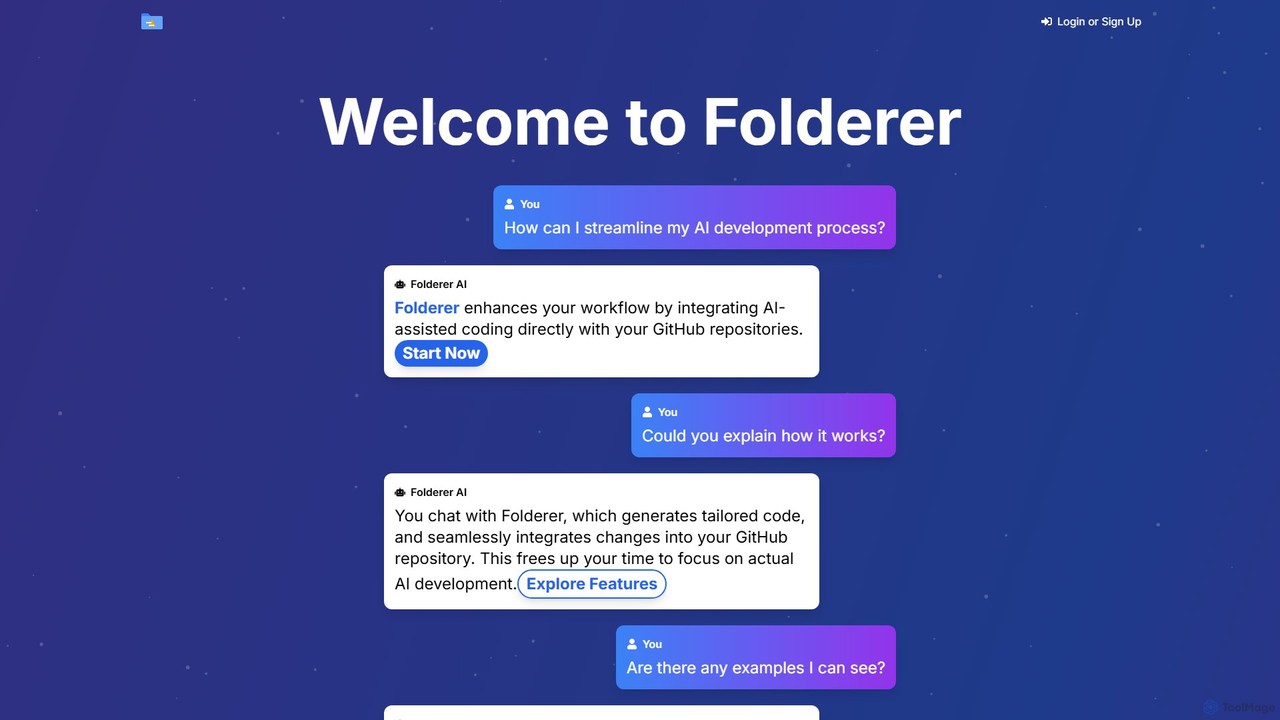
Folderer
Folderer is an AI-powered coding assistant that integrates directly with your GitHub repositories. It uses a conversational chat interface to generate, refine, and commit high-quality code, streamlining the entire development workflow from idea to deployment.
Code Generation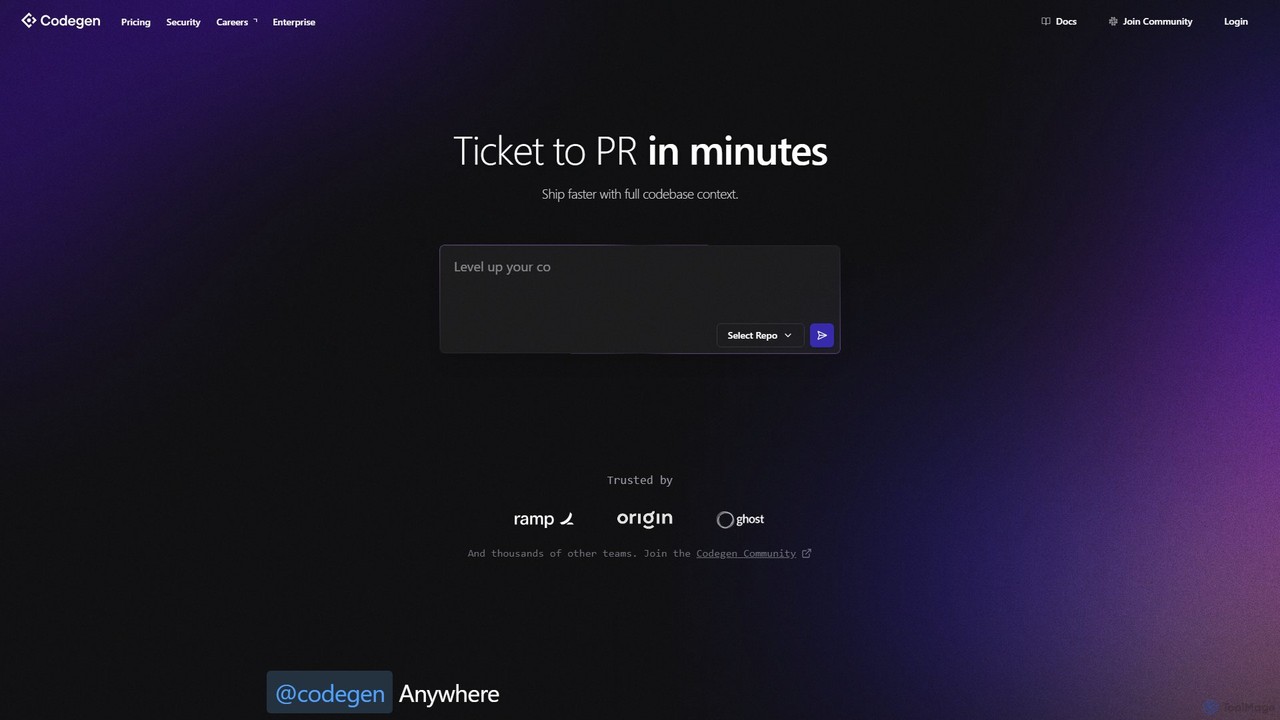
Codegen
Codegen is an AI software engineering agent that accelerates development by transforming tickets into pull requests in minutes. It integrates with your existing tools like GitHub, Slack, and JIRA, using full codebase context to automate coding, fix bugs, and review code, effectively 10x-ing your team's productivity.
Version Control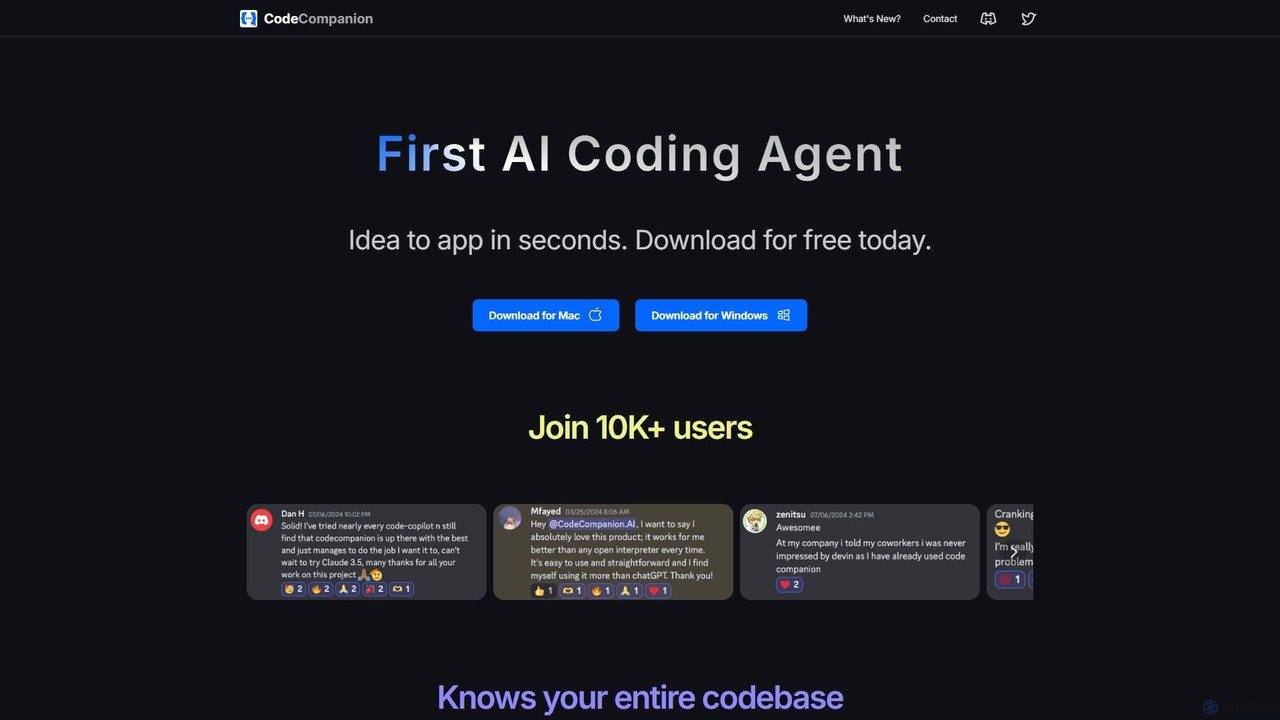
CodeCompanion
CodeCompanion is an advanced AI coding agent that functions as a junior developer on your local machine. It understands your entire codebase, uses an integrated terminal and browser to research and execute tasks, and can turn ideas into applications in seconds. It prioritizes privacy by keeping all data local.
Code Assistant
GiteAI
GiteAI is an AI-powered tool designed for developers to automate and enhance Git commit messages. It analyzes code changes to generate detailed, standardized commits, saving time and improving repository consistency, allowing you to focus more on coding.
Code Assistant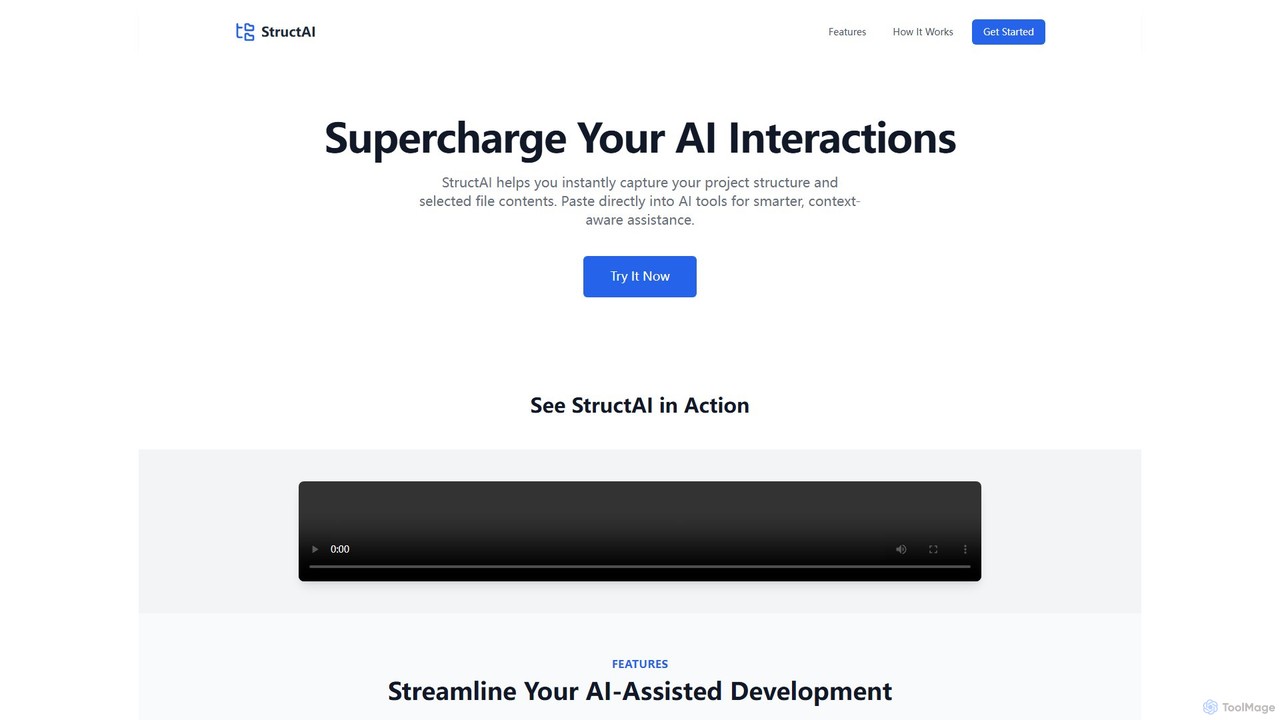
StructAI
StructAI is a developer tool that instantly captures your project's folder structure and selected file contents. It generates a context-rich, AI-ready output that you can paste into any AI assistant (like ChatGPT, Claude) for smarter, more accurate code generation, debugging, and analysis.
Prompt Engineering
Git Assistant Comments (0)
Sign in to comment.
Sign inNo comments yet.