


Codegen Overview
Codegen is an expert AI software engineering agent designed to revolutionize the software development lifecycle. It acts as an autonomous partner for development teams, capable of understanding the entire context of a codebase to build software more efficiently. By integrating seamlessly into existing workflows, Codegen empowers developers to focus on high-impact problems while it handles the repetitive and time-consuming tasks. The platform's core mission is to make software development more accessible, efficient, and enjoyable by bridging the gap between human creativity and AI-powered automation.
From a simple ticket in a project management tool to a fully-fledged pull request ready for review, Codegen streamlines the entire process. It can be tasked with implementing new features, fixing complex bugs, or refactoring existing code. This allows teams to ship in parallel, significantly reducing development cycles and crushing backlogs with astonishing speed. The platform is trusted by thousands of teams, from solo developers to large enterprises, to enhance productivity and transparency.
How to use Codegen
Getting started with Codegen is designed to be intuitive and fit directly into your current processes. The primary interaction model is through the tools your team already uses:
- Assign Tasks: Simply tag Codegen in a ticket on platforms like JIRA, Linear, or ClickUp. You can ask for a full implementation plan or a complete Pull Request.
- Collaborate in Slack: Add the Codegen bot to any Slack channel. You can tag it to ask technical questions, get help with bug reports, or research the feasibility of a new feature.
- Integrate with GitHub: Use Codegen directly within your GitHub workflow. Ask it to perform code reviews, automatically fix linting errors, or resolve a failed build.
- Use the API: For custom integrations, Codegen provides a Python SDK (`pip install codegen`). This allows you to invoke its agentic capabilities programmatically within your own tools and workflows.
- Monitor Progress: The Codegen web application provides detailed traces of the agent's work, offering full transparency into its process, from environment setup to the final PR.
Core Features of Codegen
- Autonomous Agentic Development: Converts tasks and tickets directly into code and pull requests, operating as an autonomous team member.
- Full Codebase Context: Analyzes your entire repository to provide context-aware, accurate, and relevant code solutions.
- Seamless Workflow Integrations: Natively integrates with hundreds of developer tools, including GitHub, Slack, Linear, JIRA, and ClickUp.
- Natural Language Interface: Allows both technical and non-technical users to interact with the codebase, ask questions, and request changes using plain English.
- Code Generation, Refactoring & Bug Fixing: Capable of writing new features from scratch, improving existing code quality, and automatically resolving bugs.
- Enterprise-Grade Security: SOC 2 Type II certified, offering end-to-end encryption, role-based access controls, audit trails, and the option to deploy in your own VPC for maximum data control.
- Scalable Architecture: Supports unlimited concurrent agents, automatically scaling to meet the demands of your team without creating bottlenecks.
- Developer API & SDK: A powerful Python SDK allows for deep integration of Codegen's AI capabilities into your custom development environment.
Use Cases for Codegen
Accelerating Feature Delivery: A product manager creates a feature request in JIRA. By assigning it to Codegen, a complete PR with the new feature is generated within minutes, ready for human review.
Rapid Bug Resolution: A QA engineer files a bug report. A developer assigns the ticket to Codegen, which analyzes the codebase, identifies the root cause, and submits a PR with the fix.
Empowering Non-Technical Staff: A designer can request a minor UI fix or a text change via Slack. Codegen understands the request and ships a production fix without requiring an engineer's time.
Codebase Knowledge Base: A new engineer can ask Codegen questions like "How does our authentication system work?" to get detailed, context-aware answers, speeding up their onboarding process.
Improving Code Quality: During a code review, a senior developer can ask Codegen to refactor a specific function for better performance or readability, automating code maintenance tasks.
Advantages of Codegen
Codegen offers a significant competitive edge by transforming the development workflow. Its primary advantage is a dramatic increase in engineering velocity, enabling teams to ship features and fixes at an unprecedented rate. It enhances collaboration by meeting developers where they work—in Slack, GitHub, and their project management tools. For businesses, this translates into lower development costs, as smaller teams can achieve the output of much larger ones. Furthermore, its enterprise-ready security and scalability provide confidence for organizations of any size to adopt AI in their development process safely.
Pricing and Plans
Codegen offers a flexible pricing structure to suit individuals, teams, and large enterprises.
- Free Plan: Get started with 10 total runs to evaluate the platform. Includes full codebase context and integrations with GitHub, Slack, and Linear.
- Individual Plan: For $9.99/month (or $99.90/year), this plan offers unlimited runs for a personal GitHub account, perfect for solo developers and freelancers.
- Teams Plan: At $199/month (or $1,990/year), this plan provides unlimited runs for an organization's GitHub account, team collaboration features, and priority support.
- Enterprise Plan: Offers custom pricing for large organizations. It includes everything in the Teams plan plus custom deployment options (including VPC), SLAs, SSO, advanced security features, and dedicated support.
All paid plans come with a 30-day money-back guarantee.
Traffic
Latest traffic
Status
Monthly traffic trend
- 2025-9: 31.7K
- 2026-1: 50.3K
- 2026-2: 28.8K
- 2026-3: 31.5K
- 2026-4: 61.8K
- 2026-5: 67.9K
Geography
Top 5 countries / regions
- 🇺🇸United States44.4%
- 🇳🇬Nigeria15.7%
- 🇮🇳India14.4%
- 🇻🇳Vietnam12.8%
- 🇰🇭Cambodia12.7%
Traffic sources
| Source type | Percentage |
|---|---|
Direct | 50.2% |
Referral | 49.6% |
Email | 0.2% |
Top keywords
| Keyword | Cost per click |
|---|---|
| codegen | $2.81 |
| code review agent | $0.00 |
| coding agents | $11.74 |
| github copilot vs claude code | $4.88 |
| whatgs the best $10 ai coding agent | $0.00 |
Codegen Videos on YouTube


A-Z Tech Insights

Daniel | Tech & Data

Himanshu Pandey
Fiberplane

VizHub

Wojtas Maciej
Codegen Alternatives
Cosine
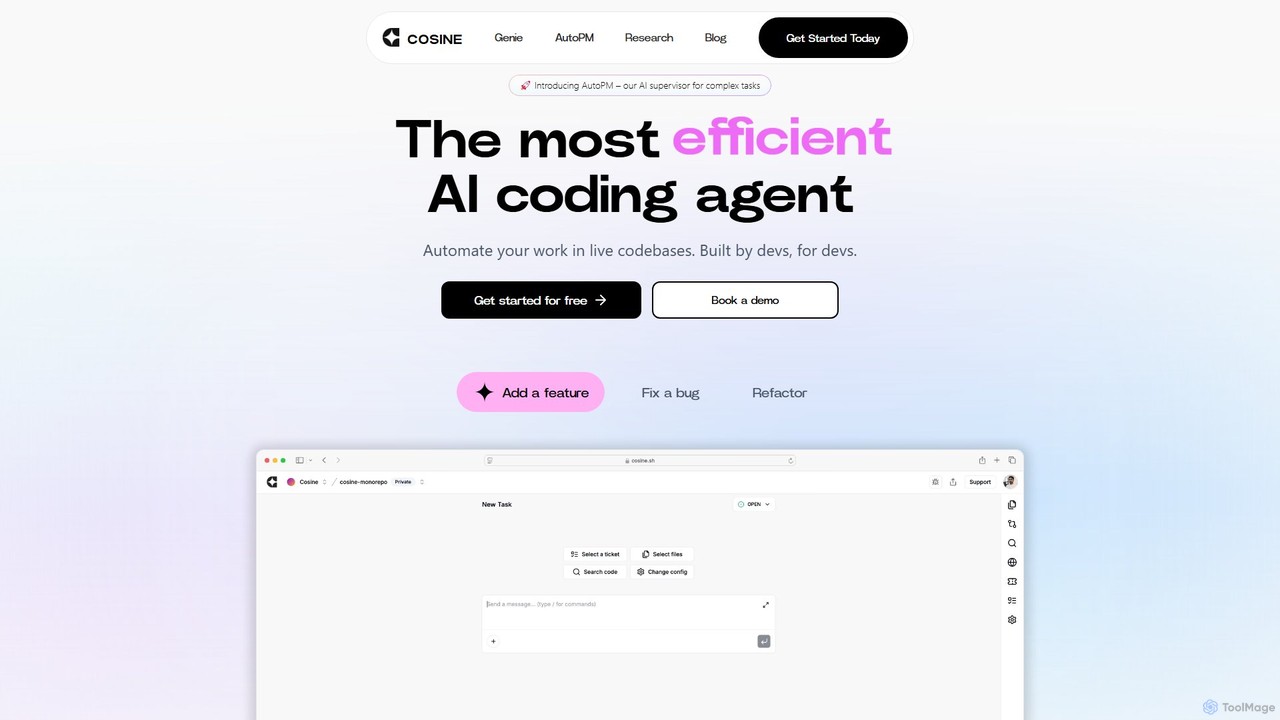
Cosine is an agentic AI software engineer designed to automate complex coding tasks. It operates directly within live codebases to handle tickets, from feature development to bug fixes, and seamlessly integrates into your development workflow through tools like Jira, Slack, and Linear.
Software Engineering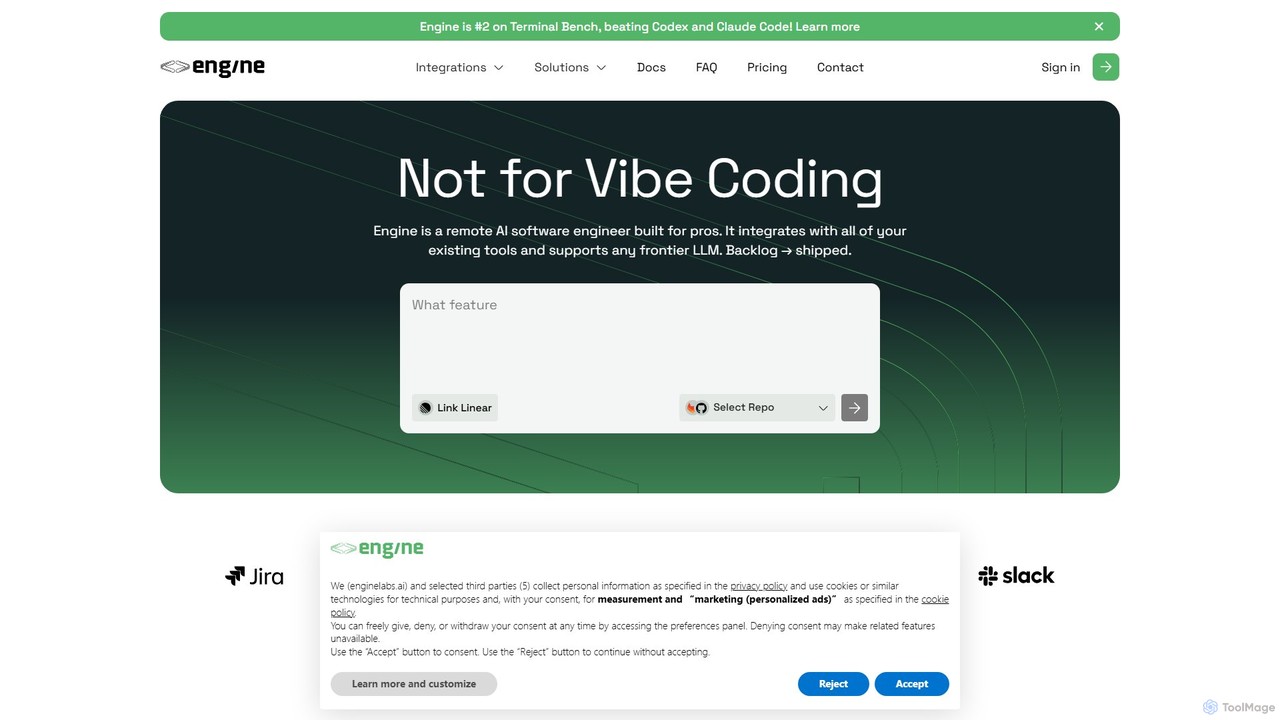
Engine
Engine is an AI software engineer designed for professional development teams. It integrates with your existing tools like GitHub and Linear to autonomously fix bugs, ship features, and clear your backlog by creating and managing pull requests, effectively acting as a remote AI team member.
Version Control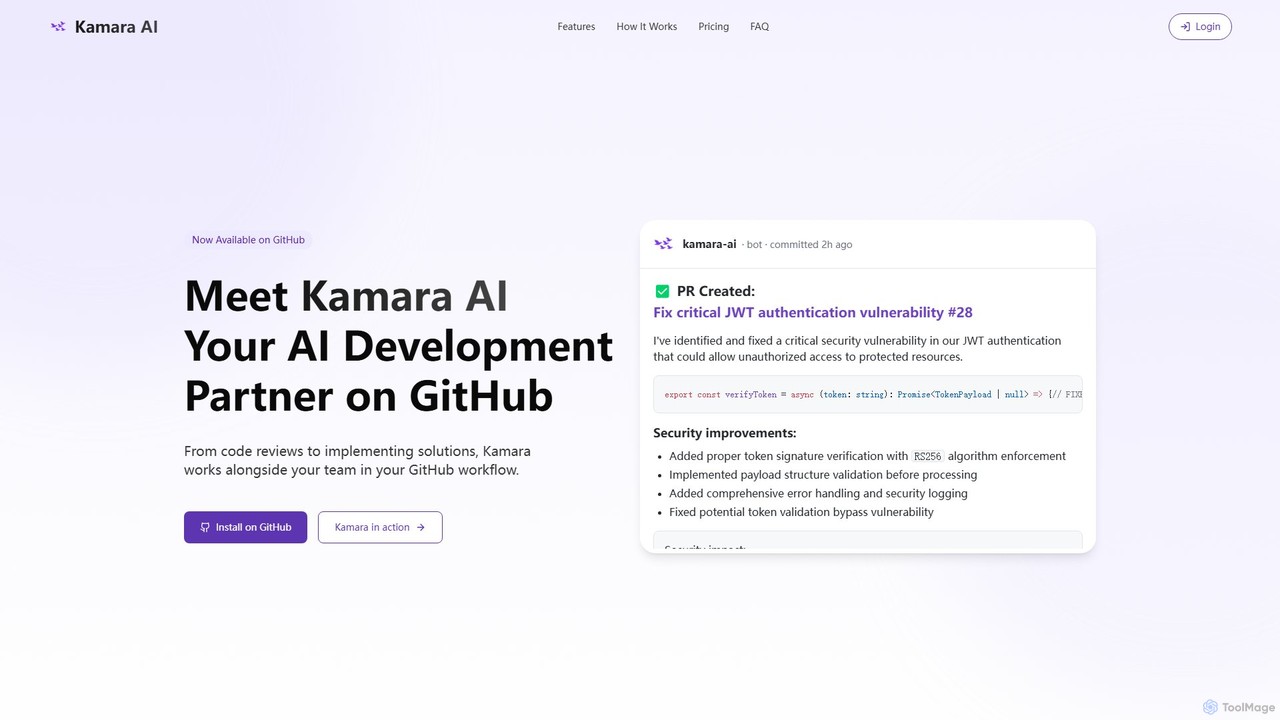
Kamara AI
Kamara AI is an intelligent development partner that integrates directly into your GitHub workflow. It acts as an AI team member, providing full-context code analysis, automated code reviews, AI-implemented pull requests from issue descriptions, and self-updating documentation. Kamara helps teams accelerate development, improve code quality, and preserve institutional knowledge seamlessly.
Code Review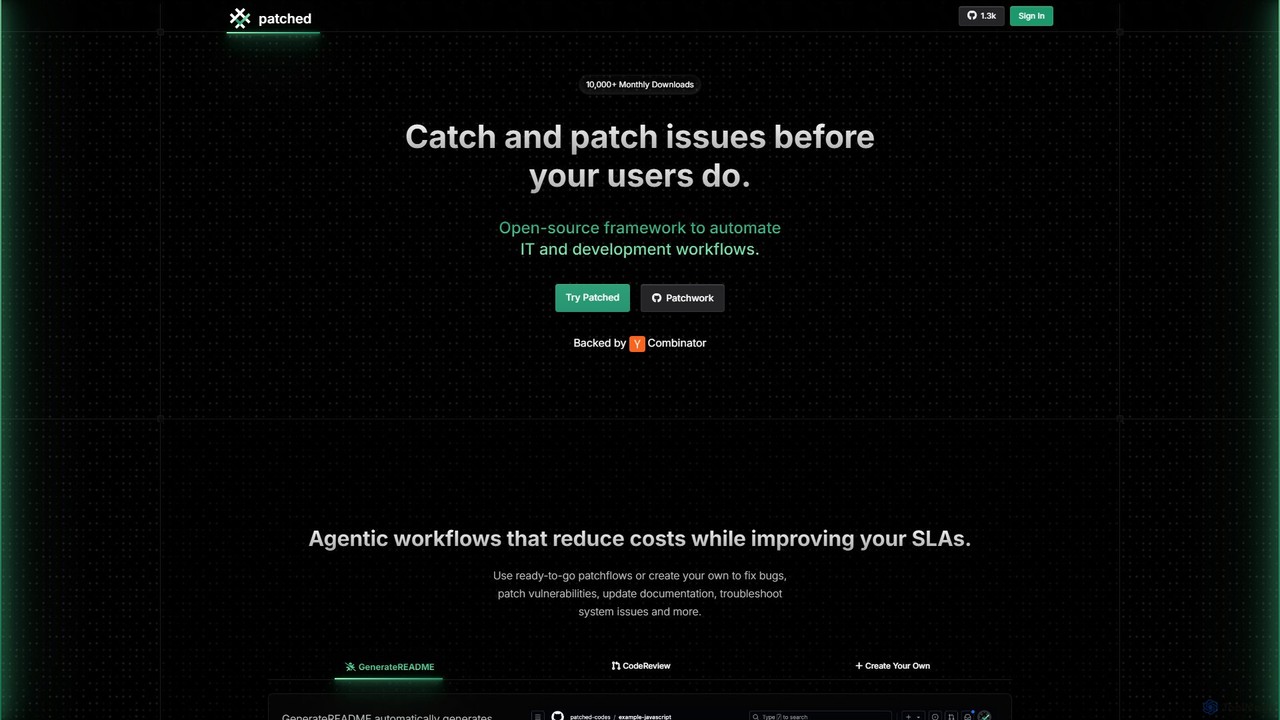
Patched
Patched is an open-source framework designed to automate IT and development workflows. It leverages AI to proactively catch and fix issues like bugs and vulnerabilities before they impact users. The platform allows for creating custom, agentic workflows to streamline tasks such as code review, documentation generation, and dependency updates.
Code Assistant
Branch name generator
An AI-powered tool that integrates with Jira to automatically generate consistent and descriptive Git branch names. It analyzes Jira task data to streamline developer workflows, enforce naming conventions, and improve repository clarity.
Version ControlCodegen Categories
Codegen Embed Widget
Copy this embed code to place the badge on your blog, article, or product site and send readers directly to this ToolMage detail page.

Related AI tools
Cosine
Cosine is an agentic AI software engineer designed to automate complex coding tasks. It operates directly within live codebases to handle tickets, from feature development to bug fixes, and seamlessly integrates into your development workflow through tools like Jira, Slack, and Linear.
Software EngineeringEngine
Engine is an AI software engineer designed for professional development teams. It integrates with your existing tools like GitHub and Linear to autonomously fix bugs, ship features, and clear your backlog by creating and managing pull requests, effectively acting as a remote AI team member.
Version ControlKamara AI
Kamara AI is an intelligent development partner that integrates directly into your GitHub workflow. It acts as an AI team member, providing full-context code analysis, automated code reviews, AI-implemented pull requests from issue descriptions, and self-updating documentation. Kamara helps teams accelerate development, improve code quality, and preserve institutional knowledge seamlessly.
Code Review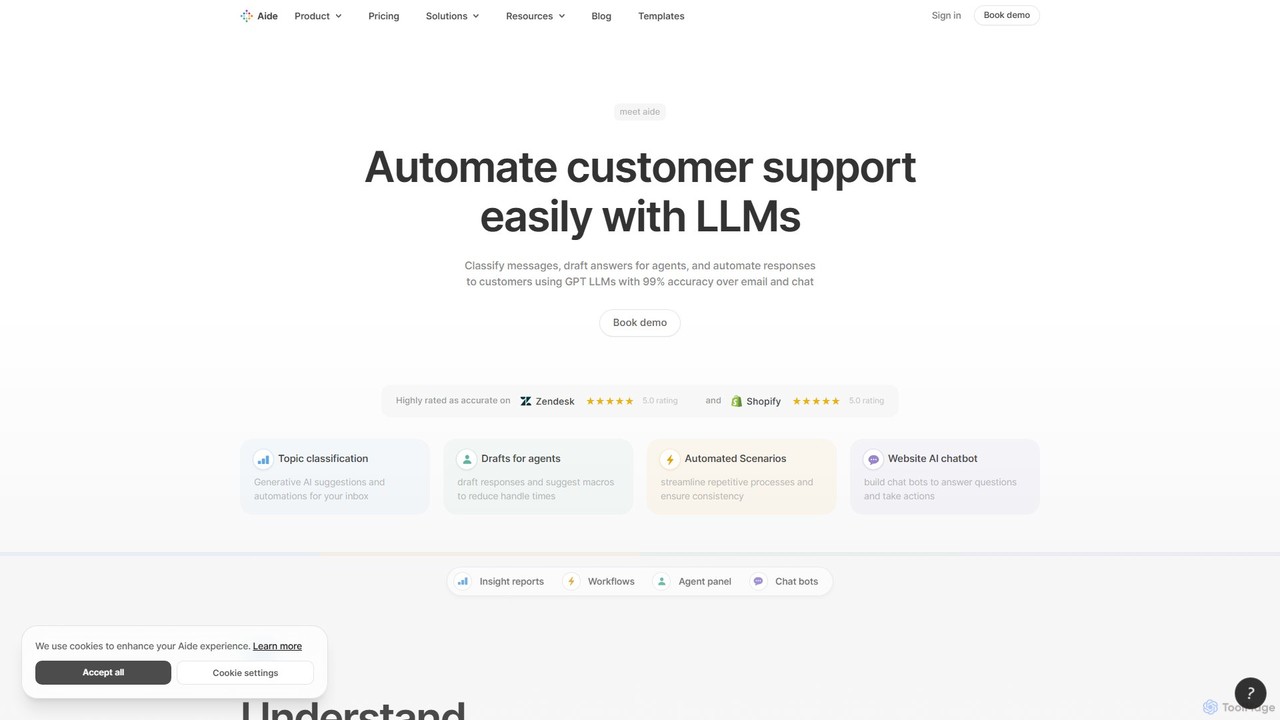
Aide
Aide is an AI-powered multi-agent coding assistant that automates software development directly within your GitHub workflow. It interprets GitHub issues, autonomously generates code, creates pull requests, and iterates based on your feedback, effectively acting as a team of AI engineers on your codebase.
Code Generation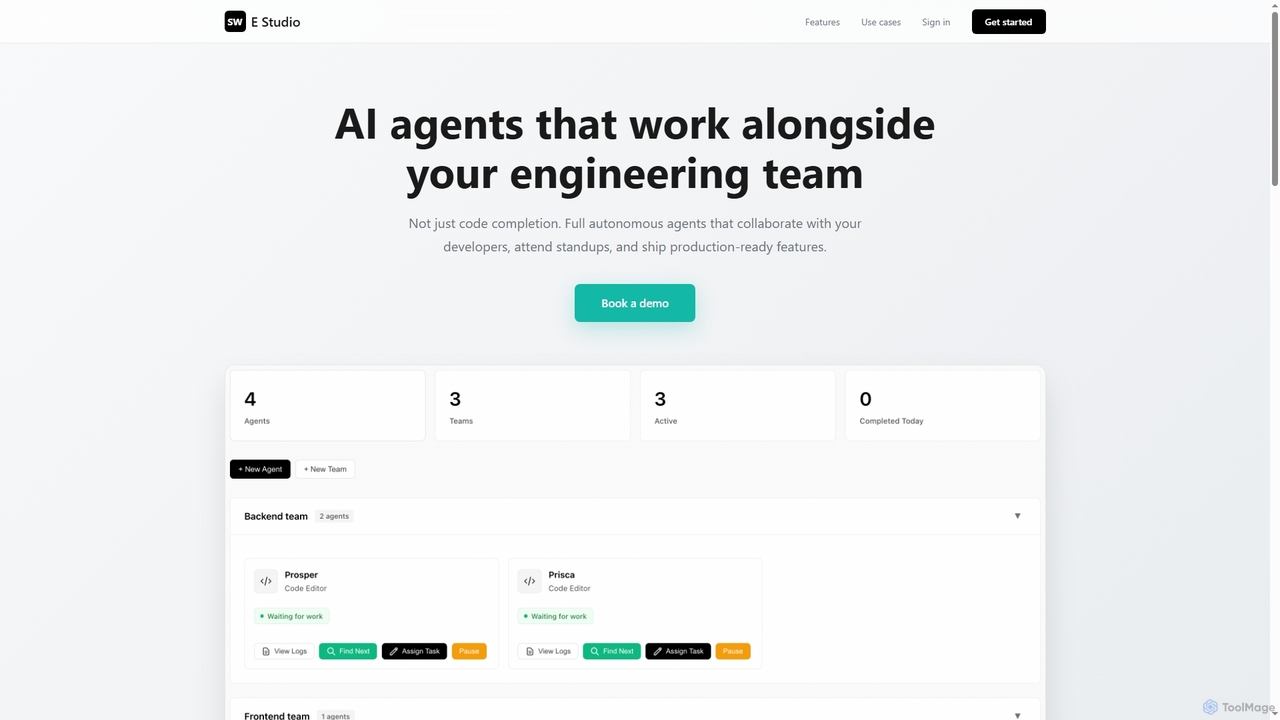
Swe Studio
Swe Studio provides autonomous AI agents that function as full members of your engineering team. They independently handle development tasks from Jira tickets to pull requests, collaborating via Slack and GitHub to ship production-ready features.
Code Assistant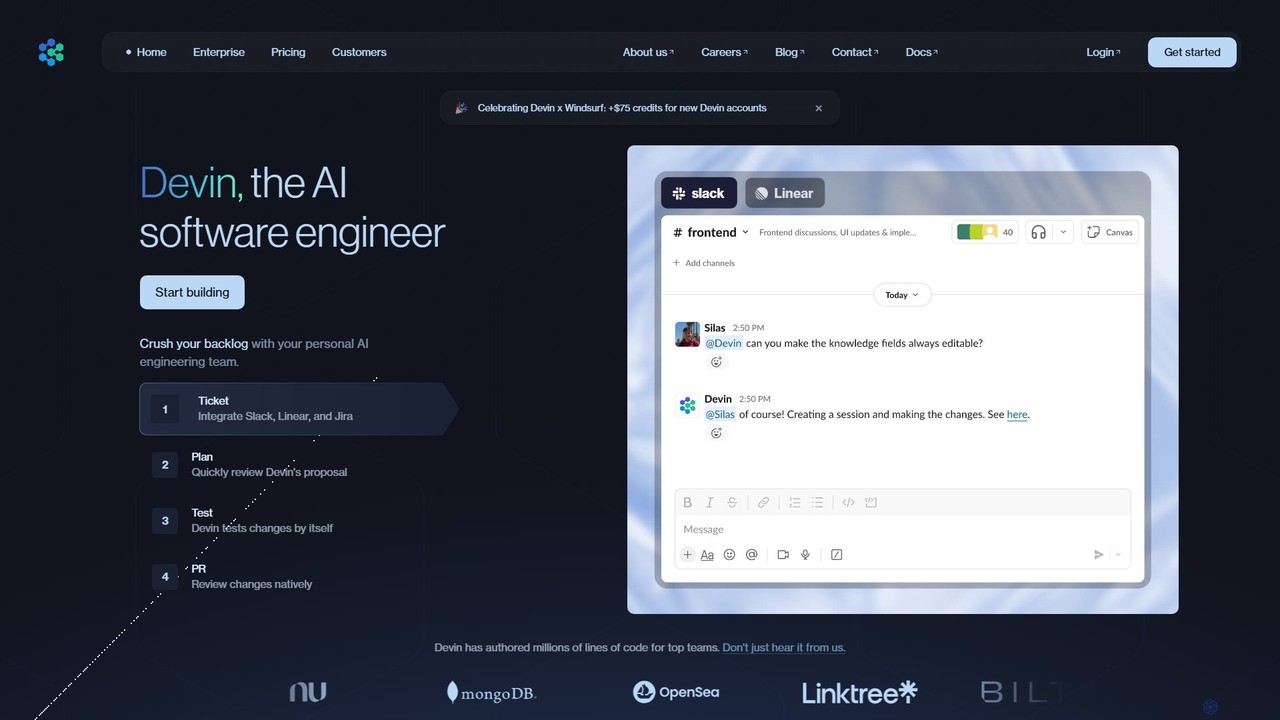
Devin
Devin is the world's first AI software engineer, designed by Cognition to autonomously handle complex engineering tasks. It can plan and execute entire software development projects, from writing code and fixing bugs to large-scale migrations, significantly boosting team productivity and reducing development costs.
Software Development
All Hands AI (OpenHands)
All Hands AI (OpenHands) is a leading open-source AI coding agent designed to automate software development. It helps engineers with tasks like code reviews, refactoring, bug fixing, and test generation. Available as a flexible SaaS, self-hosted, or open-source solution, it integrates with tools like GitHub and GitLab to accelerate development cycles and improve code quality.
Code Generation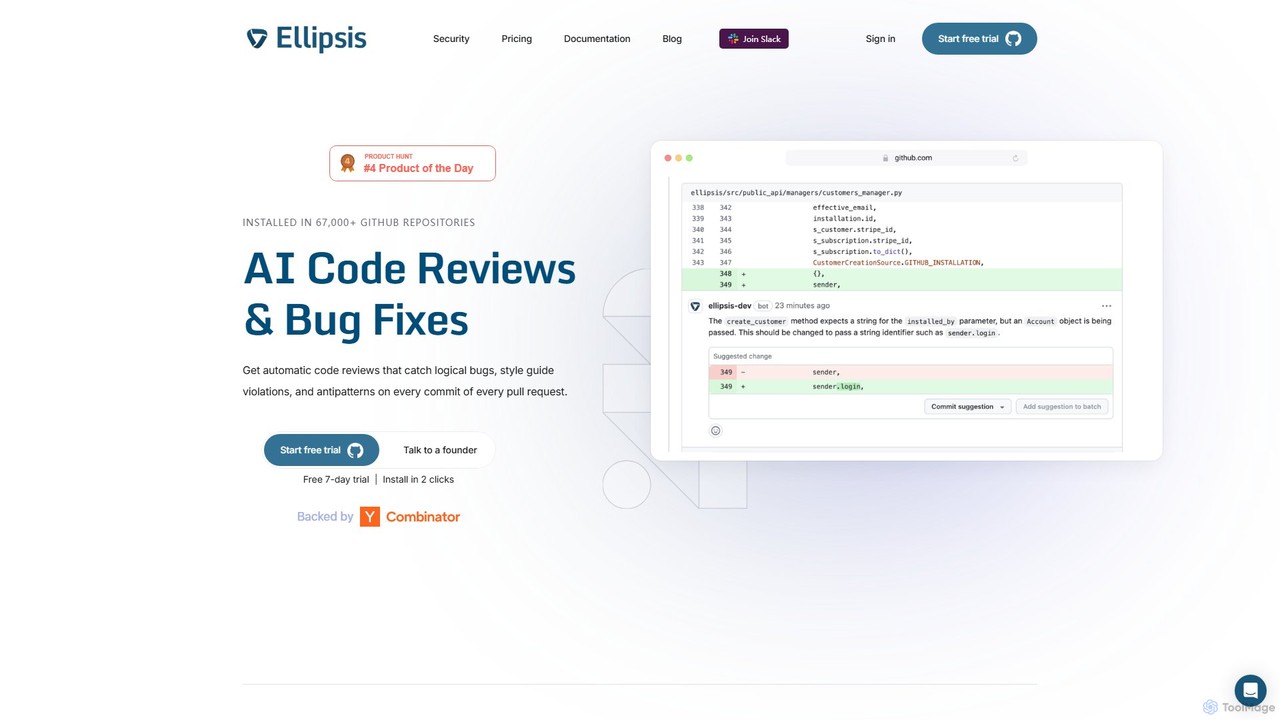
Ellipsis
Ellipsis is an AI-powered engineering teammate that automates code reviews on GitHub. It intelligently catches logical bugs, style violations, and anti-patterns in every pull request, helping teams ship code faster while maintaining high quality and security standards.
Code Review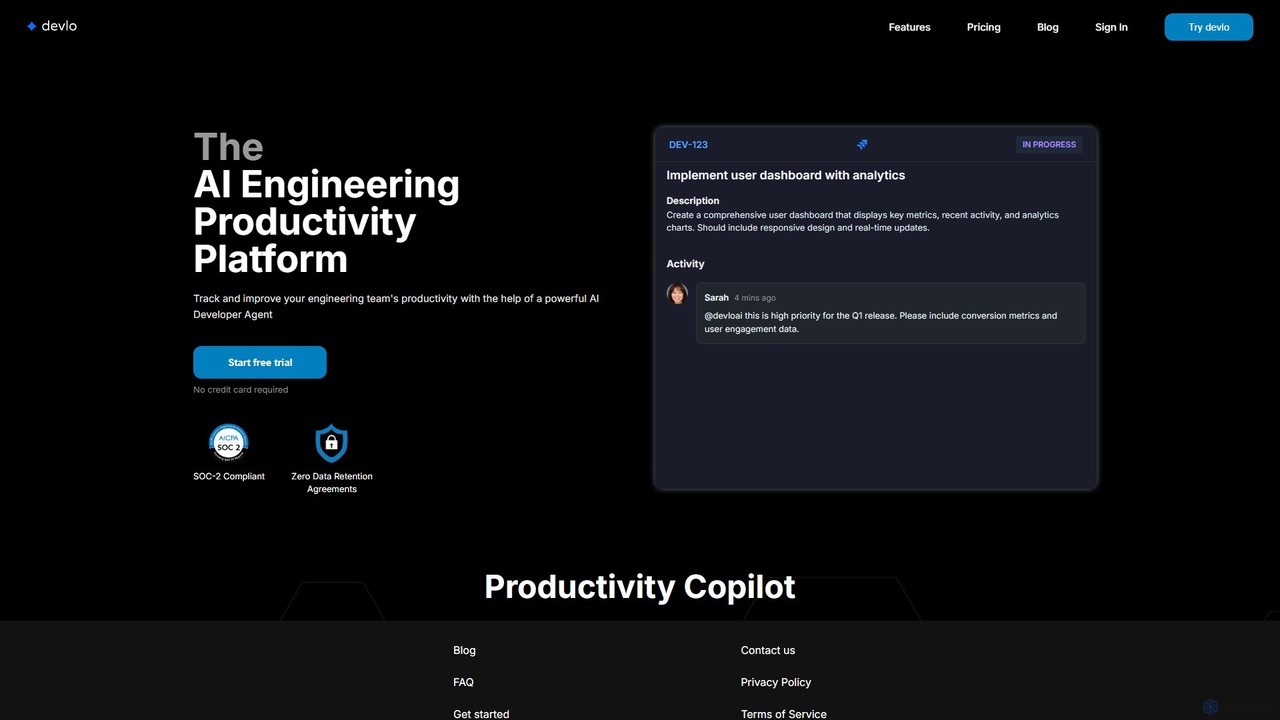
devlo
devlo is an AI Engineering Productivity Platform designed to supercharge software development teams. It features an advanced AI Developer Agent that automates coding tasks, performs intelligent code reviews, and provides deep, actionable insights into team performance, helping to accelerate delivery and improve code quality.
Code Assistant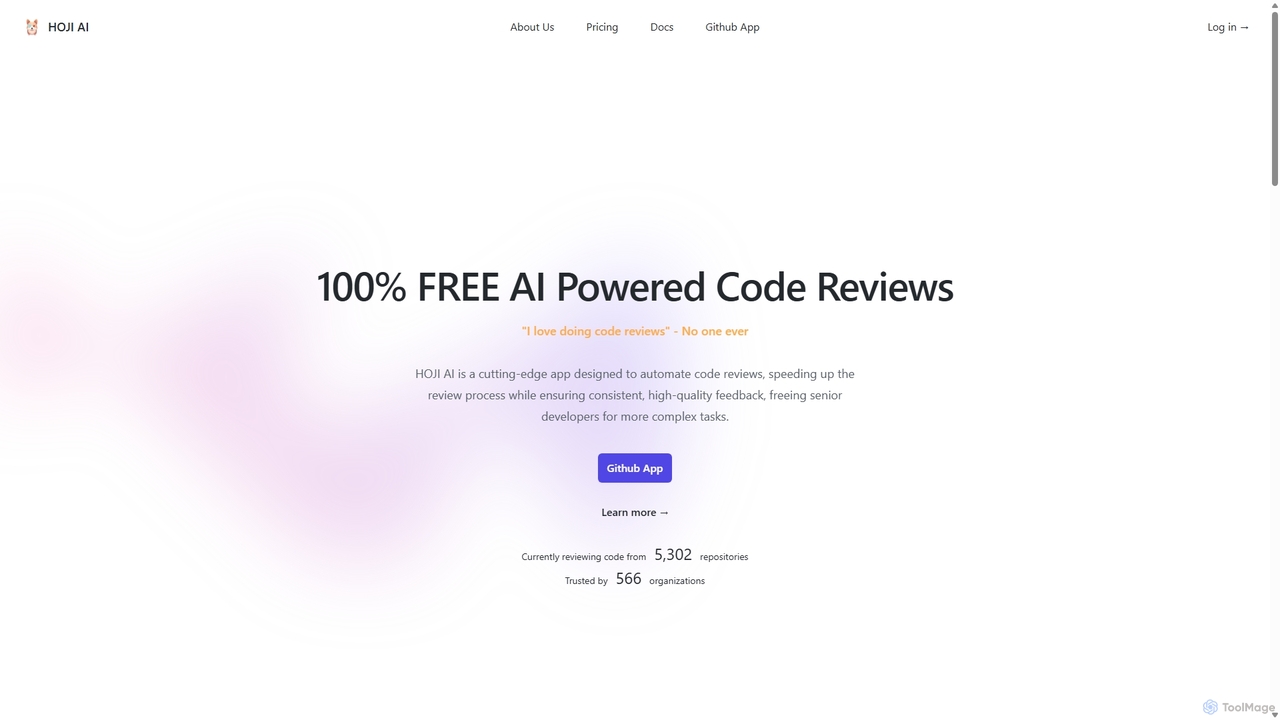
HOJI AI
HOJI AI is a free, AI-powered tool that automates code reviews directly within GitHub. It provides instant, consistent, and high-quality feedback on pull requests, helping development teams increase productivity, improve code quality, and accelerate their development cycles by freeing up senior engineers.
Code Assistant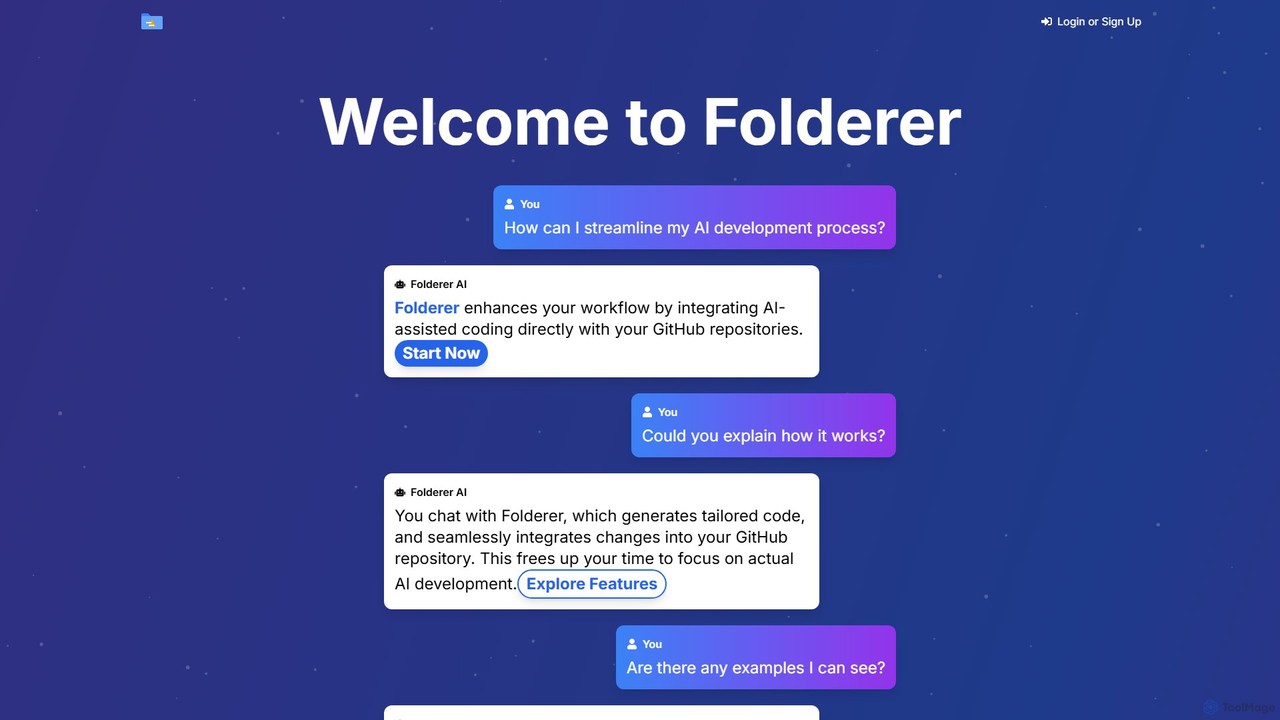
Folderer
Folderer is an AI-powered coding assistant that integrates directly with your GitHub repositories. It uses a conversational chat interface to generate, refine, and commit high-quality code, streamlining the entire development workflow from idea to deployment.
Code GenerationPatched
Patched is an open-source framework designed to automate IT and development workflows. It leverages AI to proactively catch and fix issues like bugs and vulnerabilities before they impact users. The platform allows for creating custom, agentic workflows to streamline tasks such as code review, documentation generation, and dependency updates.
Code AssistantBranch name generator
An AI-powered tool that integrates with Jira to automatically generate consistent and descriptive Git branch names. It analyzes Jira task data to streamline developer workflows, enforce naming conventions, and improve repository clarity.
Version Control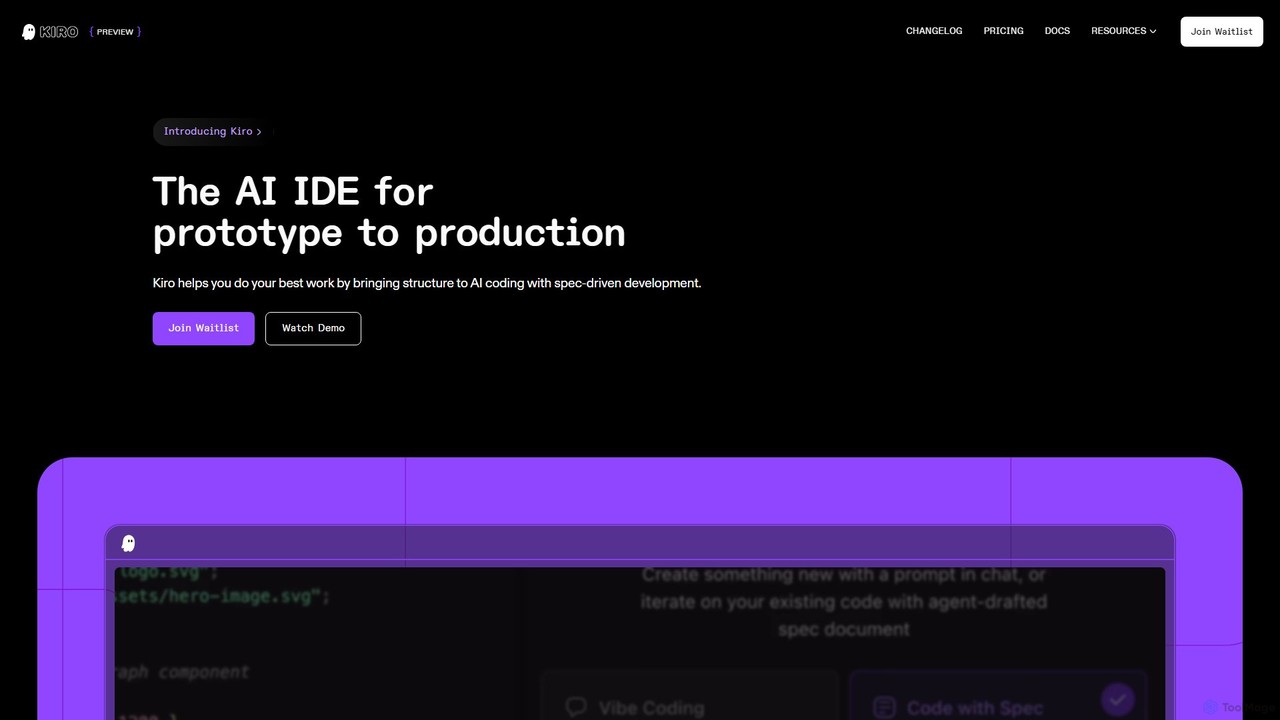
Kiro
Kiro is an AI-powered Integrated Development Environment (IDE) designed to streamline the entire software development lifecycle, from prototype to production. It introduces a structured, spec-driven development approach, transforming natural language prompts into clear requirements, system designs, and executable tasks. By leveraging AI agents, Kiro automates coding, testing, and documentation, helping developers build complex applications faster and with higher quality.
Code Assistant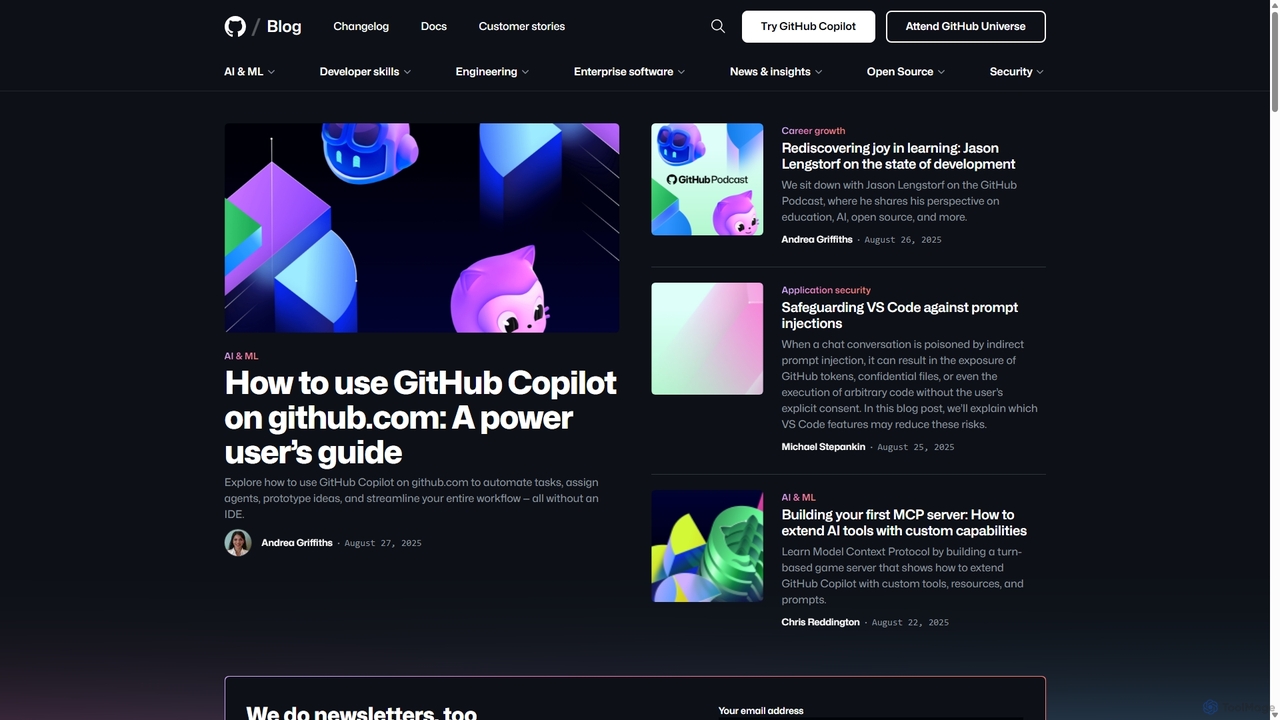
GitHub Copilot
GitHub Copilot is an AI pair programmer that offers intelligent code completions and suggestions directly in your editor. It helps you write code faster, learn new languages, and stay in the flow by turning natural language prompts into coding suggestions across dozens of languages.
Code Generation
Codegen Comments (0)
Sign in to comment.
Sign inNo comments yet.