
Engine Overview
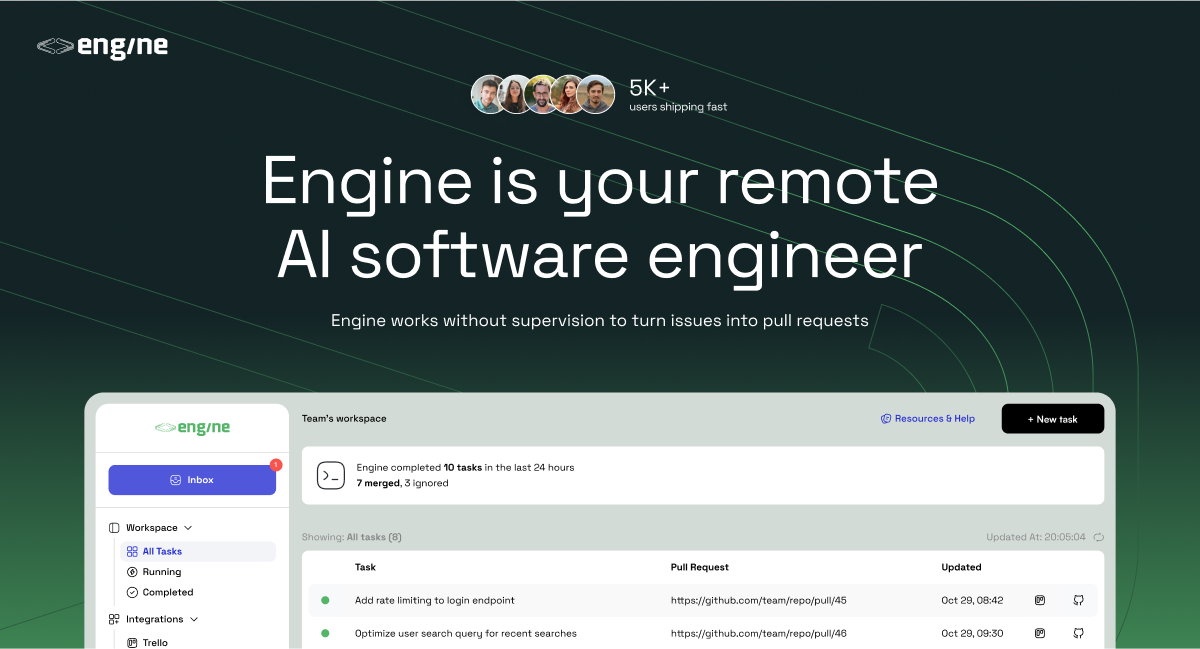
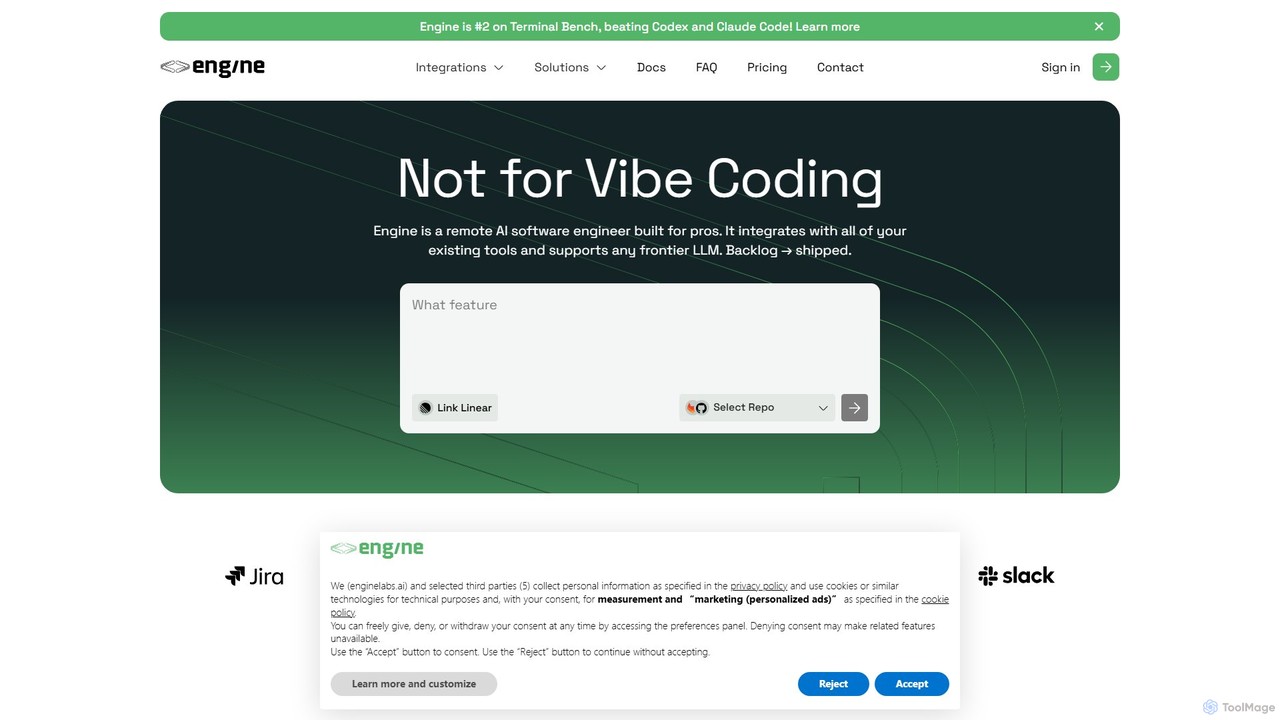
Engine is a sophisticated AI software engineer designed to function as an autonomous member of professional development teams. Positioned as a high-performer that surpasses benchmarks set by tools like Codex and Claude Code, Engine's primary goal is to accelerate the software development lifecycle. It seamlessly integrates into your existing workflows, transforming backlog issues into shipped code with minimal human intervention. By handling a significant portion of coding tasks, Engine frees up human engineers to focus on complex architectural challenges and high-level problem-solving, thereby boosting team productivity and velocity.
This AI agent is not just a code generator; it's a proactive problem-solver. It can independently pick up tasks, understand the requirements, write the necessary code, and submit it for review. This allows teams to make continuous progress on their backlog, day or night, ensuring that development momentum is never lost.
How to use Engine
Getting started with Engine is designed to be a straightforward, three-step process that feels like onboarding a new remote developer:
- Connect & Integrate: In just a few seconds, you can connect Engine to your development ecosystem. This involves authorizing access to your code repositories on platforms like GitHub or GitLab, and your project management tools such as Linear, Trello, or Jira.
- Assign Tasks or Activate Autopilot: Once integrated, Engine can start working. You can manually assign specific issues or tickets from your backlog to Engine. Alternatively, you can enable 'Autopilot' mode, which empowers the AI agent to proactively select and work on unassigned issues from your backlog, prioritizing them based on predefined criteria. It can also be tasked with reviewing existing pull requests submitted by human team members.
- Review & Merge: After completing the coding work for a task, Engine submits a standard pull request (PR) to your repository. Your team can then review the AI-generated code just as they would with any other contribution. You can approve and merge the PR, or provide feedback and request changes, which Engine will then address in a subsequent commit.
Core Features of Engine
- Autonomous Code Generation: Takes issues and feature requests directly from your backlog, writes the implementation code, and submits complete pull requests for review.
- AI-Powered Code Review: Acts as a dedicated code reviewer. It can be assigned to existing pull requests to provide suggestions, identify potential bugs, enforce coding standards, or make direct changes to improve code quality.
- Backlog Automation: Capable of completing over 50% of typical software issues, significantly reducing your backlog and accelerating development cycles.
- Seamless Workflow Integration: Natively connects with essential developer tools including GitHub, GitLab, Linear, Trello, and more, fitting directly into your team's established processes without disruption.
- Autopilot Mode: A set-and-forget feature that allows the AI agent to continuously and automatically work on your backlog issues 24/7, ensuring constant progress.
- Flexible LLM Support: Built to be compatible with any frontier Large Language Model (LLM), ensuring it remains at the cutting edge of AI capabilities and performance.
- Collaborative Agent: Functions like a remote team member, capable of understanding and responding to feedback on its pull requests.
Use Cases for Engine
Engine is versatile and can be applied to various scenarios within the software development process:
- Accelerating Feature Development: Assign new feature tickets from Linear or Trello directly to Engine. It can generate the boilerplate and initial implementation, allowing human engineers to focus on the core logic and final refinements.
- Automated Bug Squashing: Automatically assign bug reports to Engine as they are created. It will analyze the issue, write the fix, and submit a PR, freeing up developers from time-consuming debugging.
- Clearing Technical Debt: Utilize Autopilot mode to systematically work through a backlog of low-priority bugs, refactoring tasks, and minor improvements that often get neglected.
- Enhancing Code Quality and Consistency: Use Engine as a mandatory CI/CD step to review all incoming PRs, ensuring they adhere to project standards and best practices before they are merged.
Advantages of Engine
- Increased Velocity: Ship features and fixes faster by offloading a significant volume of coding tasks to a reliable AI agent.
- Reduced Backlog: Make continuous, around-the-clock progress on your issue tracker, preventing tasks from piling up.
- Improved Developer Focus: Allow your senior engineers to delegate routine coding and bug fixing, enabling them to concentrate on high-impact architectural and strategic work.
- Frictionless Integration: No need to overhaul your existing toolchain or workflows; Engine adapts to your current setup.
- Scalable Workforce: Instantly add a productive 'engineer' to your team without the traditional overhead of hiring, onboarding, and management.
Pricing and Plans
Engine offers flexible pricing to suit individuals and teams of all sizes:
- Intern Plan: $0.00/month. This free plan is perfect for individual engineers or those just getting started. It includes 180 credits per month and allows for 1 task to be processed at a time, with access to all standard workflow integrations.
- Staff Plan: Custom Pricing. This plan is tailored for professional teams and businesses requiring higher throughput and enhanced features. It includes everything in the Intern plan plus effectively unlimited usage (100+ tasks per month), parallel processing (2+ tasks at a time), self-hosted Engine VMs for enhanced security, support for private models, and dedicated 24/7 support via Slack. Interested parties should contact sales for a custom quote.
Traffic
Latest traffic
Status
Monthly traffic trend
- 2025-9: 45.3K
- 2026-1: 12.8K
- 2026-2: 5.1K
- 2026-3: 6.2K
- 2026-4: 6.6K
- 2026-5: 4.7K
Geography
Top 5 countries / regions
- 🇺🇸United States54.4%
- 🇮🇳India31.7%
- 🇻🇳Vietnam13.9%
Top keywords
| Keyword | Cost per click |
|---|---|
| cursor | $1.90 |
| cursor ai | $2.46 |
| cursor ai article | $0.00 |
| cursor ai revire | $0.00 |
| cursor review | $0.00 |
Engine Alternatives
Codegen
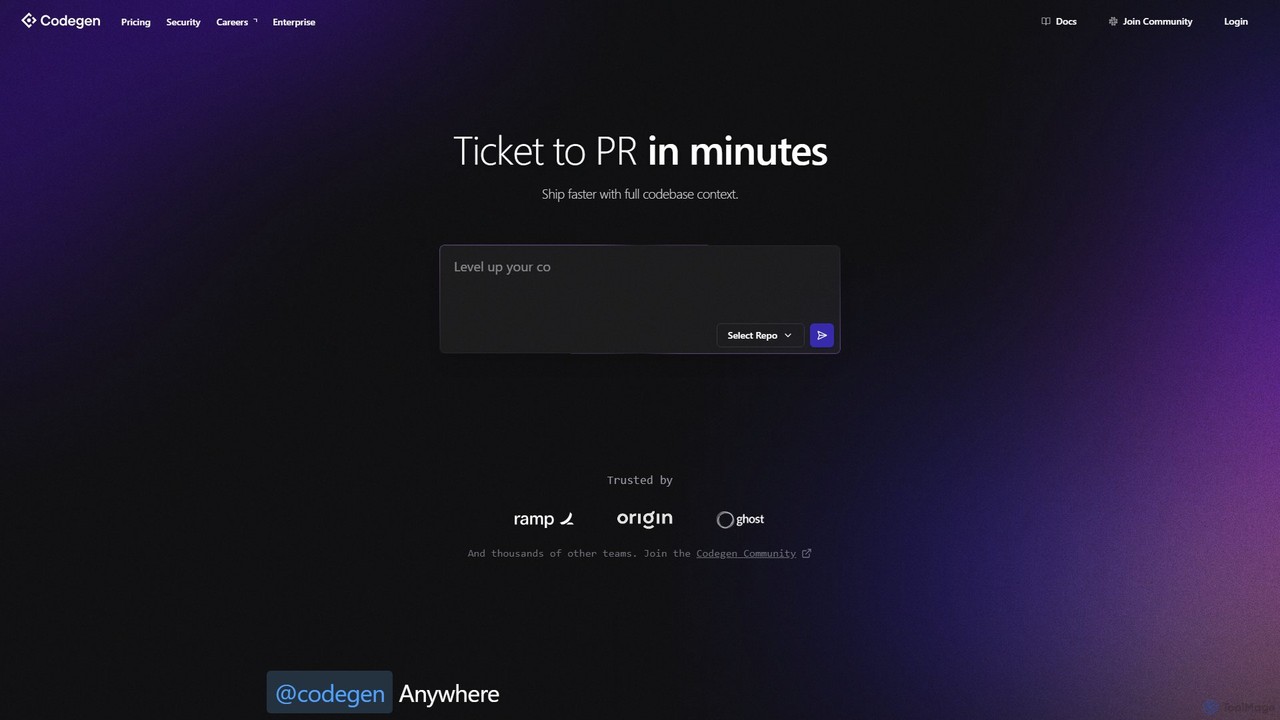
Codegen is an AI software engineering agent that accelerates development by transforming tickets into pull requests in minutes. It integrates with your existing tools like GitHub, Slack, and JIRA, using full codebase context to automate coding, fix bugs, and review code, effectively 10x-ing your team's productivity.
Version Control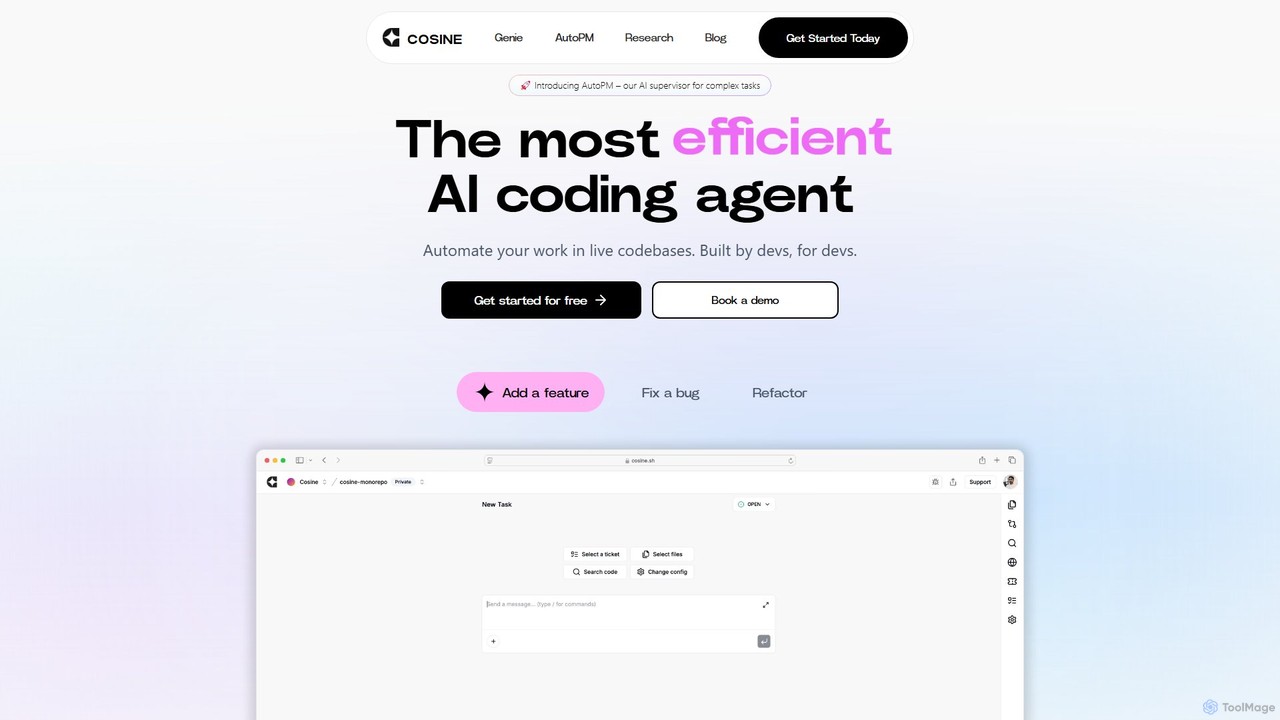
Cosine
Cosine is an agentic AI software engineer designed to automate complex coding tasks. It operates directly within live codebases to handle tickets, from feature development to bug fixes, and seamlessly integrates into your development workflow through tools like Jira, Slack, and Linear.
Software Engineering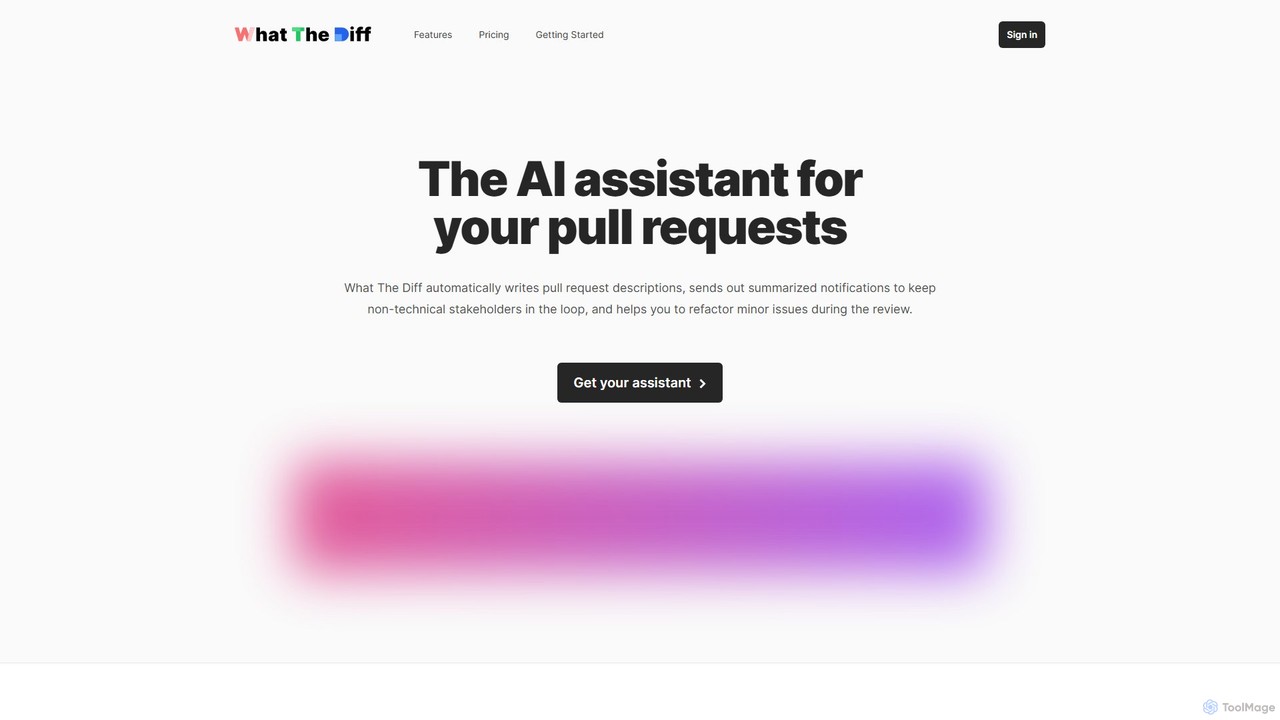
What The Diff
What The Diff is an AI-powered code review assistant that integrates with GitHub and GitLab. It automatically generates pull request descriptions, sends summarized notifications to stakeholders, and helps refactor code directly within the review process, streamlining development workflows.
Code Review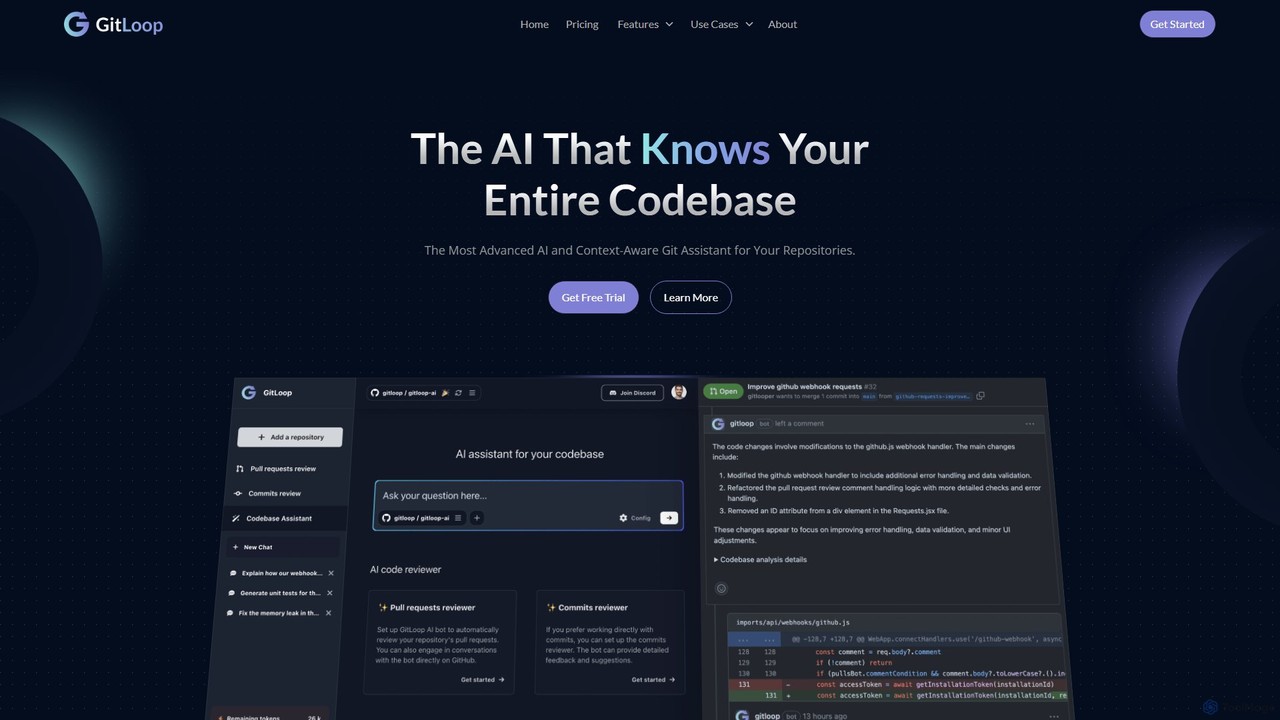
GitLoop
GitLoop is an AI-powered codebase assistant that revolutionizes software development. It allows developers to search codebases with natural language, automates pull request reviews, generates documentation and unit tests, and provides deep code insights, acting like a senior developer on your team.
Code Review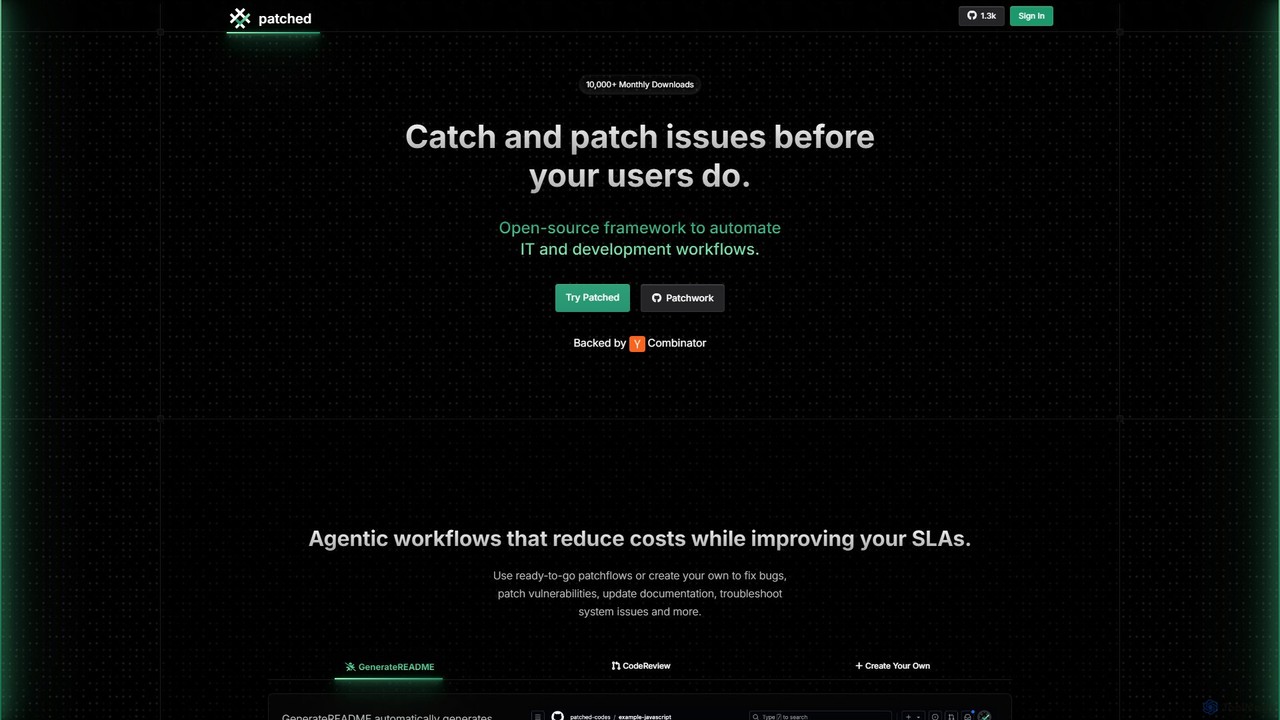
Patched
Patched is an open-source framework designed to automate IT and development workflows. It leverages AI to proactively catch and fix issues like bugs and vulnerabilities before they impact users. The platform allows for creating custom, agentic workflows to streamline tasks such as code review, documentation generation, and dependency updates.
Code AssistantEngine Categories
Engine Embed Widget
Copy this embed code to place the badge on your blog, article, or product site and send readers directly to this ToolMage detail page.

Related AI tools
Codegen
Codegen is an AI software engineering agent that accelerates development by transforming tickets into pull requests in minutes. It integrates with your existing tools like GitHub, Slack, and JIRA, using full codebase context to automate coding, fix bugs, and review code, effectively 10x-ing your team's productivity.
Version ControlCosine
Cosine is an agentic AI software engineer designed to automate complex coding tasks. It operates directly within live codebases to handle tickets, from feature development to bug fixes, and seamlessly integrates into your development workflow through tools like Jira, Slack, and Linear.
Software EngineeringWhat The Diff
What The Diff is an AI-powered code review assistant that integrates with GitHub and GitLab. It automatically generates pull request descriptions, sends summarized notifications to stakeholders, and helps refactor code directly within the review process, streamlining development workflows.
Code Review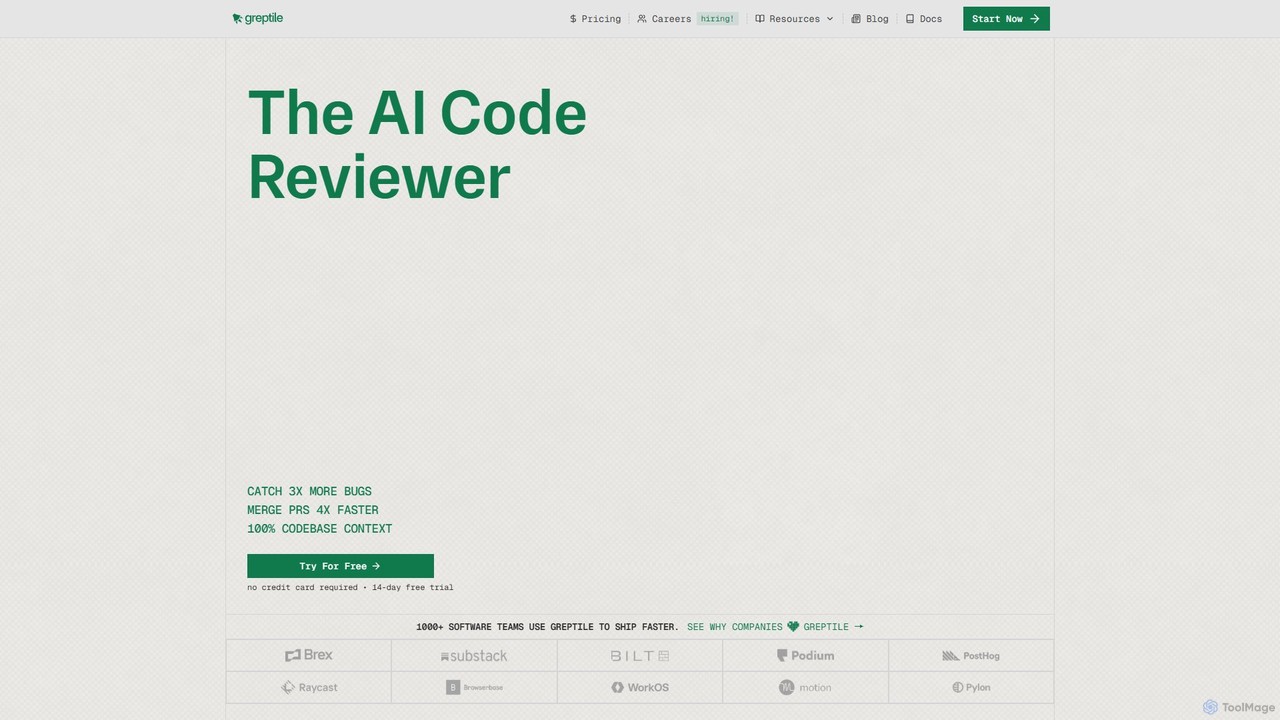
Greptile
Greptile is an AI-powered code review tool that integrates with GitHub and GitLab to help development teams merge pull requests 4x faster and catch 3x more bugs. By understanding the full context of your codebase, it provides in-line comments, actionable suggestions, and natural-language summaries for every PR. It supports over 30 programming languages and can be customized with specific rules and style guides to enhance code quality and consistency.
Code Review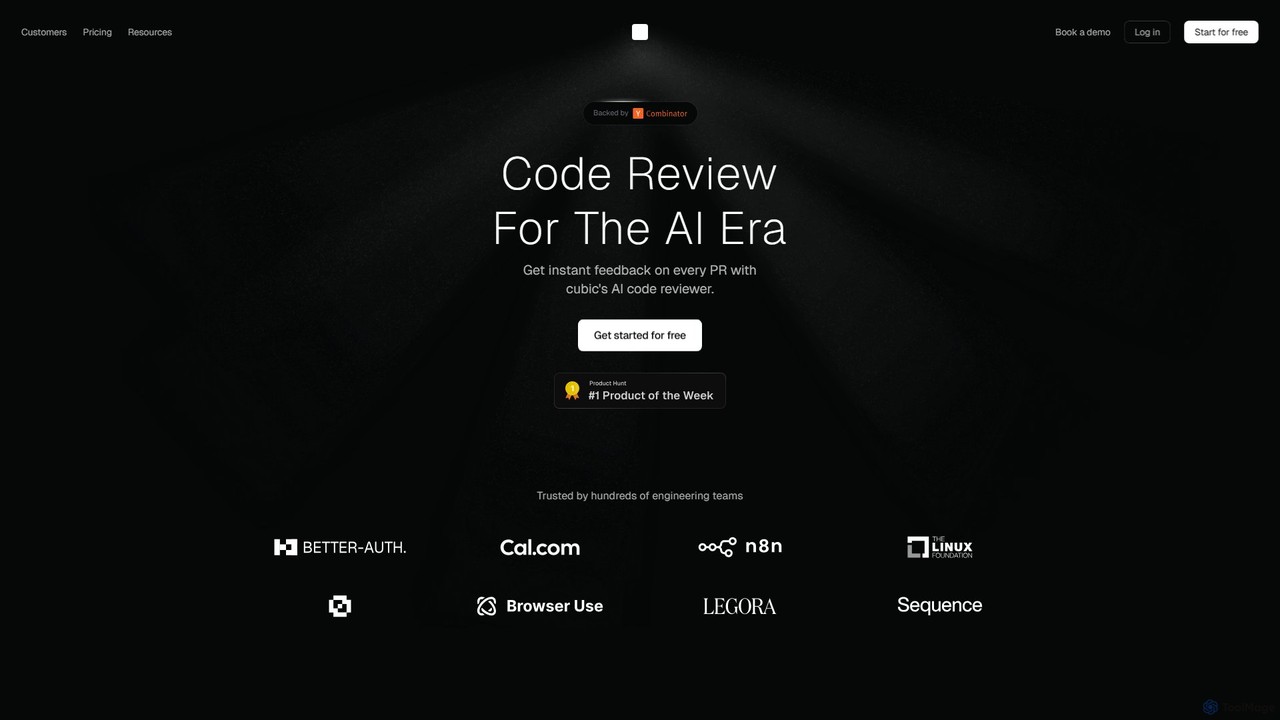
cubic
cubic is an AI-powered code review platform that helps software teams ship higher-quality code up to 3x faster. It automatically reviews pull requests in GitHub, catches bugs, enforces custom style guides, and provides one-click fixes, significantly reducing review bottlenecks and improving developer productivity.
Code Assistant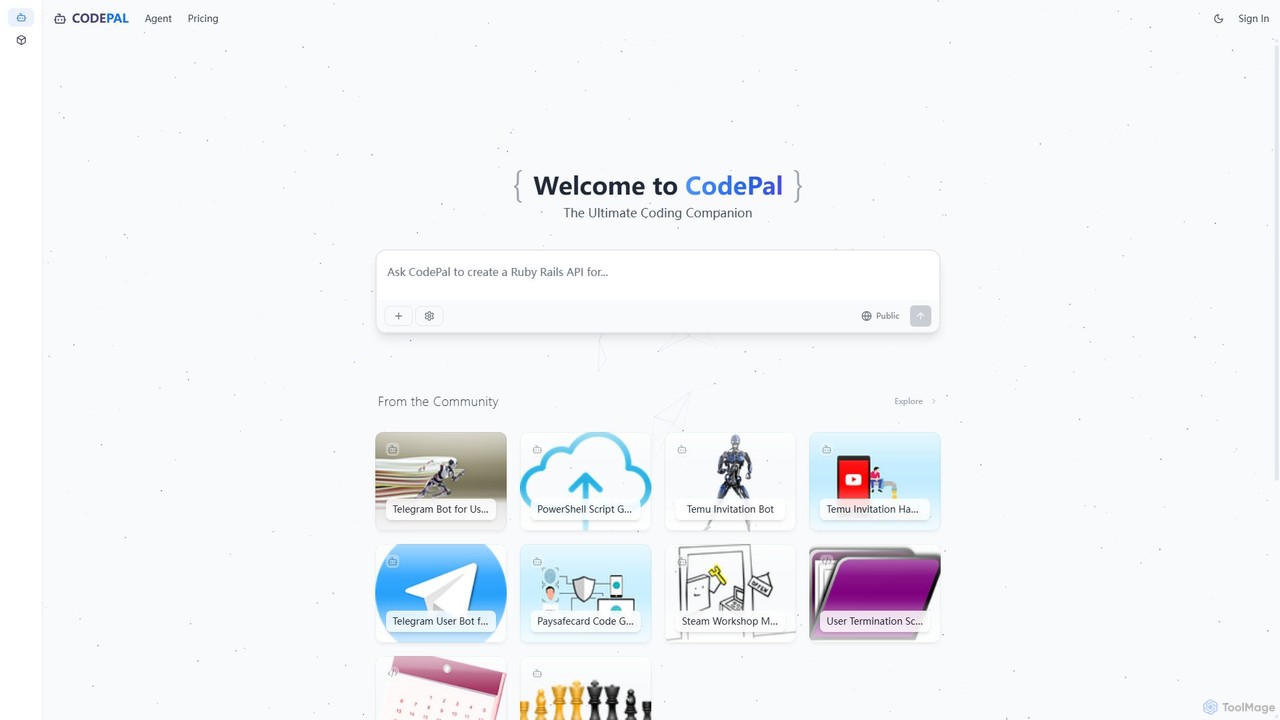
CodePal
A powerful AI coding companion and autonomous engineer that integrates directly into GitHub. Automate code reviews, generate documentation, resolve issues, and write unit tests with simple commands to accelerate your development workflow.
Code Assistant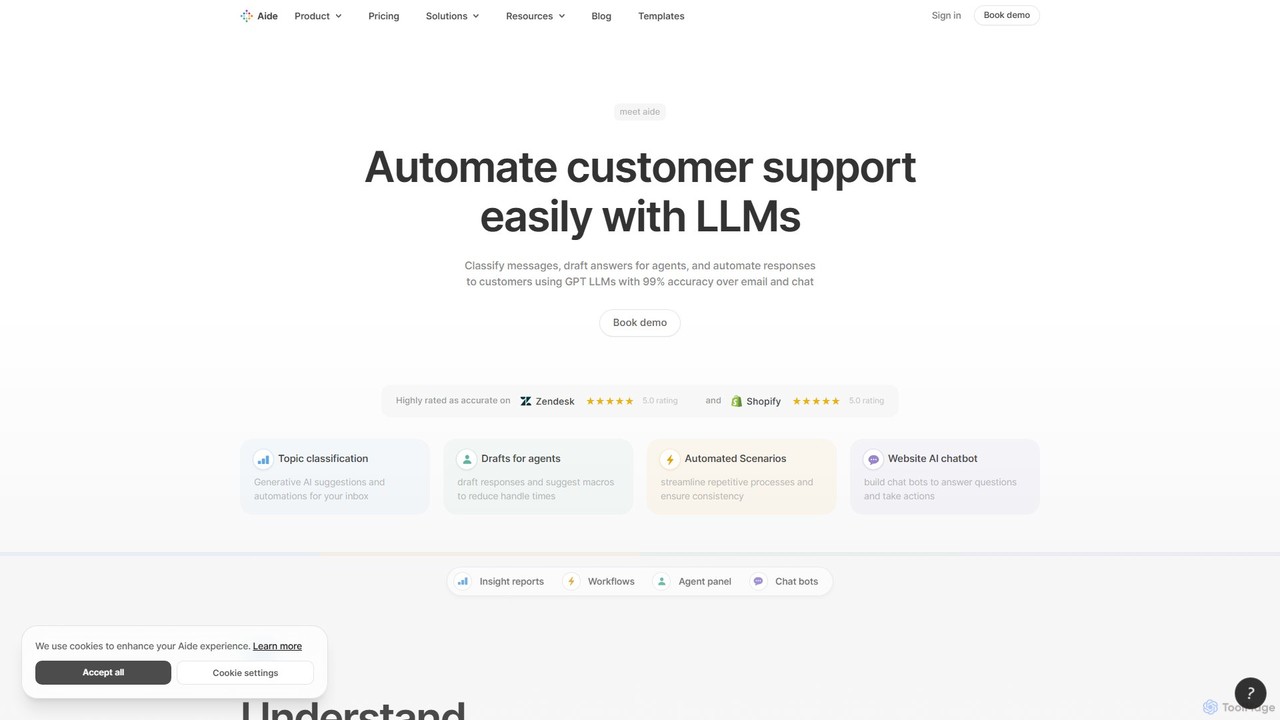
Aide
Aide is an AI-powered multi-agent coding assistant that automates software development directly within your GitHub workflow. It interprets GitHub issues, autonomously generates code, creates pull requests, and iterates based on your feedback, effectively acting as a team of AI engineers on your codebase.
Code Generation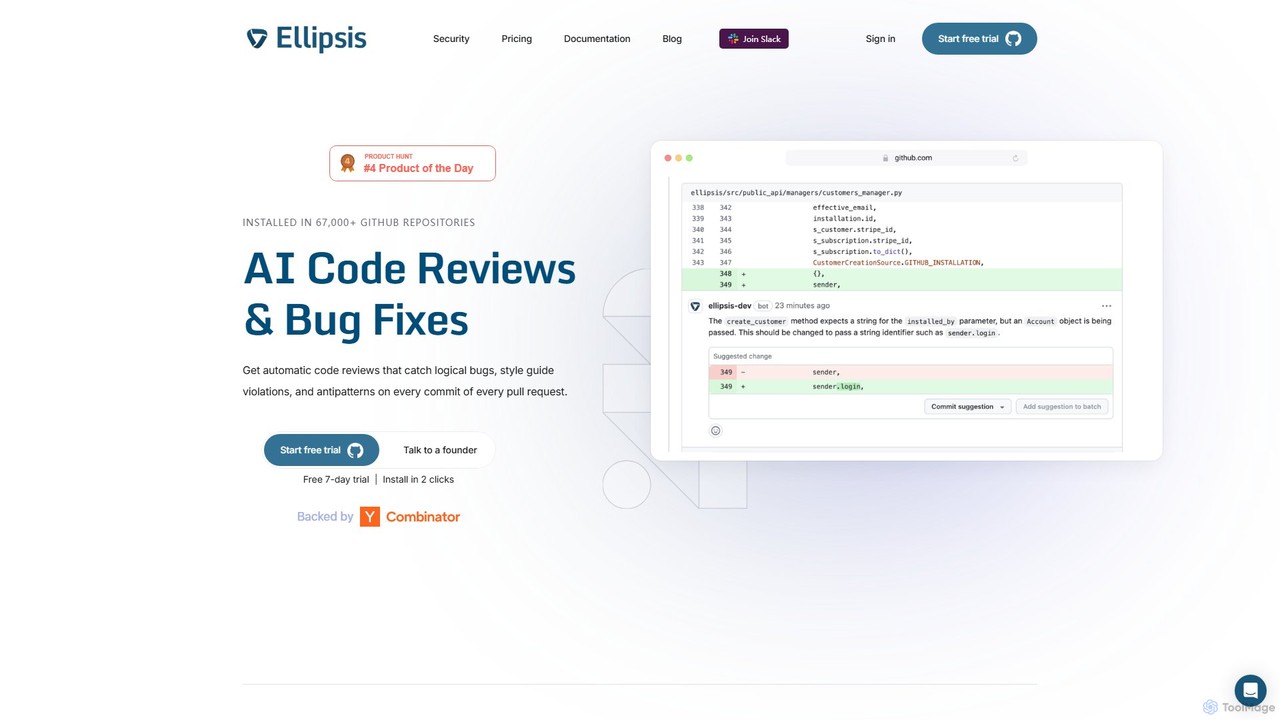
Ellipsis
Ellipsis is an AI-powered engineering teammate that automates code reviews on GitHub. It intelligently catches logical bugs, style violations, and anti-patterns in every pull request, helping teams ship code faster while maintaining high quality and security standards.
Code Review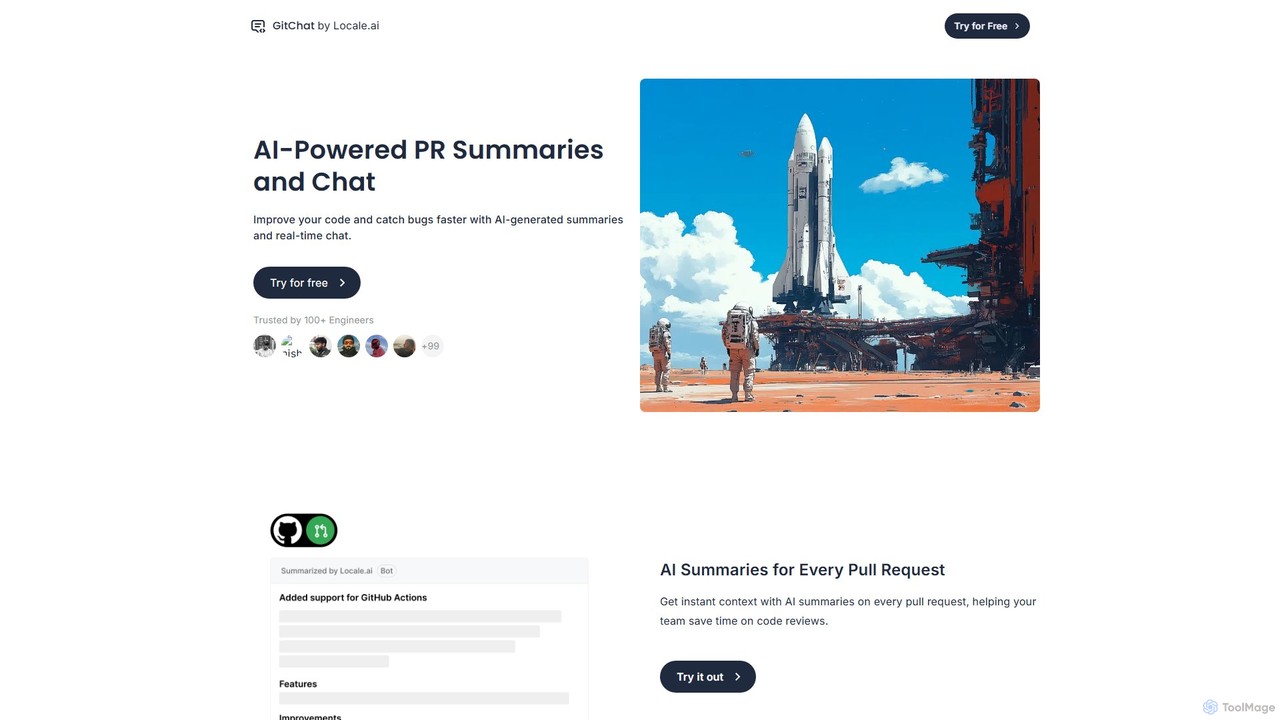
GitChat
GitChat is an AI-powered assistant for GitHub that supercharges code reviews. It automatically generates summaries for Pull Requests, provides instant feedback on code, and allows developers to chat with an AI directly within PR comments to improve code quality and accelerate development.
Code Assistant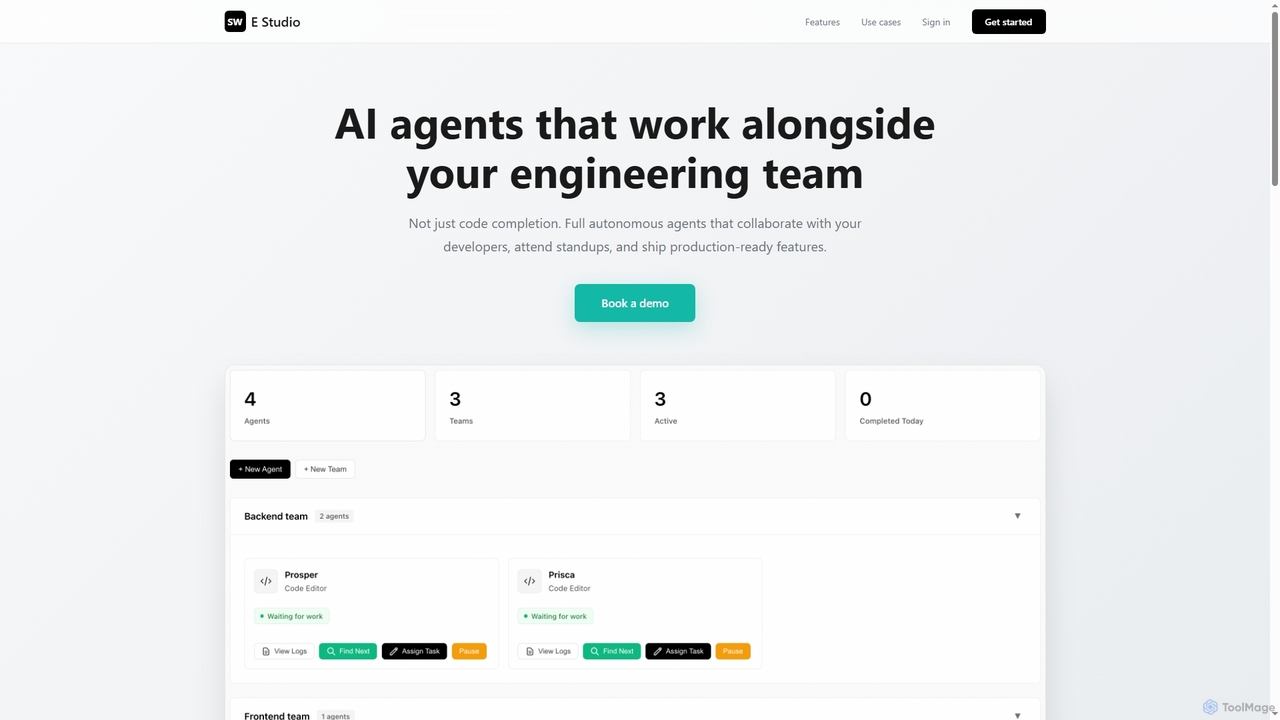
Swe Studio
Swe Studio provides autonomous AI agents that function as full members of your engineering team. They independently handle development tasks from Jira tickets to pull requests, collaborating via Slack and GitHub to ship production-ready features.
Code Assistant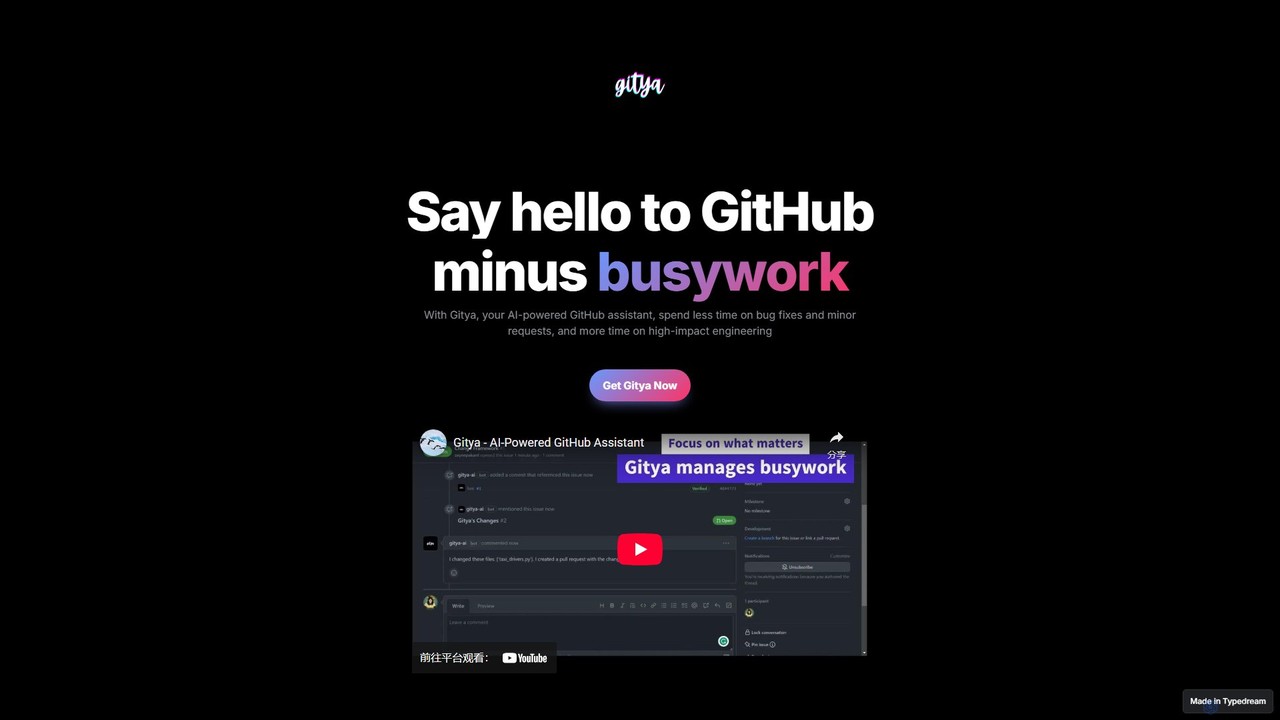
gitya
gitya is an AI-powered GitHub assistant designed to automate routine development tasks. It helps teams by handling minor bug fixes, managing pull requests with automated reviews, and resolving simple tickets, allowing developers to focus on high-impact engineering and innovation.
Version Control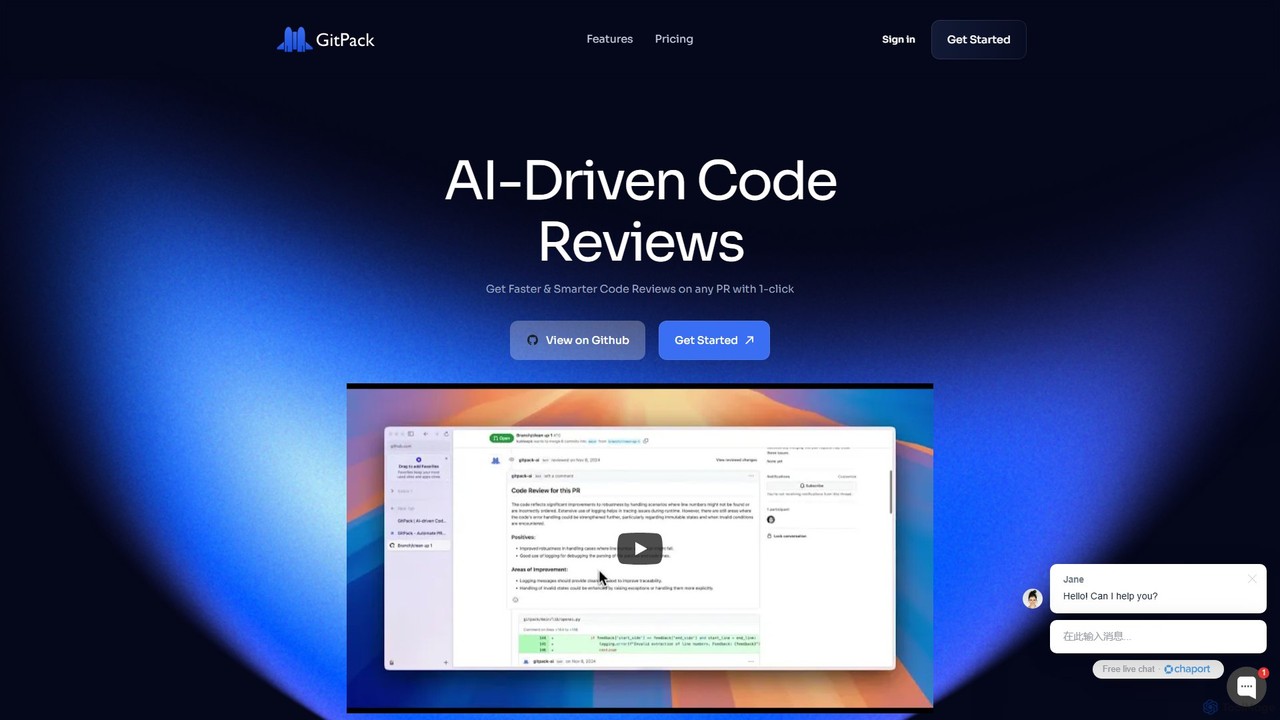
GitPack
GitPack is an AI-driven tool that automates code reviews on GitHub. It analyzes pull requests, provides context-aware feedback, and helps improve code quality, allowing developers to save time and streamline their workflow.
Code Assistant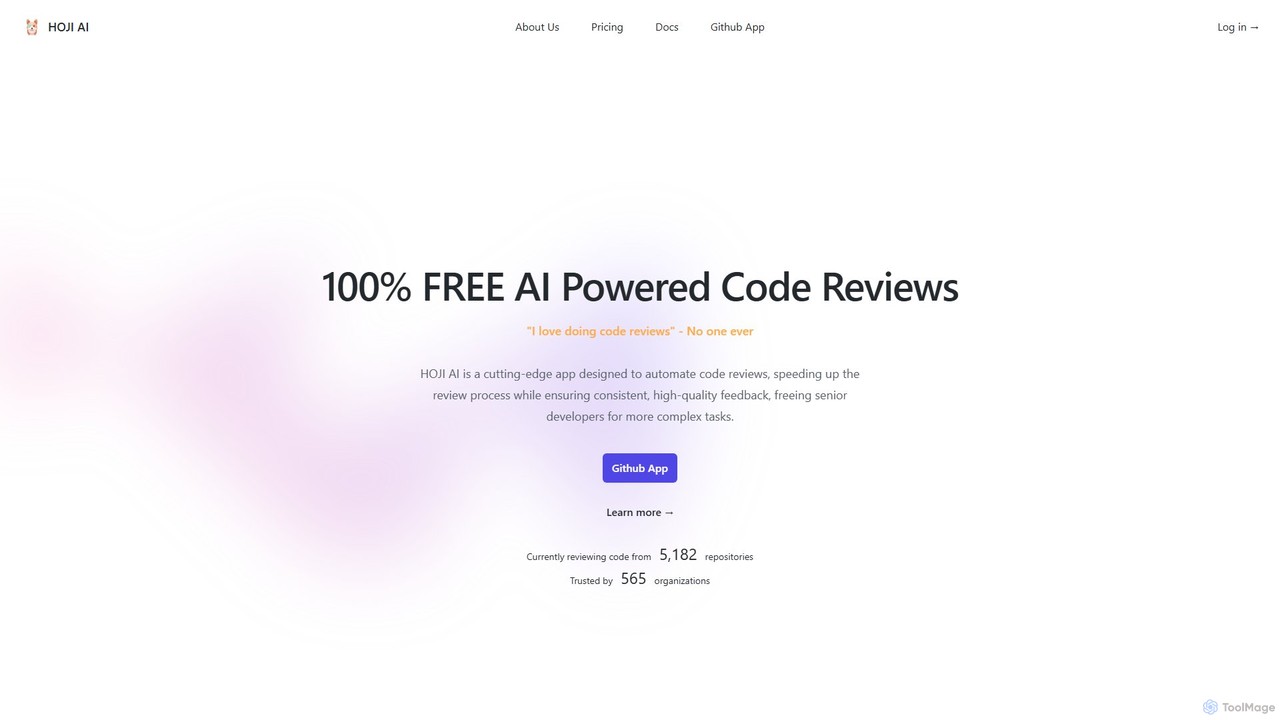
hoji
hoji is a free, AI-powered code review assistant that integrates directly with GitHub. It automates the code review process, providing instant, consistent, and unbiased feedback on pull requests. This helps development teams increase productivity, improve code quality, and reduce friction, freeing up senior developers for more complex tasks.
Code AssistantGitLoop
GitLoop is an AI-powered codebase assistant that revolutionizes software development. It allows developers to search codebases with natural language, automates pull request reviews, generates documentation and unit tests, and provides deep code insights, acting like a senior developer on your team.
Code ReviewPatched
Patched is an open-source framework designed to automate IT and development workflows. It leverages AI to proactively catch and fix issues like bugs and vulnerabilities before they impact users. The platform allows for creating custom, agentic workflows to streamline tasks such as code review, documentation generation, and dependency updates.
Code Assistant
Engine Comments (0)
Sign in to comment.
Sign inNo comments yet.