

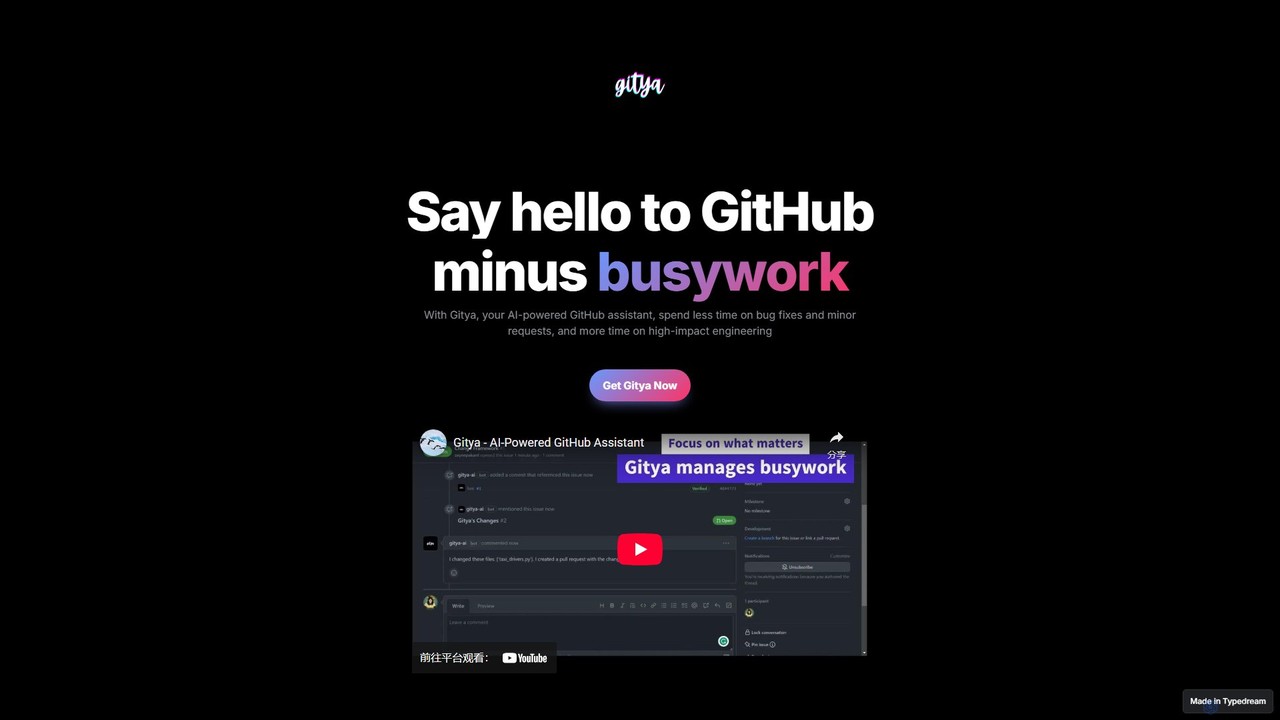
gitya Overview
gitya introduces a new level of efficiency to software development workflows by acting as an intelligent, automated assistant directly within your GitHub environment. It is engineered to eliminate the repetitive 'busywork' that often consumes valuable developer time. By leveraging advanced AI, gitya can understand, execute, and complete minor coding tasks, from fixing simple bugs to responding to pull requests, thereby streamlining the entire development lifecycle.
The core philosophy behind gitya is to augment human developers, not replace them. It takes on the grunt work, such as correcting typos in documentation, updating dependencies, or handling straightforward feature requests. This frees up engineering teams to concentrate on complex problem-solving, architectural design, and building core product features. As a seamless GitHub App, it integrates without disrupting existing processes, feeling like a natural extension of your team.
How to use gitya
Getting started with gitya is designed to be simple and intuitive, integrating directly into your existing workflow:
- Installation: Navigate to the gitya page on the GitHub Marketplace and install the gitya GitHub App. Grant it the necessary permissions to access the repositories you want it to manage.
- Configuration: Once installed, you can configure gitya's behavior on a per-repository basis. This might include setting rules for automated reviews or defining the scope of tasks it can handle.
- Ticket Automation: To delegate a task, simply create a new issue in your GitHub repository. Describe the task clearly (e.g., "Fix typo in README.md" or "Update the version of the 'requests' library to 2.28.0"). Then, add the specific label, such as 'gitya', to the issue.
- AI in Action: gitya will be notified of the new label. Its AI will parse the issue, understand the request, write the necessary code changes, and automatically create a new pull request with the fix.
- Automated PR Management: For all pull requests (whether created by gitya or developers), gitya can perform automated reviews. It checks for code style, potential errors, and adherence to contribution guidelines, leaving comments or even approving the PR if it meets the predefined criteria.
Core Features of gitya
- AI-Powered Ticket Resolution: Automatically handles and resolves GitHub issues tagged for its attention. It can perform tasks like dependency updates, typo corrections, and simple code refactoring.
- Automated Pull Request (PR) Generation: After resolving an issue, gitya automatically generates a clean, well-documented pull request for human review and merging.
- Intelligent PR Review: Acts as a first-line code reviewer. It analyzes incoming PRs for common mistakes, style guide violations, and anti-patterns, providing instant feedback and reducing the burden on human reviewers.
- Seamless GitHub Integration: Functions as a native GitHub App, ensuring a smooth and integrated experience without the need for external platforms or context switching.
- Workflow Automation: Streamlines repetitive tasks, significantly cutting down the time spent on minor chores and accelerating the overall development and deployment pipeline.
Use Cases for gitya
gitya is versatile and can be applied in various development scenarios:
- Open-Source Project Maintenance: Helps maintainers manage the influx of small contributions and bug reports, automatically fixing simple issues and allowing maintainers to focus on community management and core development.
- Enterprise Development Teams: Frees up senior developers from mentoring junior members on minor code fixes and style issues, allowing them to focus on strategic initiatives.
- Agile & DevOps Environments: Accelerates sprint cycles by quickly clearing the backlog of small bugs and technical debt, leading to faster and more frequent releases.
- Codebase Modernization: Can be tasked with systematically updating old dependencies or refactoring deprecated code patterns across a large codebase.
Advantages of gitya
Integrating gitya into your workflow offers significant benefits:
- Enhanced Productivity: Developers reclaim hours previously spent on mundane tasks, dedicating their expertise to innovation and complex features.
- Faster Turnaround Times: Minor bugs and requests are handled in minutes, not days, dramatically improving project velocity.
- Improved Code Quality and Consistency: Automated reviews ensure that every piece of code adheres to the same high standards, reducing human error.
- Reduced Developer Burnout: By automating the most tedious parts of the job, gitya helps keep team morale high and reduces the fatigue associated with managing a busy repository.
- 24/7 Operation: gitya works around the clock, reviewing PRs and fixing bugs, ensuring progress continues even outside of standard working hours.
Pricing and Plans
While specific pricing tiers are not listed on the homepage, gitya is expected to operate on a freemium model common for developer tools, ensuring accessibility for different team sizes:
- Free Plan: Likely available for individual developers and small open-source projects, offering a limited number of AI actions per month.
- Team/Pro Plan: A monthly subscription plan designed for professional teams, providing a higher volume of AI actions, priority support, and advanced configuration options.
- Enterprise Plan: Custom pricing for large organizations requiring enhanced security, dedicated support, and potentially on-premise deployment options.
For the most current pricing information, it is recommended to visit the official gitya website or its GitHub Marketplace listing.
gitya Alternatives
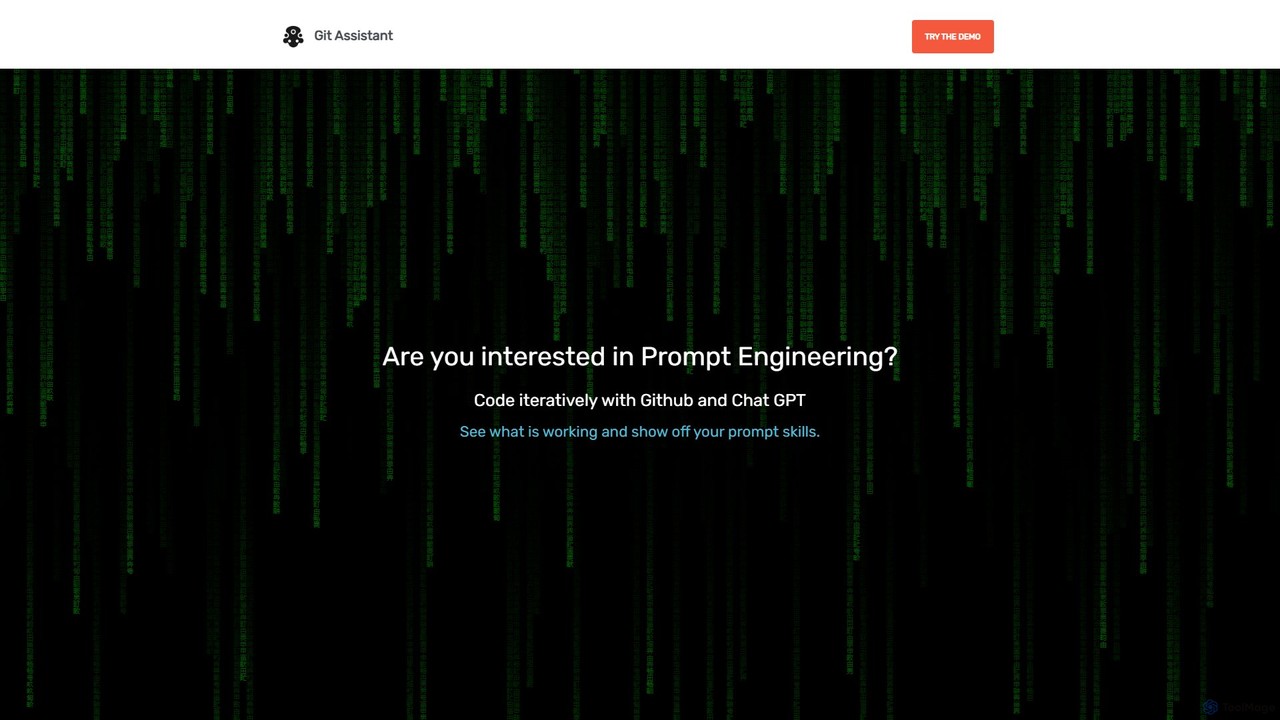
Git Assistant
Git Assistant is an AI-powered tool that integrates with GitHub and ChatGPT to streamline your coding workflow. It allows developers to use natural language prompts to generate, refactor, and iterate on code, and then automatically create pull requests. It's designed to boost productivity by automating repetitive tasks and simplifying version control.
Version Control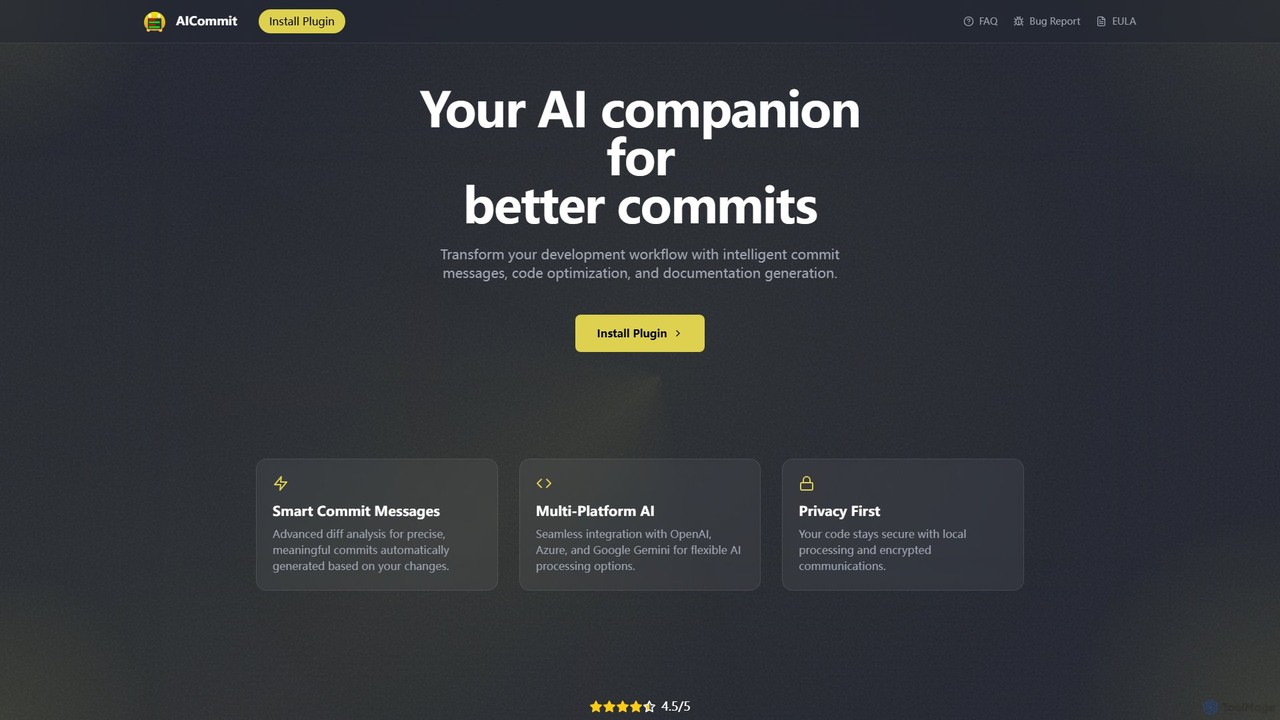
AICommit
AICommit is an intelligent IDE plugin that transforms your development workflow by automatically generating precise and meaningful Git commit messages. It analyzes your code changes and uses AI models from OpenAI, Azure, or Google Gemini to create high-quality commits, saving you time and improving repository clarity.
Version Control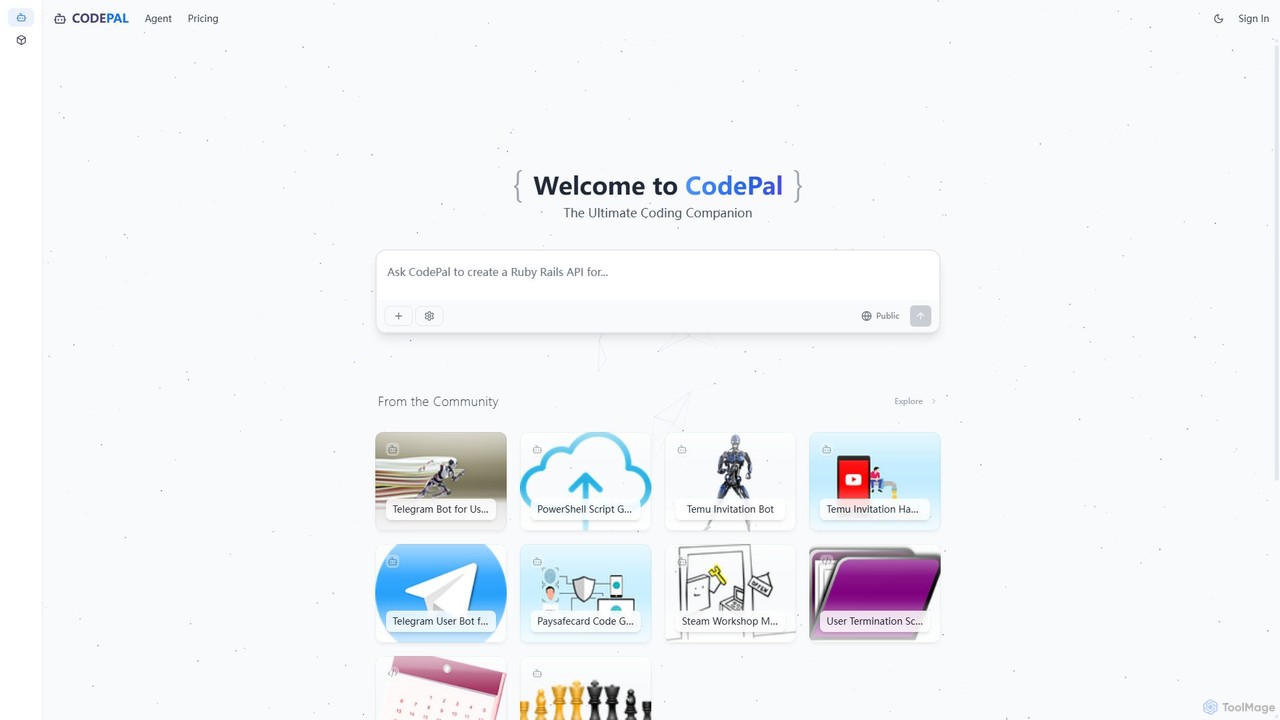
CodePal
A powerful AI coding companion and autonomous engineer that integrates directly into GitHub. Automate code reviews, generate documentation, resolve issues, and write unit tests with simple commands to accelerate your development workflow.
Code Assistant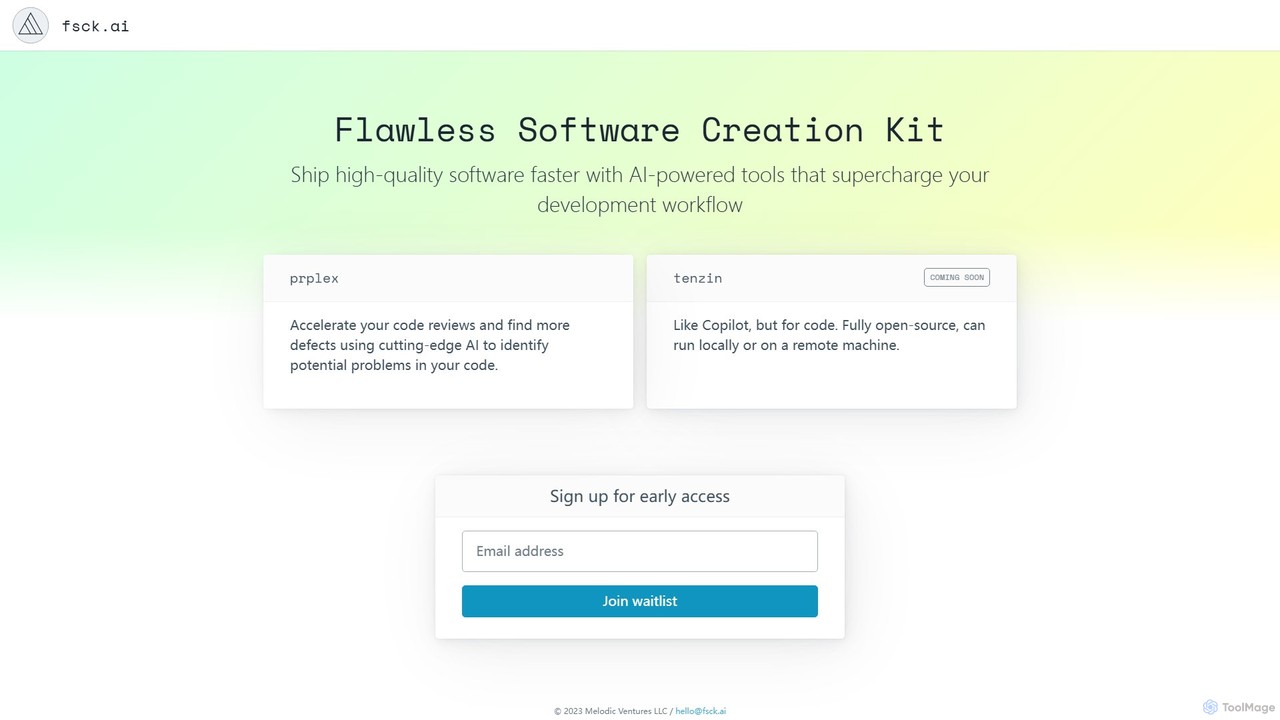
fsck.ai
fsck.ai is an open-source AI-powered code review assistant designed to accelerate development workflows. It automatically analyzes pull requests, identifies potential defects and bugs, and provides direct feedback within GitHub, much like a Copilot for code quality.
Code Assistant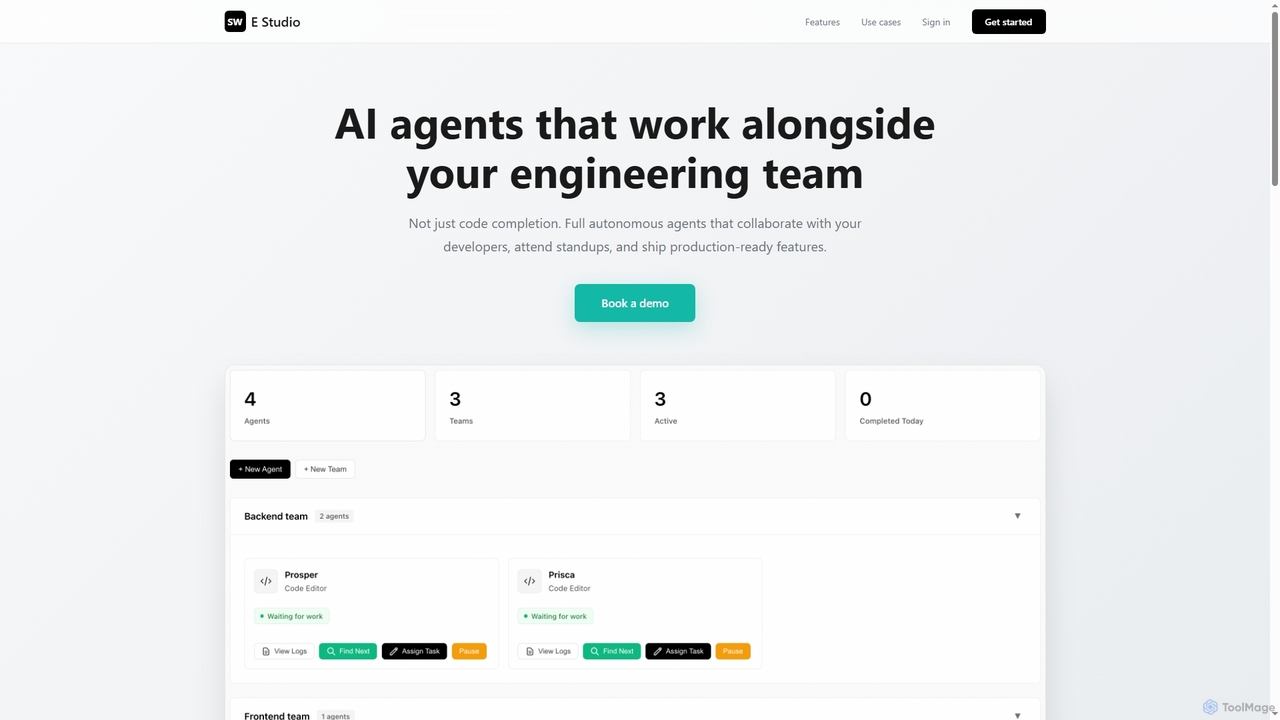
Swe Studio
Swe Studio provides autonomous AI agents that function as full members of your engineering team. They independently handle development tasks from Jira tickets to pull requests, collaborating via Slack and GitHub to ship production-ready features.
Code Assistantgitya Categories
gitya Embed Widget
Copy this embed code to place the badge on your blog, article, or product site and send readers directly to this ToolMage detail page.

Related AI tools
Patched
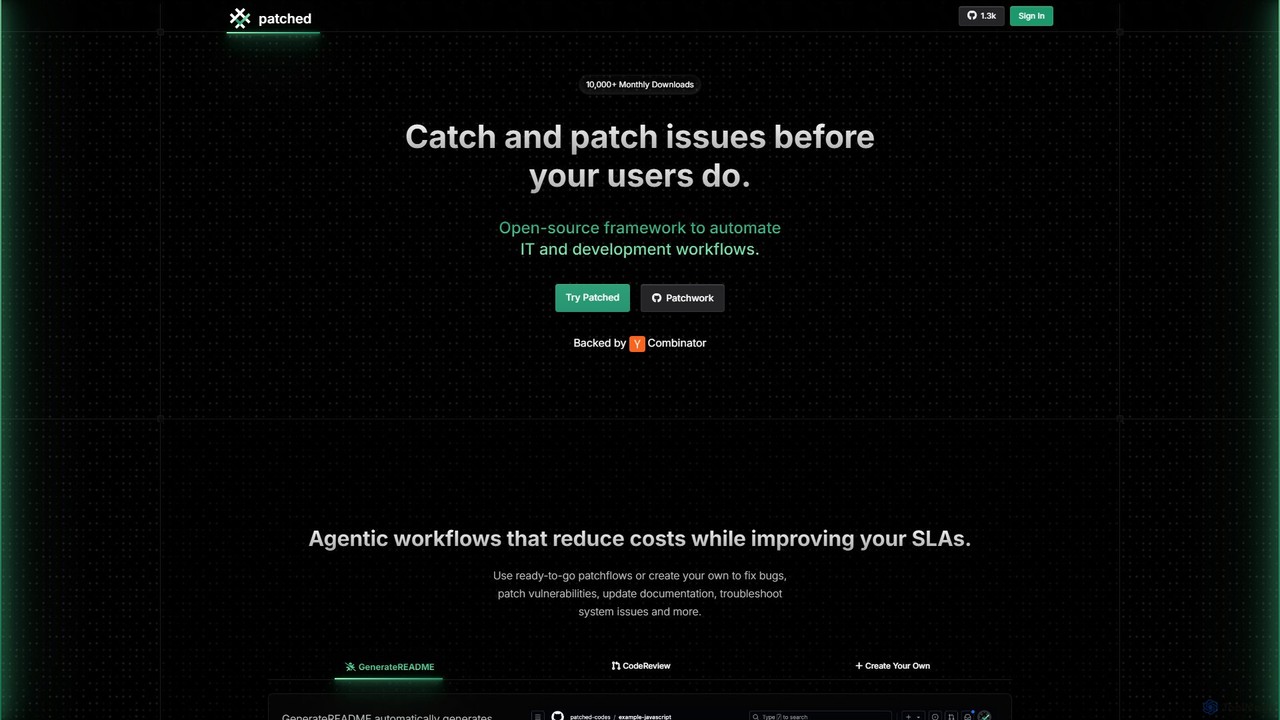
Patched is an open-source framework designed to automate IT and development workflows. It leverages AI to proactively catch and fix issues like bugs and vulnerabilities before they impact users. The platform allows for creating custom, agentic workflows to streamline tasks such as code review, documentation generation, and dependency updates.
Code Assistant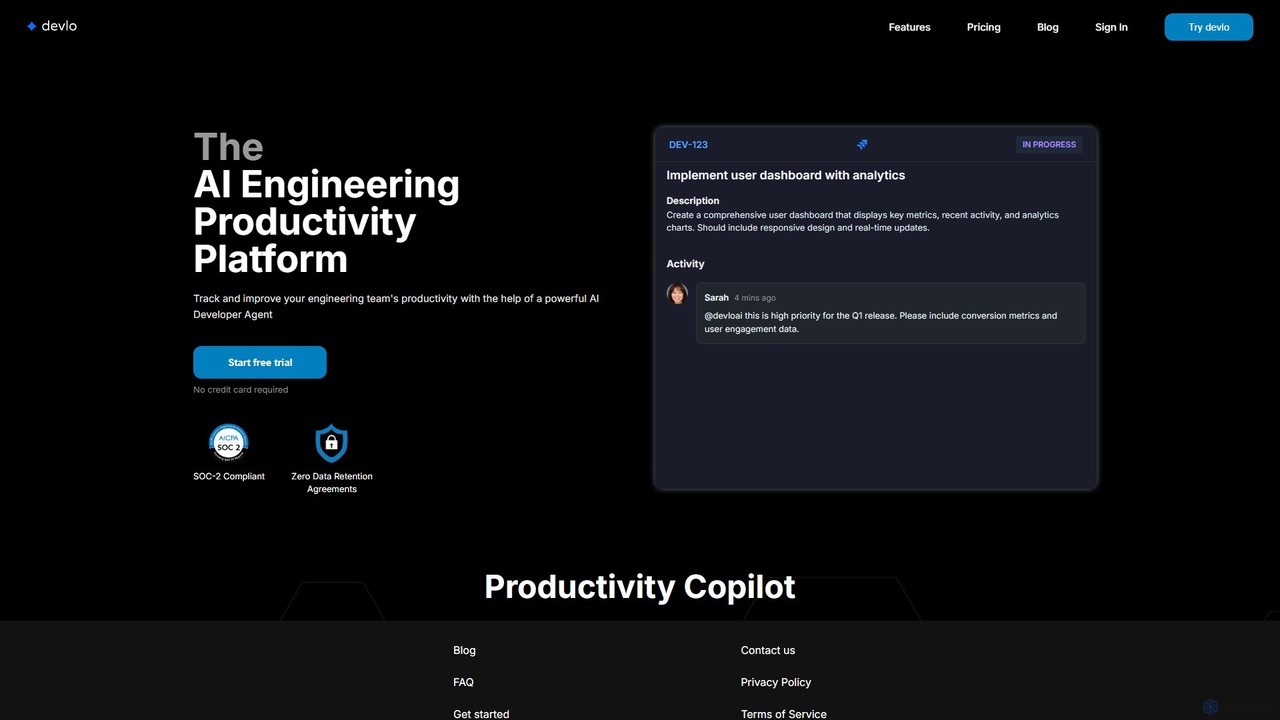
devlo
devlo is an AI Engineering Productivity Platform designed to supercharge software development teams. It features an advanced AI Developer Agent that automates coding tasks, performs intelligent code reviews, and provides deep, actionable insights into team performance, helping to accelerate delivery and improve code quality.
Code Assistant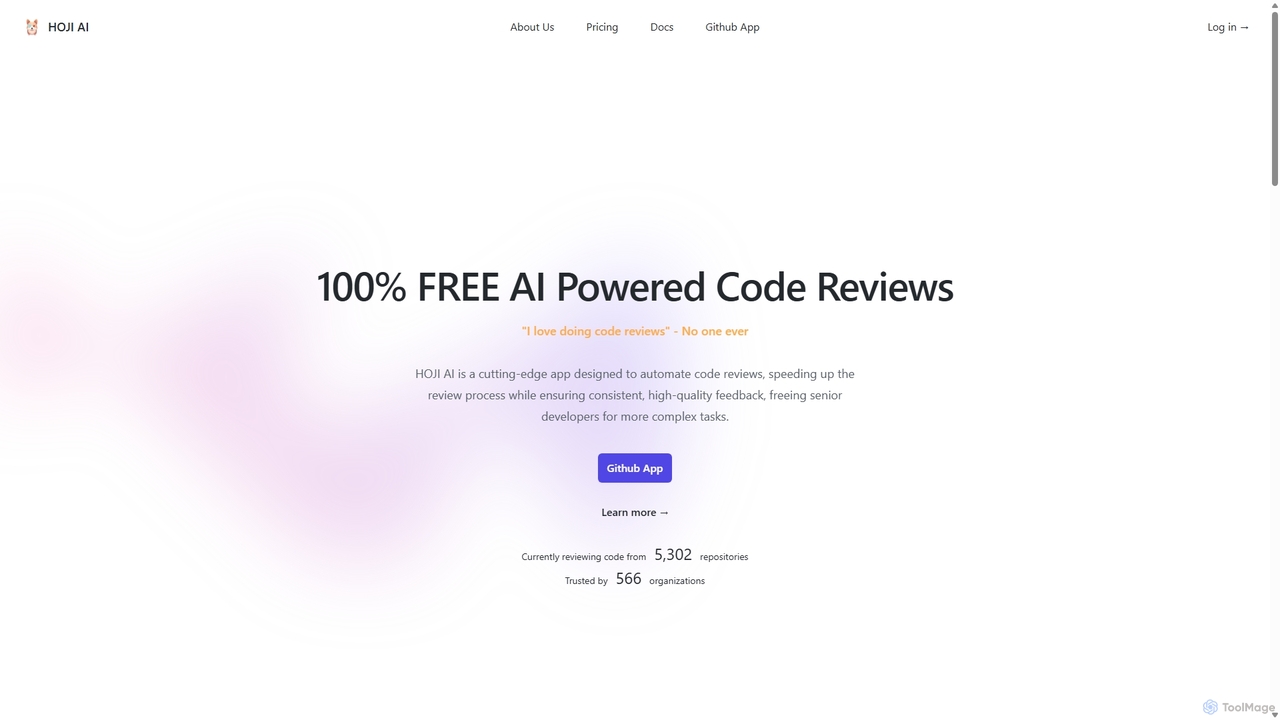
HOJI AI
HOJI AI is a free, AI-powered tool that automates code reviews directly within GitHub. It provides instant, consistent, and high-quality feedback on pull requests, helping development teams increase productivity, improve code quality, and accelerate their development cycles by freeing up senior engineers.
Code Assistant
Jyek
Jyek is an AI agent platform that understands objectives, creates execution plans, uses tools, and delivers verifiable results for complex, multi-step tasks.
Automation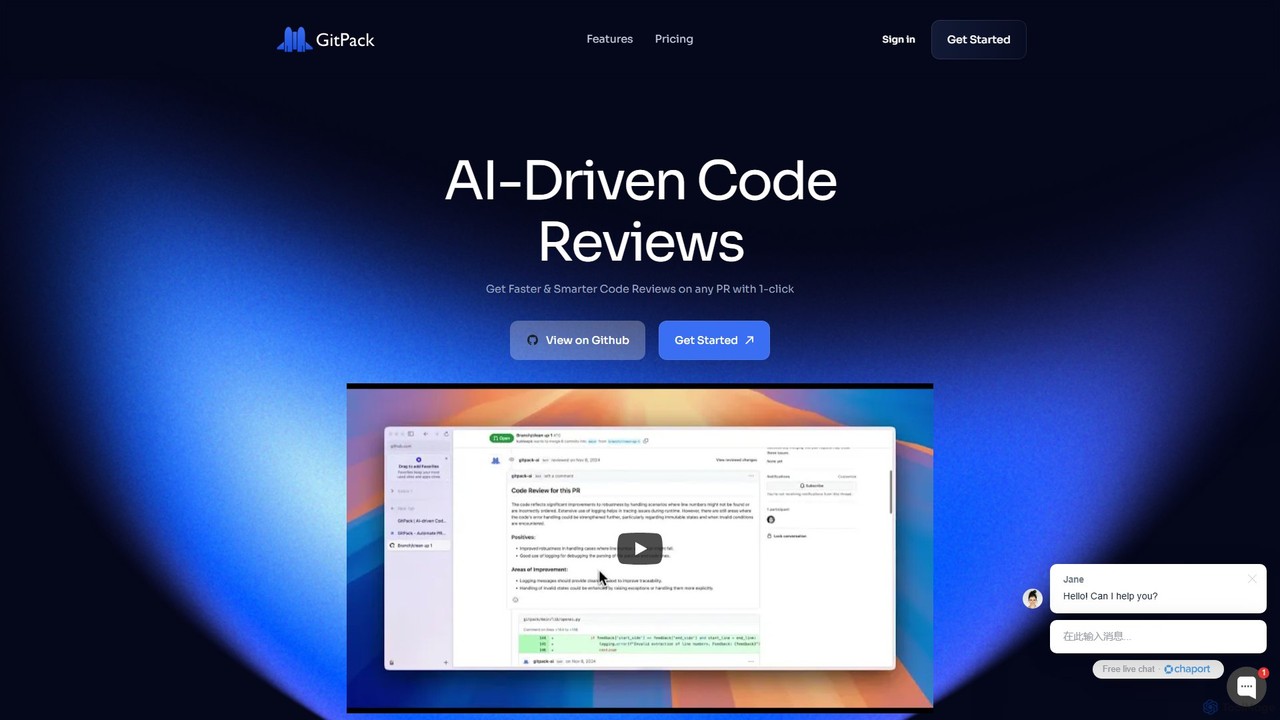
GitPack
GitPack is an AI-driven tool that automates code reviews on GitHub. It analyzes pull requests, provides context-aware feedback, and helps improve code quality, allowing developers to save time and streamline their workflow.
Code Assistant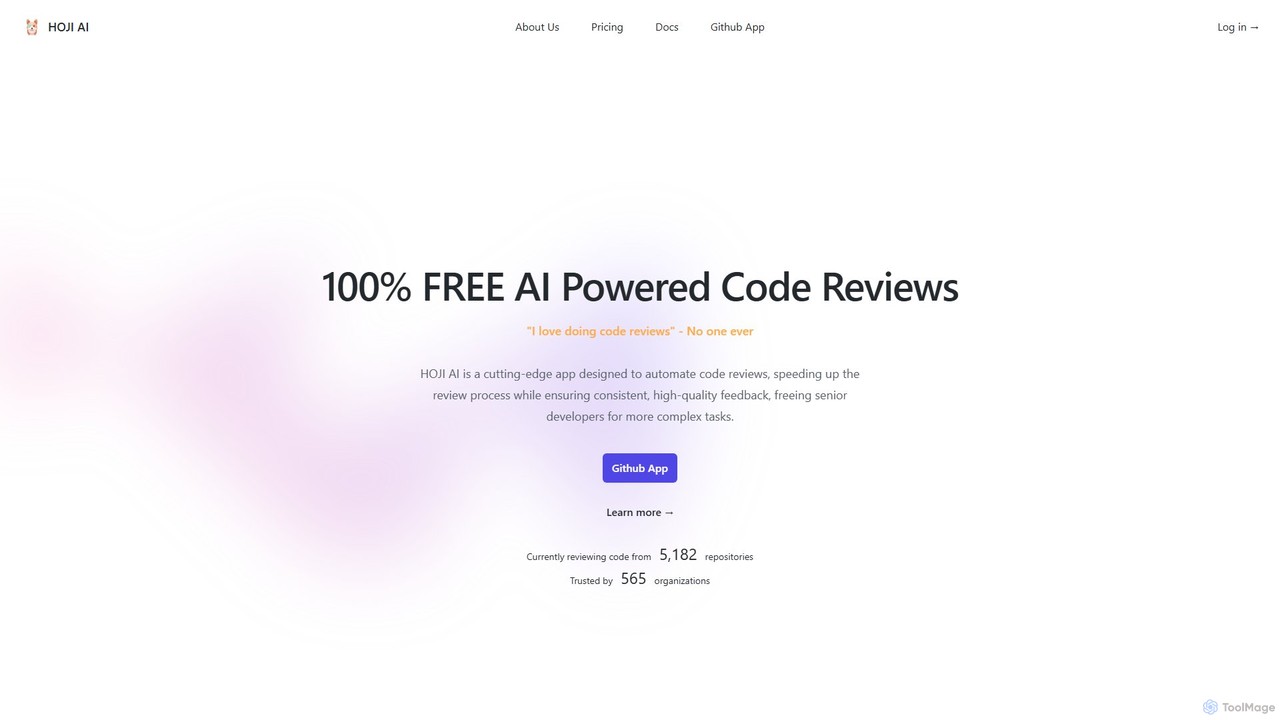
hoji
hoji is a free, AI-powered code review assistant that integrates directly with GitHub. It automates the code review process, providing instant, consistent, and unbiased feedback on pull requests. This helps development teams increase productivity, improve code quality, and reduce friction, freeing up senior developers for more complex tasks.
Code AssistantGit Assistant
Git Assistant is an AI-powered tool that integrates with GitHub and ChatGPT to streamline your coding workflow. It allows developers to use natural language prompts to generate, refactor, and iterate on code, and then automatically create pull requests. It's designed to boost productivity by automating repetitive tasks and simplifying version control.
Version Control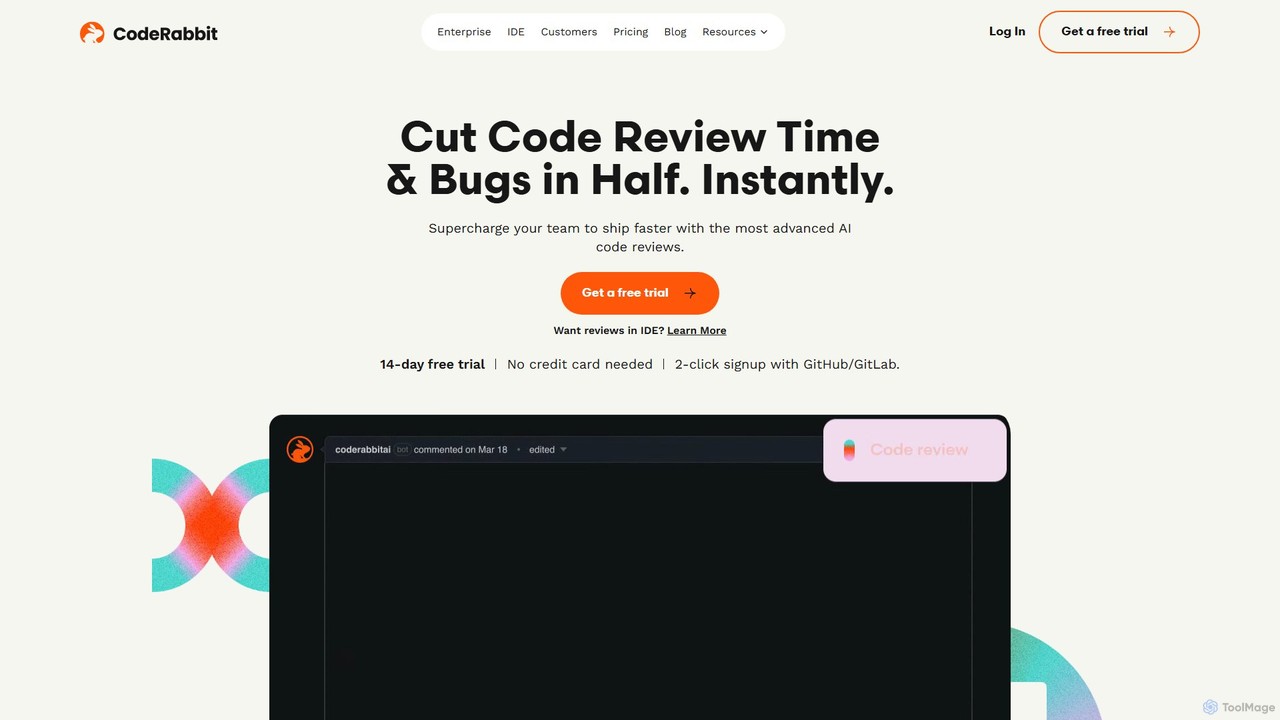
CodeRabbit
CodeRabbit is an AI-powered code review tool that supercharges development teams to ship faster and reduce bugs. It provides instant, context-aware reviews, pull request summaries, and security analysis directly within GitHub, GitLab, and IDEs like VS Code.
Code Review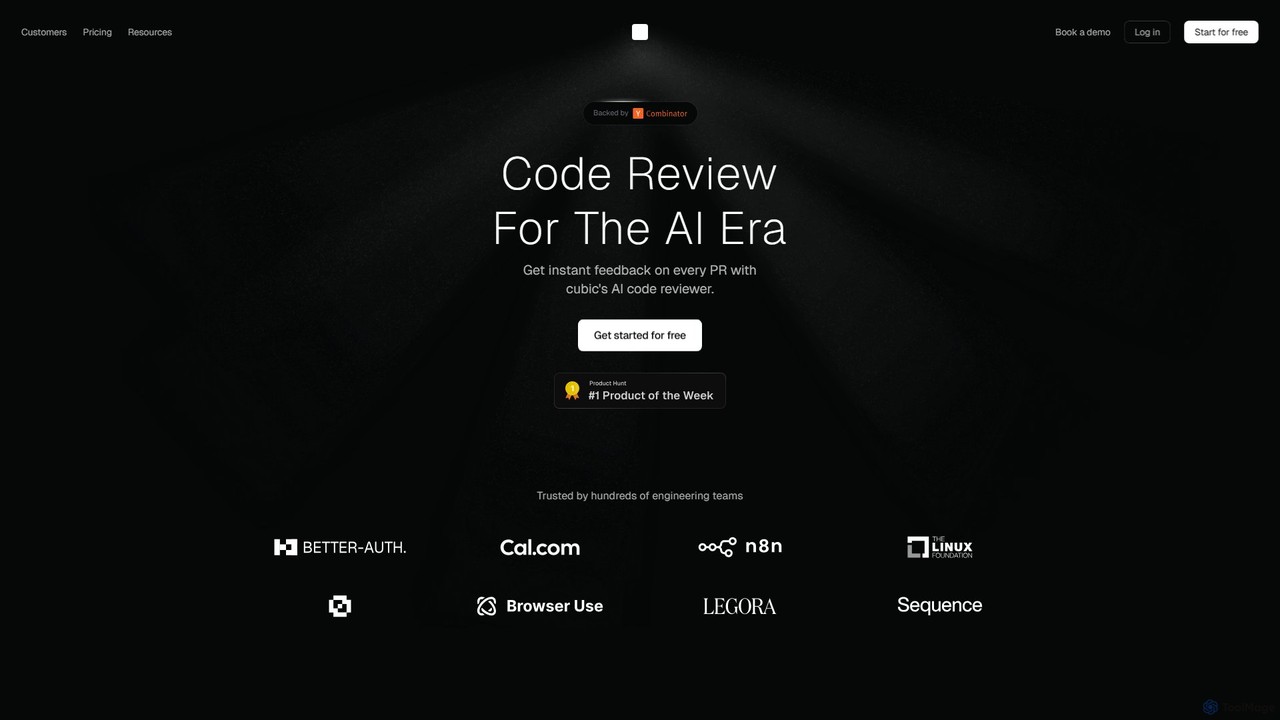
cubic
cubic is an AI-powered code review platform that helps software teams ship higher-quality code up to 3x faster. It automatically reviews pull requests in GitHub, catches bugs, enforces custom style guides, and provides one-click fixes, significantly reducing review bottlenecks and improving developer productivity.
Code Assistant
Kodus
Kodus is an AI-powered code review tool that acts like a senior developer on your team. It automatically analyzes pull requests in Git, providing actionable feedback on code quality, security, and performance. It helps teams reduce review time, ship faster, and decrease bugs in production.
Code Quality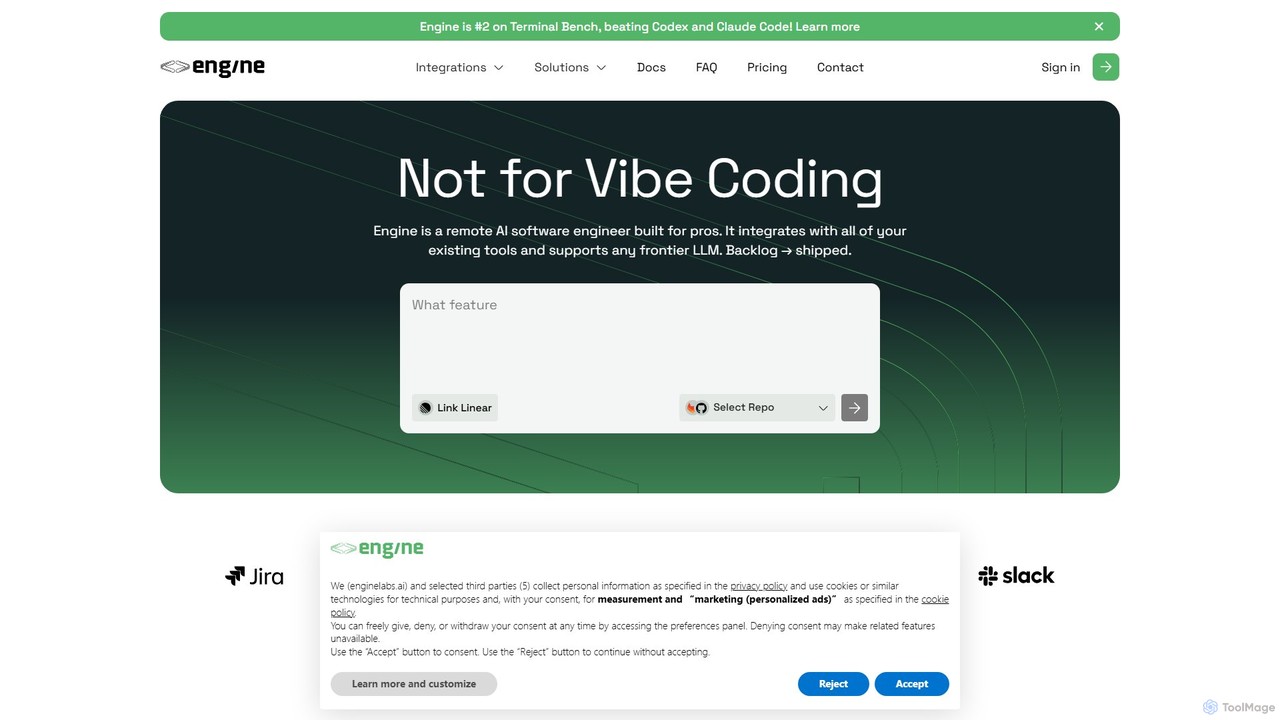
Engine
Engine is an AI software engineer designed for professional development teams. It integrates with your existing tools like GitHub and Linear to autonomously fix bugs, ship features, and clear your backlog by creating and managing pull requests, effectively acting as a remote AI team member.
Version Control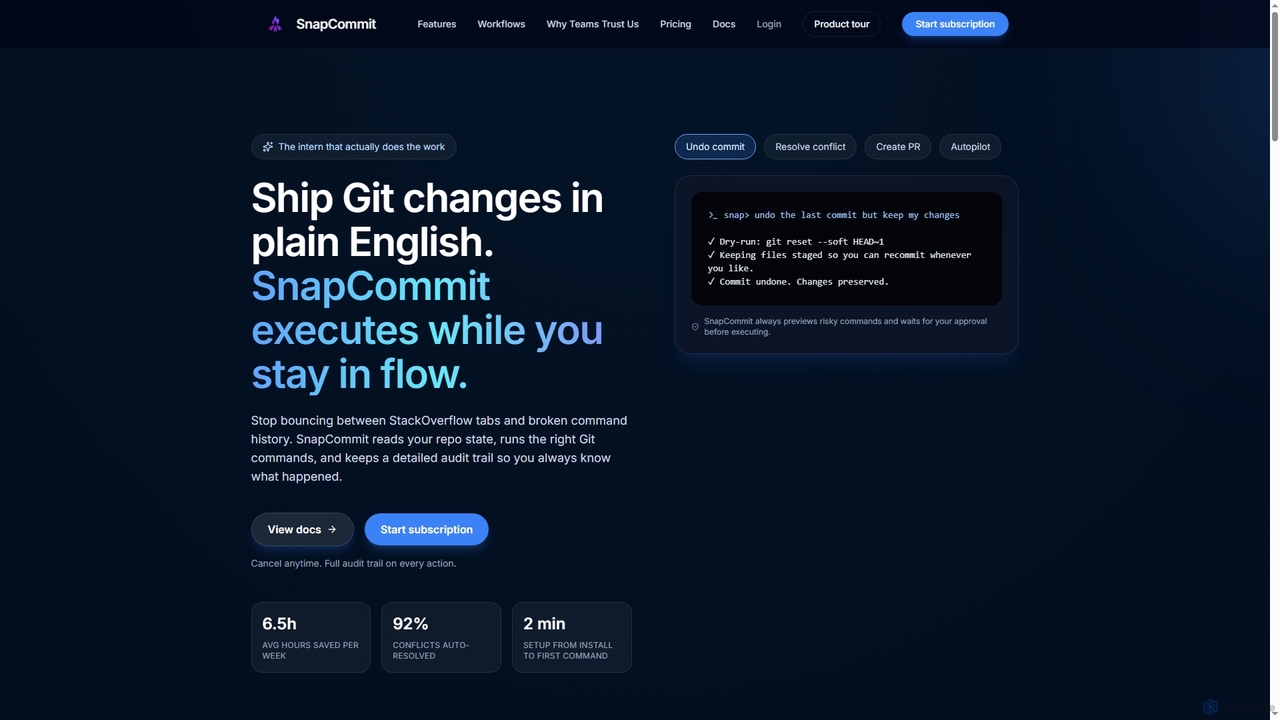
SnapCommit
SnapCommit is an AI-powered terminal Git assistant that allows developers to manage Git operations using plain English commands. It automates complex workflows like committing, resolving conflicts, and creating pull requests, enhancing productivity and ensuring code integrity with dry-run previews and a detailed audit trail.
Code AssistantCodePal
A powerful AI coding companion and autonomous engineer that integrates directly into GitHub. Automate code reviews, generate documentation, resolve issues, and write unit tests with simple commands to accelerate your development workflow.
Code Assistantfsck.ai
fsck.ai is an open-source AI-powered code review assistant designed to accelerate development workflows. It automatically analyzes pull requests, identifies potential defects and bugs, and provides direct feedback within GitHub, much like a Copilot for code quality.
Code AssistantSwe Studio
Swe Studio provides autonomous AI agents that function as full members of your engineering team. They independently handle development tasks from Jira tickets to pull requests, collaborating via Slack and GitHub to ship production-ready features.
Code Assistant
gitya Comments (0)
Sign in to comment.
Sign inNo comments yet.