Developer Tools Best in category 2 results Code Collaboration AI Tool

Popular AI tools in the Code Collaboration field of Developer Tools include Aviator、OpenSauced, etc., helping you quickly improve efficiency.

Free
OpenSauced

OpenSauced

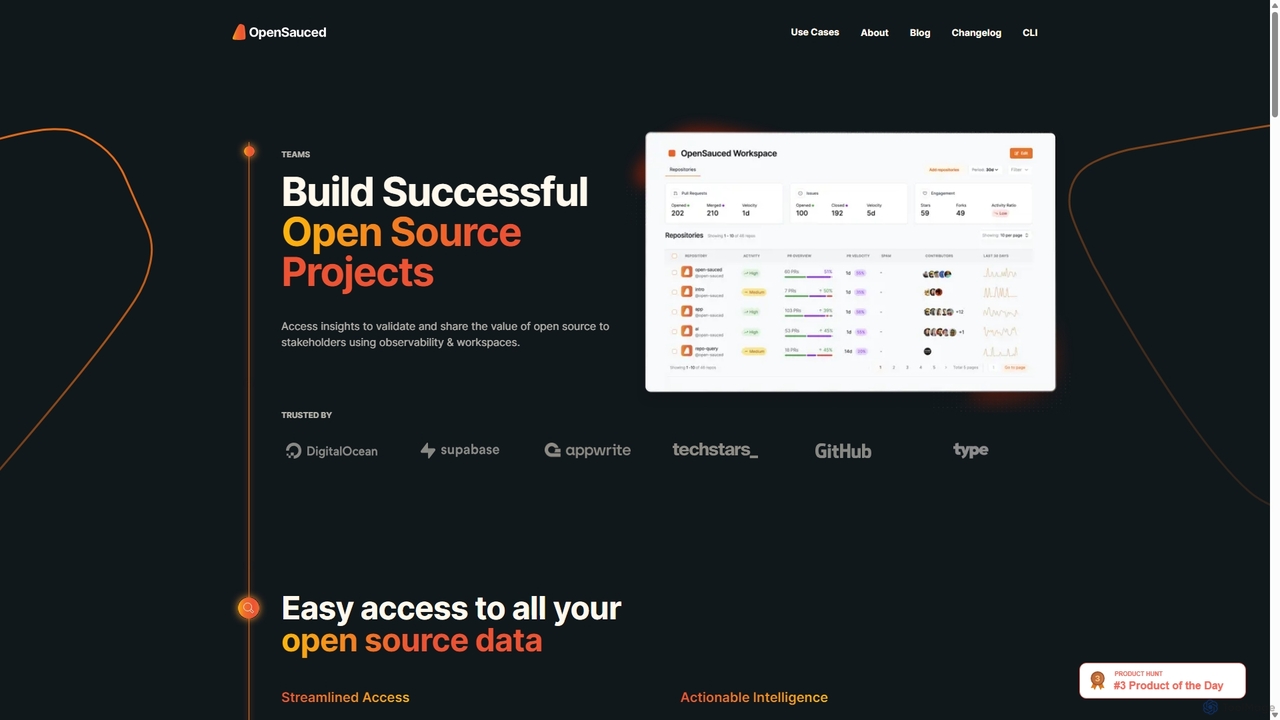
OpenSauced is an AI-powered analytics and collaboration platform for open source projects. It provides deep insights into GitHub …

3.7K
Aviator

Aviator

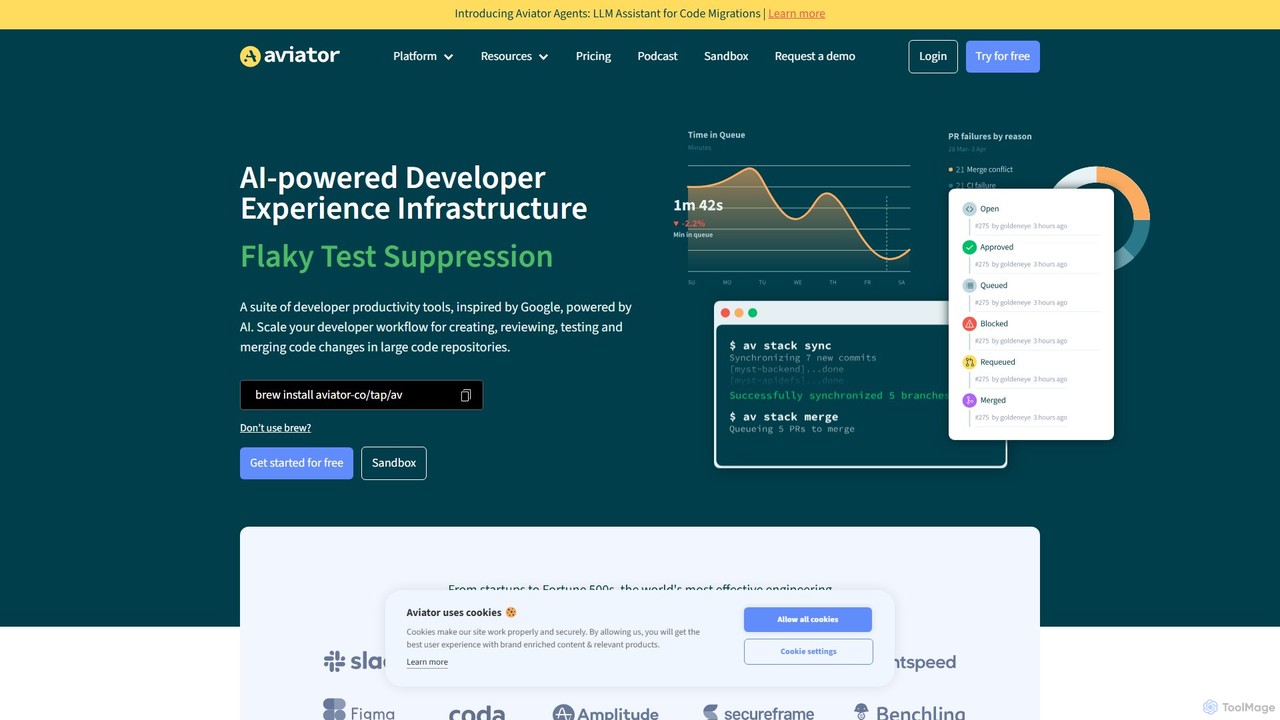
Aviator is a developer collaboration suite that automates the CI/CD pipeline, focusing on pull request management. It uses …

79.0K

About Code Collaboration

Code Collaboration tools are platforms that enable multiple developers to work on a single codebase simultaneously and efficiently. These tools often integrate with version control systems like Git and leverage AI to provide intelligent code completion, automated reviews, and real-time conflict detection. They are essential for modern software development teams to maintain code quality, accelerate development cycles, and streamline communication. By providing a shared context, these platforms reduce merge conflicts and improve overall team productivity.

Core Features

  • Real-time Collaborative Editing: Allows multiple developers to write and edit code in the same file simultaneously, seeing each other's changes live.
  • AI-Assisted Code Review: Automatically suggests improvements, detects potential bugs, and checks for style consistency in pull requests.
  • Integrated Version Control: Seamlessly connects with Git repositories (like GitHub, GitLab) for branching, merging, and commit history management.
  • In-Context Communication: Enables developers to comment directly on lines of code, linking discussions to specific changes for clear context.
  • Intelligent Merge Conflict Resolution: Uses AI to analyze conflicting code changes and suggest logical resolutions, simplifying a complex task.

Use Cases

These tools are vital for distributed software teams, open-source projects, and remote pair programming sessions. Technology companies, from startups to large enterprises, use them to manage complex projects and ensure code consistency. They are also increasingly used in educational settings and coding bootcamps to teach collaborative development practices in a hands-on environment.

How to Choose

When selecting a Code Collaboration tool, consider its integration with your existing stack, including your Git provider, IDE, and project management tools. Evaluate the sophistication of its AI features, such as the quality of code suggestions and review automation. Also, assess the user interface for ease of use, performance under load, and the pricing model based on your team size and specific needs.

Code CollaborationUse Cases

1

Real-time Pair Programming for Complex Problems

A senior and a junior developer collaborate on a complex algorithm. They use a code collaboration tool to edit the same file in real-time, with the senior developer guiding the junior. AI provides syntax suggestions and auto-completions for both, speeding up the process. They use in-line comments to discuss logic, eliminating the need for constant screen sharing. This approach accelerates knowledge transfer and solves the problem significantly faster than working sequentially.

2

Streamlining Code Reviews for Agile Teams

An agile development team uses an AI code collaboration tool to automate initial code reviews. When a developer submits a pull request, the AI automatically scans for common errors, security vulnerabilities, and style guide violations. This allows human reviewers to focus on high-level logic and architectural decisions, reducing review time by up to 50% and ensuring consistent code quality across the project. The integrated feedback loop helps developers learn and fix issues faster.

3

Managing Contributions in Open-Source Projects

The maintainer of a popular open-source project uses a code collaboration platform to manage contributions from a global community. The platform provides a clear interface for reviewing pull requests, discussing proposed changes via in-line comments, and tracking related issues. AI features help summarize complex changes, making it easier for the maintainer to quickly grasp the intent of a contribution and decide whether to merge it, improving the project's velocity.

4

Onboarding New Developers to a Large Codebase

A new software engineer joins a company with a massive, complex codebase. Instead of just reading documentation, they are paired with a mentor in a collaborative coding session. They can navigate the code together, run parts of it, and make small changes in a shared environment. The tool's AI can explain code snippets or suggest relevant functions, significantly shortening the new hire's learning curve and time to their first productive contribution.

5

Resolving Complex Merge Conflicts Intelligently

Two developers working on different features inadvertently edit the same core file, leading to a complex merge conflict. Instead of manually untangling the code, they use an AI-powered tool that analyzes the conflicting changes. The tool visualizes the differences and suggests a logical resolution that preserves the intent of both developers' work, turning a potentially hours-long debugging session into a quick, guided process.

6

Collaborative Coding for Remote Hackathons

A team of developers distributed across different time zones participates in a 48-hour hackathon. They use a cloud-based code collaboration tool as their central workspace. This allows them to work asynchronously and synchronously, seeing each other's cursors and changes live. The integrated chat and version control mean they don't waste time on environment setup, allowing them to focus entirely on building their prototype and innovate faster under pressure.

Code CollaborationFrequently Asked Questions