Code Best in category 4 results Version Control AI Tool

Popular AI tools in the Version Control field of Code include AICommit、gitya、Git Assistant、DigestDiff, etc., helping you quickly improve efficiency.

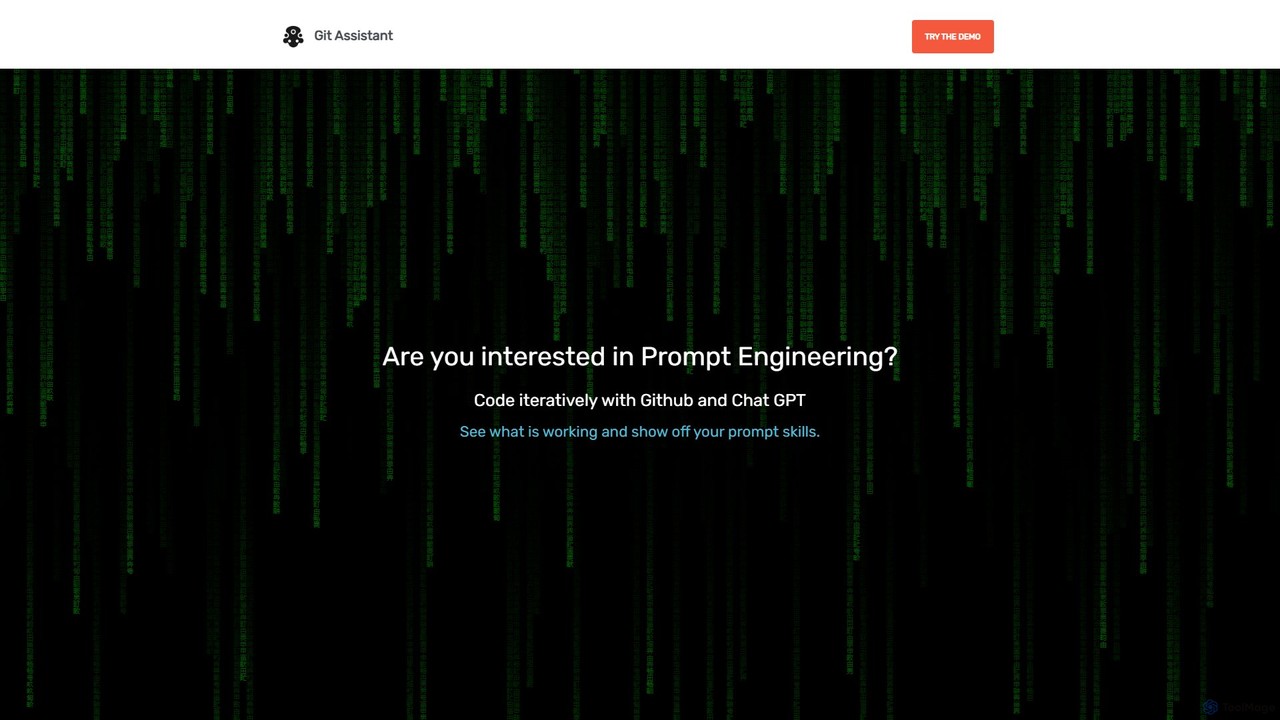
Git Assistant

Git Assistant

Git Assistant is an AI-powered tool that integrates with GitHub and ChatGPT to streamline your coding workflow. It …

2.2K
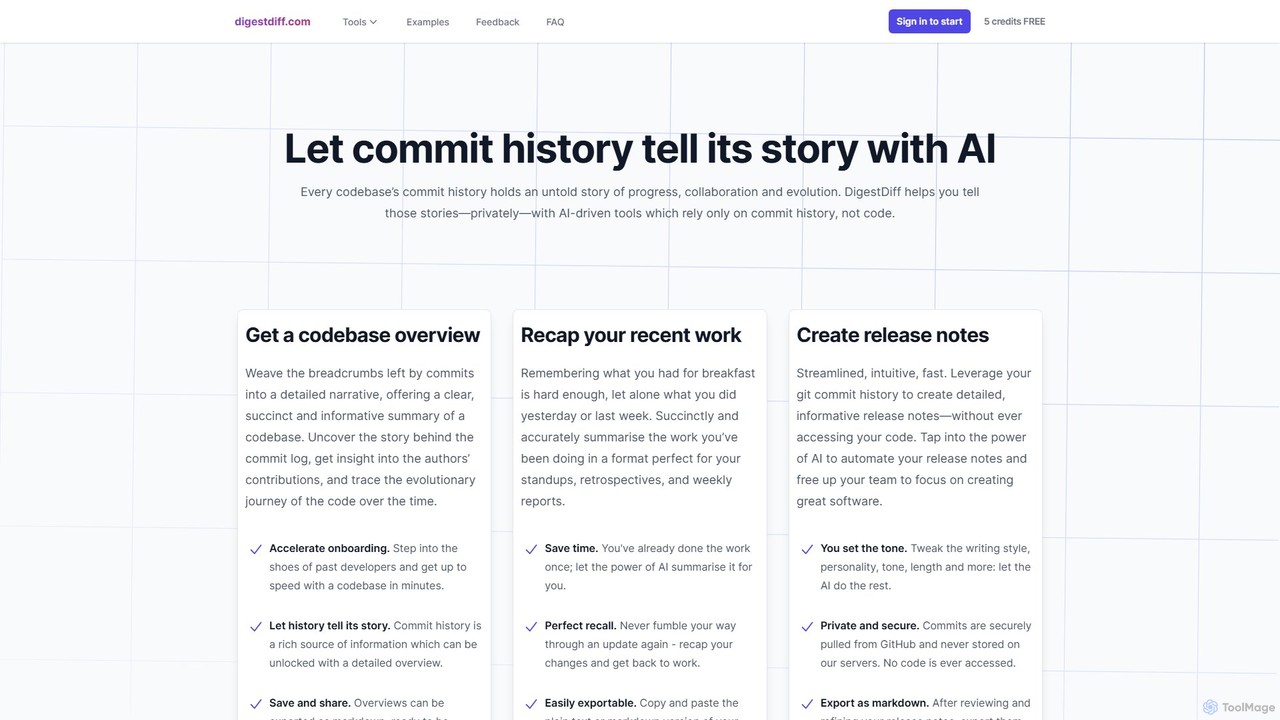
DigestDiff

DigestDiff

DigestDiff is an AI-powered tool for developers that analyzes Git commit history to automatically generate codebase overviews, daily …

2.1K
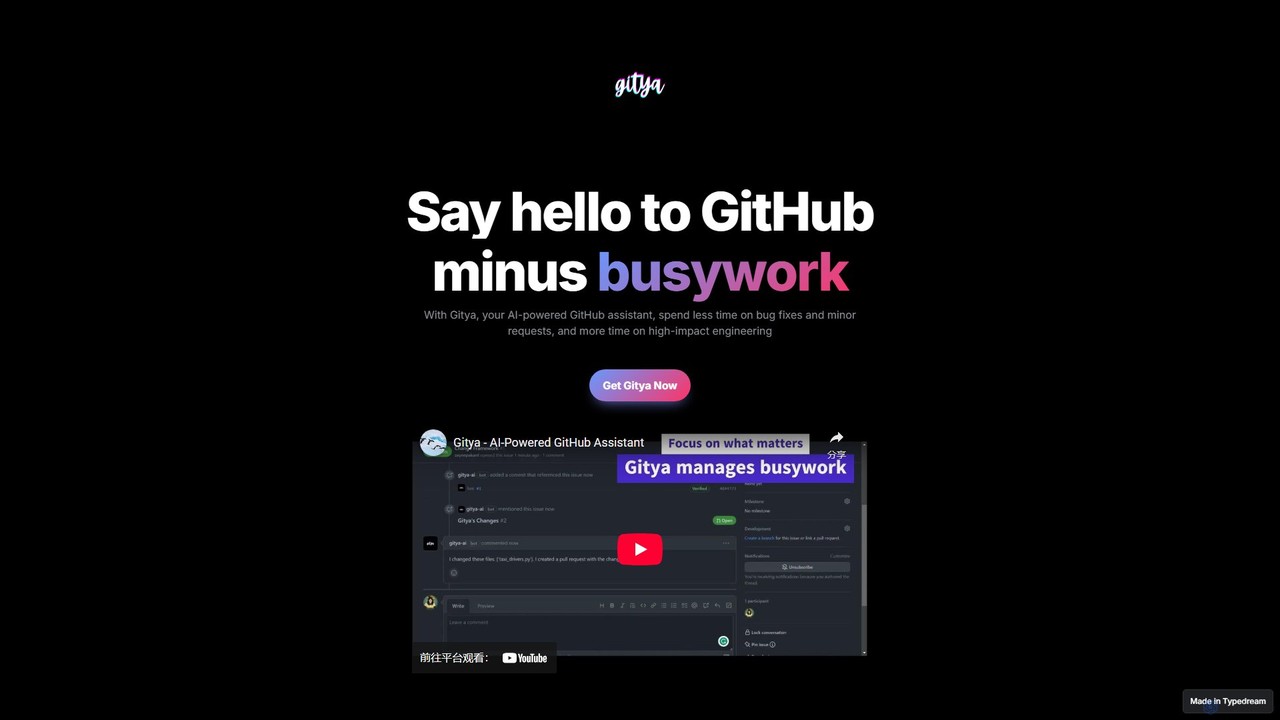
gitya

gitya

gitya is an AI-powered GitHub assistant designed to automate routine development tasks. It helps teams by handling minor …

2.3K
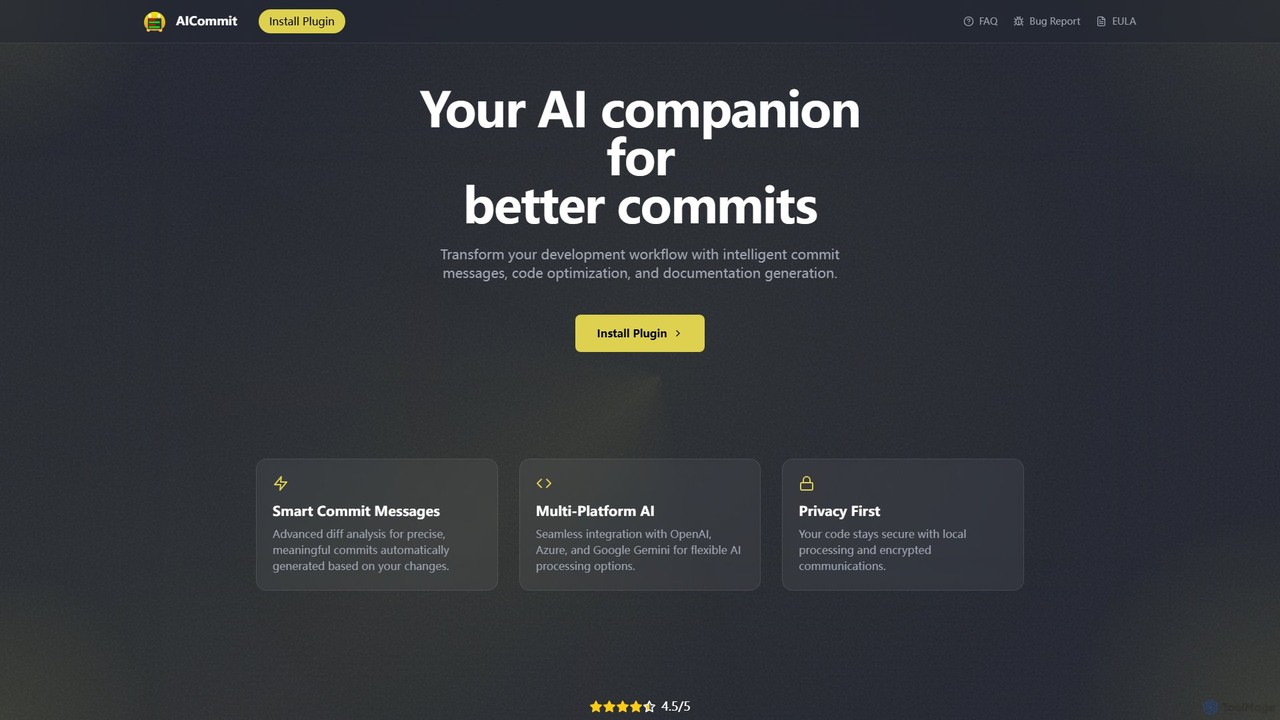
AICommit

AICommit

AICommit is an intelligent IDE plugin that transforms your development workflow by automatically generating precise and meaningful Git …

4.8K

About Version Control

Version Control tools are systems designed to track and manage changes to source code, documents, and other digital files over time. They utilize a repository to store a complete history of all modifications, enabling developers to recall specific versions later. This process is fundamental for collaborative projects, as it allows multiple contributors to work concurrently without overwriting each other's changes. Modern AI-enhanced version control systems further streamline this workflow by automating tasks like generating commit messages, suggesting code improvements during reviews, and intelligently assisting in resolving merge conflicts.

Core Features

  • Change History Tracking: Records every modification, creating a detailed log of who made what changes, when, and why.
  • Branching and Merging: Allows for parallel development on isolated branches, which can later be merged back into the main project.
  • Collaboration Support: Facilitates teamwork by providing mechanisms like pull requests and code reviews for discussing and integrating changes.
  • AI-Generated Commit Messages: Analyzes code changes (diffs) to automatically create clear, descriptive commit messages, improving repository history.
  • Intelligent Code Review: Uses AI to scan new code for potential bugs, security vulnerabilities, and style inconsistencies before it is merged.

Use Cases

Version Control is essential for software development teams of any size, from individual developers to large enterprises. It is also widely used by DevOps engineers for infrastructure-as-code, data scientists for tracking experiments and models, and technical writers for managing documentation revisions. Any project involving collaborative editing of text-based files benefits from a version control system.

How to Choose

When selecting a Version Control tool, consider the underlying system (e.g., Git, which is the standard), the hosting platform (cloud vs. self-hosted), and the ecosystem of integrations with IDEs, CI/CD pipelines, and project management tools. Evaluate the sophistication of its AI features, such as the quality of code suggestions and the accuracy of automated commit messages. Also, consider team size, security requirements, and overall cost.

Version ControlUse Cases

1

Collaborative Feature Development

A distributed software team is tasked with building a new payment gateway integration. Using a version control system like Git, each developer creates a separate 'feature branch' to work on their specific part—one for the UI, one for the backend logic. This isolation prevents conflicts. As they commit code, an AI assistant suggests more efficient code snippets and ensures coding standards are met. When a part is complete, they open a pull request, where the AI provides an automated initial review, flagging potential issues before a human reviewer even looks at it, accelerating the development cycle.

2

Automated Commit Message Generation

A developer is working on fixing a complex bug that involves changes across multiple files. After resolving the issue, instead of spending time crafting a perfect commit message that summarizes all the changes, they use an AI-powered feature. The tool analyzes the 'diff' (the differences between the old and new code) and automatically generates a concise, well-formatted commit message following the team's conventions, such as 'fix(auth): resolve null pointer in token validation'. This saves time and ensures the project's history remains clean and understandable.

3

Intelligent Merge Conflict Resolution

Two developers, Alice and Bob, have unknowingly edited the same function in different branches. When Alice tries to merge her branch into the main codebase, a merge conflict occurs. Instead of manually inspecting the conflicting code blocks, which can be tedious and error-prone, they use an AI assistant. The AI analyzes the logic of both changes, understands the intent, and suggests a combined version that correctly integrates both Alice's and Bob's contributions. This reduces resolution time from minutes to seconds and lowers the risk of introducing new bugs.

4

Reverting a Faulty Deployment

An operations team deploys a new version of an application to production. Shortly after, monitoring alerts spike, indicating a critical failure. Using the version control history, the team quickly identifies the exact commit that introduced the bug. With a single command (e.g., 'git revert'), they can instantly roll back the problematic changes and deploy the previous, stable version. This minimizes downtime and impact on users. The clear history allows them to later analyze the faulty commit in a safe environment to understand the root cause without pressure.

5

AI-Powered Code Review for Junior Developers

A junior developer submits their first major feature via a pull request. A senior developer's time is limited. Before the senior review, an AI code review tool automatically scans the submission. It provides constructive feedback directly to the junior developer, pointing out a potential memory leak, suggesting a more readable variable name, and linking to the team's documentation on API usage. The junior developer learns and applies the fixes immediately, submitting a much-improved version for the final human review. This acts as a patient, always-available mentor, improving code quality and accelerating learning.

6

Managing Documentation and Configuration Files

A technical writing team manages a large set of product documentation. They use a version control system to track changes, review edits from multiple writers, and maintain different versions of the documentation for various product releases (e.g., v1.0, v2.0). When a writer updates a section, they create a branch. Other team members can review the changes in a 'diff' view before merging. This ensures consistency and accuracy. Similarly, a DevOps team uses it to manage infrastructure-as-code (IaC) configuration files, providing an auditable history of all changes to their production environment.

Version ControlFrequently Asked Questions