Free
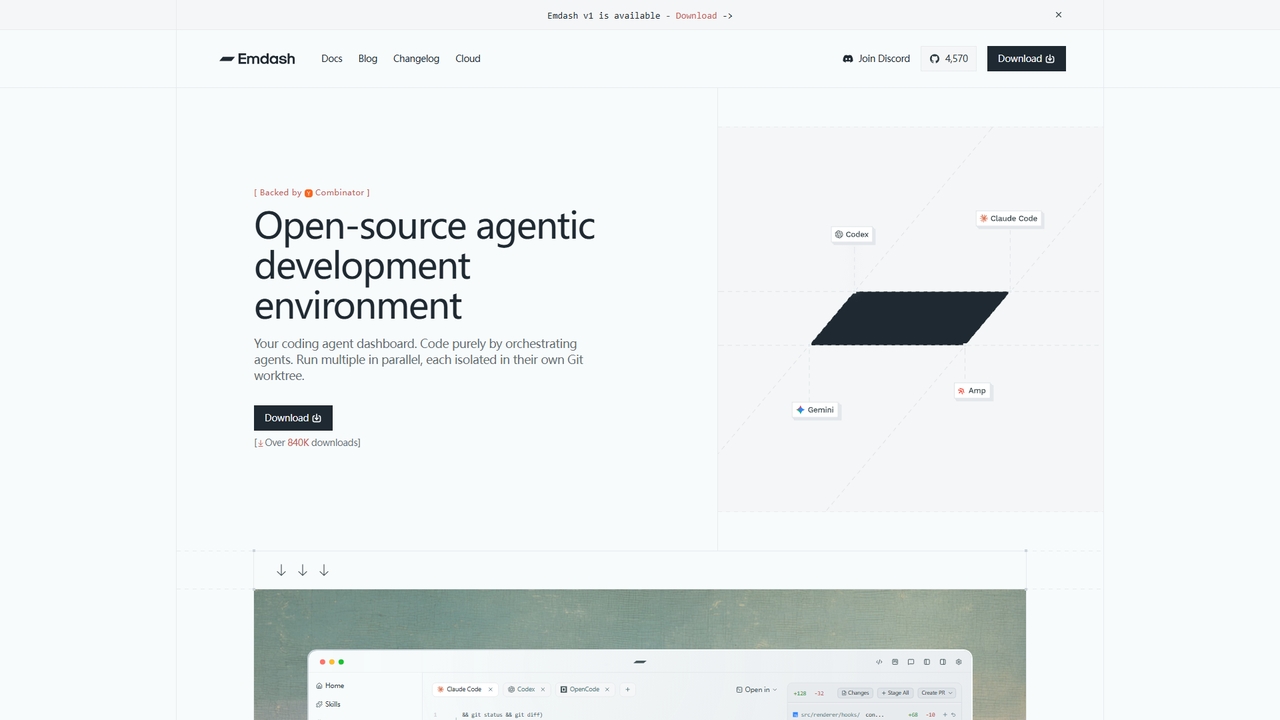
Emdash
An open-source desktop application for developers to run and orchestrate multiple coding agents (like Codex, Cursor, Claude Code) in parallel, each within its own isolated Git worktree.
Code ReviewVisits 55.1KFavorites 30Likes 38
Popular Version Control AI tools in Developer Tools include GitHub, GitKraken, GitButler, Codegen, Emdash, Engine, ScienHub, GiteAI, What The Diff, and devlo, helping you work more efficiently.
An open-source desktop application for developers to run and orchestrate multiple coding agents (like Codex, Cursor, Claude Code) in parallel, each within its own isolated Git worktree.
Code Review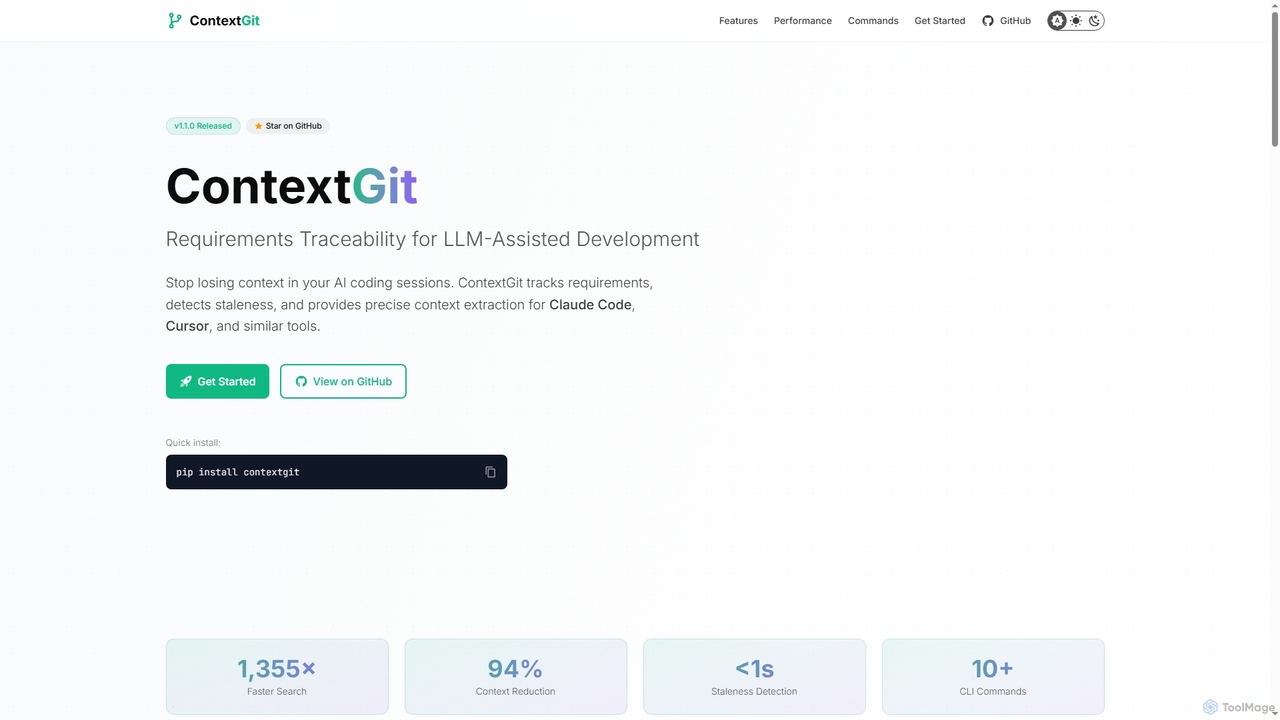
A command-line tool for developers using LLMs, providing requirements traceability, staleness detection, and precise context extraction to enhance AI-assisted coding workflows. It significantly reduces token usage and syncs AI tools with project requirements.
Code Assistant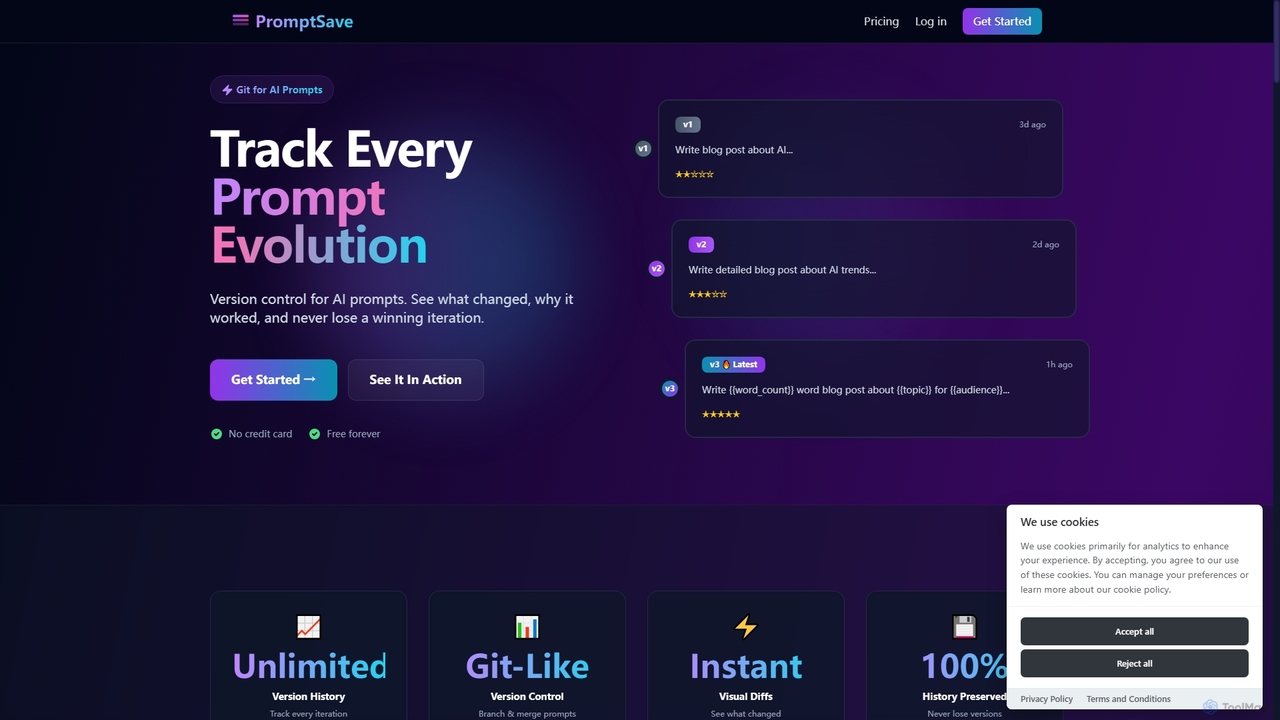
PromptSave is a version control system for AI prompts, designed like Git. It helps users track, manage, and optimize every iteration of their prompts for platforms like ChatGPT, Claude, and Gemini, ensuring no winning version is ever lost.
Version Control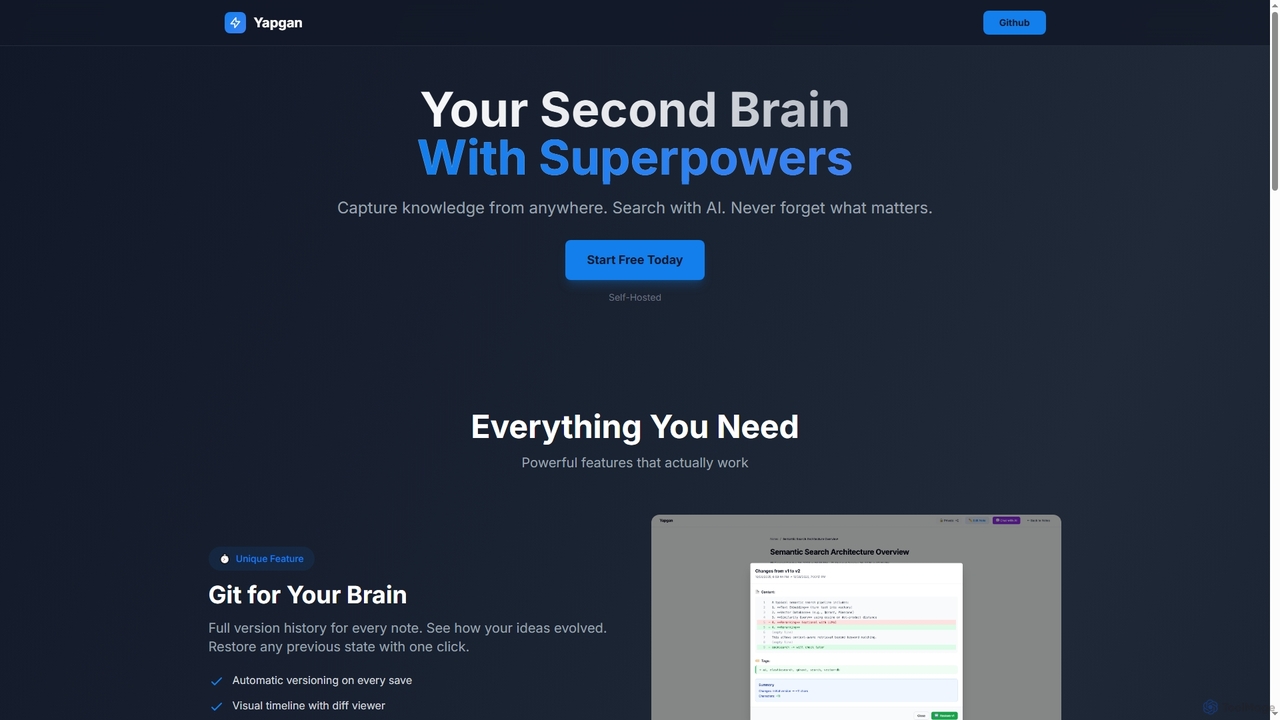
Yapgan is a powerful, self-hosted "second brain" tool designed for knowledge workers, developers, and researchers. It enables users to effortlessly capture information from any webpage, organize it with AI-powered search and knowledge graphs, and maintain a complete version history of their thoughts. With features like AI chat with notes and public sharing, Yapgan ensures you never forget what matters.
Content Sharing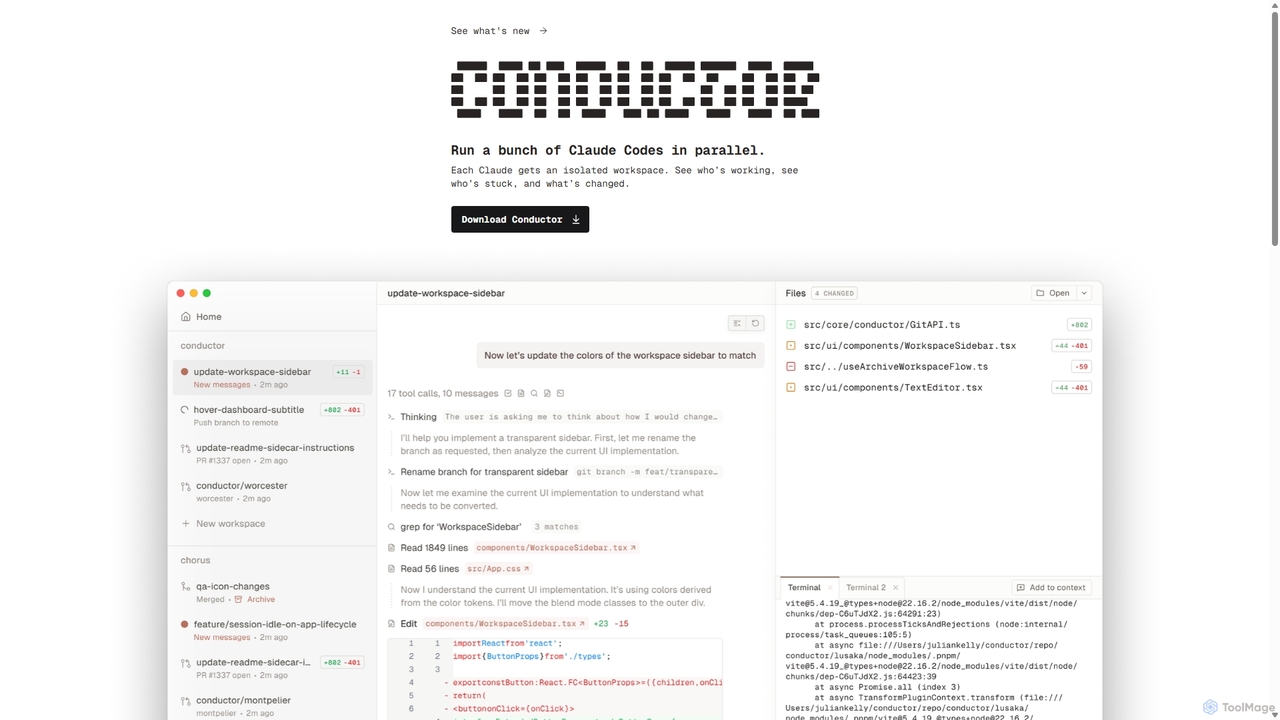
A powerful Mac application for orchestrating multiple AI coding agents. Run parallel instances of Claude Code in isolated workspaces to accelerate software development, monitor progress, and review code through a beautiful, intuitive UI.
Code Assistant
An AI-powered tool that integrates with Jira to automatically generate consistent and descriptive Git branch names. It analyzes Jira task data to streamline developer workflows, enforce naming conventions, and improve repository clarity.
Version Control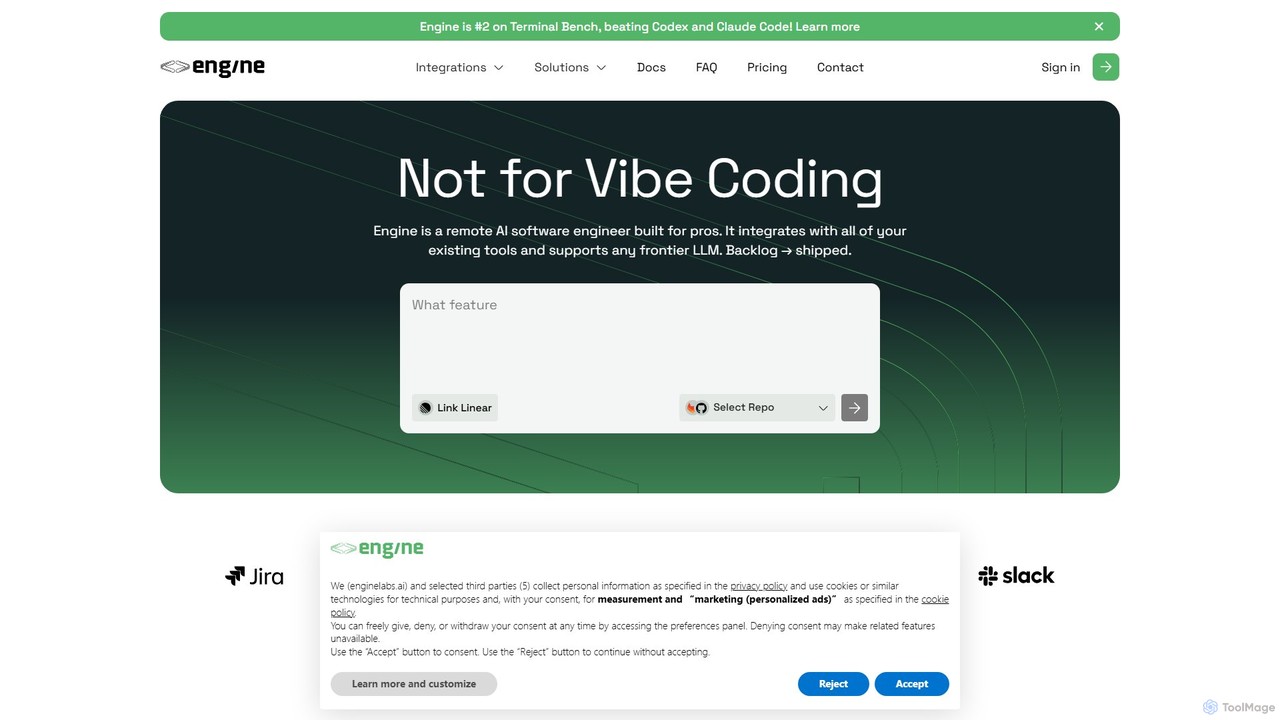
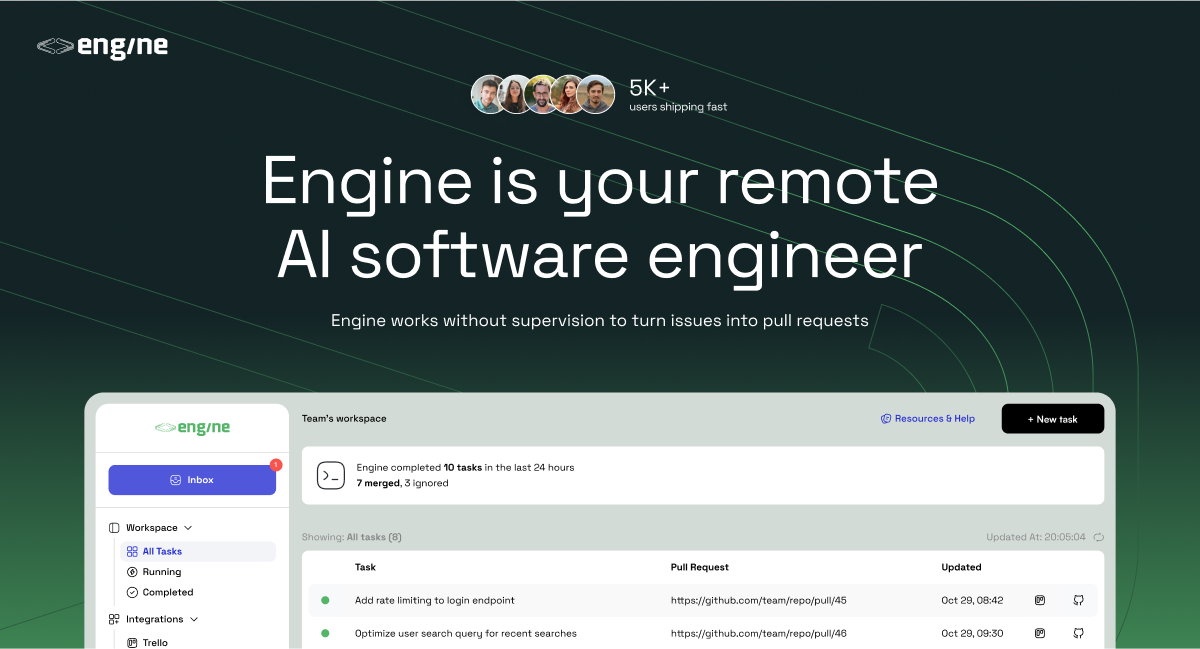
Engine is an AI software engineer designed for professional development teams. It integrates with your existing tools like GitHub and Linear to autonomously fix bugs, ship features, and clear your backlog by creating and managing pull requests, effectively acting as a remote AI team member.
Version Control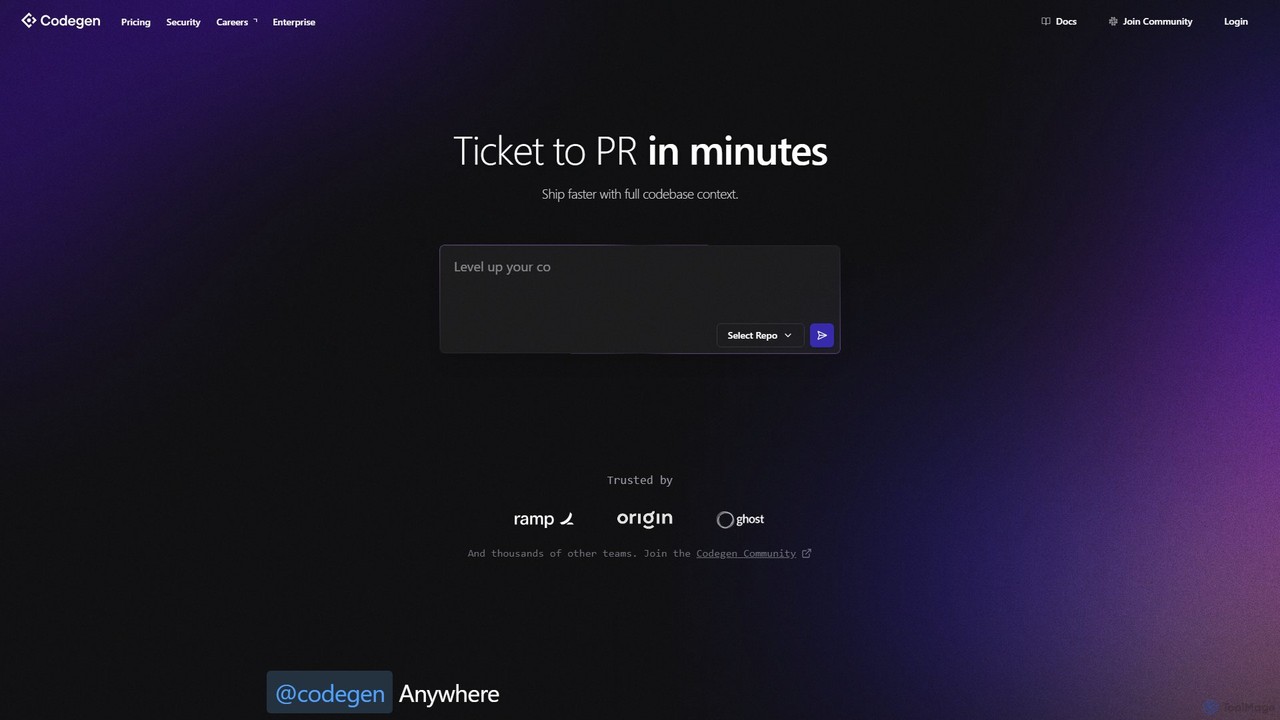
Codegen is an AI software engineering agent that accelerates development by transforming tickets into pull requests in minutes. It integrates with your existing tools like GitHub, Slack, and JIRA, using full codebase context to automate coding, fix bugs, and review code, effectively 10x-ing your team's productivity.
Version Control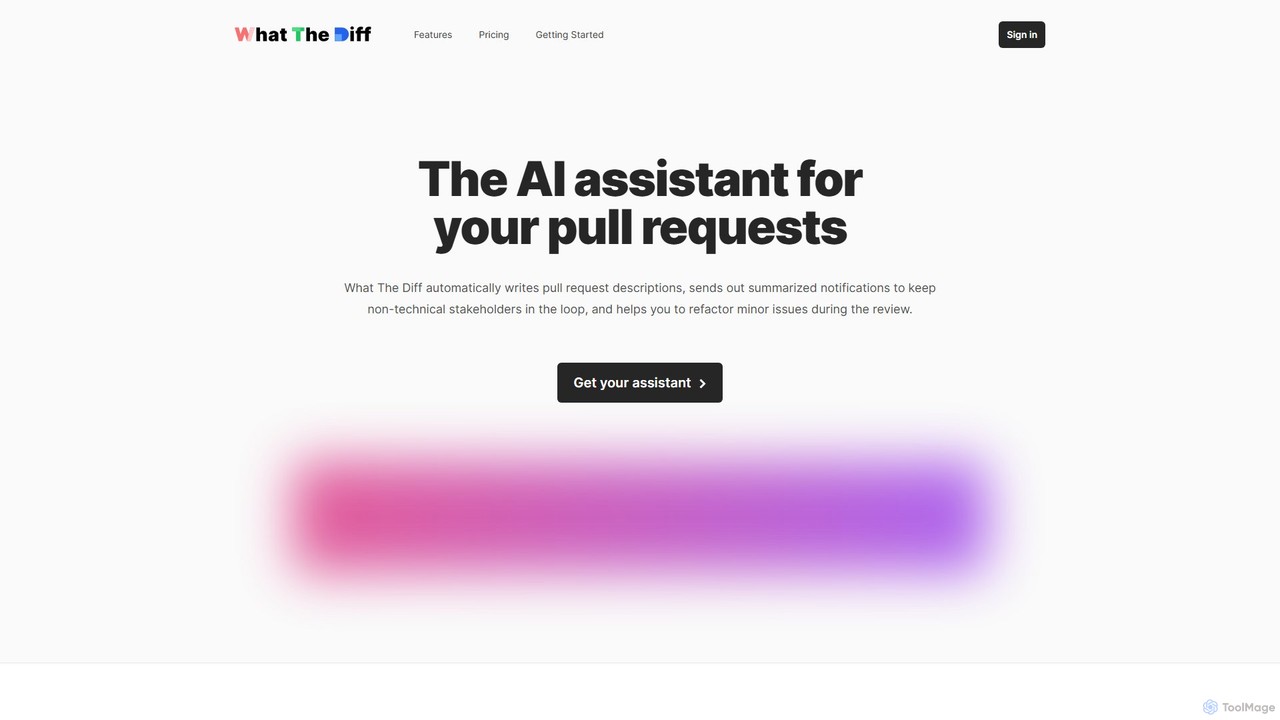
What The Diff is an AI-powered code review assistant that integrates with GitHub and GitLab. It automatically generates pull request descriptions, sends summarized notifications to stakeholders, and helps refactor code directly within the review process, streamlining development workflows.
Code Review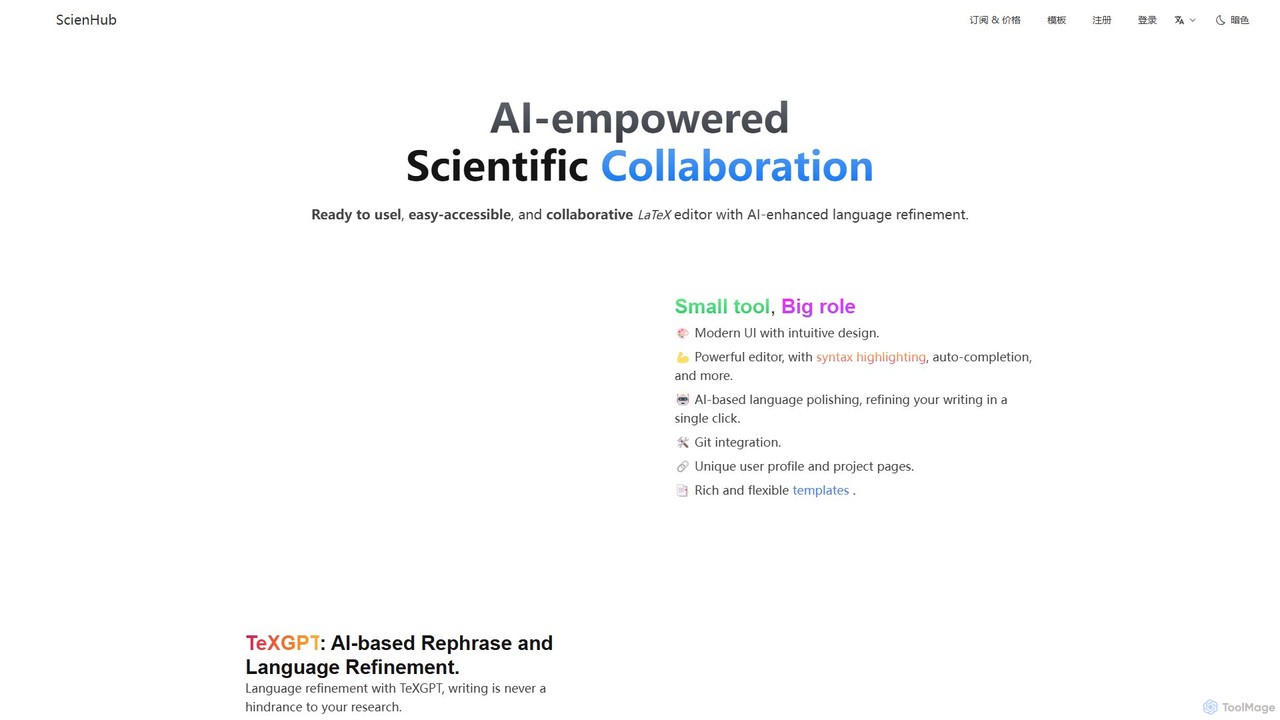
ScienHub is an AI-powered, collaborative online LaTeX editor designed for researchers, academics, and students. It streamlines scientific writing with features like AI-driven language refinement (TeXGPT), real-time collaboration, Git integration, and Zotero support. Its modern interface and rich template library make creating professional academic documents easier than ever.
Research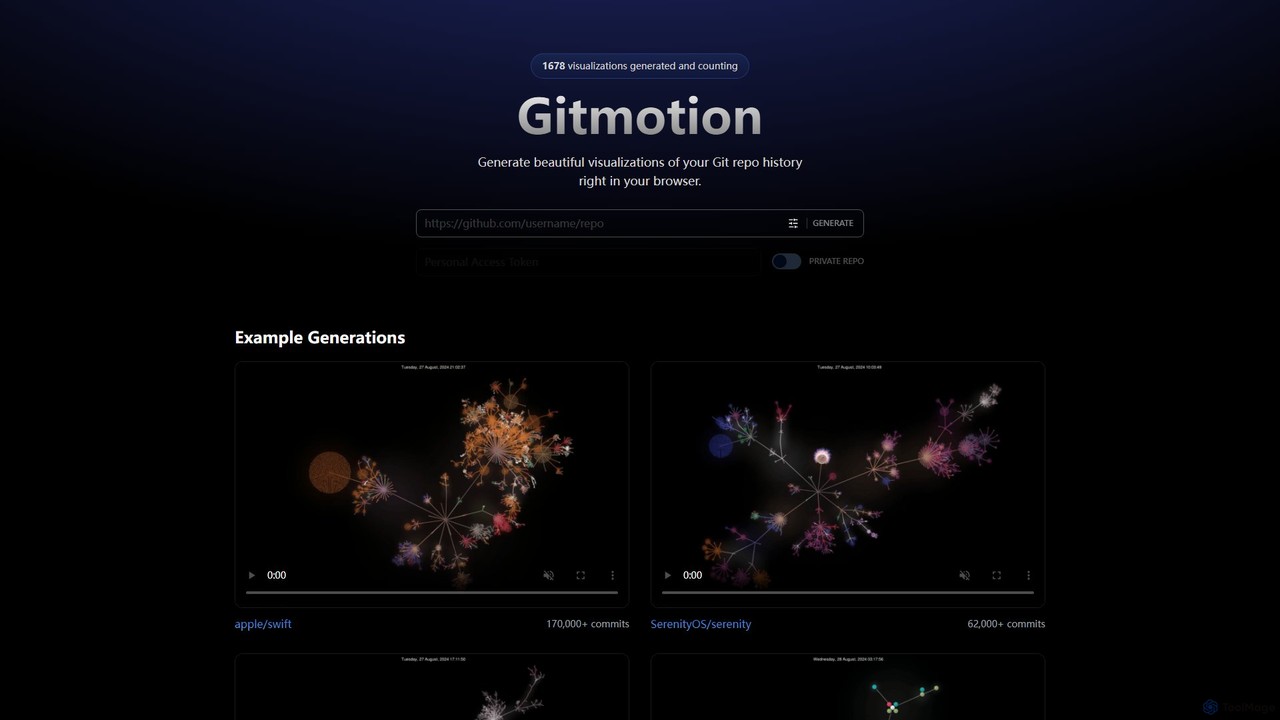
Gitmotion is a web-based tool that generates beautiful, animated visualizations of your Git repository history. It transforms complex commit logs into dynamic and easy-to-understand videos or images, perfect for project analysis, presentations, and team onboarding. It supports both public and private repositories, offering a simple way to see the evolution of your code.
Data Visualization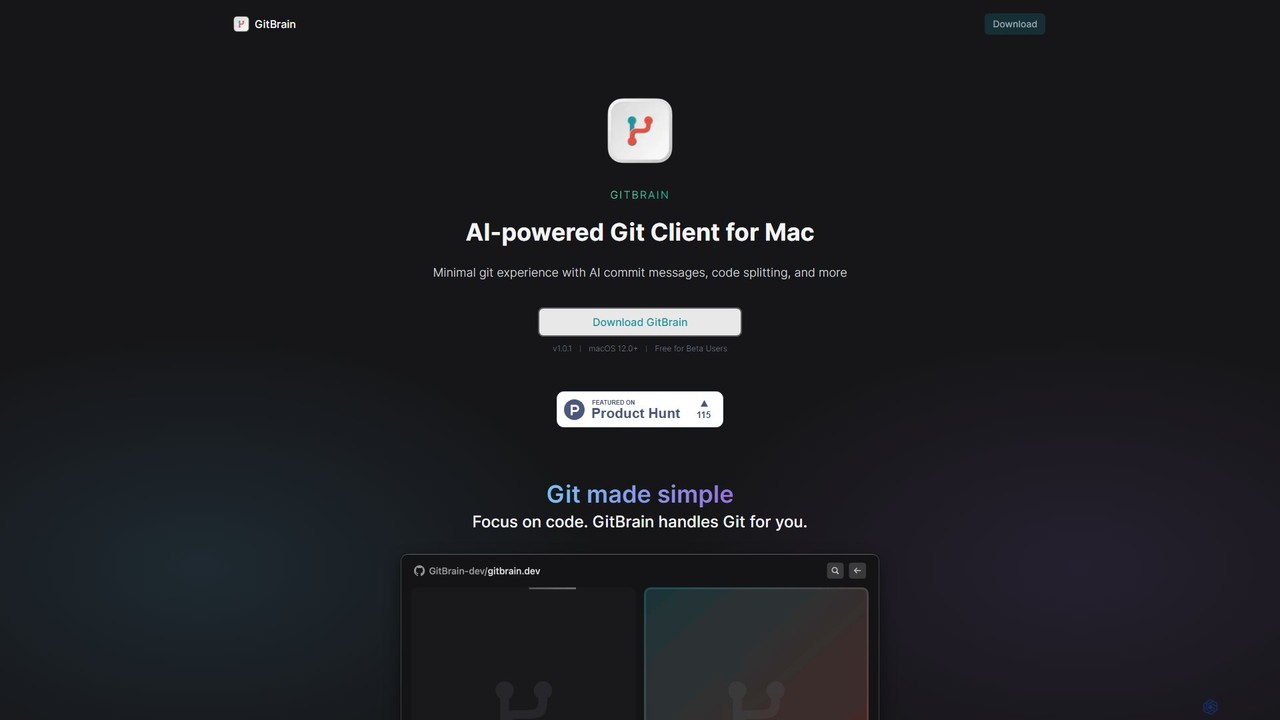
GitBrain is an AI-powered Git client for Mac designed to streamline your workflow. It automatically splits code changes into logical commits, generates clear commit messages, and provides AI-powered code summaries for self-review. With a native macOS interface, IDE integration, and a keyboard-first design, GitBrain simplifies Git management, allowing developers to focus on coding.
Code Assistant
GitHub is the world's leading AI-powered developer platform for building, shipping, and maintaining software. It provides Git-based version control, collaborative tools, and a complete DevOps lifecycle, supercharged by GitHub Copilot, an advanced AI code assistant that accelerates development and enhances code quality.
Code Assistant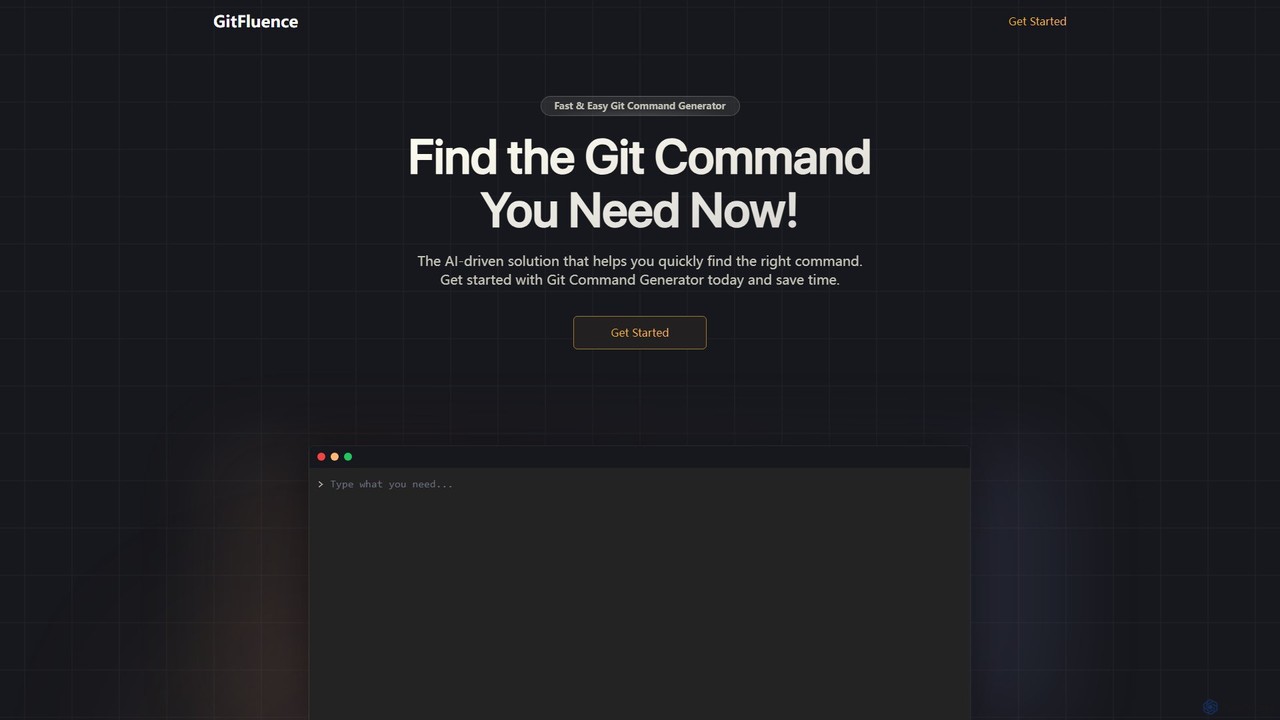
GitFluence is an AI-powered tool that translates natural language descriptions into the correct Git commands. Simply describe what you want to do, and GitFluence provides the precise command, saving you time and reducing errors. Ideal for both beginners learning Git and experts needing a quick syntax reminder.
Version Control
GiteAI is an AI-powered tool designed for developers to automate and enhance Git commit messages. It analyzes code changes to generate detailed, standardized commits, saving time and improving repository consistency, allowing you to focus more on coding.
Code Assistant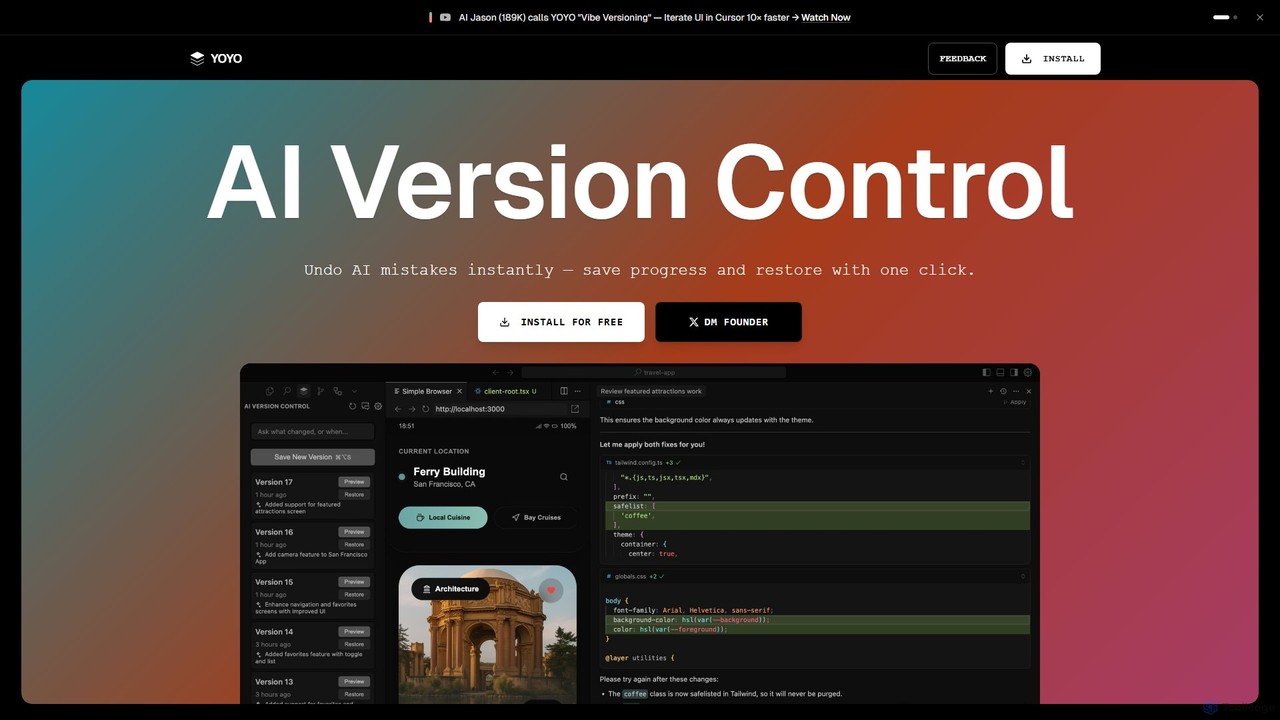
runyoyo is an AI-native version control system designed for the era of 'Vibe Coding'. It allows developers to instantly save progress, undo AI-generated mistakes with a single click, and search their entire coding timeline. It works alongside Git to keep your main repository clean while you experiment freely with AI assistants in IDEs like VS Code and Cursor.
Ide Extension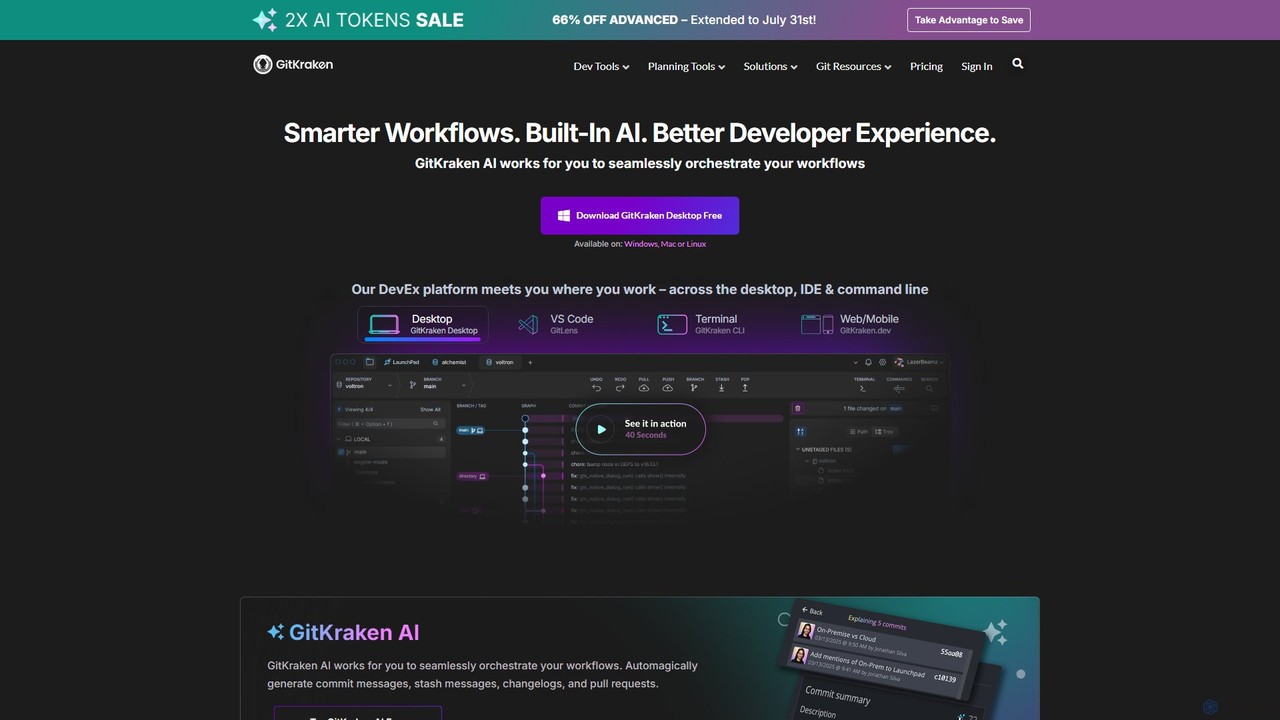
GitKraken is a legendary suite of Git tools designed to enhance the developer experience. Featuring a visual Git GUI, a powerful CLI, and IDE integrations, it leverages built-in AI to automate tasks like generating commit messages and pull requests. It streamlines workflows, improves team collaboration, and provides powerful visualization for complex repositories.
Version Control
GitButler is a next-generation version control client that allows developers to organize their work into multiple virtual branches simultaneously. It automates the process of managing changes, enabling parallel work on different features and bug fixes without the overhead of traditional Git branches, streamlining the entire development workflow.
Code Assistant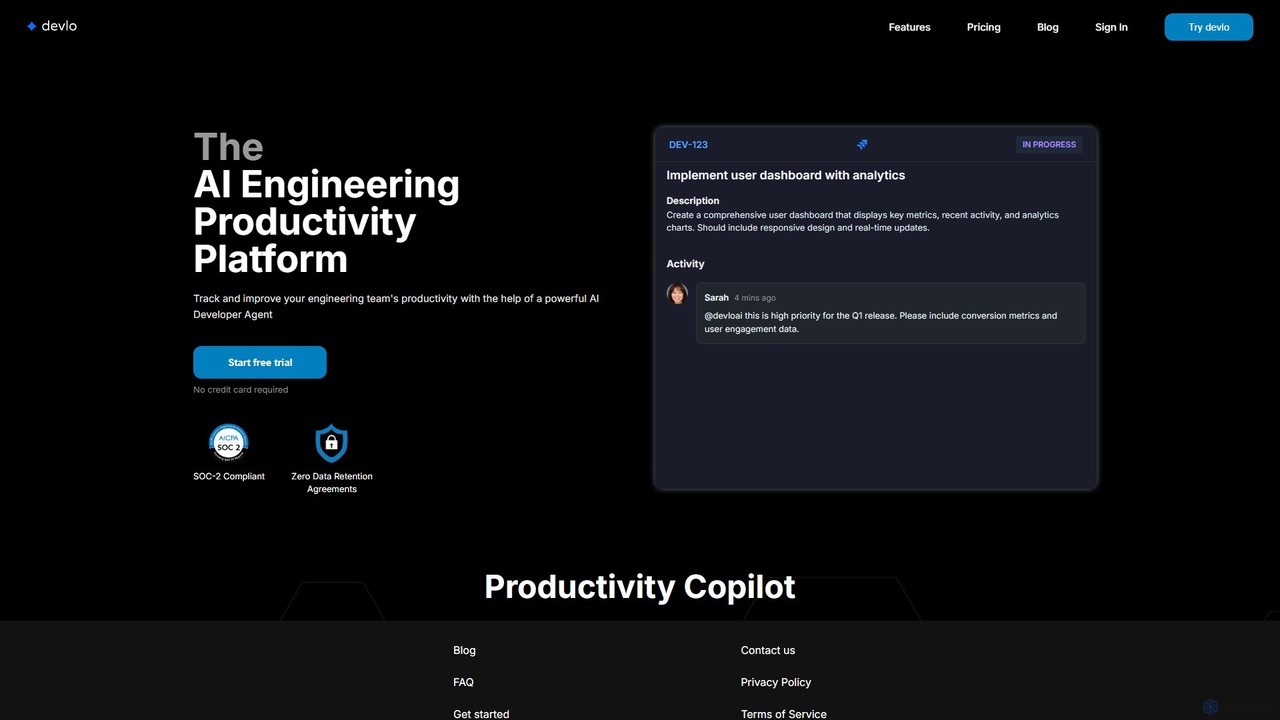
devlo is an AI Engineering Productivity Platform designed to supercharge software development teams. It features an advanced AI Developer Agent that automates coding tasks, performs intelligent code reviews, and provides deep, actionable insights into team performance, helping to accelerate delivery and improve code quality.
Code AssistantVersion Control systems are essential developer tools for tracking and managing changes to source code and other files over time. These systems record modifications in a repository, creating a detailed history that allows developers to recall specific versions later. This functionality is crucial for collaborative projects, enabling multiple developers to work concurrently on the same codebase without conflicts. Modern AI integrations are beginning to enhance these systems by automating commit message generation, suggesting optimal merge strategies, and proactively identifying potential code conflicts.
Version Control is fundamental in software development for teams of any size, from solo developers to large enterprises. It is also widely used in DevOps for managing infrastructure as code (IaC), by technical writers for versioning documentation, and by data scientists for tracking changes in machine learning models and datasets.
When selecting a Version Control tool, consider the model (distributed like Git vs. centralized like SVN), the hosting platform's ecosystem (e.g., GitHub, GitLab, Bitbucket), integration with CI/CD pipelines, team workflow preferences, and the learning curve for new users. The choice often depends on project complexity and collaboration needs.
A software development team is tasked with building a new user authentication module. Using a version control system like Git, the lead developer creates a main 'develop' branch. Each developer then creates their own feature branch (e.g., 'feature/login-page', 'feature/password-reset') from 'develop'. They work independently on their tasks, committing changes locally. Once a feature is complete, they push their branch to a remote repository like GitHub and open a pull request. This allows for code review and automated testing before the feature is safely merged back into the 'develop' branch, ensuring code quality and preventing conflicts.
A DevOps team manages their cloud infrastructure using Terraform scripts. All configuration files (.tf files) are stored in a Git repository. When a change is needed, such as scaling up a server cluster, an engineer creates a new branch. They modify the configuration files and commit the changes with a descriptive message. This commit triggers a CI/CD pipeline that runs 'terraform plan' to show the expected changes. After team review and approval via a pull request, the changes are merged to the main branch, and the pipeline automatically applies the new configuration. This provides a complete, auditable history of all infrastructure changes.
A critical bug is reported in the production version (v1.2.0) of an application. A developer creates a 'hotfix/bug-123' branch directly from the 'v1.2.0' tag in the repository. They implement the fix, commit it, and push the branch. This hotfix undergoes expedited review and testing. Once approved, it's merged into both the 'main' branch (for production) and the 'develop' branch (to ensure the fix is in future releases). A new tag, 'v1.2.1', is created from the 'main' branch, triggering a deployment. This structured process ensures that urgent fixes don't interfere with ongoing new feature development.
A team of technical writers maintains the official documentation for a software product. They use a Git repository to store all Markdown files. When a new product version is released, they create a new branch named after the version (e.g., 'release/v3.0'). Writers work on this branch to update articles, add new guides, and revise examples. Each change is a commit, providing a clear history. This allows them to manage documentation for multiple product versions simultaneously. Readers can easily switch between documentation for v2.0 and v3.0, and the team can backport critical documentation fixes to older versions if needed.
A product manager wants to test a new checkout flow for an e-commerce site. A developer creates an 'experiment/new-checkout' branch. On this branch, they implement the alternative design and logic. This work happens in isolation, without affecting the main codebase that powers the live site. The new branch can be deployed to a staging environment for A/B testing. Based on the results, the feature can be iterated upon, completely discarded by simply deleting the branch, or merged into the main development line if successful. This workflow encourages innovation by making it safe and easy to explore new ideas.
A data scientist is developing a machine learning model to predict customer churn. They use a version control system to track not only the Python code but also the datasets, model parameters, and resulting performance metrics. Each experiment, such as trying a new algorithm or feature set, is conducted in a separate branch. They commit the code, a reference to the dataset version, and a summary of the results. This creates a reproducible and auditable record of their work, allowing them to easily compare different approaches and revert to the best-performing model configuration at any time.
A Version Control System is a type of developer tool that manages changes to a collection of files over time. It records every modification in a special database, allowing users to revert to previous versions, compare changes, and see who made them. This is fundamental for software development, as it enables teams to collaborate on the same project without overwriting each other's work and provides a complete history of the project's evolution.
Git and GitHub are related but distinct. Git is the version control system itself—a command-line tool installed on your local machine to track changes. GitHub is a web-based hosting service for Git repositories. It provides a user interface, collaboration features like pull requests and code reviews, project management tools, and CI/CD automation. In short, Git is the tool, and GitHub is a popular platform for storing and managing projects that use Git.
Choosing a VCS depends on your project's needs. Consider these factors:
For most new software projects, Git is the recommended choice due to its widespread adoption and powerful feature set.
Branching is the act of creating an independent line of development within a repository. It allows you to work on a new feature or a bug fix without affecting the main, stable version of your project (often called the 'main' or 'master' branch). Merging is the process of taking the changes from one branch and integrating them into another. For example, after a feature is completed and tested on its own branch, it is merged back into the main branch to become part of the official project. These two concepts are the foundation of parallel development in modern version control.
Version Control is valuable beyond just code. It provides a structured way to track changes and collaborate on any set of digital files. For example:
Essentially, any project that involves multiple contributors or goes through many revisions can benefit from the history tracking and collaboration features of a VCS.