

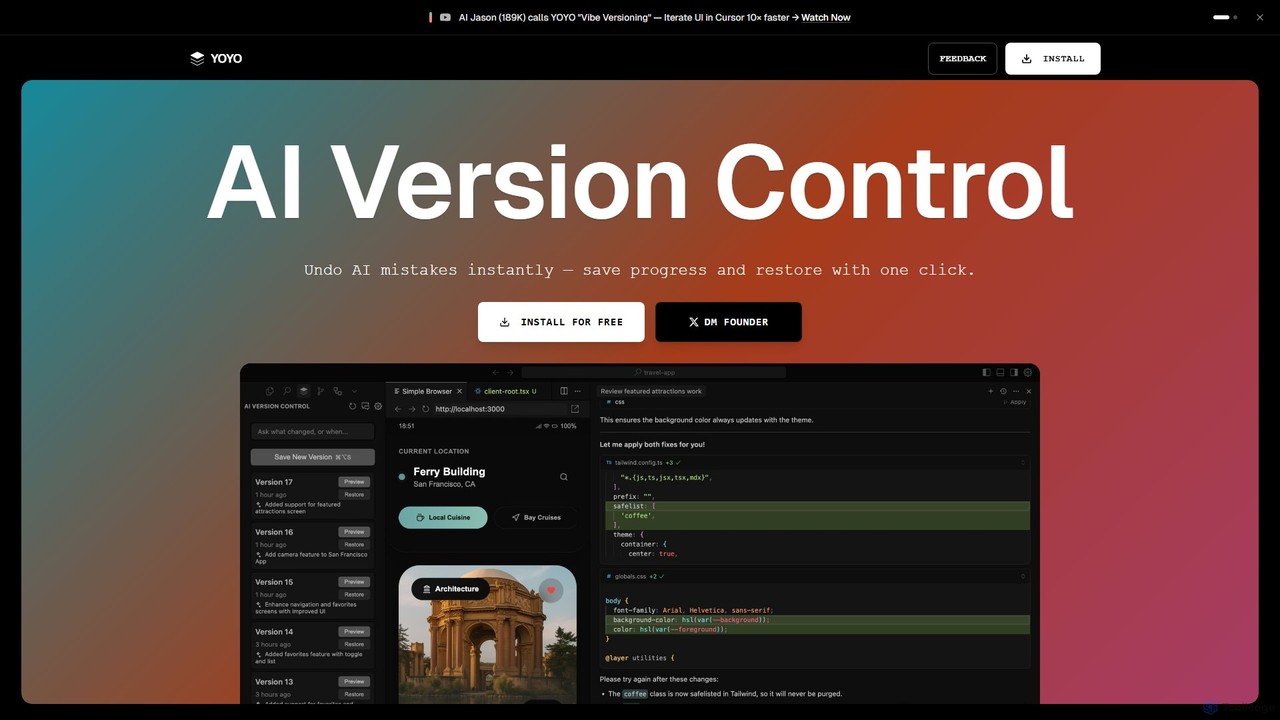
runyoyo Overview
runyoyo is a revolutionary version control tool built specifically for developers who leverage AI in their coding workflow, a practice known as 'Vibe Coding'. In this new paradigm of software development, AI assistants like Gemini, Claude, and Codex can generate, refactor, and modify code at an incredible speed. However, this speed comes with a risk: a single misplaced prompt can introduce subtle bugs or break your application entirely. runyoyo addresses this challenge head-on by providing a safety net for AI-assisted development.
Unlike traditional version control systems like Git, which are designed for structured, deliberate commits intended for shipping, runyoyo is built for exploration and experimentation. It allows you to capture the messy, creative, and often chaotic process of figuring things out with AI. You can instantly save a 'checkpoint' of your code before trying a risky AI prompt, and if the result isn't what you wanted, you can restore your previous state with a single click, completely eliminating the fear of breaking your work.
How to use runyoyo
Using runyoyo is designed to be an intuitive part of your development flow. First, you install the runyoyo extension into your preferred Integrated Development Environment (IDE), such as VS Code, Cursor, or Windsurf. The tool seamlessly integrates into your editor.
The core workflow is simple:
- Save a Checkpoint: Before you ask an AI to perform a task (e.g., 'refactor this function', 'add dark mode'), you create a YOYO save point. This is a one-click action that instantly captures the current state of your code.
- Experiment with AI: Proceed with your AI prompt and let the assistant modify your code.
- Preview and Decide: Review the changes made by the AI.
- Restore if Needed: If the AI's changes are incorrect, buggy, or simply not what you wanted, you can instantly revert to your saved checkpoint with another click. There's no need for complex `git reset` or `stash` commands.
- Search Your History: Use the Agentic AI Search to ask questions about your coding history in plain English, like "Show me the changes I made for the dark mode feature" or "What did I do in version 9?", even across different IDEs.
Core Features of runyoyo
- Instant AI Mistake Undo: The flagship feature. One-click restoration to a previous state, making AI experimentation fearless and fast.
- Lightweight Checkpoints: Save your progress at any moment without the overhead of creating a formal Git commit. These checkpoints are for your experimental timeline.
- Agentic AI Search: A powerful search engine that understands your entire coding history. You can query your timeline using natural language to find specific changes, refactors, or versions.
- Cross-IDE Versioning: Maintain a unified coding timeline even when you switch between different editors like VS Code, Cursor, and Windsurf. Your YOYO history follows you.
- Git Independence: runyoyo saves your experimental history separately, preventing your official Git repository from being polluted with dozens of small, temporary, or broken commits. Your Git log stays clean and professional.
Use Cases for runyoyo
runyoyo is ideal for any developer, designer, or creator who uses AI in their workflow:
- Rapid Prototyping: Quickly build and iterate on new features with AI, saving checkpoints at each major step.
- Safe Code Refactoring: Undertake large-scale refactoring with an AI assistant, knowing you can easily roll back any part of the process.
- AI Prompt Engineering: Experiment with different prompts to see which one yields the best code, saving each attempt as a distinct version.
- Learning and Education: New developers can learn to code with AI without the fear of irreversible mistakes or the complexity of Git.
- Creative Coding & Design: For 'vibe designers' and coders who are exploring creative possibilities and need a fluid way to save and revisit ideas.
Advantages of runyoyo
The primary advantage of runyoyo is that it empowers developers to use AI assistants with confidence. It removes the friction and fear associated with AI-driven code generation. By separating the exploratory phase from the final product, it promotes a more creative and efficient workflow. It keeps your Git history clean for collaboration and deployment, while providing a detailed, searchable, and personal timeline of your creative process. It's not a replacement for Git; it's the essential companion for it in the age of AI.
Pricing and Plans
runyoyo is currently available to install for free. The focus is on building a strong community of 'vibe coders' and developers. For the most current information on pricing and any potential future premium plans, please visit the official runyoyo website.
runyoyo Categories
runyoyo AI Tool Comparisons
runyoyo Embed Widget
Copy this embed code to place the badge on your blog, article, or product site and send readers directly to this ToolMage detail page.

Related AI tools
WebDB
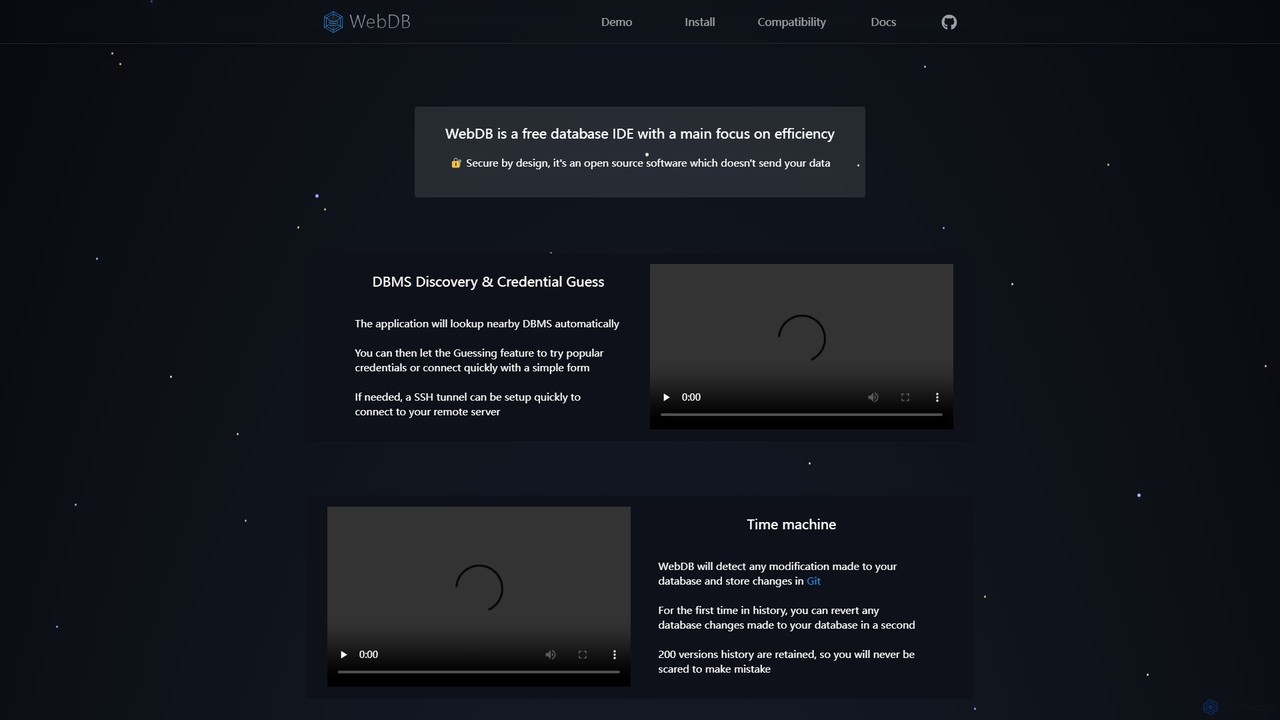
A free, open-source, and efficient database IDE designed for developers. It features an AI assistant (integrating ChatGPT, Gemini, etc.), a unique Git-based "Time Machine" for reverting database changes, powerful query editing, NoSQL structure inference, and robust security. It supports a wide range of databases like MySQL, PostgreSQL, and MongoDB, all within a privacy-focused framework.
Data Management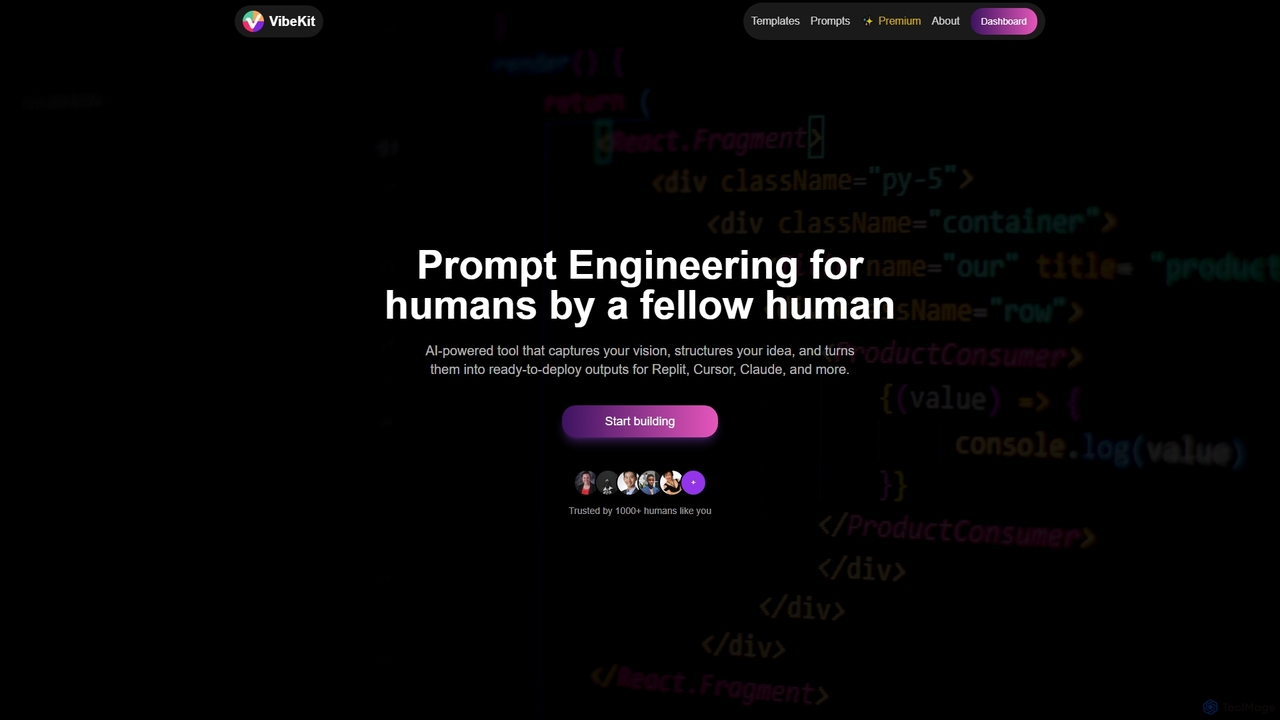
VibeKit
VibeKit is an AI-powered context engineering tool designed for humans to transform ideas into ready-to-deploy outputs. It helps users capture their vision, structure thinking, and generate optimized prompts and scaffolds for platforms like Replit, Cursor, and Claude, accelerating project development from concept to production.
Startup Tools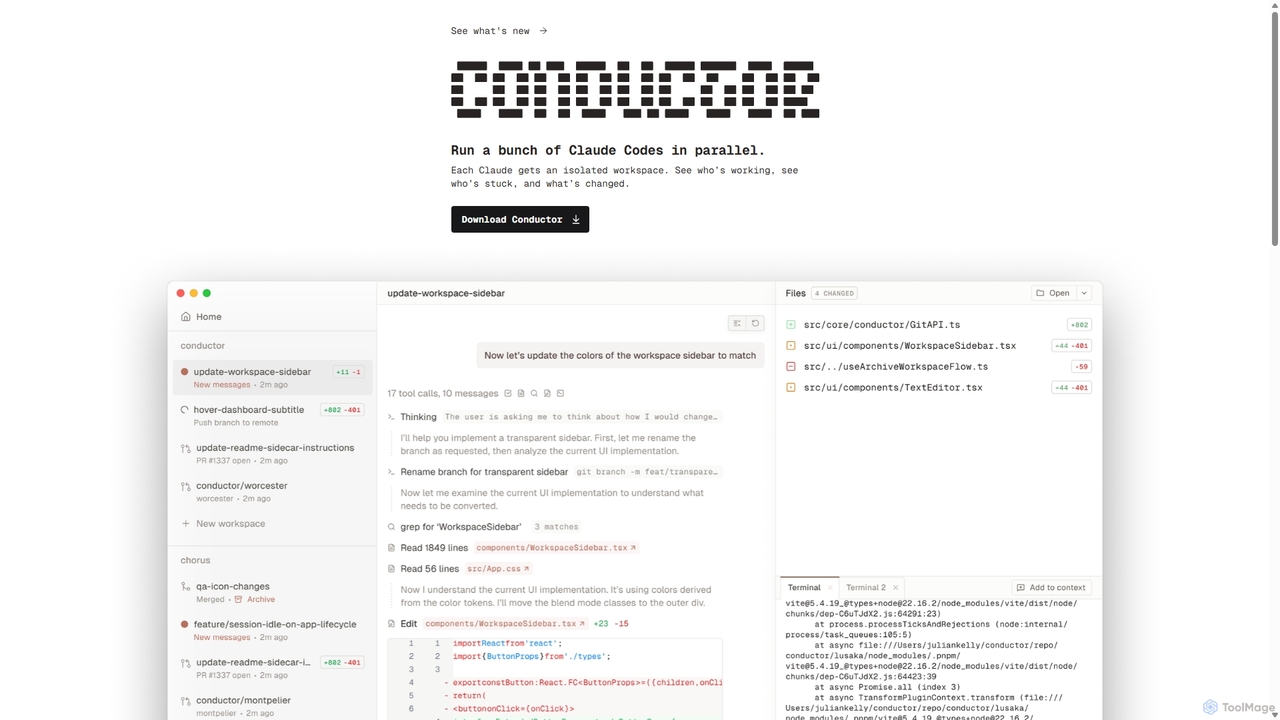
Conductor
A powerful Mac application for orchestrating multiple AI coding agents. Run parallel instances of Claude Code in isolated workspaces to accelerate software development, monitor progress, and review code through a beautiful, intuitive UI.
Code Assistant
Branch name generator
An AI-powered tool that integrates with Jira to automatically generate consistent and descriptive Git branch names. It analyzes Jira task data to streamline developer workflows, enforce naming conventions, and improve repository clarity.
Version Control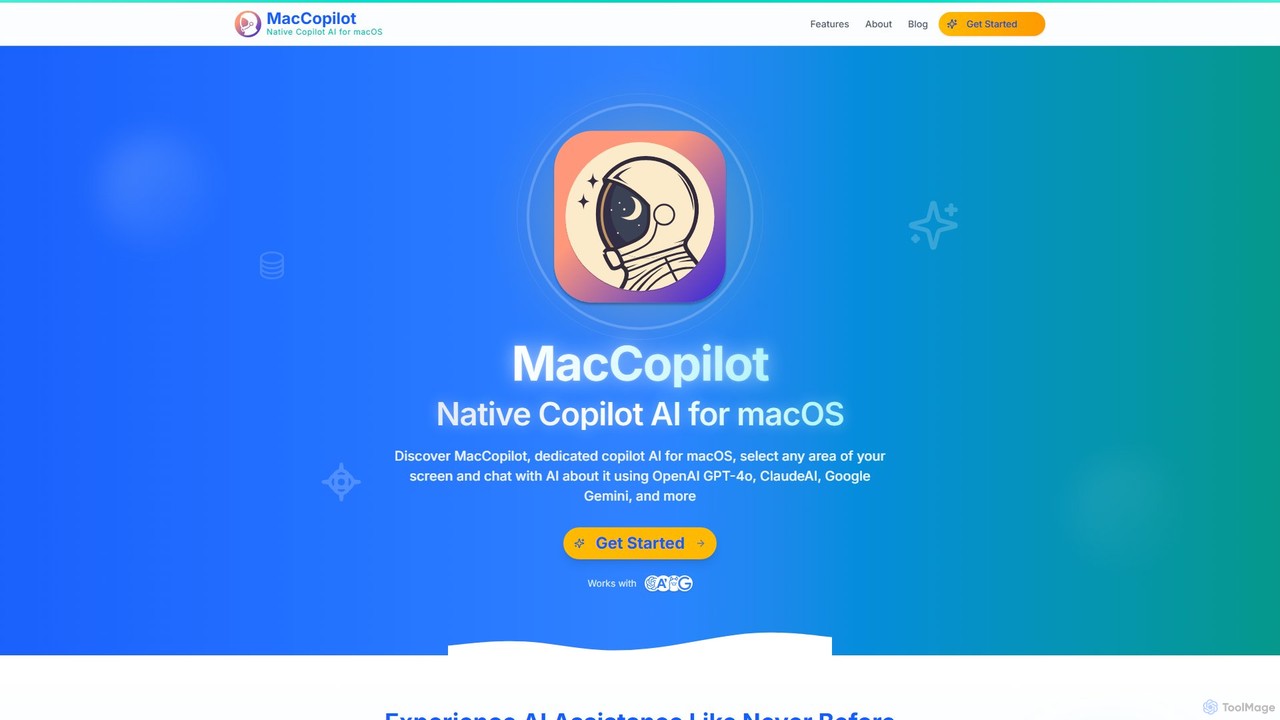
MacCopilot
MacCopilot is a native AI assistant for macOS that revolutionizes productivity. It allows you to select any area of your screen and instantly start a conversation with advanced AI models like GPT-4o, Claude 3.5, and Gemini. Get immediate insights, code explanations, email drafts, and more, without ever leaving your current window. It's a seamless bridge between your screen's content and powerful AI.
Code Assistant
Repodex
Repodex is an AI-powered code intelligence platform that helps developers and teams search, understand, and manage their code repositories. Using natural language, you can find code, get explanations, and generate documentation instantly.
Code Generation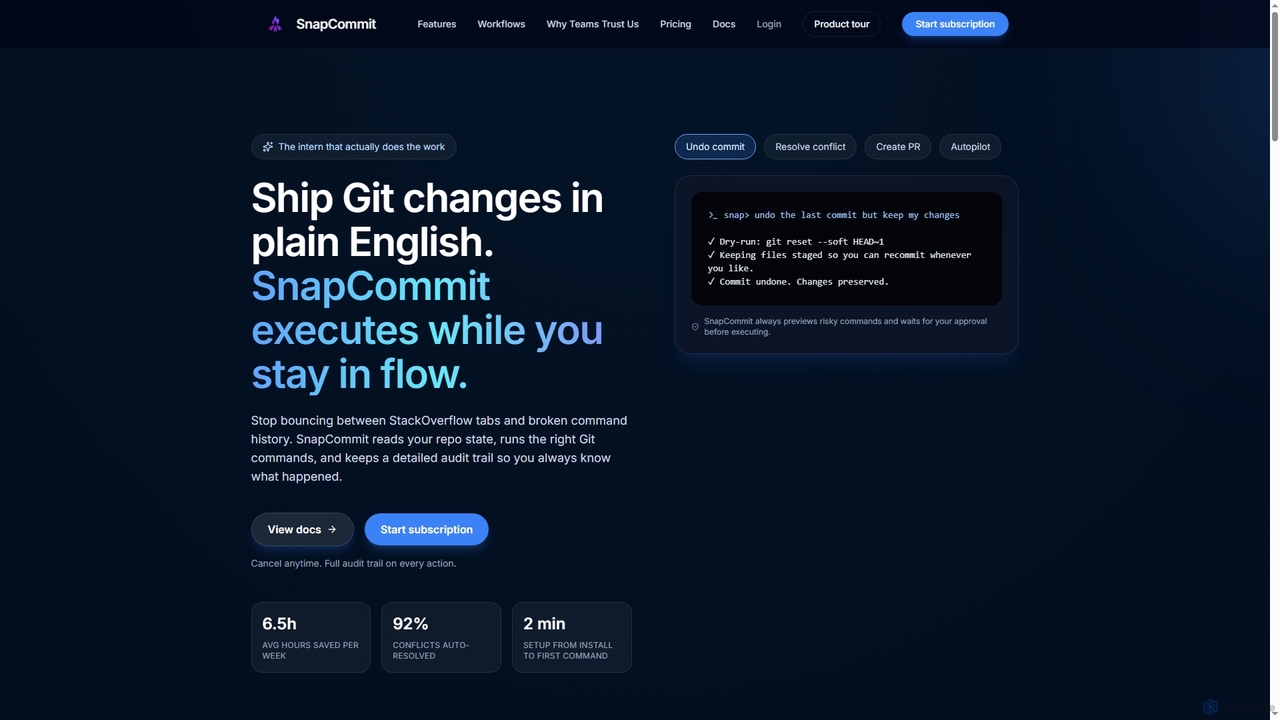
SnapCommit
SnapCommit is an AI-powered terminal Git assistant that allows developers to manage Git operations using plain English commands. It automates complex workflows like committing, resolving conflicts, and creating pull requests, enhancing productivity and ensuring code integrity with dry-run previews and a detailed audit trail.
Code Assistant
Enso
Enso is an AI-powered development environment designed for developers to parallelize intelligence across multiple AI agents within a single project. It integrates advanced Git control, a robust code editor, and AI-driven code review, offering a seamless workflow with persistent AI sessions for each branch.
Development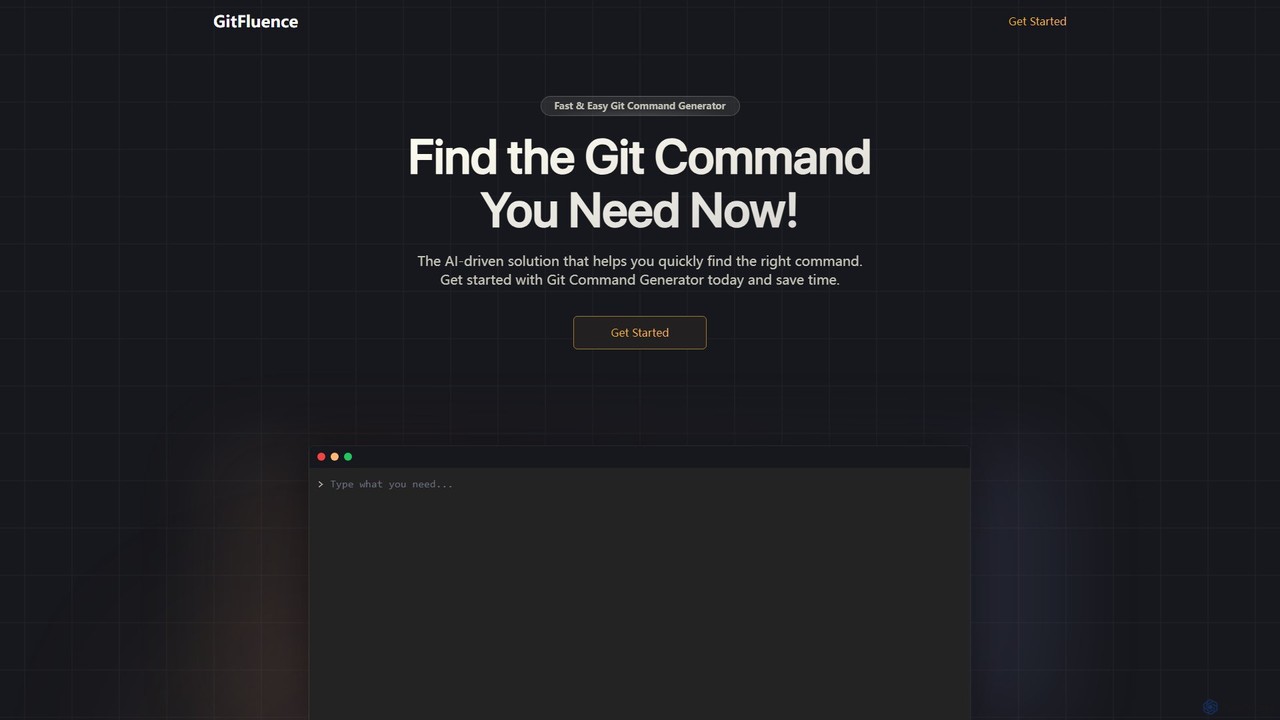
GitFluence
GitFluence is an AI-powered tool that translates natural language descriptions into the correct Git commands. Simply describe what you want to do, and GitFluence provides the precise command, saving you time and reducing errors. Ideal for both beginners learning Git and experts needing a quick syntax reminder.
Version Control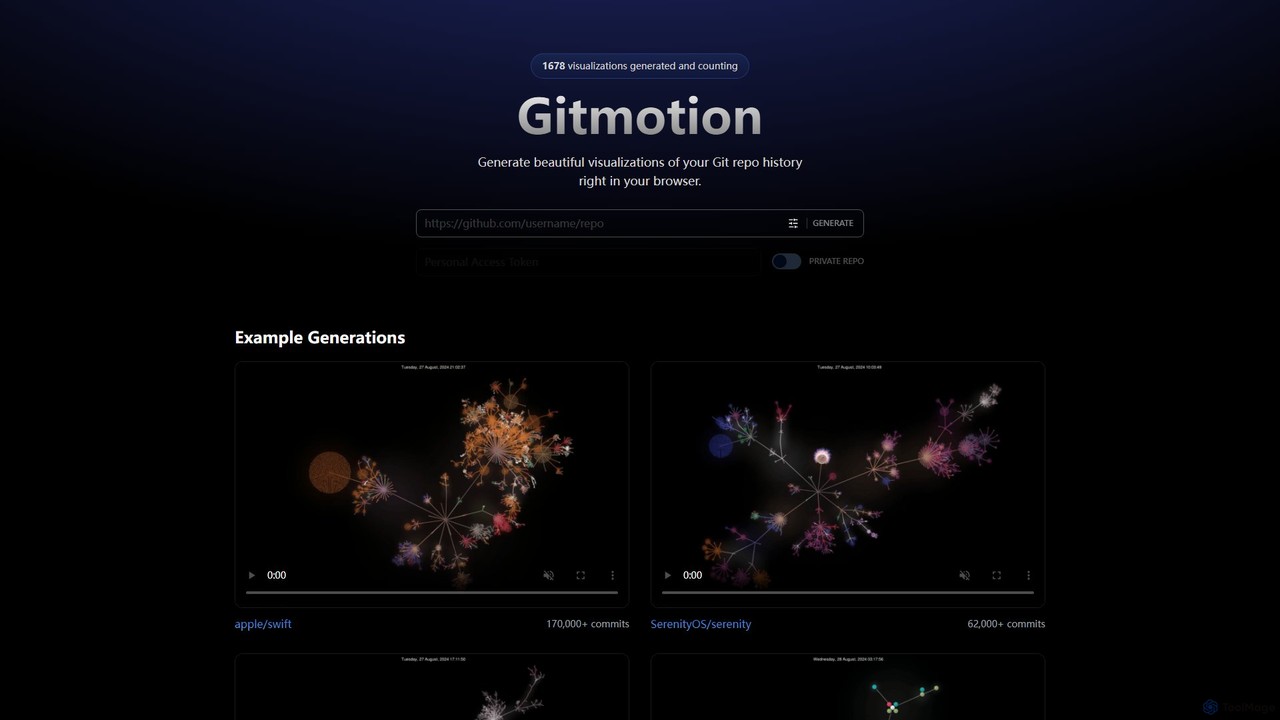
Gitmotion
Gitmotion is a web-based tool that generates beautiful, animated visualizations of your Git repository history. It transforms complex commit logs into dynamic and easy-to-understand videos or images, perfect for project analysis, presentations, and team onboarding. It supports both public and private repositories, offering a simple way to see the evolution of your code.
Data Visualization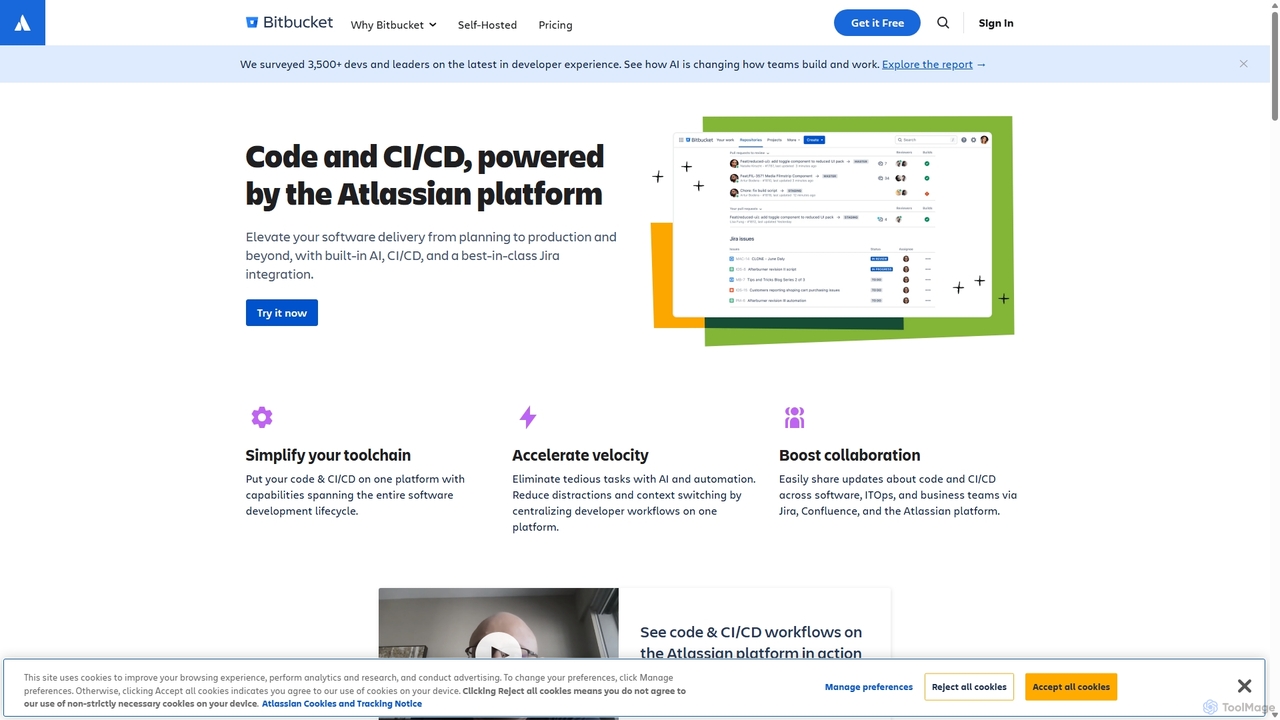
Bitbucket
Bitbucket is a Git-based code hosting and collaboration platform for professional teams. It offers best-in-class Jira integration, built-in CI/CD (Pipelines), and AI-powered features to streamline the entire software development lifecycle, from planning to deployment and beyond.
Code Management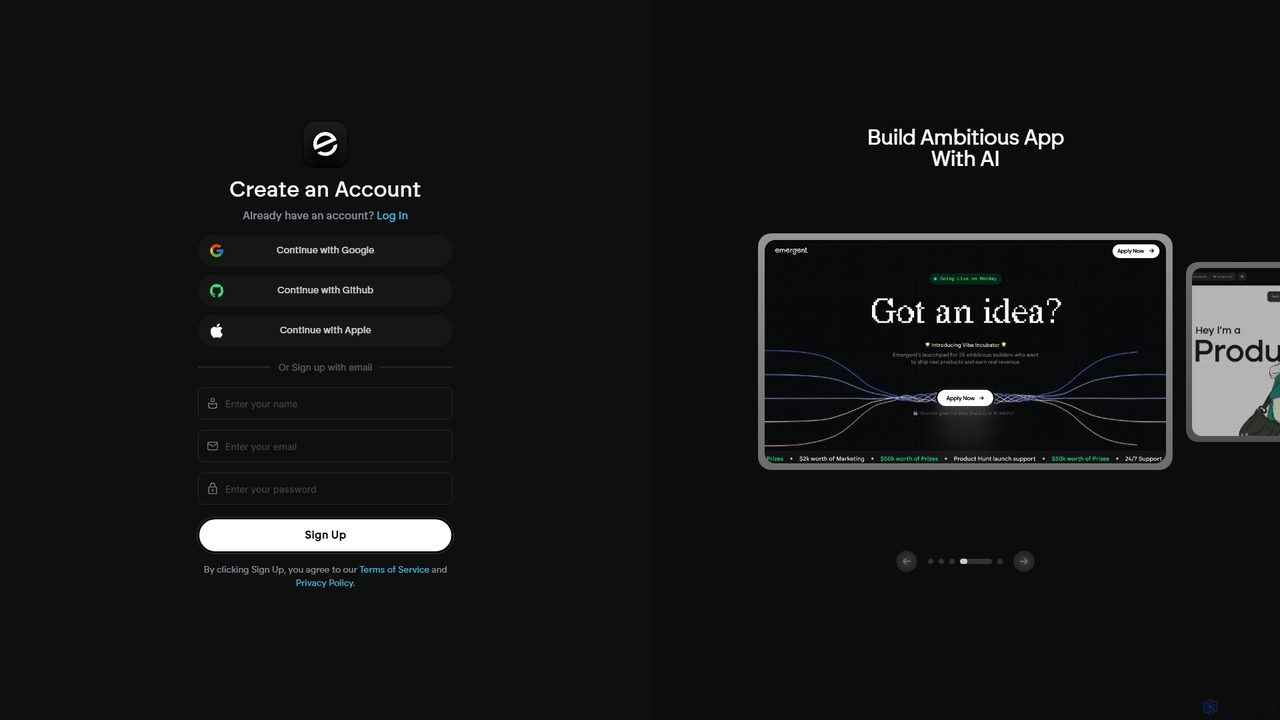
Emergent
Emergent is the world's first agentic vibe-coding platform, designed to build ambitious full-stack applications using AI. It translates natural language descriptions and intent into functional code, empowering developers and teams to prototype, build, and iterate on software faster than ever before.
Development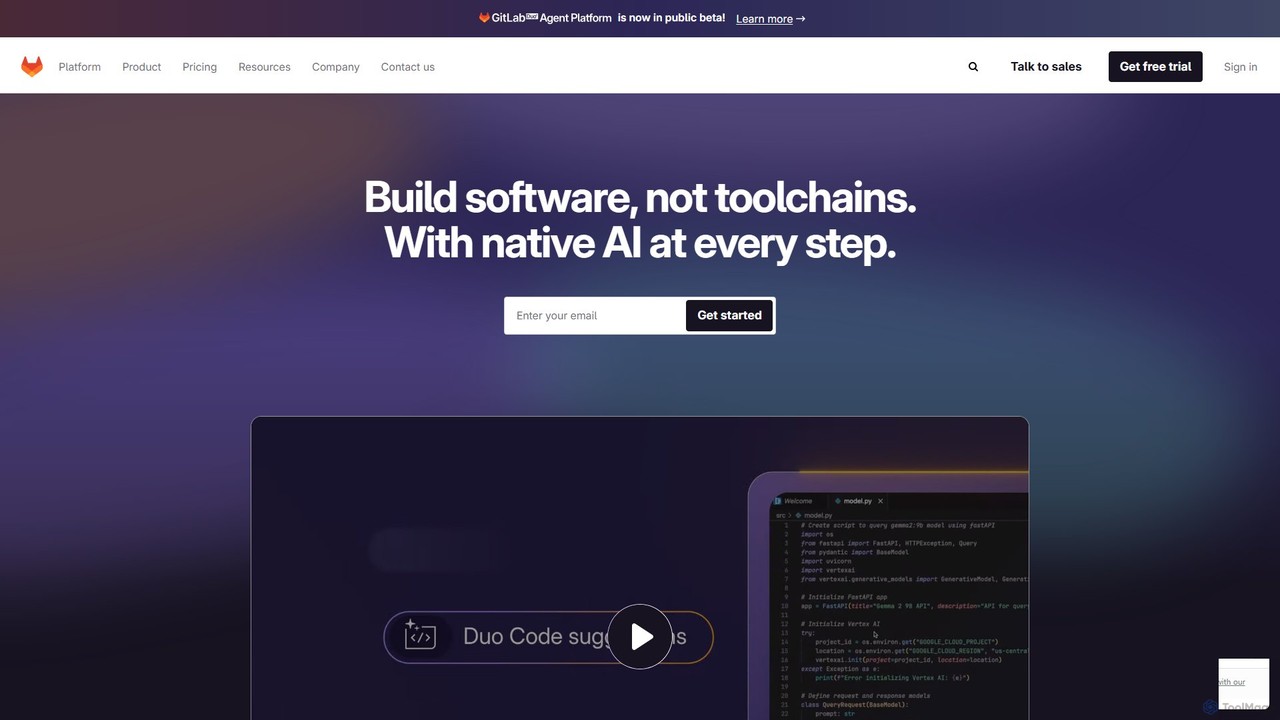
GitLab
GitLab is a comprehensive, AI-powered DevSecOps platform that unifies the entire software development lifecycle into a single application. It provides source code management, CI/CD, security scanning, and project management, enhanced by GitLab Duo, its suite of AI capabilities, to accelerate software delivery and improve developer productivity.
Code Assistant
Ninjachat
Ninjachat is an all-in-one AI assistant that provides access to a wide range of leading large language models (LLMs) through a single, unified interface. Compare outputs from models like GPT-4o, Gemini 1.5 Pro, Claude 3.7 Sonnet, and Llama 4 to find the best results for any task, from content creation and coding to complex research.
Code Assistant
Glarity
Glarity is a powerful AI browser extension that summarizes YouTube videos, Google searches, webpages, and PDFs. It also offers immersive webpage translation, AI-powered reading and writing assistance, and direct chat with documents. Powered by leading models like ChatGPT, Claude 3.5, and Gemini, it's a comprehensive tool for enhancing productivity and overcoming language barriers.
Research
runyoyo Comments (0)
Sign in to comment.
Sign inNo comments yet.