

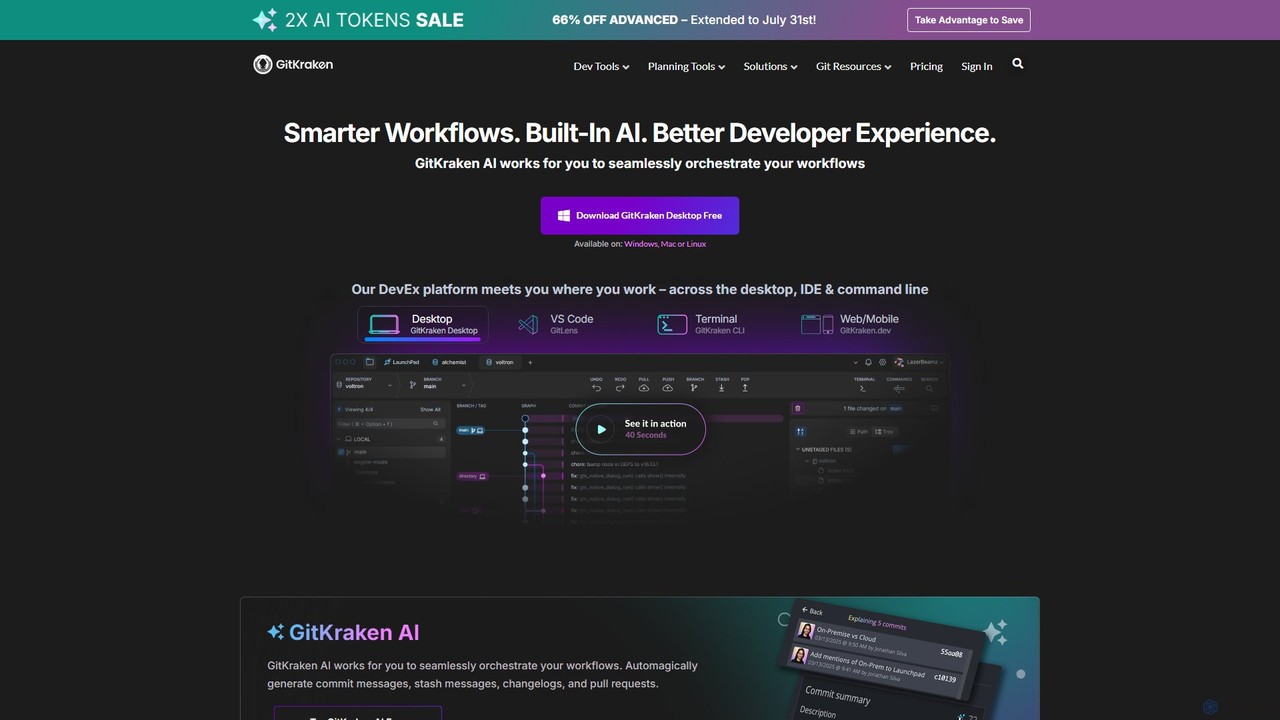
GitKraken Overview
GitKraken is the world's leading Developer Experience (DevEx) platform, offering a suite of legendary Git tools trusted by over 10 million developers from more than 100,000 organizations. The platform is designed to make Git easier, safer, and more powerful, supporting developers across their entire workflow on desktop, in the IDE, and via the command line. The core of GitKraken's offering is a unified experience that integrates seamlessly with all major Git hosts like GitHub, GitLab, Bitbucket, and Azure DevOps.
At the heart of its modern toolkit is GitKraken AI, a smart assistant that works to orchestrate developer workflows. It automates routine tasks by generating commit messages, pull request descriptions, changelogs, and stash messages, allowing developers to focus on writing code rather than administrative overhead. This AI integration, combined with powerful visualization and collaboration features, aims to significantly boost productivity and improve code quality.
How to use GitKraken
Getting started with GitKraken is straightforward and tailored to your preferred environment:
- Download GitKraken Desktop: The primary tool is a cross-platform desktop application available for Windows, Mac, and Linux. Download it for free to get started.
- Integrate with your IDE: Install GitLens for VS Code to bring powerful Git insights, such as code authorship and history, directly into your editor.
- Use the Command Line: For those who prefer the terminal, GitKraken CLI enhances the command-line experience with a visual commit graph and other helpful features.
- Connect Your Accounts: Seamlessly connect to your Git hosting providers (GitHub, GitLab, etc.) and issue trackers (like Jira) to unify your workflow.
- Collaborate with Workspaces: Create or join a Workspace to share repositories with your team. This simplifies onboarding for new members and enables multi-repo actions.
- Leverage AI: Use GitKraken AI to automatically generate commit messages, explain complex commits, or help resolve merge conflicts, saving time and mental energy.
Core Features of GitKraken
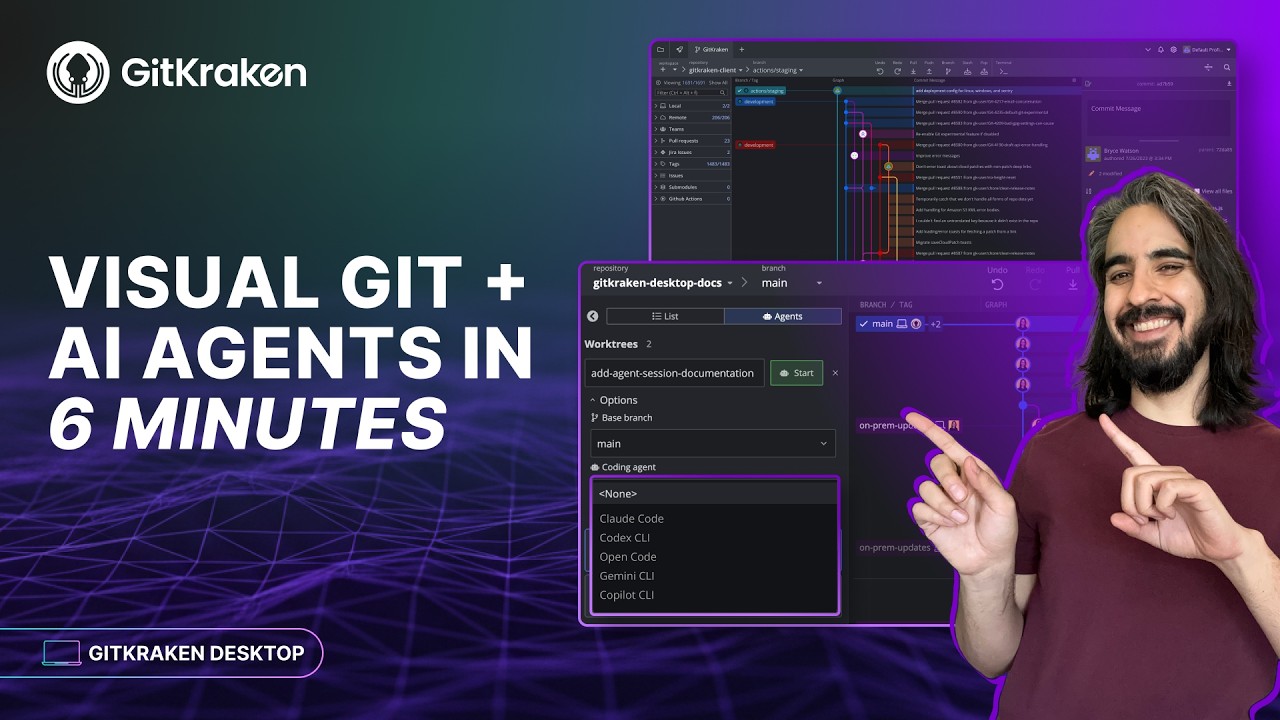
- GitKraken AI: Automates the creation of commit messages, PR titles and descriptions, and stash messages. It can also explain commits and assist in resolving merge conflicts.
- Advanced Git Visualization: Features an intuitive and beautiful Commit Graph that simplifies understanding complex repository history. It also includes a Visual File History and an interactive rebase tool.
- Powerful Merge Conflict Tool: A visual editor that helps you see the changes clearly and resolve merge conflicts faster and with more confidence.
- Enhanced Team Collaboration: GitKraken Workspaces allow teams to group repositories, streamline onboarding, and perform actions across multiple repos at once. The Team View provides a mission control for distributed teams.
- Conflict Prevention: Proactively alerts you to potential merge conflicts before they happen, helping to avoid costly rework, especially in distributed teams.
- Productivity & Focus Tools: The Launchpad helps you manage tasks, track open items, and stay in a flow state by reducing distractions.
- Seamless Integrations: Deep integration with GitHub, GitLab, Bitbucket, Azure DevOps (both cloud and self-hosted), and issue trackers like Jira, Trello, and more.
Use Cases for GitKraken
For Individual Developers: Solo developers can supercharge their productivity by using the visual GUI to manage private and public projects, leveraging AI to speed up routine Git tasks, and using the powerful merge tool to handle complex branches with ease.
For Development Teams: Teams, especially those that are distributed, can use Workspaces to onboard new developers in minutes instead of months. The platform facilitates better collaboration, helps prevent merge conflicts, and keeps everyone aligned on multi-repo projects.
For Team Leads & Managers: GitKraken provides unparalleled visibility into development progress. With Git Integration for Jira and Team Insights, leads can track work, analyze DORA metrics, and understand project health without leaving their planning tools.
Advantages of GitKraken
GitKraken's primary advantage is its focus on creating a superior Developer Experience (DevEx). It achieves this by:
- Unifying the Workflow: Providing a consistent and interconnected experience across desktop, IDE, and CLI.
- Saving Time with AI: Automating mundane tasks to free up developer time for more critical work.
- Demystifying Git: Turning complex command-line operations into intuitive visual actions, reducing the learning curve and preventing errors.
- Enhancing Collaboration: Building features specifically designed for the realities of modern, often distributed, software teams.
- Being Scalable and Secure: Offering plans and features that cater to everyone from individual hobbyists to large enterprises with strict security and compliance requirements.
Pricing and Plans
GitKraken offers a tiered pricing model to suit different needs:
- Community: Free for open-source development. Works with local repos and public remotes only. Includes a 14-day trial of the Advanced plan.
- Pro: Aimed at solo developers, this plan adds support for private repositories, cloud issue tracker integrations, and basic AI features.
- Advanced: Designed for teams, it includes more integrations (including self-hosted), powerful team features like Insights, and a higher AI token allowance.
- Business: For large organizations requiring enterprise-grade security, multi-domain SSO, advanced admin controls, and dedicated support.
- On-Premise: A custom solution is available for companies that need to host GitKraken on their own servers.
Paid plans are billed annually per seat, with introductory discounts often available for the first seat.
Traffic
Latest traffic
Status
Monthly traffic trend
- 2025-9: 513.9K
- 2026-1: 587.1K
- 2026-2: 571.8K
- 2026-3: 648.3K
- 2026-4: 601.5K
- 2026-5: 564.0K
Geography
Top 5 countries / regions
- 🇺🇸United States47.8%
- 🇮🇳India14.8%
- 🇨🇳China14.4%
- 🇲🇽Mexico11.7%
- 🇧🇷Brazil11.3%
Traffic sources
| Source type | Percentage |
|---|---|
Direct | 54.2% |
Referral | 38.1% |
Email | 7.7% |
Top keywords
| Keyword | Cost per click |
|---|---|
| git | $1.01 |
| github | $1.34 |
| github desktop | $1.74 |
| git kraken | $4.67 |
| gitkraken | $2.82 |
GitKraken Videos on YouTube





GitKraken Alternatives
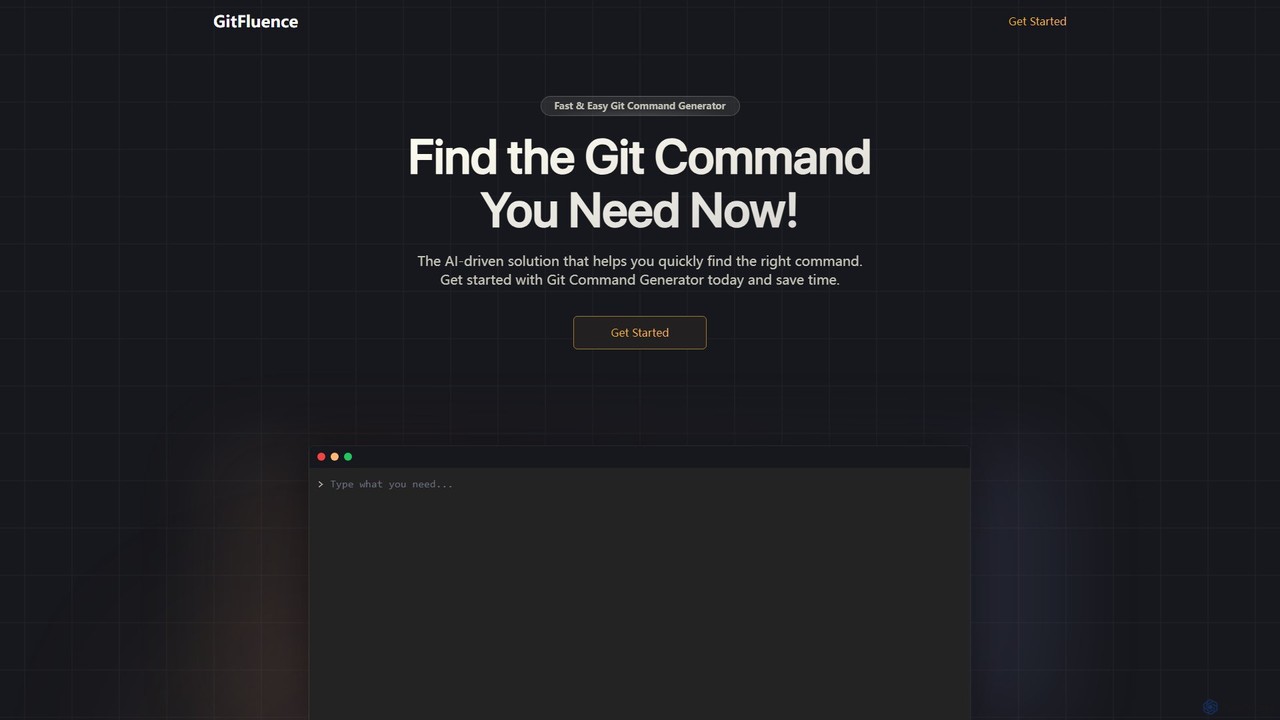
GitFluence
GitFluence is an AI-powered tool that translates natural language descriptions into the correct Git commands. Simply describe what you want to do, and GitFluence provides the precise command, saving you time and reducing errors. Ideal for both beginners learning Git and experts needing a quick syntax reminder.
Version Control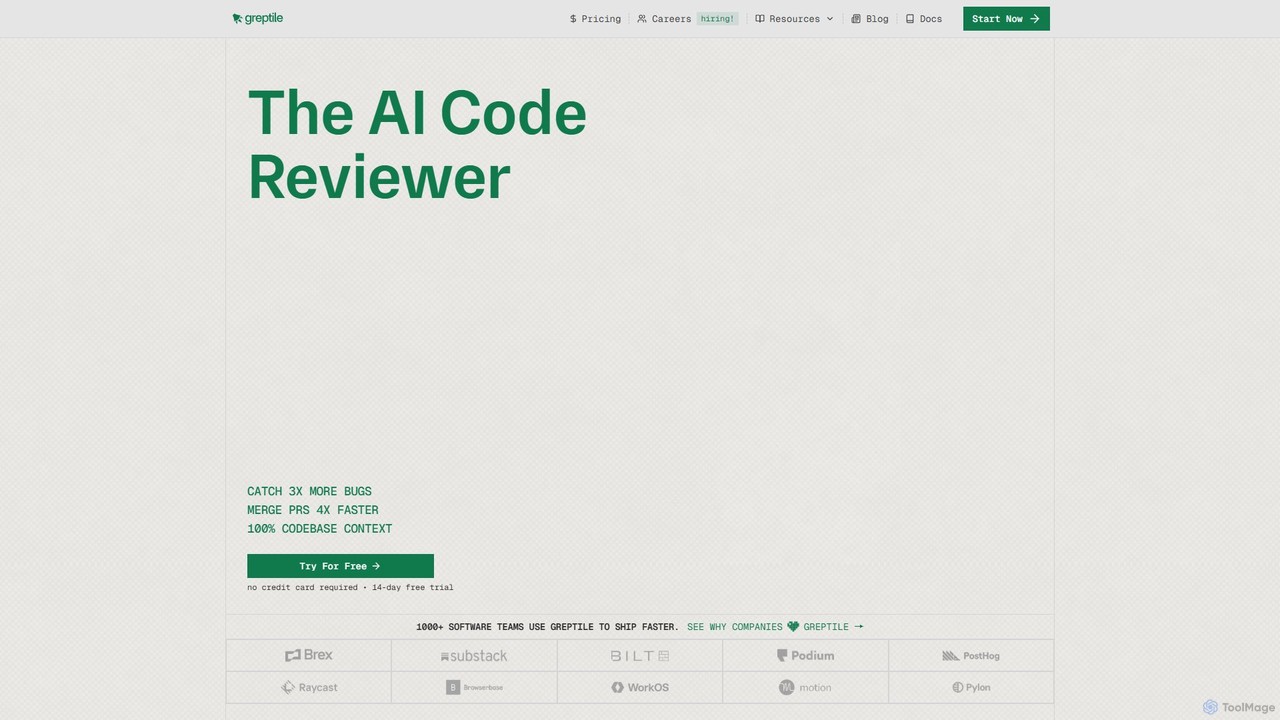
Greptile
Greptile is an AI-powered code review tool that integrates with GitHub and GitLab to help development teams merge pull requests 4x faster and catch 3x more bugs. By understanding the full context of your codebase, it provides in-line comments, actionable suggestions, and natural-language summaries for every PR. It supports over 30 programming languages and can be customized with specific rules and style guides to enhance code quality and consistency.
Code Review
GitButler
GitButler is a next-generation version control client that allows developers to organize their work into multiple virtual branches simultaneously. It automates the process of managing changes, enabling parallel work on different features and bug fixes without the overhead of traditional Git branches, streamlining the entire development workflow.
Code Assistant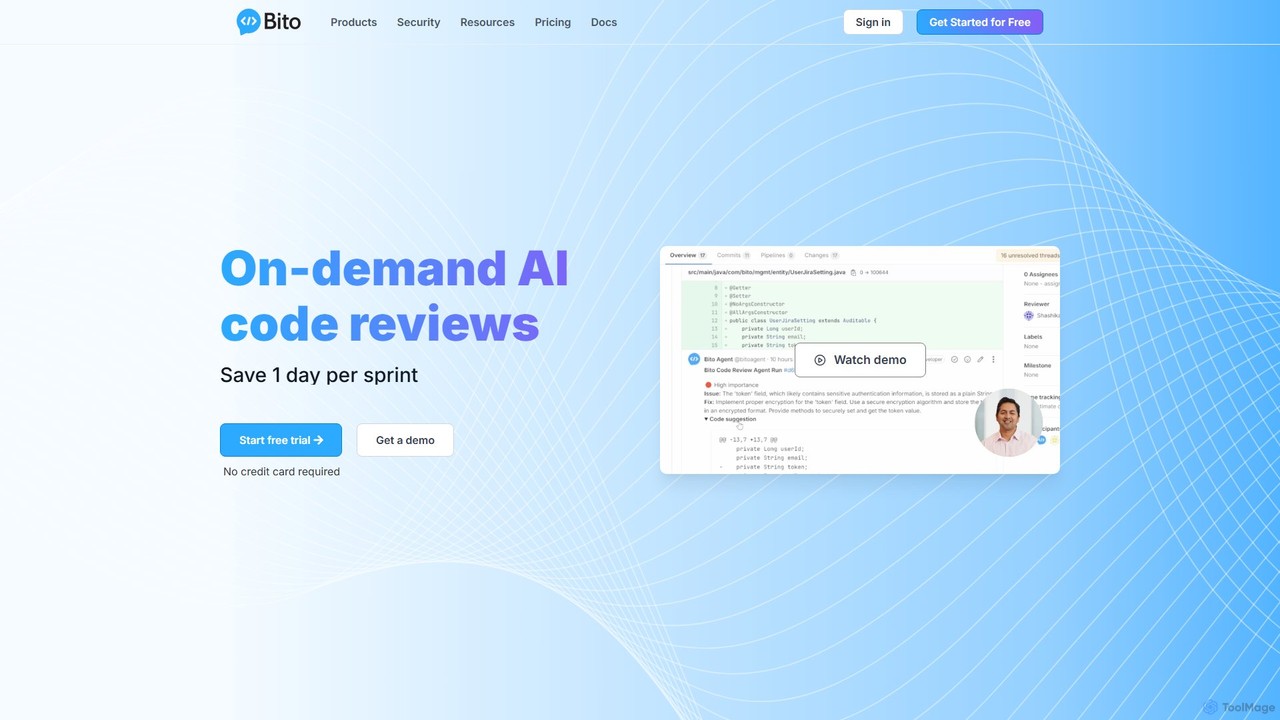
Bito
Bito is an AI-powered code review assistant that integrates directly into your IDE and Git provider. It helps development teams accelerate their workflow, improve code quality, and reduce regressions by providing on-demand, context-aware feedback and suggestions. Bito is designed to save time, upskill junior engineers, and ensure enterprise-grade security.
Code Quality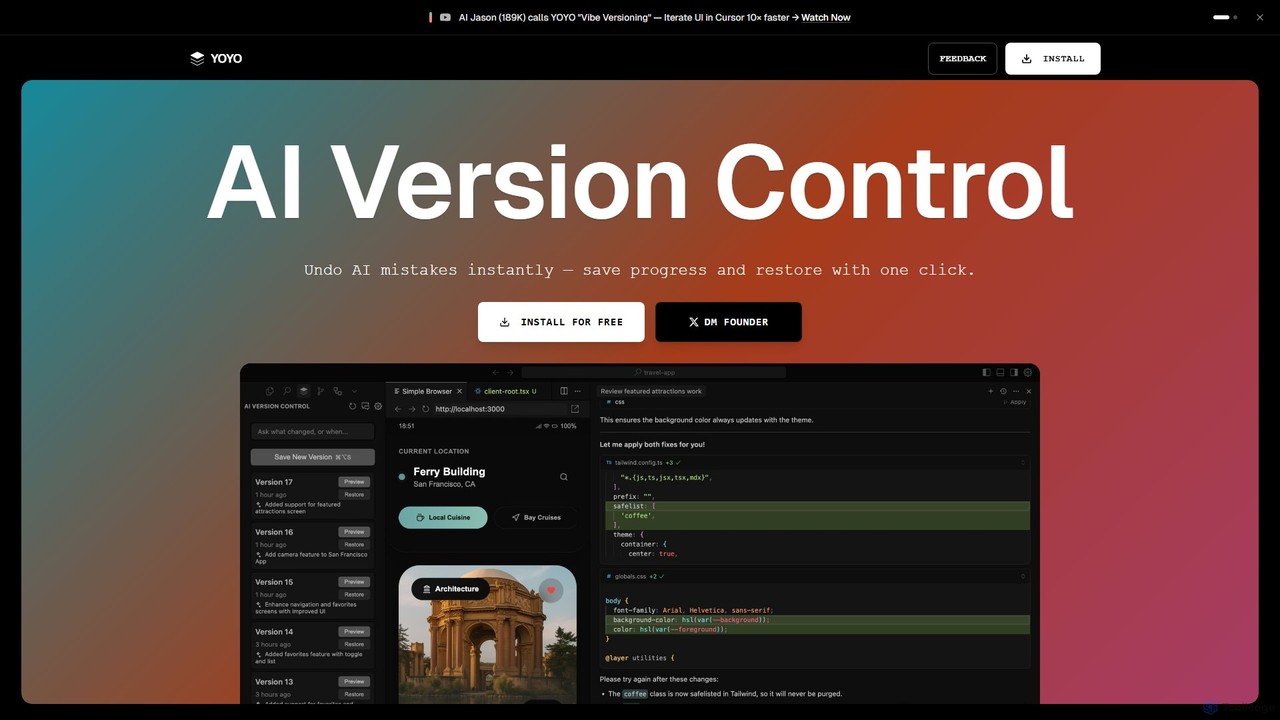
runyoyo
runyoyo is an AI-native version control system designed for the era of 'Vibe Coding'. It allows developers to instantly save progress, undo AI-generated mistakes with a single click, and search their entire coding timeline. It works alongside Git to keep your main repository clean while you experiment freely with AI assistants in IDEs like VS Code and Cursor.
Ide ExtensionGitKraken Categories
GitKraken Embed Widget
Copy this embed code to place the badge on your blog, article, or product site and send readers directly to this ToolMage detail page.

Related AI tools
Greptile
Greptile is an AI-powered code review tool that integrates with GitHub and GitLab to help development teams merge pull requests 4x faster and catch 3x more bugs. By understanding the full context of your codebase, it provides in-line comments, actionable suggestions, and natural-language summaries for every PR. It supports over 30 programming languages and can be customized with specific rules and style guides to enhance code quality and consistency.
Code ReviewGitButler
GitButler is a next-generation version control client that allows developers to organize their work into multiple virtual branches simultaneously. It automates the process of managing changes, enabling parallel work on different features and bug fixes without the overhead of traditional Git branches, streamlining the entire development workflow.
Code AssistantBito
Bito is an AI-powered code review assistant that integrates directly into your IDE and Git provider. It helps development teams accelerate their workflow, improve code quality, and reduce regressions by providing on-demand, context-aware feedback and suggestions. Bito is designed to save time, upskill junior engineers, and ensure enterprise-grade security.
Code Quality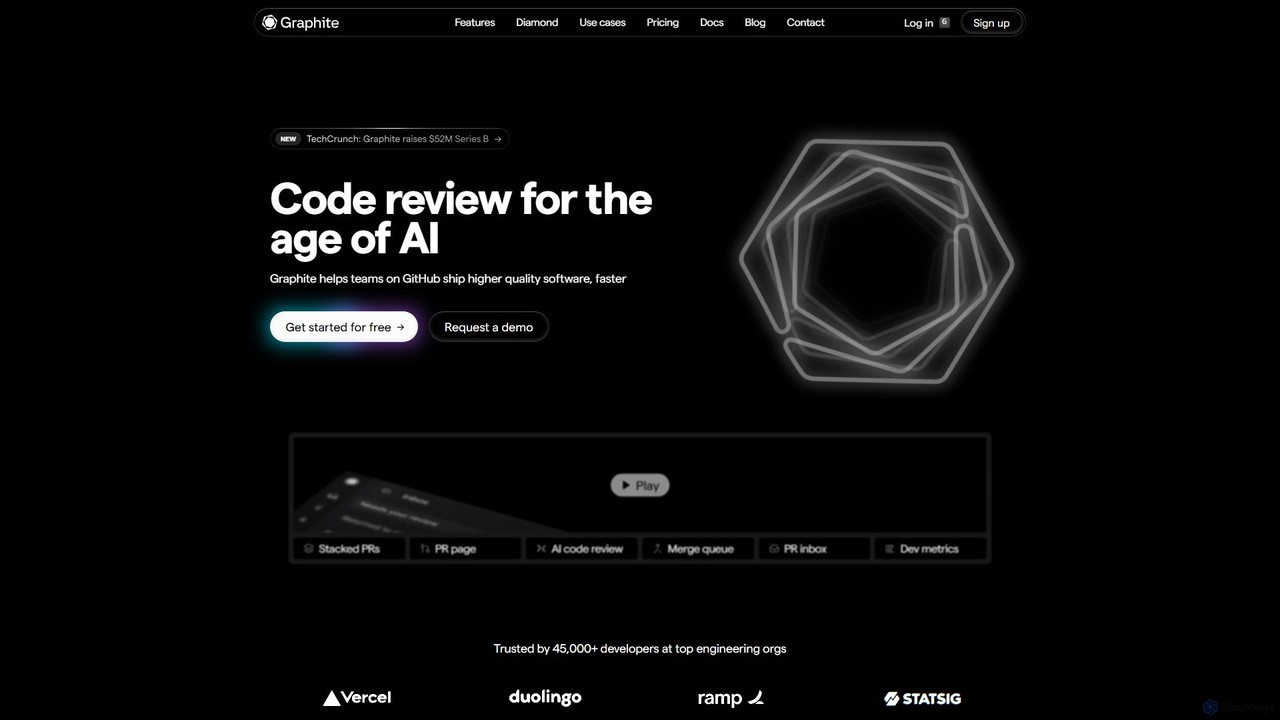
Graphite
Graphite is an end-to-end developer platform that supercharges teams on GitHub. It accelerates software development with features like stacked pull requests, AI-powered code review, a unified PR inbox, and an intelligent merge queue. By streamlining the entire code review lifecycle, Graphite helps engineering teams ship higher-quality code, faster, while keeping developers unblocked and productive.
Code Review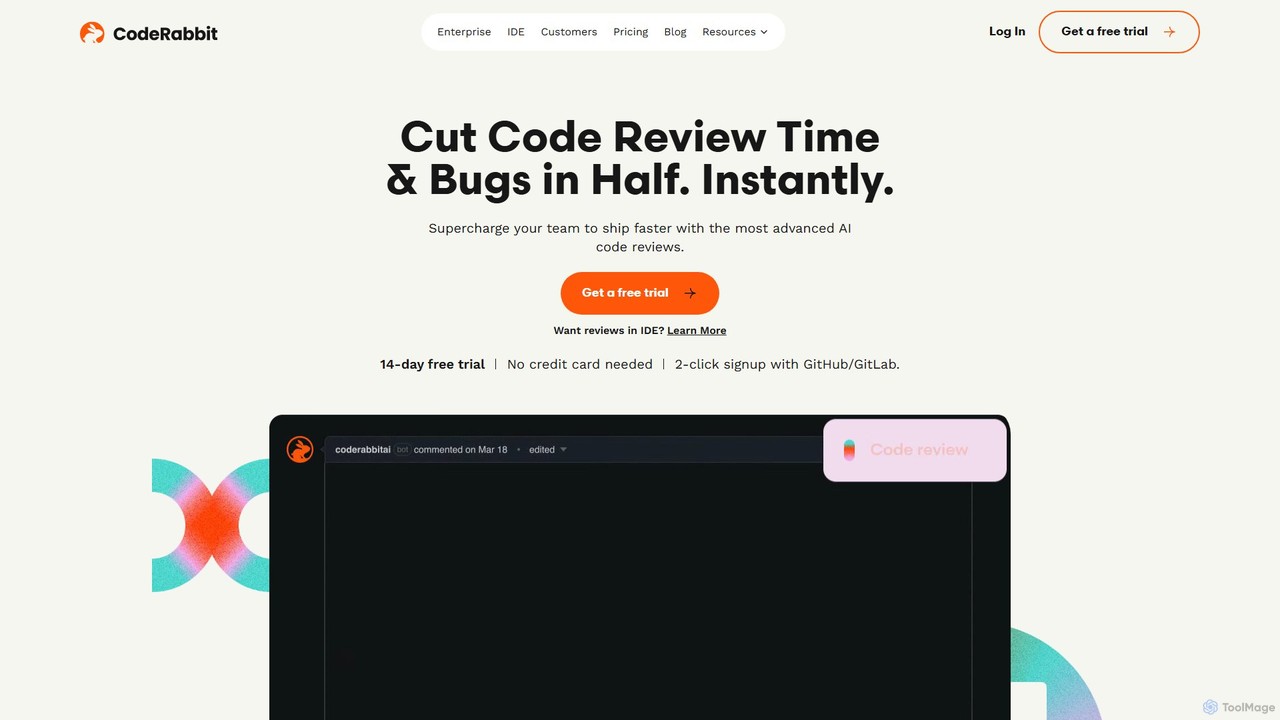
CodeRabbit
CodeRabbit is an AI-powered code review tool that supercharges development teams to ship faster and reduce bugs. It provides instant, context-aware reviews, pull request summaries, and security analysis directly within GitHub, GitLab, and IDEs like VS Code.
Code Review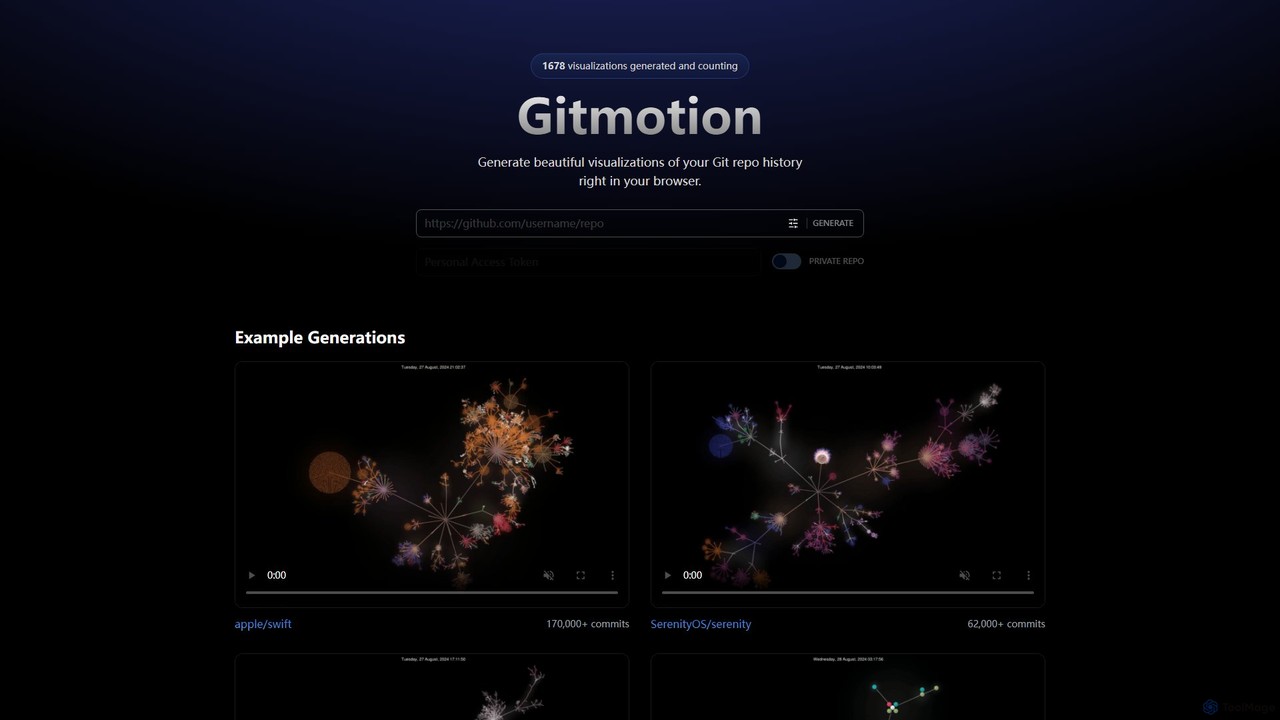
Gitmotion
Gitmotion is a web-based tool that generates beautiful, animated visualizations of your Git repository history. It transforms complex commit logs into dynamic and easy-to-understand videos or images, perfect for project analysis, presentations, and team onboarding. It supports both public and private repositories, offering a simple way to see the evolution of your code.
Data Visualization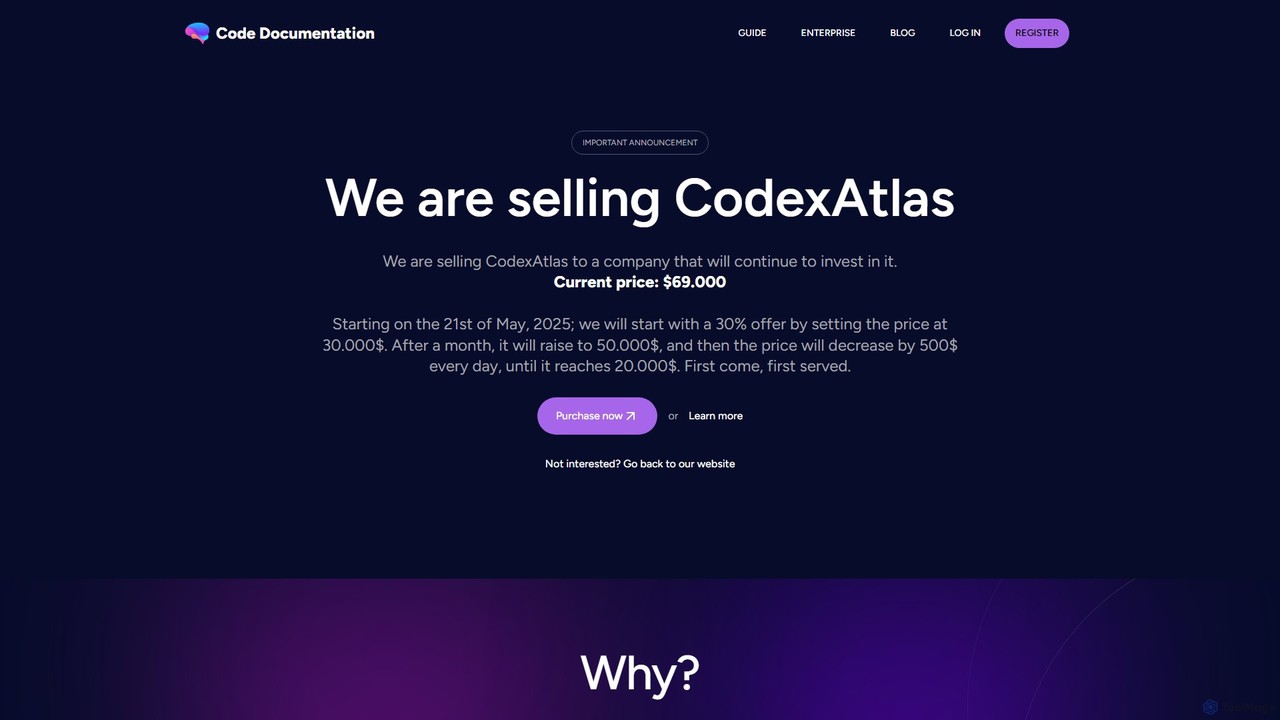
CodexAtlas
CodexAtlas is an AI-powered platform that automates the creation of code documentation. It integrates with GitHub, GitLab, and Bitbucket to analyze your codebase and generate clear, comprehensive, and consistent documentation, saving developers countless hours and improving project maintainability.
Code Generation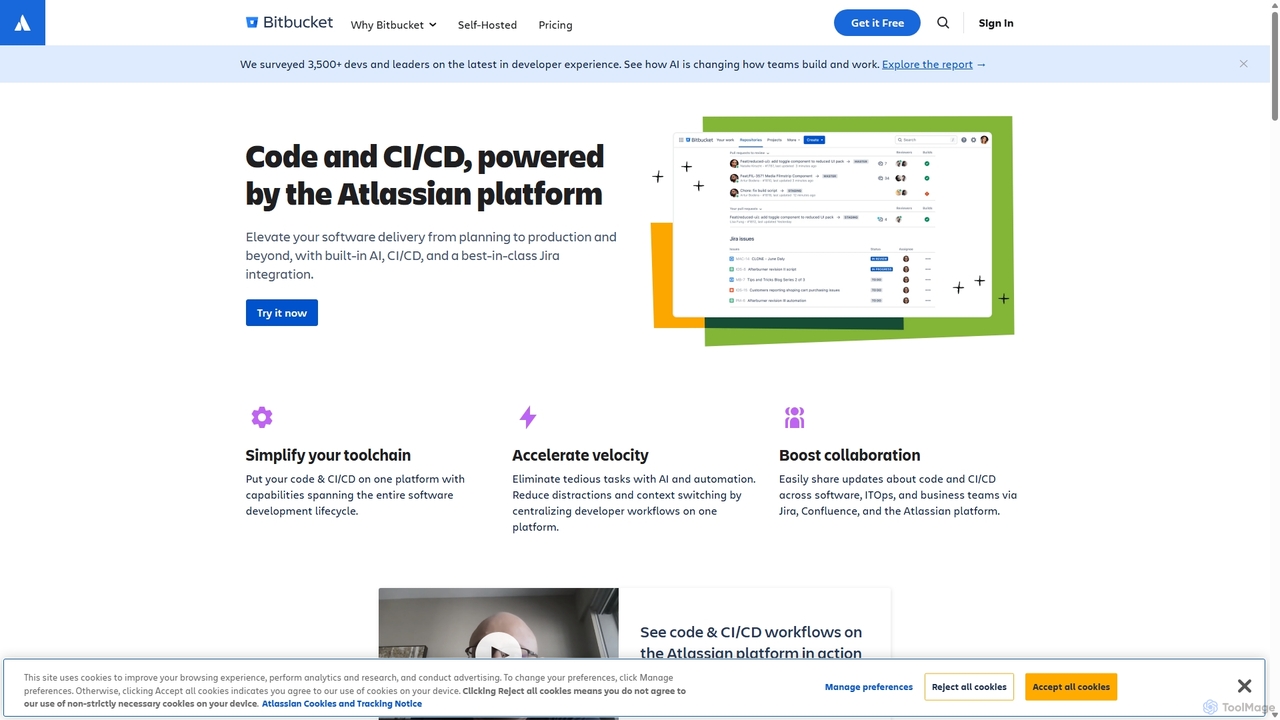
Bitbucket
Bitbucket is a Git-based code hosting and collaboration platform for professional teams. It offers best-in-class Jira integration, built-in CI/CD (Pipelines), and AI-powered features to streamline the entire software development lifecycle, from planning to deployment and beyond.
Code Management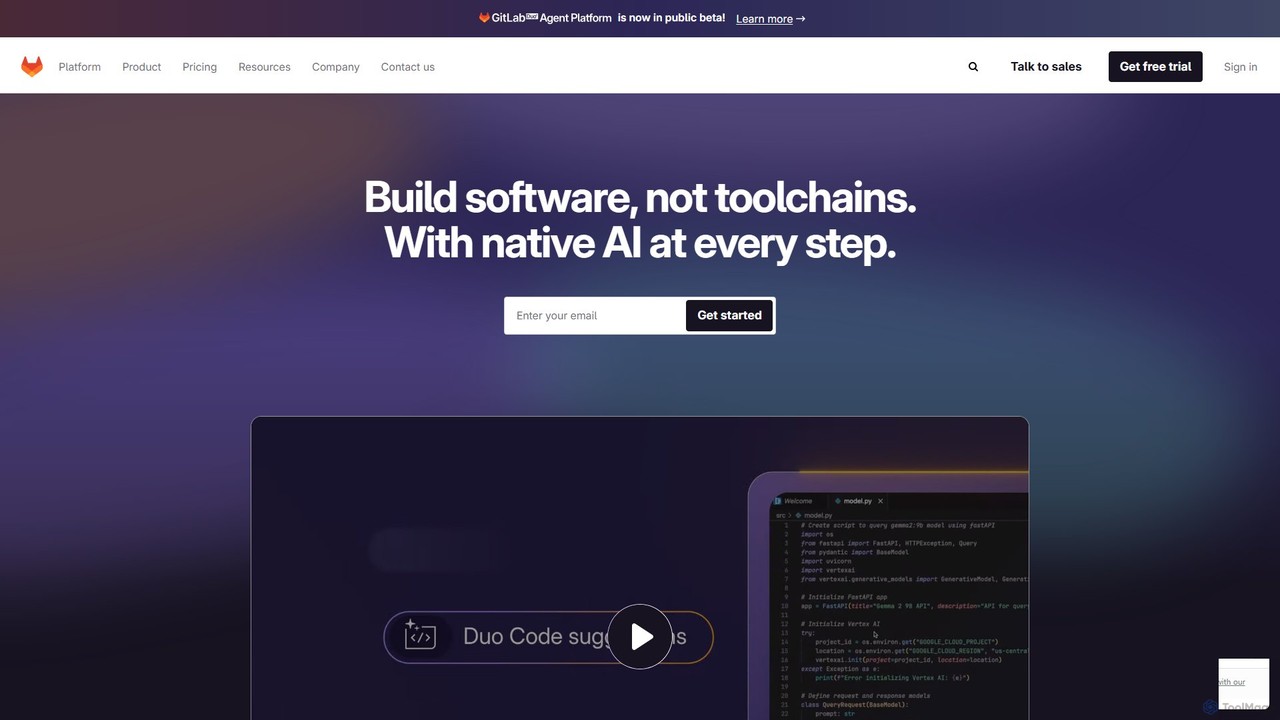
GitLab
GitLab is a comprehensive, AI-powered DevSecOps platform that unifies the entire software development lifecycle into a single application. It provides source code management, CI/CD, security scanning, and project management, enhanced by GitLab Duo, its suite of AI capabilities, to accelerate software delivery and improve developer productivity.
Code Assistant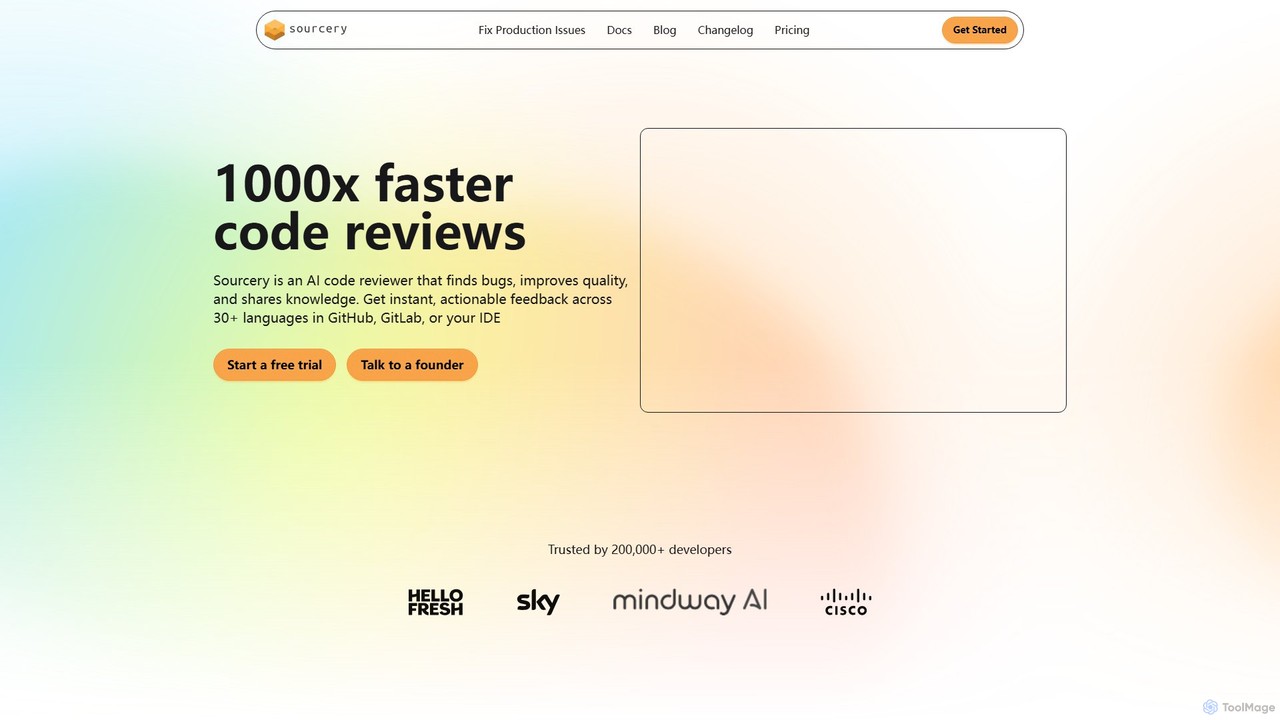
Sourcery
Sourcery is an AI-powered code reviewer that automates code reviews, finds bugs, improves code quality, and accelerates knowledge sharing. It integrates directly into your IDE, GitHub, and GitLab workflows, providing instant feedback and refactoring suggestions for over 30 languages.
Code Assistant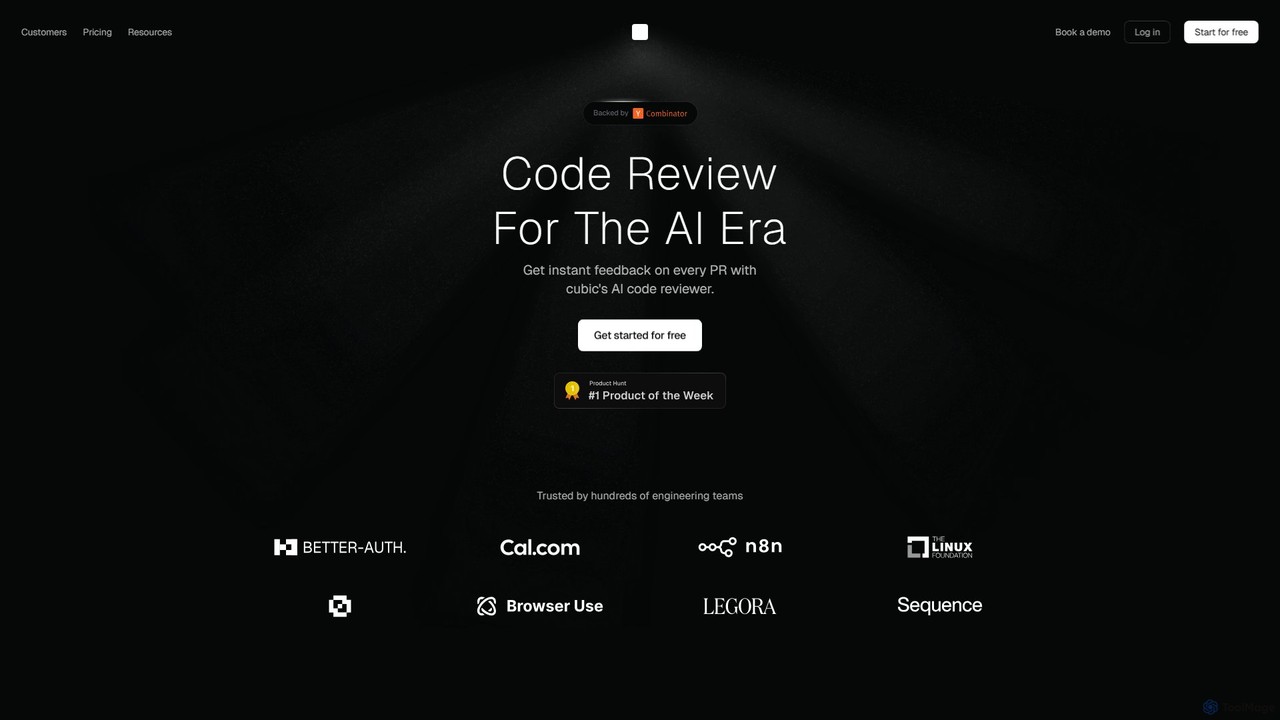
cubic
cubic is an AI-powered code review platform that helps software teams ship higher-quality code up to 3x faster. It automatically reviews pull requests in GitHub, catches bugs, enforces custom style guides, and provides one-click fixes, significantly reducing review bottlenecks and improving developer productivity.
Code Assistant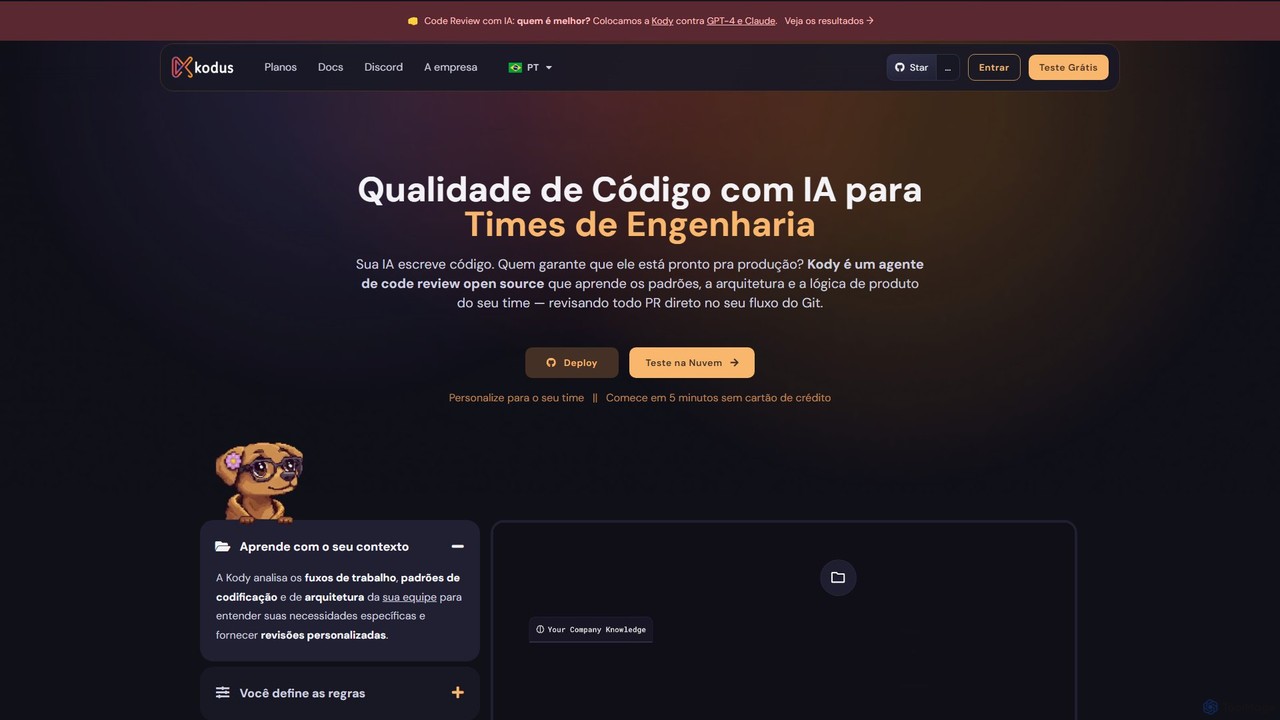
Kodus
Kodus is an AI-powered code review tool that acts like a senior developer on your team. It automatically analyzes pull requests in Git, providing actionable feedback on code quality, security, and performance. It helps teams reduce review time, ship faster, and decrease bugs in production.
Code Quality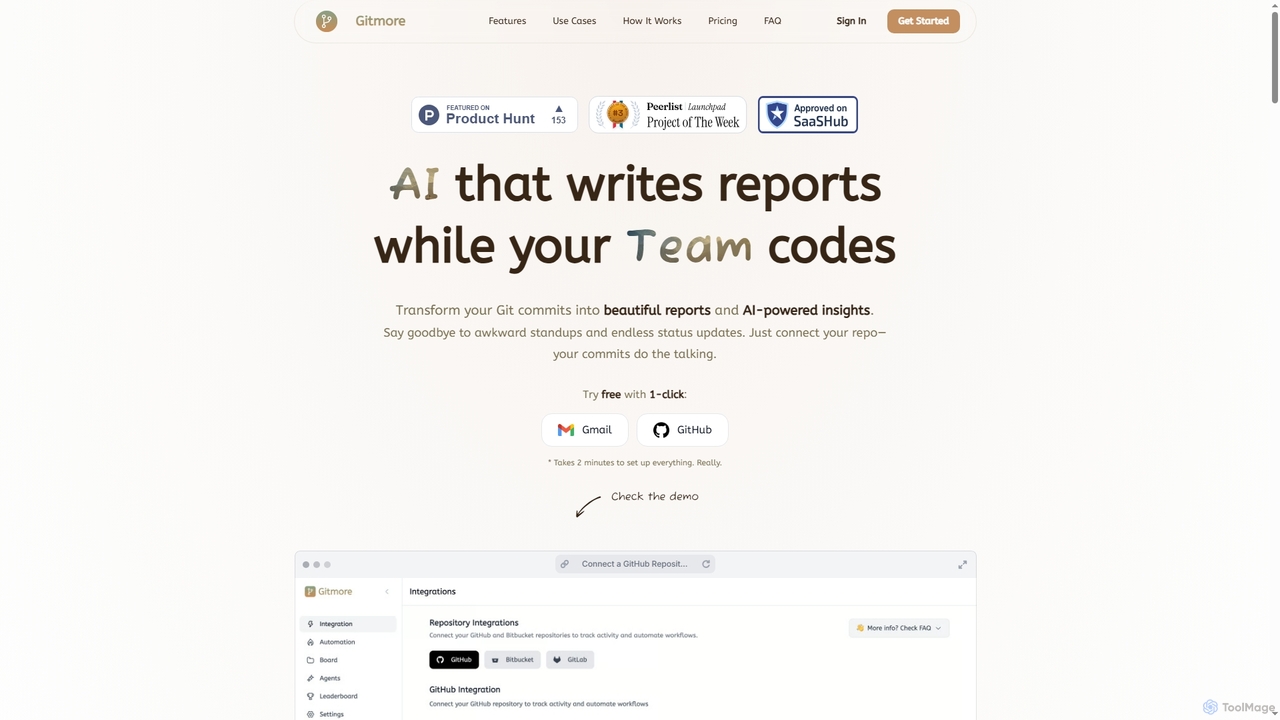
Gitmore
Gitmore is an AI-powered tool that automates technical team reporting and engineering updates. It transforms Git commits into intelligent reports and insights, eliminating manual status updates and standup meetings for development teams using GitHub, GitLab, or Bitbucket.
Productivity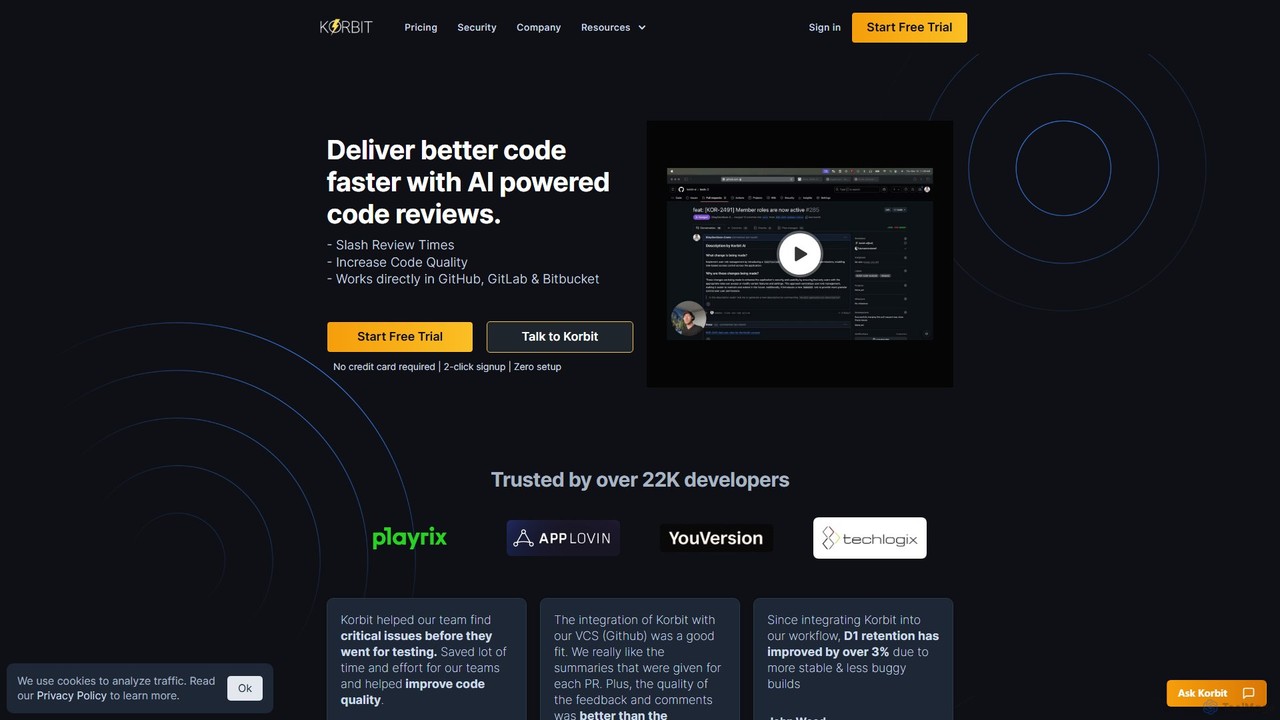
korbit
Korbit is an AI-powered code review tool that integrates with GitHub, GitLab, and Bitbucket. It helps development teams deliver better code faster by automatically detecting bugs, security vulnerabilities, and design issues, providing instant, actionable feedback directly within pull requests.
Code Assistant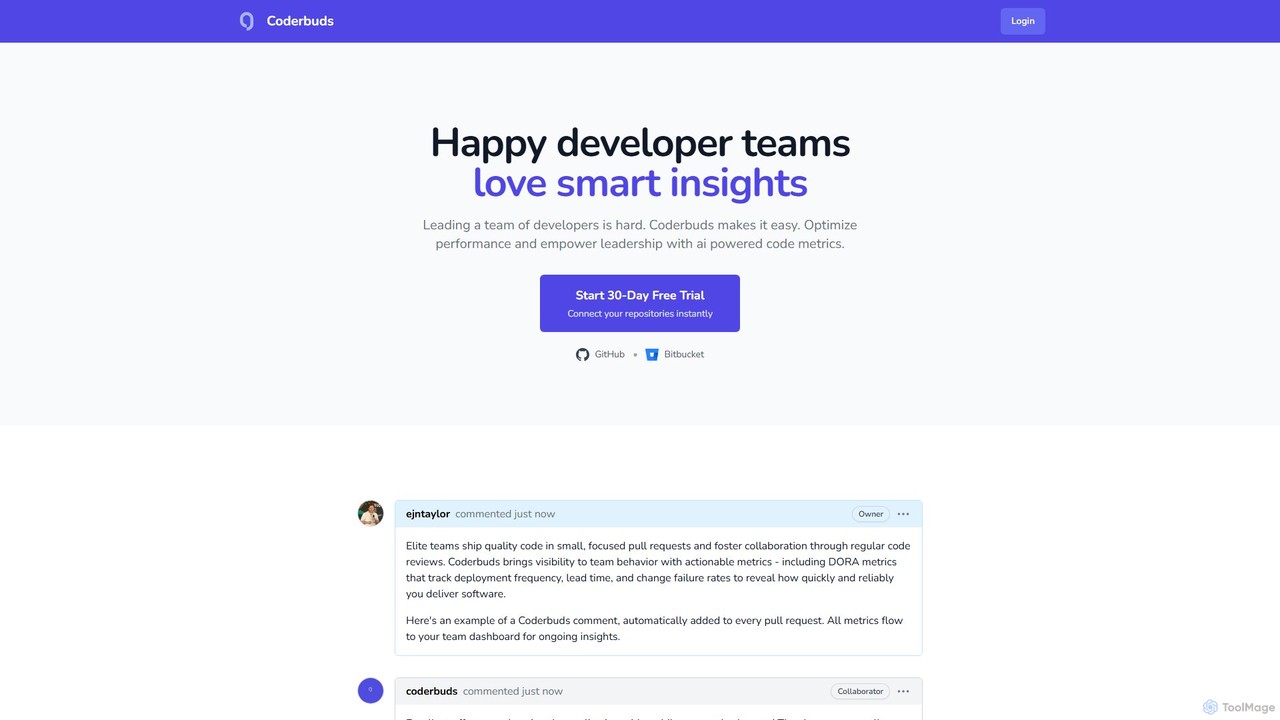
Coderbuds
Coderbuds is an AI-powered analytics platform for developer teams. It provides smart insights, automated code reviews, and tracks industry-standard DORA metrics to optimize performance, improve code quality, and foster collaboration. Integrates seamlessly with GitHub and Bitbucket.
Performance Metrics
GitKraken Comments (0)
Sign in to comment.
Sign inNo comments yet.