


GitButler Overview
GitButler is an innovative, open-source Git client designed to revolutionize the way developers interact with version control. It addresses the common complexities and frustrations of managing work-in-progress by introducing a powerful concept: virtual branches. This tool acts as an intelligent assistant, or 'butler', that automatically organizes uncommitted changes, allowing developers to work on multiple tasks in parallel within the same working directory.
Traditionally, developers have to use `git stash` or create temporary feature branches to switch contexts, which can be cumbersome and lead to a messy commit history. GitButler eliminates this friction. It observes file changes in real-time and allows you to visually separate them into distinct, isolated virtual branches. This means you can be fixing a bug, developing a new feature, and refactoring code simultaneously, all without interfering with each other.
How to use GitButler
Using GitButler is designed to be intuitive and integrate seamlessly into your existing workflow:
- Download and Install: Get the GitButler desktop application for your operating system (Windows, macOS, or Linux) from the official website.
- Open a Repository: Simply open any of your existing Git repositories with GitButler. It will automatically detect your project and its current state.
- Automatic Change Tracking: As you write code, GitButler's 'butler' works in the background, observing and grouping your file changes. It intelligently understands your work without any manual commands.
- Organize with Virtual Branches: Your uncommitted changes will appear in the GitButler UI. You can drag and drop these changes into different virtual branches. For example, you can create a 'bug-fix' branch and a 'new-feature' branch and assign your changes accordingly.
- Effortless Context Switching: Switch between these virtual branches with a single click. The changes in your working directory will update instantly, with no need for stashing or committing.
- Craft Perfect Commits: When a task is complete, you can select a virtual branch and create a clean, focused commit from it. GitButler can even help generate descriptive commit messages based on the changes.
- Push and Create Pull Requests: Once you have a real Git commit, you can push it to your remote repository (like GitHub or GitLab) and create a pull request directly from the GitButler interface.
Core Features of GitButler
- Virtual Branches: Work on multiple independent streams of changes simultaneously without creating actual Git branches. This keeps your repository clean and your focus sharp.
- Automated Work Organization: GitButler automatically tracks and groups your uncommitted changes, providing a clear overview of all ongoing tasks.
- Visual and Intuitive UI: A drag-and-drop interface for managing changes, crafting commits, and visualizing your workflow, making Git accessible to everyone.
- Effortless Context Switching: Instantly switch between different tasks without using `git stash` or premature commits.
- Undo and Time Travel: Easily undo any operation, from moving a line of code between branches to reverting a commit.
- Integrated GitHub/GitLab Workflow: Push branches and create pull requests directly from the application, streamlining the code review process.
- AI-Powered Commit Messages: Automatically generate clear and concise commit messages based on the code changes within a virtual branch, saving time and improving history quality.
Use Cases for GitButler
GitButler is versatile and benefits developers in various scenarios:
- Feature Development: Work on a new feature while simultaneously fixing an unrelated bug that arises, keeping both sets of changes isolated until they are ready.
- Complex Refactoring: Break down a large refactoring task into smaller, manageable chunks using virtual branches, and commit them incrementally.
- Urgent Bug Fixes: Quickly switch from your current work to address a high-priority bug without losing your flow or creating a messy stash.
- Preparing Pull Requests: Easily create clean, focused pull requests that contain only the relevant changes for a specific feature, even if the work was done alongside other modifications.
Advantages of GitButler
The primary advantage of GitButler is the significant boost in productivity and reduction in mental overhead. It transforms Git from a command-line chore into a seamless, visual experience. By handling the tedious aspects of branch management, it allows developers to stay in a state of flow and focus on what truly matters: writing great code. The result is a cleaner commit history, faster development cycles, and a more enjoyable and less error-prone version control process.
Pricing and Plans
GitButler is currently open-source and free to use. As a community-driven project, it offers its full feature set without charge for individual developers and teams. Future enterprise-level features or cloud services may be introduced with specific pricing plans, but the core client is committed to remaining free.
Traffic
Latest traffic
Status
Monthly traffic trend
- 2025-9: 102.5K
- 2026-1: 70.6K
- 2026-2: 109.1K
- 2026-3: 100.1K
- 2026-4: 182.1K
- 2026-5: 108.0K
Geography
Top 5 countries / regions
- 🇺🇸United States53.5%
- 🇨🇳China15.4%
- 🇭🇰Hong Kong SAR China11.2%
- 🇯🇵Japan10.4%
- 🇳🇬Nigeria9.4%
Traffic sources
| Source type | Percentage |
|---|---|
Direct | 68.3% |
Referral | 29.6% |
Email | 2.0% |
Top keywords
| Keyword | Cost per click |
|---|---|
| cursor hooks | $3.14 |
| git | $1.01 |
| git butler | $0.00 |
| gitbutler | $2.96 |
| jviasterj css expansion | $0.00 |
GitButler Videos on YouTube


DailyTopNews
![[FULL]🤯 The End of Git? GitButler Raises $17M!](https://i.ytimg.com/vi/MK41rC4iWyk/maxresdefault.jpg)
DailyTopNews

yikes, aw jeez, a youtube thingy

GitButler Alternatives

GiteAI
GiteAI is an AI-powered tool designed for developers to automate and enhance Git commit messages. It analyzes code changes to generate detailed, standardized commits, saving time and improving repository consistency, allowing you to focus more on coding.
Code Assistant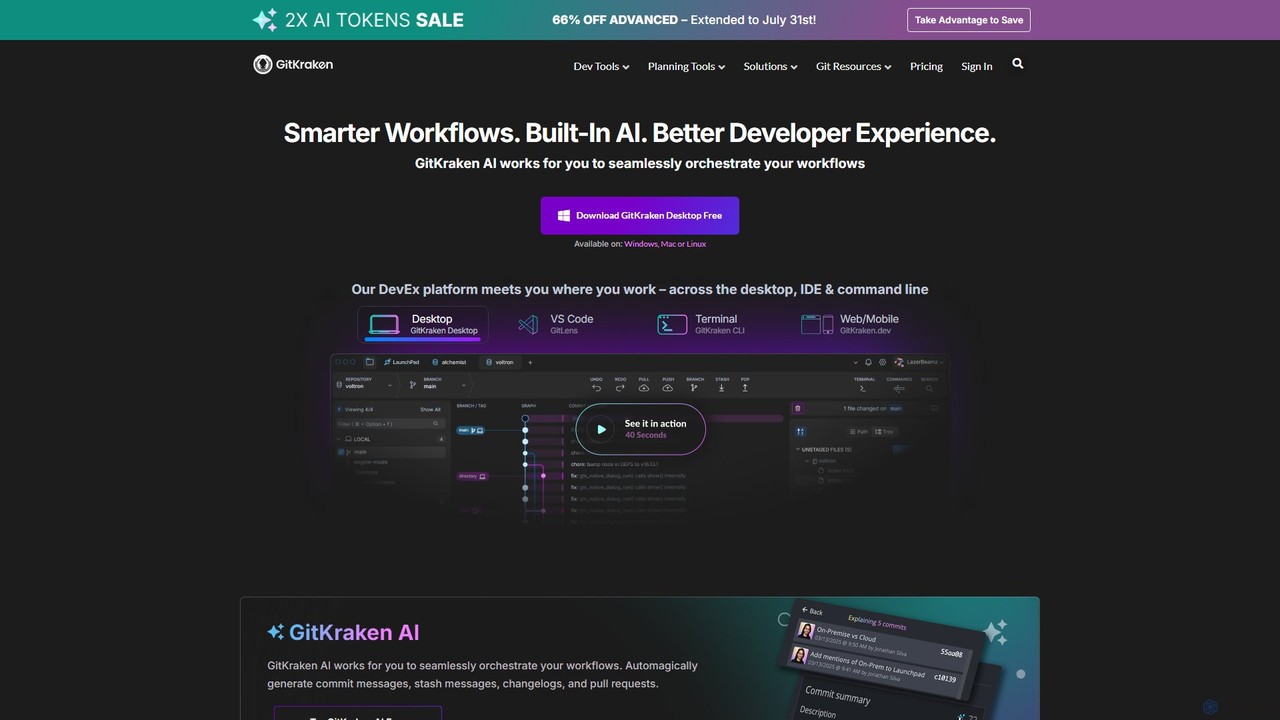
GitKraken
GitKraken is a legendary suite of Git tools designed to enhance the developer experience. Featuring a visual Git GUI, a powerful CLI, and IDE integrations, it leverages built-in AI to automate tasks like generating commit messages and pull requests. It streamlines workflows, improves team collaboration, and provides powerful visualization for complex repositories.
Version Control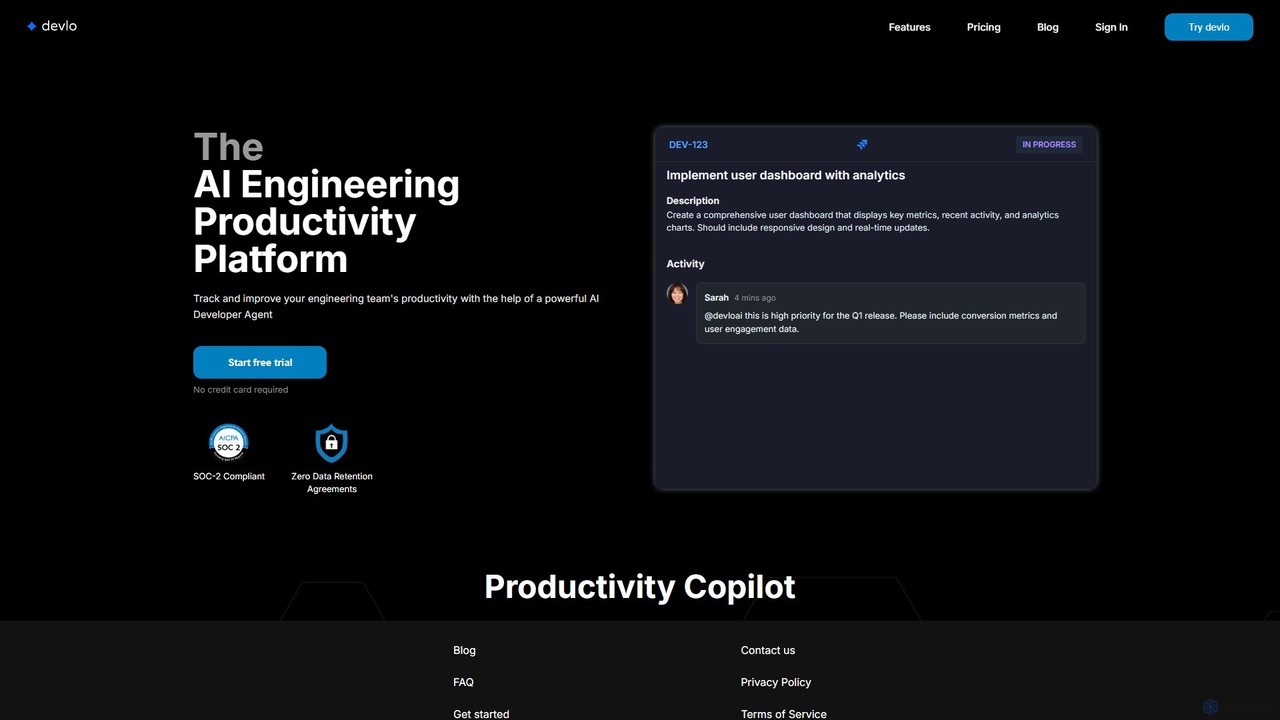
devlo
devlo is an AI Engineering Productivity Platform designed to supercharge software development teams. It features an advanced AI Developer Agent that automates coding tasks, performs intelligent code reviews, and provides deep, actionable insights into team performance, helping to accelerate delivery and improve code quality.
Code Assistant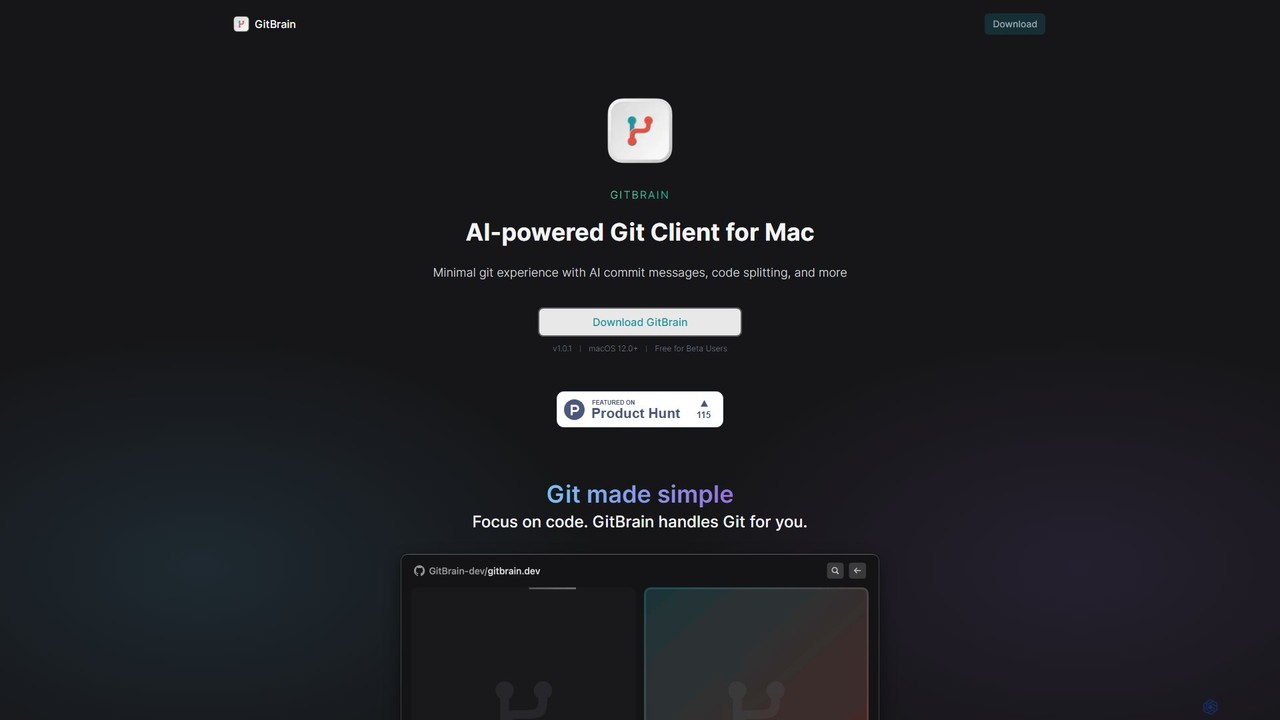
GitBrain
GitBrain is an AI-powered Git client for Mac designed to streamline your workflow. It automatically splits code changes into logical commits, generates clear commit messages, and provides AI-powered code summaries for self-review. With a native macOS interface, IDE integration, and a keyboard-first design, GitBrain simplifies Git management, allowing developers to focus on coding.
Code Assistant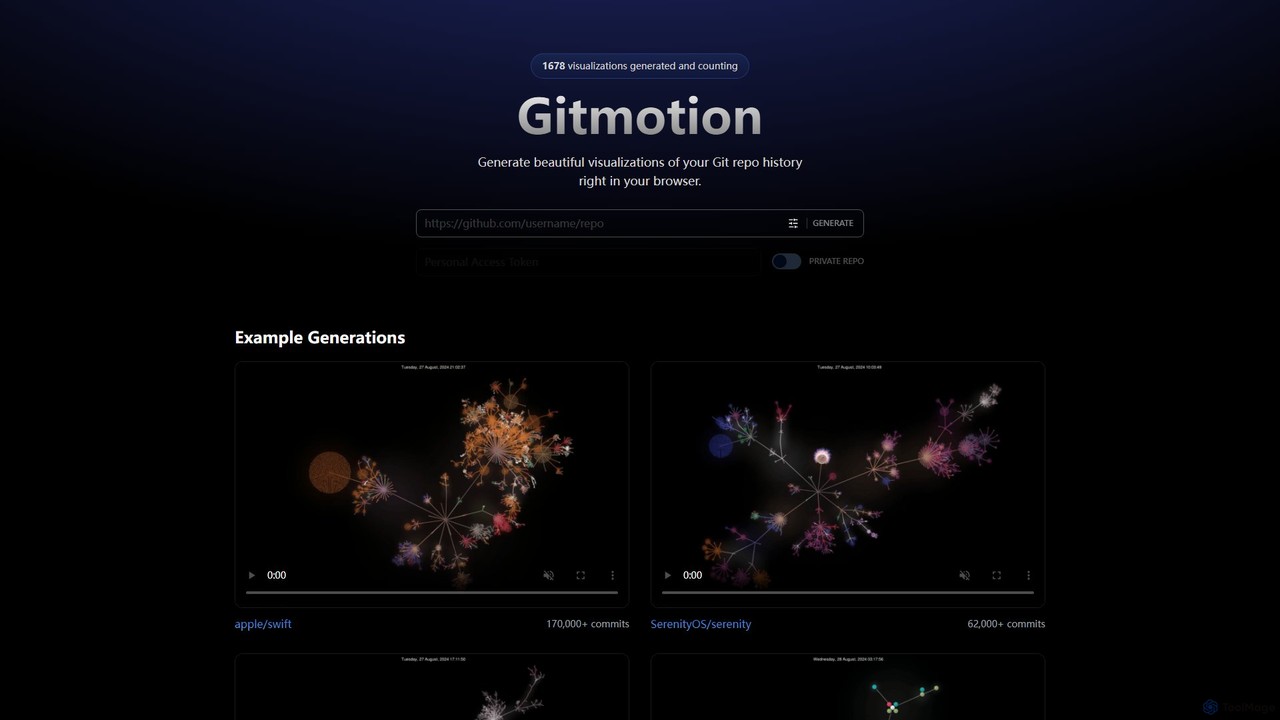
Gitmotion
Gitmotion is a web-based tool that generates beautiful, animated visualizations of your Git repository history. It transforms complex commit logs into dynamic and easy-to-understand videos or images, perfect for project analysis, presentations, and team onboarding. It supports both public and private repositories, offering a simple way to see the evolution of your code.
Data VisualizationGitButler Categories
GitButler Embed Widget
Copy this embed code to place the badge on your blog, article, or product site and send readers directly to this ToolMage detail page.

Related AI tools
GitKraken
GitKraken is a legendary suite of Git tools designed to enhance the developer experience. Featuring a visual Git GUI, a powerful CLI, and IDE integrations, it leverages built-in AI to automate tasks like generating commit messages and pull requests. It streamlines workflows, improves team collaboration, and provides powerful visualization for complex repositories.
Version Control
ContribHub
ContribHub is a dedicated platform designed to bridge the gap between developers and open-source projects. It simplifies finding projects that match your skills, interests, and desired contribution type, from coding and UI design to documentation and testing. By providing curated lists, advanced filtering, and direct GitHub integration, ContribHub makes contributing to open source more accessible and rewarding for everyone.
Developer CommunitiesGitmotion
Gitmotion is a web-based tool that generates beautiful, animated visualizations of your Git repository history. It transforms complex commit logs into dynamic and easy-to-understand videos or images, perfect for project analysis, presentations, and team onboarding. It supports both public and private repositories, offering a simple way to see the evolution of your code.
Data Visualization
Google · GitHub
The official open-source hub for Google on GitHub. It hosts a vast collection of over 2,700 public repositories, including libraries, developer tools, frameworks, and style guides. A critical resource for developers working with Java, C++, Python, Android, web technologies, and more, offering production-tested code and fostering community collaboration.
Code Libraries
Appsmith
Appsmith is an open-source, low-code platform designed for developers to build, ship, and maintain internal tools, dashboards, and AI-powered applications rapidly. It connects to any data source, allows UI building via drag-and-drop or natural language, and offers full customization with JavaScript, empowering teams to create secure, scalable enterprise-grade applications with unprecedented speed.
Internal Tools
Microsoft Open Source
Microsoft's central hub for discovering, using, and contributing to a vast portfolio of open-source projects. It offers developers access to powerful tools, frameworks, and AI/ML libraries, fostering collaboration and innovation within a global community.
Platform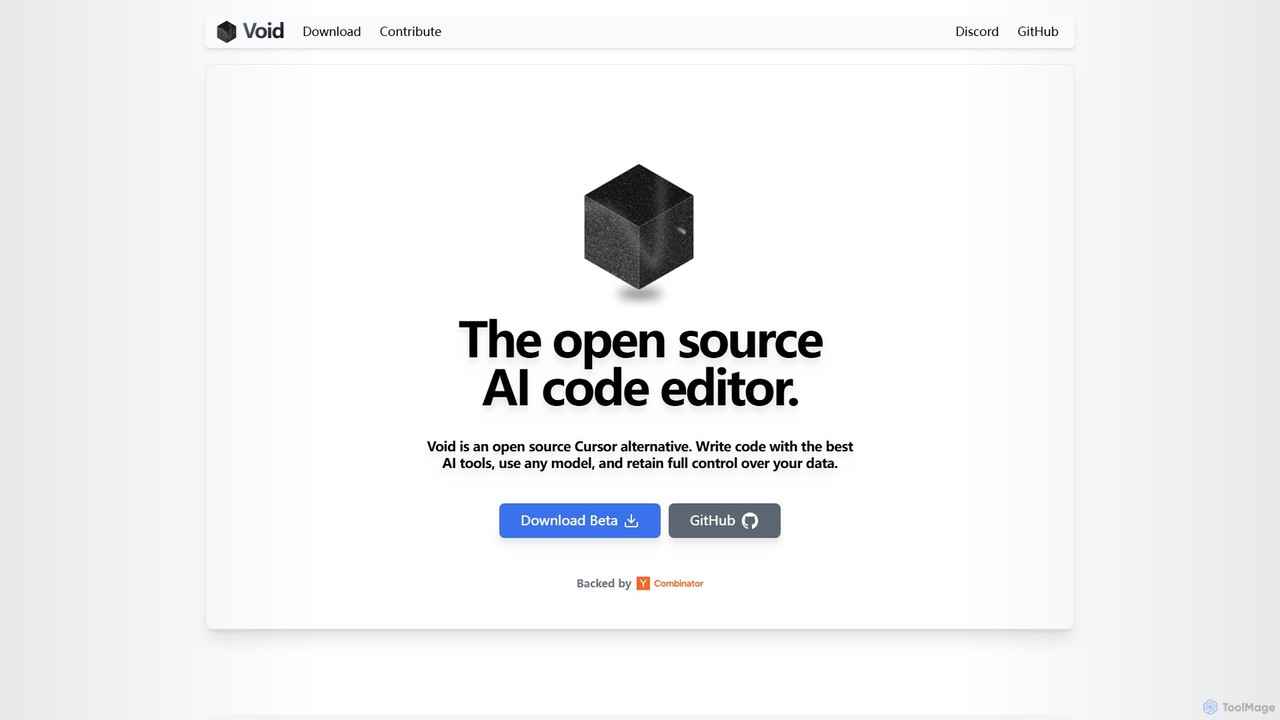
voideditor
Voideditor is a free, open-source AI code editor built as a fork of VS Code. It empowers developers with full control over their data and choice of AI models, supporting direct connections to any cloud or locally hosted LLM. It offers advanced features like AI chat, autocompletion, and agentic workflows to accelerate development while prioritizing privacy and flexibility.
Code Generation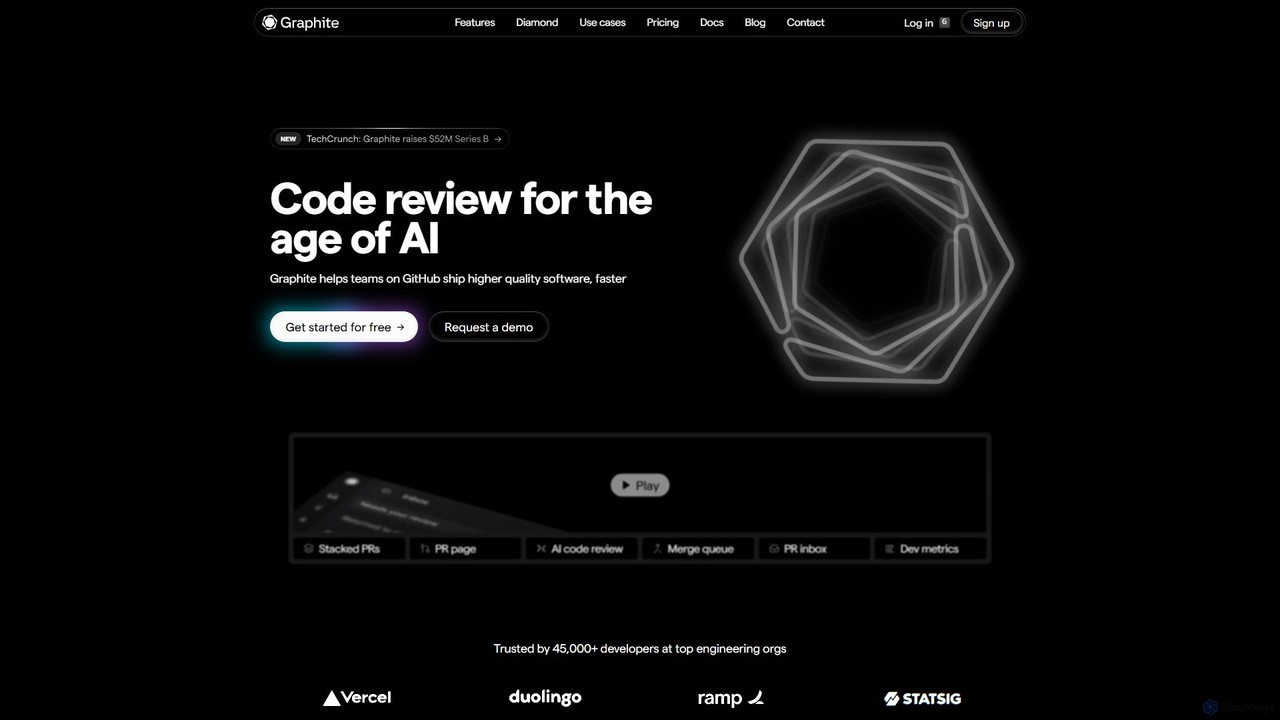
Graphite
Graphite is an end-to-end developer platform that supercharges teams on GitHub. It accelerates software development with features like stacked pull requests, AI-powered code review, a unified PR inbox, and an intelligent merge queue. By streamlining the entire code review lifecycle, Graphite helps engineering teams ship higher-quality code, faster, while keeping developers unblocked and productive.
Code Review
AICommit
AICommit is an intelligent IDE plugin that transforms your development workflow by automatically generating precise and meaningful Git commit messages. It analyzes your code changes and uses AI models from OpenAI, Azure, or Google Gemini to create high-quality commits, saving you time and improving repository clarity.
Version Control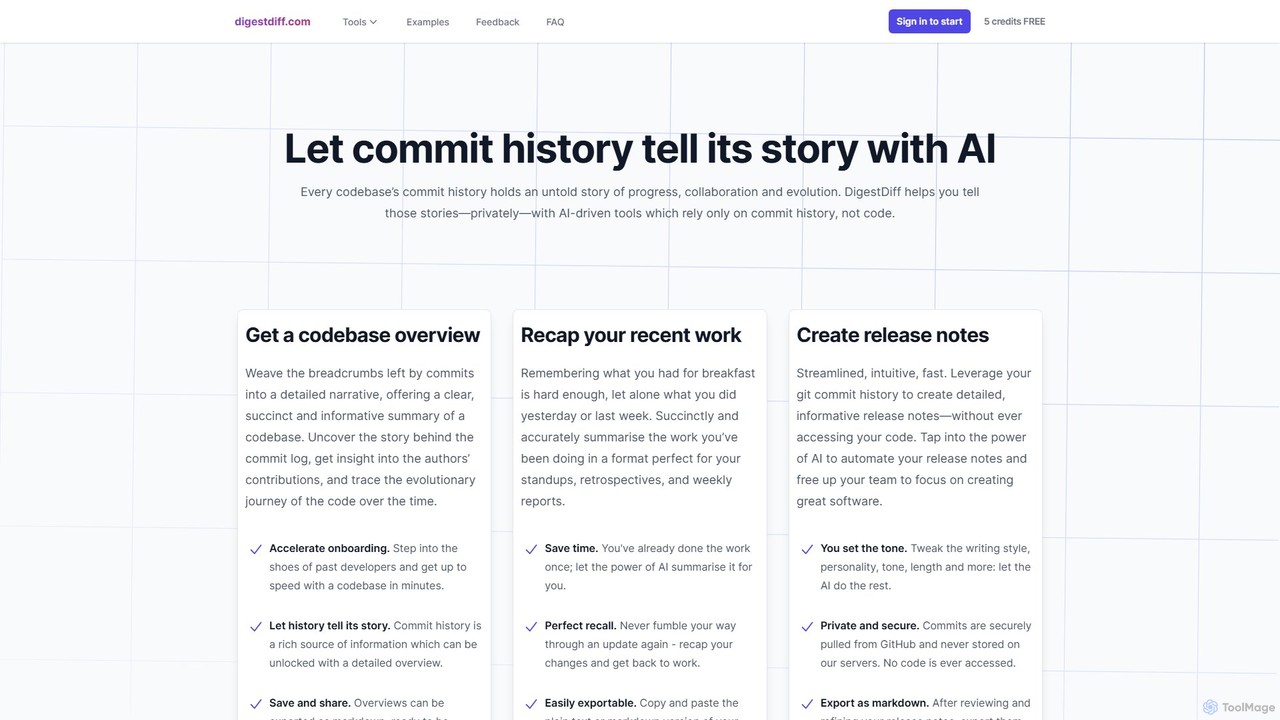
DigestDiff
DigestDiff is an AI-powered tool for developers that analyzes Git commit history to automatically generate codebase overviews, daily stand-up recaps, and detailed release notes. It enhances productivity and accelerates onboarding by transforming commit logs into insightful narratives, all without ever accessing your source code.
Version Control
Repodex
Repodex is an AI-powered code intelligence platform that helps developers and teams search, understand, and manage their code repositories. Using natural language, you can find code, get explanations, and generate documentation instantly.
Code Generation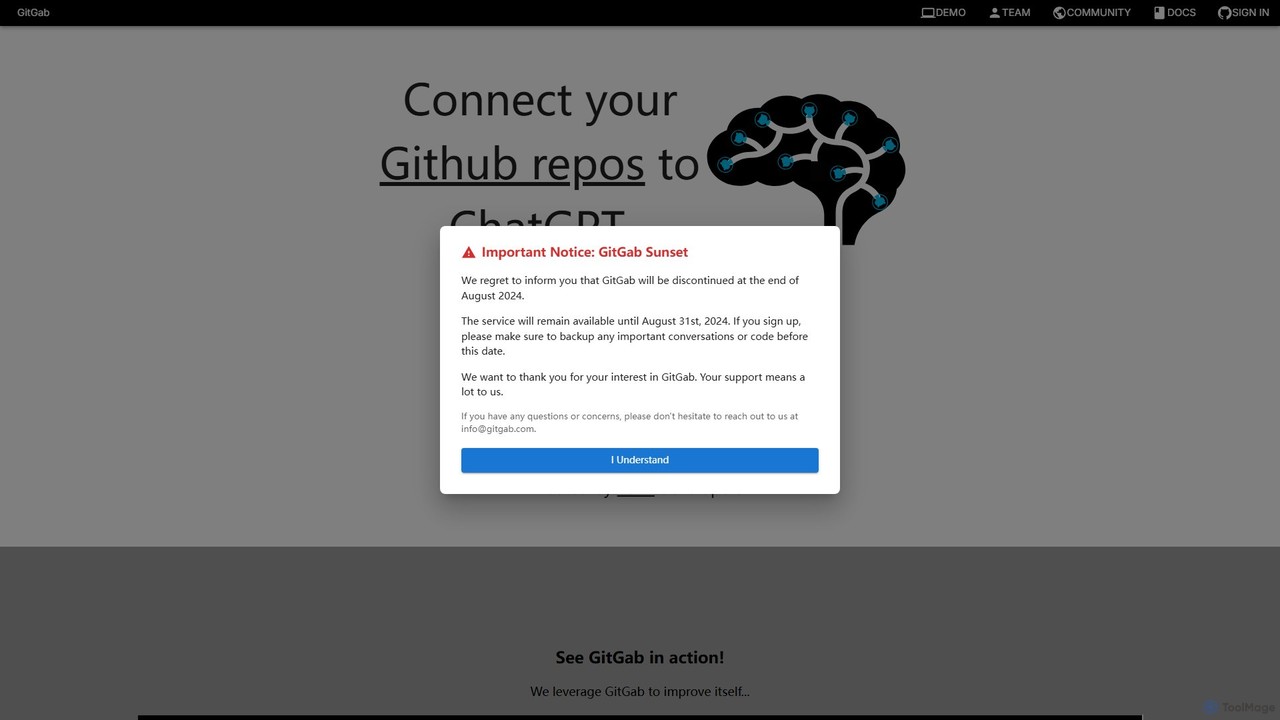
GitGab
GitGab is an advanced AI code assistant that leverages top models like ChatGPT, Claude, and Gemini. It uniquely contextualizes your entire codebase, including multiple repositories and local files, to help you implement features, find bugs, write documentation, and optimize code with unparalleled accuracy.
Code Generation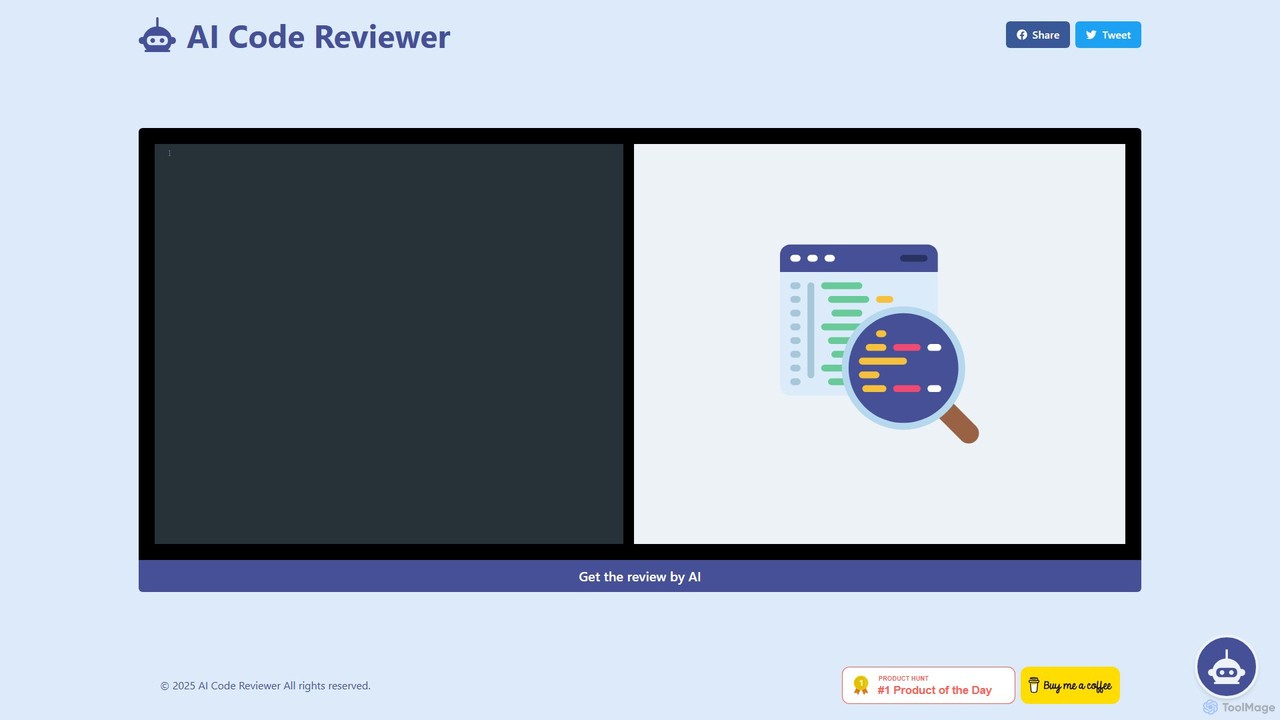
AI Code Reviewer
AI Code Reviewer is an automated tool that uses artificial intelligence to analyze your code. It integrates with your development workflow, like GitHub, to automatically review pull requests. The tool identifies bugs, security vulnerabilities, and style issues, providing instant, actionable feedback to help developers improve code quality and accelerate the development cycle.
Code ReviewGiteAI
GiteAI is an AI-powered tool designed for developers to automate and enhance Git commit messages. It analyzes code changes to generate detailed, standardized commits, saving time and improving repository consistency, allowing you to focus more on coding.
Code Assistant
GitHub
GitHub is the world's leading AI-powered developer platform for building, shipping, and maintaining software. It provides Git-based version control, collaborative tools, and a complete DevOps lifecycle, supercharged by GitHub Copilot, an advanced AI code assistant that accelerates development and enhances code quality.
Code Assistant
GitButler Comments (0)
Sign in to comment.
Sign inNo comments yet.