

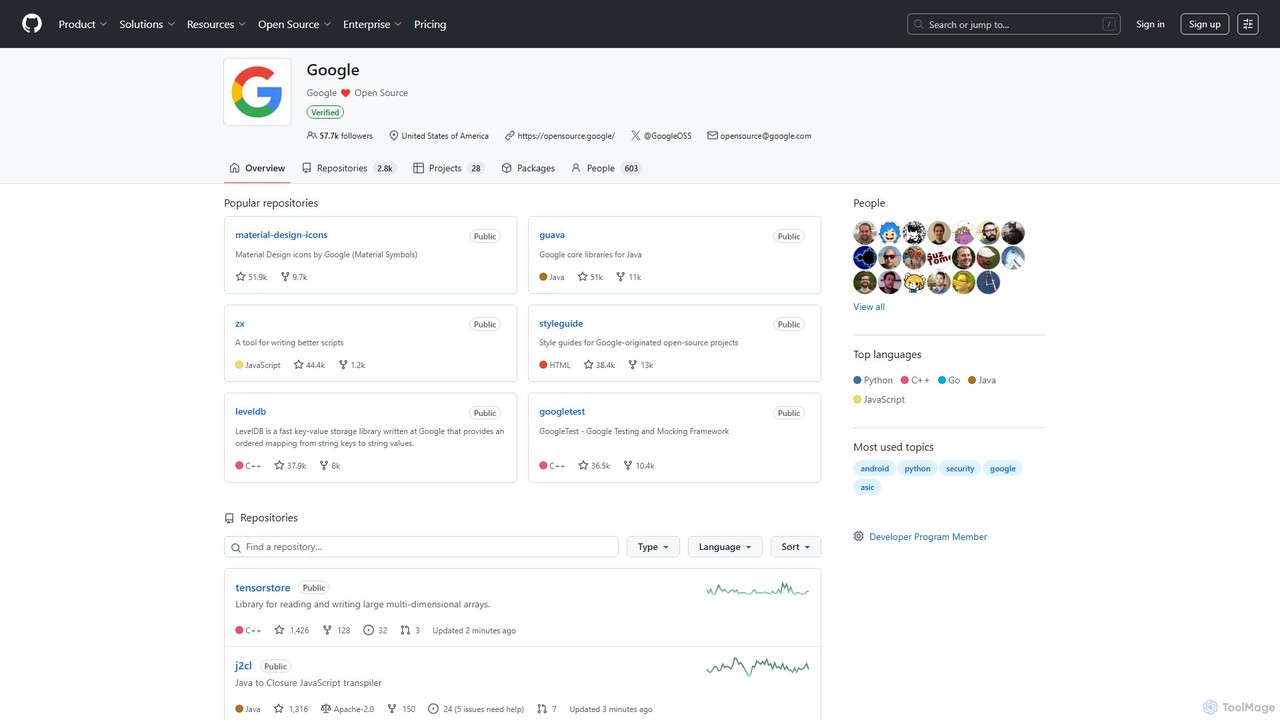
Google · GitHub Overview
Google · GitHub serves as the central and official portal for Google's extensive open-source contributions to the global developer community. It is not a single application but a massive, curated collection of over 2,700 public repositories hosted on GitHub. This platform is an indispensable resource for developers, researchers, and technology enthusiasts, providing direct access to the code that powers many of Google's own products and services. The projects span a wide array of domains, including core programming libraries, advanced developer tools, mobile and web frameworks, data storage solutions, and foundational code for AI and machine learning.
How to use Google · GitHub
Using the resources on Google · GitHub is straightforward for any developer familiar with the GitHub ecosystem.
1. Discover Projects: Navigate to the google.github.io page or the main GitHub organization page (github.com/google). You can search for specific repositories or browse through popular and recently updated projects.
2. Explore a Repository: Click on a repository of interest, such as 'googletest' or 'guava'. Here you will find the source code, a README file with detailed project information, documentation, and the project's license (typically Apache 2.0).
3. Use in Your Project: To use a library, follow the installation instructions in the README. This usually involves adding a dependency to your build system (like Maven, Gradle, or npm) or cloning the repository using `git clone`.
4. Contribute: To contribute, you can fork the repository, create a new branch for your changes, commit your work, and then open a pull request for the project maintainers to review. Always check the `CONTRIBUTING.md` file for specific contribution guidelines.
Core Features of Google · GitHub
- Vast Collection of Repositories: Home to thousands of projects, including highly popular ones like Guava (Google Core Libraries for Java), LevelDB (fast key-value store), and Googletest (Google Testing and Mocking Framework).
- Official Style Guides: Provides Google's official style guides for numerous programming languages, helping developers write clean, consistent, and maintainable code.
- Advanced Developer Tools: Offers powerful tools like Perfetto for system tracing and performance analysis, and ZX for writing better shell scripts using JavaScript.
- High-Performance Libraries: Includes foundational libraries like Filament, a real-time physically based rendering engine, and TensorStore for handling large multi-dimensional arrays, crucial for scientific and AI applications.
- Active Development and Community: Most repositories are actively maintained by Google engineers and have a vibrant community of contributors, ensuring continuous improvement and support.
Use Cases for Google · GitHub
The resources are versatile and can be applied in numerous scenarios:
- Enterprise-Grade Application Development: Developers can leverage robust, battle-tested libraries like Guava and LevelDB to build scalable and reliable backend systems.
- High-Quality Software Testing: The Googletest and Googlemock frameworks are industry standards for writing thorough unit and mock tests in C++.
- Android and Mobile App Development: Provides access to essential libraries and tools for building high-performance Android applications, including UI components and rendering engines like Filament.
- Web Development: Offers tools and libraries for both front-end and back-end web development, including JavaScript transpilers and style guides.
- AI and Data Science: Researchers and data scientists can use libraries like TensorStore for efficient data manipulation and other foundational tools that support large-scale data processing pipelines.
Advantages of Google · GitHub
The primary advantage is the unparalleled quality and reliability. Since these projects are developed and often used internally by Google, they adhere to the highest engineering standards. They are production-tested, well-documented, and optimized for performance. Furthermore, all projects are open-source and free to use under permissive licenses like Apache 2.0, which encourages widespread adoption and collaboration without restrictive licensing fees. The platform serves as a valuable learning resource, allowing developers to study high-quality code written by world-class engineers.
Pricing and Plans
All projects and resources available on the Google · GitHub organization page are completely free. They are released under various open-source licenses (most commonly the Apache License 2.0), allowing for free use, modification, and distribution in both personal and commercial projects.
Traffic
Latest traffic
Status
Monthly traffic trend
- 2025-9: 701.0K
- 2026-1: 766.0K
- 2026-2: 668.9K
- 2026-3: 814.5K
- 2026-4: 462.4K
- 2026-5: 398.0K
Geography
Top 5 countries / regions
- 🇺🇸United States55.2%
- 🇮🇳India13.7%
- 🇷🇺Russia12.3%
- 🇬🇧United Kingdom9.7%
- 🇩🇪Germany9.1%
Traffic sources
| Source type | Percentage |
|---|---|
Direct | 69.4% |
Referral | 29.8% |
Email | 0.8% |
Top keywords
| Keyword | Cost per click |
|---|---|
| aeux | $0.83 |
| google cpp style guide | $0.00 |
| google c style guide | $0.00 |
| google java style guide | $0.00 |
| gsoc | $1.28 |
Google · GitHub Alternatives
JetBrains
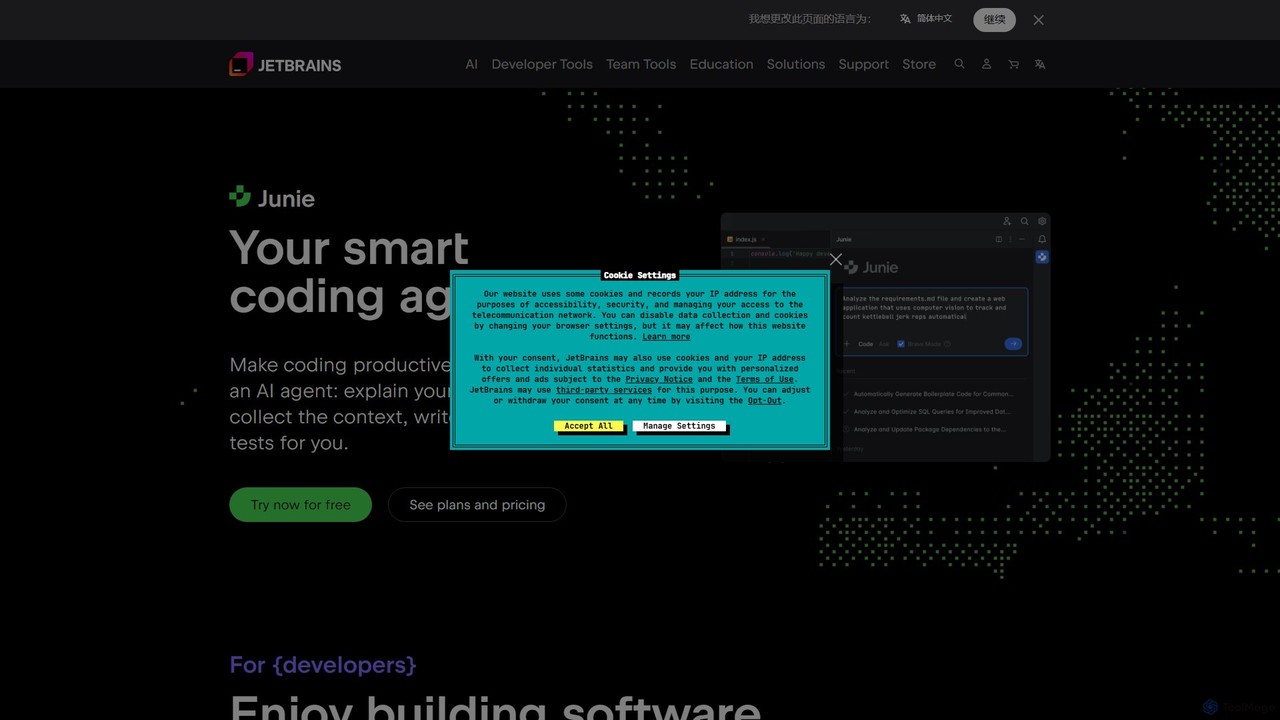
JetBrains provides a comprehensive suite of intelligent tools for software developers and teams, including powerful IDEs and an integrated AI Assistant. It enhances productivity with smart code completion, refactoring, and bug detection, streamlining the entire development lifecycle from coding to deployment. It supports a wide range of languages and offers robust team collaboration platforms.
Integrated Development Environment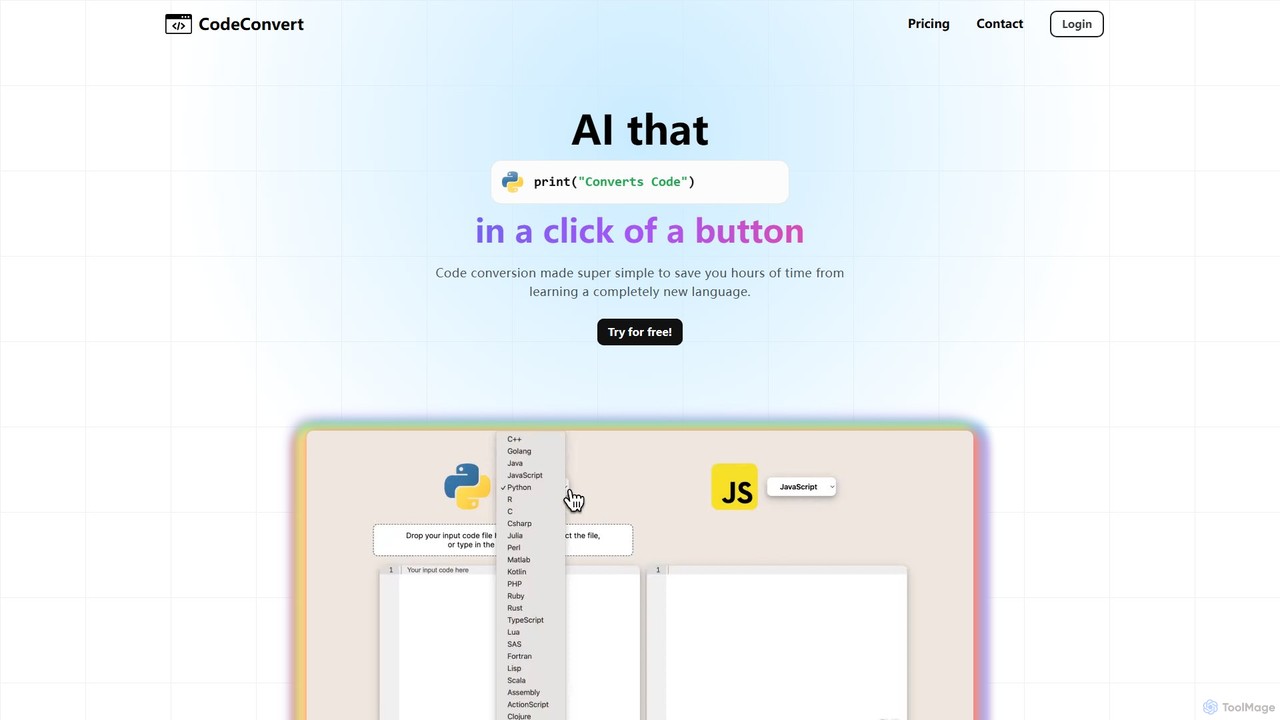
CodeConvert
CodeConvert is an AI-powered tool that instantly translates code snippets between over 50 programming languages. It helps developers save hours of manual rewriting, learn new languages, and migrate projects efficiently. Features include high-accuracy conversion, code generation, and code explanation.
Code Assistant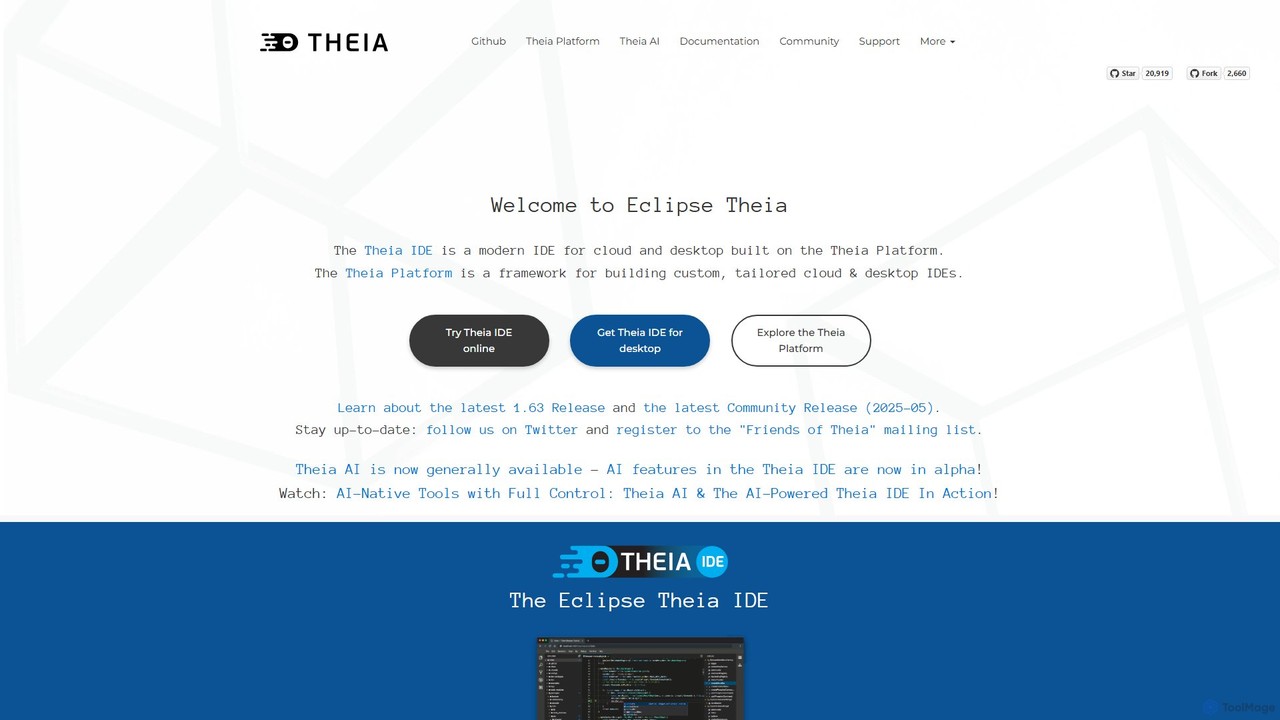
Theia IDE
Theia IDE is a modern, open-source IDE for cloud and desktop environments. It offers a flexible, extensible platform compatible with VS Code extensions and features powerful, privacy-focused AI capabilities. As a vendor-neutral alternative to VS Code, it supports numerous programming languages and allows for deep customization, making it ideal for individual developers and enterprises seeking control over their development tools.
Low Code No Code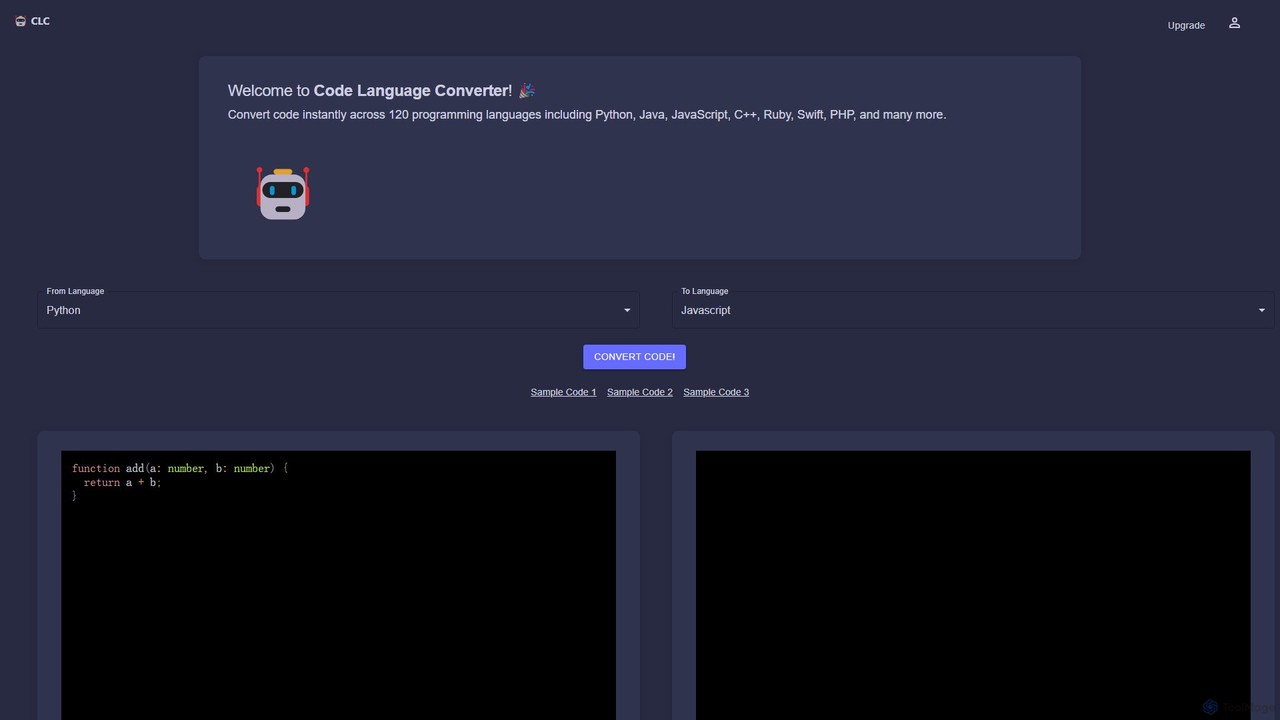
CodeConverter
CodeConverter is an AI-powered online tool that instantly translates code snippets between over 120 programming languages. It helps developers, students, and data scientists migrate codebases, learn new languages, and improve productivity by providing fast, accurate, and secure conversions directly in the browser.
Code Assistant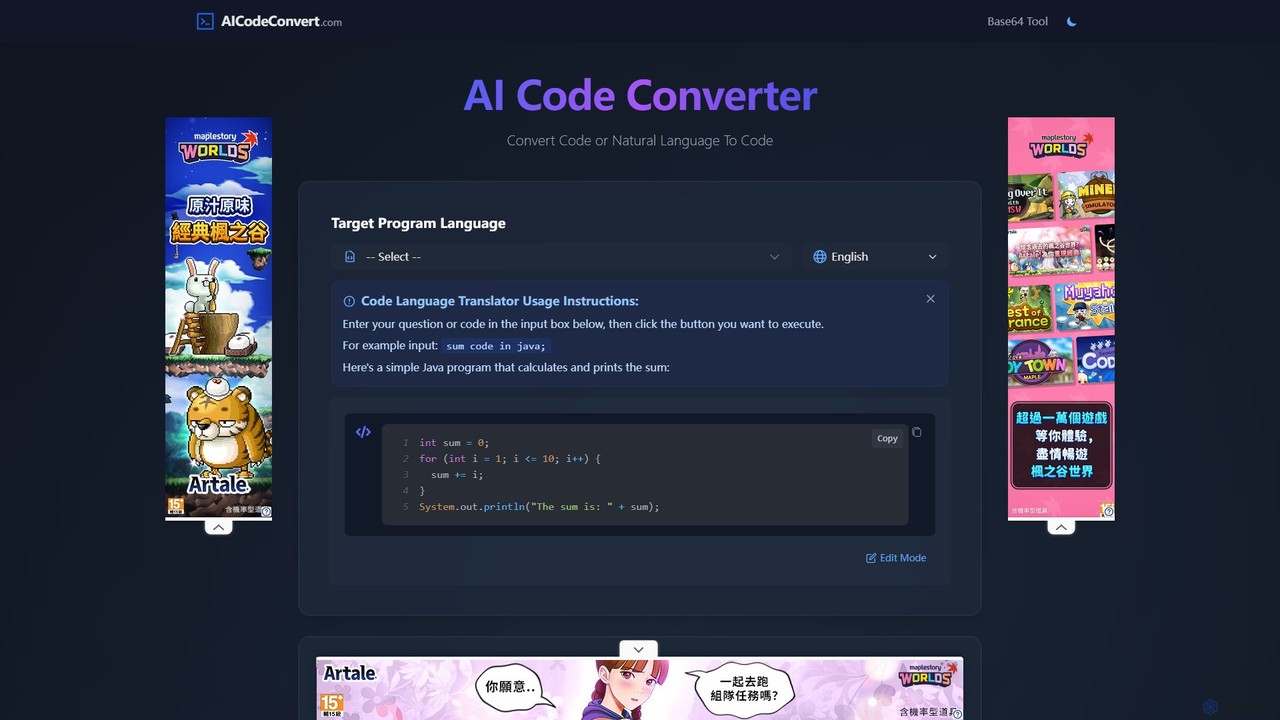
aicodeconvert
aicodeconvert is a comprehensive AI-powered suite for developers, offering free tools for code conversion, generation, optimization, and debugging. It supports over 50 programming languages, allowing users to seamlessly translate code between languages, generate code from natural language prompts, explain complex snippets, and improve code performance. Its intuitive interface makes it an essential tool for modernizing legacy systems, learning new languages, and accelerating the development workflow.
Code AssistantGoogle · GitHub Categories
Google · GitHub Embed Widget
Copy this embed code to place the badge on your blog, article, or product site and send readers directly to this ToolMage detail page.

Related AI tools
JetBrains
JetBrains provides a comprehensive suite of intelligent tools for software developers and teams, including powerful IDEs and an integrated AI Assistant. It enhances productivity with smart code completion, refactoring, and bug detection, streamlining the entire development lifecycle from coding to deployment. It supports a wide range of languages and offers robust team collaboration platforms.
Integrated Development EnvironmentCodeConvert
CodeConvert is an AI-powered tool that instantly translates code snippets between over 50 programming languages. It helps developers save hours of manual rewriting, learn new languages, and migrate projects efficiently. Features include high-accuracy conversion, code generation, and code explanation.
Code AssistantTheia IDE
Theia IDE is a modern, open-source IDE for cloud and desktop environments. It offers a flexible, extensible platform compatible with VS Code extensions and features powerful, privacy-focused AI capabilities. As a vendor-neutral alternative to VS Code, it supports numerous programming languages and allows for deep customization, making it ideal for individual developers and enterprises seeking control over their development tools.
Low Code No CodeCodeConverter
CodeConverter is an AI-powered online tool that instantly translates code snippets between over 120 programming languages. It helps developers, students, and data scientists migrate codebases, learn new languages, and improve productivity by providing fast, accurate, and secure conversions directly in the browser.
Code Assistantaicodeconvert
aicodeconvert is a comprehensive AI-powered suite for developers, offering free tools for code conversion, generation, optimization, and debugging. It supports over 50 programming languages, allowing users to seamlessly translate code between languages, generate code from natural language prompts, explain complex snippets, and improve code performance. Its intuitive interface makes it an essential tool for modernizing legacy systems, learning new languages, and accelerating the development workflow.
Code Assistant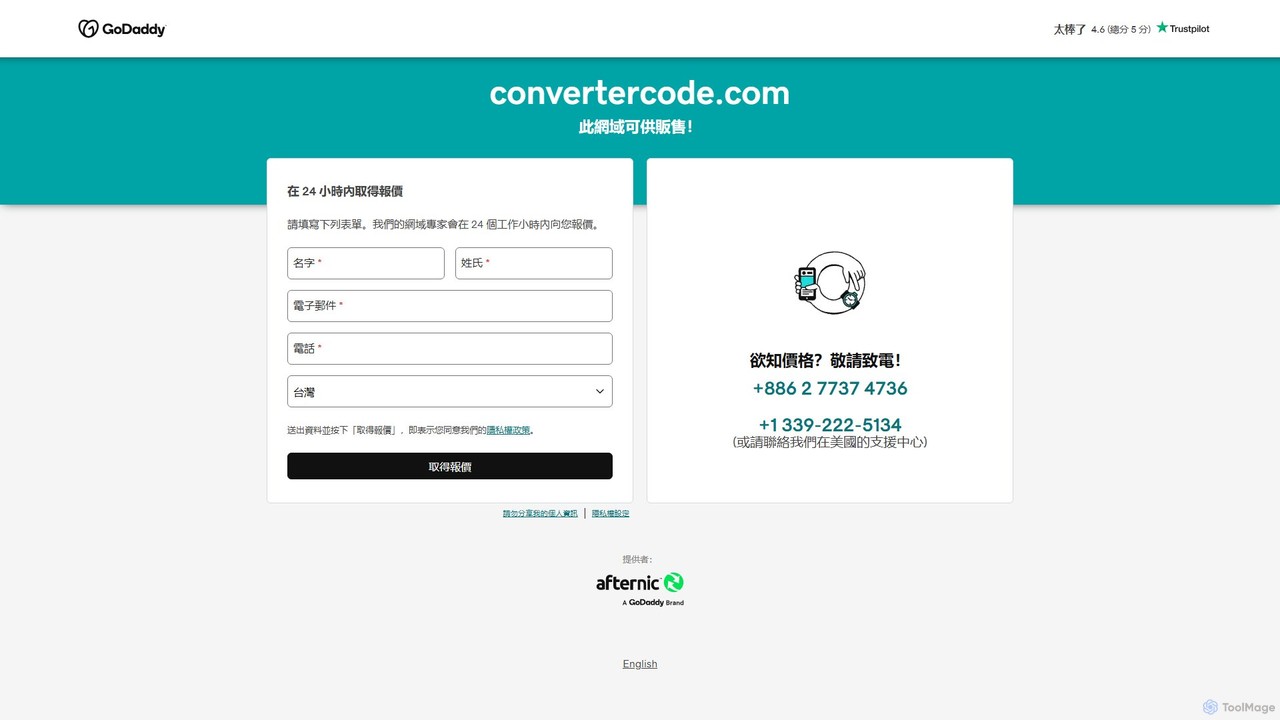
convertercode
An AI-powered tool for developers that seamlessly converts code from one programming language to another. It supports a wide range of languages, helping to modernize legacy systems, facilitate cross-platform development, and accelerate learning.
Code Assistant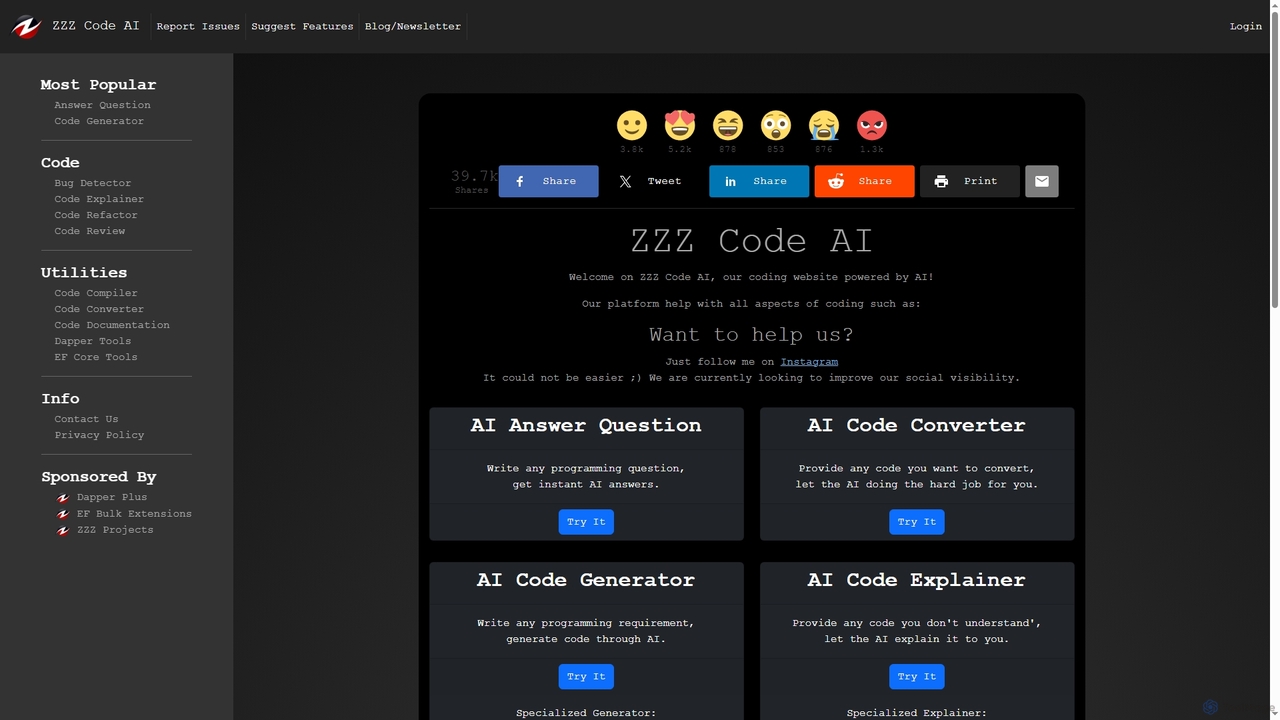
Zzzcode
Zzzcode is a free, AI-powered online platform offering a comprehensive suite of coding tools for developers. It can generate, explain, debug, refactor, review, document, and convert code across numerous programming languages, and provide instant answers to programming questions.
Code Assistant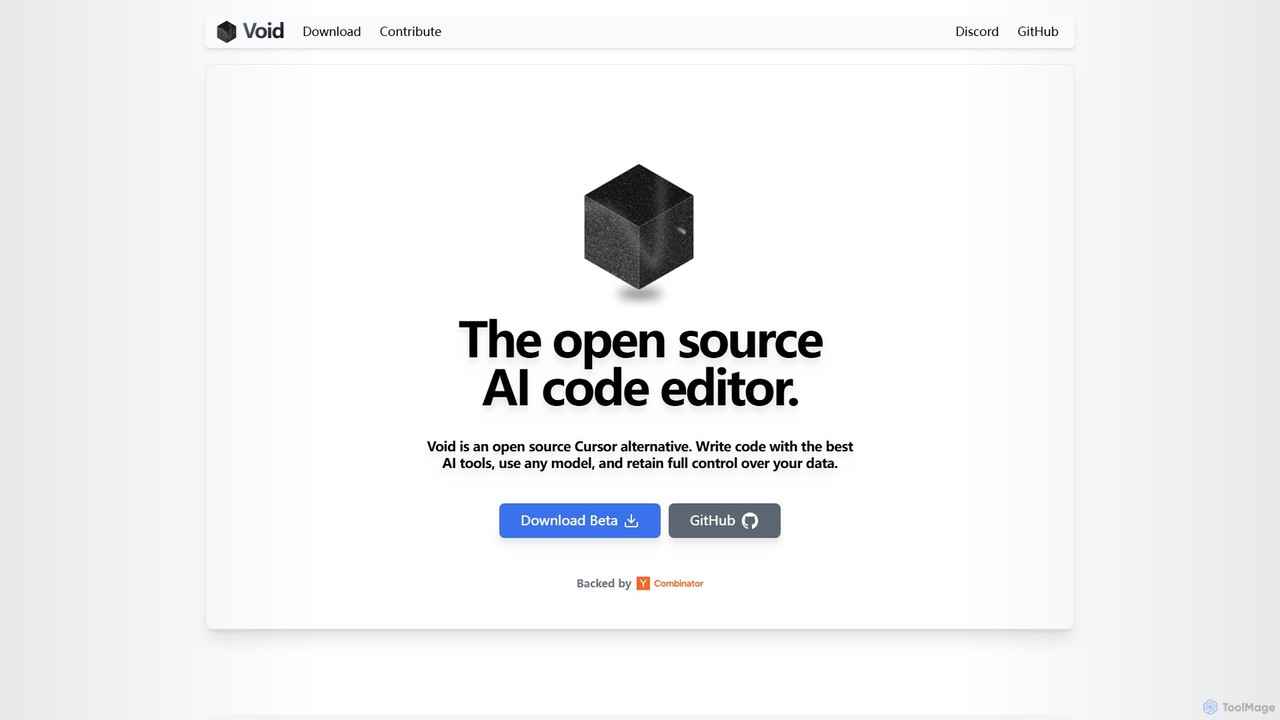
voideditor
Voideditor is a free, open-source AI code editor built as a fork of VS Code. It empowers developers with full control over their data and choice of AI models, supporting direct connections to any cloud or locally hosted LLM. It offers advanced features like AI chat, autocompletion, and agentic workflows to accelerate development while prioritizing privacy and flexibility.
Code Generation
GitButler
GitButler is a next-generation version control client that allows developers to organize their work into multiple virtual branches simultaneously. It automates the process of managing changes, enabling parallel work on different features and bug fixes without the overhead of traditional Git branches, streamlining the entire development workflow.
Code Assistant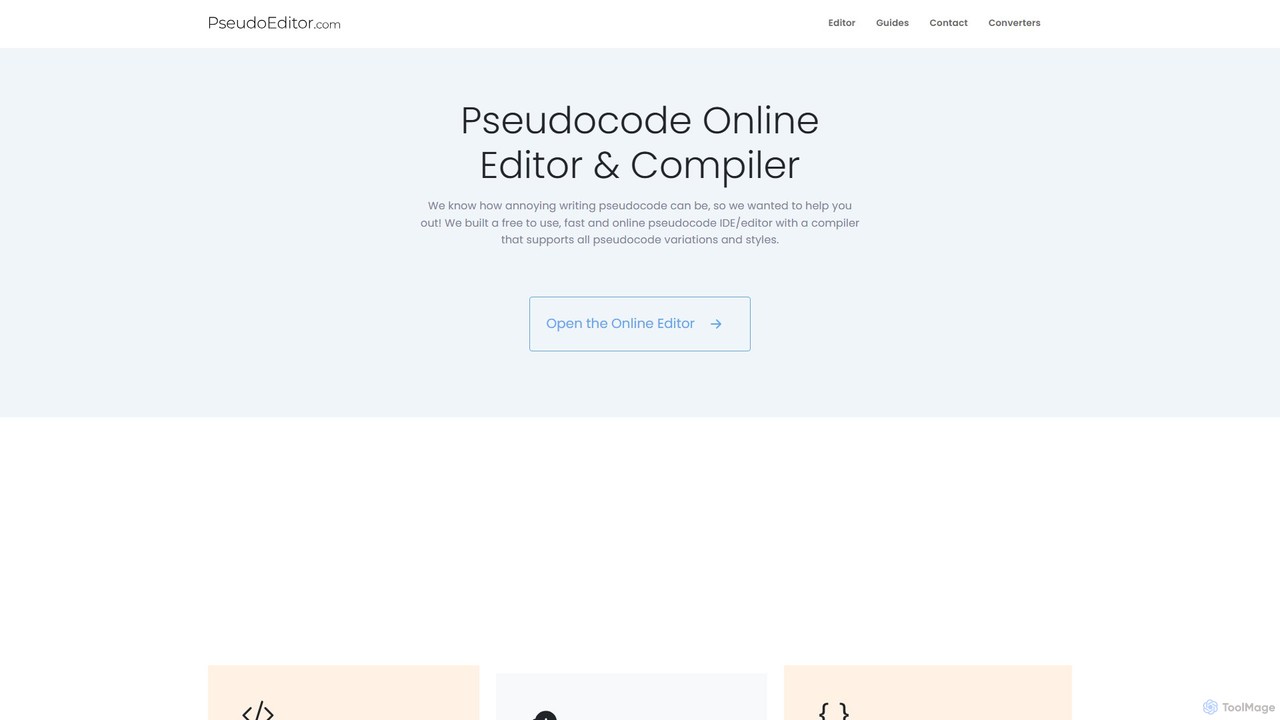
PseudoEditor
An online pseudocode editor, compiler, and AI-powered converter. Write, test, and debug algorithms, then convert your pseudocode into Python, Java, C++, and JavaScript. Ideal for students, educators, and developers.
Code Assistant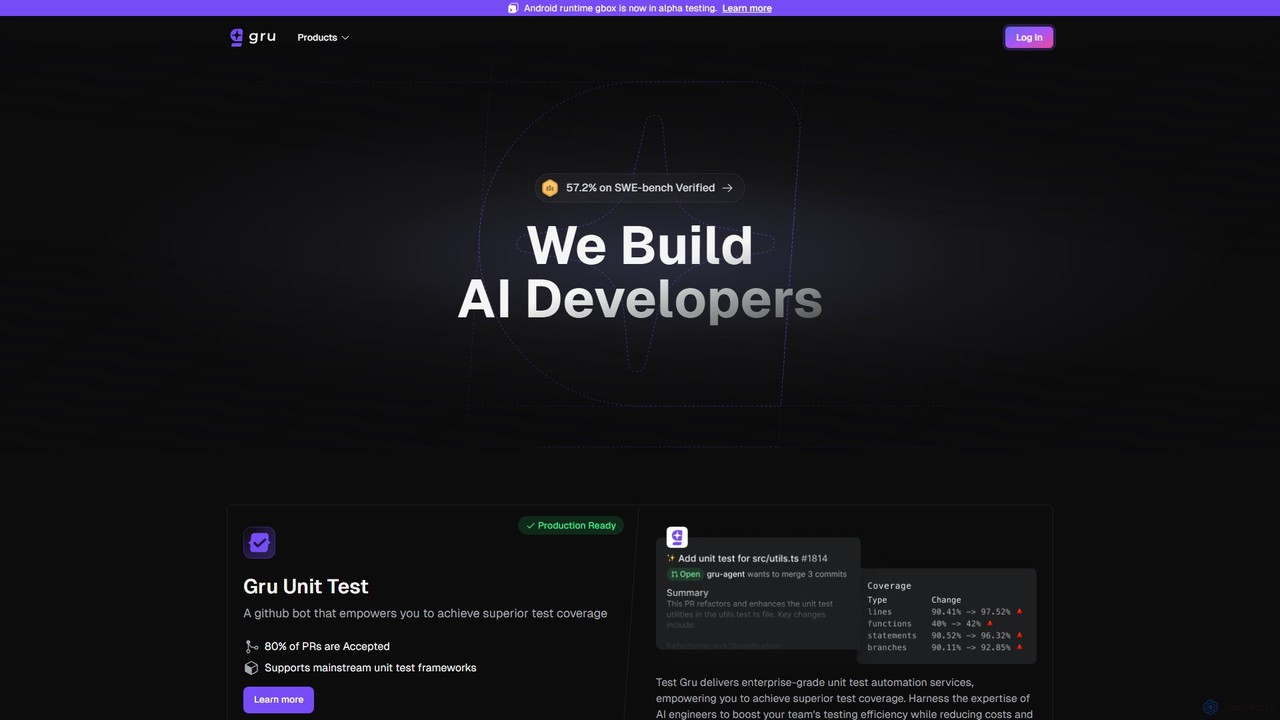
Gru.ai
Gru.ai is an AI-powered developer agent designed to automate software engineering tasks. It specializes in generating comprehensive unit tests as a GitHub bot, instantly boosting code coverage and improving code quality for multiple programming languages.
Code Assistant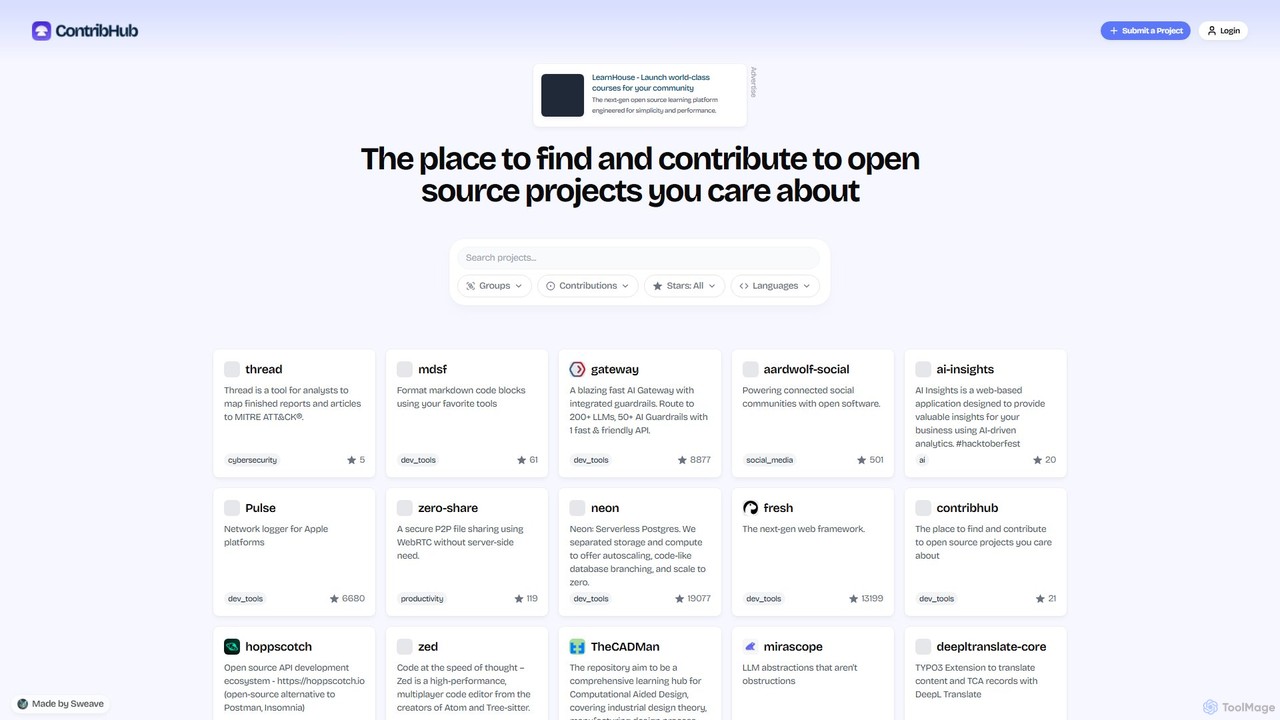
ContribHub
ContribHub is a dedicated platform designed to bridge the gap between developers and open-source projects. It simplifies finding projects that match your skills, interests, and desired contribution type, from coding and UI design to documentation and testing. By providing curated lists, advanced filtering, and direct GitHub integration, ContribHub makes contributing to open source more accessible and rewarding for everyone.
Developer Communities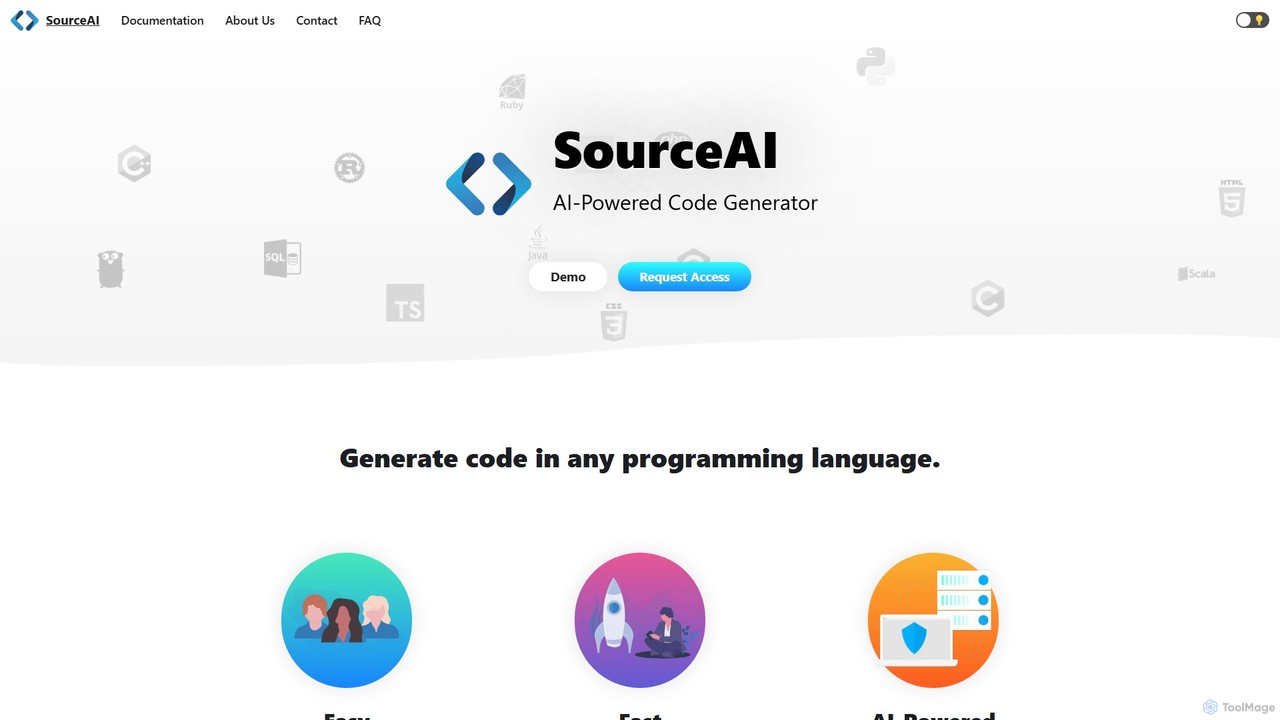
SourceAI
SourceAI is an AI-powered code generator that translates natural language descriptions into code for any programming language. Powered by GPT-3 and Codex, it helps developers and non-developers alike to generate, refactor, and debug code, significantly speeding up the development process.
Code Generation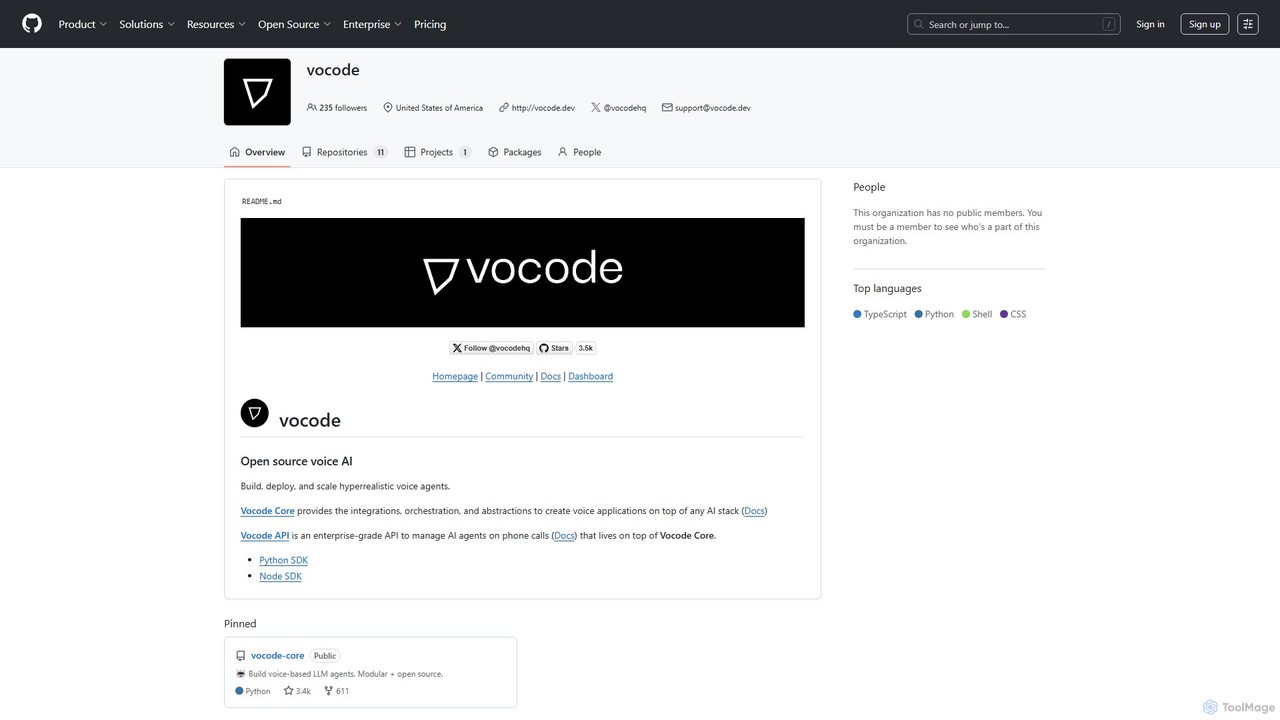
vocode
Vocode is an open-source platform for building, deploying, and scaling hyperrealistic voice AI agents. It provides developers with a core framework and an enterprise-grade API to create sophisticated voice-based LLM applications for tasks like automated customer service, sales calls, and interactive voice response (IVR) systems.
Voicebot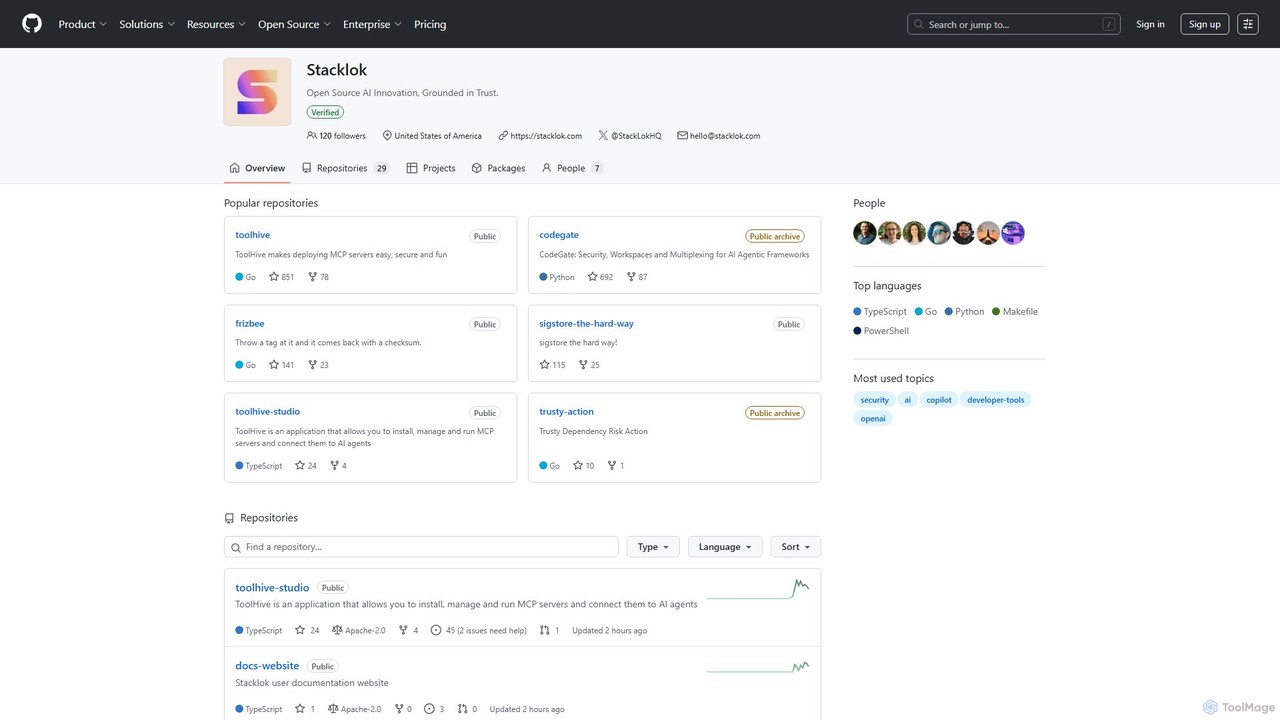
codegate
Codegate is an open-source security gateway and multiplexing framework for AI agentic systems. Developed by Stacklok, it provides secure workspaces and policy-based access control, enabling developers to build and manage complex multi-agent applications safely and efficiently.
Agentic Frameworks
Google · GitHub Comments (0)
Sign in to comment.
Sign inNo comments yet.