Community Best in category 2 results Developer Communities AI Tool

Popular AI tools in the Developer Communities field of Community include lablab.ai、ContribHub, etc., helping you quickly improve efficiency.

Free
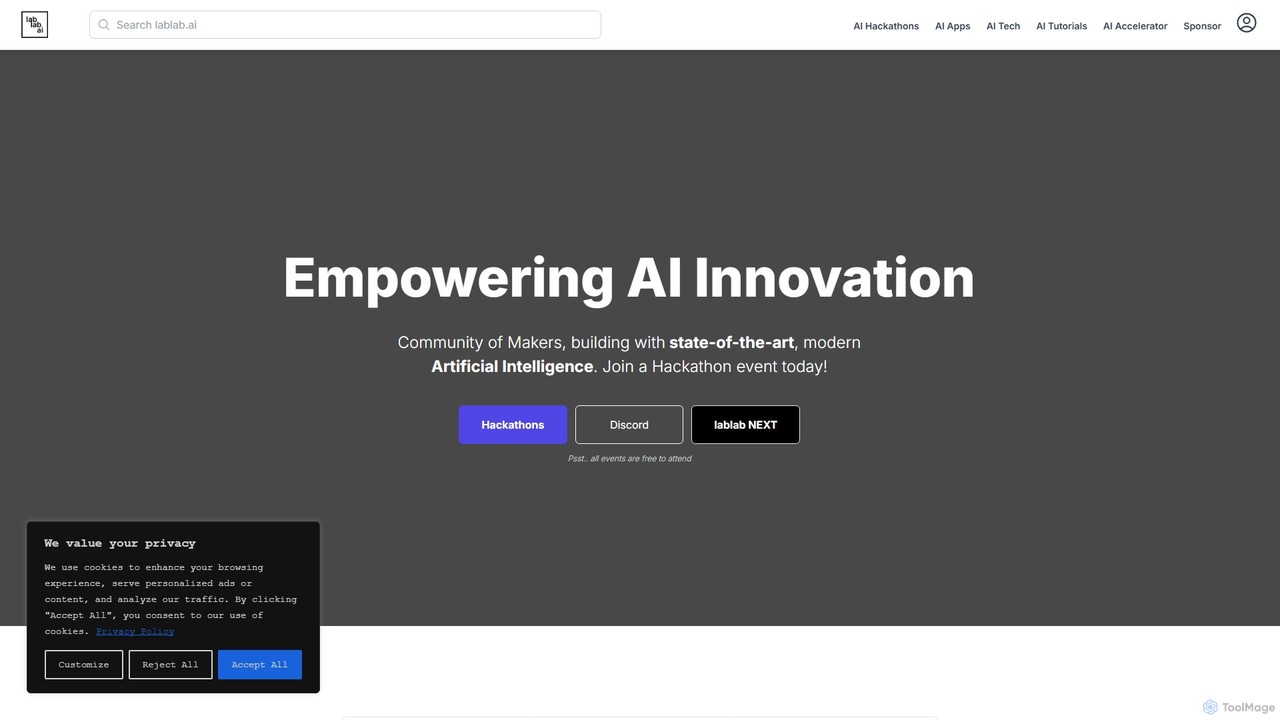
lablab.ai

lablab.ai

lablab.ai is a global community platform that hosts AI hackathons, empowering creators, developers, and entrepreneurs to build innovative …

394.4K
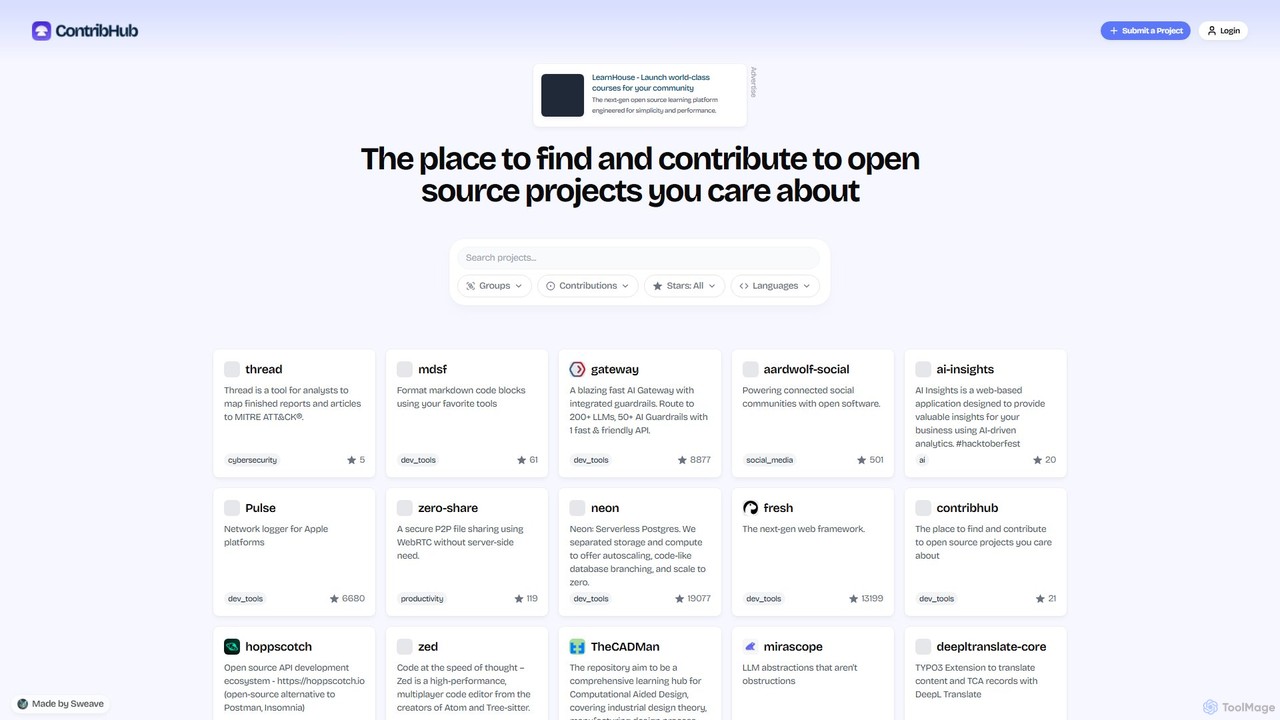
ContribHub

ContribHub

ContribHub is a dedicated platform designed to bridge the gap between developers and open-source projects. It simplifies finding …

2.2K

About Developer Communities

Developer Communities are online platforms designed for software developers to ask technical questions, share knowledge, and collaborate on code. These platforms are structured around peer-to-peer support, featuring specialized forums, Q&A sections, and code repositories. They serve as essential resources for troubleshooting complex bugs, learning new technologies, and staying current with industry best practices. Unlike general communities, they provide a focused environment for technical problem-solving and professional growth.

Core Features

  • Technical Q&A: Post specific coding questions and receive solutions from experienced peers.
  • Code Sharing: Share code snippets, projects, and libraries for feedback or public use.
  • Peer Code Review: Get constructive feedback on code quality, architecture, and best practices.
  • Knowledge Base: Access a repository of articles, tutorials, and best practices contributed by the community.
  • Collaboration Channels: Engage in real-time discussions or asynchronous threads about specific technologies or projects.

Use Cases

Developer Communities are vital for software engineers, data scientists, students, and open-source contributors. They are used daily for debugging programming errors, seeking advice on software architecture, and finding collaborators for personal or open-source projects. For example, a web developer might use a community to solve a tricky CSS issue, while a data scientist could discuss the best machine learning model for a specific dataset.

How to Choose

When selecting a Developer Community, consider the primary technology stack (e.g., Python, JavaScript, Go) to ensure relevance. Evaluate the platform format—whether you prefer a structured Q&A site, a real-time chat application, or a traditional forum. Assess the community's culture and moderation to find a welcoming and constructive environment. Finally, check the activity level to ensure you can get timely responses.

Developer CommunitiesUse Cases

1

Solving a Complex Coding Bug

A junior software developer is stuck on a persistent bug in their application that official documentation doesn't cover. They post a detailed question on a developer community, including a minimal reproducible code snippet and the specific error message. Within hours, experienced developers provide several potential solutions and diagnostic approaches. One response correctly identifies a subtle logic error, allowing the developer to fix the bug and unblock their project, saving significant time compared to troubleshooting alone.

2

Contributing to an Open-Source Project

A mid-level engineer wants to contribute to a popular open-source library. They join the project's community on GitHub or Discord to understand its contribution guidelines and current needs. They find a suitable issue, discuss their proposed implementation with the maintainers in a community channel, and then submit a pull request. The community provides feedback, leading to a successful contribution that improves the library for everyone and enhances the engineer's professional portfolio.

3

Learning a New Technology or Framework

A developer is learning a new programming language like Rust. While books and tutorials provide a foundation, they join a Rust-focused developer community to see real-world code examples and ask nuanced questions. They participate in discussions about best practices for memory management and concurrency, which accelerates their learning curve significantly. The community acts as a supplementary, interactive learning resource that fills the gaps left by static educational materials.

4

Getting Feedback on a Personal Project

An indie developer has built a new mobile app and wants feedback on its architecture and code quality before launching. They share their project's public repository in a relevant developer community's 'showcase' or 'code review' channel. Other members review the code, offering constructive criticism on everything from variable naming conventions to potential performance bottlenecks. This peer-review process helps the developer refine their app, improve their coding skills, and launch a more robust product.

5

Staying Updated with Industry Trends

A senior developer needs to stay current with evolving software architecture patterns and security best practices. They actively participate in high-level discussions within specialized developer communities. By reading articles, case studies, and expert opinions shared by peers, they gain insights into emerging trends like microservices, serverless computing, and new security vulnerabilities. This continuous learning helps them make informed technical decisions and guide their team effectively, preventing technical debt.

6

Finding Technical Co-founders or Collaborators

An entrepreneurial developer has a startup idea but needs a partner with complementary skills, such as a backend developer seeking a frontend expert. They engage in relevant developer communities, showcasing their expertise by helping others and building a positive reputation. They then post a clear proposal in a 'projects' or 'collaborators wanted' channel. This allows them to connect with like-minded individuals whose technical skills and work ethic are already visible through their community contributions, increasing the chances of forming a strong founding team.

Developer CommunitiesFrequently Asked Questions