ToolMage
Sign in

Best 4 Integrated Development Environment AI tools for Developer Tools

Popular Integrated Development Environment AI tools in Developer Tools include JetBrains, Kiro, TRAE, and Codio, helping you work more efficiently.

TRAE
Freemium

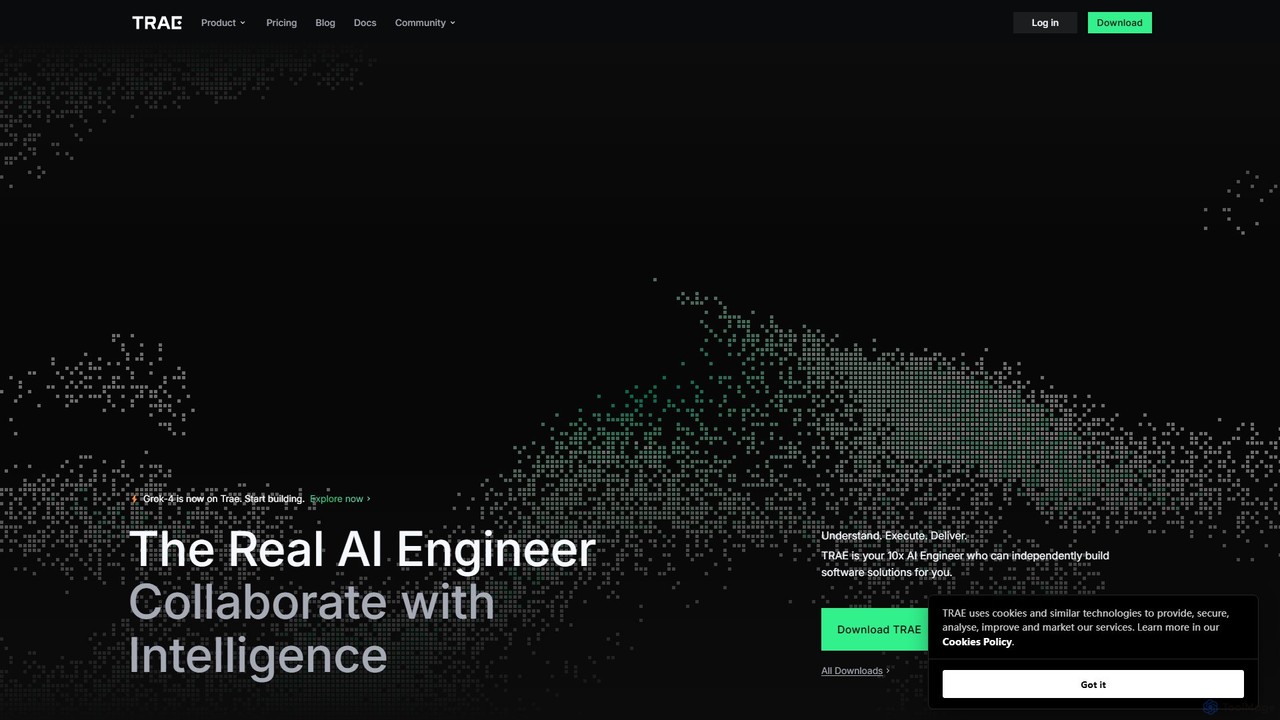
TRAE

TRAE is an AI-powered Integrated Development Environment (IDE) designed to function as a 10x AI Engineer. It automates the entire software development lifecycle, from idea to deployment, by understanding your vision, planning workflows, and executing tasks autonomously. Featuring dual development modes (IDE and SOLO), a customizable agent ecosystem, and deep contextual understanding, TRAE aims to revolutionize human-AI collaboration in coding.

Code Assistant
Visits 2.3MFavorites 166Likes 158
Kiro
Free

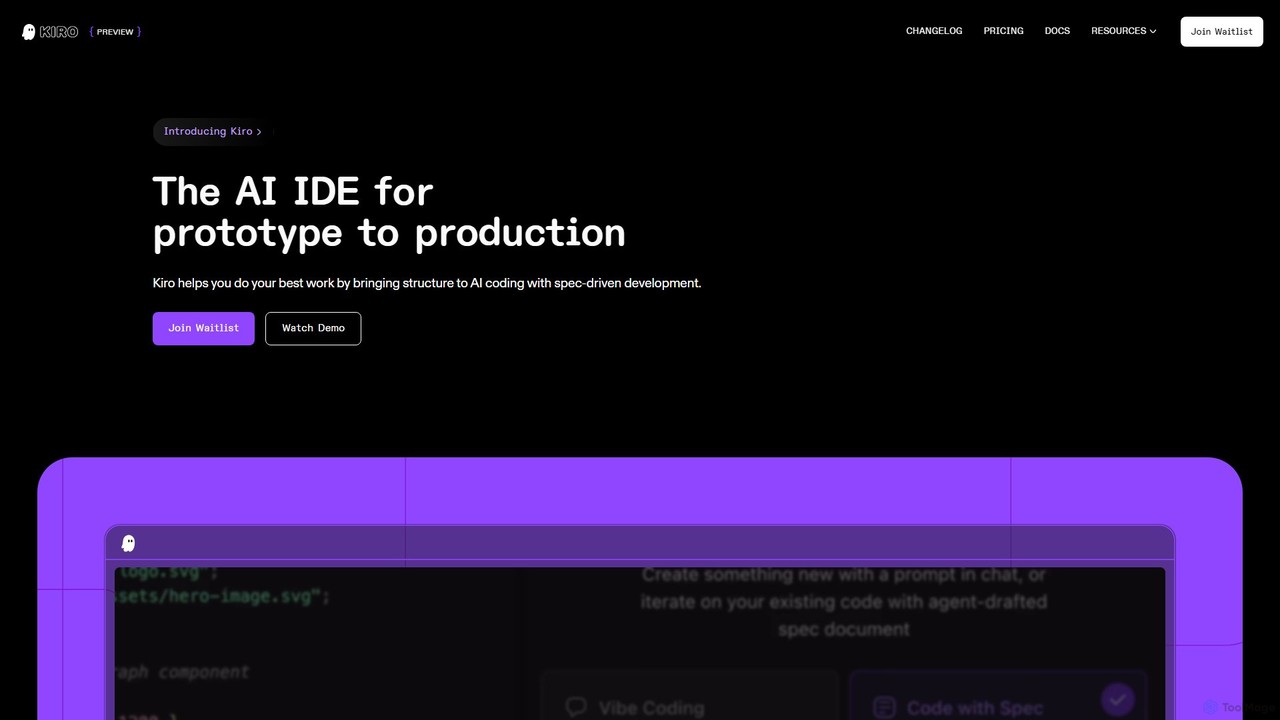
Kiro

Kiro is an AI-powered Integrated Development Environment (IDE) designed to streamline the entire software development lifecycle, from prototype to production. It introduces a structured, spec-driven development approach, transforming natural language prompts into clear requirements, system designs, and executable tasks. By leveraging AI agents, Kiro automates coding, testing, and documentation, helping developers build complex applications faster and with higher quality.

Code Assistant
Visits 3.8MFavorites 131Likes 134
JetBrains
Freemium

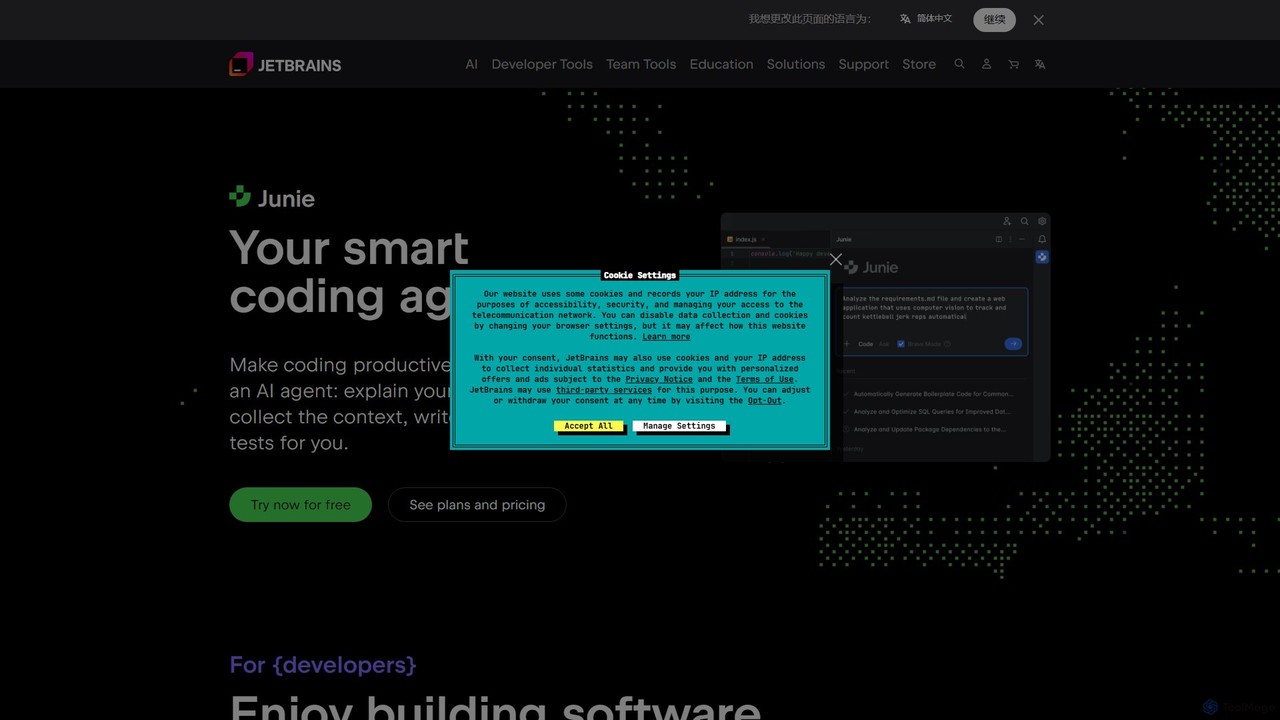
JetBrains

JetBrains provides a comprehensive suite of intelligent tools for software developers and teams, including powerful IDEs and an integrated AI Assistant. It enhances productivity with smart code completion, refactoring, and bug detection, streamlining the entire development lifecycle from coding to deployment. It supports a wide range of languages and offers robust team collaboration platforms.

Integrated Development Environment
Visits 6.6MFavorites 133Likes 134
Codio
Freemium

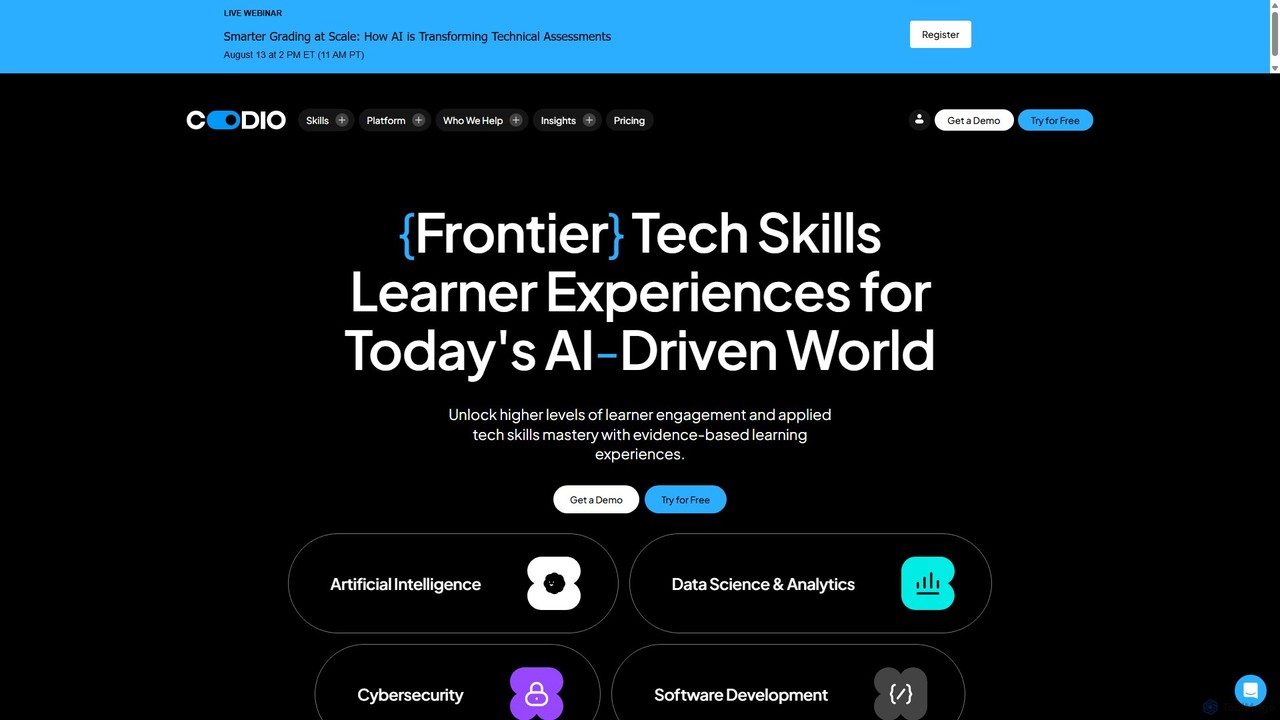
Codio

Codio is a hands-on learning experience platform for technical skills. It provides an AI-powered, browser-based environment for teaching and learning data science, AI, cybersecurity, and software development, designed to boost learner engagement and skills mastery.

Integrated Development Environment
Visits 288.6KFavorites 144Likes 154

About Integrated Development Environment

An Integrated Development Environment (IDE) is a software application that centralizes the essential tools for software development into a single interface. Modern IDEs are often enhanced with AI to intelligently assist with coding, debugging, and project management, significantly boosting developer productivity. They combine a source code editor, build automation tools, and a debugger, creating a seamless workflow from writing code to testing and deployment. This integration eliminates the need to switch between different applications, allowing developers to focus on building high-quality software more efficiently.

Core Features

  • AI-Powered Code Completion: Suggests entire lines or blocks of code based on context, not just single words, accelerating development.
  • Integrated Debugger: Allows developers to step through code, set breakpoints, and inspect variables to find and fix errors within the same environment.
  • Syntax Highlighting & Linting: Automatically formats code and flags potential errors or style violations in real-time to improve code quality.
  • Version Control Integration: Natively supports systems like Git, enabling developers to manage code changes, branches, and commits directly within the IDE.
  • Automated Refactoring: Intelligently restructures existing code without changing its external behavior, improving readability and maintainability.

Applicable Scenarios

IDEs are fundamental in nearly all software development fields. Web developers use them for building front-end and back-end applications, while mobile developers rely on them for creating iOS and Android apps. Data scientists and machine learning engineers utilize IDEs with specialized features for data analysis, model training, and visualization. They are also essential in game development, embedded systems programming, and enterprise software creation.

Selection Criteria

When choosing an IDE, consider the primary programming languages it supports. Evaluate the depth and quality of its AI features, such as code completion and debugging assistance. Performance and resource consumption are crucial, especially for large projects. Also, assess the richness of its plugin ecosystem for extensibility and its support for team collaboration features like shared sessions and integrated code reviews.

Integrated Development Environment use cases

1

AI-Assisted Full-Stack Web Development

A full-stack developer is building a web application using Python for the backend and React for the frontend. The AI-powered IDE provides context-aware code completions for both languages simultaneously. When writing an API endpoint in Python, the AI suggests the full function structure, including request handling and database queries. While working on the React component, it suggests appropriate state management hooks and component props. The integrated debugger allows setting breakpoints that trace a user request from the frontend all the way to the backend database call, reducing debugging time by over 40%.

2

Automated Code Refactoring for Legacy Systems

A software maintenance team is tasked with modernizing a large, aging Java codebase. Instead of manual review, they use an IDE with advanced AI refactoring tools. The IDE scans the entire project, identifying 'code smells' like overly complex methods and redundant code blocks. It then suggests specific refactoring actions, such as 'Extract Method' or 'Introduce Parameter Object'. The developer can review these suggestions, see a preview of the changes, and apply them with a single click. This process automates what would have been weeks of manual work, improving code maintainability and reducing the risk of introducing new bugs.

3

Rapid Prototyping in Data Science

A data scientist is exploring a new dataset to build a predictive model. They use an IDE with built-in Jupyter Notebook support. As they write Python code using libraries like Pandas and Matplotlib, the AI assistant suggests relevant functions and parameters, saving them from constantly checking documentation. The IDE allows them to execute code cells individually and instantly visualize plots and dataframes within the same window. This interactive environment significantly speeds up the exploratory data analysis (EDA) phase, allowing for faster iteration on hypotheses and feature engineering ideas.

4

Secure Coding with Real-time Vulnerability Scanning

A developer working on a financial application needs to ensure the code is highly secure. Their IDE is equipped with an AI-powered security scanner that analyzes code as it is written. When the developer writes a line of code that could lead to a SQL injection vulnerability, the IDE immediately flags it, explains the potential risk, and suggests a corrected, parameterized query. This real-time feedback loop helps prevent security flaws from ever being committed to the codebase, shifting security checks to the earliest stage of development and reducing future remediation costs.

5

Streamlining Mobile App Testing and Deployment

A mobile app developer is finalizing an Android application written in Kotlin. The IDE provides direct integration with the Android Emulator, allowing them to launch and test the app on various virtual devices with different screen sizes and OS versions without leaving the editor. The integrated profiler helps identify performance bottlenecks, such as excessive memory usage or slow UI rendering. Once testing is complete, the IDE's build automation tools can be used to generate a signed APK or App Bundle, ready for upload to the Google Play Store, streamlining the entire release process.

6

Collaborative Coding with Integrated Version Control

A distributed software team is working on a new feature. Using their IDE's integrated Git functionality, a developer creates a new branch for the feature directly within the editor. As they write code, they can view line-by-line changes, stage specific files, and write commit messages without switching to a terminal. When they are ready to merge, they can initiate a pull request from the IDE. Another team member receives a notification, reviews the code changes with syntax highlighting and comments inside the IDE, and approves the merge. This tight integration keeps the entire development and review cycle within a single, consistent environment.

Integrated Development Environment FAQ

What is an AI-powered Integrated Development Environment (IDE)?

An AI-powered Integrated Development Environment (IDE) is a comprehensive software application that provides all the essential tools for developers in one place, enhanced with artificial intelligence. It goes beyond a standard IDE by using AI to offer features like intelligent code completion that suggests entire blocks of code, automated code refactoring, advanced bug detection, and even natural language to code translation. The primary goal is to augment the developer's capabilities, accelerate the development lifecycle, and improve overall code quality by making the coding process smarter and more efficient.

What is the main difference between an IDE and a code editor?

The main difference lies in their scope and integration. A code editor is a lightweight text editor focused on writing and editing code, often with syntax highlighting and formatting. An Integrated Development Environment (IDE) is a much heavier, all-in-one suite that bundles a code editor with many other development tools. These typically include:

  • A compiler and/or interpreter: To translate code into an executable program.
  • A debugger: To analyze code execution and find bugs.
  • Build automation tools: To manage the compilation and packaging process.
  • Version control integration: To manage code history with systems like Git.
  • While a code editor can be extended with plugins to mimic IDE functionality, an IDE provides these tools out-of-the-box in a tightly integrated package.

How do I choose the right IDE for my project?

Choosing the right IDE depends on several factors specific to your project and preferences. Consider the following points:

  • Programming Language Support: Ensure the IDE has excellent, native support for your primary language (e.g., PyCharm for Python, IntelliJ IDEA for Java, Visual Studio for .NET).
  • Project Type: Some IDEs are specialized for certain tasks, like Android Studio for mobile development or CLion for C/C++.
  • Performance: Consider the IDE's resource consumption (RAM, CPU). A lightweight IDE might be better for smaller machines or projects.
  • Ecosystem and Plugins: Check the availability of plugins or extensions that can add functionality you need, such as database tools, linters, or framework-specific support.
  • AI Features: If you want AI assistance, compare the quality of code completion, refactoring suggestions, and integrated AI chat features across different IDEs.
What are the key benefits of using an AI-enhanced IDE?

Using an IDE enhanced with artificial intelligence offers several significant benefits over traditional ones. The primary advantage is a massive boost in productivity; AI code completion can write boilerplate and complex code blocks in seconds. Secondly, it improves code quality by proactively identifying potential bugs, security vulnerabilities, and performance issues as you type. AI-powered refactoring tools can also suggest intelligent improvements to make code more readable and maintainable. Finally, it lowers the cognitive load on developers, allowing them to focus on high-level problem-solving rather than getting bogged down in syntax and boilerplate.

Are Integrated Development Environments suitable for beginners?

Yes, IDEs are highly suitable for beginners. They provide an all-in-one environment that simplifies the setup process, as beginners don't have to manually install and configure separate tools like compilers and debuggers. Features like syntax highlighting, code completion, and real-time error checking provide immediate feedback, which is invaluable for learning. The integrated debugger helps beginners visualize code execution step-by-step, making it easier to understand complex concepts and find mistakes. While the number of features can seem overwhelming at first, starting with the basic editor and debugger functions provides a solid foundation for learning to code effectively.