
Kiro Overview
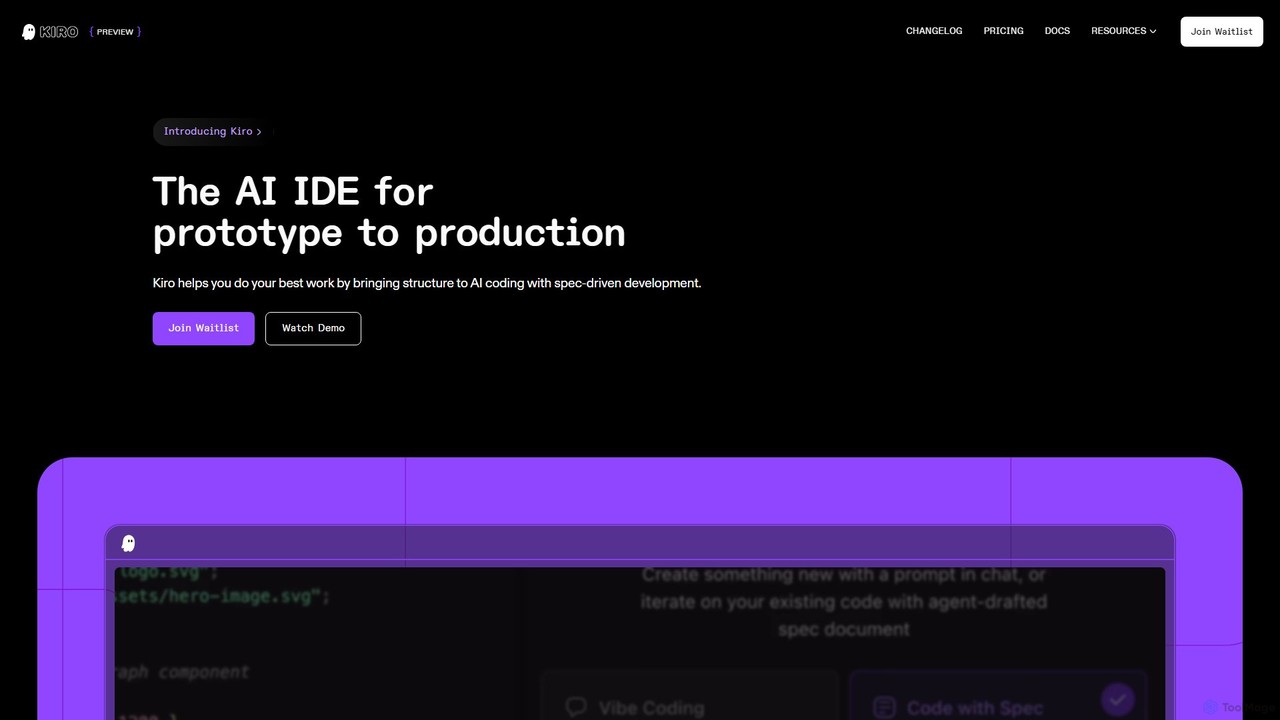
Kiro is a revolutionary AI Integrated Development Environment (IDE) built to transform the software development process. It moves developers away from unstructured "vibe coding" towards a more disciplined and efficient workflow called 'spec-driven development'. This methodology allows you to convert a simple idea or prompt into a comprehensive plan, including clear requirements, a robust system design, and a series of discrete, manageable tasks. Kiro acts as an intelligent partner, collaborating with you on architecture and then using advanced AI agents to implement the specification, all while keeping you in complete control.
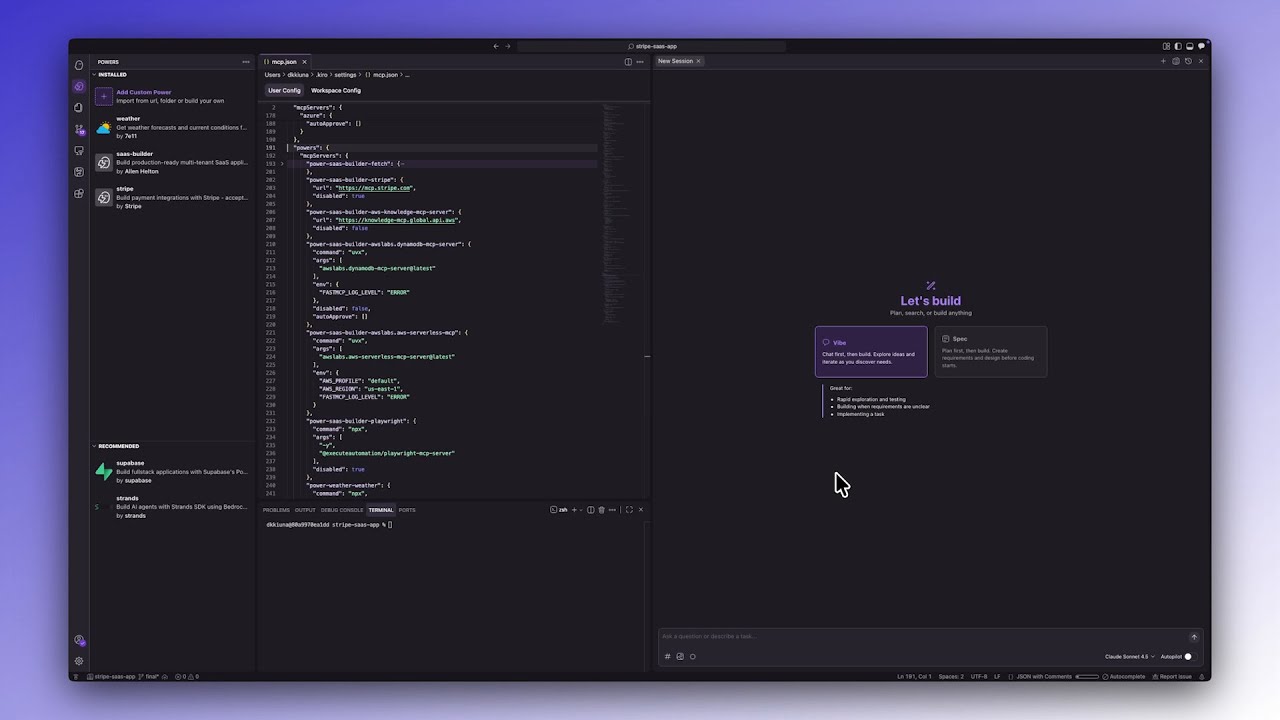
The platform is designed from the ground up to work with AI agents, providing a fresh yet familiar development experience that is compatible with VS Code extensions and settings. With its deep contextual understanding, facilitated by steering files and smart context management, Kiro minimizes repetition and can tackle complex features within large codebases more effectively. It supports multimodal inputs, allowing you to drop in UI design images or whiteboard photos to guide the implementation. Kiro is more than just a code generator; it's a comprehensive system for building high-quality, production-ready software with the power of AI.
How to use Kiro
Getting started with Kiro involves a structured workflow that maximizes its AI capabilities:
- Installation and Project Setup: First, install the Kiro application. You can open an existing project by selecting the folder, dragging it into the IDE, or running `kiro .` from your project's command line.
- Provide Context with Steering Files: To help Kiro understand your project's nuances, generate steering files. These files, stored in a `.kiro/steering/` directory, contain information about your tech stack, coding conventions, project structure, and overall product goals. This ensures the AI's output is tailored to your specific needs.
- Create a Spec: The core of Kiro is spec-driven development. Start a new spec by describing a feature in natural language (e.g., "Create a user authentication system"). Kiro will guide you through defining requirements (as user stories), designing the technical architecture, and breaking the work into executable implementation tasks.
- Execute and Review Tasks: Once the spec is finalized, Kiro's AI agents will begin implementing the tasks. You can monitor the progress in real-time, view code changes as they happen with integrated diffs, and approve, edit, or step through each change, ensuring you always remain in control.
- Automate with Agent Hooks: Delegate repetitive tasks using Agent Hooks. You can configure hooks to trigger on events like 'file save'. For example, create a hook to automatically generate or update unit tests and documentation whenever you save a component file.
- Extend with MCP: Use the Model Context Protocol (MCP) to connect Kiro to external data sources, APIs, and documentation. This allows the AI to access specialized knowledge, perform web searches, or integrate with your company's internal tools, further enhancing its capabilities.
Core Features of Kiro
- Spec-Driven Development: Turns high-level prompts into structured requirements, designs, and implementation tasks, bringing engineering discipline to AI coding.
- Agent Hooks: Automates workflows by triggering AI agents on events like file saves or manual commands, perfect for generating tests, documentation, or optimizing code.
- Multimodal Input: Accepts images of UI designs or architectural diagrams as context, allowing the AI to visually understand and implement your ideas.
- Steering Files: Provides deep, project-specific context to the AI, ensuring generated code adheres to your standards, frameworks, and architecture.
- Model Context Protocol (MCP): An extensible framework to connect Kiro with external APIs, databases, and knowledge bases, giving the AI access to the tools and data it needs.
- Autopilot Mode: Allows Kiro to autonomously execute large, complex tasks without step-by-step instructions, while the developer stays in control.
- VS Code Compatibility: Supports Open VSX plugins, themes, and settings, offering a familiar environment supercharged with AI.
- Live Code Diffs: Provides a transparent view of AI-generated code changes, allowing for easy review, approval, and editing.
Use Cases for Kiro
Kiro is versatile and can be applied across various development scenarios:
- Rapid Prototyping: Go from a concept to a working prototype in a fraction of the time, as Kiro handles the boilerplate and initial implementation logic.
- Complex Feature Development: Build intricate features like secure file-sharing systems or user authentication flows by defining a spec and letting Kiro manage the implementation details.
- Legacy Code Refactoring: Analyze and refactor existing codebases by providing Kiro with context and desired improvements.
- Automated Testing and Documentation: Use Agent Hooks to enforce best practices, ensuring unit tests and documentation are always up-to-date with code changes.
- Learning New Technologies: Lower the barrier to entry when learning a new programming language or framework, as Kiro can provide guidance, generate example code, and explain complex concepts.
- Game Development: Quickly build game logic and manage assets, as demonstrated by the 'Spirit of Kiro' tutorial project.
Advantages of Kiro
Kiro offers significant advantages over traditional IDEs and simple code assistants:
- Structured and Scalable: Moves beyond simple code generation to provide a structured framework that scales to large, complex projects.
- Enhanced Code Quality: By incorporating best practices and allowing for detailed specifications, Kiro helps produce more robust, maintainable, and secure code.
- Massive Productivity Boost: Automates tedious and repetitive tasks, allowing developers to focus on high-level architecture and problem-solving.
- Deep Contextual Awareness: Understands the entire project context, leading to more accurate and relevant code generation with less need for prompt re-engineering.
- Full Developer Control: Despite its powerful automation, Kiro is designed to keep the developer in the driver's seat, with full control over approvals and edits.
- Extensibility: The MCP allows for powerful integrations, making Kiro a customizable hub for all development activities.
Pricing and Plans
Kiro is currently available for free during its preview period. Interested users can sign up on the official website to join the waitlist and gain early access to the platform.
Traffic
Latest traffic
Status
Monthly traffic trend
- 2025-9: 1.2M
- 2026-1: 1.6M
- 2026-2: 1.9M
- 2026-3: 2.5M
- 2026-4: 2.6M
- 2026-5: 3.8M
Geography
Top 5 countries / regions
- 🇮🇳India30.8%
- 🇺🇸United States25.9%
- 🇮🇩Indonesia21.4%
- 🇨🇳China16.0%
- 🇻🇳Vietnam5.8%
Traffic sources
| Source type | Percentage |
|---|---|
Direct | 78.7% |
Referral | 19.9% |
Email | 1.4% |
Top keywords
| Keyword | Cost per click |
|---|---|
| claude | $0.98 |
| google ai studio | $0.35 |
| kiro | $2.47 |
| kiro ai | $2.25 |
| kiro cli | $3.54 |
Kiro Videos on YouTube

ProgrammingKnowledge





The Code Cruise
Kiro Alternatives
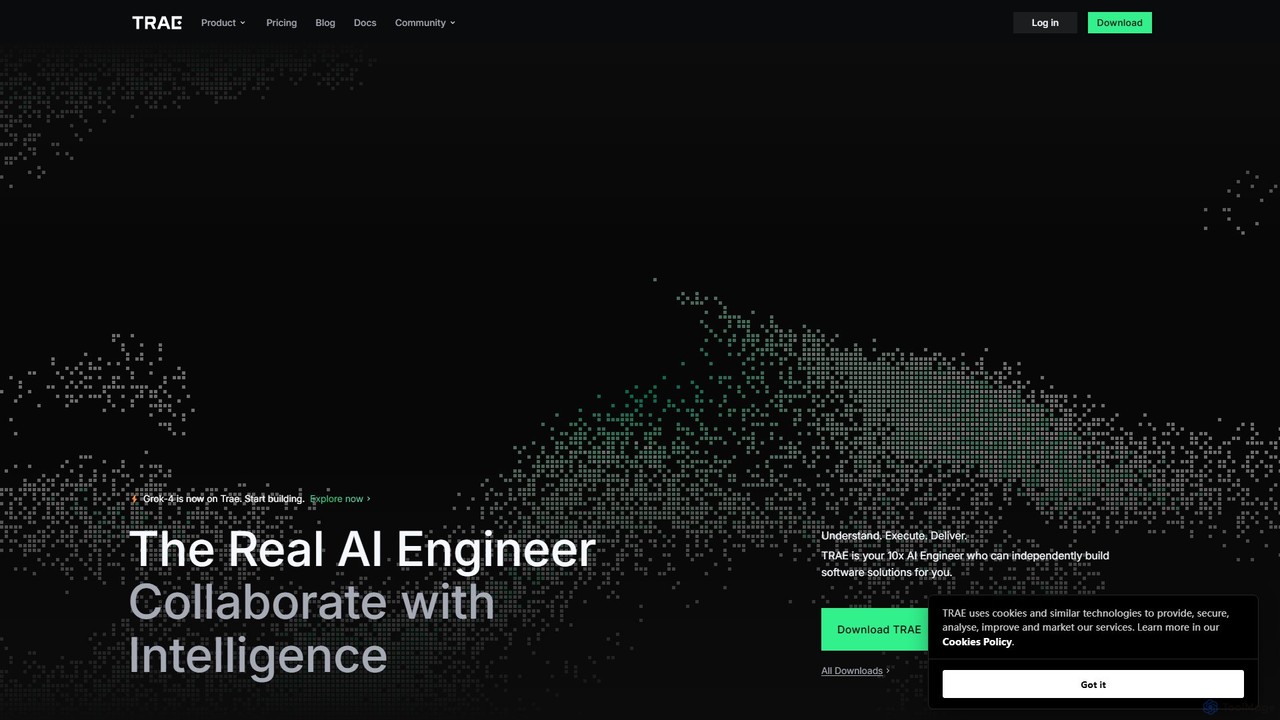
TRAE
TRAE is an AI-powered Integrated Development Environment (IDE) designed to function as a 10x AI Engineer. It automates the entire software development lifecycle, from idea to deployment, by understanding your vision, planning workflows, and executing tasks autonomously. Featuring dual development modes (IDE and SOLO), a customizable agent ecosystem, and deep contextual understanding, TRAE aims to revolutionize human-AI collaboration in coding.
Code Assistant
Rebolt
Rebolt is an AI-powered platform designed to automate the entire software development lifecycle. It helps developer and DevOps teams build, test, and deploy applications faster and more reliably by leveraging AI for CI/CD pipeline optimization, code generation, and intelligent monitoring.
Code Assistant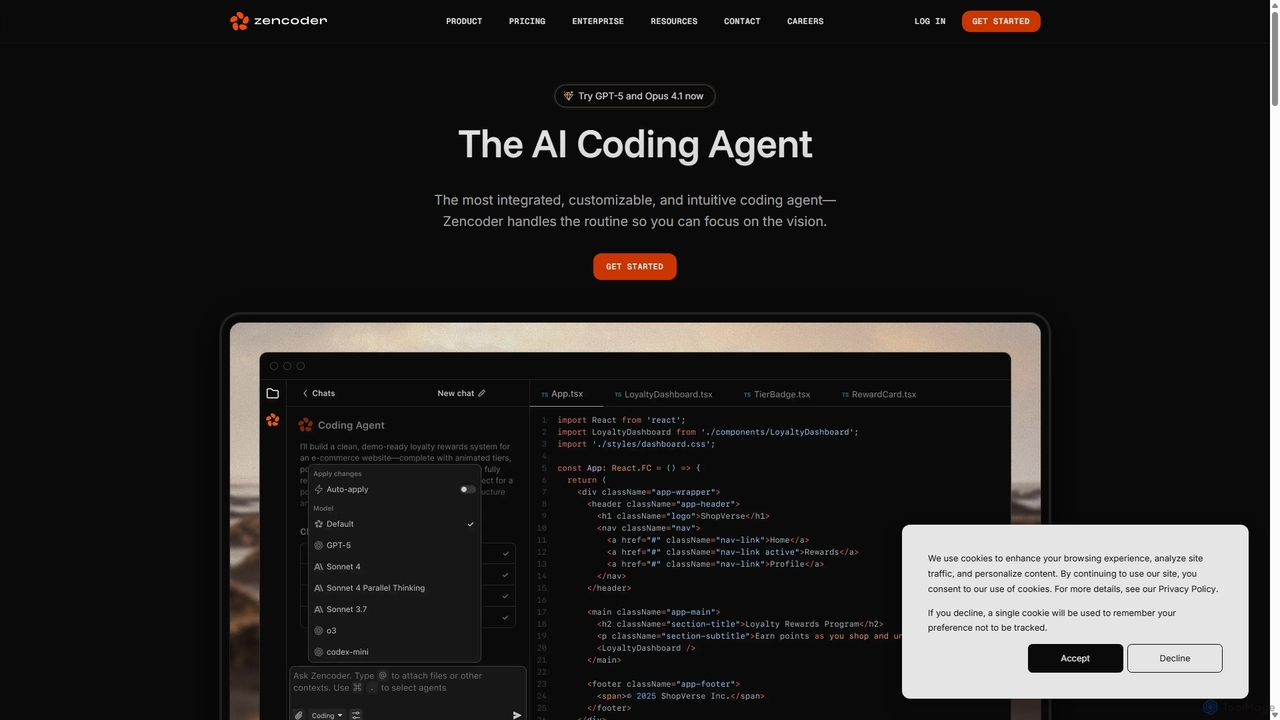
Zencoder
Zencoder is an advanced AI coding agent designed to automate routine development tasks. It deeply integrates into your workflow, understanding your entire codebase to implement features, write tests, fix bugs, and refactor code autonomously. With customizable 'Zen Agents' and seamless integration with VS Code, JetBrains, and over 100 developer tools, Zencoder empowers engineering teams to focus on innovation and ship products faster.
Code Assistant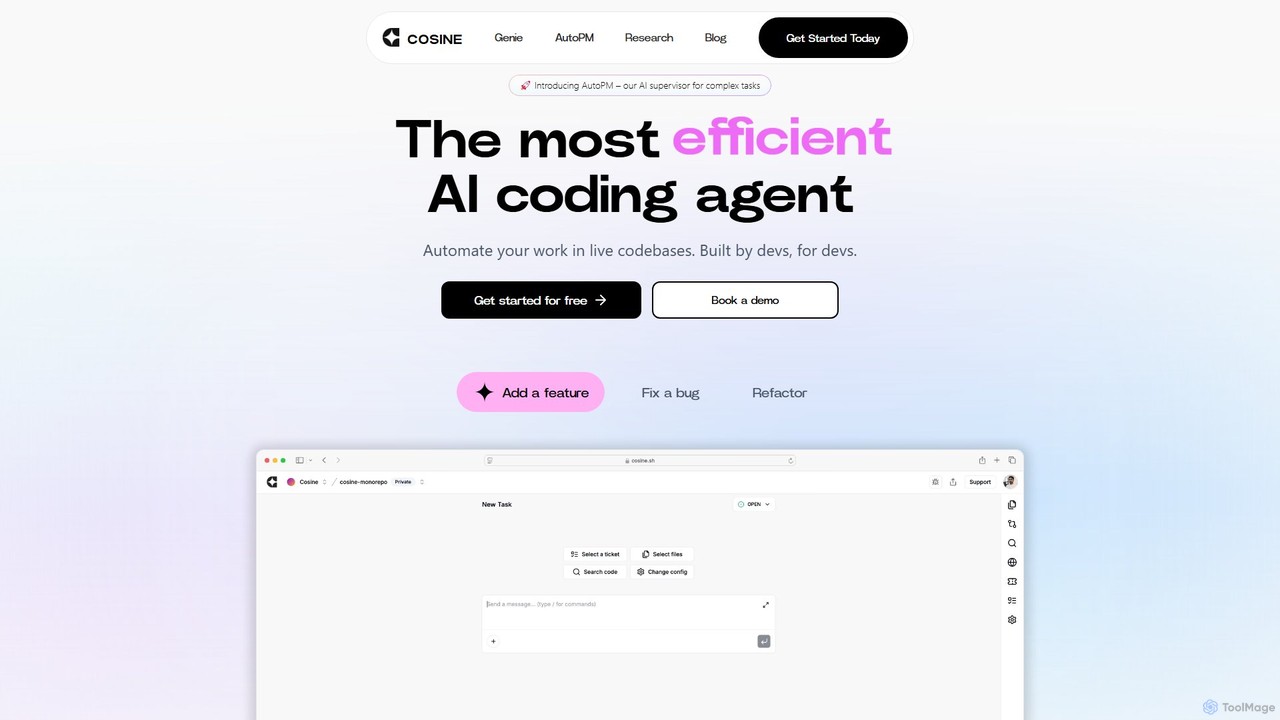
Cosine
Cosine is an agentic AI software engineer designed to automate complex coding tasks. It operates directly within live codebases to handle tickets, from feature development to bug fixes, and seamlessly integrates into your development workflow through tools like Jira, Slack, and Linear.
Software Engineering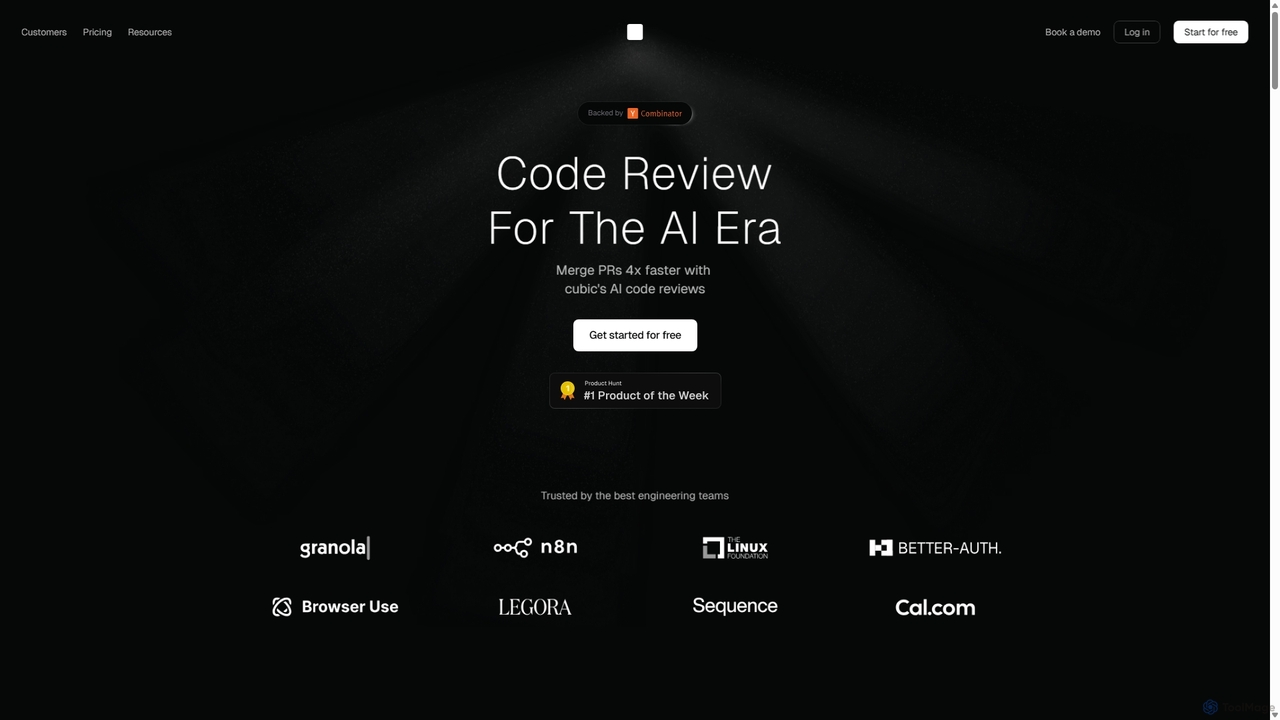
Cubic
Cubic is an AI-powered code review platform designed to accelerate development cycles. It integrates with GitHub to automatically review pull requests, catch bugs, enforce coding standards, and provide one-click fixes, helping engineering teams merge PRs up to 4x faster while improving code quality.
Code AssistantKiro Categories
Kiro Embed Widget
Copy this embed code to place the badge on your blog, article, or product site and send readers directly to this ToolMage detail page.

Related AI tools
Zencoder
Zencoder is an advanced AI coding agent designed to automate routine development tasks. It deeply integrates into your workflow, understanding your entire codebase to implement features, write tests, fix bugs, and refactor code autonomously. With customizable 'Zen Agents' and seamless integration with VS Code, JetBrains, and over 100 developer tools, Zencoder empowers engineering teams to focus on innovation and ship products faster.
Code AssistantCosine
Cosine is an agentic AI software engineer designed to automate complex coding tasks. It operates directly within live codebases to handle tickets, from feature development to bug fixes, and seamlessly integrates into your development workflow through tools like Jira, Slack, and Linear.
Software Engineering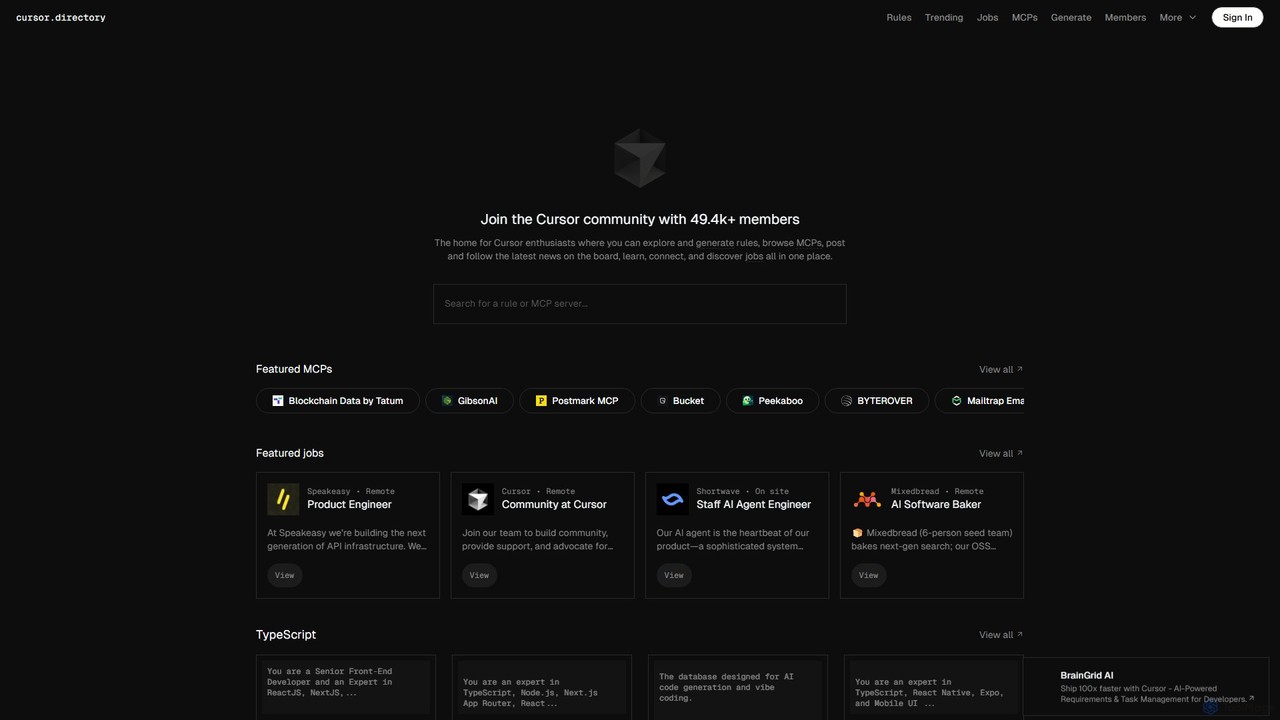
Cursor
Cursor is an AI-first code editor designed for modern software development. Built as a fork of VS Code, it integrates powerful AI capabilities directly into the editing experience, allowing developers to chat with their codebase, generate, edit, and debug code with unprecedented speed and context-awareness.
Code Generation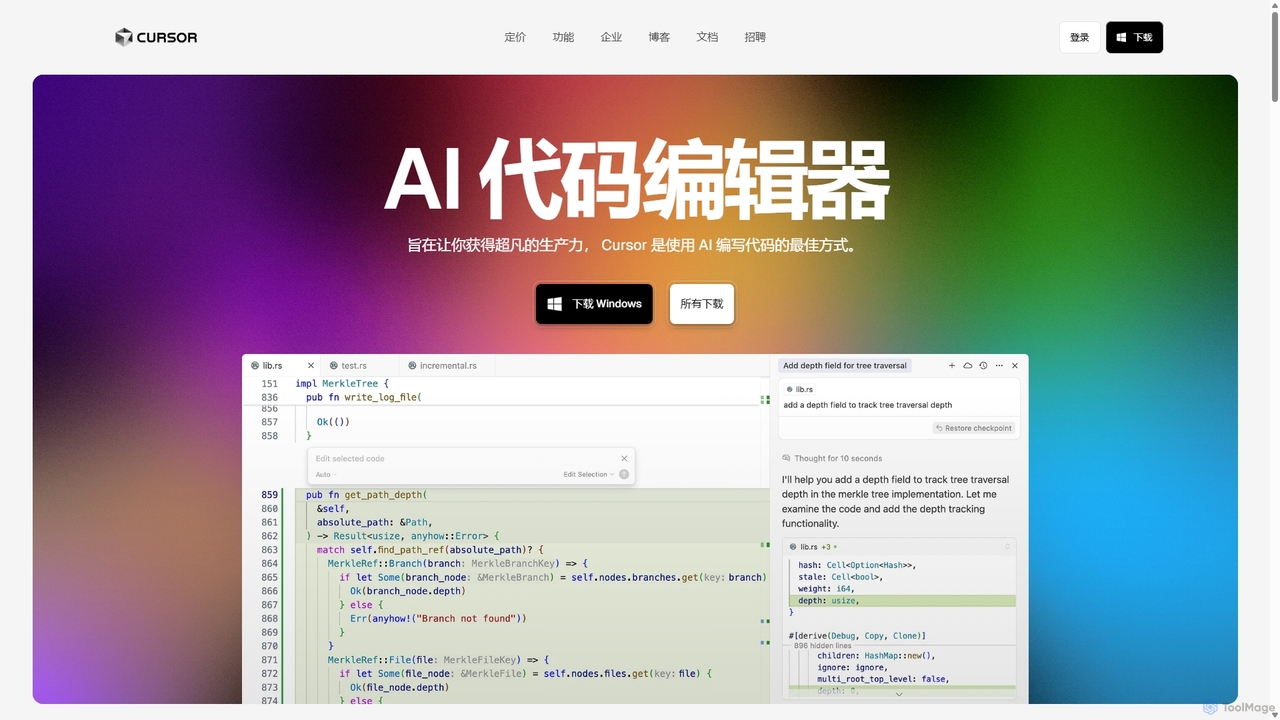
Cursor
Cursor is an AI-first code editor designed for pair-programming with artificial intelligence. Built as a fork of VS Code, it offers a familiar environment supercharged with advanced AI capabilities for code generation, editing, debugging, and codebase comprehension, aiming to significantly boost developer productivity.
Code Assistant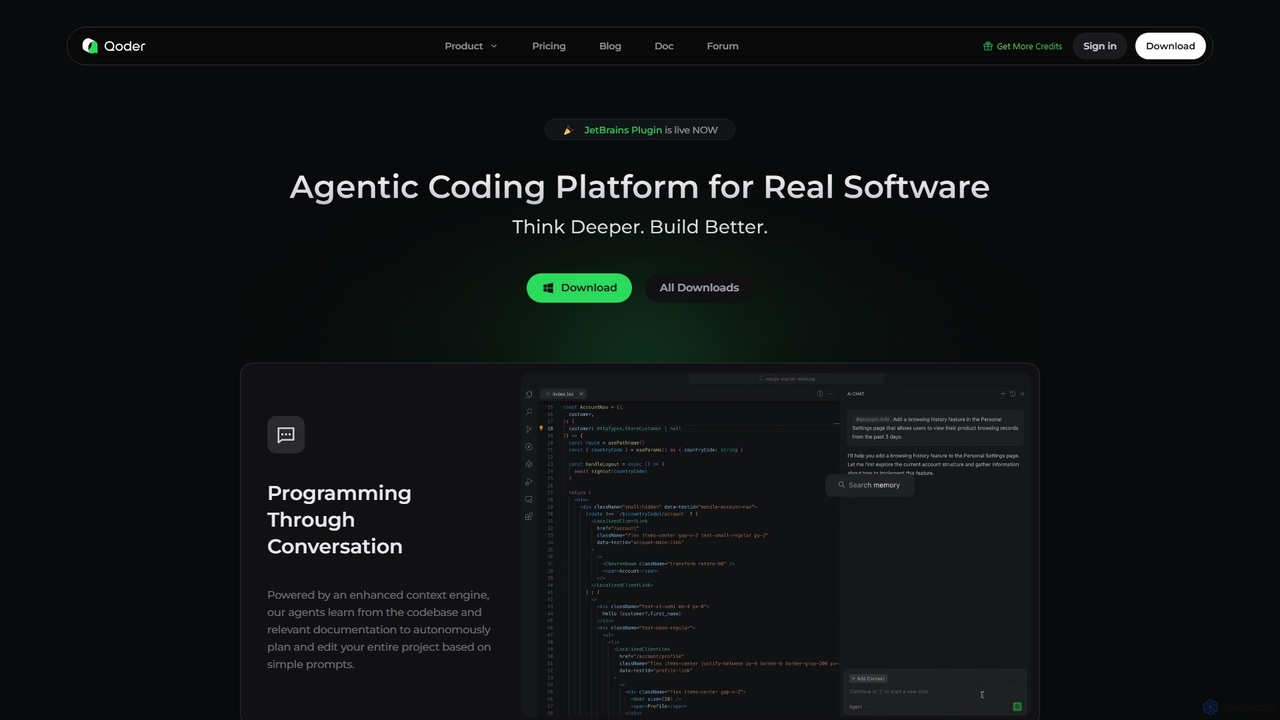
Qoder
Qoder is an agentic AI coding platform designed for real software development. It leverages an enhanced context engine to autonomously plan, code, and test entire projects based on simple prompts, integrating seamlessly into developer workflows via IDE, CLI, or JetBrains plugin.
Code Assistant
Codegen
Codegen is an AI software engineering agent that accelerates development by transforming tickets into pull requests in minutes. It integrates with your existing tools like GitHub, Slack, and JIRA, using full codebase context to automate coding, fix bugs, and review code, effectively 10x-ing your team's productivity.
Version Control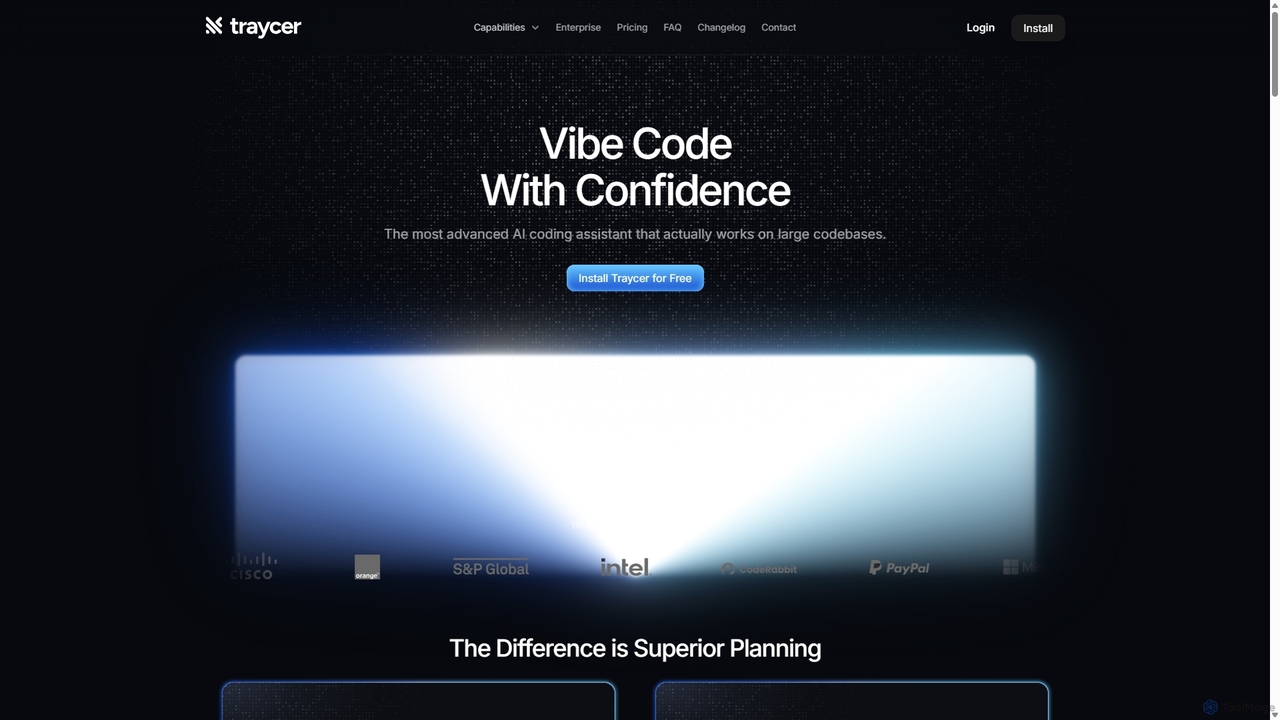
Traycer
Traycer is an advanced AI coding assistant designed for large codebases. It champions a "Plan First, Code Second" approach, generating detailed, actionable plans before writing any code. It integrates with popular AI agents like Copilot and Claude, verifies changes, and offers automated code reviews to streamline development, improve code quality, and significantly boost productivity for individual developers and teams.
Code Review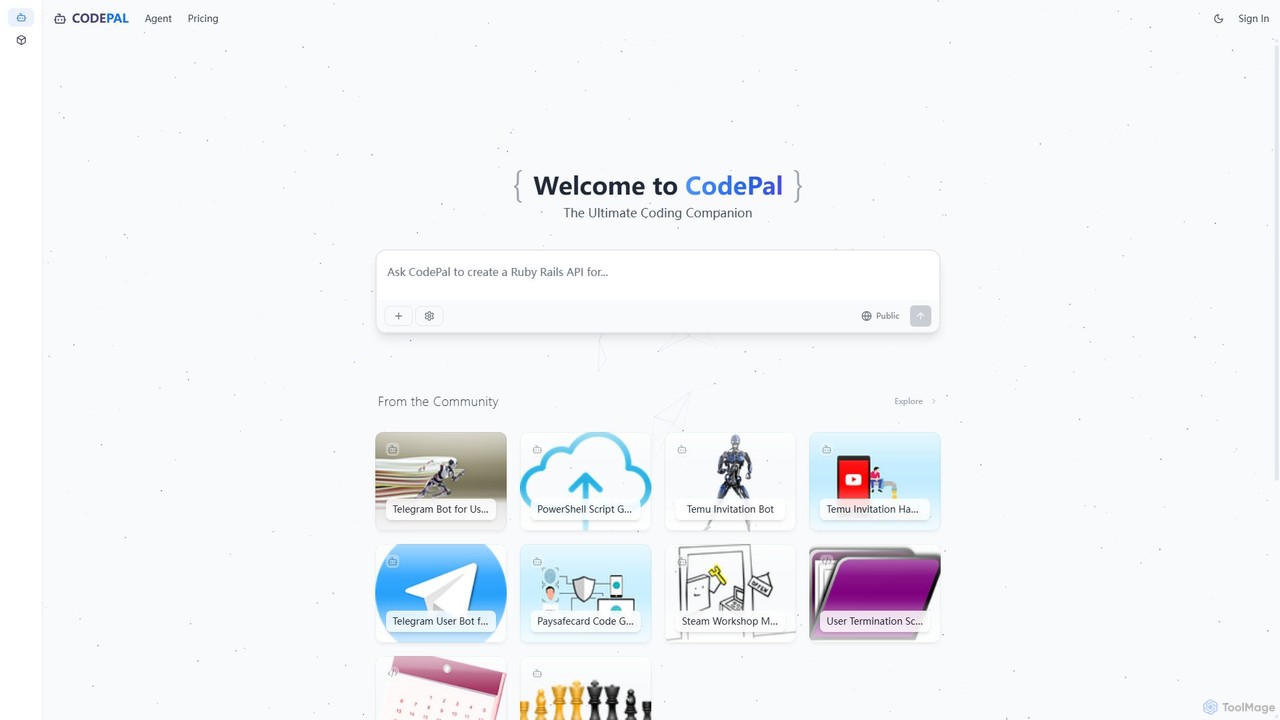
CodePal
A powerful AI coding companion and autonomous engineer that integrates directly into GitHub. Automate code reviews, generate documentation, resolve issues, and write unit tests with simple commands to accelerate your development workflow.
Code Assistant
Devgen
Devgen is an AI-powered coding assistant designed to accelerate the software development lifecycle. It helps developers write better code faster by providing intelligent code generation, completion, refactoring, and automated testing, directly within their IDE.
Code Assistant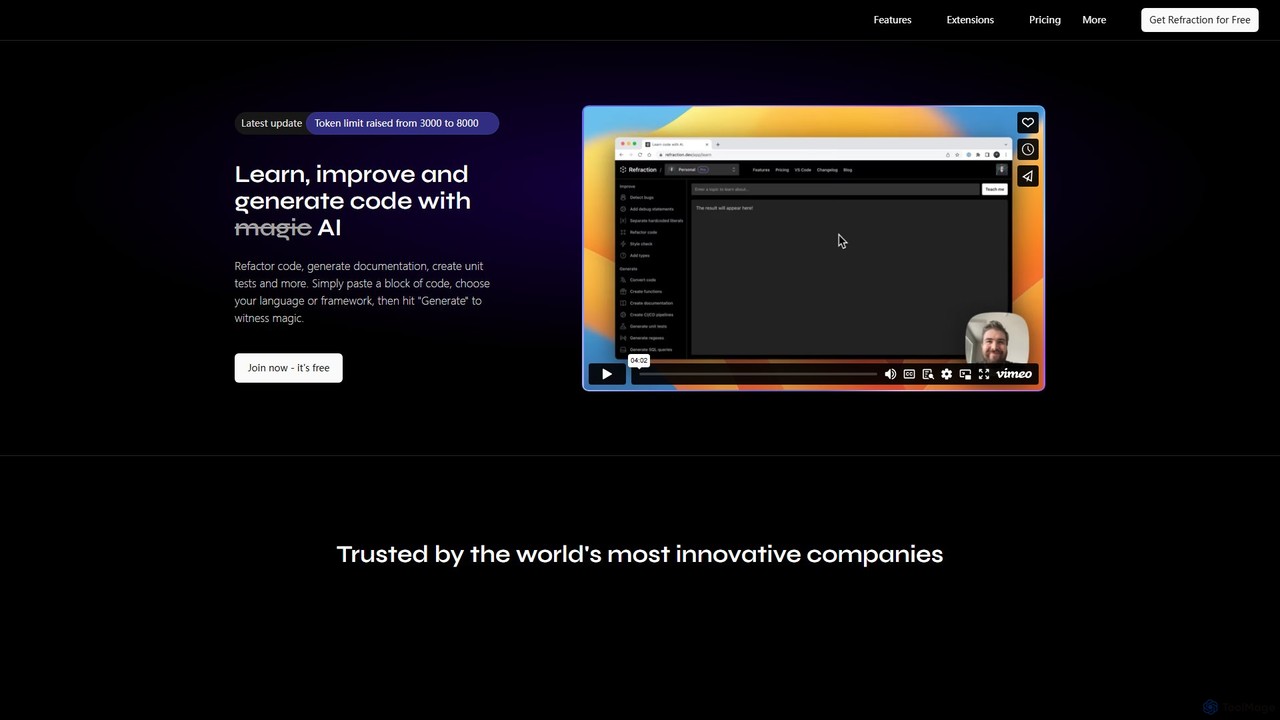
Refraction
Refraction is an AI-powered coding assistant for developers. It automates tedious tasks like generating unit tests, writing documentation, refactoring code, and converting between 56 programming languages. Boost your productivity and focus on building great software.
Code Assistant
jetcode.app
jetcode.app is an AI-powered coding assistant designed to accelerate software development. It helps developers write, debug, and optimize code faster by providing intelligent code generation, real-time completion, and powerful refactoring tools directly within their IDE.
Code Assistant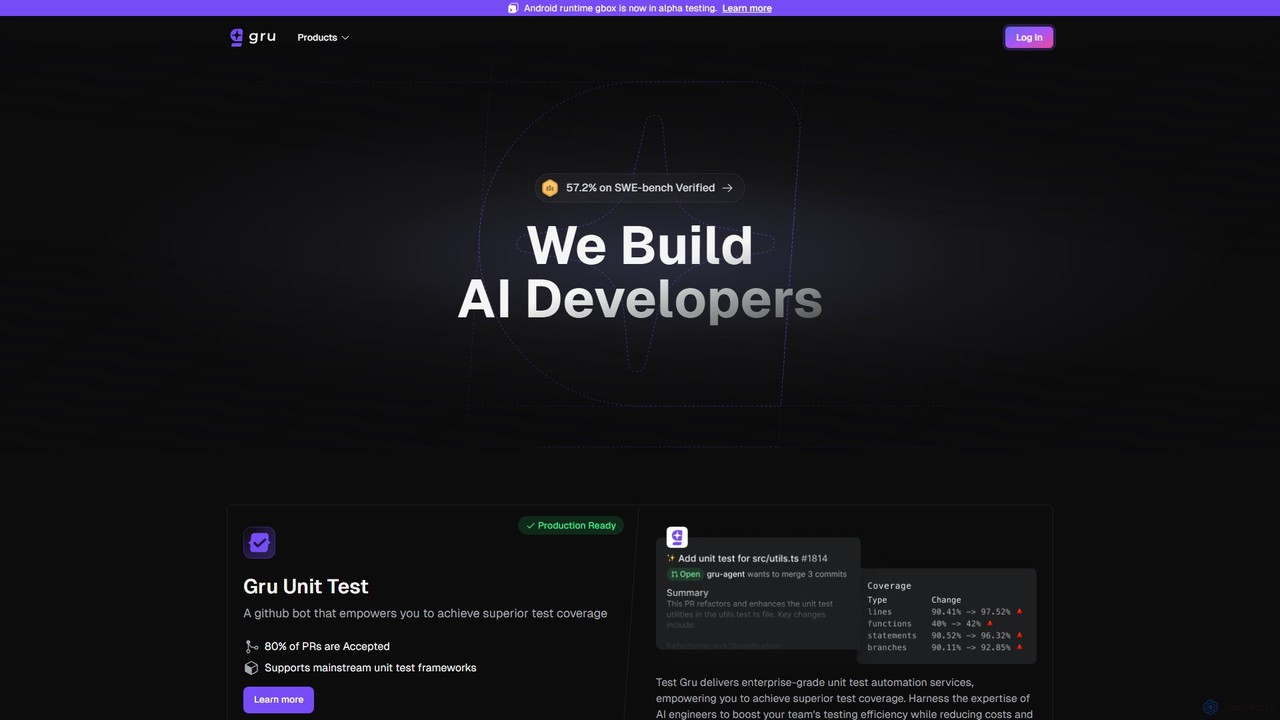
Gru.ai
Gru.ai is an AI-powered developer agent designed to automate software engineering tasks. It specializes in generating comprehensive unit tests as a GitHub bot, instantly boosting code coverage and improving code quality for multiple programming languages.
Code Assistant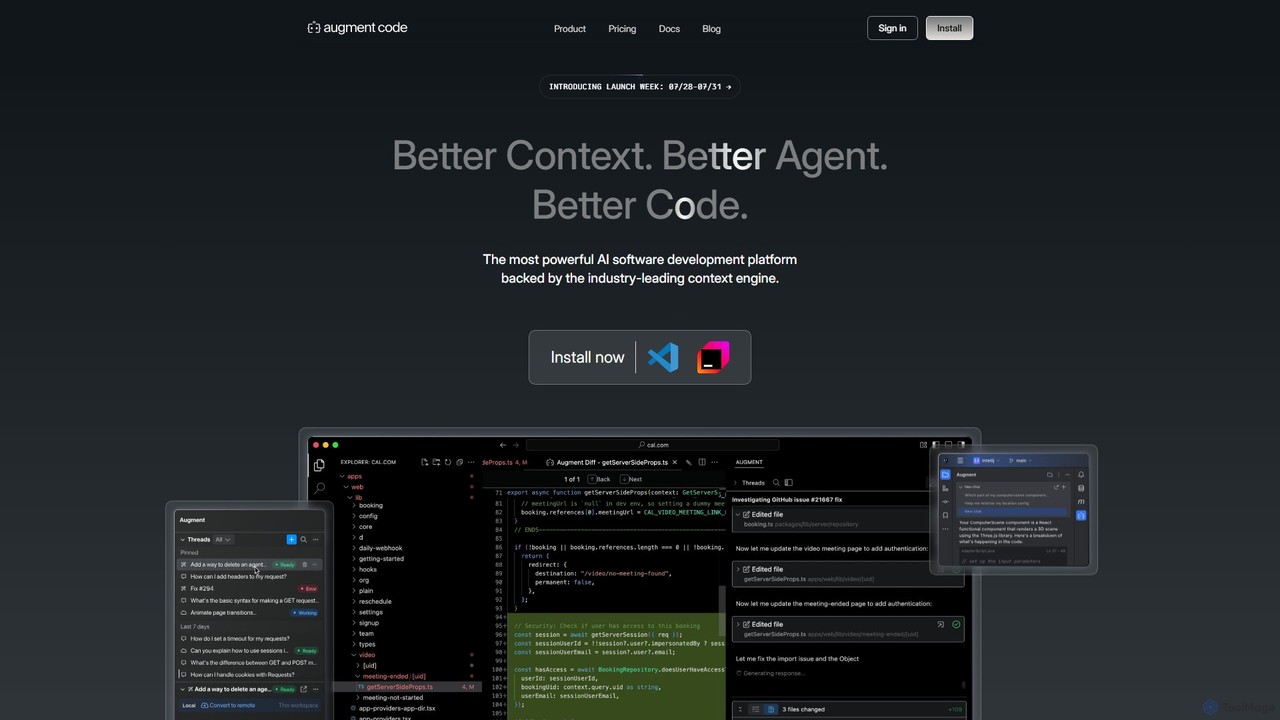
Augment Code
Augment Code is an advanced AI software development platform featuring autonomous agents and a powerful context engine. It integrates into your IDE to help you plan, build, and ship production-ready code faster, with a strong focus on enterprise-grade security and deep codebase understanding.
Code Generation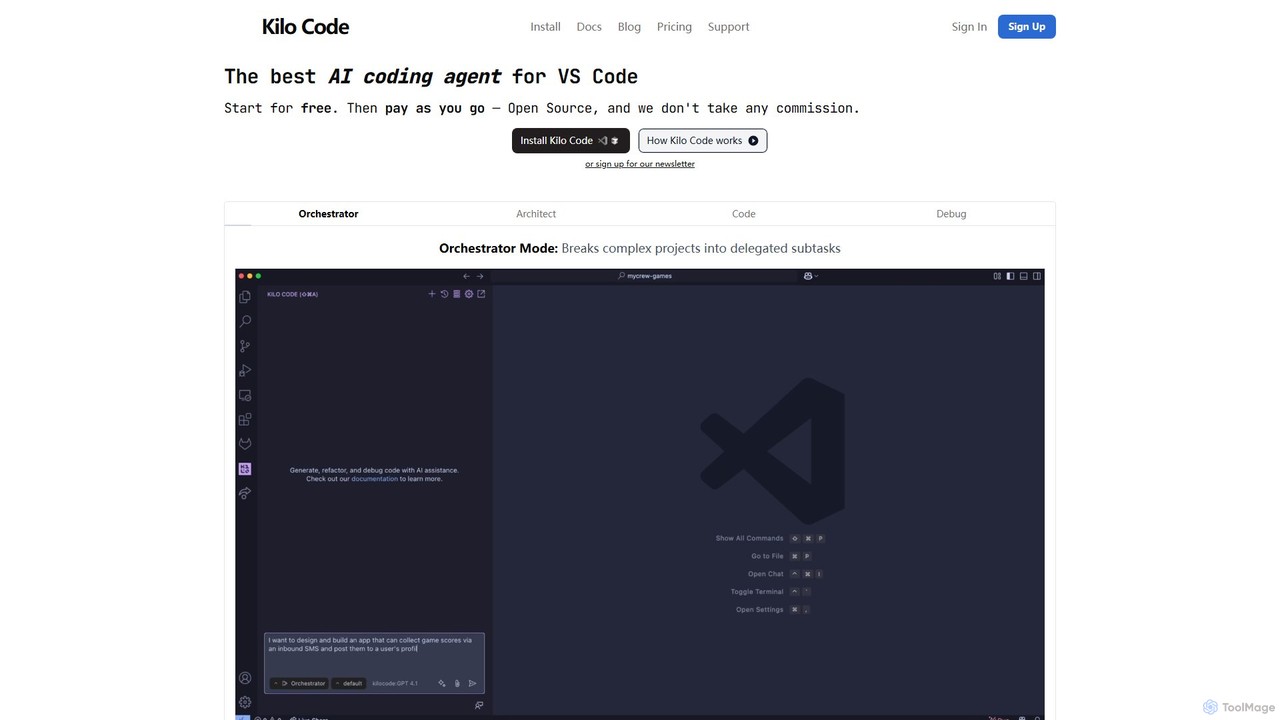
Kilo Code
Kilo Code is a powerful, open-source AI coding agent for VS Code. It features a multi-agent system (Orchestrator, Architect, Code, Debug) to automate complex development tasks, from design to debugging. It's highly customizable, context-aware, and prioritizes user privacy with a "bring your own key" model and no data training.
Code Assistant
supertest
Supertest is an AI-powered copilot for software testing that integrates directly into VS Code. It automates the creation of unit tests, allowing developers to generate comprehensive tests with a single click, significantly speeding up the development workflow and improving code quality.
Code Generation
Kiro Comments (0)
Sign in to comment.
Sign inNo comments yet.