
Komandi Overview
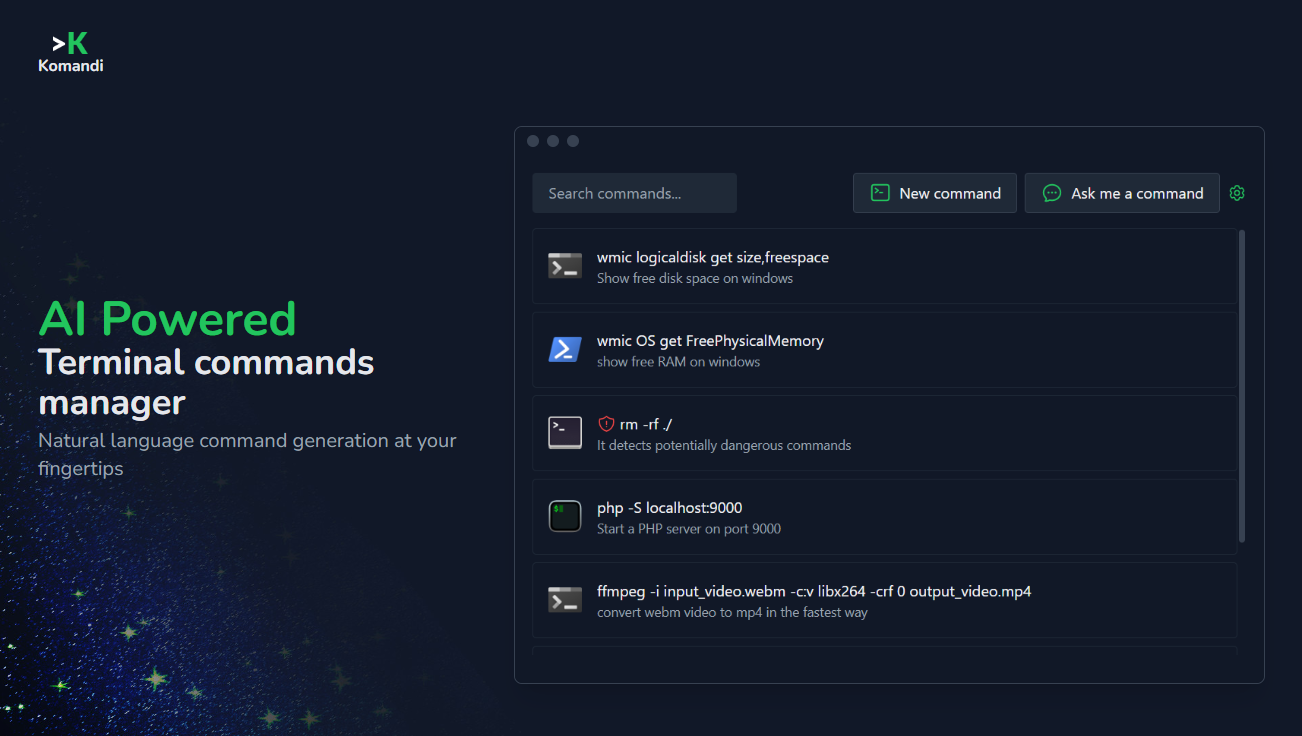
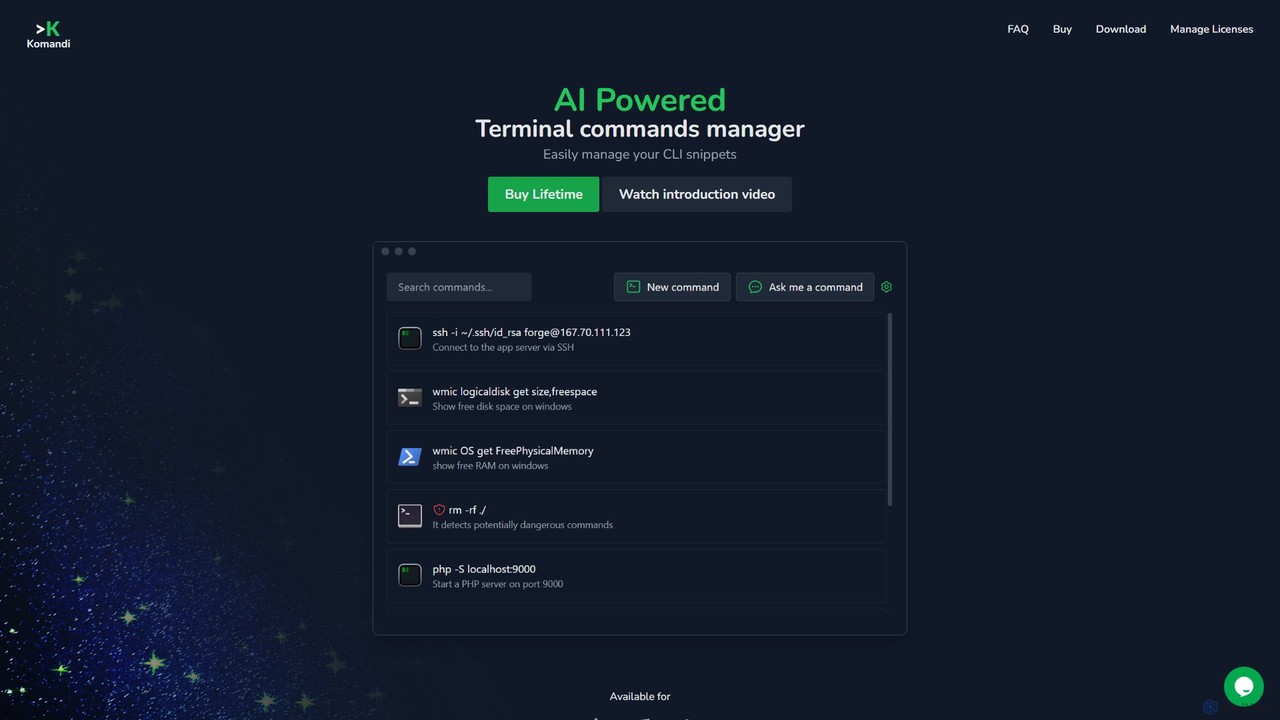
Komandi is a sophisticated desktop application designed to revolutionize how developers and system administrators interact with the command line. It acts as a centralized, intelligent manager for all your CLI/terminal commands, effectively replacing scattered notes and the endless search for complex command syntax. By leveraging the power of AI, Komandi allows users to generate necessary terminal commands simply by describing what they want to do in natural language. This significantly lowers the barrier to entry for complex tasks and boosts the productivity of even seasoned professionals.
The application is built with efficiency and safety in mind. It not only stores and organizes your most-used command snippets but also includes a crucial safety feature that detects and flags potentially dangerous commands (like `rm -rf /`) to prevent accidental, catastrophic execution. Komandi is a cross-platform tool, available for macOS, Windows, and Linux, ensuring a consistent workflow across different operating systems.
How to use Komandi
Getting started with Komandi is straightforward. First, download and install the application on your preferred operating system (macOS, Windows, or Linux). You can start with a 7-day free trial to explore the core features, though AI command generation requires a license. To unlock the full potential, purchase a lifetime license. Once activated, you can immediately start managing your commands. You can manually add, edit, and categorize your existing command snippets for quick access. To use the AI feature, simply type a prompt in plain English (or any other language) describing the task, for example, "find all files larger than 100MB in the current directory and its subdirectories." Komandi will generate the corresponding command, which you can then copy, save as a favorite, or execute directly in your chosen terminal environment, such as iTerm2, PowerShell, or Gnome Terminal. The application also allows you to manage your license and deactivate it on one device to activate it on another.
Core Features of Komandi
- AI-Powered Command Generation: Utilizes AI (GPT-3) to translate natural language prompts into accurate CLI commands, supporting multiple languages for prompts.
- Snippet Management: A central place to store, organize, favorite, and search all your frequently used commands, eliminating the need for separate text files.
- Dangerous Command Detection: Automatically identifies and warns you about potentially harmful commands to prevent accidental system damage.
- Cross-Platform Support: A single application that works seamlessly across macOS, Windows, and Linux.
- Terminal Integration: Executes commands directly in various terminal environments, including Windows Terminal, PowerShell, iTerm2, Gnome Terminal, and more.
- One-Click Actions: Easily copy commands to the clipboard, execute them directly, or run them on specific paths with simple shortcuts.
- License Management: Simple system to manage your license, allowing you to transfer it between devices without needing a user account.
- Import/Export Functionality: A planned feature to allow users to easily back up and transfer their command library.
Use Cases for Komandi
Komandi is invaluable for a wide range of professionals who regularly use the command line. For a software developer, it can instantly generate complex `git` commands for rebasing, `docker` commands for managing containers, or `npm` scripts. A system administrator or DevOps engineer can use it to quickly formulate `awk`, `sed`, or `grep` commands for log parsing, manage user permissions with `chmod`/`chown`, or configure network settings with `iptables`. For data scientists, it can help construct commands for managing virtual environments or running data processing scripts. Even users less familiar with the CLI can leverage Komandi to perform tasks that would otherwise require extensive searching and learning, making the terminal more accessible to everyone.
Advantages of Komandi
The primary advantage of Komandi is the massive boost in productivity and efficiency. It drastically reduces the time spent searching for command syntax on Google or Stack Overflow. The AI generation feature minimizes cognitive load and allows users to stay focused on their primary task. The dangerous command detection adds a critical layer of safety, providing peace of mind. Its cross-platform nature ensures a consistent and reliable experience regardless of your work environment. Finally, the lifetime license model offers exceptional value, providing permanent access and updates for a single, affordable price, a stark contrast to the subscription-based models of many modern tools.
Pricing and Plans
Komandi offers a simple and highly attractive pricing model:
Lifetime License: For a one-time payment of $19, you get lifetime access to the application and all future updates. This plan includes:
- 1 device activation (can be transferred to a new device).
- Ability to insert and execute unlimited commands.
- 10,000 AI Tokens for command generation (approximately 120 commands).
- 10,000 tokens: $3.00 (approx. 120 commands)
- 20,000 tokens: $5.00 (approx. 240 commands)
- 30,000 tokens: $7.00 (approx. 360 commands)
Traffic
Latest traffic
Status
Monthly traffic trend
- 2025-9: 2.0K
- 2026-1: 1.0K
- 2026-2: 962
- 2026-3: 1.6K
- 2026-4: 1.0K
- 2026-5: 482
Geography
Top 5 countries / regions
- 🇹🇷Türkiye100.0%
Top keywords
| Keyword | Cost per click |
|---|---|
| ai command | $0.00 |
| command ai | $0.35 |
Komandi Alternatives
ShellMate
ShellMate is an open-source, AI-powered command-line productivity tool designed for developers and system administrators. Powered by OpenAI, it acts as your terminal's best friend, allowing you to use natural language to find commands, get predictive suggestions based on your history, and receive context-aware help without ever leaving your console. Simply use the `sm` shortcut to boost your command-line efficiency and reduce time spent searching for syntax.
Code Assistant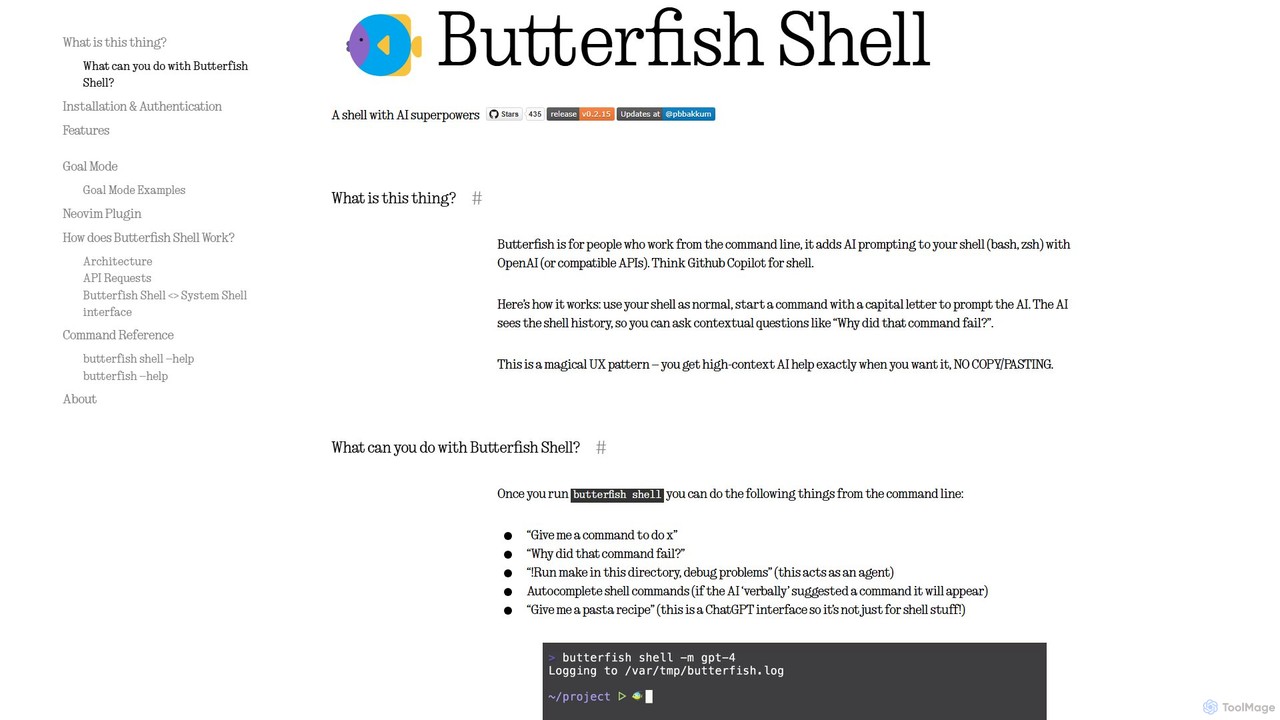
butterfish
butterfish is an open-source CLI tool that supercharges your shell (bash, zsh) with AI capabilities. Acting like GitHub Copilot for the command line, it allows you to generate commands, debug errors, and automate tasks using natural language prompts directly in your terminal. It maintains context from your shell history, providing highly relevant assistance and boosting productivity for developers and sysadmins.
Code Assistant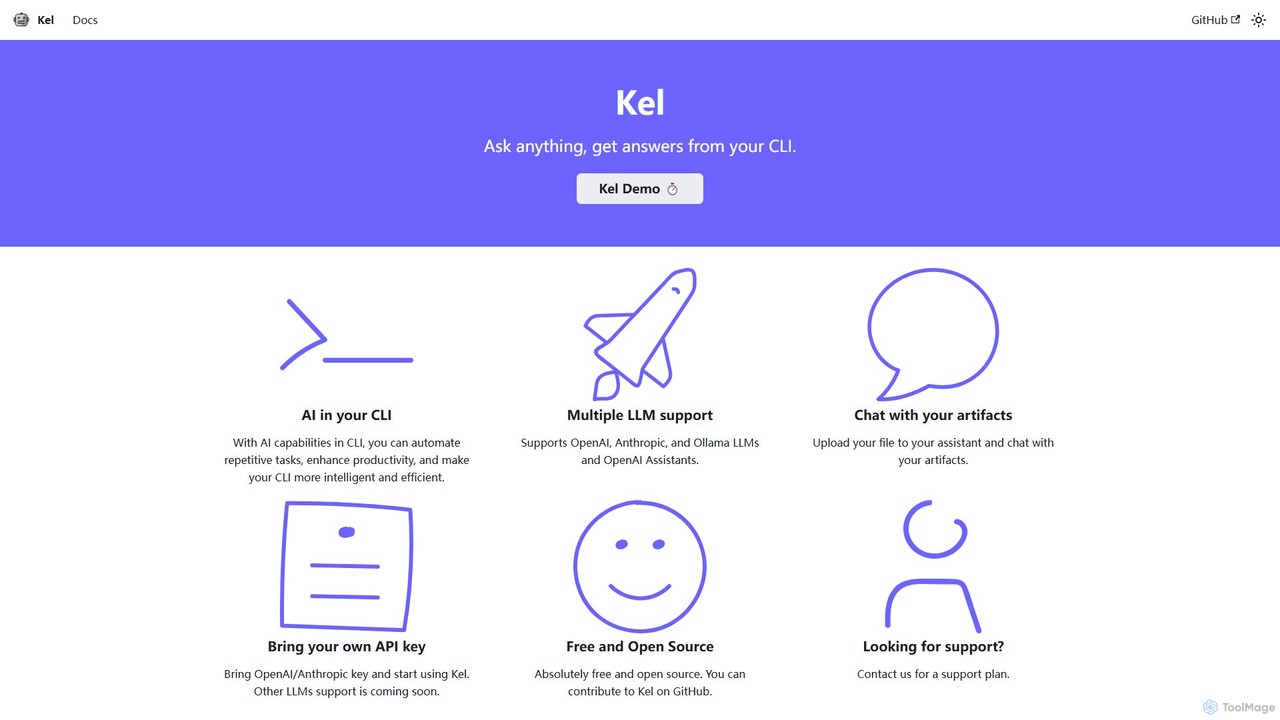
Kel
Kel is a free, open-source AI assistant for your command-line interface (CLI). It integrates with multiple LLMs like OpenAI, Anthropic, and Ollama to help developers and sysadmins automate tasks, generate commands, and even chat with documents directly from the terminal.
Code Assistant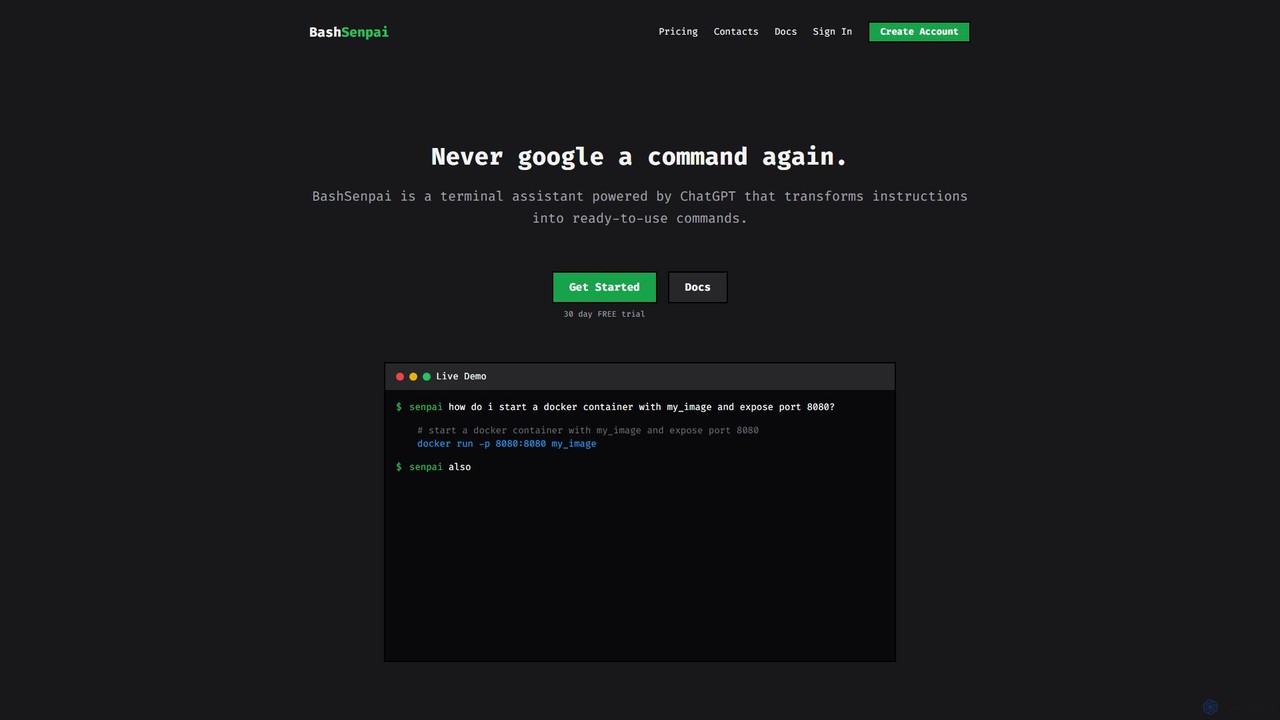
BashSenpai
BashSenpai is a ChatGPT-powered terminal assistant that transforms natural language instructions into ready-to-use shell commands. It operates directly within your terminal, providing context-aware, accurate commands for developers and system administrators, eliminating the need to search online.
Code Assistant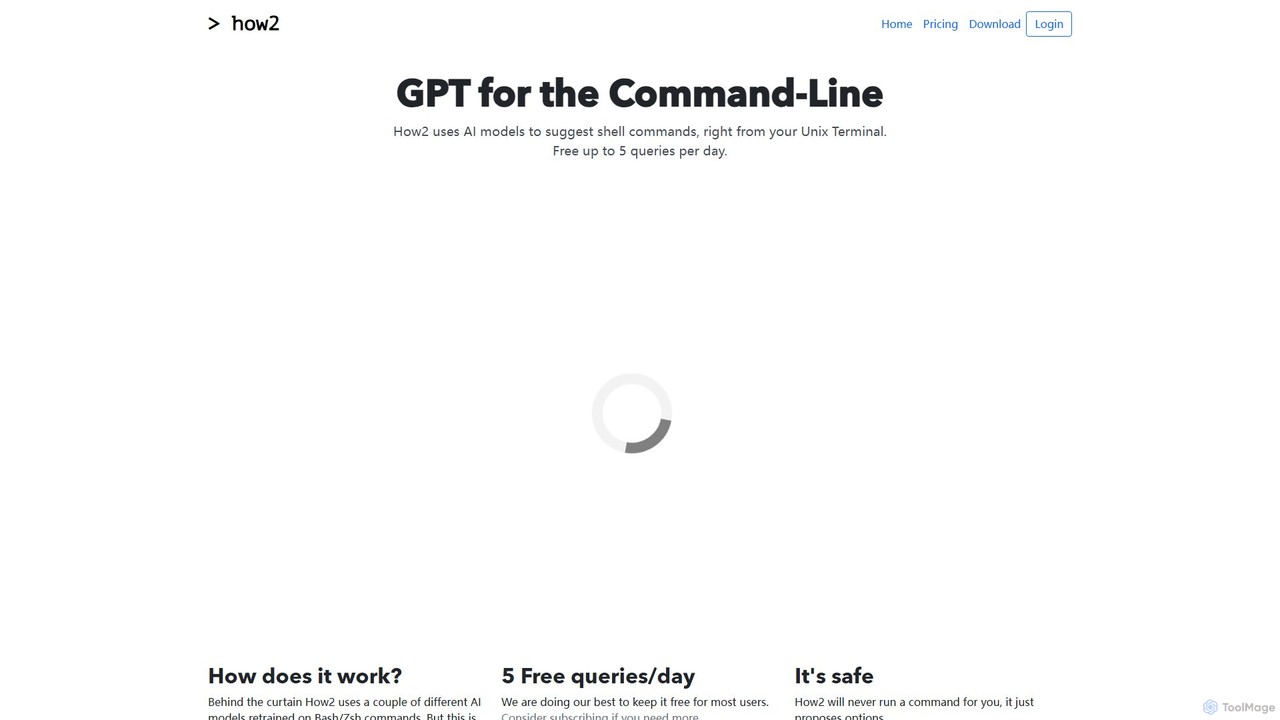
how2terminal
how2terminal is an AI-powered command-line tool that translates natural language queries into shell commands. It works directly in your Unix or PowerShell terminal, suggesting commands for Bash, Zsh, and more, helping developers and sysadmins boost productivity and learn new commands without leaving their workflow.
Code AssistantKomandi Categories
Komandi Embed Widget
Copy this embed code to place the badge on your blog, article, or product site and send readers directly to this ToolMage detail page.

Related AI tools
ShellMate
ShellMate is an open-source, AI-powered command-line productivity tool designed for developers and system administrators. Powered by OpenAI, it acts as your terminal's best friend, allowing you to use natural language to find commands, get predictive suggestions based on your history, and receive context-aware help without ever leaving your console. Simply use the `sm` shortcut to boost your command-line efficiency and reduce time spent searching for syntax.
Code Assistantbutterfish
butterfish is an open-source CLI tool that supercharges your shell (bash, zsh) with AI capabilities. Acting like GitHub Copilot for the command line, it allows you to generate commands, debug errors, and automate tasks using natural language prompts directly in your terminal. It maintains context from your shell history, providing highly relevant assistance and boosting productivity for developers and sysadmins.
Code AssistantKel
Kel is a free, open-source AI assistant for your command-line interface (CLI). It integrates with multiple LLMs like OpenAI, Anthropic, and Ollama to help developers and sysadmins automate tasks, generate commands, and even chat with documents directly from the terminal.
Code AssistantBashSenpai
BashSenpai is a ChatGPT-powered terminal assistant that transforms natural language instructions into ready-to-use shell commands. It operates directly within your terminal, providing context-aware, accurate commands for developers and system administrators, eliminating the need to search online.
Code Assistant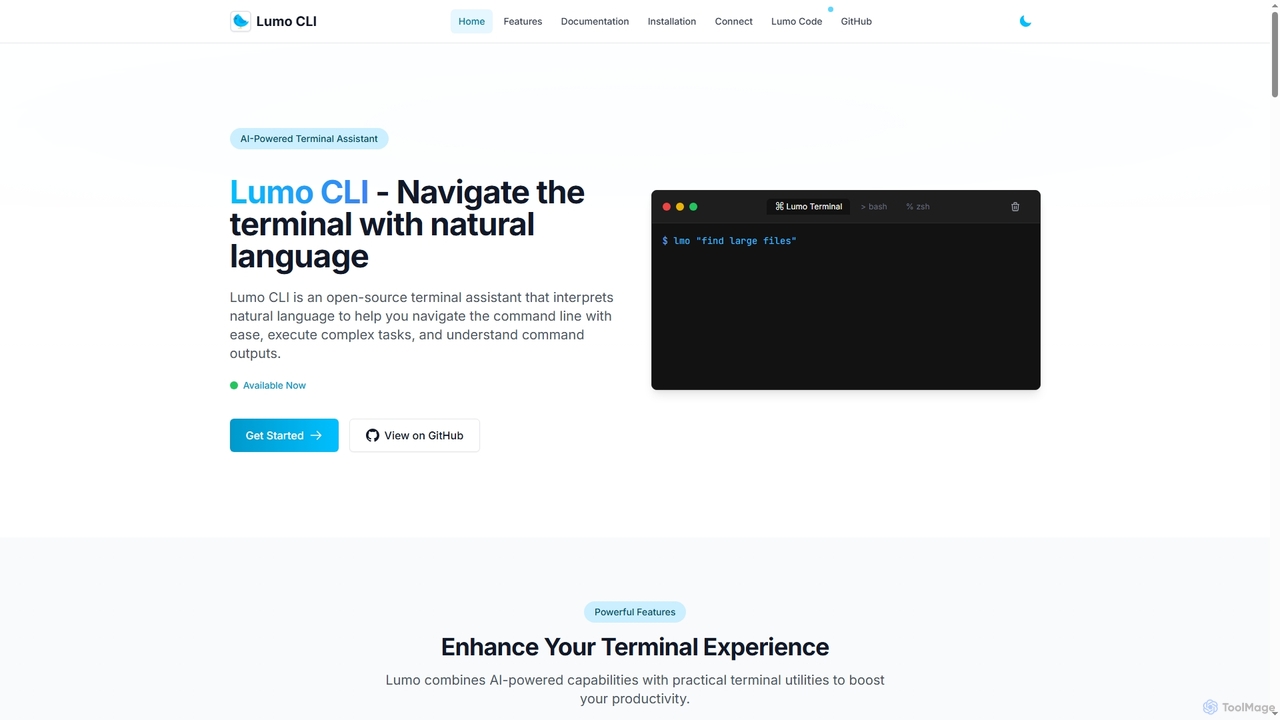
Lumo
Lumo is an open-source, AI-powered terminal assistant that allows users to interact with the command line using natural language. It translates plain English into executable commands, automates complex tasks, monitors system health, and supports multiple AI models including Gemini, OpenAI, and Ollama for local inference.
Code Assistant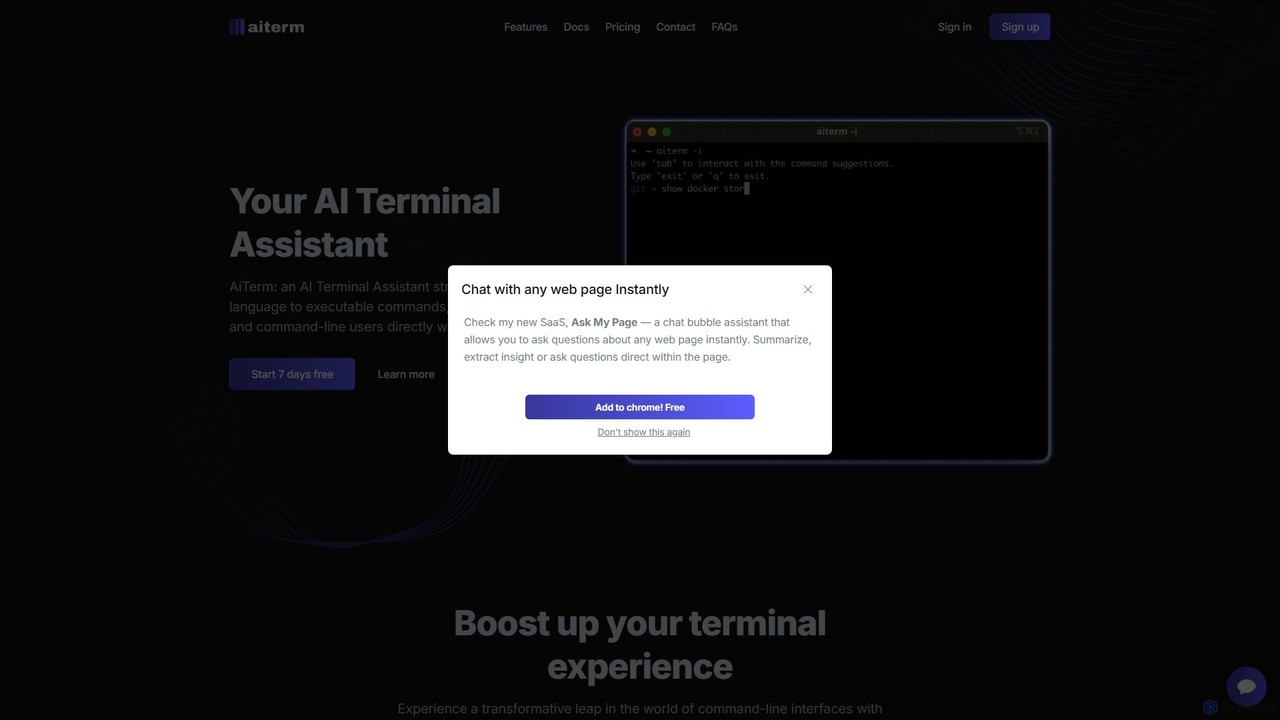
AiTerm
AiTerm is an AI-powered terminal assistant that translates natural language into executable shell commands. It streamlines workflows for developers and command-line users with features like IDE-style autocompletion, command suggestions, and workflow management, all directly within the terminal.
Code Assistant
Charm
Charm is an ecosystem of open-source tools and libraries designed to make the command-line interface (CLI) glamorous and powerful. It provides developers with applications for AI-powered coding (Crush, Mods), beautiful terminal UIs (Bubble Tea), markdown rendering (Glow), and self-hosted Git servers (Soft Serve). Charm empowers developers to build, style, and enhance their terminal workflows with modern, elegant, and highly functional tools.
Code Assistant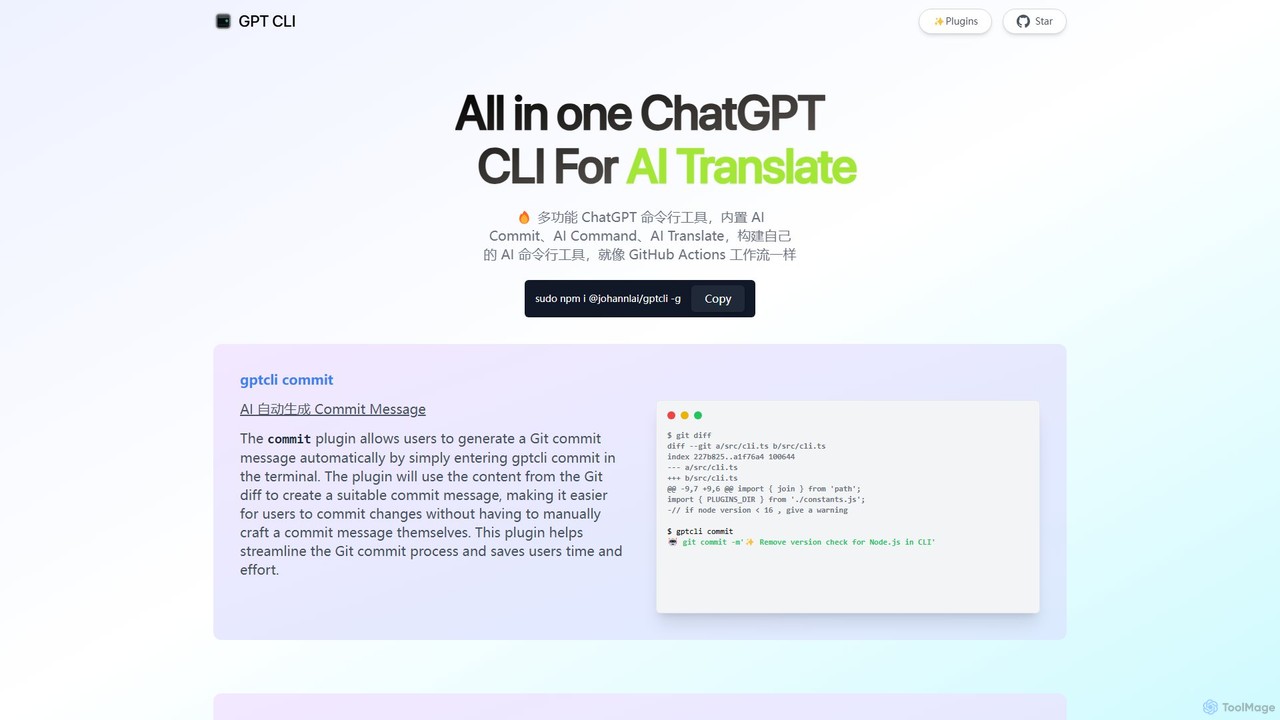
gptcli
gptcli is a versatile, open-source command-line tool that integrates ChatGPT directly into your terminal. It streamlines developer workflows with features like AI-powered Git commits, natural language to shell command translation, and in-terminal chat. With its extensible plugin system, you can build your own custom AI CLI tools, making it the ultimate productivity enhancer for anyone who works extensively with the command line.
Code Assistant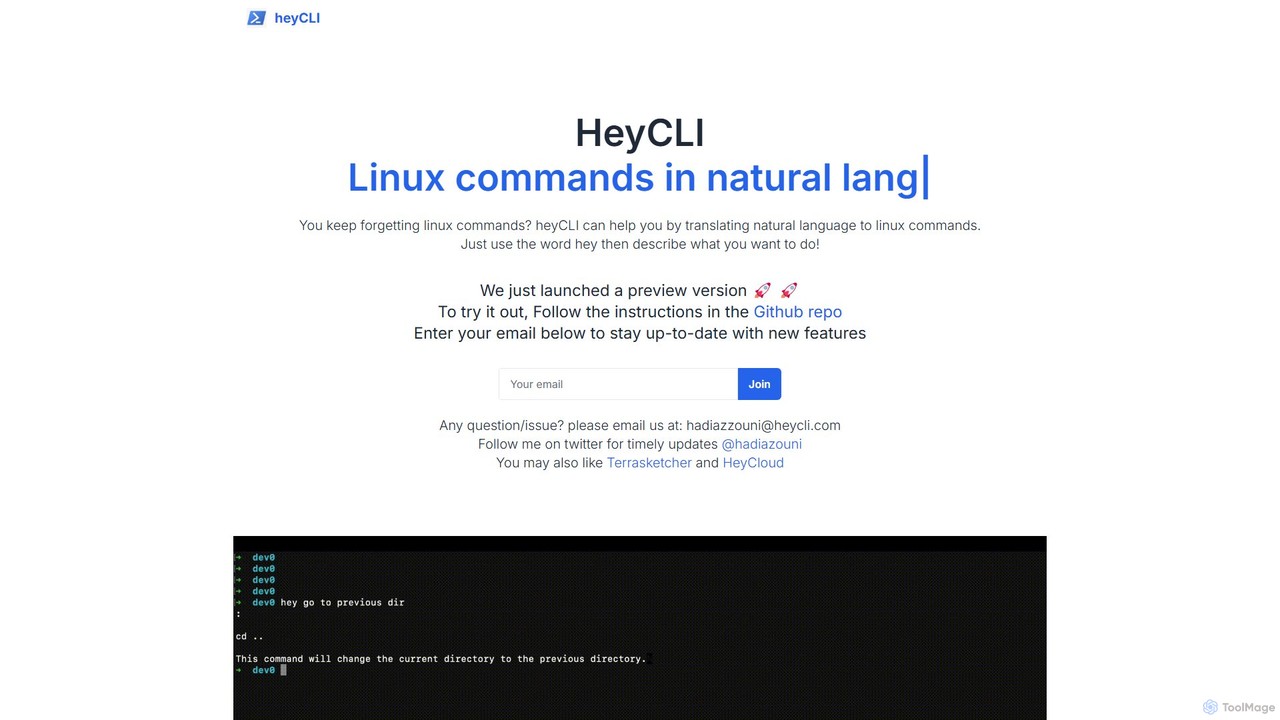
heycli
heycli is an AI-powered copilot for the command line that translates natural language into Linux commands. Simply describe the task you want to perform, and heycli generates the correct command, boosting productivity and reducing the learning curve for developers and sysadmins.
Command Line
how2terminal
how2terminal is an AI-powered command-line tool that translates natural language queries into shell commands. It works directly in your Unix or PowerShell terminal, suggesting commands for Bash, Zsh, and more, helping developers and sysadmins boost productivity and learn new commands without leaving their workflow.
Code Assistant
Raycast
Raycast is a blazingly fast, extendable launcher for macOS that supercharges your productivity. It replaces Spotlight with a powerful command-line interface to control your tools, search files, run scripts, and automate tasks. With an integrated AI assistant, a vast store of community-built extensions, and features like Clipboard History, Snippets, and Window Management, Raycast centralizes your workflow, saving you time and context-switching.
Workflow Automation
Raycast
Raycast is a blazingly fast, extensible launcher for macOS that supercharges your productivity. It acts as a central command bar to control your tools, with integrated AI, an extensive extension store, and powerful built-in features like window management and clipboard history. It's designed to reduce context switching and keep you in the flow.
Personal Assistant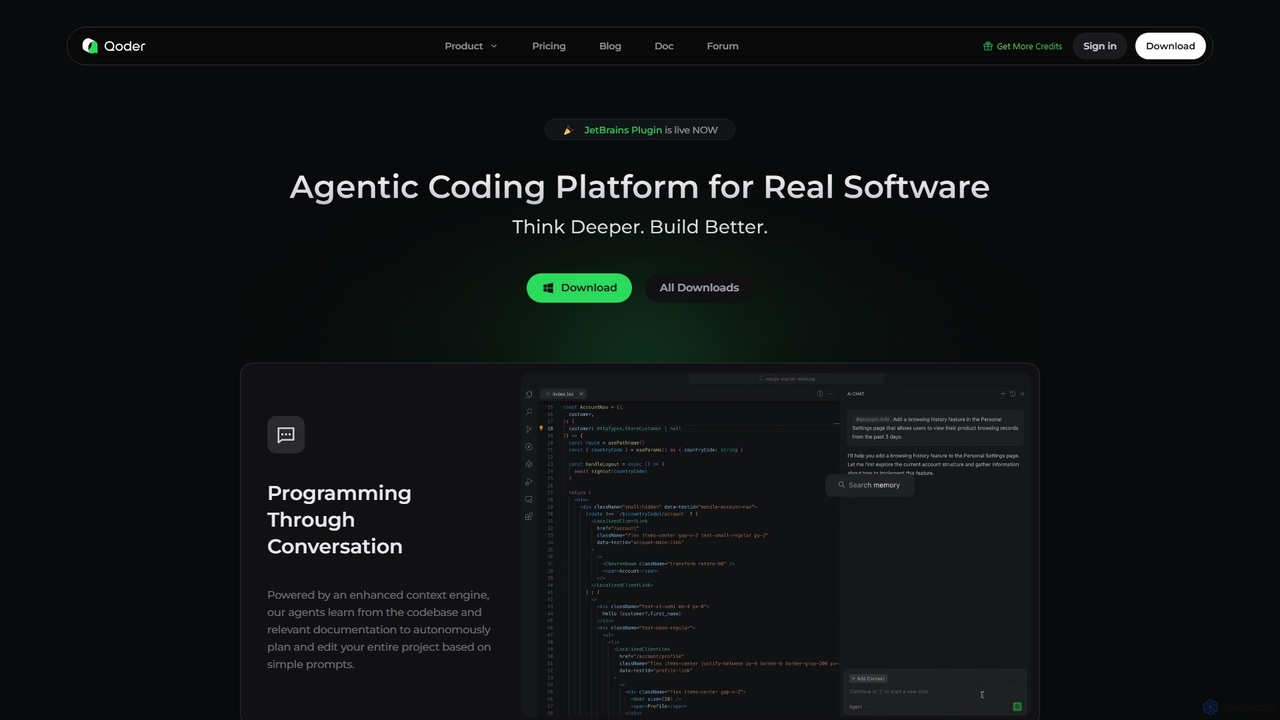
Qoder
Qoder is an agentic AI coding platform designed for real software development. It leverages an enhanced context engine to autonomously plan, code, and test entire projects based on simple prompts, integrating seamlessly into developer workflows via IDE, CLI, or JetBrains plugin.
Code Assistant
AutoGPT
AutoGPT is a revolutionary open-source autonomous AI agent that leverages GPT-4 and GPT-3.5 to independently achieve complex goals. By breaking down high-level objectives into smaller, manageable subtasks, it can browse the web, write code, manage files, and execute plans with minimal human intervention, dramatically boosting productivity and automating complex workflows.
Code Assistant
Komandi Comments (0)
Sign in to comment.
Sign inNo comments yet.