

ShellMate Overview
ShellMate is a revolutionary open-source command-line productivity tool, brought to you by Deepspring.ai, designed to be the ultimate companion for anyone who frequently works within a terminal environment. Powered by the advanced capabilities of OpenAI, ShellMate transforms your command-line interface (CLI) from a rigid, syntax-heavy environment into an intuitive, conversational workspace. It's built for developers, system administrators, data scientists, and even beginners who want to harness the full power of the shell without the steep learning curve. By integrating AI directly into your console, ShellMate minimizes context switching, boosts efficiency, and makes complex tasks more manageable.
How to use ShellMate
Getting started with ShellMate is straightforward. After a simple installation process, the tool integrates seamlessly into your existing terminal workflow. You can interact with it using the convenient `sm` shortcut.
There are several ways to leverage its power:
- Natural Language Prompts: Simply type `sm` followed by your question in plain English. For example, if you can't remember how to find all files modified in the last 24 hours, you can ask: `sm "find all files modified in the last day"`. ShellMate will provide the correct command, ready to be executed.
- Command Line Arguments: You can pass prompts directly as arguments, making it easy to script and automate.
- Highlighted Text: This is one of ShellMate's most powerful features. Simply highlight any text in your terminal—be it an error message, a line of code, or a command you don't understand—and then call ShellMate. It will use the highlighted text as context to provide an explanation, a fix, or a related command.
Core Features of ShellMate
- Natural Language to Command: Translate your intentions into precise shell commands. Forget about memorizing obscure flags and syntax for tools like `grep`, `awk`, `sed`, or `ffmpeg`.
- Predictive Awareness: ShellMate intelligently analyzes your terminal history to anticipate your needs. It learns your patterns and suggests the commands you're likely to need next, saving you keystrokes and time.
- Contextual Help with Highlighting: Instantly debug errors or understand scripts. Highlight an error message, and ShellMate will explain what went wrong and suggest a solution. Highlight a complex command, and it will break it down for you.
- Seamless In-Terminal Experience: ShellMate operates entirely within your terminal. There's no need to open a web browser or switch applications, allowing you to maintain focus and stay in your creative flow.
- Open-Source and Community-Driven: As an open-source project, ShellMate offers full transparency. You can inspect the code, contribute to its development, and customize it to fit your specific needs.
Use Cases for ShellMate
ShellMate is versatile and benefits a wide range of users:
- Developers: Quickly generate complex Git commands, write Docker or Kubernetes CLI instructions, create intricate build scripts, and debug application logs directly from the terminal.
- System Administrators: Effortlessly craft commands for user management, network configuration (`iptables`, `netstat`), disk management (`df`, `du`), and writing cron jobs without consulting man pages.
- Data Scientists: Formulate shell commands for data preprocessing, file manipulation, and managing virtual environments, streamlining the data workflow.
- Students & Beginners: A fantastic learning aid that provides a safety net. It allows new users to learn by doing, asking questions in natural language and seeing the correct syntax in return.
Advantages of ShellMate
The primary advantage of ShellMate is the massive boost in productivity it provides. By reducing the cognitive load of remembering command syntax, it frees up mental energy for more critical problem-solving. It accelerates workflows, flattens the learning curve of the command line, and fosters a more efficient and less frustrating development environment. Being free and open-source makes it an accessible and trustworthy tool for individuals and teams alike.
Pricing and Plans
ShellMate is completely free to use. As an open-source tool, it is maintained by the community. Users are encouraged to download it, use it without any cost, and contribute to the project if they find it valuable. There are no paid plans, subscriptions, or hidden fees.
Traffic
Latest traffic
Status
Monthly traffic trend
- 2025-9: 360
- 2026-1: 437
- 2026-2: 1.6K
- 2026-3: 2.3K
- 2026-4: 371
- 2026-5: 338
Geography
Top 5 countries / regions
- 🇮🇳India100.0%
Top keywords
| Keyword | Cost per click |
|---|---|
| devmaxxing | $0.00 |
| whsprflow | $0.00 |
ShellMate Alternatives
Komandi
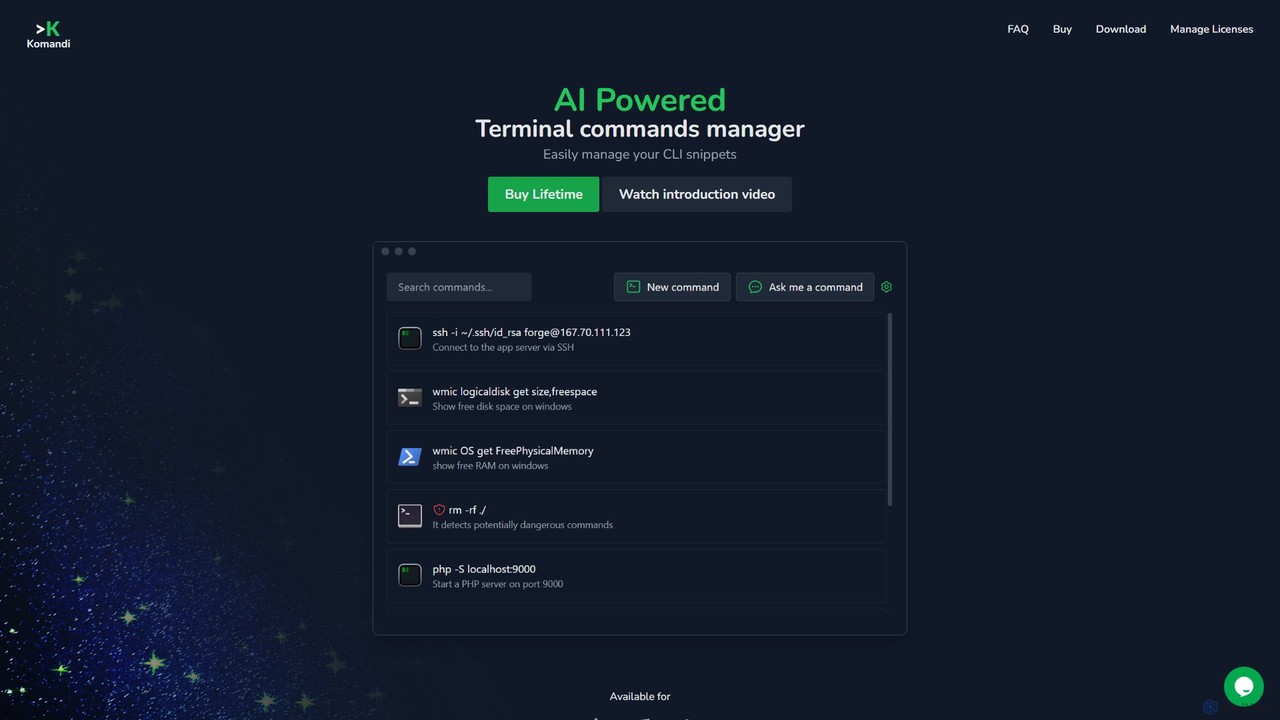
Komandi is an AI-powered CLI/terminal command manager for developers and sysadmins. It simplifies command-line operations by allowing you to manage snippets, generate complex commands from natural language, and execute them safely. It supports macOS, Windows, and Linux, streamlining your workflow by organizing frequently used commands and detecting potentially dangerous ones before execution.
Code Assistant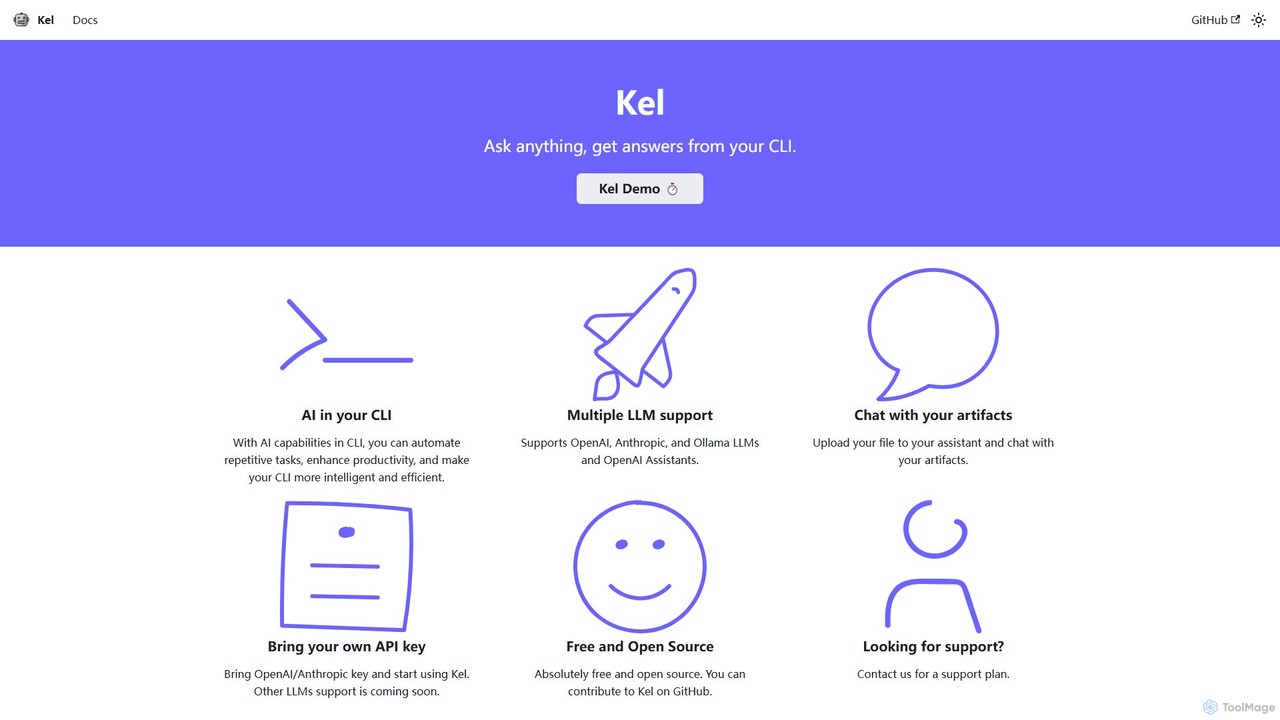
Kel
Kel is a free, open-source AI assistant for your command-line interface (CLI). It integrates with multiple LLMs like OpenAI, Anthropic, and Ollama to help developers and sysadmins automate tasks, generate commands, and even chat with documents directly from the terminal.
Code Assistant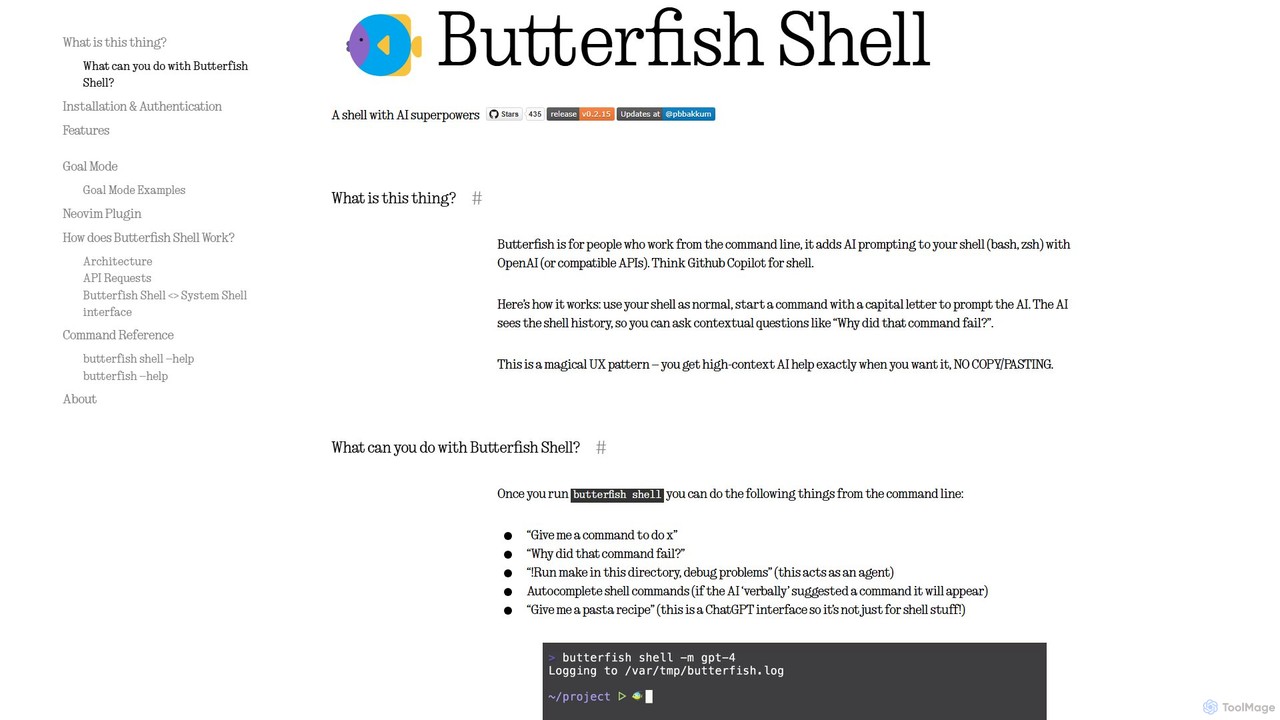
butterfish
butterfish is an open-source CLI tool that supercharges your shell (bash, zsh) with AI capabilities. Acting like GitHub Copilot for the command line, it allows you to generate commands, debug errors, and automate tasks using natural language prompts directly in your terminal. It maintains context from your shell history, providing highly relevant assistance and boosting productivity for developers and sysadmins.
Code Assistant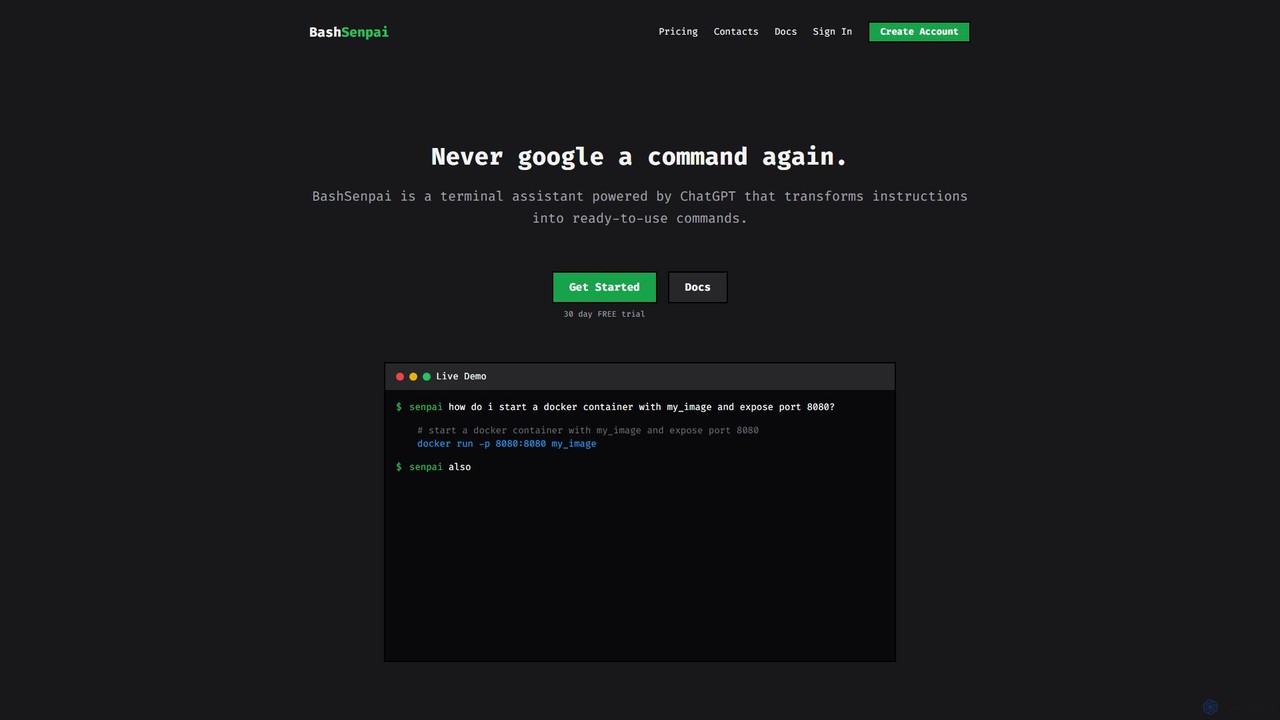
BashSenpai
BashSenpai is a ChatGPT-powered terminal assistant that transforms natural language instructions into ready-to-use shell commands. It operates directly within your terminal, providing context-aware, accurate commands for developers and system administrators, eliminating the need to search online.
Code Assistant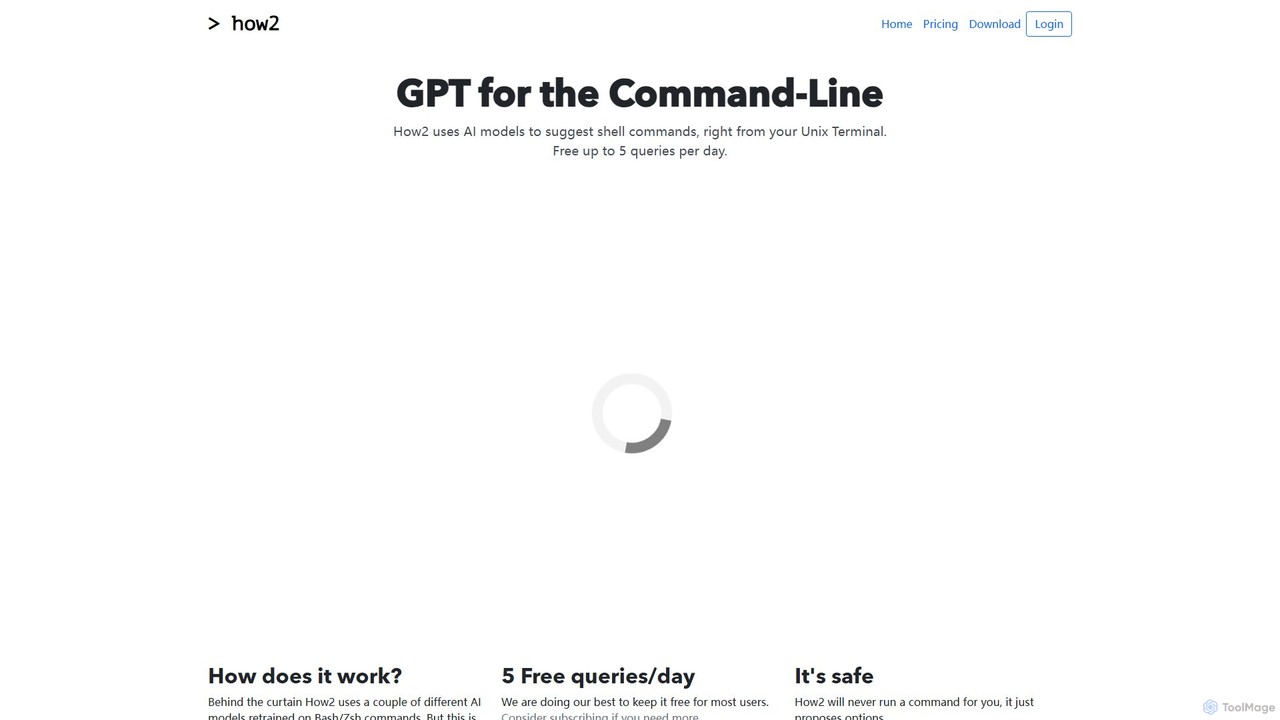
how2terminal
how2terminal is an AI-powered command-line tool that translates natural language queries into shell commands. It works directly in your Unix or PowerShell terminal, suggesting commands for Bash, Zsh, and more, helping developers and sysadmins boost productivity and learn new commands without leaving their workflow.
Code AssistantShellMate Categories
ShellMate Embed Widget
Copy this embed code to place the badge on your blog, article, or product site and send readers directly to this ToolMage detail page.

Related AI tools
Komandi
Komandi is an AI-powered CLI/terminal command manager for developers and sysadmins. It simplifies command-line operations by allowing you to manage snippets, generate complex commands from natural language, and execute them safely. It supports macOS, Windows, and Linux, streamlining your workflow by organizing frequently used commands and detecting potentially dangerous ones before execution.
Code AssistantKel
Kel is a free, open-source AI assistant for your command-line interface (CLI). It integrates with multiple LLMs like OpenAI, Anthropic, and Ollama to help developers and sysadmins automate tasks, generate commands, and even chat with documents directly from the terminal.
Code Assistant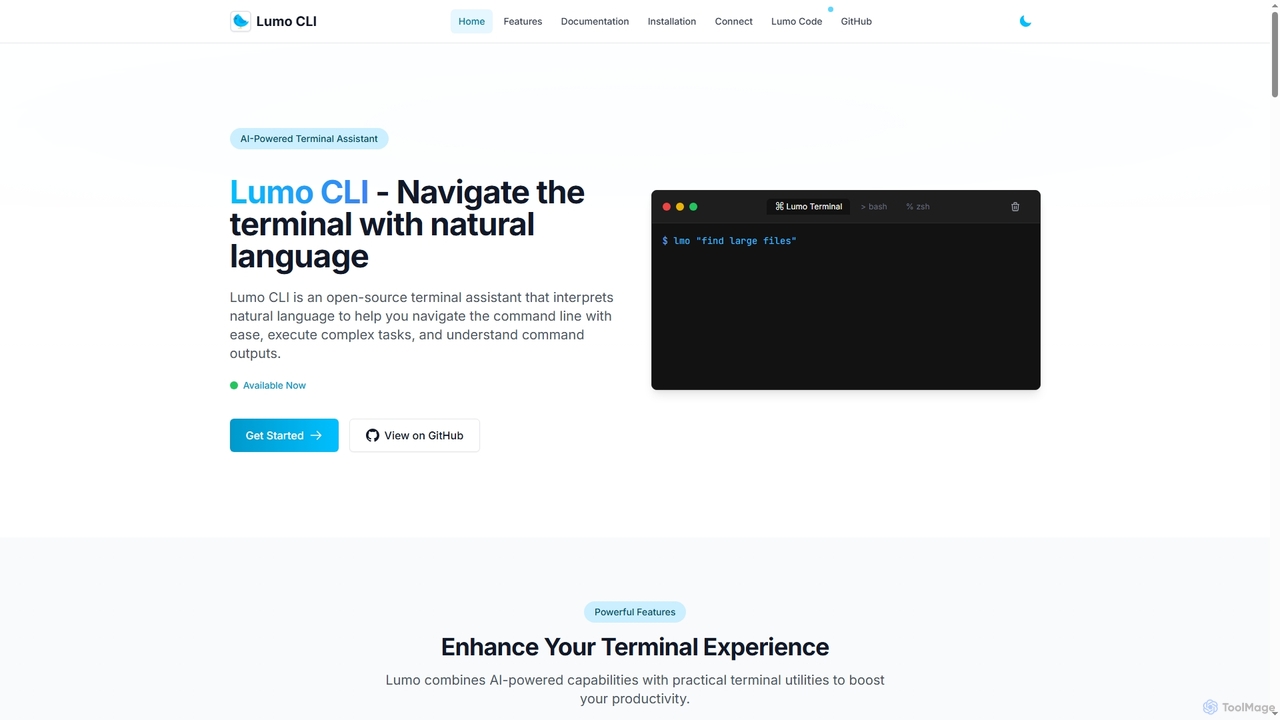
Lumo
Lumo is an open-source, AI-powered terminal assistant that allows users to interact with the command line using natural language. It translates plain English into executable commands, automates complex tasks, monitors system health, and supports multiple AI models including Gemini, OpenAI, and Ollama for local inference.
Code Assistantbutterfish
butterfish is an open-source CLI tool that supercharges your shell (bash, zsh) with AI capabilities. Acting like GitHub Copilot for the command line, it allows you to generate commands, debug errors, and automate tasks using natural language prompts directly in your terminal. It maintains context from your shell history, providing highly relevant assistance and boosting productivity for developers and sysadmins.
Code AssistantBashSenpai
BashSenpai is a ChatGPT-powered terminal assistant that transforms natural language instructions into ready-to-use shell commands. It operates directly within your terminal, providing context-aware, accurate commands for developers and system administrators, eliminating the need to search online.
Code Assistant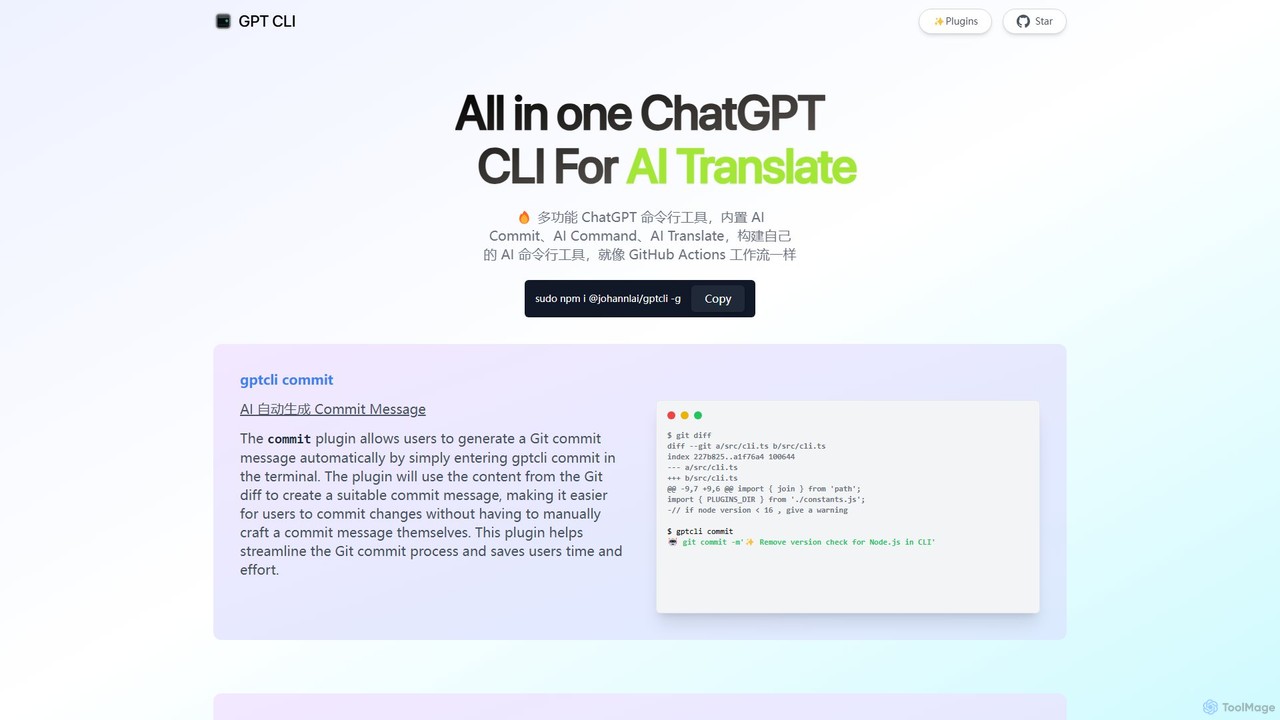
gptcli
gptcli is a versatile, open-source command-line tool that integrates ChatGPT directly into your terminal. It streamlines developer workflows with features like AI-powered Git commits, natural language to shell command translation, and in-terminal chat. With its extensible plugin system, you can build your own custom AI CLI tools, making it the ultimate productivity enhancer for anyone who works extensively with the command line.
Code Assistant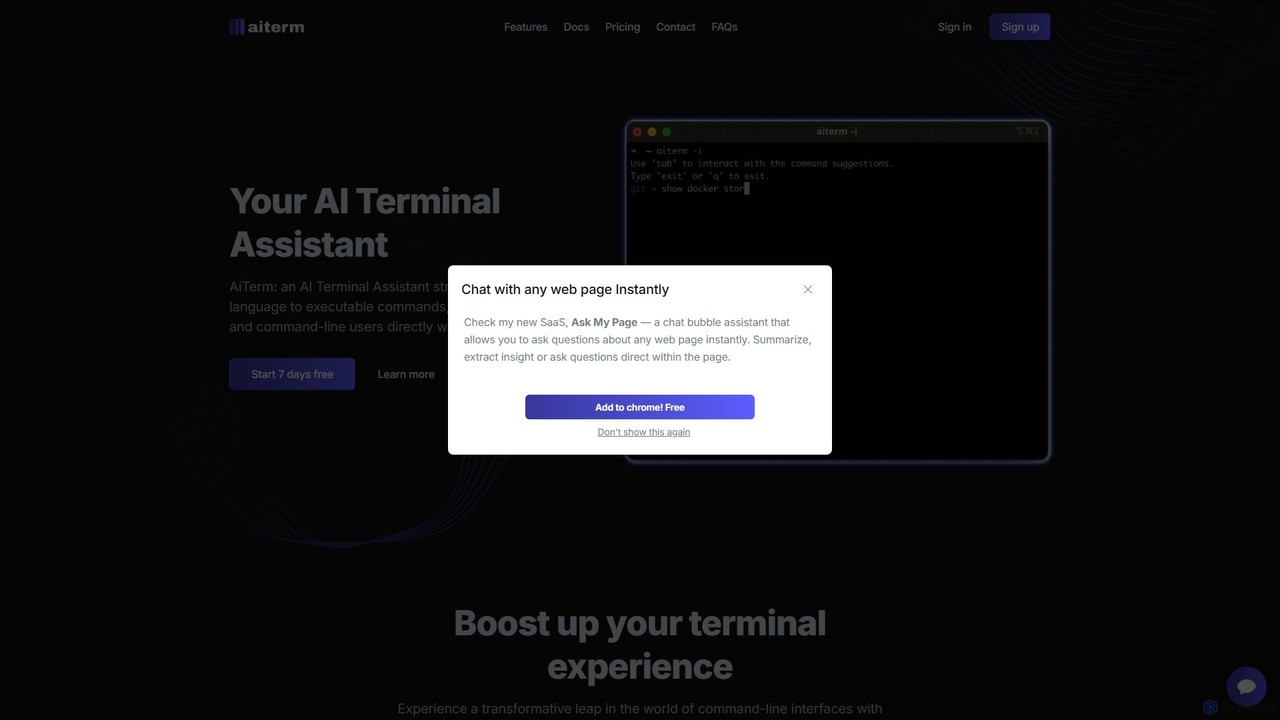
AiTerm
AiTerm is an AI-powered terminal assistant that translates natural language into executable shell commands. It streamlines workflows for developers and command-line users with features like IDE-style autocompletion, command suggestions, and workflow management, all directly within the terminal.
Code Assistant
heycli
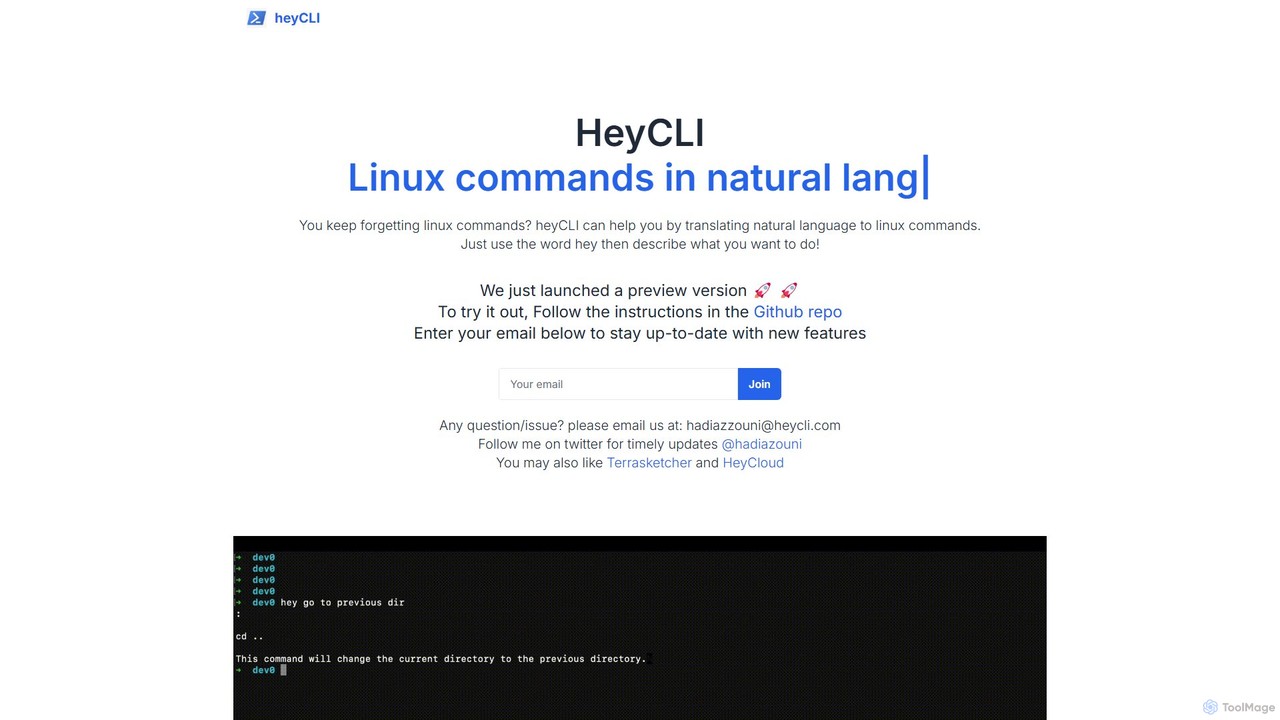
heycli is an AI-powered copilot for the command line that translates natural language into Linux commands. Simply describe the task you want to perform, and heycli generates the correct command, boosting productivity and reducing the learning curve for developers and sysadmins.
Command Line
Charm
Charm is an ecosystem of open-source tools and libraries designed to make the command-line interface (CLI) glamorous and powerful. It provides developers with applications for AI-powered coding (Crush, Mods), beautiful terminal UIs (Bubble Tea), markdown rendering (Glow), and self-hosted Git servers (Soft Serve). Charm empowers developers to build, style, and enhance their terminal workflows with modern, elegant, and highly functional tools.
Code Assistant
Dallecli
A powerful command-line interface (CLI) tool for interacting with OpenAI's DALL-E models. Generate, edit, and manage AI images directly from your terminal, perfect for developers, scripters, and automating creative workflows.
Command Line Interfacehow2terminal
how2terminal is an AI-powered command-line tool that translates natural language queries into shell commands. It works directly in your Unix or PowerShell terminal, suggesting commands for Bash, Zsh, and more, helping developers and sysadmins boost productivity and learn new commands without leaving their workflow.
Code Assistant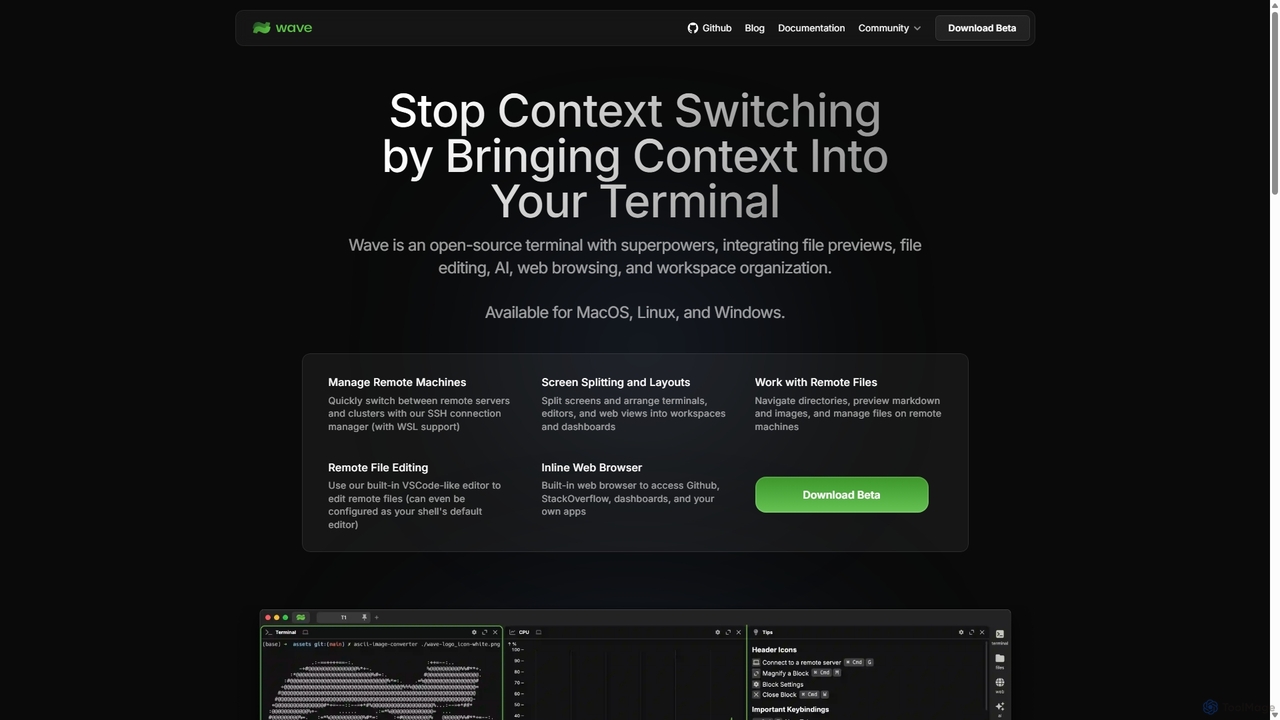
Waveterm
Waveterm is an open-source, modern terminal designed for developers and DevOps engineers. It enhances the command-line experience by integrating AI-powered assistance, a VSCode-like editor, inline file previews, a web browser, and customizable dashboards. This all-in-one workspace reduces context switching and boosts productivity across macOS, Windows, and Linux.
Code Assistant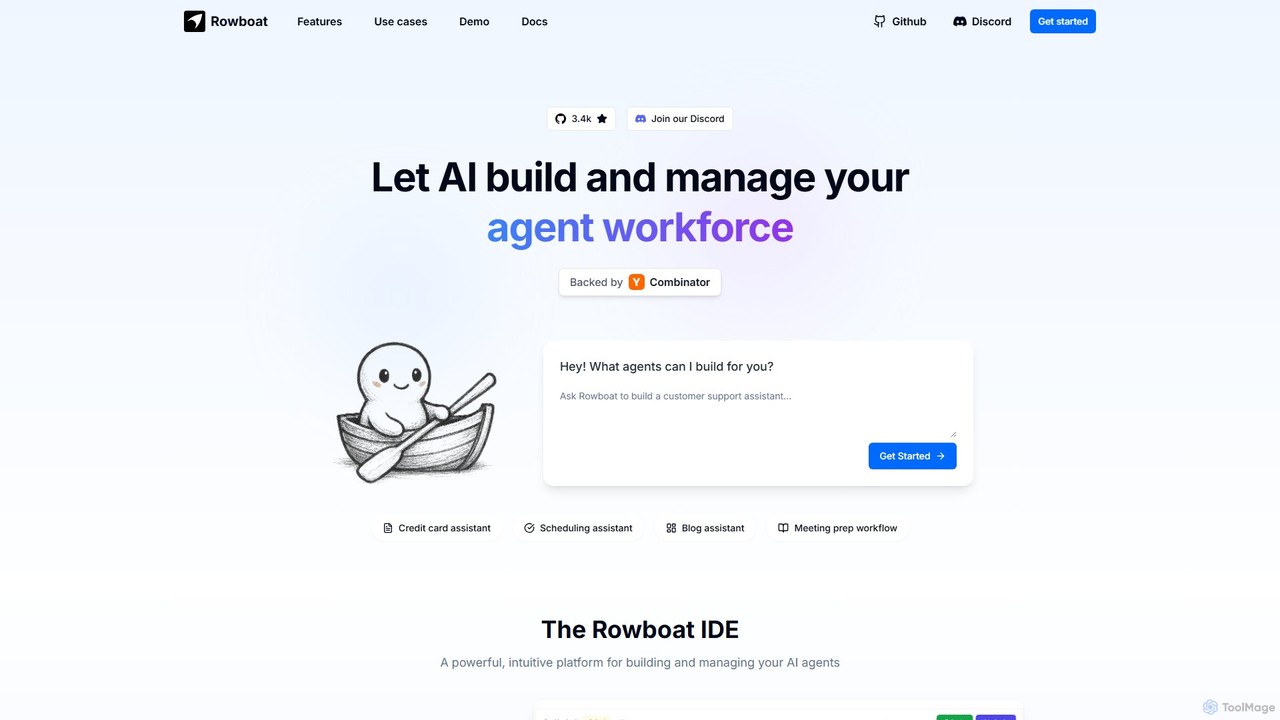
Rowboat
Rowboat is a powerful, AI-powered IDE for building, managing, and deploying complex multi-agent systems. Backed by Y Combinator, it allows users to describe workflows in plain English, and its AI copilot automatically generates the entire agent graph, including roles, prompts, and tool integrations. It's designed to simplify the creation of robust, real-world AI agents for productivity, e-commerce, support, and more, with features like open-source flexibility and support for over 100 LLMs.
Agent Builder
Nekton
Nekton is an AI-powered automation platform that transforms plain English descriptions into cloud-based workflows. It integrates with thousands of apps, allowing users to automate tasks in marketing, software development, and sales without writing code. Powered by OpenAI, it features an interactive chat for refining automations, scheduled runs, and sharable workflows.
No Code
ShellMate Comments (0)
Sign in to comment.
Sign inNo comments yet.