

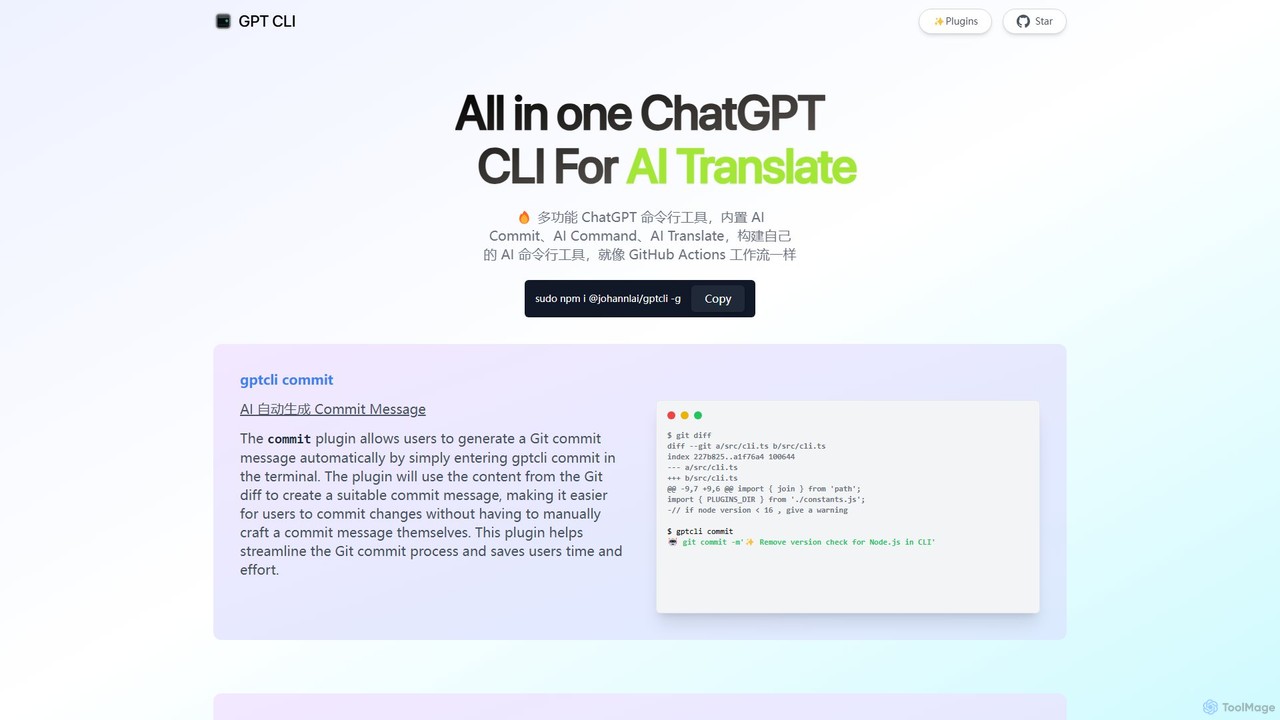
gptcli Overview
gptcli is a powerful, all-in-one Command Line Interface (CLI) tool designed to bring the intelligence of OpenAI's ChatGPT directly to your terminal. It serves as a multifunctional assistant for developers, system administrators, and anyone who frequently uses the command line. The core philosophy of gptcli is to enhance productivity by automating repetitive tasks, simplifying complex commands, and providing instant AI assistance without ever needing to leave the terminal window. Its architecture is built around a flexible plugin system, allowing users to not only use a rich set of built-in functions but also to create and share their own custom AI-powered CLI tools, much like building a GitHub Actions workflow.
How to use gptcli
Getting started with gptcli is straightforward, especially for those familiar with Node.js environments.
- Installation: First, you need to have Node.js and npm installed. Then, install gptcli globally on your system by running the following command in your terminal:
sudo npm i @johannlai/gptcli -g - API Key Configuration: gptcli requires an OpenAI API key to function. You will need to set up your API key as an environment variable. This is a crucial step for the tool to communicate with the ChatGPT models.
- Using Built-in Plugins: Once installed and configured, you can immediately start using its powerful plugins:
- To automatically generate a Git commit message based on your staged changes, simply run:
gptcli commit - To translate a natural language query into a shell command, use:
gptcli command "your query in plain English"(e.g.,gptcli command "list all js files in the folder") - For direct conversation with ChatGPT, start an interactive session with:
gptcli chat - To translate text, use the translate plugin:
gptcli translate
- To automatically generate a Git commit message based on your staged changes, simply run:
- Building Custom Plugins: Advanced users can leverage the plugin system to build their own commands tailored to their specific workflows.
Core Features of gptcli
- AI Commit: Automatically analyzes your `git diff` and generates descriptive, conventional commit messages, saving time and improving repository history clarity.
- AI Command: Acts as a natural language interpreter for your shell. Describe what you want to do, and it generates the correct command, complete with an execution confirmation prompt.
- AI Chat: Provides a seamless, interactive chat session with ChatGPT directly in the terminal for coding questions, debugging help, or general queries.
- AI Translate: Offers quick and convenient in-terminal text translation without needing to switch to a browser or another application.
- Gitmoji & CZ Support: Specialized plugins for generating commit messages in popular formats like `gitmoji` and `Commitizen (CZ)`, enhancing commit semantics.
- Whisper Integration: Utilizes OpenAI's Whisper for powerful speech-to-text transcription directly from the command line.
- Extensible Plugin System: The tool's most powerful feature, allowing developers to build and integrate custom AI functionalities to solve unique problems.
- Additional Utilities: Includes other handy plugins like `AI Weather` for checking weather using natural language.
Use Cases for gptcli
gptcli is versatile and can be adopted by various professionals:
- Software Developers: Streamline Git workflows with automated commit messages. Find complex shell commands for build processes or file manipulation without searching online. Debug code or generate boilerplate snippets using the AI Chat.
- DevOps Engineers & SREs: Generate CLI commands for managing cloud infrastructure (e.g., AWS, GCP, Azure), Kubernetes, or Docker. Automate script creation for deployment and monitoring.
- System Administrators: Simplify system management tasks by describing them in natural language instead of recalling obscure command syntax and flags.
- Data Scientists: Quickly write shell commands for data preprocessing, file management, and running analysis scripts.
- Technical Writers & Content Creators: Use the translate and chat features for quick translations, proofreading, or brainstorming ideas directly within their terminal-based writing environment (e.g., Vim, Emacs).
Advantages of gptcli
The primary advantage of gptcli is its ability to centralize AI-powered tasks within the command line, the native environment for many technical professionals.
- Increased Efficiency: Reduces context switching between the terminal, browser, and other applications, keeping you focused and in the flow.
- Enhanced Productivity: Automates mundane tasks like writing commit messages and searching for command syntax, freeing up mental energy for more complex problems.
- Accessibility: Lowers the barrier to entry for complex command-line operations by allowing natural language input.
- High Customizability: The open-source and plugin-based nature means you can tailor the tool perfectly to your personal or team's workflow.
- Seamless Integration: Fits naturally into any terminal-based workflow, complementing existing tools like Git, Docker, and SSH.
Pricing and Plans
gptcli is a free and open-source tool, distributed under the MIT License. You can download, use, and modify it without any cost. However, it relies on the OpenAI API to power its features. Therefore, users are responsible for the costs associated with their own OpenAI API key usage. Pricing is determined by OpenAI's model for API calls (e.g., per-token pricing for GPT-3.5, GPT-4, etc.). There are no subscription fees or hidden charges for the gptcli tool itself.
Traffic
Latest traffic
Status
Monthly traffic trend
- 2025-9: 6.6K
- 2026-1: 0
- 2026-2: 2.8K
- 2026-3: 3.2K
- 2026-4: 2.7K
- 2026-5: 3.2K
Top keywords
| Keyword | Cost per click |
|---|---|
| chat gpt cli | $4.84 |
| chatgpt cli | $2.79 |
| cli chatgpt | $0.00 |
| gpt ccli | $0.00 |
| gpt cli | $2.28 |
gptcli Alternatives
ShellMate
ShellMate is an open-source, AI-powered command-line productivity tool designed for developers and system administrators. Powered by OpenAI, it acts as your terminal's best friend, allowing you to use natural language to find commands, get predictive suggestions based on your history, and receive context-aware help without ever leaving your console. Simply use the `sm` shortcut to boost your command-line efficiency and reduce time spent searching for syntax.
Code Assistant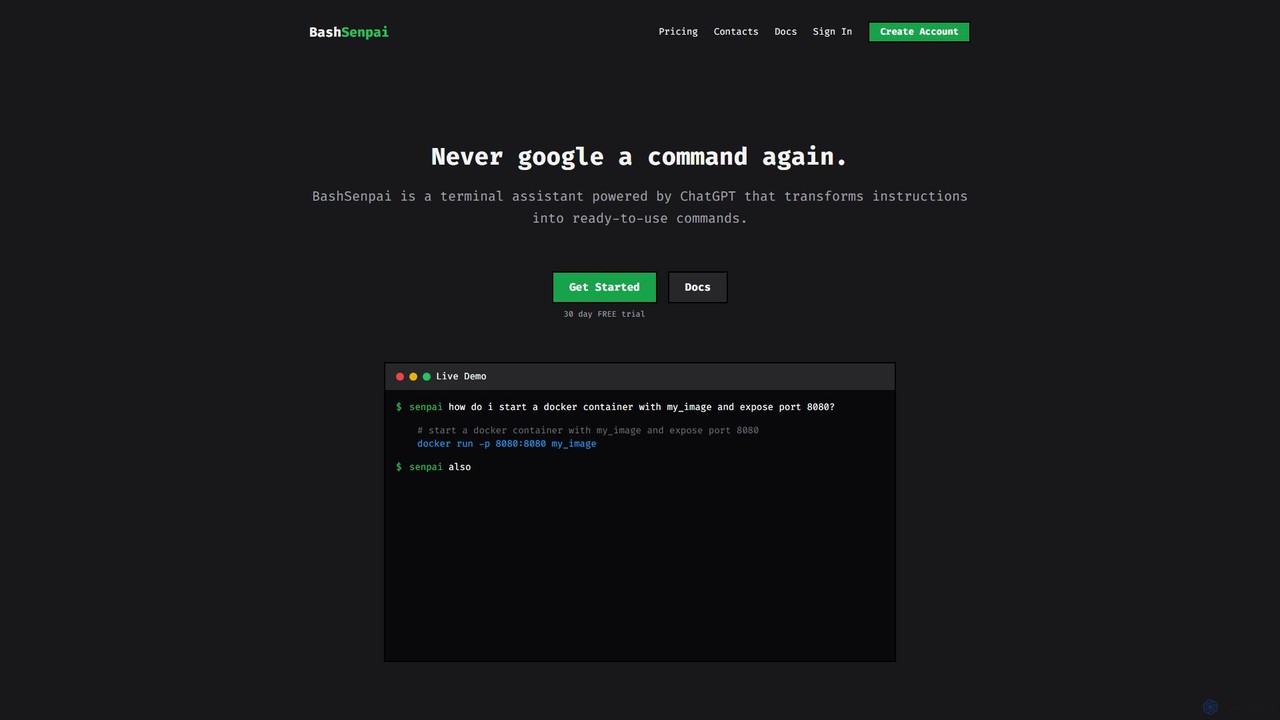
BashSenpai
BashSenpai is a ChatGPT-powered terminal assistant that transforms natural language instructions into ready-to-use shell commands. It operates directly within your terminal, providing context-aware, accurate commands for developers and system administrators, eliminating the need to search online.
Code Assistant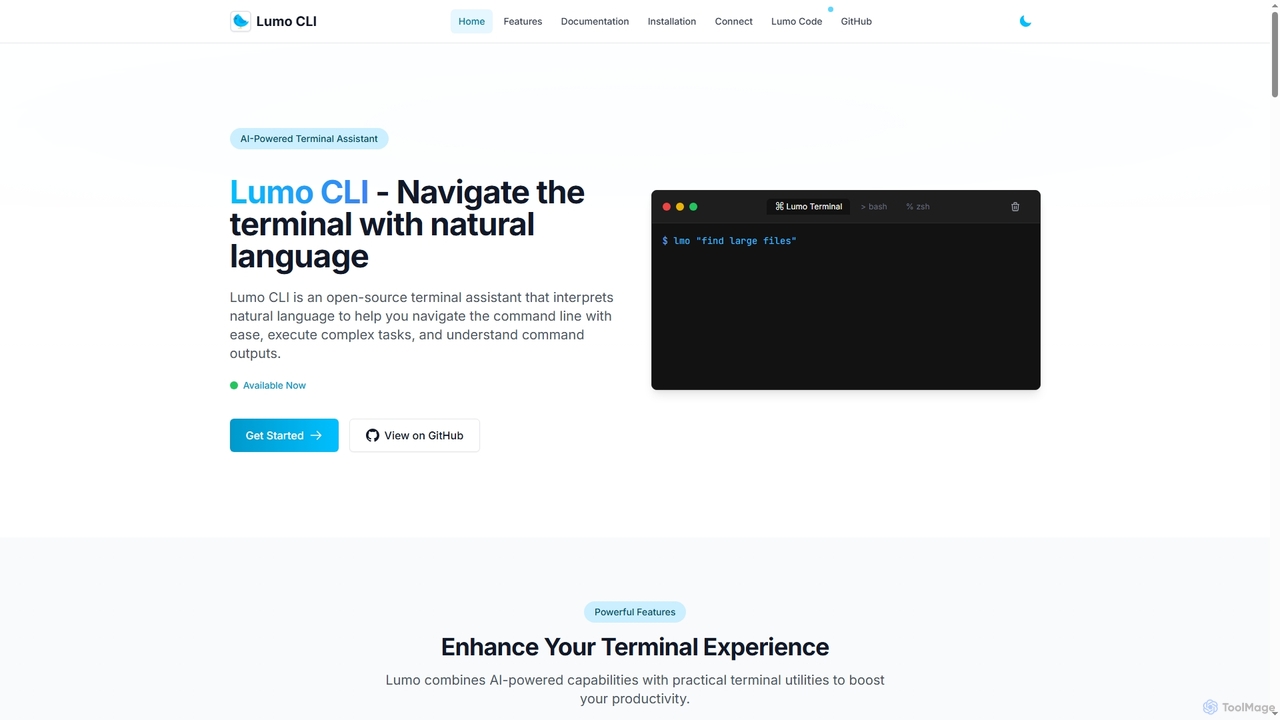
Lumo
Lumo is an open-source, AI-powered terminal assistant that allows users to interact with the command line using natural language. It translates plain English into executable commands, automates complex tasks, monitors system health, and supports multiple AI models including Gemini, OpenAI, and Ollama for local inference.
Code Assistant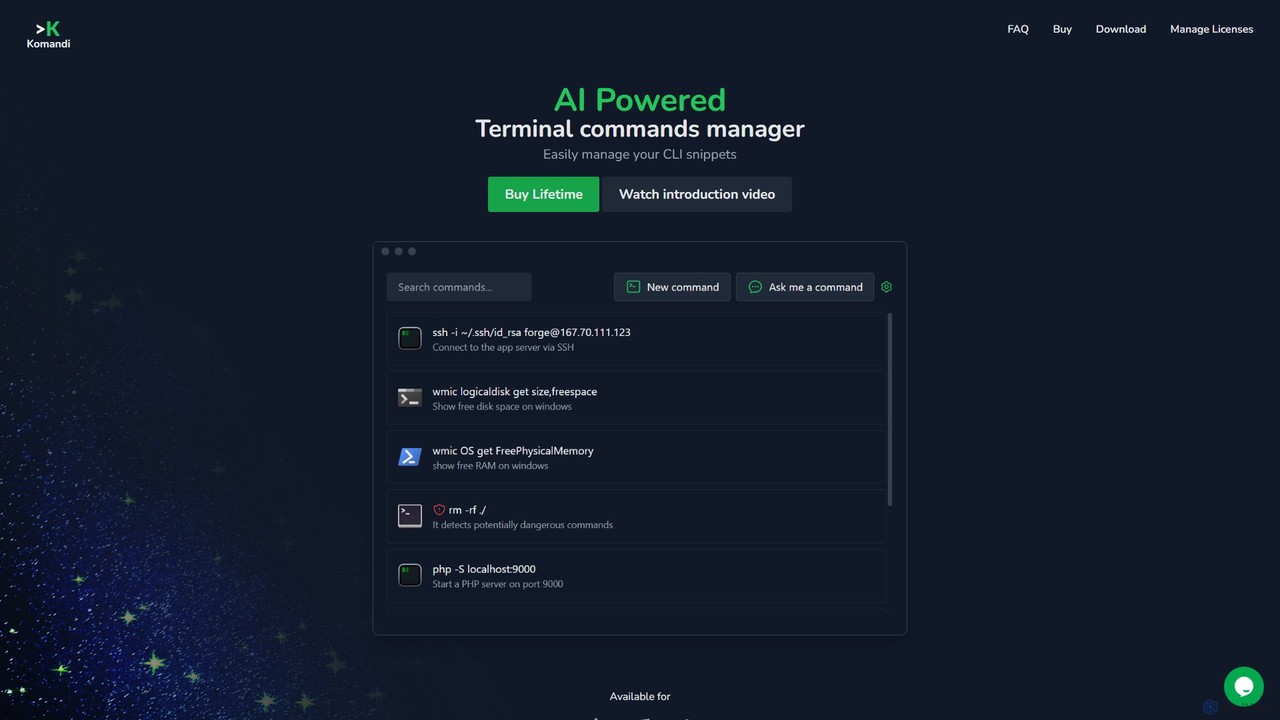
Komandi
Komandi is an AI-powered CLI/terminal command manager for developers and sysadmins. It simplifies command-line operations by allowing you to manage snippets, generate complex commands from natural language, and execute them safely. It supports macOS, Windows, and Linux, streamlining your workflow by organizing frequently used commands and detecting potentially dangerous ones before execution.
Code Assistant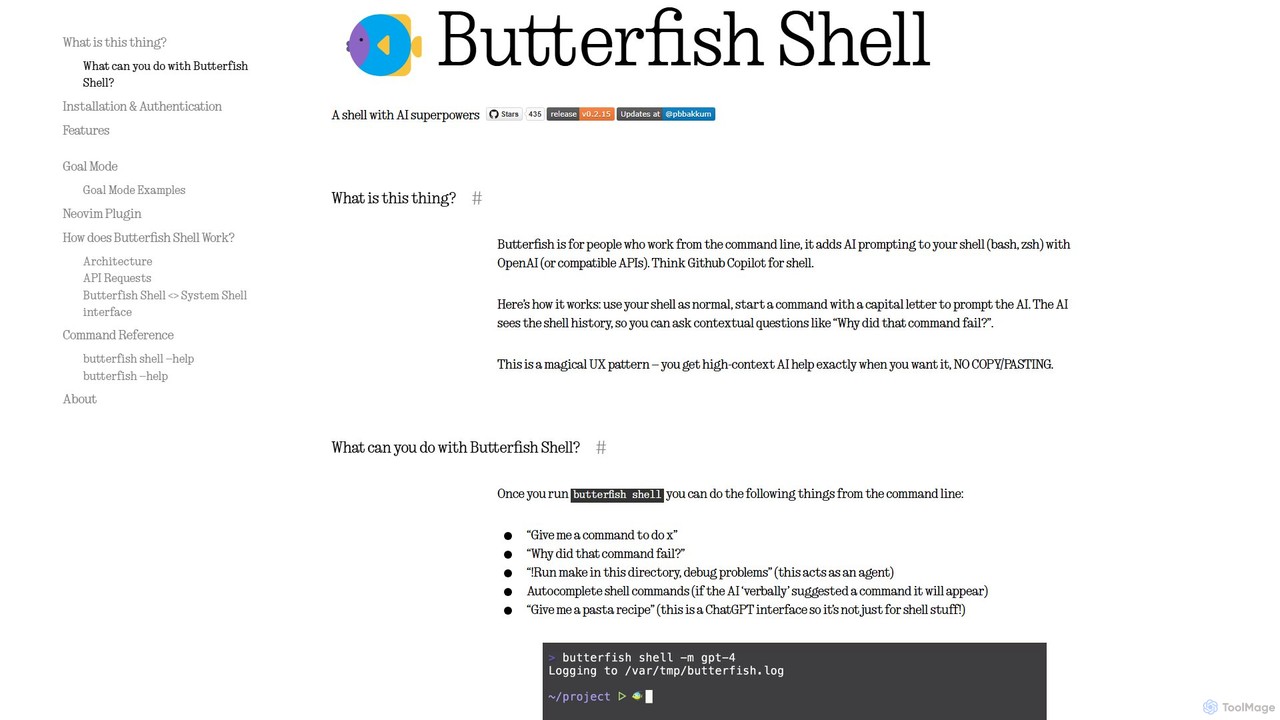
butterfish
butterfish is an open-source CLI tool that supercharges your shell (bash, zsh) with AI capabilities. Acting like GitHub Copilot for the command line, it allows you to generate commands, debug errors, and automate tasks using natural language prompts directly in your terminal. It maintains context from your shell history, providing highly relevant assistance and boosting productivity for developers and sysadmins.
Code Assistantgptcli Categories
gptcli Embed Widget
Copy this embed code to place the badge on your blog, article, or product site and send readers directly to this ToolMage detail page.

Related AI tools
Lumo
Lumo is an open-source, AI-powered terminal assistant that allows users to interact with the command line using natural language. It translates plain English into executable commands, automates complex tasks, monitors system health, and supports multiple AI models including Gemini, OpenAI, and Ollama for local inference.
Code AssistantShellMate
ShellMate is an open-source, AI-powered command-line productivity tool designed for developers and system administrators. Powered by OpenAI, it acts as your terminal's best friend, allowing you to use natural language to find commands, get predictive suggestions based on your history, and receive context-aware help without ever leaving your console. Simply use the `sm` shortcut to boost your command-line efficiency and reduce time spent searching for syntax.
Code AssistantBashSenpai
BashSenpai is a ChatGPT-powered terminal assistant that transforms natural language instructions into ready-to-use shell commands. It operates directly within your terminal, providing context-aware, accurate commands for developers and system administrators, eliminating the need to search online.
Code AssistantKomandi
Komandi is an AI-powered CLI/terminal command manager for developers and sysadmins. It simplifies command-line operations by allowing you to manage snippets, generate complex commands from natural language, and execute them safely. It supports macOS, Windows, and Linux, streamlining your workflow by organizing frequently used commands and detecting potentially dangerous ones before execution.
Code Assistantbutterfish
butterfish is an open-source CLI tool that supercharges your shell (bash, zsh) with AI capabilities. Acting like GitHub Copilot for the command line, it allows you to generate commands, debug errors, and automate tasks using natural language prompts directly in your terminal. It maintains context from your shell history, providing highly relevant assistance and boosting productivity for developers and sysadmins.
Code Assistant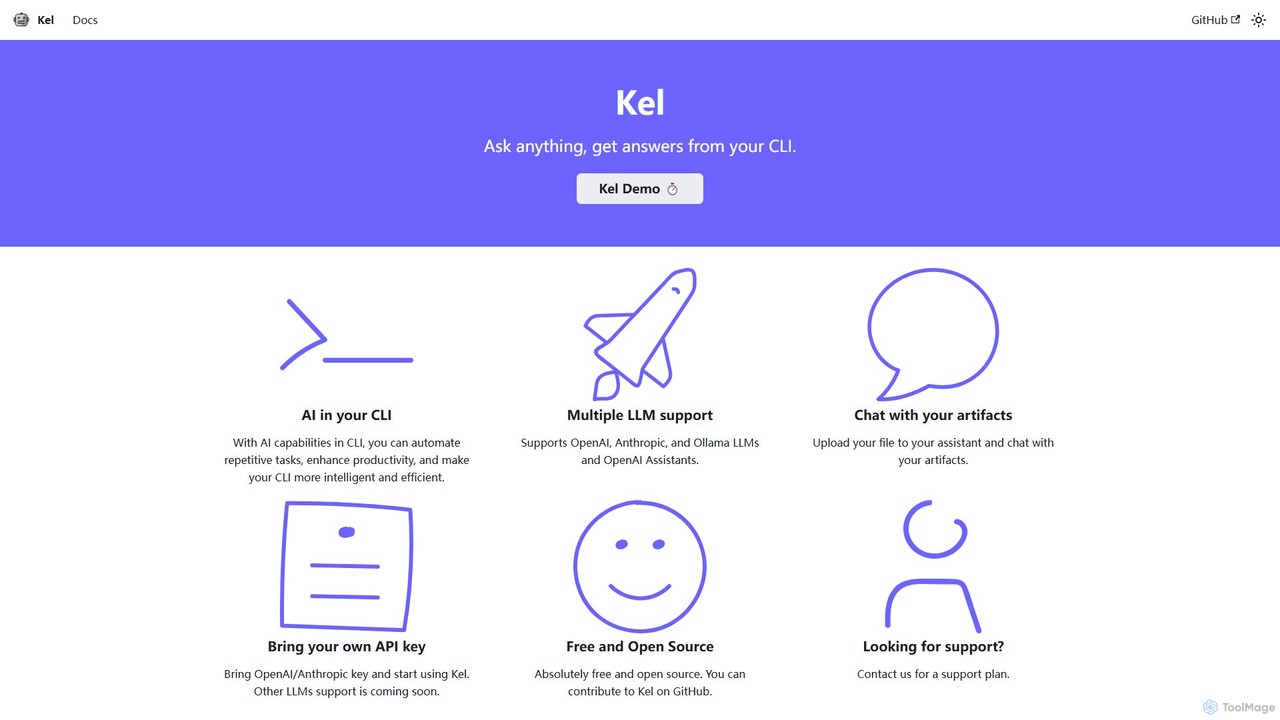
Kel
Kel is a free, open-source AI assistant for your command-line interface (CLI). It integrates with multiple LLMs like OpenAI, Anthropic, and Ollama to help developers and sysadmins automate tasks, generate commands, and even chat with documents directly from the terminal.
Code Assistant
Charm
Charm is an ecosystem of open-source tools and libraries designed to make the command-line interface (CLI) glamorous and powerful. It provides developers with applications for AI-powered coding (Crush, Mods), beautiful terminal UIs (Bubble Tea), markdown rendering (Glow), and self-hosted Git servers (Soft Serve). Charm empowers developers to build, style, and enhance their terminal workflows with modern, elegant, and highly functional tools.
Code Assistant
AiTerm
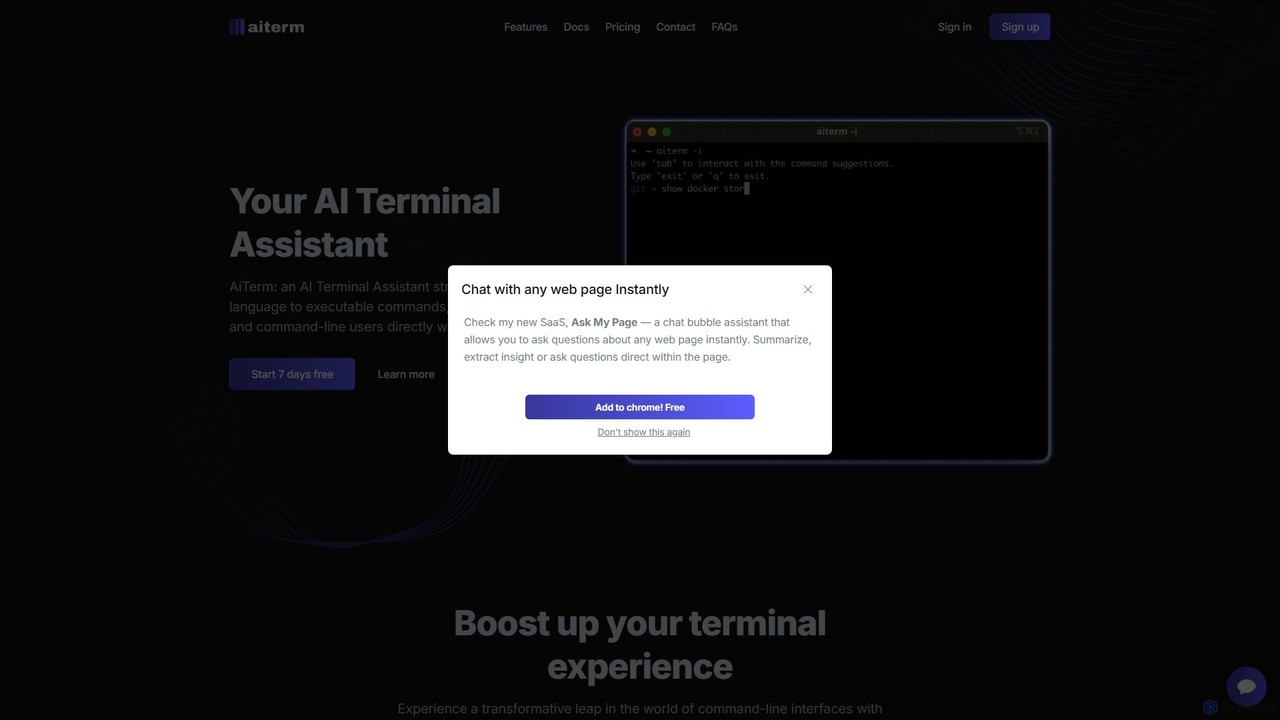
AiTerm is an AI-powered terminal assistant that translates natural language into executable shell commands. It streamlines workflows for developers and command-line users with features like IDE-style autocompletion, command suggestions, and workflow management, all directly within the terminal.
Code Assistant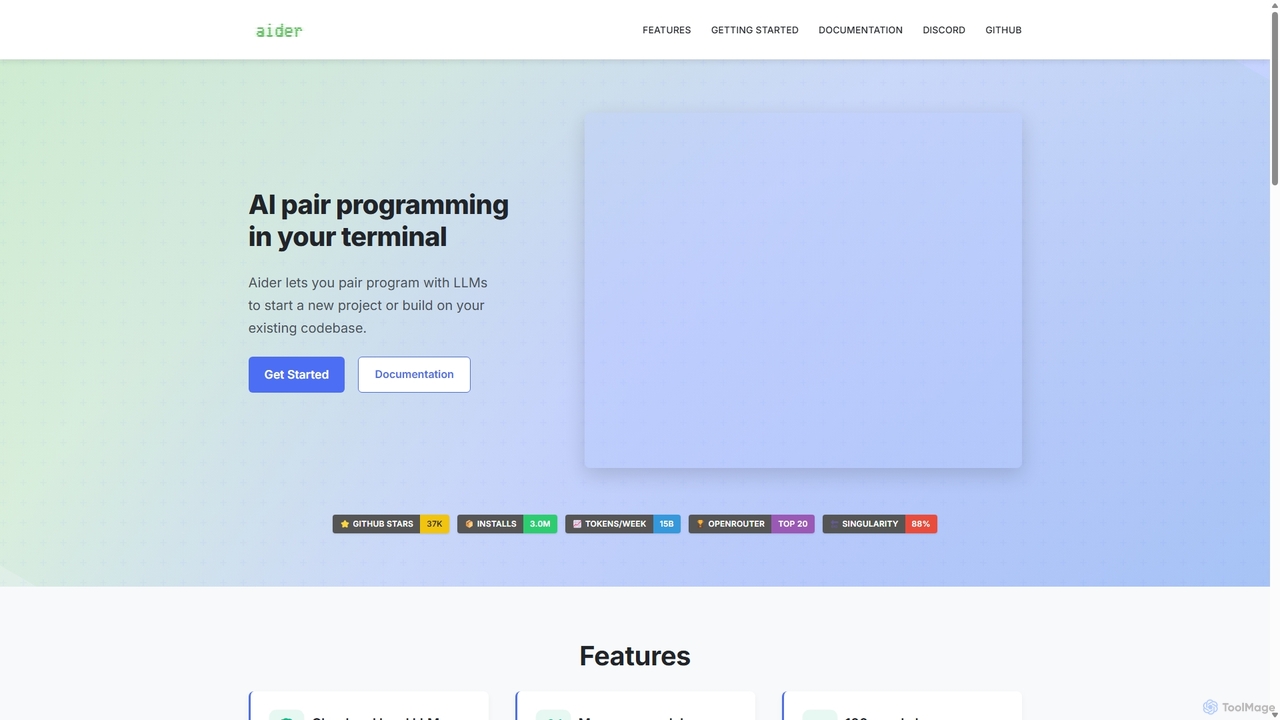
Aider
Aider is an AI-powered pair programmer that operates directly in your terminal. It intelligently maps your entire codebase, providing full project context for complex tasks. Seamlessly integrated with Git, it automates commits and allows you to manage AI-driven changes with familiar tools. Aider supports over 100 programming languages, connects to leading cloud and local LLMs, and even accepts voice and image inputs, making it a versatile and powerful assistant for any developer seeking to accelerate their workflow and improve code quality.
Programming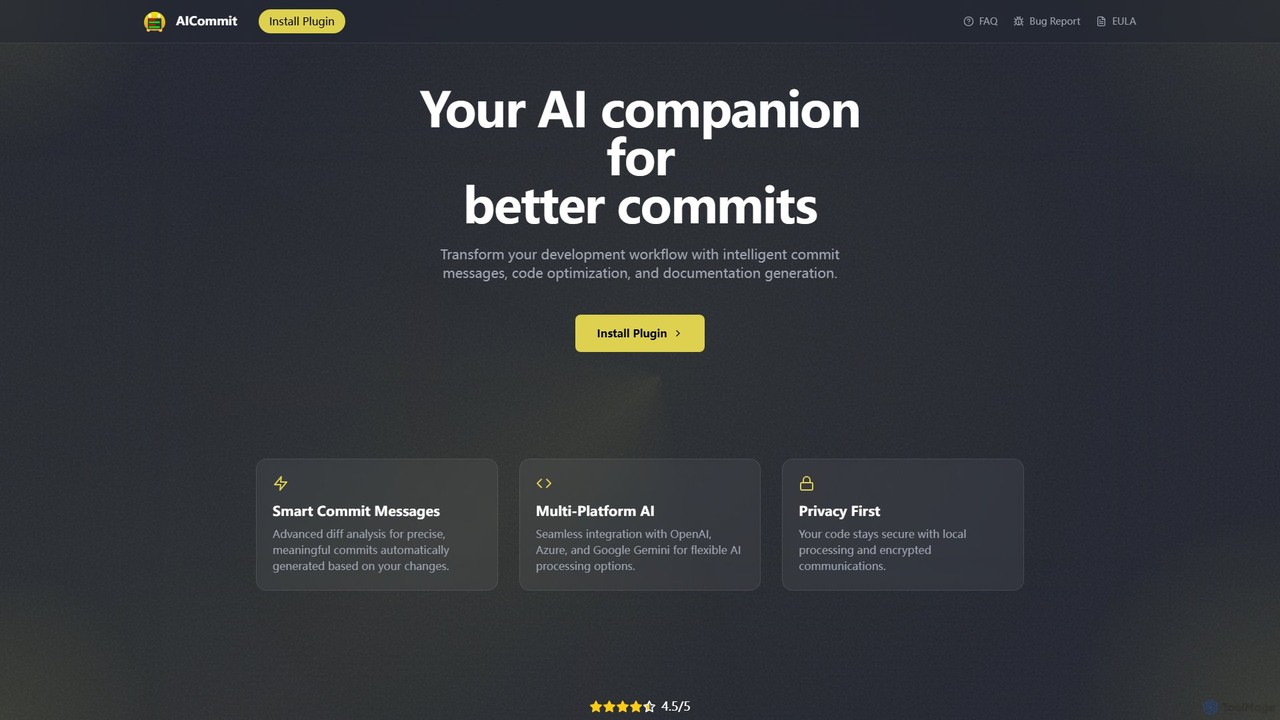
AICommit
AICommit is an intelligent IDE plugin that transforms your development workflow by automatically generating precise and meaningful Git commit messages. It analyzes your code changes and uses AI models from OpenAI, Azure, or Google Gemini to create high-quality commits, saving you time and improving repository clarity.
Version Control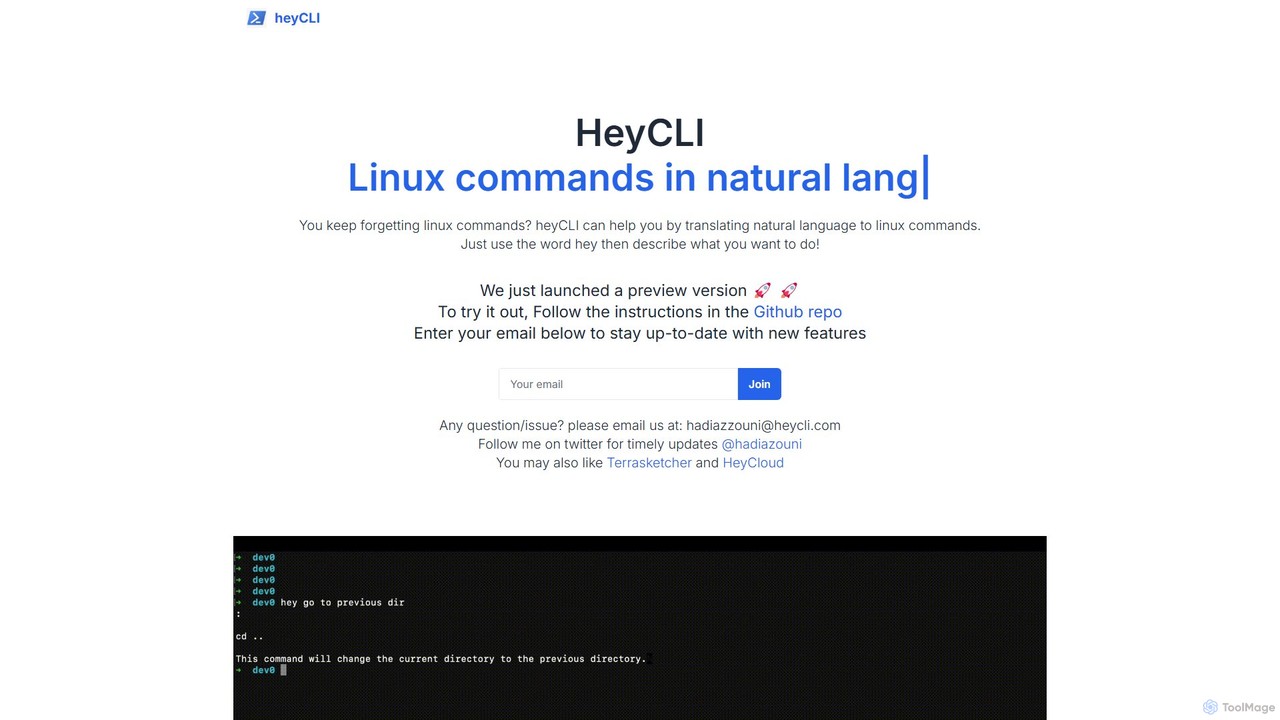
heycli
heycli is an AI-powered copilot for the command line that translates natural language into Linux commands. Simply describe the task you want to perform, and heycli generates the correct command, boosting productivity and reducing the learning curve for developers and sysadmins.
Command Line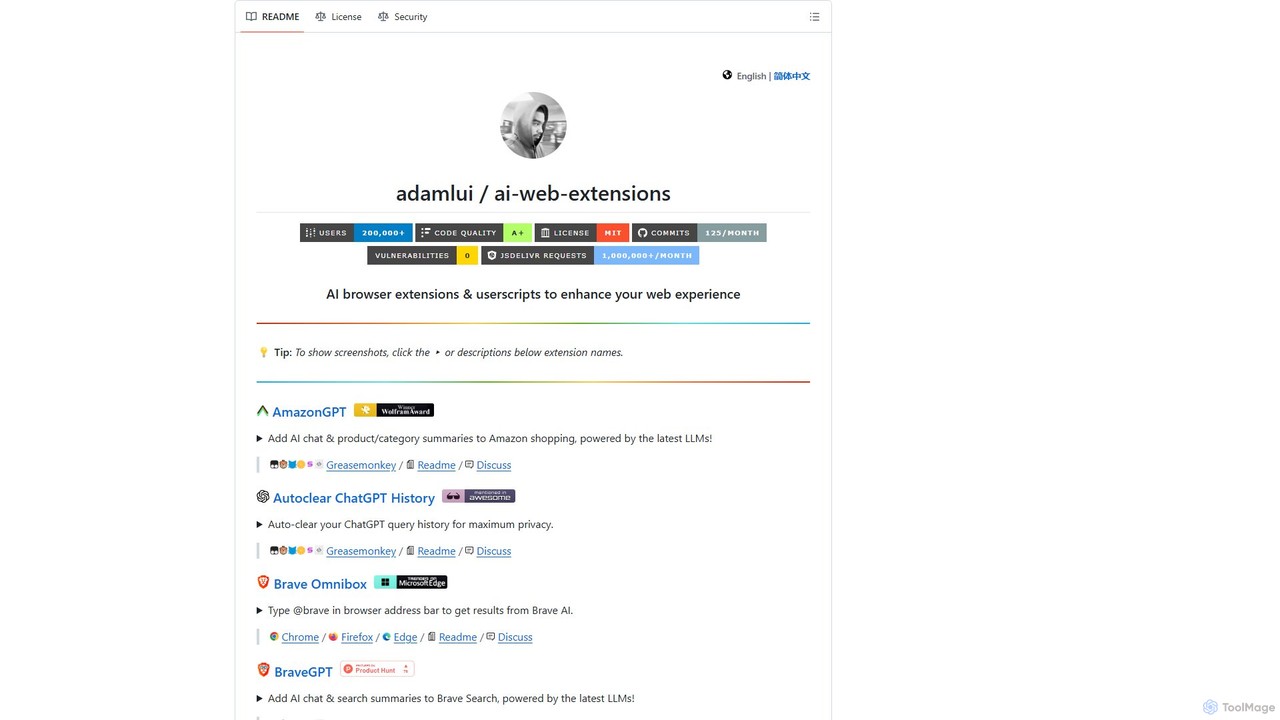
ChatGPT EVO
ChatGPT EVO is a powerful suite of open-source browser extensions and userscripts designed to augment your web experience. It seamlessly integrates AI functionalities from models like ChatGPT into your daily browsing, including search engines, e-commerce sites, and the browser's address bar, boosting productivity and providing instant information.
Code Assistant
GiteAI
GiteAI is an AI-powered tool designed for developers to automate and enhance Git commit messages. It analyzes code changes to generate detailed, standardized commits, saving time and improving repository consistency, allowing you to focus more on coding.
Code Assistant
chatgpt.js
chatgpt.js is a powerful, open-source JavaScript library for developers. It simplifies interaction with the ChatGPT web interface's DOM, enabling the rapid creation of browser extensions, userscripts, and other applications that enhance or automate the ChatGPT experience.
Toolkits
gptcli Comments (0)
Sign in to comment.
Sign inNo comments yet.