

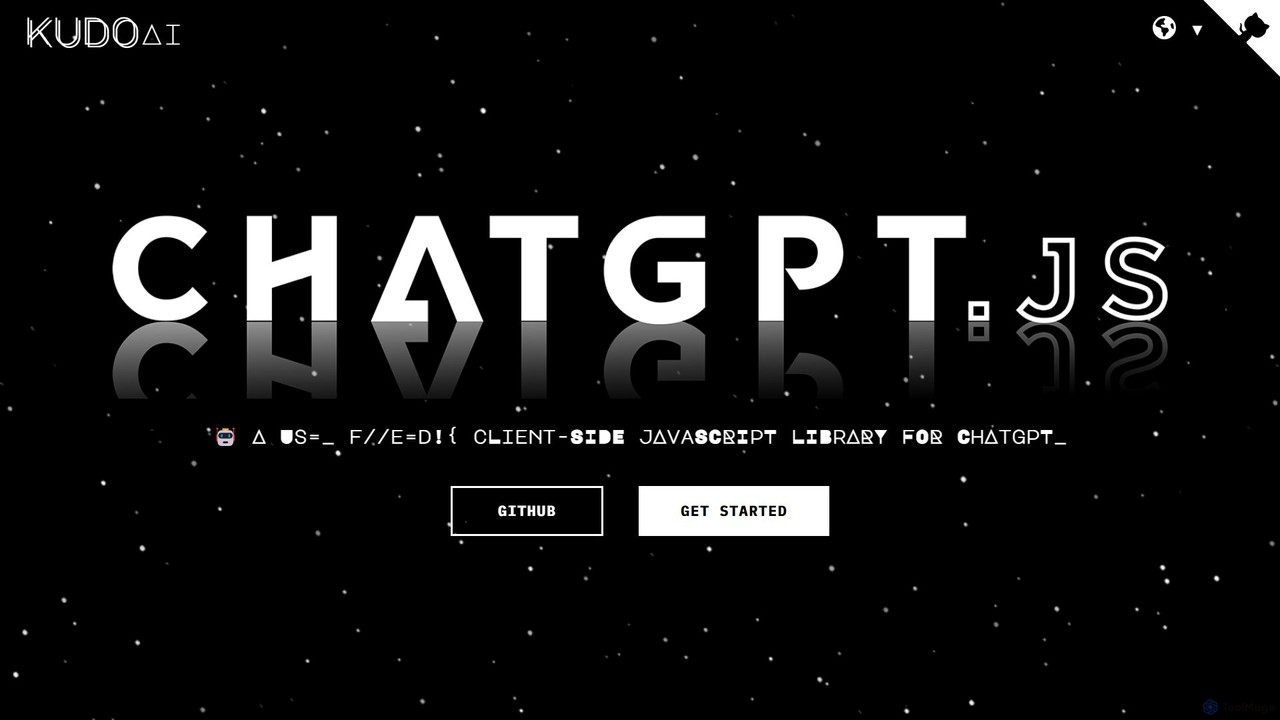
chatgpt.js Overview
chatgpt.js is a robust, client-side JavaScript library created by KudoAI, designed specifically for developers. It provides a powerful yet simple interface to interact with the ChatGPT Document Object Model (DOM). This allows developers to programmatically control, automate, and enhance the functionality of the official ChatGPT web application directly from the client-side. As an open-source project hosted on GitHub, it thrives on community contributions, ensuring it remains up-to-date and feature-rich. The library's core philosophy is flexibility and ease of use, abstracting complex DOM manipulations into intuitive, human-readable commands.
How to use chatgpt.js
chatgpt.js is a developer tool and is not used directly by end-users. Developers can integrate it into their projects in several ways:
- Importing via CDN: For quick integration into web pages or simple scripts, developers can import the library directly from a CDN like jsDelivr. This is suitable for both modern (ES11) and older (ES5) JavaScript environments.
- Greasemonkey/Tampermonkey: Developers can create userscripts to modify or enhance the ChatGPT website. By adding a `@require` directive pointing to the chatgpt.js CDN URL, they can leverage its full power within their scripts.
- Chrome Extensions: For building browser extensions, developers must download the library and include it locally in their project package, as Chrome's security policies restrict loading remote code. The library can then be imported into background or content scripts.
- NPM Installation: For more complex projects or those using a modern build process, developers can install chatgpt.js as a dependency using npm (`npm install @kudoai/chatgpt.js`). This allows for local customization and integration with frameworks like React or Vue.
Core Features of chatgpt.js
- Simplified DOM Interaction: Provides simple functions like
chatgpt.getLastResponse()orchatgpt.send()to perform complex actions on the ChatGPT page without writing verbose DOM query selectors. - Intuitive and Flexible Syntax: The library is designed to be highly intuitive. Many functions have aliases, allowing developers to write code in a way that feels natural to them (e.g.,
chatgpt.getLastReply()works the same aschatgpt.getLastResponse()). - Multi-Environment Compatibility: Seamlessly works across different development contexts, including vanilla JavaScript, browser extensions (Chrome, Firefox), and userscripts (Greasemonkey, Tampermonkey).
- Extensibility: Serves as a solid foundation for building sophisticated applications. The library handles the core interaction, freeing developers to focus on their application's unique features.
- Open-Source and Community-Driven: Being open-source on GitHub encourages transparency, collaboration, and continuous improvement from a global community of developers.
Use Cases for chatgpt.js
The versatility of chatgpt.js has led to the creation of numerous innovative tools:
- Search Engine Integration: Projects like GoogleGPT, DuckDuckGPT, and BraveGPT use the library to embed ChatGPT's conversational AI and summary capabilities directly into search engine results pages.
- E-commerce Enhancement: AmazonGPT utilizes the library to add AI-powered chat and product summary features to Amazon's shopping interface.
- Productivity and Automation Scripts: Tools like 'ChatGPT Auto-Continue' automatically prompt ChatGPT to continue generating long responses, while 'Autoclear ChatGPT History' enhances privacy by automatically clearing conversations.
- Application Integration: ThunderAI integrates ChatGPT into the Thunderbird email client, allowing users to enhance their emails with AI assistance.
Advantages of chatgpt.js
Developers choose chatgpt.js for several key reasons:
- Rapid Development: Drastically reduces the time and effort required to build applications on top of ChatGPT's web interface.
- No API Key Required: Since it interacts with the DOM, it leverages the user's active ChatGPT session. This means applications built with it don't require users to have a paid OpenAI API key, making them more accessible.
- Cost-Effective: The library is completely free and open-source, eliminating licensing costs for developers.
- Robust and Reliable: Maintained by an active community, it is regularly updated to adapt to changes in the ChatGPT web interface, ensuring that dependent applications continue to function correctly.
Pricing and Plans
chatgpt.js is a completely free and open-source library, distributed under a permissive license. Developers can use, modify, and distribute it in their personal or commercial projects without any cost. The project is funded by sponsors and community contributions.
Traffic
Latest traffic
Status
Monthly traffic trend
- 2025-8: 876
- 2025-9: 830
- 2026-2: 247
- 2026-3: 0
- 2026-4: 242
- 2026-5: 198
Geography
Top 5 countries / regions
- 🇨🇳China100.0%
Top keywords
| Keyword | Cost per click |
|---|---|
| chatgpt client | $0.00 |
| chatgpt library | $0.60 |
| chat.js | $0.00 |
| gpt js docs | $0.00 |
| https://chatgpt.com/ | $0.33 |
chatgpt.js Alternatives
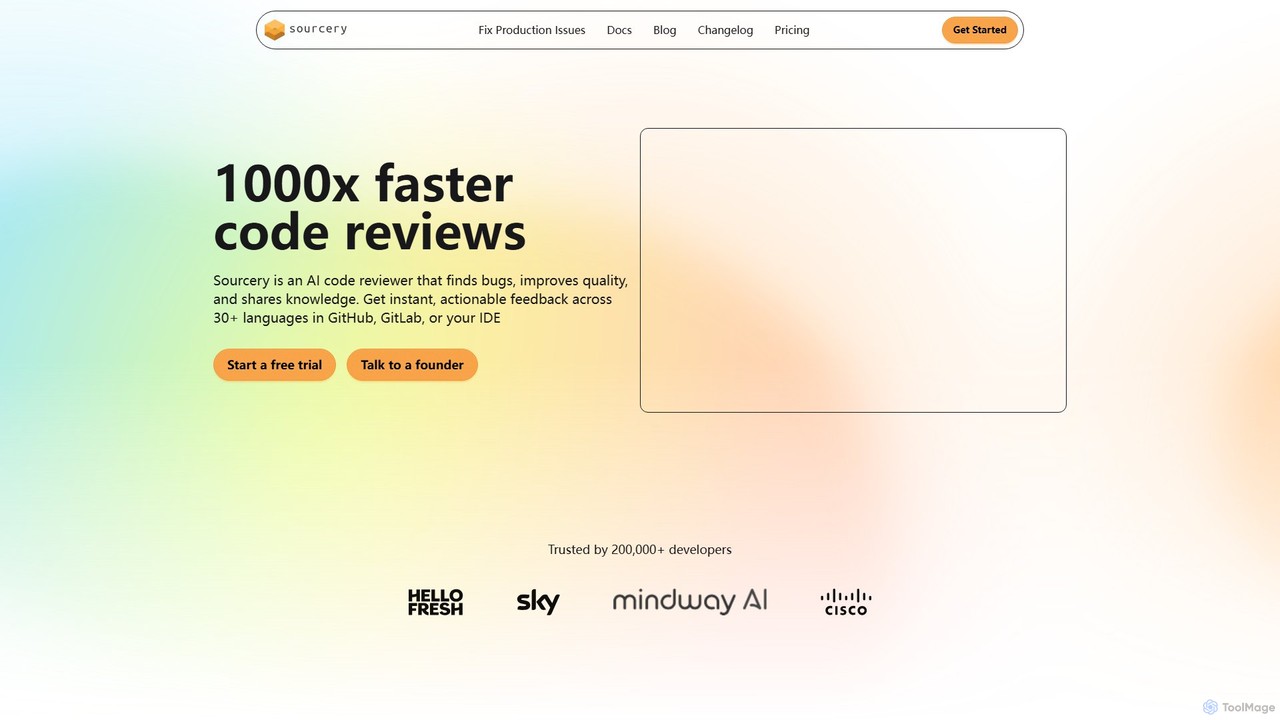
Sourcery
Sourcery is an AI-powered code reviewer that automates code reviews, finds bugs, improves code quality, and accelerates knowledge sharing. It integrates directly into your IDE, GitHub, and GitLab workflows, providing instant feedback and refactoring suggestions for over 30 languages.
Code Assistant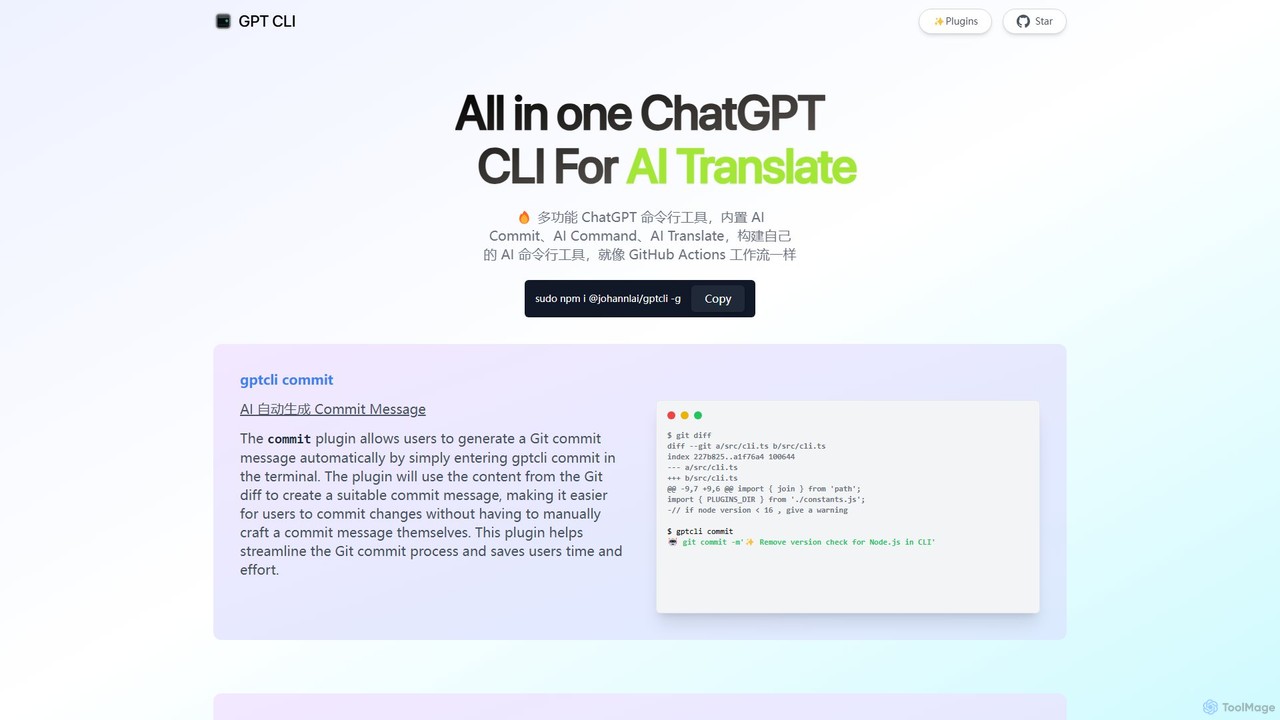
gptcli
gptcli is a versatile, open-source command-line tool that integrates ChatGPT directly into your terminal. It streamlines developer workflows with features like AI-powered Git commits, natural language to shell command translation, and in-terminal chat. With its extensible plugin system, you can build your own custom AI CLI tools, making it the ultimate productivity enhancer for anyone who works extensively with the command line.
Code Assistant
Shortest
Shortest is an AI-powered testing framework that allows developers and QA engineers to write end-to-end tests in plain English. Built on Playwright, it translates natural language commands into executable test scripts, simplifying and accelerating the QA process with seamless GitHub integration.
Code Assistant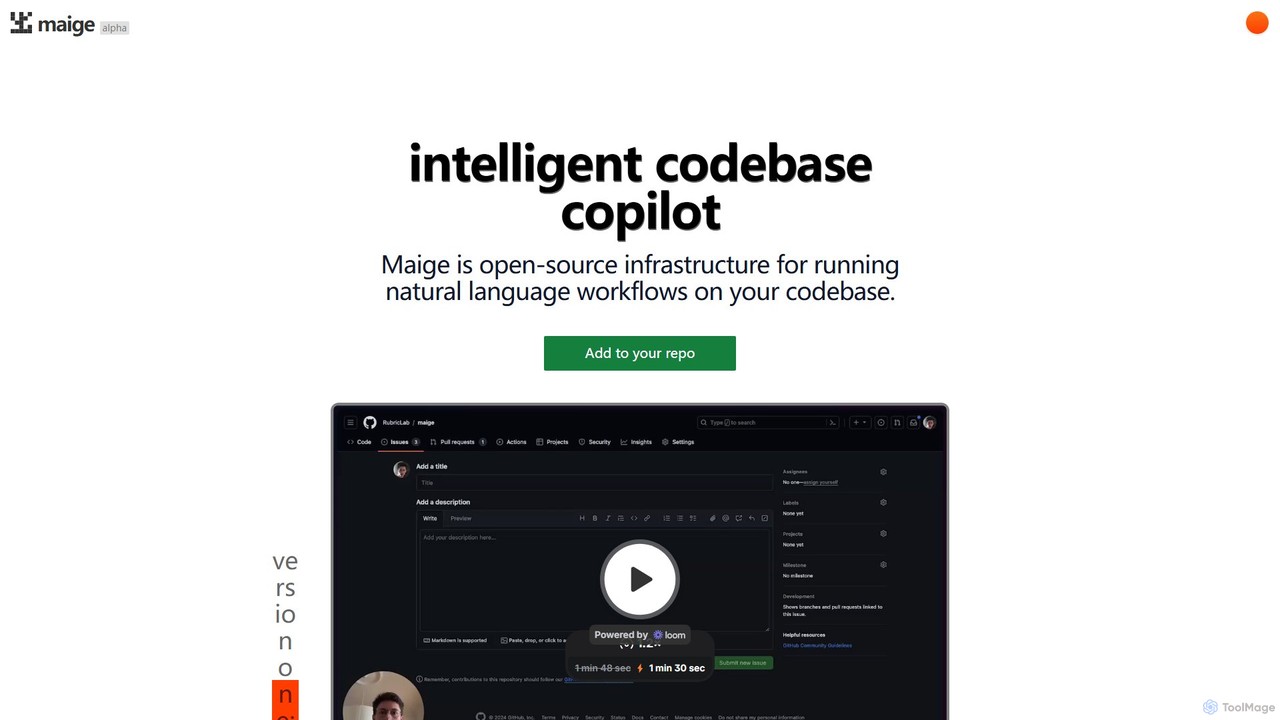
Maige
Maige is an intelligent, open-source AI copilot that automates GitHub repository management using natural language. It streamlines workflows by automatically handling issues, pull requests, code reviews, and more, boosting developer productivity.
Code Assistant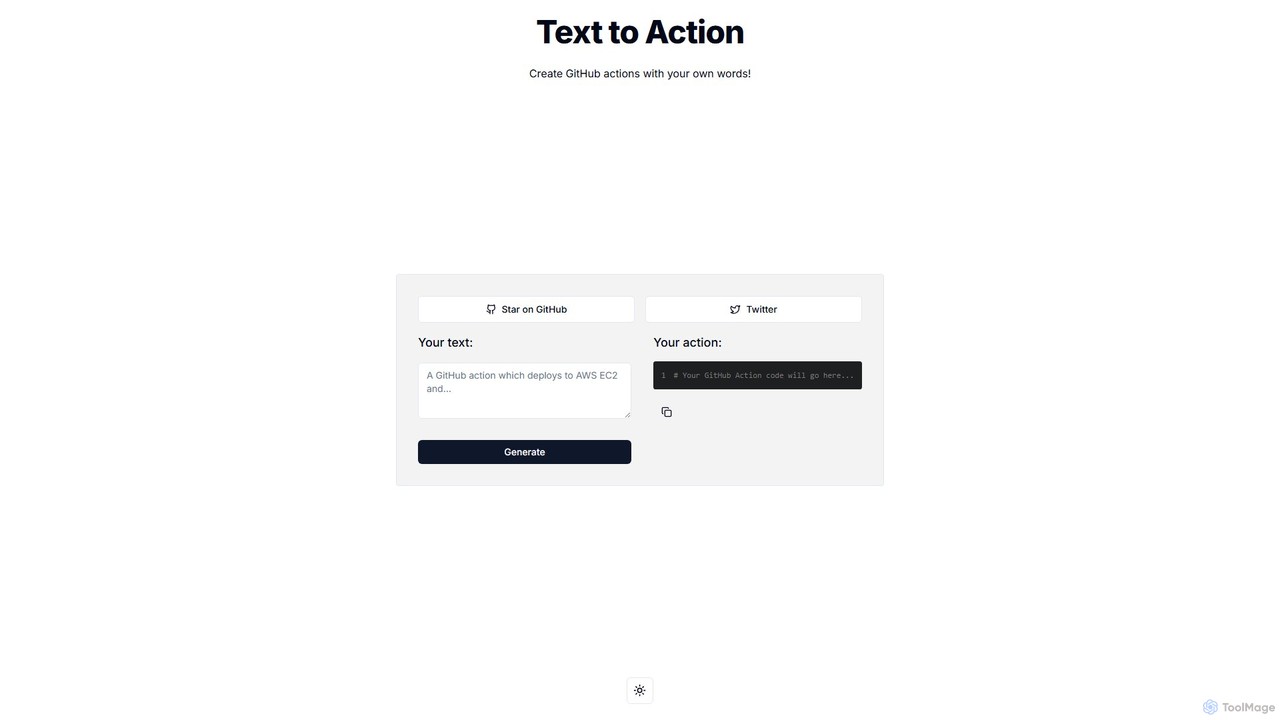
Text to Action
Text to Action is an AI-powered tool that translates natural language descriptions into functional GitHub Actions code. Simply describe your desired workflow in plain English, and the tool will generate the corresponding YAML configuration file, streamlining the CI/CD and automation process for developers.
Ci Cdchatgpt.js Categories
chatgpt.js Embed Widget
Copy this embed code to place the badge on your blog, article, or product site and send readers directly to this ToolMage detail page.

Related AI tools
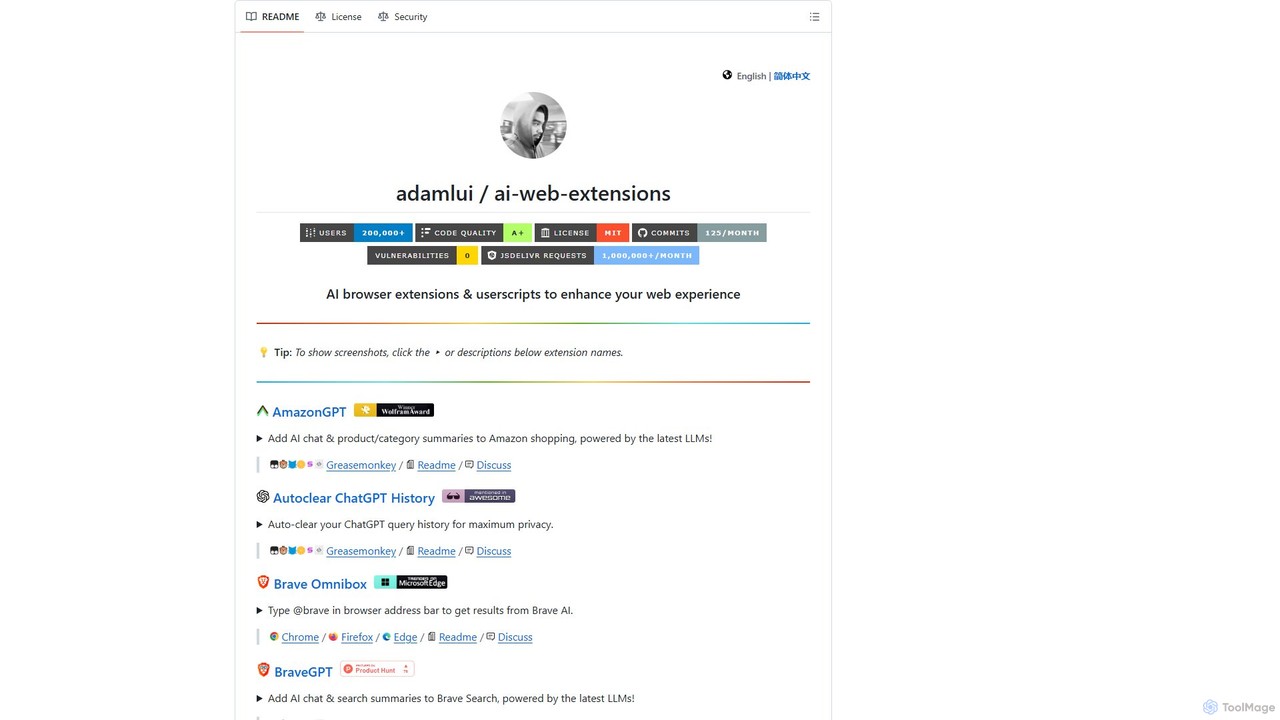
ChatGPT EVO
ChatGPT EVO is a powerful suite of open-source browser extensions and userscripts designed to augment your web experience. It seamlessly integrates AI functionalities from models like ChatGPT into your daily browsing, including search engines, e-commerce sites, and the browser's address bar, boosting productivity and providing instant information.
Code AssistantSourcery
Sourcery is an AI-powered code reviewer that automates code reviews, finds bugs, improves code quality, and accelerates knowledge sharing. It integrates directly into your IDE, GitHub, and GitLab workflows, providing instant feedback and refactoring suggestions for over 30 languages.
Code Assistantgptcli
gptcli is a versatile, open-source command-line tool that integrates ChatGPT directly into your terminal. It streamlines developer workflows with features like AI-powered Git commits, natural language to shell command translation, and in-terminal chat. With its extensible plugin system, you can build your own custom AI CLI tools, making it the ultimate productivity enhancer for anyone who works extensively with the command line.
Code AssistantShortest
Shortest is an AI-powered testing framework that allows developers and QA engineers to write end-to-end tests in plain English. Built on Playwright, it translates natural language commands into executable test scripts, simplifying and accelerating the QA process with seamless GitHub integration.
Code AssistantMaige
Maige is an intelligent, open-source AI copilot that automates GitHub repository management using natural language. It streamlines workflows by automatically handling issues, pull requests, code reviews, and more, boosting developer productivity.
Code AssistantText to Action
Text to Action is an AI-powered tool that translates natural language descriptions into functional GitHub Actions code. Simply describe your desired workflow in plain English, and the tool will generate the corresponding YAML configuration file, streamlining the CI/CD and automation process for developers.
Ci Cd
Microsoft Open Source
Microsoft's central hub for discovering, using, and contributing to a vast portfolio of open-source projects. It offers developers access to powerful tools, frameworks, and AI/ML libraries, fostering collaboration and innovation within a global community.
Platform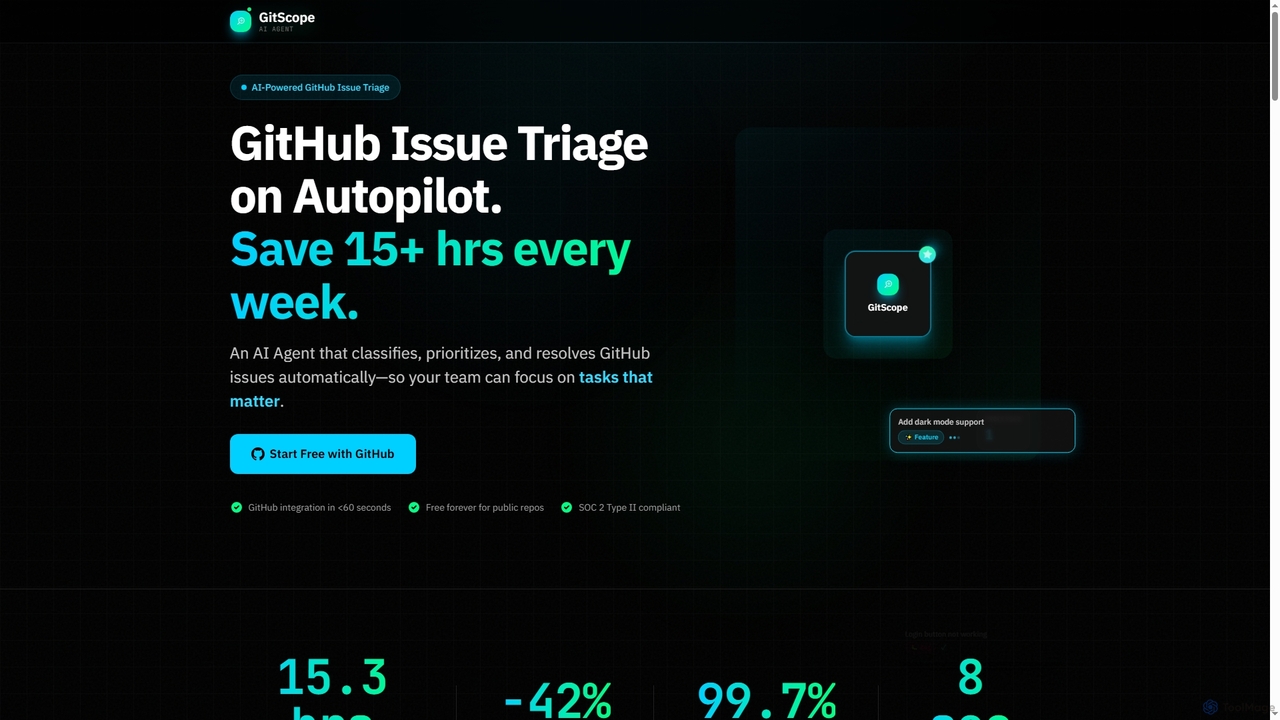
GitScope
GitScope is an AI-powered GitHub issue triage agent designed to automate the classification, prioritization, and resolution of issues. It helps engineering teams save significant time, reduce backlogs, and improve consistency by leveraging GPT-4 for intelligent analysis, duplicate detection, and configurable automation workflows. Free for public repositories, GitScope integrates seamlessly with GitHub to enhance team productivity and maintainer well-being.
Github Tools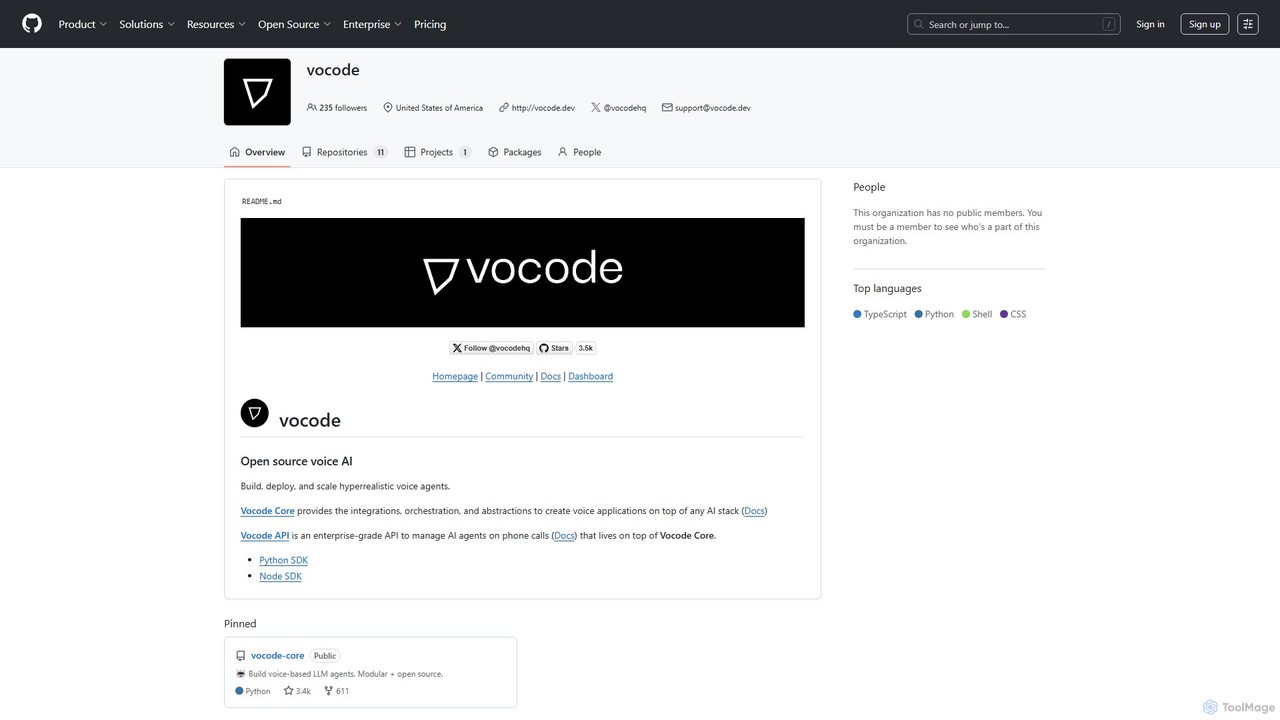
vocode
Vocode is an open-source platform for building, deploying, and scaling hyperrealistic voice AI agents. It provides developers with a core framework and an enterprise-grade API to create sophisticated voice-based LLM applications for tasks like automated customer service, sales calls, and interactive voice response (IVR) systems.
Voicebot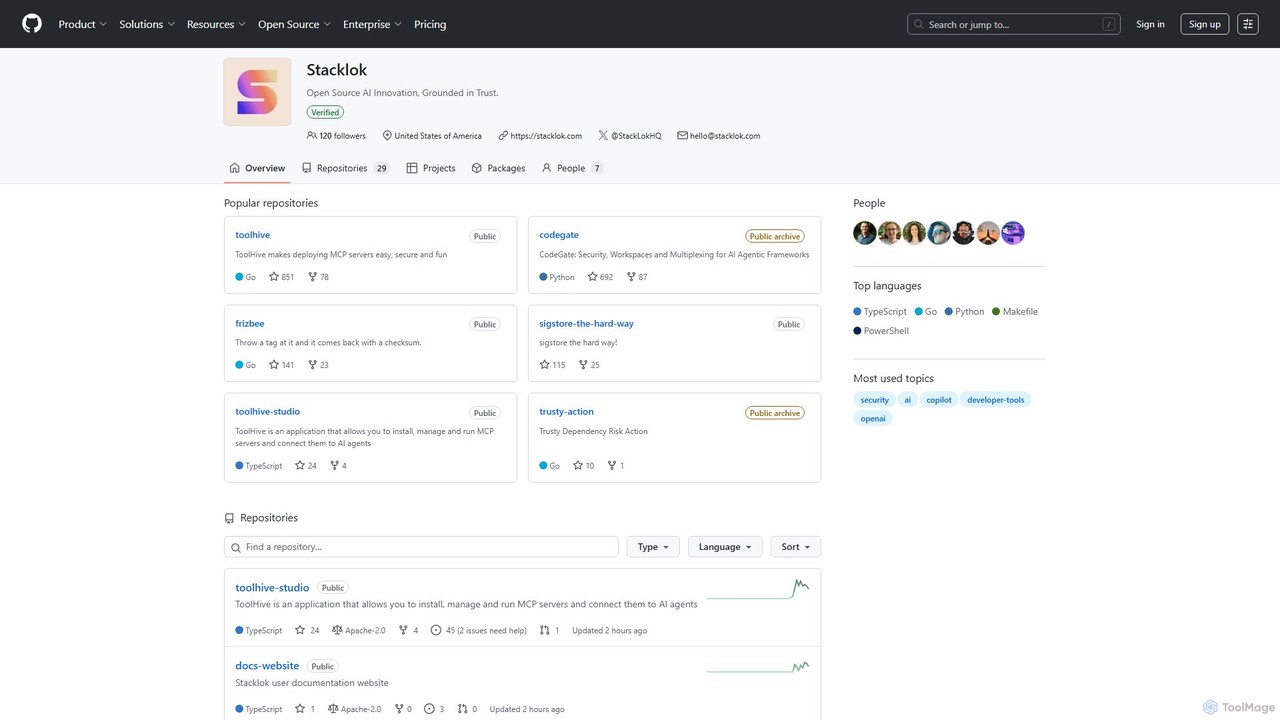
codegate
Codegate is an open-source security gateway and multiplexing framework for AI agentic systems. Developed by Stacklok, it provides secure workspaces and policy-based access control, enabling developers to build and manage complex multi-agent applications safely and efficiently.
Agentic Frameworks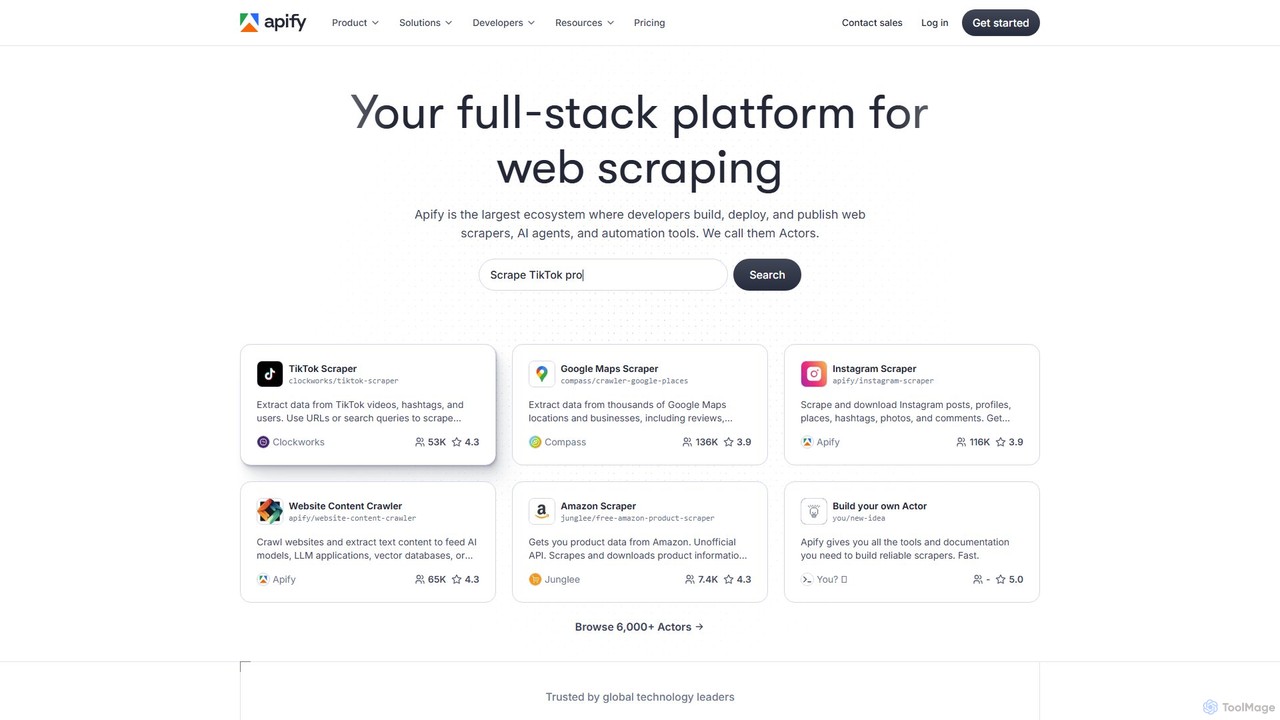
Apify
Apify is a full-stack web scraping and automation platform that enables developers to build, deploy, and publish data extraction tools, known as 'Actors'. It offers a vast marketplace of pre-built scrapers for popular websites like Google Maps, Instagram, and TikTok, alongside a robust cloud infrastructure for creating custom solutions. With support for Python and JavaScript, open-source libraries, and seamless integrations, Apify simplifies collecting web data at any scale.
Data Collection
pinokio
Pinokio is a desktop browser that allows you to install, run, and control AI applications and terminal-based apps on your computer with a single click. It simplifies the complex setup of open-source AI models by automating environment creation, dependency management, and execution. This empowers users of all skill levels to experiment with powerful AI tools locally, ensuring privacy and full control over their data.
Model Deployment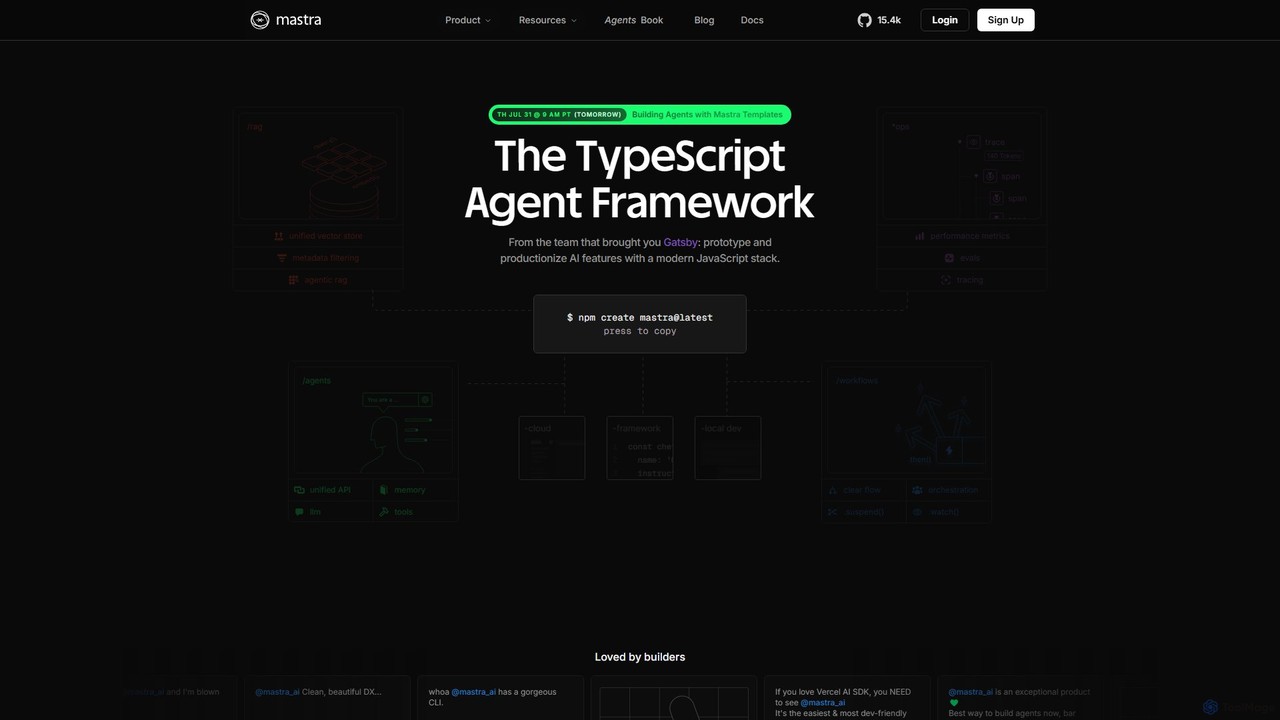
Mastra
Mastra is an open-source TypeScript framework designed for developers to build, deploy, and manage sophisticated AI agents and complex workflows. It provides a developer-friendly SDK with features like persistent memory, tool calling, Retrieval-Augmented Generation (RAG), and deterministic workflow graphs. Built by the team behind Gatsby, Mastra simplifies creating production-ready AI applications within the JavaScript ecosystem.
Agent Builder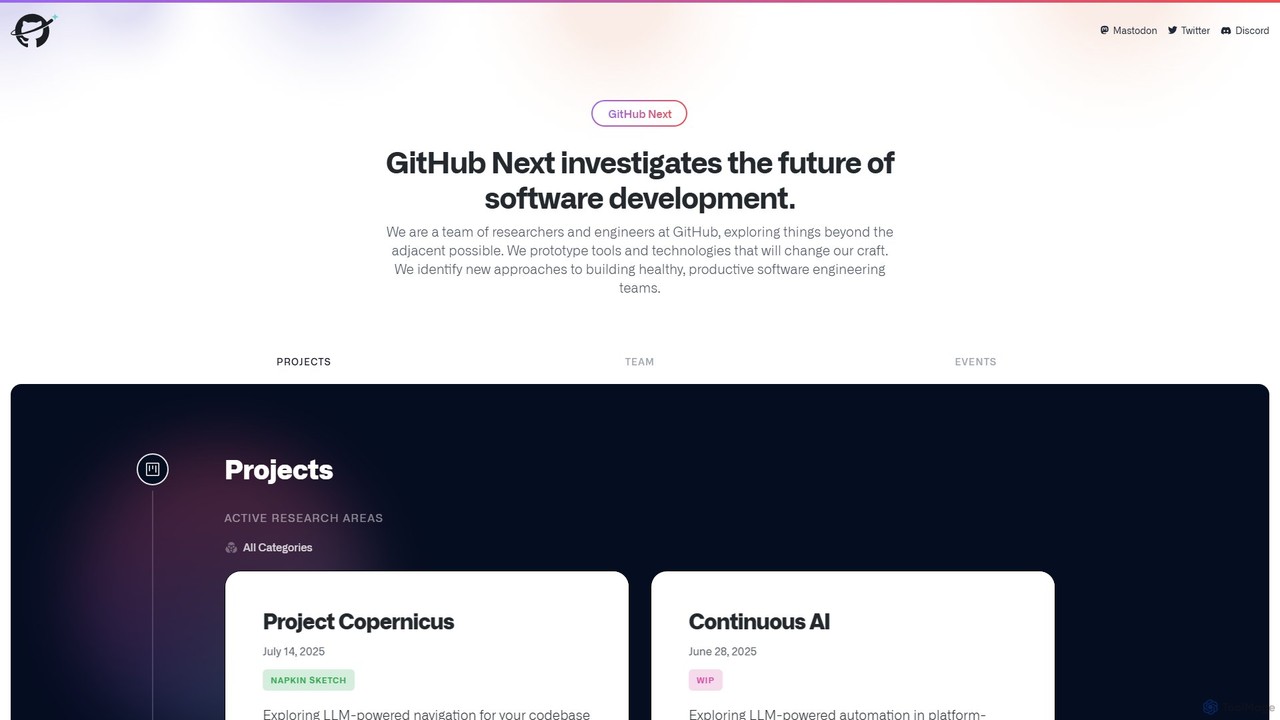
GitHub Next
GitHub Next is GitHub's research and innovation lab, dedicated to exploring the future of software development. It pioneers new tools and technologies, with a strong focus on AI, to enhance developer productivity, collaboration, and overall experience.
Code Assistant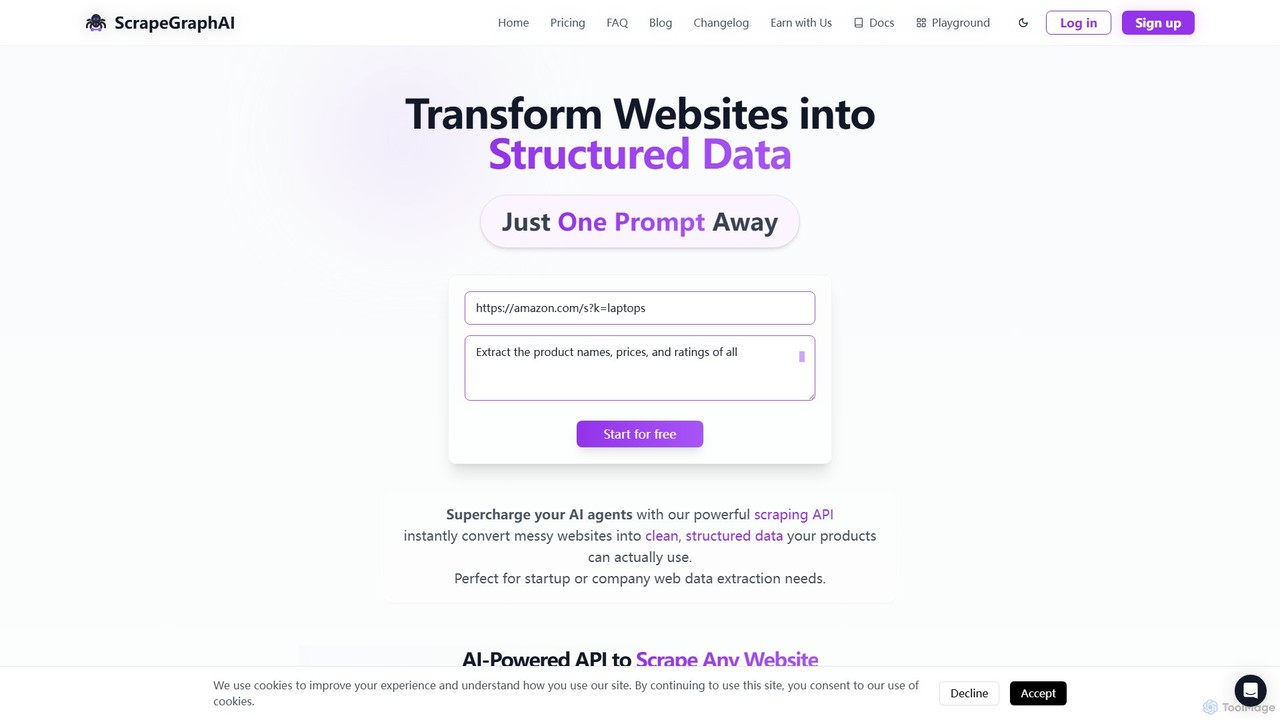
ScrapeGraphAI
ScrapeGraphAI is an AI-powered web scraping API that transforms unstructured websites into clean, structured JSON data using simple natural language prompts. Designed for developers, AI agents, and automated workflows, it simplifies data extraction without complex code.
Analytics
chatgpt.js Comments (0)
Sign in to comment.
Sign inNo comments yet.