
Text to Action Overview
Text to Action is an innovative and user-friendly AI tool designed to bridge the gap between human language and machine-readable code, specifically for GitHub Actions. It empowers developers, DevOps engineers, and project managers to automate their workflows without needing to master the intricacies of YAML syntax. By simply providing a plain-text description of a task, users can instantly generate a complete and functional GitHub Action configuration. This significantly lowers the barrier to entry for repository automation and dramatically accelerates the development and deployment lifecycle.
The tool operates on a simple yet powerful premise: describe what you want to happen, and let the AI handle the how. Whether you need to set up a continuous integration pipeline, automate issue labeling, or create a complex deployment process, Text to Action translates your intent into precise code. This not only saves valuable time but also helps reduce common syntax errors that can arise from manually writing YAML files. As an open-source project, it fosters a community of collaboration and transparency, allowing users to inspect, modify, and even contribute to its development.
How to use Text to Action
Using Text to Action is designed to be an incredibly straightforward process, requiring just a few simple steps:
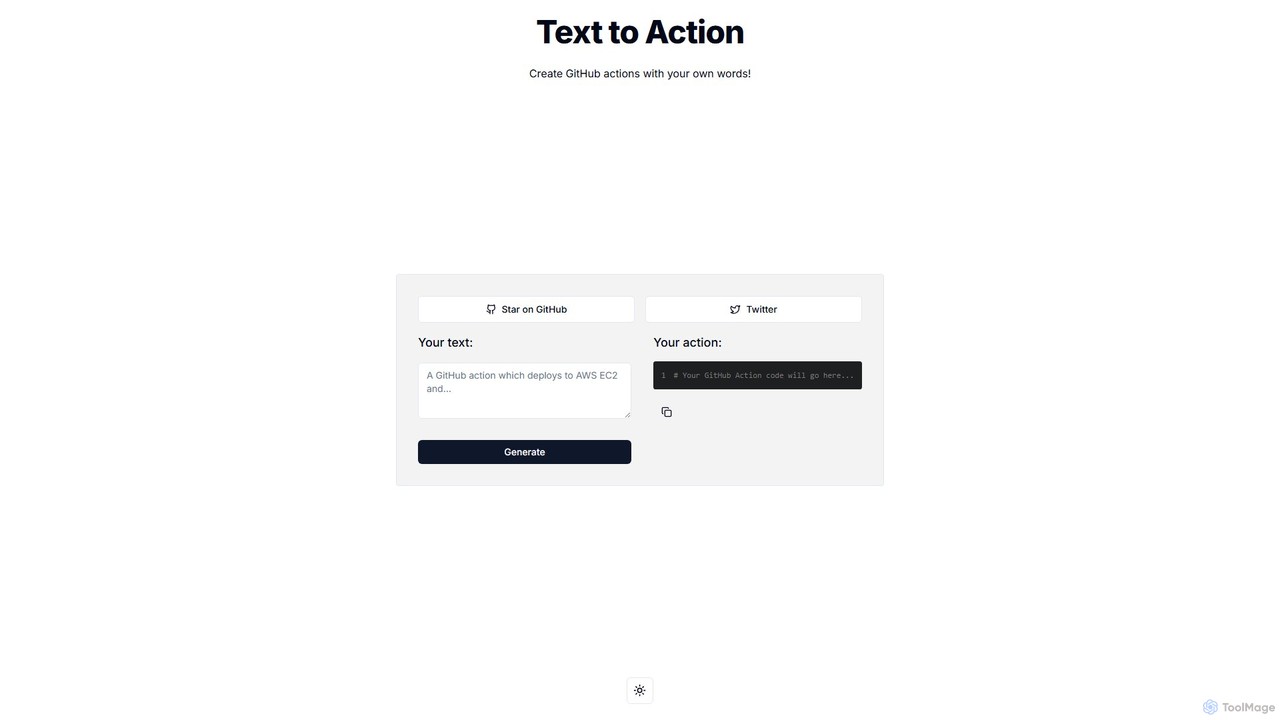
- Describe Your Workflow: Navigate to the Text to Action website. In the input field labeled "Your text:", write a clear and concise description of the automation you want to create. For example, you could write: "On every push to the main branch, build the Docker image and push it to Docker Hub."
- Generate the Code: Click the "Generate" button. The AI will process your request and generate the corresponding GitHub Action YAML code in the output area below.
- Review and Copy: The generated code will appear in the "Your action:" box. Review the YAML to ensure it matches your requirements. You can then easily copy the entire code block with a single click.
- Implement in Your Repository: In your GitHub repository, navigate to the
.github/workflows/directory. Create a new file with a.ymlor.yamlextension (e.g.,main.yml) and paste the copied code into it. Commit the new file, and your automated workflow is now active.
Core Features of Text to Action
- Natural Language Processing (NLP): At its core, the tool uses advanced AI models to understand and interpret plain English instructions.
- Instant YAML Generation: Converts text descriptions into syntactically correct GitHub Action YAML code in seconds.
- Simplified CI/CD Setup: Makes it easy for anyone to create continuous integration and continuous deployment pipelines without deep expertise.
- Error Reduction: Minimizes the risk of human error by generating code based on proven structures and syntax.
- Open Source: The project is fully open-source, available on GitHub for anyone to use, inspect, or contribute to.
- User-Friendly Interface: A clean, minimalist interface with a simple input/output design for a seamless user experience.
Use Cases for Text to Action
Text to Action is versatile and can be used for a wide range of automation tasks on GitHub:
- Continuous Integration: Generate workflows to automatically build and test your code on every push or pull request. Example prompt: "When a pull request is opened, run `npm install` and then `npm test`."
- Continuous Deployment: Create actions to deploy your application to various environments like staging or production. Example prompt: "On a push to the `production` branch, deploy to Vercel."
- Issue and PR Management: Automate repository management tasks. Example prompt: "When a new issue is created, add the 'needs-triage' label." or "When a PR is merged, post a comment thanking the contributor."
- Release Automation: Streamline your release process. Example prompt: "When a new tag starting with 'v' is pushed, create a GitHub Release."
- Learning Tool: Newcomers to GitHub Actions can use it to learn the correct YAML syntax by seeing how their descriptions are translated into code.
Advantages of Text to Action
The primary advantage of Text to Action is its profound simplicity and efficiency. It democratizes repository automation, making powerful CI/CD tools accessible to developers of all skill levels. By abstracting away the complexity of YAML, it allows teams to focus on the logic of their workflows rather than the syntax. This leads to faster setup times, increased productivity, and more robust, error-free automation. Being open-source and free, it's a cost-effective solution for individuals and teams of any size.
Pricing and Plans
Text to Action is a completely free, open-source tool. There are no subscription fees, usage limits, or paid tiers. It is available for everyone to use directly through its web interface. Users who are interested in the underlying technology or wish to contribute to the project can find its source code on GitHub.
Text to Action Alternatives
rgx.tools
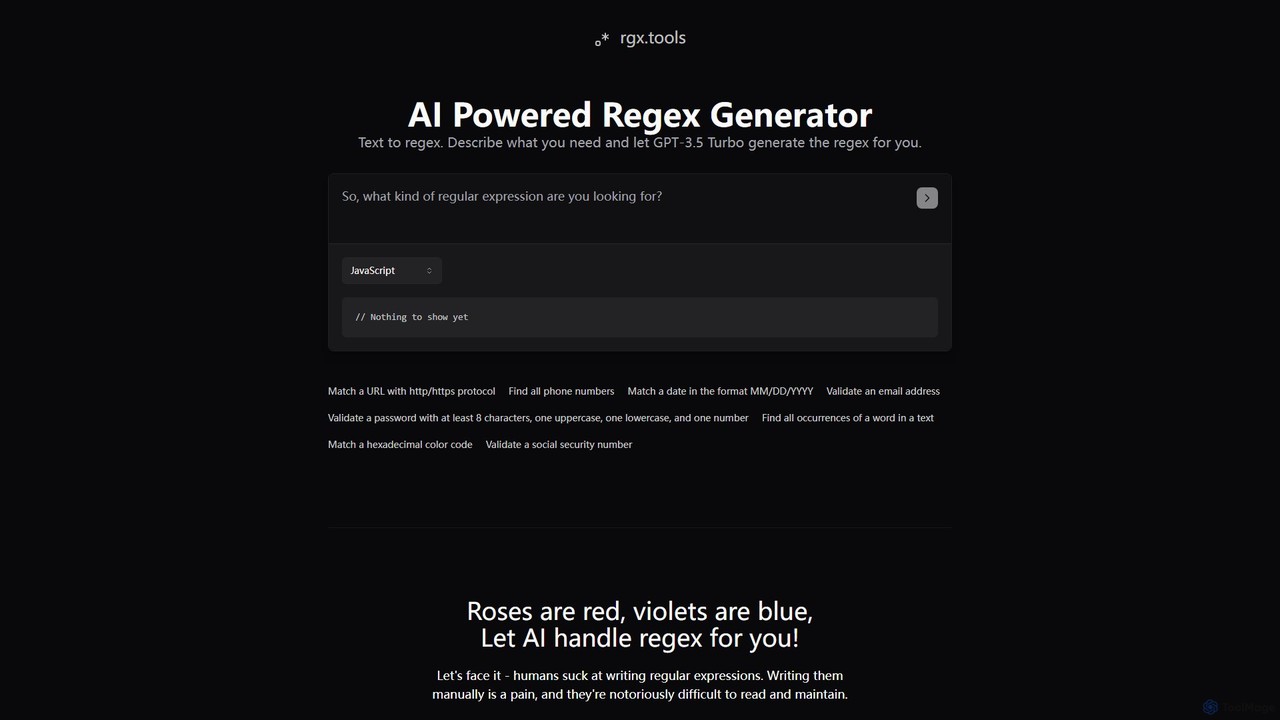
rgx.tools is an AI-powered generator that translates natural language descriptions into regular expressions (regex). Powered by GPT-3.5, it simplifies the complex task of writing regex for developers and data analysts. Users can describe their pattern matching needs in plain English and instantly receive clean, efficient regex code compatible with multiple programming languages like Python, JavaScript, and Java, complete with usage examples.
Text Processing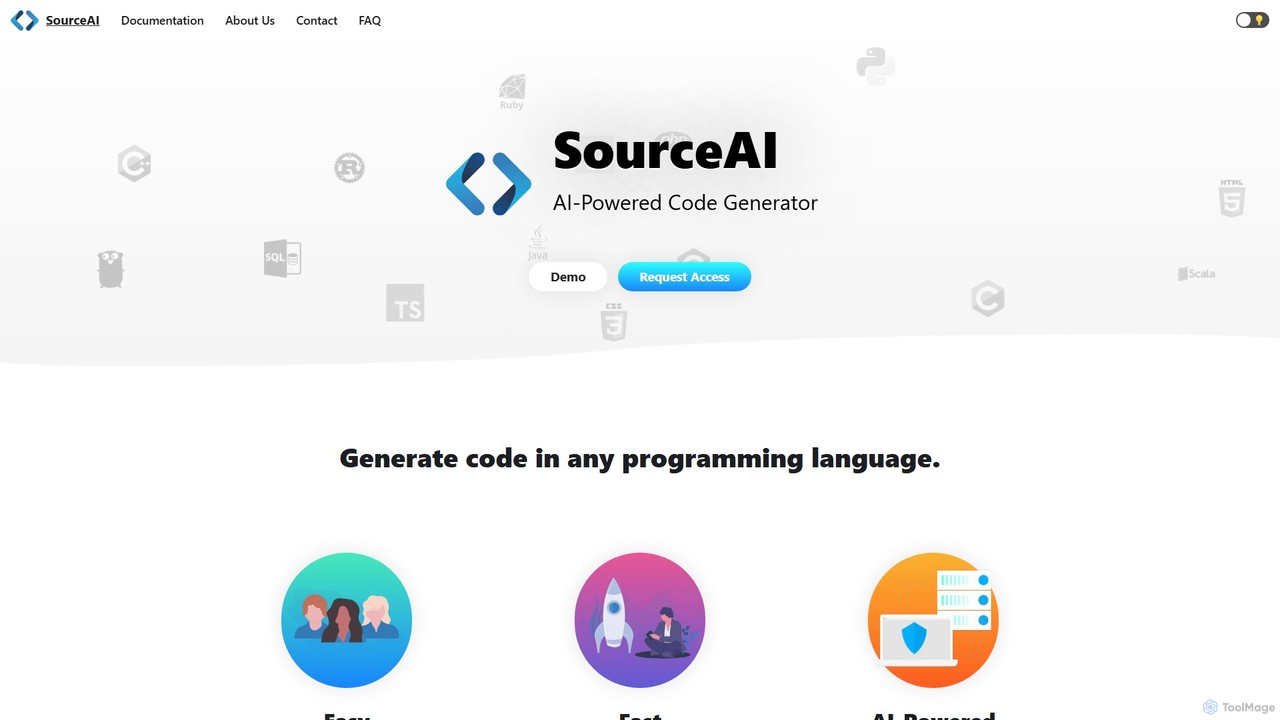
SourceAI
SourceAI is an AI-powered code generator that translates natural language descriptions into code for any programming language. Powered by GPT-3 and Codex, it helps developers and non-developers alike to generate, refactor, and debug code, significantly speeding up the development process.
Code Generation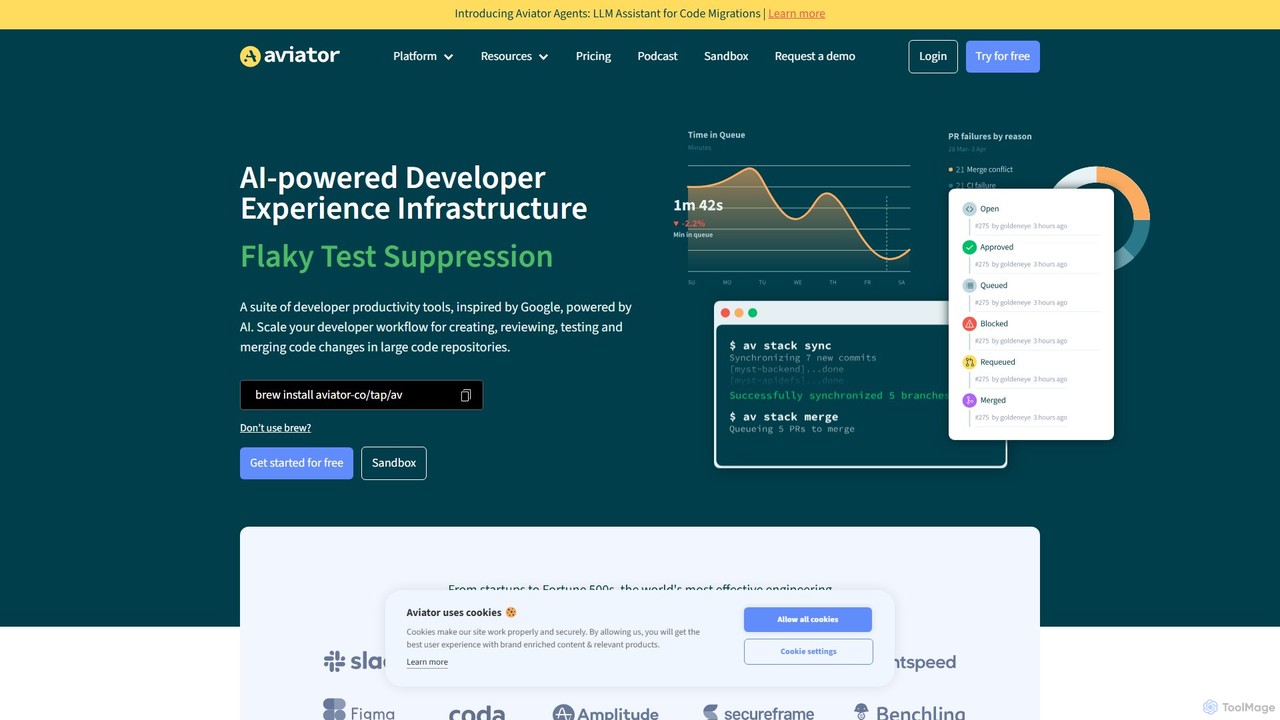
Aviator
Aviator is a developer collaboration suite that automates the CI/CD pipeline, focusing on pull request management. It uses an automated merge queue to test, rebase, and merge code, ensuring the main branch remains stable and deployable, thereby boosting developer productivity and code quality.
Code Collaboration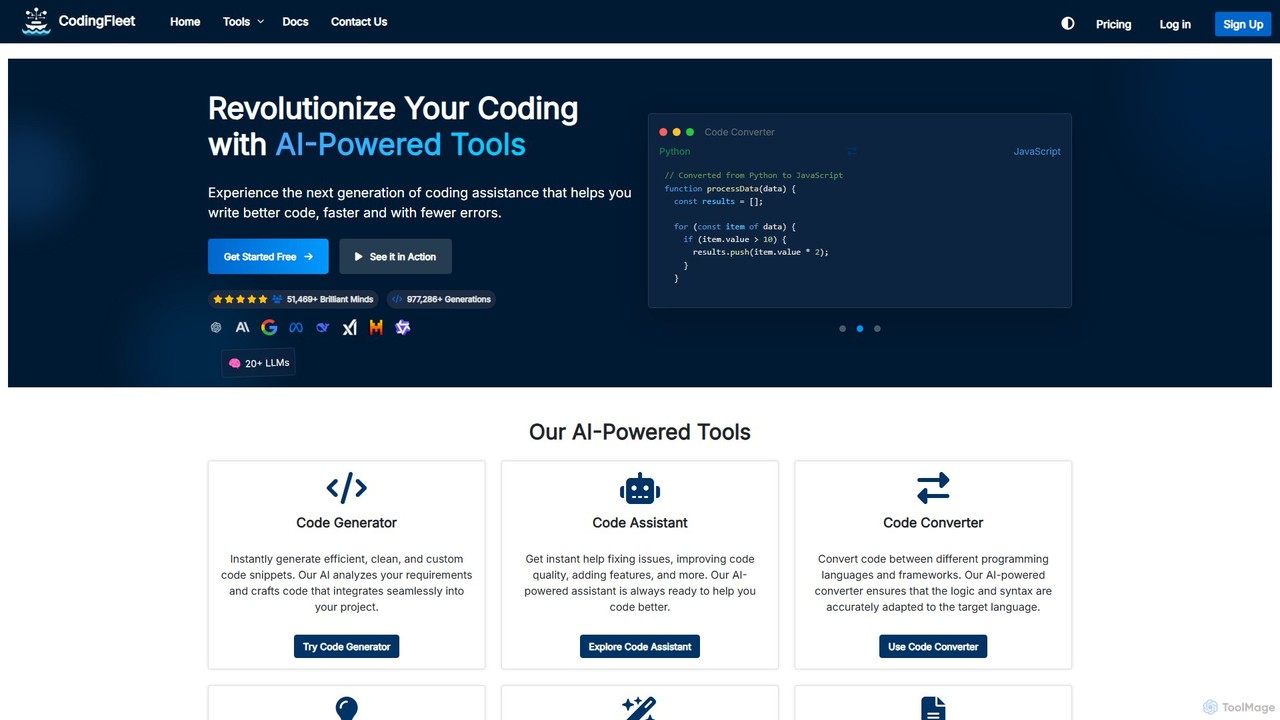
CodingFleet
CodingFleet is a comprehensive AI-powered platform designed to revolutionize the coding workflow for developers. It offers a suite of tools including a code generator, assistant, converter, and explainer, supporting over 90 programming languages. By leveraging advanced AI models, it helps programmers write better, cleaner code faster, automate tedious tasks, and reduce errors, ultimately boosting productivity and fostering innovation.
Code Assistant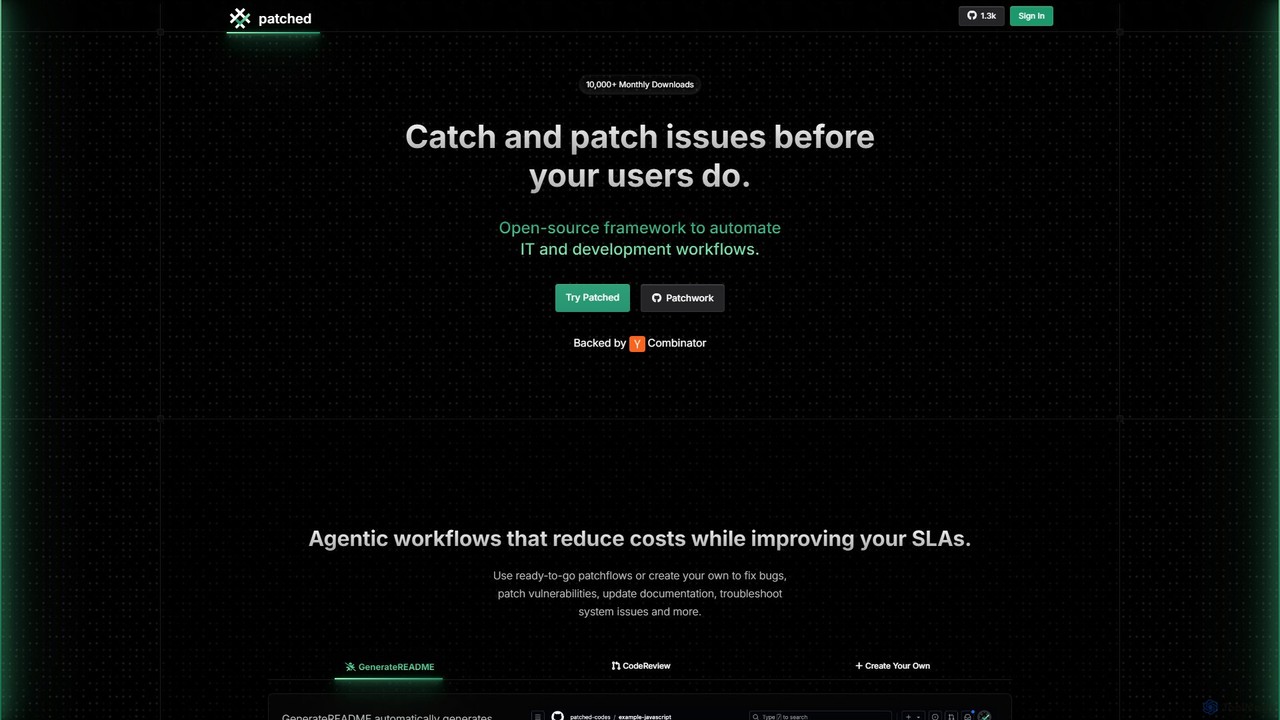
Patched
Patched is an open-source framework designed to automate IT and development workflows. It leverages AI to proactively catch and fix issues like bugs and vulnerabilities before they impact users. The platform allows for creating custom, agentic workflows to streamline tasks such as code review, documentation generation, and dependency updates.
Code AssistantText to Action Categories
Text to Action Embed Widget
Copy this embed code to place the badge on your blog, article, or product site and send readers directly to this ToolMage detail page.

Related AI tools
Aviator
Aviator is a developer collaboration suite that automates the CI/CD pipeline, focusing on pull request management. It uses an automated merge queue to test, rebase, and merge code, ensuring the main branch remains stable and deployable, thereby boosting developer productivity and code quality.
Code CollaborationPatched
Patched is an open-source framework designed to automate IT and development workflows. It leverages AI to proactively catch and fix issues like bugs and vulnerabilities before they impact users. The platform allows for creating custom, agentic workflows to streamline tasks such as code review, documentation generation, and dependency updates.
Code Assistant
Shortest
Shortest is an AI-powered testing framework that allows developers and QA engineers to write end-to-end tests in plain English. Built on Playwright, it translates natural language commands into executable test scripts, simplifying and accelerating the QA process with seamless GitHub integration.
Code Assistant
AI Code Reviewer
AI Code Reviewer is an automated tool that uses artificial intelligence to analyze your code. It integrates with your development workflow, like GitHub, to automatically review pull requests. The tool identifies bugs, security vulnerabilities, and style issues, providing instant, actionable feedback to help developers improve code quality and accelerate the development cycle.
Code Review
PandasAI
PandasAI offers a suite of developer tools for building AI applications. It features an open-source library for conversational data analysis using natural language and PandaAGI, an advanced SDK for creating generalist AI agents that can perform complex tasks like web searches and filesystem access.
Data Analysis
Bugster
Bugster is an AI-powered QA engineer for developers that automates end-to-end testing. It runs on every pull request, simulating user interactions in real browsers to find bugs before they hit production. It offers automatic test generation, zero-effort maintenance, and seamless integration with GitHub and Vercel.
Code Quality
DepsHub
DepsHub is an AI-powered platform that automates dependency management for development teams. It simplifies updates, performs security vulnerability scanning, and ensures license compliance, allowing developers to focus on coding while maintaining a secure and up-to-date codebase.
Code Management
Lumo
Lumo is an open-source, AI-powered terminal assistant that allows users to interact with the command line using natural language. It translates plain English into executable commands, automates complex tasks, monitors system health, and supports multiple AI models including Gemini, OpenAI, and Ollama for local inference.
Code Assistant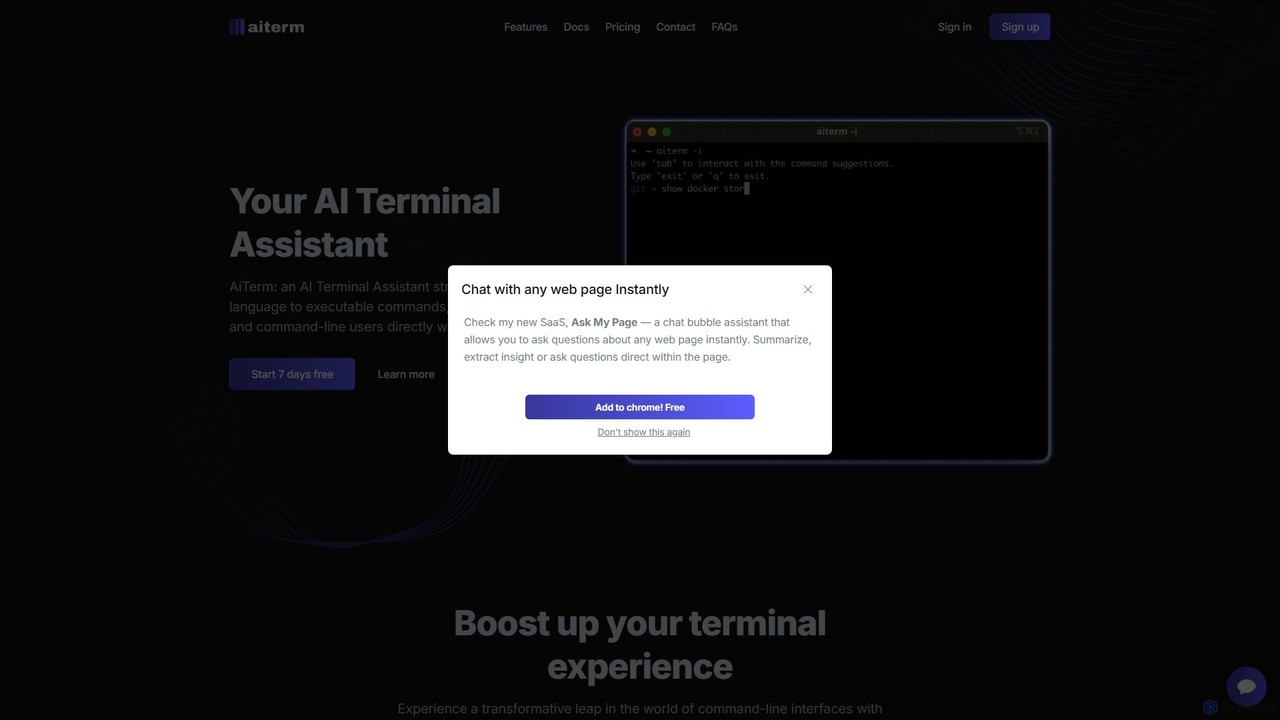
AiTerm
AiTerm is an AI-powered terminal assistant that translates natural language into executable shell commands. It streamlines workflows for developers and command-line users with features like IDE-style autocompletion, command suggestions, and workflow management, all directly within the terminal.
Code Assistant
chatgpt.js
chatgpt.js is a powerful, open-source JavaScript library for developers. It simplifies interaction with the ChatGPT web interface's DOM, enabling the rapid creation of browser extensions, userscripts, and other applications that enhance or automate the ChatGPT experience.
Toolkits
Jyek
Jyek is an AI agent platform that understands objectives, creates execution plans, uses tools, and delivers verifiable results for complex, multi-step tasks.
Automation
Rebolt
Rebolt is an AI-powered platform designed to automate the entire software development lifecycle. It helps developer and DevOps teams build, test, and deploy applications faster and more reliably by leveraging AI for CI/CD pipeline optimization, code generation, and intelligent monitoring.
Code Assistant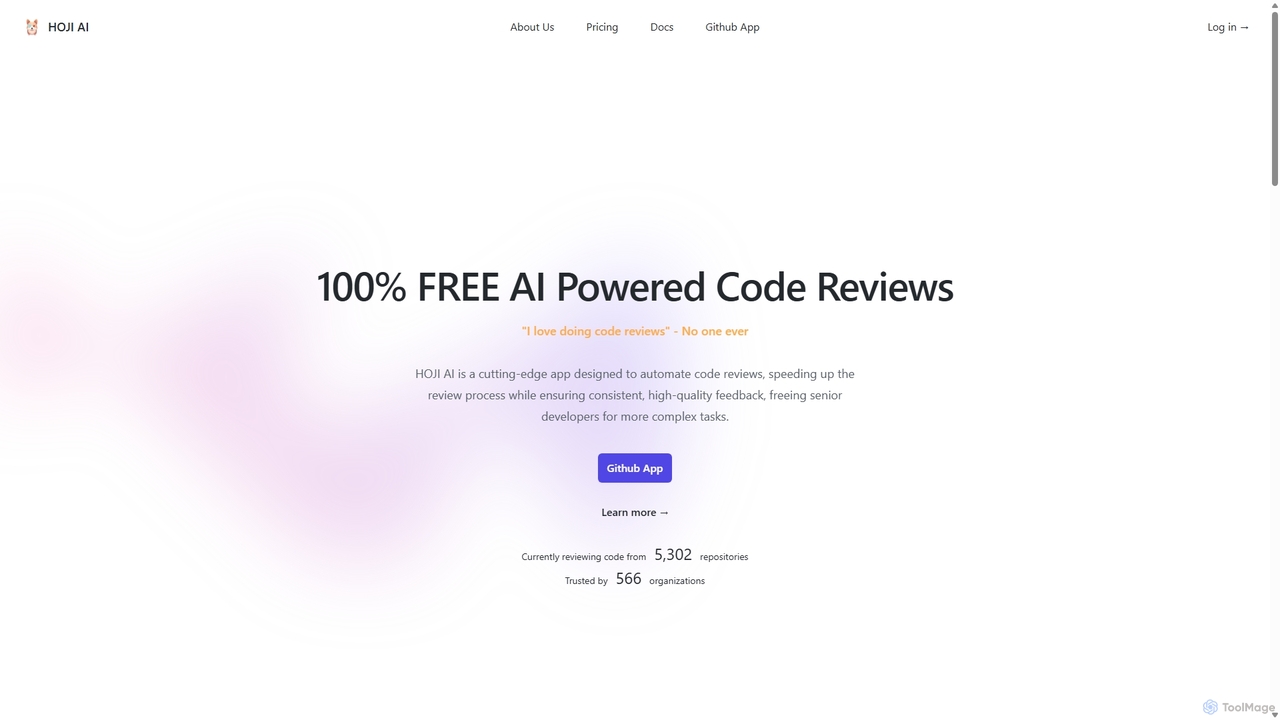
HOJI AI
HOJI AI is a free, AI-powered tool that automates code reviews directly within GitHub. It provides instant, consistent, and high-quality feedback on pull requests, helping development teams increase productivity, improve code quality, and accelerate their development cycles by freeing up senior engineers.
Code Assistant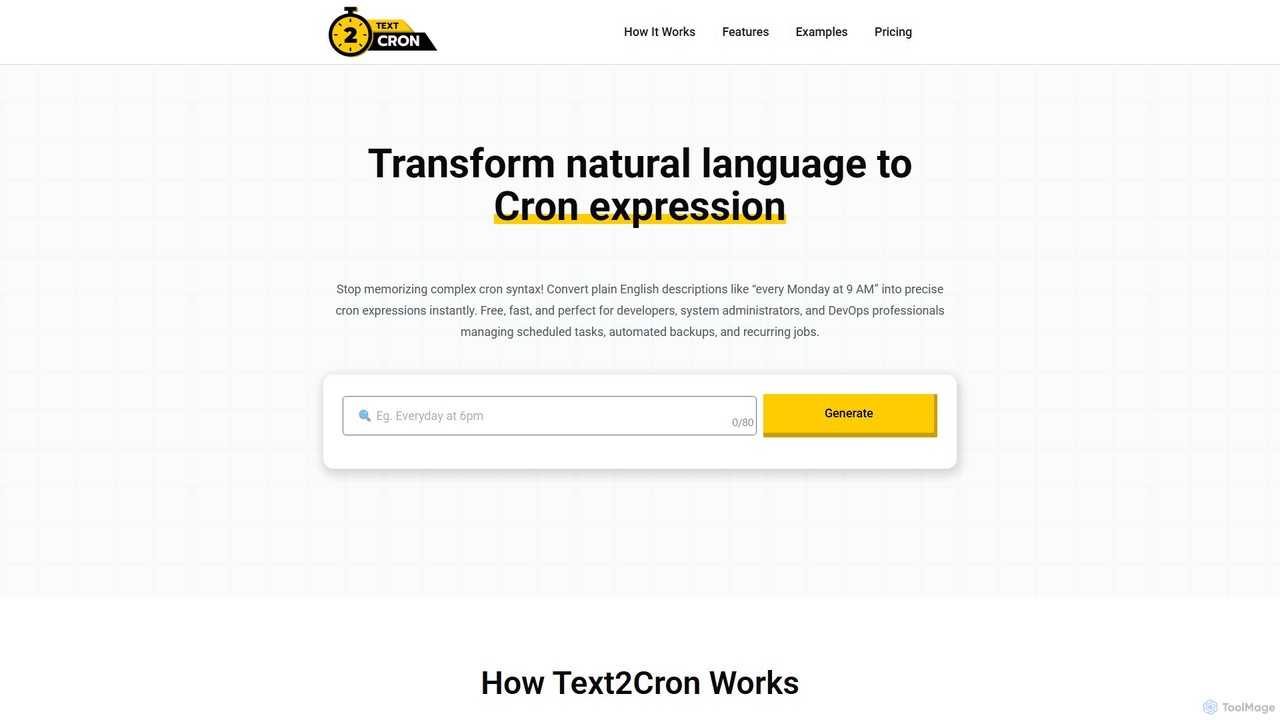
Text2Cron
Text2Cron is an AI-powered tool that instantly converts natural language descriptions into precise cron expressions. Ideal for developers, system administrators, and DevOps professionals, it simplifies task scheduling by eliminating the need to memorize complex cron syntax. It's fast, accurate, and privacy-focused with client-side processing.
Code Assistant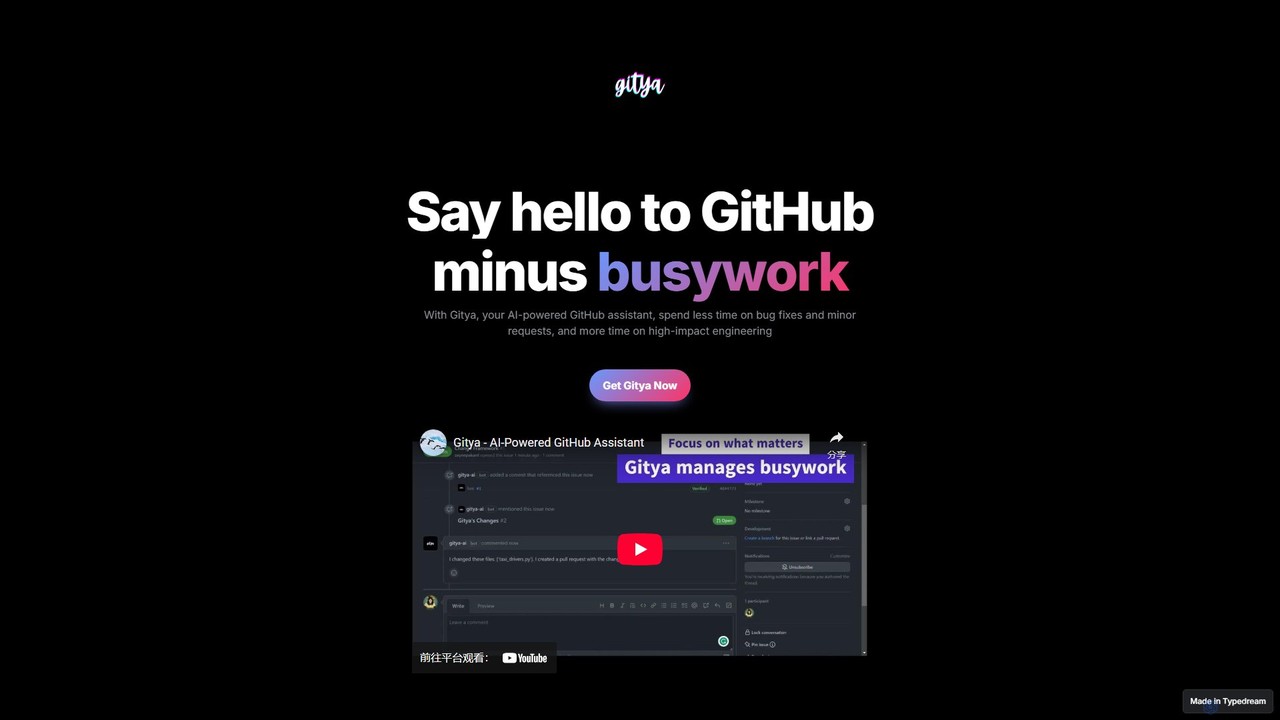
gitya
gitya is an AI-powered GitHub assistant designed to automate routine development tasks. It helps teams by handling minor bug fixes, managing pull requests with automated reviews, and resolving simple tickets, allowing developers to focus on high-impact engineering and innovation.
Version Control
Text to Action Comments (0)
Sign in to comment.
Sign inNo comments yet.