

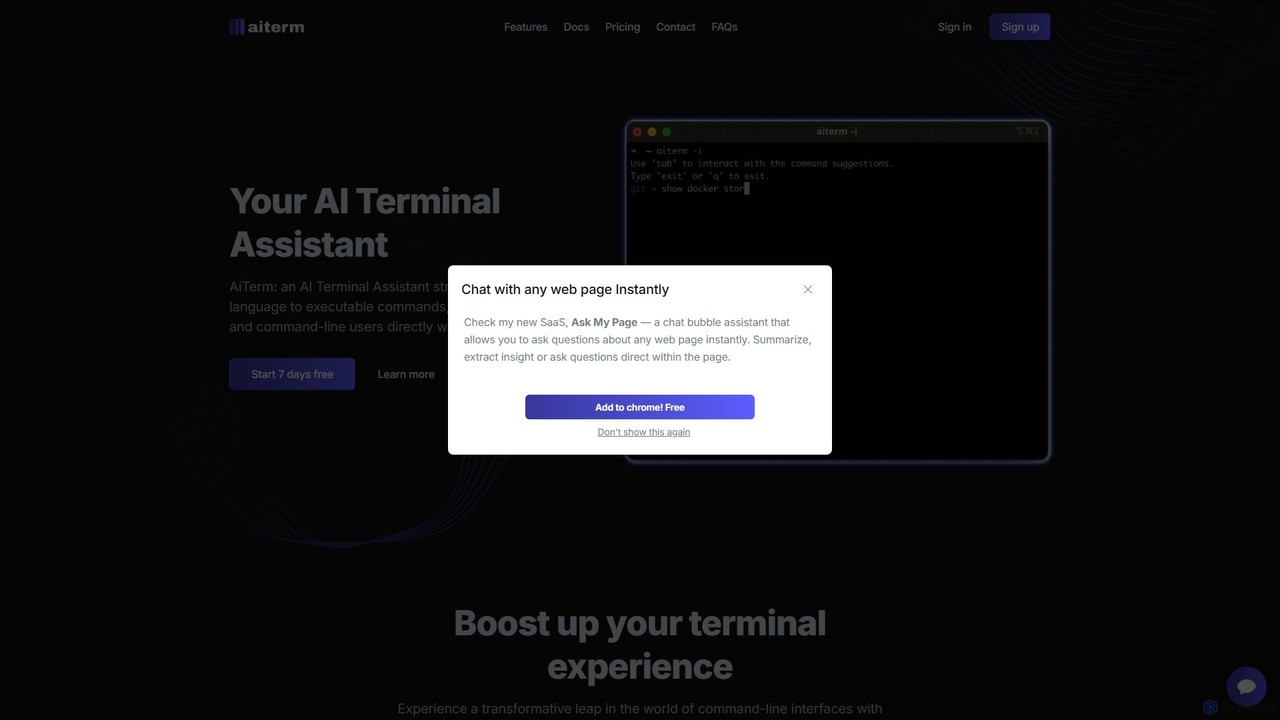
AiTerm Overview
AiTerm is a revolutionary AI Terminal Assistant designed to significantly enhance the productivity and experience of developers, system administrators, and any user who frequently interacts with the command line. It addresses the common challenge of remembering complex commands, flags, and syntax by allowing users to describe their needs in natural language. AiTerm then intelligently translates these descriptions into accurate, executable shell commands, effectively bridging the gap between human intent and machine instruction. This powerful tool integrates seamlessly into your existing terminal environment, eliminating the need to switch contexts or search for documentation online. Built with performance and privacy in mind, AiTerm is a fast, lightweight, and secure solution to supercharge your command-line efficiency.
How to use AiTerm
Getting started with AiTerm is a straightforward process designed to get you up and running quickly. First, you need to install the AiTerm command-line tool on your system. It supports a wide range of popular terminals, including iTerm, VS Code's integrated terminal, Windows Command Prompt, and PowerShell. After installation, you'll need to sign up on the AiTerm website to obtain an API Token. This token is essential for the CLI tool to communicate securely with AiTerm's AI services. Once configured, you can invoke AiTerm directly from your command line. Simply type your request in plain English, prefixed by the AiTerm command (e.g., ai find all files modified in the last 24 hours). AiTerm will process your request and suggest the corresponding command. You can then review, edit if necessary, and execute it instantly. For repetitive tasks, you can use the workflow feature to save and organize sequences of commands for easy reuse.
Core Features of AiTerm
- Natural Language to Command: The flagship feature allows you to type what you want to do in plain English, and AiTerm generates the precise command for you.
- IDE-Style Autocompletion: Brings the convenience of modern IDEs to your terminal, providing intelligent suggestions and autocompletion for your most frequently used commands.
- Organized Workflow Management: Create, save, edit, and execute custom workflows. This allows you to chain multiple commands together for complex tasks and run them with a single instruction, boosting productivity.
- Cross-Platform Compatibility: AiTerm is designed to work seamlessly across various operating systems and popular terminal applications like iTerm, PowerShell, cmd, and the VS Code terminal.
- Privacy-Focused: Your privacy is paramount. AiTerm does not store any of your terminal content or command history on its servers. All data remains securely on your local device.
- High Performance: Built using Go, AiTerm is extremely fast and lightweight, ensuring it doesn't slow down your system or terminal experience.
- Command Cheatsheets: Access quick reference guides for essential commands across a wide range of tools like Git, Docker, Kubernetes, and more, directly from the tool.
Use Cases for AiTerm
AiTerm is versatile and benefits a wide range of users. For Software Developers, it can speed up daily tasks like managing Git repositories ('show me the git log with a graph format'), running Docker containers, or searching through codebases. DevOps Engineers can use it to manage cloud resources with AWS CLI, configure Kubernetes clusters ('list all pods in the 'production' namespace'), or automate deployment scripts. System Administrators find it invaluable for system maintenance, user management, and network troubleshooting ('find all open ports on this machine'). Even beginners learning the command line can use AiTerm as an interactive learning tool, seeing how natural language translates into real commands, thus flattening the learning curve.
Advantages of AiTerm
The primary advantage of AiTerm is the massive boost in productivity it provides. By reducing the time spent searching for command syntax, it allows users to stay focused and in the flow. It lowers the cognitive load associated with remembering hundreds of commands and their specific options. This makes the command line more accessible to newcomers and more efficient for experts. The offline features for command suggestions and workflows ensure that your productivity is not hindered even without an internet connection. Furthermore, its commitment to privacy and security provides peace of mind, and the one-time payment model is a transparent and user-friendly alternative to recurring subscriptions.
Pricing and Plans
AiTerm offers a clear and straightforward pricing structure without recurring subscriptions. It's a one-time payment for a specific period of access. All plans start with a 7-day free trial.
- Standard Plan: Priced at approximately $102.0/year. This plan includes basic access and a limit of 2400 AI requests, along with offline command suggestions and workflow features.
- Pro Plan: Priced at approximately $131.4/year. This plan offers an advanced experience with unlimited AI requests, unlimited offline command suggestions, and unlimited offline workflows.
- Enterprise Plan: A custom plan for businesses that require fully customizable solutions and dedicated support. Pricing is available upon consultation.
Traffic
Latest traffic
Status
Monthly traffic trend
- 2025-7: 1.2K
- 2025-8: 1.5K
- 2025-9: 2.4K
- 2026-3: 0
- 2026-4: 0
- 2026-5: 225
Geography
Top 5 countries / regions
- 🇹🇼Taiwan100.0%
AiTerm Alternatives
BashSenpai
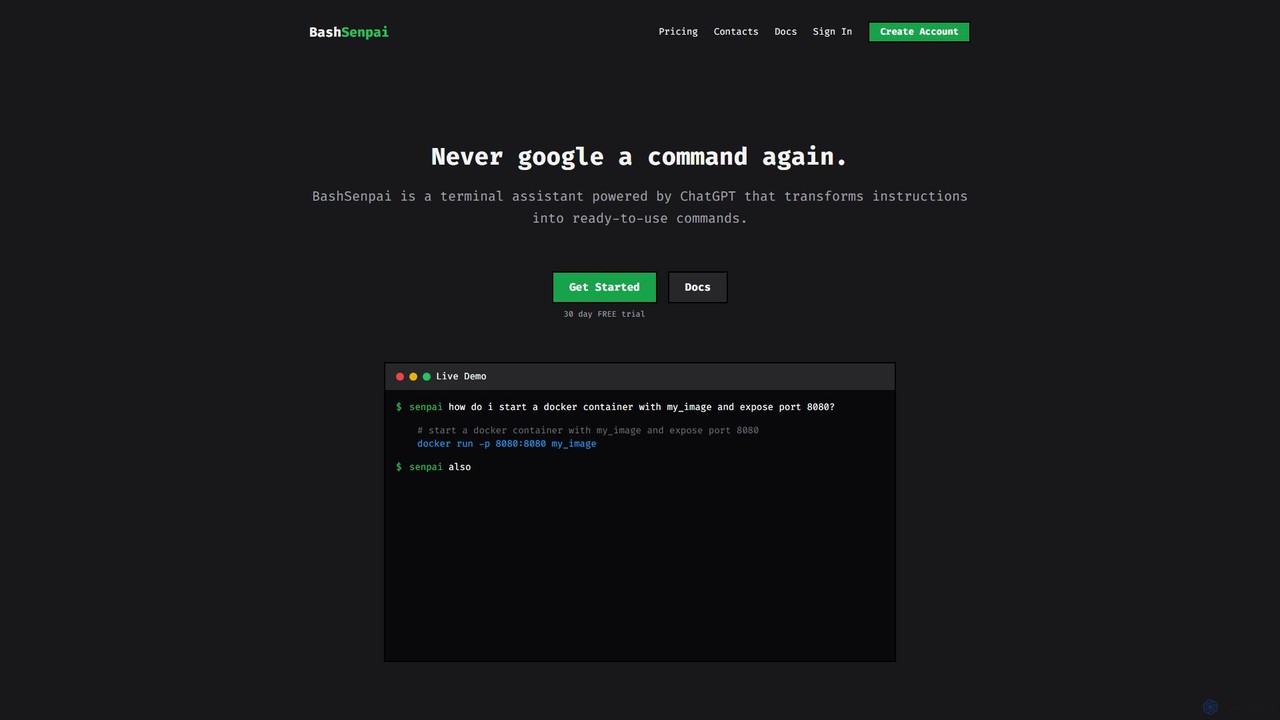
BashSenpai is a ChatGPT-powered terminal assistant that transforms natural language instructions into ready-to-use shell commands. It operates directly within your terminal, providing context-aware, accurate commands for developers and system administrators, eliminating the need to search online.
Code Assistant
Komandi
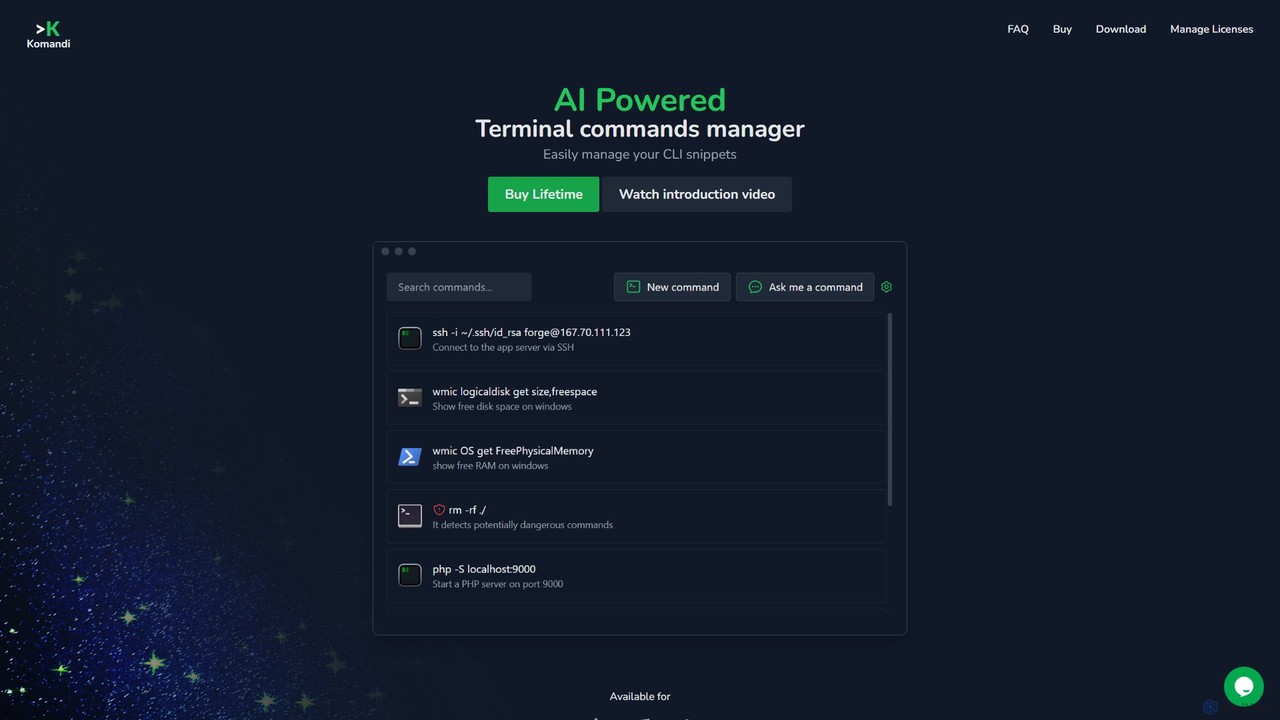
Komandi is an AI-powered CLI/terminal command manager for developers and sysadmins. It simplifies command-line operations by allowing you to manage snippets, generate complex commands from natural language, and execute them safely. It supports macOS, Windows, and Linux, streamlining your workflow by organizing frequently used commands and detecting potentially dangerous ones before execution.
Code Assistant
ShellMate
ShellMate is an open-source, AI-powered command-line productivity tool designed for developers and system administrators. Powered by OpenAI, it acts as your terminal's best friend, allowing you to use natural language to find commands, get predictive suggestions based on your history, and receive context-aware help without ever leaving your console. Simply use the `sm` shortcut to boost your command-line efficiency and reduce time spent searching for syntax.
Code Assistant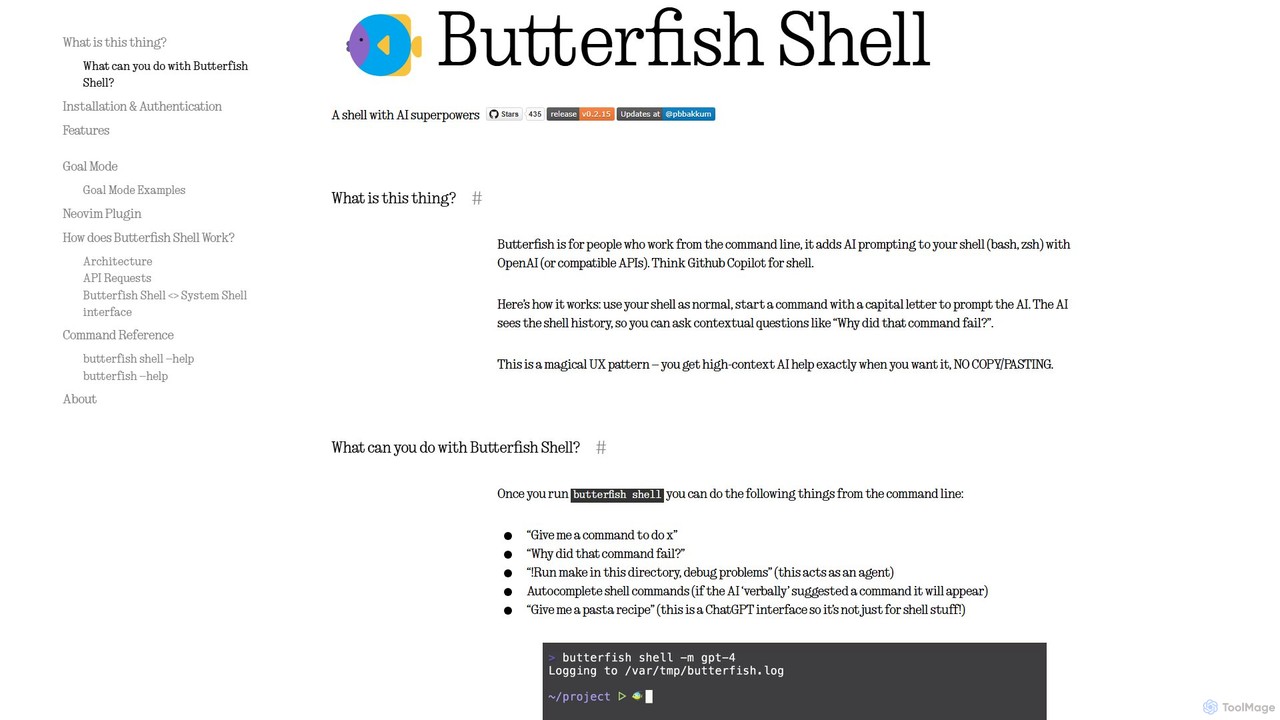
butterfish
butterfish is an open-source CLI tool that supercharges your shell (bash, zsh) with AI capabilities. Acting like GitHub Copilot for the command line, it allows you to generate commands, debug errors, and automate tasks using natural language prompts directly in your terminal. It maintains context from your shell history, providing highly relevant assistance and boosting productivity for developers and sysadmins.
Code AssistantAiTerm Categories
AiTerm Embed Widget
Copy this embed code to place the badge on your blog, article, or product site and send readers directly to this ToolMage detail page.

Related AI tools
BashSenpai
BashSenpai is a ChatGPT-powered terminal assistant that transforms natural language instructions into ready-to-use shell commands. It operates directly within your terminal, providing context-aware, accurate commands for developers and system administrators, eliminating the need to search online.
Code AssistantKomandi
Komandi is an AI-powered CLI/terminal command manager for developers and sysadmins. It simplifies command-line operations by allowing you to manage snippets, generate complex commands from natural language, and execute them safely. It supports macOS, Windows, and Linux, streamlining your workflow by organizing frequently used commands and detecting potentially dangerous ones before execution.
Code AssistantShellMate
ShellMate is an open-source, AI-powered command-line productivity tool designed for developers and system administrators. Powered by OpenAI, it acts as your terminal's best friend, allowing you to use natural language to find commands, get predictive suggestions based on your history, and receive context-aware help without ever leaving your console. Simply use the `sm` shortcut to boost your command-line efficiency and reduce time spent searching for syntax.
Code Assistant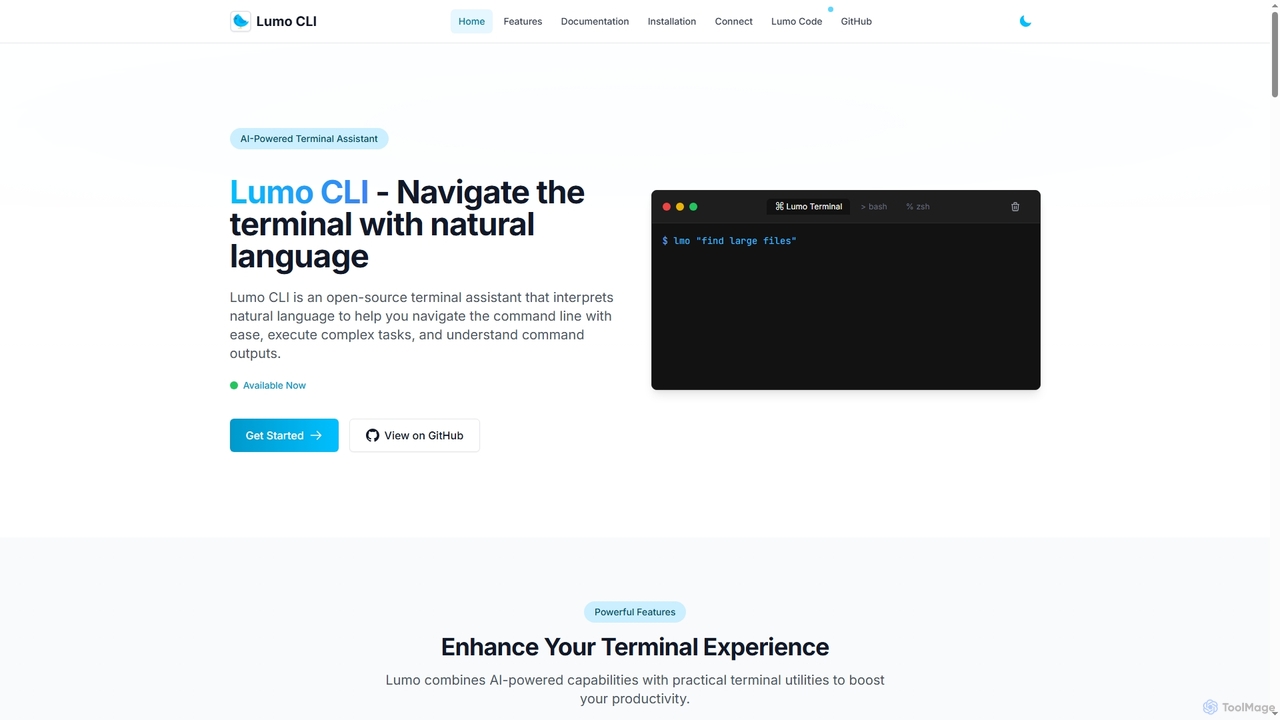
Lumo
Lumo is an open-source, AI-powered terminal assistant that allows users to interact with the command line using natural language. It translates plain English into executable commands, automates complex tasks, monitors system health, and supports multiple AI models including Gemini, OpenAI, and Ollama for local inference.
Code Assistant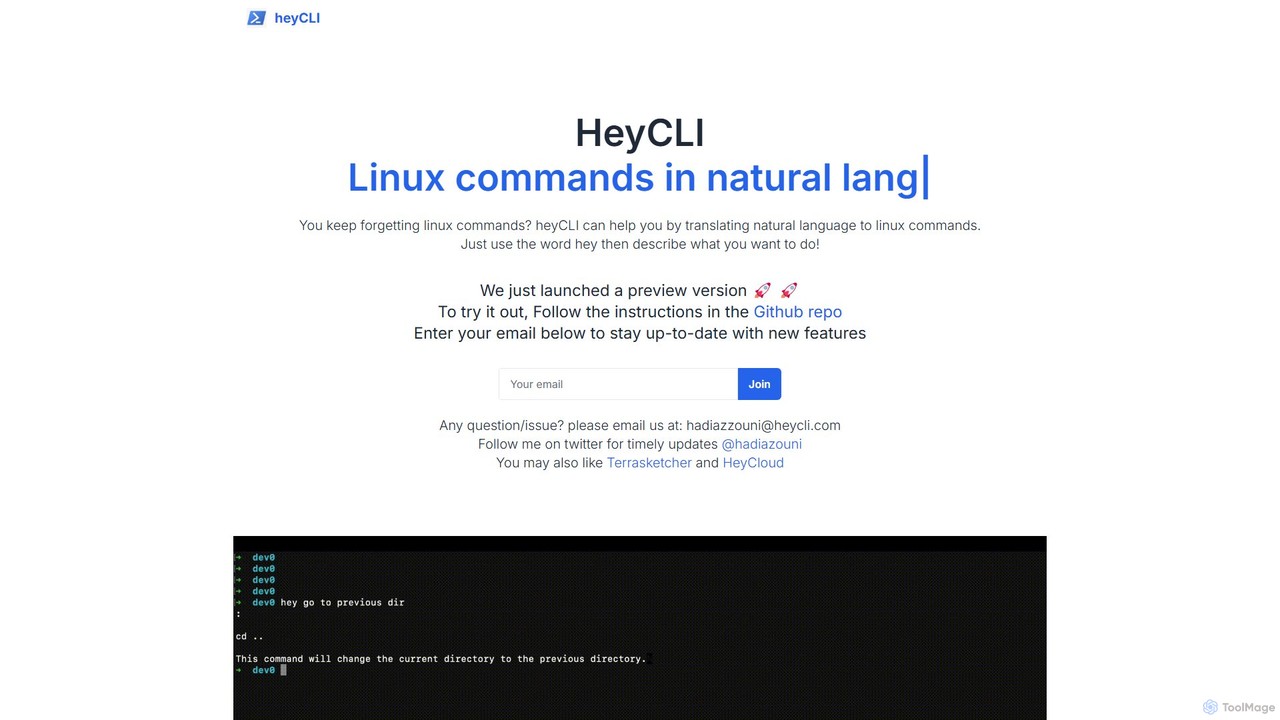
heycli
heycli is an AI-powered copilot for the command line that translates natural language into Linux commands. Simply describe the task you want to perform, and heycli generates the correct command, boosting productivity and reducing the learning curve for developers and sysadmins.
Command Line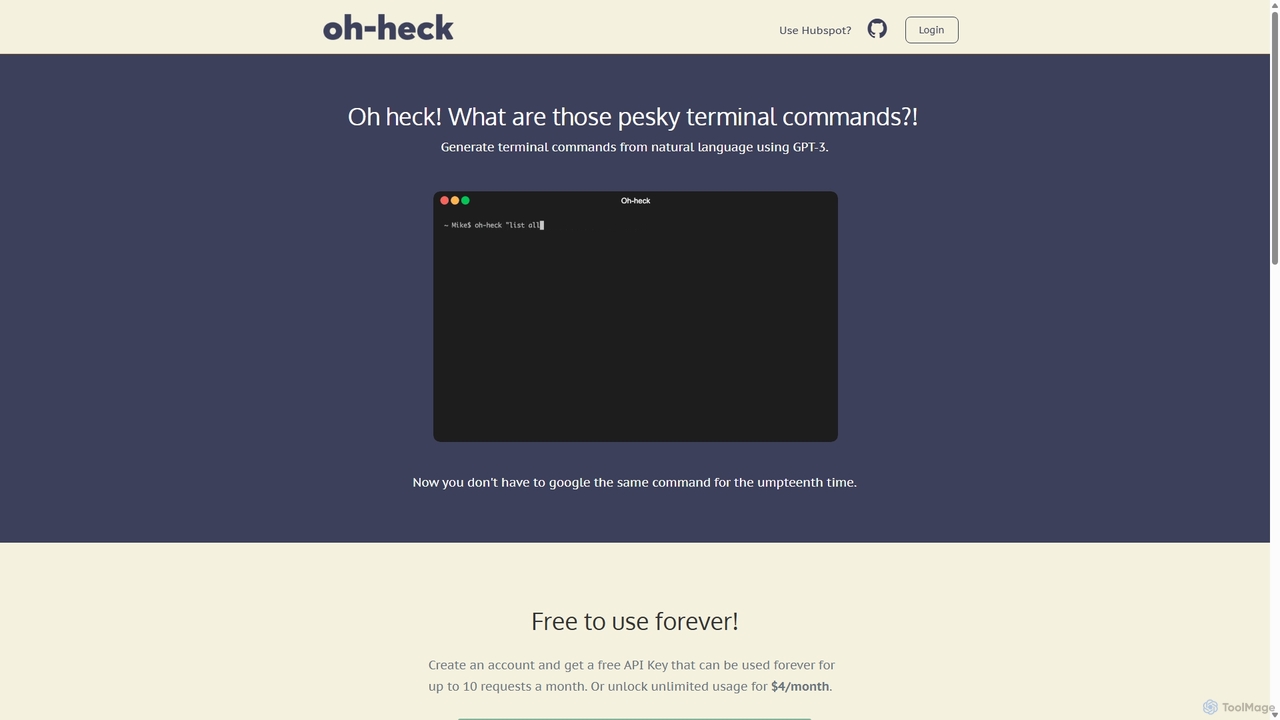
Oh-heck
Oh-heck is a suite of AI-powered productivity tools that convert natural language into terminal commands and generate professional emails directly within your CRM. Powered by GPT-3, it's designed to save time for developers, sales teams, and support agents by simplifying complex and repetitive tasks.
Command Linebutterfish
butterfish is an open-source CLI tool that supercharges your shell (bash, zsh) with AI capabilities. Acting like GitHub Copilot for the command line, it allows you to generate commands, debug errors, and automate tasks using natural language prompts directly in your terminal. It maintains context from your shell history, providing highly relevant assistance and boosting productivity for developers and sysadmins.
Code Assistant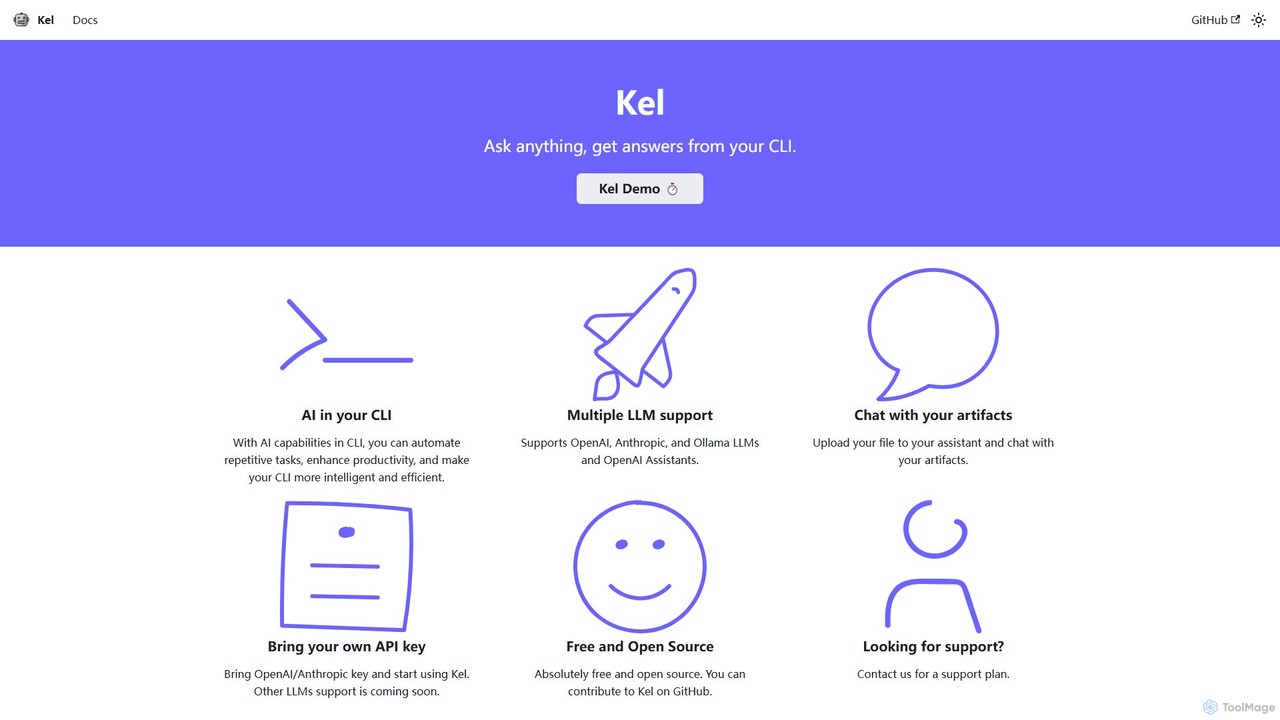
Kel
Kel is a free, open-source AI assistant for your command-line interface (CLI). It integrates with multiple LLMs like OpenAI, Anthropic, and Ollama to help developers and sysadmins automate tasks, generate commands, and even chat with documents directly from the terminal.
Code Assistant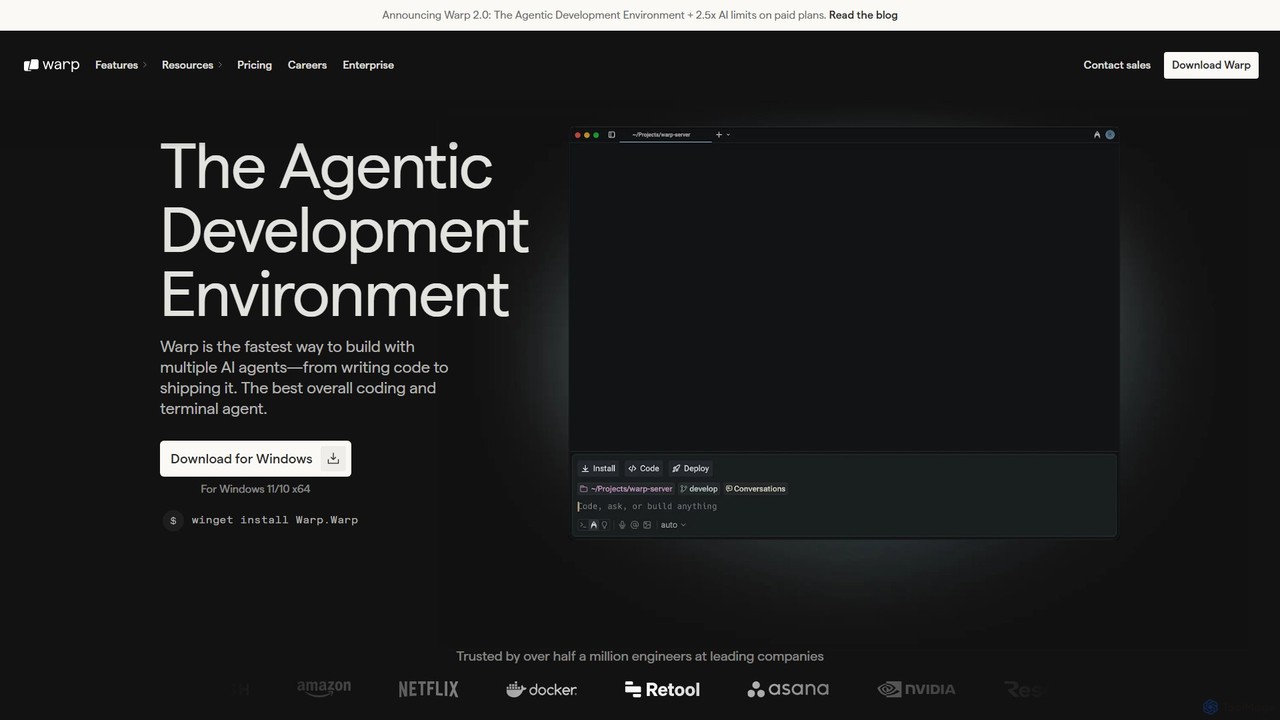
Warp
Warp is an AI-powered, Rust-based terminal reimagined as an Agentic Development Environment (ADE). It enables developers to use natural language to command AI agents for coding, debugging, and deployment. Warp combines a blazingly fast terminal with multi-threaded agent management, allowing you to build, test, and ship software faster by running multiple development tasks in parallel.
Development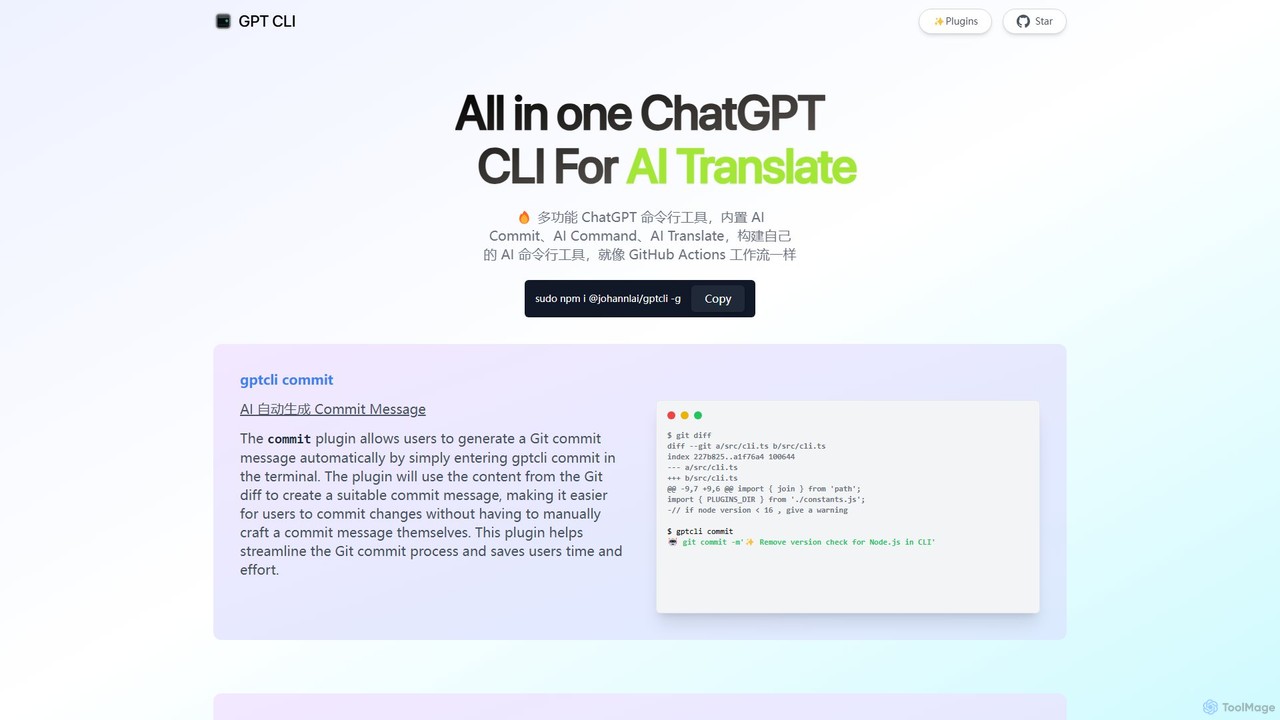
gptcli
gptcli is a versatile, open-source command-line tool that integrates ChatGPT directly into your terminal. It streamlines developer workflows with features like AI-powered Git commits, natural language to shell command translation, and in-terminal chat. With its extensible plugin system, you can build your own custom AI CLI tools, making it the ultimate productivity enhancer for anyone who works extensively with the command line.
Code Assistant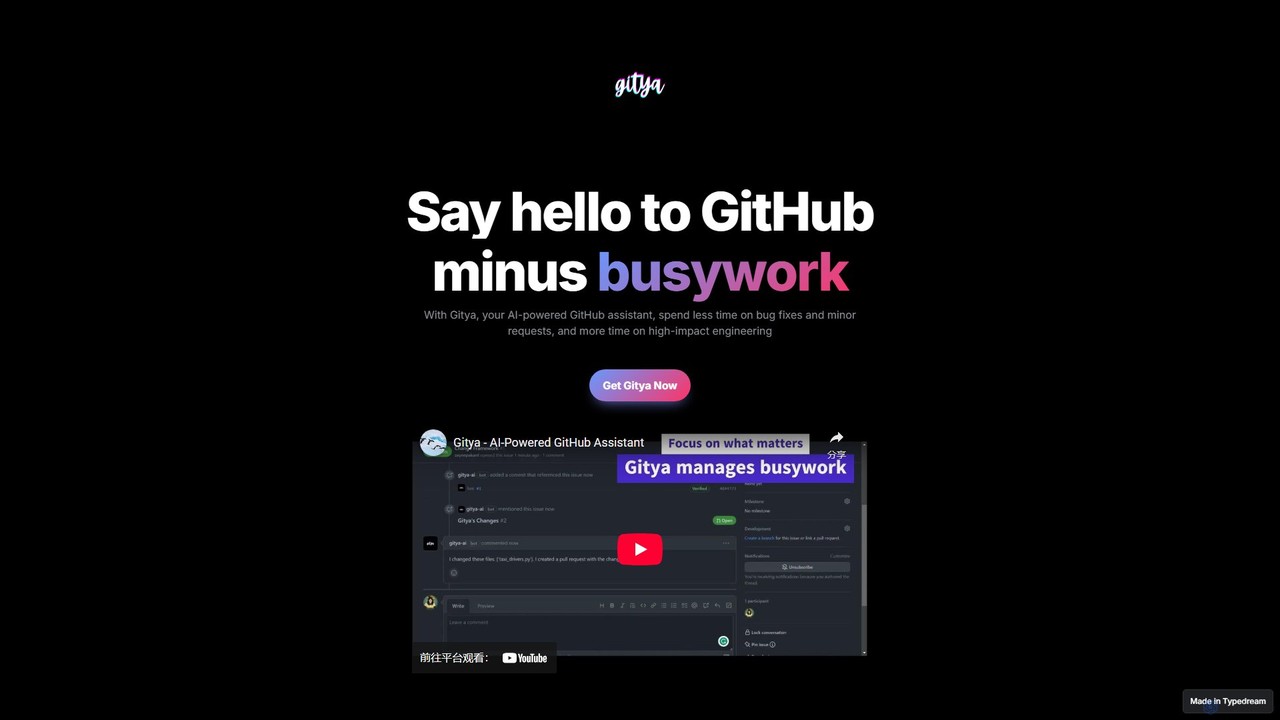
gitya
gitya is an AI-powered GitHub assistant designed to automate routine development tasks. It helps teams by handling minor bug fixes, managing pull requests with automated reviews, and resolving simple tickets, allowing developers to focus on high-impact engineering and innovation.
Version Control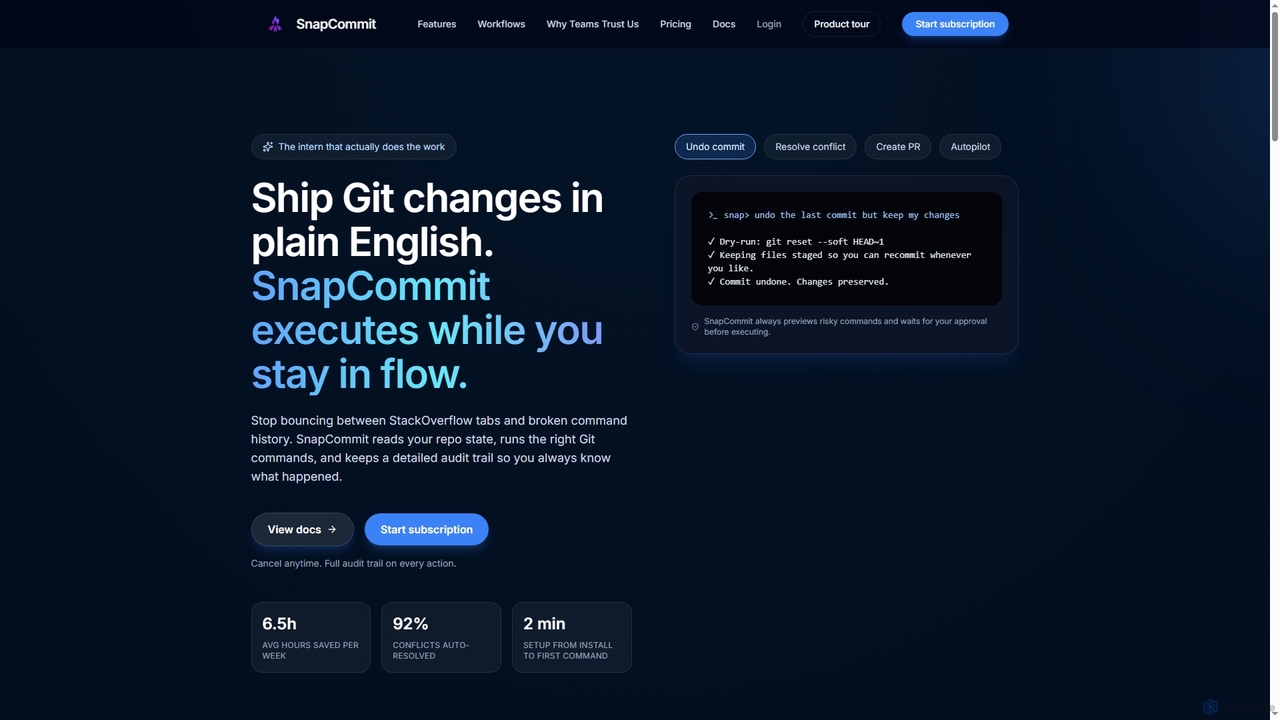
SnapCommit
SnapCommit is an AI-powered terminal Git assistant that allows developers to manage Git operations using plain English commands. It automates complex workflows like committing, resolving conflicts, and creating pull requests, enhancing productivity and ensuring code integrity with dry-run previews and a detailed audit trail.
Code Assistant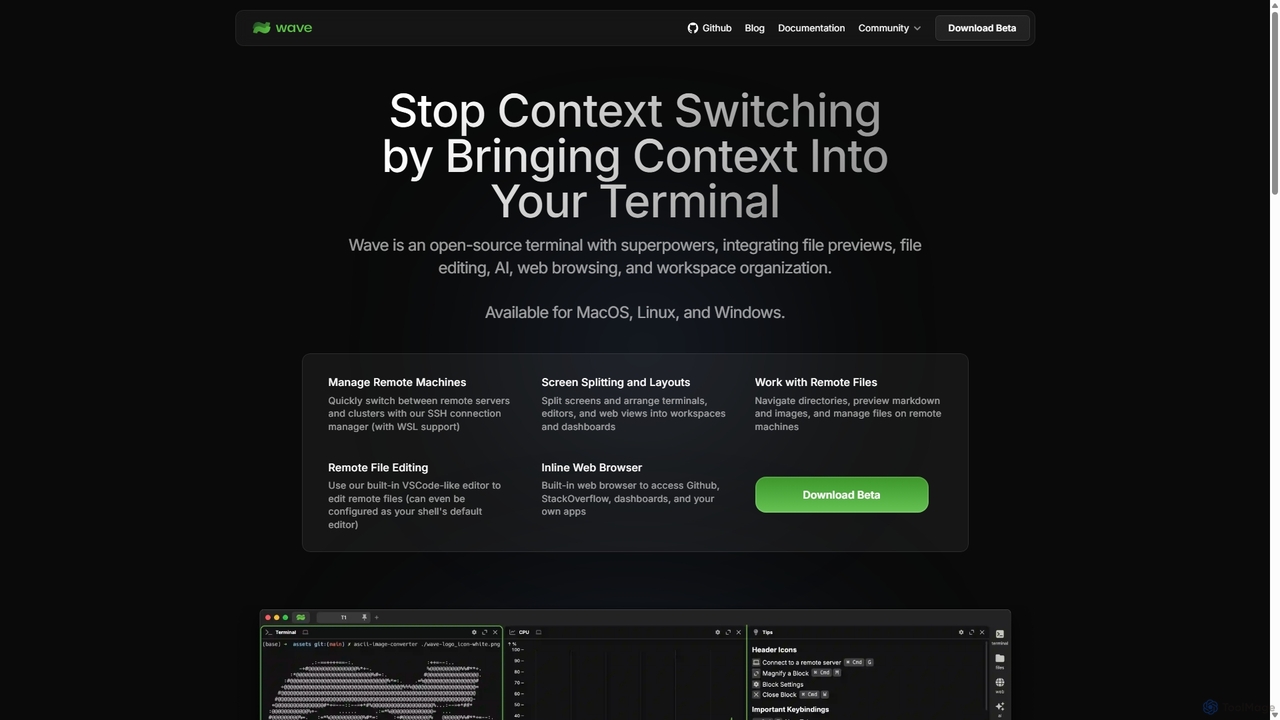
Waveterm
Waveterm is an open-source, modern terminal designed for developers and DevOps engineers. It enhances the command-line experience by integrating AI-powered assistance, a VSCode-like editor, inline file previews, a web browser, and customizable dashboards. This all-in-one workspace reduces context switching and boosts productivity across macOS, Windows, and Linux.
Code Assistant
GiteAI
GiteAI is an AI-powered tool designed for developers to automate and enhance Git commit messages. It analyzes code changes to generate detailed, standardized commits, saving time and improving repository consistency, allowing you to focus more on coding.
Code Assistant
AiTerm Comments (0)
Sign in to comment.
Sign inNo comments yet.