Waveterm
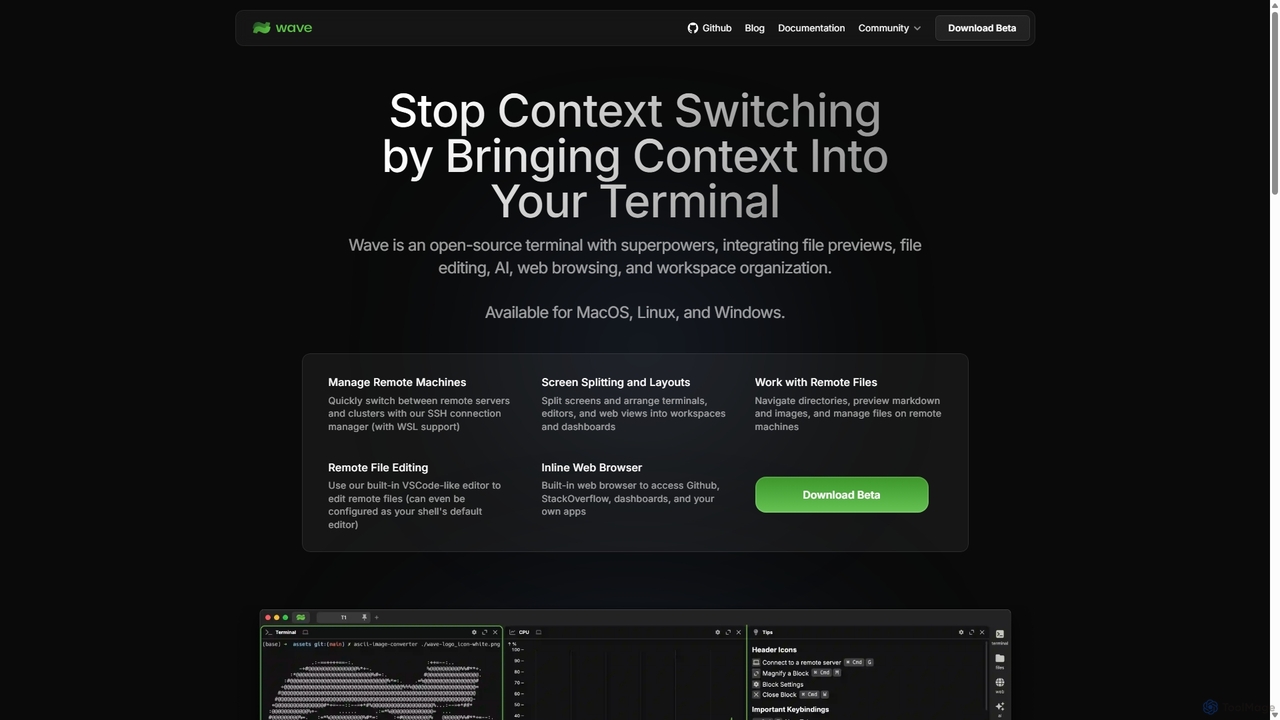
Waveterm is an open-source, modern terminal designed for developers and DevOps engineers. It enhances the command-line experience by …
Waveterm is an open-source, modern terminal designed for developers and DevOps engineers. It enhances the command-line experience by integrating AI-powered assistance, a VSCode-like editor, inline file previews, a web browser, and customizable dashboards. This all-in-one workspace reduces context switching and boosts productivity across macOS, Windows, and Linux.
AiTerm
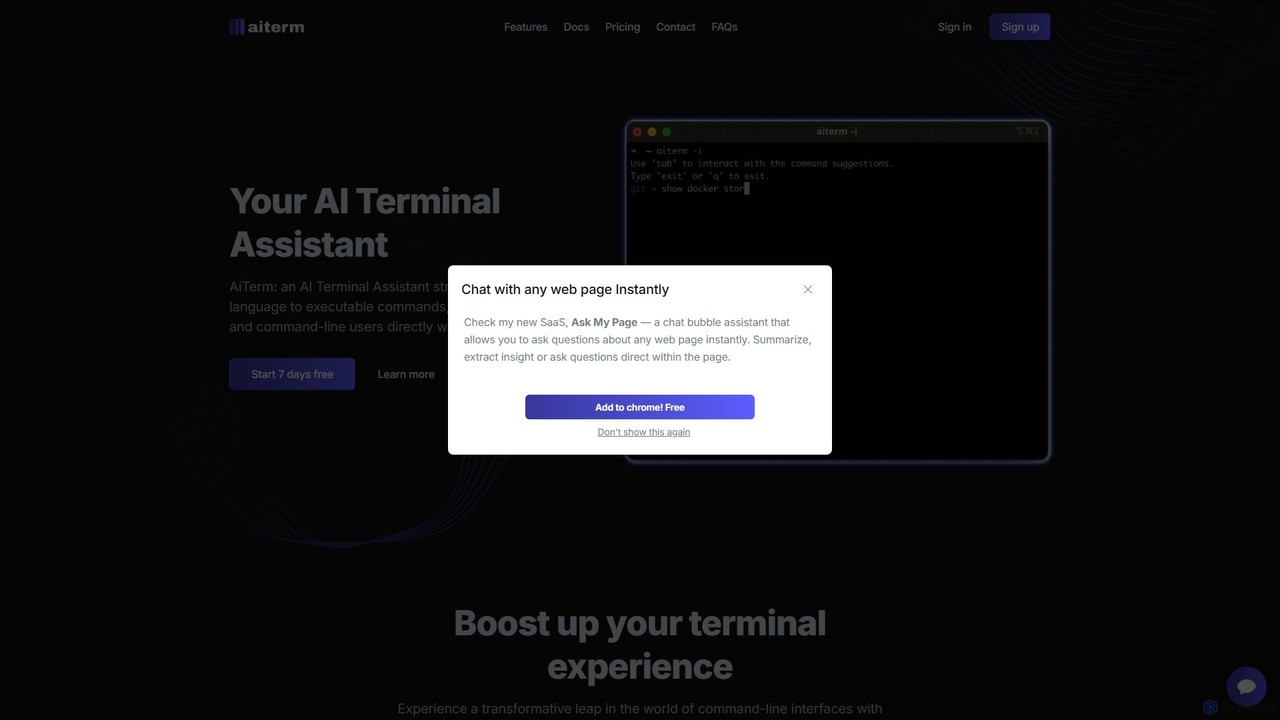
AiTerm is an AI-powered terminal assistant that translates natural language into executable shell commands. It streamlines workflows for …
AiTerm is an AI-powered terminal assistant that translates natural language into executable shell commands. It streamlines workflows for developers and command-line users with features like IDE-style autocompletion, command suggestions, and workflow management, all directly within the terminal.
Warp
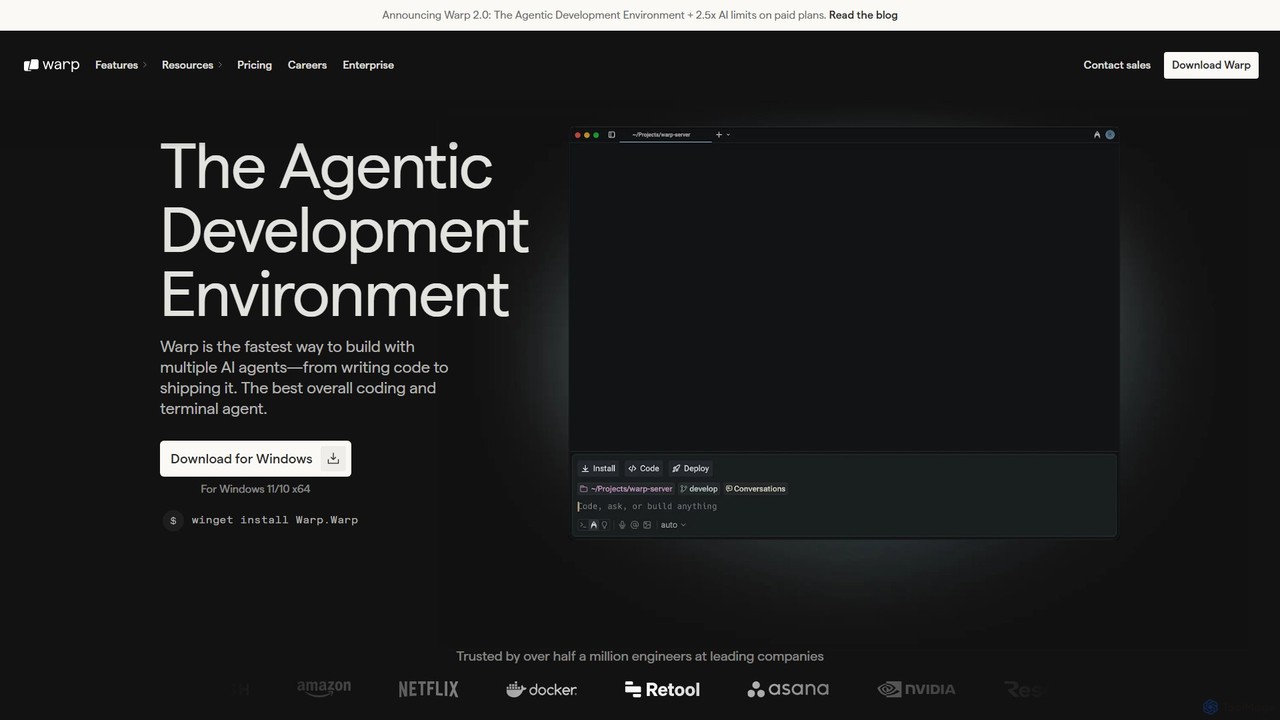
Warp is an AI-powered, Rust-based terminal reimagined as an Agentic Development Environment (ADE). It enables developers to use …
Warp is an AI-powered, Rust-based terminal reimagined as an Agentic Development Environment (ADE). It enables developers to use natural language to command AI agents for coding, debugging, and deployment. Warp combines a blazingly fast terminal with multi-threaded agent management, allowing you to build, test, and ship software faster by running multiple development tasks in parallel.
Fig
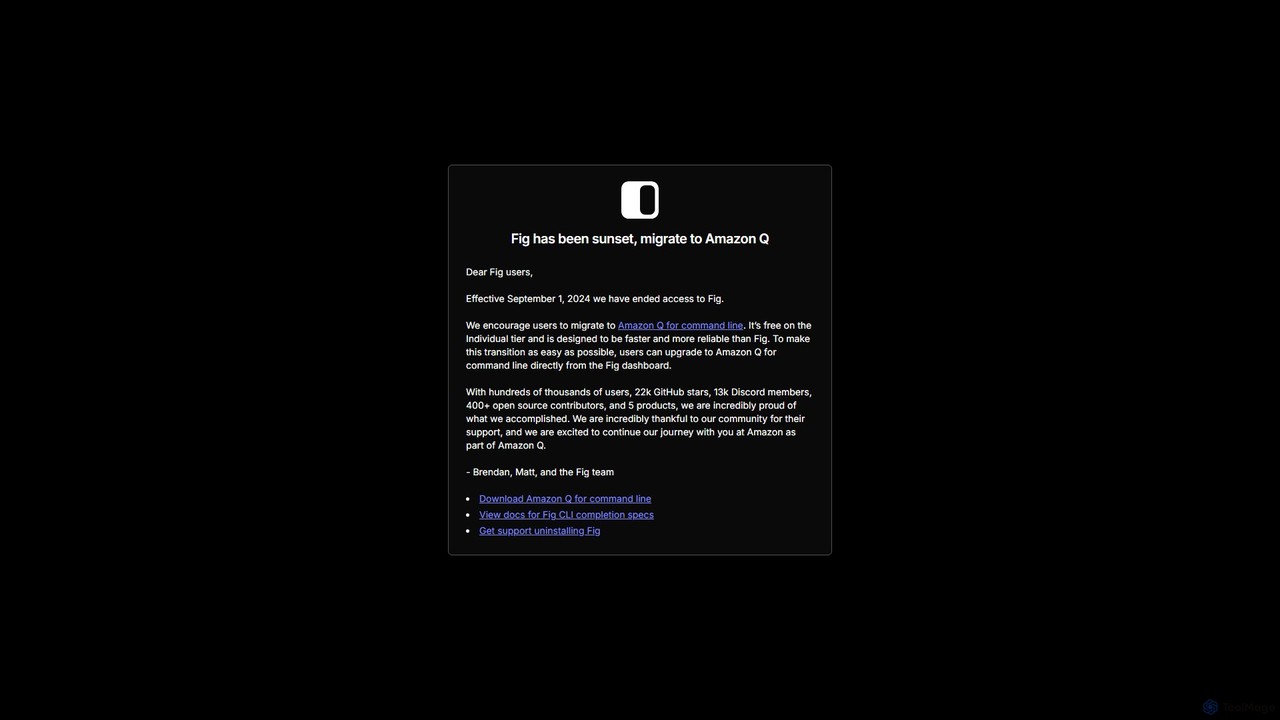
Fig was a popular open-source tool that added IDE-style visual autocomplete to the command line. It has been …
Fig was a popular open-source tool that added IDE-style visual autocomplete to the command line. It has been acquired by AWS and is now sunset, with users encouraged to migrate to its successor, Amazon Q for command line, which is free for individuals.
About Terminal
AI Terminal tools are command-line interfaces enhanced with artificial intelligence to interpret natural language and streamline developer workflows. They leverage large language models to translate plain English prompts into executable shell commands, significantly lowering the barrier to complex command-line operations. This enables users to perform tasks, debug errors, and manage systems more intuitively and efficiently. AI Terminals act as an intelligent co-pilot within the developer's primary work environment, boosting productivity for both beginners and experts.
Core Features
- Natural Language to Command: Translates descriptive human language into precise, executable shell commands.
- Intelligent Autocompletion: Provides context-aware suggestions for commands, arguments, and file paths, going beyond simple history matching.
- AI-Powered Error Analysis: Interprets error messages and suggests potential fixes or debugging steps.
- Command Explanation: Breaks down complex or unfamiliar commands to explain what each part does.
- Smart History Search: Allows searching command history using natural language queries about the task performed.
Use Cases
AI Terminals are primarily used by software developers, DevOps engineers, and system administrators. They are particularly valuable for learning new command-line tools, constructing complex data processing pipelines (e.g., with `awk`, `sed`, `grep`), managing cloud infrastructure via CLI, and debugging shell scripts. Beginners can quickly become productive, while experts can automate repetitive or intricate tasks.
How to Choose
When selecting an AI Terminal tool, consider its shell compatibility (e.g., Bash, Zsh, Fish), the quality and speed of its AI suggestions, and its privacy model (local vs. cloud-based processing). Also evaluate its integration with other developer tools like Git, Docker, and specific cloud CLIs. Performance impact on your system and the user interface's intuitiveness are also key factors.

TerminalUse Cases
Accelerate Script Debugging
A DevOps engineer is troubleshooting a failing deployment script. The error message is cryptic. Instead of manually searching online forums, the engineer pastes the error into the AI Terminal and asks, 'What's causing this error and how can I fix it?'. The AI analyzes the error in the context of the script, identifies a likely cause such as an incorrect file permission or a deprecated command flag, and provides the corrected command. This reduces debugging time from minutes or hours to seconds.
Generate Complex Commands from Natural Language
A data analyst needs to find all CSV files larger than 10MB in a directory, count the number of lines in each, and save the results to a new file. Remembering the exact syntax for combining `find`, `xargs`, `wc`, and output redirection can be challenging. The analyst simply types into the AI Terminal: 'find all csv files over 10MB in the current directory, count their lines, and save the output to results.txt'. The tool generates the correct command, such as `find . -type f -name "*.csv" -size +10M -exec wc -l {} + > results.txt`, and explains each part.
Streamline Git Workflow Management
A junior developer needs to perform a complex Git operation, like squashing the last three commits into a single one before creating a pull request. Instead of searching for documentation, they can ask the AI Terminal: 'how do I squash my last 3 commits?'. The AI provides the command `git rebase -i HEAD~3`, explains that this will open an interactive editor, and instructs them on how to change 'pick' to 'squash' to combine the commits. This empowers less experienced developers to use advanced version control features confidently.
Manage Cloud Resources via CLI
A cloud engineer needs to list all EC2 instances in the 'us-east-1' region that are currently stopped and tagged with 'Project:Alpha'. Constructing the correct AWS CLI query with filters can be tedious. The engineer can ask the AI Terminal: 'list all stopped ec2 instances in us-east-1 with the tag Project:Alpha'. The tool generates the precise command: `aws ec2 describe-instances --region us-east-1 --filters "Name=instance-state-name,Values=stopped" "Name=tag:Project,Values=Alpha" --query "Reservations[*].Instances[*].[InstanceId,InstanceType]"`. This saves time and prevents errors in managing cloud infrastructure.
Learn New Command-Line Tools Interactively
A developer is new to using `ffmpeg` for video processing. They need to convert a `.mov` file to `.mp4`, resize it to 720p, and reduce the audio bitrate. Instead of reading lengthy man pages, they ask the AI Terminal: 'how to use ffmpeg to convert video.mov to video.mp4, scale to 720p, and set audio bitrate to 128k?'. The AI generates the command `ffmpeg -i video.mov -vf scale=-1:720 -b:a 128k video.mp4` and explains what each flag (`-i`, `-vf`, `-b:a`) does. This provides a practical, hands-on way to learn new tools.
Automate System Administration Tasks
A system administrator needs to find and delete all files in `/var/log` that are older than 90 days and end with `.log.gz`. This is a routine but critical task where a mistake can be costly. The admin describes the task to the AI Terminal: 'delete all .log.gz files in /var/log older than 90 days'. The AI generates a safe and accurate command like `find /var/log -name "*.log.gz" -type f -mtime +90 -delete`. It might also suggest running the command without the `-delete` flag first to preview the files, promoting safer practices.