
Fig Overview
Fig was a revolutionary tool designed to enhance the productivity and user experience of the command-line interface (CLI). It brought modern, IDE-style visual autocomplete to existing terminals, making it easier for developers, DevOps engineers, and system administrators to use complex CLI tools. With a massive community, over 22,000 GitHub stars, and hundreds of open-source contributors, Fig built an extensive library of completion specs for hundreds of popular tools like Git, Docker, npm, and kubectl.
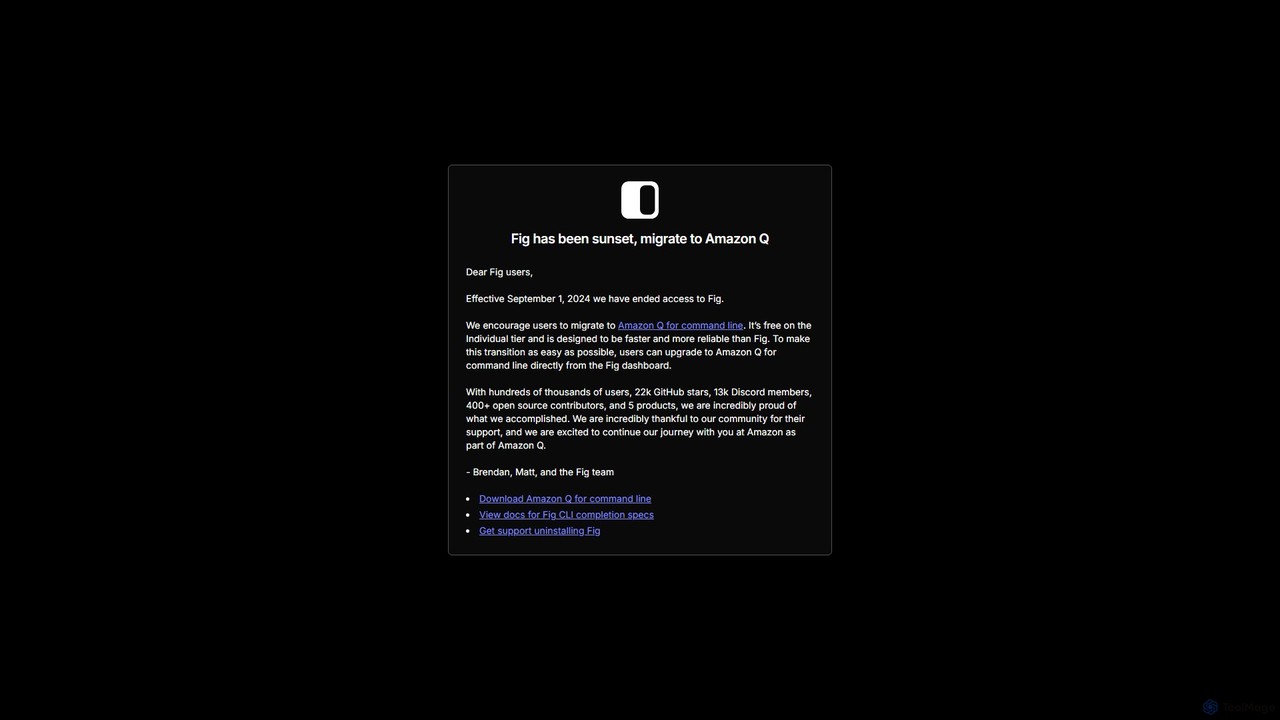
In 2023, Fig was acquired by Amazon Web Services (AWS). As a result, the standalone Fig product has been sunset as of September 1, 2024. The team and technology have been integrated into a new, more powerful tool: Amazon Q for command line. Existing Fig users are encouraged to migrate to Amazon Q, which builds upon Fig's foundation to offer faster, more reliable, and AI-powered command-line assistance.
How to use Fig
While the original Fig tool is no longer available for new users, its core workflow and concepts live on in Amazon Q. The original process for using and extending Fig was as follows:
- Installation: A user would download and install the Fig application, which would automatically integrate with their existing terminal (like iTerm2, Terminal.app, Hyper, or VS Code's integrated terminal).
- Using Autocomplete: Once installed, as the user typed a command (e.g., `git`), Fig would display a pop-up menu with available subcommands, options, and arguments, complete with descriptions. This eliminated the need to memorize commands or constantly refer to help pages.
- Creating Completion Specs: For custom scripts or unsupported tools, developers could create their own completion specs. This involved forking the `withfig/autocomplete` repository, creating a TypeScript file (`.ts`) that defined the command structure, subcommands, and options, and then running Fig in developer mode (`npm run dev`) to test the new completions locally.
- Migration to Amazon Q: Current Fig users can upgrade directly to Amazon Q for command line from the Fig dashboard to continue enjoying enhanced terminal features.
Core Features of Fig
- Visual Autocomplete: Provided rich, in-terminal suggestions for commands, subcommands, flags, and arguments.
- Extensive Tool Support: Offered pre-built completion specs for over 500 popular public CLI tools, all maintained by the open-source community.
- Custom Spec Creation: A simple yet powerful API using TypeScript allowed developers to add autocomplete support for their own internal scripts and CLI tools.
- Fig for Teams: A feature that allowed organizations to securely share private completion specs, environment variables, and scripts among team members, ensuring a consistent development environment.
- Open Source and Community-Driven: The core of Fig was its vibrant community, which contributed and maintained the vast majority of completion specs.
Use Cases for Fig
Fig was invaluable for a wide range of users and scenarios:
- Individual Developers: To speed up daily workflows with tools like Git, npm/yarn, and Homebrew, reducing errors and time spent on documentation.
- DevOps and SREs: To manage complex systems using tools like `kubectl`, `docker`, `terraform`, and cloud provider CLIs (AWS, gcloud) with greater confidence and speed.
- Software Teams: To standardize the use of internal CLI tools by providing shared, easy-to-use autocomplete for everyone in the organization.
- Beginners: To lower the steep learning curve of the command line by making commands and their options discoverable and self-explanatory.
Advantages of Fig
The primary advantages that made Fig so popular were:
- Productivity Boost: Drastically reduced the time and cognitive load required to work with the command line.
- Error Reduction: Prevented typos and incorrect usage of command flags and options.
- Enhanced Discoverability: Allowed users to explore the full capabilities of a CLI tool without leaving the terminal.
- High Extensibility: Could be adapted to any workflow, from public tools to private, company-specific scripts.
- Strong Community Support: Benefited from a large, active community that ensured completions were up-to-date and comprehensive.
Pricing and Plans
Fig operated on a freemium model. The core autocomplete product for individuals was free. There was also a paid 'Fig for Teams' plan that offered features for collaboration and managing private completions within an organization.
Its successor, Amazon Q for command line, continues this user-friendly approach. It is available for free on the Individual tier, making powerful command-line assistance accessible to everyone.
Traffic
Latest traffic
Status
Monthly traffic trend
- 2025-9: 152.2K
- 2026-1: 172.5K
- 2026-2: 132.3K
- 2026-3: 109.5K
- 2026-4: 73.5K
- 2026-5: 48.0K
Geography
Top 5 countries / regions
- 🇺🇸United States39.6%
- 🇻🇳Vietnam22.2%
- 🇧🇷Brazil13.4%
- 🇹🇭Thailand12.5%
- 🇷🇺Russia12.2%
Top keywords
| Keyword | Cost per click |
|---|---|
| fig.io | $0.00 |
| fig terminal | $0.00 |
| gcloud | $3.53 |
| tokei exclude tests | $0.00 |
| zoxide remove entry | $0.00 |
Fig Alternatives
AiTerm
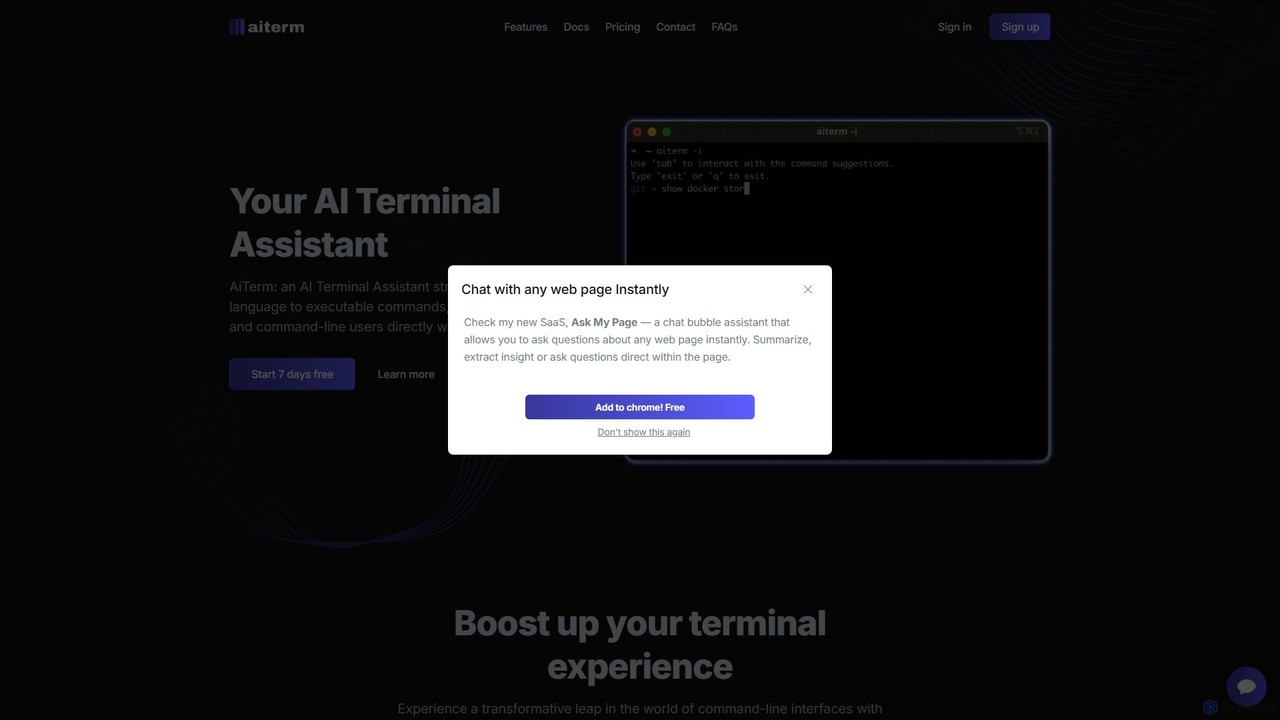
AiTerm is an AI-powered terminal assistant that translates natural language into executable shell commands. It streamlines workflows for developers and command-line users with features like IDE-style autocompletion, command suggestions, and workflow management, all directly within the terminal.
Code Assistant
ShellMate
ShellMate is an open-source, AI-powered command-line productivity tool designed for developers and system administrators. Powered by OpenAI, it acts as your terminal's best friend, allowing you to use natural language to find commands, get predictive suggestions based on your history, and receive context-aware help without ever leaving your console. Simply use the `sm` shortcut to boost your command-line efficiency and reduce time spent searching for syntax.
Code Assistant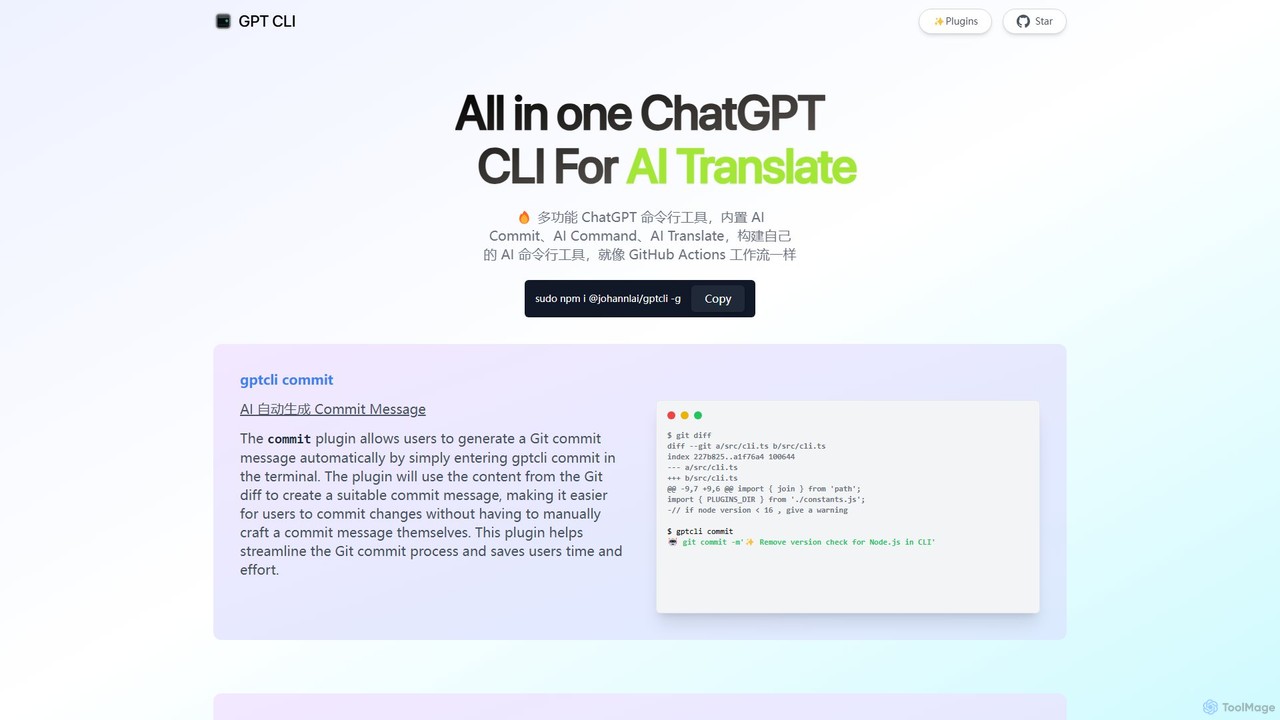
gptcli
gptcli is a versatile, open-source command-line tool that integrates ChatGPT directly into your terminal. It streamlines developer workflows with features like AI-powered Git commits, natural language to shell command translation, and in-terminal chat. With its extensible plugin system, you can build your own custom AI CLI tools, making it the ultimate productivity enhancer for anyone who works extensively with the command line.
Code Assistant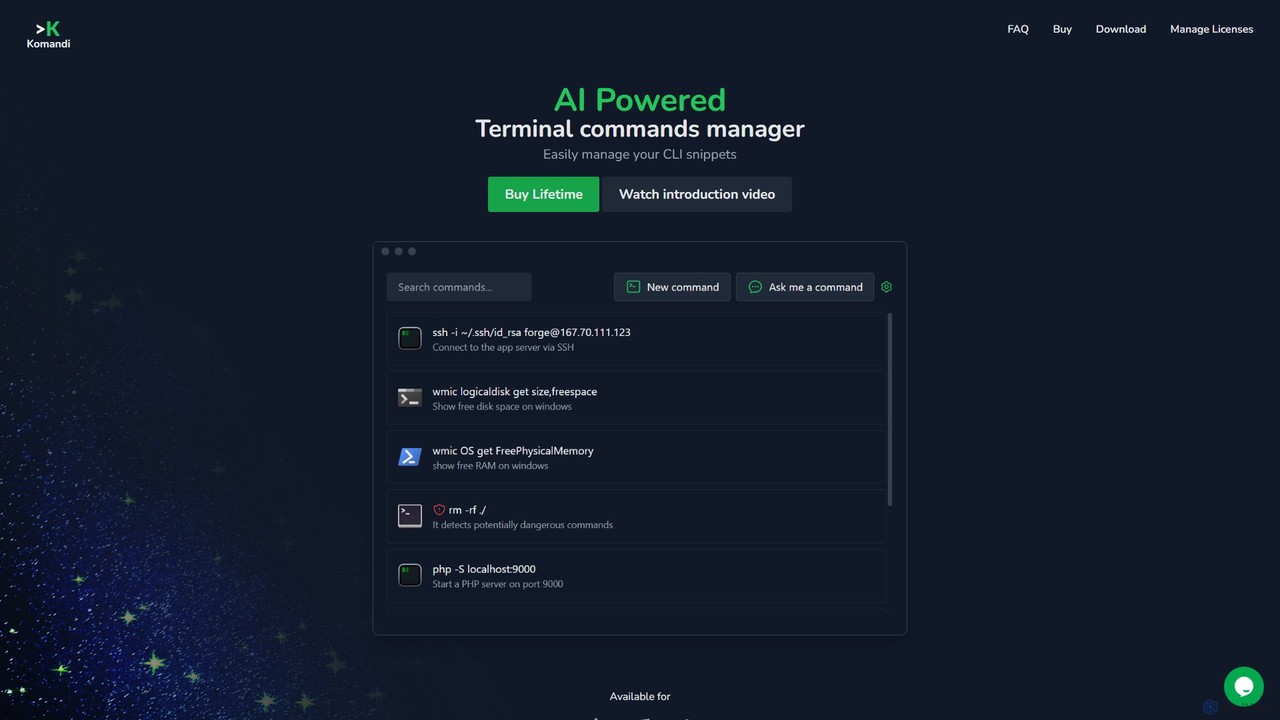
Komandi
Komandi is an AI-powered CLI/terminal command manager for developers and sysadmins. It simplifies command-line operations by allowing you to manage snippets, generate complex commands from natural language, and execute them safely. It supports macOS, Windows, and Linux, streamlining your workflow by organizing frequently used commands and detecting potentially dangerous ones before execution.
Code Assistant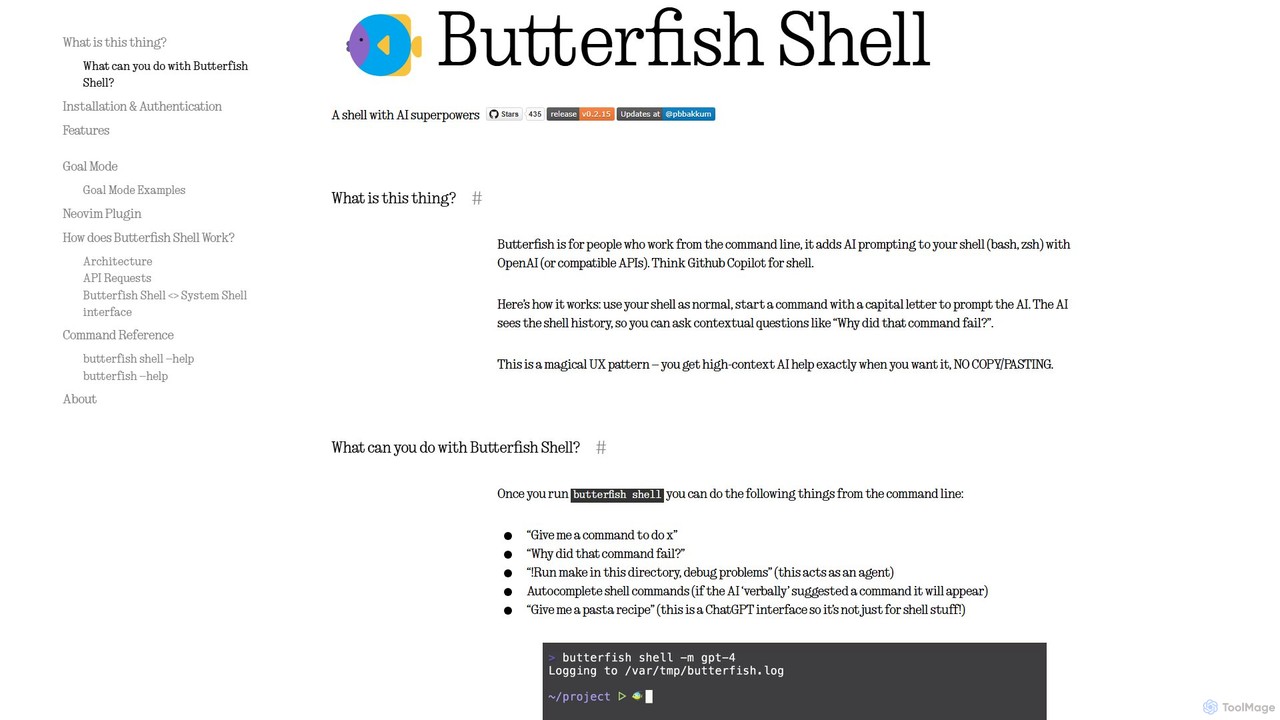
butterfish
butterfish is an open-source CLI tool that supercharges your shell (bash, zsh) with AI capabilities. Acting like GitHub Copilot for the command line, it allows you to generate commands, debug errors, and automate tasks using natural language prompts directly in your terminal. It maintains context from your shell history, providing highly relevant assistance and boosting productivity for developers and sysadmins.
Code AssistantFig Categories
Fig Embed Widget
Copy this embed code to place the badge on your blog, article, or product site and send readers directly to this ToolMage detail page.

Related AI tools
AiTerm
AiTerm is an AI-powered terminal assistant that translates natural language into executable shell commands. It streamlines workflows for developers and command-line users with features like IDE-style autocompletion, command suggestions, and workflow management, all directly within the terminal.
Code AssistantShellMate
ShellMate is an open-source, AI-powered command-line productivity tool designed for developers and system administrators. Powered by OpenAI, it acts as your terminal's best friend, allowing you to use natural language to find commands, get predictive suggestions based on your history, and receive context-aware help without ever leaving your console. Simply use the `sm` shortcut to boost your command-line efficiency and reduce time spent searching for syntax.
Code Assistantgptcli
gptcli is a versatile, open-source command-line tool that integrates ChatGPT directly into your terminal. It streamlines developer workflows with features like AI-powered Git commits, natural language to shell command translation, and in-terminal chat. With its extensible plugin system, you can build your own custom AI CLI tools, making it the ultimate productivity enhancer for anyone who works extensively with the command line.
Code Assistant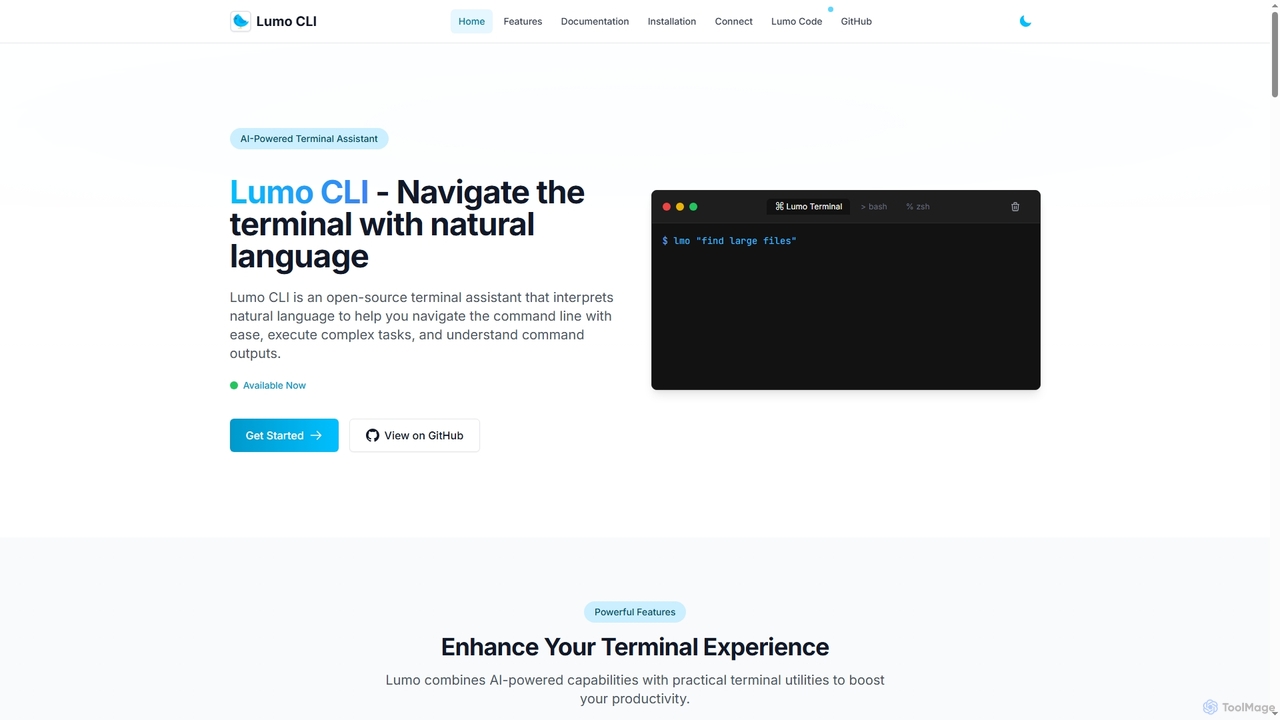
Lumo
Lumo is an open-source, AI-powered terminal assistant that allows users to interact with the command line using natural language. It translates plain English into executable commands, automates complex tasks, monitors system health, and supports multiple AI models including Gemini, OpenAI, and Ollama for local inference.
Code AssistantKomandi
Komandi is an AI-powered CLI/terminal command manager for developers and sysadmins. It simplifies command-line operations by allowing you to manage snippets, generate complex commands from natural language, and execute them safely. It supports macOS, Windows, and Linux, streamlining your workflow by organizing frequently used commands and detecting potentially dangerous ones before execution.
Code Assistantbutterfish
butterfish is an open-source CLI tool that supercharges your shell (bash, zsh) with AI capabilities. Acting like GitHub Copilot for the command line, it allows you to generate commands, debug errors, and automate tasks using natural language prompts directly in your terminal. It maintains context from your shell history, providing highly relevant assistance and boosting productivity for developers and sysadmins.
Code Assistant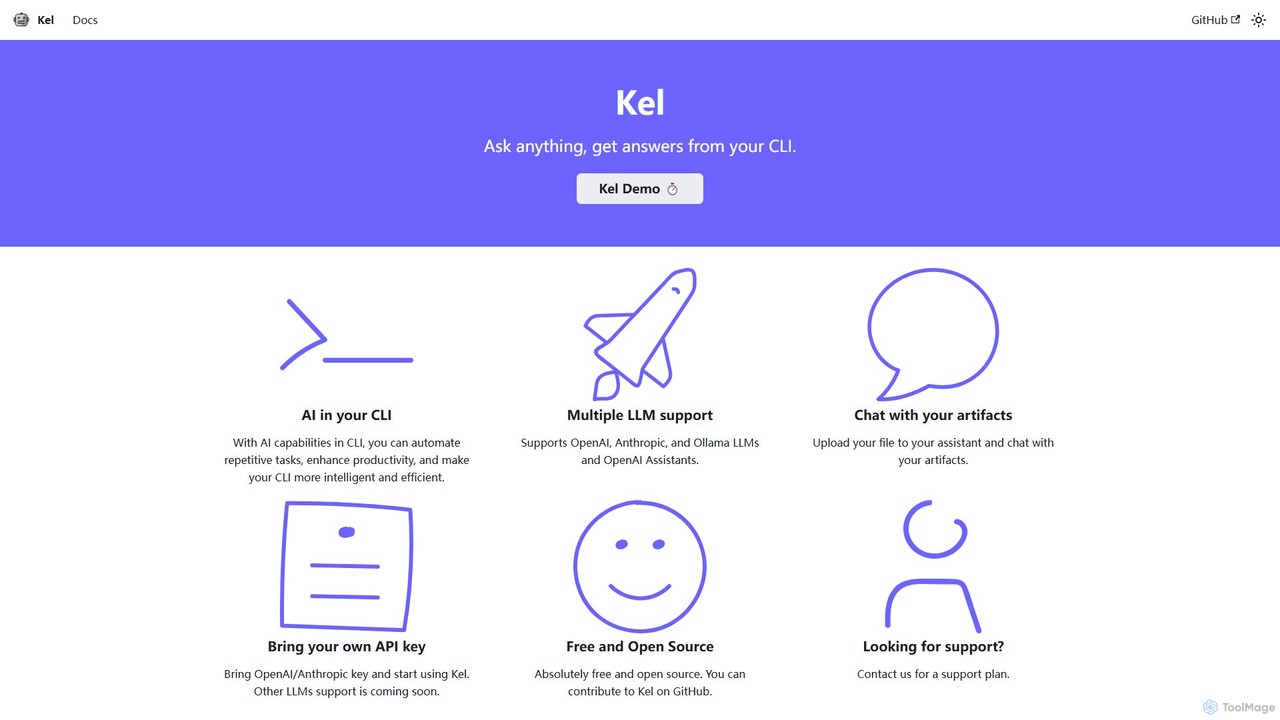
Kel
Kel is a free, open-source AI assistant for your command-line interface (CLI). It integrates with multiple LLMs like OpenAI, Anthropic, and Ollama to help developers and sysadmins automate tasks, generate commands, and even chat with documents directly from the terminal.
Code Assistant
Charm
Charm is an ecosystem of open-source tools and libraries designed to make the command-line interface (CLI) glamorous and powerful. It provides developers with applications for AI-powered coding (Crush, Mods), beautiful terminal UIs (Bubble Tea), markdown rendering (Glow), and self-hosted Git servers (Soft Serve). Charm empowers developers to build, style, and enhance their terminal workflows with modern, elegant, and highly functional tools.
Code Assistant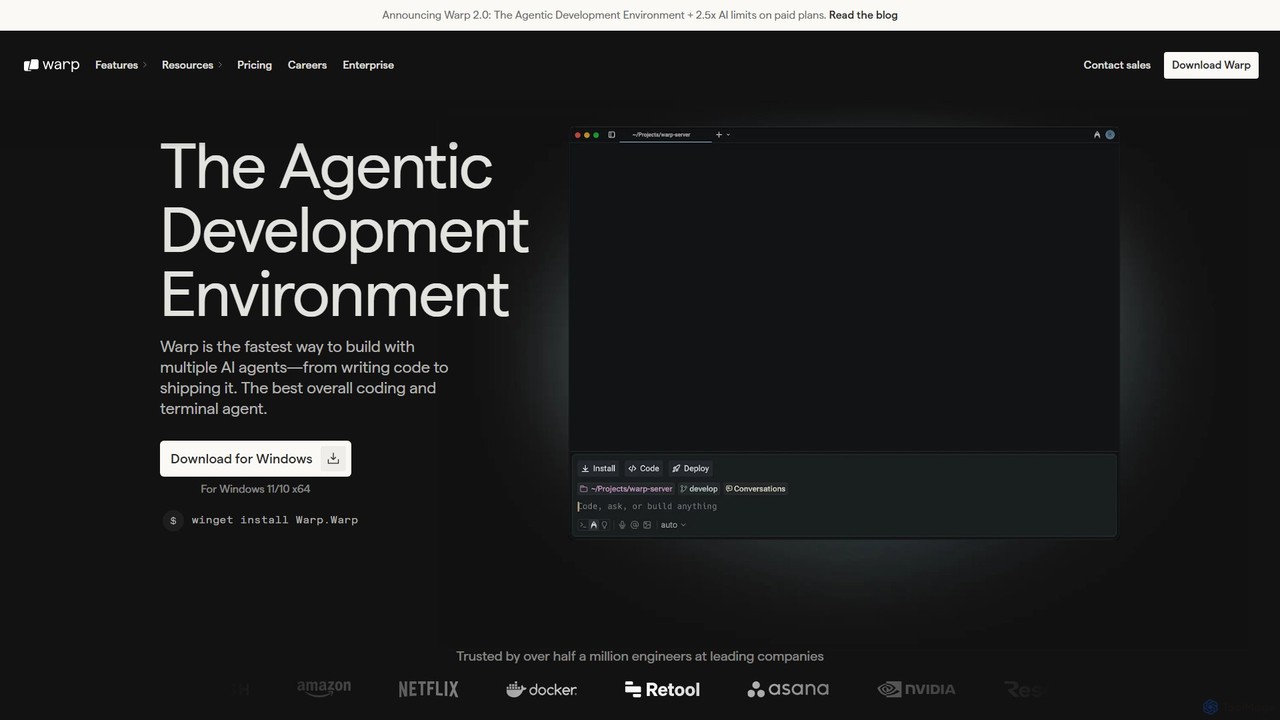
Warp
Warp is an AI-powered, Rust-based terminal reimagined as an Agentic Development Environment (ADE). It enables developers to use natural language to command AI agents for coding, debugging, and deployment. Warp combines a blazingly fast terminal with multi-threaded agent management, allowing you to build, test, and ship software faster by running multiple development tasks in parallel.
Development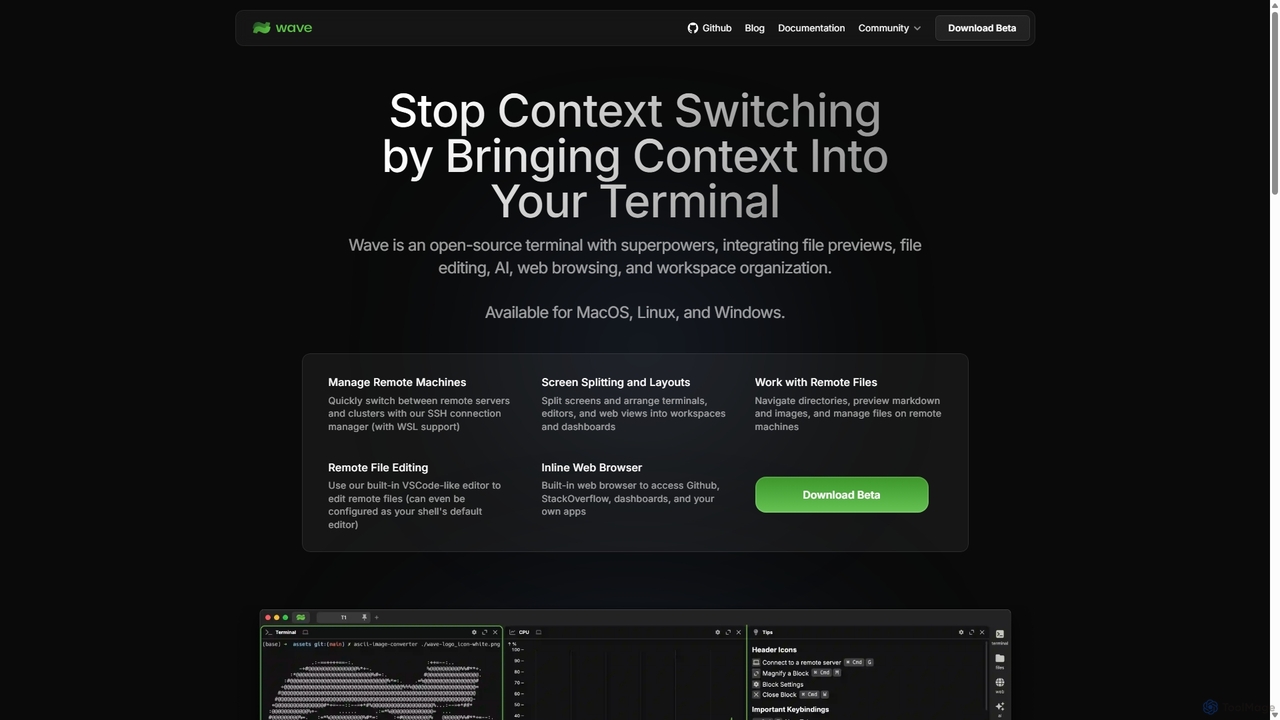
Waveterm
Waveterm is an open-source, modern terminal designed for developers and DevOps engineers. It enhances the command-line experience by integrating AI-powered assistance, a VSCode-like editor, inline file previews, a web browser, and customizable dashboards. This all-in-one workspace reduces context switching and boosts productivity across macOS, Windows, and Linux.
Code Assistant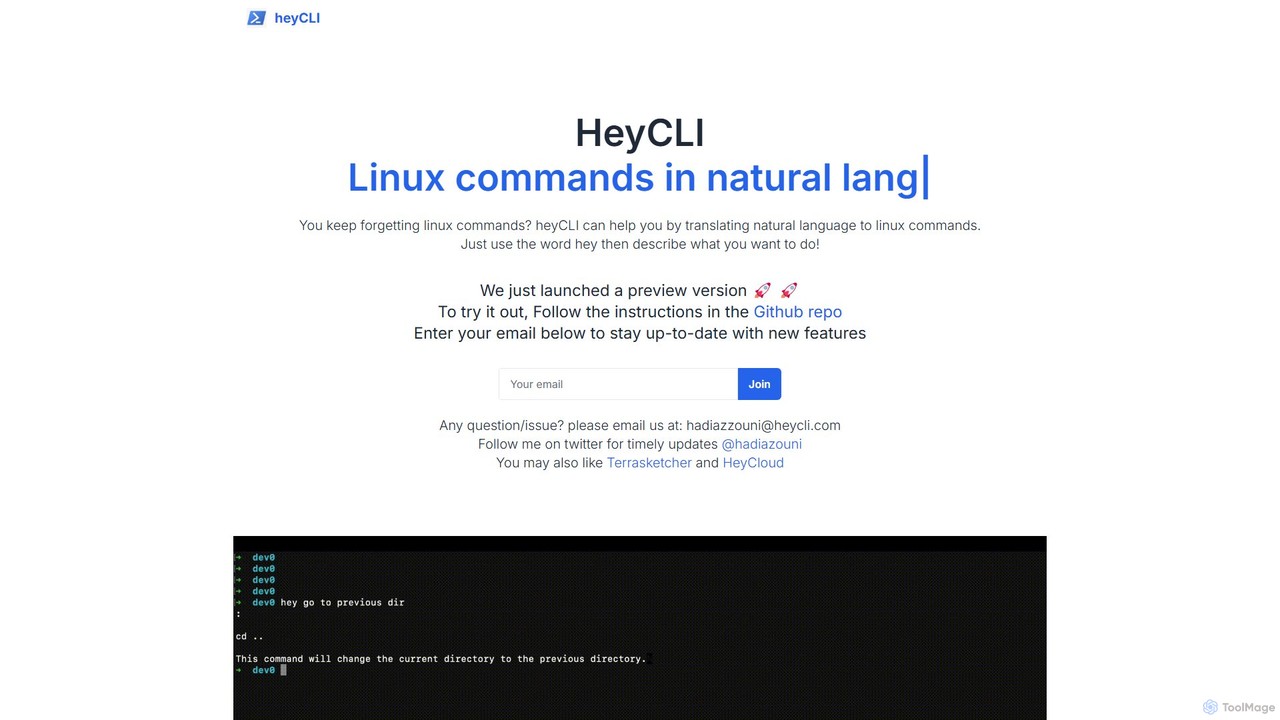
heycli
heycli is an AI-powered copilot for the command line that translates natural language into Linux commands. Simply describe the task you want to perform, and heycli generates the correct command, boosting productivity and reducing the learning curve for developers and sysadmins.
Command Line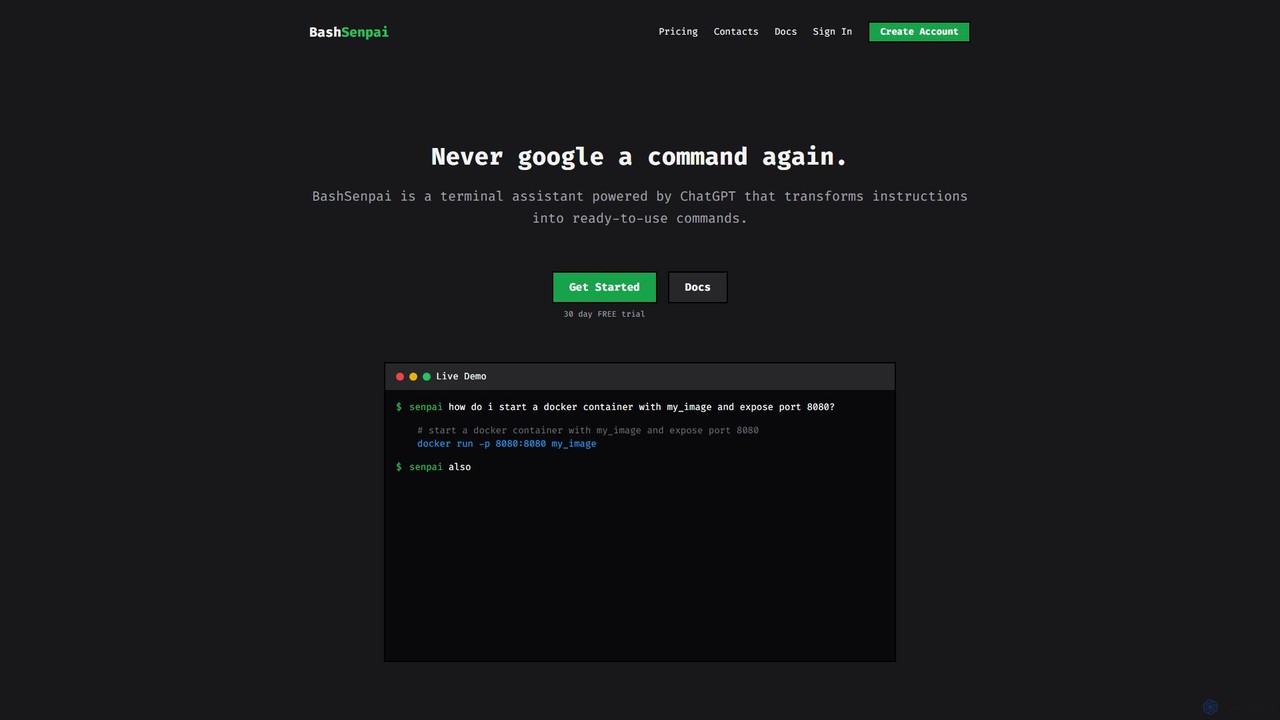
BashSenpai
BashSenpai is a ChatGPT-powered terminal assistant that transforms natural language instructions into ready-to-use shell commands. It operates directly within your terminal, providing context-aware, accurate commands for developers and system administrators, eliminating the need to search online.
Code Assistant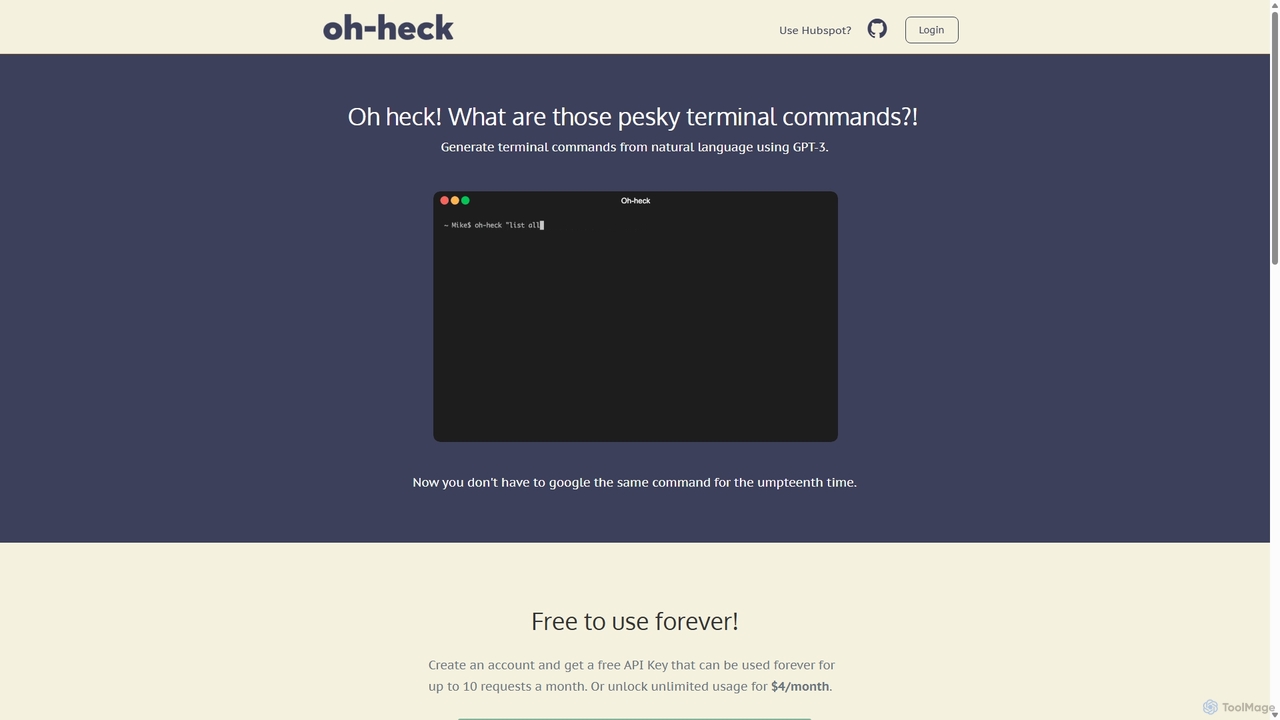
Oh-heck
Oh-heck is a suite of AI-powered productivity tools that convert natural language into terminal commands and generate professional emails directly within your CRM. Powered by GPT-3, it's designed to save time for developers, sales teams, and support agents by simplifying complex and repetitive tasks.
Command Line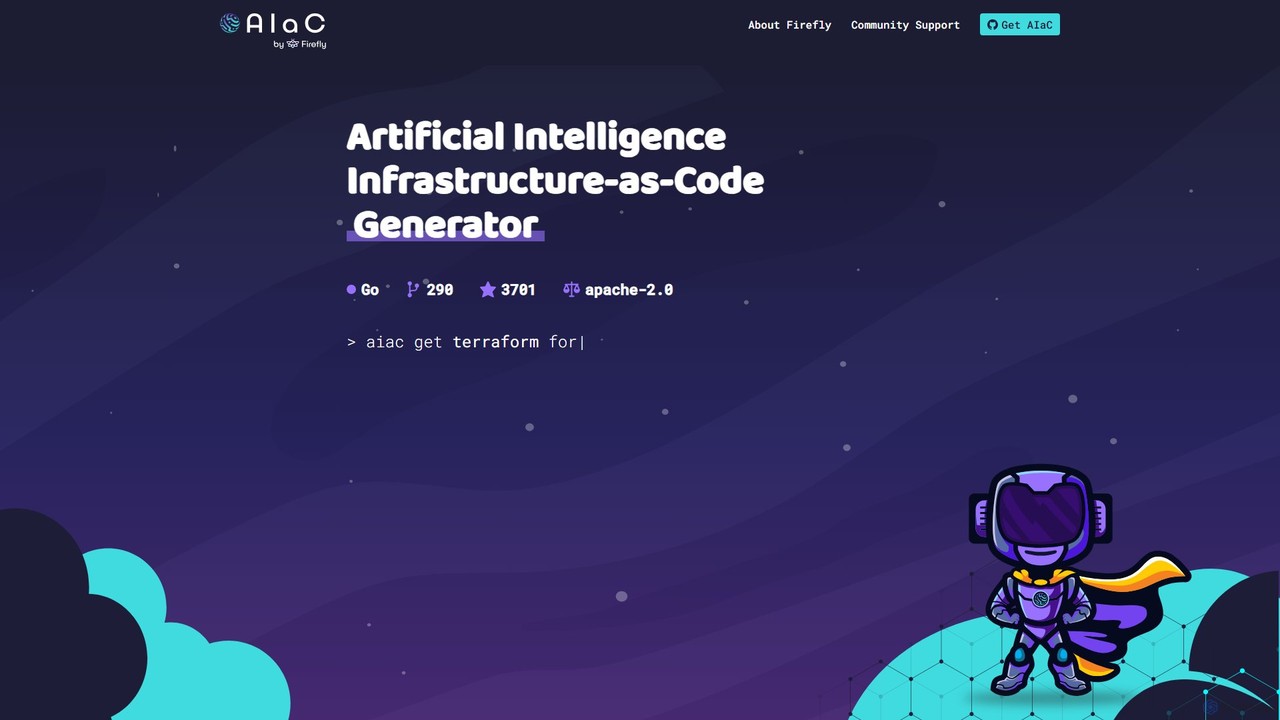
AIaC by Firefly
AIaC by Firefly is a free, open-source CLI tool that uses AI to generate Infrastructure-as-Code (IaC) from natural language prompts. It helps developers and DevOps engineers quickly create configuration code for various cloud platforms and IaC frameworks like Terraform, Pulumi, and CloudFormation, significantly speeding up development and reducing syntax errors.
Devops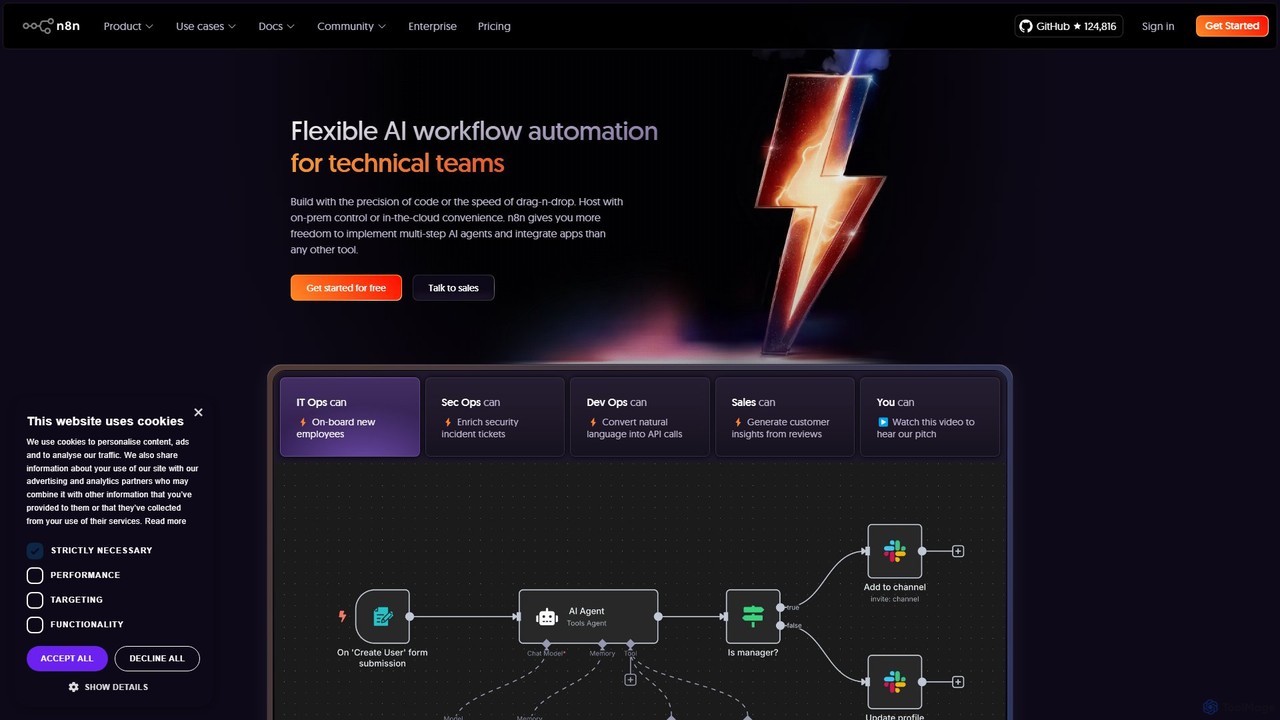
n8n
n8n is a source-available, node-based workflow automation platform designed for both technical and non-technical users. It enables you to connect hundreds of applications and services, including powerful AI models, to automate complex tasks and processes. With options for both cloud hosting and self-hosting, n8n offers unparalleled flexibility, control, and scalability for building everything from simple data syncs to sophisticated AI agents.
Crm
Fig Comments (0)
Sign in to comment.
Sign inNo comments yet.