

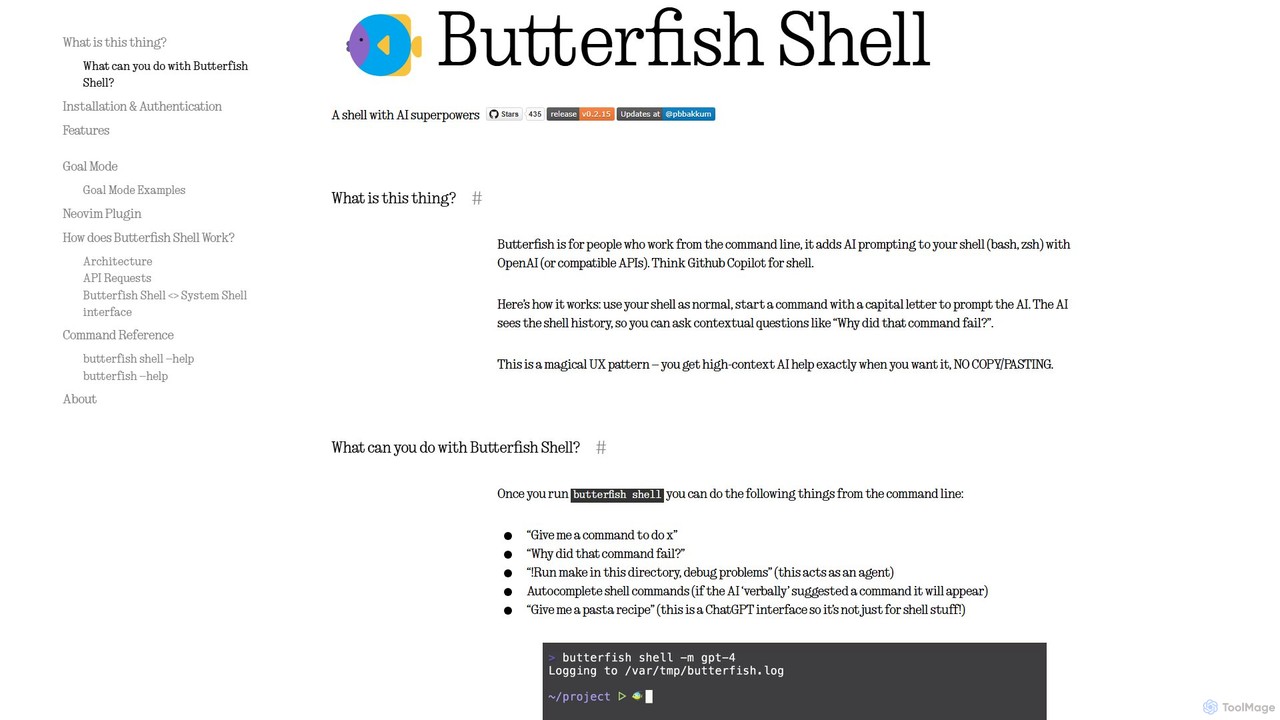
butterfish Overview
butterfish is a revolutionary open-source tool designed for developers, system administrators, and anyone who lives in the command line. It functions as an intelligent shell wrapper for bash and zsh, seamlessly integrating the power of Large Language Models (LLMs) like OpenAI's GPT series directly into your terminal workflow. Often described as "GitHub Copilot for the shell," butterfish enhances your command-line experience by providing contextual AI assistance, command generation, and automation, all without ever leaving your terminal.
The core concept of butterfish is its intuitive and unobtrusive integration. You continue to use your shell as you normally would, but with an added superpower: simply start any command with a capital letter to turn it into a prompt for the AI. The AI has access to your recent shell history, allowing it to understand the context of your work. This enables you to ask follow-up questions, debug failed commands, and receive suggestions that are highly relevant to your current task, eliminating the tedious cycle of copying and pasting errors into a search engine.
How to use butterfish
Getting started with butterfish is straightforward. It's designed for macOS and Linux environments.
- Installation: You can install butterfish easily using Homebrew on macOS (
brew install bakks/bakks/butterfish) or with Go (go install github.com/bakks/butterfish/cmd/butterfish@latest). - Authentication: On the first run, butterfish will prompt you for an OpenAI API key. You need to generate a key from your OpenAI account and paste it in. The key is stored locally in
~/.config/butterfish/butterfish.env. - Running the Shell: Launch the AI-powered shell by running the command
butterfish shell. It's recommended to create an alias likealias bf="butterfish"in your.zshrcor.bashrcfor quicker access. - Prompting the AI: Inside the butterfish shell, type a prompt starting with a capital letter, for example:
Give me a command to find all .log files larger than 100MB. The AI will respond with the appropriate command. - Debugging: If a command fails, you can immediately ask for help:
Why did that command fail?The AI will analyze the error message and your command in context and provide an explanation and a corrected version. - Using Goal Mode: For more complex tasks, you can activate Goal Mode by starting a prompt with
!. For example:!Install python dependencies for this project and run the tests. The AI will act as an agent, suggesting commands one by one for you to execute. Use!!for an unsafe mode where it executes commands without confirmation (use with caution). - Autosuggest: As you type, butterfish will proactively suggest command completions, which you can accept by pressing the Tab key.
Core Features of butterfish
- Context-Aware AI Assistance: butterfish maintains a history of your commands and their outputs, allowing the AI to provide contextually relevant answers and debugging help.
- Seamless Shell Integration: It wraps your existing shell (bash or zsh) without interfering with your custom configurations, aliases, or functions.
- AI Command Generation & Autosuggest: Generate complex shell commands from natural language descriptions and get intelligent, Copilot-style suggestions as you type.
- Autonomous Agent (Goal Mode): A powerful feature where the AI can execute a series of commands to achieve a complex goal, with modes for both user-confirmed and autonomous execution.
- Full Customization and Transparency: Users can view and edit the system prompts sent to the AI, select different LLM models (including local ones via compatible APIs), and inspect raw API requests in verbose mode.
- Built-in Utilities: Includes additional CLI tools for summarizing text files, generating commands (`gencmd`), and managing semantic embeddings of local files for code-aware Q&A (`index`, `indexsearch`).
- Neovim Integration: A dedicated `butterfish.nvim` plugin brings the same fluent LLM prompting capabilities directly into the Neovim editor for tasks like refactoring code.
- Open Source: Licensed under the MIT license, butterfish is free to use, modify, and contribute to, fostering a transparent and community-driven development process.
Use Cases for butterfish
butterfish is versatile and can be applied in numerous scenarios:
- Learning & Exploration: Newcomers to the command line can learn complex tools like
awk,sed, or `ffmpeg` by describing what they want to do in plain English. - Efficient Debugging: Instead of searching for cryptic error messages online, developers can instantly get an explanation and a fix, dramatically speeding up the development cycle.
- Complex Command Crafting: For one-off tasks that require a complicated chain of commands, like finding, processing, and moving files based on specific criteria, butterfish can generate the command in seconds.
- Project Scaffolding & Automation: Use Goal Mode to automate setup tasks, such as cloning a repository, installing dependencies from a `package.json` or `requirements.txt`, and running initial build commands.
- Codebase Q&A: By indexing a project's source code with the `index` command, a developer can ask questions like
indexquestion Where is the database connection string defined?to quickly navigate and understand unfamiliar code.
Advantages of butterfish
The primary advantage of butterfish is the significant boost in productivity and efficiency it offers. By integrating AI directly into the terminal, it eliminates context switching and streamlines workflows. It empowers both novice and expert users, making the command line more accessible and powerful. Its commitment to transparency and customization allows users to tailor the tool to their specific needs and trust its operations. Finally, being open-source ensures it remains a free, community-supported tool that evolves with user feedback.
Pricing and Plans
butterfish itself is a completely free and open-source tool, available under the MIT License. There are no subscription fees or charges for using the software. However, to function, butterfish requires an API key for an LLM provider, with OpenAI being the default. Users are responsible for the costs associated with their own API usage. The cost depends on the model chosen and the frequency of use (e.g., autosuggest is more API-intensive). The tool provides options to manage costs, such as adjusting autosuggest timeouts, disabling it, or using more cost-effective models.
butterfish Alternatives
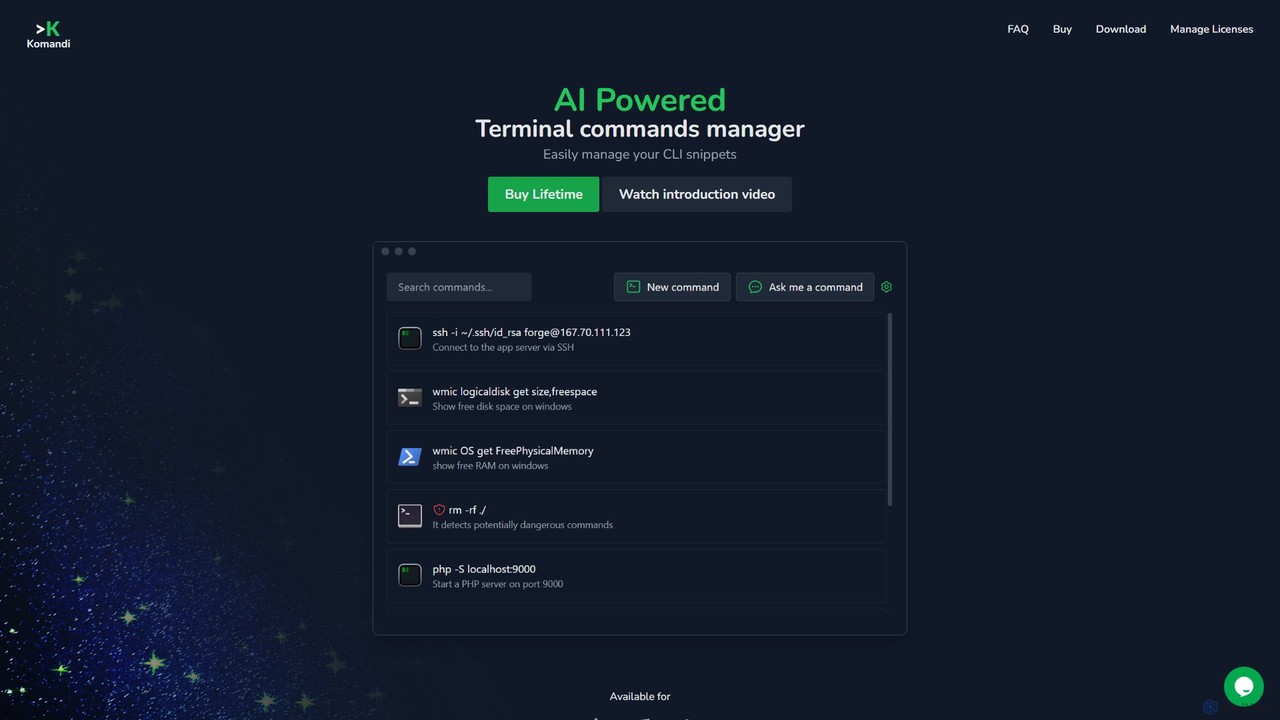
Komandi
Komandi is an AI-powered CLI/terminal command manager for developers and sysadmins. It simplifies command-line operations by allowing you to manage snippets, generate complex commands from natural language, and execute them safely. It supports macOS, Windows, and Linux, streamlining your workflow by organizing frequently used commands and detecting potentially dangerous ones before execution.
Code Assistant
ShellMate
ShellMate is an open-source, AI-powered command-line productivity tool designed for developers and system administrators. Powered by OpenAI, it acts as your terminal's best friend, allowing you to use natural language to find commands, get predictive suggestions based on your history, and receive context-aware help without ever leaving your console. Simply use the `sm` shortcut to boost your command-line efficiency and reduce time spent searching for syntax.
Code Assistant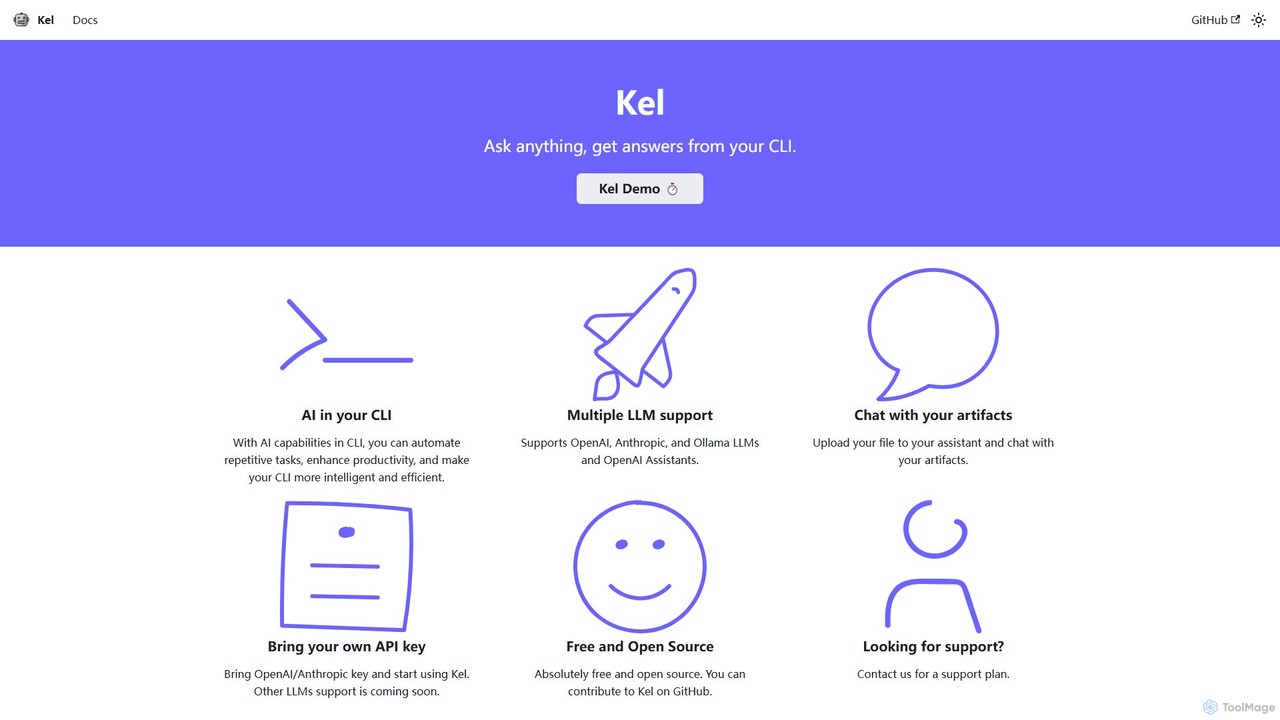
Kel
Kel is a free, open-source AI assistant for your command-line interface (CLI). It integrates with multiple LLMs like OpenAI, Anthropic, and Ollama to help developers and sysadmins automate tasks, generate commands, and even chat with documents directly from the terminal.
Code Assistant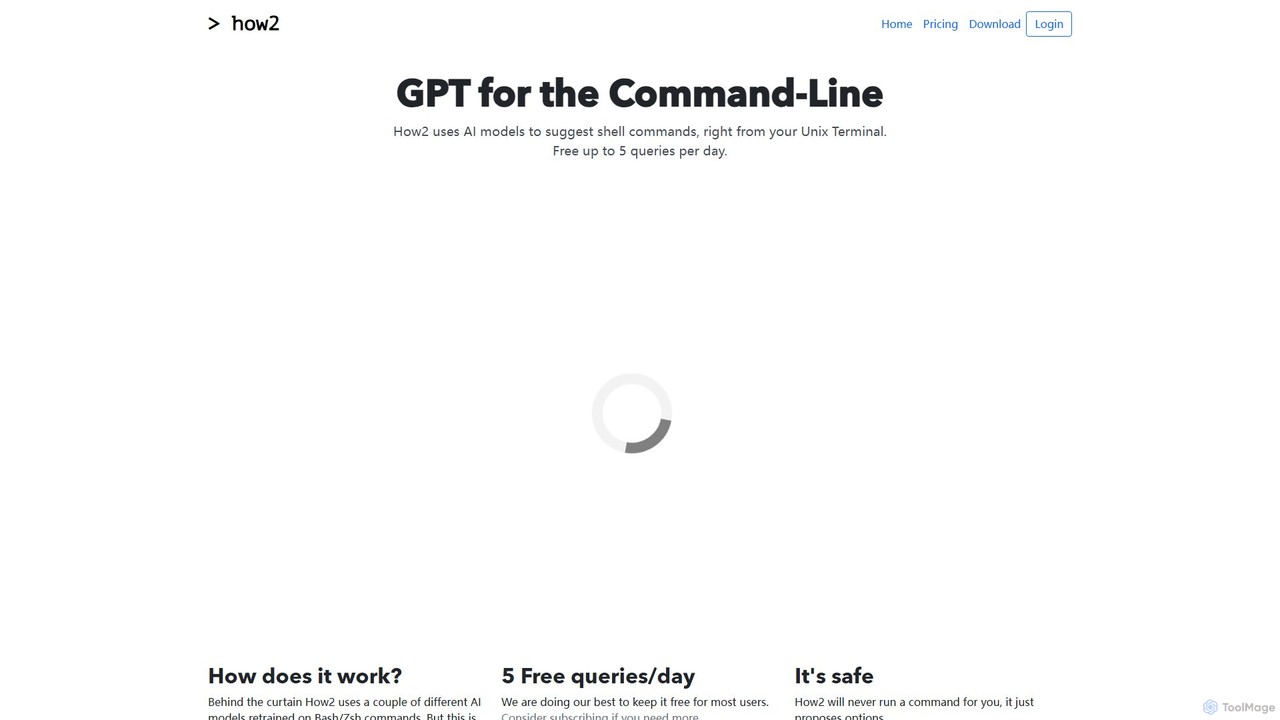
how2terminal
how2terminal is an AI-powered command-line tool that translates natural language queries into shell commands. It works directly in your Unix or PowerShell terminal, suggesting commands for Bash, Zsh, and more, helping developers and sysadmins boost productivity and learn new commands without leaving their workflow.
Code Assistant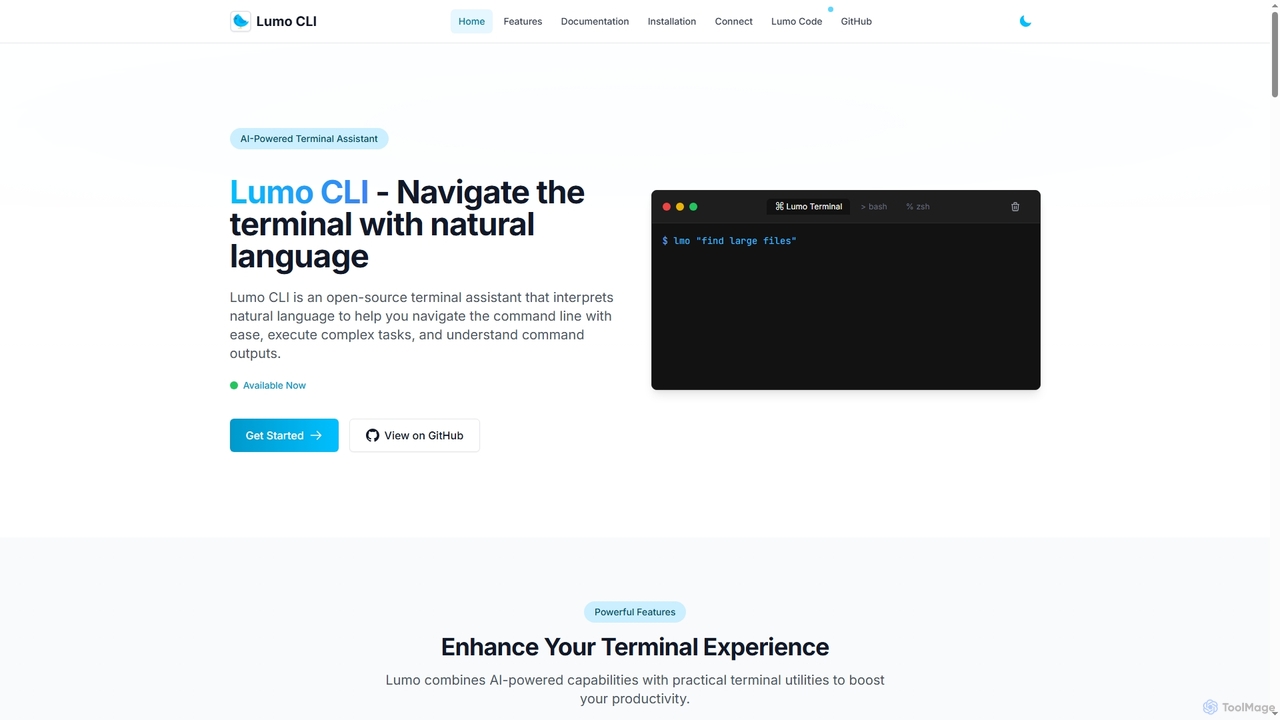
Lumo
Lumo is an open-source, AI-powered terminal assistant that allows users to interact with the command line using natural language. It translates plain English into executable commands, automates complex tasks, monitors system health, and supports multiple AI models including Gemini, OpenAI, and Ollama for local inference.
Code Assistantbutterfish Categories
butterfish Embed Widget
Copy this embed code to place the badge on your blog, article, or product site and send readers directly to this ToolMage detail page.

Related AI tools
Lumo
Lumo is an open-source, AI-powered terminal assistant that allows users to interact with the command line using natural language. It translates plain English into executable commands, automates complex tasks, monitors system health, and supports multiple AI models including Gemini, OpenAI, and Ollama for local inference.
Code AssistantKomandi
Komandi is an AI-powered CLI/terminal command manager for developers and sysadmins. It simplifies command-line operations by allowing you to manage snippets, generate complex commands from natural language, and execute them safely. It supports macOS, Windows, and Linux, streamlining your workflow by organizing frequently used commands and detecting potentially dangerous ones before execution.
Code AssistantShellMate
ShellMate is an open-source, AI-powered command-line productivity tool designed for developers and system administrators. Powered by OpenAI, it acts as your terminal's best friend, allowing you to use natural language to find commands, get predictive suggestions based on your history, and receive context-aware help without ever leaving your console. Simply use the `sm` shortcut to boost your command-line efficiency and reduce time spent searching for syntax.
Code AssistantKel
Kel is a free, open-source AI assistant for your command-line interface (CLI). It integrates with multiple LLMs like OpenAI, Anthropic, and Ollama to help developers and sysadmins automate tasks, generate commands, and even chat with documents directly from the terminal.
Code Assistant
Charm
Charm is an ecosystem of open-source tools and libraries designed to make the command-line interface (CLI) glamorous and powerful. It provides developers with applications for AI-powered coding (Crush, Mods), beautiful terminal UIs (Bubble Tea), markdown rendering (Glow), and self-hosted Git servers (Soft Serve). Charm empowers developers to build, style, and enhance their terminal workflows with modern, elegant, and highly functional tools.
Code Assistant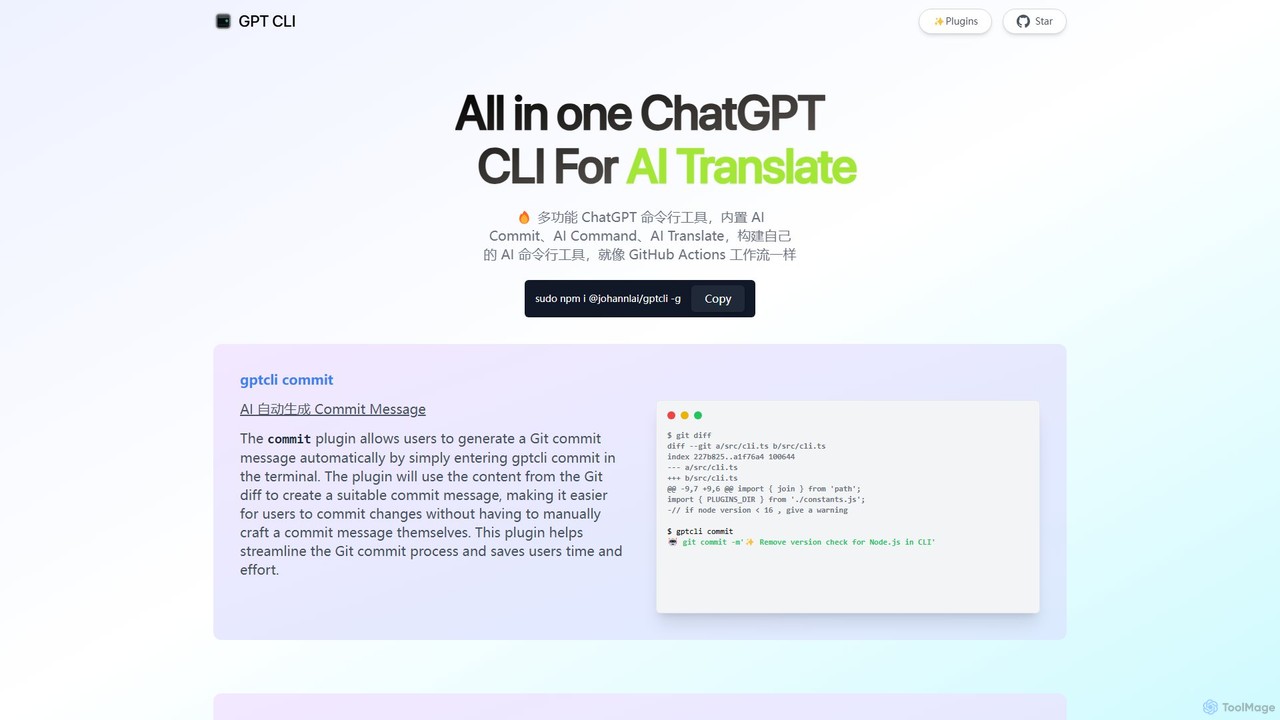
gptcli
gptcli is a versatile, open-source command-line tool that integrates ChatGPT directly into your terminal. It streamlines developer workflows with features like AI-powered Git commits, natural language to shell command translation, and in-terminal chat. With its extensible plugin system, you can build your own custom AI CLI tools, making it the ultimate productivity enhancer for anyone who works extensively with the command line.
Code Assistant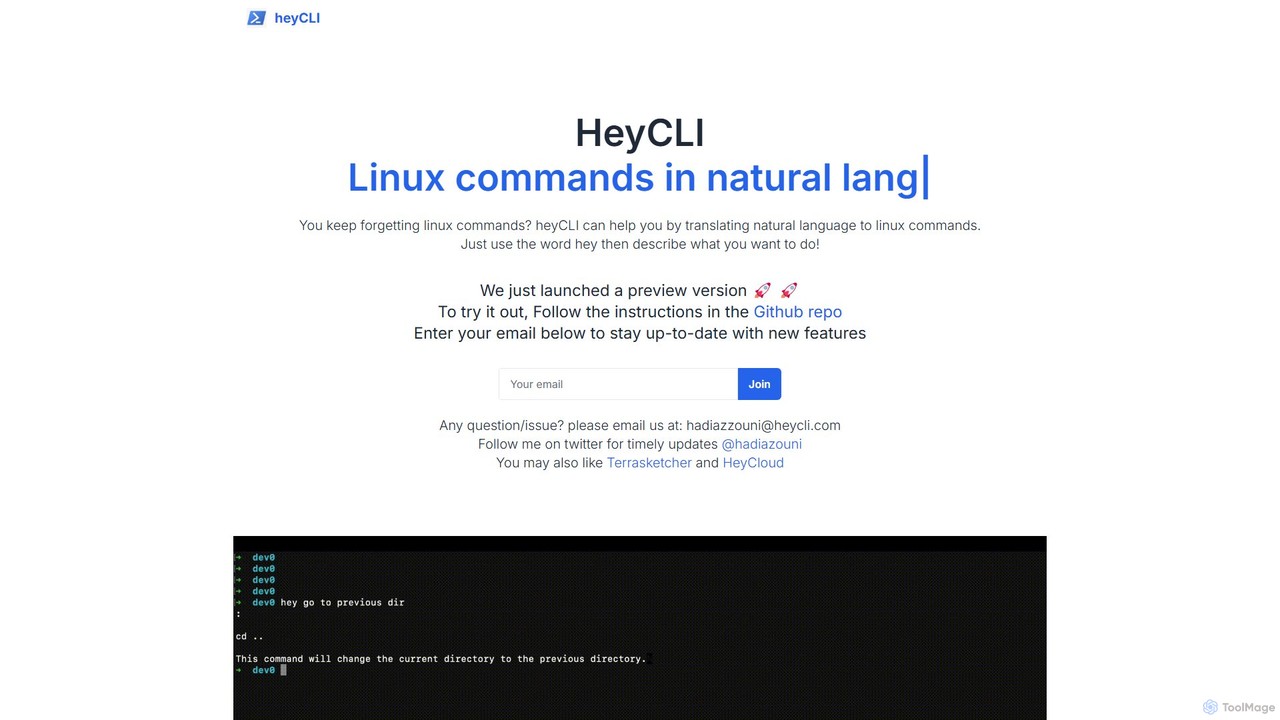
heycli
heycli is an AI-powered copilot for the command line that translates natural language into Linux commands. Simply describe the task you want to perform, and heycli generates the correct command, boosting productivity and reducing the learning curve for developers and sysadmins.
Command Line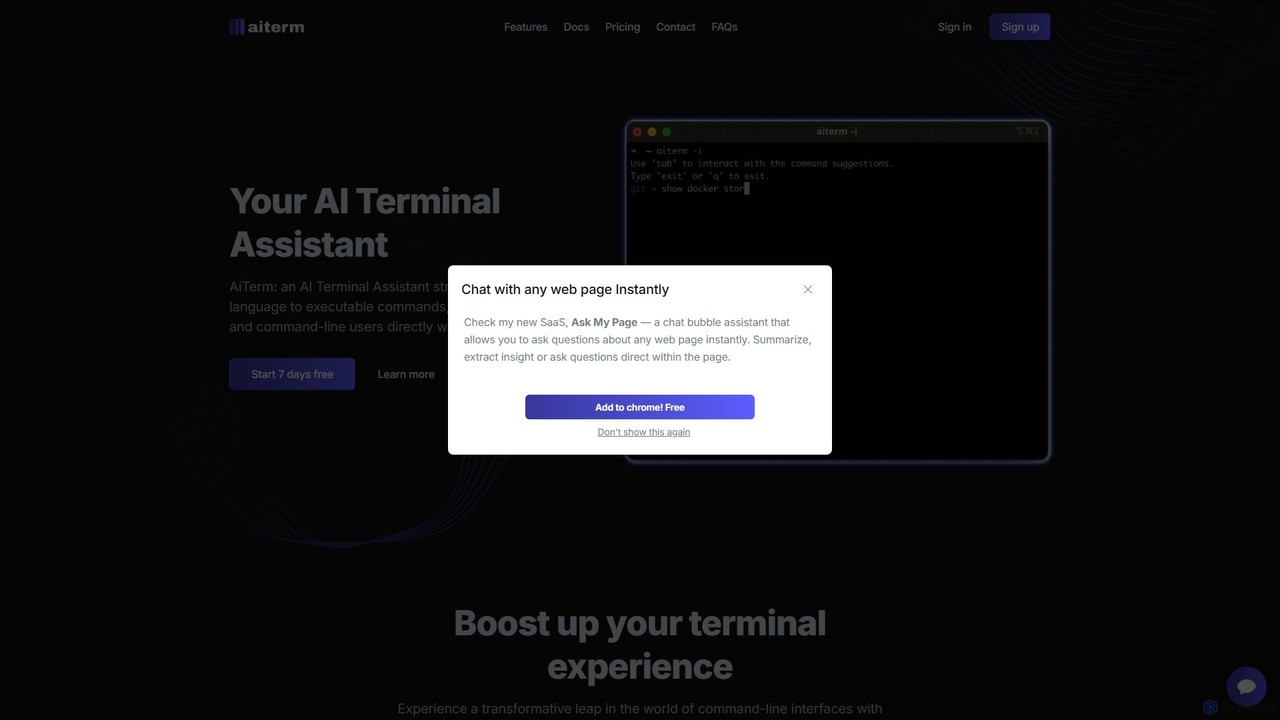
AiTerm
AiTerm is an AI-powered terminal assistant that translates natural language into executable shell commands. It streamlines workflows for developers and command-line users with features like IDE-style autocompletion, command suggestions, and workflow management, all directly within the terminal.
Code Assistant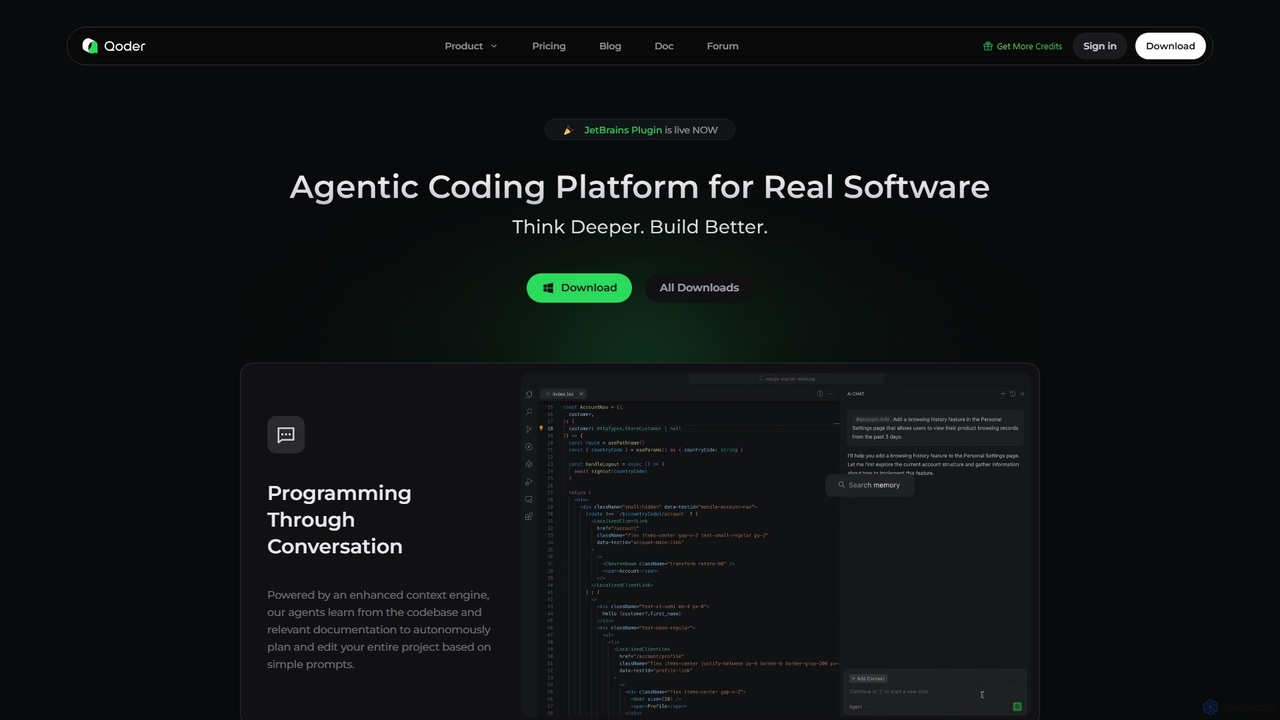
Qoder
Qoder is an agentic AI coding platform designed for real software development. It leverages an enhanced context engine to autonomously plan, code, and test entire projects based on simple prompts, integrating seamlessly into developer workflows via IDE, CLI, or JetBrains plugin.
Code Assistant
how2terminal
how2terminal is an AI-powered command-line tool that translates natural language queries into shell commands. It works directly in your Unix or PowerShell terminal, suggesting commands for Bash, Zsh, and more, helping developers and sysadmins boost productivity and learn new commands without leaving their workflow.
Code Assistant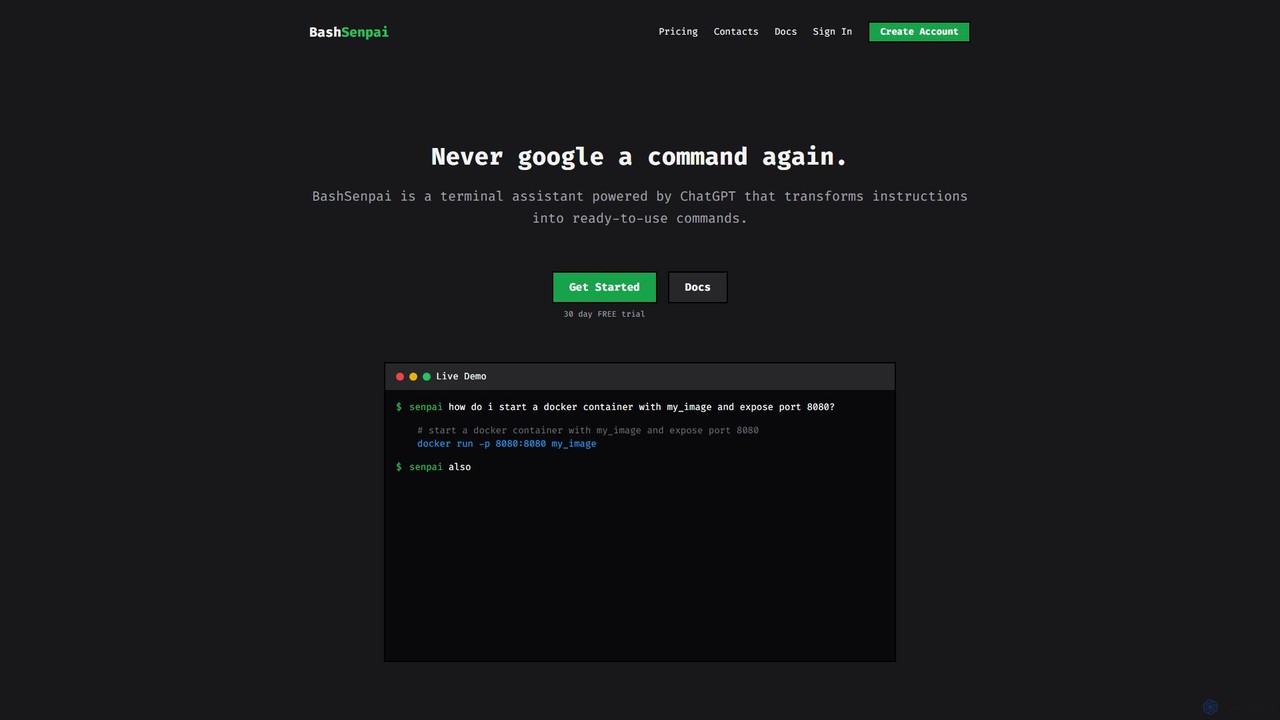
BashSenpai
BashSenpai is a ChatGPT-powered terminal assistant that transforms natural language instructions into ready-to-use shell commands. It operates directly within your terminal, providing context-aware, accurate commands for developers and system administrators, eliminating the need to search online.
Code Assistant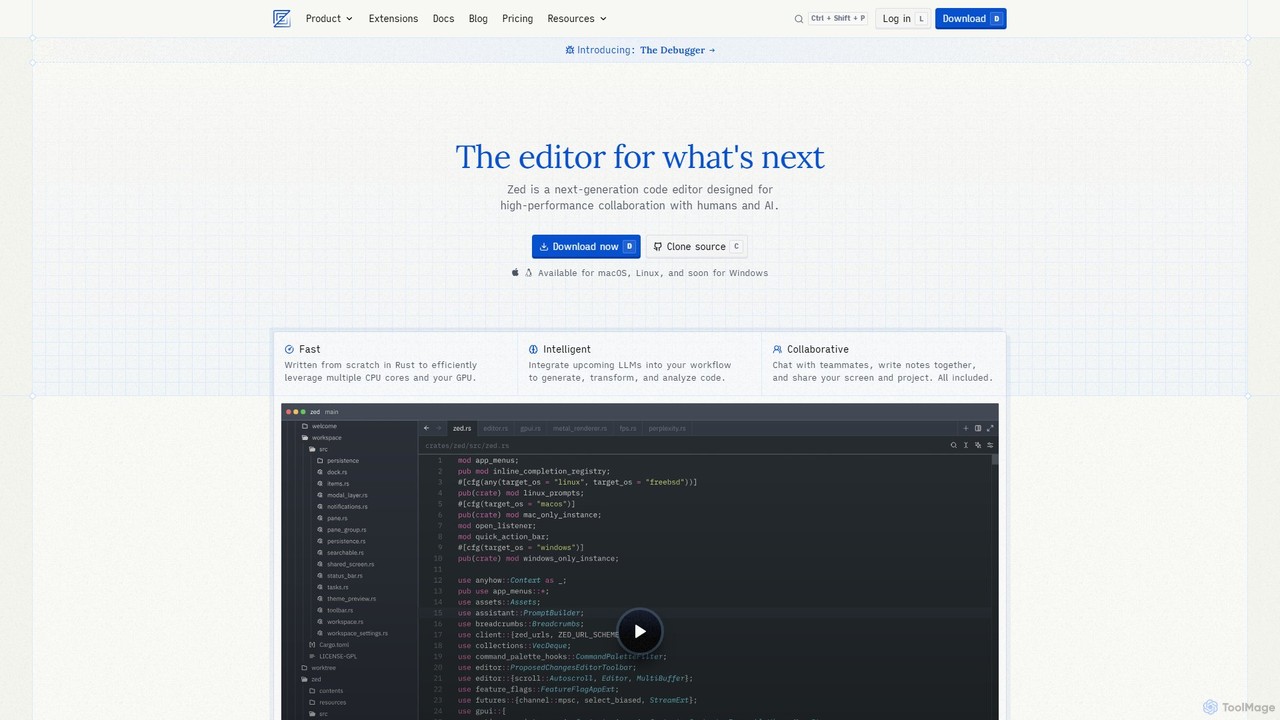
Zed
Zed is a high-performance, collaborative, and AI-powered code editor built from scratch in Rust. Designed for speed and efficiency, it offers real-time collaboration, deep integration with LLMs for agentic editing, and a comprehensive set of built-in tools including a debugger and native Git support. Zed is open-source and available for macOS and Linux, with Windows support coming soon.
Code Generation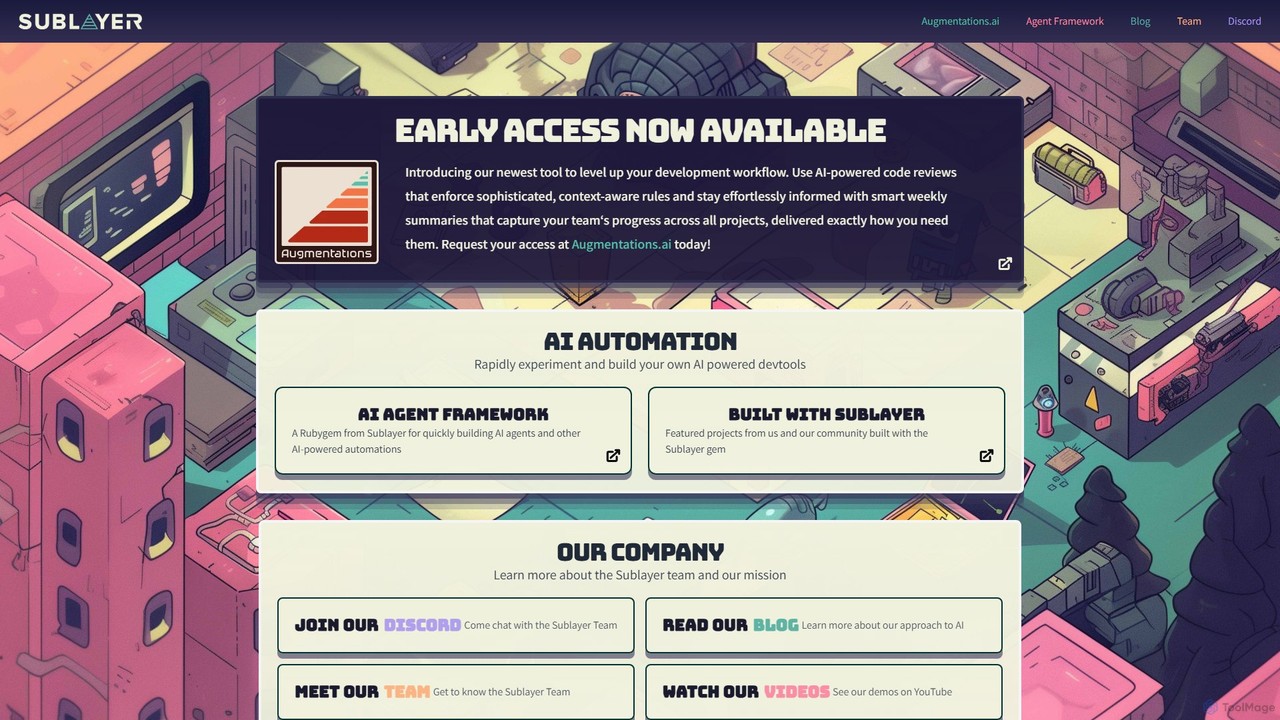
Sublayer
Sublayer is a model-agnostic AI agent framework for Ruby developers. It provides a powerful Rubygem to rapidly build, experiment with, and deploy AI agents and custom developer tools, enabling personalized and context-aware automation for software development workflows.
Code Assistant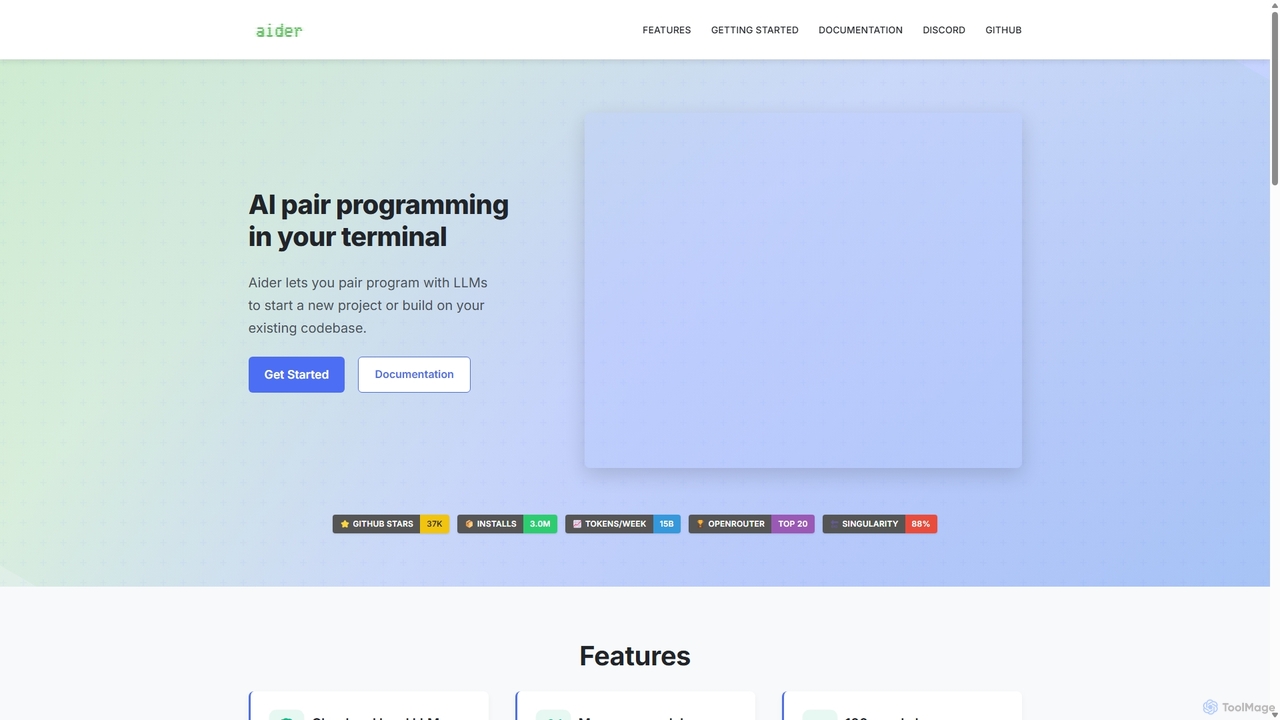
Aider
Aider is an AI-powered pair programmer that operates directly in your terminal. It intelligently maps your entire codebase, providing full project context for complex tasks. Seamlessly integrated with Git, it automates commits and allows you to manage AI-driven changes with familiar tools. Aider supports over 100 programming languages, connects to leading cloud and local LLMs, and even accepts voice and image inputs, making it a versatile and powerful assistant for any developer seeking to accelerate their workflow and improve code quality.
Programming
butterfish Comments (0)
Sign in to comment.
Sign inNo comments yet.