
Kel Overview
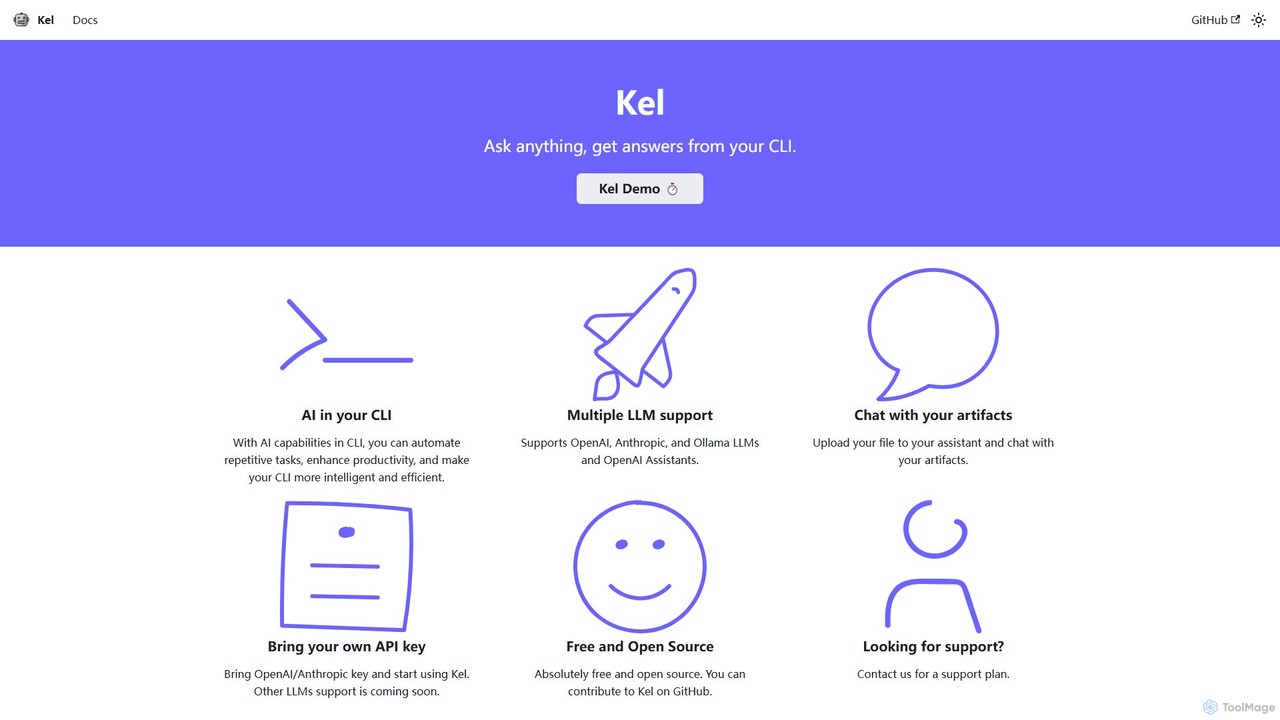
Kel is a powerful and versatile AI assistant designed to live within your command-line interface (CLI). As a free and open-source tool, it empowers developers, DevOps engineers, and system administrators to supercharge their productivity by bringing the intelligence of large language models (LLMs) directly into their terminal. By integrating seamlessly with leading AI providers like OpenAI, Anthropic, and the open-source Ollama platform, Kel acts as an on-demand expert, helping you automate repetitive tasks, generate complex commands, and find solutions without ever leaving your command line.
The core philosophy of Kel is to make the CLI more intelligent and efficient. Instead of manually searching for command syntax or scripting solutions, you can simply ask Kel in natural language. It can translate your requests into precise shell commands, explain what they do, and help you debug errors. This significantly reduces context switching and streamlines development workflows.
How to use Kel
Getting started with Kel is straightforward and designed for developers. Here is a step-by-step guide:
- Prerequisites: Ensure you have Python 3.6 or a newer version and `pip` installed on your system.
- Installation: Clone the official Kel repository from GitHub to your local machine. Navigate into the cloned directory (`cd kel`) and run the command `pip install .` to install the tool and its dependencies.
- Configuration: The central configuration file is `config.toml`. Here, you can customize personal settings, define default behaviors, set the style, and choose your preferred LLM.
- API Keys: Kel operates on a "Bring Your Own Key" (BYOK) model. You need to set your API keys from OpenAI and/or Anthropic as environment variables in your operating system. For example: `export OPENAI_API_KEY="sk-..."` and `export ANTHROPIC_API_KEY="sk-ant-..."`.
- Usage: Once configured, you can invoke Kel directly from your terminal. You can ask for commands (`kel "git command to rebase last 3 commits"`), ask general questions with a specific context (`kel "What is the population of India?" -p "You are a demography expert"`), or specify which LLM to use (`kel "..." -c ollama -m llama2`).
- Chat with Files: For interactive analysis, use the OpenAI Assistant feature. Run `kel -a MyAssistant -f ` to upload a file and start a chat session to ask questions about its content. The assistant and file are deleted upon exiting the session to ensure privacy.
Core Features of Kel
- Multi-LLM Support: Flexibility to choose between different powerful language models, including OpenAI (GPT series), Anthropic (Claude series), and local models via Ollama (e.g., Llama 2).
- OpenAI Assistant Integration: Enables stateful, interactive chat sessions with your documents, logs, or code files directly in the terminal for in-depth analysis.
- Context-Aware Prompts: You can guide the AI's personality and expertise using the `-p` flag, ensuring more accurate and relevant responses for specialized tasks.
- Free and Open Source: Kel is completely free to use and its source code is available on GitHub, encouraging community contributions and transparency.
- Bring Your Own Key (BYOK): You maintain full control over your API usage and costs by using your own keys from AI providers.
- Workflow Automation: Automates the generation of commands and scripts, saving time and reducing the cognitive load of remembering complex syntax.
Use Cases for Kel
Kel is ideal for a wide range of command-line tasks, including:
- Command Generation: Quickly generate complex commands for tools like `git`, `docker`, `kubectl`, `awk`, or `sed`. For example: `kel "show all running docker containers with their IP addresses"`.
- Code & Scripting Assistance: Get help writing shell scripts, Python snippets, or other code directly in your terminal.
- System Administration: Find commands for managing services, checking network connections (`kel "command to get active connections in linux"`), or analyzing system logs.
- Learning & Exploration: Use Kel as a learning tool to understand what different commands do or to explore new CLI tools.
- Document Analysis: Upload a log file, a CSV, or a technical document and ask specific questions about its contents to quickly find information.
Advantages of Kel
The primary advantage of Kel is its ability to seamlessly integrate AI into the native developer environment—the terminal. This leads to enhanced productivity by minimizing distractions and context switching. Its support for multiple LLMs gives users the freedom to choose the best model for their needs, whether it's for performance, cost, or privacy (with local Ollama models). Being open-source, it is highly transparent and customizable. The BYOK model ensures users have direct control over their data and API expenses.
Pricing and Plans
Kel is fundamentally a free and open-source tool. You can download, use, and modify it without any cost. The operational cost is based on your usage of the underlying LLM APIs (OpenAI, Anthropic), for which you use your own keys. For businesses or individuals who require dedicated assistance, Kel also offers paid support plans. You can contact the maintainers for more details on these plans.
Kel Alternatives
ShellMate
ShellMate is an open-source, AI-powered command-line productivity tool designed for developers and system administrators. Powered by OpenAI, it acts as your terminal's best friend, allowing you to use natural language to find commands, get predictive suggestions based on your history, and receive context-aware help without ever leaving your console. Simply use the `sm` shortcut to boost your command-line efficiency and reduce time spent searching for syntax.
Code Assistant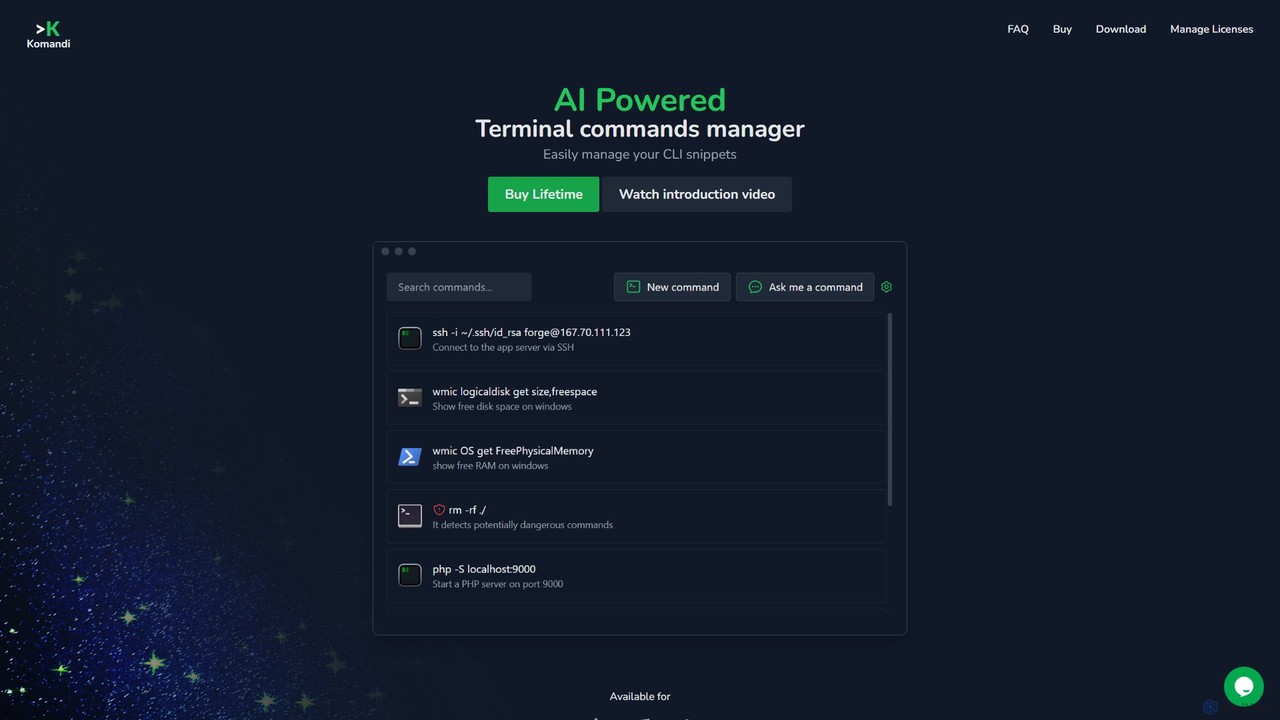
Komandi
Komandi is an AI-powered CLI/terminal command manager for developers and sysadmins. It simplifies command-line operations by allowing you to manage snippets, generate complex commands from natural language, and execute them safely. It supports macOS, Windows, and Linux, streamlining your workflow by organizing frequently used commands and detecting potentially dangerous ones before execution.
Code Assistant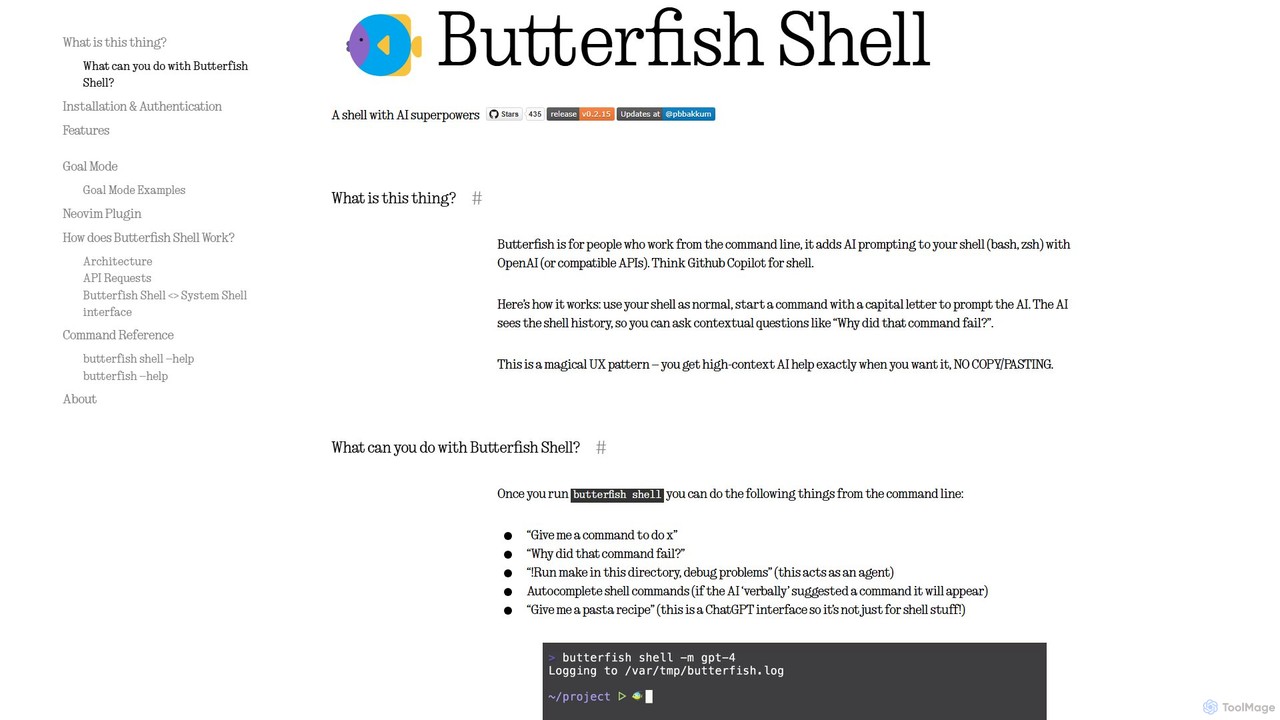
butterfish
butterfish is an open-source CLI tool that supercharges your shell (bash, zsh) with AI capabilities. Acting like GitHub Copilot for the command line, it allows you to generate commands, debug errors, and automate tasks using natural language prompts directly in your terminal. It maintains context from your shell history, providing highly relevant assistance and boosting productivity for developers and sysadmins.
Code Assistant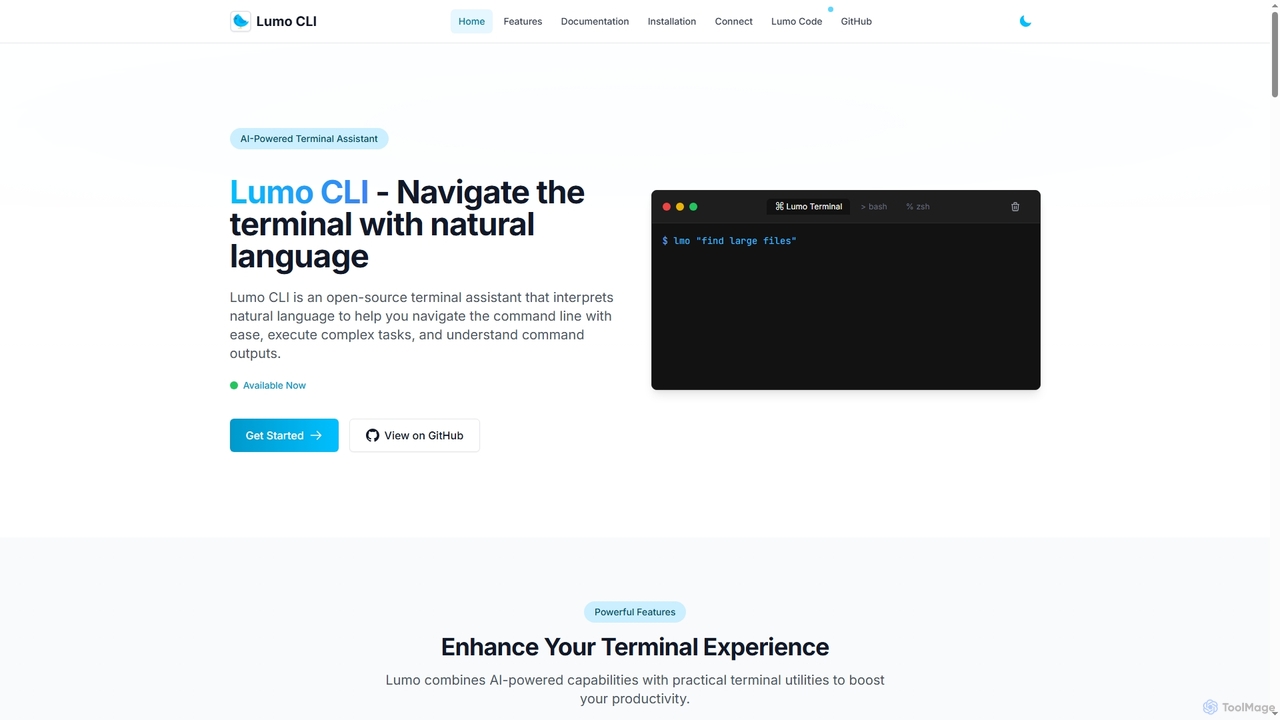
Lumo
Lumo is an open-source, AI-powered terminal assistant that allows users to interact with the command line using natural language. It translates plain English into executable commands, automates complex tasks, monitors system health, and supports multiple AI models including Gemini, OpenAI, and Ollama for local inference.
Code Assistant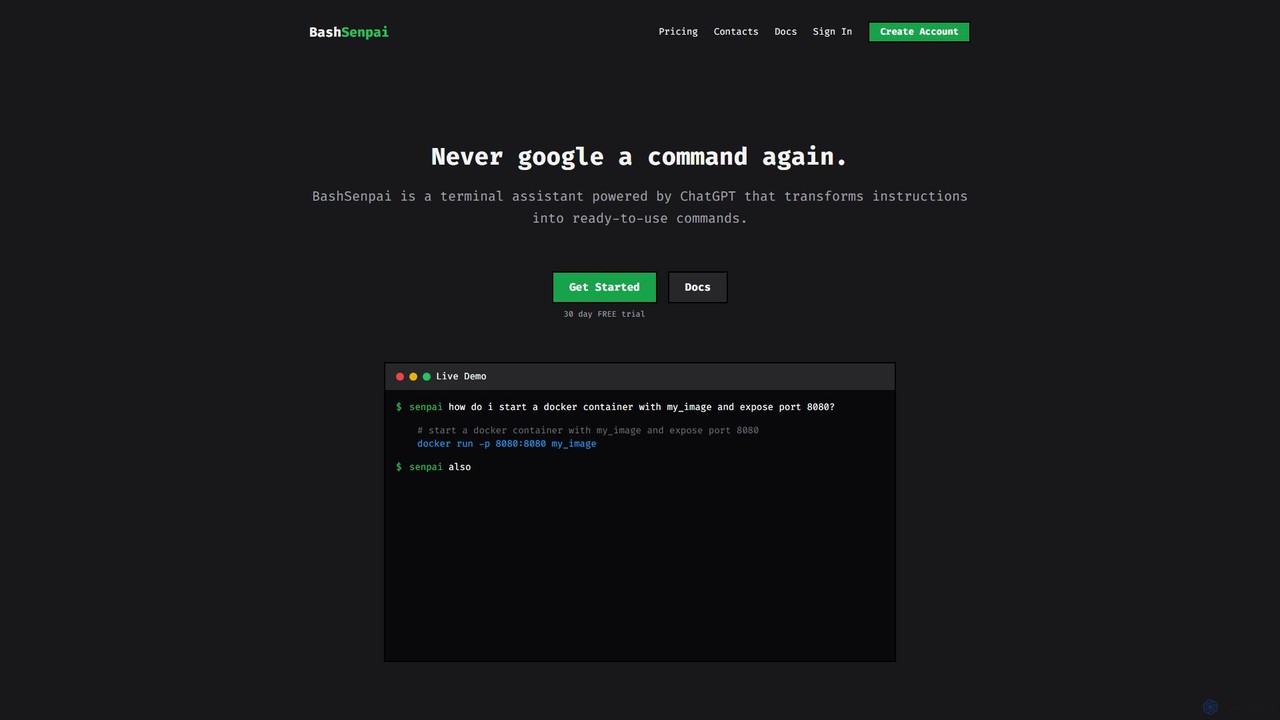
BashSenpai
BashSenpai is a ChatGPT-powered terminal assistant that transforms natural language instructions into ready-to-use shell commands. It operates directly within your terminal, providing context-aware, accurate commands for developers and system administrators, eliminating the need to search online.
Code AssistantKel Categories
Kel Embed Widget
Copy this embed code to place the badge on your blog, article, or product site and send readers directly to this ToolMage detail page.

Related AI tools
Lumo
Lumo is an open-source, AI-powered terminal assistant that allows users to interact with the command line using natural language. It translates plain English into executable commands, automates complex tasks, monitors system health, and supports multiple AI models including Gemini, OpenAI, and Ollama for local inference.
Code AssistantShellMate
ShellMate is an open-source, AI-powered command-line productivity tool designed for developers and system administrators. Powered by OpenAI, it acts as your terminal's best friend, allowing you to use natural language to find commands, get predictive suggestions based on your history, and receive context-aware help without ever leaving your console. Simply use the `sm` shortcut to boost your command-line efficiency and reduce time spent searching for syntax.
Code AssistantKomandi
Komandi is an AI-powered CLI/terminal command manager for developers and sysadmins. It simplifies command-line operations by allowing you to manage snippets, generate complex commands from natural language, and execute them safely. It supports macOS, Windows, and Linux, streamlining your workflow by organizing frequently used commands and detecting potentially dangerous ones before execution.
Code Assistantbutterfish
butterfish is an open-source CLI tool that supercharges your shell (bash, zsh) with AI capabilities. Acting like GitHub Copilot for the command line, it allows you to generate commands, debug errors, and automate tasks using natural language prompts directly in your terminal. It maintains context from your shell history, providing highly relevant assistance and boosting productivity for developers and sysadmins.
Code Assistant
Dallecli
A powerful command-line interface (CLI) tool for interacting with OpenAI's DALL-E models. Generate, edit, and manage AI images directly from your terminal, perfect for developers, scripters, and automating creative workflows.
Command Line Interface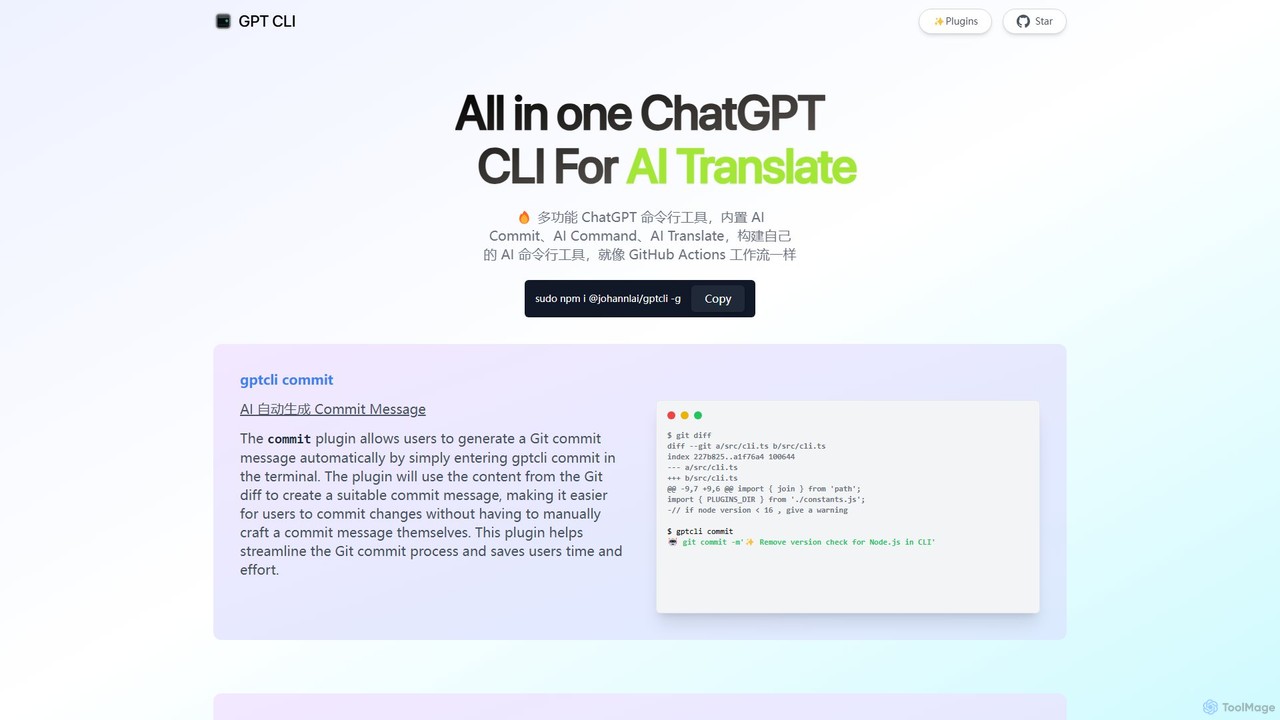
gptcli
gptcli is a versatile, open-source command-line tool that integrates ChatGPT directly into your terminal. It streamlines developer workflows with features like AI-powered Git commits, natural language to shell command translation, and in-terminal chat. With its extensible plugin system, you can build your own custom AI CLI tools, making it the ultimate productivity enhancer for anyone who works extensively with the command line.
Code Assistant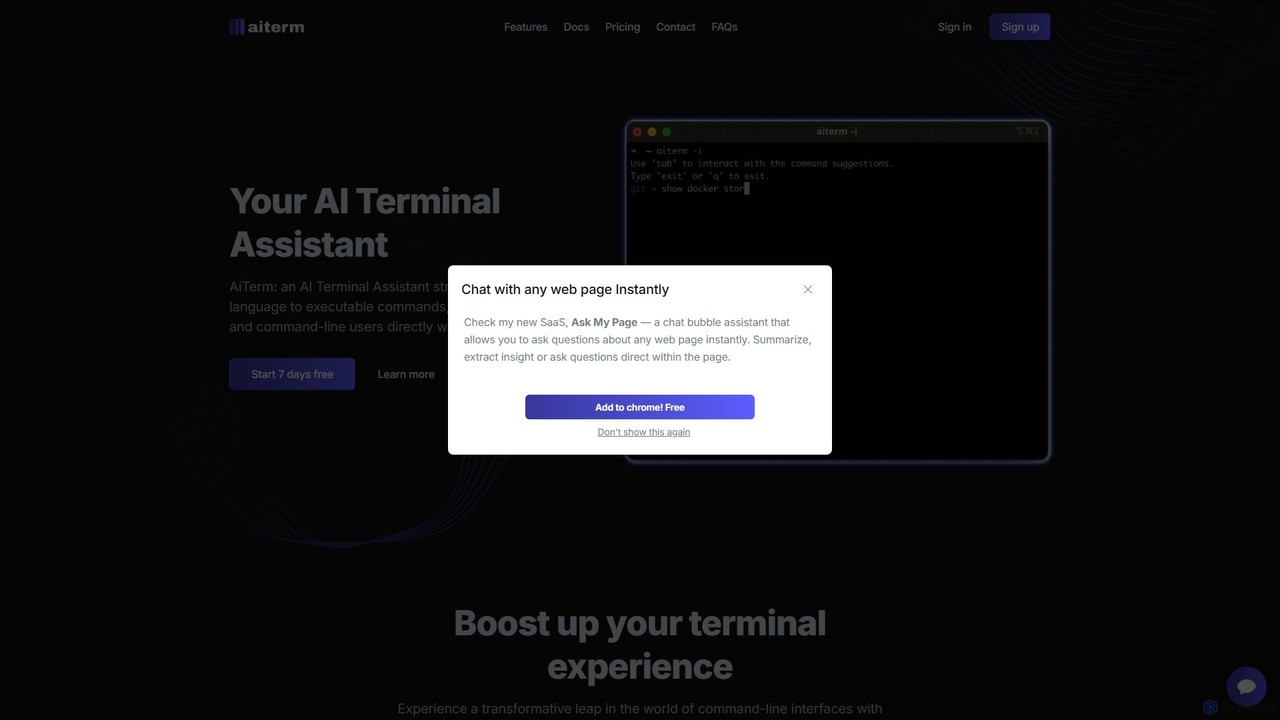
AiTerm
AiTerm is an AI-powered terminal assistant that translates natural language into executable shell commands. It streamlines workflows for developers and command-line users with features like IDE-style autocompletion, command suggestions, and workflow management, all directly within the terminal.
Code Assistant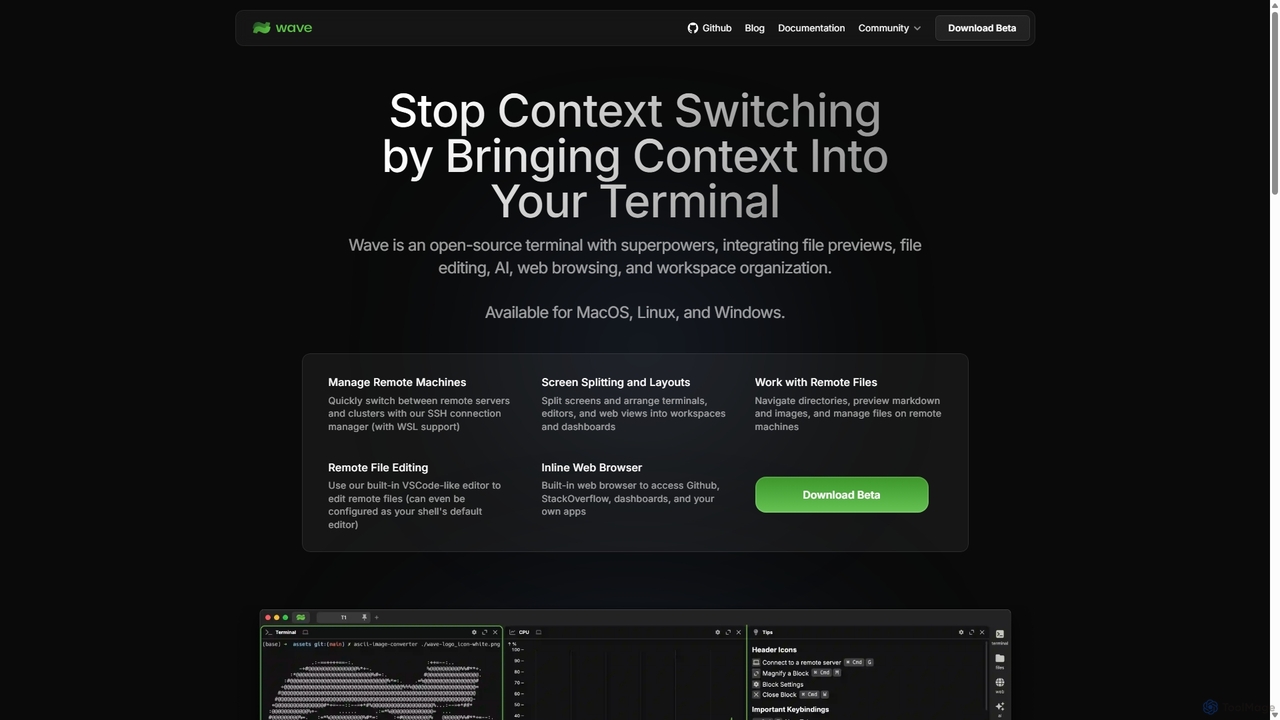
Waveterm
Waveterm is an open-source, modern terminal designed for developers and DevOps engineers. It enhances the command-line experience by integrating AI-powered assistance, a VSCode-like editor, inline file previews, a web browser, and customizable dashboards. This all-in-one workspace reduces context switching and boosts productivity across macOS, Windows, and Linux.
Code Assistant
Charm
Charm is an ecosystem of open-source tools and libraries designed to make the command-line interface (CLI) glamorous and powerful. It provides developers with applications for AI-powered coding (Crush, Mods), beautiful terminal UIs (Bubble Tea), markdown rendering (Glow), and self-hosted Git servers (Soft Serve). Charm empowers developers to build, style, and enhance their terminal workflows with modern, elegant, and highly functional tools.
Code Assistant
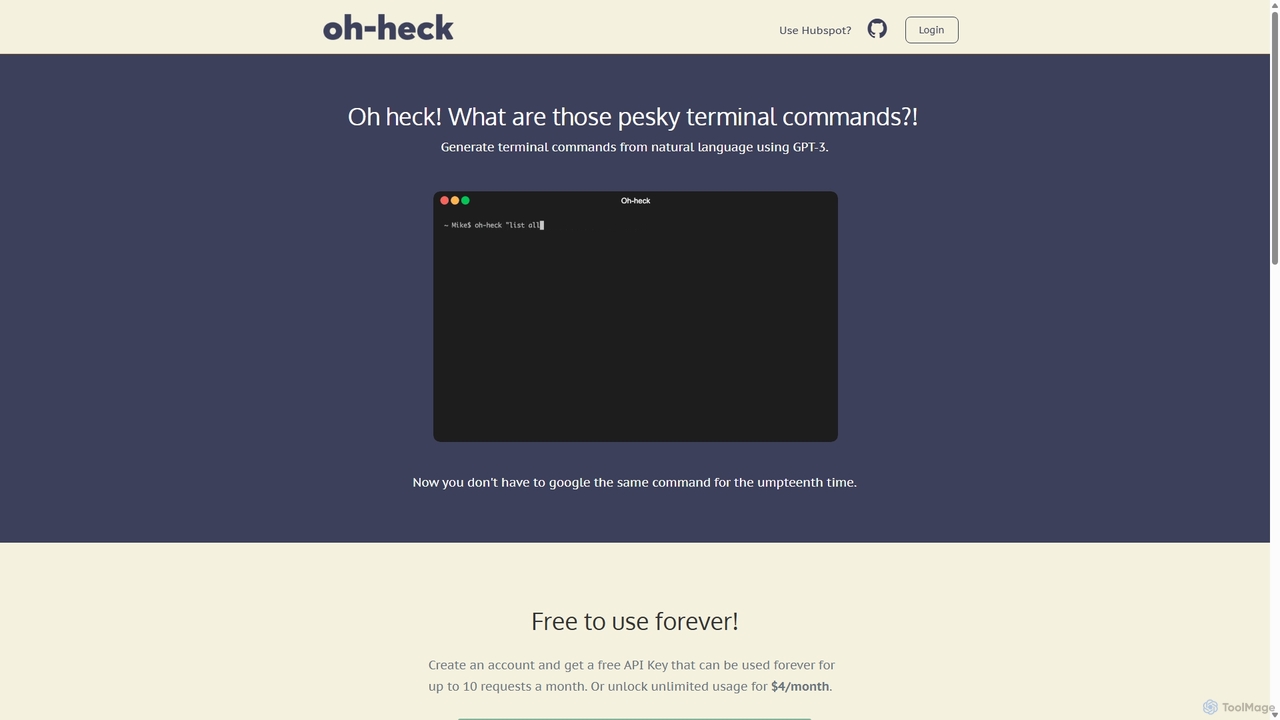
Oh-heck
Oh-heck is a suite of AI-powered productivity tools that convert natural language into terminal commands and generate professional emails directly within your CRM. Powered by GPT-3, it's designed to save time for developers, sales teams, and support agents by simplifying complex and repetitive tasks.
Command LineBashSenpai
BashSenpai is a ChatGPT-powered terminal assistant that transforms natural language instructions into ready-to-use shell commands. It operates directly within your terminal, providing context-aware, accurate commands for developers and system administrators, eliminating the need to search online.
Code Assistant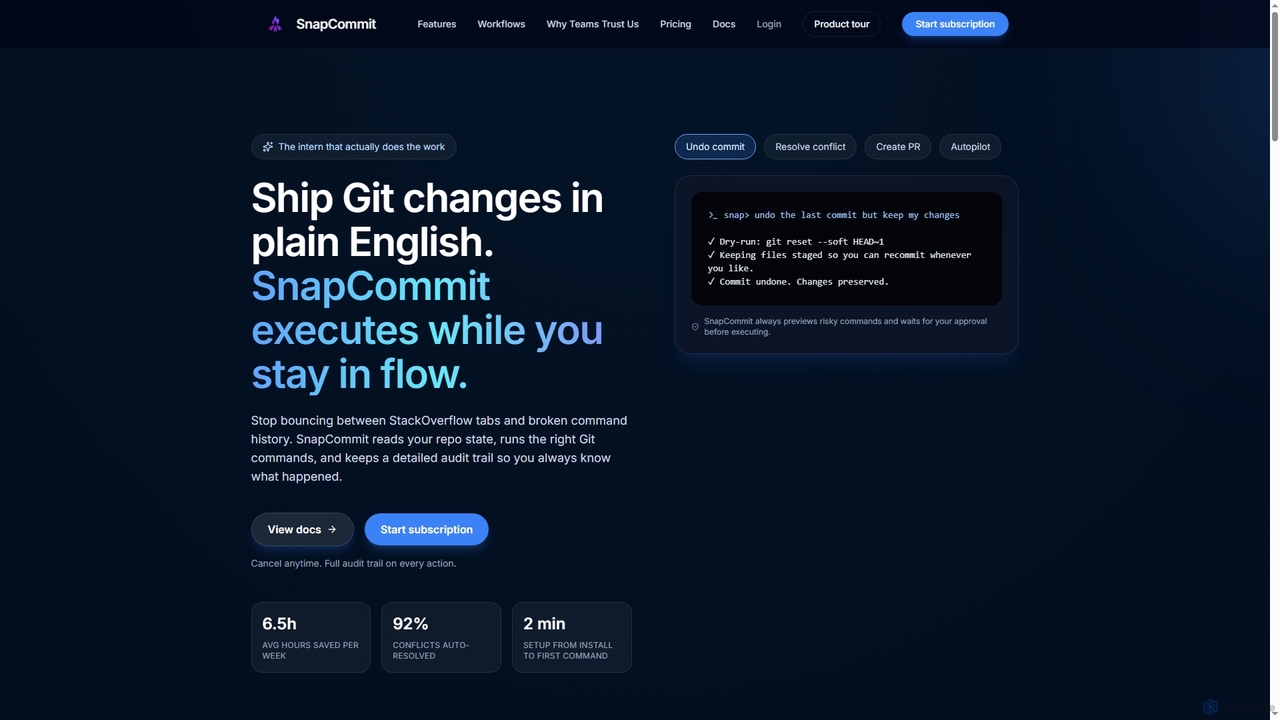
SnapCommit
SnapCommit is an AI-powered terminal Git assistant that allows developers to manage Git operations using plain English commands. It automates complex workflows like committing, resolving conflicts, and creating pull requests, enhancing productivity and ensuring code integrity with dry-run previews and a detailed audit trail.
Code Assistant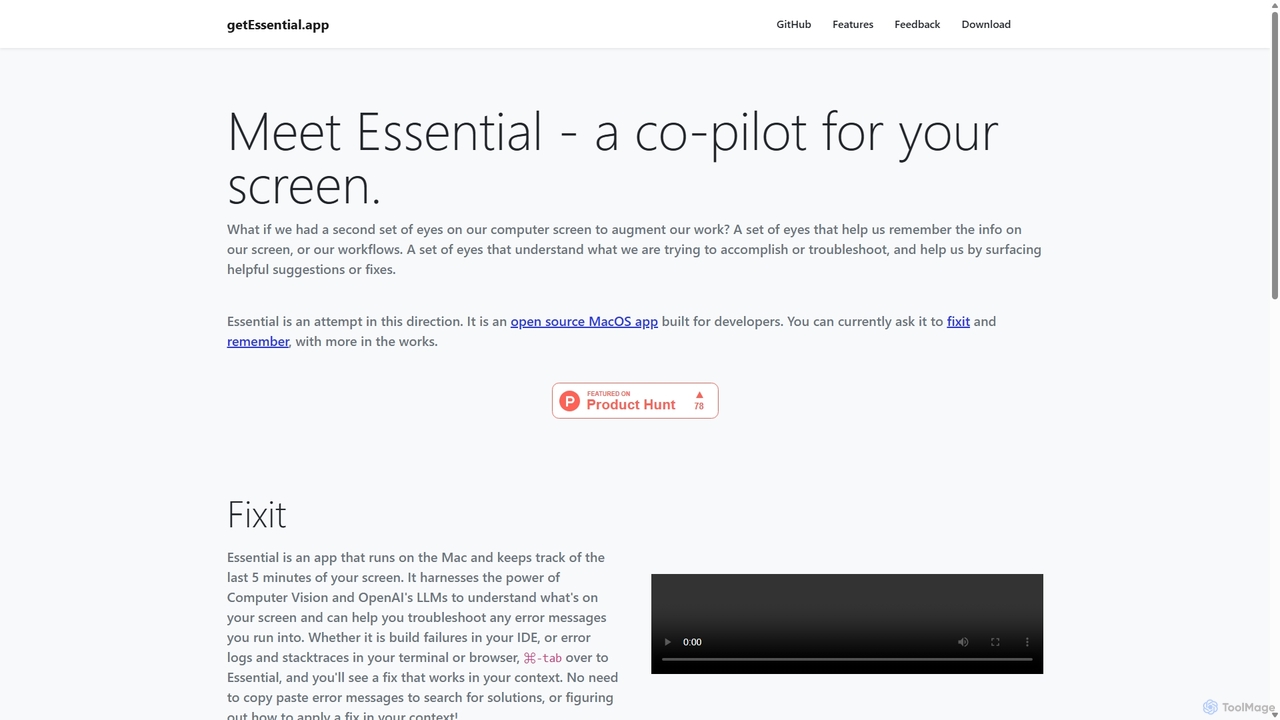
GetEssential
getEssential is an AI-powered Mac application that continuously records your screen to instantly troubleshoot errors. It uses Computer Vision and LLMs to analyze build failures, error logs, and stack traces, providing contextual fixes without manual searching. A productivity booster for developers and IT professionals.
Code Assistant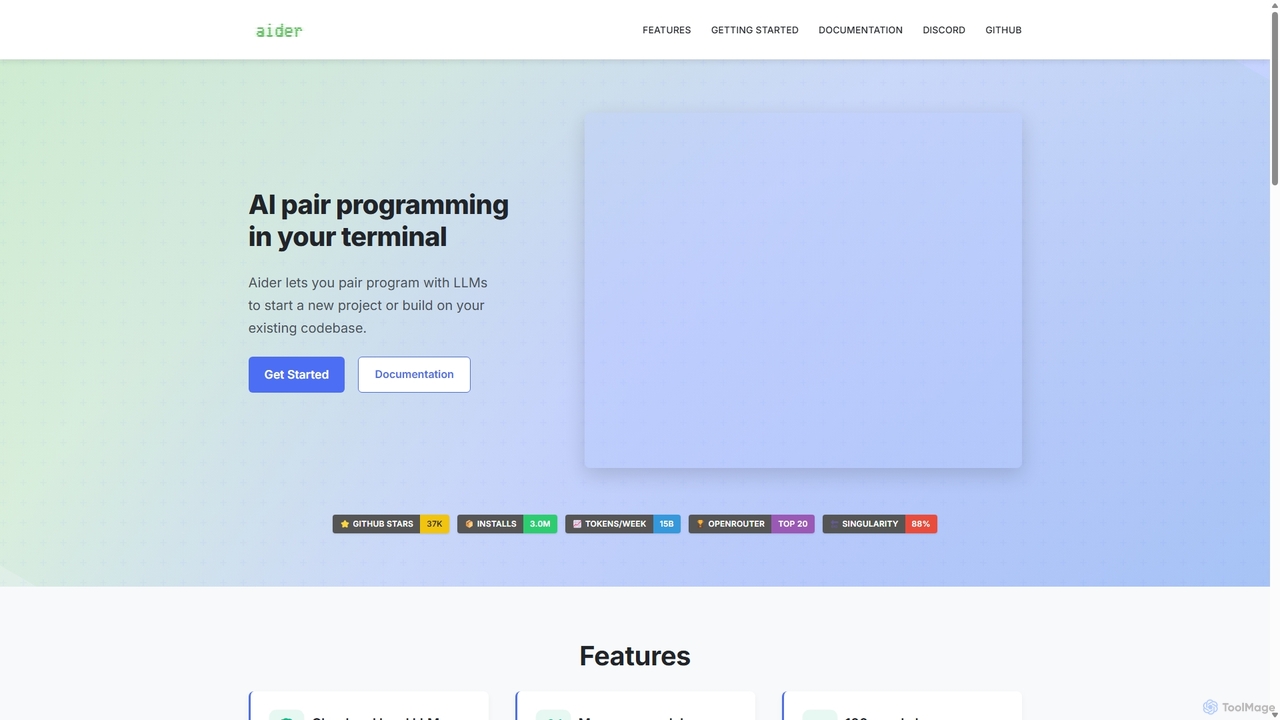
Aider
Aider is an AI-powered pair programmer that operates directly in your terminal. It intelligently maps your entire codebase, providing full project context for complex tasks. Seamlessly integrated with Git, it automates commits and allows you to manage AI-driven changes with familiar tools. Aider supports over 100 programming languages, connects to leading cloud and local LLMs, and even accepts voice and image inputs, making it a versatile and powerful assistant for any developer seeking to accelerate their workflow and improve code quality.
Programming
Kel Comments (0)
Sign in to comment.
Sign inNo comments yet.