
Charm Overview
Charm is a comprehensive ecosystem of open-source libraries and command-line applications dedicated to making the terminal experience both beautiful and highly functional. It's built by developers, for developers, with a core philosophy of bringing elegance, style, and modern capabilities—including powerful AI integration—to the command line. Instead of a single product, Charm offers a suite of composable tools that can be used independently or together to supercharge developer productivity and create sophisticated CLI applications.
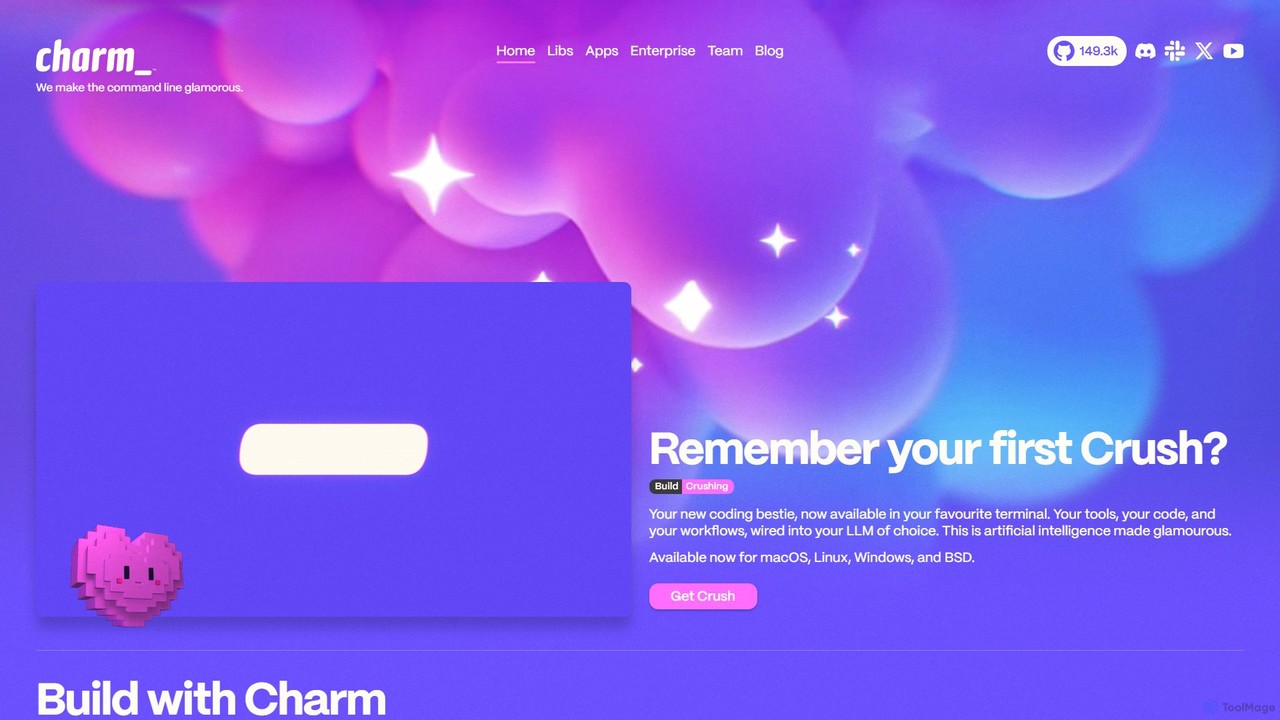
At the forefront of its AI offerings are Crush and Mods. Crush is positioned as a 'coding bestie,' deeply integrating into your terminal to connect your tools, code, and workflows with your preferred Large Language Model (LLM). Mods provides a direct, pipe-able CLI interface to the world's best models (including OpenAI, Azure OpenAI, and local models), allowing developers to refactor code, generate documentation, or get explanations without ever leaving the terminal. This seamless integration makes AI a natural extension of the command-line workflow.
Beyond AI, Charm provides the foundational building blocks for creating next-generation terminal applications. Bubble Tea is a powerful Go framework for building complex and interactive Terminal User Interfaces (TUIs), while Lip Gloss offers a fluent API for styling text, colors, and layouts. Together, they enable the creation of applications that are as visually appealing as they are functional.
How to use Charm
Using Charm involves interacting with its various applications and libraries, each with its own simple installation and usage pattern. Most tools are available for macOS, Linux, Windows, and BSD.
1. Install the Tools: Most Charm applications can be installed easily using package managers like Homebrew (`brew install mods`), or by downloading pre-compiled binaries from their GitHub releases.
2. Using AI Tools (Mods): After installation, configure Mods with your LLM API key. For example: `mods -s openai.api_key="sk-..."`. Once set up, you can pipe content directly to it. For instance, to refactor a file: `cat my_code.py | mods "Refactor this Python code to be more efficient."`. The output is streamed directly back to your terminal.
3. Using CLI Apps (Glow, VHS): These tools are used directly from the command line. To render a markdown file with syntax highlighting and a beautiful layout, simply run `glow README.md`. To create a terminal GIF, you write a simple script (`.tape` file) defining the commands to execute and then run `vhs
4. Using Libraries (Bubble Tea, Lip Gloss): As these are Go libraries, you incorporate them into your own Go projects. You would add them as dependencies in your `go.mod` file and use their APIs to build your application's UI, styling, and logic. Example: `import "github.com/charmbracelet/bubbletea"`.
Core Features of Charm
- AI-Powered Command Line: Seamlessly integrate Large Language Models into your terminal for code generation, refactoring, summarization, and more with Mods and Crush.
- Elegant TUI Framework: Build sophisticated and interactive terminal user interfaces from scratch using the Bubble Tea framework, complete with components from Bubbles.
- Advanced Styling & Layouts: Use Lip Gloss to apply rich styling, colors, and layouts to your terminal output, making CLI apps visually appealing.
- Comprehensive Developer Tooling: A suite of standalone apps including a self-hostable Git server (Soft Serve), a beautiful markdown reader (Glow), a terminal GIF generator (VHS), an SSH directory (Wishlist), and an encrypted key-value store (Skate).
- Fully Open Source: The entire ecosystem is open source, encouraging community contributions, ensuring transparency, and making the tools free for everyone.
- Cross-Platform Compatibility: All tools are designed to work consistently across major operating systems, including macOS, Linux, Windows, and BSD.
Use Cases for Charm
AI-Assisted Development: A developer can pipe a complex error message into Mods to get a plain-language explanation and suggested fix. They can also use it to generate boilerplate code or write documentation for a function on the fly.
Building Custom CLI Tools: A company can use Bubble Tea and Lip Gloss to build a custom, branded internal CLI tool for managing cloud infrastructure, which provides a much better user experience than traditional flag-based scripts.
Creating Demos and Tutorials: Technical writers and developers can use VHS to create perfect, scriptable GIFs of their CLI tools in action for inclusion in GitHub READMEs, documentation, and blog posts.
Personal Git Hosting: A developer can quickly set up Soft Serve on a personal server to host their private Git repositories, accessible via SSH with a built-in TUI for browsing.
Enhanced Terminal Productivity: Reading documentation directly in the terminal with Glow, sending emails with Pop, or managing SSH connections with Wishlist keeps developers focused and in their flow state.
Advantages of Charm
The primary advantage of Charm is its holistic approach to improving the developer experience on the command line. It doesn't just provide a single utility; it offers a cohesive ecosystem where tools are designed to be both powerful on their own and composable with each other. This leads to increased productivity by reducing context-switching. The commitment to open source fosters a vibrant community and ensures the tools are transparent and freely accessible. Finally, its focus on aesthetics and 'glamour' makes working in the terminal a more enjoyable and less utilitarian experience.
Pricing and Plans
The Charm ecosystem, including all its libraries and applications like Mods, Bubble Tea, and Glow, is fundamentally open-source and free to use. There are no paid tiers or subscription plans for individual developers. The project is sustained by its community and may offer enterprise-level support or custom solutions for businesses. For any commercial inquiries, it is recommended to contact the Charm team directly via their website.
Traffic
Latest traffic
Status
Monthly traffic trend
- 2025-9: 54.1K
- 2026-1: 73.7K
- 2026-2: 60.6K
- 2026-3: 96.2K
- 2026-4: 74.0K
- 2026-5: 63.1K
Geography
Top 5 countries / regions
- 🇺🇸United States44.4%
- 🇩🇪Germany22.9%
- 🇻🇳Vietnam12.6%
- 🇹🇼Taiwan10.7%
- 🇮🇳India9.4%
Traffic sources
| Source type | Percentage |
|---|---|
Direct | 68.7% |
Referral | 28.7% |
Email | 2.7% |
Top keywords
| Keyword | Cost per click |
|---|---|
| bubble tea v2 | $0.00 |
| charm | $0.52 |
| charm cli | $0.00 |
| crush cli | $2.84 |
| go charm | $0.00 |
Charm Videos on YouTube

Thanks to Caleb Chung

Thanks to Caleb Chung

Rome Knows Tech

Finovate TV

The Metaverse Guy

Codedigipt
Universidade Código

Ashling's Playhouse
Charm Alternatives
Komandi
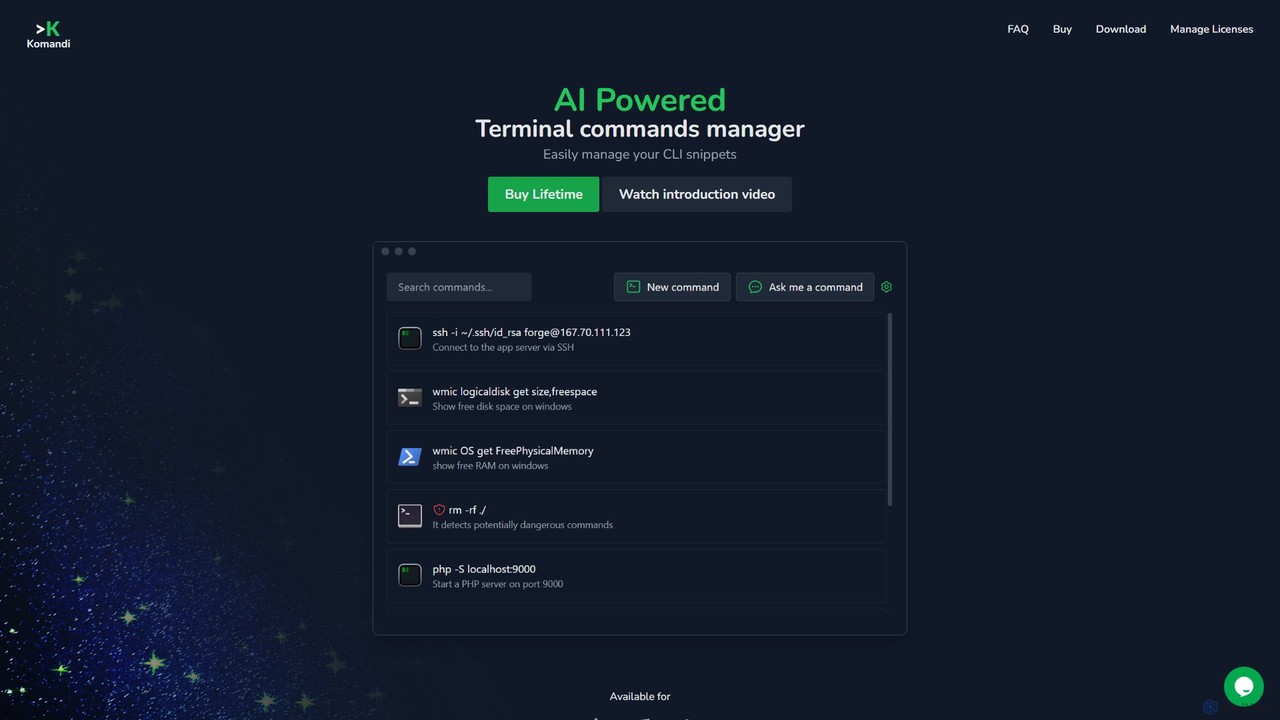
Komandi is an AI-powered CLI/terminal command manager for developers and sysadmins. It simplifies command-line operations by allowing you to manage snippets, generate complex commands from natural language, and execute them safely. It supports macOS, Windows, and Linux, streamlining your workflow by organizing frequently used commands and detecting potentially dangerous ones before execution.
Code Assistant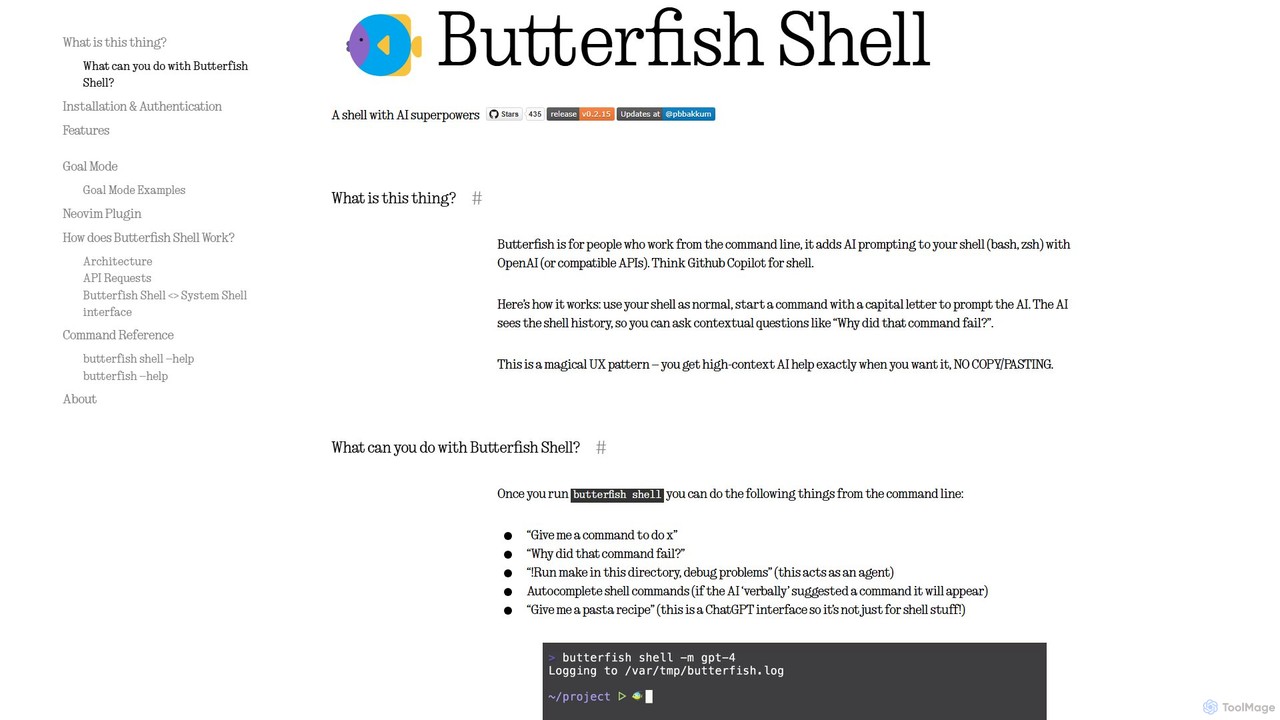
butterfish
butterfish is an open-source CLI tool that supercharges your shell (bash, zsh) with AI capabilities. Acting like GitHub Copilot for the command line, it allows you to generate commands, debug errors, and automate tasks using natural language prompts directly in your terminal. It maintains context from your shell history, providing highly relevant assistance and boosting productivity for developers and sysadmins.
Code Assistant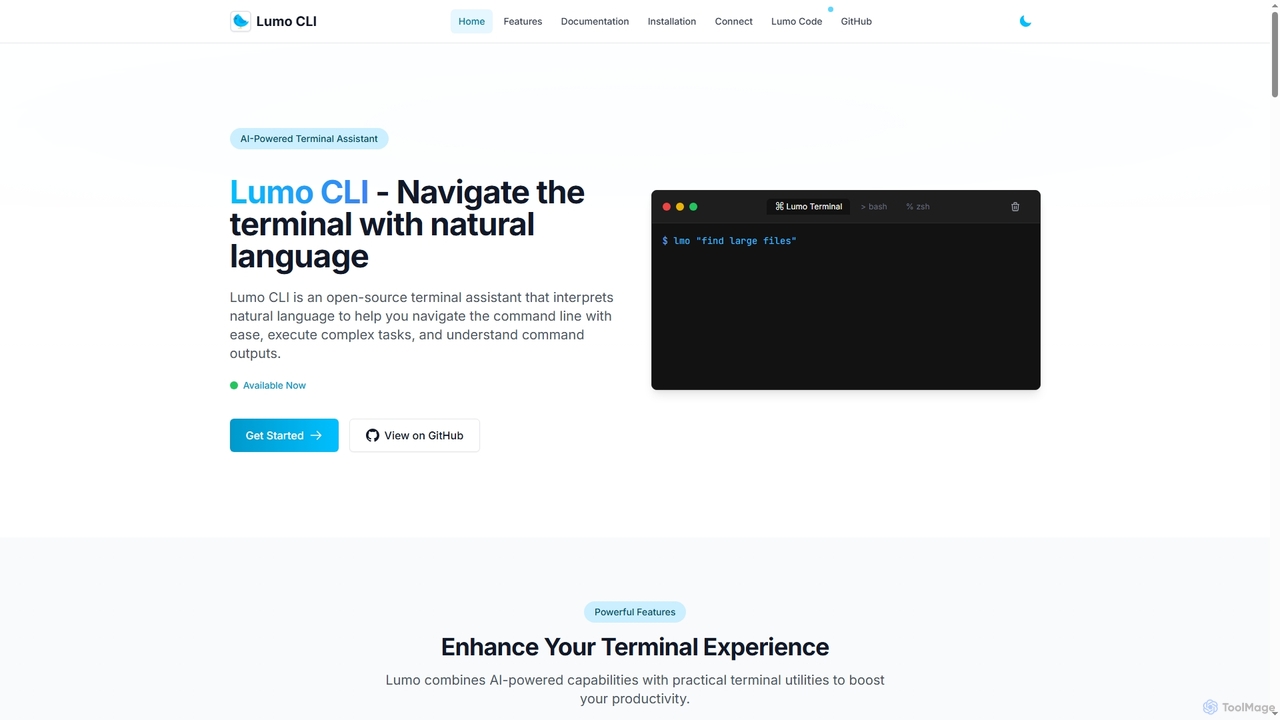
Lumo
Lumo is an open-source, AI-powered terminal assistant that allows users to interact with the command line using natural language. It translates plain English into executable commands, automates complex tasks, monitors system health, and supports multiple AI models including Gemini, OpenAI, and Ollama for local inference.
Code Assistant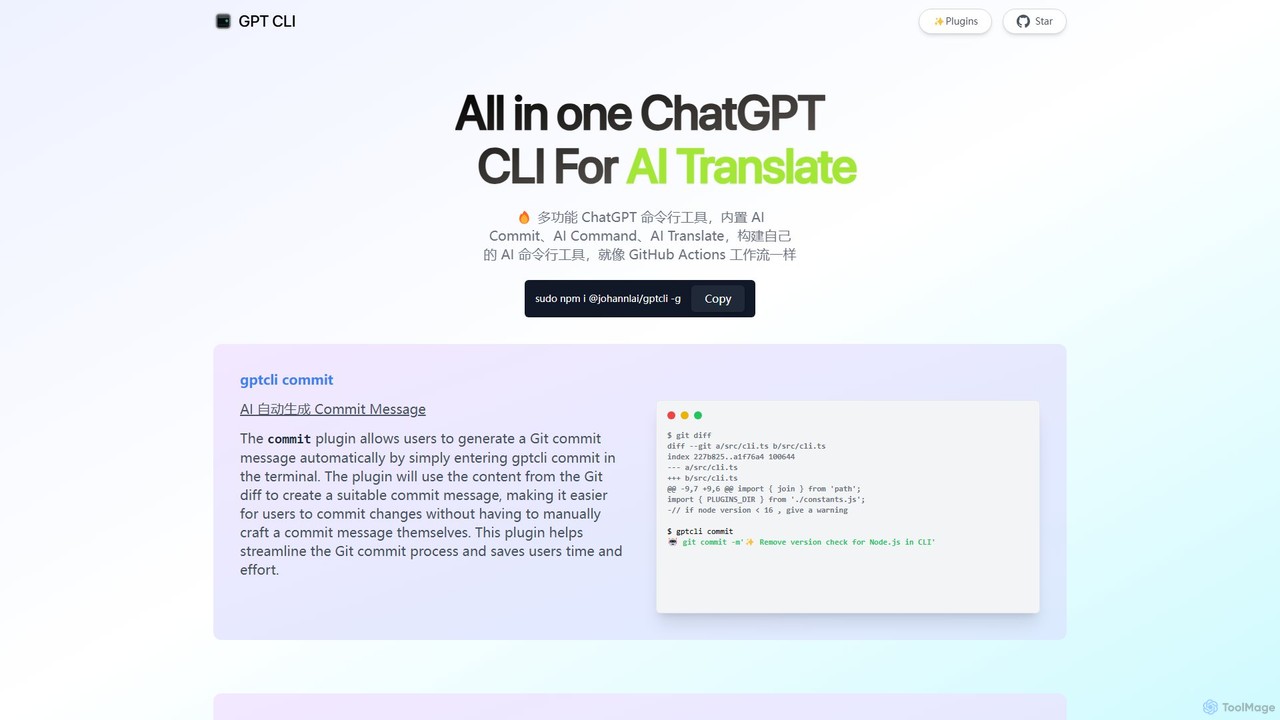
gptcli
gptcli is a versatile, open-source command-line tool that integrates ChatGPT directly into your terminal. It streamlines developer workflows with features like AI-powered Git commits, natural language to shell command translation, and in-terminal chat. With its extensible plugin system, you can build your own custom AI CLI tools, making it the ultimate productivity enhancer for anyone who works extensively with the command line.
Code Assistant
ShellMate
ShellMate is an open-source, AI-powered command-line productivity tool designed for developers and system administrators. Powered by OpenAI, it acts as your terminal's best friend, allowing you to use natural language to find commands, get predictive suggestions based on your history, and receive context-aware help without ever leaving your console. Simply use the `sm` shortcut to boost your command-line efficiency and reduce time spent searching for syntax.
Code AssistantCharm Categories
Charm Embed Widget
Copy this embed code to place the badge on your blog, article, or product site and send readers directly to this ToolMage detail page.

Related AI tools
Lumo
Lumo is an open-source, AI-powered terminal assistant that allows users to interact with the command line using natural language. It translates plain English into executable commands, automates complex tasks, monitors system health, and supports multiple AI models including Gemini, OpenAI, and Ollama for local inference.
Code AssistantKomandi
Komandi is an AI-powered CLI/terminal command manager for developers and sysadmins. It simplifies command-line operations by allowing you to manage snippets, generate complex commands from natural language, and execute them safely. It supports macOS, Windows, and Linux, streamlining your workflow by organizing frequently used commands and detecting potentially dangerous ones before execution.
Code Assistantbutterfish
butterfish is an open-source CLI tool that supercharges your shell (bash, zsh) with AI capabilities. Acting like GitHub Copilot for the command line, it allows you to generate commands, debug errors, and automate tasks using natural language prompts directly in your terminal. It maintains context from your shell history, providing highly relevant assistance and boosting productivity for developers and sysadmins.
Code Assistantgptcli
gptcli is a versatile, open-source command-line tool that integrates ChatGPT directly into your terminal. It streamlines developer workflows with features like AI-powered Git commits, natural language to shell command translation, and in-terminal chat. With its extensible plugin system, you can build your own custom AI CLI tools, making it the ultimate productivity enhancer for anyone who works extensively with the command line.
Code AssistantShellMate
ShellMate is an open-source, AI-powered command-line productivity tool designed for developers and system administrators. Powered by OpenAI, it acts as your terminal's best friend, allowing you to use natural language to find commands, get predictive suggestions based on your history, and receive context-aware help without ever leaving your console. Simply use the `sm` shortcut to boost your command-line efficiency and reduce time spent searching for syntax.
Code Assistant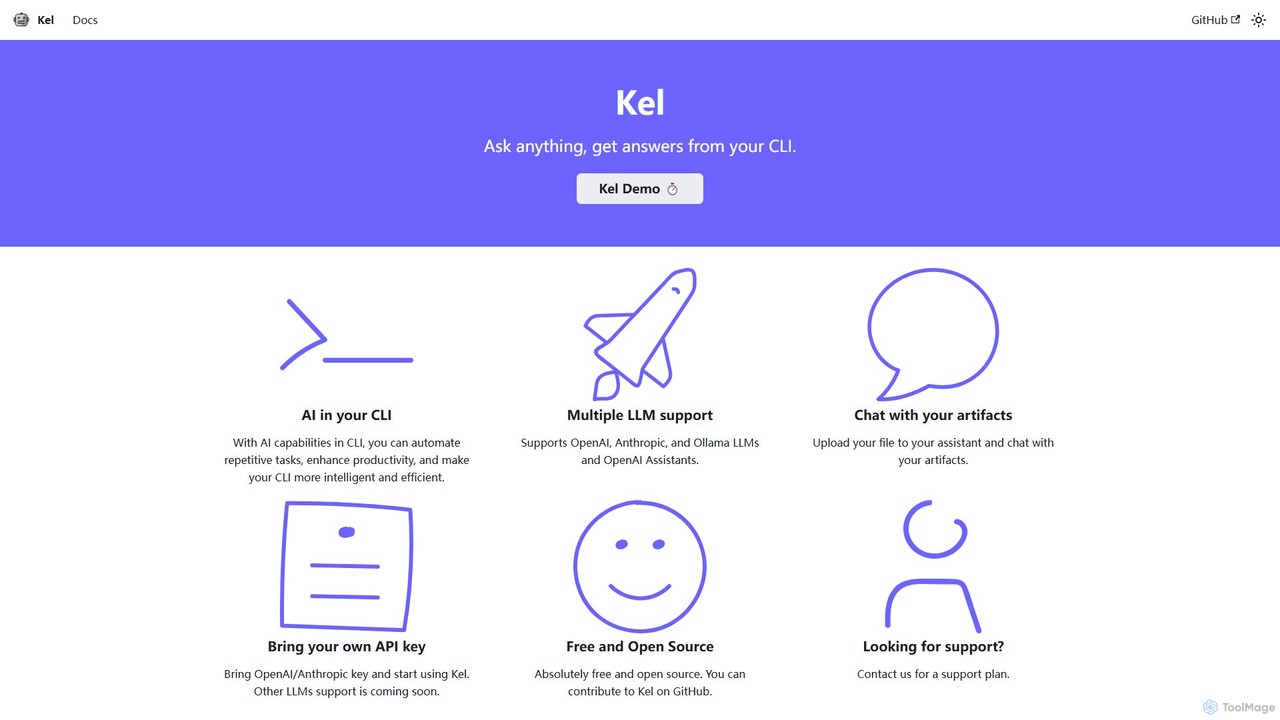
Kel
Kel is a free, open-source AI assistant for your command-line interface (CLI). It integrates with multiple LLMs like OpenAI, Anthropic, and Ollama to help developers and sysadmins automate tasks, generate commands, and even chat with documents directly from the terminal.
Code Assistant
BashSenpai
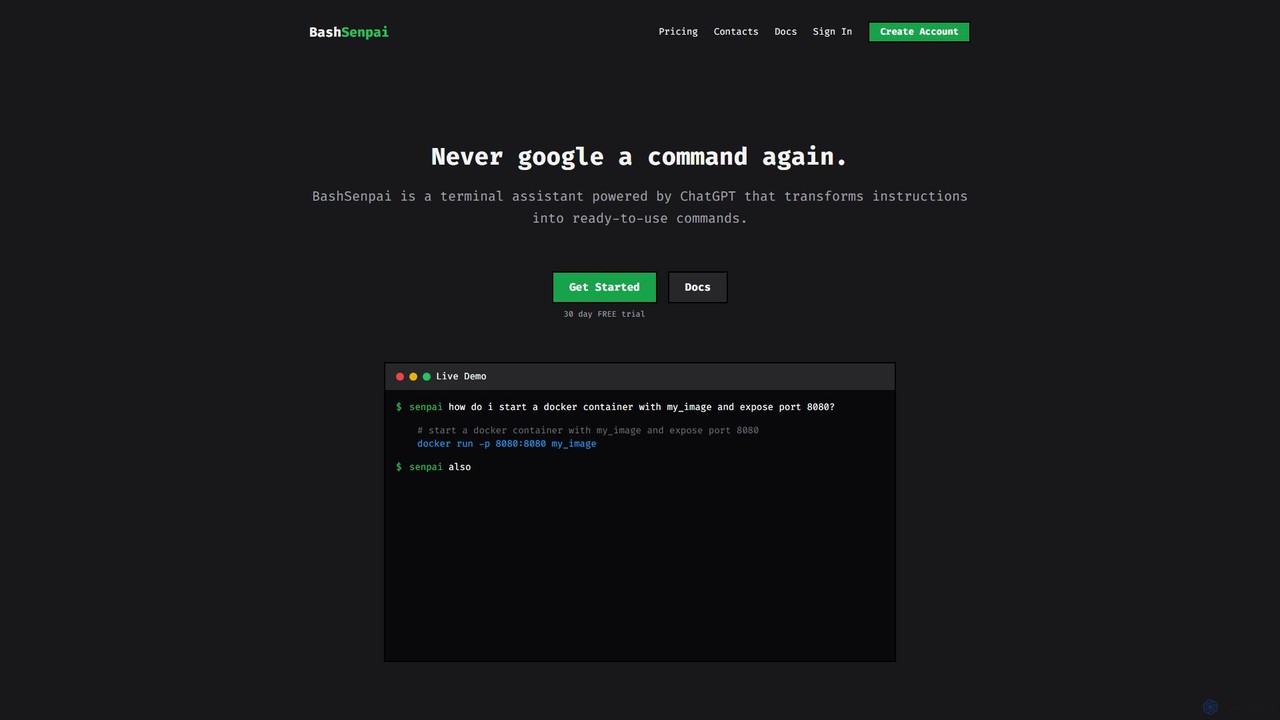
BashSenpai is a ChatGPT-powered terminal assistant that transforms natural language instructions into ready-to-use shell commands. It operates directly within your terminal, providing context-aware, accurate commands for developers and system administrators, eliminating the need to search online.
Code Assistant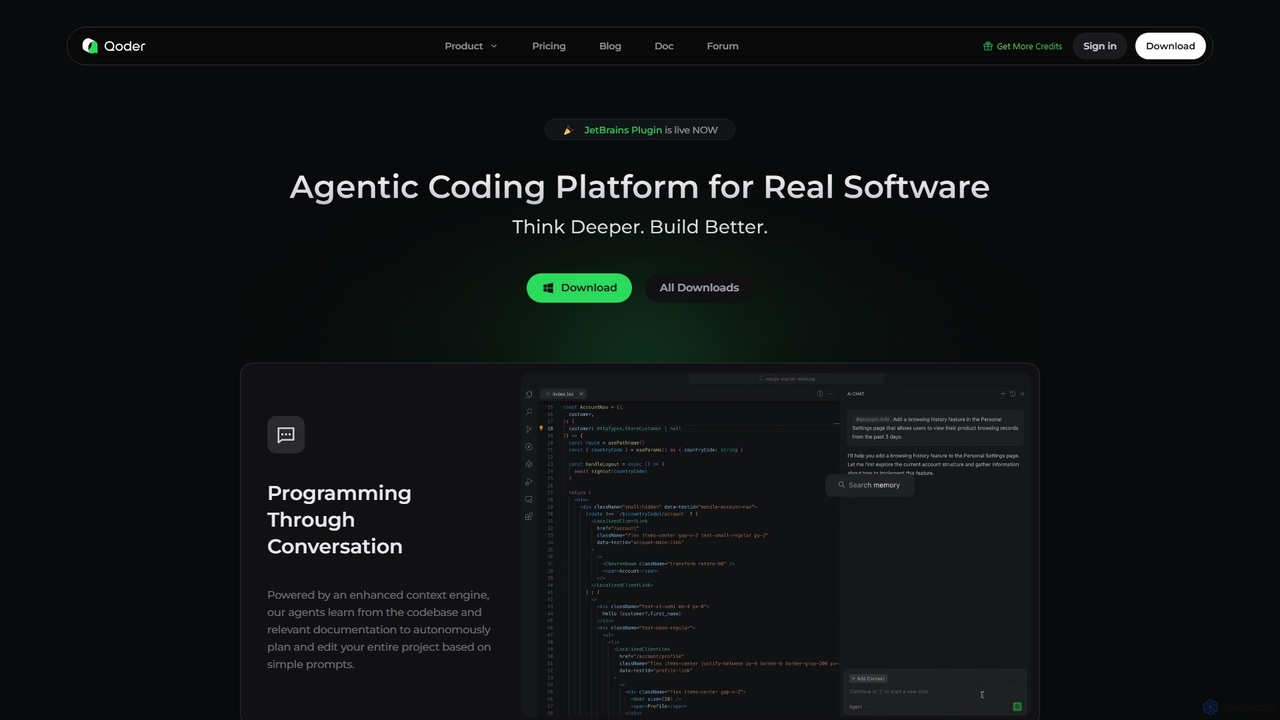
Qoder
Qoder is an agentic AI coding platform designed for real software development. It leverages an enhanced context engine to autonomously plan, code, and test entire projects based on simple prompts, integrating seamlessly into developer workflows via IDE, CLI, or JetBrains plugin.
Code Assistant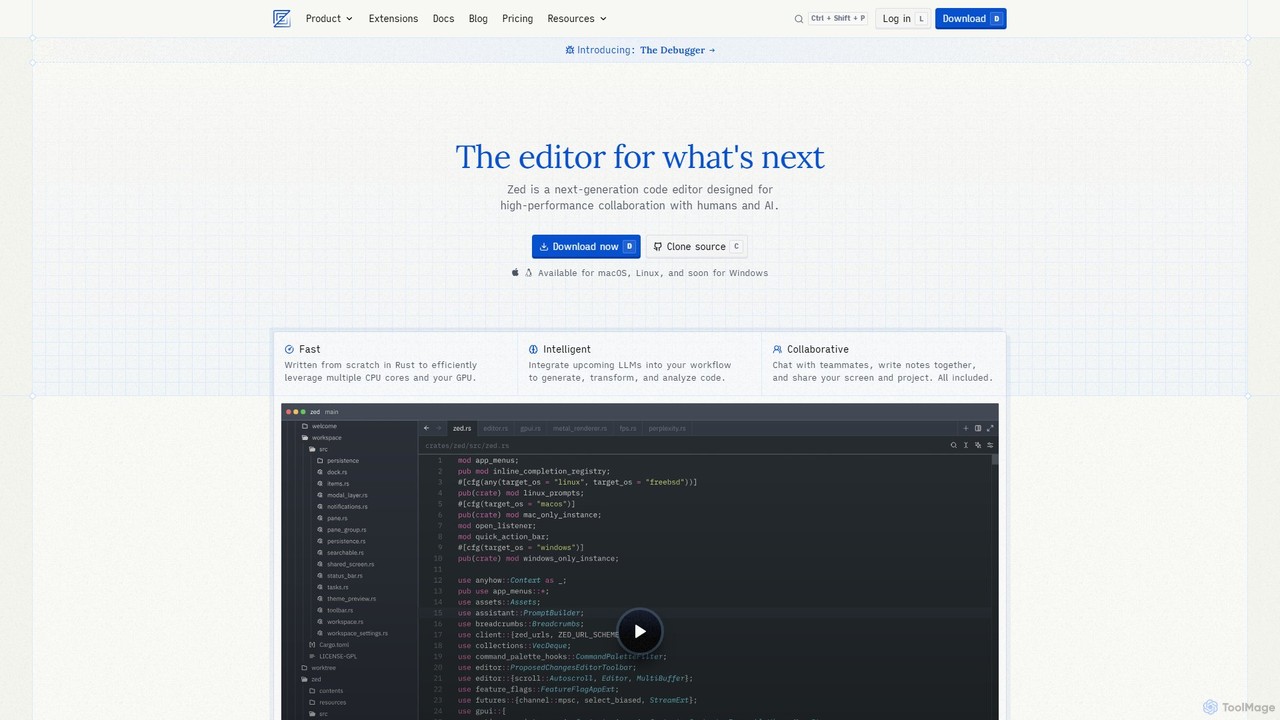
Zed
Zed is a high-performance, collaborative, and AI-powered code editor built from scratch in Rust. Designed for speed and efficiency, it offers real-time collaboration, deep integration with LLMs for agentic editing, and a comprehensive set of built-in tools including a debugger and native Git support. Zed is open-source and available for macOS and Linux, with Windows support coming soon.
Code Generation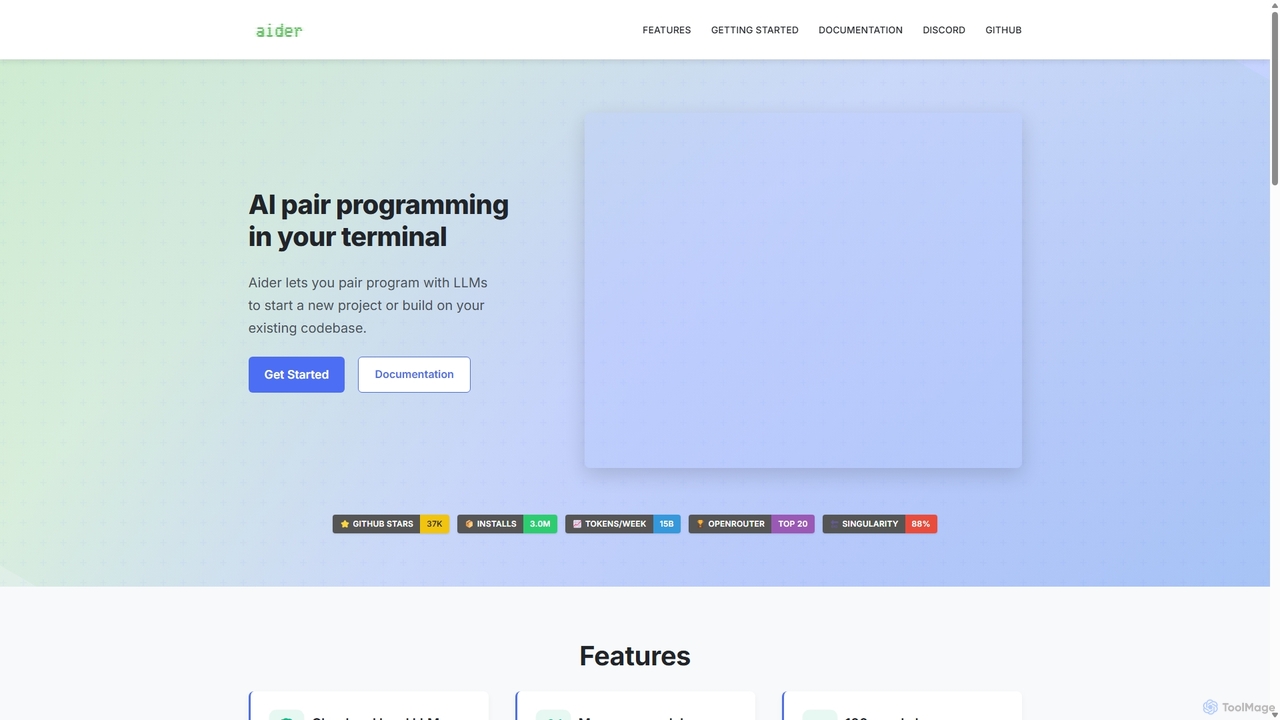
Aider
Aider is an AI-powered pair programmer that operates directly in your terminal. It intelligently maps your entire codebase, providing full project context for complex tasks. Seamlessly integrated with Git, it automates commits and allows you to manage AI-driven changes with familiar tools. Aider supports over 100 programming languages, connects to leading cloud and local LLMs, and even accepts voice and image inputs, making it a versatile and powerful assistant for any developer seeking to accelerate their workflow and improve code quality.
Programming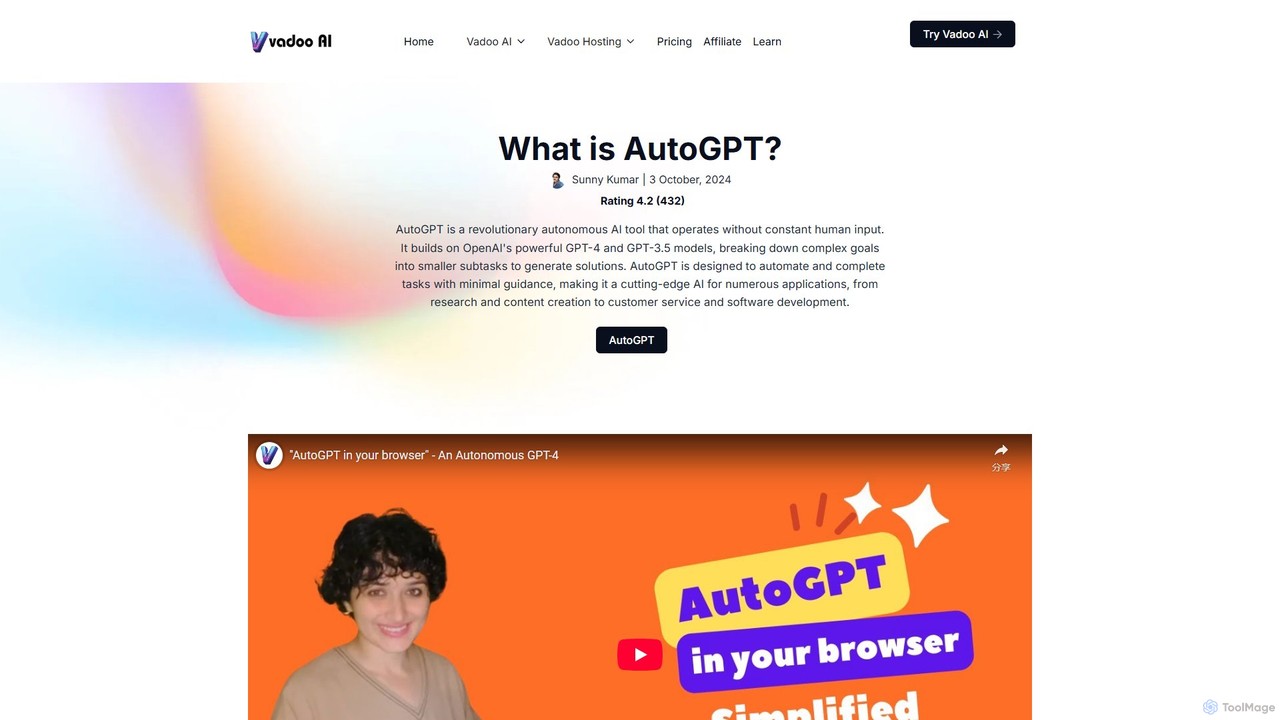
AutoGPT
AutoGPT is a revolutionary open-source autonomous AI agent that leverages GPT-4 and GPT-3.5 to independently achieve complex goals. By breaking down high-level objectives into smaller, manageable subtasks, it can browse the web, write code, manage files, and execute plans with minimal human intervention, dramatically boosting productivity and automating complex workflows.
Code Assistant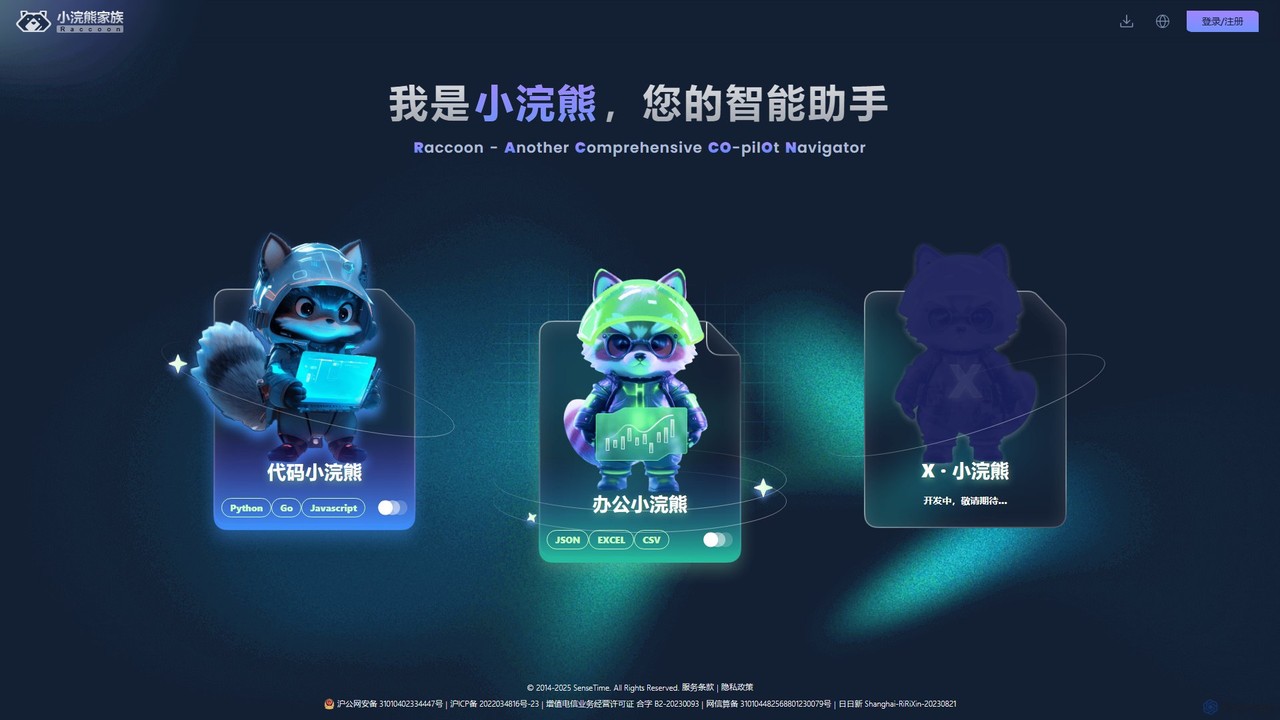
Raccoon
Raccoon, by SenseTime, is an AI-powered assistant suite designed to boost productivity for developers and office professionals. It features "Code Raccoon" for intelligent code generation, debugging, and translation in Python, Go, and JavaScript, and "Office Raccoon" for advanced data analysis and visualization from Excel, CSV, and JSON files.
Code Assistant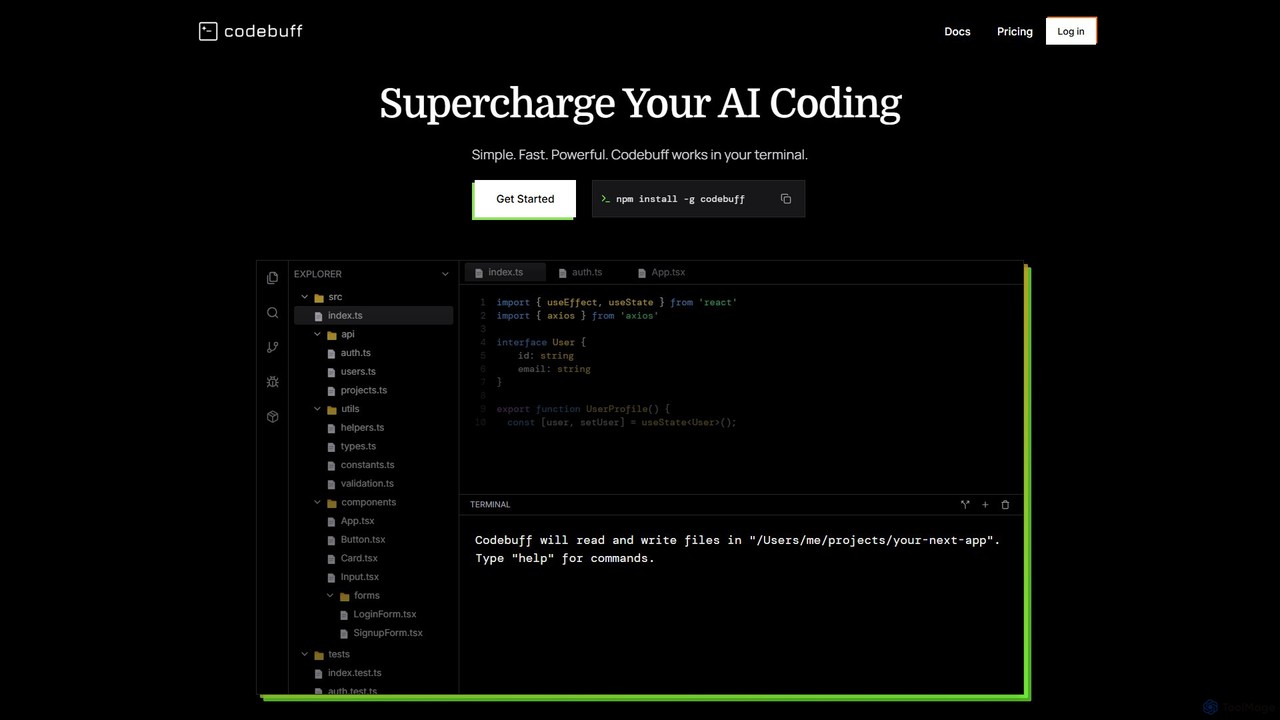
Codebuff
Codebuff is a powerful AI coding assistant that operates directly in your terminal. It deeply understands your entire codebase, enabling it to perform complex tasks like surgical code edits, feature implementation, and large-scale refactoring with unparalleled speed and accuracy. It learns from your project context and integrates seamlessly into any tech stack.
Code Generation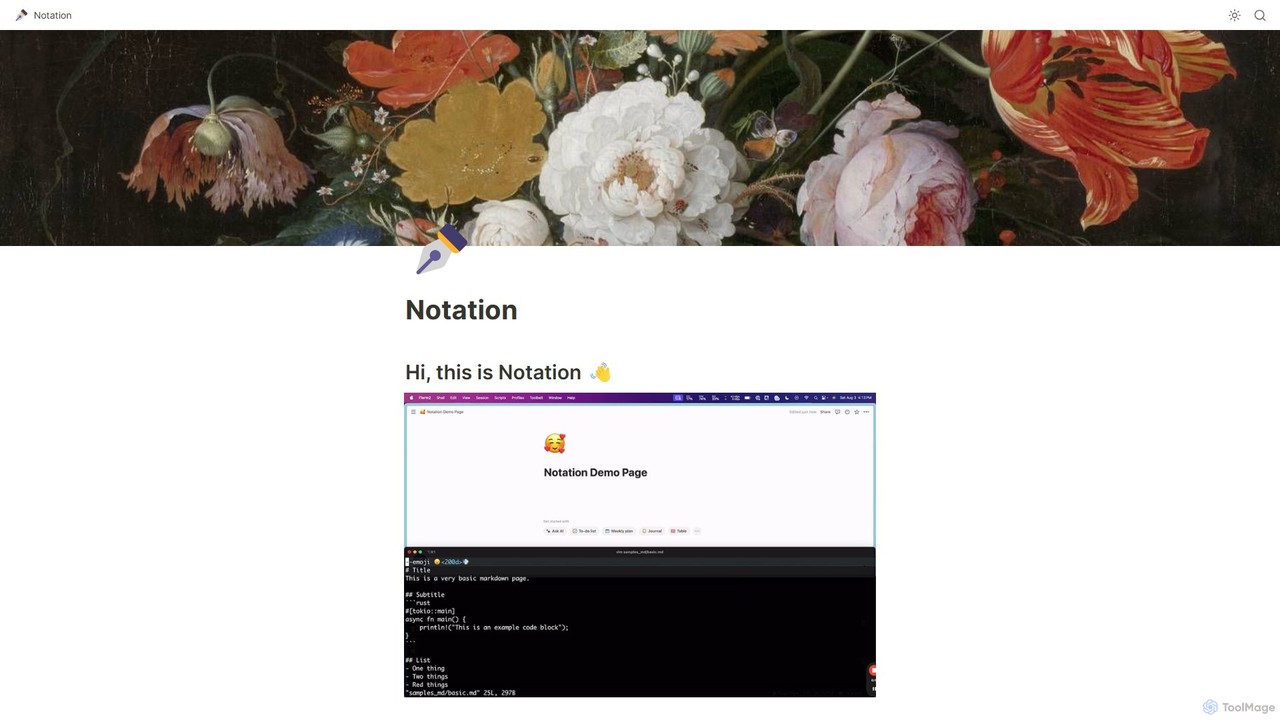
Notation
Notation is a developer-focused command-line tool that streamlines documentation by allowing you to write in Markdown and automatically publish to Notion. It keeps your docs in sync with your code repository, leveraging Notion's powerful search, AI, and collaboration features without needing complex frontend frameworks. Ideal for creating internal wikis, public guides, and developer portals directly from your codebase.
Project Management
Charm Comments (0)
Sign in to comment.
Sign inNo comments yet.