ToolMage
Sign in

Best 6 Coding AI tools for Productivity

Popular Coding AI tools in Productivity include Coder, 16x Engineer, Charm, Copilot for CodeMirror, ObfusCat, and Enso, helping you work more efficiently.

Freemium

Enso

Enso is an AI-powered development environment designed for developers to parallelize intelligence across multiple AI agents within a single project. It integrates advanced Git control, a robust code editor, and AI-driven code review, offering a seamless workflow with persistent AI sessions for each branch.

Development
Visits 3.4KFavorites 32Likes 30
Free

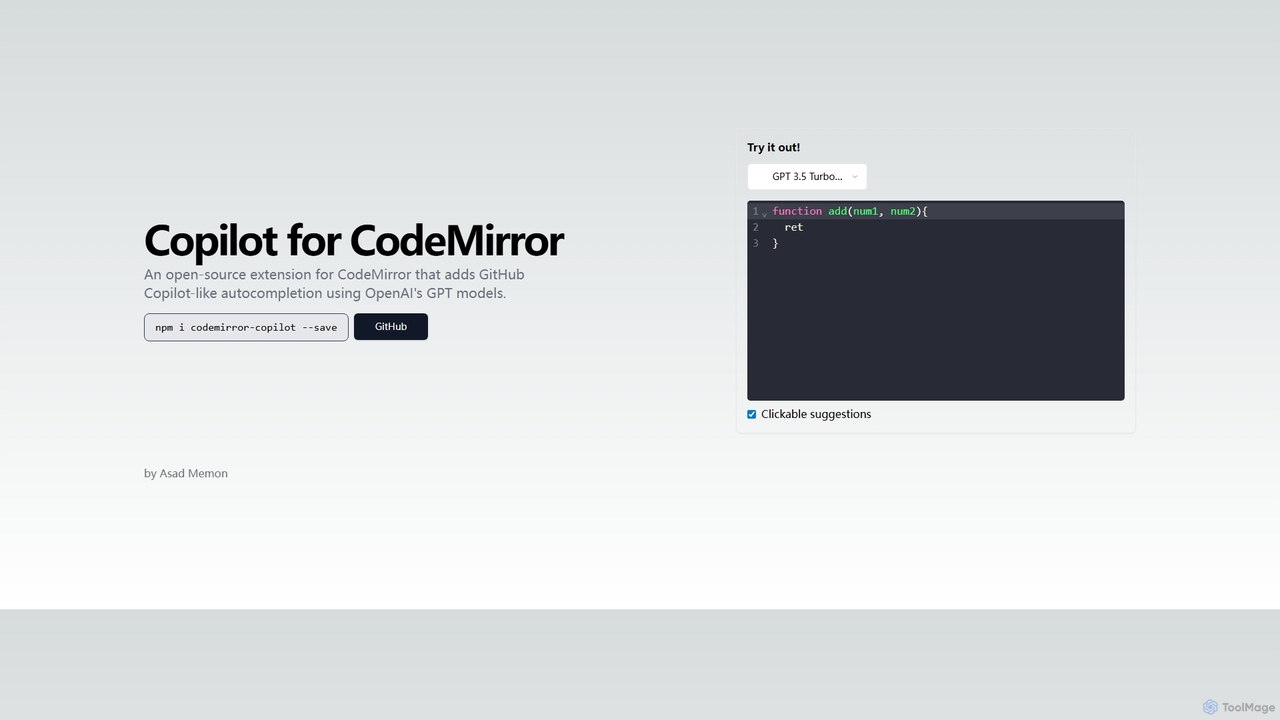
Copilot for CodeMirror

An open-source extension that integrates GitHub Copilot-like AI-powered autocompletion into the CodeMirror editor. Powered by OpenAI's GPT models, it provides intelligent, context-aware code suggestions to accelerate web development and enhance productivity within any application using CodeMirror.

Code Assistant
Visits 3.5KFavorites 111Likes 92
Freemium

ObfusCat

ObfusCat is a privacy-focused AI code assistant for developers. It acts as a security layer, masking sensitive and proprietary code locally on your machine before sending it to ChatGPT for assistance. This allows you to leverage AI for code generation, bug fixing, and analysis without exposing your intellectual property.

Code Assistant
Visits 3.4KFavorites 107Likes 114
Free

Charm

Charm is an ecosystem of open-source tools and libraries designed to make the command-line interface (CLI) glamorous and powerful. It provides developers with applications for AI-powered coding (Crush, Mods), beautiful terminal UIs (Bubble Tea), markdown rendering (Glow), and self-hosted Git servers (Soft Serve). Charm empowers developers to build, style, and enhance their terminal workflows with modern, elegant, and highly functional tools.

Code Assistant
Visits 66.4KFavorites 122Likes 96
Freemium

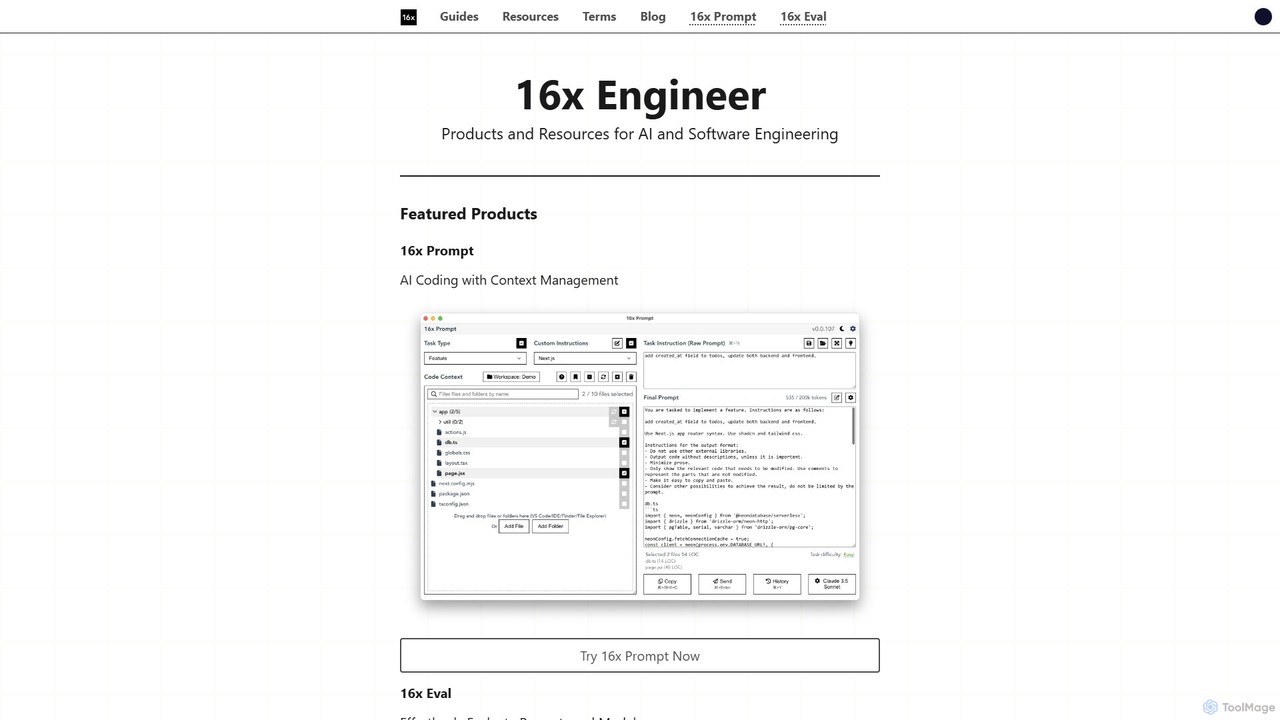
16x Engineer

16x Engineer is a comprehensive platform for software and AI engineers, offering a suite of specialized tools and in-depth resources. It features '16x Prompt' for advanced context management in AI-assisted coding and '16x Eval' for evaluating prompts and models. Created by engineers for engineers, it aims to enhance productivity and accelerate career growth through practical tools and expert guides on technical skills and professional development.

Ai
Visits 117.3KFavorites 98Likes 92
Freemium

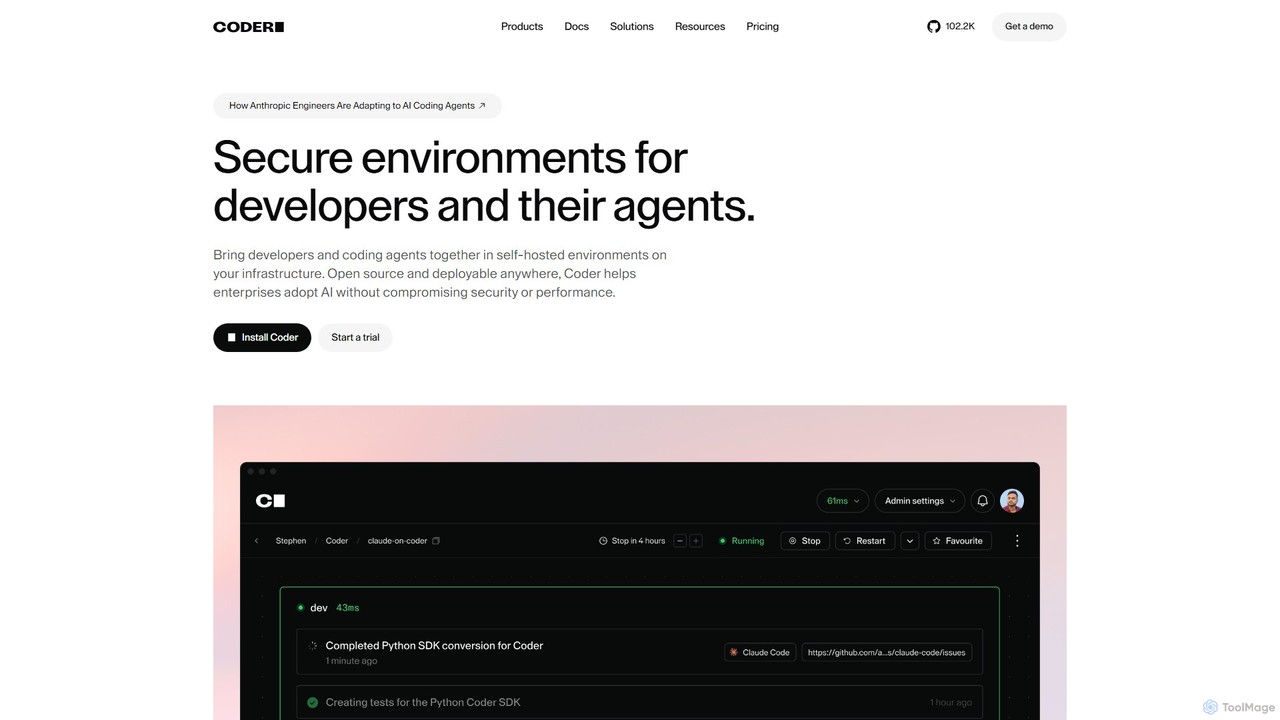
Coder

Coder is a self-hosted, open-source platform for creating secure and scalable Cloud Development Environments (CDEs). It empowers enterprises to manage developer and AI agent workspaces on their own infrastructure, ensuring consistency, accelerating onboarding, and maintaining full control over security and compliance.

Developer Tools
Visits 211.5KFavorites 92Likes 94

About Coding

AI Coding tools are intelligent assistants that leverage large language models to generate, complete, debug, and optimize source code. These tools integrate directly into development environments (IDEs) to analyze context and provide real-time suggestions. They significantly accelerate the development lifecycle by automating repetitive tasks, reducing human error, and helping developers solve complex problems more efficiently. This allows programmers to focus on high-level architecture and logic rather than routine syntax.

Core Features

  • Intelligent Code Completion: Suggests entire lines or blocks of code based on the current context and coding patterns.
  • Natural Language to Code: Translates plain text descriptions or comments into functional code snippets in various languages.
  • Automated Debugging: Identifies potential bugs, suggests fixes, and provides explanations for complex errors.
  • Code Refactoring and Optimization: Recommends improvements to enhance code readability, performance, and adherence to best practices.
  • Unit Test Generation: Automatically creates test cases for functions and methods to ensure code reliability and coverage.

Use Cases

AI Coding tools are widely used by software developers, data scientists, and students. They are applicable across various domains, including web development for generating boilerplate HTML/CSS, data analysis for writing complex SQL queries or Python scripts, and mobile app development for accelerating UI component creation.

How to Choose

When selecting an AI Coding tool, consider its support for your specific programming languages and frameworks. Evaluate the quality and depth of its IDE integration (e.g., for VS Code, JetBrains). Also, review its policies on code privacy and security, especially for commercial projects, and compare its contextual understanding capabilities for your existing codebase.

Featured tool rankings

Coding use cases

1

Accelerate Backend Feature Development

A software developer is tasked with creating a new set of REST API endpoints for a user management module. Instead of writing all the boilerplate code for CRUD (Create, Read, Update, Delete) operations manually, they use an AI Coding tool. By writing a simple comment like 'create API endpoints for user model with name, email, and password fields', the tool generates the complete, functional Python Flask or Node.js Express code, including request handling, data validation, and database interactions. This reduces development time for the feature from several hours to minutes.

2

Automate Unit Test Generation

A Quality Assurance (QA) engineer needs to increase the test coverage for a critical financial calculation module. Writing comprehensive unit tests manually is time-consuming and prone to missing edge cases. The engineer uses an AI Coding tool by selecting the function and prompting it to 'generate unit tests for this function, including edge cases like zero, negative numbers, and large values'. The AI assistant produces a complete test suite using a framework like PyTest or Jest, covering various scenarios and significantly improving code reliability and maintainability with minimal effort.

3

Debug Complex Logical Errors

A junior developer is struggling with a recursive function that causes a stack overflow error, but they can't spot the issue. They paste the problematic code snippet into their AI Coding assistant and describe the error. The AI analyzes the code, identifies the missing base case that is causing infinite recursion, and explains the concept of a base case in recursion. It then provides the corrected code with the proper termination condition, not only fixing the bug but also serving as a valuable learning tool for the developer.

4

Refactor Legacy Code for Modernization

A senior developer is tasked with modernizing a legacy codebase written in an older version of JavaScript. The code is functional but hard to read and maintain. They use an AI Coding tool to refactor the code. By highlighting a block of code and prompting 'refactor this to use ES6 async/await syntax and arrow functions', the tool automatically converts old callback-based asynchronous code into modern, clean, and more readable promises-based code. This process, repeated across the application, significantly improves code quality and makes future maintenance easier.

5

Generate Complex SQL Queries from Natural Language

A data analyst needs to pull a report on 'the top 5 customers by total sales in the last quarter from the European region, excluding returns'. Writing this as a SQL query involves multiple table joins, aggregations, filtering, and subqueries, which can be complex and error-prone. Instead, the analyst types this exact phrase into an AI Coding tool with database context. The tool generates an optimized and syntactically correct SQL query, which the analyst can then review and execute. This empowers non-expert SQL users to perform complex data analysis and saves time for experienced analysts.

6

Learn a New Programming Language Faster

A developer experienced in Python needs to complete a task using Go, a language they are unfamiliar with. Instead of spending hours searching through documentation, they use an AI Coding assistant as an interactive tutor. They can ask questions like 'how do I write a for loop in Go that iterates over a map?' or 'show me the Go equivalent of Python's list comprehension'. The tool provides immediate code examples and explanations, allowing the developer to translate their existing knowledge and become productive in the new language much more quickly than through traditional learning methods.

Coding FAQ

What are AI Coding tools?

AI Coding tools are software applications that act as intelligent assistants for programmers. They use artificial intelligence, primarily large language models, to help with various coding tasks. Key functions include generating code from natural language prompts, providing advanced code completion, identifying and fixing bugs, refactoring code for better quality, and automating the creation of unit tests. They integrate into code editors to enhance developer productivity and reduce manual effort.

How do I choose the right AI Coding tool?

To choose the right AI Coding tool, consider the following factors:

  • Language and Framework Support: Ensure the tool excels with your primary tech stack (e.g., Python, JavaScript, Java, C) and frameworks (e.g., React, Django).
  • IDE Integration: Check for seamless integration with your preferred code editor, such as VS Code, JetBrains IDEs, or Neovim.
  • Code Privacy and Security: Review the tool's data handling policies. For sensitive projects, prefer tools that offer local processing or have strong enterprise-grade security guarantees.
  • Feature Set: Determine if you need basic code completion or more advanced features like unit test generation, debugging, and code refactoring.
  • Performance: The tool should provide suggestions quickly without slowing down your development environment.
What's the difference between AI code completion and traditional IntelliSense?

The primary difference lies in their underlying technology and capability. Traditional IntelliSense relies on static analysis of your code, such as type definitions and syntax rules, to suggest variable names, methods, and parameters. It understands the structure but not the intent. AI code completion, powered by large language models, analyzes a much broader context, including comments, surrounding code, and common programming patterns. This allows it to suggest entire blocks of logical code, complete complex statements, and even generate functions based on a simple description, far exceeding the capabilities of traditional autocompletion.

Can AI Coding tools replace human developers?

No, AI Coding tools are not designed to replace human developers but to augment their abilities. They excel at automating repetitive, time-consuming, and pattern-based tasks, which frees up developers to focus on more creative and complex aspects of software engineering. This includes system architecture design, strategic problem-solving, user experience considerations, and leading project development. The role of the developer evolves to become more of a supervisor and architect, using AI as a powerful tool to build better software faster.

How do AI Coding tools handle code privacy and security?

The handling of code privacy and security varies significantly between different AI Coding tools. Some tools process data locally on the user's machine, ensuring that proprietary code never leaves the local environment. Others send code snippets to cloud servers for processing. Reputable providers use this data to improve their models but typically have strict anonymization and data protection policies in place. For enterprise use, many tools offer special versions with enhanced security features, such as zero data retention policies and private deployments, to comply with strict corporate governance and security standards.