
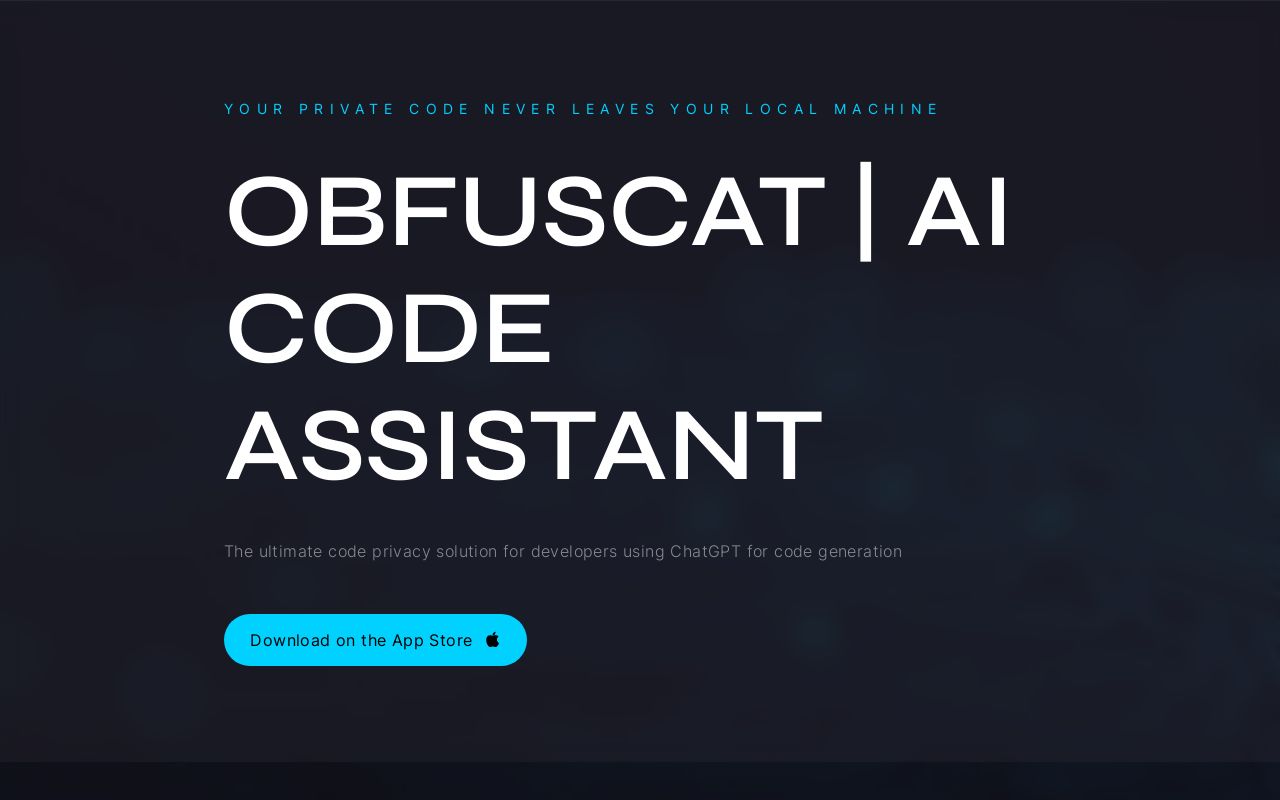
ObfusCat Overview
ObfusCat is an essential AI code assistant designed for developers who prioritize privacy and security. In an era where AI-powered code completion models like ChatGPT are revolutionizing software development, concerns about sharing proprietary code with third-party services are paramount. ObfusCat directly addresses these concerns by providing a robust security layer that ensures your private code never leaves your local machine in a readable format.
The tool works by implementing a proprietary obfuscation algorithm. Before a prompt containing your code is sent to ChatGPT, ObfusCat intelligently masks sensitive information such as variable names, function names, and other unique identifiers. It cleverly preserves the code's syntax and structure, which is all the AI model needs to understand the request, but conceals the semantic context that constitutes your intellectual property. Once ChatGPT provides a response, ObfusCat automatically de-obfuscates the code on your local machine, presenting you with a clear, usable solution. This entire process of masking and unmasking happens locally, guaranteeing confidentiality.
How to use ObfusCat
Using ObfusCat is a seamless addition to your development workflow, designed to be intuitive and non-disruptive:
- Download and Install: Get the ObfusCat application from the Mac App Store and install it on your local machine.
- Prepare Your Code: Copy the code snippet you need help with, whether it's for generating tests, fixing a bug, or understanding a complex function.
- Paste into ObfusCat: Open the ObfusCat app and paste your code into the interface. The tool will automatically detect and mask the sensitive parts based on its algorithm or a pre-configured secrets list.
- Send to ChatGPT: Send the now-obfuscated code as a prompt to ChatGPT through the app's integrated functionality.
- Receive and Unmask: When ChatGPT returns the generated code or explanation, ObfusCat instantly and automatically reverses the obfuscation process.
- Implement the Solution: Copy the fully readable and secure code from ObfusCat and paste it directly into your project.
Core Features of ObfusCat
- Local-First Privacy: All obfuscation and de-obfuscation processes occur exclusively on your local machine. Your unmasked, private code is never transmitted over the internet.
- Proprietary Obfuscation Algorithm: Intelligently conceals the semantic context of your code (e.g., variable/function names) while leaving the syntax intact, ensuring the AI can process it effectively without learning your secrets.
- Seamless Integration: Acts as a simple and efficient intermediary between you and ChatGPT, requiring minimal changes to your existing workflow.
- Automatic De-obfuscation: Responses from ChatGPT are instantly converted back into a readable and usable format, ready for immediate implementation.
- ObfusCat for Business: An enterprise-grade solution offering advanced features like curated secrets lists defined by legal and engineering teams, focused prompts to restrict AI queries, and a prompt safeguard to enforce a high obfuscation threshold.
Use Cases for ObfusCat
ObfusCat empowers developers to use AI for a variety of sensitive tasks:
- Automated Unit Test Generation: Generate comprehensive unit tests for your functions and classes without exposing the specific business logic or naming conventions, making it easier to achieve 100% test coverage.
- Secure Bug Fixing: Paste a perplexing bug into ObfusCat to get suggestions and solutions from ChatGPT without revealing the confidential nature of the algorithm or application.
- Confidential Code Explanation: Safely get clear, concise explanations of complex or legacy proprietary algorithms, accelerating onboarding and knowledge transfer within your team.
- Secure Code Refactoring and Optimization: Ask for suggestions on how to improve, refactor, or optimize your code's performance and readability while keeping your core intellectual property protected.
Advantages of ObfusCat
The primary advantage of ObfusCat is its ability to unlock the power of AI for development without the associated security risks.
- Protect Intellectual Property: Safeguard your company's trade secrets, proprietary algorithms, and confidential data embedded in your codebase.
- Ensure Legal and Compliance Adherence: Mitigate risks associated with data privacy regulations and contractual obligations by preventing code from being shared with third parties.
- Boost Developer Productivity: Allow your development team to use state-of-the-art AI tools to write, debug, and understand code faster, leading to quicker time-to-market.
- Peace of Mind: Develop with confidence, knowing that a powerful security layer is protecting your most valuable digital assets.
Pricing and Plans
ObfusCat offers a flexible pricing structure to suit individual developers and large enterprises. The standard version is available for download on the Mac App Store, which may be a one-time purchase or offer a free tier. For corporate needs, ObfusCat for Business provides a tailored solution with enhanced security features, collaboration tools, and custom integrations. Interested businesses can contact the ObfusCat team directly to request a demo and receive a custom quote based on their specific requirements.
ObfusCat Alternatives
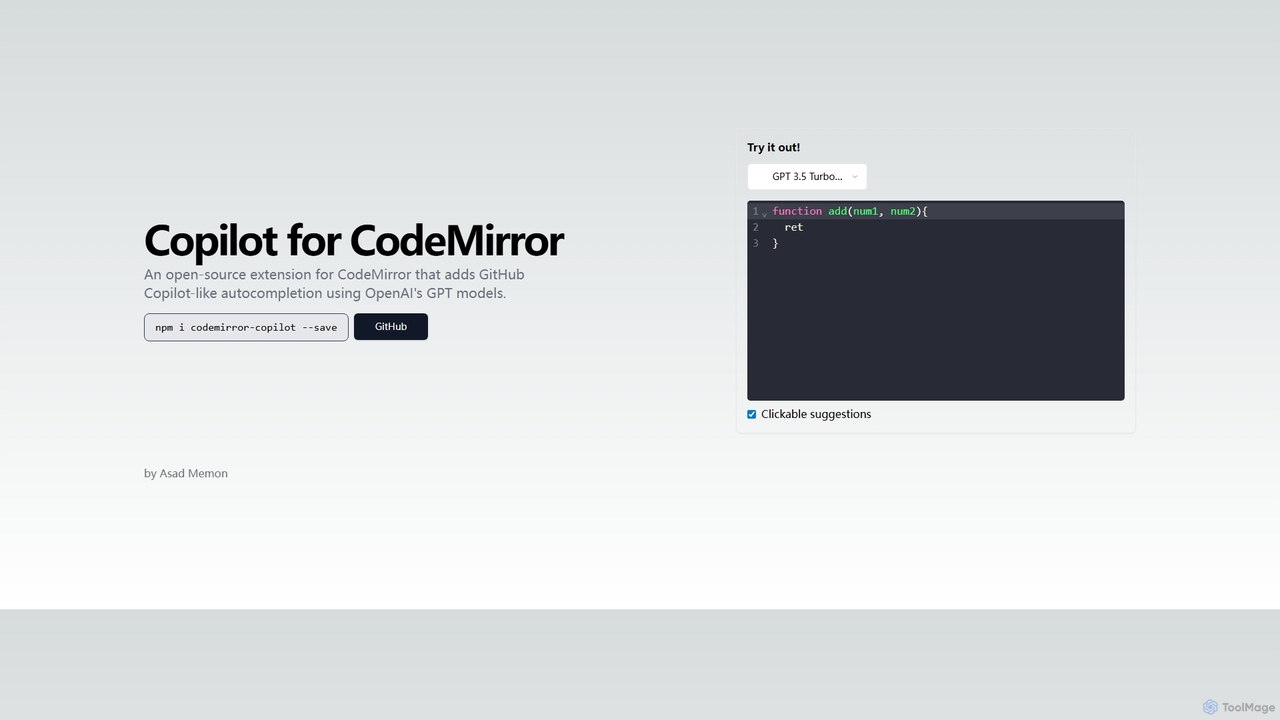
Copilot for CodeMirror
An open-source extension that integrates GitHub Copilot-like AI-powered autocompletion into the CodeMirror editor. Powered by OpenAI's GPT models, it provides intelligent, context-aware code suggestions to accelerate web development and enhance productivity within any application using CodeMirror.
Code Assistant
All Hands AI (OpenHands)
All Hands AI (OpenHands) is a leading open-source AI coding agent designed to automate software development. It helps engineers with tasks like code reviews, refactoring, bug fixing, and test generation. Available as a flexible SaaS, self-hosted, or open-source solution, it integrates with tools like GitHub and GitLab to accelerate development cycles and improve code quality.
Code Generation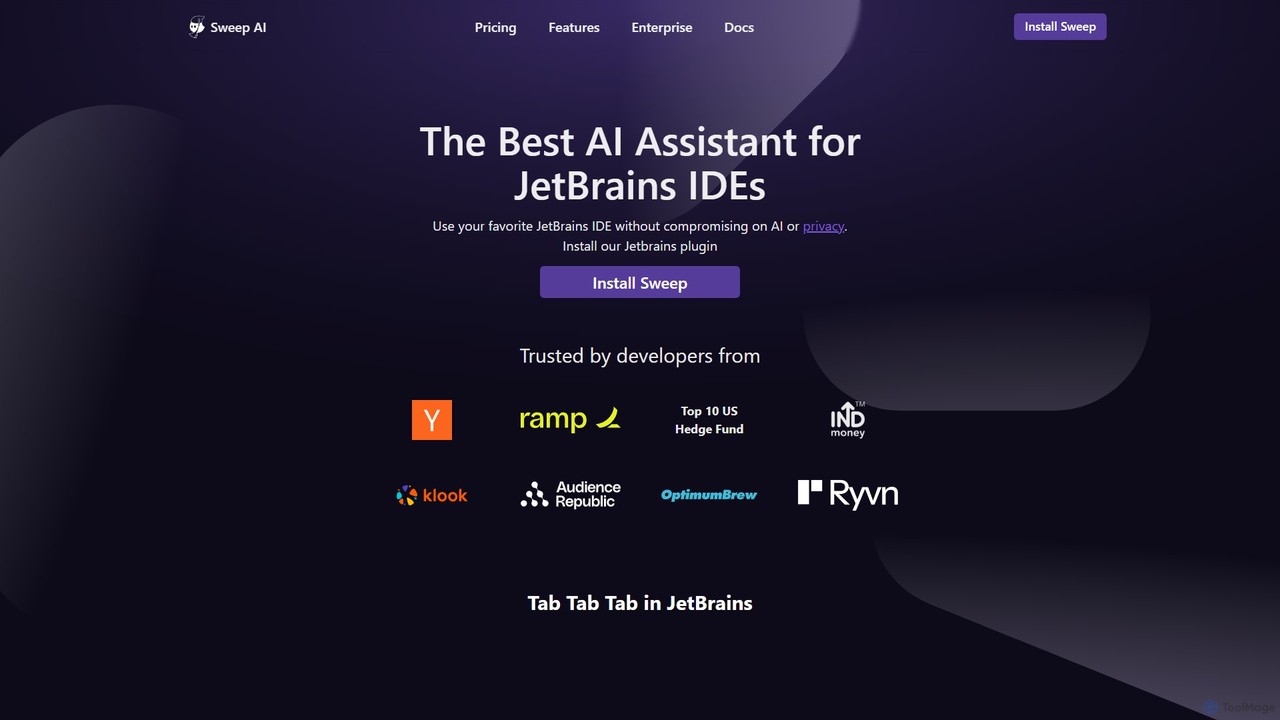
Sweep
Sweep is an AI-powered developer assistant designed as a plugin for JetBrains IDEs. It enhances coding productivity with intelligent 'next-edit' autocomplete and an AI agent that understands your entire codebase to handle complex, multi-file changes, run tests, and fix bugs. Sweep prioritizes privacy with a zero data retention policy and offers on-premise deployment for enterprises.
Code Generation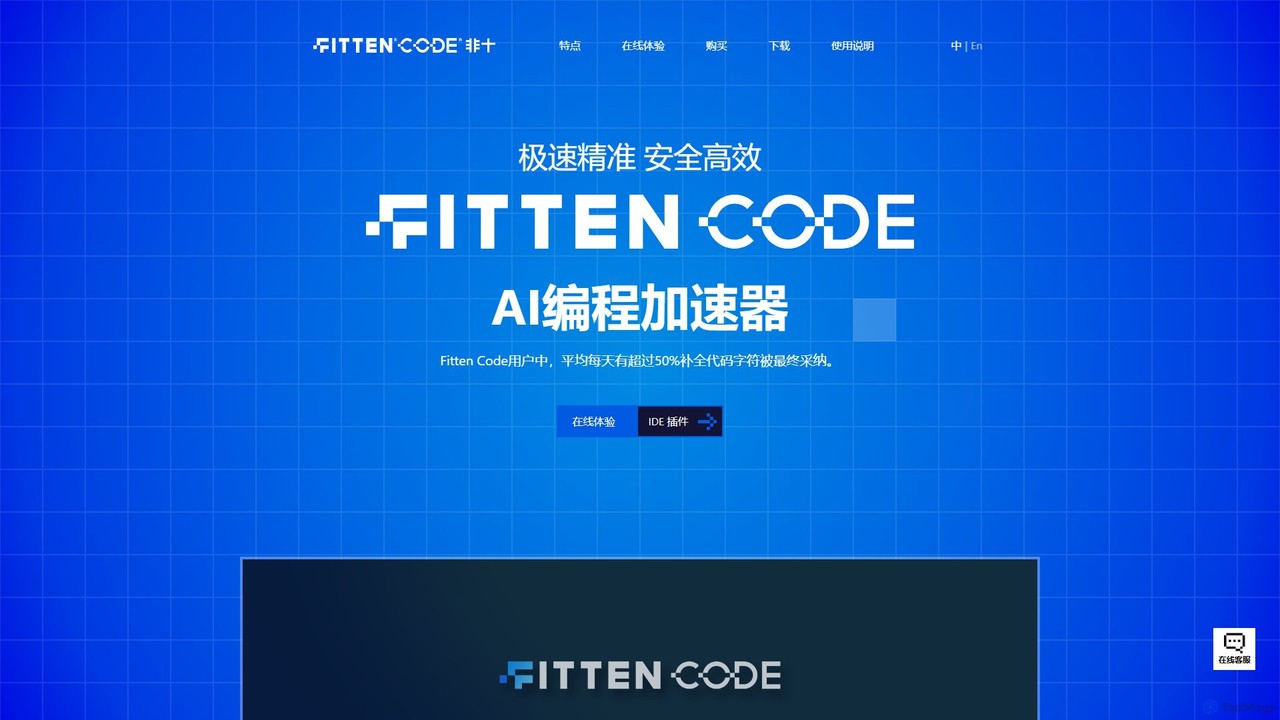
Fitten Code
Fitten Code is a next-generation AI programming assistant designed to accelerate software development. It offers ultra-fast code completion, intelligent Q&A, automated unit test generation, and code optimization. Built by a Tsinghua PhD team, it supports major IDEs and languages, significantly boosting developer productivity while ensuring data privacy.
Code Generation
CodeAI
CodeAI is a privacy-first, AI-powered development platform designed to help developers build better code faster. It offers AI-assisted coding, automated commit generation, one-click deployment, and seamless integration with GitHub and VSCode, all while ensuring your code never leaves your machine.
Code AssistantObfusCat Categories
ObfusCat Embed Widget
Copy this embed code to place the badge on your blog, article, or product site and send readers directly to this ToolMage detail page.

Related AI tools
All Hands AI (OpenHands)
All Hands AI (OpenHands) is a leading open-source AI coding agent designed to automate software development. It helps engineers with tasks like code reviews, refactoring, bug fixing, and test generation. Available as a flexible SaaS, self-hosted, or open-source solution, it integrates with tools like GitHub and GitLab to accelerate development cycles and improve code quality.
Code GenerationSweep
Sweep is an AI-powered developer assistant designed as a plugin for JetBrains IDEs. It enhances coding productivity with intelligent 'next-edit' autocomplete and an AI agent that understands your entire codebase to handle complex, multi-file changes, run tests, and fix bugs. Sweep prioritizes privacy with a zero data retention policy and offers on-premise deployment for enterprises.
Code GenerationFitten Code
Fitten Code is a next-generation AI programming assistant designed to accelerate software development. It offers ultra-fast code completion, intelligent Q&A, automated unit test generation, and code optimization. Built by a Tsinghua PhD team, it supports major IDEs and languages, significantly boosting developer productivity while ensuring data privacy.
Code GenerationCodeAI
CodeAI is a privacy-first, AI-powered development platform designed to help developers build better code faster. It offers AI-assisted coding, automated commit generation, one-click deployment, and seamless integration with GitHub and VSCode, all while ensuring your code never leaves your machine.
Code Assistant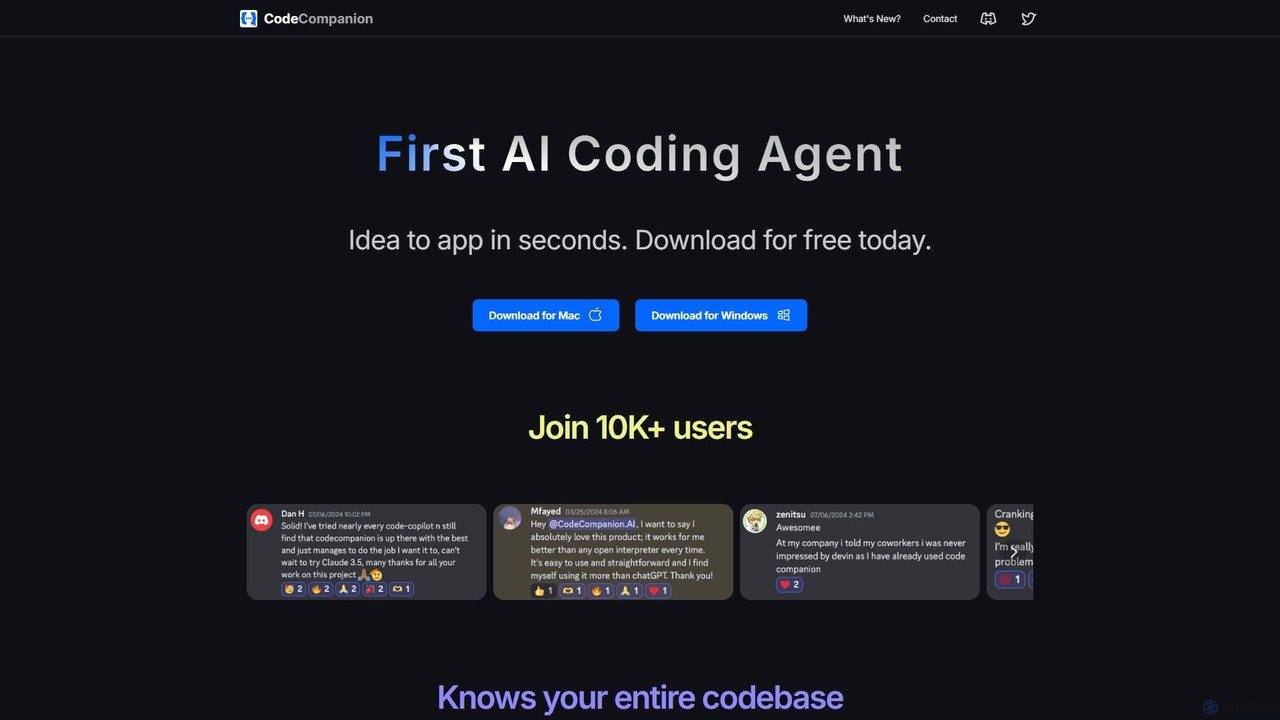
CodeCompanion
CodeCompanion is an advanced AI coding agent that functions as a junior developer on your local machine. It understands your entire codebase, uses an integrated terminal and browser to research and execute tasks, and can turn ideas into applications in seconds. It prioritizes privacy by keeping all data local.
Code Assistant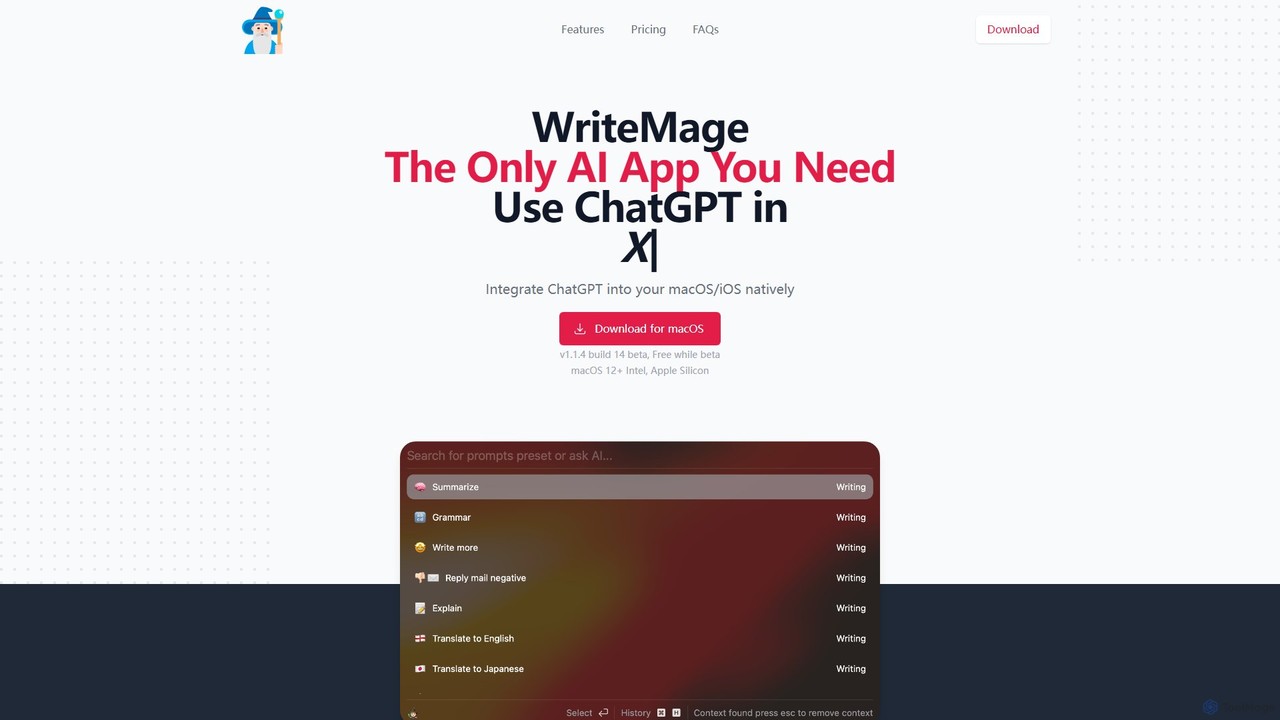
WriteMage
WriteMage is a native AI assistant for macOS and iOS, integrating ChatGPT seamlessly into any application. It functions like a system-wide utility, allowing you to write, code, and create content with context-aware AI without ever leaving your current app. It features a customizable prompt editor, local chat history, and flexible pricing plans.
Code Assistant
XcodeChatGPT
XcodeChatGPT is a powerful AI-powered code assistant that integrates directly into Xcode. It supercharges Swift development by helping developers write, debug, refactor, and understand code faster. Generate code snippets, get explanations, and resolve errors without leaving your IDE.
Code Generation
CodeWiz
CodeWiz is an AI-powered coding assistant designed to accelerate software development. It integrates into your IDE to provide intelligent code completion, real-time debugging, code explanation, and automated test generation, helping developers write better code faster and with fewer errors.
Code Assistant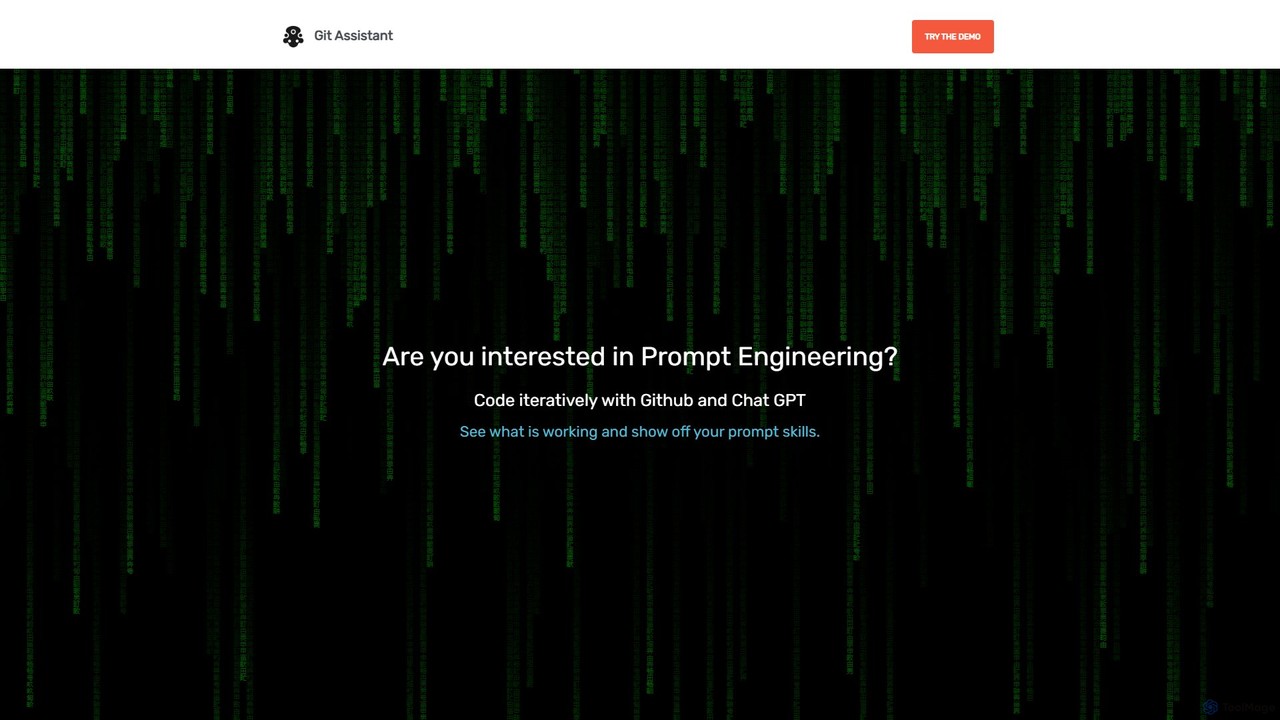
Git Assistant
Git Assistant is an AI-powered tool that integrates with GitHub and ChatGPT to streamline your coding workflow. It allows developers to use natural language prompts to generate, refactor, and iterate on code, and then automatically create pull requests. It's designed to boost productivity by automating repetitive tasks and simplifying version control.
Version Control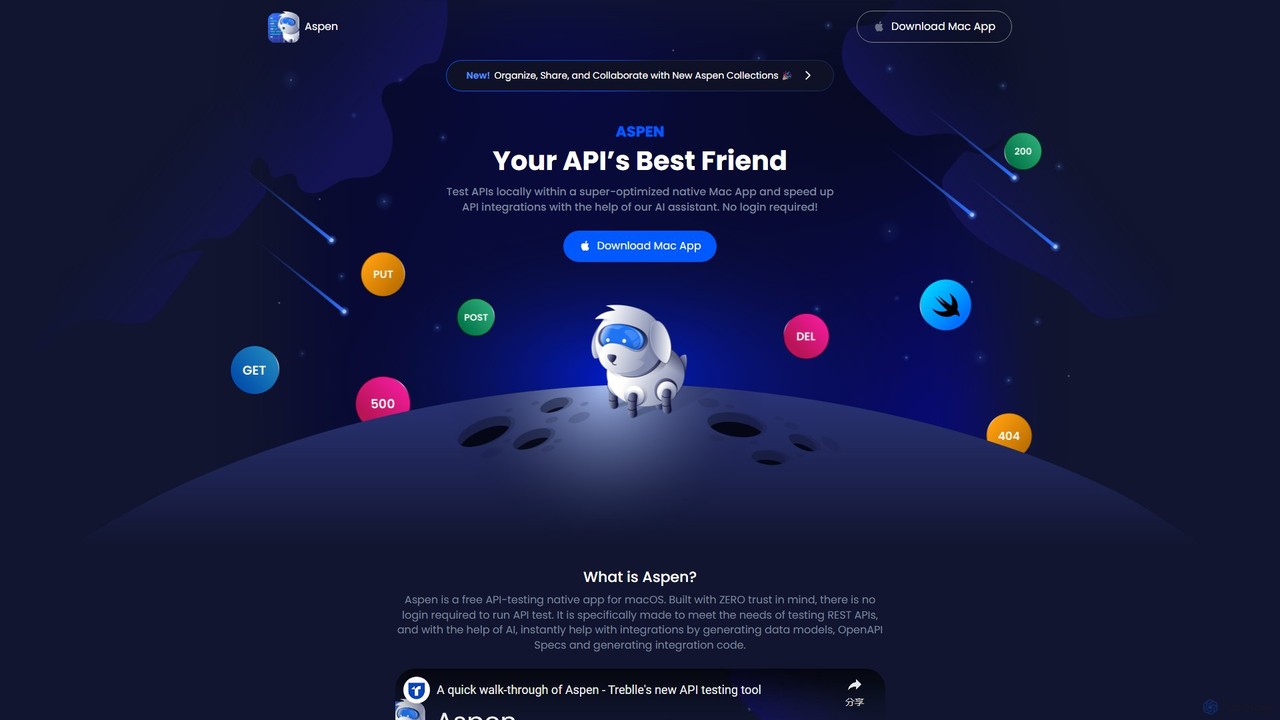
Aspen
Aspen is a free, native macOS application for API testing, supercharged with an AI assistant. It offers a fast, private, and efficient way to test REST APIs, generate code, create data models, and produce OpenAPI specs without requiring a login.
Api Management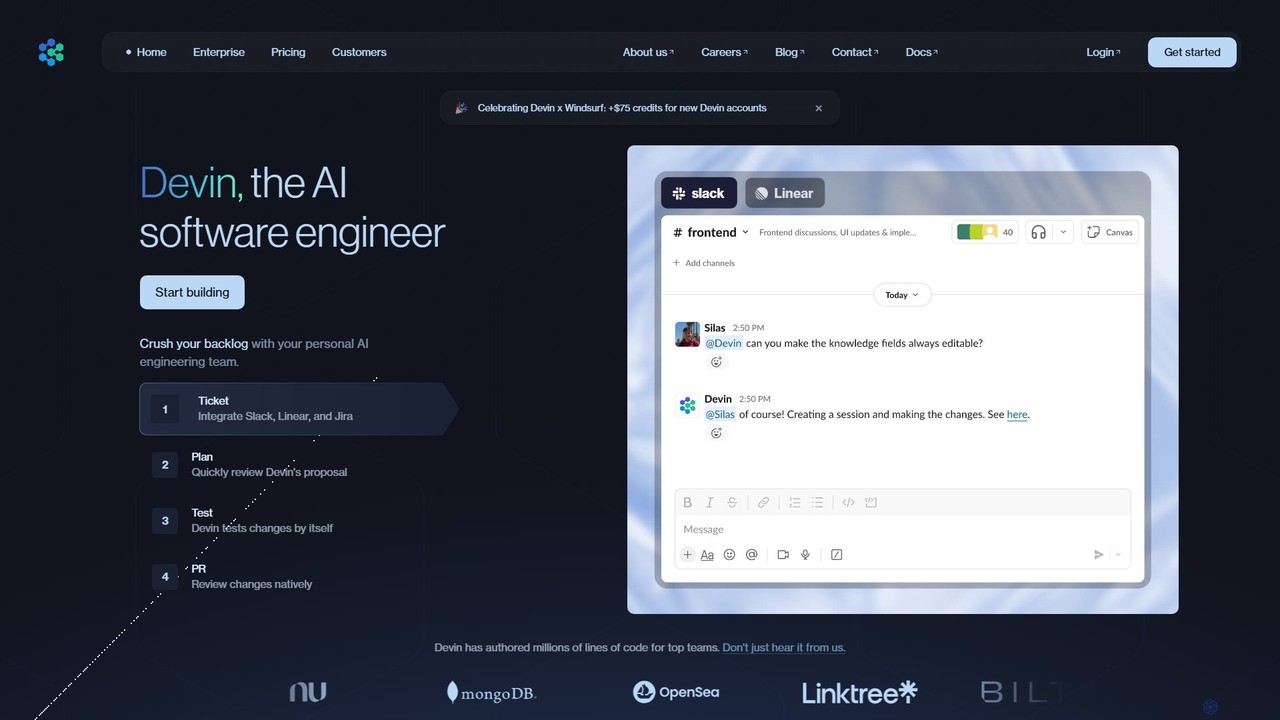
Devin
Devin is the world's first AI software engineer, designed by Cognition to autonomously handle complex engineering tasks. It can plan and execute entire software development projects, from writing code and fixing bugs to large-scale migrations, significantly boosting team productivity and reducing development costs.
Software Development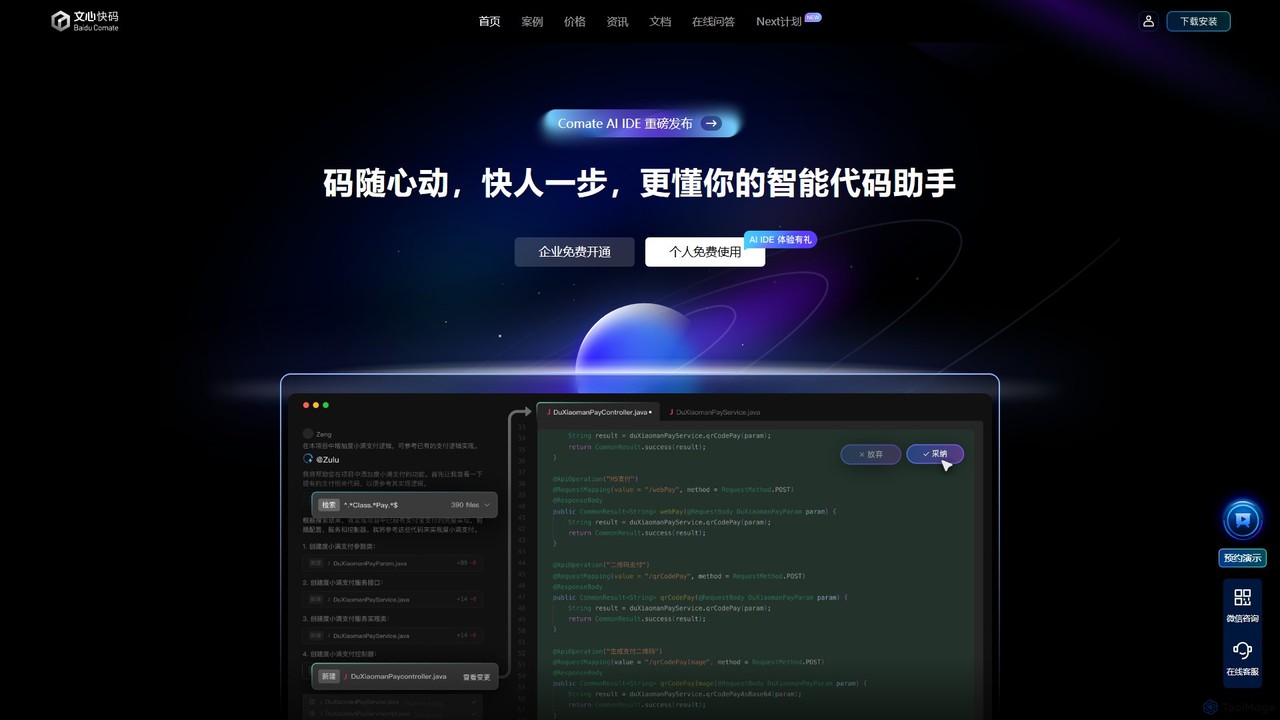
Baidu Comate
Baidu Comate is an intelligent AI code assistant powered by Baidu's Wenxin large language model. It integrates seamlessly into IDEs like VS Code and JetBrains to provide real-time code completion, code generation from natural language, bug fixing, and unit test creation, significantly boosting developer productivity.
Code Generation
Aider
Aider is an AI-powered pair programmer that operates directly in your terminal. It intelligently maps your entire codebase, providing full project context for complex tasks. Seamlessly integrated with Git, it automates commits and allows you to manage AI-driven changes with familiar tools. Aider supports over 100 programming languages, connects to leading cloud and local LLMs, and even accepts voice and image inputs, making it a versatile and powerful assistant for any developer seeking to accelerate their workflow and improve code quality.
Programming
Amp
Amp is a frontier AI coding agent designed for developers. It operates as a CLI and within IDEs like VS Code, automating complex tasks such as code editing, debugging, and refactoring. Amp leverages the latest AI models to provide autonomous reasoning and execution, enhancing developer productivity through features like subagents, an Oracle for complex analysis, and deep IDE integration.
Code Assistant
Lingma
Lingma is an AI-powered coding assistant from Alibaba Cloud, designed to enhance developer productivity. It offers intelligent code generation, real-time completion, code explanation, error diagnosis, and an autonomous programming agent that can handle complex coding tasks across multiple files. It supports over 200 languages and integrates seamlessly with major IDEs.
Programming
ObfusCat Comments (0)
Sign in to comment.
Sign inNo comments yet.