

XcodeChatGPT Overview
XcodeChatGPT is a revolutionary AI-powered coding assistant designed by Zxease, an experienced iOS developer, to seamlessly integrate with Xcode and supercharge the Swift development workflow. This powerful extension brings the advanced capabilities of ChatGPT directly into your favorite IDE, allowing you to write, debug, refactor, and understand code with unprecedented speed and efficiency. It's an indispensable tool for any developer working within the Apple ecosystem, from beginners trying to learn Swift to seasoned professionals building complex applications.
By embedding AI assistance directly into the development environment, XcodeChatGPT eliminates the need for constant context switching between your code and a web browser. This streamlined process not only saves valuable time but also helps maintain focus and flow, leading to higher-quality code and increased productivity. Whether you're stuck on a complex algorithm, need to generate boilerplate code, or want to understand a legacy codebase, XcodeChatGPT is your intelligent partner, ready to assist at a moment's notice.
How to use XcodeChatGPT
Getting started with XcodeChatGPT is a straightforward process designed to get you up and running quickly:
- Purchase and Download: Acquire the tool from the official Gumroad page. You will receive a download link for the extension files.
- Installation: Follow the provided installation guide. This typically involves placing the extension file into the appropriate Xcode directory and granting necessary permissions on your macOS.
- Activation: Launch or restart Xcode. The XcodeChatGPT extension should now be available, often accessible through a new menu item, a toolbar icon, or via keyboard shortcuts.
- Interaction: To use the tool, you can typically highlight a block of Swift code and right-click to access a context menu with options like 'Explain Code', 'Find Bugs', or 'Refactor'. Alternatively, you can open a dedicated panel to type natural language prompts, such as "Write a SwiftUI view for a user login screen" or "Create a network manager class to fetch JSON data from an API".
Core Features of XcodeChatGPT
- Intelligent Code Generation: Go beyond simple snippets. Generate entire functions, classes, SwiftUI views, and even unit tests based on natural language descriptions.
- In-depth Code Explanation: Select any piece of code, and the AI will provide a detailed, easy-to-understand explanation of its functionality, logic, and potential side effects.
- Advanced Debugging Assistance: Paste error messages or problematic code, and XcodeChatGPT will analyze them to suggest potential causes and concrete solutions, drastically reducing debugging time.
- Smart Refactoring and Optimization: Get AI-powered suggestions to improve your code's readability, performance, and adherence to Swift best practices. Convert legacy code to modern syntax, like using async/await.
- Unit Test Generation: Automatically create test cases for your functions and logic, helping you improve code coverage and ensure reliability with ease.
- Seamless Xcode Integration: Designed to feel like a native part of Xcode, ensuring a smooth and uninterrupted workflow without ever having to leave your IDE.
Use Cases for XcodeChatGPT
XcodeChatGPT is versatile and benefits developers at all levels:
- Junior Developers: Acts as a 24/7 mentor, helping them learn Swift, understand complex codebases, and adopt industry best practices faster.
- Senior Developers: Serves as a productivity multiplier, automating tedious tasks like writing boilerplate code and unit tests, freeing them to focus on high-level architecture and complex problem-solving.
- Development Teams: Helps standardize code quality, accelerate code reviews by quickly explaining complex sections, and meet tight project deadlines.
- Rapid Prototyping: Quickly scaffold new application ideas and features, allowing for faster iteration and validation of concepts.
Advantages of XcodeChatGPT
Integrating this tool into your workflow offers significant benefits:
- Massive Productivity Boost: Write and debug code significantly faster, accelerating your entire development lifecycle.
- Enhanced Code Quality: Produce cleaner, more efficient, and less error-prone code with AI-driven suggestions and refactoring.
- Reduced Cognitive Load: Offload repetitive and mentally taxing tasks to the AI, allowing you to conserve mental energy for creative and critical thinking.
- Accelerated Learning: Quickly grasp new concepts, APIs, and frameworks with instant, context-aware explanations.
- Cost-Effective: A one-time purchase provides a permanent and powerful upgrade to your development toolkit, offering an exceptional return on investment.
Pricing and Plans
XcodeChatGPT is available for a one-time purchase starting at $17+. This is a 'pay-what-you-want' model, which means you can choose to pay the base price or contribute more to support the ongoing development of the tool. This single payment grants you lifetime access to the extension and its future updates.
XcodeChatGPT Alternatives
Sidian
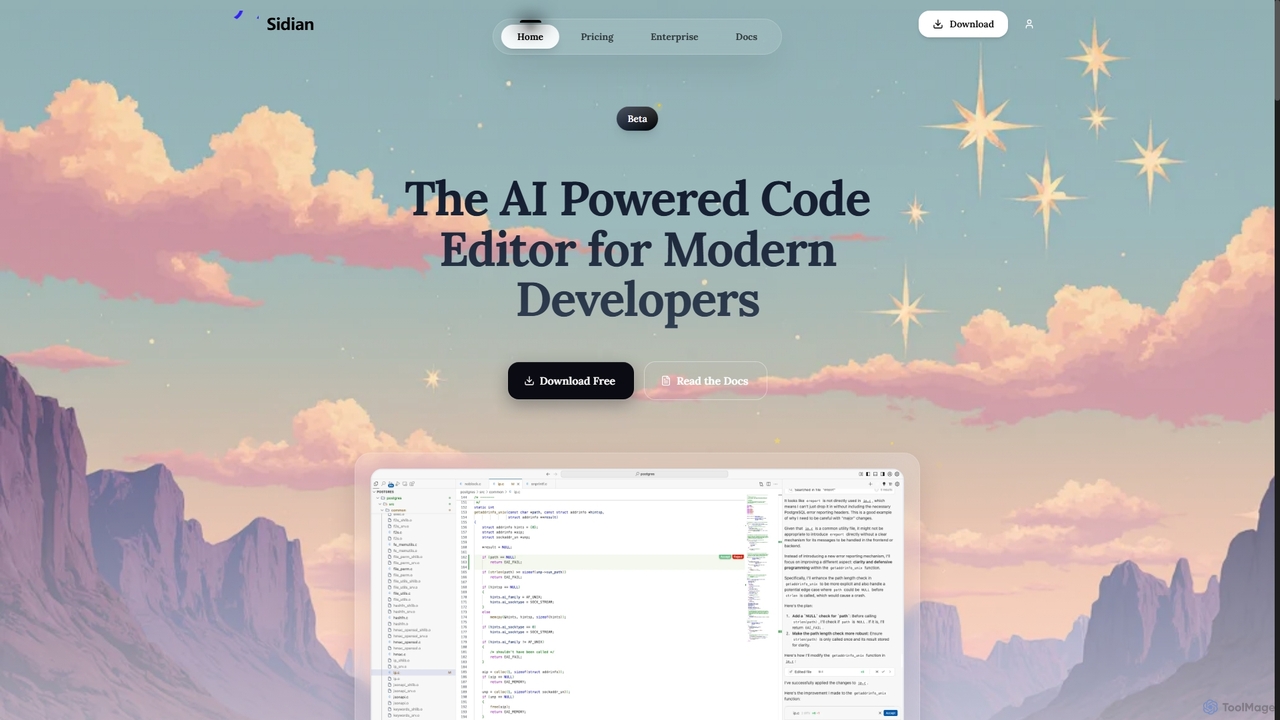
Sidian is an AI-powered code editor designed for modern developers. It features a sophisticated context engine that rapidly understands complex codebases, integrates with major AI providers like OpenAI and Google, and supports local models for enhanced privacy and flexibility.
Code Generation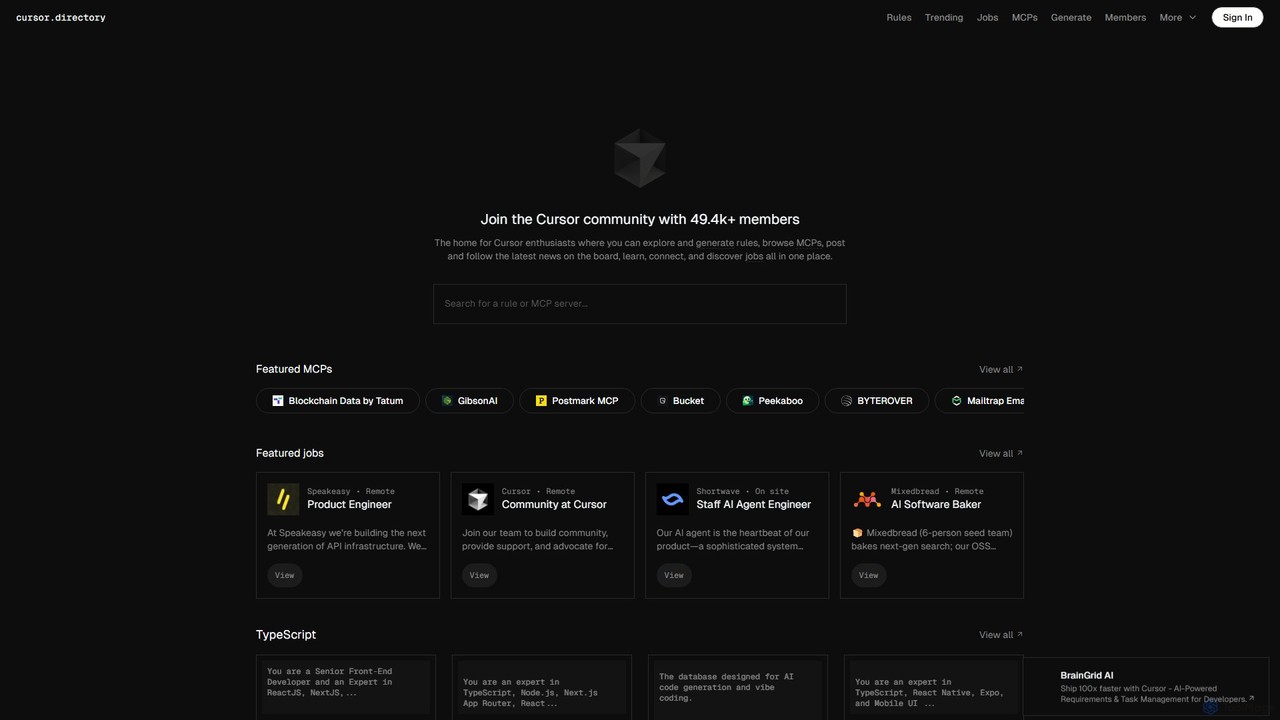
Cursor
Cursor is an AI-first code editor designed for modern software development. Built as a fork of VS Code, it integrates powerful AI capabilities directly into the editing experience, allowing developers to chat with their codebase, generate, edit, and debug code with unprecedented speed and context-awareness.
Code Generation
Codeium
Codeium is an AI-powered code acceleration toolkit that provides free, ultra-fast code completion, in-editor chat, and other intelligent features. It supports over 70 programming languages and integrates seamlessly with more than 40 popular IDEs to help developers code faster and more efficiently.
Code Assistant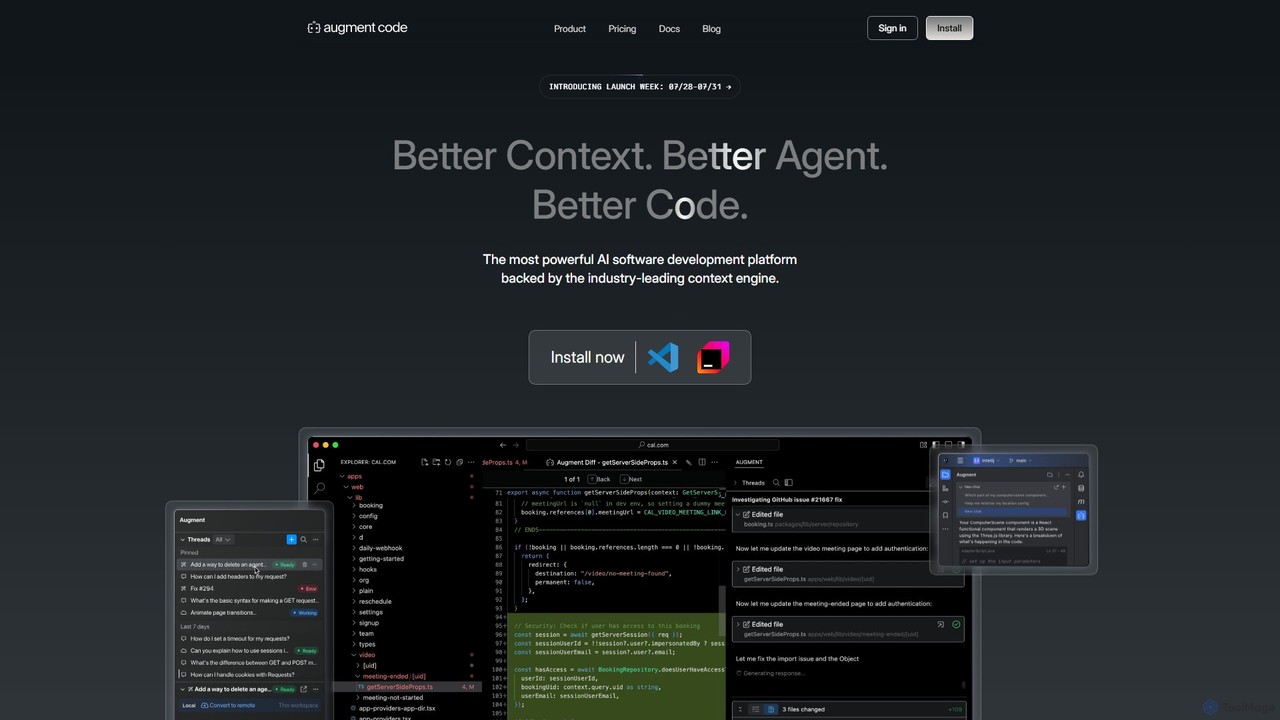
Augment Code
Augment Code is an advanced AI software development platform featuring autonomous agents and a powerful context engine. It integrates into your IDE to help you plan, build, and ship production-ready code faster, with a strong focus on enterprise-grade security and deep codebase understanding.
Code Generation
Amp
Amp is a frontier AI coding agent designed for developers. It operates as a CLI and within IDEs like VS Code, automating complex tasks such as code editing, debugging, and refactoring. Amp leverages the latest AI models to provide autonomous reasoning and execution, enhancing developer productivity through features like subagents, an Oracle for complex analysis, and deep IDE integration.
Code AssistantXcodeChatGPT Categories
XcodeChatGPT Jobs
XcodeChatGPT Embed Widget
Copy this embed code to place the badge on your blog, article, or product site and send readers directly to this ToolMage detail page.

Related AI tools
Codeium
Codeium is an AI-powered code acceleration toolkit that provides free, ultra-fast code completion, in-editor chat, and other intelligent features. It supports over 70 programming languages and integrates seamlessly with more than 40 popular IDEs to help developers code faster and more efficiently.
Code AssistantSidian
Sidian is an AI-powered code editor designed for modern developers. It features a sophisticated context engine that rapidly understands complex codebases, integrates with major AI providers like OpenAI and Google, and supports local models for enhanced privacy and flexibility.
Code Generation
Aider
Aider is an AI-powered pair programmer that operates directly in your terminal. It intelligently maps your entire codebase, providing full project context for complex tasks. Seamlessly integrated with Git, it automates commits and allows you to manage AI-driven changes with familiar tools. Aider supports over 100 programming languages, connects to leading cloud and local LLMs, and even accepts voice and image inputs, making it a versatile and powerful assistant for any developer seeking to accelerate their workflow and improve code quality.
ProgrammingAmp
Amp is a frontier AI coding agent designed for developers. It operates as a CLI and within IDEs like VS Code, automating complex tasks such as code editing, debugging, and refactoring. Amp leverages the latest AI models to provide autonomous reasoning and execution, enhancing developer productivity through features like subagents, an Oracle for complex analysis, and deep IDE integration.
Code Assistant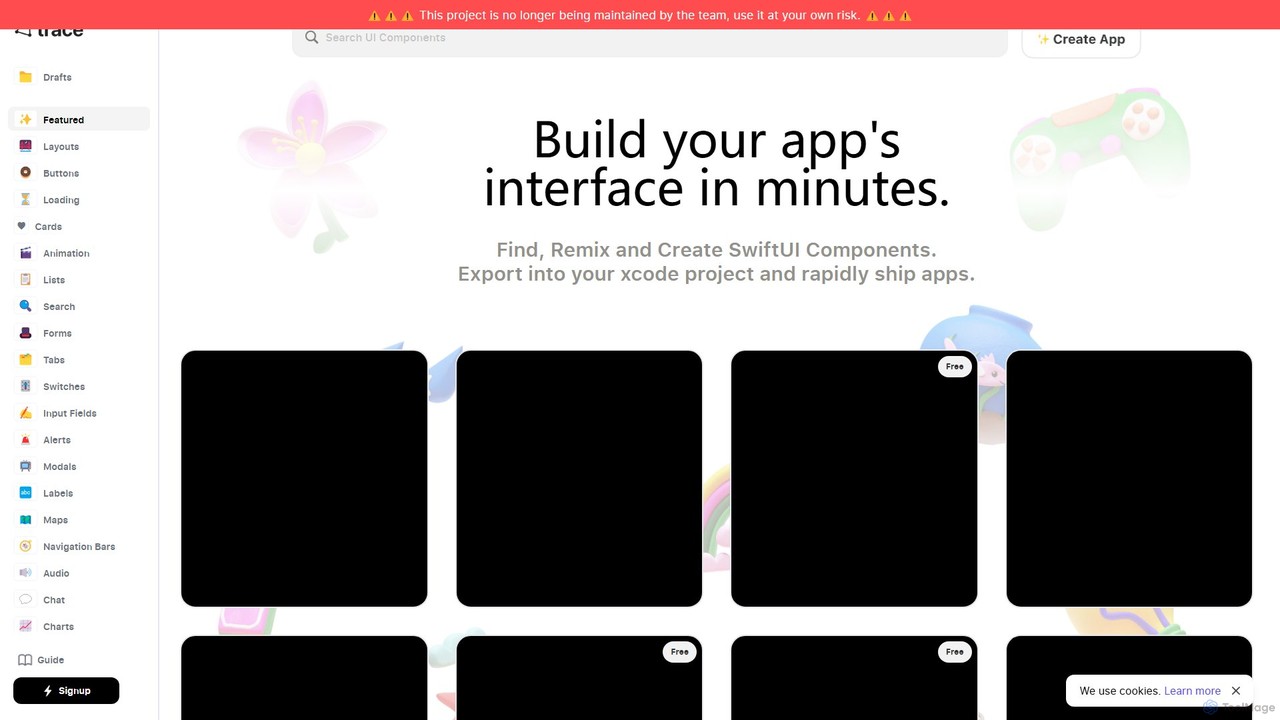
trace.
An AI-powered platform for iOS developers to rapidly build SwiftUI app interfaces. Users can generate, find, and remix UI components using natural language prompts. It streamlines the design-to-code workflow by allowing direct export to Xcode projects and integration with GitHub, significantly accelerating app development.
Ui Ux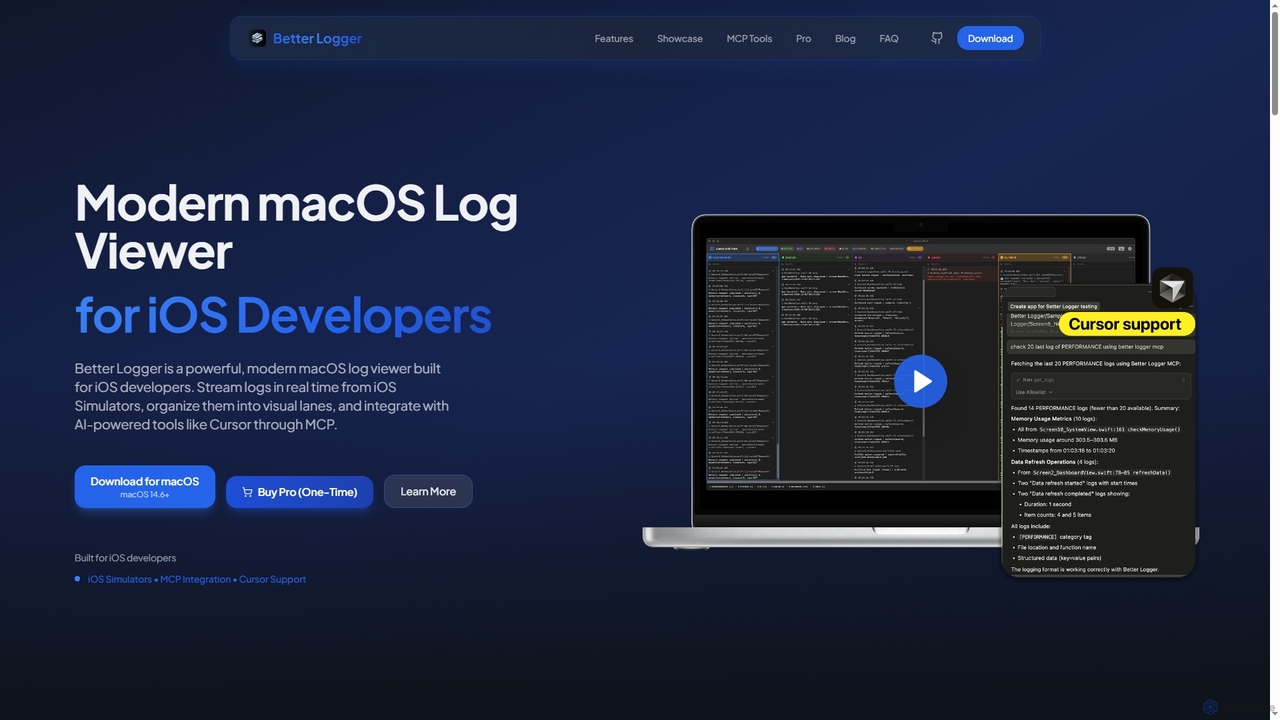
BetterLogger
BetterLogger is a powerful, modern macOS log viewer designed for iOS developers. It streams real-time logs from iOS Simulators, organizes them into visual lanes, and integrates with AI-powered tools like Cursor via MCP for enhanced debugging.
Macos Utilities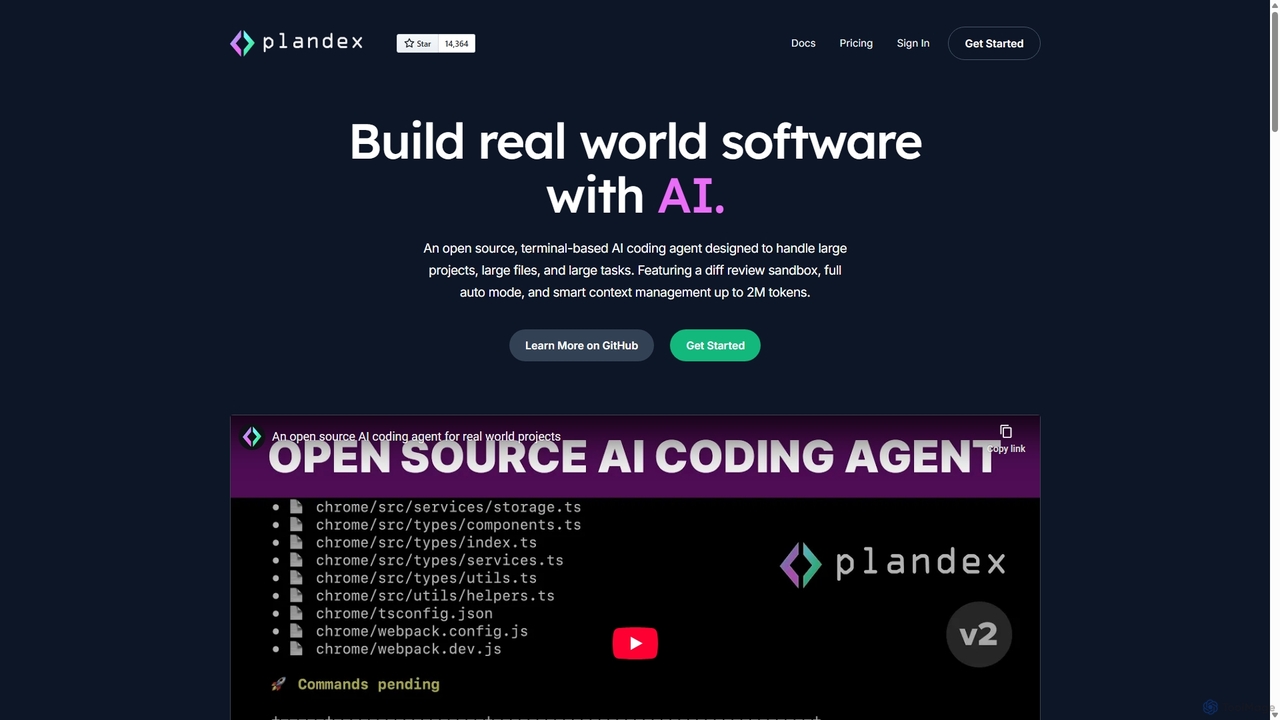
Plandex
Plandex is an open-source, terminal-based AI coding agent designed for complex, large-scale software development tasks. It excels at handling large projects and files with its 2M token context window. Featuring a diff review sandbox, configurable autonomy, and multi-model support, Plandex empowers developers to build, debug, and refactor entire applications with AI assistance, ensuring control and productivity in a dev-friendly workflow.
Code Generation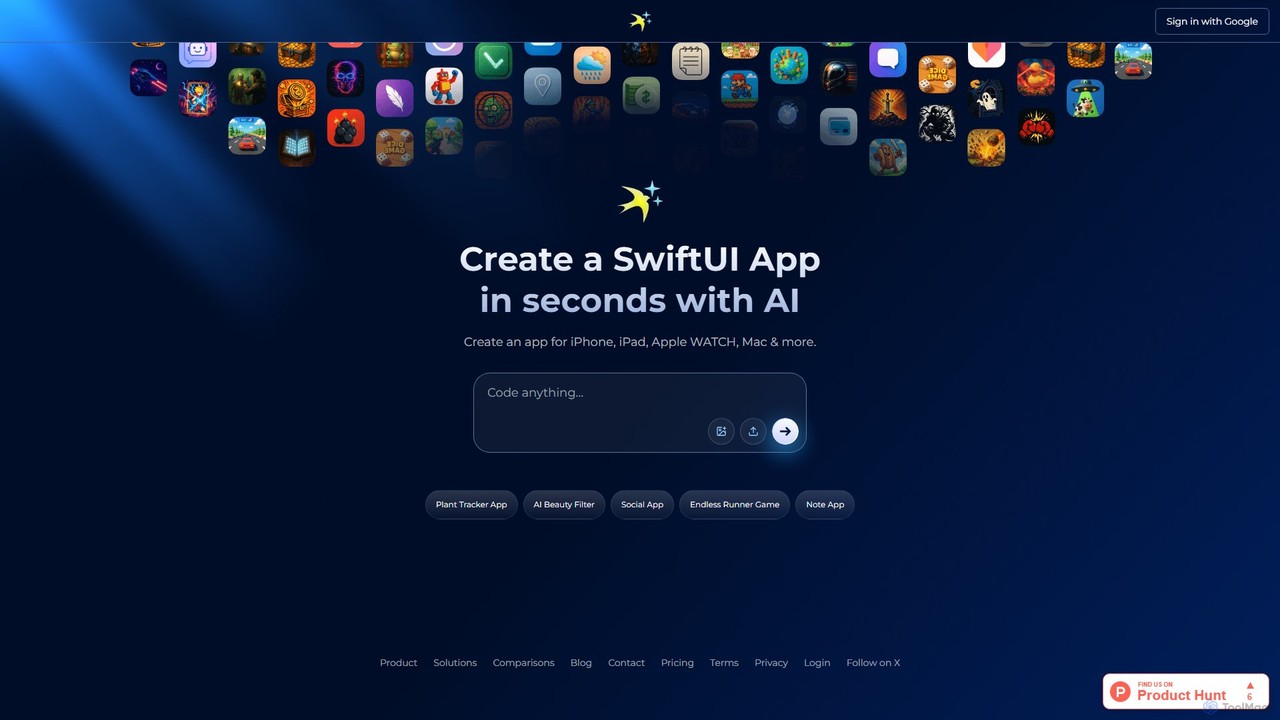
iswift
iSwift is an AI-powered development platform that transforms natural language app ideas into production-ready SwiftUI code. It accelerates the creation of native apps for iOS, iPadOS, macOS, and watchOS by generating clean, maintainable code and providing an interactive chat interface for real-time refinement.
Low Code No Code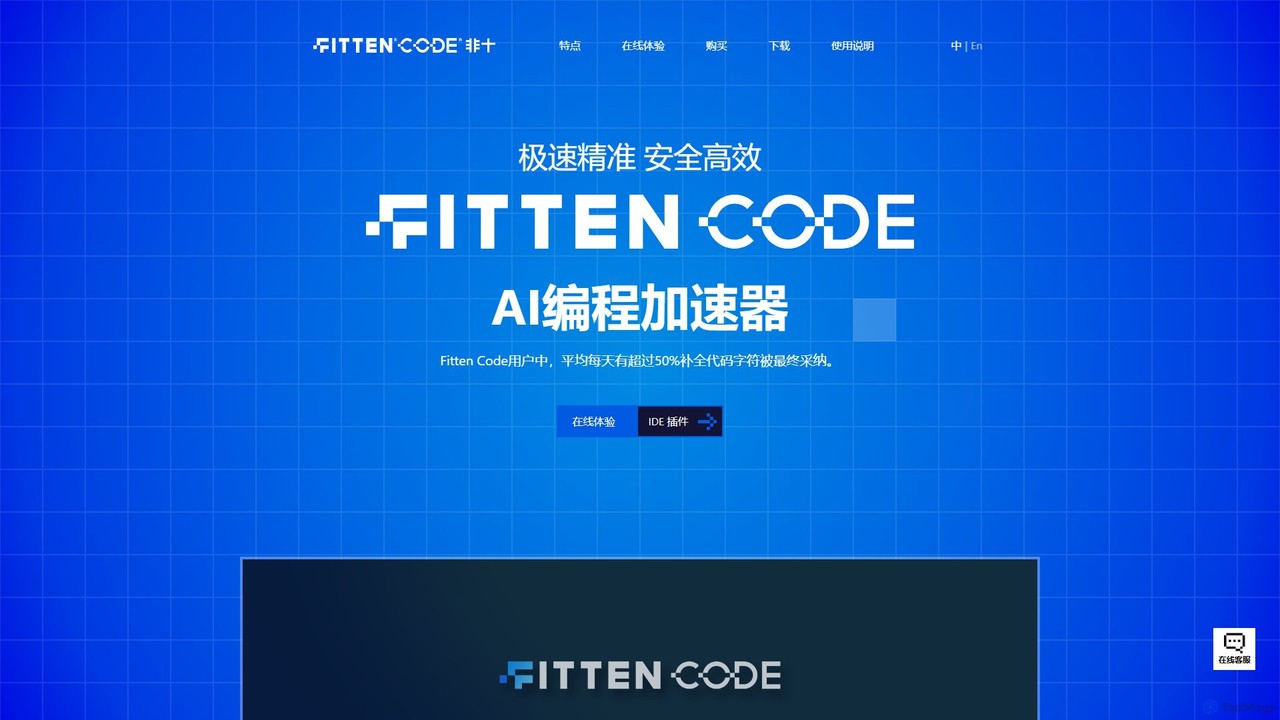
Fitten Code
Fitten Code is a next-generation AI programming assistant designed to accelerate software development. It offers ultra-fast code completion, intelligent Q&A, automated unit test generation, and code optimization. Built by a Tsinghua PhD team, it supports major IDEs and languages, significantly boosting developer productivity while ensuring data privacy.
Code Generation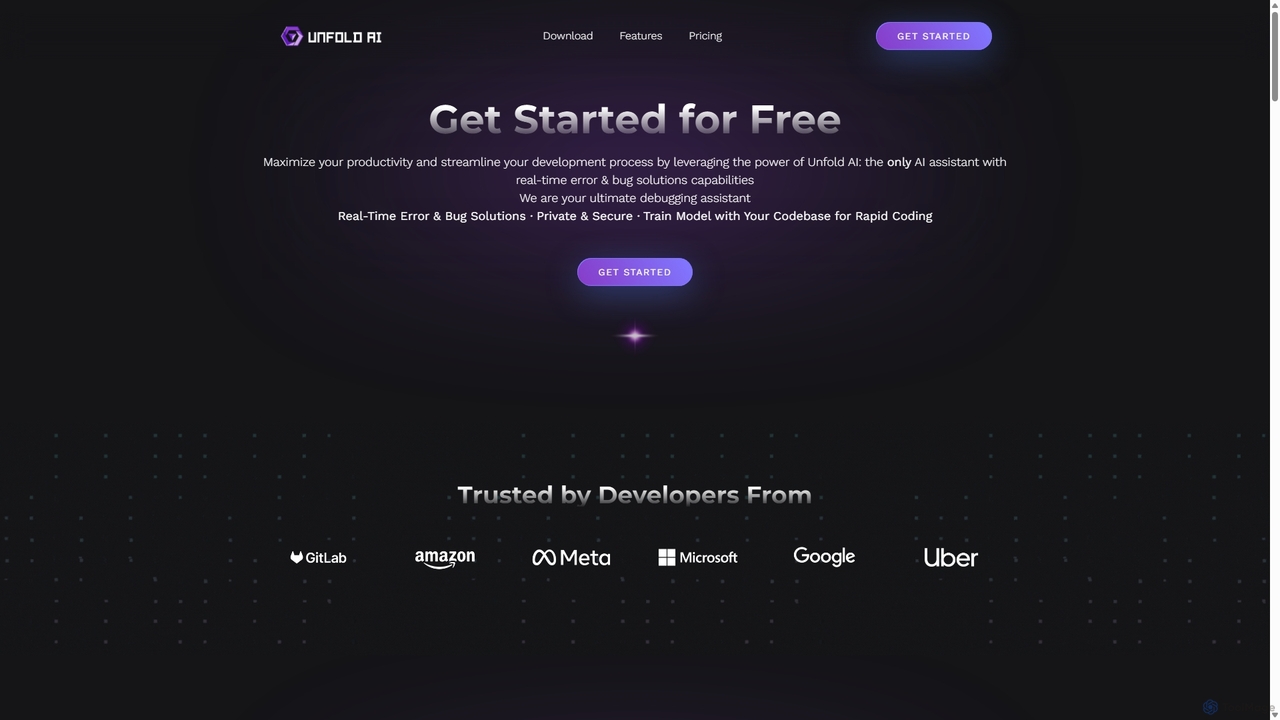
Unfold AI
Unfold AI is an all-in-one AI coding assistant designed for developers. It integrates into your IDE to provide real-time error and bug solutions, generate code from natural language, and complete code snippets. A key feature is its ability to be trained on your private codebase for highly customized and accurate assistance across 20+ programming languages.
Code Assistant
Safurai
Safurai is an AI-powered IDE extension that acts as a virtual assistant for software developers. It helps with coding, debugging, and refactoring, aiming to streamline the development process and improve code quality directly within your favorite IDE like VS Code and JetBrains.
Code Generation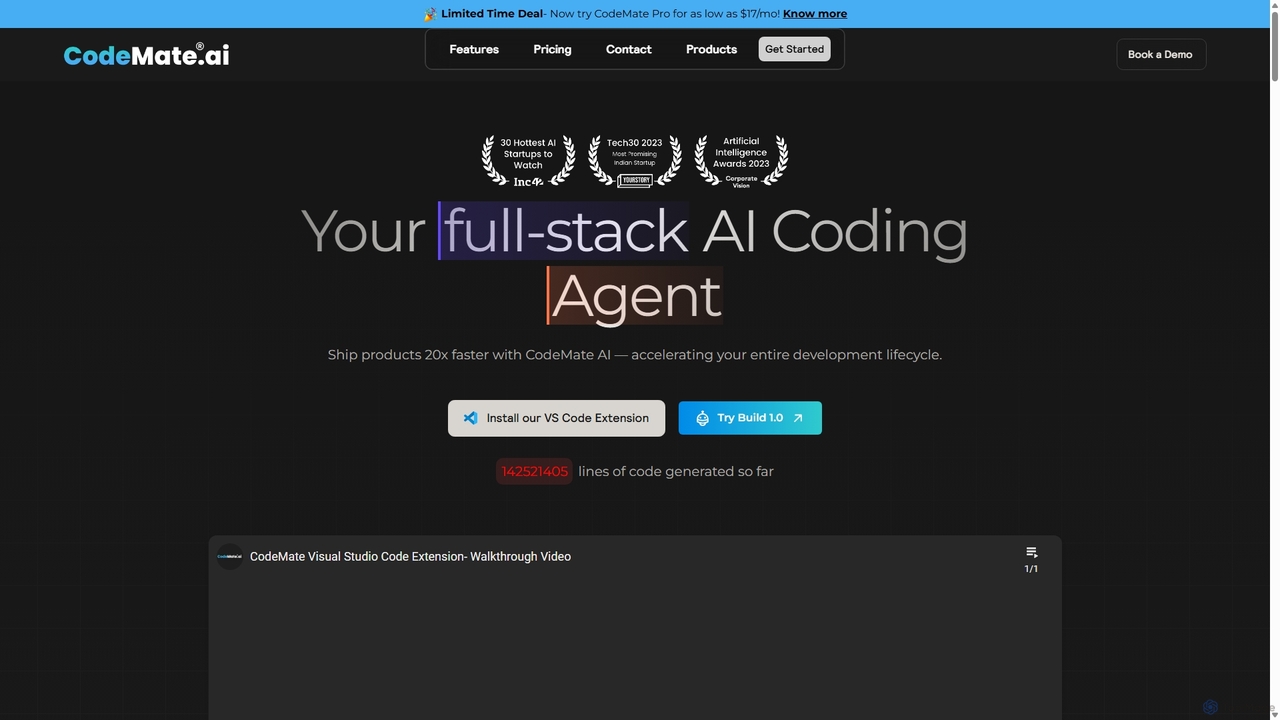
CodeMate
CodeMate is a secure, personalized AI pair programmer designed to enhance developer productivity. It assists with debugging, reviewing, and optimizing code, offering context-aware chat and seamless integration with IDEs like VS Code to help developers build software up to 20x faster.
Code Assistant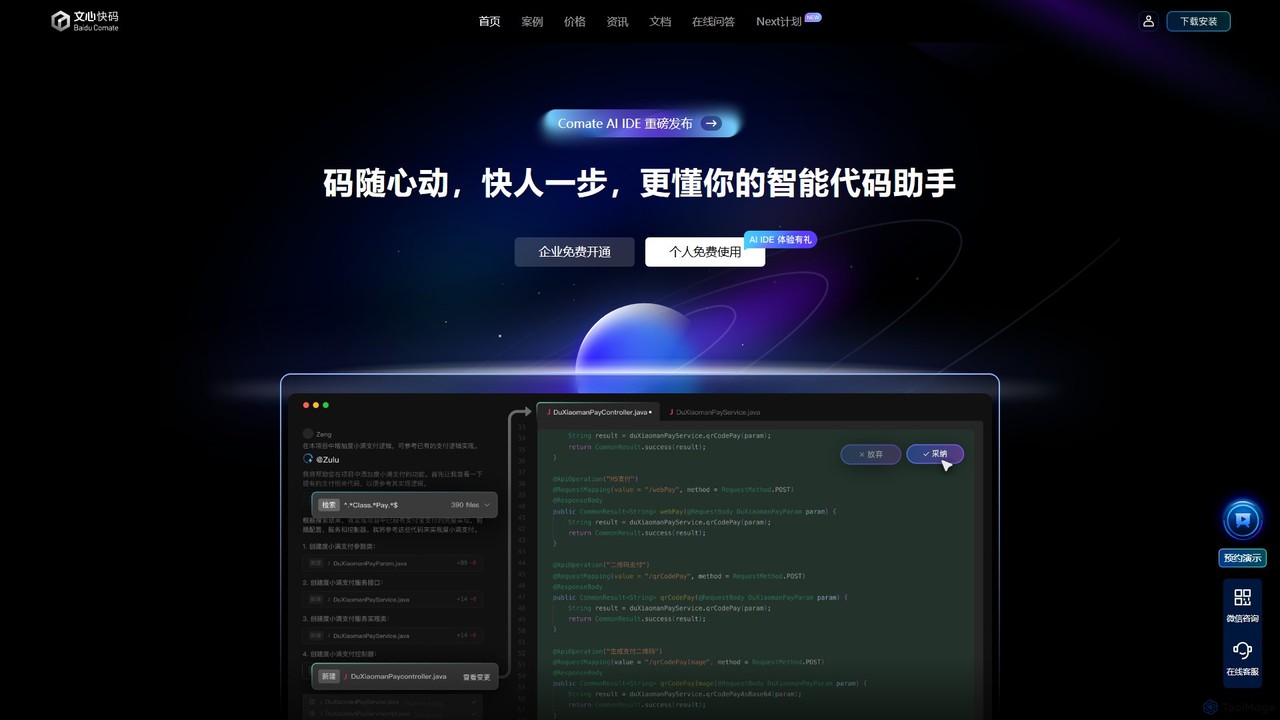
Baidu Comate
Baidu Comate is an intelligent AI code assistant powered by Baidu's Wenxin large language model. It integrates seamlessly into IDEs like VS Code and JetBrains to provide real-time code completion, code generation from natural language, bug fixing, and unit test creation, significantly boosting developer productivity.
Code Generation
Xvibe
Xvibe is a revolutionary AI-powered development tool for macOS that transforms natural language prompts into production-ready native iOS applications. It generates pure Swift and SwiftUI code, enabling developers to build high-performance iPhone apps in minutes, complete with automated App Store metadata and global localization.
Code Generation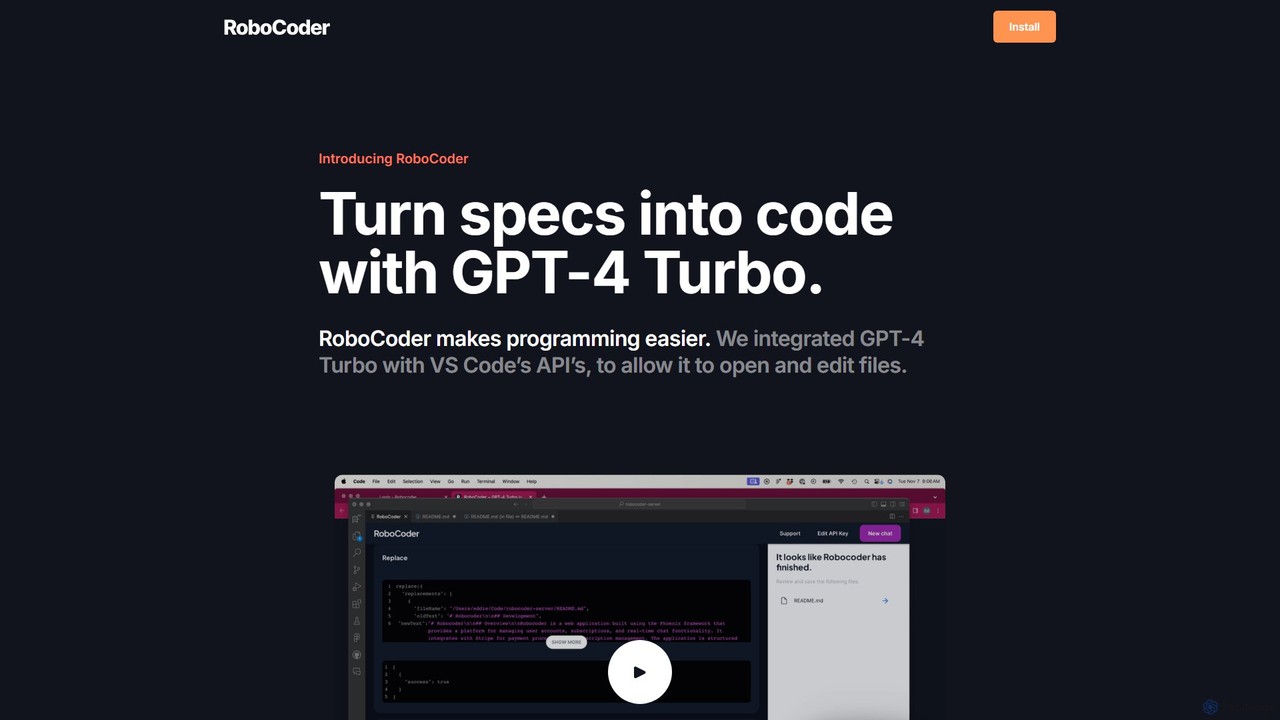
RoboCoder
RoboCoder is an AI-powered coding assistant for Visual Studio Code. Powered by GPT-4 Turbo, it transforms natural language specifications directly into code. It integrates seamlessly into your workflow, allowing the AI to open, read, and edit files in your workspace. This tool accelerates development, automates boilerplate, and helps with refactoring and debugging, acting as your personal AI collaborator right inside your editor.
Code Assistant
XcodeChatGPT Comments (0)
Sign in to comment.
Sign inNo comments yet.