

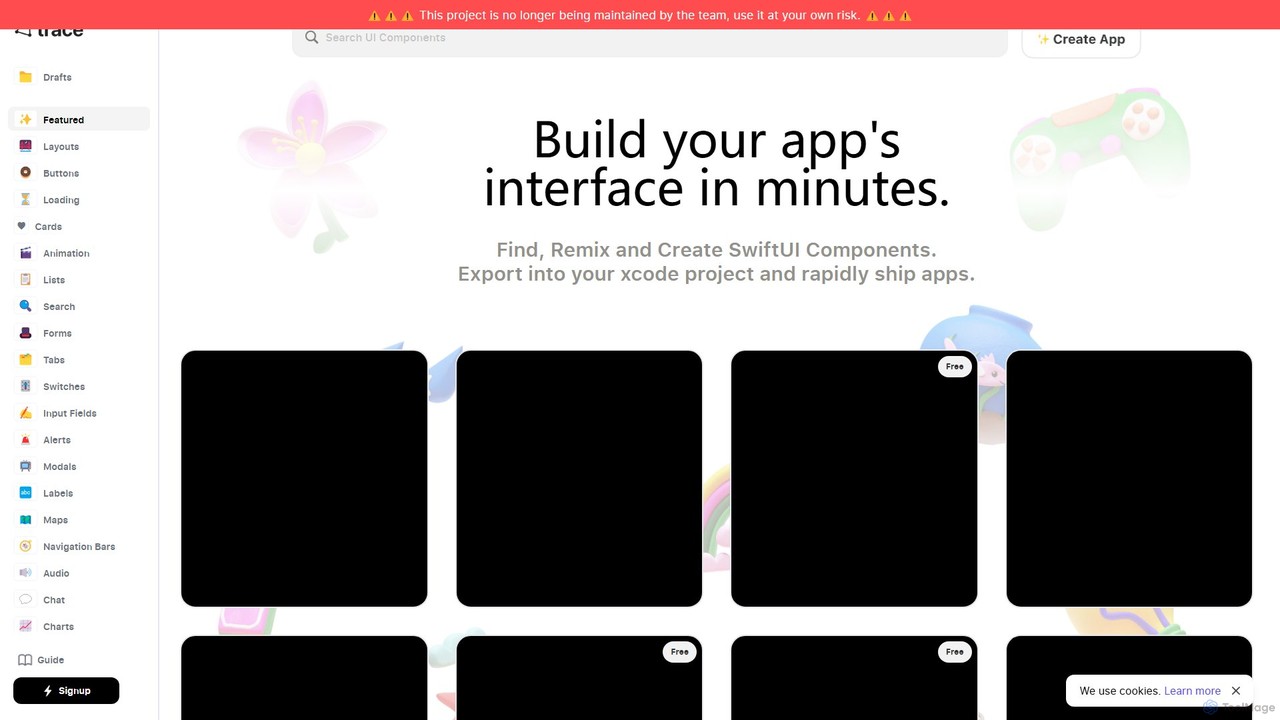
trace. Overview
trace. is a revolutionary AI-powered tool designed to dramatically accelerate the process of building user interfaces for iOS applications. It specifically targets developers working with Apple's SwiftUI framework, offering a unique and intuitive way to translate design ideas into functional code. By simply describing the desired UI component in natural language, developers can generate complex layouts and elements in minutes, bypassing hours of manual coding. The platform also fosters a collaborative environment by allowing users to browse, share, and remix a growing library of community-created components.
How to use trace.
Using trace. is designed to be a straightforward and iterative process, seamlessly integrating into a developer's existing workflow:
- Describe Your Component: Start by typing a clear, descriptive prompt of the UI element you want to create. For example, instead of a vague "make a login screen," a better prompt would be "Create a login screen with a logo at the top, two text fields for email and password, and a login button at the bottom."
- Iterate and Refine: Once the initial component is generated, you can refine it with further commands. You can ask the AI to change colors, adjust spacing, add new elements, or modify layouts until the component perfectly matches your vision.
- Browse and Fork: Explore the public gallery of components created by other users. If you find something you like, you can "fork" it to create your own version and customize it for your project.
- Export Your Code: When you are satisfied with the result, you can export the code in two convenient ways: as a single Swift file to be dropped into an existing project, or as a complete, ready-to-run Xcode project.
- Integrate with GitHub: For a more streamlined workflow, you can connect your GitHub account. This allows you to create a new repository or push your generated code directly to an existing one with a commit message, all from within the trace. interface.
- Test on Device: trace. provides a comprehensive guide for setting up your Apple Developer account credentials to build and run your app directly on a physical iOS device via a QR code, enabling rapid testing and validation.
Core Features of trace.
- AI-Powered SwiftUI Generation: Converts natural language text descriptions into high-quality, functional SwiftUI code.
- Iterative Design in Code: Refine and modify UI components with simple, conversational follow-up commands.
- Community Component Library: Access, use, and remix a vast library of pre-built UI components shared by the community.
- Direct Xcode Export: Seamlessly download generated UI as individual Swift files or complete, runnable Xcode projects.
- GitHub Integration: Push your code directly to a new or existing GitHub repository from the editor, streamlining version control.
- On-Device Testing: A guided process to configure Apple Developer credentials and run builds directly on a physical iOS device for real-world testing.
Use Cases for trace.
trace. is versatile and benefits developers at all stages of the app creation lifecycle:
- Rapid Prototyping: Quickly build functional UI mockups and interactive prototypes to test ideas, gather user feedback, and present to stakeholders.
- Accelerating Development: Generate boilerplate UI code, complex views, and custom components in seconds, allowing developers to focus on core business logic and functionality.
- Learning SwiftUI: An excellent educational tool for designers or developers new to SwiftUI, as it shows how descriptive requirements translate directly into code.
- Component-Driven Development: Efficiently build and maintain a consistent design system by creating, customizing, and reusing components across your application.
Advantages of trace.
The primary advantage of trace. is a massive boost in speed and efficiency. It drastically reduces the time from an idea to a tangible, coded UI. By working directly with code generation, it bridges the gap between design and development, eliminating the friction of translating static mockups into interactive elements. This makes app development more accessible, allowing even those with less SwiftUI experience to build beautiful and complex interfaces, while empowering senior developers to work faster and smarter.
Pricing and Plans
While specific pricing tiers are not detailed on the main website, the platform appears to operate on a freemium or subscription-based model. Users can likely browse and generate a limited number of components for free. A subscription would unlock advanced features such as unlimited exports, private repositories, enhanced GitHub integration, and priority support. For the most up-to-date pricing information, please visit the official trace. website.
Traffic
Latest traffic
Status
Monthly traffic trend
- 2025-9: 3.5K
- 2026-1: 1.8K
- 2026-2: 3.1K
- 2026-3: 711
- 2026-4: 2.2K
- 2026-5: 1.2K
Geography
Top 5 countries / regions
- 🇺🇸United States100.0%
trace. Alternatives
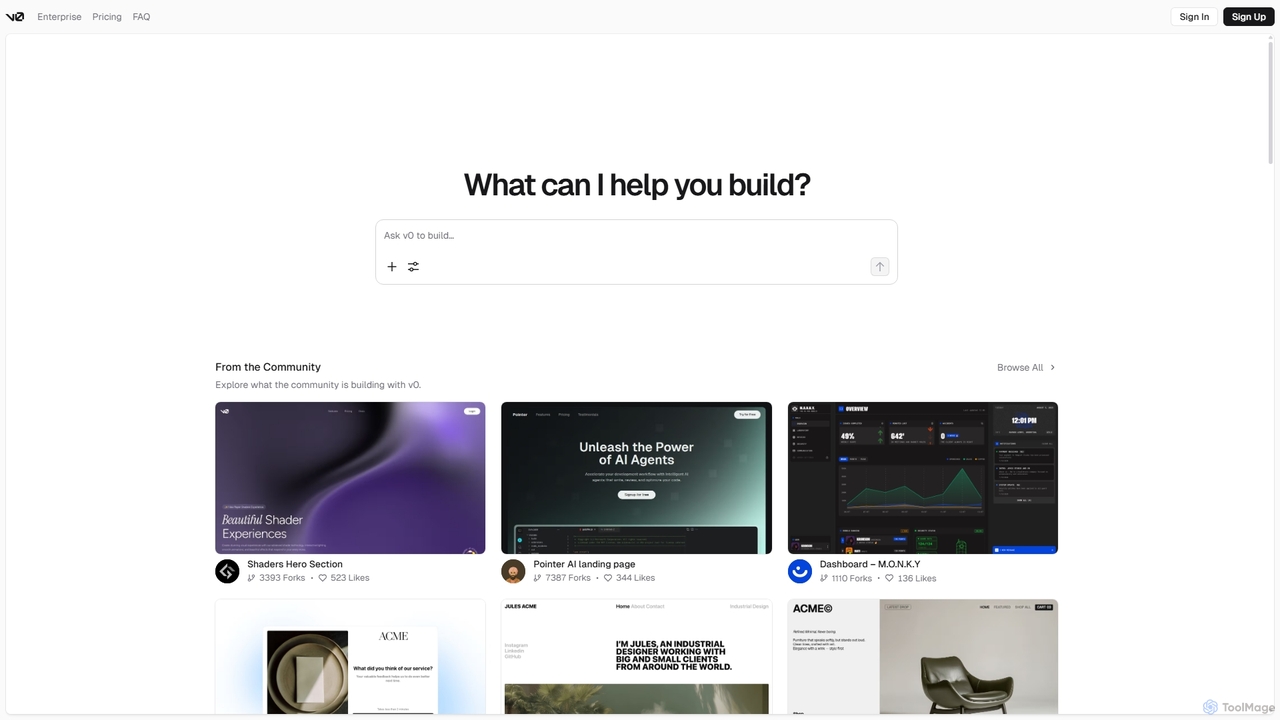
V0
V0 by Vercel is a generative AI platform that transforms text prompts, screenshots, and Figma designs into production-ready frontend code. It acts as an AI pair-programmer, enabling users to rapidly build and iterate on UI components and full-stack applications using React, Svelte, and Vue. With its chat-based interface, it accelerates the development workflow for engineers, designers, and product managers, allowing for seamless deployment to the Vercel platform.
Ui Ux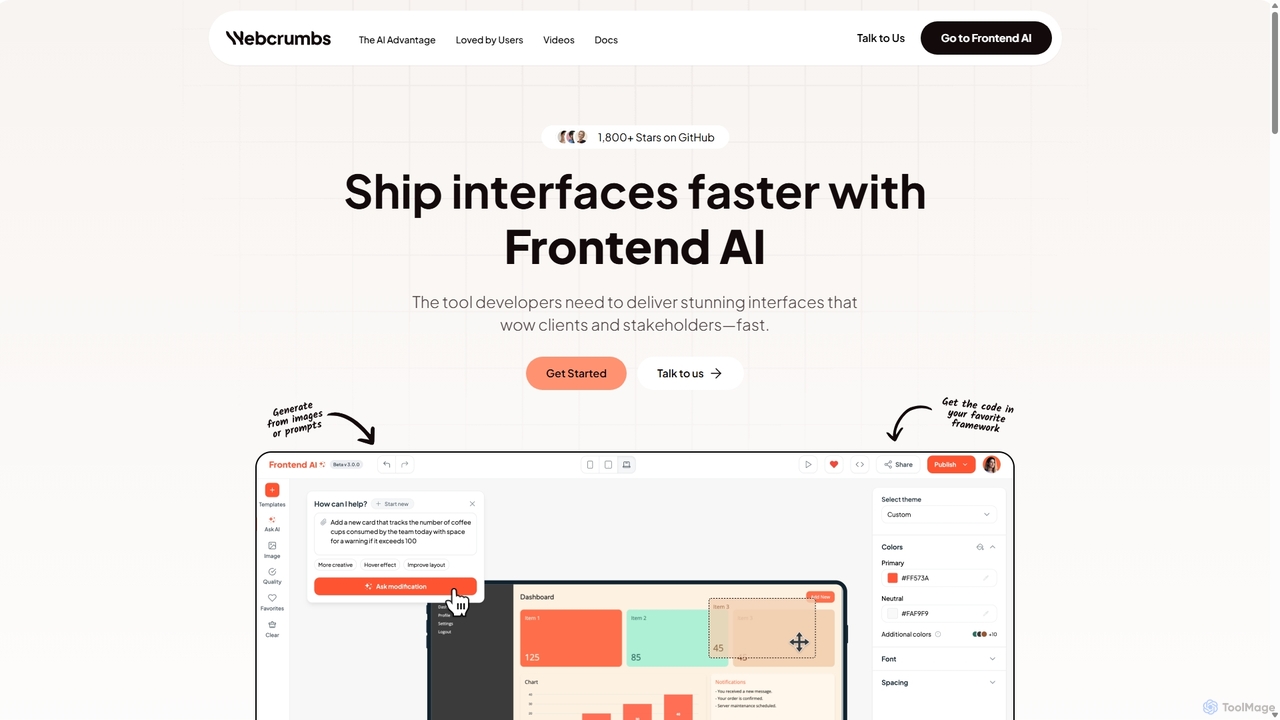
Webcrumbs
Webcrumbs is an AI-powered frontend development platform designed to accelerate UI creation. It combines a powerful prompt-to-code engine with a visual editor, enabling developers and designers to rapidly build, refine, and ship high-quality interface components. By translating natural language or images into clean, production-ready code, Webcrumbs streamlines the workflow, enhances collaboration, and ensures design consistency across projects.
Ui Ux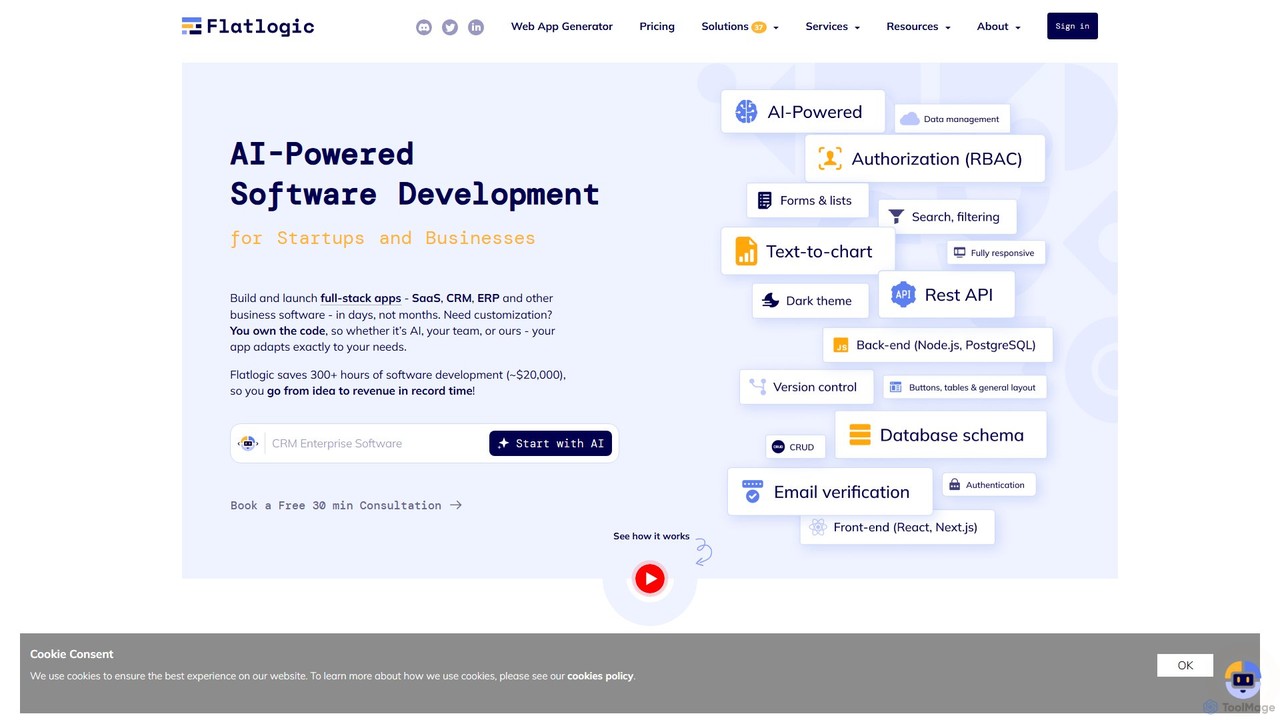
Flatlogic
Flatlogic is an AI-powered platform that accelerates web application development for startups and businesses. It generates full-stack applications (SaaS, CRM, ERP) with clean, production-ready code in days, not months. Users own the source code, ensuring full customization and avoiding vendor lock-in, while benefiting from one-click deployment and a modern tech stack.
Application Builder
Locofy.ai
Locofy.ai is an AI-powered platform that accelerates frontend development by converting designs from Figma, Adobe XD, and Penpot into high-quality, production-ready code. It supports a wide range of frameworks like React, React Native, Vue, and HTML/CSS, helping teams build UI 10x faster and significantly reducing the design-to-code workflow.
Design To Code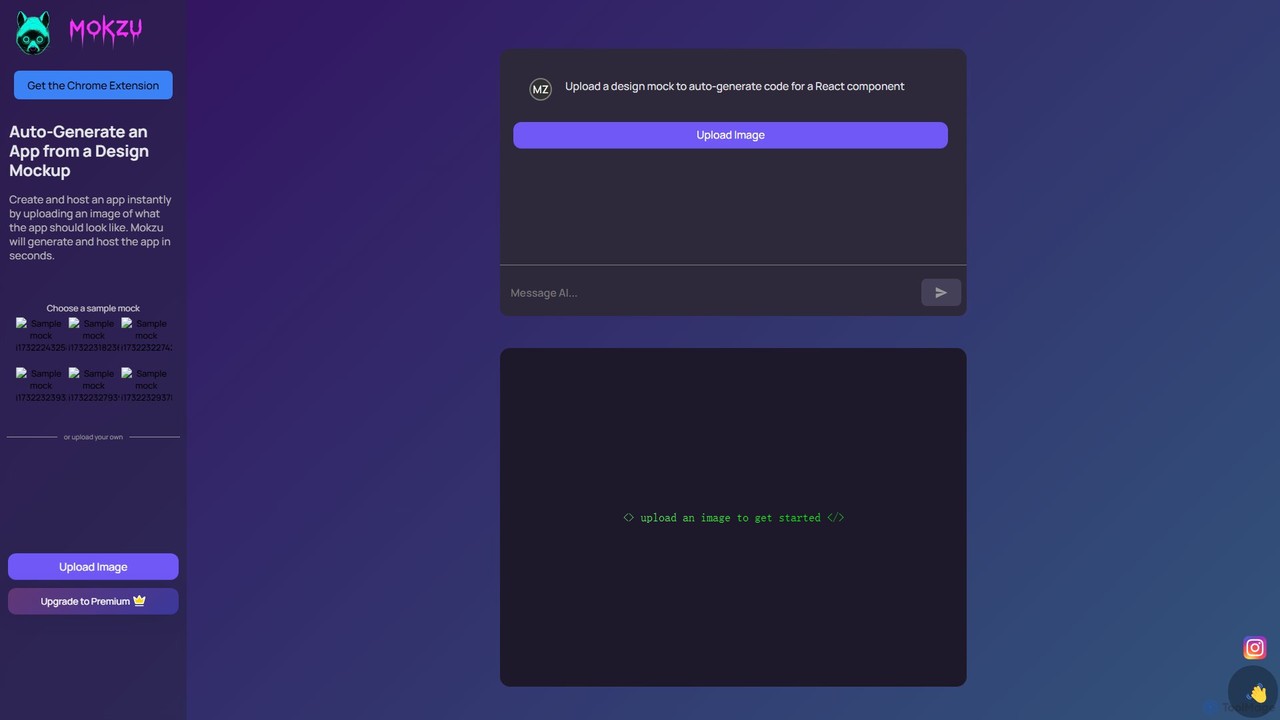
Mokzu
Mokzu is an AI-powered tool that instantly transforms design mockups into functional, production-ready web applications. By simply uploading an image of your UI design, Mokzu generates clean React component code and hosts the app in seconds. It's designed to accelerate the development workflow, bridge the gap between design and code, and enable rapid prototyping for developers, designers, and product teams.
Design To Codetrace. Categories
trace. Embed Widget
Copy this embed code to place the badge on your blog, article, or product site and send readers directly to this ToolMage detail page.

Related AI tools
XcodeChatGPT
XcodeChatGPT is a powerful AI-powered code assistant that integrates directly into Xcode. It supercharges Swift development by helping developers write, debug, refactor, and understand code faster. Generate code snippets, get explanations, and resolve errors without leaving your IDE.
Code Generation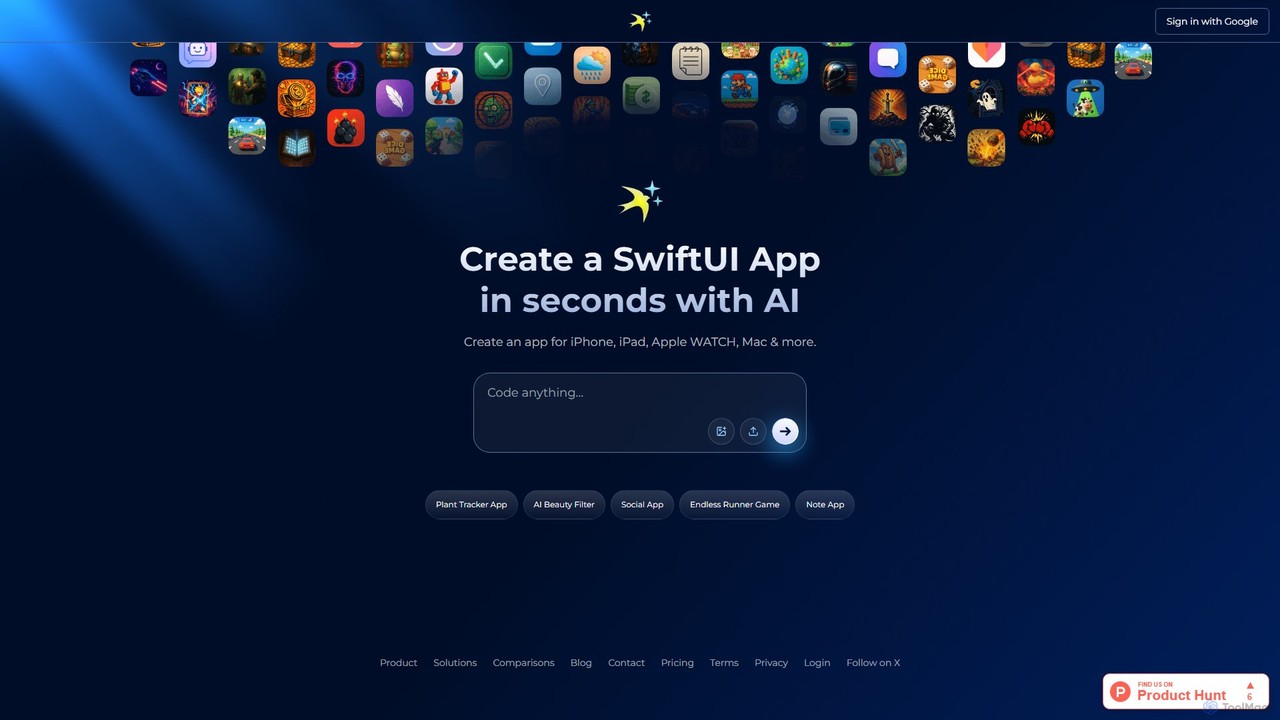
iswift
iSwift is an AI-powered development platform that transforms natural language app ideas into production-ready SwiftUI code. It accelerates the creation of native apps for iOS, iPadOS, macOS, and watchOS by generating clean, maintainable code and providing an interactive chat interface for real-time refinement.
Low Code No Code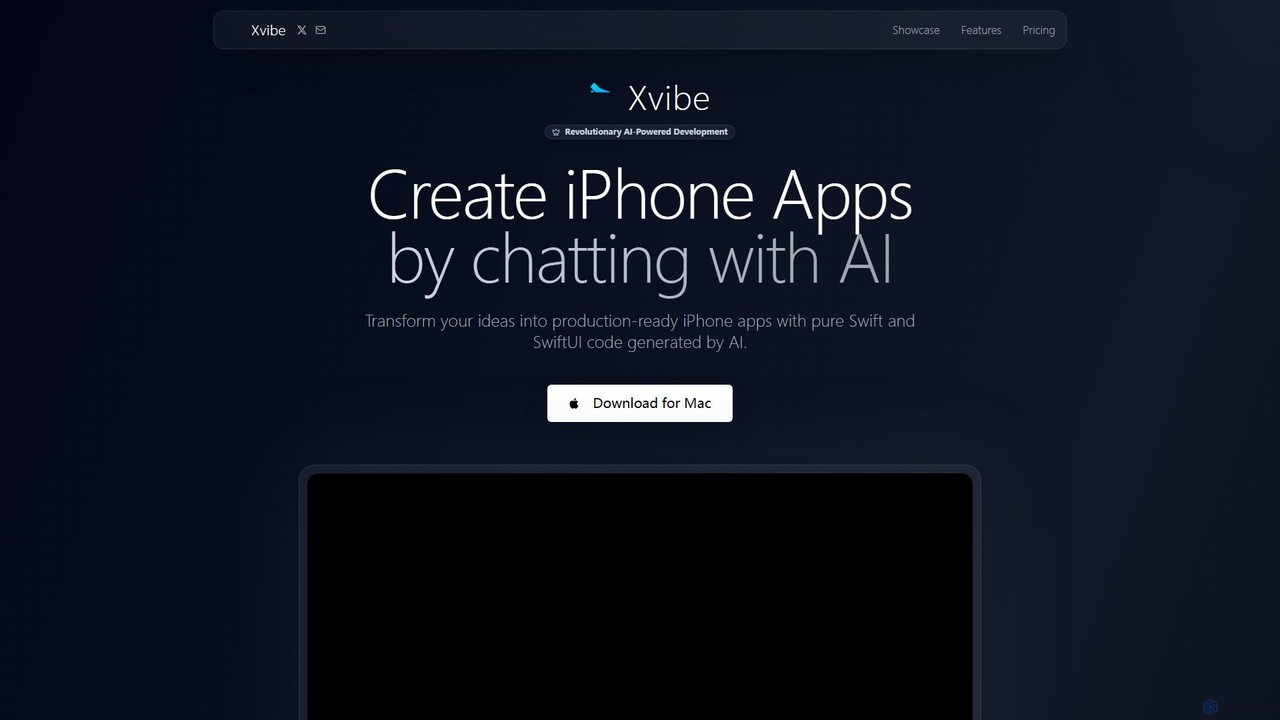
Xvibe
Xvibe is a revolutionary AI-powered development tool for macOS that transforms natural language prompts into production-ready native iOS applications. It generates pure Swift and SwiftUI code, enabling developers to build high-performance iPhone apps in minutes, complete with automated App Store metadata and global localization.
Code GenerationFlatlogic
Flatlogic is an AI-powered platform that accelerates web application development for startups and businesses. It generates full-stack applications (SaaS, CRM, ERP) with clean, production-ready code in days, not months. Users own the source code, ensuring full customization and avoiding vendor lock-in, while benefiting from one-click deployment and a modern tech stack.
Application Builder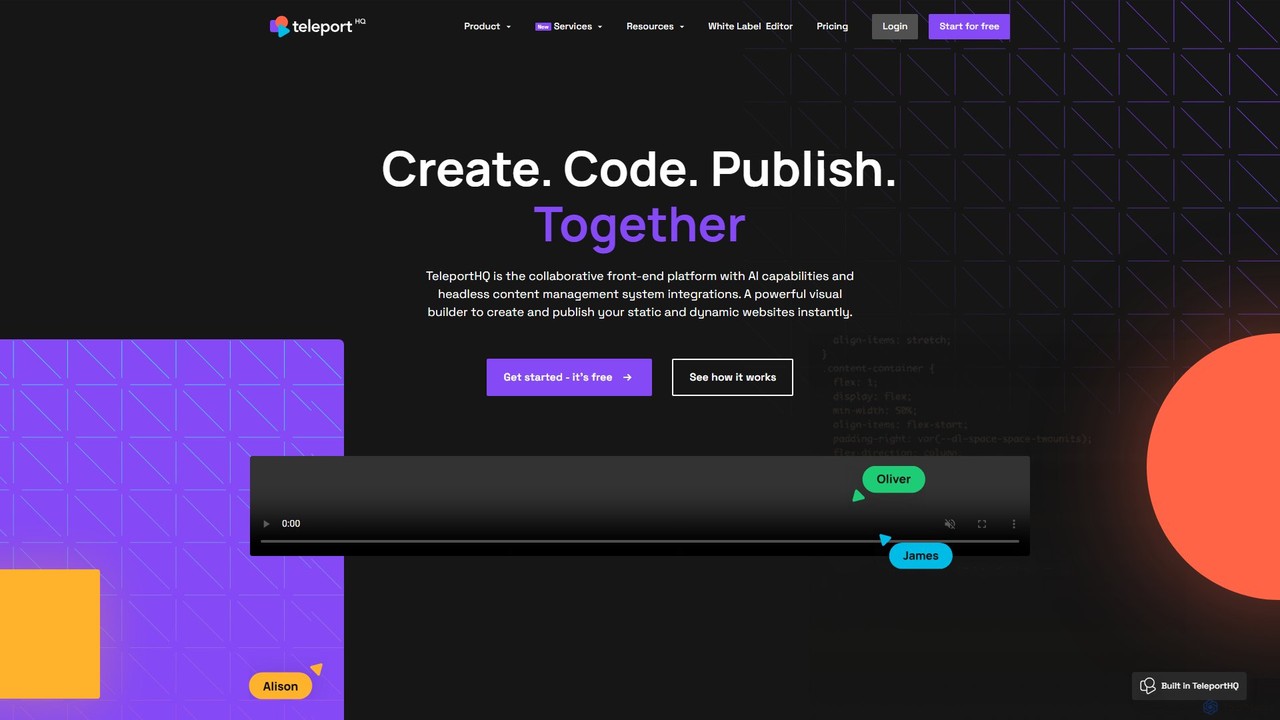
TeleportHQ
TeleportHQ is a collaborative low-code platform that streamlines front-end development. It features an AI website builder, Figma to code conversion, and real-time collaboration tools. Users can visually build responsive websites and UIs, generate clean code for multiple frameworks (React, Vue, etc.), and deploy seamlessly.
Ui Ux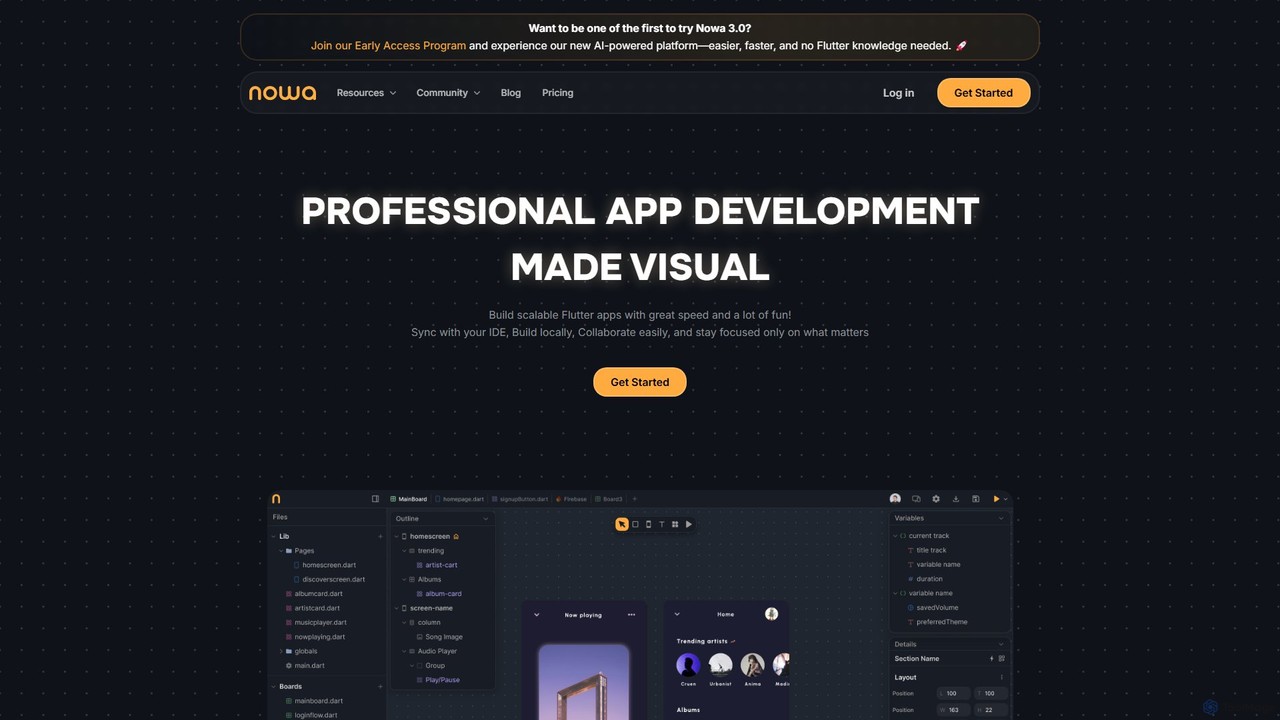
nowa
nowa is a visual, AI-powered Flutter app builder for professional development. It enables developers and designers to build scalable, high-quality applications with incredible speed, combining visual design, logic building, and seamless IDE integration without vendor lock-in.
Low Code No Code
Jyek
Jyek is an AI agent platform that understands objectives, creates execution plans, uses tools, and delivers verifiable results for complex, multi-step tasks.
Automation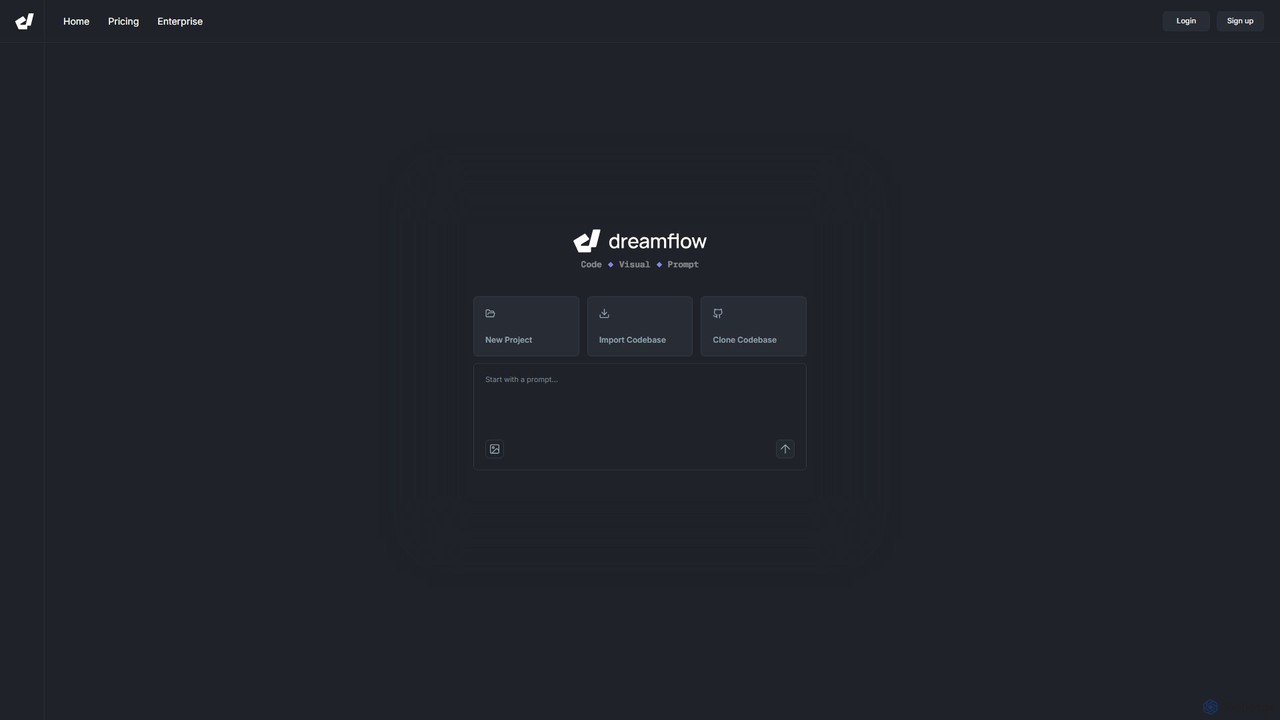
DreamFlow
DreamFlow is an AI-first development environment that transforms app creation. Build full-stack, production-ready mobile and desktop applications directly from text prompts. It combines a powerful AI agent, a visual UI editor, and a traditional code editor in a single, browser-based platform built on Flutter. Write, run, and deploy to iOS, Android, Web, and desktop seamlessly, accelerating your development workflow from idea to launch.
Mobile App Builder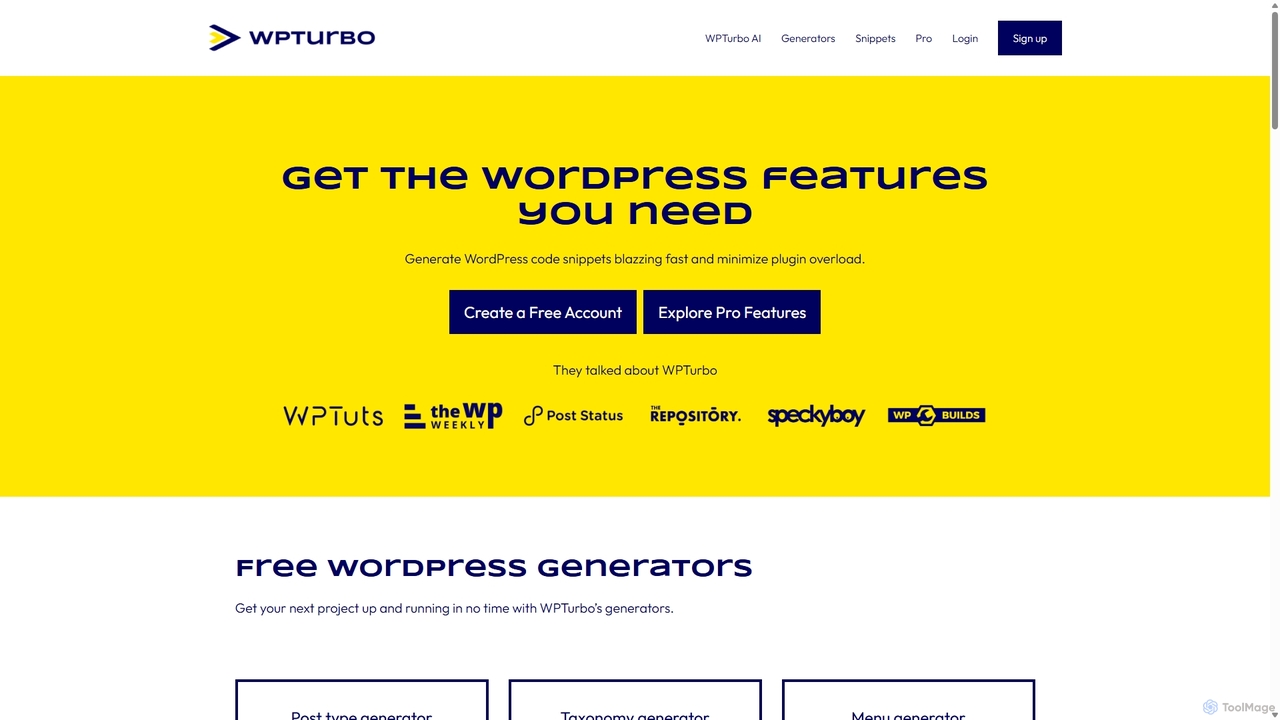
WPTurbo
WPTurbo is an AI-powered platform for WordPress developers that accelerates website development. It features over 40 free code generators, an AI assistant for custom snippets, a snippets library, and project management tools to create clean, efficient code for themes and plugins, minimizing plugin overload.
Code Generation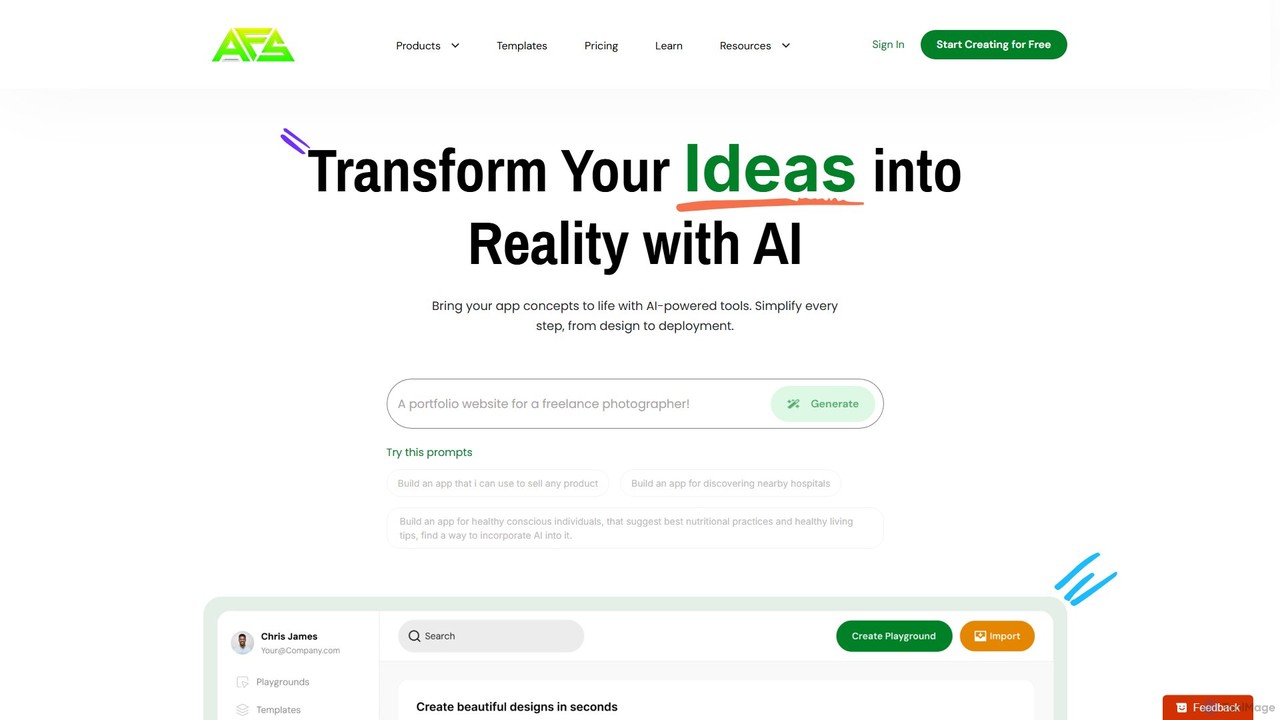
AppForceStudio
AppForceStudio is a next-generation, AI-powered platform that transforms your app ideas into reality. It simplifies the entire app creation process, from design and storyboarding to code generation and deployment. Ideal for solo founders, small businesses, and development teams, it enables users to build professional, market-ready iOS and Android apps with or without coding experience.
Ui Ux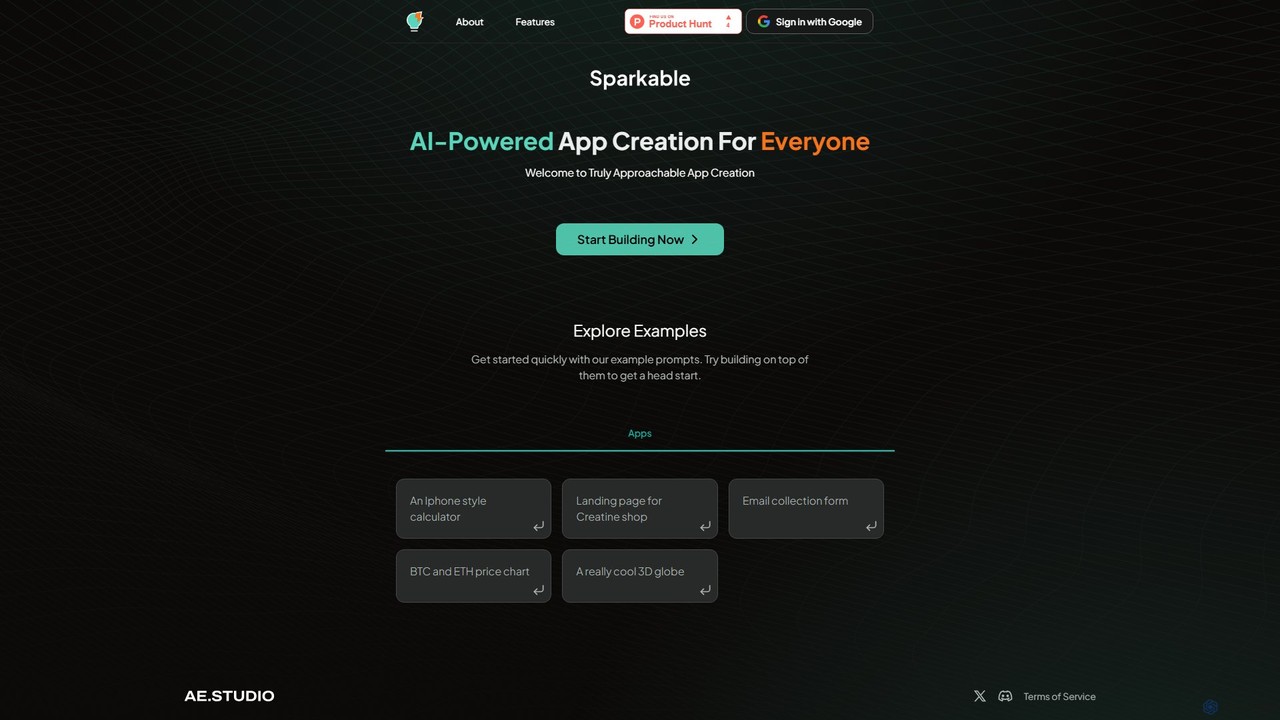
Sparkable
An AI-powered platform that enables anyone to create web applications and components using simple text prompts. It translates natural language descriptions into functional code, making app development accessible, fast, and intuitive for both beginners and developers.
Low Code No Code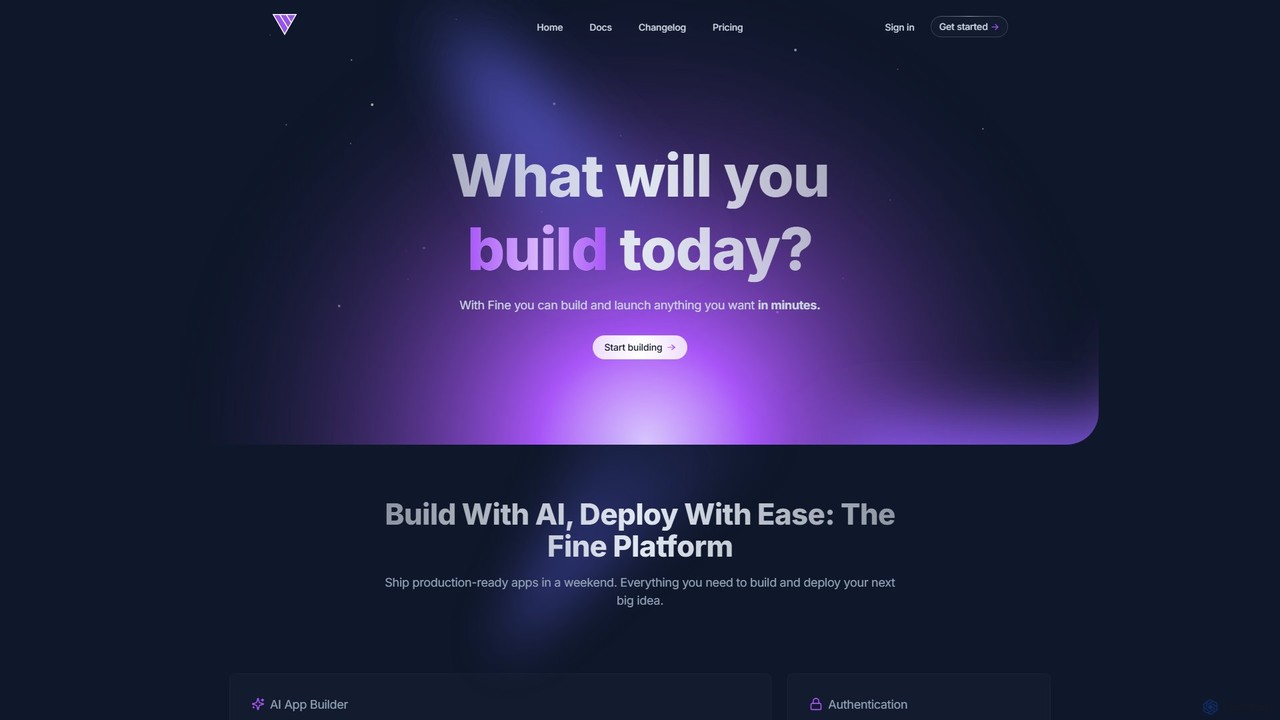
Fine
Fine is an AI-powered software development platform that enables anyone to build and deploy full-stack web applications using natural language. It leverages autonomous AI agents to handle everything from frontend UI to backend logic, database, and deployment, turning ideas into production-ready apps in minutes.
Ai Agent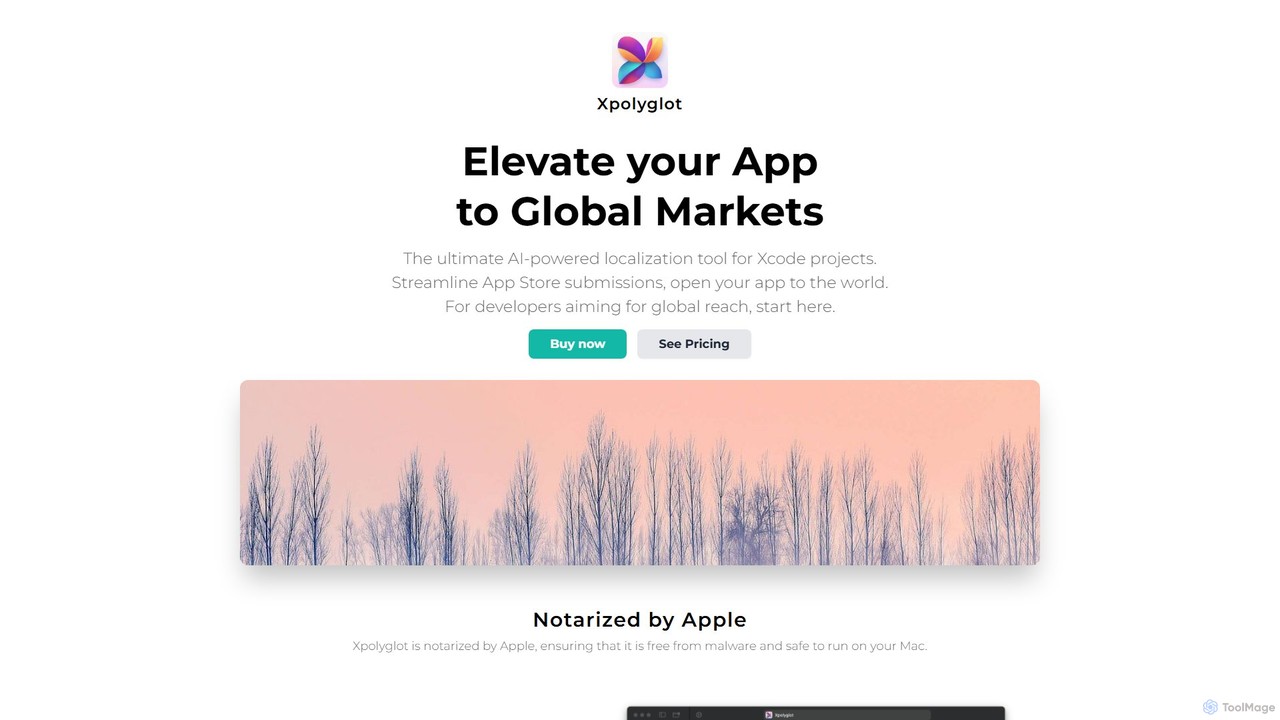
xpolyglot
xpolyglot is an AI-powered localization tool for macOS, designed for developers using Xcode. It streamlines the translation of app strings, App Store metadata, and update notes into multiple languages. By integrating with the OpenAI API, it offers a cost-effective and efficient alternative to traditional translation services, helping developers reach global markets faster.
Localization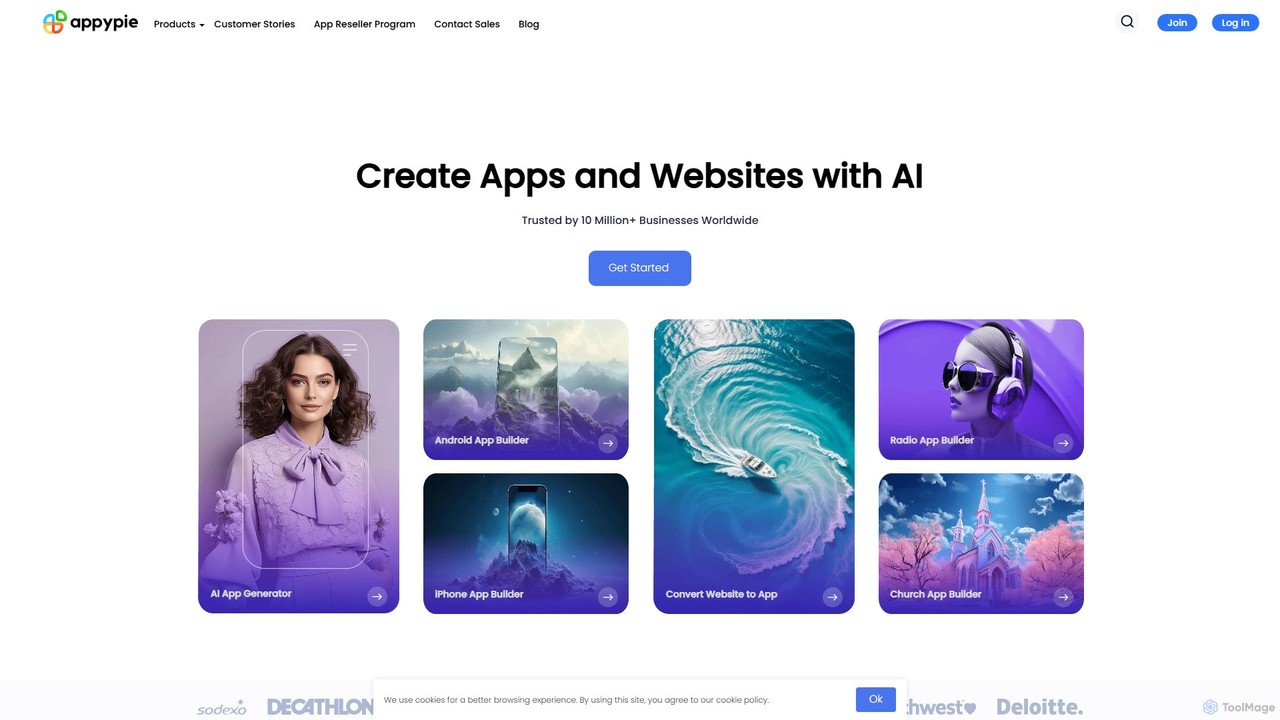
Appy Pie
Appy Pie is a leading AI-powered no-code development platform that enables users to create mobile apps, websites, and other digital solutions without any coding. Simply describe your idea, and the AI generator will build a functional foundation for you to customize and launch quickly.
App Builder
AI Localizer
AI Localizer by Wide Angle Software is an AI-powered application designed for iOS and macOS developers to automatically translate their apps into over 37 languages. It streamlines the localization process, enabling developers to reach a global audience with just a few clicks, saving significant time and resources compared to manual translation.
Language Translation
trace. Comments (0)
Sign in to comment.
Sign inNo comments yet.