ToolMage
Sign in

Best 2 Application Builder AI tools for Business

Popular Application Builder AI tools in Business include Flatlogic and TableSprint, helping you work more efficiently.

Flatlogic
Freemium

Flatlogic

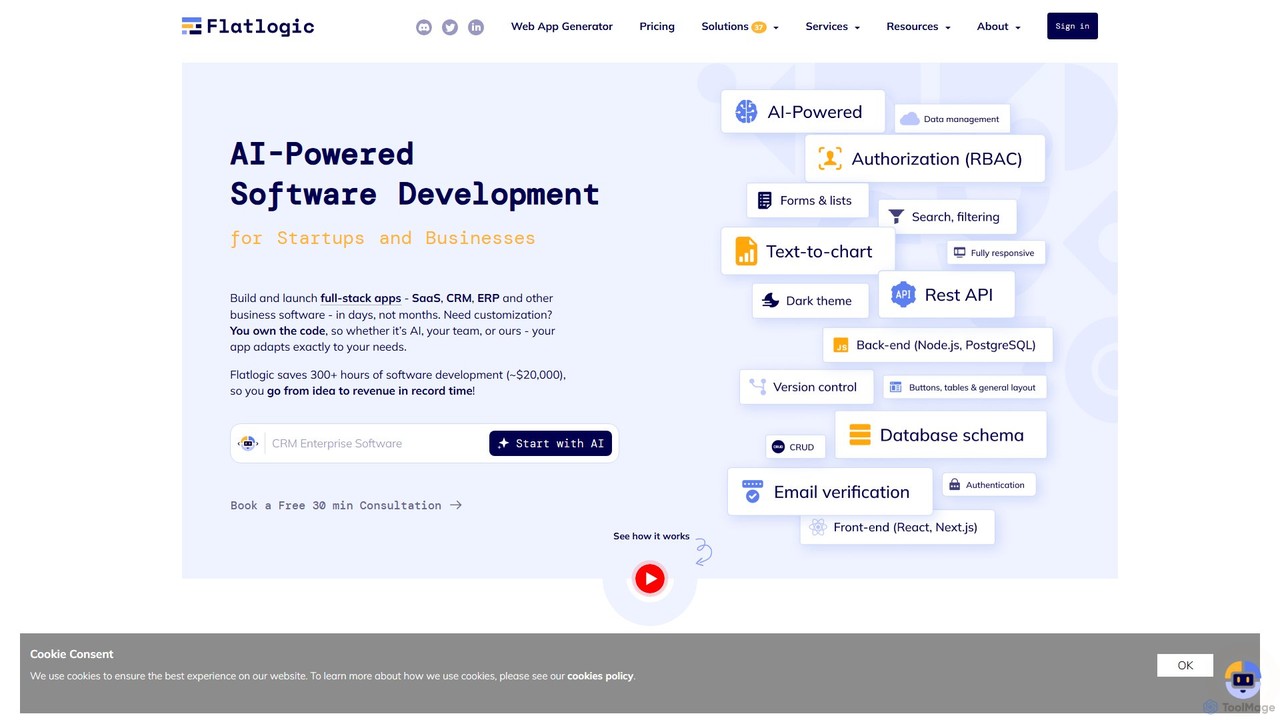
Flatlogic is an AI-powered platform that accelerates web application development for startups and businesses. It generates full-stack applications (SaaS, CRM, ERP) with clean, production-ready code in days, not months. Users own the source code, ensuring full customization and avoiding vendor lock-in, while benefiting from one-click deployment and a modern tech stack.

Application Builder
Visits 58.7KFavorites 128Likes 123
TableSprint
Freemium

TableSprint

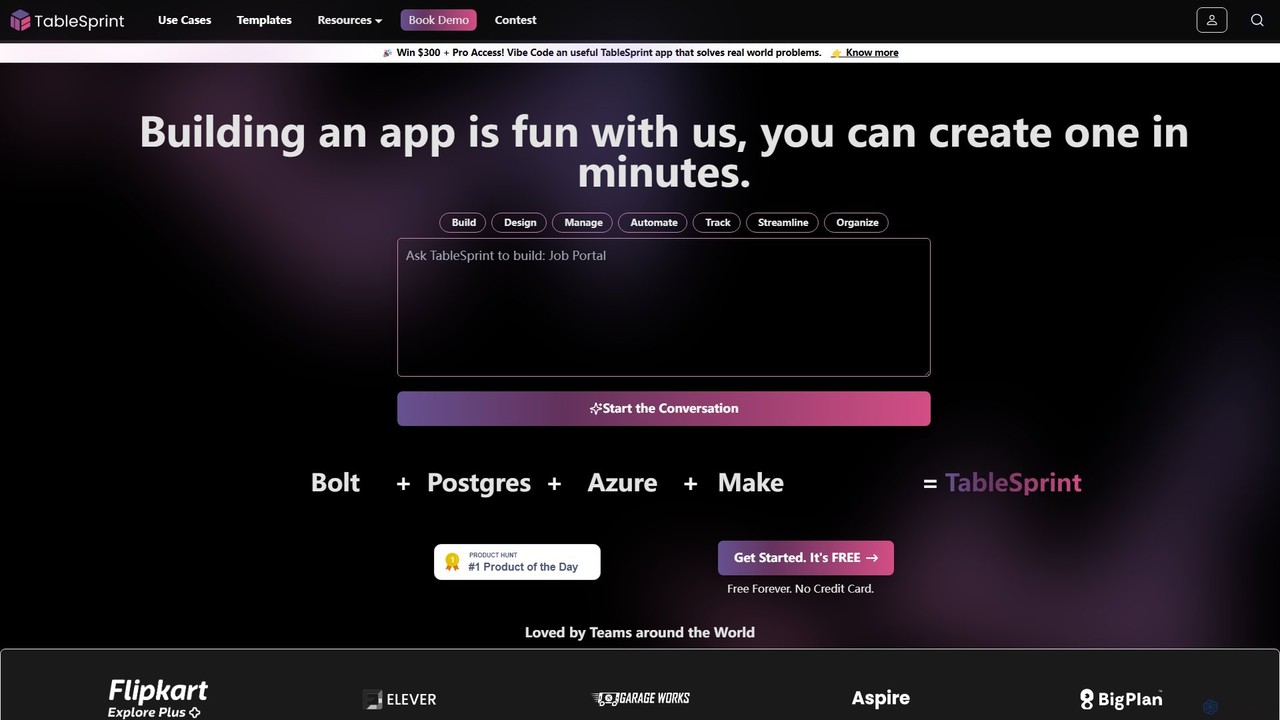
TableSprint is an AI-powered, no-code platform that enables businesses to build custom enterprise applications in minutes. With an intuitive Excel-like interface, users can create, manage, and automate workflows for tasks like project management, lead generation, and HR onboarding. It offers an all-in-one solution with a built-in database, AI assistance, and powerful integrations, eliminating the need for complex, multi-tool setups and empowering teams to build scalable solutions without technical expertise.

Application Builder
Visits 23.4KFavorites 140Likes 162

About Application Builder

AI Application Builders are platforms that empower users to create functional software applications using artificial intelligence, often with minimal to no coding. These tools utilize visual drag-and-drop interfaces and AI-powered logic to generate code, design user interfaces, and structure databases from simple text prompts or predefined templates. Their primary value lies in democratizing software development, enabling business professionals and entrepreneurs to build custom tools, automate workflows, and launch Minimum Viable Products (MVPs) rapidly. This accelerates innovation and significantly reduces the time and cost associated with traditional development cycles.

Core Features

  • Visual Development Interface: Build application UIs and logic using intuitive drag-and-drop components instead of writing code.
  • AI-Powered Code Generation: Describe functionality in natural language, and the AI generates the corresponding code for backend logic or UI elements.
  • Pre-built Templates & Components: Start with ready-to-use templates for common applications like CRMs, dashboards, and internal tools to speed up development.
  • Automated Database & API Integration: AI assists in setting up databases and seamlessly connecting the application to third-party services and APIs.
  • One-Click Deployment: Simplify the process of launching and hosting the application on cloud infrastructure with automated deployment features.

Use Cases

These tools are ideal for business environments. For instance, a marketing team can build a custom campaign management dashboard, or an HR department can create an automated employee onboarding application. Startups frequently use them to quickly develop and test an MVP before committing to a full-scale engineering team.

How to Choose

When selecting an AI Application Builder, consider the platform's learning curve and whether it's no-code (for non-technical users) or low-code (for developers wanting more control). Evaluate its integration capabilities with your existing software stack. Also, assess its scalability for future growth and review the pricing model to ensure it aligns with your budget and usage needs.

Featured tool rankings

Application Builder use cases

1

Build a Custom Internal CRM

A sales manager, without any coding knowledge, uses an AI application builder to create a simple Customer Relationship Management (CRM) system. By using a drag-and-drop interface and describing logic in plain English (e.g., 'when a lead status changes to 'Contacted', send a follow-up email in 3 days'), the manager builds a tool perfectly tailored to the team's sales process. This custom CRM helps track leads, manage customer interactions, and automate follow-ups, increasing team efficiency by an estimated 30% compared to using generic spreadsheets.

2

Develop a Minimum Viable Product (MVP)

A startup founder wants to test a new business idea without investing heavily in a development team. They use an AI application builder to assemble a functional MVP in a matter of days. The platform's AI helps generate the database schema based on the app's purpose and creates basic user authentication flows. This allows the founder to launch quickly, gather real user feedback, and demonstrate a working prototype to potential investors, significantly de-risking the venture and accelerating the path to funding.

3

Automate a Departmental Workflow

An HR specialist needs to streamline the employee onboarding process. Using a no-code AI application builder, they create an app that automates the entire workflow. New hires can fill out forms, upload documents, and complete training modules within the app. The application automatically assigns tasks to IT for equipment setup and to managers for orientation scheduling. This replaces a manual, email-based process, reducing administrative errors and saving the HR department dozens of hours per month.

4

Create a Customer-Facing Portal

A small consulting firm wants to provide clients with a secure portal to track project progress. Instead of hiring a development agency, they use an AI application builder. They create a portal where clients can log in, view project timelines, access shared documents, and communicate with the project team. The AI helps set up user roles and permissions to ensure data security. This professional portal improves client communication and satisfaction, giving the small firm a competitive edge without a large upfront investment.

5

Prototype an Interactive Mobile App

A product designer needs to create a high-fidelity, interactive prototype for a new mobile app. They use an AI application builder to quickly translate their static wireframes into a clickable prototype. The AI assists by suggesting common UI patterns and automatically linking screens based on the design flow. This allows the designer to test user journeys, gather feedback on usability, and present a realistic app experience to stakeholders, all within hours instead of weeks, streamlining the design validation process.

6

Build a Central Data Dashboard

A marketing operations manager needs a unified view of campaign performance from various sources like Google Analytics, Facebook Ads, and a CRM. Using a low-code AI application builder, they create a custom dashboard. The tool's AI helps generate API queries to pull data from these different platforms. The manager then uses visual tools to create charts and tables that update in real-time. This central dashboard eliminates the need to manually compile reports, saving hours each week and providing instant, actionable insights for campaign optimization.

Application Builder FAQ

What is an AI Application Builder?

An AI Application Builder is a software platform that allows users to create applications with the help of artificial intelligence, often through a no-code or low-code visual interface. Instead of writing code from scratch, users can describe what they want to build in natural language or use drag-and-drop components. The AI then assists in generating code, designing the user interface, setting up databases, and integrating with other services. This significantly speeds up the development process and makes it accessible to individuals without a technical background, often referred to as 'citizen developers'.

How to choose the right AI Application Builder?

Choosing the right tool depends on your specific needs. Consider these factors:

  • Technical Skill Level: Are you a non-technical user or a developer? No-code platforms are best for business users, while low-code platforms offer more customization for those who can code.
  • Application Complexity: Determine the complexity of your project. Some builders are great for simple internal tools, while others can handle complex customer-facing applications with intricate logic.
  • Integration Needs: List the other software (like Salesforce, Slack, or Google Sheets) you need to connect with. Ensure the builder has robust, easy-to-configure integrations.
  • Scalability and Performance: Consider your future growth. Choose a platform that can handle an increasing number of users and data without performance issues.
  • Pricing Model: Compare pricing structures. Some charge per user, per app, or based on resource usage. Select one that aligns with your budget and expected scale.
What's the difference between a no-code and a low-code Application Builder?

The main difference lies in the target user and the degree of customization allowed. No-code builders are designed for non-technical users, such as business analysts or department managers. They use a purely visual, drag-and-drop interface where all logic is configured through pre-built blocks and settings. Low-code builders are aimed at developers or technically proficient users. While they also offer visual development tools to speed up the process, they provide an 'escape hatch' to write custom code (like JavaScript or SQL) for more complex logic, custom integrations, or specific UI components. In short, no-code prioritizes speed and accessibility, while low-code offers a balance between speed and flexibility.

Who can benefit from using an AI Application Builder?

A wide range of users can benefit from these tools. Key groups include:

  • Business Professionals ('Citizen Developers'): Employees in departments like marketing, HR, or finance who can build tools to solve their own operational problems without waiting for IT.
  • Startup Founders: Entrepreneurs who need to quickly build and launch an MVP to validate their business idea and attract investors.
  • Product Managers: Individuals who can create interactive prototypes and functional proofs-of-concept to test with users and communicate vision to development teams.
  • IT Departments & Developers: Professional developers can use low-code platforms to accelerate development, handle repetitive tasks, and focus on more complex, high-value coding challenges.
Can I build complex, scalable applications with these tools?

Yes, but it depends on the platform. Early application builders were often limited to simple prototypes or internal tools. However, modern enterprise-grade AI application builders are designed for scalability and complexity. They can be used to build sophisticated, mission-critical business applications that handle large volumes of data and high user traffic. When evaluating a tool for a complex project, look for features like robust security controls, performance monitoring, version control, and the ability to deploy to enterprise-grade cloud infrastructure. For very high-performance or specialized needs, a combination of a low-code platform and custom code is often the most effective approach.