

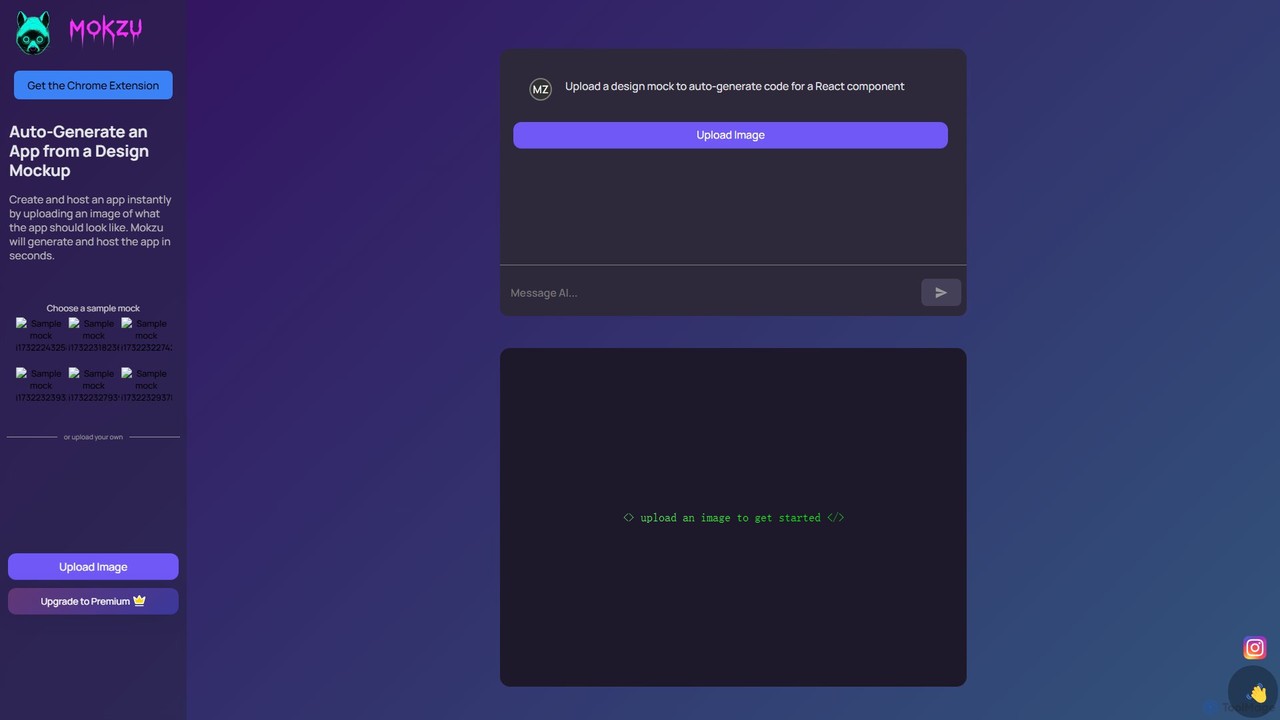
Mokzu Overview
Mokzu is a revolutionary AI-driven platform designed to streamline the web development process by converting visual designs directly into functional code. It empowers developers, designers, and product managers to turn static mockups, wireframes, or even hand-drawn sketches into live, interactive web applications in a matter of seconds. By automating the often tedious and time-consuming task of front-end coding from a design, Mokzu significantly accelerates prototyping, development, and the overall time-to-market for new digital products.
The core technology behind Mokzu uses advanced computer vision and machine learning models to analyze an uploaded image. It intelligently identifies various UI elements such as buttons, input fields, text blocks, images, and containers. It then interprets the layout, styling, and relationships between these elements to generate clean, modular, and production-quality React code. This not only ensures a high-fidelity translation of the design but also provides a solid, maintainable codebase for developers to build upon.
How to use Mokzu
Using Mokzu is designed to be an intuitive and straightforward process, requiring just a few simple steps to bring your designs to life:
- Prepare Your Design: Start with a visual representation of your application. This can be a high-fidelity mockup from design tools like Figma, Sketch, or Adobe XD, a simple wireframe, or even a clear photograph of a hand-drawn sketch.
- Upload the Image: Navigate to the Mokzu website or use the Chrome Extension. Upload your design image file (e.g., PNG, JPG) using the simple drag-and-drop interface.
- AI-Powered Generation: Once uploaded, Mokzu's AI engine immediately gets to work. It analyzes the image, deconstructs the UI into components, and writes the corresponding React code (JSX and CSS).
- Instant Preview and Hosting: Within seconds, Mokzu generates the application and provides a live, hosted preview link. You can interact with your new app immediately to test its functionality and appearance.
- Export and Integrate: Review the generated code. You can then export the complete React component code and integrate it into your existing development projects, saving countless hours of manual coding.
Core Features of Mokzu
- AI-Powered Image-to-Code Conversion: The primary feature that intelligently translates any visual design mockup into code.
- High-Quality React Code: Generates clean, readable, and component-based React code, following modern development best practices.
- Instant Hosting and Deployment: Automatically hosts the generated application, providing a shareable URL for instant demos and feedback.
- Component Recognition: Accurately identifies standard UI elements like forms, buttons, navigation bars, and cards.
- Chrome Extension: Offers a seamless workflow by allowing users to capture designs or elements directly from their browser.
- Code Export: Allows users to download the generated source code for full control and further development.
Use Cases for Mokzu
Mokzu is a versatile tool suitable for a wide range of applications:
- Rapid Prototyping: Quickly create interactive prototypes from static designs to validate ideas with users and stakeholders.
- Accelerating Frontend Development: Developers can use Mokzu to generate the initial UI boilerplate, freeing them up to focus on business logic and complex functionality.
- Improving Design-to-Dev Handoff: Designers can provide developers with a functional starting point instead of just static images, ensuring the final product is true to the original vision.
- Building Minimum Viable Products (MVPs): Entrepreneurs and startups can rapidly build and launch simple web applications to test market viability.
- Learning and Education: Aspiring developers can use Mokzu to see how visual designs are translated into professional React code, accelerating their learning process.
Advantages of Mokzu
Mokzu offers significant advantages over traditional development workflows:
- Unprecedented Speed: Reduces the UI development timeline from days or hours to mere seconds.
- Increased Efficiency: Automates the repetitive task of writing boilerplate UI code, allowing teams to focus on higher-value work.
- Enhanced Collaboration: Bridges the communication gap between designers and developers with a tangible, interactive output.
- Cost-Effective: Reduces development hours and costs, especially in the early stages of a project.
- Lower Barrier to Entry: Enables individuals with limited coding skills to create functional web application prototypes.
Pricing and Plans
Mokzu operates on a freemium model, making it accessible to everyone while offering advanced capabilities for professional users.
- Free Plan: Ideal for individuals, students, and small projects. This plan typically includes a limited number of image uploads per month, access to basic code generation features, and standard hosting with Mokzu branding.
- Premium Plan: Designed for professional developers, freelancers, and teams. This plan offers unlimited uploads, access to all advanced features, priority support, removal of Mokzu branding, and potentially more advanced code export options.
For specific pricing details, users are encouraged to visit the official Mokzu website.
Traffic
Latest traffic
Status
Monthly traffic trend
- 2025-9: 362
- 2026-1: 830
- 2026-2: 1.9K
- 2026-3: 1.1K
- 2026-4: 32.4K
- 2026-5: 16.7K
Geography
Top 5 countries / regions
- 🇺🇸United States88.8%
- 🇮🇳India11.2%
Traffic sources
| Source type | Percentage |
|---|---|
Referral | 49.3% |
Direct | 42.8% |
Email | 8.0% |
Top keywords
| Keyword | Cost per click |
|---|---|
| ai photo to video | $0.72 |
| domoai | $1.77 |
| free video generator | $0.89 |
| image to animation video | $0.00 |
| image to video ai | $0.38 |
Mokzu Alternatives

Locofy.ai
Locofy.ai is an AI-powered platform that accelerates frontend development by converting designs from Figma, Adobe XD, and Penpot into high-quality, production-ready code. It supports a wide range of frameworks like React, React Native, Vue, and HTML/CSS, helping teams build UI 10x faster and significantly reducing the design-to-code workflow.
Design To Code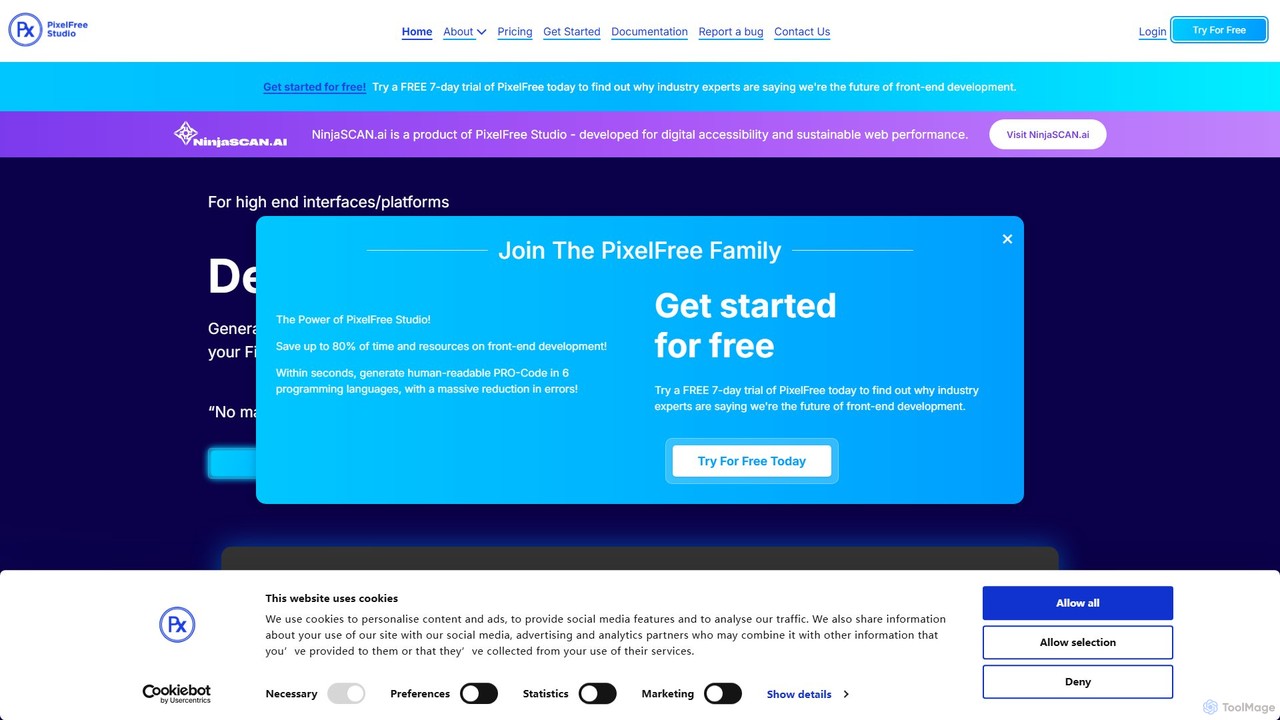
PixelFree Studio
PixelFree Studio is a low-code application builder that transforms UI designs into clean, production-ready code. It specializes in importing Figma designs and exporting them to multiple frameworks like React, Vue, Angular, and C#, streamlining the design-to-development workflow and accelerating app creation.
Design To Code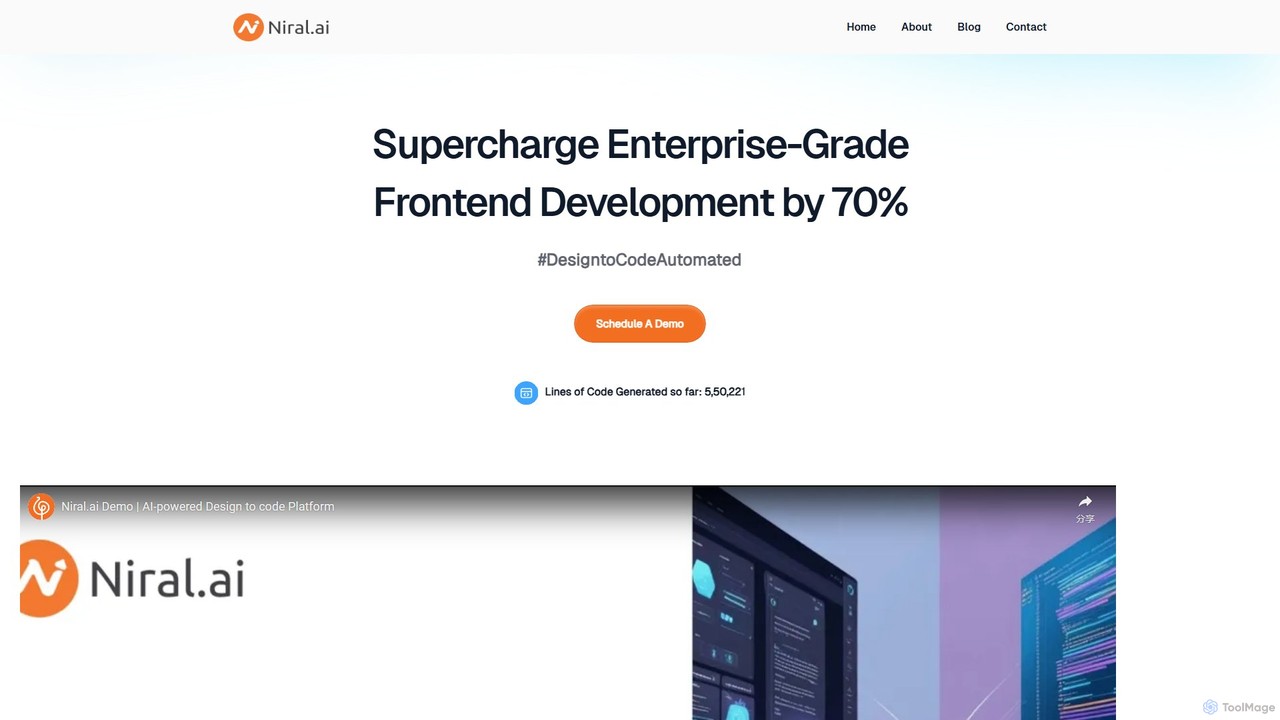
Niral.ai
Niral.ai is an AI-powered platform that converts Figma designs into high-quality, production-ready front-end code. It streamlines the design-to-development workflow, enabling teams to build user interfaces faster with full code ownership and Git integration.
Design To Code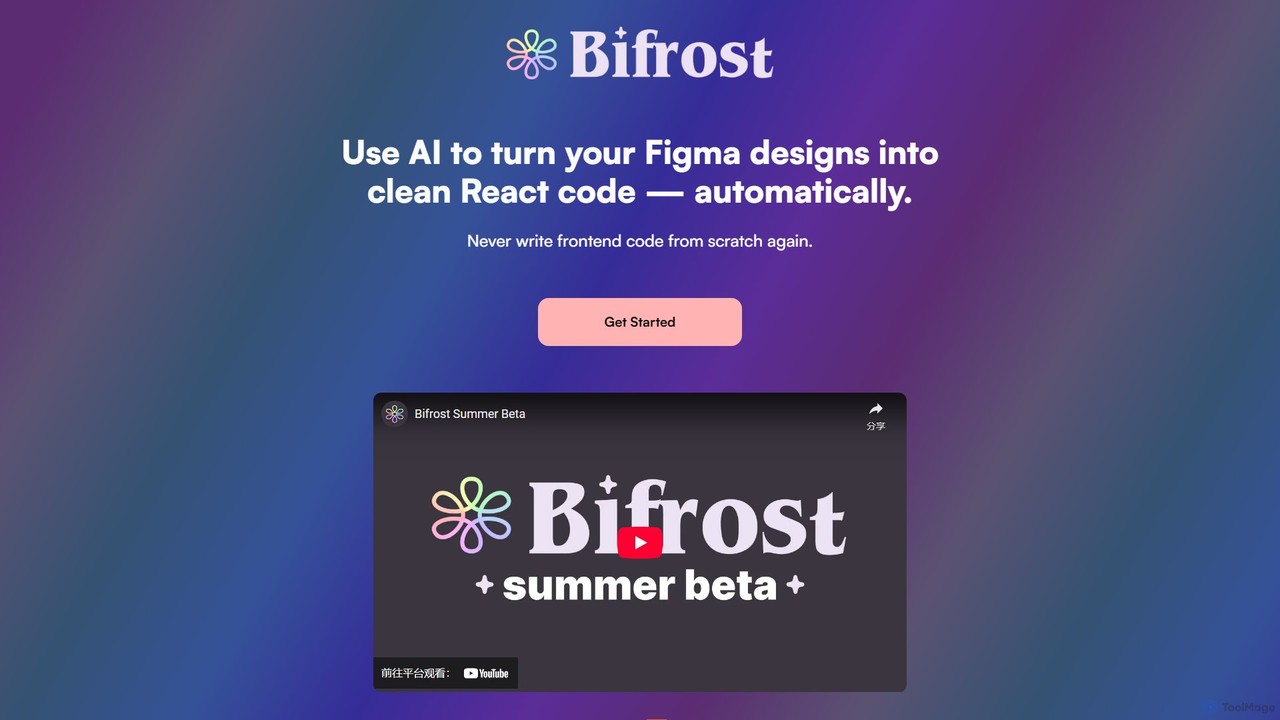
Bifrost
Bifrost is an AI-powered tool that automatically converts Figma designs into clean, production-ready React code. It streamlines the design-to-development workflow, saving significant engineering time and empowering teams to build and iterate on UIs faster than ever before.
Design To Code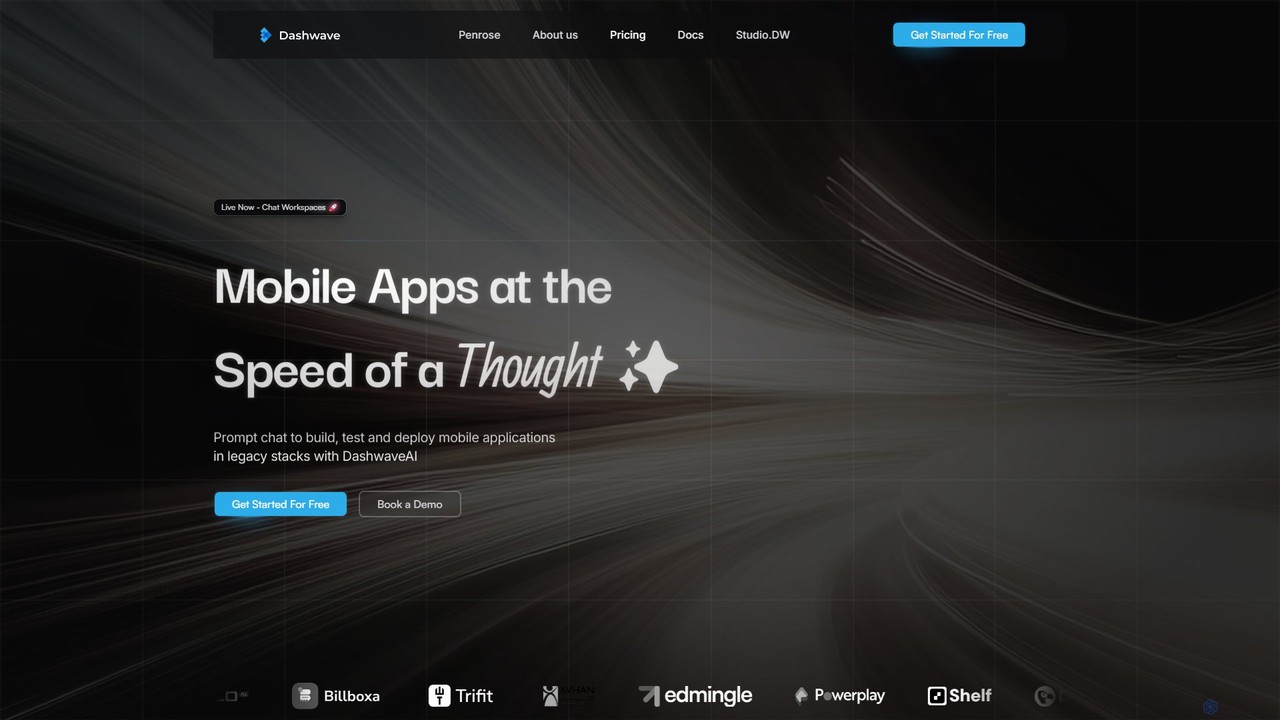
Dashwave
Dashwave is an AI-powered platform that accelerates mobile app development. It enables users to build, test, and deploy applications for iOS and Android using natural language prompts. Supporting frameworks like Kotlin, React Native, and Flutter, it transforms ideas and Figma designs into production-ready code, streamlining the entire development lifecycle for developers, designers, and founders.
Design To CodeMokzu Categories
Mokzu Embed Widget
Copy this embed code to place the badge on your blog, article, or product site and send readers directly to this ToolMage detail page.

Related AI tools
Anima
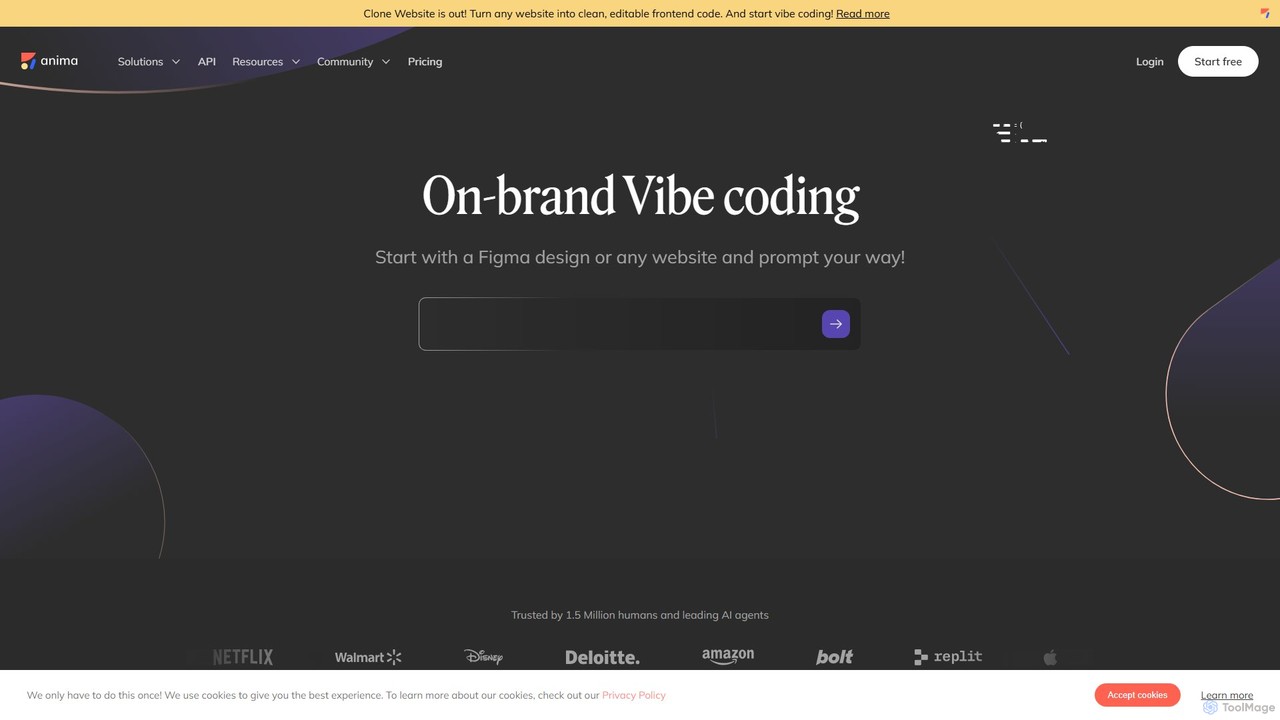
Anima is an AI-powered design-to-code platform that automates frontend development. It transforms designs from Figma, Adobe XD, and Sketch into clean, production-ready React, Vue, and HTML code. Featuring AI-driven iteration and website cloning, it empowers designers, developers, and founders to build and launch web applications and prototypes up to 10x faster.
Design To CodeLocofy.ai
Locofy.ai is an AI-powered platform that accelerates frontend development by converting designs from Figma, Adobe XD, and Penpot into high-quality, production-ready code. It supports a wide range of frameworks like React, React Native, Vue, and HTML/CSS, helping teams build UI 10x faster and significantly reducing the design-to-code workflow.
Design To CodePixelFree Studio
PixelFree Studio is a low-code application builder that transforms UI designs into clean, production-ready code. It specializes in importing Figma designs and exporting them to multiple frameworks like React, Vue, Angular, and C#, streamlining the design-to-development workflow and accelerating app creation.
Design To CodeNiral.ai
Niral.ai is an AI-powered platform that converts Figma designs into high-quality, production-ready front-end code. It streamlines the design-to-development workflow, enabling teams to build user interfaces faster with full code ownership and Git integration.
Design To Code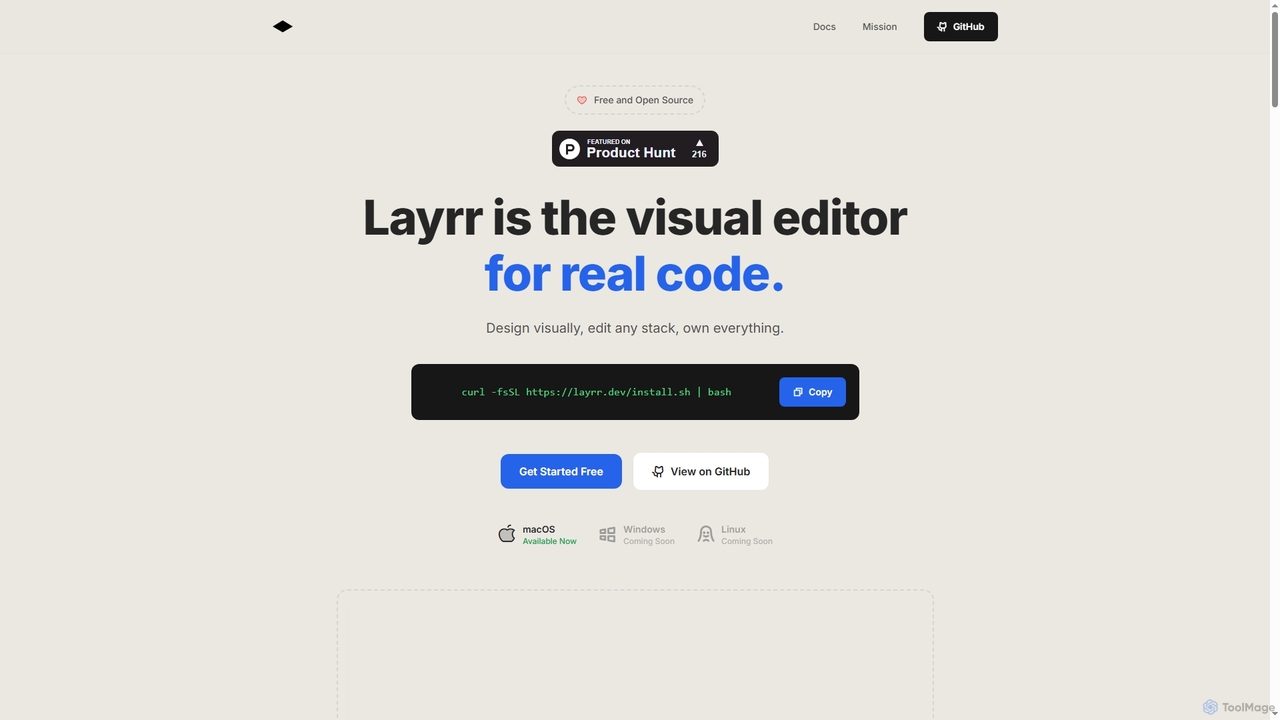
Layrr
Layrr is a free and open-source visual editor that allows developers and designers to create and edit real code directly. It combines the intuitive drag-and-drop interface of design tools like Figma with the flexibility and ownership of traditional coding, supporting any tech stack and leveraging AI for design-to-code conversion and natural language interface generation.
Code Generation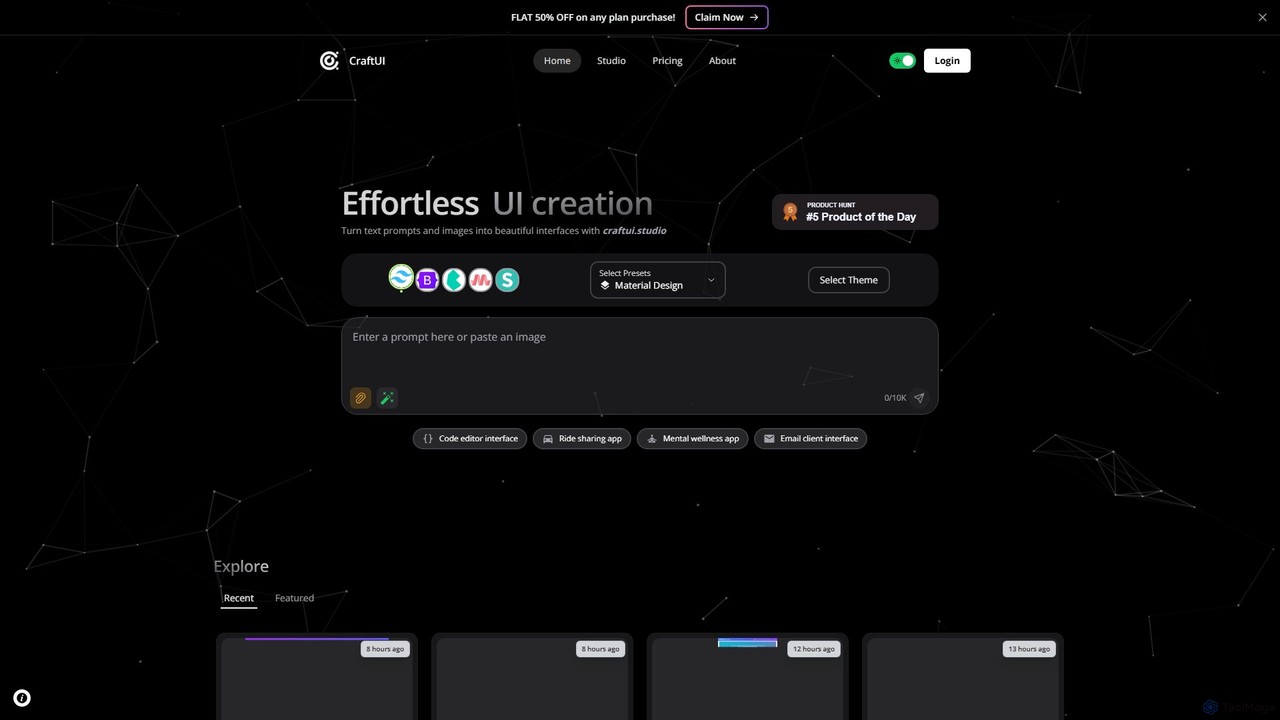
CraftUI
CraftUI is an AI-powered tool that generates beautiful, production-ready UI components from simple text prompts and images. It accelerates the design and development process by creating code for frameworks like Tailwind and Bootstrap, making UI creation effortless.
Ui Design
Jyek
Jyek is an AI agent platform that understands objectives, creates execution plans, uses tools, and delivers verifiable results for complex, multi-step tasks.
AutomationBifrost
Bifrost is an AI-powered tool that automatically converts Figma designs into clean, production-ready React code. It streamlines the design-to-development workflow, saving significant engineering time and empowering teams to build and iterate on UIs faster than ever before.
Design To Code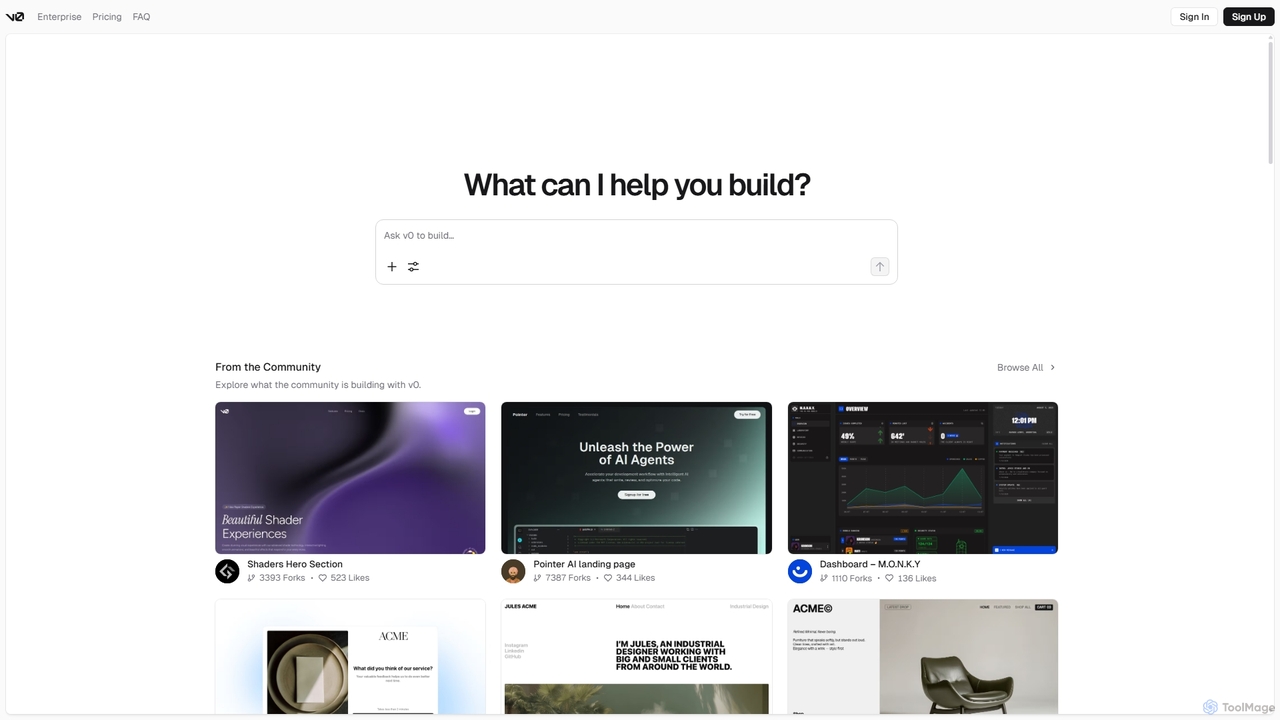
V0
V0 by Vercel is a generative AI platform that transforms text prompts, screenshots, and Figma designs into production-ready frontend code. It acts as an AI pair-programmer, enabling users to rapidly build and iterate on UI components and full-stack applications using React, Svelte, and Vue. With its chat-based interface, it accelerates the development workflow for engineers, designers, and product managers, allowing for seamless deployment to the Vercel platform.
Ui Ux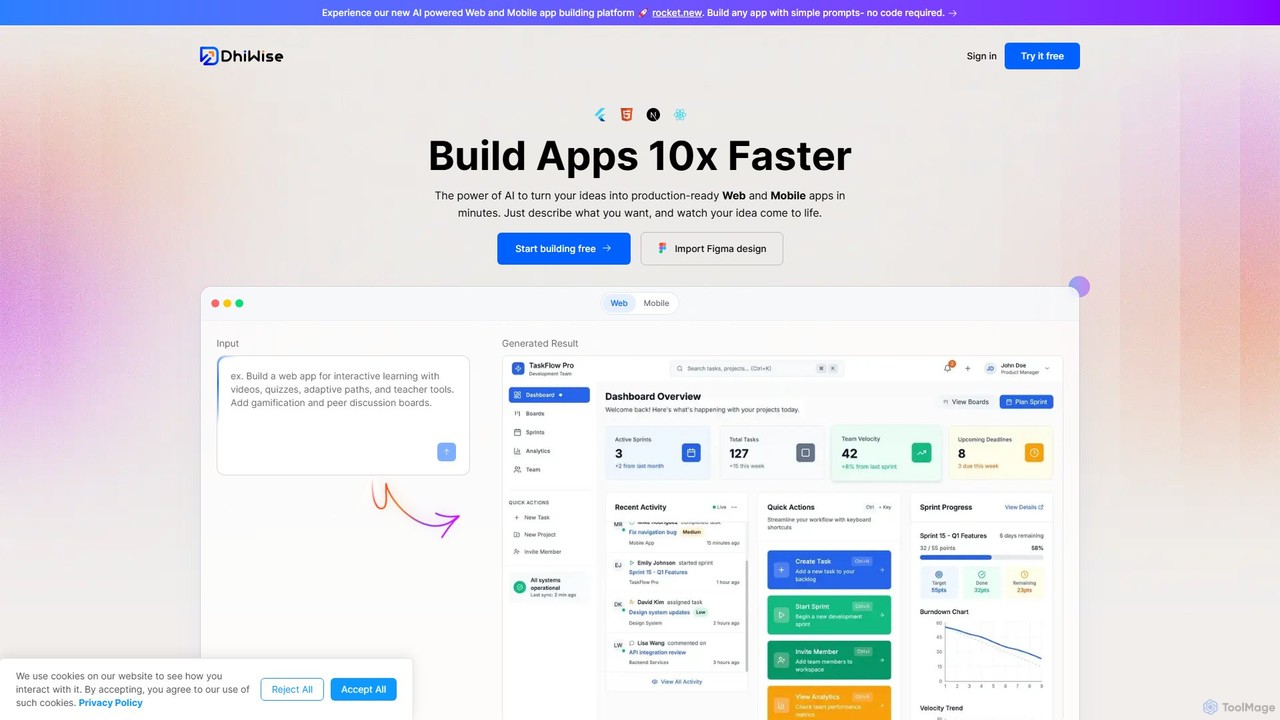
DhiWise
DhiWise is an AI-powered development platform that accelerates the creation of web and mobile applications. It transforms your ideas, natural language prompts, or Figma designs into high-quality, production-ready code in minutes. Supporting frameworks like Flutter and modern web technologies, DhiWise automates boilerplate tasks, enabling developers to build and deploy apps 10x faster.
Design To Code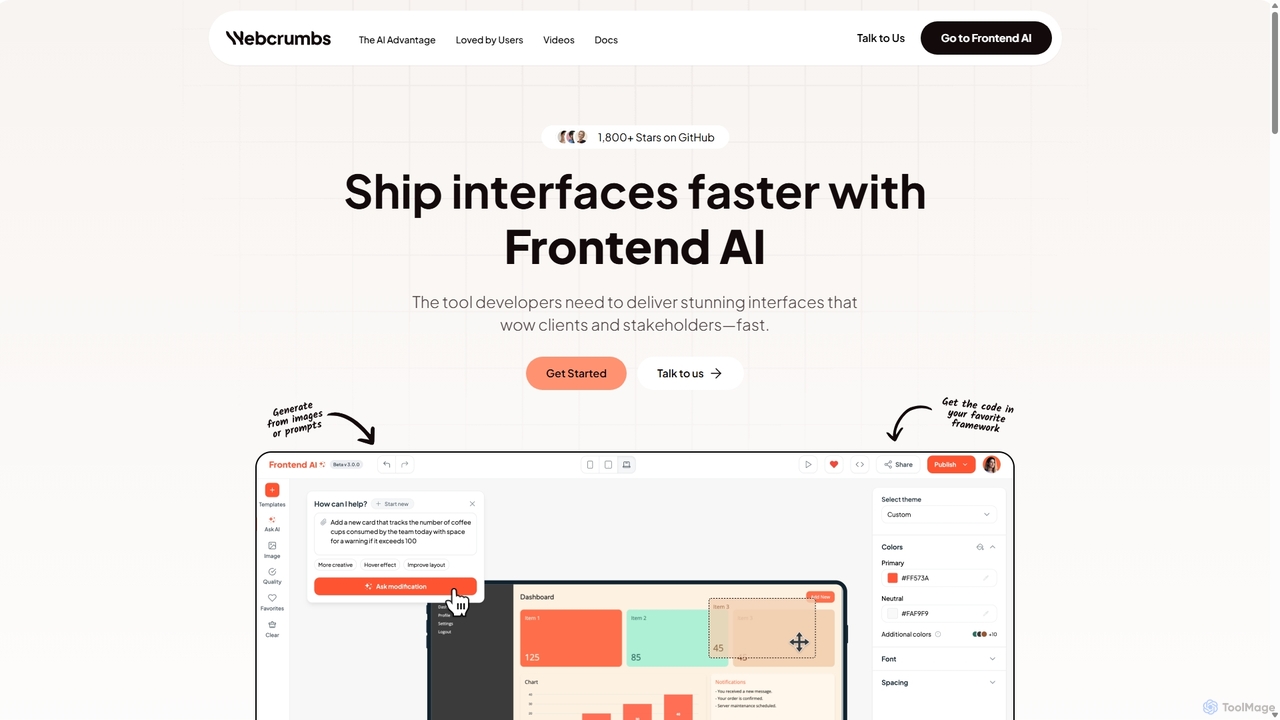
Webcrumbs
Webcrumbs is an AI-powered frontend development platform designed to accelerate UI creation. It combines a powerful prompt-to-code engine with a visual editor, enabling developers and designers to rapidly build, refine, and ship high-quality interface components. By translating natural language or images into clean, production-ready code, Webcrumbs streamlines the workflow, enhances collaboration, and ensures design consistency across projects.
Ui Ux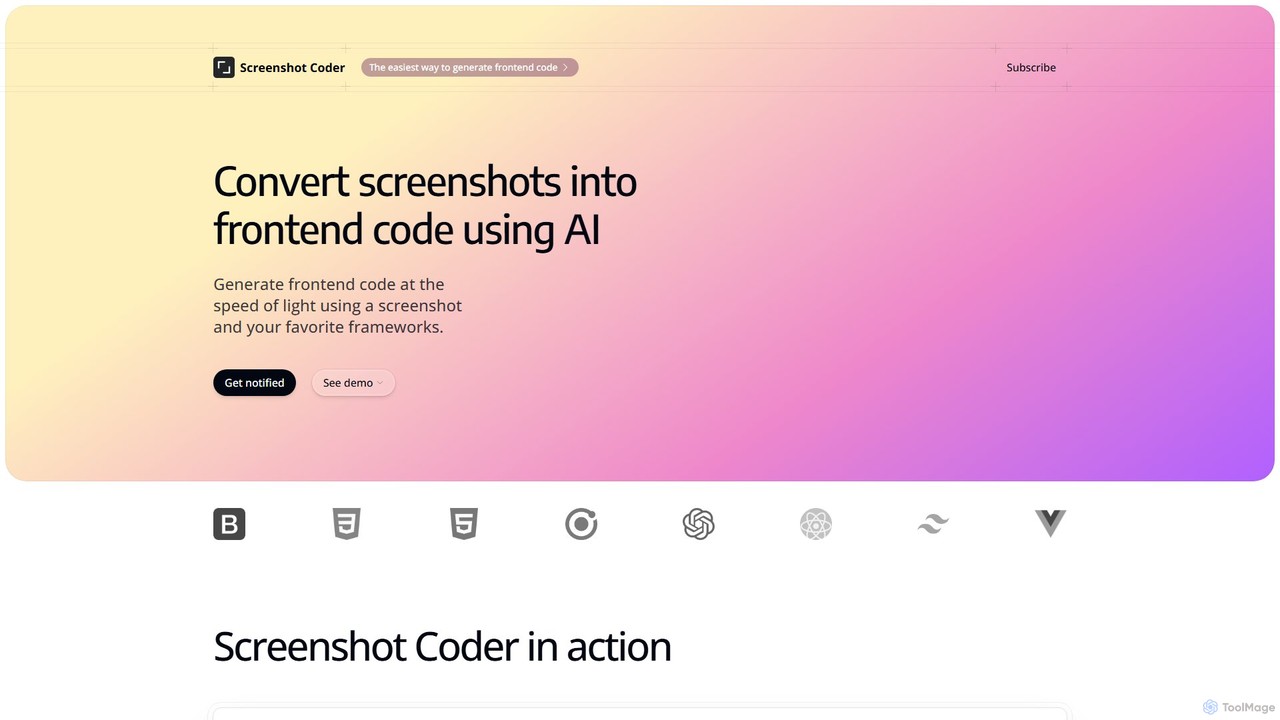
Screenshot Coder
Screenshot Coder is an AI-powered tool that instantly converts screenshots of UI designs into clean, production-ready frontend code. It supports popular frameworks like React, Bootstrap, and Tailwind CSS, dramatically accelerating the development workflow from design to implementation.
Design To Code
Stakly
Stakly is an AI-powered development platform that transforms natural language prompts into production-ready, full-stack web applications in minutes. Describe your idea, and the AI generates clean code, which you can deploy with one click or export to own completely. It supports modern frameworks like React, Next.js, and Python, making it ideal for rapid prototyping and development.
Code Assistant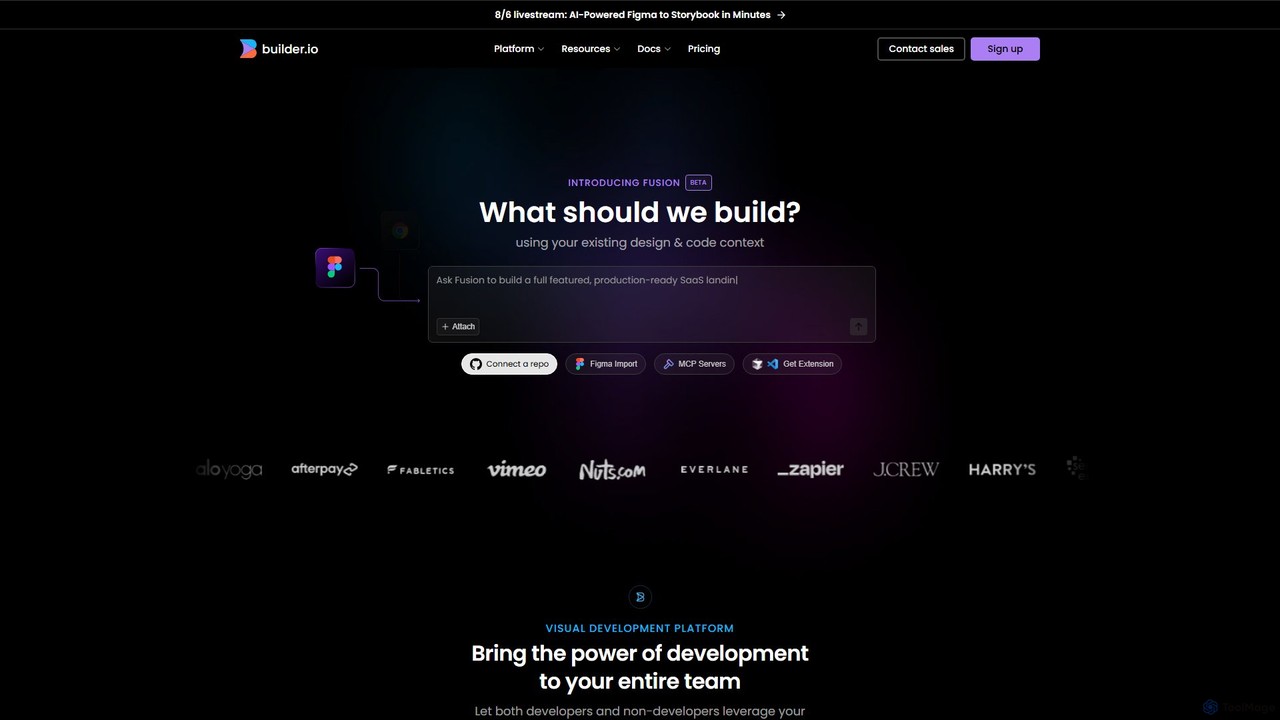
Builder.io
Builder.io is an AI-powered visual development platform that transforms Figma designs into production-ready code. It enables teams to build, edit, and publish web pages and UIs with unprecedented speed, integrating seamlessly with existing codebases, design systems, and headless CMS workflows.
Design To Code
Noodl
Noodl is an AI-powered low-code platform designed for creating sophisticated web and mobile applications. It combines a visual, node-based editor with an AI assistant that generates code, making it ideal for both non-coders and experienced developers. Build everything from simple prototypes to full-stack applications with unprecedented speed and flexibility.
Code Generation
Mokzu Comments (0)
Sign in to comment.
Sign inNo comments yet.