
CraftUI Overview
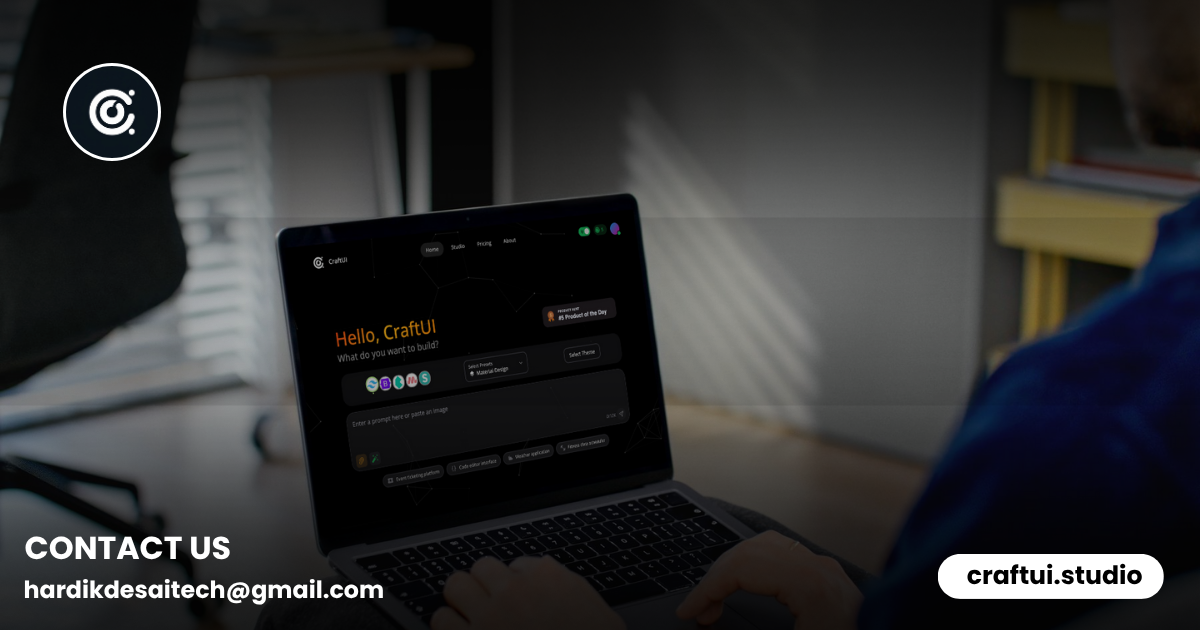
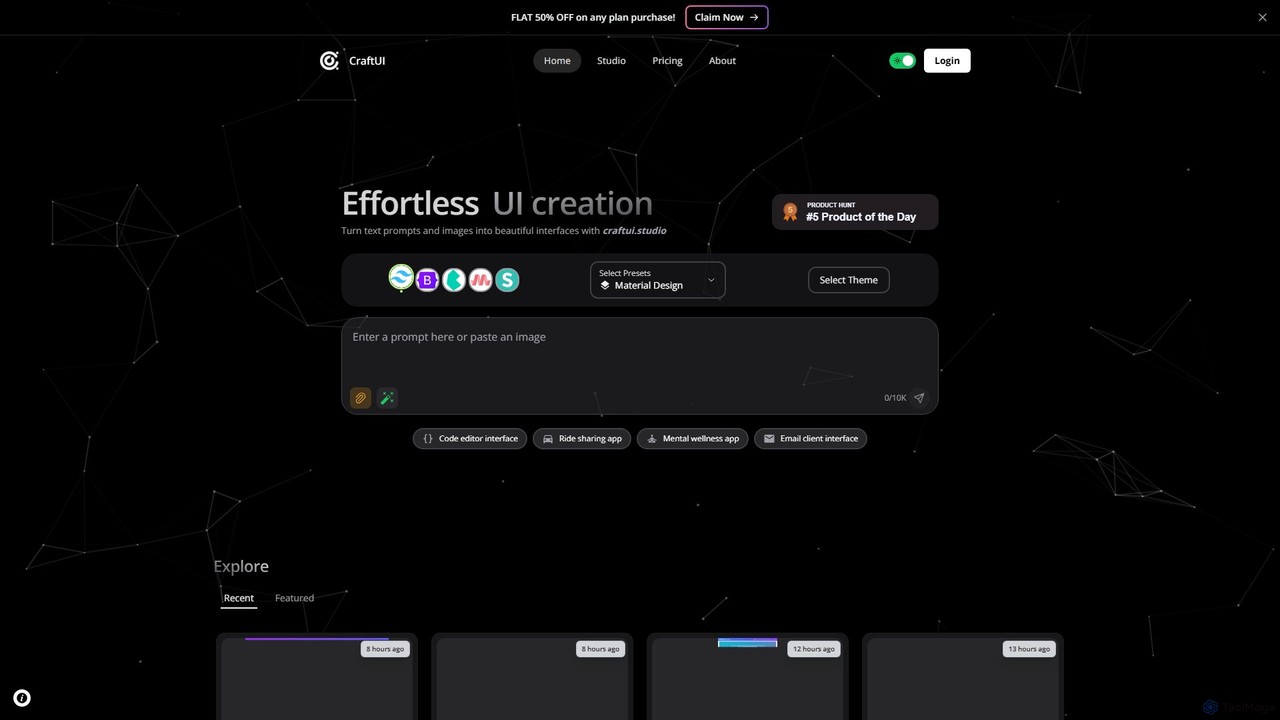
CraftUI is a revolutionary AI-powered tool designed to transform the way developers and designers create user interfaces. By simply using text prompts or uploading images, users can generate beautiful, clean, and production-ready UI components in seconds. This innovative approach eliminates the tedious and time-consuming aspects of UI development, making it faster, smarter, and more accessible for everyone, from solo developers and designers to large teams. CraftUI aims to bridge the gap between idea and implementation, allowing creators to focus on building great user experiences rather than wrestling with design complexities.
How to use CraftUI
Using CraftUI is an intuitive and straightforward process designed to maximize efficiency:
- Provide Input: Start by describing the UI component you envision. You can use a simple text prompt like "a modern dashboard sidebar with icons" or "a product card for an e-commerce site." Alternatively, you can upload a reference image, a sketch, or a wireframe to guide the AI.
- Generate with AI: With a single click, CraftUI's AI engine will interpret your input and generate a fully-functional UI component. The tool creates the necessary HTML and CSS code based on best practices.
- Customize and Refine: The generated component is not static. You can easily customize it to fit your project's needs. Switch between different color themes, select your preferred styling framework (such as Tailwind CSS or Bootstrap), and regenerate parts of the design until it's perfect.
- Inspect and Export: Once you are satisfied with the design, you can use the built-in element inspector to examine every detail. The "Code View" feature provides clean, production-ready code that you can copy and paste directly into your projects, significantly speeding up your development workflow.
Core Features of CraftUI
- AI-Powered Generation: Leverages advanced AI to create UI components from natural language text prompts and image inputs.
- Multi-Framework Support: Generates code compatible with popular front-end frameworks, including Tailwind CSS and Bootstrap, offering flexibility for different project stacks.
- Real-Time Customization: Provides tools to instantly change color themes, styles, and layouts, allowing for rapid iteration and personalization.
- Code View and Export: Offers an immediate view of the generated HTML and CSS, ensuring the code is clean, readable, and ready for production use.
- Element Inspection: A detailed inspector allows users to fine-tune every aspect of the UI, from padding and margins to colors and fonts.
- Version History: Automatically saves different versions of your creations, so you can easily track changes and revert to a previous design if needed.
- Community Gallery: Explore a gallery of UI components created by other users. You can get inspiration, see what's possible, and even remix existing designs for your own projects.
Use Cases for CraftUI
CraftUI is a versatile tool suitable for a wide range of applications:
- Rapid Prototyping: Quickly build interactive prototypes and mockups for web and mobile applications, such as mobile banking apps, social media profiles, and educational platforms.
- Component-Driven Development: Generate individual UI components like login forms, survey tools, navigation menus, and data tables without writing a single line of code from scratch.
- Design Exploration: Experiment with different UI styles and layouts for a project by simply changing the text prompt, helping to overcome creative blocks.
- Accelerating Frontend Workflow: Developers can use CraftUI to generate boilerplate UI code, freeing them up to focus on complex business logic and backend integration.
- Learning and Education: New developers can use the tool to understand how beautiful UI components are built and learn from the clean, well-structured code it generates.
Advantages of CraftUI
- Unprecedented Speed: Reduces UI development time from hours or days to just minutes.
- Democratizes Design: Empowers developers without a strong design background to create aesthetically pleasing and functional interfaces.
- Enhanced Productivity: Streamlines the entire design-to-code workflow, allowing teams to ship products faster.
- Cost-Effective Solution: With a generous free plan and affordable one-time payment options for credits, it's an accessible tool for freelancers, startups, and hobbyists.
- Flexibility and Control: While AI does the heavy lifting, the user remains in full control with extensive customization and code inspection features.
Pricing and Plans
CraftUI offers a flexible pricing model to suit different needs:
- Free Plan: Perfect for testing and simple projects. It costs $0/Forever and provides 5 daily credits that automatically renew every 24 hours.
- Starter Plan: Ideal for occasional builders. For a one-time payment of $0.99 (50% off the regular price of $1.99), you get 50 credits that never expire.
- Pro Plan: Designed for professionals and small teams. For a one-time payment of $2.99 (50% off the regular price of $5.99), you receive 170 credits that never expire, plus bonus early access to upcoming features.
Traffic
Latest traffic
Status
Monthly traffic trend
- 2025-8: 124
- 2025-9: 1.3K
- 2026-2: 0
- 2026-3: 0
- 2026-4: 1.1K
- 2026-5: 1.0K
Geography
Top 5 countries / regions
- 🇮🇳India100.0%
Top keywords
| Keyword | Cost per click |
|---|---|
| crafting ui | $0.00 |
| craft ui | $0.00 |
| craftui | $0.00 |
CraftUI Alternatives
V0
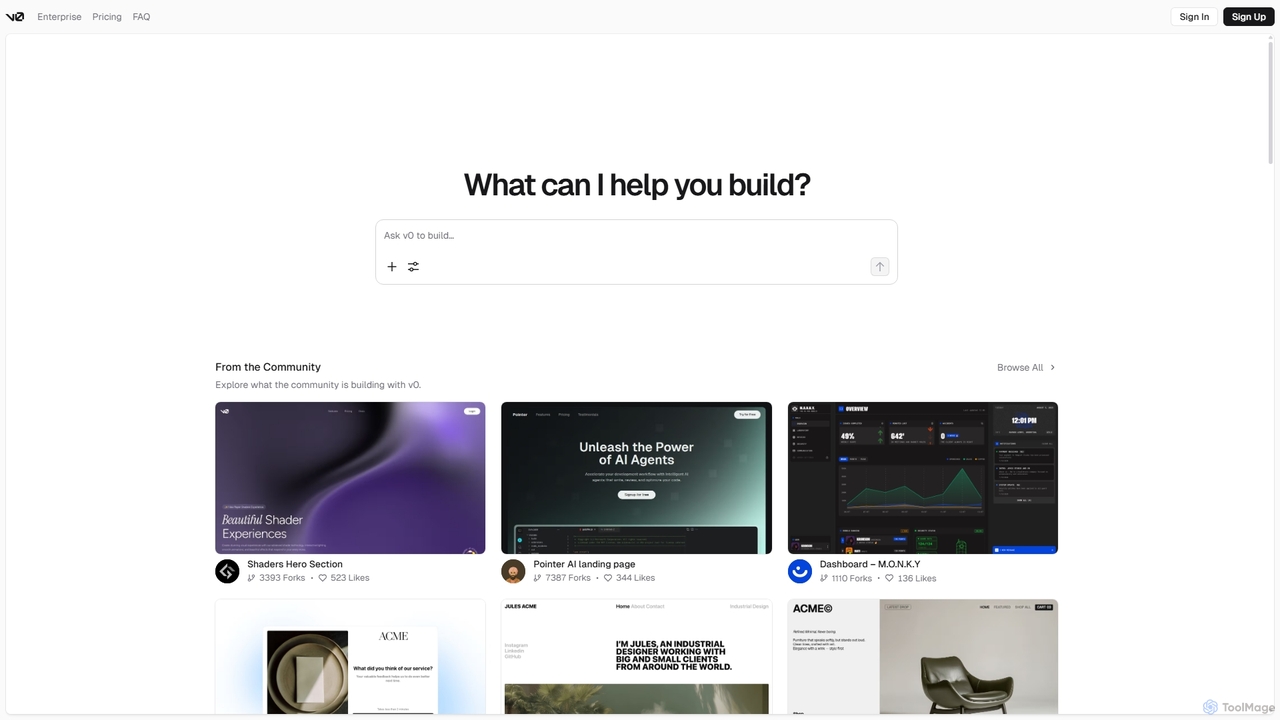
V0 by Vercel is a generative AI platform that transforms text prompts, screenshots, and Figma designs into production-ready frontend code. It acts as an AI pair-programmer, enabling users to rapidly build and iterate on UI components and full-stack applications using React, Svelte, and Vue. With its chat-based interface, it accelerates the development workflow for engineers, designers, and product managers, allowing for seamless deployment to the Vercel platform.
Ui Ux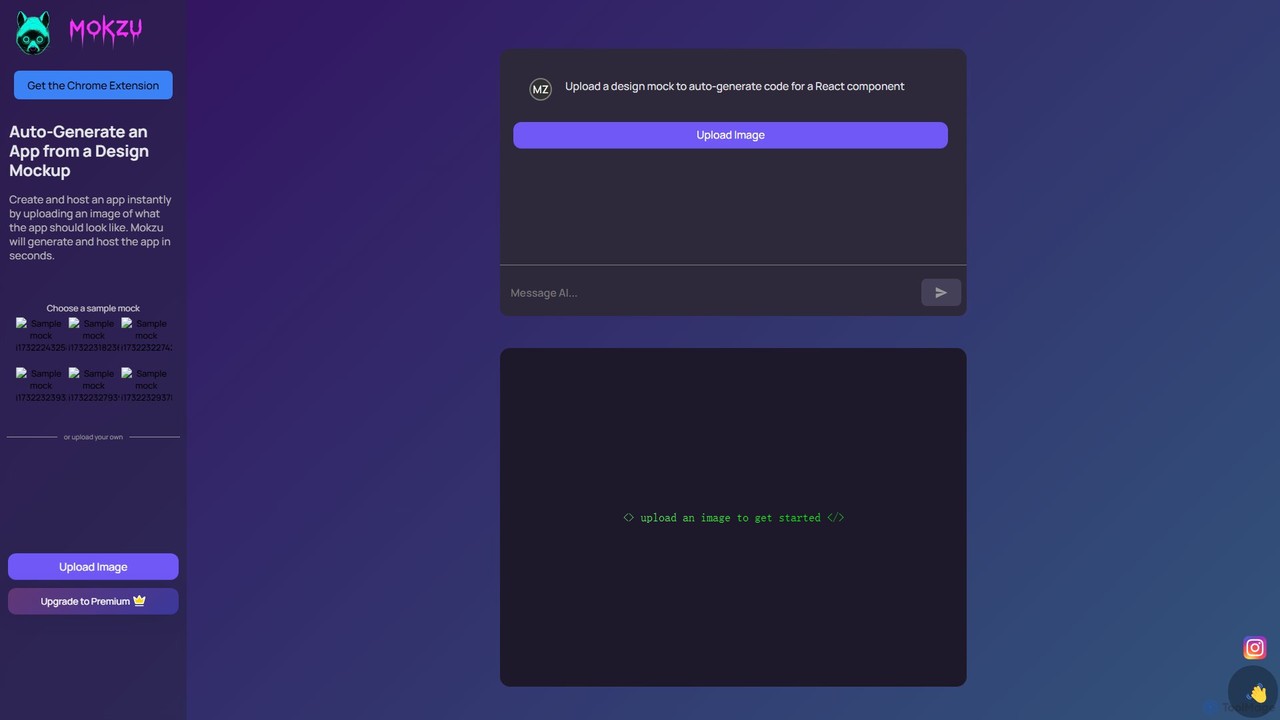
Mokzu
Mokzu is an AI-powered tool that instantly transforms design mockups into functional, production-ready web applications. By simply uploading an image of your UI design, Mokzu generates clean React component code and hosts the app in seconds. It's designed to accelerate the development workflow, bridge the gap between design and code, and enable rapid prototyping for developers, designers, and product teams.
Design To Code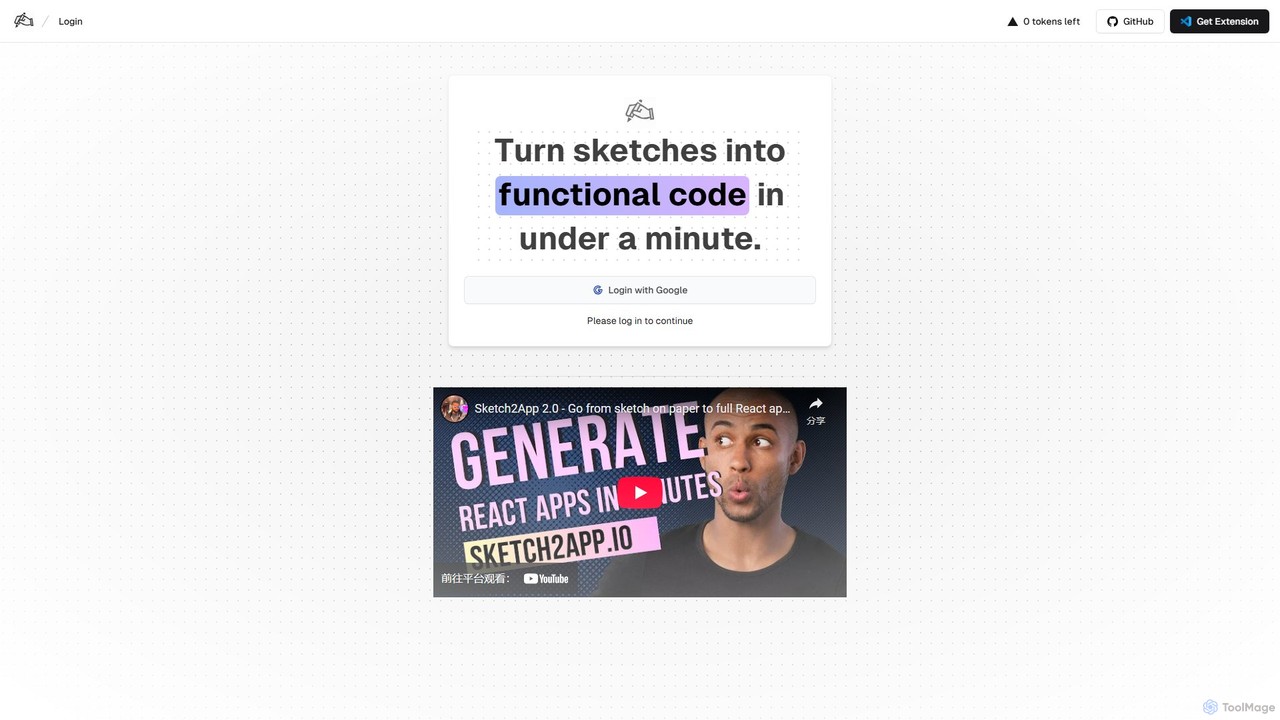
Sketch2App
Sketch2App is an AI-powered tool that transforms hand-drawn sketches and wireframes into functional, clean front-end code in under a minute. It accelerates the development process by automating the conversion of visual ideas into interactive prototypes and application skeletons, supporting popular frameworks.
Prototyping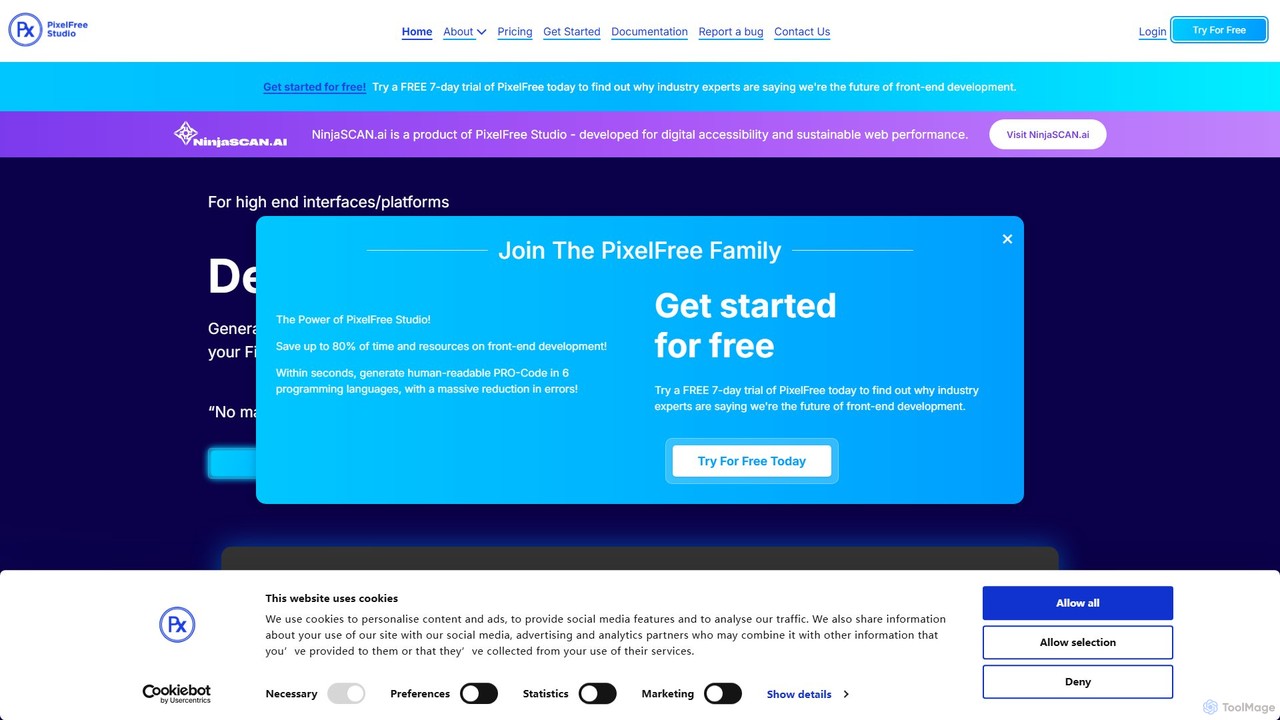
PixelFree Studio
PixelFree Studio is a low-code application builder that transforms UI designs into clean, production-ready code. It specializes in importing Figma designs and exporting them to multiple frameworks like React, Vue, Angular, and C#, streamlining the design-to-development workflow and accelerating app creation.
Design To Code
Locofy.ai
Locofy.ai is an AI-powered platform that accelerates frontend development by converting designs from Figma, Adobe XD, and Penpot into high-quality, production-ready code. It supports a wide range of frameworks like React, React Native, Vue, and HTML/CSS, helping teams build UI 10x faster and significantly reducing the design-to-code workflow.
Design To CodeCraftUI Categories
CraftUI Embed Widget
Copy this embed code to place the badge on your blog, article, or product site and send readers directly to this ToolMage detail page.

Related AI tools
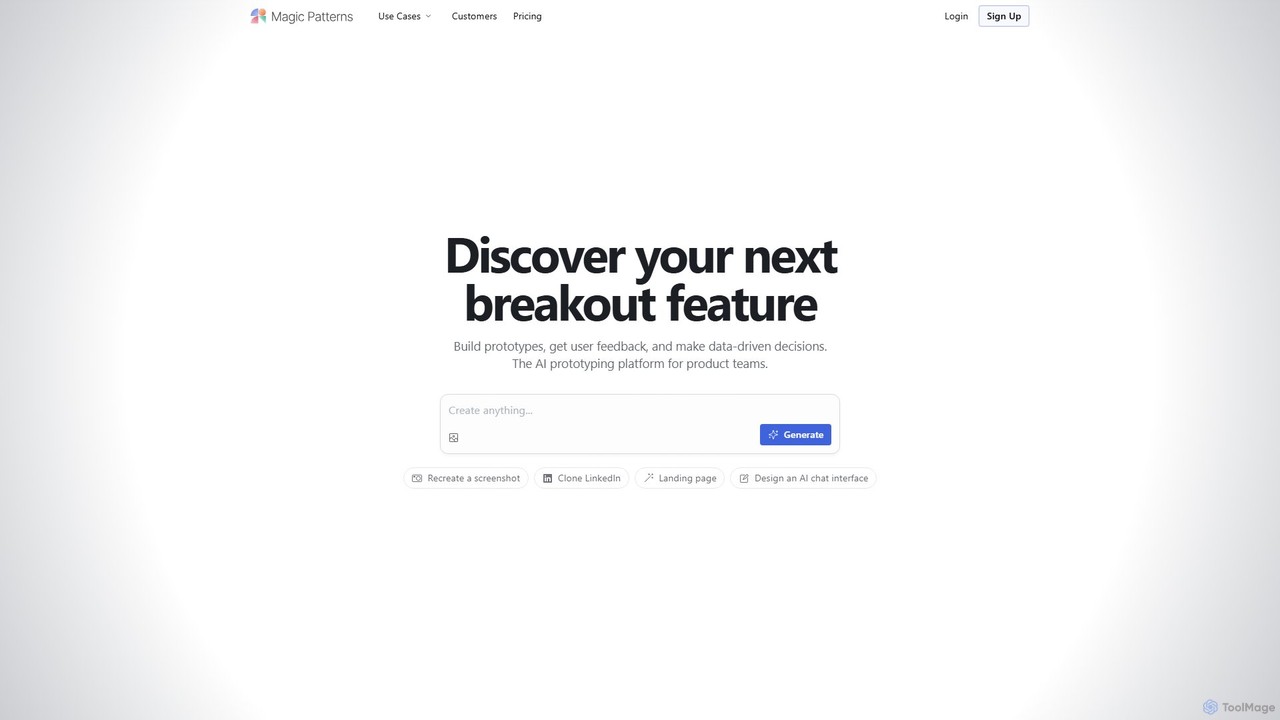
Magic Patterns
Magic Patterns is an AI-powered prototyping platform for product teams, designers, and developers. It accelerates UI creation by generating interactive prototypes and production-ready code (React, Tailwind CSS) from text prompts, screenshots, or existing websites. It helps teams iterate faster, gather user feedback, and make data-driven decisions.
PrototypingV0
V0 by Vercel is a generative AI platform that transforms text prompts, screenshots, and Figma designs into production-ready frontend code. It acts as an AI pair-programmer, enabling users to rapidly build and iterate on UI components and full-stack applications using React, Svelte, and Vue. With its chat-based interface, it accelerates the development workflow for engineers, designers, and product managers, allowing for seamless deployment to the Vercel platform.
Ui UxMokzu
Mokzu is an AI-powered tool that instantly transforms design mockups into functional, production-ready web applications. By simply uploading an image of your UI design, Mokzu generates clean React component code and hosts the app in seconds. It's designed to accelerate the development workflow, bridge the gap between design and code, and enable rapid prototyping for developers, designers, and product teams.
Design To Code
sketchgpt.xyz
sketchgpt.xyz is an AI-powered tool that transforms hand-drawn sketches into functional HTML and CSS code in real-time. Simply draw your website or app layout on a digital whiteboard, and watch as the AI instantly generates a live, interactive web prototype. It's designed to accelerate the prototyping and development process for designers, developers, and product teams.
Ui Ux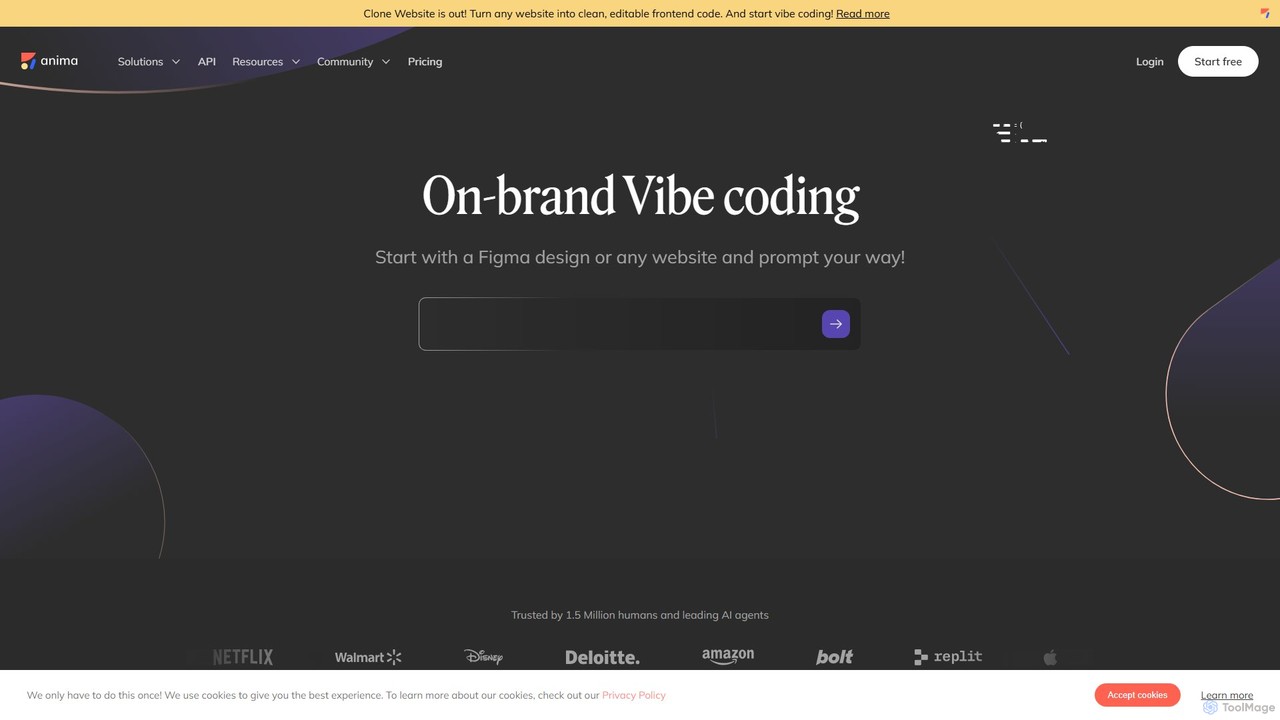
Anima
Anima is an AI-powered design-to-code platform that automates frontend development. It transforms designs from Figma, Adobe XD, and Sketch into clean, production-ready React, Vue, and HTML code. Featuring AI-driven iteration and website cloning, it empowers designers, developers, and founders to build and launch web applications and prototypes up to 10x faster.
Design To Code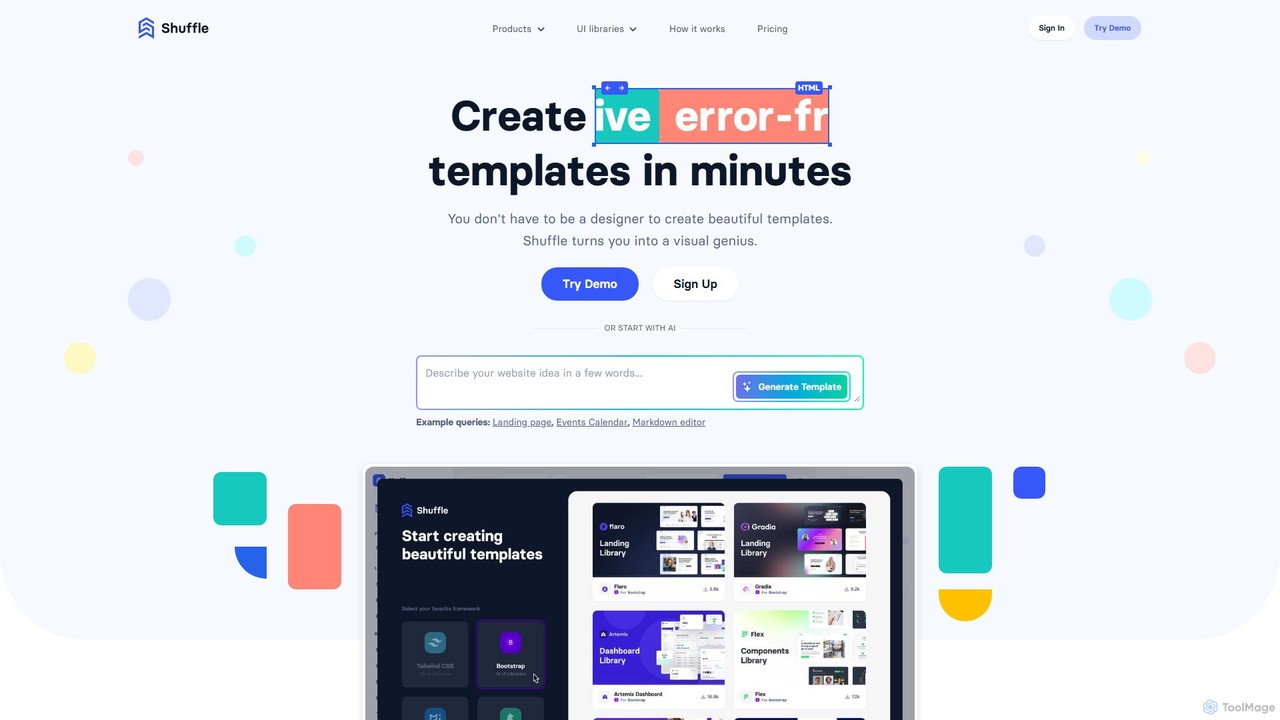
Shuffle
Shuffle is an AI-powered online editor for developers, designed to accelerate UI development. It features a visual drag-and-drop interface, extensive component libraries for Tailwind CSS, Bootstrap, Material-UI, and Bulma, and an AI Assistant that builds layouts from chat commands. Export clean, production-ready code, including React JSX, in seconds.
Ui Ux
Onlook
Onlook is a next-generation, AI-powered visual code editor that allows designers, product managers, and developers to build and edit web experiences directly on live React/Next.js code. It bridges the gap between design and implementation, offering a Figma-like interface with AI chat, direct manipulation, and seamless integration with existing codebases.
Ui Ux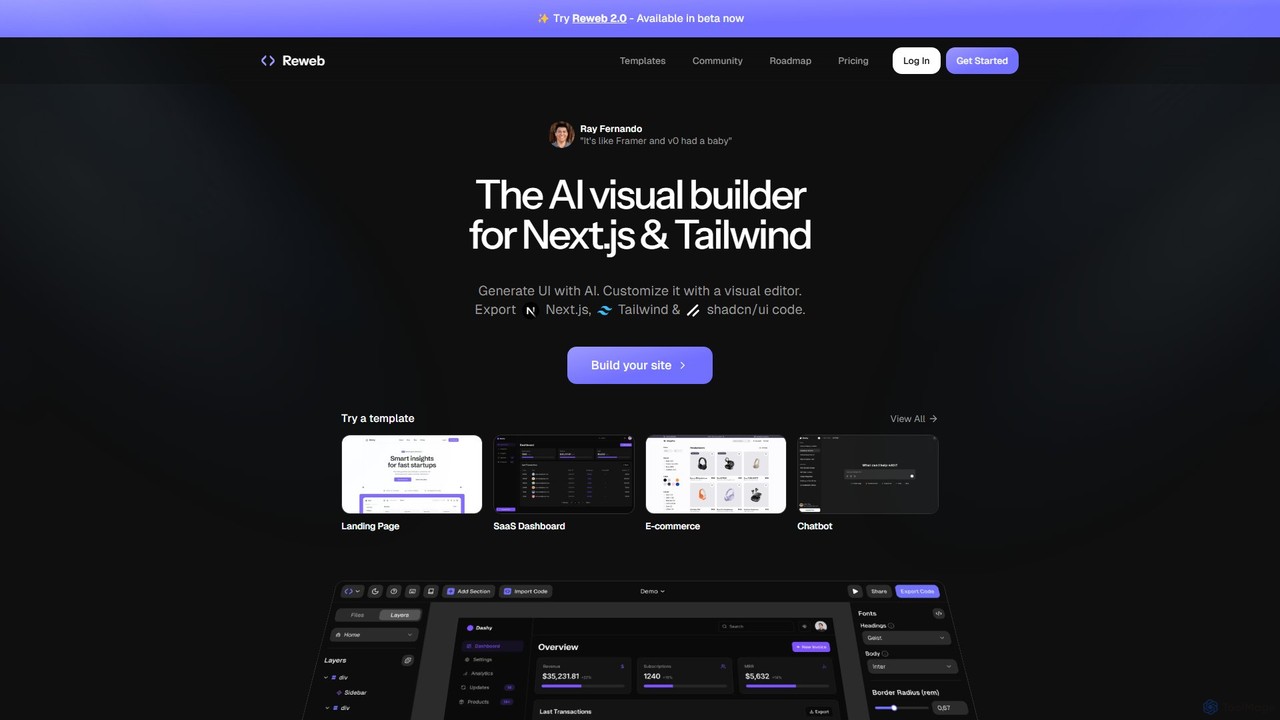
Reweb
Reweb is an AI-powered visual builder designed for developers. It enables users to generate UI components using AI from text prompts or images, customize them with a sophisticated visual editor, and export high-quality, production-ready code for Next.js, Tailwind CSS, and shadcn/ui. It bridges the gap between no-code platforms and traditional coding, accelerating the development workflow without sacrificing code quality or flexibility.
Ui UxSketch2App
Sketch2App is an AI-powered tool that transforms hand-drawn sketches and wireframes into functional, clean front-end code in under a minute. It accelerates the development process by automating the conversion of visual ideas into interactive prototypes and application skeletons, supporting popular frameworks.
PrototypingPixelFree Studio
PixelFree Studio is a low-code application builder that transforms UI designs into clean, production-ready code. It specializes in importing Figma designs and exporting them to multiple frameworks like React, Vue, Angular, and C#, streamlining the design-to-development workflow and accelerating app creation.
Design To Code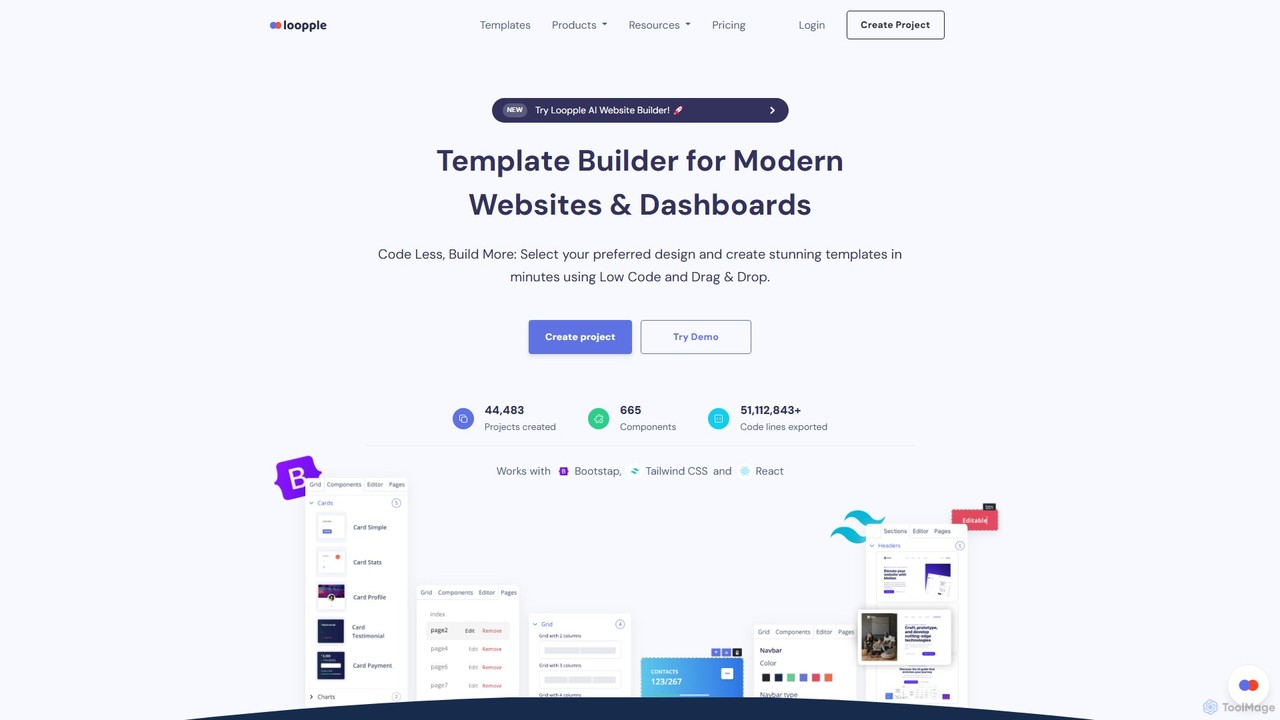
Loopple
Loopple is an AI-powered, low-code platform for building modern websites and dashboards. It features a drag-and-drop editor, a vast library of pre-built components and templates for Bootstrap, Tailwind CSS, and React. With its AI text help and direct code export, Loopple accelerates the front-end development process for developers and teams, enabling rapid creation of responsive, professional-grade user interfaces.
Low Code No Code
Noodl
Noodl is an AI-powered low-code platform designed for creating sophisticated web and mobile applications. It combines a visual, node-based editor with an AI assistant that generates code, making it ideal for both non-coders and experienced developers. Build everything from simple prototypes to full-stack applications with unprecedented speed and flexibility.
Code Generation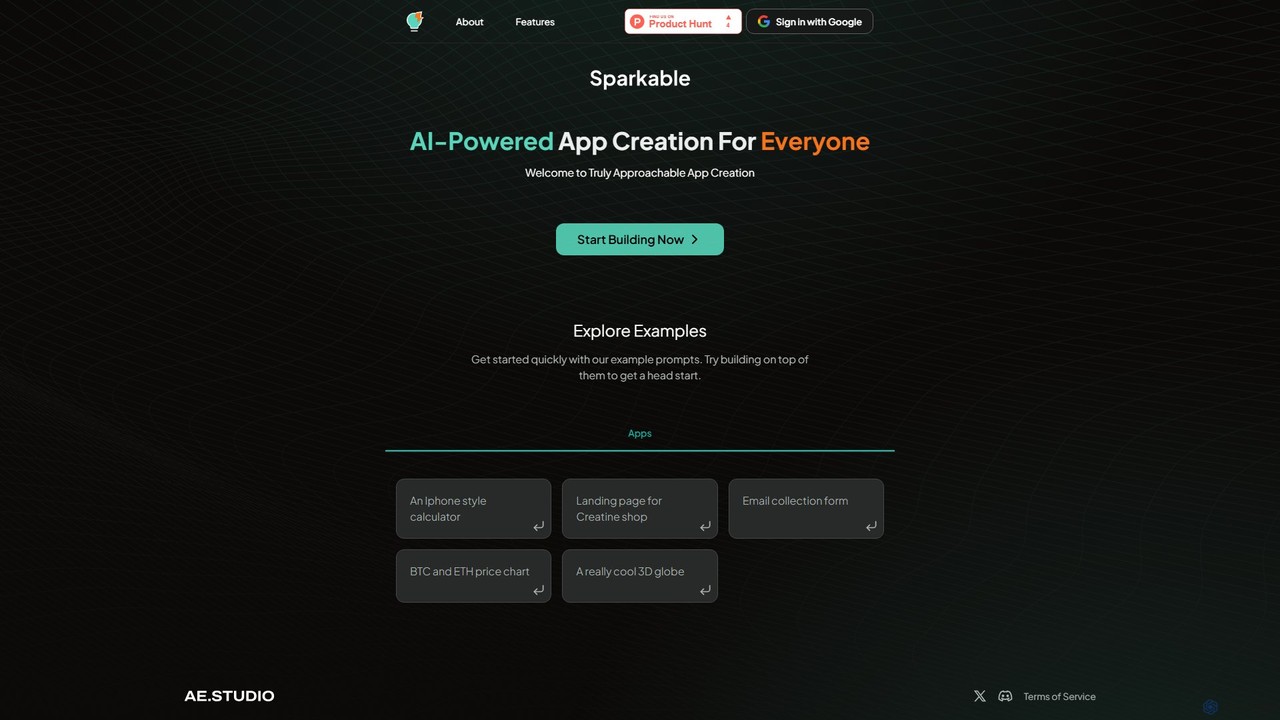
Sparkable
An AI-powered platform that enables anyone to create web applications and components using simple text prompts. It translates natural language descriptions into functional code, making app development accessible, fast, and intuitive for both beginners and developers.
Low Code No Code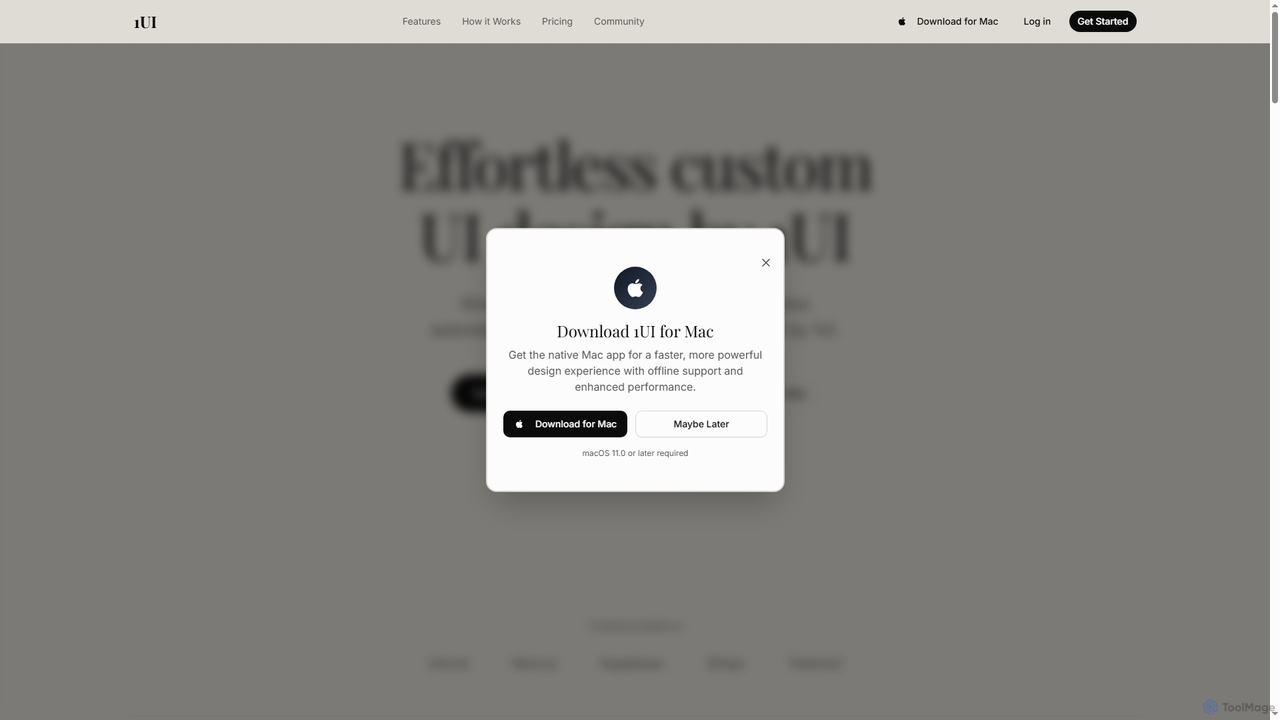
1ui
1ui is an AI-powered platform that generates pixel-perfect, production-ready UI designs from natural language prompts. It streamlines the design process by creating responsive layouts, contextual images, and clean HTML/CSS code in seconds. Features include a prompt enhancer, team collaboration, and direct export to Figma as editable layers.
Code Generation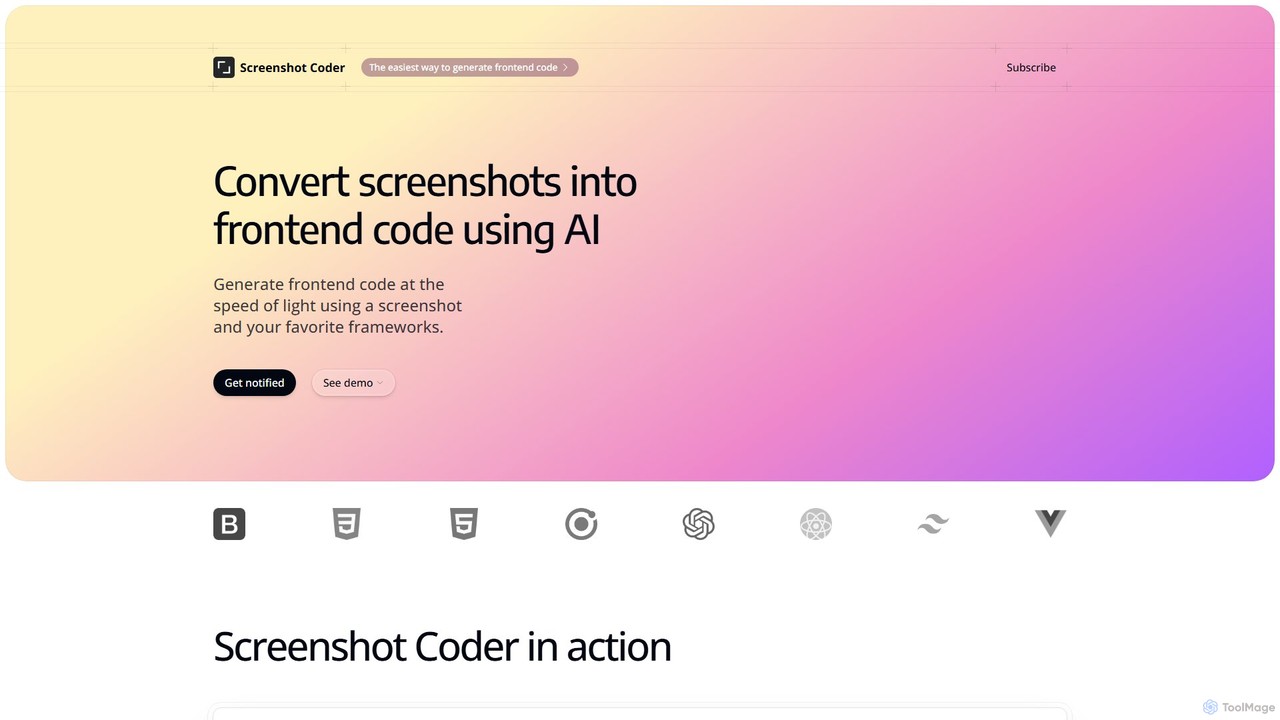
Screenshot Coder
Screenshot Coder is an AI-powered tool that instantly converts screenshots of UI designs into clean, production-ready frontend code. It supports popular frameworks like React, Bootstrap, and Tailwind CSS, dramatically accelerating the development workflow from design to implementation.
Design To Code
CraftUI Comments (0)
Sign in to comment.
Sign inNo comments yet.