

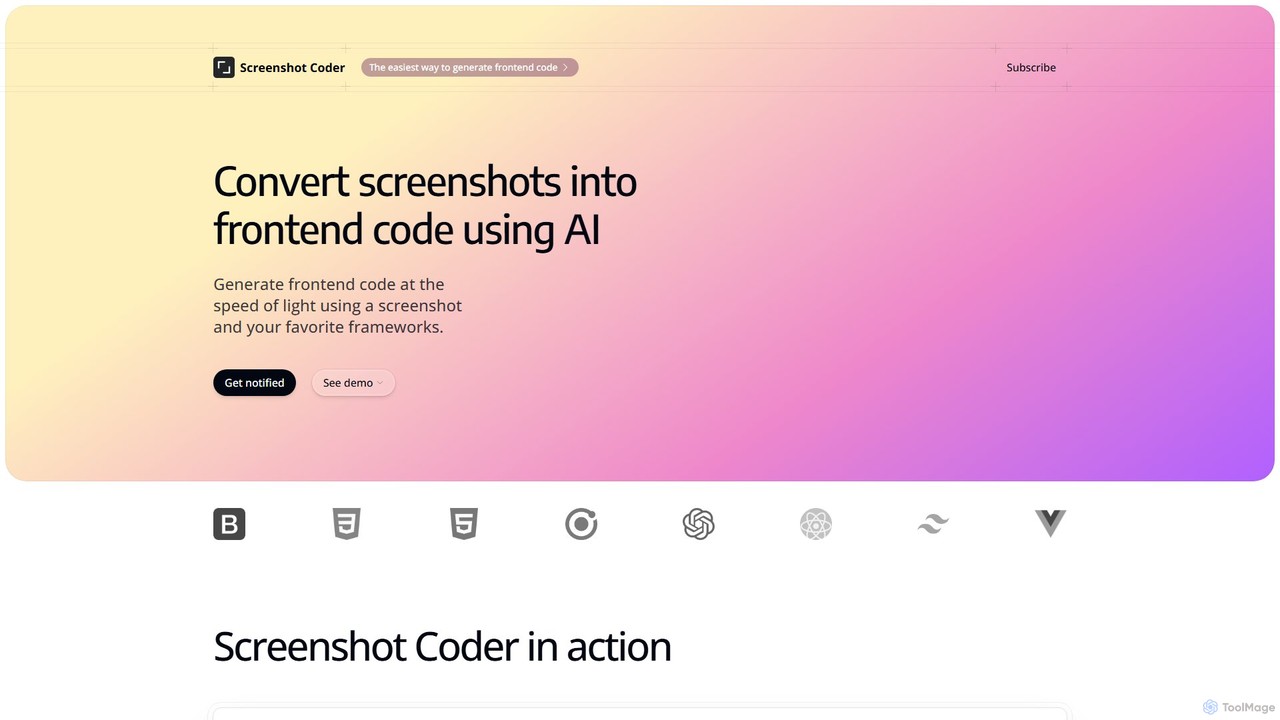
Screenshot Coder Overview
Screenshot Coder is a revolutionary AI-powered development tool designed to bridge the gap between design and code. It empowers developers and designers to transform static screenshots of user interfaces into dynamic, high-quality frontend code with unprecedented speed and accuracy. By simply uploading an image of a web design, mockup, or even an existing application, users can generate clean, well-structured code for a variety of modern frameworks, including React, Bootstrap, and Tailwind CSS. This process eliminates the tedious and time-consuming task of manually translating visual designs into functional components, allowing development teams to focus on building core logic and features.
The platform is engineered for efficiency and ease of use. Its intelligent AI engine analyzes the visual elements within a screenshot—identifying layouts, colors, fonts, buttons, inputs, and other components—and intelligently translates them into a coherent code structure. The generated code is not just a rough approximation; it is designed to be clean, readable, and maintainable, adhering to best practices for the chosen framework. This makes Screenshot Coder an invaluable asset for rapid prototyping, accelerating development cycles, and ensuring greater consistency between the initial design and the final product.
How to use Screenshot Coder
Using Screenshot Coder is a straightforward, three-step process designed for maximum efficiency:
- Upload Your Screenshot: Begin by uploading a high-resolution screenshot of the user interface you want to code. This can be a design from tools like Figma or Sketch, a PNG/JPG file, or even a screenshot of an existing website you wish to replicate or modernize.
- Select Your Framework: Choose your desired output technology stack. Screenshot Coder supports multiple popular frontend frameworks and libraries, such as React for component-based architecture, Tailwind CSS for utility-first styling, and Bootstrap for a responsive grid system.
- Generate and Export Code: With a single click, the AI will process the image and generate the corresponding code. You can then review the code, make any necessary adjustments in your own editor, and copy or export it directly into your project. The entire process takes just seconds.
Core Features of Screenshot Coder
- AI-Powered Image Analysis: Utilizes advanced computer vision to accurately detect and interpret UI elements from any screenshot.
- Multi-Framework Support: Generates code for a wide range of popular frontend technologies, including React, Bootstrap, and Tailwind CSS, with more frameworks planned for the future.
- Clean and Maintainable Code: Produces well-structured, readable, and semantic code that is easy for developers to understand, modify, and integrate.
- Responsive Design Generation: The generated code is built with responsiveness in mind, ensuring a seamless user experience across different devices and screen sizes.
- High-Speed Conversion: Transforms designs into code in a matter of seconds, reducing frontend development time by hours or even days.
- Component-Based Output: For frameworks like React, the tool generates code structured into reusable components, promoting best practices and scalability.
Use Cases for Screenshot Coder
Screenshot Coder is versatile and can be applied in various scenarios:
- Rapid Prototyping: Quickly convert design mockups into interactive HTML prototypes to validate ideas and gather user feedback.
- Accelerating Frontend Development: Generate boilerplate code for UI components and layouts, freeing up developers to focus on complex business logic and functionality.
- Streamlining Designer-Developer Handoff: Designers can provide screenshots, and developers can get a functional code base as a starting point, reducing ambiguity and misinterpretation.
- Learning and Education: A great tool for junior developers or designers learning to code, as it shows how visual elements translate into real-world code structures.
- Modernizing Legacy Systems: Take screenshots of outdated application interfaces and generate modern code using frameworks like React and Tailwind CSS.
Advantages of Screenshot Coder
The primary advantage of Screenshot Coder is the massive boost in productivity. It automates a significant portion of the frontend development process, allowing for faster project delivery. It also enhances collaboration between design and development teams by providing a tangible, code-based link between the visual concept and the final implementation. The tool promotes consistency and reduces the likelihood of human error that can occur during manual coding. By handling the initial UI coding, it empowers developers to invest their expertise in more critical aspects of the application.
Pricing and Plans
Screenshot Coder operates on a freemium model, making it accessible to everyone.
- Free Plan: Perfect for trying out the tool. Users get their first 3 code generations for free without needing a credit card. This allows you to test its capabilities and see the quality of the generated code.
- Paid Plans: For professional and frequent use, users can upgrade to a paid plan. While the tool is currently in development and detailed pricing will be announced at launch, future plans are expected to offer a higher number of monthly generations, access to all supported and upcoming frameworks, priority support, and potentially team-based features.
Sign up on the website to get notified about the official launch and any early-bird offers.
Traffic
Latest traffic
Status
Monthly traffic trend
- 2025-9: 388
- 2026-1: 0
- 2026-2: 0
- 2026-3: 291
- 2026-4: 17
- 2026-5: 427
Geography
Top 5 countries / regions
- 🇮🇳India100.0%
Top keywords
| Keyword | Cost per click |
|---|---|
| coder screenshot | $0.00 |
| screenshot of frontend code | $0.00 |
| screenshot to code | $0.93 |
| screenshot-to-code | $0.00 |
Screenshot Coder Alternatives
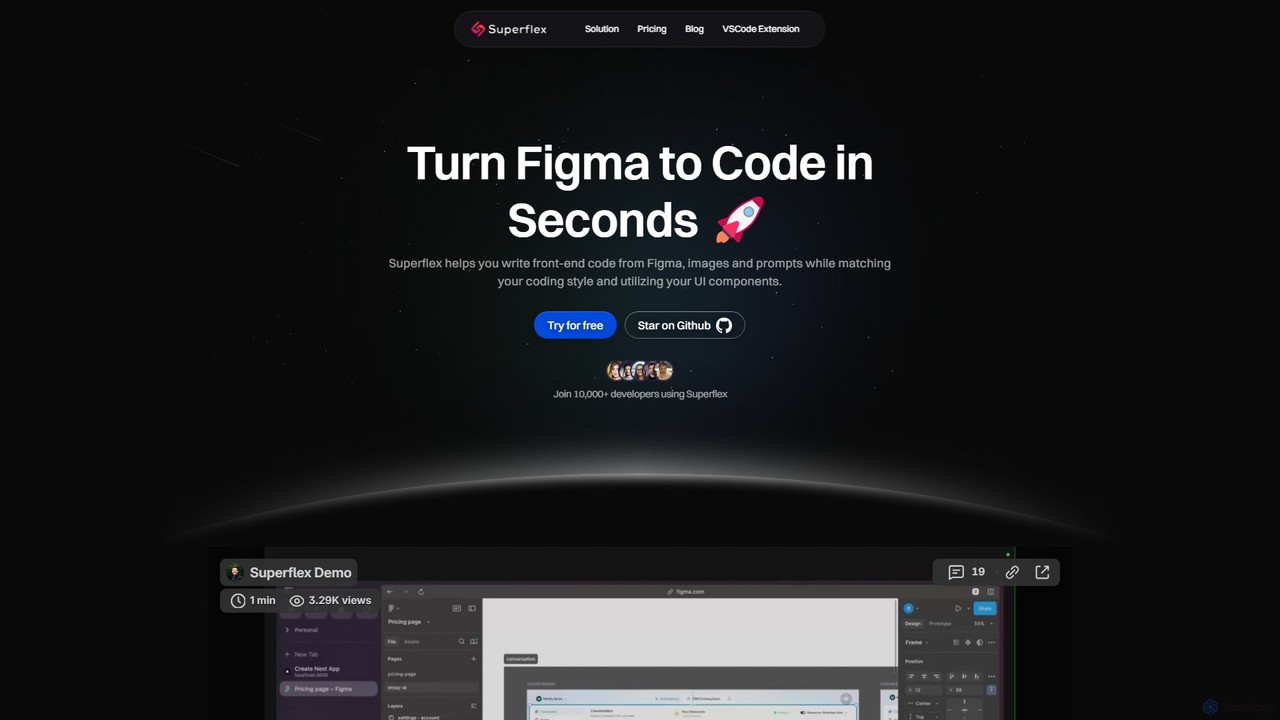
Superflex
Superflex is an AI-powered tool that transforms Figma designs, images, and text prompts into production-ready front-end code in seconds. It accelerates development by analyzing your existing codebase to reuse UI components and adapting to your unique coding style. Ideal for developers and teams looking to boost productivity and bridge the gap between design and implementation.
Design To Code
Locofy.ai
Locofy.ai is an AI-powered platform that accelerates frontend development by converting designs from Figma, Adobe XD, and Penpot into high-quality, production-ready code. It supports a wide range of frameworks like React, React Native, Vue, and HTML/CSS, helping teams build UI 10x faster and significantly reducing the design-to-code workflow.
Design To Code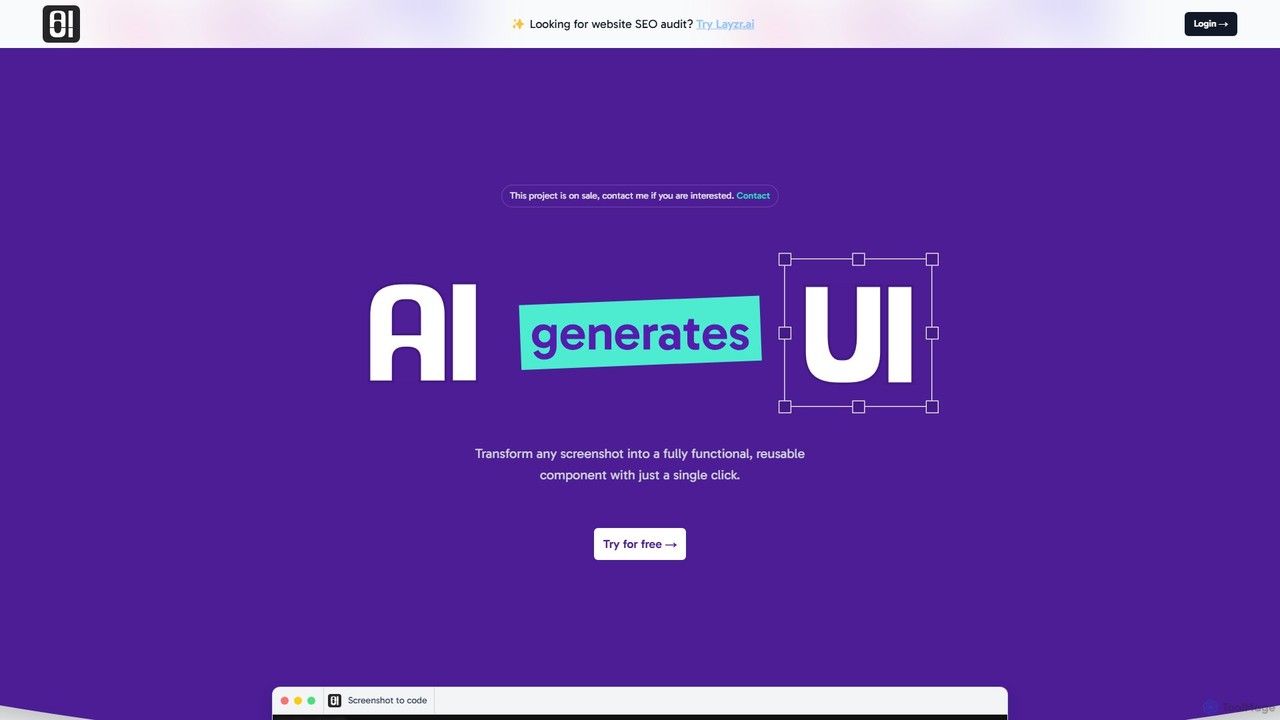
AIUI.me
AIUI.me is an AI-powered tool that transforms UI screenshots into clean, reusable code. With a single click, developers and designers can convert any design image into fully functional React.js and TailwindCSS components. This streamlines the frontend development workflow, saving hours of manual coding and accelerating project delivery from prototype to production.
Ui Ux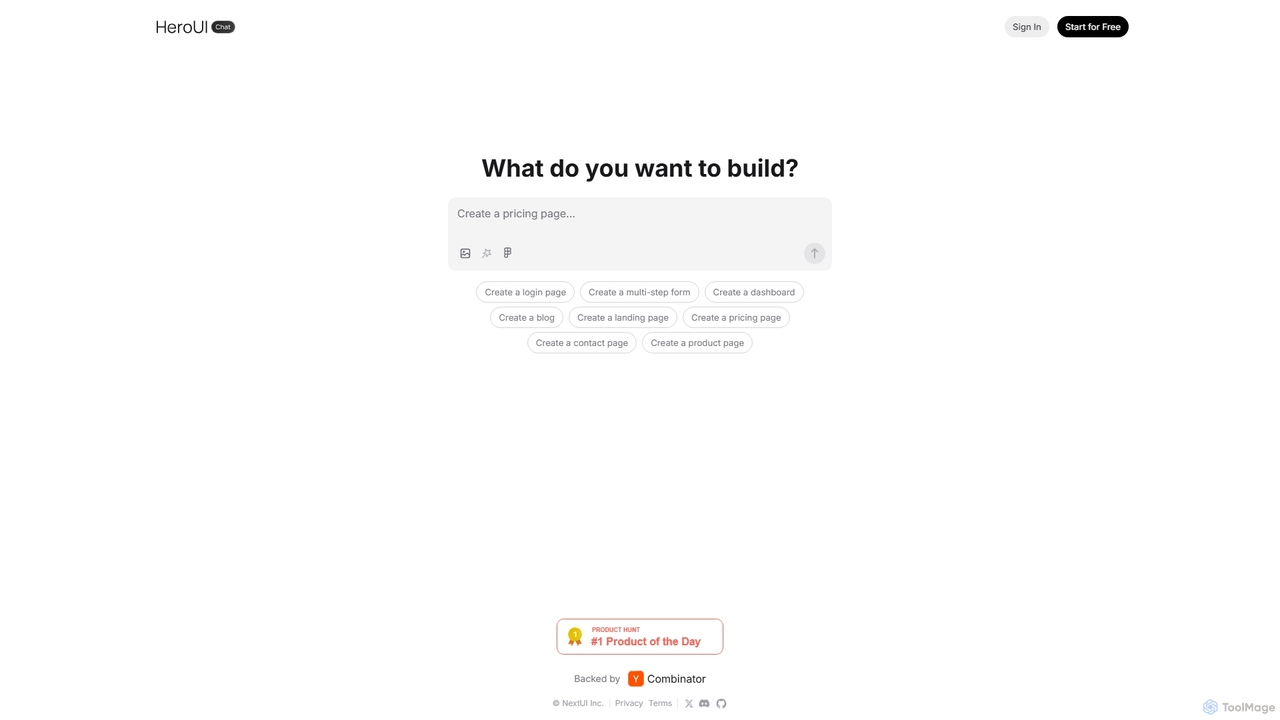
HeroUI Chat
HeroUI Chat is an AI-powered tool that generates UI components and pages from simple text prompts. Built on NextUI and Tailwind CSS, it allows developers and designers to rapidly create beautiful, responsive, and accessible user interfaces by describing them in natural language, significantly accelerating the prototyping and development workflow.
Ui Ux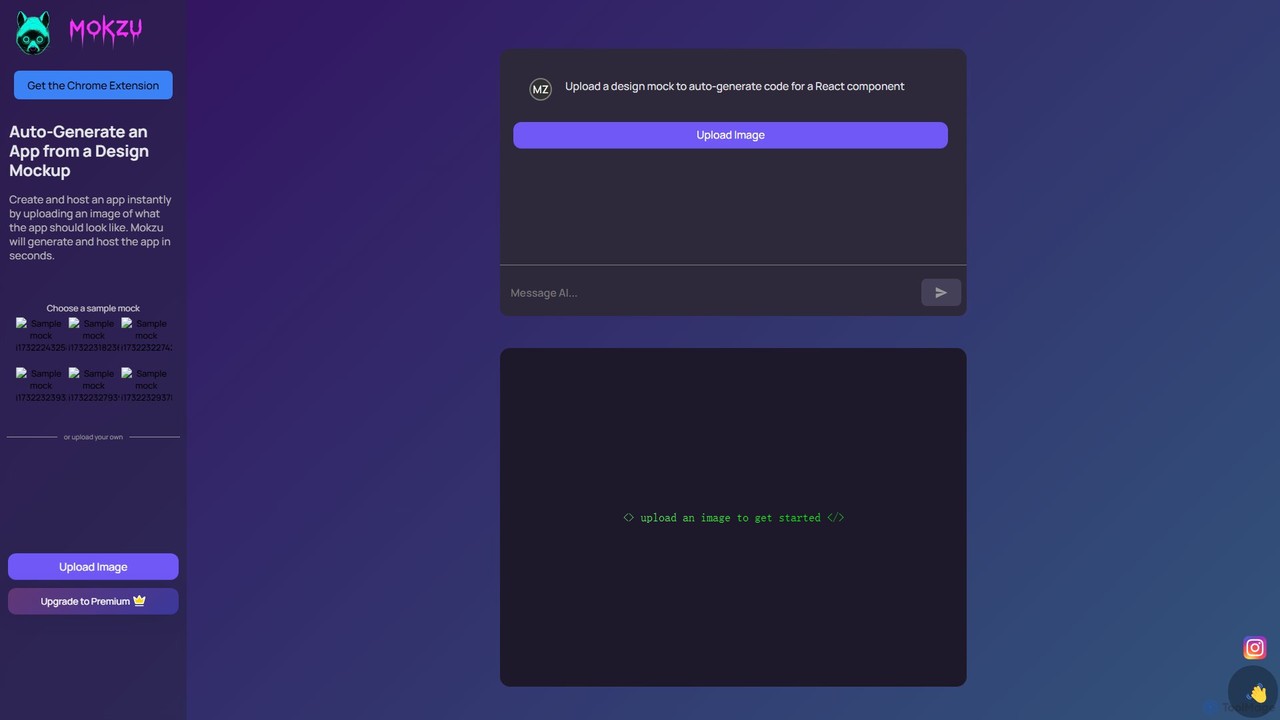
Mokzu
Mokzu is an AI-powered tool that instantly transforms design mockups into functional, production-ready web applications. By simply uploading an image of your UI design, Mokzu generates clean React component code and hosts the app in seconds. It's designed to accelerate the development workflow, bridge the gap between design and code, and enable rapid prototyping for developers, designers, and product teams.
Design To CodeScreenshot Coder Categories
Screenshot Coder Embed Widget
Copy this embed code to place the badge on your blog, article, or product site and send readers directly to this ToolMage detail page.

Related AI tools
Locofy.ai
Locofy.ai is an AI-powered platform that accelerates frontend development by converting designs from Figma, Adobe XD, and Penpot into high-quality, production-ready code. It supports a wide range of frameworks like React, React Native, Vue, and HTML/CSS, helping teams build UI 10x faster and significantly reducing the design-to-code workflow.
Design To Code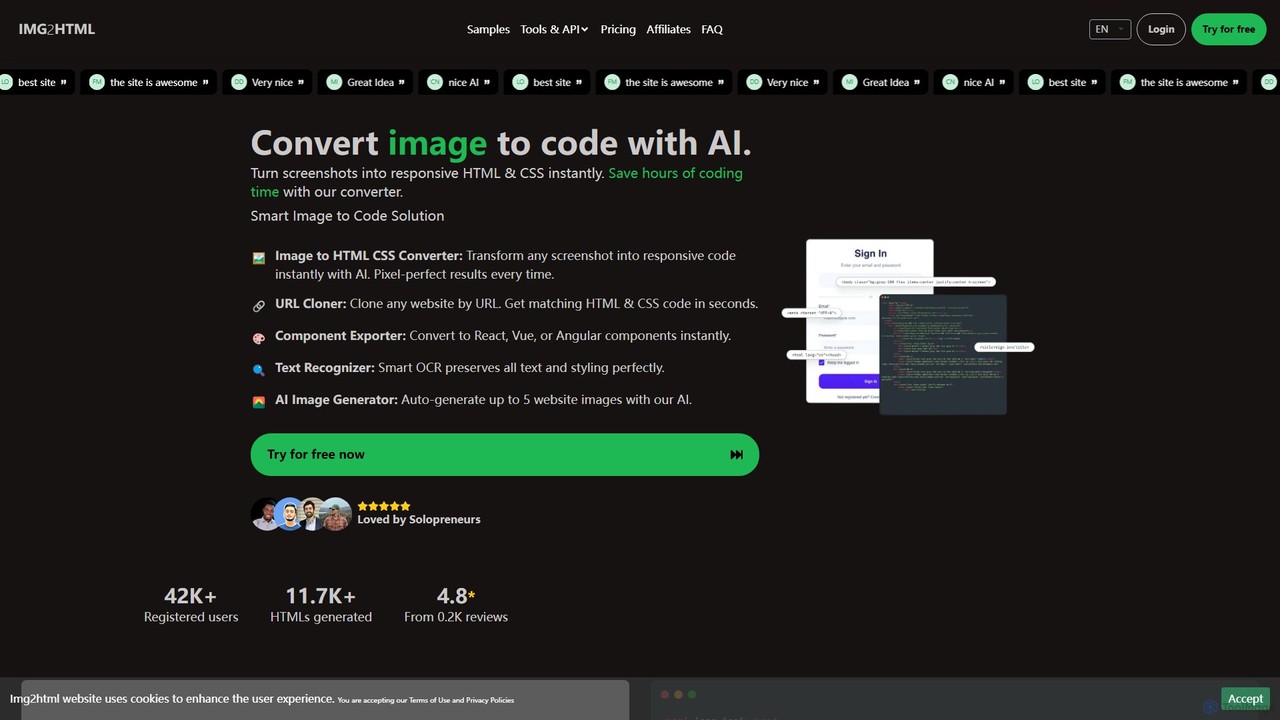
img2html
img2html is an AI-powered tool that instantly converts images, screenshots, and design mockups into clean, responsive HTML, CSS, and modern framework code like React, Vue, and Angular. It streamlines the front-end development workflow, saving developers hours of manual coding.
Design To CodeSuperflex
Superflex is an AI-powered tool that transforms Figma designs, images, and text prompts into production-ready front-end code in seconds. It accelerates development by analyzing your existing codebase to reuse UI components and adapting to your unique coding style. Ideal for developers and teams looking to boost productivity and bridge the gap between design and implementation.
Design To CodeAIUI.me
AIUI.me is an AI-powered tool that transforms UI screenshots into clean, reusable code. With a single click, developers and designers can convert any design image into fully functional React.js and TailwindCSS components. This streamlines the frontend development workflow, saving hours of manual coding and accelerating project delivery from prototype to production.
Ui Ux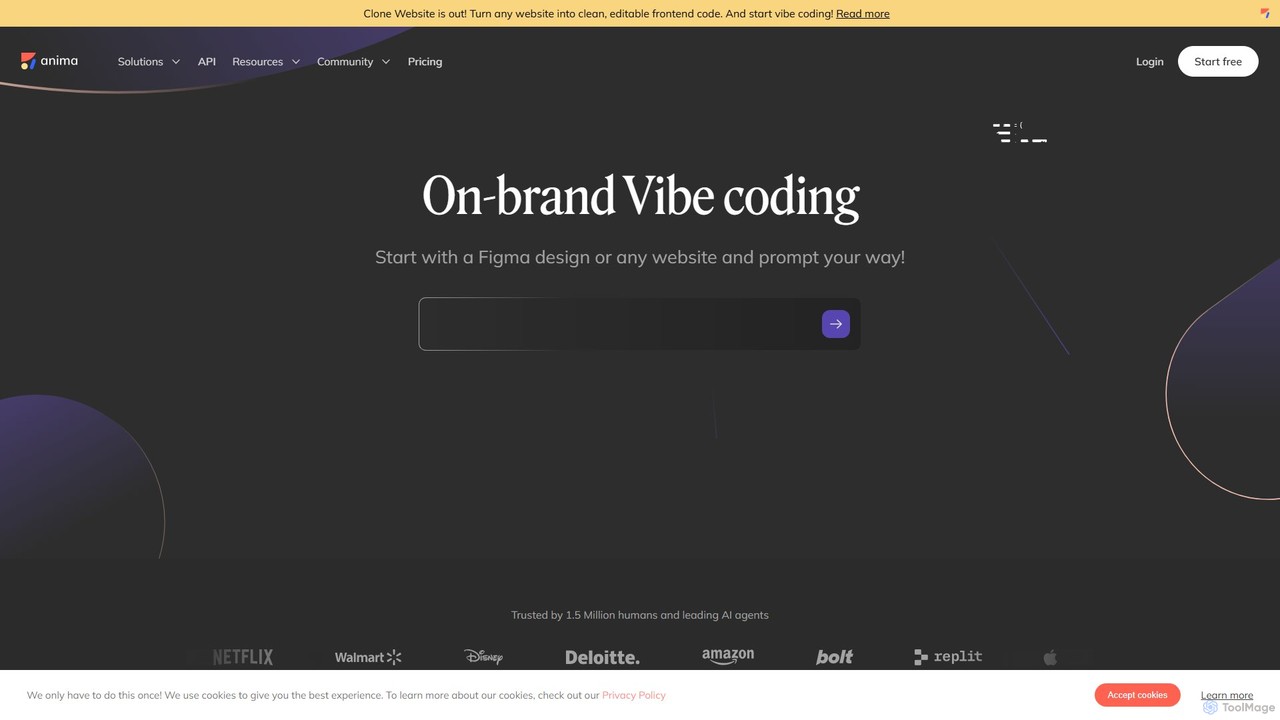
Anima
Anima is an AI-powered design-to-code platform that automates frontend development. It transforms designs from Figma, Adobe XD, and Sketch into clean, production-ready React, Vue, and HTML code. Featuring AI-driven iteration and website cloning, it empowers designers, developers, and founders to build and launch web applications and prototypes up to 10x faster.
Design To CodeHeroUI Chat
HeroUI Chat is an AI-powered tool that generates UI components and pages from simple text prompts. Built on NextUI and Tailwind CSS, it allows developers and designers to rapidly create beautiful, responsive, and accessible user interfaces by describing them in natural language, significantly accelerating the prototyping and development workflow.
Ui UxMokzu
Mokzu is an AI-powered tool that instantly transforms design mockups into functional, production-ready web applications. By simply uploading an image of your UI design, Mokzu generates clean React component code and hosts the app in seconds. It's designed to accelerate the development workflow, bridge the gap between design and code, and enable rapid prototyping for developers, designers, and product teams.
Design To Code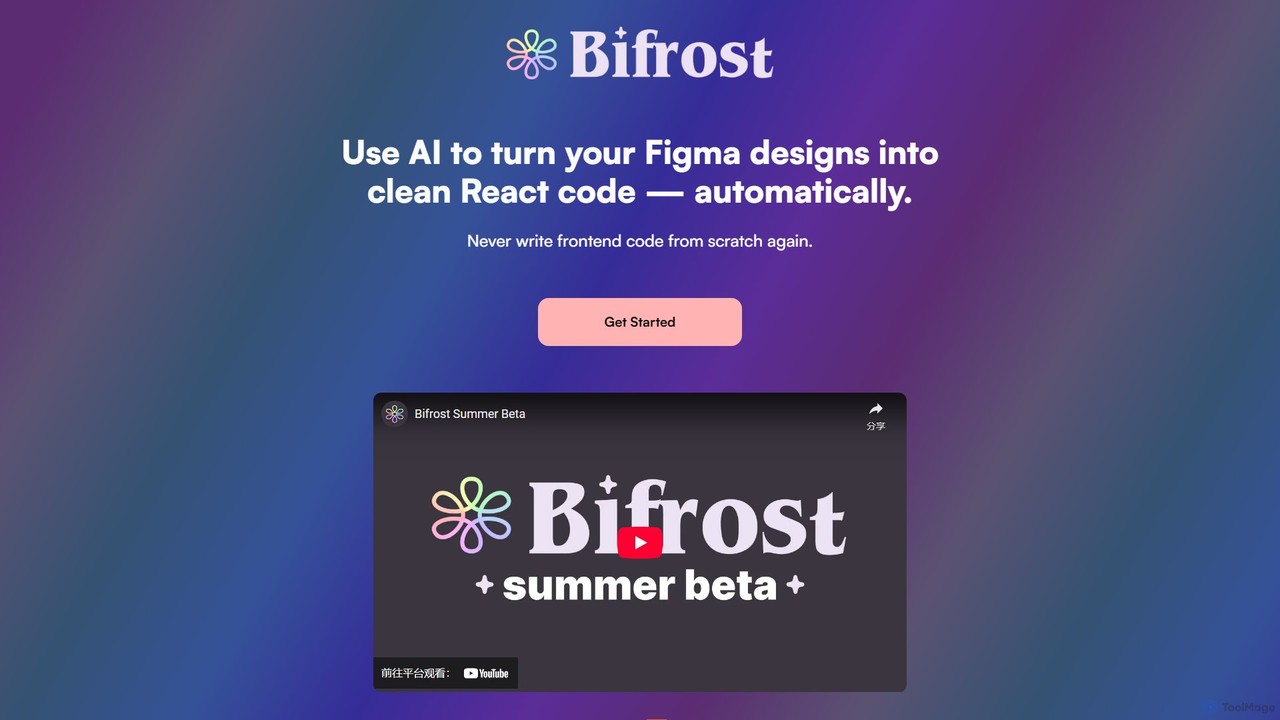
Bifrost
Bifrost is an AI-powered tool that automatically converts Figma designs into clean, production-ready React code. It streamlines the design-to-development workflow, saving significant engineering time and empowering teams to build and iterate on UIs faster than ever before.
Design To Code
Jyek
Jyek is an AI agent platform that understands objectives, creates execution plans, uses tools, and delivers verifiable results for complex, multi-step tasks.
Automation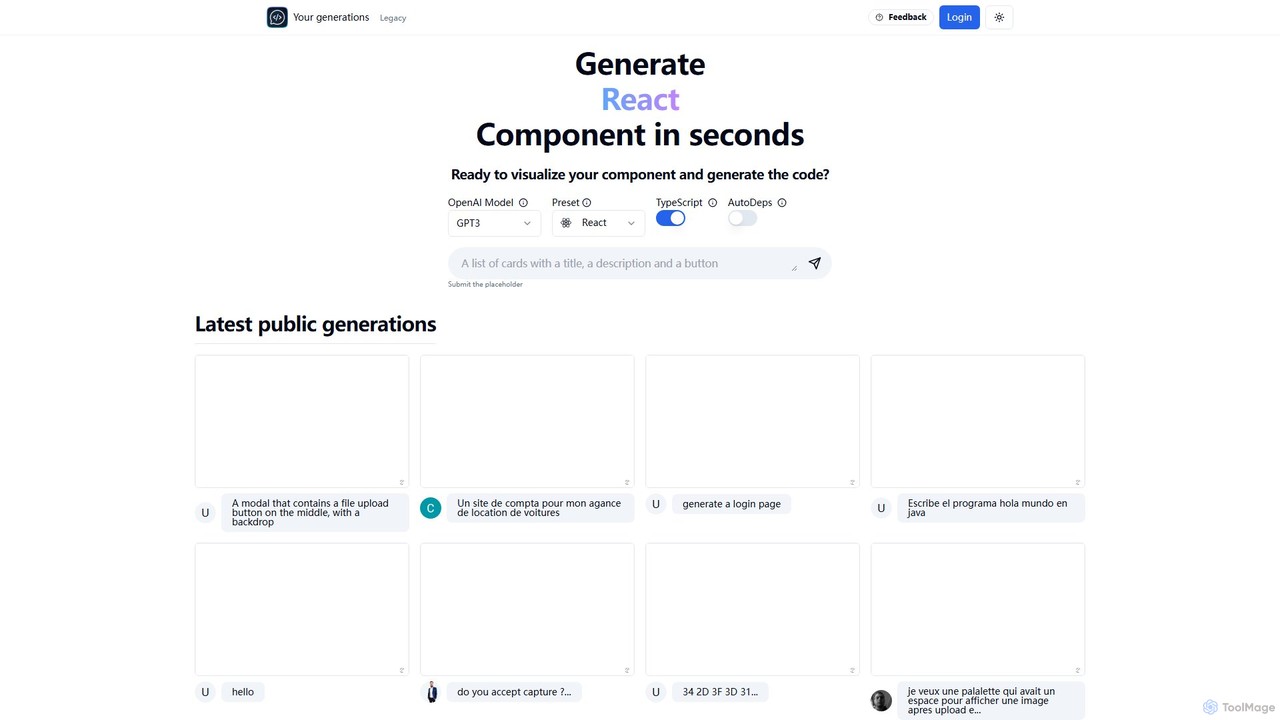
Chat2Code
Chat2Code is an AI-powered tool that generates interactive React and TypeScript components from natural language descriptions. Instantly visualize your ideas, get functional code, and accelerate your frontend development workflow. Perfect for rapid prototyping and component scaffolding.
Prototyping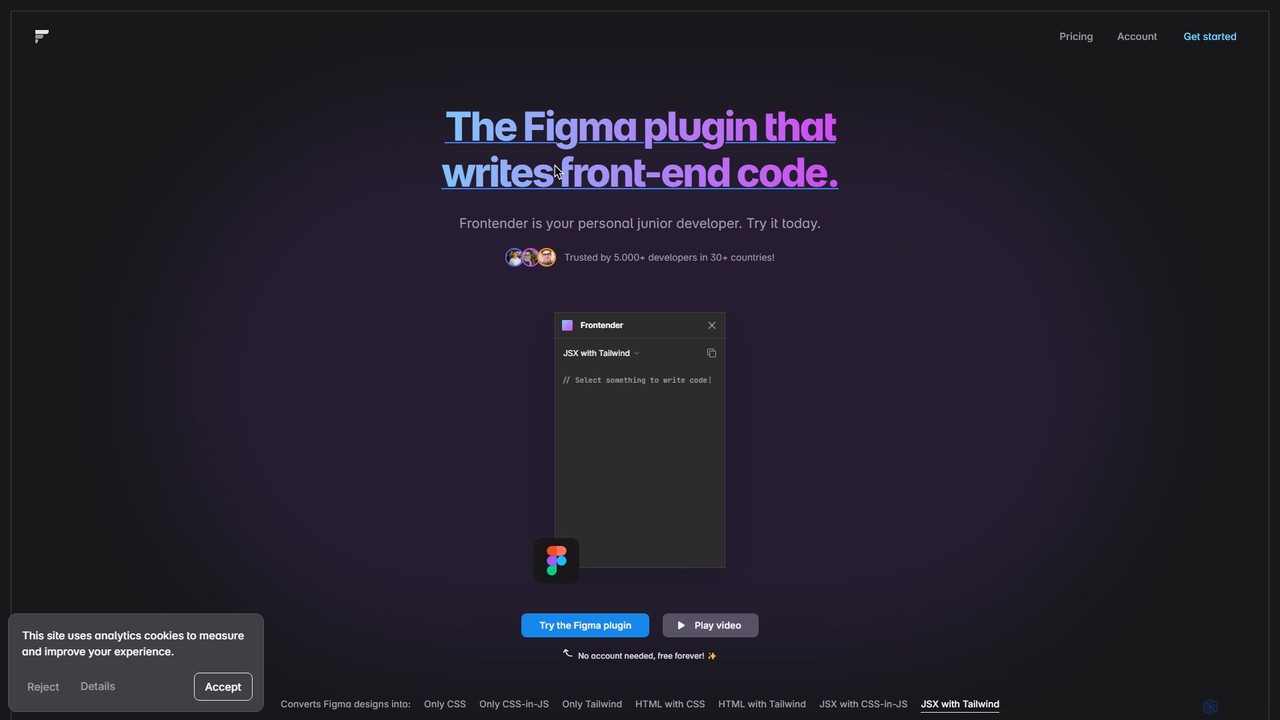
Frontender
A powerful Figma plugin that acts as your personal junior developer, instantly converting Figma designs into clean, production-ready front-end code. It supports HTML, JSX, CSS, CSS-in-JS, and Tailwind CSS, and works seamlessly with frameworks like React, Vue, and Svelte, even with messy design files.
Design To Code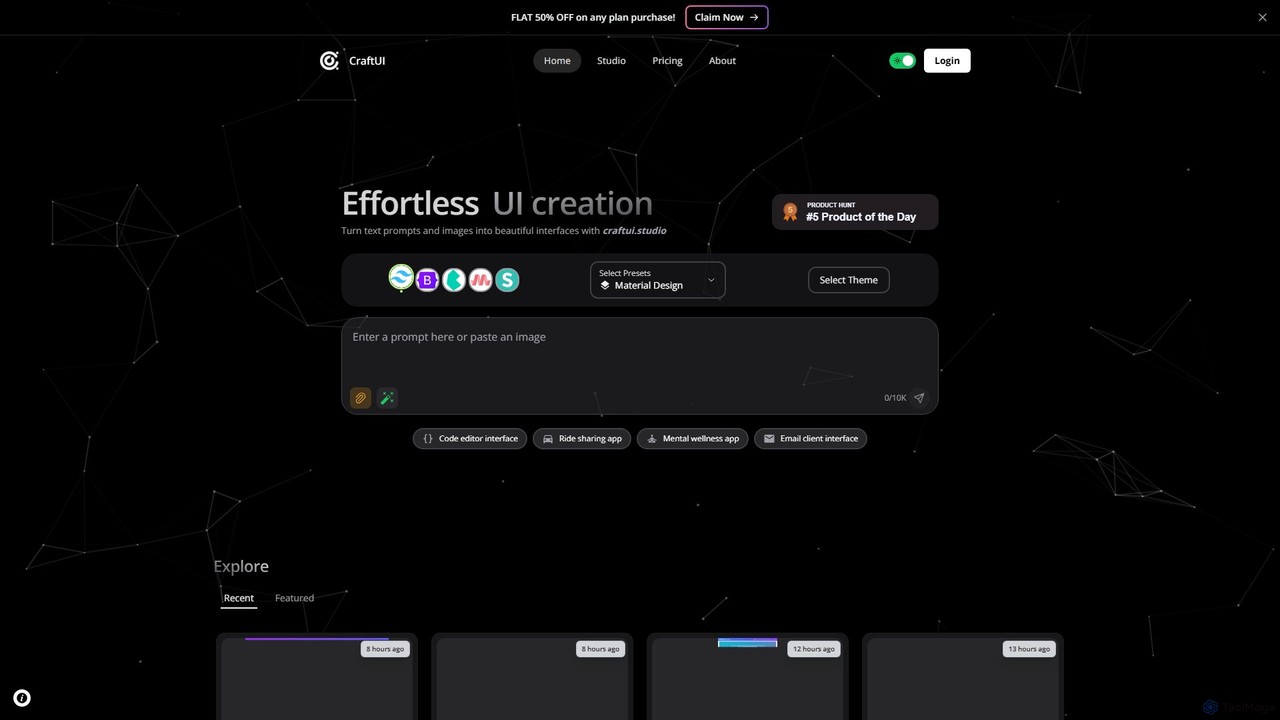
CraftUI
CraftUI is an AI-powered tool that generates beautiful, production-ready UI components from simple text prompts and images. It accelerates the design and development process by creating code for frameworks like Tailwind and Bootstrap, making UI creation effortless.
Ui Design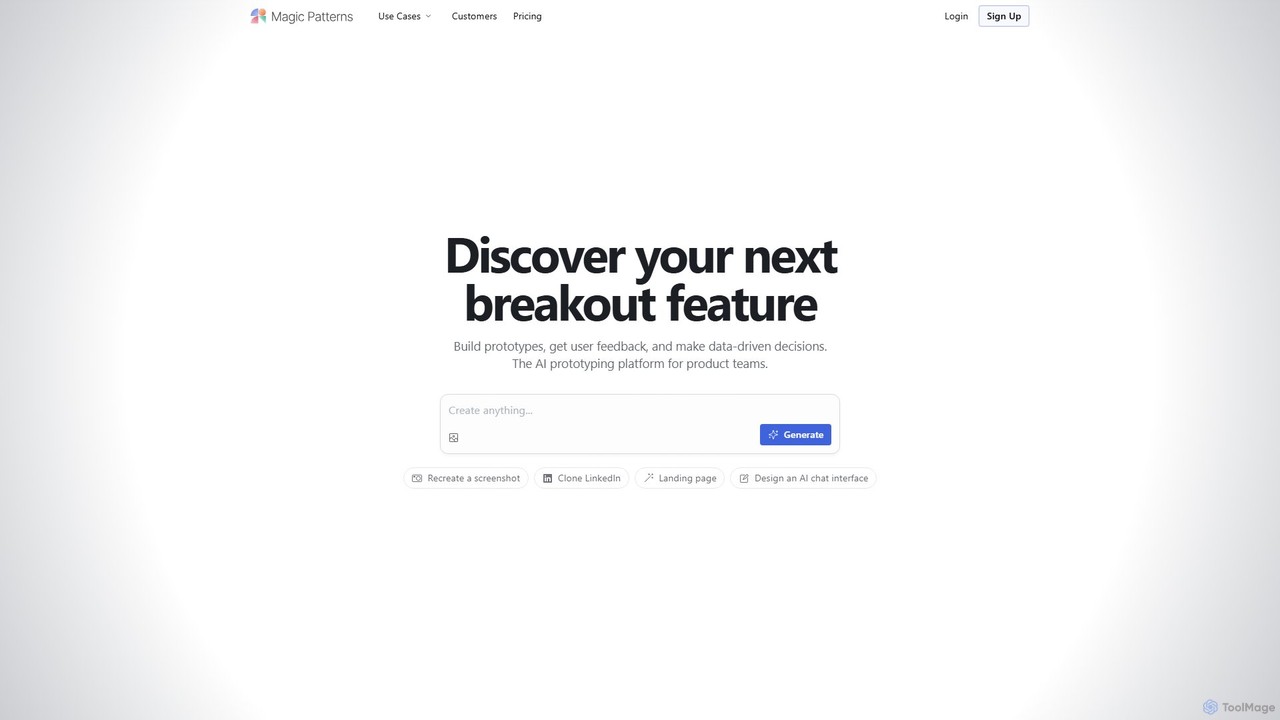
Magic Patterns
Magic Patterns is an AI-powered prototyping platform for product teams, designers, and developers. It accelerates UI creation by generating interactive prototypes and production-ready code (React, Tailwind CSS) from text prompts, screenshots, or existing websites. It helps teams iterate faster, gather user feedback, and make data-driven decisions.
Prototyping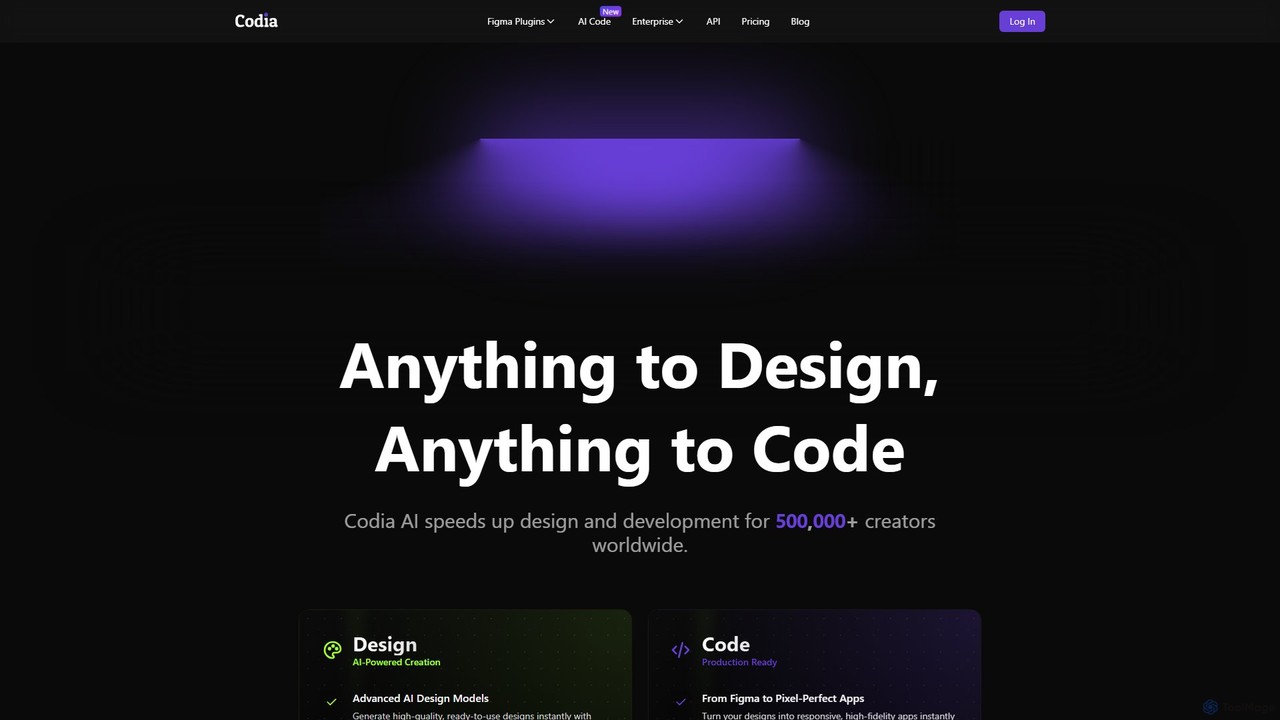
Codia
Codia is a leading AI-powered platform that automates the design-to-development workflow. It instantly converts designs from Figma, screenshots, PSD, and more into high-quality, production-ready code for various frameworks like React, Vue, and SwiftUI. It also features AI tools to generate editable UI from text prompts or transform static images into scalable vector graphics, dramatically accelerating the entire product creation process for developers and designers.
Ui Ux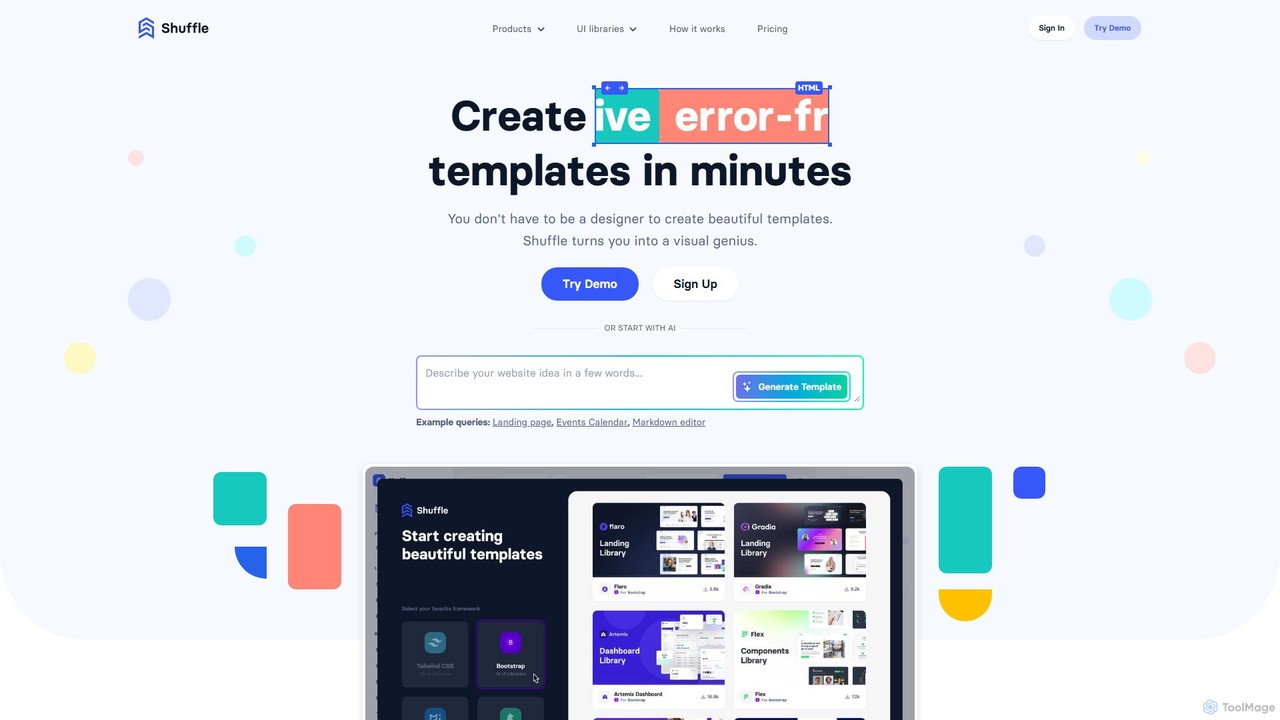
Shuffle
Shuffle is an AI-powered online editor for developers, designed to accelerate UI development. It features a visual drag-and-drop interface, extensive component libraries for Tailwind CSS, Bootstrap, Material-UI, and Bulma, and an AI Assistant that builds layouts from chat commands. Export clean, production-ready code, including React JSX, in seconds.
Ui Ux
Screenshot Coder Comments (0)
Sign in to comment.
Sign inNo comments yet.