
Superflex Overview
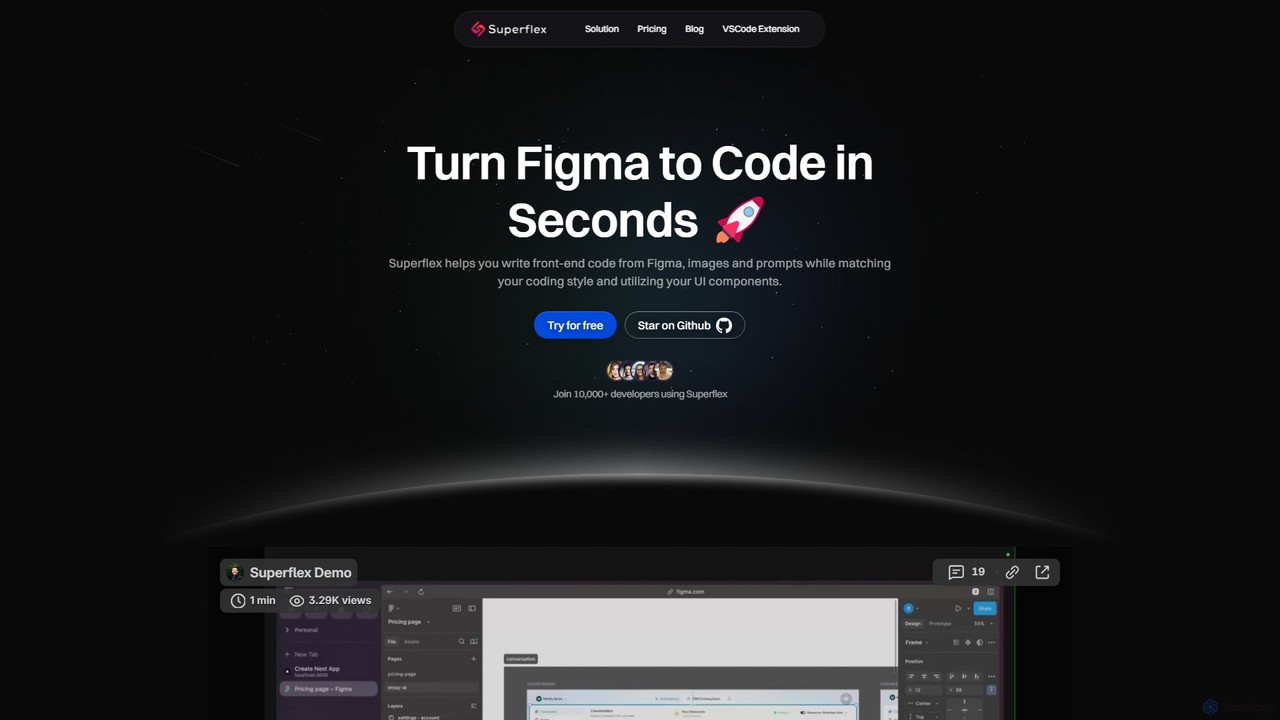
Superflex is a cutting-edge AI tool designed to revolutionize the front-end development workflow. It empowers developers and teams to convert design assets into high-quality, production-ready code with remarkable speed and accuracy. By taking inputs directly from Figma, images, or even simple text prompts, Superflex eliminates the tedious and time-consuming process of manually translating visual designs into functional user interfaces. It's built for professional developers who want to accelerate their workflow, reduce boilerplate code, and focus on building complex application logic.
The platform's intelligence lies in its ability to understand and adapt to your existing project. Superflex analyzes your codebase to identify and utilize your custom UI components, ensuring that the generated code is consistent with your design system and architectural patterns. This adaptability makes it a powerful ally in maintaining code quality and scalability, preventing the 'spaghetti code' that can arise from inconsistent development practices.
How to use Superflex
Using Superflex is a straightforward process designed to integrate seamlessly into a developer's existing workflow:
- Provide an Input: Start by connecting your Figma account to import designs directly. Alternatively, you can upload a screenshot or image of a UI, or simply describe the component you want to build using a text prompt.
- Codebase Integration: For optimal results, allow Superflex to analyze your project's repository. This enables the AI to learn your coding style, component structure (e.g., React, Next.js), and styling conventions (e.g., Tailwind CSS, Styled Components).
- Generate Code: With the input and context, Superflex generates the corresponding front-end code in seconds. The output is not just a generic snippet but is tailored to your project's specific needs.
- Review and Integrate: The generated code can be reviewed and copied directly into your project. With the VSCode extension, this process is even more streamlined, allowing you to generate and insert code without leaving your editor.
- Iterate and Refine: Use the generated code as a solid foundation. Since it matches your style, you can confidently make edits and build upon it to add complex functionality.
Core Features of Superflex
- Multi-Source Input: Converts designs from Figma, images, and text prompts into code.
- Codebase-Aware Generation: Analyzes your existing code to reuse your UI components and libraries.
- Coding Style Adaptation: Matches your formatting, naming conventions, and architectural patterns (e.g., React, Next.js, Svelte).
- Production-Ready Output: Generates clean, maintainable, and responsive HTML, CSS, and JavaScript code.
- VSCode Extension: Provides a seamless in-editor experience for maximum productivity.
- Team Collaboration: Offers team plans with centralized billing, shared access, and priority support to boost an entire team's velocity.
- Zero Data Retention Policy: The Team Plan ensures your proprietary code is never stored, providing enhanced security and confidentiality.
Use Cases for Superflex
Superflex is versatile and can be applied in various scenarios to enhance front-end development:
- Rapid Prototyping: Quickly transform wireframes or high-fidelity mockups into interactive web prototypes.
- Component Creation: Generate individual UI components like buttons, cards, and forms from a Figma design layer or an image.
- Landing Page Development: Build entire landing pages or marketing sites from a complete design file in minutes.
- Design System Implementation: Accelerate the process of building a component library based on an established design system in Figma.
- Modernizing Legacy UIs: Take screenshots of old interfaces and generate modern, responsive code using new frameworks.
Advantages of Superflex
The primary advantage of Superflex is a massive boost in development speed, with claims of up to an 80% increase in front-end velocity. It bridges the often-problematic gap between design and development, ensuring high fidelity to the original design. By automating the creation of UI code, it frees up developers to concentrate on more complex tasks like state management, API integration, and business logic. The code's consistency and adherence to project standards also lead to a more maintainable and scalable codebase over time.
Pricing and Plans
Superflex offers a tiered pricing structure to suit different needs:
- Free Plan: Ideal for individuals and hobbyists. Includes 1 project, 15 premium requests/month, and 100 basic requests/month. It supports image and prompt-to-code but requires a paid plan for Figma integration.
- Individual Pro Plan ($19/month, billed yearly): The most popular choice for professionals. Includes Figma integration, unlimited projects, 250 premium requests/month, unlimited basic requests, and priority email support.
- Team Plan ($199/month, billed yearly): Designed for teams and organizations. Includes 5 licenses (with an option to add more), advanced Figma-to-code generation, unlimited premium requests, priority Slack support, centralized billing, and a zero data retention policy for maximum security.
All paid plans come with a 30-day money-back guarantee.
Traffic
Latest traffic
Status
Monthly traffic trend
- 2025-9: 10.5K
- 2026-1: 14.6K
- 2026-2: 9.5K
- 2026-3: 9.9K
- 2026-4: 7.5K
- 2026-5: 3.0K
Geography
Top 5 countries / regions
- 🇺🇸United States38.9%
- 🇩🇪Germany23.1%
- 🇮🇳India15.9%
- 🇵🇰Pakistan14.0%
- 🇮🇩Indonesia8.1%
Top keywords
| Keyword | Cost per click |
|---|---|
| all html <input> types | $0.00 |
| best ai for coding | $6.19 |
| figma sites | $2.62 |
| superflex | $0.51 |
| xhr | $1.39 |
Superflex Alternatives
Screenshot Coder
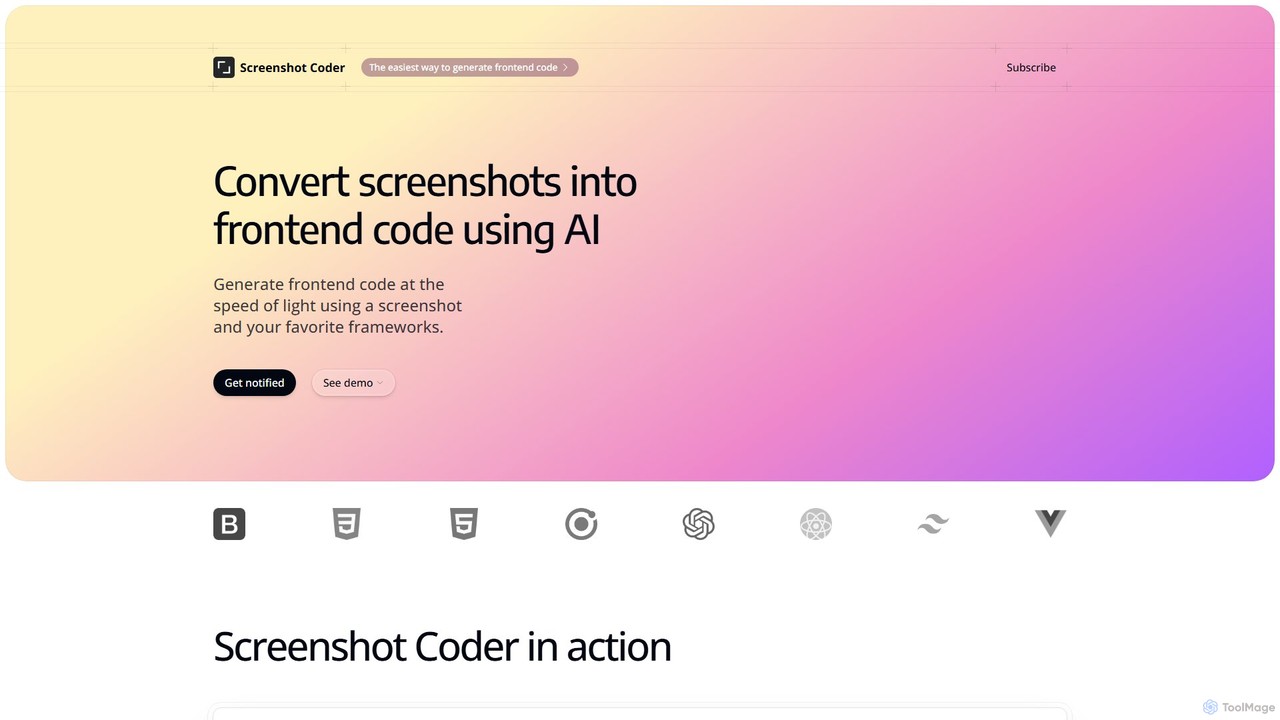
Screenshot Coder is an AI-powered tool that instantly converts screenshots of UI designs into clean, production-ready frontend code. It supports popular frameworks like React, Bootstrap, and Tailwind CSS, dramatically accelerating the development workflow from design to implementation.
Design To Code
Locofy.ai
Locofy.ai is an AI-powered platform that accelerates frontend development by converting designs from Figma, Adobe XD, and Penpot into high-quality, production-ready code. It supports a wide range of frameworks like React, React Native, Vue, and HTML/CSS, helping teams build UI 10x faster and significantly reducing the design-to-code workflow.
Design To Code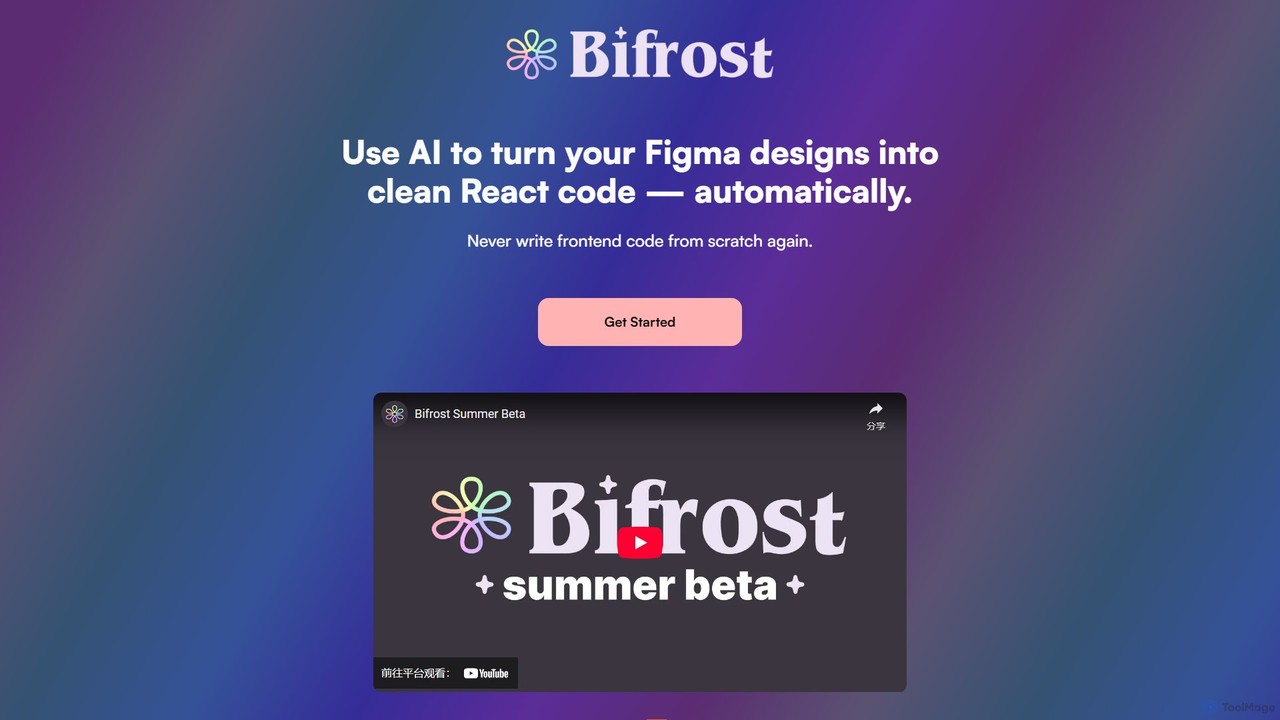
Bifrost
Bifrost is an AI-powered tool that automatically converts Figma designs into clean, production-ready React code. It streamlines the design-to-development workflow, saving significant engineering time and empowering teams to build and iterate on UIs faster than ever before.
Design To Code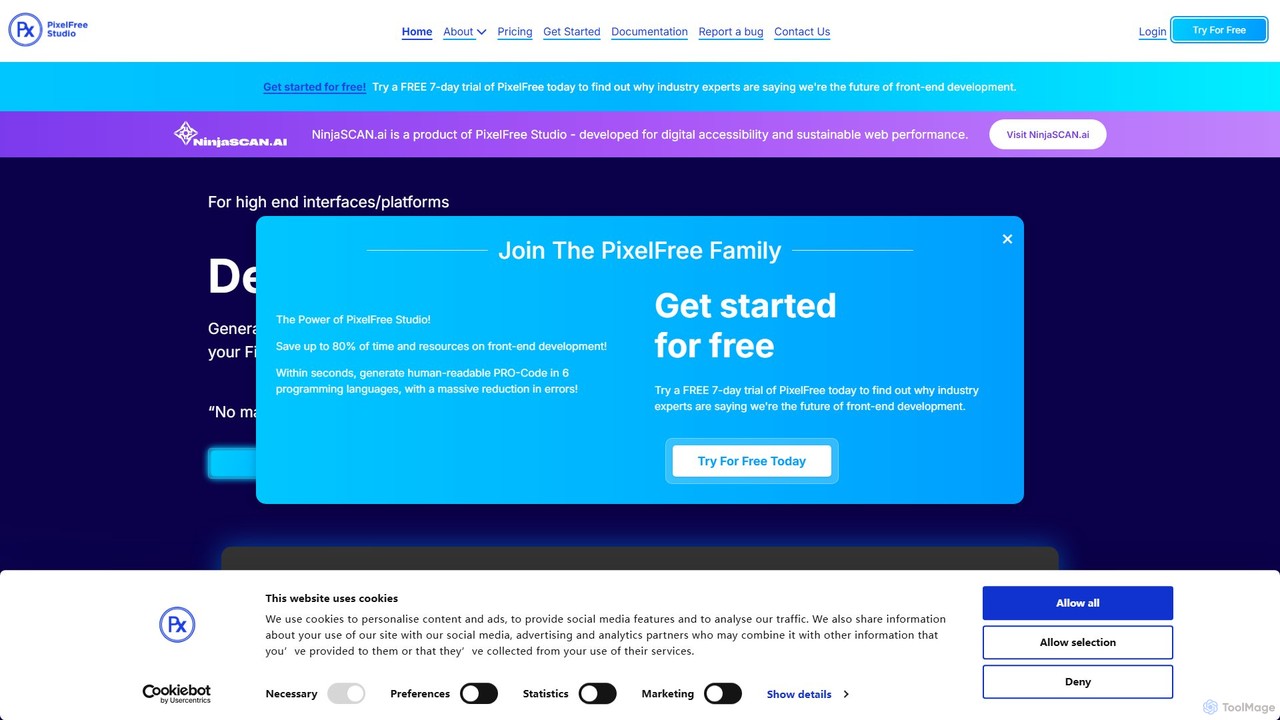
PixelFree Studio
PixelFree Studio is a low-code application builder that transforms UI designs into clean, production-ready code. It specializes in importing Figma designs and exporting them to multiple frameworks like React, Vue, Angular, and C#, streamlining the design-to-development workflow and accelerating app creation.
Design To Code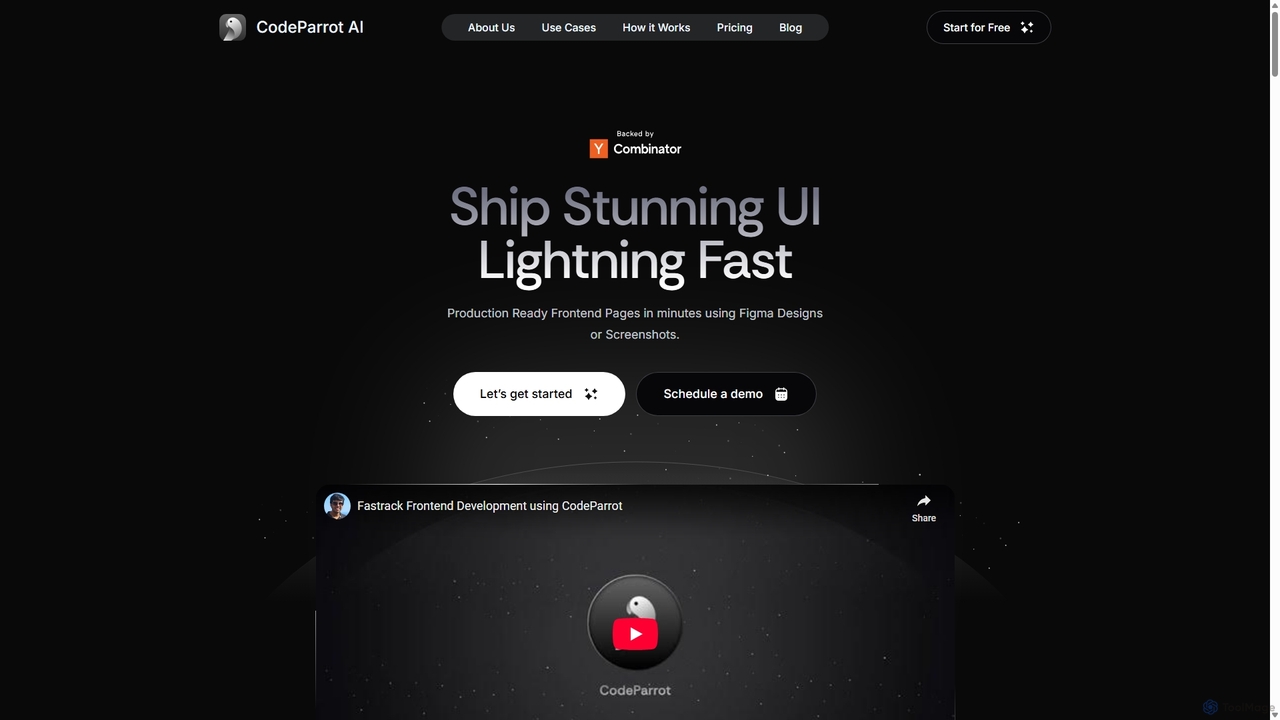
CodeParrot
CodeParrot is an AI-powered copilot that transforms Figma designs and screenshots into production-ready frontend code. It intelligently understands your existing codebase, reuses components, and adheres to your coding standards, dramatically accelerating UI development for frameworks like React, Vue, and Angular.
Design To CodeSuperflex Categories
Superflex Embed Widget
Copy this embed code to place the badge on your blog, article, or product site and send readers directly to this ToolMage detail page.

Related AI tools
Screenshot Coder
Screenshot Coder is an AI-powered tool that instantly converts screenshots of UI designs into clean, production-ready frontend code. It supports popular frameworks like React, Bootstrap, and Tailwind CSS, dramatically accelerating the development workflow from design to implementation.
Design To CodeLocofy.ai
Locofy.ai is an AI-powered platform that accelerates frontend development by converting designs from Figma, Adobe XD, and Penpot into high-quality, production-ready code. It supports a wide range of frameworks like React, React Native, Vue, and HTML/CSS, helping teams build UI 10x faster and significantly reducing the design-to-code workflow.
Design To CodeBifrost
Bifrost is an AI-powered tool that automatically converts Figma designs into clean, production-ready React code. It streamlines the design-to-development workflow, saving significant engineering time and empowering teams to build and iterate on UIs faster than ever before.
Design To CodePixelFree Studio
PixelFree Studio is a low-code application builder that transforms UI designs into clean, production-ready code. It specializes in importing Figma designs and exporting them to multiple frameworks like React, Vue, Angular, and C#, streamlining the design-to-development workflow and accelerating app creation.
Design To CodeCodeParrot
CodeParrot is an AI-powered copilot that transforms Figma designs and screenshots into production-ready frontend code. It intelligently understands your existing codebase, reuses components, and adheres to your coding standards, dramatically accelerating UI development for frameworks like React, Vue, and Angular.
Design To Code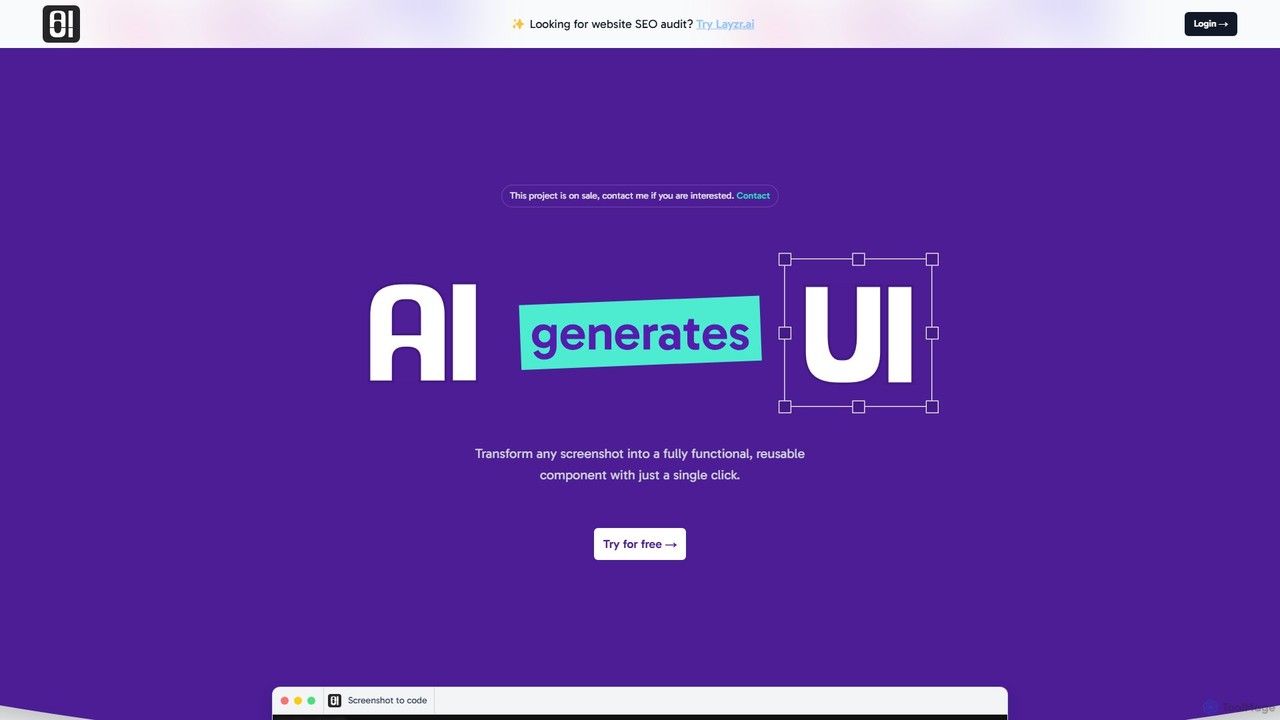
AIUI.me
AIUI.me is an AI-powered tool that transforms UI screenshots into clean, reusable code. With a single click, developers and designers can convert any design image into fully functional React.js and TailwindCSS components. This streamlines the frontend development workflow, saving hours of manual coding and accelerating project delivery from prototype to production.
Ui Ux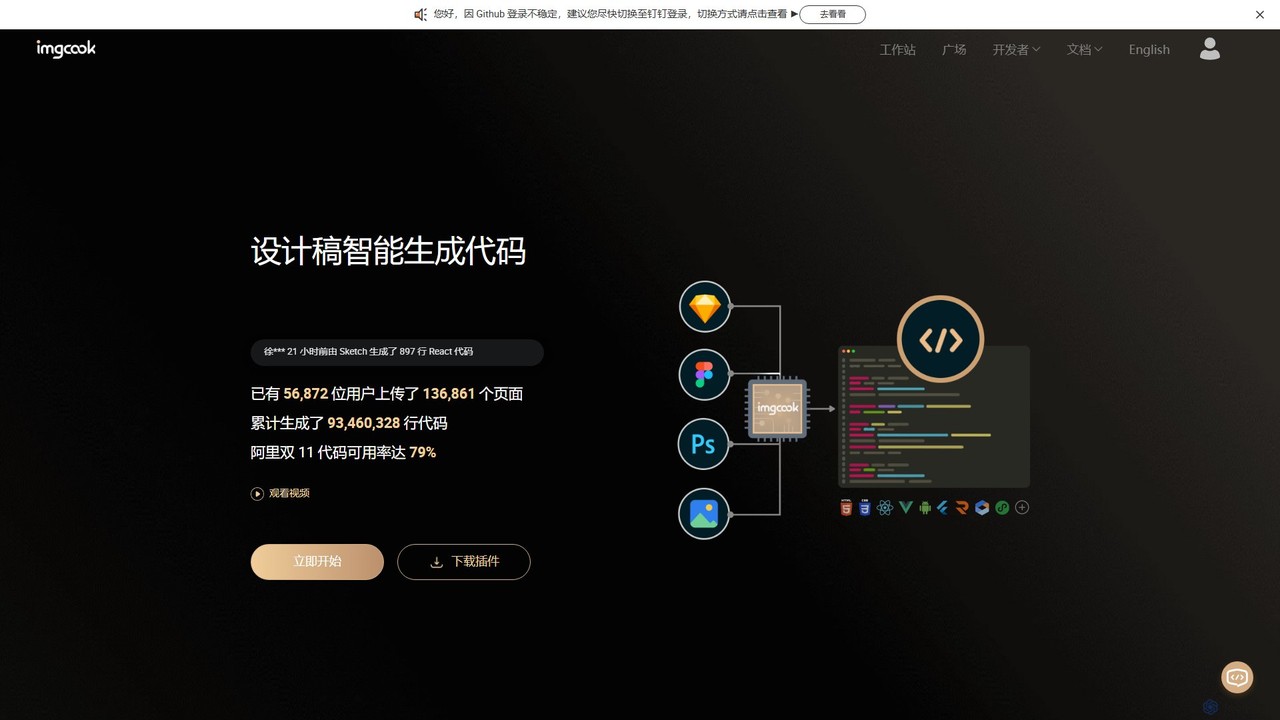
imgcook
imgcook is an intelligent Design-to-Code (D2C) platform that uses AI to automatically convert design drafts from Sketch, Figma, and Photoshop into high-quality, maintainable front-end code for React, Vue, Mini Programs, and more, significantly boosting development efficiency.
Design To Code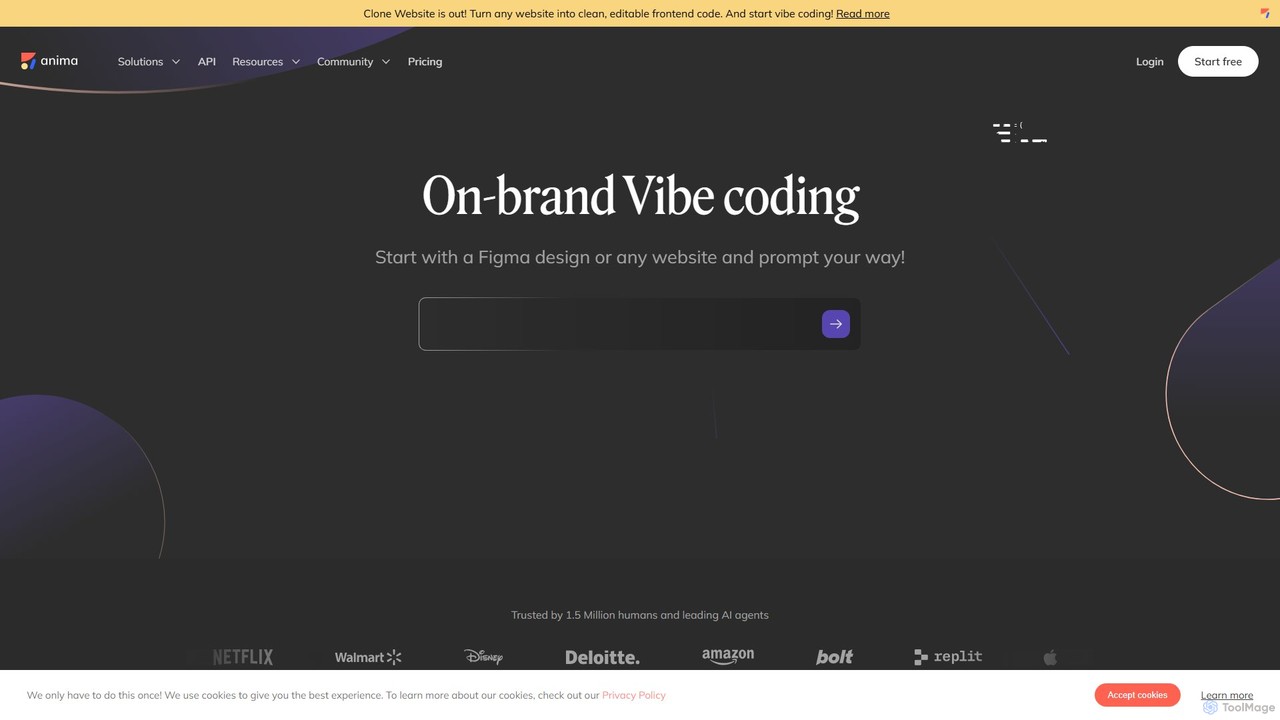
Anima
Anima is an AI-powered design-to-code platform that automates frontend development. It transforms designs from Figma, Adobe XD, and Sketch into clean, production-ready React, Vue, and HTML code. Featuring AI-driven iteration and website cloning, it empowers designers, developers, and founders to build and launch web applications and prototypes up to 10x faster.
Design To Code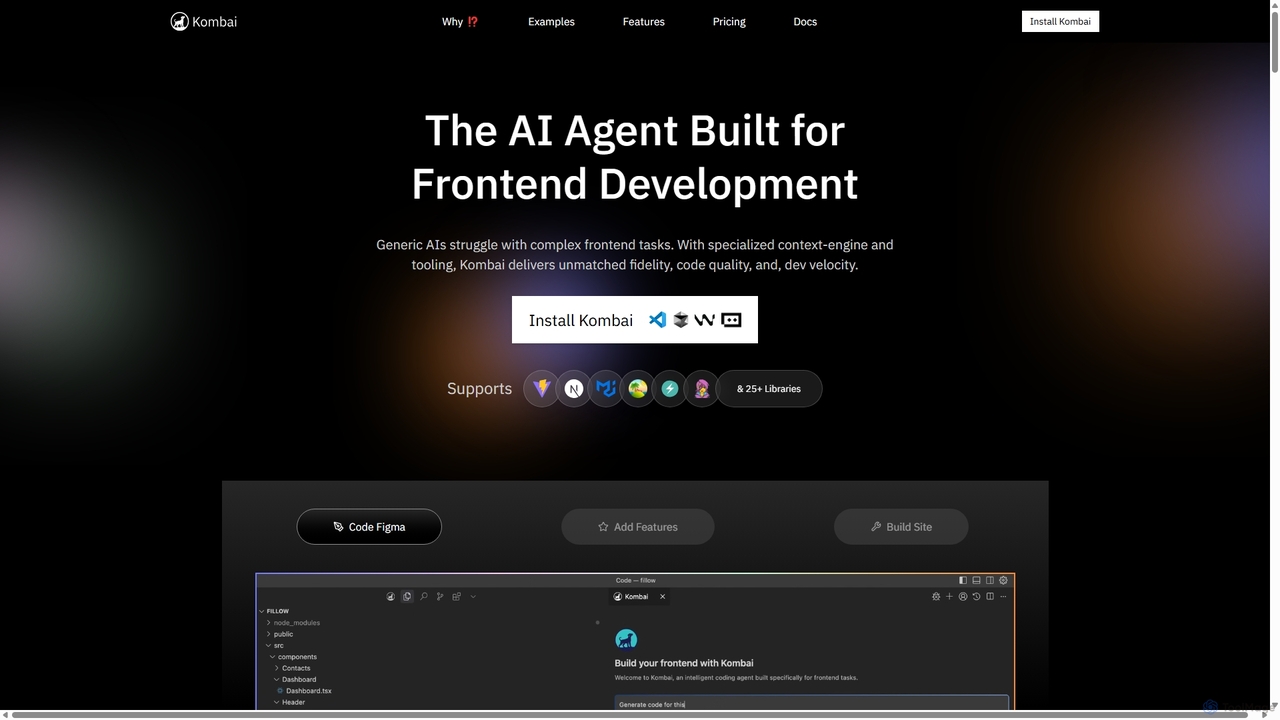
Kombai
Kombai is a specialized AI agent for frontend development that transforms Figma designs, images, and text prompts into high-fidelity, production-ready code. It understands your existing codebase, supports 25+ libraries, and integrates directly into your IDE to accelerate development velocity.
Code Generation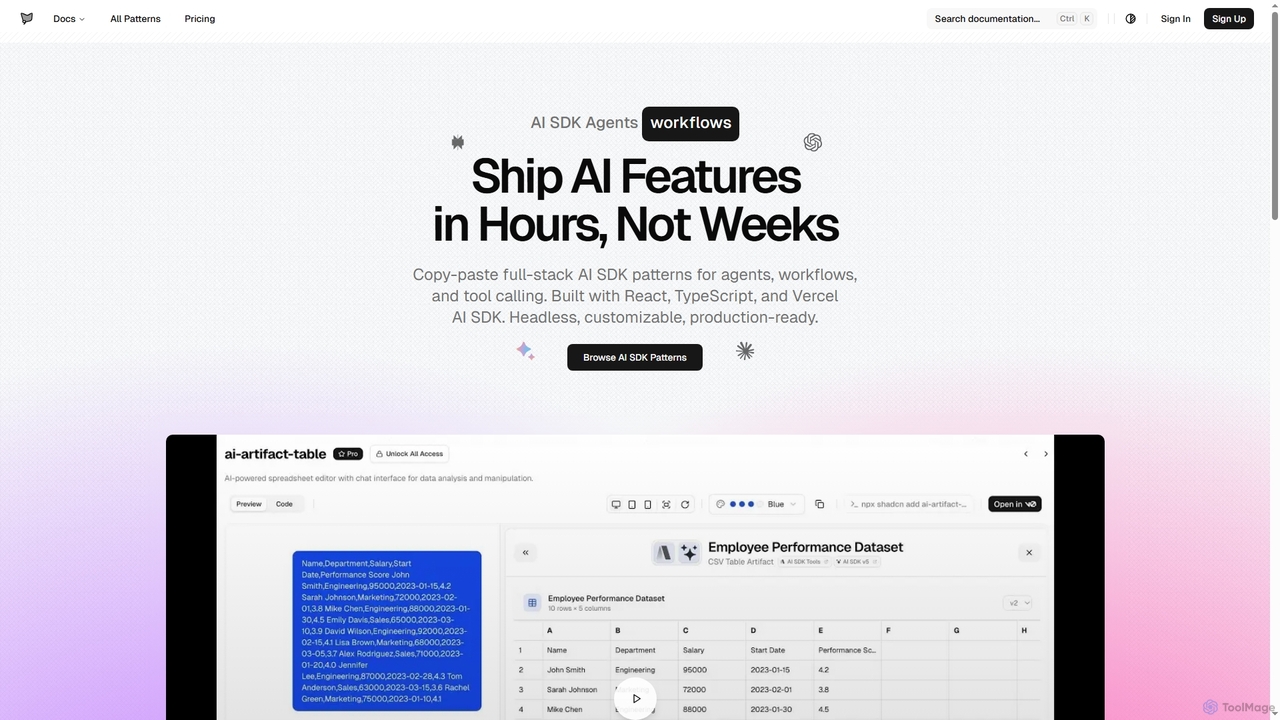
AI SDK Agents
AI SDK Agents provides production-ready React components for rapidly building AI applications. Leverage copy-paste patterns for agents, workflows, tool calling, and streaming responses, built with React, TypeScript, and Vercel AI SDK. Accelerate your AI feature development from weeks to hours, ensuring customizable and headless integration into your projects.
Ui Components
Jyek
Jyek is an AI agent platform that understands objectives, creates execution plans, uses tools, and delivers verifiable results for complex, multi-step tasks.
Automation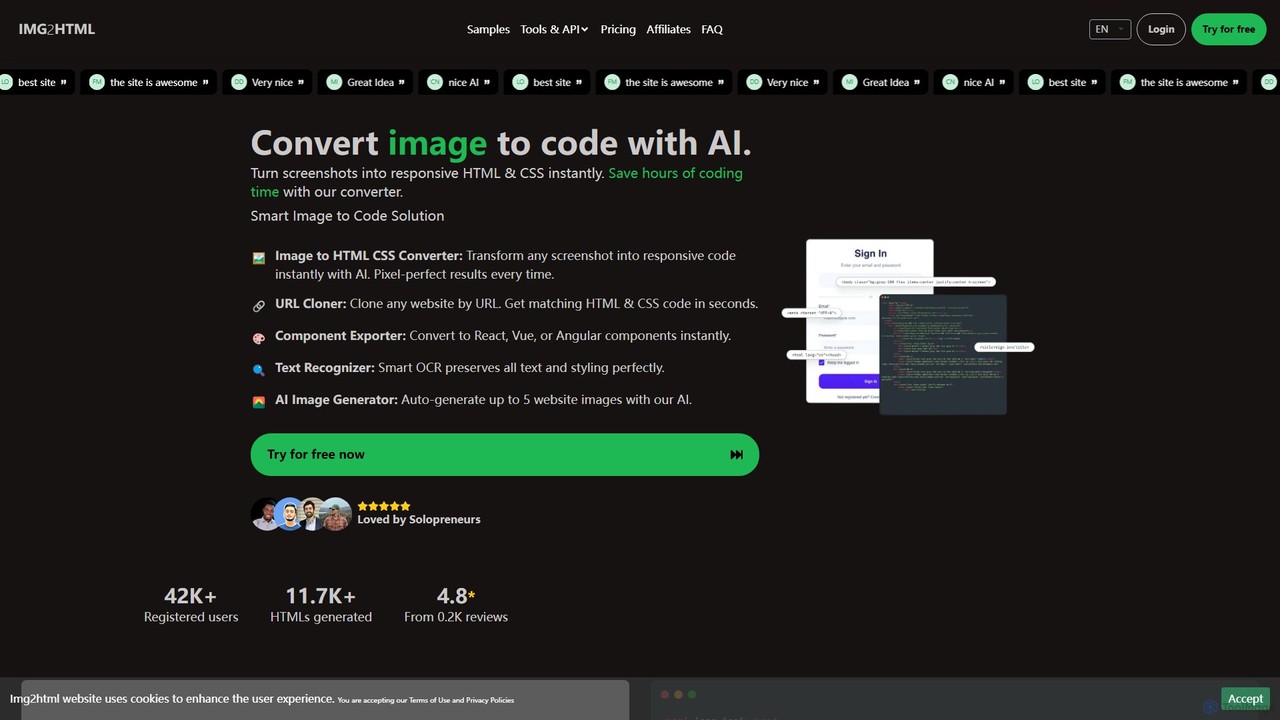
img2html
img2html is an AI-powered tool that instantly converts images, screenshots, and design mockups into clean, responsive HTML, CSS, and modern framework code like React, Vue, and Angular. It streamlines the front-end development workflow, saving developers hours of manual coding.
Design To Code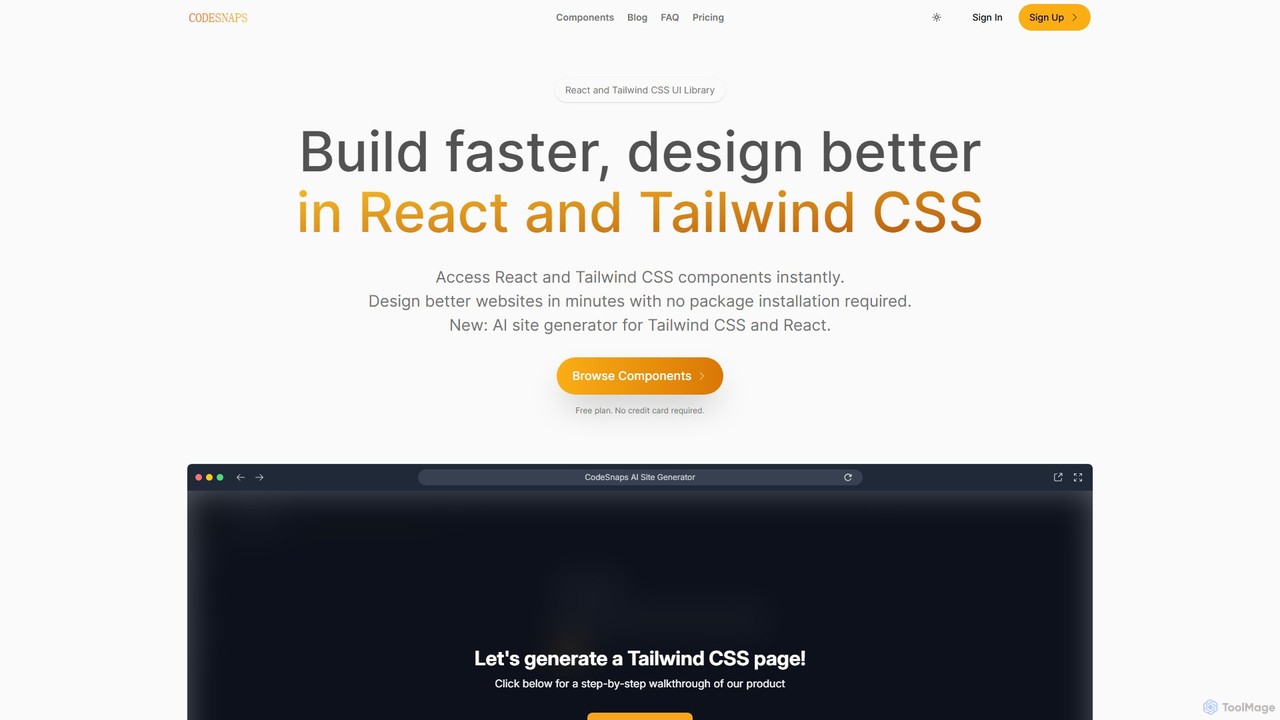
CodeSnaps
CodeSnaps is an AI-powered UI library for React and Tailwind CSS. It helps developers build websites and MVPs faster with a vast collection of production-ready components and an innovative AI site generator. Simply describe your site, and the AI will generate the structure and code, which you can then customize and download.
Ui Ux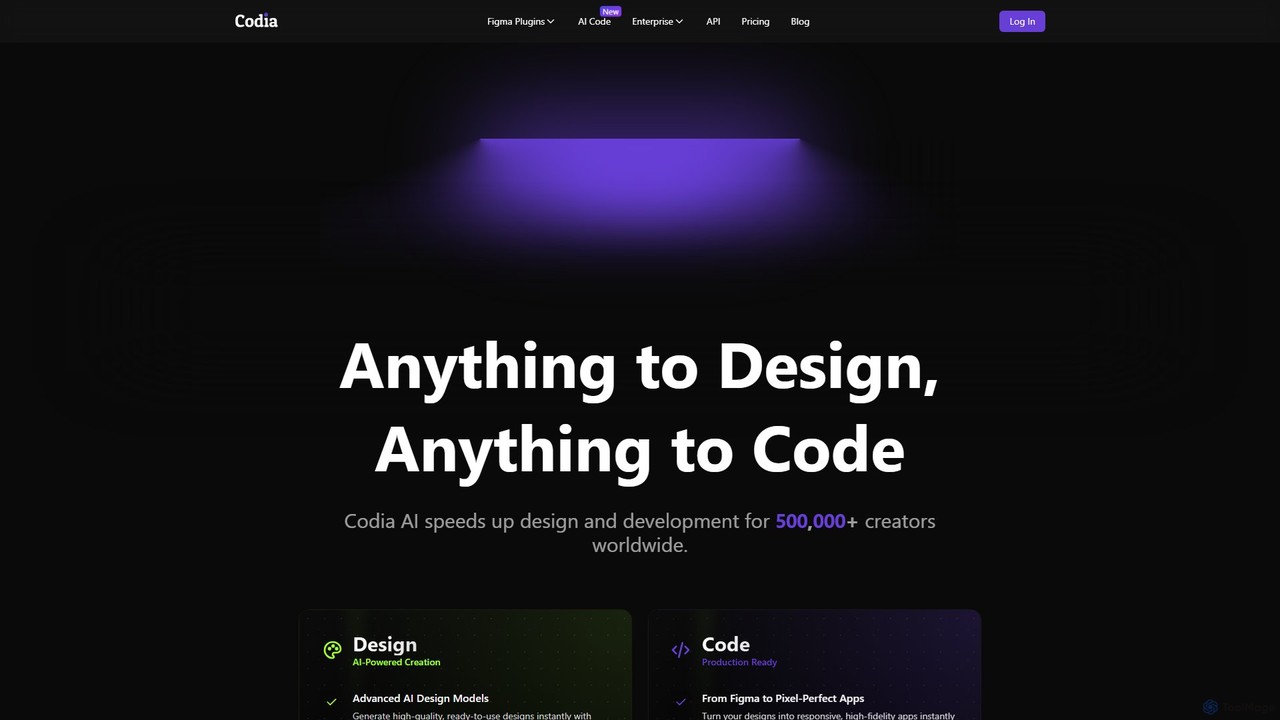
Codia
Codia is a leading AI-powered platform that automates the design-to-development workflow. It instantly converts designs from Figma, screenshots, PSD, and more into high-quality, production-ready code for various frameworks like React, Vue, and SwiftUI. It also features AI tools to generate editable UI from text prompts or transform static images into scalable vector graphics, dramatically accelerating the entire product creation process for developers and designers.
Ui Ux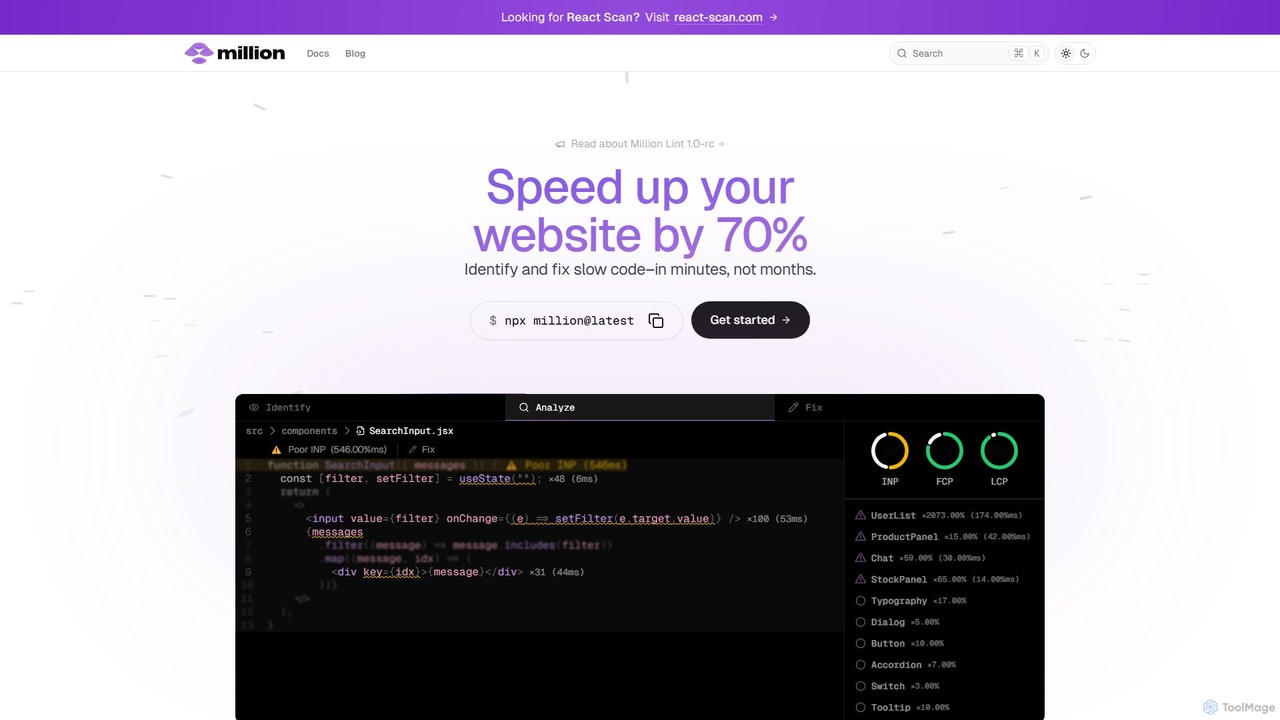
Million
Million is an AI-powered developer tool designed to significantly boost the performance of React websites. It functions as a VSCode extension and compiler, automatically identifying slow code, unnecessary re-renders, and other performance bottlenecks directly within your IDE. Million provides actionable, automated fixes, helping developers optimize their applications by up to 70% in minutes, not months.
Code Assistant
Superflex Comments (0)
Sign in to comment.
Sign inNo comments yet.