

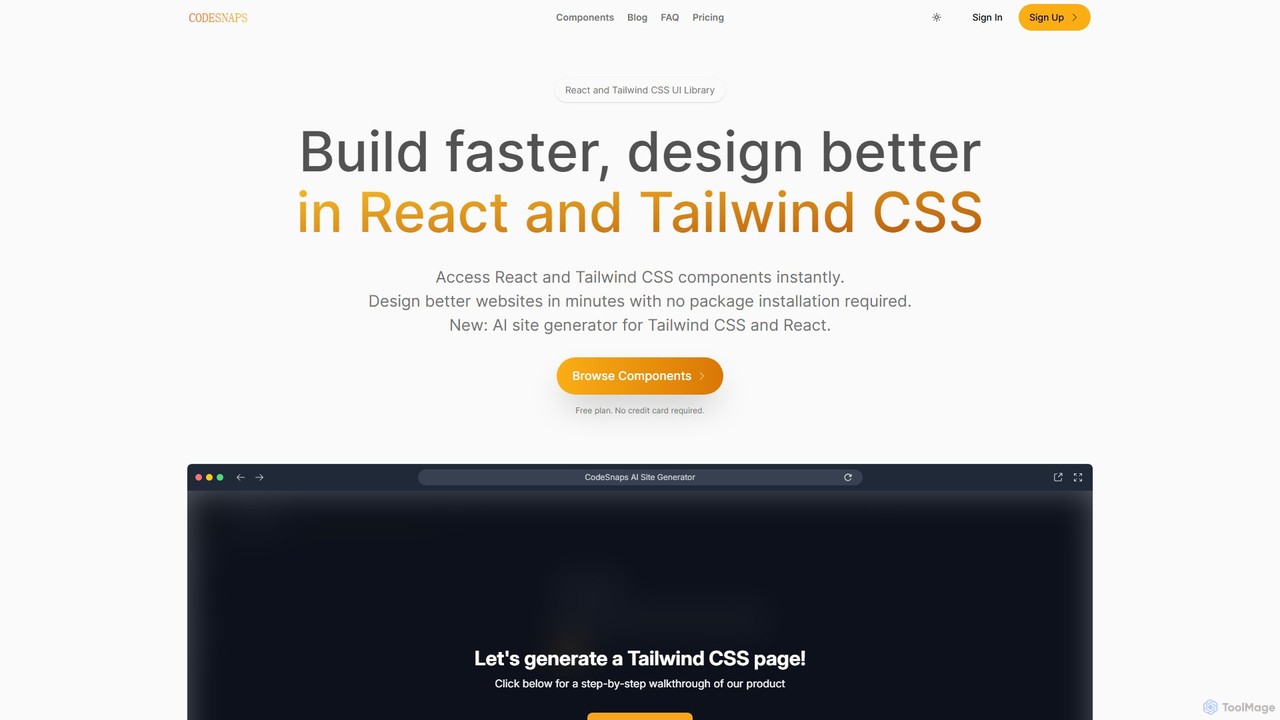
CodeSnaps Overview
CodeSnaps is a comprehensive platform designed to accelerate web development for professionals using React and Tailwind CSS. It bridges the gap between the rapid development of no-code tools and the flexibility of traditional coding. The platform offers two primary features: an extensive library of production-ready UI components and a groundbreaking AI Site Generator. This dual approach empowers developers to build beautiful, functional websites and Minimum Viable Products (MVPs) in a fraction of the time, without compromising on code quality or the tech stacks they prefer.
The core philosophy behind CodeSnaps, as stated by its creator, is to help developers work smarter, not harder. Instead of building common UI elements from scratch or being constrained by the limitations of no-code platforms, developers can leverage CodeSnaps to instantly access clean, minimalist, and fully responsive components. These components are continuously updated, with new additions every week, ensuring the library stays fresh and relevant.
How to use CodeSnaps
Using CodeSnaps is designed to be intuitive and seamlessly integrate into a developer's workflow. There are two main ways to leverage the platform:
1. Using the Component Library:
- Browse & Filter: Navigate to the component library and use the advanced filtering system. You can search by category (e.g., Headers, Footers, Pricing Sections), layout, text alignment, number of columns, and specific elements (e.g., buttons, forms, modals).
- Preview & Select: Each component can be previewed in both light and dark modes. Once you find the perfect component, you can inspect its code.
- Copy & Paste: With a single click, copy the clean, production-ready React and Tailwind CSS code.
- Integrate: Paste the code directly into your React or Next.js project. No package installation is required, which keeps your project dependencies lean.
2. Using the AI Site Generator:
- Describe Your Site: Provide a simple text description of the website you want to build. For example, "a landing page for a new SaaS product that helps with project management."
- Choose a Color: Select a primary color to define your site's branding.
- Generate Structure: Let the AI process your input and generate a complete site structure, including relevant sections and components from the library.
- Customize: Fine-tune the generated site. You can adjust margins, padding, and swap out components to better fit your vision.
- Download Code: Once you are satisfied, download the entire project's source code, ready to be used in a React or Next.js environment.
Core Features of CodeSnaps
- AI Site Generator: Creates entire website structures from a simple text prompt, generating downloadable React and Next.js code.
- Extensive Component Library: A vast and growing collection of UI components built with React and Tailwind CSS, covering everything from navbars and hero sections to testimonials and footers.
- Production-Ready Code: All components feature clean, minimalist, and easy-to-understand code that can be copied and pasted directly into projects.
- Advanced Filtering: A powerful filtering system allows users to quickly find the exact components they need based on various criteria like category, layout, and elements.
- No Package Installation: Components are self-contained and don't require installing an external library, preventing package bloat.
- Built-in Dark Mode: All components are designed with dark mode support from the ground up.
- Team Collaboration: Paid plans allow you to invite team members to collaborate on projects.
- Save Favorites: Users can save their most-used components for quick access in the future.
Use Cases for CodeSnaps
CodeSnaps is a versatile tool suitable for a wide range of web development projects:
- Rapid Prototyping: Quickly assemble functional prototypes and wireframes to validate ideas with stakeholders.
- Building MVPs: Launch your Minimum Viable Product faster by leveraging pre-built components and the AI generator.
- Landing Page Creation: Design and build high-converting landing pages for marketing campaigns in minutes.
- SaaS Application UIs: Develop clean and consistent user interfaces for SaaS products.
- Freelance Projects: Dramatically increase productivity and deliver high-quality websites to clients on tighter deadlines.
- Personal Projects & Portfolios: Build and deploy personal websites and developer portfolios with professional polish.
Advantages of CodeSnaps
The primary advantage of CodeSnaps is the significant boost in development speed without sacrificing quality. It combines the best of both worlds: the efficiency of visual builders and the power of a real codebase. Key benefits include design consistency across your project, the flexibility to customize every line of code, and cost-effectiveness by reducing development hours. The continuous addition of new components ensures that developers always have access to modern design trends and functionalities.
Pricing and Plans
CodeSnaps offers a flexible, scalable pricing model with a generous free tier to get started.
- Free Plan: $0/month. Includes access to a limited selection of components, 50,000 AI tokens per month, the ability to copy/paste code, save favorites, and built-in dark mode. Ideal for getting started and personal projects.
- Pro Plan: $9/month. The most popular plan, designed for individuals and small teams. Includes unlimited sites, 500,000 AI tokens per month, access to all components, and the ability to invite team members.
- Business Plan: $29/month. Tailored for teams and businesses looking to scale. Includes everything in Pro, plus unlimited AI tokens and priority support.
CodeSnaps Alternatives
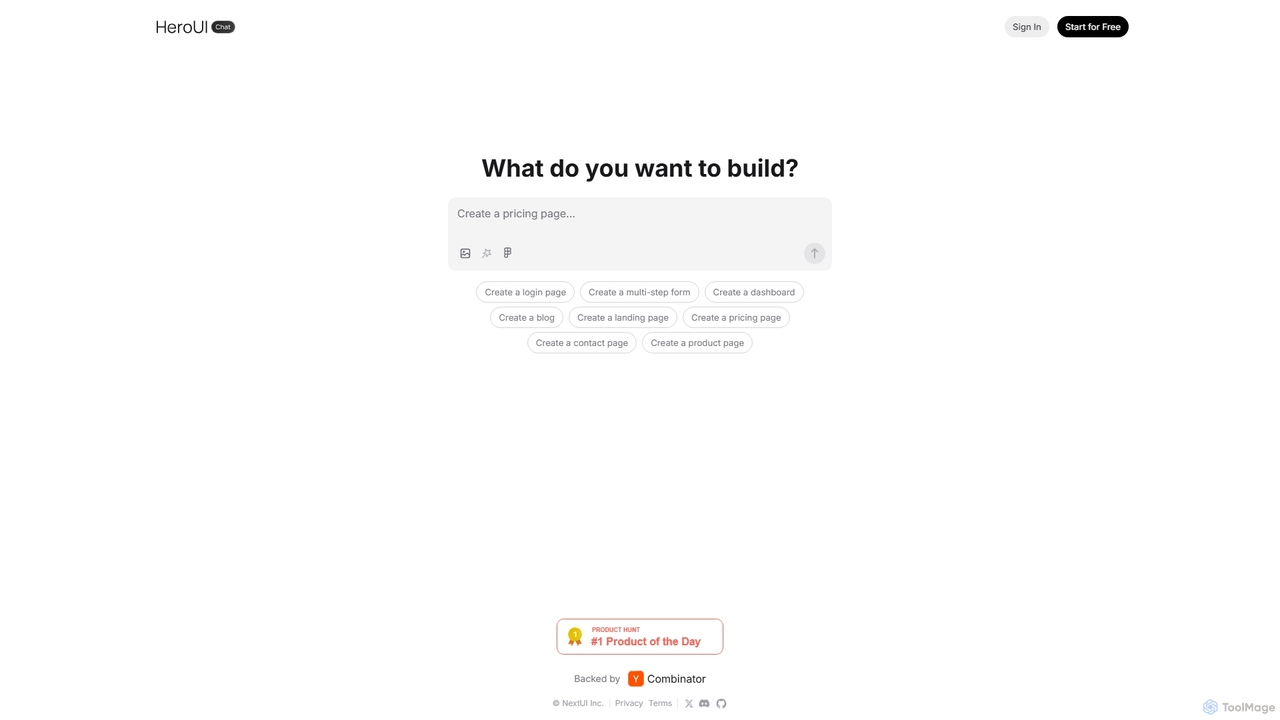
HeroUI Chat
HeroUI Chat is an AI-powered tool that generates UI components and pages from simple text prompts. Built on NextUI and Tailwind CSS, it allows developers and designers to rapidly create beautiful, responsive, and accessible user interfaces by describing them in natural language, significantly accelerating the prototyping and development workflow.
Ui Ux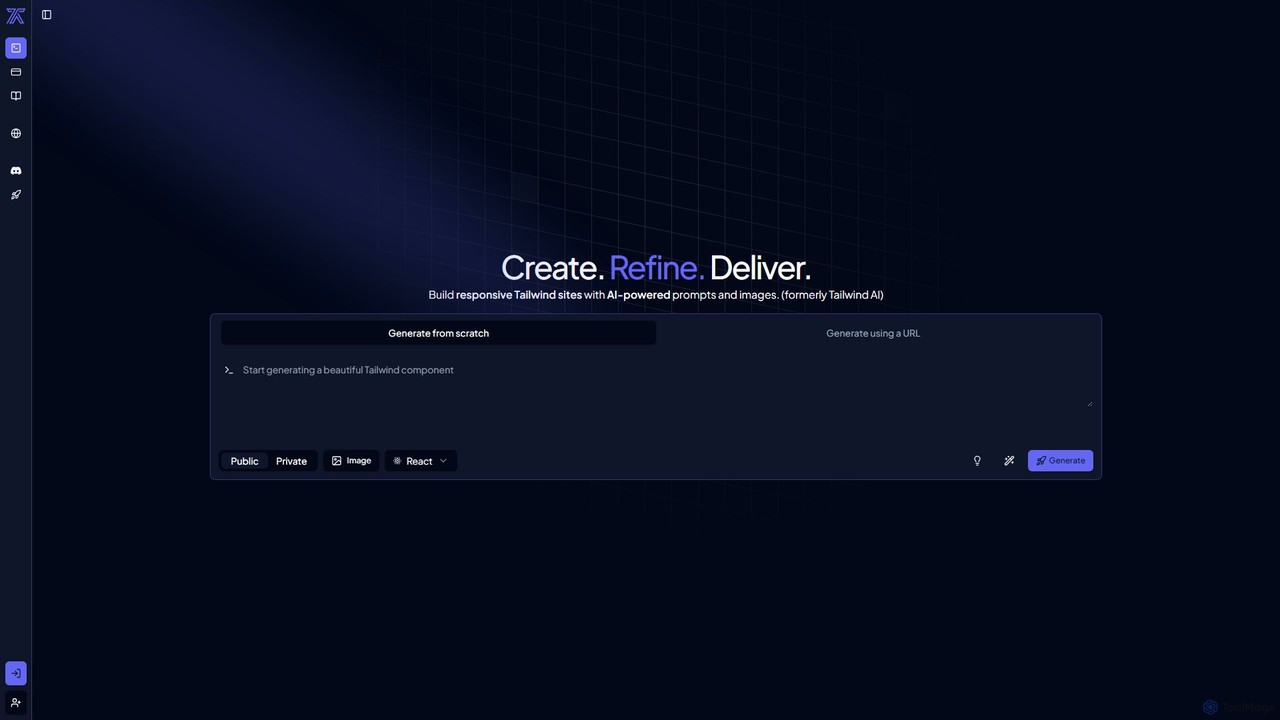
CodeRocket
CodeRocket is an AI-powered development tool that generates responsive websites and components using Tailwind CSS. Simply provide a text prompt, an image, or a URL, and CodeRocket will generate clean, ready-to-use code for HTML, React, and Vue.js. It's designed to accelerate frontend development, from rapid prototyping to building complete user interfaces.
Ui Ux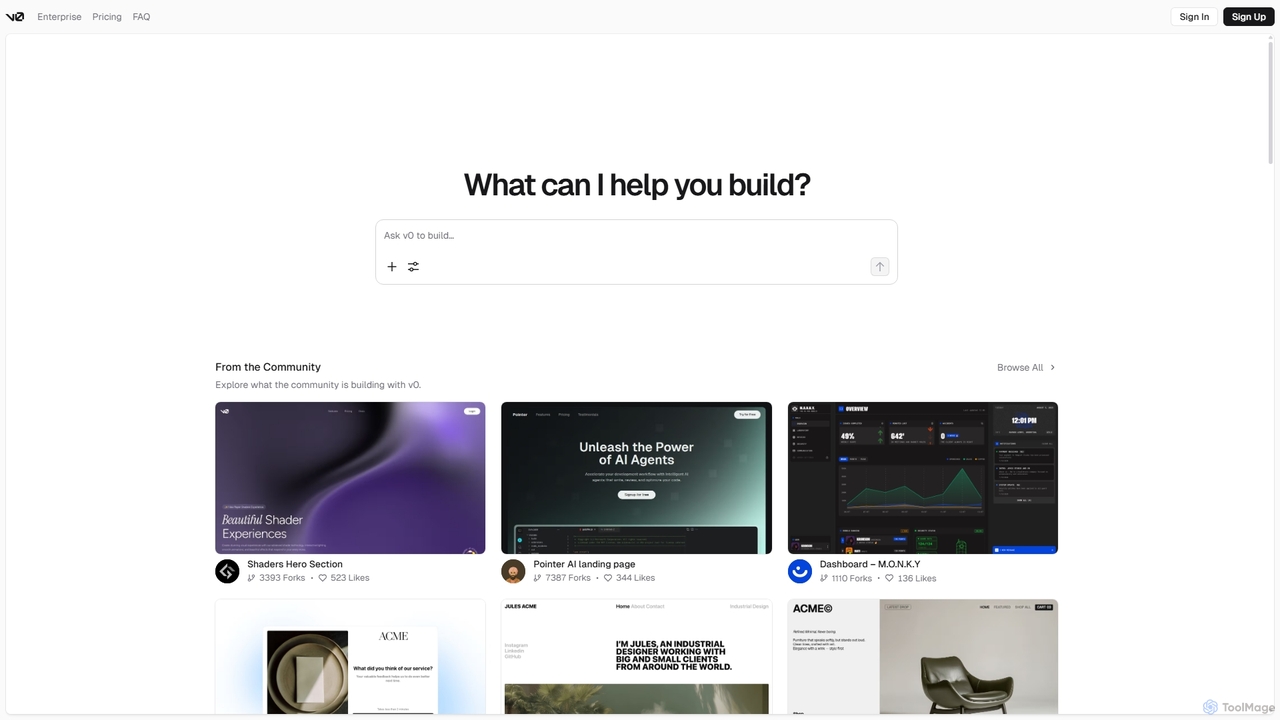
V0
V0 by Vercel is a generative AI platform that transforms text prompts, screenshots, and Figma designs into production-ready frontend code. It acts as an AI pair-programmer, enabling users to rapidly build and iterate on UI components and full-stack applications using React, Svelte, and Vue. With its chat-based interface, it accelerates the development workflow for engineers, designers, and product managers, allowing for seamless deployment to the Vercel platform.
Ui Ux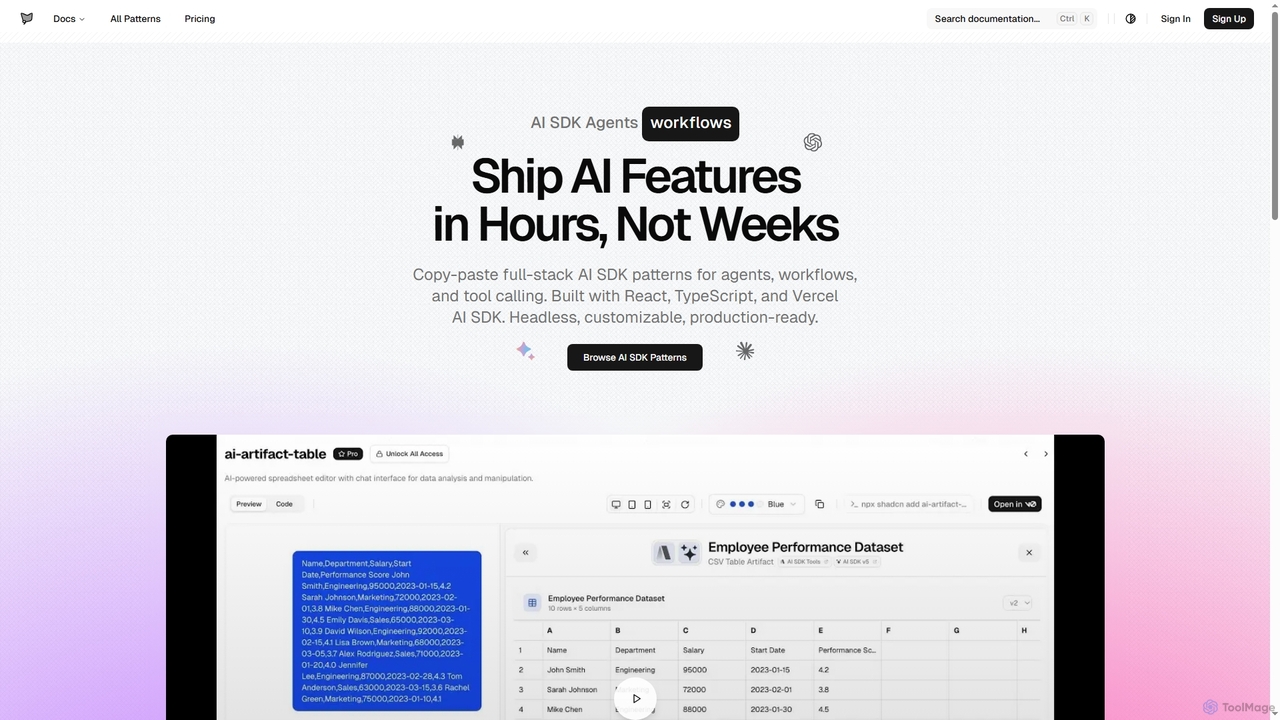
AI SDK Agents
AI SDK Agents provides production-ready React components for rapidly building AI applications. Leverage copy-paste patterns for agents, workflows, tool calling, and streaming responses, built with React, TypeScript, and Vercel AI SDK. Accelerate your AI feature development from weeks to hours, ensuring customizable and headless integration into your projects.
Ui Components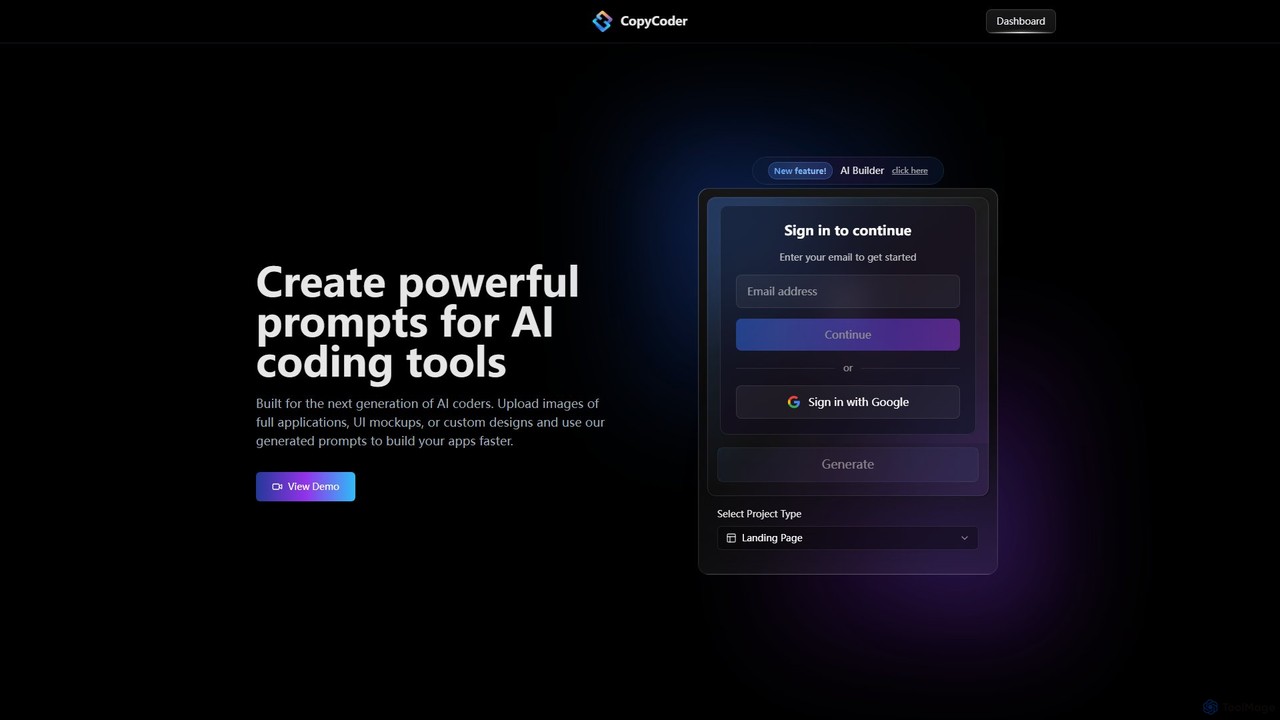
CopyCoder
CopyCoder is an AI-powered tool designed for developers that converts UI designs, mockups, and images into powerful, structured prompts for AI coding assistants like Cursor. It streamlines the development process by bridging the gap between visual design and code generation, enabling faster app building.
Design To CodeCodeSnaps Categories
CodeSnaps Embed Widget
Copy this embed code to place the badge on your blog, article, or product site and send readers directly to this ToolMage detail page.

Related AI tools
AI SDK Agents
AI SDK Agents provides production-ready React components for rapidly building AI applications. Leverage copy-paste patterns for agents, workflows, tool calling, and streaming responses, built with React, TypeScript, and Vercel AI SDK. Accelerate your AI feature development from weeks to hours, ensuring customizable and headless integration into your projects.
Ui Components
Shipixen
Shipixen is an AI-powered application that generates custom, high-performance Next.js website boilerplates in minutes. It creates landing pages, blogs, and SaaS frontends with your branding, pre-built components, and AI-generated content. You get the full, production-ready source code, built on a modern tech stack (Next.js 15, TypeScript, Tailwind CSS), with no subscriptions or vendor lock-in.
Website BuilderHeroUI Chat
HeroUI Chat is an AI-powered tool that generates UI components and pages from simple text prompts. Built on NextUI and Tailwind CSS, it allows developers and designers to rapidly create beautiful, responsive, and accessible user interfaces by describing them in natural language, significantly accelerating the prototyping and development workflow.
Ui UxCodeRocket
CodeRocket is an AI-powered development tool that generates responsive websites and components using Tailwind CSS. Simply provide a text prompt, an image, or a URL, and CodeRocket will generate clean, ready-to-use code for HTML, React, and Vue.js. It's designed to accelerate frontend development, from rapid prototyping to building complete user interfaces.
Ui Ux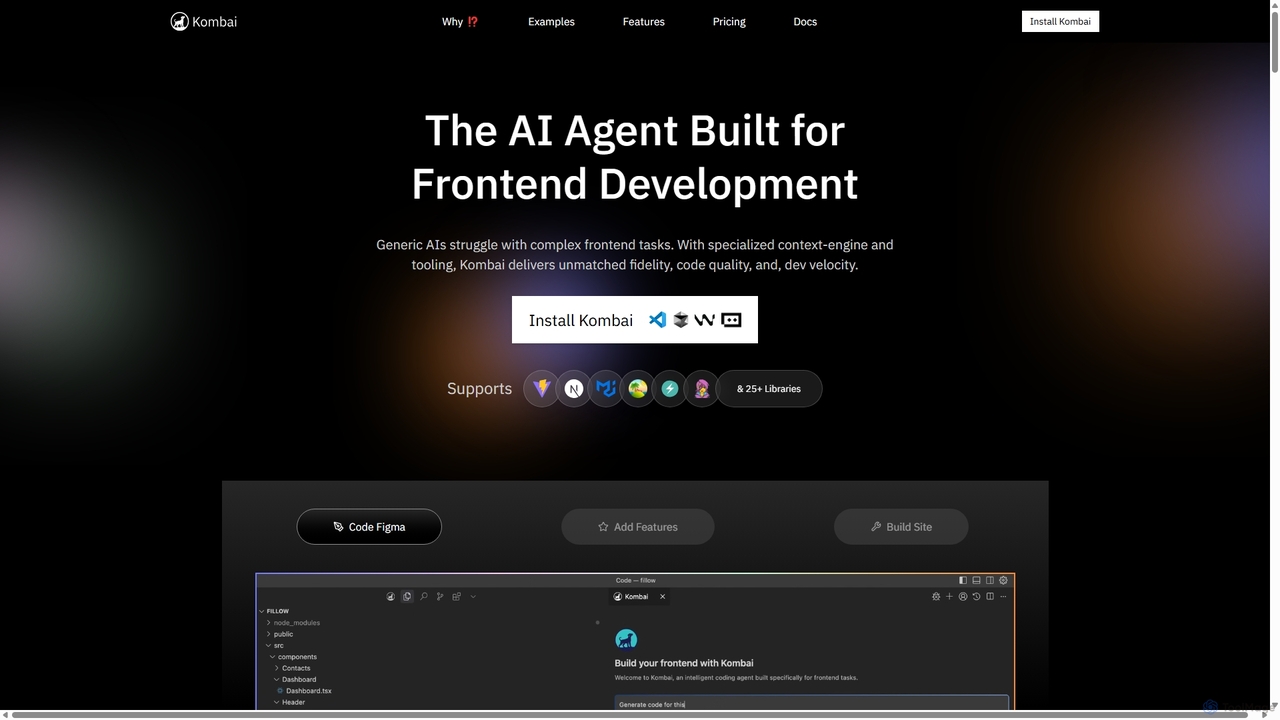
Kombai
Kombai is a specialized AI agent for frontend development that transforms Figma designs, images, and text prompts into high-fidelity, production-ready code. It understands your existing codebase, supports 25+ libraries, and integrates directly into your IDE to accelerate development velocity.
Code Generation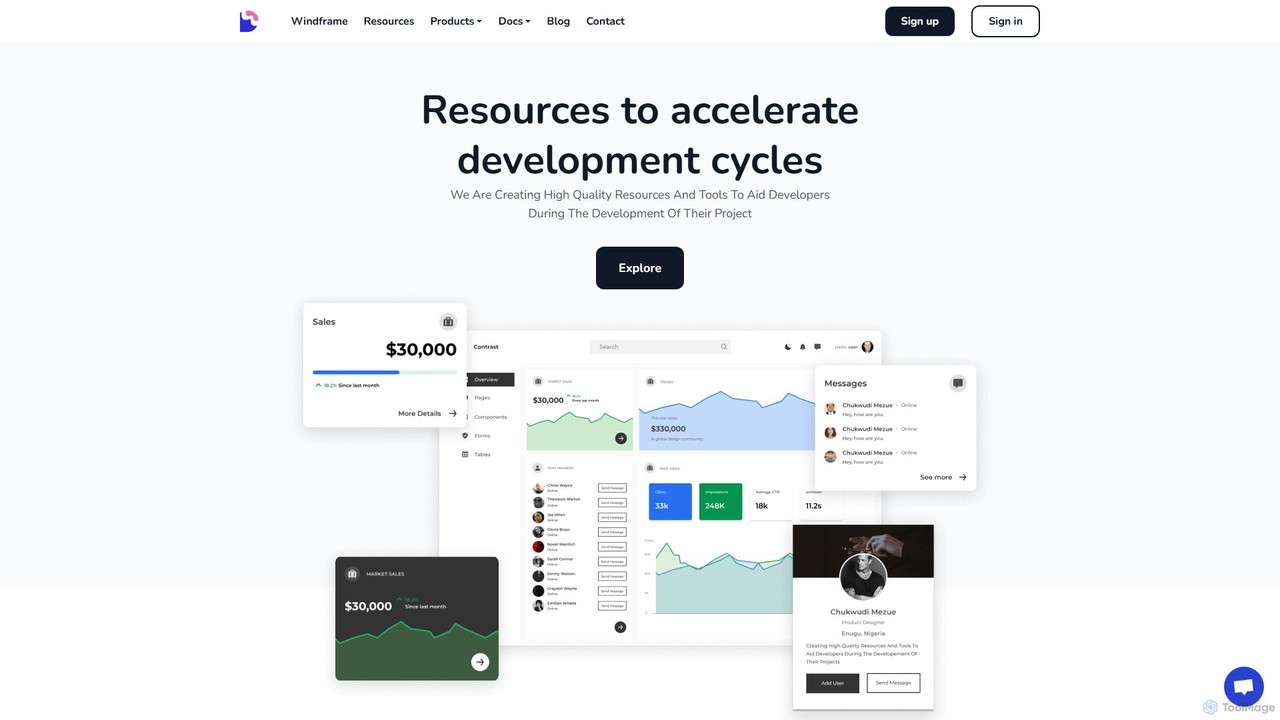
Devwares
Devwares is a comprehensive platform offering tools and resources for developers and designers. Its flagship product, Windframe, is an AI-powered visual builder for Tailwind CSS that accelerates UI and website creation by 10x. Generate designs with AI prompts, use a drag-and-drop editor, and access a vast library of templates to build and export production-ready code for React, Vue, and more.
Ui Ux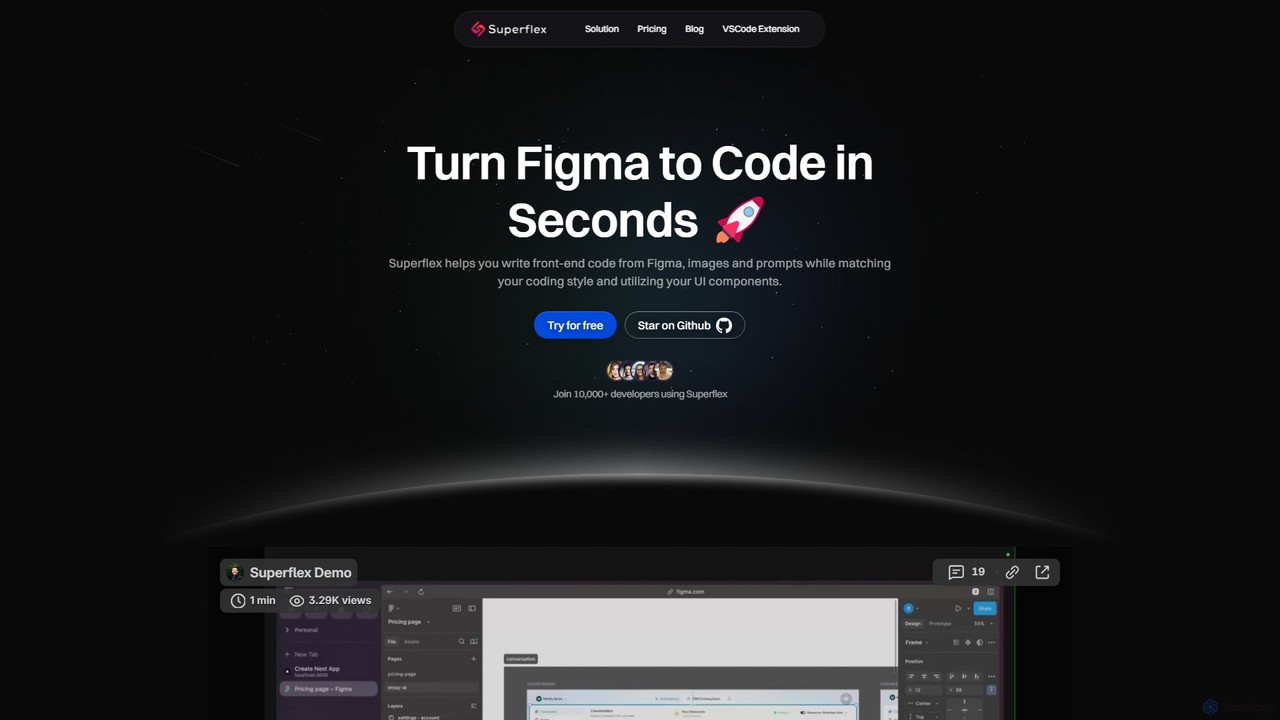
Superflex
Superflex is an AI-powered tool that transforms Figma designs, images, and text prompts into production-ready front-end code in seconds. It accelerates development by analyzing your existing codebase to reuse UI components and adapting to your unique coding style. Ideal for developers and teams looking to boost productivity and bridge the gap between design and implementation.
Design To Code
Newcult
Newcult is a developer toolkit featuring full-stack UI components, blocks, and templates for Next.js and Shadcn UI. It's designed to accelerate the development of modern, AI-powered SaaS applications by providing production-ready, customizable code for everything from marketing pages to complex AI workflows.
Templates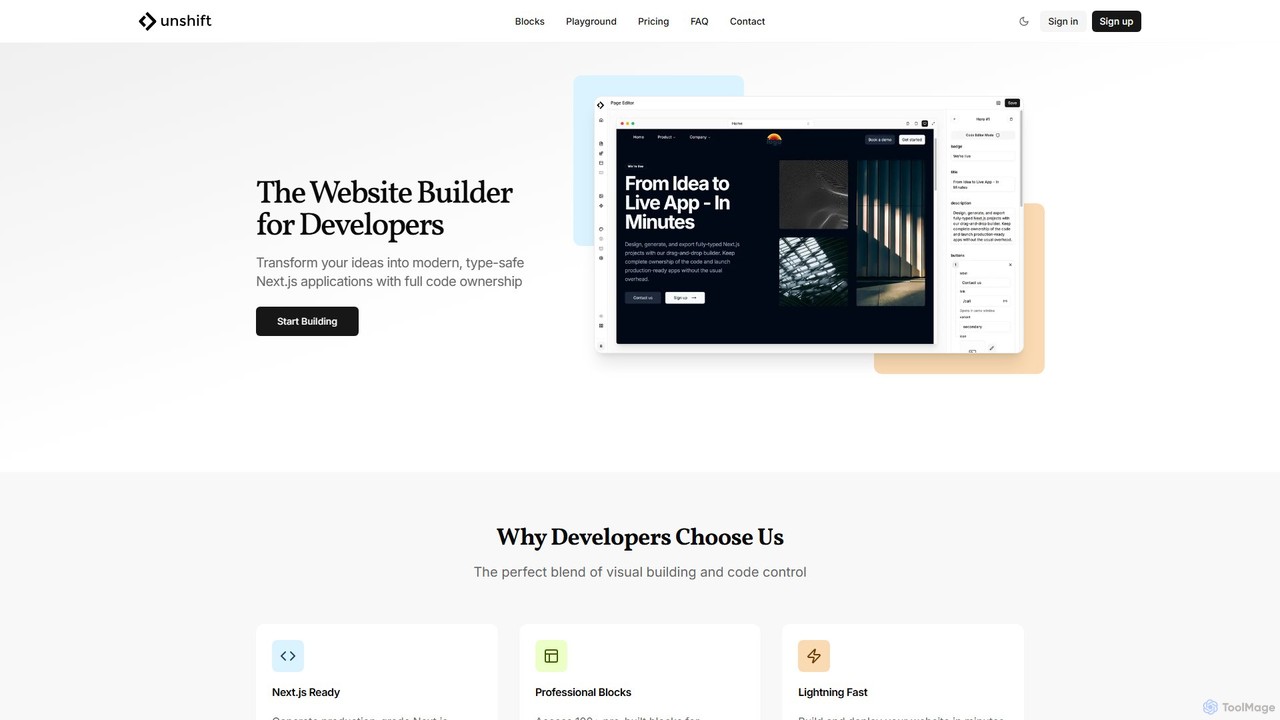
Unshift
Unshift is a website builder designed for developers, blending visual editing with full code control. It generates production-grade Next.js applications with TypeScript and TailwindCSS, offering complete code ownership via a clean Git repository. With over 100 pre-built blocks and a developer-first approach, it accelerates the process of turning ideas into modern, type-safe web applications without vendor lock-in.
Ui Ux
Jyek
Jyek is an AI agent platform that understands objectives, creates execution plans, uses tools, and delivers verifiable results for complex, multi-step tasks.
Automation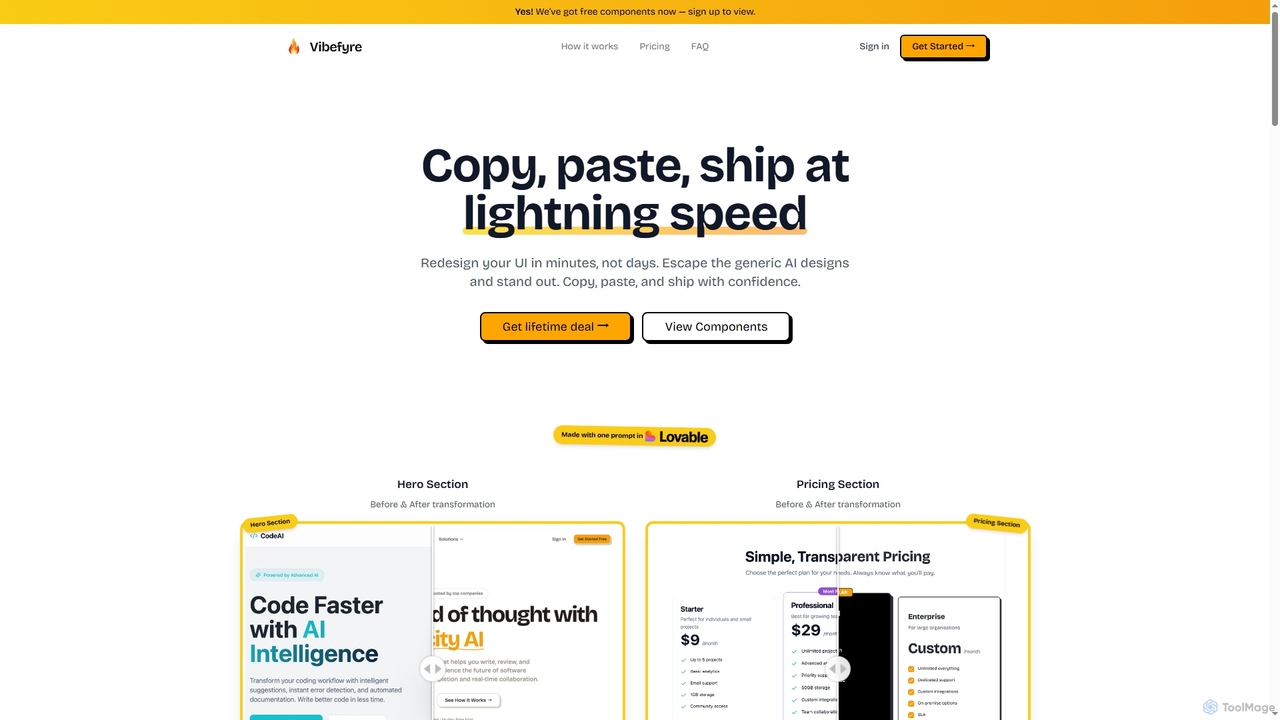
Vibefyre
Vibefyre is an AI-powered UI kit designed to accelerate web development by providing high-quality, pre-designed components and prompts. It enables developers to quickly generate unique and consistent user interfaces using their favorite AI coding tools, significantly reducing design and development time for React/TSX applications.
Web Design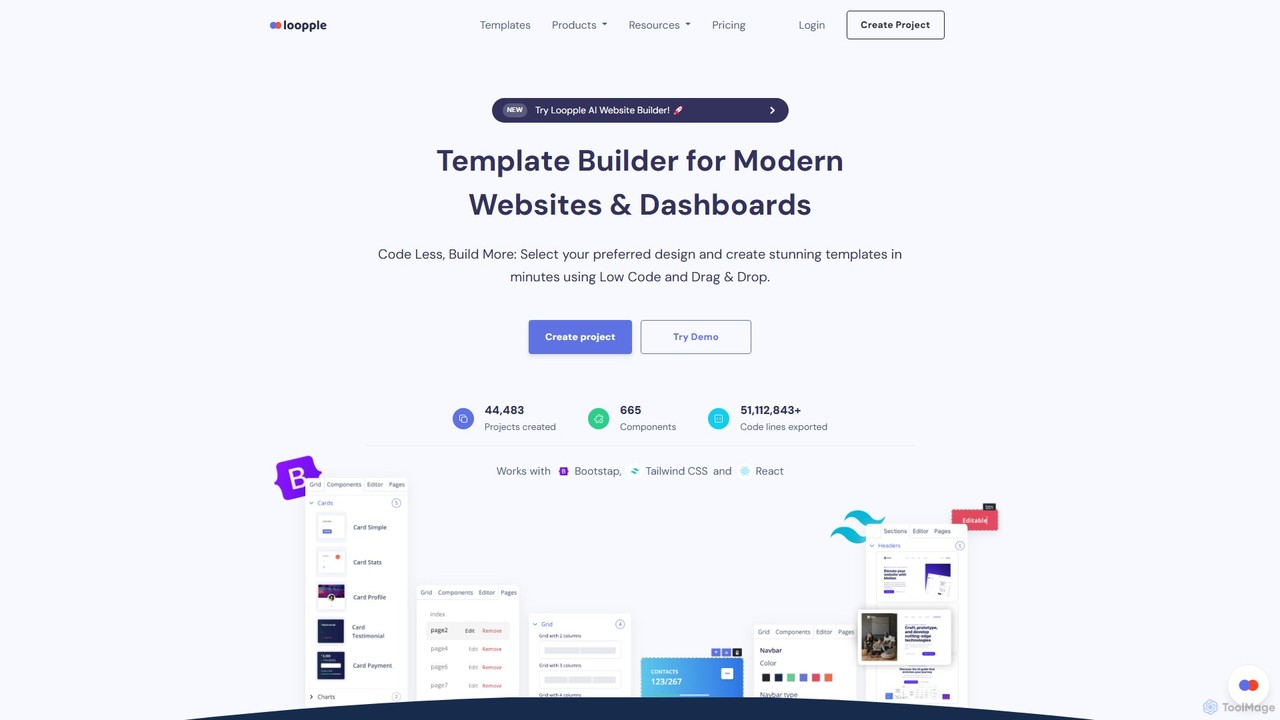
Loopple
Loopple is an AI-powered, low-code platform for building modern websites and dashboards. It features a drag-and-drop editor, a vast library of pre-built components and templates for Bootstrap, Tailwind CSS, and React. With its AI text help and direct code export, Loopple accelerates the front-end development process for developers and teams, enabling rapid creation of responsive, professional-grade user interfaces.
Low Code No Code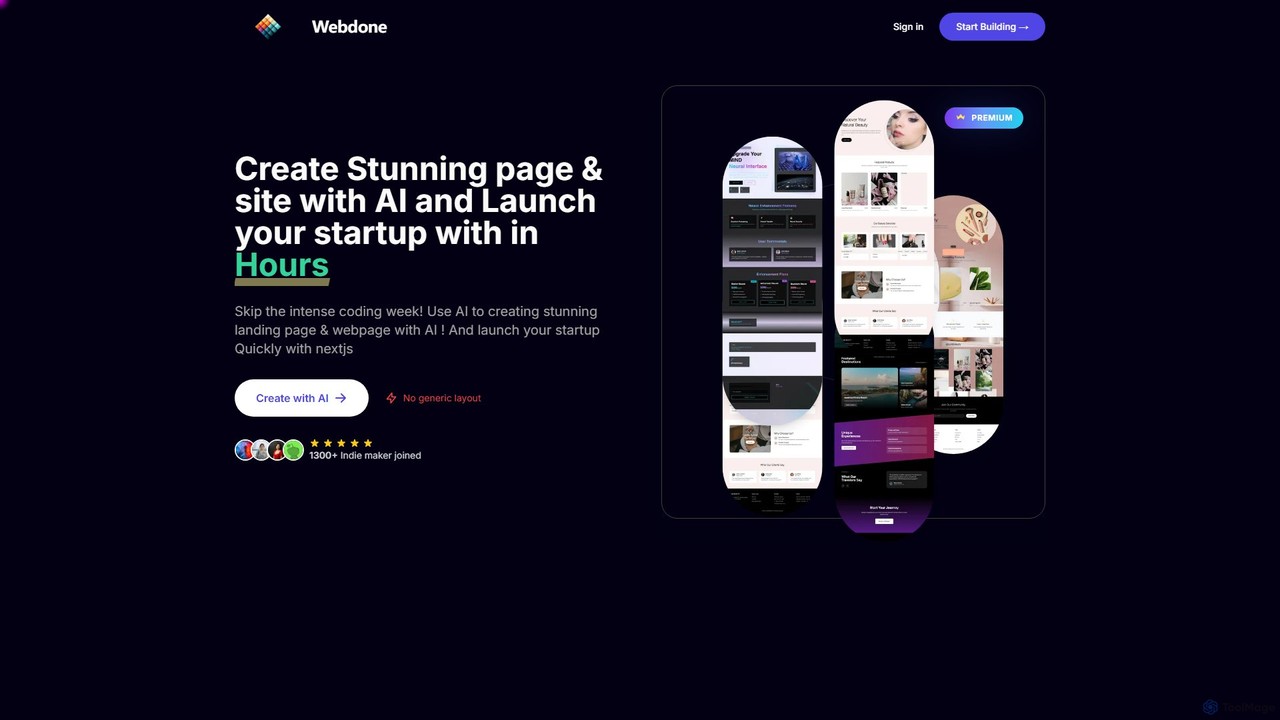
Webdone
Webdone is an AI-powered platform for rapidly creating unique, high-performance landing pages and websites. It generates custom designs from text prompts, avoiding generic templates. It also offers a Next.js boilerplate with pre-configured authentication, payments, and database, enabling startups and developers to launch full-stack applications in hours.
Boilerplate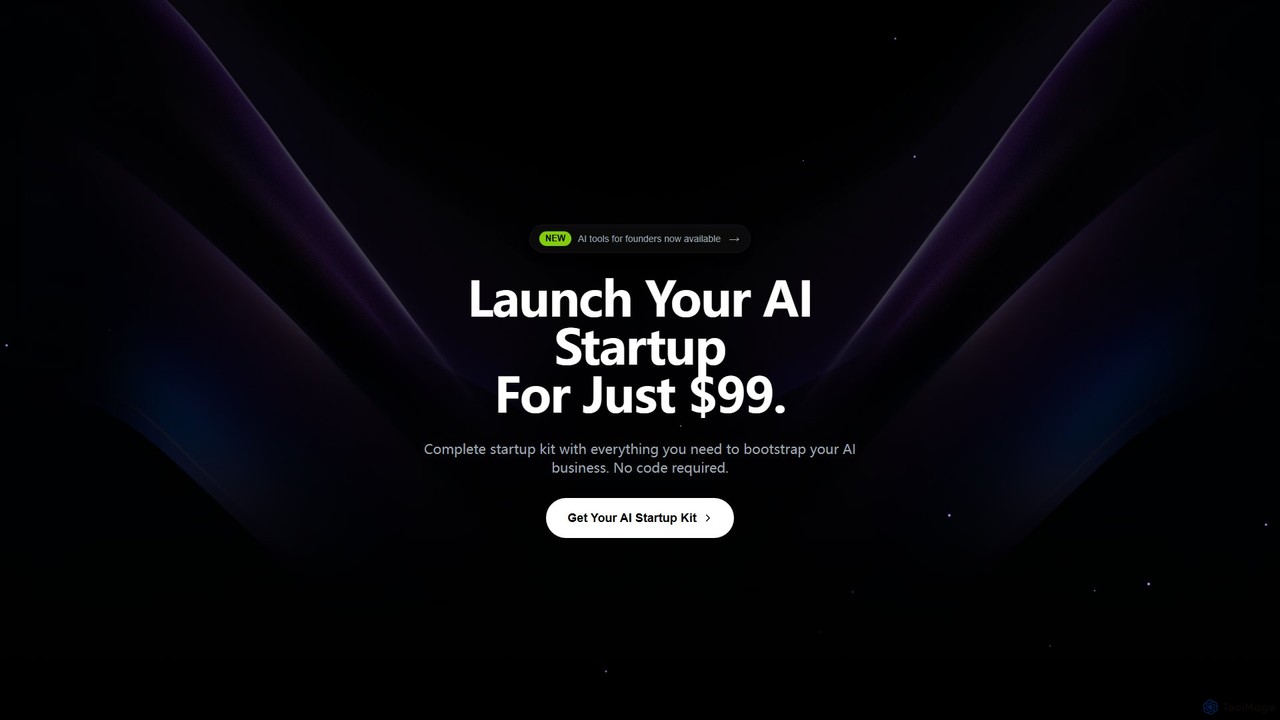
Next Boilerplate
A comprehensive AI startup boilerplate built on Next.js. It provides pre-built components, AI integrations for code generation and NLP, model training capabilities, and advanced analytics. Designed to help developers and startups launch AI-powered applications rapidly by handling foundational infrastructure like authentication, payments, and security.
Model Deployment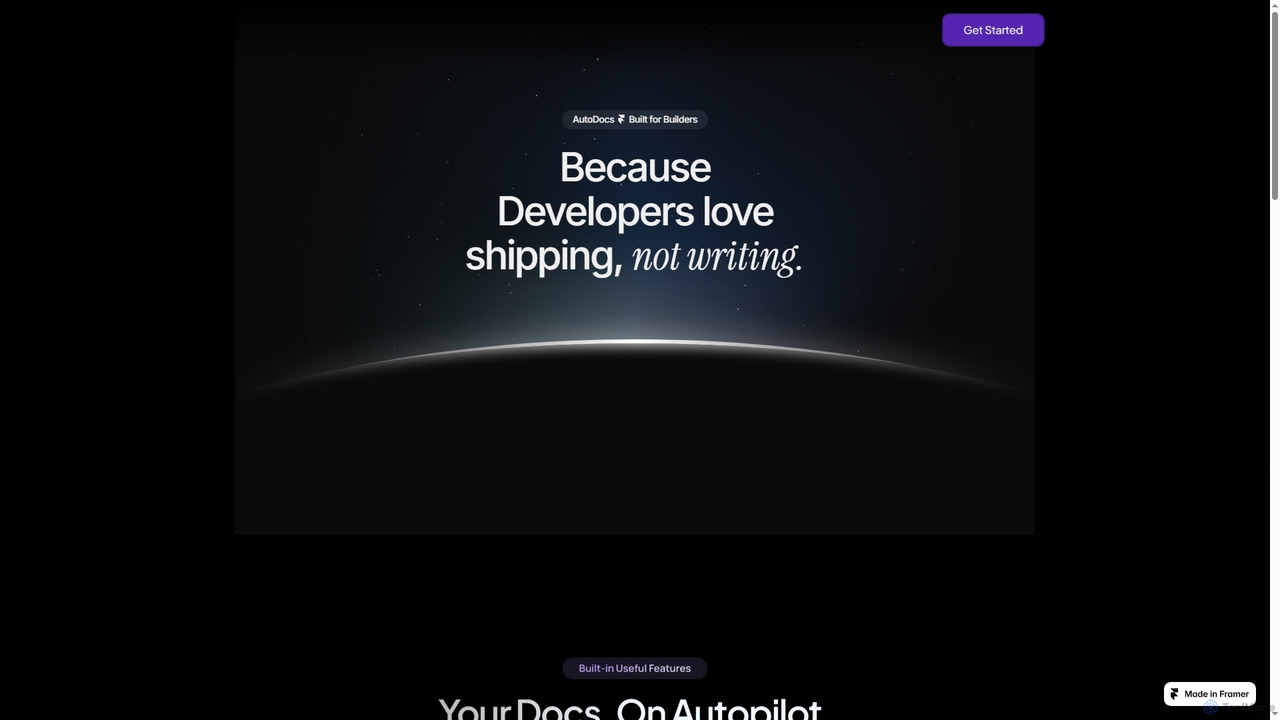
AutoDocs
AutoDocs is an AI-powered documentation tool designed for developers, automating the generation, updating, and refinement of technical documents. It leverages Google's Generative AI and LangChain to streamline the documentation process, allowing builders to focus more on development and less on writing.
Content Generation
CodeSnaps Comments (0)
Sign in to comment.
Sign inNo comments yet.