WrapFast
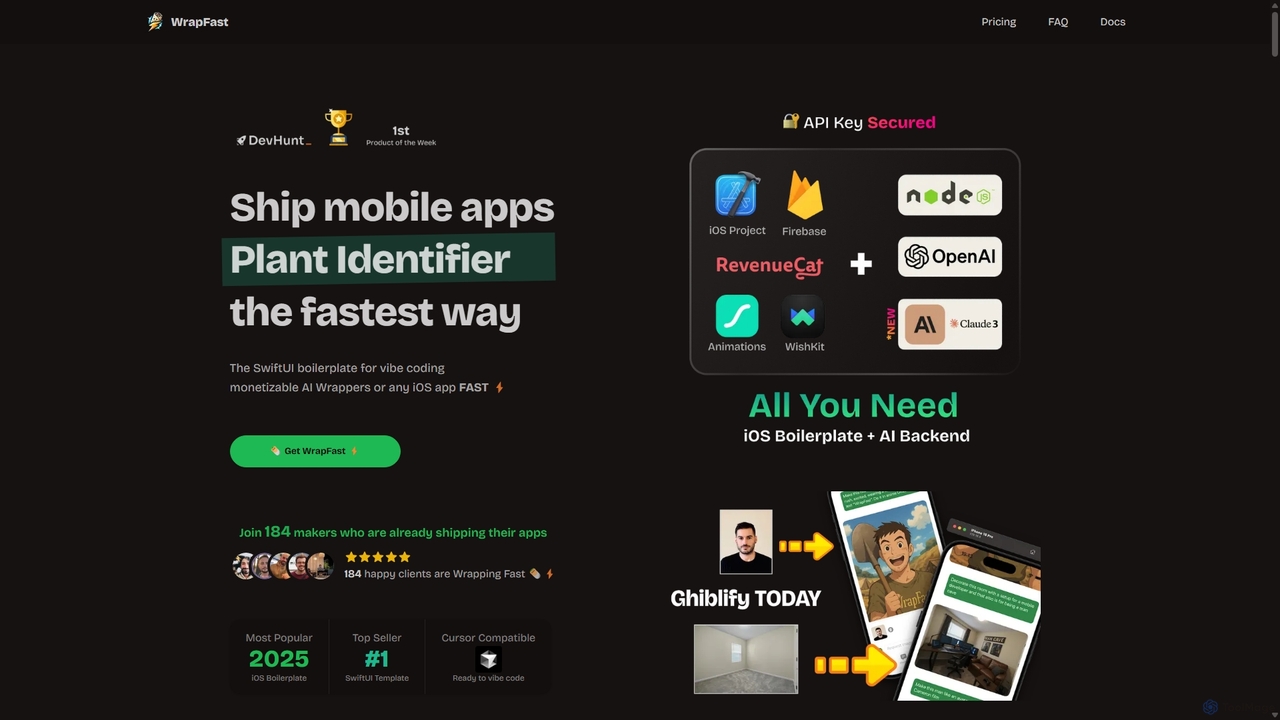
WrapFast is an iOS SwiftUI boilerplate designed for developers to rapidly build and launch monetizable AI wrapper applications. …
WrapFast is an iOS SwiftUI boilerplate designed for developers to rapidly build and launch monetizable AI wrapper applications. It provides a complete starter kit with pre-built features like user authentication, in-app purchases, secure AI API integration (OpenAI & Anthropic), a Node.js backend, and a cloud database. This allows developers to focus on creating unique app experiences instead of writing repetitive boilerplate code, significantly accelerating the development-to-launch cycle for any iOS app, especially those powered by AI.
Newcult
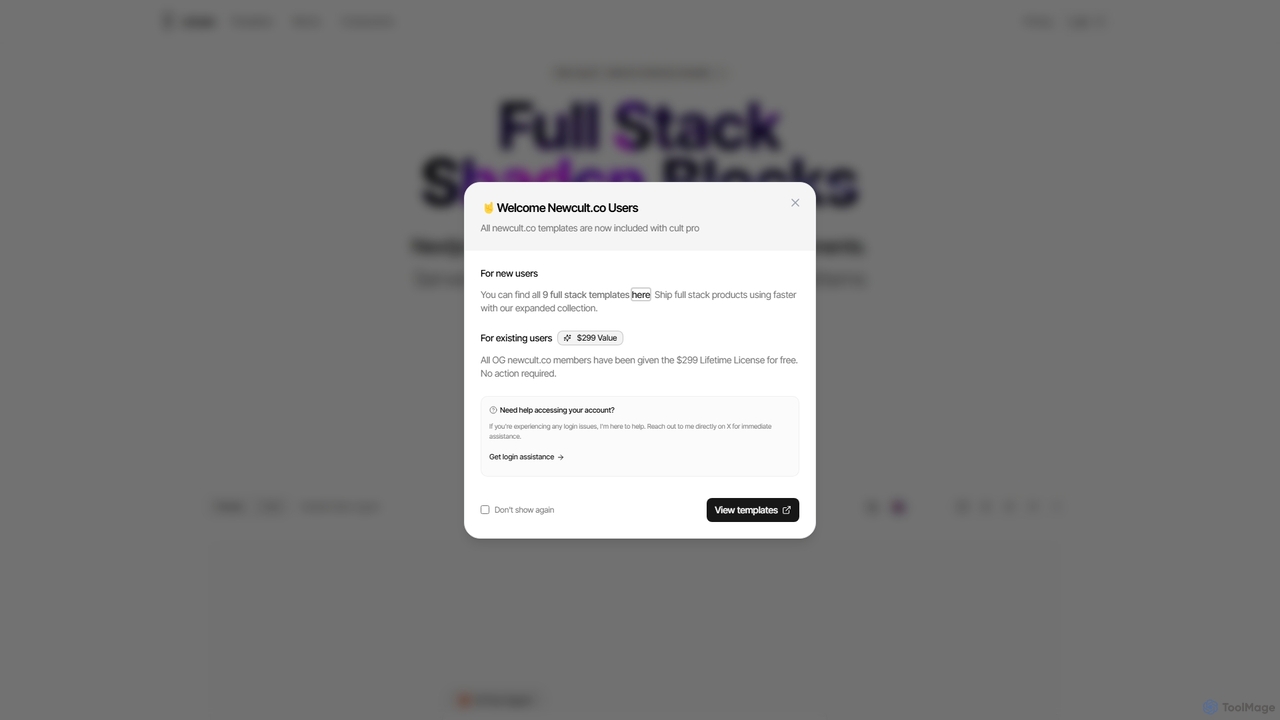
Newcult is a developer toolkit featuring full-stack UI components, blocks, and templates for Next.js and Shadcn UI. It's …
Newcult is a developer toolkit featuring full-stack UI components, blocks, and templates for Next.js and Shadcn UI. It's designed to accelerate the development of modern, AI-powered SaaS applications by providing production-ready, customizable code for everything from marketing pages to complex AI workflows.
Bullet Launch
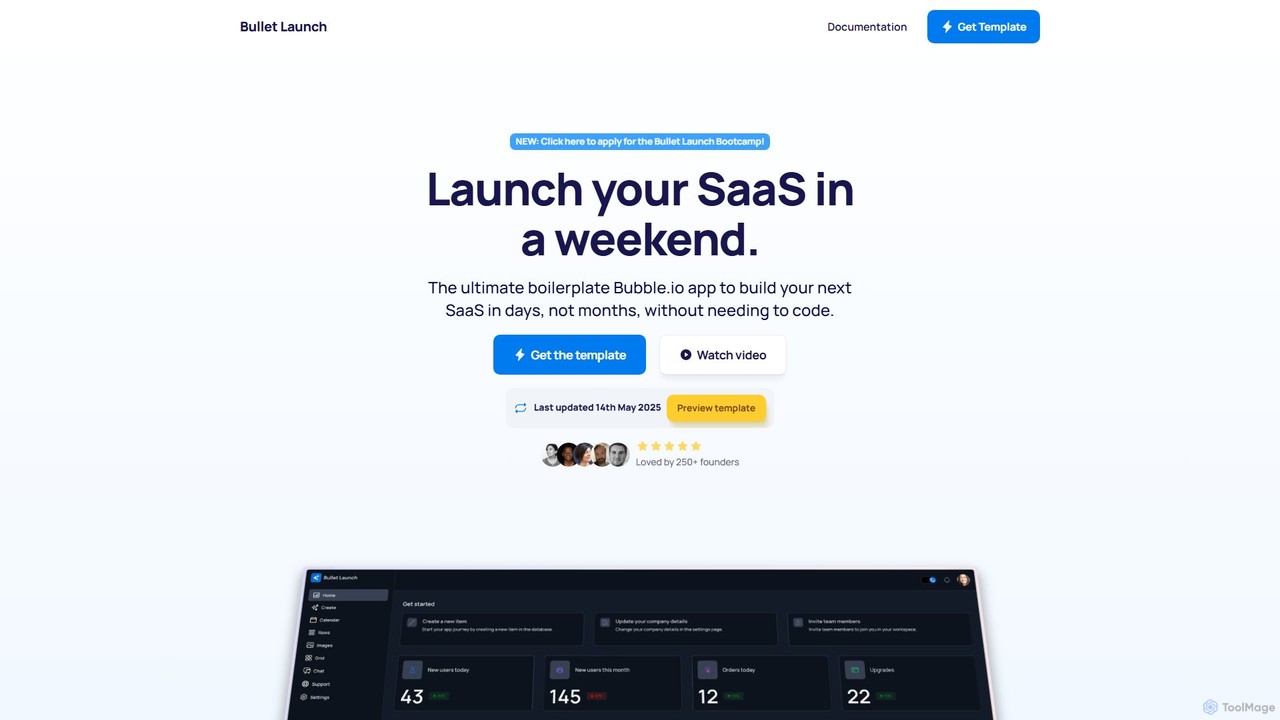
Bullet Launch is the ultimate Bubble.io SaaS boilerplate designed for founders and developers. It accelerates app development by …
Bullet Launch is the ultimate Bubble.io SaaS boilerplate designed for founders and developers. It accelerates app development by providing a pre-built, scalable, and responsive template with features like user authentication, subscription billing, and ready-to-use AI integrations. Launch your SaaS in days, not months, and save over 100 hours of development time.
PhxTemplates
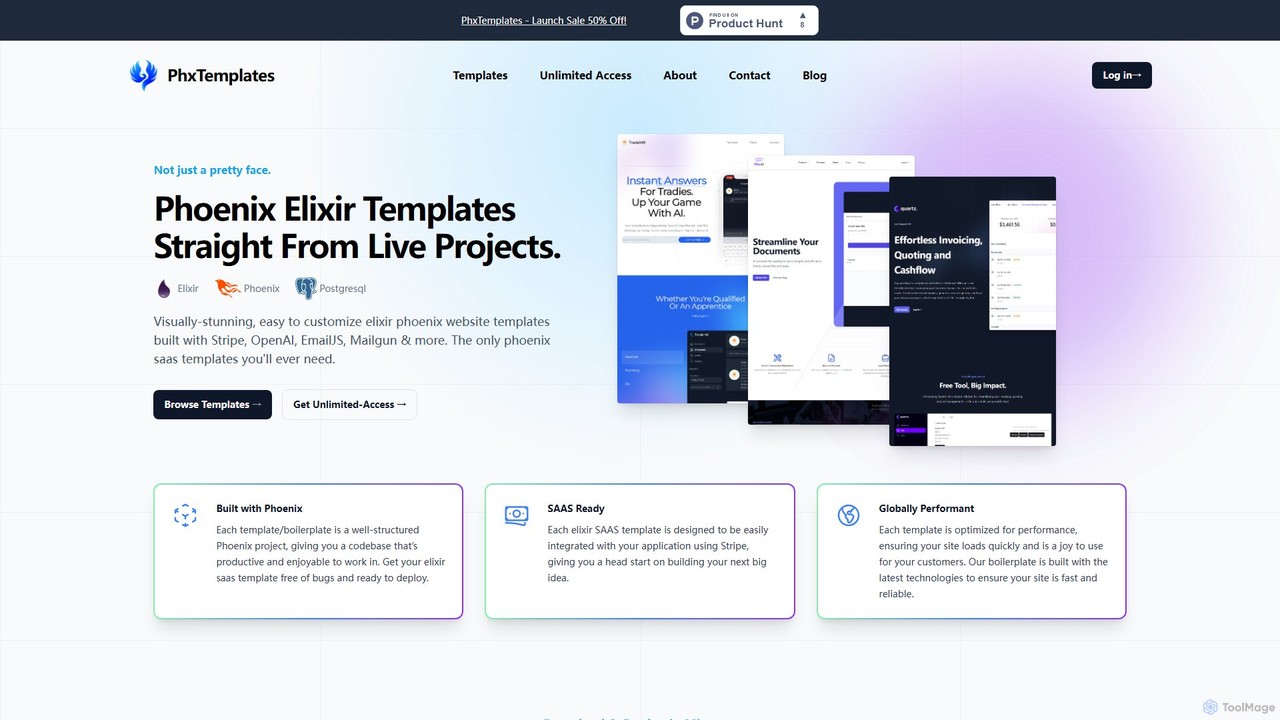
PhxTemplates offers production-ready Elixir Phoenix website templates and boilerplates designed to accelerate development. Featuring pre-built integrations with Stripe, …
PhxTemplates offers production-ready Elixir Phoenix website templates and boilerplates designed to accelerate development. Featuring pre-built integrations with Stripe, OpenAI, and Mailgun, these templates are perfect for launching SaaS applications, AI-powered tools, blogs, and portfolios quickly. Save hundreds of development hours and launch your project in days, not weeks.
About Templates
AI Templates are tools that generate pre-configured project structures and boilerplate code for software development. They leverage AI to interpret developer requirements—such as programming language, framework, and database choices—to produce a customized, ready-to-code foundation. This significantly accelerates the project setup phase, enforces best practices from the start, and minimizes repetitive initial coding tasks. Unlike static templates, AI-powered versions offer dynamic customization for complex application architectures.
Core Features
- Customizable Scaffolding: Generates complete directory structures and configuration files based on user-defined technology stacks.
- Boilerplate Code Generation: Automatically creates initial code for modules, API endpoints, database connections, and user authentication.
- Best Practice Integration: Embeds industry-standard patterns for security, code style, testing, and dependency management.
- CI/CD Pipeline Configuration: Produces ready-to-use configuration files for continuous integration and deployment platforms like GitHub Actions or GitLab CI.
Use Cases
These tools are primarily used by software developers, DevOps engineers, and technical teams. They are ideal for kickstarting new web applications, microservices, mobile app backends, or data science projects. Enterprises also use them to standardize project setups across multiple teams, ensuring consistency and adherence to internal architectural guidelines.
How to Choose
When selecting an AI Template tool, consider the breadth of supported languages and frameworks, the level of customization available, and its integration capabilities with IDEs and version control systems like Git. Also, evaluate the quality and maintainability of the generated code, and check for active community support or comprehensive documentation.
TemplatesUse Cases
Rapid Prototyping of a Web Application
A full-stack developer needs to build a proof-of-concept for a new social media platform. Instead of spending hours setting up the project structure, authentication, and database connection, they use an AI template tool. By providing prompts like 'React frontend with TypeScript, Node.js/Express backend, and PostgreSQL database', the tool generates a complete, runnable project skeleton in minutes. This allows the developer to immediately start working on core features, reducing initial setup time by over 90%.
Standardizing Microservice Architecture
A tech lead at a large company wants to ensure all new microservices adhere to a consistent architectural pattern. They use an AI template tool to define a standard template for a Python microservice using FastAPI, including Docker configuration, Kubernetes deployment files, and pre-configured logging and monitoring. When a new service is needed, developers simply invoke the template, ensuring every service starts with the same secure, scalable, and observable foundation, which streamlines maintenance and onboarding.
Generating a Serverless Backend for a Mobile App
A mobile app developer, who is not a backend expert, needs to create a backend for their new iOS app. They use an AI template tool to generate a serverless backend on AWS Lambda with an API Gateway. The template includes functions for user authentication via Amazon Cognito, a DynamoDB table schema for storing user data, and the necessary IAM roles. This allows the mobile developer to get a secure and scalable backend running in under an hour, without needing deep cloud infrastructure expertise.
Creating a Reproducible Data Science Project
A data scientist is starting a new machine learning project. To ensure their work is organized and reproducible, they use an AI template tool to generate a standard project structure. This includes dedicated folders for data (raw, processed), notebooks, source code, models, and reports. The template also pre-populates a `requirements.txt` file for dependency management and a Makefile for automating data processing pipelines. This standardized setup saves time and makes it easier for colleagues to understand and collaborate on the project.
Setting up a CI/CD Pipeline Configuration
A DevOps engineer is tasked with setting up CI/CD for a new monorepo containing multiple services. Instead of writing complex workflow files from scratch, they use an AI template tool. They specify the services, testing frameworks, and deployment targets (e.g., staging, production). The tool generates a complete GitHub Actions or GitLab CI configuration with parallel jobs for testing each service, build steps for creating Docker images, and deployment stages that trigger on merges to the main branch. This automates a complex task, reduces configuration errors, and establishes a robust delivery pipeline quickly.
Generating a Plugin or Extension Starter
A developer wants to create a browser extension for Chrome or a plugin for an application like WordPress or VS Code. They use an AI template tool to generate the initial boilerplate. This includes the manifest file (`manifest.json`), background scripts, content scripts, popup HTML/CSS/JS files, and a build configuration (e.g., using Webpack). By handling the complex initial setup and file structure, the tool enables the developer to focus directly on the plugin's unique functionality, significantly speeding up the development of small tools and integrations.