ToolMage
Sign in

Best 4 Content Generation AI tools for Artificial Intelligence

Popular Content Generation AI tools in Artificial Intelligence include Nemorize, Eventswow, Chai Reader, and AutoDocs, helping you work more efficiently.

Eventswow
Freemium

Eventswow

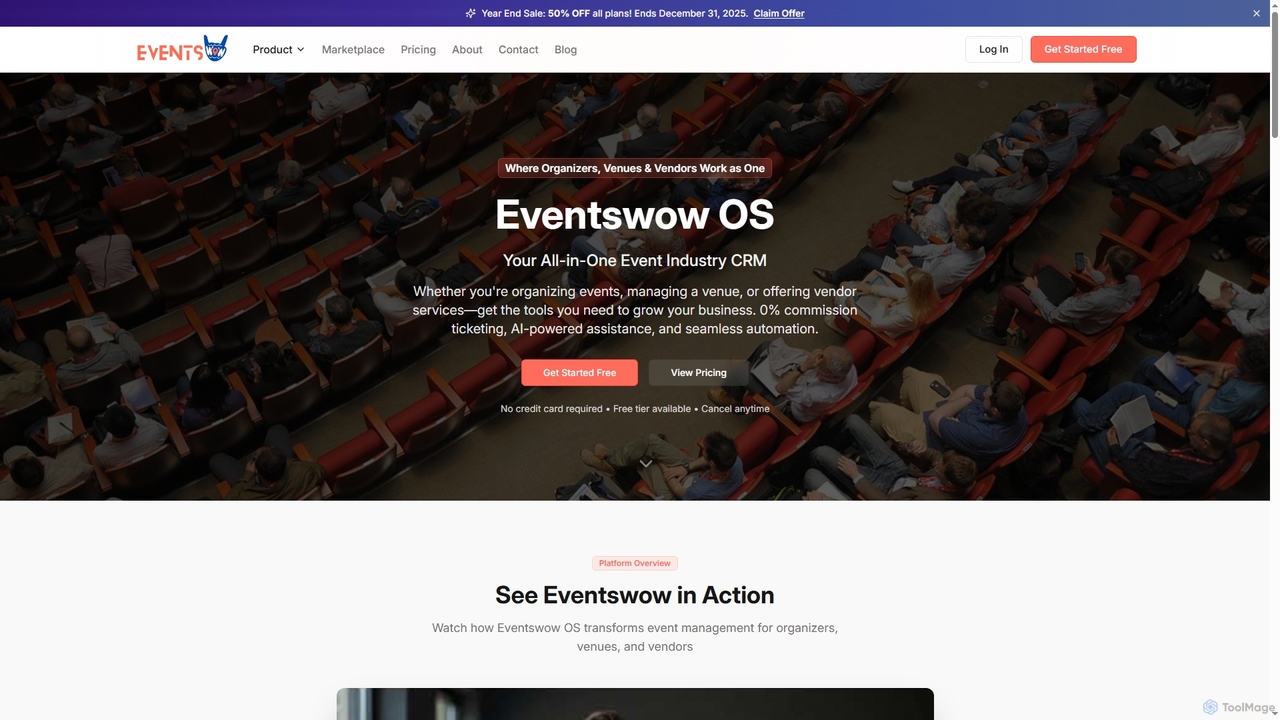
Eventswow is an all-in-one event industry CRM designed for organizers, venues, and vendors. It streamlines event management with 0% commission ticketing, AI-powered assistance for content creation and budgeting, and robust automation tools. The platform helps professionals save time, increase revenue, and enhance their professional image through integrated marketing, sales, and operational features.

Content Generation
Visits 9.3KFavorites 137Likes 130
Chai Reader

Chai Reader

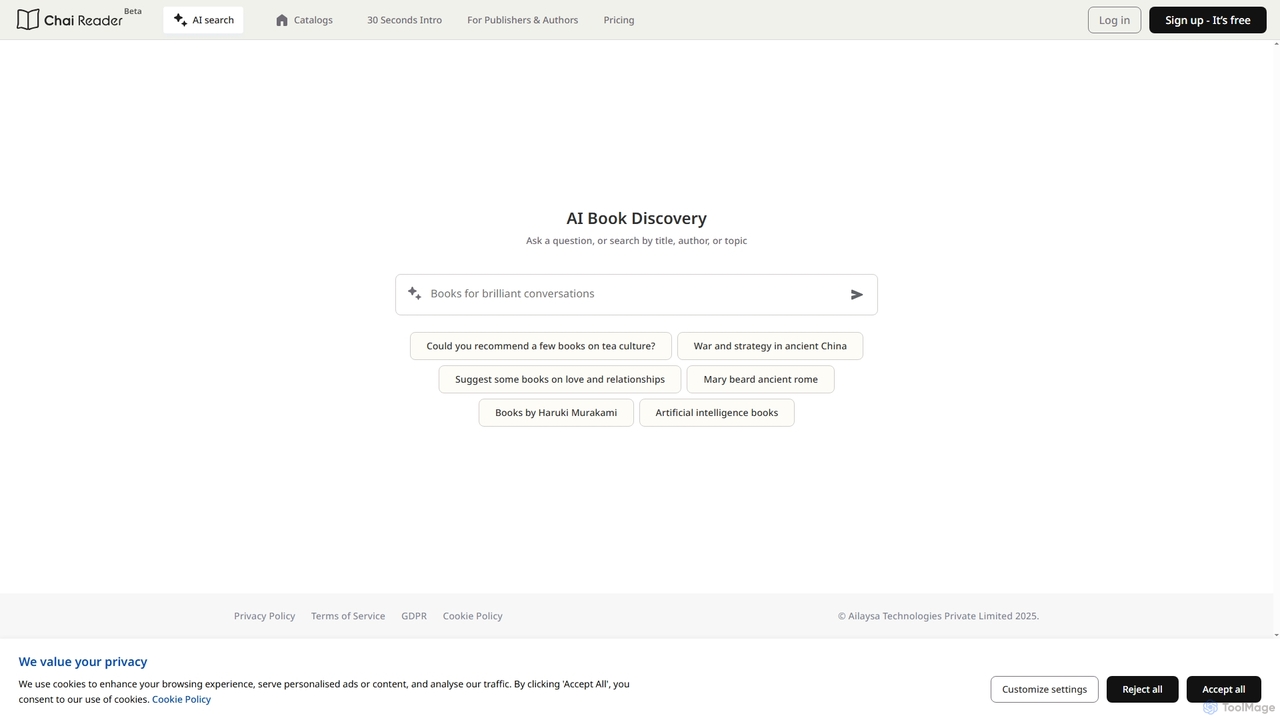
Chai Reader is an advanced AI-powered platform that transforms reading into an interactive experience. It helps users discover books through AI-driven search and recommendations, offering a unique "Chatbooks" format for engaging with content before and after purchase.

Content Generation
Visits 8KFavorites 134Likes 172
Nemorize
Free

Nemorize

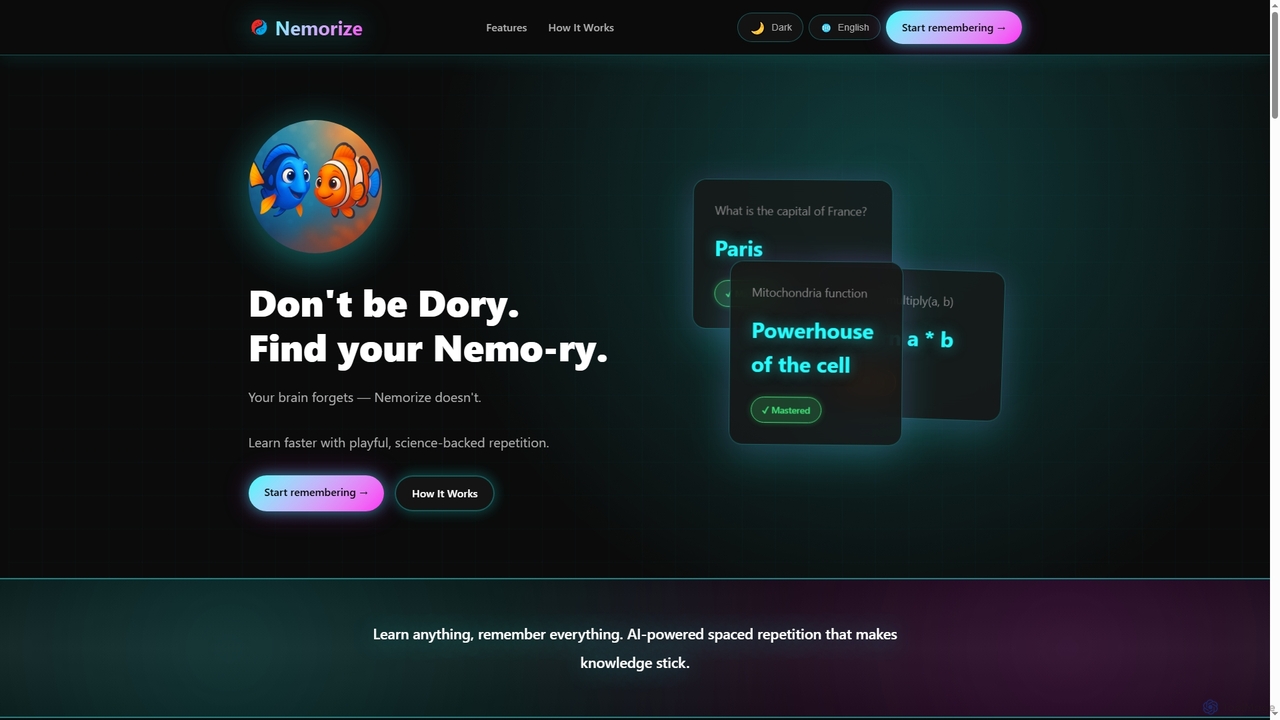
Nemorize is a free, AI-powered spaced repetition learning platform designed to help users master any subject. It leverages scientifically-proven techniques to optimize learning and memory retention, offering instant AI content generation and cross-platform synchronization.

Content Generation
Visits 12.4KFavorites 129Likes 140
AutoDocs

AutoDocs

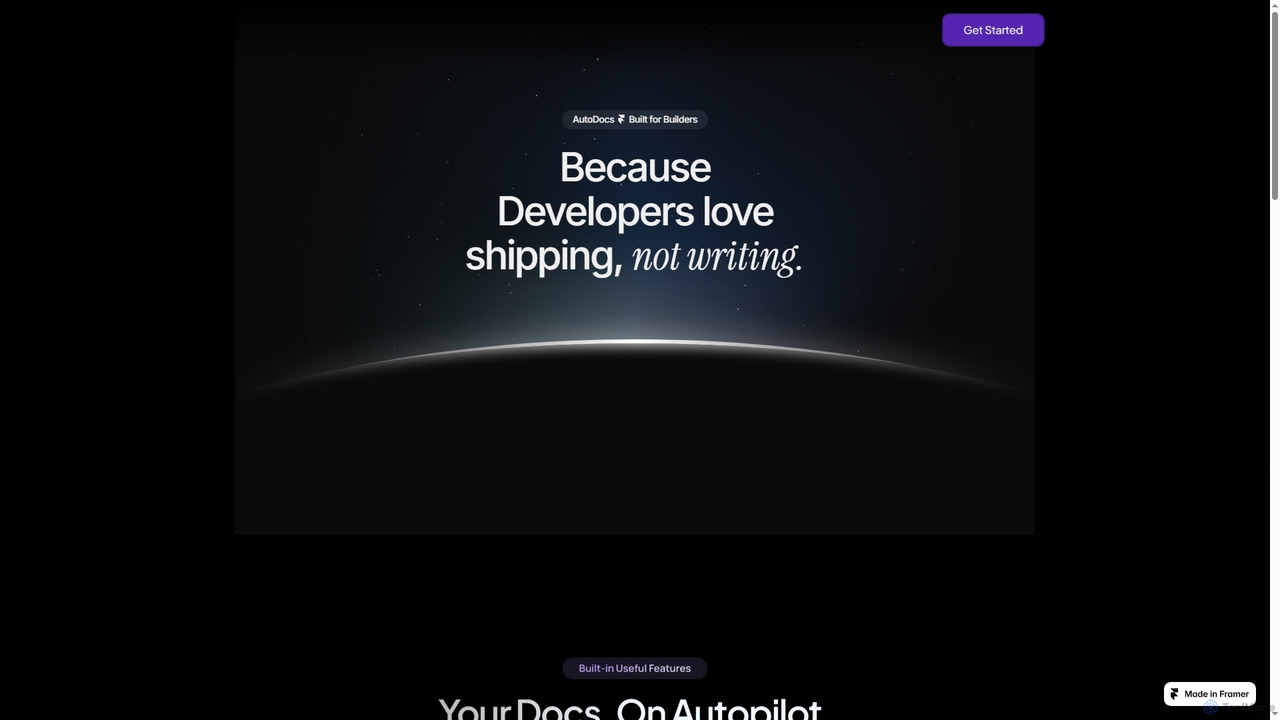
AutoDocs is an AI-powered documentation tool designed for developers, automating the generation, updating, and refinement of technical documents. It leverages Google's Generative AI and LangChain to streamline the documentation process, allowing builders to focus more on development and less on writing.

Content Generation
Visits 7.2KFavorites 145Likes 127

About Content Generation

Content Generation tools are a class of AI applications that automatically create original text, code, or creative copy from user prompts. These tools leverage large language models (LLMs) and generative algorithms to understand context and produce human-like, relevant content. They are designed to augment human creativity, scale content production for marketing and communication, and overcome writer's block. This technology enables the rapid creation of diverse materials, from blog posts and social media updates to technical documentation and email campaigns.

Core Features

  • Multi-Format Text Creation: Generates a wide range of written content, including articles, ad copy, emails, scripts, and social media posts.
  • Tone and Style Customization: Allows users to define and adjust the output's tone (e.g., formal, witty, empathetic) and style to match brand voice.
  • Prompt-Based Generation: Creates content based on natural language instructions, keywords, or outlines provided by the user.
  • Language Translation and Paraphrasing: Capable of rephrasing existing text to improve clarity or avoid plagiarism, as well as translating content between languages.

Use Cases

Content Generation tools are widely used by marketing teams to create ad copy and social media calendars, content creators to draft articles and video scripts, and developers for generating boilerplate code and documentation. Businesses also use them for internal communications, report summaries, and customer support responses, significantly speeding up workflows.

How to Choose

When selecting a Content Generation tool, evaluate the quality and coherence of the generated output. Consider the range of supported content formats and languages you require. Assess the level of customization and control over tone and style. Finally, check for integration capabilities with your existing platforms (like WordPress or CRMs) and a pricing model that aligns with your usage volume.

Content Generation use cases

1

Drafting Blog Posts and Articles

A content marketer needs to publish several high-quality articles per week to improve SEO and engage their audience. Instead of starting from a blank page, they input a topic, target keywords, and a brief outline into a Content Generation tool. The AI then generates a structured draft, including an introduction, main body paragraphs, and a conclusion. This process reduces initial research and writing time by over 60%, allowing the marketer to focus on refining the content, adding unique insights, and ensuring factual accuracy.

2

Automating Social Media Content Creation

A social media manager is responsible for maintaining an active presence across multiple platforms like Twitter, LinkedIn, and Instagram. To ensure a consistent posting schedule, they use a Content Generation tool. By providing a core message, such as a product launch or company news, the tool generates dozens of post variations. It can tailor the length for Twitter, adopt a professional tone for LinkedIn, and suggest engaging questions for Instagram captions. This allows the manager to schedule a full week of diverse content in under an hour.

3

Generating Marketing and Ad Copy

A digital marketer for an e-commerce brand needs to create compelling copy for Google Ads, Facebook campaigns, and product descriptions. Using a Content Generation tool, they input product features, target audience demographics, and desired emotional tone. The AI then produces multiple headlines, body texts, and calls-to-action based on proven marketing frameworks like AIDA (Attention, Interest, Desire, Action). This enables the marketer to quickly A/B test numerous copy variations, identify the most effective messaging, and optimize campaign performance for a higher return on investment (ROI).

4

Creating Email Marketing Campaigns

An email marketing specialist is tasked with creating a new welcome email series for subscribers. They use a Content Generation tool to brainstorm and draft the content for a three-part sequence. For the first email, they request a warm, welcoming tone. For the second, they ask for a value-driven message highlighting key resources. For the third, they prompt the AI for a soft-sell promotion. The tool generates subject lines, preview text, and body copy for each, allowing the specialist to assemble and personalize the campaign in a fraction of the time it would take to write from scratch.

5

Scriptwriting for Videos and Podcasts

A YouTuber or podcaster needs to consistently produce engaging content. To overcome writer's block and structure their ideas, they use a Content Generation tool. They input the main topic, key talking points, and desired duration. The AI generates a structured script, complete with an introduction to hook the audience, well-organized segments for the main content, and a call-to-action or summary for the conclusion. This allows the creator to focus on delivery and performance, having saved hours on the initial scripting and organization process.

6

Generating Code Snippets and Documentation

A software developer is working on a new feature and needs to write a common utility function, such as one for parsing dates. Instead of writing it from scratch, they describe the function's requirements in natural language to a Content Generation tool with coding capabilities. The tool generates a code snippet in their preferred language (e.g., Python, JavaScript), complete with comments and error handling. They can also use it to automatically generate documentation (docstrings) for existing code, ensuring consistency and saving significant time on repetitive coding and documentation tasks.

Content Generation FAQ

What are AI Content Generation tools?

AI Content Generation tools are software applications that use artificial intelligence, particularly large language models (LLMs), to create new written or creative content from user prompts. They can produce a wide variety of materials, such as articles, emails, marketing copy, social media posts, and even code. The primary purpose of these tools is to automate and accelerate the content creation process, help users overcome writer's block, and scale content production efficiently.

How to choose the right Content Generation tool?

To choose the right tool, consider these key factors:

  • Output Quality: Evaluate the coherence, accuracy, and naturalness of the generated content. Test it with prompts relevant to your needs.
  • Supported Content Types: Ensure the tool supports the specific formats you need, such as long-form articles, ad copy, technical documentation, or scripts.
  • Customization and Control: Look for features that allow you to control the tone, style, and voice to match your brand.
  • Integrations: Check if it integrates with your existing workflow and tools, like WordPress, Google Docs, or social media schedulers.
  • Pricing Model: Compare pricing structures (e.g., subscription-based, pay-per-word) to find one that fits your budget and usage volume.
What is the difference between Content Generation and a simple text editor?

The core difference lies in creation versus manipulation. A simple text editor, like Google Docs or Microsoft Word, is a passive tool for humans to manually write, format, and edit text. In contrast, a Content Generation tool is an active partner in creation. It uses AI to generate new, original content from a brief prompt or instruction. While a text editor helps you record your thoughts, a content generator helps you formulate and expand upon them.

Can AI-generated content be detected?

Yes, content created by AI can sometimes be detected by specialized tools designed for this purpose. However, the accuracy of these detectors varies, and advanced AI models often produce text that is very difficult to distinguish from human writing. For professional, academic, or SEO purposes, it is a best practice to use AI-generated content as a first draft. Always review, fact-check, and add your own unique perspective and expertise to ensure originality, quality, and adherence to platform guidelines.

Who can benefit from using Content Generation tools?

A wide range of professionals and creators can benefit from these tools. This includes:

  • Marketers: For creating ad copy, social media posts, email campaigns, and product descriptions at scale.
  • Content Creators & Bloggers: To draft articles, brainstorm ideas, and write scripts for videos or podcasts.
  • Business Professionals: For writing reports, summaries, presentations, and internal communications more quickly.
  • Developers: To generate boilerplate code, write documentation, and explain code snippets.
  • Students: For assistance with outlining essays, paraphrasing research, and improving writing clarity.