

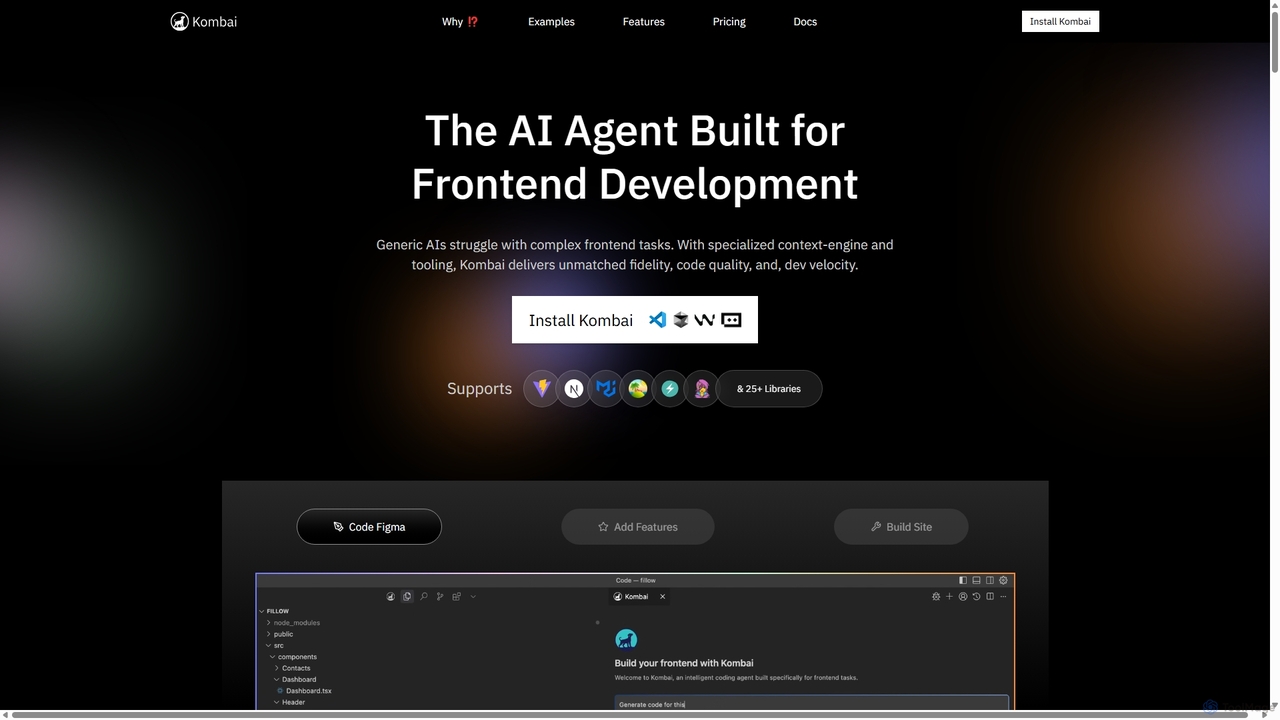
Kombai Overview
Kombai is a specialized AI agent engineered specifically for frontend development. Unlike generic AI coding assistants that often struggle with the nuances of complex user interfaces, Kombai leverages a specialized context-engine and purpose-built tooling to deliver unparalleled fidelity, superior code quality, and a significant boost in developer velocity. It's designed to understand and translate visual designs from Figma, images, or even simple text descriptions into clean, production-ready frontend code, seamlessly integrating into your existing development workflow and codebase.
How to use Kombai
Using Kombai is an intuitive process designed to augment the modern frontend developer's workflow directly within their Integrated Development Environment (IDE).
- Installation: Begin by installing the Kombai extension into your IDE (e.g., Cursor).
- Provide Input: Initiate a task by providing a prompt. This can be a link to a Figma design, an image of a UI, or a detailed text description of the component or feature you want to build. You can even attach multiple designs to describe different states or user flows.
- Contextual Analysis: Kombai analyzes your prompt and, crucially, indexes your current codebase. It understands your tech stack (React, Next.js, etc.), component libraries (MUI, AntD, Shadcn), styling conventions, and even theme files to ensure the generated code is consistent with your project.
- Review the Plan: For complex tasks, such as building a new multi-component page, Kombai first generates a high-level development plan. You can review, edit, and approve this plan before any code is written, ensuring the AI's approach aligns with your requirements.
- Code Generation & Preview: Once the plan is approved, Kombai generates the frontend code. It then spawns an isolated dev server, allowing you to see a live preview of the output without affecting your main codebase.
- Automated Error Fixing: Kombai automatically runs checks to find and iteratively fix TypeScript errors, compilation issues, and runtime bugs in the generated code.
- Accept and Merge: Once you are satisfied with the high-fidelity, error-free code, you can accept the changes, and Kombai will apply them directly to your files, ready to be committed.
Core Features of Kombai
- High-Fidelity UX Interpretation: Utilizes custom ensemble models to accurately translate complex, real-world Figma designs, images, and text prompts into beautiful and scalable UX code.
- Deep Codebase Understanding: Features purpose-built indexing and search tools to analyze your entire frontend repository. It identifies and reuses existing components, theme files, and coding patterns for maximum consistency.
- Broad Tech Stack Support: Follows coding best practices for over 30 popular libraries and frameworks, including React, Next.js, TypeScript, AntD, Mantine, MUI, Shadcn, and Tailwind CSS.
- Task Planning & Preview: Generates editable, task-optimized plans for complex requests and provides an isolated live preview environment to review code output before implementation.
- Automated Error Correction: Proactively detects and fixes TypeScript, compilation, and runtime errors after code generation, ensuring the output is robust and ready to merge.
- IDE Integration: Works as an agent directly inside your IDE, making the code generation process a seamless part of your natural workflow.
- Backend Agnostic: Focuses exclusively on the frontend, ensuring it never mistakenly modifies your database, backend logic, or server configurations.
Use Cases for Kombai
Kombai is versatile and can be used by modern frontend teams for a variety of tasks:
- Rapid Prototyping: Quickly convert new Figma designs into interactive prototypes to test user flows and gather feedback.
- Feature Implementation: Add complex new features to large, existing codebases. For example, building a complete 'Roles and Permissions' settings page for a SaaS application with over 500,000 lines of code.
- Component Generation: Create individual UI components, like a multi-step modal or a data-rich dashboard widget, from a simple text description or image.
- Full-Page & Website Creation: Build entire responsive web pages or even a complete website from scratch, including fetching dynamic content from a Headless CMS like DatoCMS.
- Application Development: Scaffold the entire frontend for new applications, such as an EdTech portal, a habit tracker app, or an inventory management dashboard.
Advantages of Kombai
- Superior Performance: Benchmarks show Kombai significantly outperforms generic coding agents and frontier models in compilation success, feature implementation accuracy, and code review criteria.
- Increased Developer Velocity: Automates the time-consuming task of writing boilerplate UI code, allowing developers to focus on complex logic and application architecture.
- Code Quality and Consistency: By understanding and adhering to your project's existing stack and conventions, Kombai produces clean, maintainable code that feels human-written.
- Enterprise-Grade Security & Privacy: Kombai is Soc2 certified and guarantees that your code is never used for model training, providing peace of mind for organizations of all sizes. For enterprise clients, custom context-engines can be set up for complex, proprietary stacks.
- Reduced Rework: The plan-and-preview workflow minimizes the chances of misinterpretation, reducing the time spent on debugging and refactoring AI-generated code.
Pricing and Plans
Kombai offers a tiered pricing model to suit different levels of usage:
- Free Plan: $0. Includes 200 credits (with a limited-time offer for an additional 300 credits), perfect for personal projects and exploring core features.
- Plus Plan: $20/month. Provides 2,000 credits per month, ideal for builders who use Kombai occasionally.
- Pro Plan: $40/month. Offers 4,200 credits per month, best suited for professionals who regularly integrate Kombai into their workflow.
- Premium Plan: $100/month. Comes with 11,000 credits per month, designed for heavy users and power builders.
- Enterprise Plan: Custom pricing is available for large teams and organizations requiring features like org-specific context-engines and enhanced security.
Traffic
Latest traffic
Status
Monthly traffic trend
- 2025-9: 223.2K
- 2026-1: 245.9K
- 2026-2: 218.1K
- 2026-3: 199.9K
- 2026-4: 163.4K
- 2026-5: 155.6K
Geography
Top 5 countries / regions
- 🇺🇸United States30.9%
- 🇳🇬Nigeria22.1%
- 🇮🇳India19.6%
- 🇸🇳Senegal14.1%
- 🇧🇷Brazil13.2%
Traffic sources
| Source type | Percentage |
|---|---|
Direct | 93.1% |
Referral | 6.0% |
Email | 0.9% |
Top keywords
| Keyword | Cost per click |
|---|---|
| background blur tailwind | $0.00 |
| kombai | $1.16 |
| kombai ai | $0.94 |
| tailwind line height | $0.00 |
| tailwind text size | $0.00 |
Kombai Videos on YouTube

CodingMenace





Matheus Battisti - Hora de Codar

Kombai Alternatives
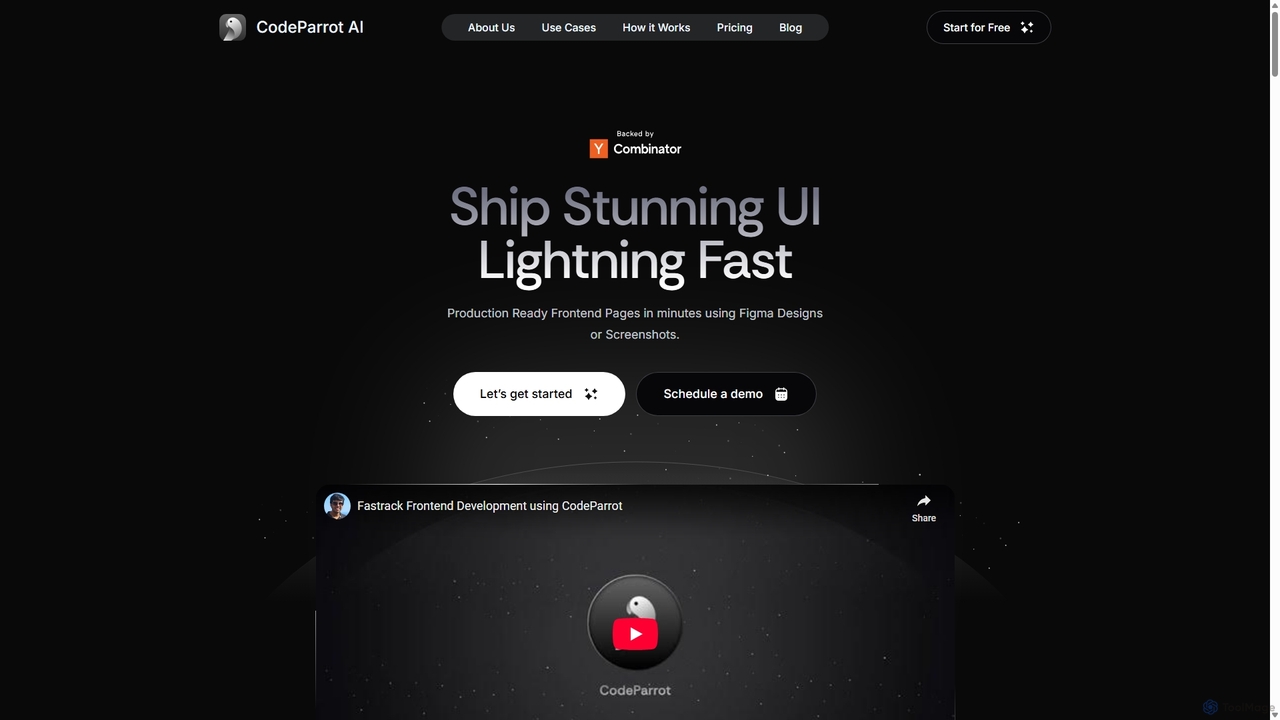
CodeParrot
CodeParrot is an AI-powered copilot that transforms Figma designs and screenshots into production-ready frontend code. It intelligently understands your existing codebase, reuses components, and adheres to your coding standards, dramatically accelerating UI development for frameworks like React, Vue, and Angular.
Design To Code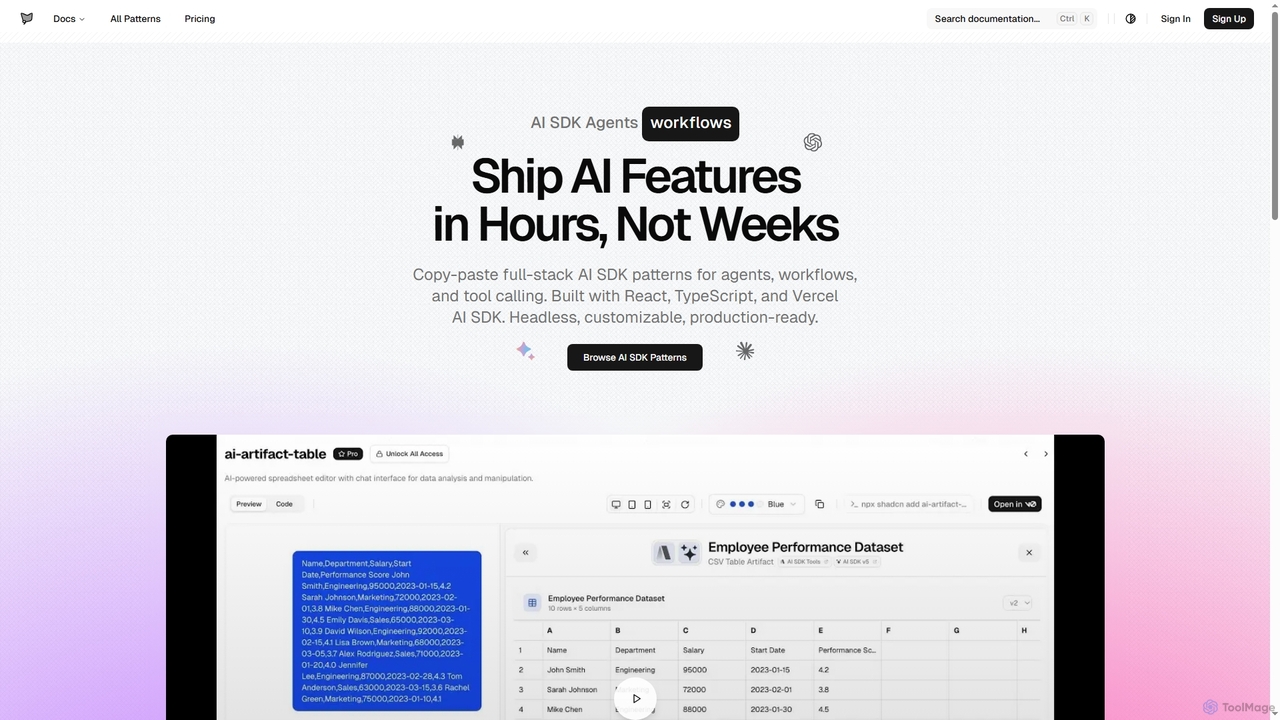
AI SDK Agents
AI SDK Agents provides production-ready React components for rapidly building AI applications. Leverage copy-paste patterns for agents, workflows, tool calling, and streaming responses, built with React, TypeScript, and Vercel AI SDK. Accelerate your AI feature development from weeks to hours, ensuring customizable and headless integration into your projects.
Ui Components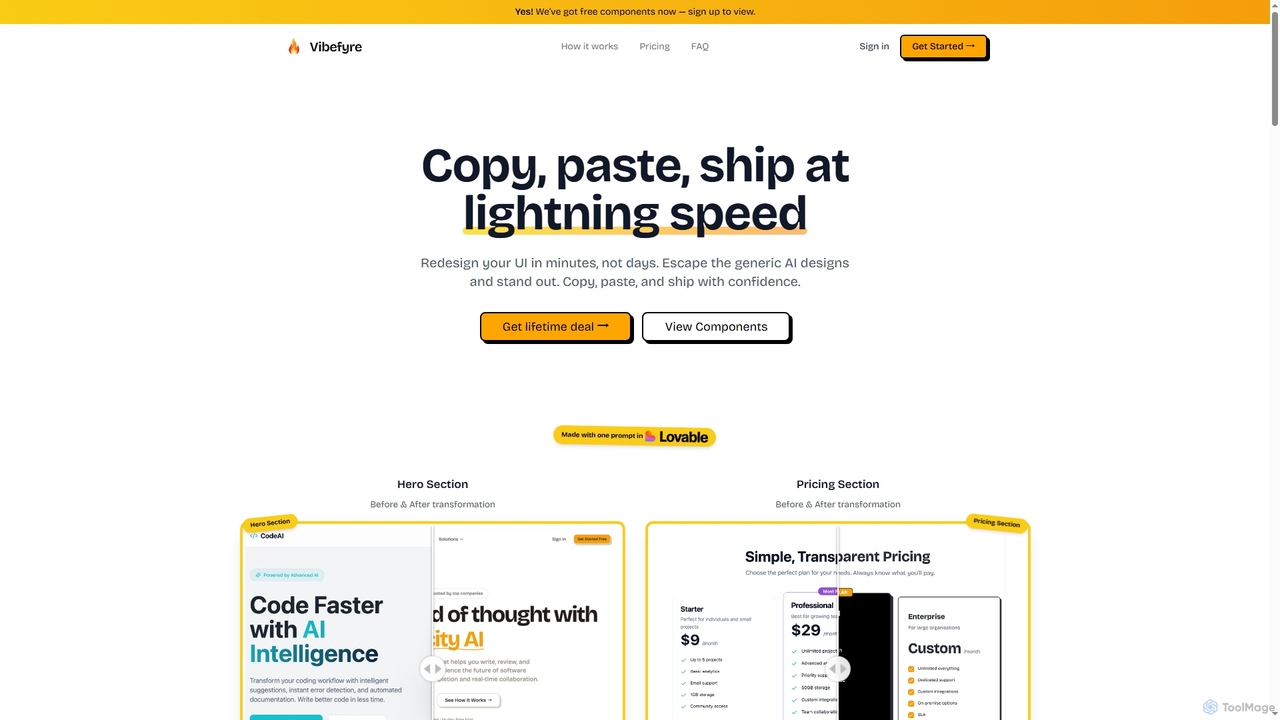
Vibefyre
Vibefyre is an AI-powered UI kit designed to accelerate web development by providing high-quality, pre-designed components and prompts. It enables developers to quickly generate unique and consistent user interfaces using their favorite AI coding tools, significantly reducing design and development time for React/TSX applications.
Web Design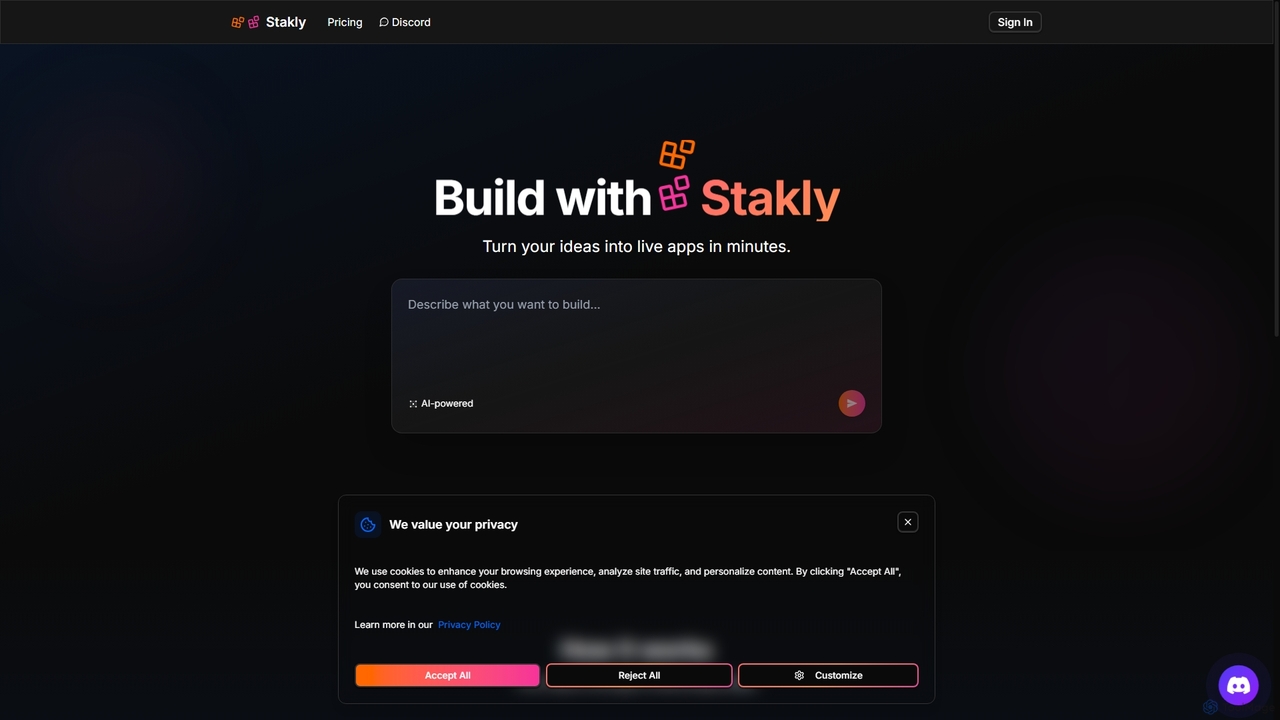
Stakly
Stakly is an AI-powered development platform that transforms natural language prompts into production-ready, full-stack web applications in minutes. Describe your idea, and the AI generates clean code, which you can deploy with one click or export to own completely. It supports modern frameworks like React, Next.js, and Python, making it ideal for rapid prototyping and development.
Code Assistant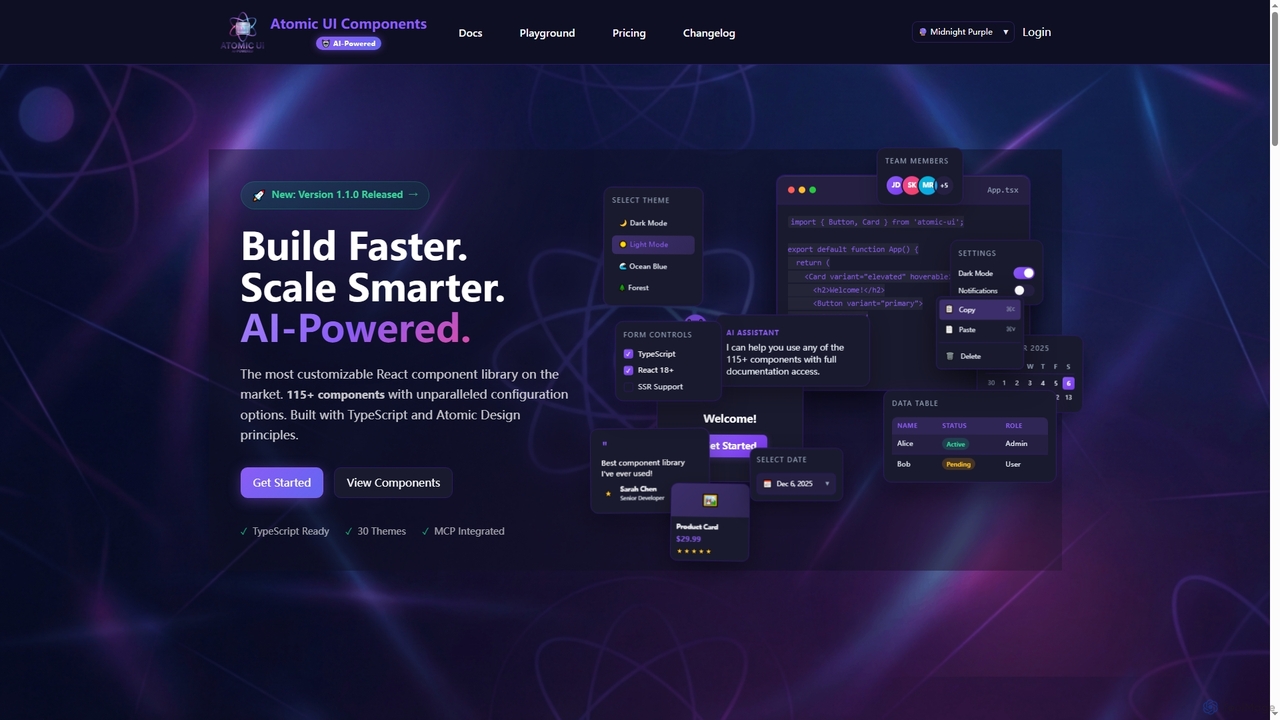
AtomicComponents
AtomicComponents is an AI-powered React component library designed for building modern, scalable, and accessible user interfaces faster. It offers over 115 highly customizable components, 30 built-in themes, and seamless integration with AI assistants like Claude and GitHub Copilot via its Model Context Protocol (MCP) server.
Design SystemsKombai Categories
Kombai Jobs
Kombai Embed Widget
Copy this embed code to place the badge on your blog, article, or product site and send readers directly to this ToolMage detail page.

Related AI tools
CodeParrot
CodeParrot is an AI-powered copilot that transforms Figma designs and screenshots into production-ready frontend code. It intelligently understands your existing codebase, reuses components, and adheres to your coding standards, dramatically accelerating UI development for frameworks like React, Vue, and Angular.
Design To CodeAI SDK Agents
AI SDK Agents provides production-ready React components for rapidly building AI applications. Leverage copy-paste patterns for agents, workflows, tool calling, and streaming responses, built with React, TypeScript, and Vercel AI SDK. Accelerate your AI feature development from weeks to hours, ensuring customizable and headless integration into your projects.
Ui ComponentsAtomicComponents
AtomicComponents is an AI-powered React component library designed for building modern, scalable, and accessible user interfaces faster. It offers over 115 highly customizable components, 30 built-in themes, and seamless integration with AI assistants like Claude and GitHub Copilot via its Model Context Protocol (MCP) server.
Design SystemsVibefyre
Vibefyre is an AI-powered UI kit designed to accelerate web development by providing high-quality, pre-designed components and prompts. It enables developers to quickly generate unique and consistent user interfaces using their favorite AI coding tools, significantly reducing design and development time for React/TSX applications.
Web DesignStakly
Stakly is an AI-powered development platform that transforms natural language prompts into production-ready, full-stack web applications in minutes. Describe your idea, and the AI generates clean code, which you can deploy with one click or export to own completely. It supports modern frameworks like React, Next.js, and Python, making it ideal for rapid prototyping and development.
Code Assistant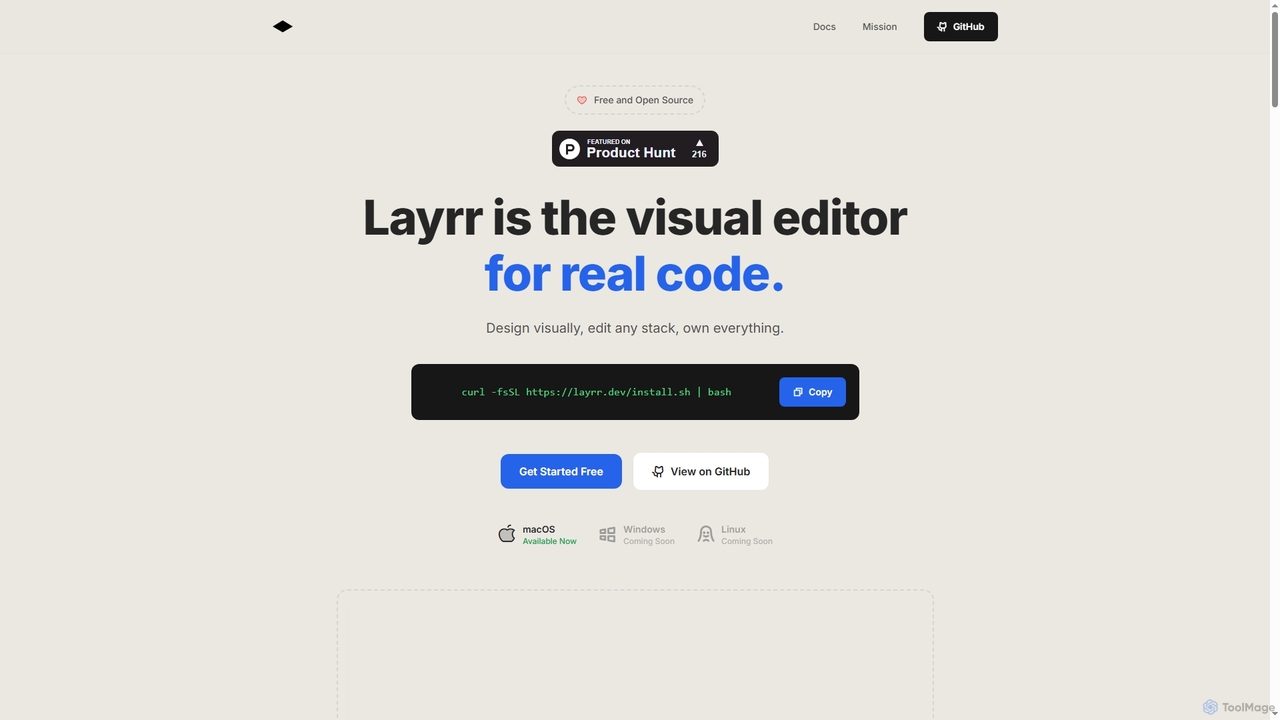
Layrr
Layrr is a free and open-source visual editor that allows developers and designers to create and edit real code directly. It combines the intuitive drag-and-drop interface of design tools like Figma with the flexibility and ownership of traditional coding, supporting any tech stack and leveraging AI for design-to-code conversion and natural language interface generation.
Code Generation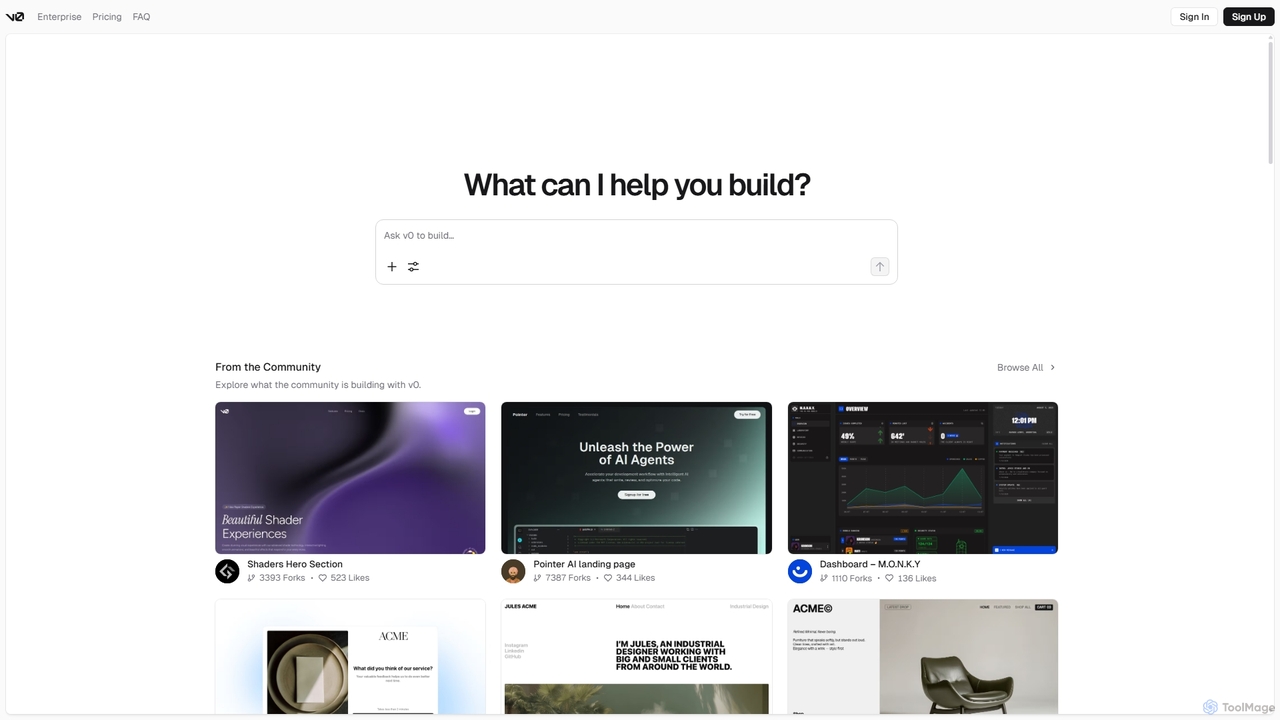
V0
V0 by Vercel is a generative AI platform that transforms text prompts, screenshots, and Figma designs into production-ready frontend code. It acts as an AI pair-programmer, enabling users to rapidly build and iterate on UI components and full-stack applications using React, Svelte, and Vue. With its chat-based interface, it accelerates the development workflow for engineers, designers, and product managers, allowing for seamless deployment to the Vercel platform.
Ui Ux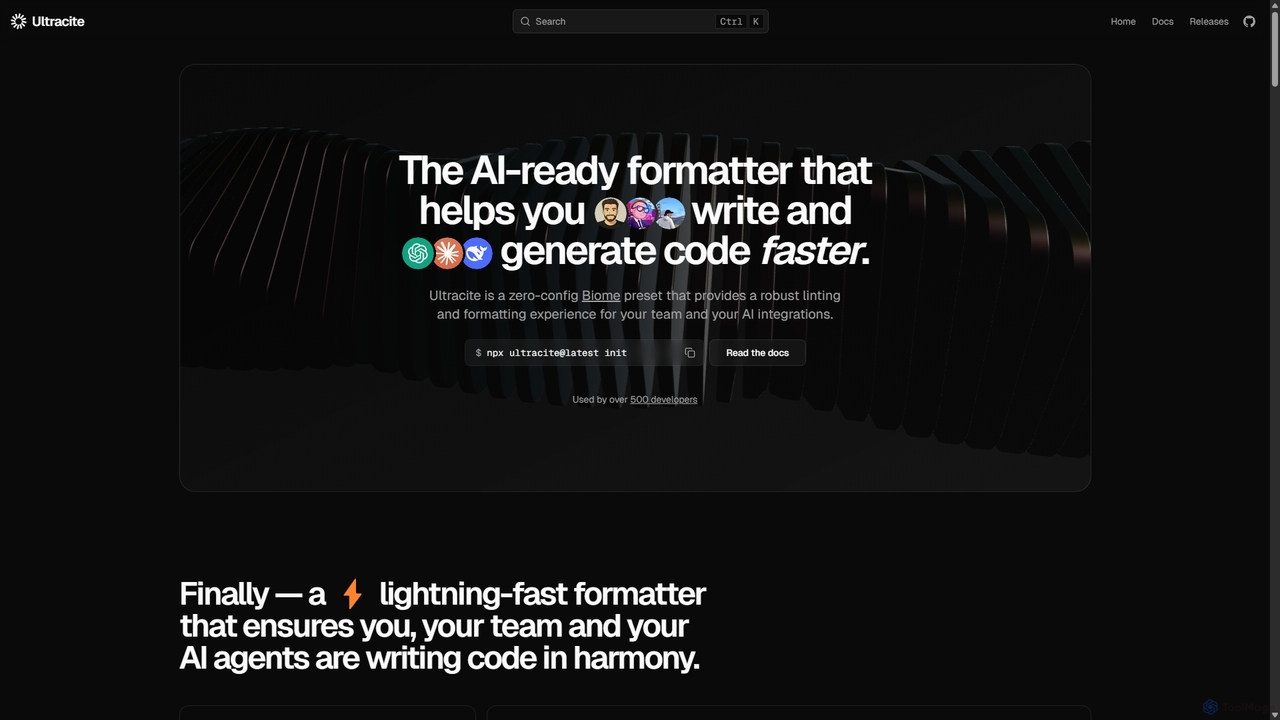
Ultracite
Ultracite is a lightning-fast, zero-config code formatter and linter built on Biome. It's designed to ensure consistent code style for both human developers and AI agents, automating formatting, fixing issues on save, and enforcing best practices for modern TypeScript, React, and Next.js projects.
Code Quality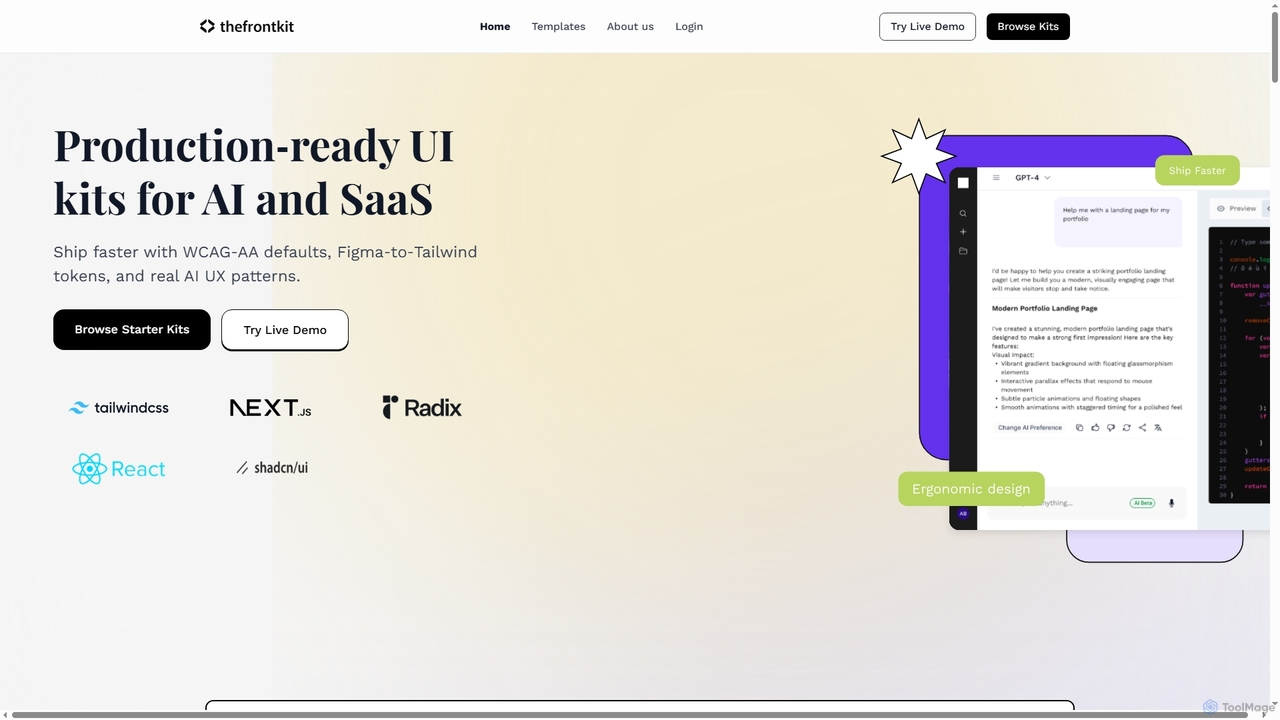
Thefrontkit
Thefrontkit provides production-ready UI kits for AI and SaaS applications, designed to accelerate development with WCAG-AA defaults, Figma-to-Tailwind token synchronization, and essential AI UX patterns. It offers structured, accessible UI components built with React and TailwindCSS, complete with Figma files and comprehensive documentation, enabling teams to ship faster and focus on product innovation.
Web Development
Relume
Relume is an AI-powered platform that accelerates the website design and building process. It enables users to generate sitemaps and wireframes from a simple prompt, create comprehensive style guides, and access a vast library of over 1000+ components. With seamless export to Figma, Webflow, and React, Relume streamlines the entire workflow for designers, developers, and agencies, turning ideas into high-fidelity designs in minutes.
Website Builder
Jyek
Jyek is an AI agent platform that understands objectives, creates execution plans, uses tools, and delivers verifiable results for complex, multi-step tasks.
Automation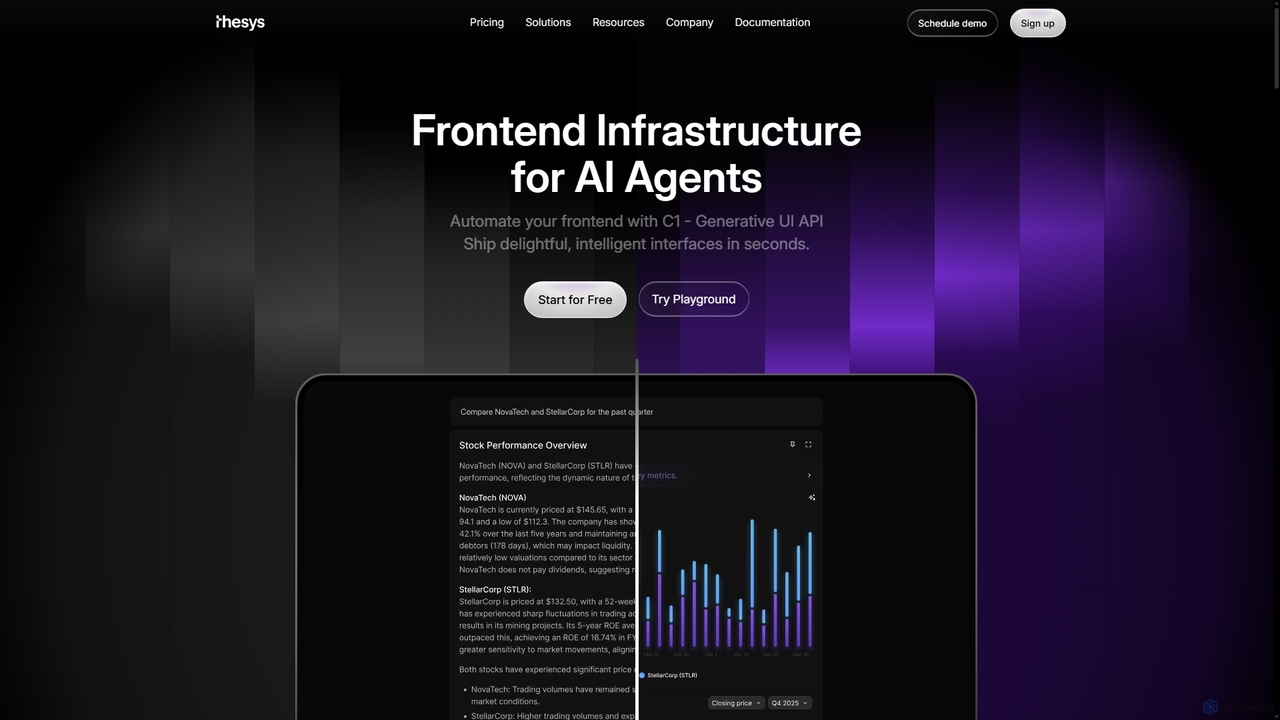
Thesys
Thesys provides C1, a Generative UI API that transforms LLM responses into dynamic, interactive user interfaces in real-time. Designed for developers building AI agents and applications, it automates frontend development by converting text outputs into live UI components like forms, charts, and tables. This allows for the creation of adaptive, engaging, and intelligent interfaces without the limitations of hardcoded UI, accelerating AI product development.
Api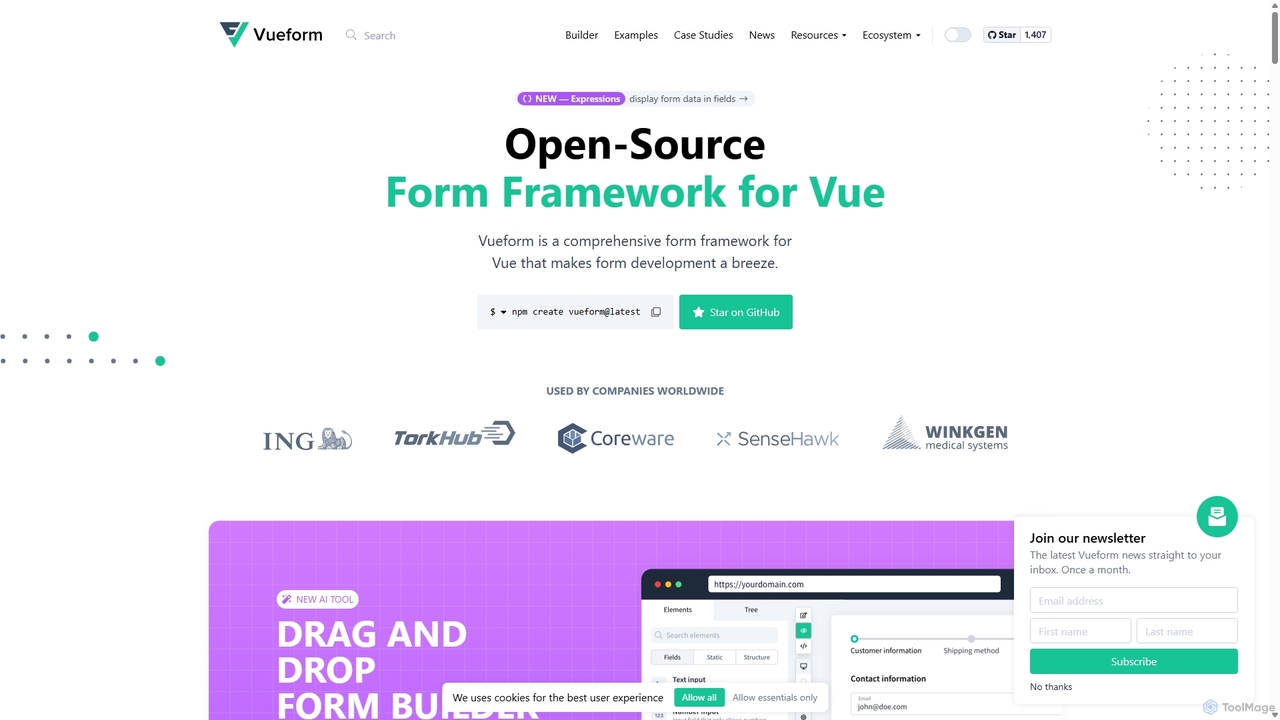
Vueform
Vueform is an open-source form framework for Vue.js, designed to streamline form development. It features a drag-and-drop builder, an AI Assistant for instant form generation, over 50 validation rules, complex conditional logic, and extensive pre-built elements. It simplifies handling nested data, multi-step wizards, and internationalization, making it a comprehensive solution for any Vue application.
Libraries & Frameworks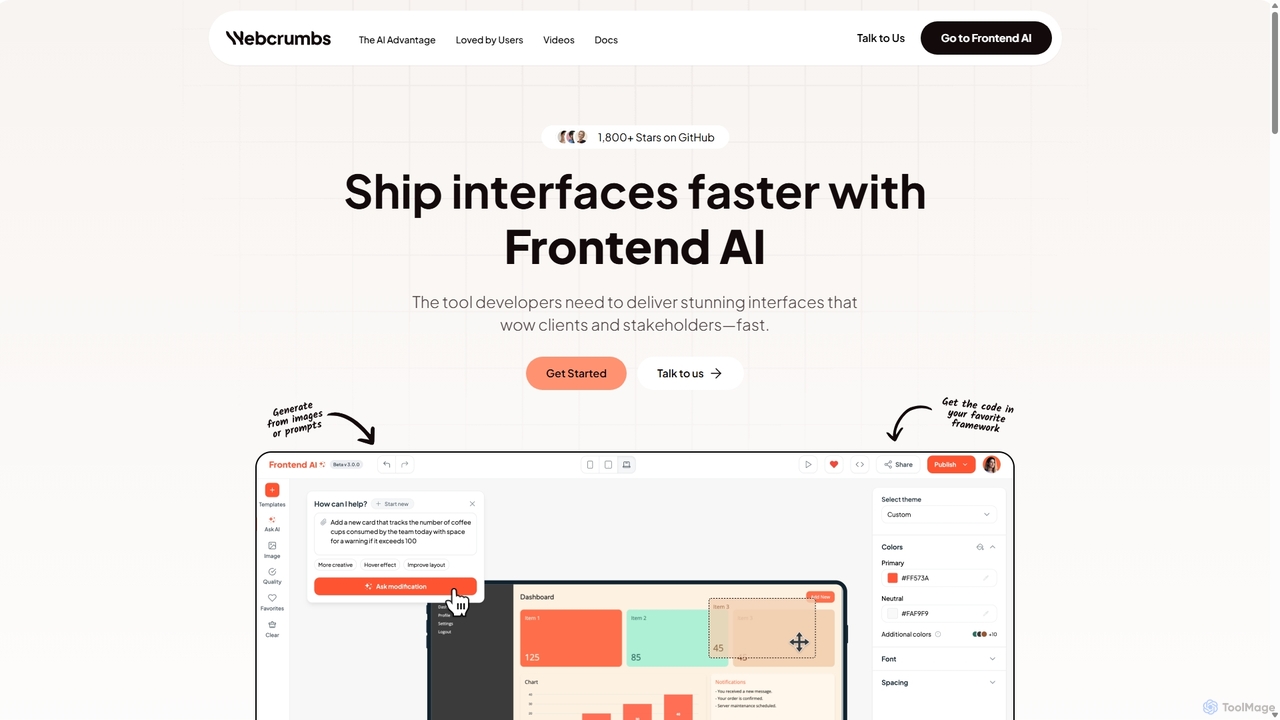
Webcrumbs
Webcrumbs is an AI-powered frontend development platform designed to accelerate UI creation. It combines a powerful prompt-to-code engine with a visual editor, enabling developers and designers to rapidly build, refine, and ship high-quality interface components. By translating natural language or images into clean, production-ready code, Webcrumbs streamlines the workflow, enhances collaboration, and ensures design consistency across projects.
Ui Ux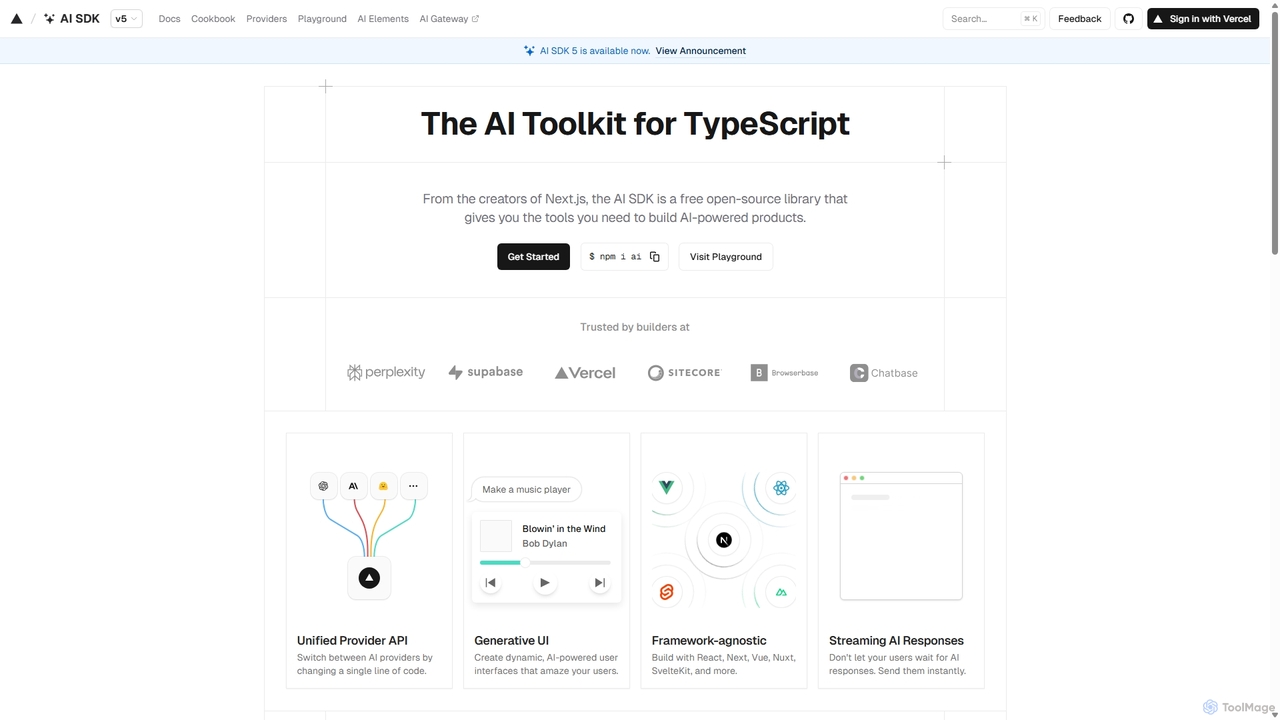
AI SDK
AI SDK by Vercel is a free, open-source TypeScript toolkit designed to help developers build AI-powered applications. It provides a unified API to seamlessly integrate with various large language models like OpenAI, Anthropic, and Google Gemini. The SDK is framework-agnostic, supporting React, Next.js, Vue, Svelte, and more, enabling the creation of features like streaming responses and generative UIs with minimal effort.
Model Integration
Kombai Comments (0)
Sign in to comment.
Sign inNo comments yet.