Thefrontkit
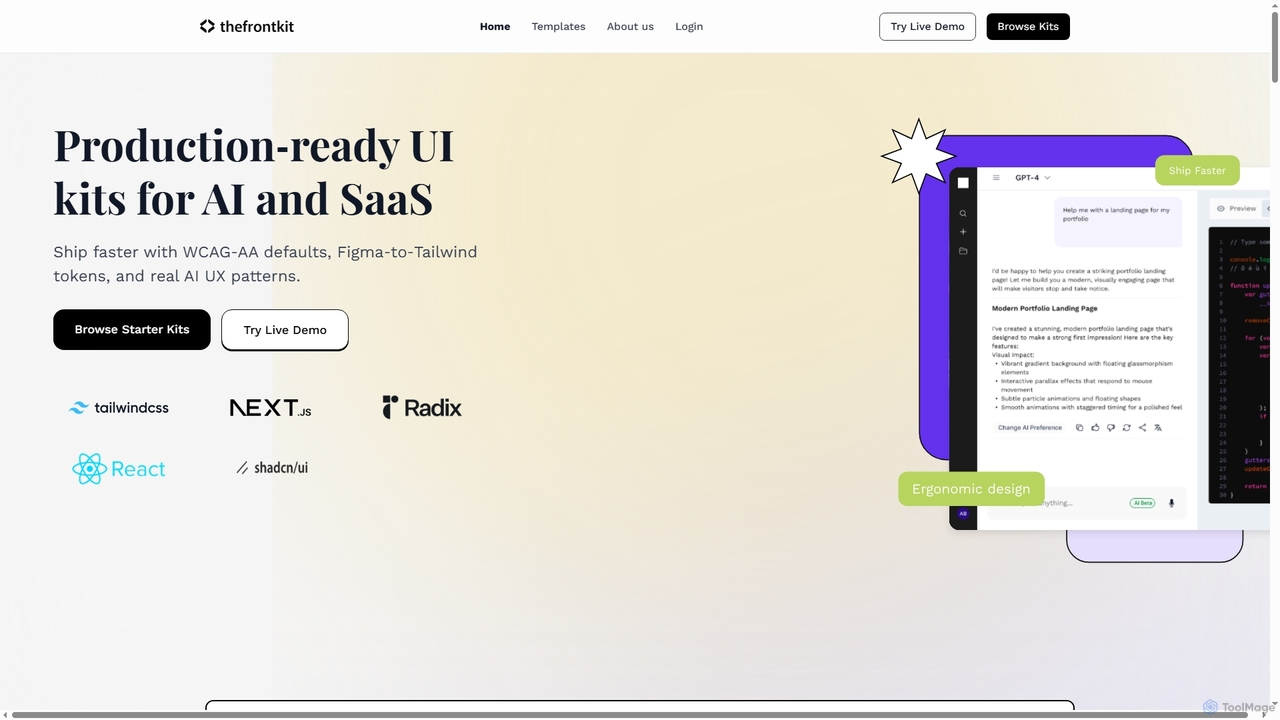
Thefrontkit provides production-ready UI kits for AI and SaaS applications, designed to accelerate development with WCAG-AA defaults, Figma-to-Tailwind …
Thefrontkit provides production-ready UI kits for AI and SaaS applications, designed to accelerate development with WCAG-AA defaults, Figma-to-Tailwind token synchronization, and essential AI UX patterns. It offers structured, accessible UI components built with React and TailwindCSS, complete with Figma files and comprehensive documentation, enabling teams to ship faster and focus on product innovation.
Image to Prompt
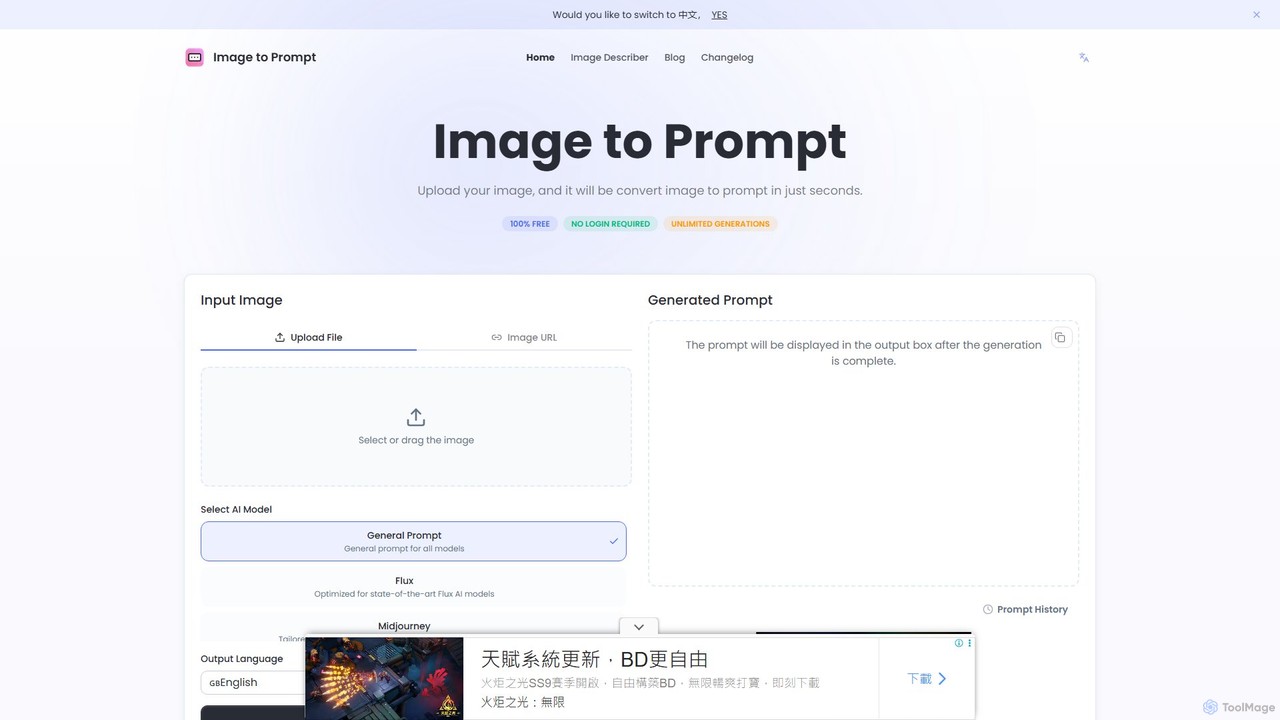
Image to Prompt is a free AI-powered tool that converts images into detailed text prompts. It's designed for …
Image to Prompt is a free AI-powered tool that converts images into detailed text prompts. It's designed for artists, designers, and content creators using AI art generators like Midjourney, Stable Diffusion, and Flux. The tool also functions as an image describer, generating rich descriptions for accessibility, marketing, and creative purposes. It's completely free, requires no login, and offers unlimited generations.
About Web Development
AI Web Development tools for accessibility are specialized applications that help developers build inclusive and compliant websites from the ground up. These tools integrate directly into the development workflow, using machine learning to automatically scan code, analyze the Document Object Model (DOM), and identify violations of standards like the Web Content Accessibility Guidelines (WCAG). Their primary value is enabling a "shift-left" approach, providing developers with real-time feedback in their code editors or CI/CD pipelines. This proactive method automates the detection of common issues such as insufficient color contrast, missing ARIA attributes, and keyboard navigation traps, complementing manual audits by catching errors early.
Core Features
- Automated Code Scanning: Analyzes HTML, CSS, and JavaScript in real-time or during builds to find accessibility flaws.
- Real-time IDE Feedback: Provides instant suggestions and error highlighting directly within code editors like VS Code.
- ARIA Attribute Recommendations: Suggests appropriate Accessible Rich Internet Applications (ARIA) roles and properties for complex components.
- Component-level Analysis: Assesses individual UI components for accessibility before they are integrated into a larger application.
- Compliance Reporting: Generates detailed reports that pinpoint WCAG violations and offer actionable remediation advice.
Use Cases
These tools are primarily used by front-end developers, full-stack engineers, and QA testers who are building web applications. They are essential in agile development environments where rapid iteration is common. UX/UI designers also use them to validate that their design systems and component libraries are accessible from the start, ensuring that inclusivity is a foundational part of the product development lifecycle.
How to Choose
When selecting an AI Web Development tool for accessibility, consider its integration capabilities with your existing toolchain (e.g., IDEs, GitHub, Jenkins). Evaluate the supported standards (WCAG 2.1, 2.2, Section 508) and the clarity of its reports and remediation guidance. Also, assess its ability to test dynamic content within single-page applications (SPAs) and the accuracy of its automated findings to minimize false positives.

Web DevelopmentUse Cases
Automating Accessibility Audits in CI/CD Pipelines
A DevOps team can integrate an AI accessibility tool into their Continuous Integration/Continuous Deployment (CI/CD) pipeline. On every code commit, the tool automatically scans the changes for WCAG violations. If a critical issue, like a form without proper labels, is detected, the build process is automatically failed. This prevents inaccessible code from reaching production, enforces a consistent quality standard, and provides developers with immediate, actionable feedback without requiring manual intervention for every small change.
Real-time Accessibility Feedback for Developers
A front-end developer working in Visual Studio Code can install a plugin for an AI accessibility tool. As they write HTML for a new feature, the tool provides real-time linting. For instance, if they add an `` tag without an `alt` attribute, the line is immediately underlined with a warning explaining the accessibility issue and suggesting a fix. This instant feedback loop helps the developer learn and apply accessibility best practices continuously, reducing the number of issues that make it to code review or QA testing.
Generating Accessible Data Visualizations
A data analyst or developer is tasked with creating a complex chart for a web dashboard. Using an AI-powered component library, they input their data. The tool not only generates the chart but also automatically applies accessibility best practices. It selects a color-blind-safe palette, adds ARIA roles to make the chart elements understandable to screen readers, and generates a fallback data table for users who cannot perceive the visual chart. This automates a complex and often overlooked aspect of accessibility, ensuring data is accessible to all users.
Ensuring Accessibility of Third-Party Components
A development team frequently uses open-source or third-party UI components to speed up their work. Before integrating a new component, they use an AI tool to perform a deep scan of its code and rendered output. The tool analyzes its keyboard navigation, ARIA implementation, and focus management. It generates a report highlighting any accessibility shortcomings, allowing the team to either fix the component, choose an alternative, or be aware of the remediation work needed. This prevents the introduction of inaccessible elements from external sources into their application.
Training Junior Developers on Accessibility Standards
A senior developer is onboarding a new junior team member. Instead of just providing documentation, they set up the junior developer's environment with an integrated AI accessibility tool. As the new developer codes, the tool acts as an interactive coach, flagging issues in real-time and linking to explanations of the relevant WCAG criteria. This hands-on, contextual learning approach helps the junior developer build a strong foundational understanding of accessibility much faster than through theoretical learning alone, embedding good habits from day one.
Validating Dynamic Content in Single-Page Applications (SPAs)
A QA engineer is testing a complex single-page application built with React. In SPAs, content changes without full page reloads, which can confuse screen readers if not managed correctly. The engineer uses an AI tool that can monitor the DOM for changes. When a modal dialog appears, the tool verifies that focus is correctly trapped inside it and that the background content is hidden from assistive technologies. It also checks that ARIA live regions are used appropriately to announce updates, ensuring a seamless experience for screen reader users.