ToolMage
Sign in

Best 5 Ui Kits AI tools for Development

Popular Ui Kits AI tools in Development include HeroUI Pro, Thefrontkit, Newcult, kickstartDS, and LangUI, helping you work more efficiently.

Thefrontkit
Paid

Thefrontkit

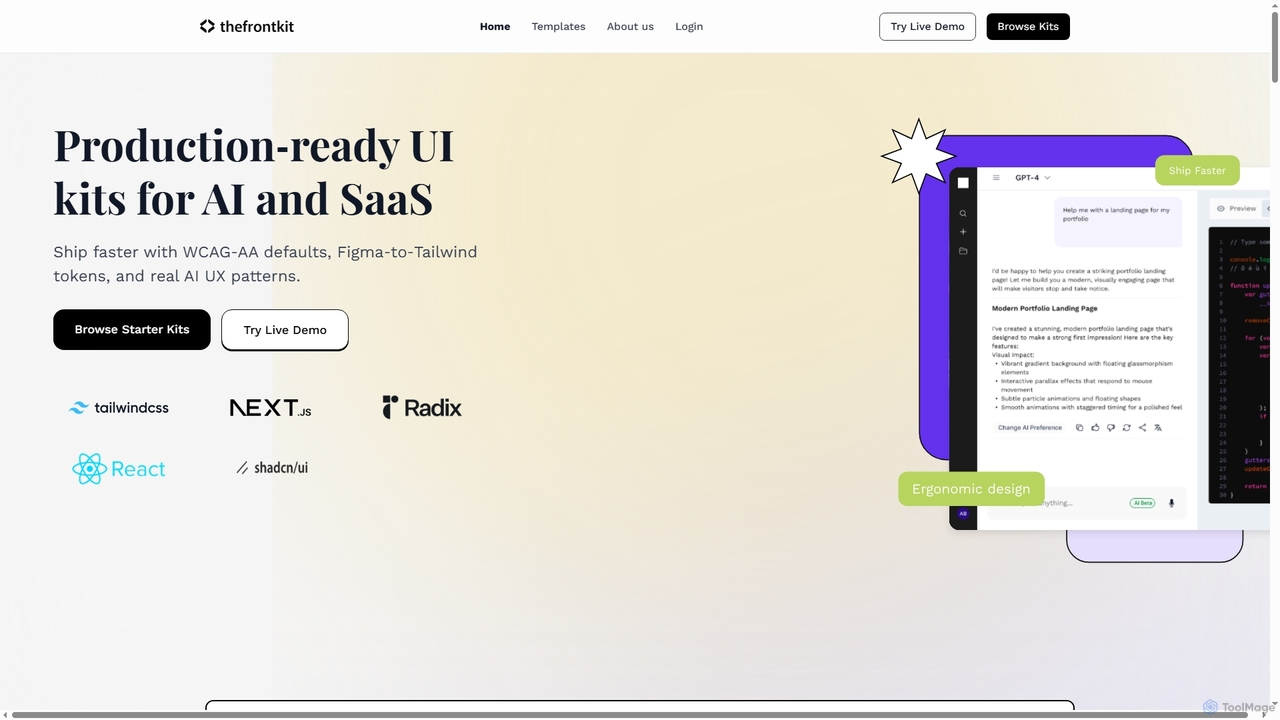
Thefrontkit provides production-ready UI kits for AI and SaaS applications, designed to accelerate development with WCAG-AA defaults, Figma-to-Tailwind token synchronization, and essential AI UX patterns. It offers structured, accessible UI components built with React and TailwindCSS, complete with Figma files and comprehensive documentation, enabling teams to ship faster and focus on product innovation.

Web Development
Visits 10.3KFavorites 35Likes 30
Newcult
Paid

Newcult

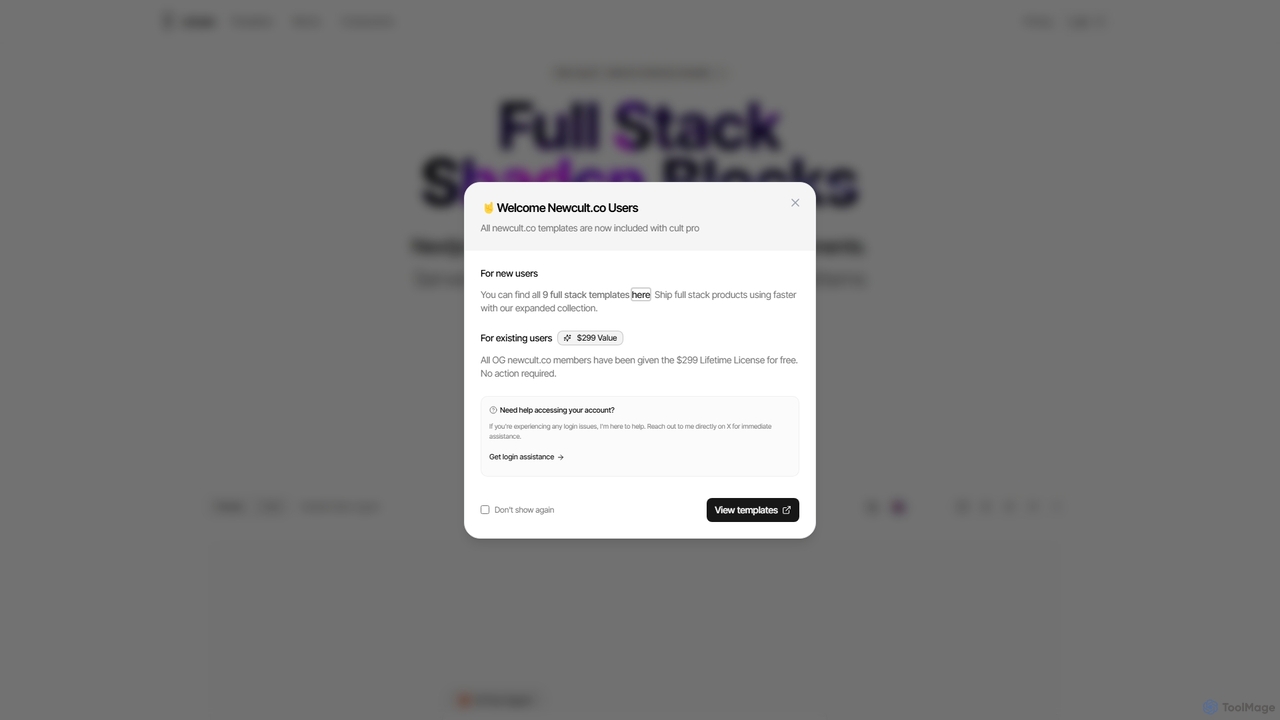
Newcult is a developer toolkit featuring full-stack UI components, blocks, and templates for Next.js and Shadcn UI. It's designed to accelerate the development of modern, AI-powered SaaS applications by providing production-ready, customizable code for everything from marketing pages to complex AI workflows.

Templates
Visits 6.1KFavorites 107Likes 106
kickstartDS
Freemium

kickstartDS

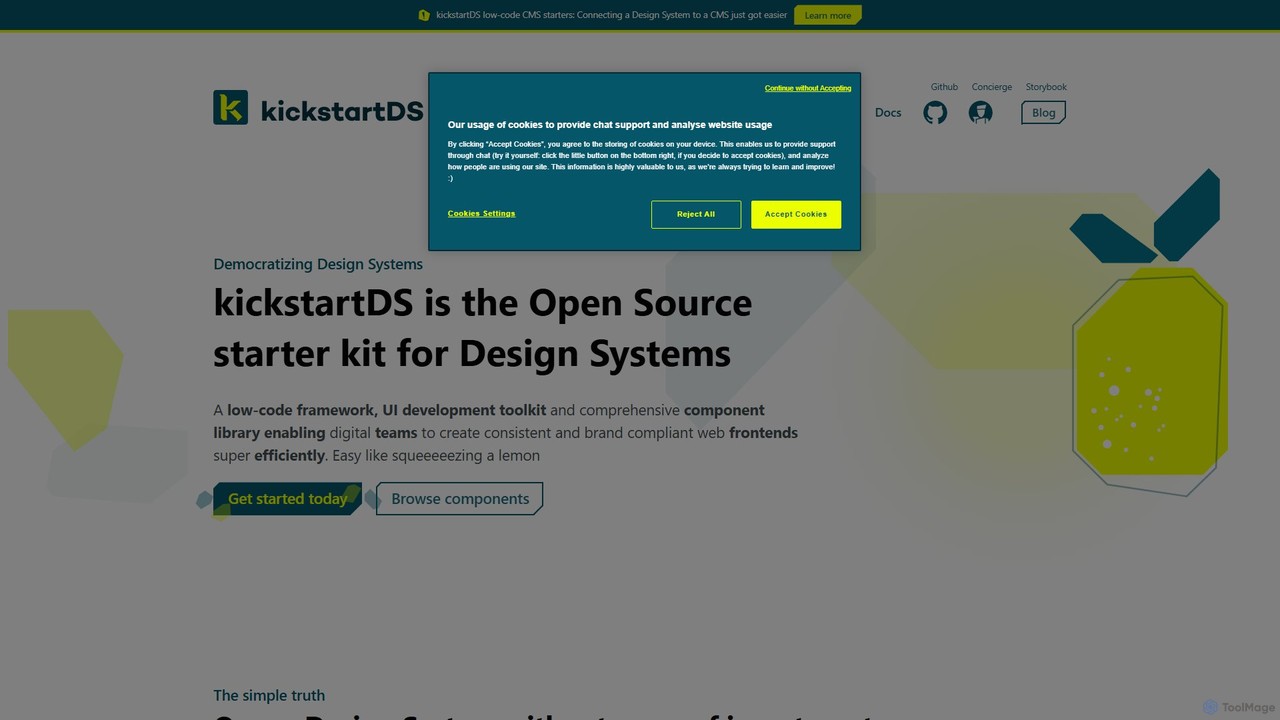
kickstartDS is an open-source starter kit and next-gen UI toolkit for building and maintaining Design Systems. It offers a low-code framework, a comprehensive component library, and an AI-powered assistant to help digital teams create consistent, high-performance, and brand-compliant web frontends with maximum efficiency.

Design System
Visits 4.7KFavorites 117Likes 124
LangUI
Freemium

LangUI

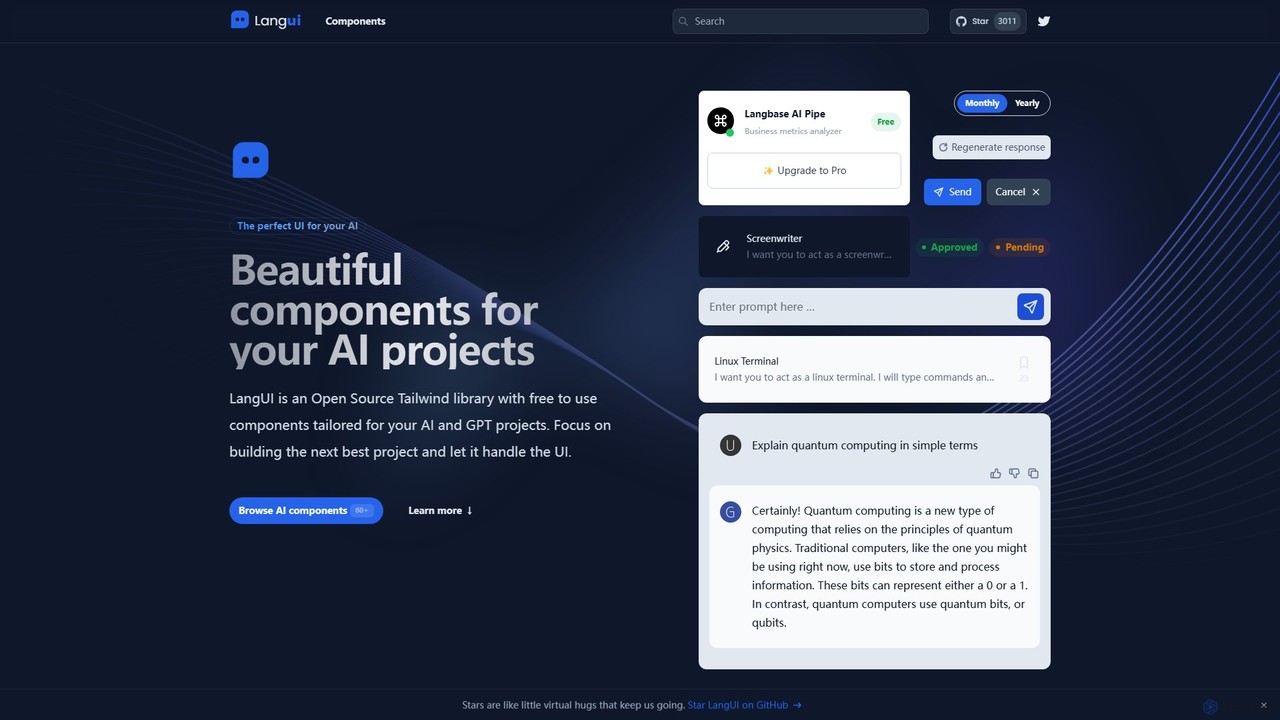
LangUI is an open-source Tailwind CSS component library offering over 60 free, ready-to-use components specifically designed for AI and GPT projects. It helps developers quickly build beautiful, responsive user interfaces for their AI applications, allowing them to focus on core functionality.

Libraries
Visits 4.7KFavorites 108Likes 132
HeroUI Pro
Paid

HeroUI Pro

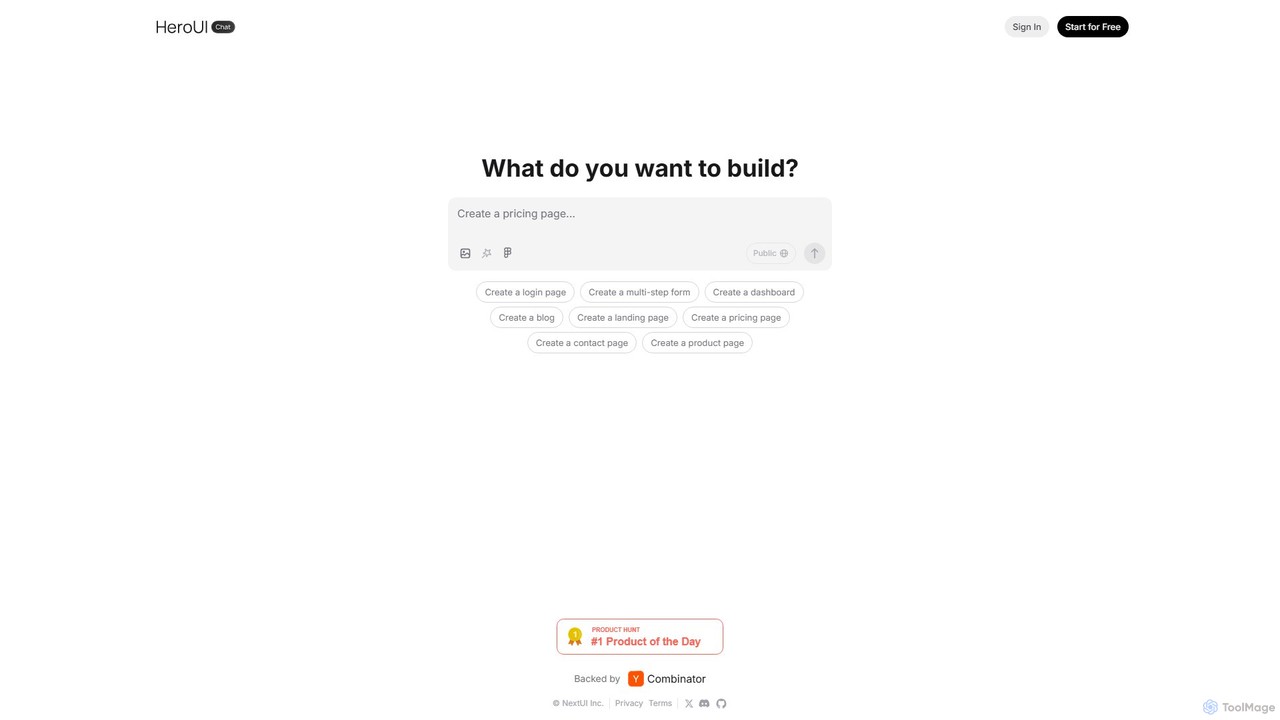
HeroUI Pro is a premium component library for React developers, offering over 220+ professionally designed, responsive, and production-ready components. It accelerates web development by providing pre-built elements for various applications, including AI dashboards, e-commerce sites, and marketing pages, all available for a one-time payment.

Components
Visits 103.2KFavorites 92Likes 91

About Ui Kits

AI UI Kits are advanced toolsets that use artificial intelligence to generate and customize user interface components for web and mobile applications. They leverage generative models to translate text prompts, wireframes, or design specifications into cohesive visual elements like buttons, forms, and layouts. This approach significantly accelerates the design and development workflow, enabling teams to build consistent and aesthetically pleasing interfaces with minimal manual effort. AI UI Kits bridge the gap between design ideation and code implementation by automating repetitive tasks.

Core Features

  • AI-Powered Component Generation: Instantly create UI elements from natural language descriptions or sketches.
  • Design System Adherence: Automatically apply brand colors, typography, and spacing rules for consistent design.
  • Code Export: Convert visual designs into clean, production-ready code for frameworks like React, Vue, or HTML/CSS.
  • Responsive Previews: Generate and preview components that adapt seamlessly across desktop, tablet, and mobile screens.
  • Thematic Variations: Effortlessly create multiple style variations, such as light and dark modes, from a single base design.

Use Cases

These kits are invaluable for front-end developers, UI/UX designers, and product teams within the broader development lifecycle. They are used for rapid prototyping of new application ideas, building consistent design systems from scratch, and accelerating the development of marketing landing pages or internal tools. The primary goal is to reduce manual design and coding time for user interfaces.

How to Choose

When selecting an AI UI Kit, consider its compatibility with your existing technology stack (e.g., React, Figma). Evaluate the quality and customizability of the generated components, the sophistication of its AI features (e.g., text-to-UI), the quality of the exported code, and its ability to integrate with your team's existing design and development workflows.

Featured tool rankings

Ui Kits use cases

1

Rapid Prototyping for Startups

A product manager at a startup needs to create an interactive prototype for a new app feature to present to investors. Using an AI UI Kit, they input simple text prompts like 'a user login screen with social media options' and 'a dashboard with three data cards.' The tool generates a fully designed, responsive prototype in minutes, allowing for quick iteration without needing a dedicated designer or developer.

2

Building a Consistent Design System

A design team is tasked with creating a new, unified design system for their company's suite of products. They use an AI UI Kit to define core brand attributes (colors, fonts). The AI then generates a comprehensive library of components—buttons, inputs, modals, etc.—that are all visually consistent and accessible, establishing a single source of truth for both designers and developers.

3

Accelerating Landing Page Creation

A marketing team needs to launch multiple campaign-specific landing pages quickly. Instead of building each from scratch, they use an AI UI Kit. By describing the desired layout and content sections ('hero section with a call-to-action button,' 'three-column feature grid'), the tool assembles a complete, on-brand landing page with exportable code, reducing development time from days to hours.

4

Modernizing Legacy Application Interfaces

A development team is updating an outdated enterprise application. They use an AI UI Kit by feeding it screenshots of the old interface. The AI analyzes the layout and functionality, then regenerates the UI with a modern aesthetic and improved usability, while ensuring all components are responsive and adhere to current web standards.

5

Generating UI Variations for A/B Testing

A UX researcher wants to test which button design leads to higher conversions. They use an AI UI Kit to generate five different variations of a call-to-action button, each with different text, colors, and shapes, based on a single prompt. This allows for the rapid creation of test assets without manual design work, enabling more comprehensive and faster testing cycles.

6

Front-End Development Scaffolding

A front-end developer is starting a new project. They use an AI UI Kit to generate the basic structure and components for the application's main views. The tool exports clean, well-structured code for their chosen framework (e.g., React), providing a solid foundation that saves significant time on boilerplate setup and initial component styling, allowing them to focus on business logic sooner.

Ui Kits FAQ

What are AI UI Kits?

AI UI Kits are collections of user interface components that are generated or customized using artificial intelligence. Unlike traditional static kits, they can create new components from text prompts, sketches, or existing designs, and automatically ensure consistency with a design system. They are designed to streamline the workflow from design to development.

How do AI UI Kits differ from traditional UI Kits (e.g., Bootstrap)?

The key difference is generation versus selection. Traditional UI Kits provide a fixed library of pre-made components that you select and customize manually. AI UI Kits generate new, bespoke components based on your specific inputs (like text prompts). This allows for greater flexibility and speed, as the AI handles the creative and repetitive work of component design and theming.

How do I choose the right AI UI Kit?

When choosing an AI UI Kit, consider these factors:

  • Integration: Does it work with your design tools (Figma, Sketch) and development frameworks (React, Vue)?
  • AI Capabilities: What kind of generation does it support (text-to-UI, image-to-UI)? How accurate is it?
  • Code Quality: Is the exported code clean, semantic, and production-ready?
  • Customization: How easily can you tweak the generated designs to match your brand's specific needs?
Who are AI UI Kits best suited for?

AI UI Kits are beneficial for a wide range of users. Front-end developers can use them to quickly scaffold projects and get production-ready code. UI/UX designers can accelerate prototyping and design system creation. Product managers and entrepreneurs can visualize ideas without deep technical skills. Marketing teams can also rapidly build campaign pages.

Is the code generated by AI UI Kits ready for production?

The quality varies by tool, but leading AI UI Kits aim to produce clean, semantic, and production-ready code. The output is typically well-structured HTML/CSS or components for popular JavaScript frameworks. While it provides a strong foundation, developers should always review and test the code to ensure it meets their specific project requirements, performance standards, and accessibility guidelines.