Developer Tools Best in category 10 results Frontend Development AI Tool

Popular AI tools in the Frontend Development field of Developer Tools include Relume、Tweakcn、Kombai、Figr、BigDevSoon、Galileo AI、heropack、1ui、themeai.io、WindChat, etc., helping you quickly improve efficiency.

1ui

1ui

1ui is an AI-powered platform that generates pixel-perfect, production-ready UI designs from natural language prompts. It streamlines the …

2.5K
Kombai

Kombai

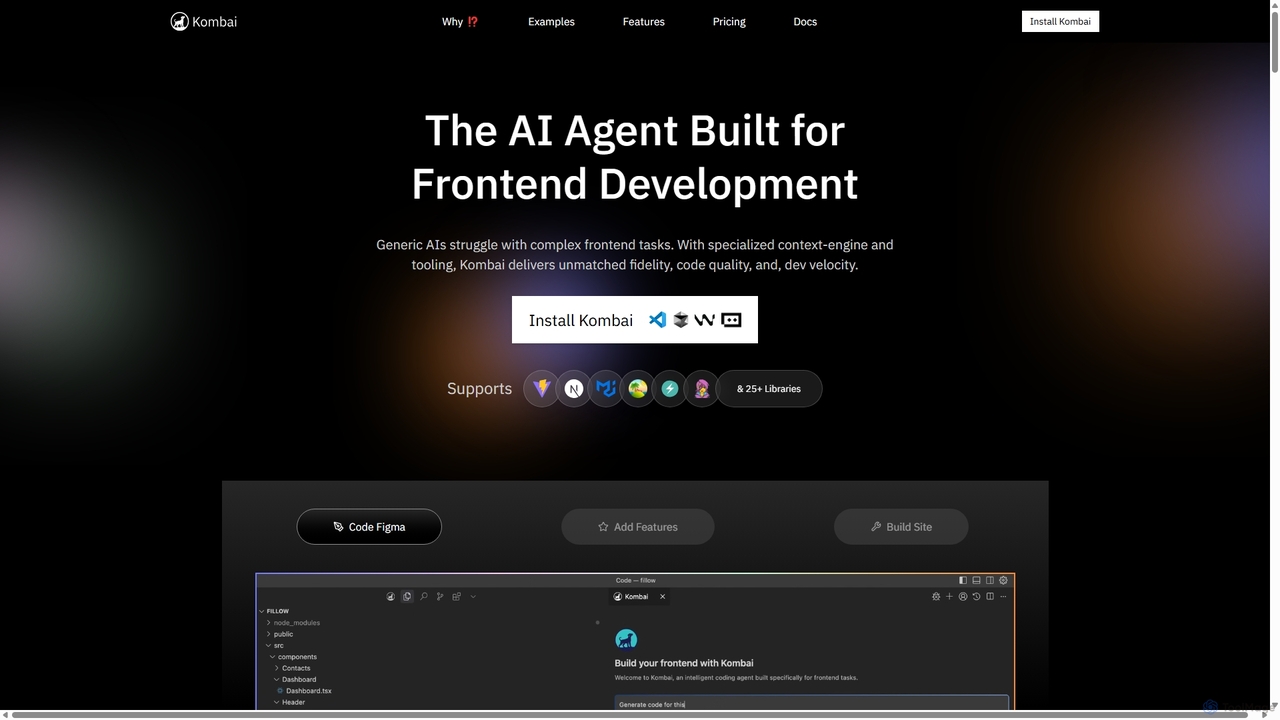
Kombai is a specialized AI agent for frontend development that transforms Figma designs, images, and text prompts into …

165.9K
Tweakcn

Tweakcn

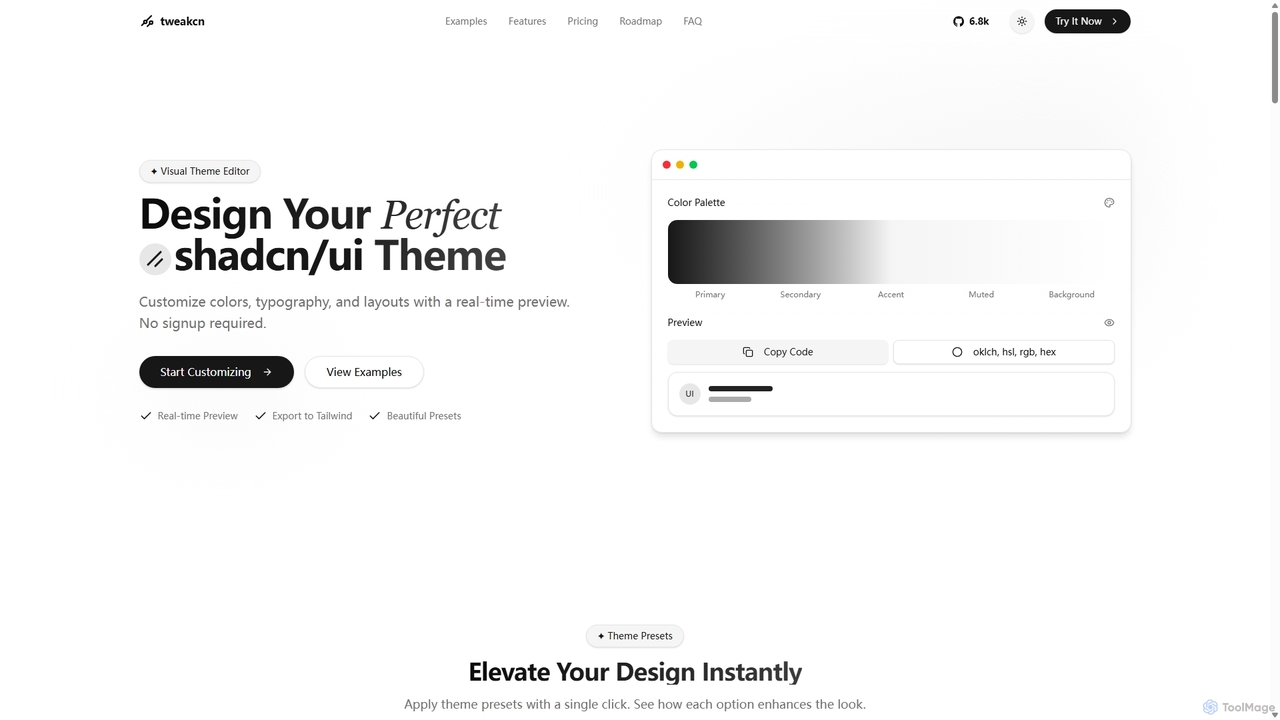
Tweakcn is a visual theme editor and AI-powered generator for shadcn/ui and Tailwind CSS. It allows developers and …

191.3K
Relume

Relume

Relume is an AI-powered platform that accelerates the website design and building process. It enables users to generate …

717.7K
BigDevSoon

BigDevSoon

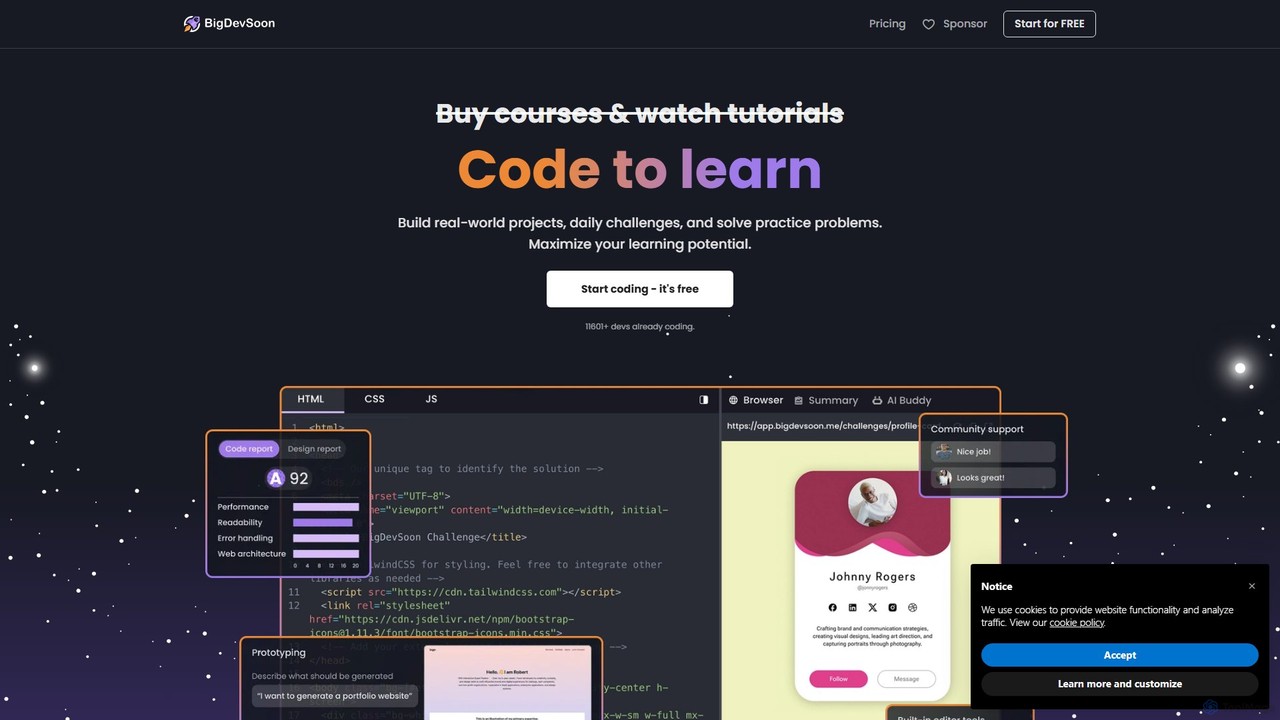
BigDevSoon is a hands-on learning platform for frontend developers. It helps users transition from tutorials to real-world applications …

26.3K
WindChat

WindChat

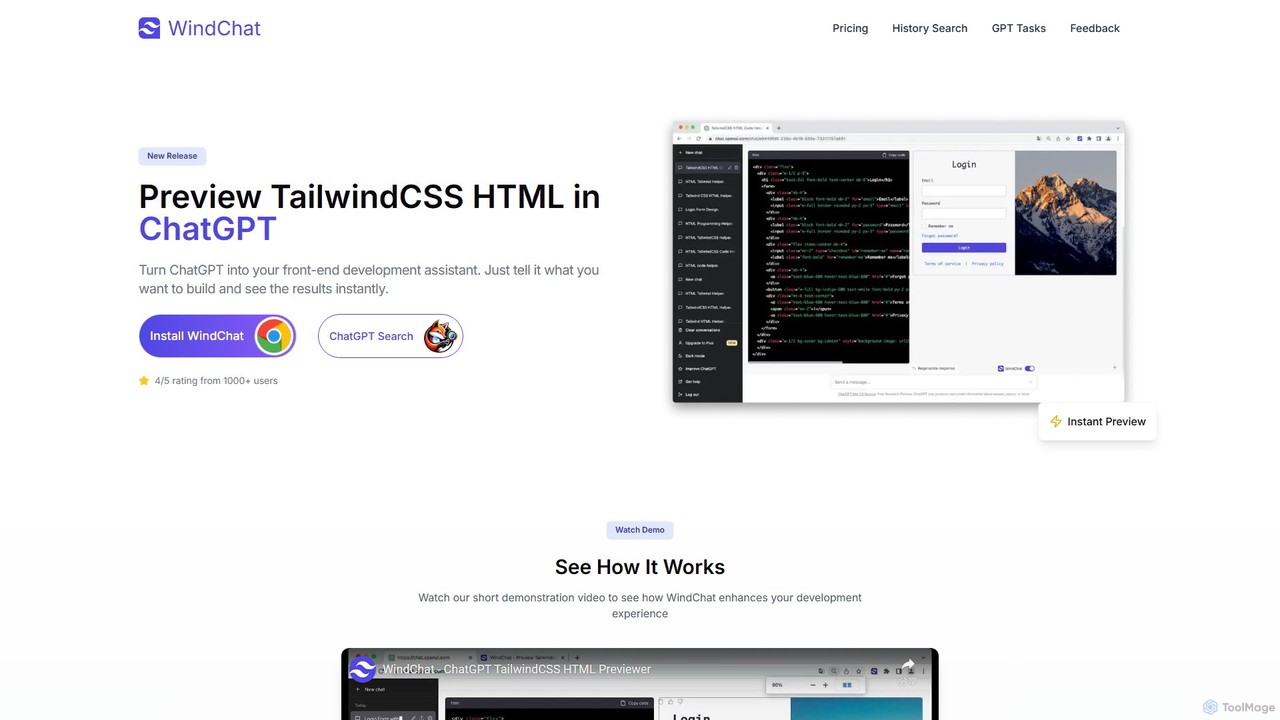
WindChat is a powerful browser extension that transforms ChatGPT into a front-end development powerhouse. It allows developers, designers, …

2.4K
heropack

heropack

heropack is an AI-powered platform for designers and developers to generate unique, high-quality hero sections, UI components, and …

2.5K
Figr

Figr

Figr is an AI-powered design suite that accelerates the product design workflow. It specializes in creating production-grade design …

93.3K
Free
Galileo AI

Galileo AI

Galileo AI is a pioneering AI-powered UI design generator that transforms simple text prompts into beautiful, functional interface …

2.9K
themeai.io

themeai.io

themeai.io is an AI-powered platform that instantly generates unique, production-ready website themes and designs. Simply describe your vision …

2.5K

About Frontend Development

AI Frontend Development tools are a class of software that leverages artificial intelligence to automate and accelerate the creation of user interfaces. These tools analyze visual designs or natural language prompts to generate clean, production-ready code in frameworks like React, Vue, or plain HTML/CSS. Their primary value lies in bridging the gap between design and development, drastically reducing the manual effort required for UI coding and enabling rapid prototyping. By automating repetitive tasks, they allow developers to focus on complex logic and application architecture.

Core Features

  • Design-to-Code Conversion: Automatically translates design files from platforms like Figma or Sketch into functional UI components and layouts.
  • Natural Language Prompting: Generates code snippets or entire components based on simple text descriptions of the desired UI element.
  • Responsive Design Automation: Intelligently adapts layouts and styles for various screen sizes, ensuring cross-device compatibility.
  • Code Refactoring and Optimization: Analyzes existing codebases to suggest improvements for performance, readability, and modern best practices.
  • Visual Testing Automation: Uses AI to compare UI versions and detect unintended visual regressions, streamlining the quality assurance process.

Use Cases

These tools are widely used by frontend developers, UI/UX designers, full-stack engineers, and product teams. They are particularly effective in agile environments for rapidly building prototypes, creating marketing landing pages, and maintaining design system consistency across large applications. Digital agencies also use them to speed up project delivery for clients.

How to Choose

When selecting an AI Frontend Development tool, consider its integration with your design software (e.g., Figma, Adobe XD), the supported coding frameworks (React, Vue, Angular), and the quality and customizability of the generated code. Also, evaluate its learning curve and how well it fits into your existing development workflow. Pricing models, whether based on usage or subscription, are another important factor.

Frontend DevelopmentUse Cases

1

Rapid Prototyping from Design Mockups

A UI/UX designer finalizes a high-fidelity application design in Figma. Instead of waiting for manual coding, a frontend developer uses an AI tool to directly convert the Figma design into interactive React components. The tool accurately translates layouts, styles, and assets, generating a functional prototype in a matter of hours, not days. This allows the team to conduct user testing and gather feedback much earlier in the development cycle, significantly accelerating the iteration process.

2

Building Custom UI Components with Natural Language

A developer needs a complex data table with features like sorting, filtering, and pagination. Instead of writing hundreds of lines of code from scratch or customizing a rigid library component, they describe the requirements in a text prompt: "Create a responsive table with columns for User, Email, and Role. Add a search bar to filter by User and a dropdown to filter by Role." The AI tool generates the complete, styled, and functional component code, which can then be easily integrated and further customized.

3

Automating Responsive Design Adjustments

A team is launching a new marketing website with a complex grid layout. Manually writing media queries and testing across dozens of device sizes is time-consuming. They use an AI frontend tool that analyzes the desktop design and automatically generates optimized, responsive layouts for tablet and mobile views. The AI intelligently handles flexbox/grid adjustments, font scaling, and element stacking, producing clean CSS that requires only minor tweaks, saving the team significant development and QA time.

4

Accelerating Landing Page Creation for Marketing

A marketing team needs to quickly launch multiple landing pages for different ad campaigns. A marketer, with minimal coding knowledge, uses an AI-powered page builder. They describe the desired sections like 'a hero section with a signup form,' 'a three-column feature grid,' and 'a customer testimonial slider.' The AI generates a complete, responsive HTML/CSS page. The marketer can then visually edit the text and images, connect the form to their email service, and publish the page in under an hour, enabling rapid campaign deployment.

5

Refactoring Legacy CSS for Modern Standards

A developer inherits an old web application with a large, convoluted CSS file full of !important tags and inconsistent naming. Manually refactoring this would be a daunting task. They use an AI tool to analyze the entire stylesheet. The AI identifies redundant selectors, suggests converting styles to a modern methodology like BEM or utility-first classes, and flags unused CSS. This provides a clear roadmap for modernization, turning a weeks-long project into a manageable task and improving the application's maintainability and performance.

6

Automated Visual Regression Testing

A quality assurance engineer is responsible for ensuring new code deployments don't break the UI. Instead of manually comparing screenshots before and after a change, they integrate an AI visual testing tool into their CI/CD pipeline. After each commit, the tool automatically crawls the application, takes screenshots, and uses AI to intelligently compare them against the baseline. It highlights only meaningful visual differences, ignoring minor rendering variations, and alerts the team to potential bugs, catching UI issues before they reach production.

Frontend DevelopmentFrequently Asked Questions