


Galileo AI Overview
Galileo AI emerged as a revolutionary tool in the design landscape, empowering users to generate high-fidelity, editable user interface designs from simple text descriptions. Its core mission has always been to democratize design, making it faster, easier, and more accessible for everyone, from seasoned designers to developers and product managers. In a significant development, Galileo AI was acquired by Google and has been relaunched as a new, more powerful product named 'Stitch'. This next-generation tool is supercharged by Google's advanced Gemini family of models, elevating its capabilities to new heights.
Stitch continues the legacy of Galileo AI, allowing users to create stunning and functional UIs tailored to their specific needs. The platform is designed to understand natural language prompts and translate them into complex visual designs, complete with illustrations and images, all within seconds. This process dramatically accelerates the design and prototyping workflow, enabling rapid iteration and creative exploration without the need for manual design work from scratch.
How to use Galileo AI
The workflow for using the technology behind Galileo AI (now Stitch) is designed for simplicity and efficiency:
- Sign Up and Access: Users can access the platform, now called Stitch, through the new website (stitch.withgoogle.com). The service is currently free to use.
- Write a Prompt: The process begins with a simple text prompt. Be as descriptive as possible. For example, instead of 'a login screen', try 'a login screen for a minimalist music streaming app with social login options using Google and Apple'.
- AI Generation: The AI, powered by Gemini models, processes the prompt and generates a complete UI screen design. This includes layout, color schemes, typography, and even relevant imagery or illustrations.
- Review and Iterate: The generated design can be reviewed instantly. If it's not quite right, you can refine your prompt to generate new variations. The speed of generation allows for multiple iterations in a short amount of time.
- Export and Integrate: Once satisfied with the design, you can export it. While the original Galileo AI had strong integration with tools like Figma, allowing for the generated designs to be fully editable, Stitch is expected to offer similar, if not more robust, export and integration capabilities to fit seamlessly into professional design workflows.
Core Features of Galileo AI
- Text-to-UI Generation: The primary feature is its ability to convert natural language text prompts into complete, visually appealing UI designs.
- Powered by Google Gemini: The new version, Stitch, leverages Google's state-of-the-art Gemini models, ensuring more creative, accurate, and context-aware design outputs.
- High-Fidelity Designs: Unlike basic wireframing tools, Galileo AI generates detailed, high-fidelity designs that look like finished products, including colors, fonts, and images.
- Rapid Prototyping: Generate dozens of design ideas and mockups in minutes, drastically cutting down the time required for ideation and prototyping.
- Editable Outputs: Designs are created to be compatible with standard design tools like Figma, meaning every element of the generated UI can be tweaked and customized.
- Data Migration: Existing Galileo AI users are provided with a straightforward process to migrate their project history to the new Stitch platform.
Use Cases for Galileo AI
Galileo AI's technology is versatile and serves a wide range of professionals:
- UI/UX Designers: To overcome creative blocks, quickly explore different design directions, and automate the creation of initial mockups, freeing up time for more strategic work like user research and testing.
- Product Managers: To quickly visualize new features or entire product concepts for stakeholder presentations, internal alignment, and user stories without relying on design team availability.
- Frontend Developers: To generate design assets and UI components directly from feature descriptions, bridging the gap between design and development and enabling faster implementation.
- Entrepreneurs and Startups: To create professional-grade application and website designs with limited resources, allowing them to build and launch products faster and more cost-effectively.
- Marketing Teams: For rapidly creating mockups for landing pages, promotional sites, or app store screenshots.
Advantages of Galileo AI
The primary advantage of Galileo AI and its successor, Stitch, is the massive boost in efficiency and accessibility it brings to the design process. By automating the initial design phase, it saves countless hours of manual work. The integration with Google's powerful AI models ensures a high standard of quality and creativity in the outputs. Furthermore, its current free-to-use model under the Stitch brand makes it an incredibly valuable and accessible tool for individuals and teams of all sizes, effectively removing the cost barrier to professional design tools.
Pricing and Plans
Following its acquisition by Google, the service has been rebranded as Stitch and is now available free of charge. New subscriptions for the original Galileo AI platform have been suspended. Users of Stitch receive a generous monthly allowance of more than 350 screen generations. All previous paid subscribers of Galileo AI have been automatically refunded for any overlapping subscription periods, demonstrating a commitment to a smooth and fair transition for its user base.
Traffic
Latest traffic
Status
Monthly traffic trend
- 2026-1: 2.7K
- 2026-2: 275
- 2026-3: 875
- 2026-4: 315
- 2026-5: 134
Galileo AI Alternatives
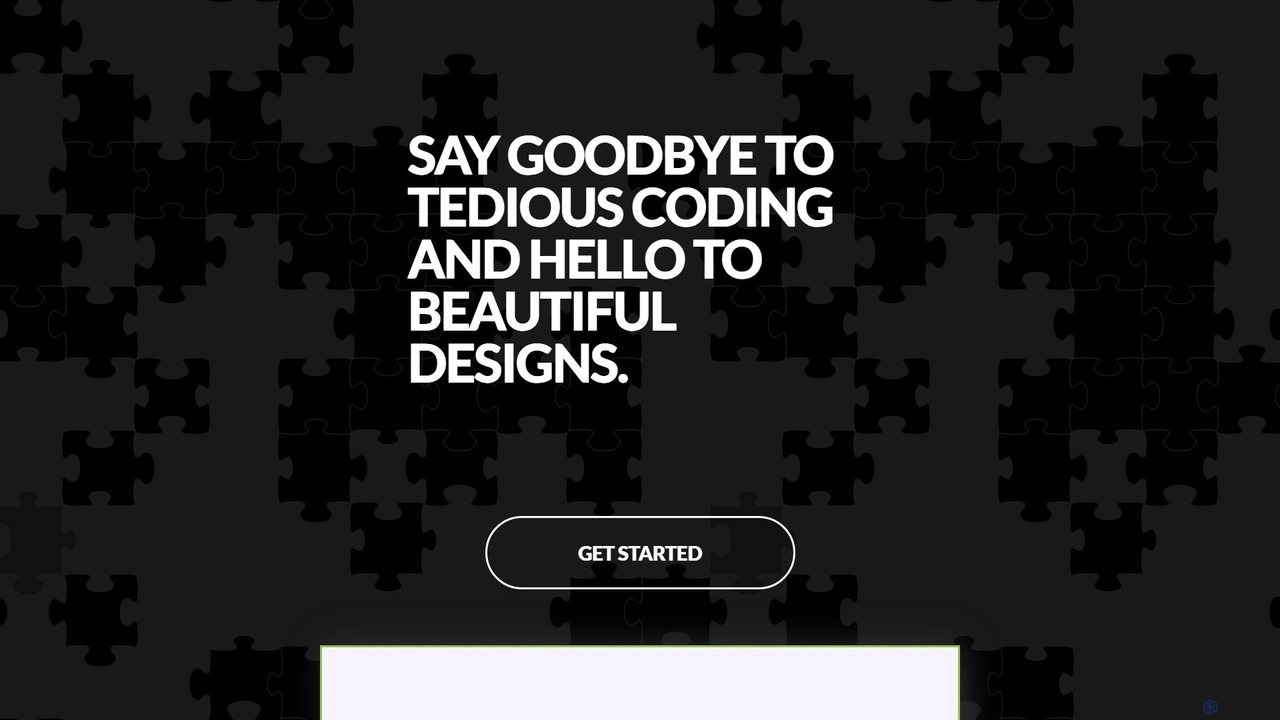
GeniusUI
GeniusUI is an AI-powered design tool that transforms text prompts into stunning, high-fidelity UI/UX designs and components. It automates the design and front-end coding process, allowing creators to build beautiful interfaces in minutes, not days, without writing a single line of code.
Ui Ux Design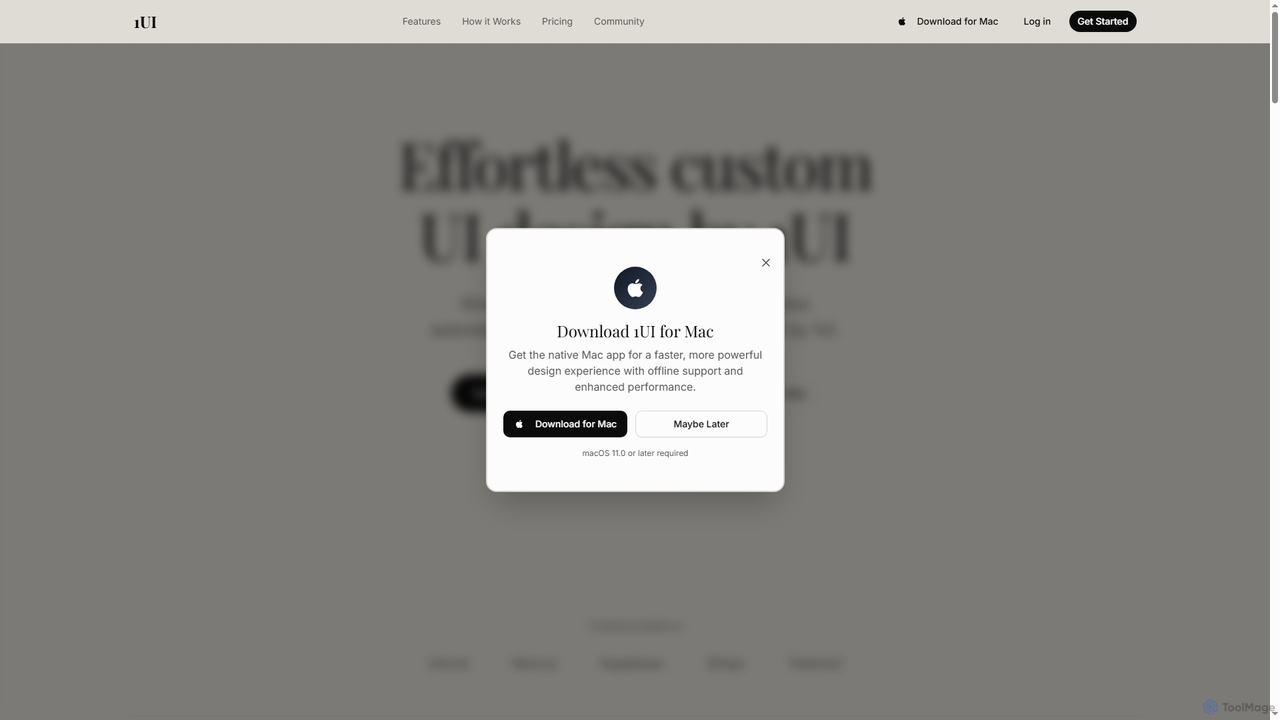
1ui
1ui is an AI-powered platform that generates pixel-perfect, production-ready UI designs from natural language prompts. It streamlines the design process by creating responsive layouts, contextual images, and clean HTML/CSS code in seconds. Features include a prompt enhancer, team collaboration, and direct export to Figma as editable layers.
Code Generation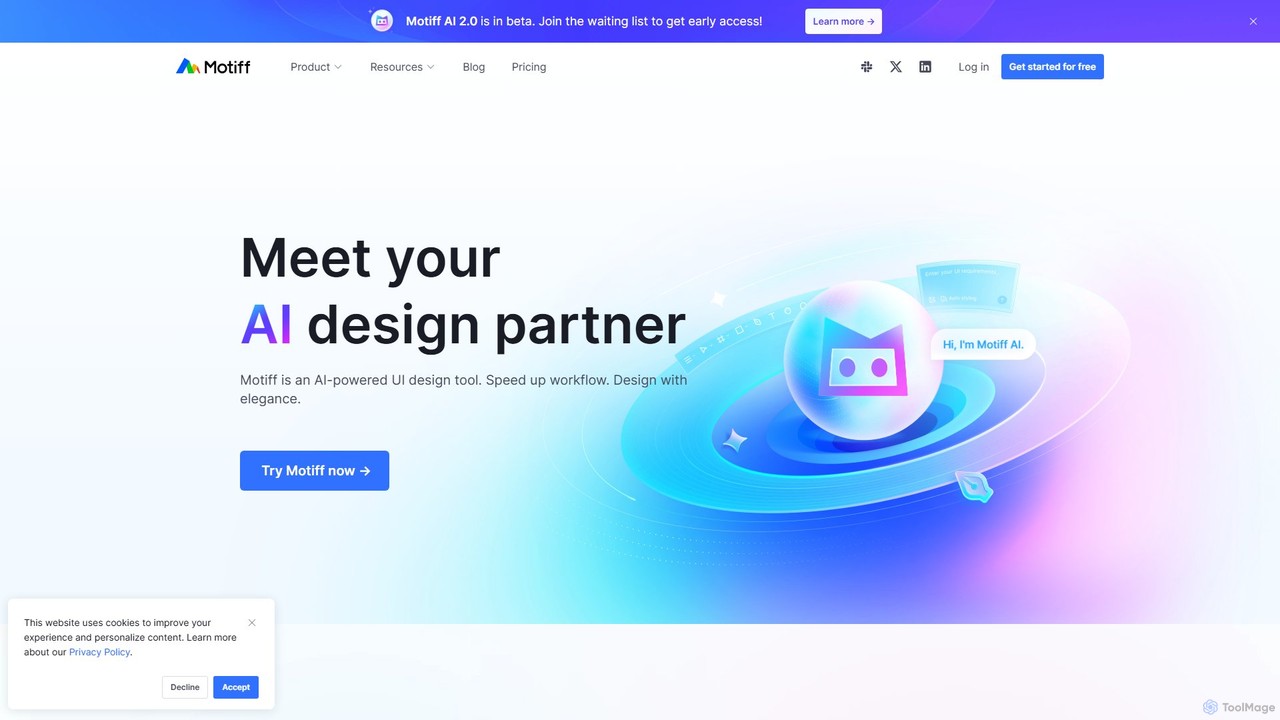
Motiff
Motiff is an AI-powered professional interface design tool that accelerates the entire workflow. It enables users to generate UIs from text and images, iterate on designs with AI assistance, and collaborate in real-time. Combining robust design tools, prototyping, and a developer-friendly handoff mode, Motiff serves as a comprehensive, high-performance platform for modern product teams.
Ui Ux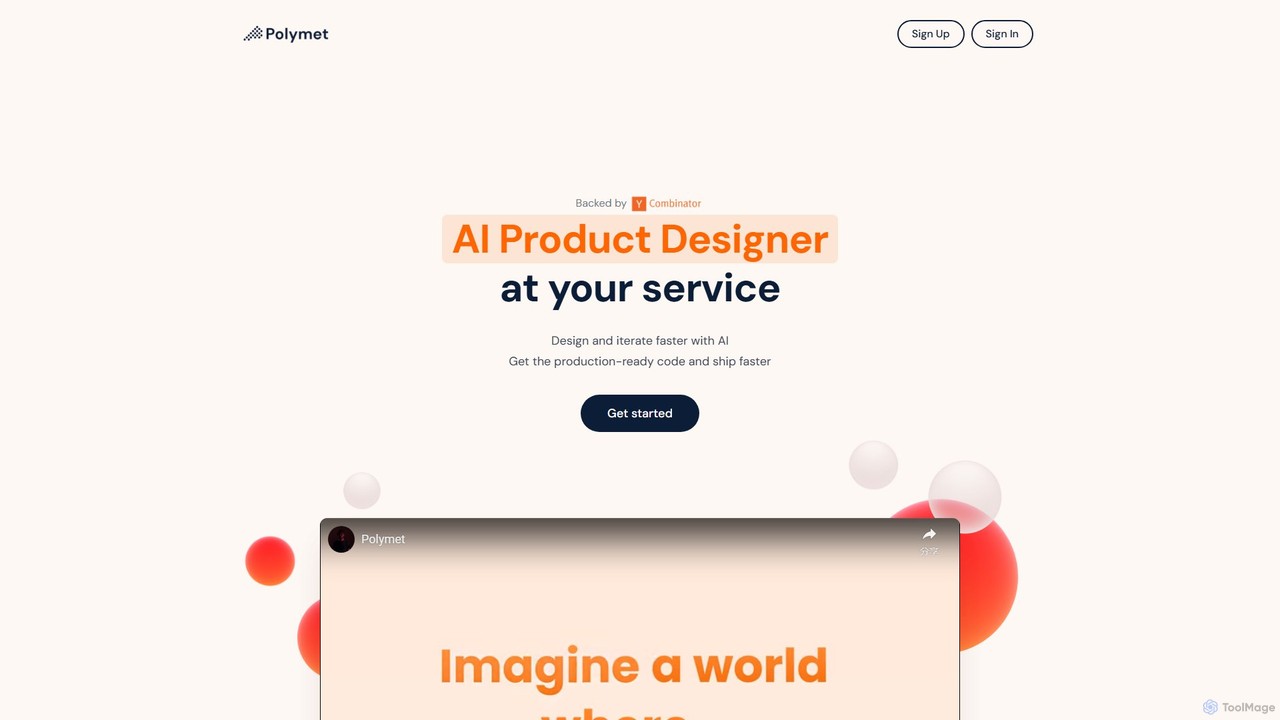
Polymet
Polymet is an AI-powered product designer that transforms ideas, text descriptions, or images into interactive prototypes with production-ready code in seconds. It streamlines the design and development workflow, integrating seamlessly with Figma and existing codebases.
Ui Ux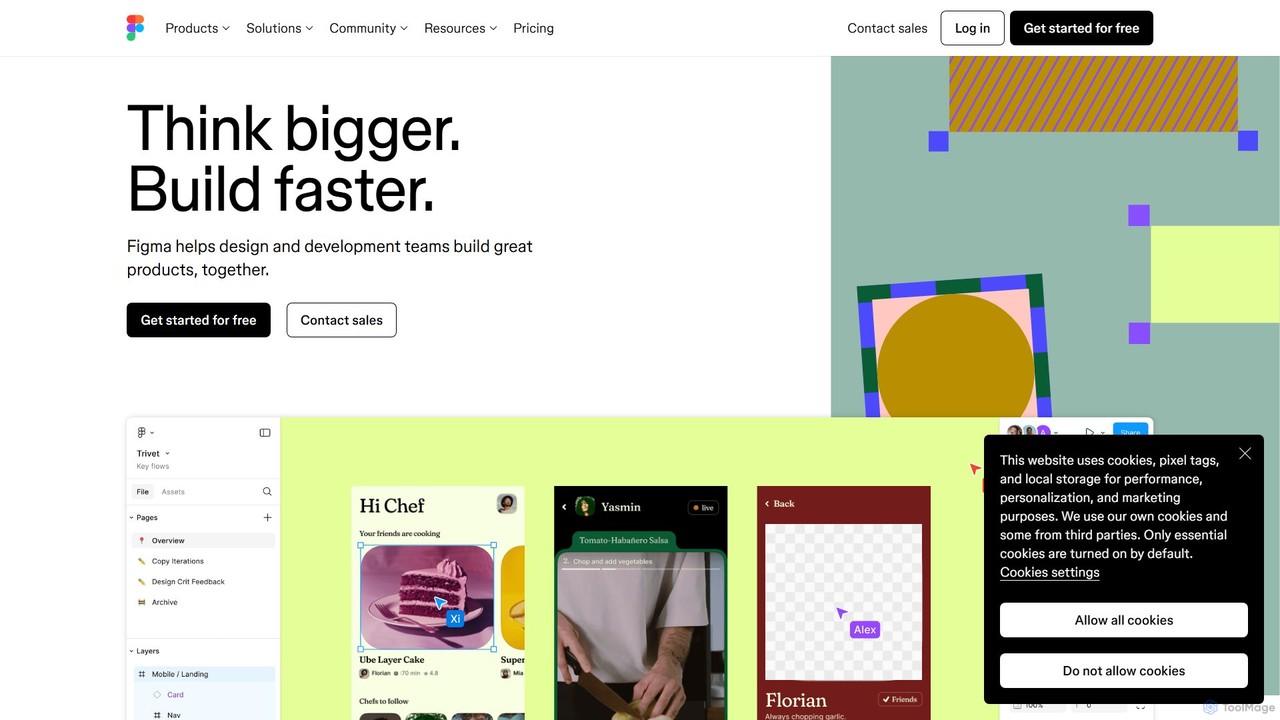
Figma
Figma is a leading collaborative interface design platform that allows teams to design, prototype, and gather feedback in one place. Powered by AI, it accelerates workflows from brainstorming in FigJam to creating high-fidelity designs and handing off to developers with Dev Mode, unifying the entire product development process.
Ui Ux DesignGalileo AI Categories
Galileo AI Embed Widget
Copy this embed code to place the badge on your blog, article, or product site and send readers directly to this ToolMage detail page.

Related AI tools
GeniusUI
GeniusUI is an AI-powered design tool that transforms text prompts into stunning, high-fidelity UI/UX designs and components. It automates the design and front-end coding process, allowing creators to build beautiful interfaces in minutes, not days, without writing a single line of code.
Ui Ux DesignMotiff
Motiff is an AI-powered professional interface design tool that accelerates the entire workflow. It enables users to generate UIs from text and images, iterate on designs with AI assistance, and collaborate in real-time. Combining robust design tools, prototyping, and a developer-friendly handoff mode, Motiff serves as a comprehensive, high-performance platform for modern product teams.
Ui UxPolymet
Polymet is an AI-powered product designer that transforms ideas, text descriptions, or images into interactive prototypes with production-ready code in seconds. It streamlines the design and development workflow, integrating seamlessly with Figma and existing codebases.
Ui Ux1ui
1ui is an AI-powered platform that generates pixel-perfect, production-ready UI designs from natural language prompts. It streamlines the design process by creating responsive layouts, contextual images, and clean HTML/CSS code in seconds. Features include a prompt enhancer, team collaboration, and direct export to Figma as editable layers.
Code GenerationFigma
Figma is a leading collaborative interface design platform that allows teams to design, prototype, and gather feedback in one place. Powered by AI, it accelerates workflows from brainstorming in FigJam to creating high-fidelity designs and handing off to developers with Dev Mode, unifying the entire product development process.
Ui Ux Design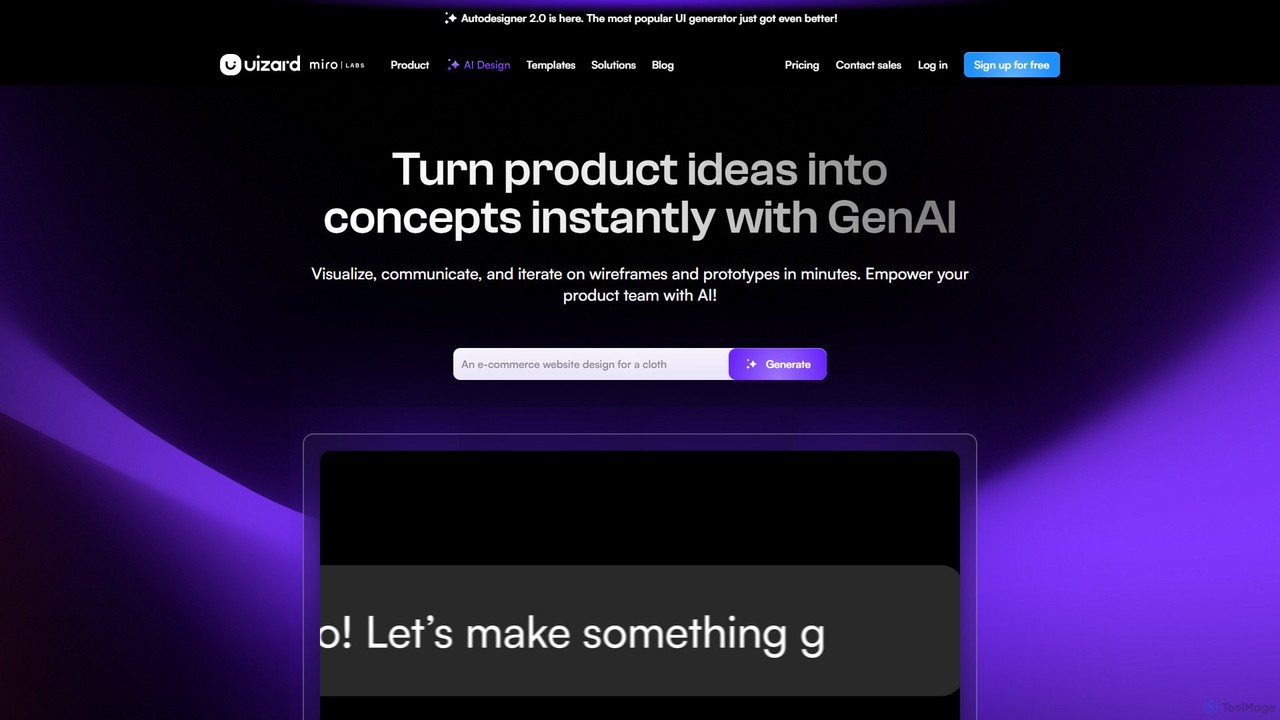
Uizard
Uizard is an AI-powered UI design tool that empowers both designers and non-designers to create stunning websites, web apps, and mobile app mockups in minutes. Transform text prompts, hand-drawn sketches, or screenshots into editable, interactive prototypes. It's designed for rapid ideation, real-time collaboration, and streamlining the entire product design workflow from concept to handoff.
Ui Ux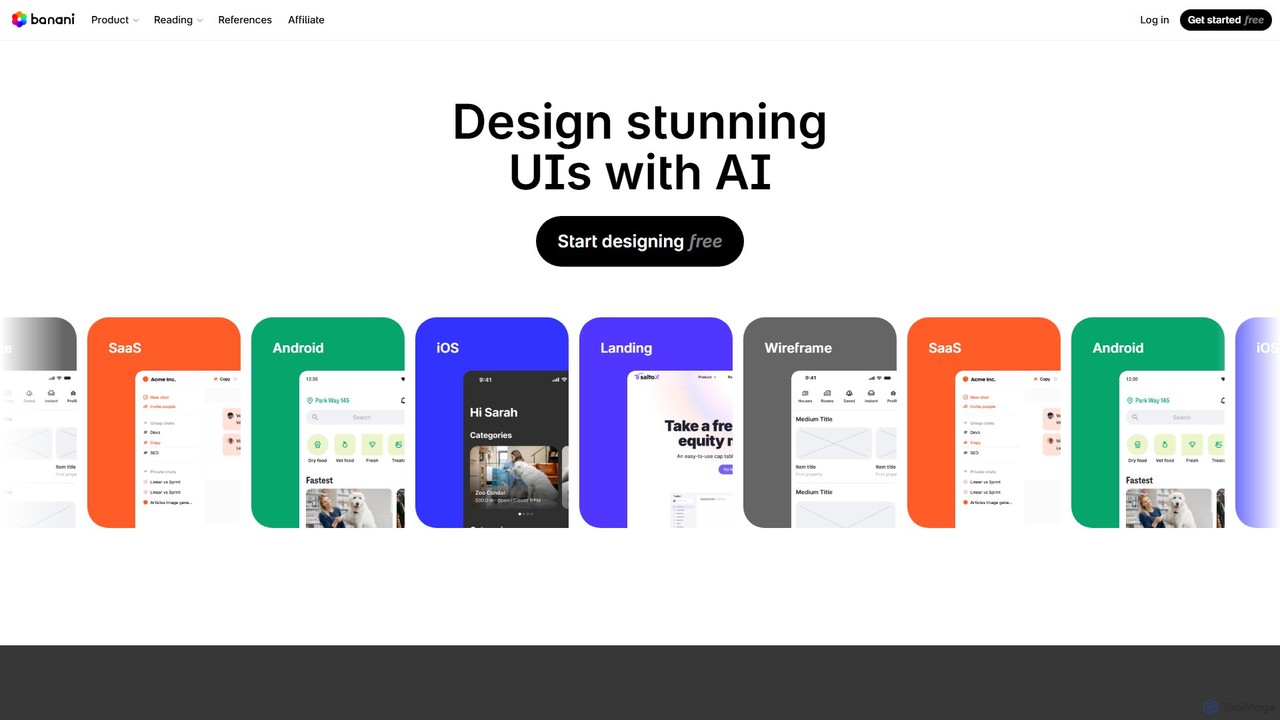
Banani
Banani is an AI-powered UI design copilot that transforms text prompts into stunning, interactive user interfaces and prototypes. It's designed for rapid ideation and visualization, enabling product managers, founders, and designers to create beautiful, user-friendly designs in seconds, even without prior design skills.
Ui Design
UX Pilot
UX Pilot is an AI-powered design platform that accelerates the UX/UI workflow. It enables designers, product teams, and founders to generate high-fidelity designs, wireframes, screen flows, and prototypes from simple text prompts in seconds. With deep Figma integration, it streamlines the entire process from ideation to handoff.
Ui Ux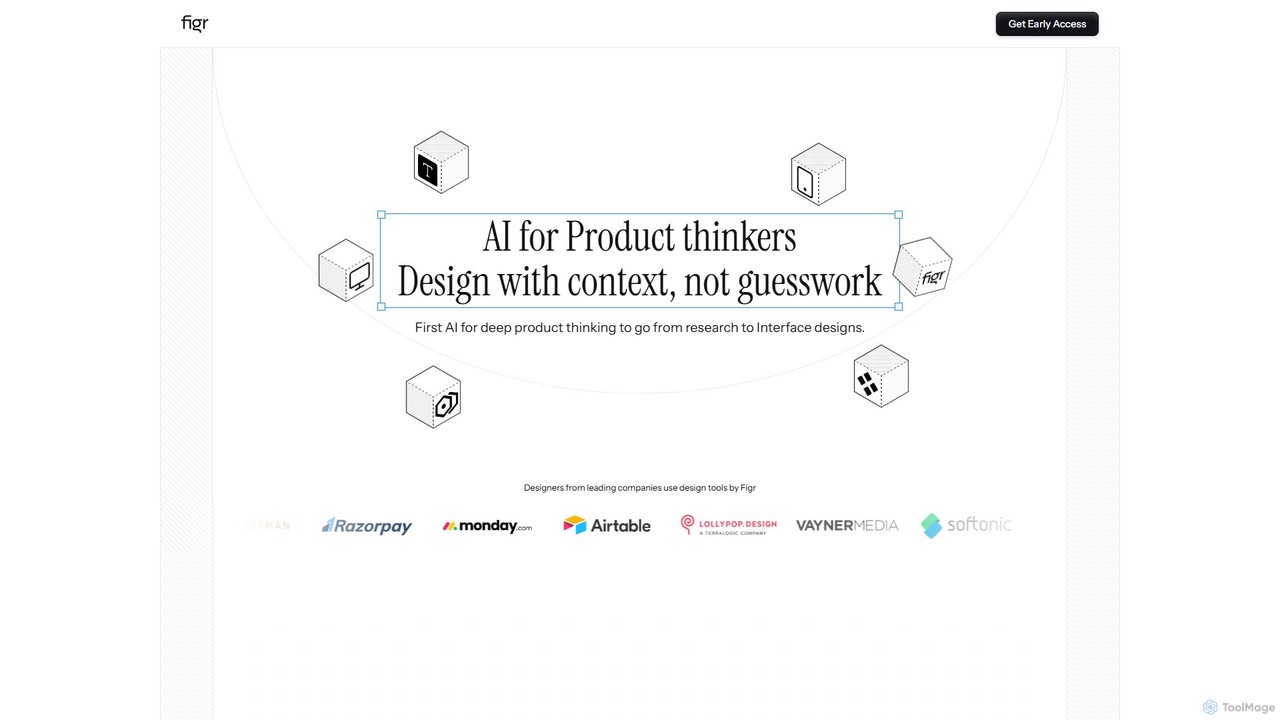
Figr
Figr is an AI-powered design suite that accelerates the product design workflow. It specializes in creating production-grade design systems directly within Figma, automating the generation of design tokens, components, and documentation. It's built for product thinkers, designers, and teams to transform research and context into clear, consistent, and scalable user interfaces with remarkable speed.
Ui Ux
Little Bro
Little Bro is an AI-powered design assistant and user research simulator for Figma. It helps designers think like their users by simulating various user personas and scenarios, providing contextual feedback to catch usability issues, overcome creative blocks, and ship designs with confidence.
User Research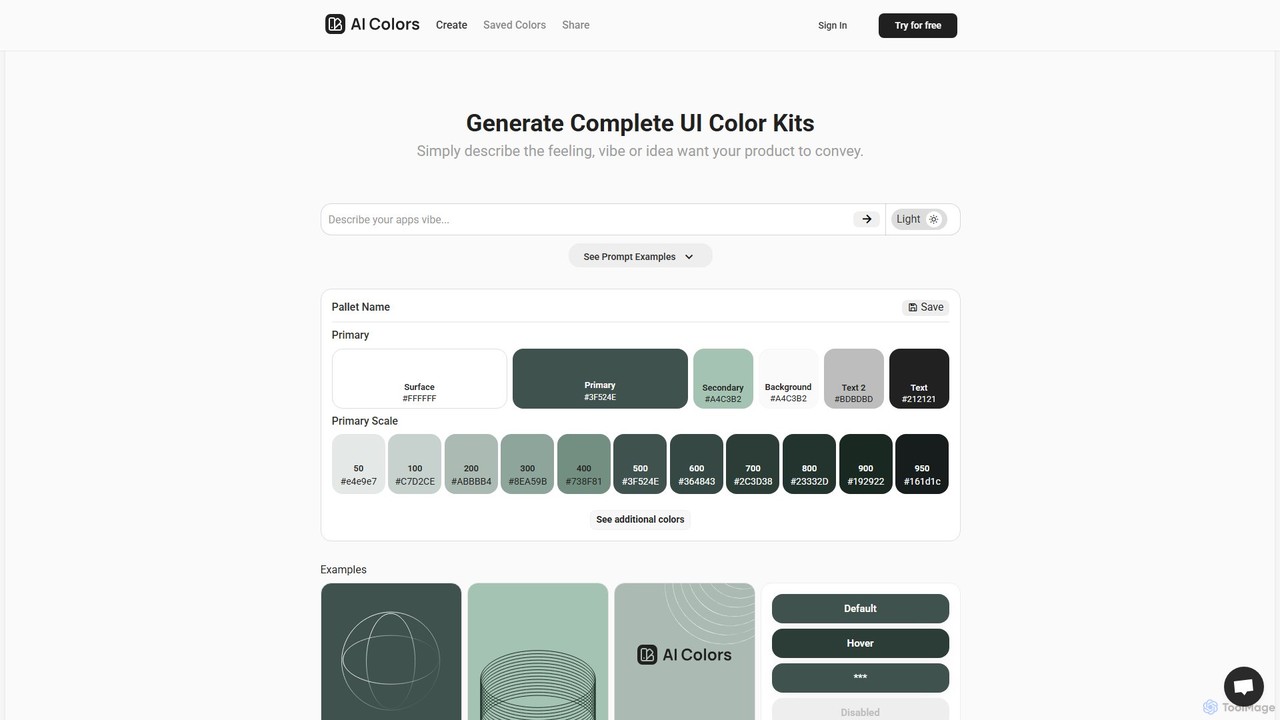
aicolors
aicolors is an AI-powered color palette generator that creates complete, ready-to-use UI color kits from simple text prompts. Describe a feeling, vibe, or idea, and instantly get a harmonious and functional color scheme for your web or app design projects.
Color Palette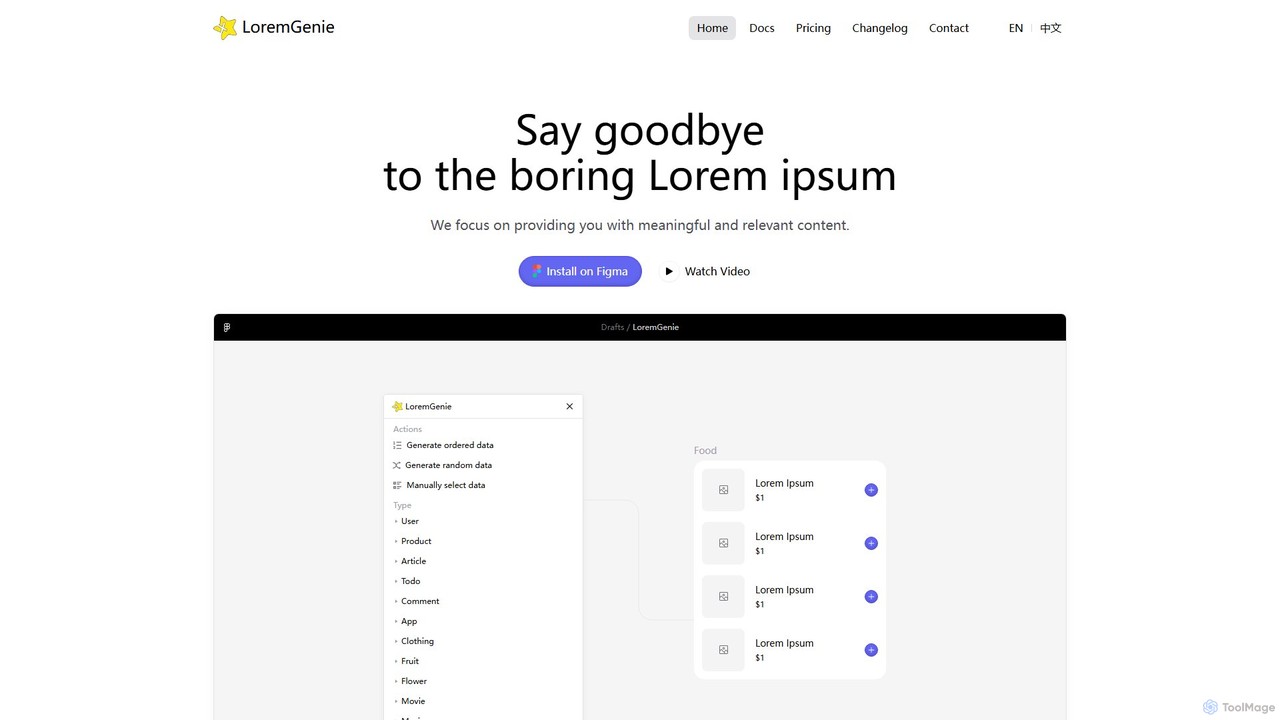
LoremGenie
LoremGenie is an advanced Figma plugin that replaces generic 'Lorem ipsum' with meaningful, realistic, and AI-generated data. It offers over 22 content categories, including user profiles, products, and articles, to help designers create highly realistic and context-aware mockups, significantly speeding up the design workflow.
Ui Ux
App Alchemy
App Alchemy is an AI-powered design tool that generates beautiful, professional mobile app mockups in seconds. Simply describe your app idea, use a template, or upload screenshots, and the AI will instantly create UI designs. It's designed for developers, entrepreneurs, and designers to rapidly visualize, iterate, and export app concepts without needing complex design skills or expensive software.
Ui Ux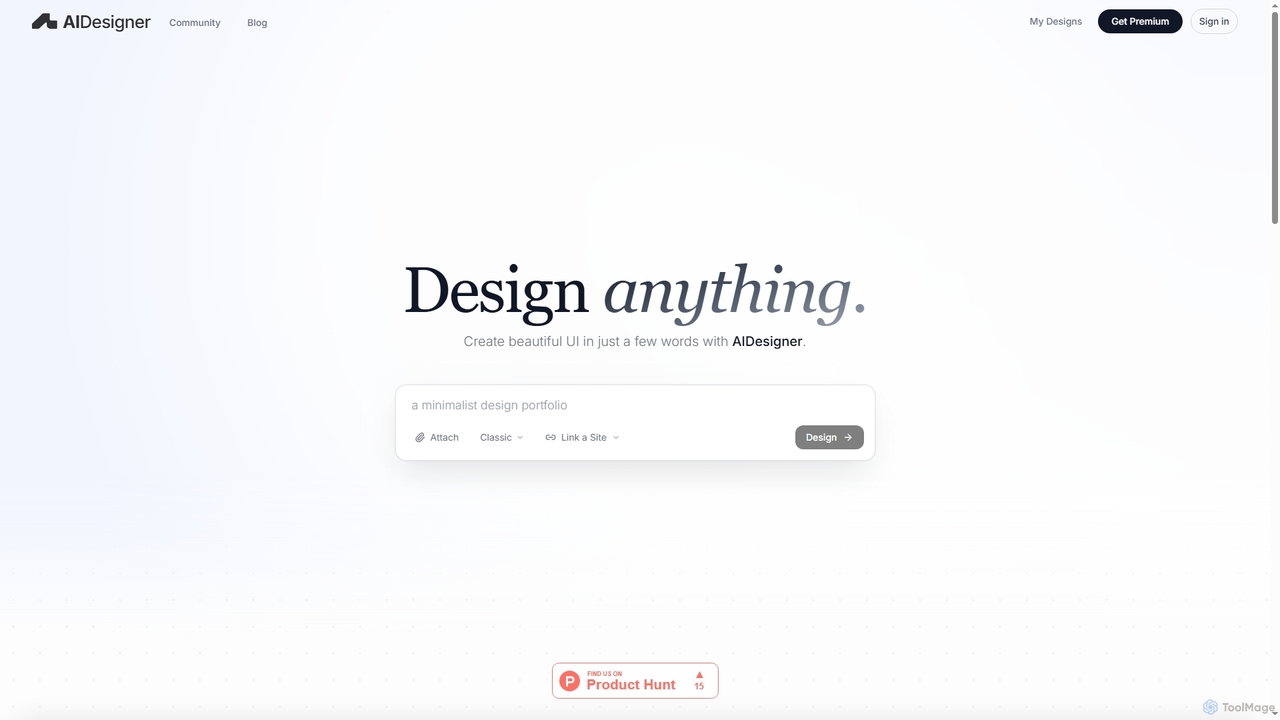
AIDesigner
AIDesigner is an advanced AI-powered platform that transforms textual descriptions into stunning UX/UI designs. It offers a unique approach to design generation, enabling users to create beautiful websites, mobile apps, and portfolios without the generic 'AI look.' With a rich library of production-ready templates and powerful customization options, AIDesigner empowers creators to rapidly prototype and launch visually distinctive digital experiences.
User Experience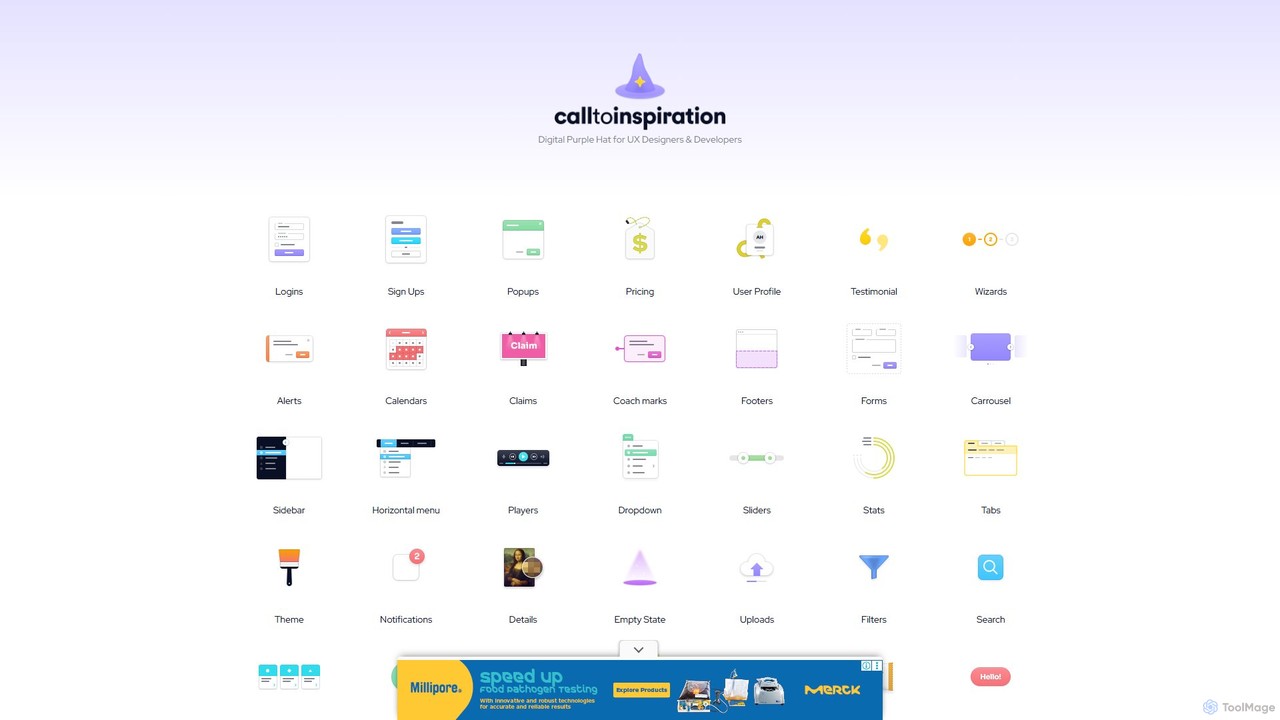
CallToInspiration
A comprehensive design inspiration library for UX/UI designers and developers. It offers a massive, curated collection of real-world examples for various interface components like login forms, pricing tables, and user profiles, helping to overcome creative blocks and accelerate the design process.
Ui Ux
Galileo AI Comments (0)
Sign in to comment.
Sign inNo comments yet.